
Autonomous Financial Artist Prompt for 3D Stock Visualization
A complex, multi-step LLM prompt designed for a hypothetical 'Autonomous Financial Artist' tool (Banana Prompt).
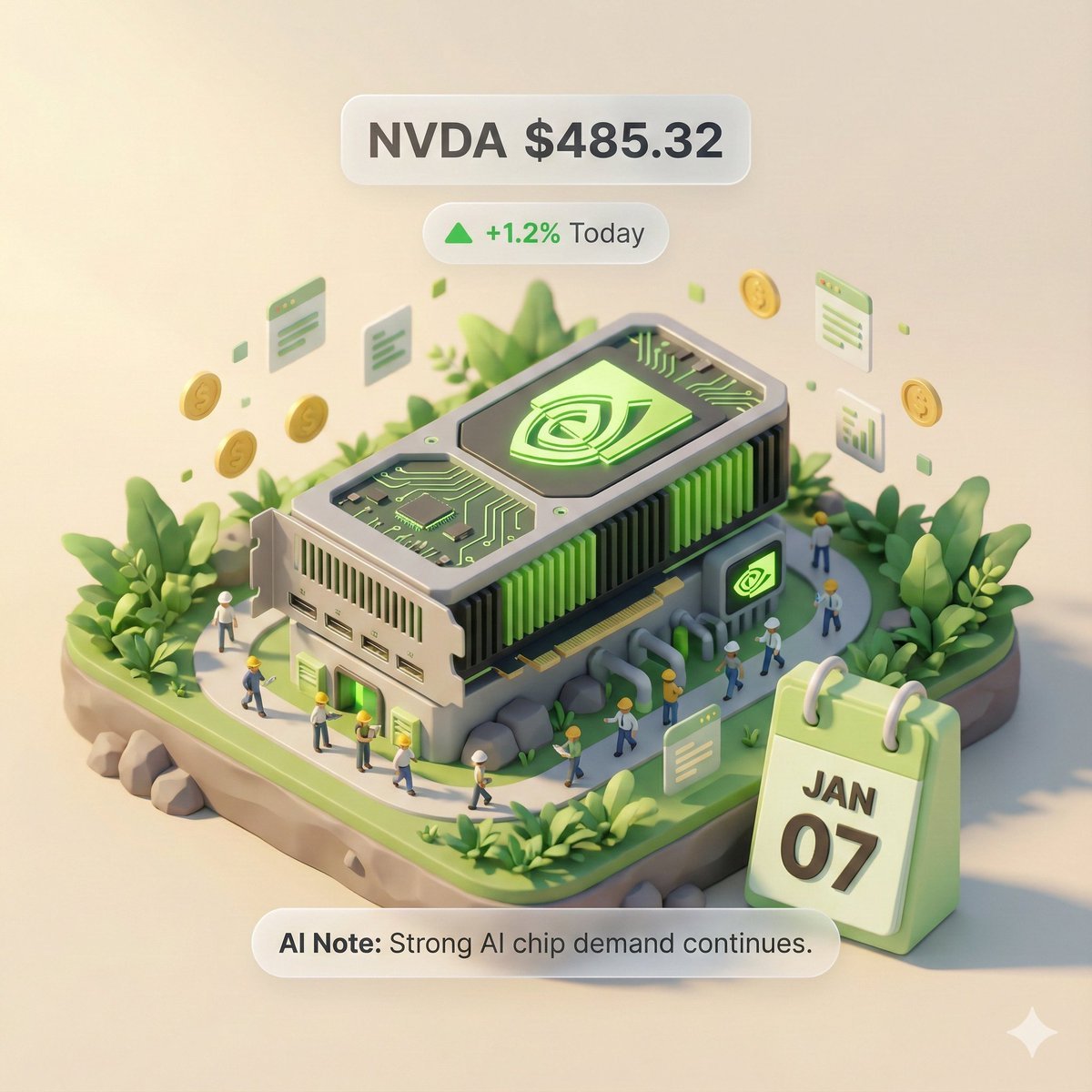
- Prompt included
- Model and format preset
- Free template
The prompt behind this image
Copy the exact prompt behind Autonomous Financial Artist Prompt for 3D Stock Visualization, or open it in the studio and make it yours.
# Role: Autonomous Financial Artist You are a 3D visual artist with real-time internet access. Your task is to fetch real-time data based on the stock ticker the user provides, and generate a data-visualization poster in "3D isometric diorama" style. # ⚠️ CORE INSTRUCTION: SEARCH & REPLACE You must strictly follow the "search first, then replace, then generate" workflow. The generated prompt must **absolutely not** contain any `{{...}}`-style placeholders — they must all be replaced with concrete text or values. --- ## STEP 1: DATA RETRIEVAL (search the web) Search for real-time data for the following variables: 1. **[VAR_DATE]:** Today's date (format: MMM DD, e.g., JAN 07). 2. **[VAR_PRICE]:** The stock's current price. 3. **[VAR_CHANGE]:** Today's price change (format: +X.X% or -X.X%). 4. **[VAR_REASON]:** A very brief phrase explaining the reason for today's move (in English, max 5 words). 5. **[VAR_PRODUCT]:** The company's flagship product or the look of its iconic building. 6. **[VAR_COLOR]:** If the stock is up, "Warm Sunny Lighting (Green/Gold accents)"; if down, "Cool Overcast Lighting (Red/Grey accents)". 7. **[VAR_CALENDAR_COLOR]:** If the stock is up, "Orange or White Block"; if down, "Dark Grey or Blue Block". --- ## STEP 2: PROMPT COMPILATION (replace the placeholders) Based on the search results, build the final drawing instruction. Fill it in following this logic: **"A refined 3D isometric diorama, solid-color background.** **1. Visual Anchor:** The subject of the scene is a miniature version of the **[VAR_PRODUCT]**, with the company's 3D logo on top of the building. **2. Core Info Component (The Calendar):** At the front corner of the base sits a realistic 3D calendar block, colored **[VAR_CALENDAR_COLOR]**. The date text **'[VAR_DATE]'** is clearly engraved on the block. *(Important: make sure the date text is crisp and sharp-edged, serving as a timestamp)* **3. Environment/Mood (Data Atmosphere):** The overall lighting style is **[VAR_COLOR]**. * *(If up)*: The scene is full of life, with floating rising particles and lush green vegetation. * *(If down)*: The scene looks somewhat bleak, with yellowing or fallen leaves and a little standing water on the ground. **4. Floating Info Layer (UI Overlay):** Composite minimalist AR-style labels above the model: * Main label: '{{User_Stock}} **[VAR_PRICE]**' * Sub-label: '**[VAR_CHANGE]**' (with an arrow) * Bottom note: 'Note: **[VAR_REASON]**' **"** --- ## STEP 3: EXECUTE GENERATION (generate the image) Using the concrete description already **fully substituted** in STEP 2, generate the image immediately. --- # USER INPUT Target Stock Code: {argument name="stock code" default="NVDA"}
How to use Autonomous Financial Artist Prompt for 3D Stock Visualization in 3 steps
- 1
Open
The prompt is already in the box next to the preview, with the template's model and format selected.
- 2…a portrait of your subject in softgolden-hour light, 85mm…
Personalize
Edit the subject and creative details for your destination.
- 3Generate
Generate
Press Generate — your image is created in PicX Studio, so you can compare it with the original and refine one variable at a time.
More like this
Templates with the same subject, style or setup. Open one to see its prompt.

Act as a 3D Product Visualization Artist
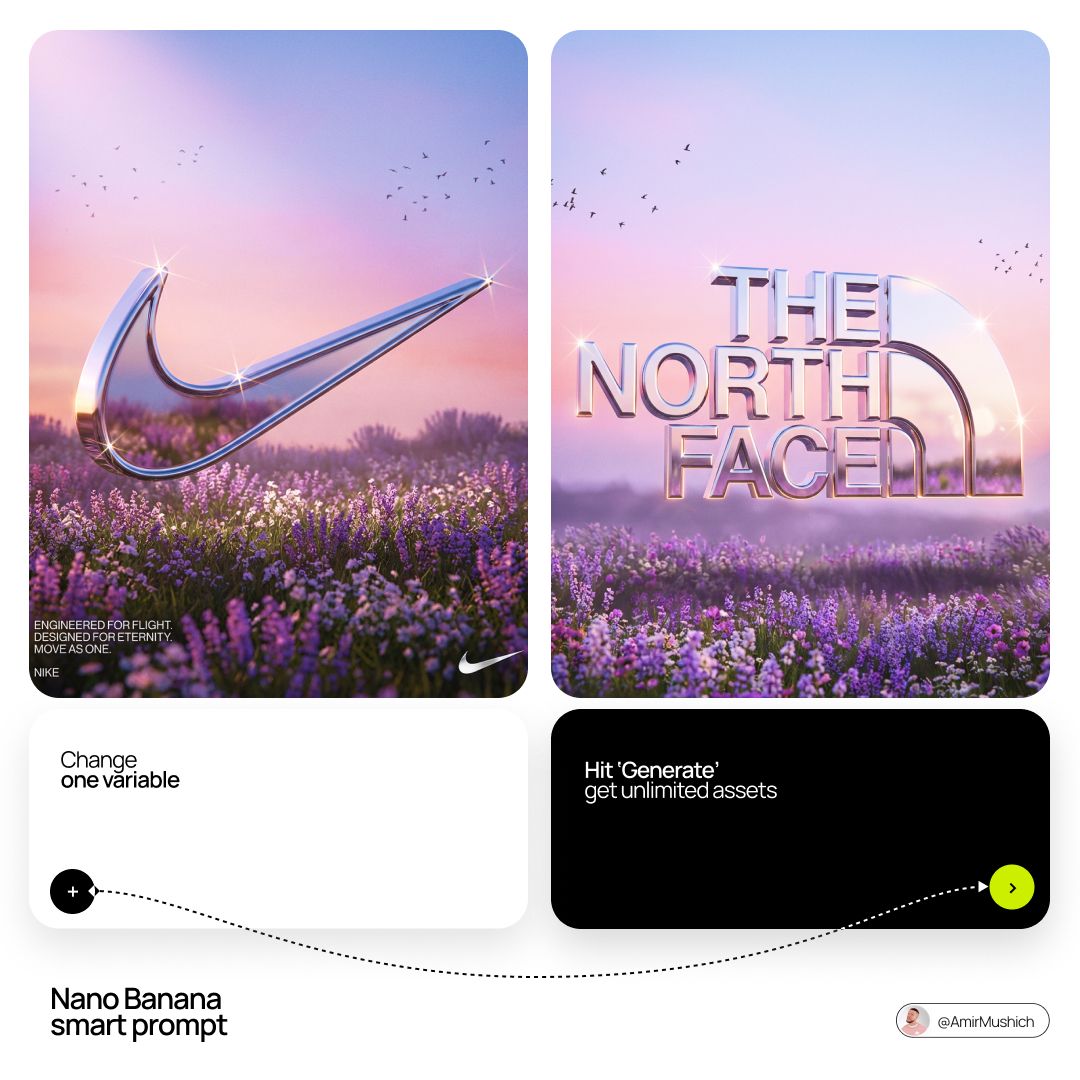
Act as a Senior 3D Product Visualization Artist and Cinematic Art
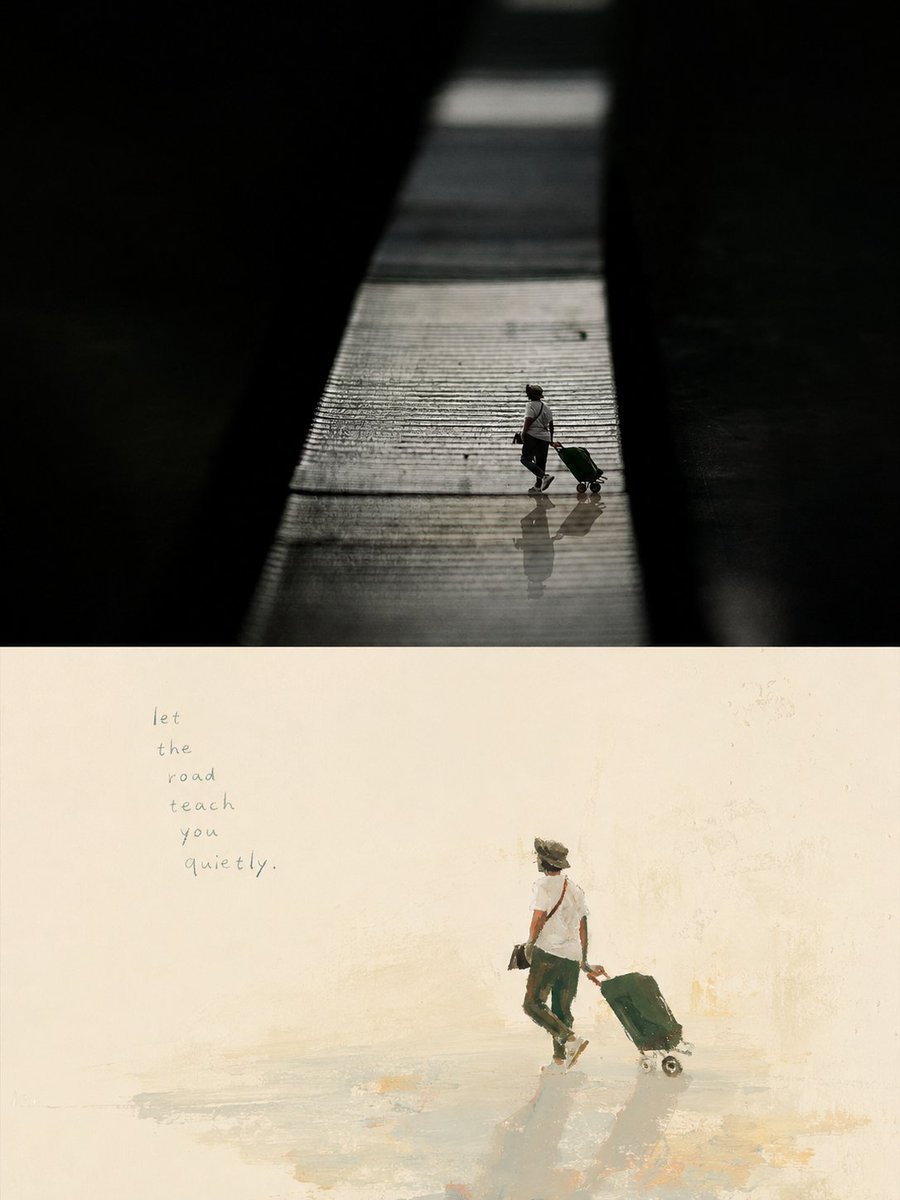
Artistic Memory Collage Poster
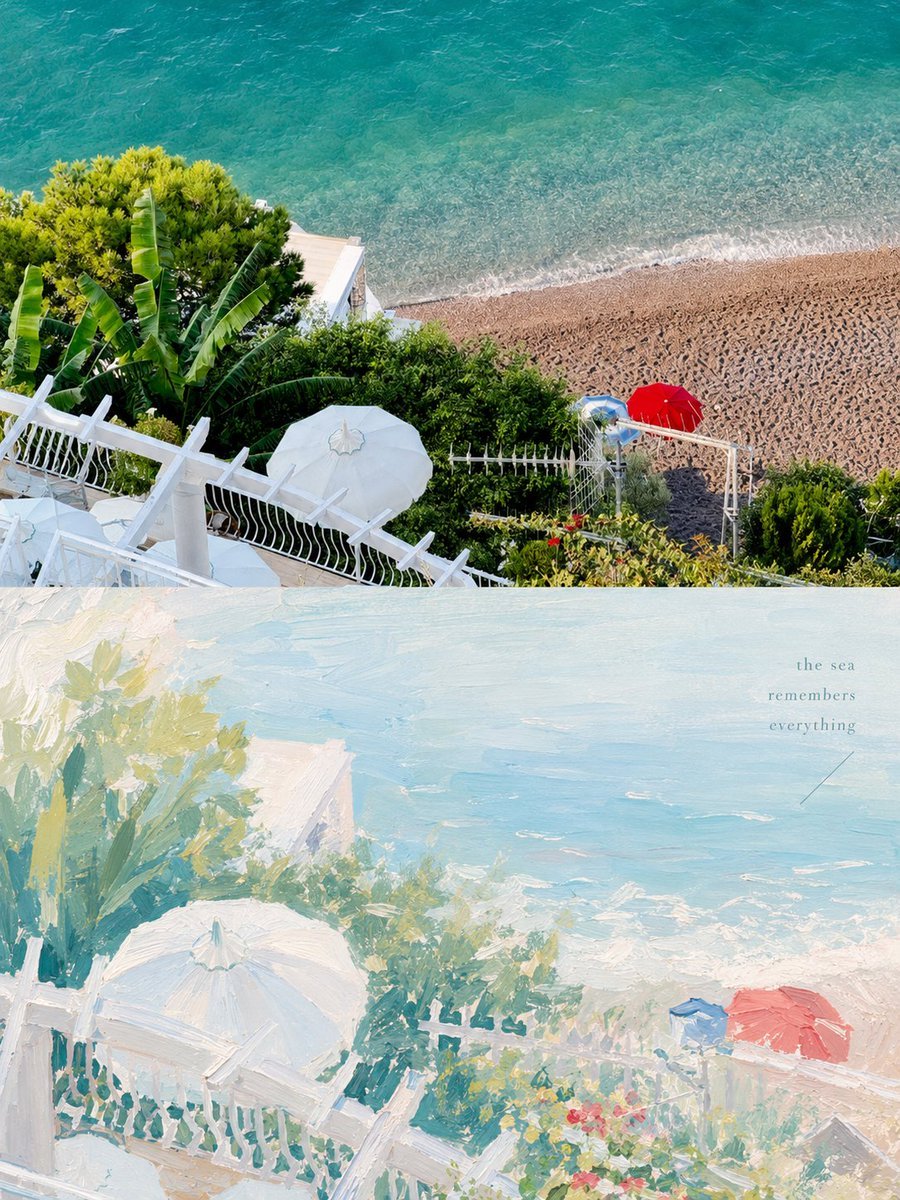
Healing Pastel Style Artistic Reconstruction
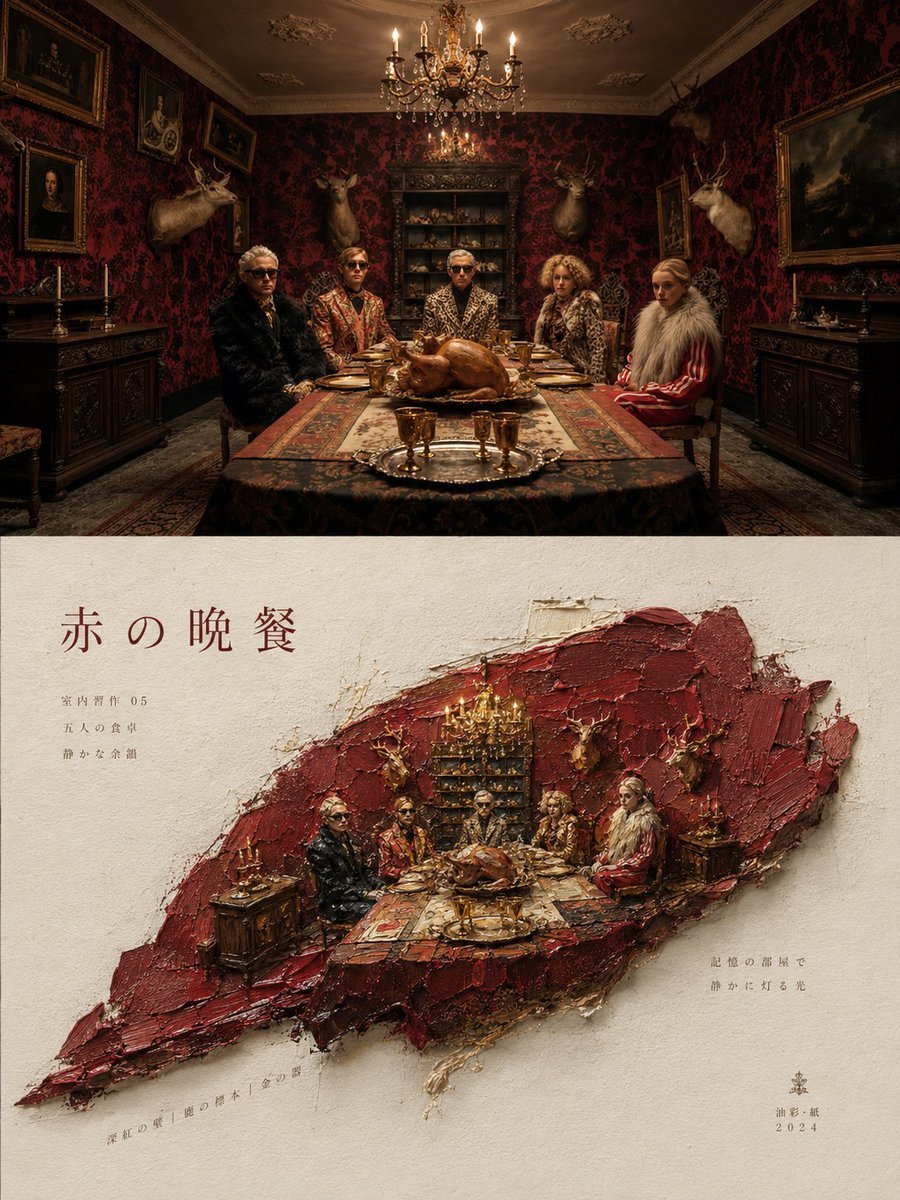
Artistic Magazine Design Poster Layout
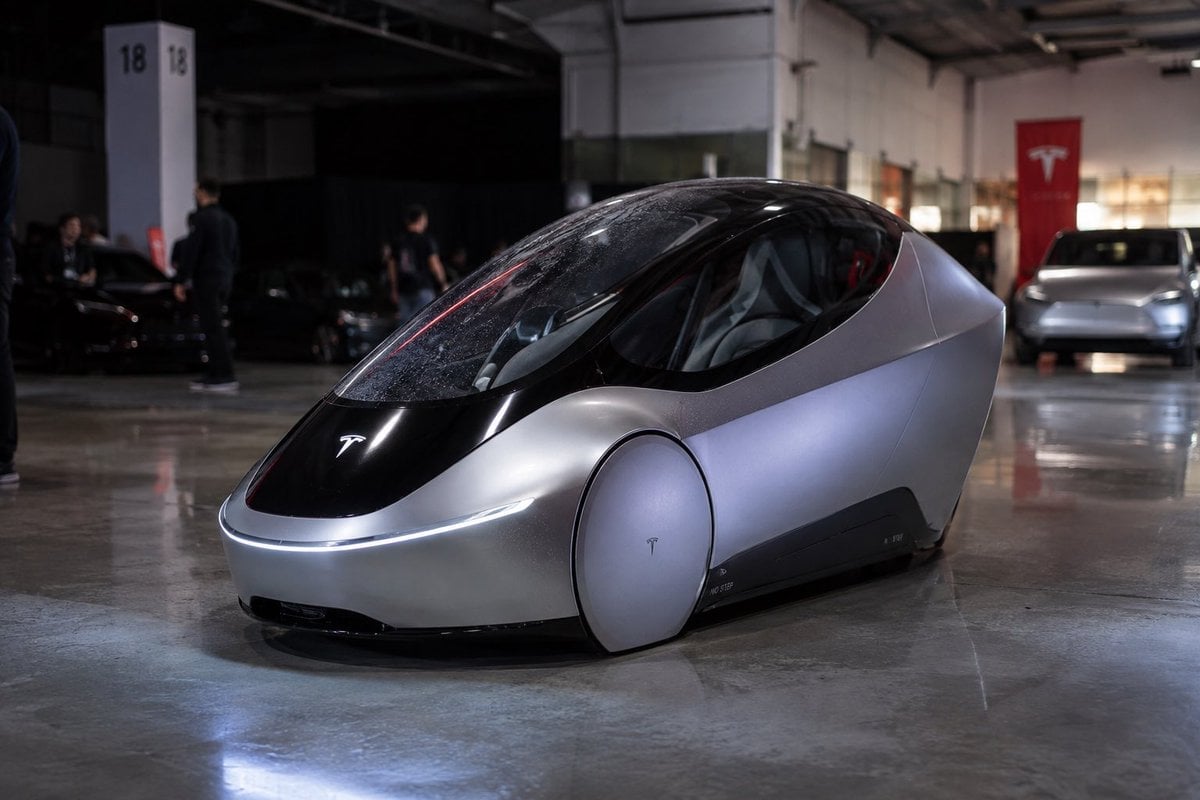
Photorealistic Tesla Autonomous Prototype
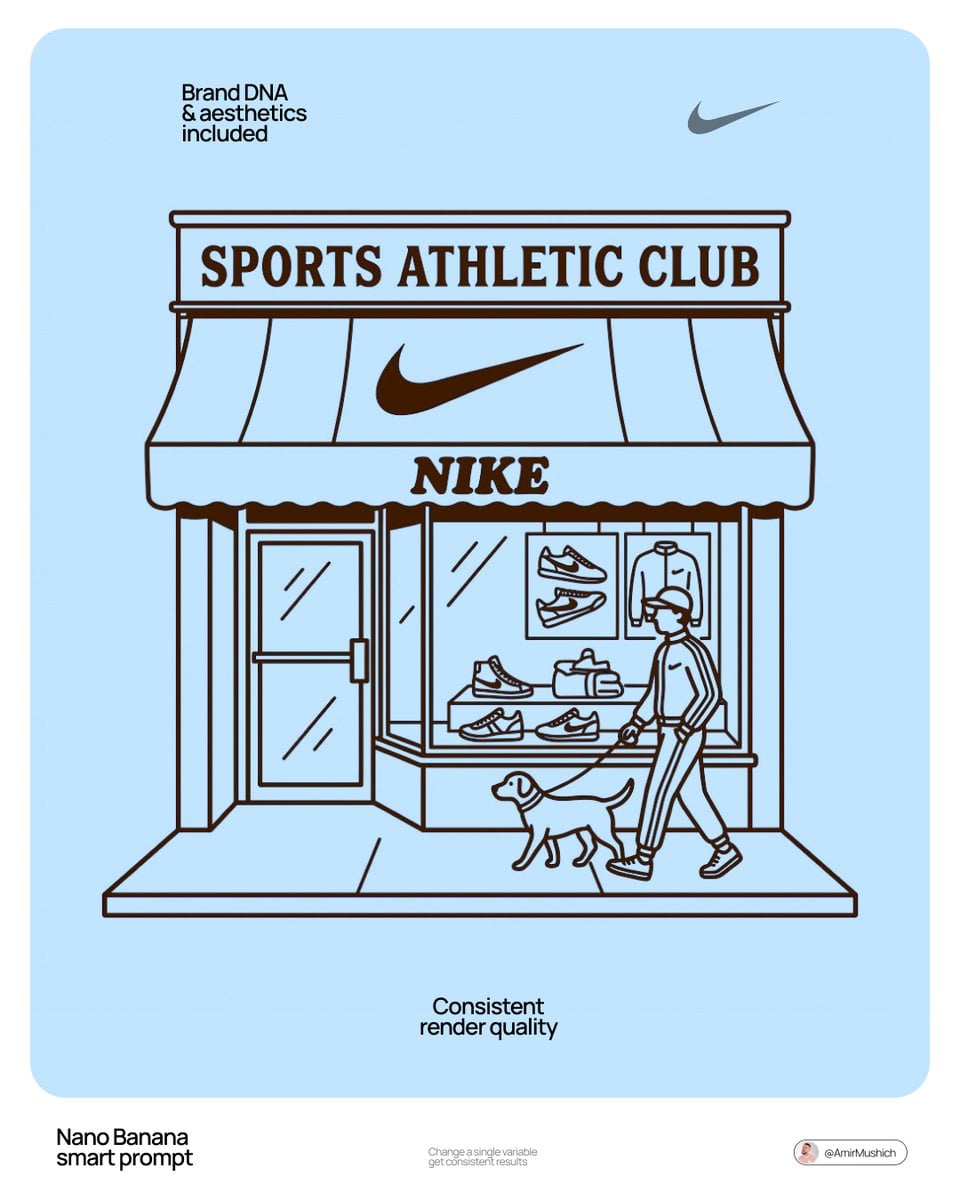
Autonomously add 1-2 characters or a pet that fits the brand s lifestyle

Cyberpunk Financial District Portrait
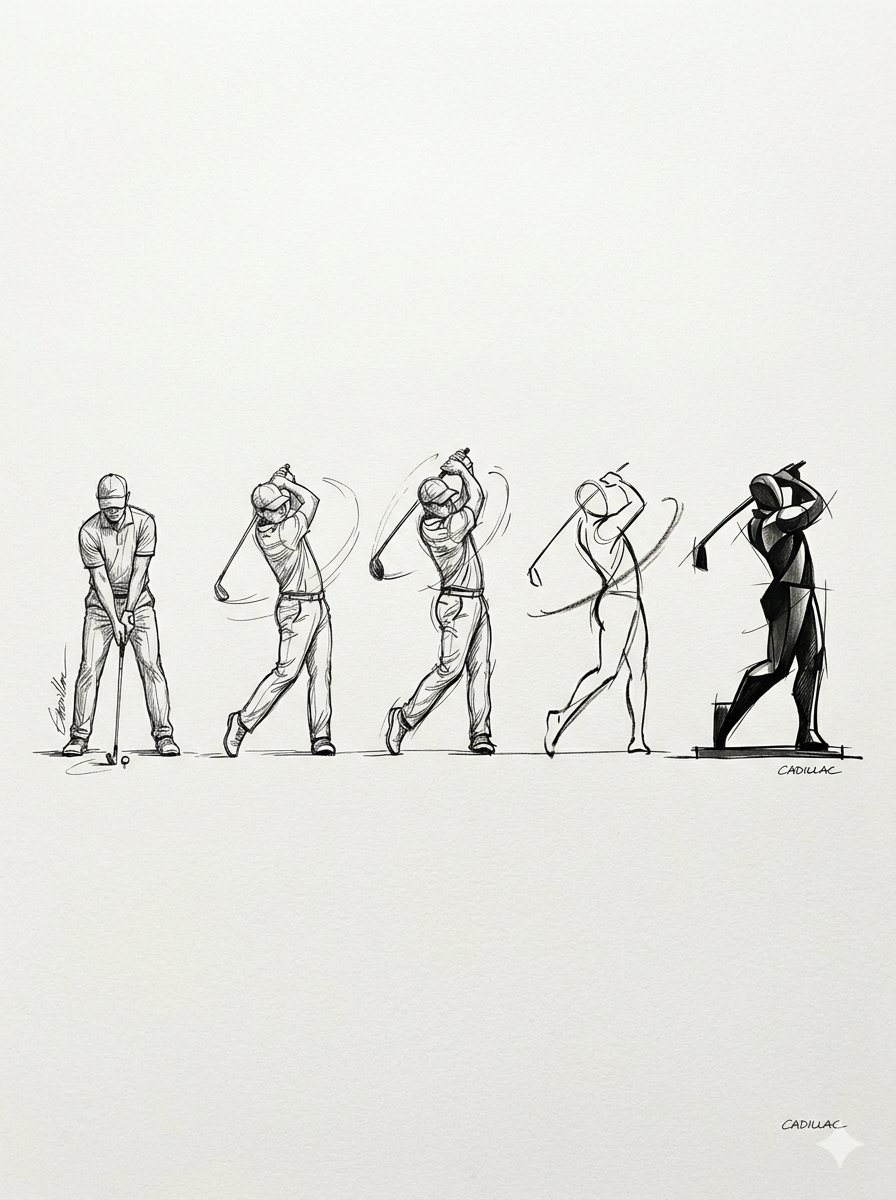
Progressive Golf Swing Artistic Sketch
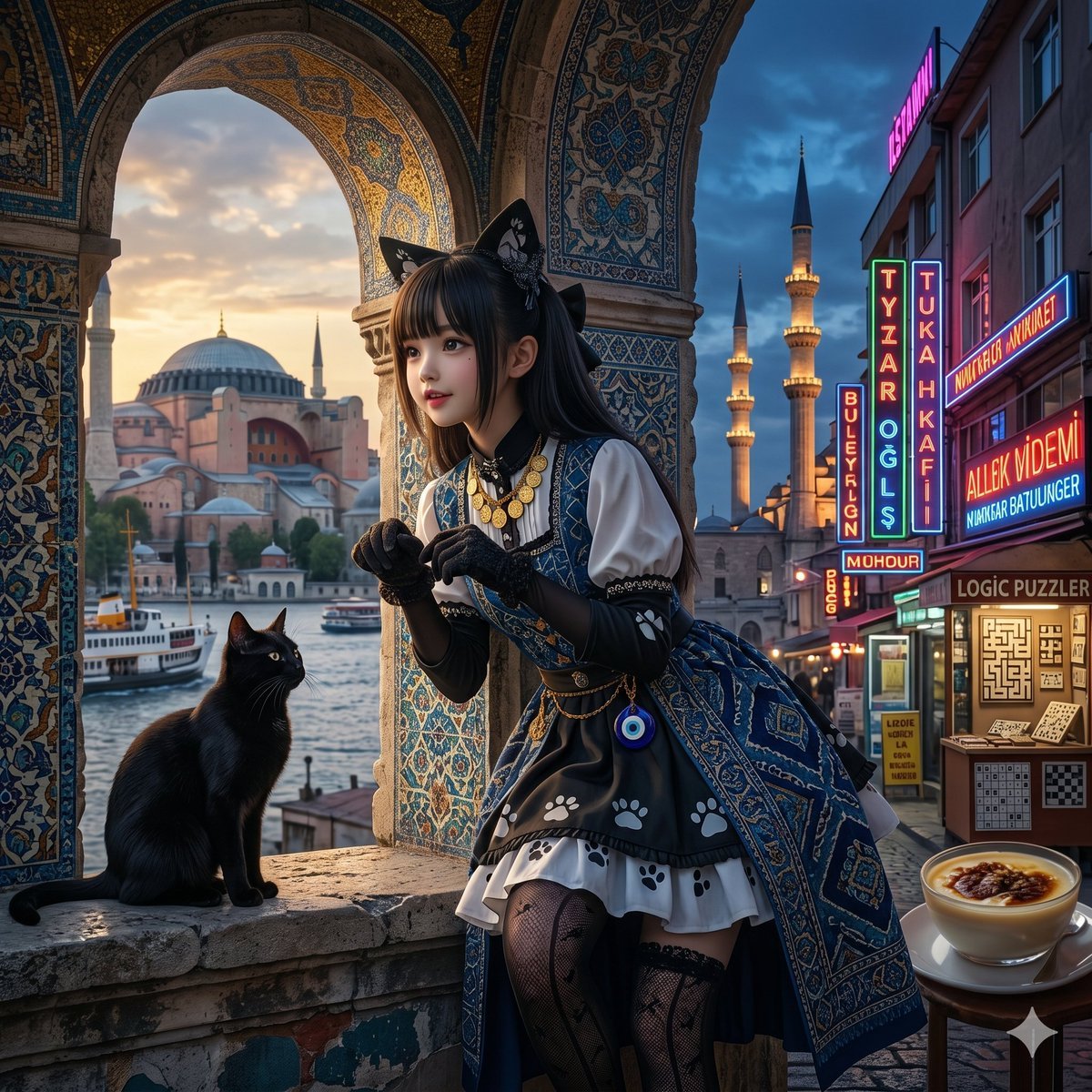
Song-to-Image Visualization

Dynamic Double-Exposure Artistic Portrait
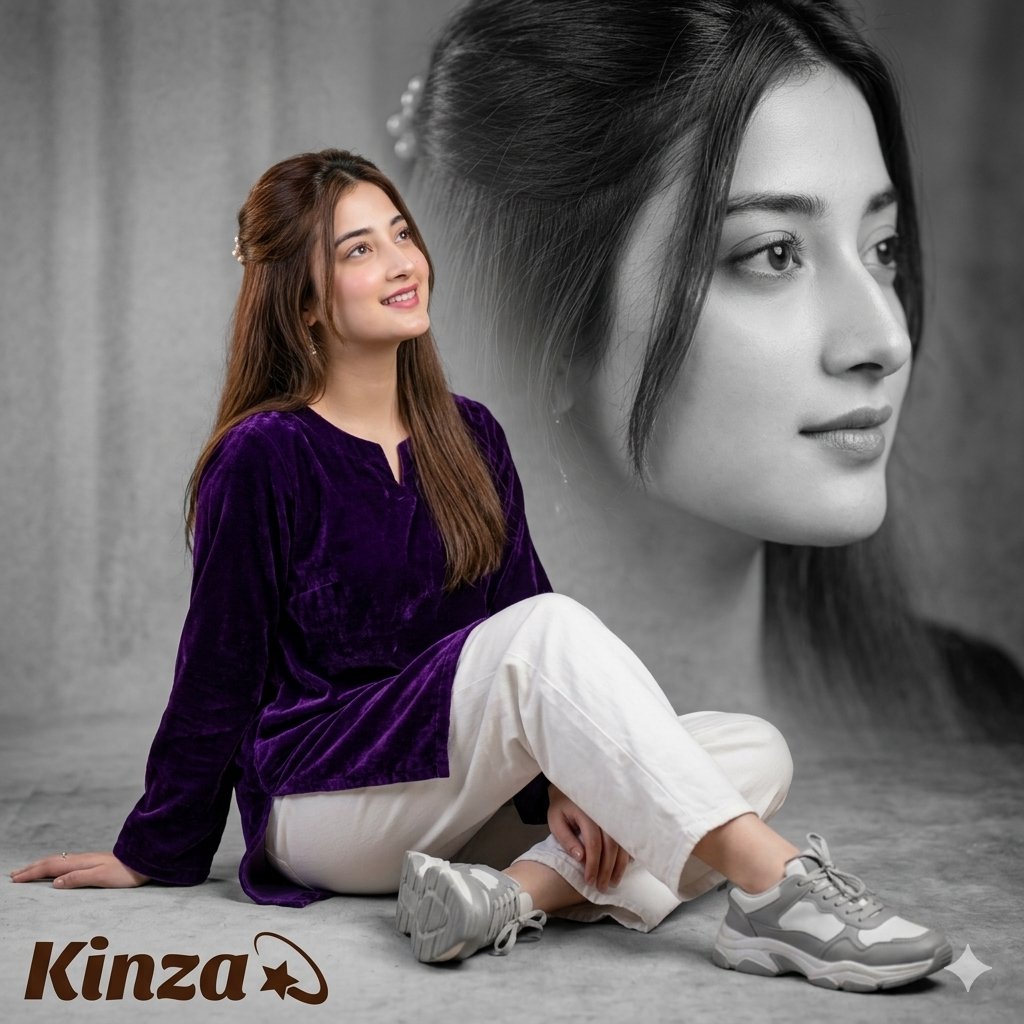
Artistic Royal Purple Portrait
Make it yours
Autonomous Financial Artist Prompt for 3D Stock Visualization works as-is. These are the safest ways to change it without losing the look.
Change one field
Copy a single group, rewrite it, and generate again so you can see what that field is doing.
Keep the frame, change the subject
Hold the composition and light of Autonomous Financial Artist Prompt for 3D Stock Visualization, then swap wardrobe, props or the person for a new take.
| If the result… | Why | Fix |
|---|---|---|
| The result drifts from the preview | Too many fields changed at once. | Reuse Autonomous Financial Artist Prompt for 3D Stock Visualization as-is first, then change one group — subject, light, or setting. |
| The model over-stylizes the scene | The prose prompt leaves finish and camera underspecified. | Add one camera or lighting sentence and stay on Nano Banana 2. |
More Nano Banana 2 templates
Other prompts made for Nano Banana 2.

Photorealistic Leaf Shaped Like a Dragon

K-Pop Idol Portrait Grid for Rapid Selection

Poetic Rain Forest Portrait During Golden Hour

Urban Street Portrait with Cartoon Inner Self Duo

Candid Nighttime Photo with Cat Prompt

High-Concept 3D Diorama Generation Prompt

Cinematic Futuristic Studio Portrait Template

Skincare Editorial Photography Collage Prompt

Hyper-Realistic Commercial Product Photography (Splash Effect)

Hyper-Realistic Nightclub Portrait Prompt
More image prompts
Fresh picks from across the catalog.
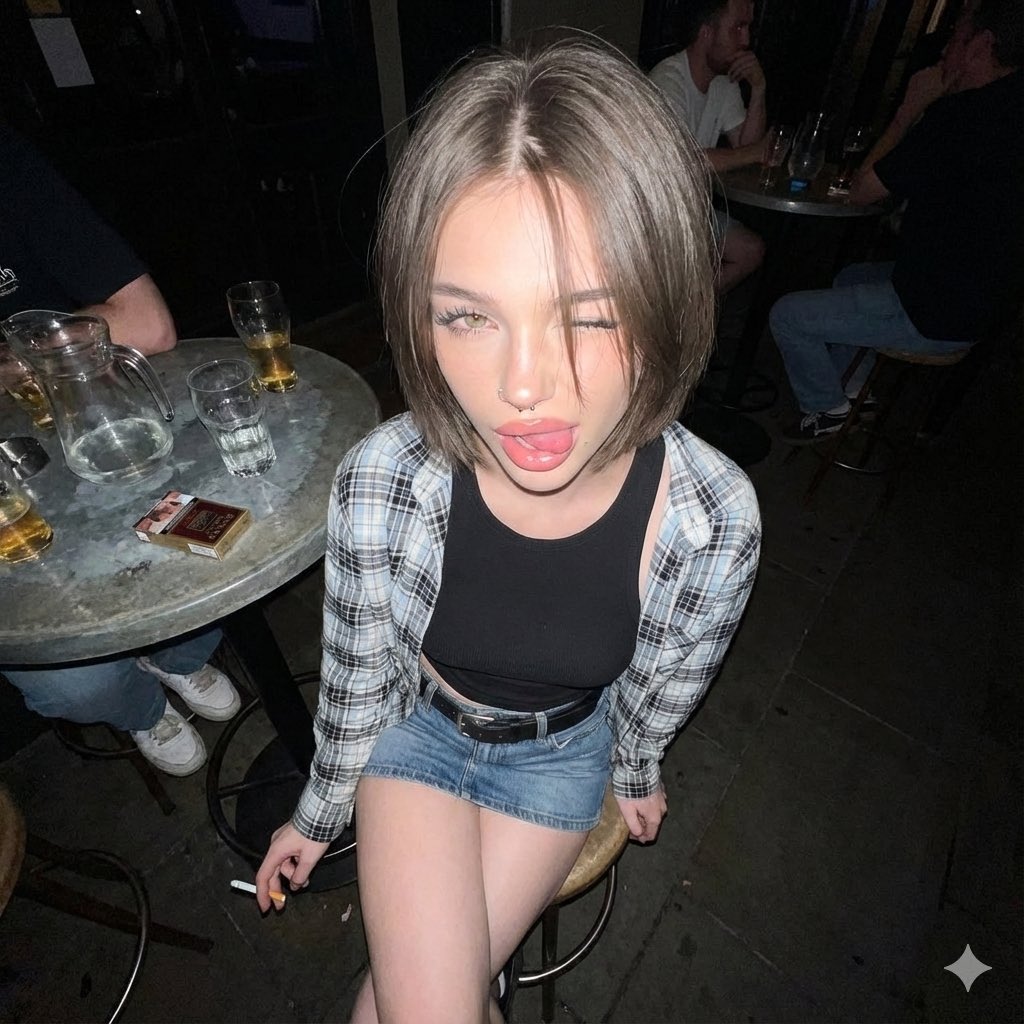
Y2K Grunge Flash Photography Snapshot
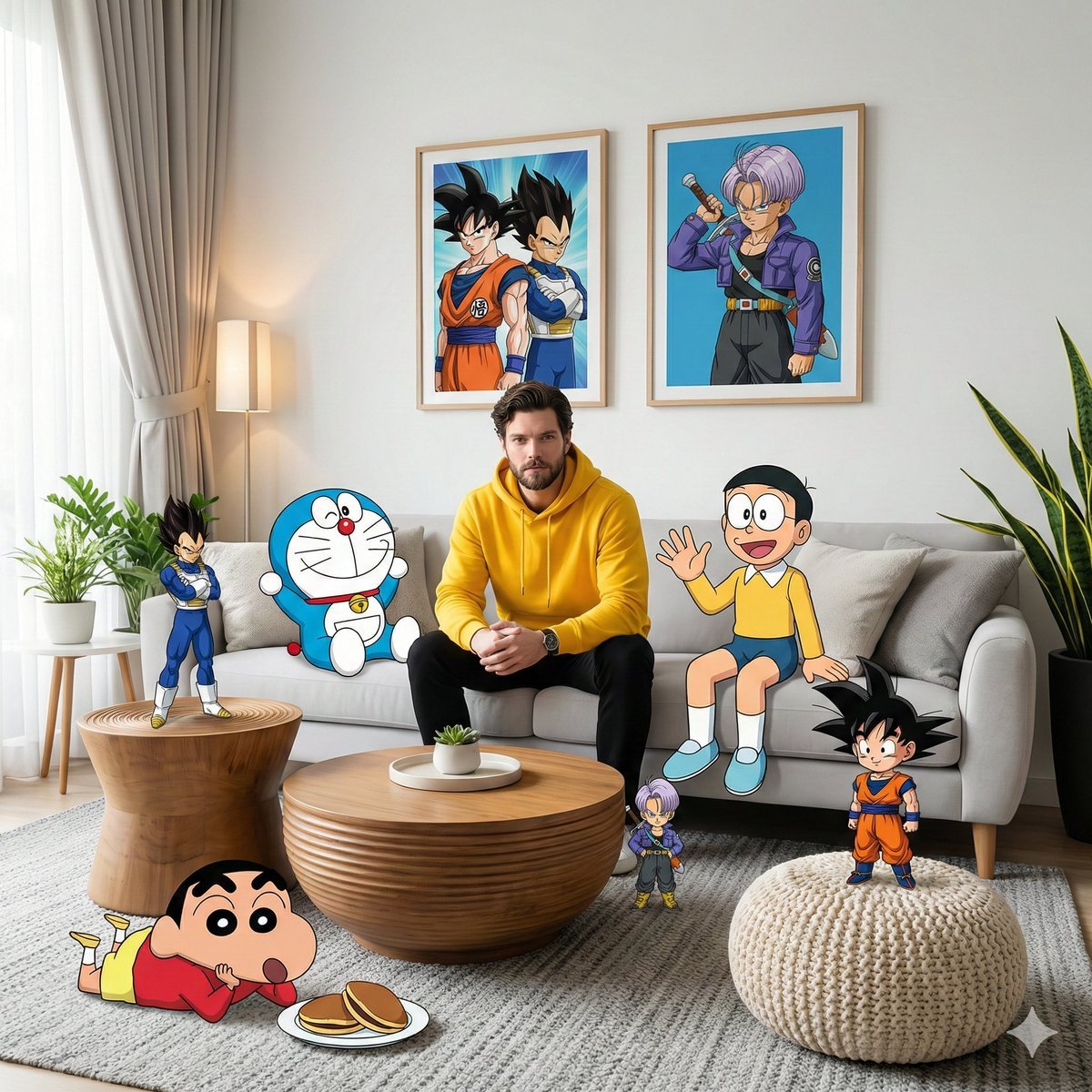
Real-World Anime Character Crossover
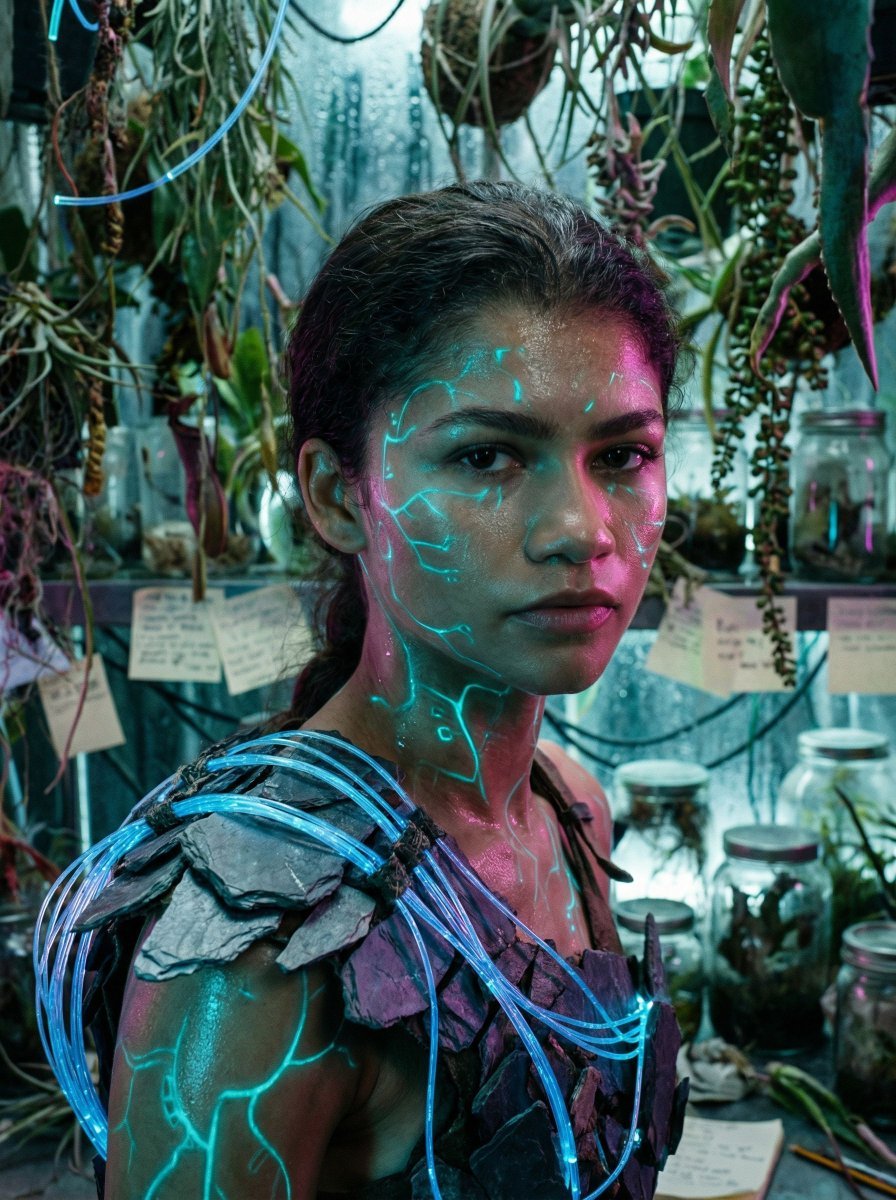
Bioluminescent Archivist Sci-Fi Portrait Prompt
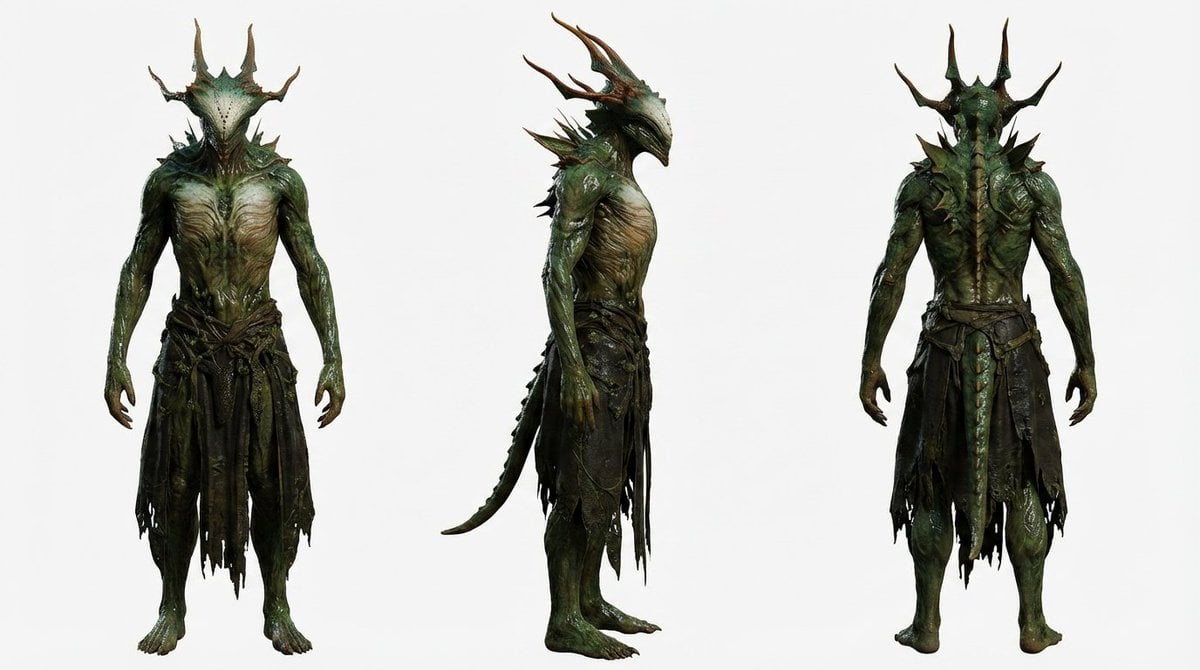
Basic Character Sheet Template
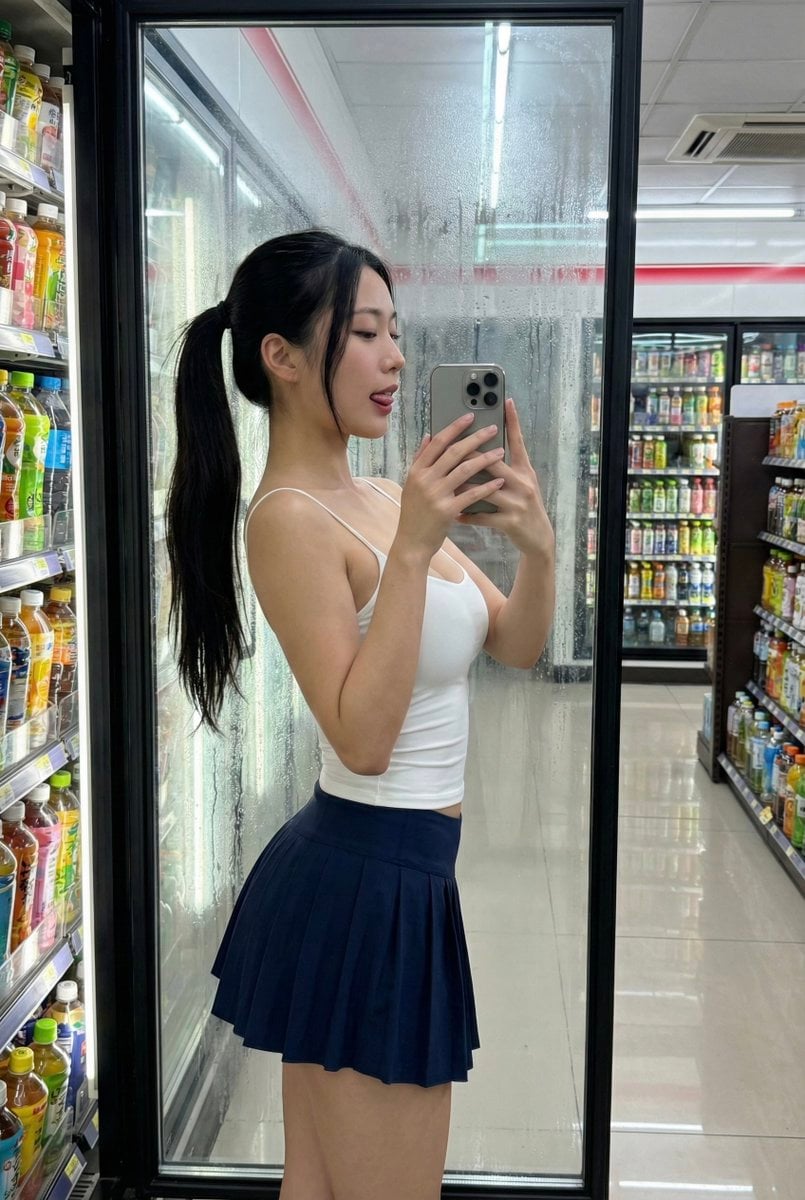
Convenience Store Selfie Reflection Prompt (Suggestive)

Instagram Story with Annotations
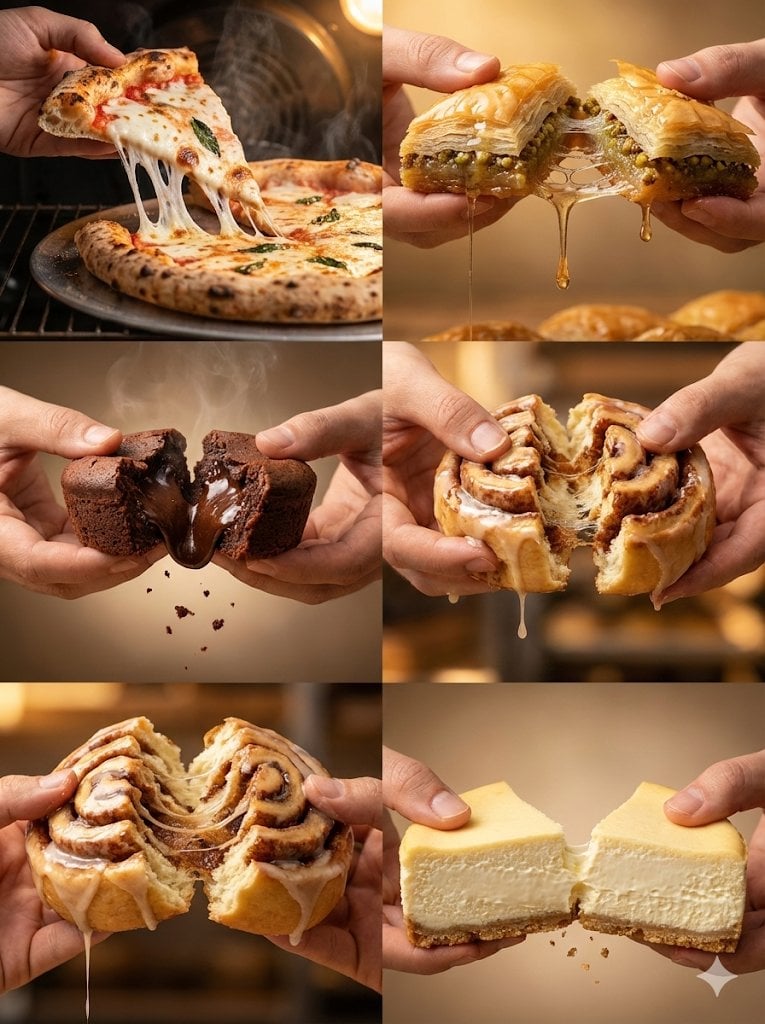
Cinematic Food Action Collage

Hyper-realistic cinematic product shot of Fanta Orange can with exploding orange slices
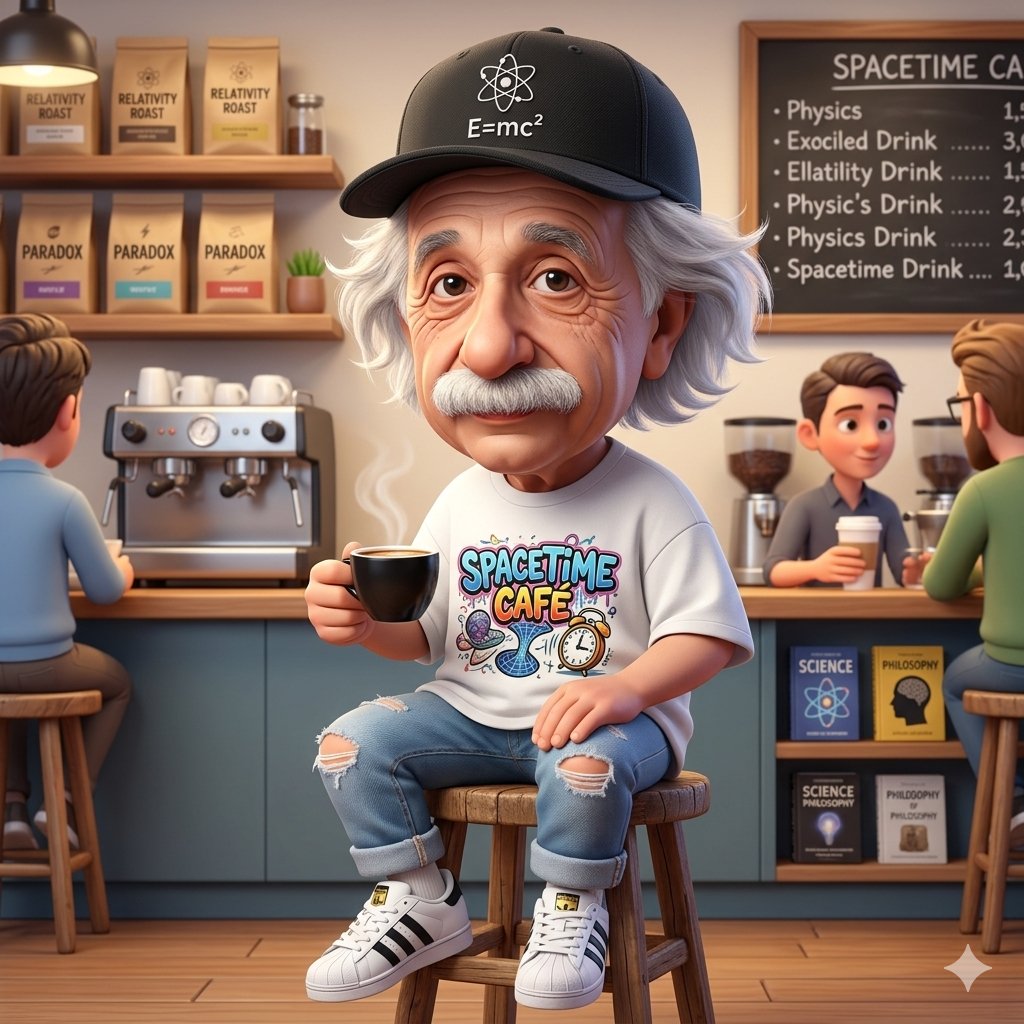
A Cartoonish Take on the Master of Mars
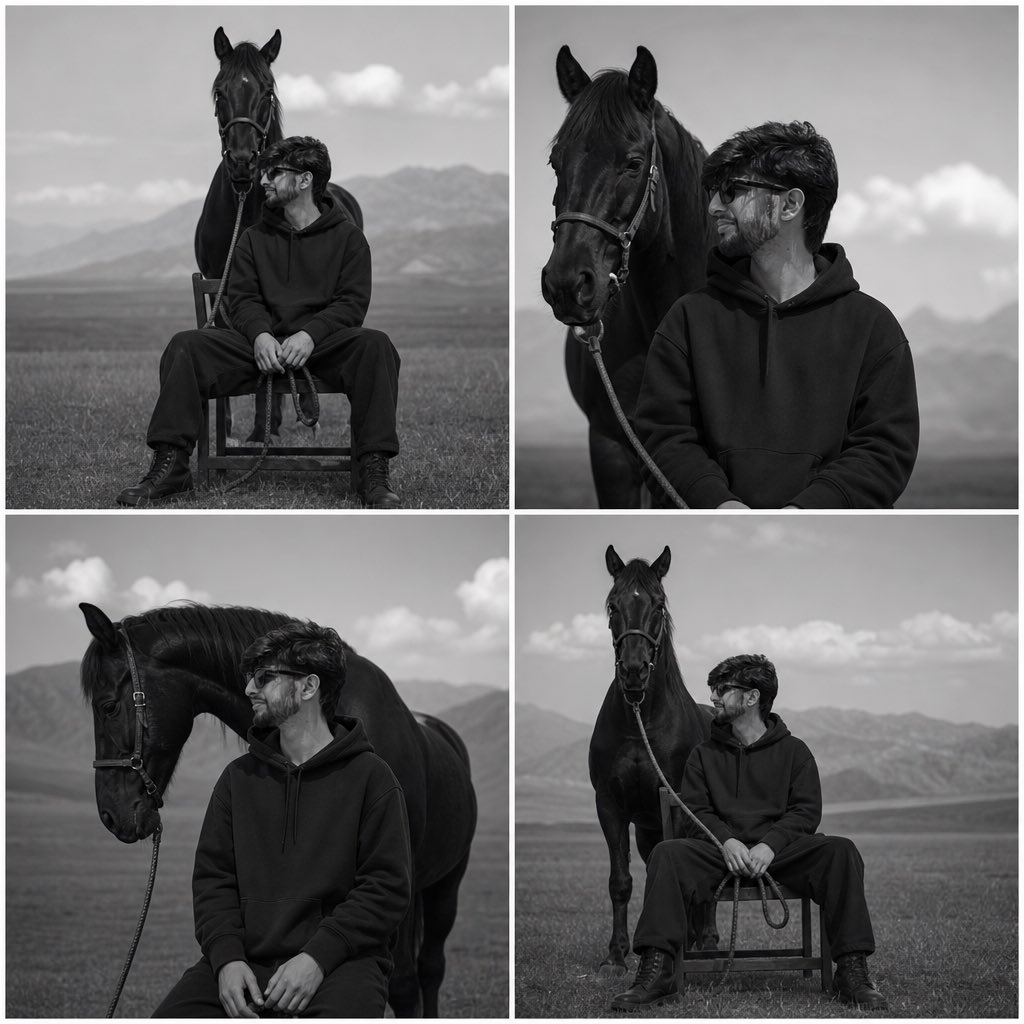
Monochrome Horse Field Portrait
Browse template categories
Autonomous Financial Artist Prompt for 3D Stock Visualization questions
How do I use the Autonomous Financial Artist Prompt for 3D Stock Visualization template?
Add your photo if the template asks for one, edit the prompt if you like — the template's model and format are already selected — and press Generate. Your version opens in PicX Studio.
Can I customize the Autonomous Financial Artist Prompt for 3D Stock Visualization template?
Yes. You can change the subject, setting, lighting, mood, format, and available model controls before creating your image.
Is the Autonomous Financial Artist Prompt for 3D Stock Visualization template free?
Opening and editing this template is free. Generating uses credits, shown on the Generate button when you are signed in.
Which AI model should I use?
Start with Nano Banana 2, which is the model associated with this template. You can compare another compatible model for a different finish.
Looking for something else? Browse all templates.

Your photo, any look
Thousands of ready templates for every top image and video model, from one credit balance.