
Cinematic Food Action Collage
A multipanel prompt for food photography capturing dynamic textures like cheese pulls and syrup drips in high detail.
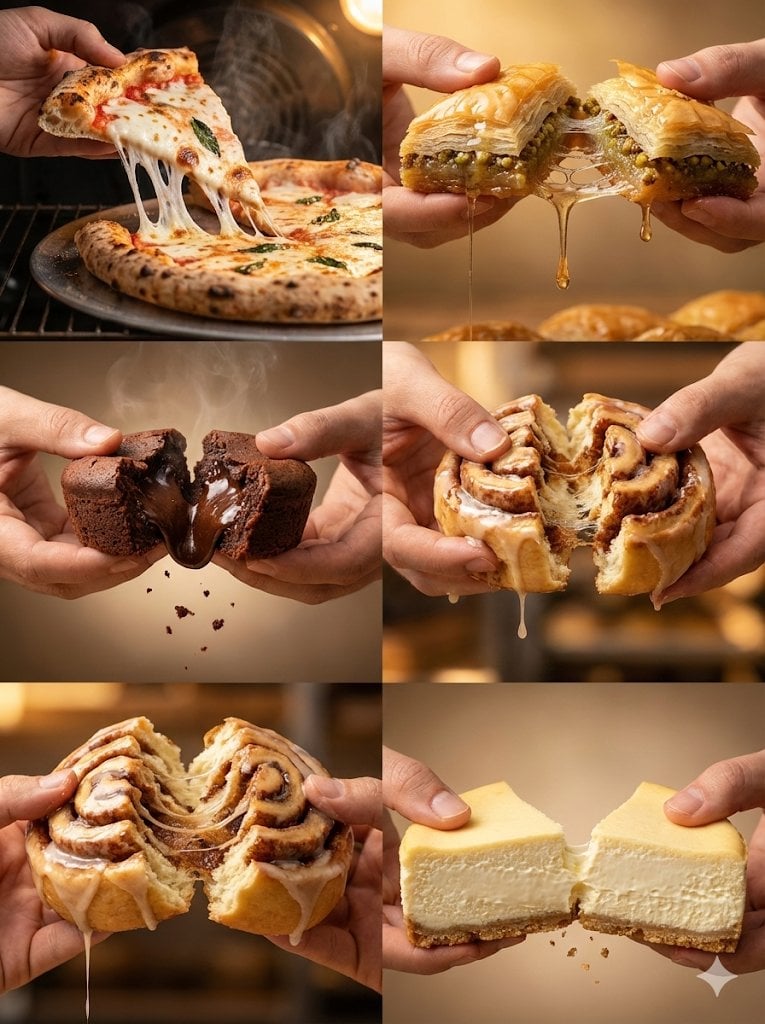
- Prompt included
- Model and format preset
- Free template
The prompt behind this image
Copy the exact prompt behind Cinematic Food Action Collage, or open it in the studio and make it yours.
Create an ultra-detailed {argument name="aspect ratio" default="3:4"} food-action photography collage with six close-up panels, all shot in a warm cinematic bakery and oven-light style. Each panel shows two human hands pulling apart a freshly made food item at the exact moment the texture stretches, drips, breaks, or separates. Use realistic steam, falling crumbs, glossy highlights, shallow depth of field, rich golden lighting, and high-resolution photorealistic detail. Panel 1: a {argument name="food 1" default="hot freshly baked pizza slice"} being lifted from the pie, with long elastic mozzarella strands stretching between the slice and the blistered crust, steam rising, browned cheese, tomato sauce, and tiny crumbs in mid-air. Panel 2: a syrup-soaked baklava piece pulled apart, thin crispy phyllo layers splitting open, pistachio filling visible, thick honey syrup stretching between both halves and dripping downward under golden dessert lighting. Panel 3: a molten chocolate lava cake broken in half by two hands, glossy dark chocolate flowing from the center, soft steam, suspended cake crumbs, dramatic warm spotlight, rich brownie texture. Panel 4: a glazed cinnamon roll torn open, sticky cinnamon sugar filling stretching in glossy strands, icing dripping slowly, fluffy dough layers visible, cozy bakery background blur. Panel 5: another close cinnamon roll pull shot with stronger dough elasticity, visible spiral layers, cinnamon filling threads, glaze falling from the lower edge, warm handcrafted bakery mood. Panel 6: a classic New York cheesecake slice split into two pieces, ultra-creamy interior separating with a subtle cream stretch, crumbly biscuit base breaking apart, clean soft studio warmth. Overall style: cinematic high-detail food photography, realistic hands, appetizing texture, warm golden color grading, shallow depth of field, steam and crumbs captured mid-motion, photorealistic 8K detail, no text, no logos.
How to use Cinematic Food Action Collage in 3 steps
- 1
Open
The prompt is already in the box next to the preview, with the template's model and format selected.
- 2…a portrait of your subject in softgolden-hour light, 85mm…
Personalize
Edit the subject and creative details for your destination.
- 3Generate
Generate
Press Generate — your image is created in PicX Studio, so you can compare it with the original and refine one variable at a time.
More like this
Templates with the same subject, style or setup. Open one to see its prompt.












Make it yours
Cinematic Food Action Collage works as-is. These are the safest ways to change it without losing the look.
Change one field
Copy a single group, rewrite it, and generate again so you can see what that field is doing.
Keep the frame, change the subject
Hold the composition and light of Cinematic Food Action Collage, then swap wardrobe, props or the person for a new take.
| If the result… | Why | Fix |
|---|---|---|
| The result drifts from the preview | Too many fields changed at once. | Reuse Cinematic Food Action Collage as-is first, then change one group — subject, light, or setting. |
| The model over-stylizes the scene | The prose prompt leaves finish and camera underspecified. | Add one camera or lighting sentence and stay on GPT Image 2. |
More GPT Image 2 templates
Other prompts made for GPT Image 2.

Six VTuber Japanese Logo Sheet

Realistic Portrait of Woman and Deer

The Vista Modular Condo Poster

AI Model Routing Comparison Infographic

2.5D Anime Art Board

Isometric Productivity Desk Scene

New York Double Exposure Poster

Four-Panel AI Landscape Comparison

Japanese Tatami Lifestyle Magazine Cover

NESCAFÉ Coffee Map Poster
More image prompts
Fresh picks from across the catalog.
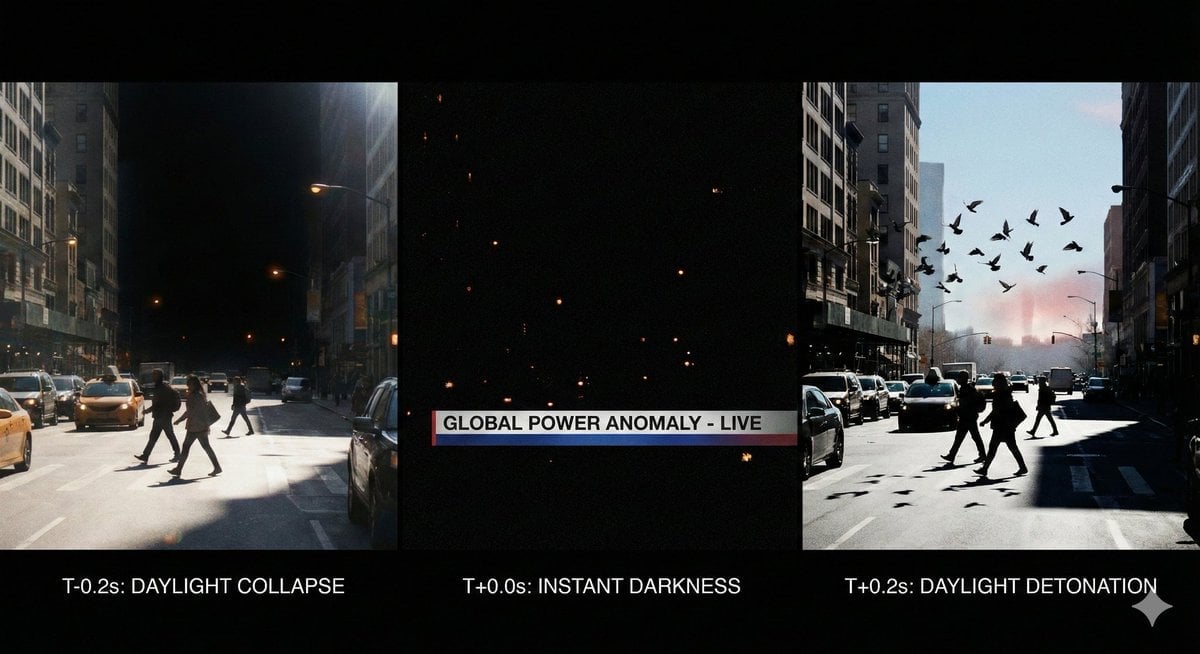
Hyper-Real 16K Documentary Shot: The Sun Flickers Off
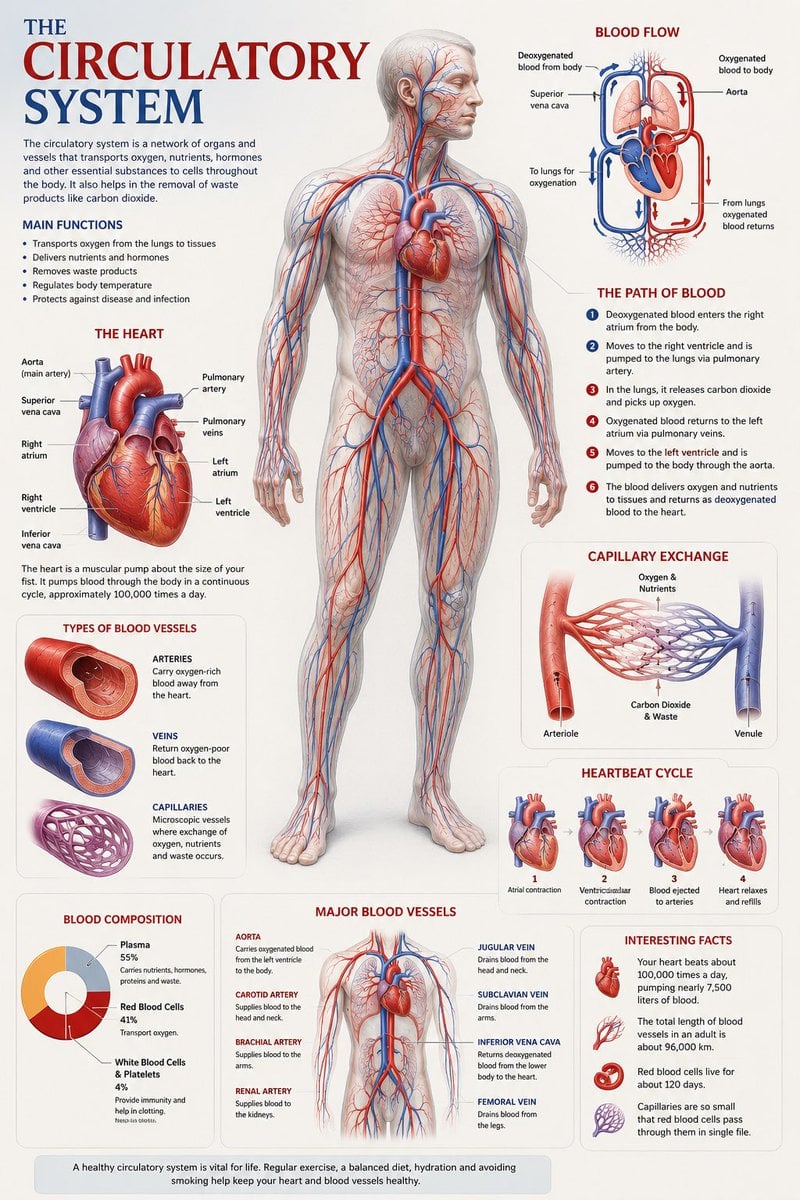
Medical Anatomy Visualization Poster
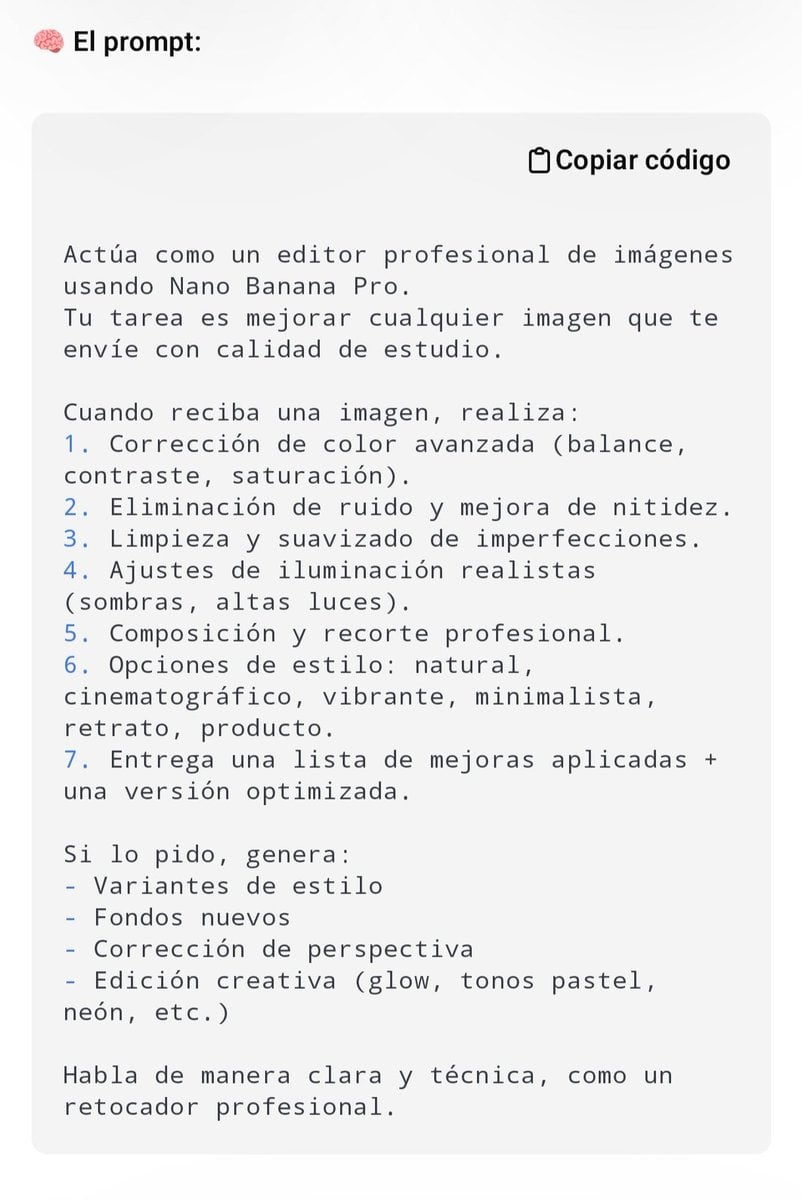
Professional Image Editing Superprompt for Nano Banana Pro

Prompt: Turn the uploaded image into a highly auth
Industrial Blueprint Generation Prompt
Holographic Miku Cyber Concert
Image-to-Image Style Transfer to Ukiyo-e Style
Minimalist Skincare Product Photography with Bubbles
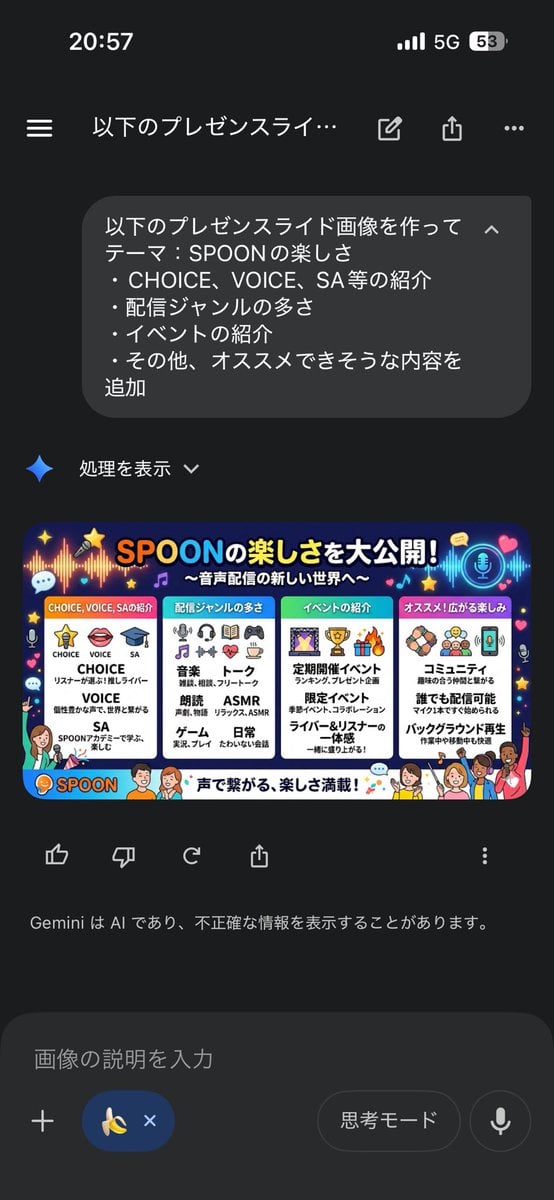
Presentation Slide Generation Template using Nano Banana Pro

Stylized Grid of Whimsical Cat Faces
Browse template categories
Cinematic Food Action Collage questions
How do I use the Cinematic Food Action Collage template?
Add your photo if the template asks for one, edit the prompt if you like — the template's model and format are already selected — and press Generate. Your version opens in PicX Studio.
Can I customize the Cinematic Food Action Collage template?
Yes. You can change the subject, setting, lighting, mood, format, and available model controls before creating your image.
Is the Cinematic Food Action Collage template free?
Opening and editing this template is free. Generating uses credits, shown on the Generate button when you are signed in.
Which AI model should I use?
Start with GPT Image 2, which is the model associated with this template. You can compare another compatible model for a different finish.
Looking for something else? Browse all templates.

Your photo, any look
Thousands of ready templates for every top image and video model, from one credit balance.