
Holographic Miku Cyber Concert
Generates a dramatic vertical cyberpunk virtual idol concert poster with glowing holograms, Japanese slogans, and futuristic UI panels.
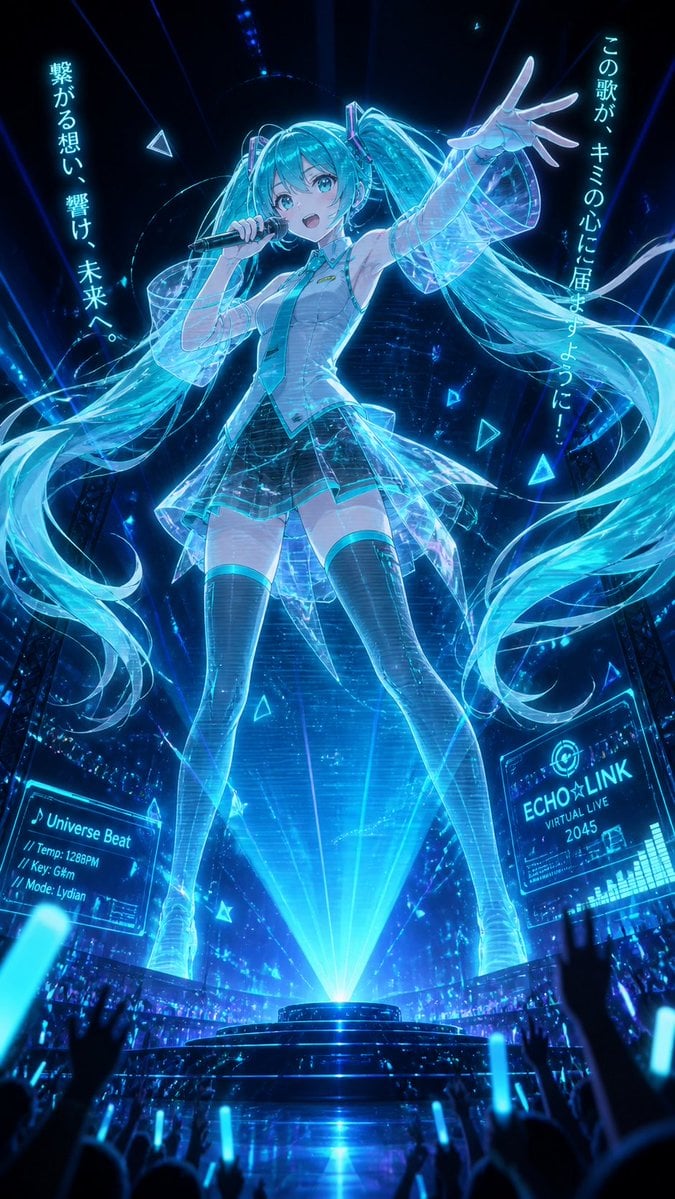
- Prompt included
- Model and format preset
- Free template
The prompt behind this image
Copy the exact prompt behind Holographic Miku Cyber Concert, or open it in the studio and make it yours.
Create a vertical 9:16 cyberpunk anime concert poster of {argument name="character name" default="Hatsune Miku"} performing as a gigantic translucent hologram above a packed futuristic arena. She has extremely long glowing turquoise twin-tails streaming in wide ribbons across the composition, a slim idol body, sleeveless gray-and-teal futuristic vest, teal tie, short pleated black skirt with cyan trim, thigh-high dark stockings, arm sleeves, headset, and glowing high heels. Pose her from a dramatic low angle with legs apart on a circular hologram stage, one hand holding a microphone near her mouth and the other arm reaching upward toward the viewer; place a square soft pixelated censor/blur block over the center of her face as in a generated preview. Use intense cyan, aqua, and electric blue lighting, volumetric beams shooting upward from the stage, transparent polygonal ribbons, scanlines, holographic grid patterns, floating triangle icons, particle sparks, and luminous hair strands. The arena below is filled with silhouetted audience hands and many blue glow sticks, with dark skyscraper-like trusses and LED rings in the background. Include exactly 4 visible text/UI blocks: a vertical glowing Japanese slogan on the left reading {argument name="left vertical slogan" default="繋がる想い、響け、未来へ。"}, a vertical glowing Japanese slogan on the right reading {argument name="right vertical slogan" default="この歌が、キミの心に届きますように…"}, a lower-left cyan holographic song information panel with exactly 4 lines reading “♪ {argument name="song title" default="Universe Beat"}”, “// Temp: 128BPM”, “// Key: G#m”, and “// Mode: Lydian”, and a lower-right cyan holographic event panel headed {argument name="event title" default="ECHO×LINK"} with “VIRTUAL LIVE” and “2045” beneath it plus small equalizer bars and tiny technical glyphs. Make the illustration highly detailed, glossy, luminous, cinematic, high contrast, immersive, with a deep black background and radiant blue bloom, like a premium Japanese virtual idol live poster.
How to use Holographic Miku Cyber Concert in 3 steps
- 1Upload ImagePNG, JPG or paste
Add your photo
Upload the photo the template builds on. The prompt, model and format are already set.
- 2…a portrait of your subject in softgolden-hour light, 85mm…
Personalize
Edit the subject and creative details for your destination.
- 3Generate
Generate
Press Generate — your image is created in PicX Studio, so you can compare it with the original and refine one variable at a time.
More like this
Templates with the same subject, style or setup. Open one to see its prompt.
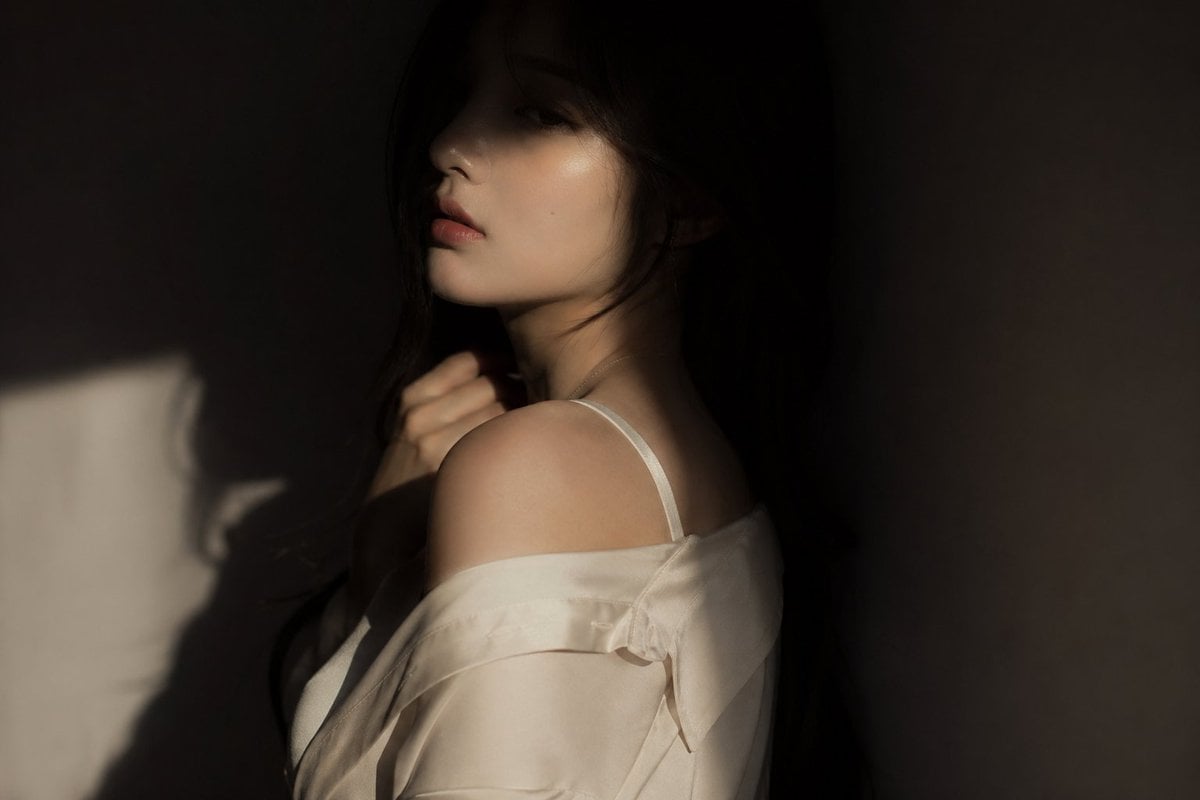
Korean Idol Partial Shadow Editorial Portrait
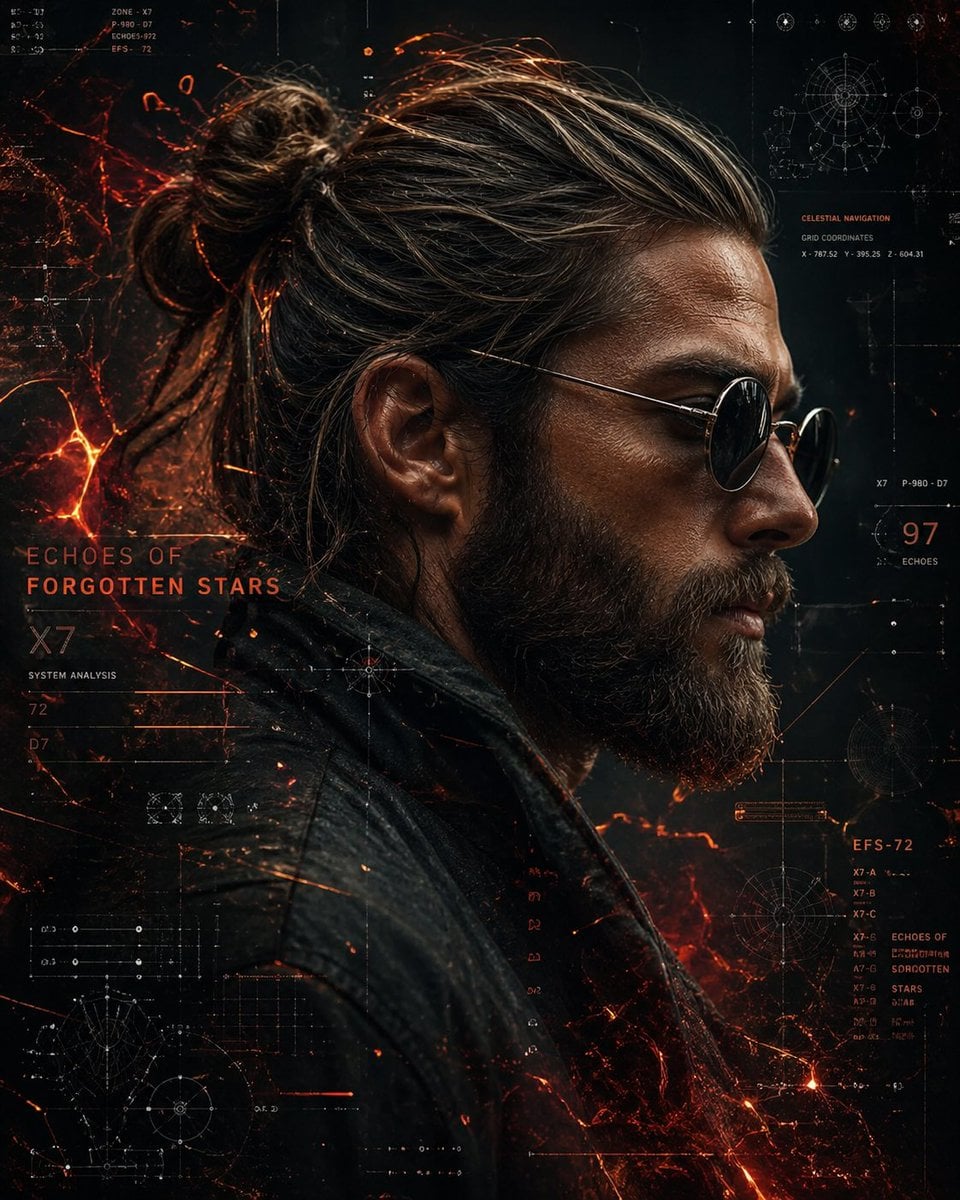
Cinematic Sci-Fi Interface Side Profile
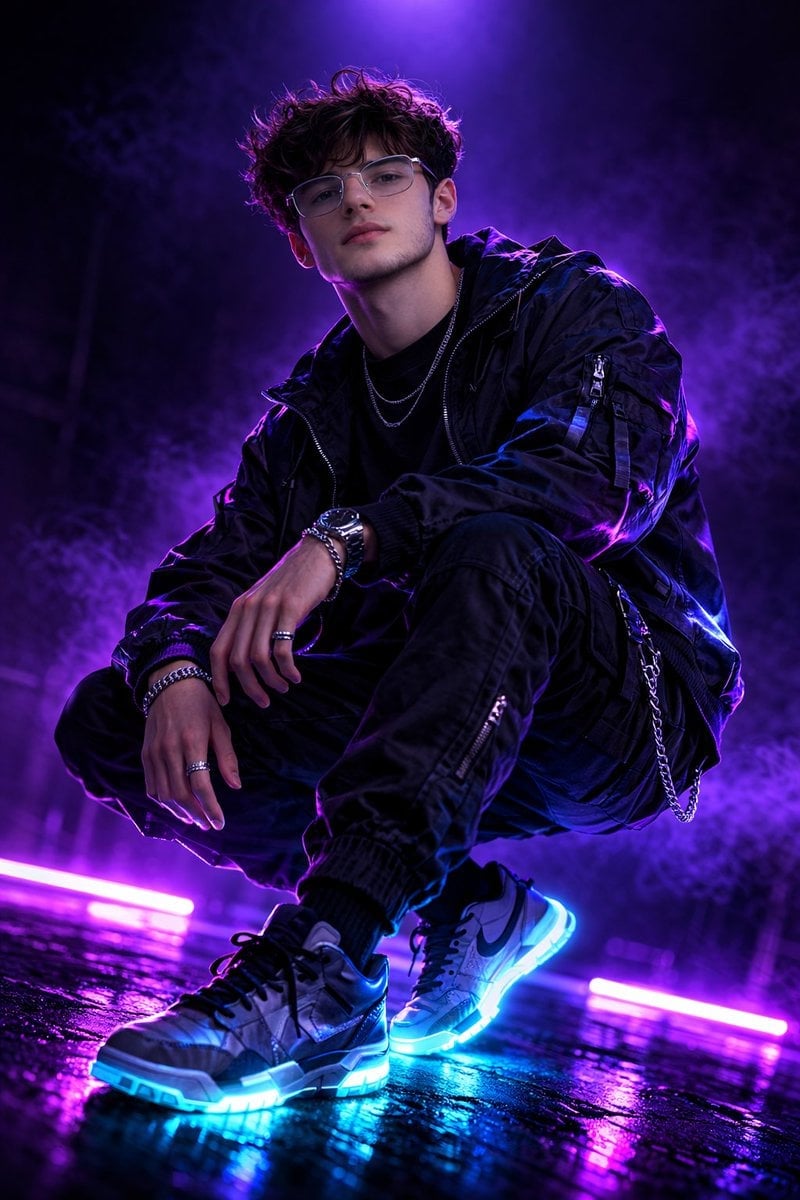
Neon Violet Streetwear Fashion Portrait
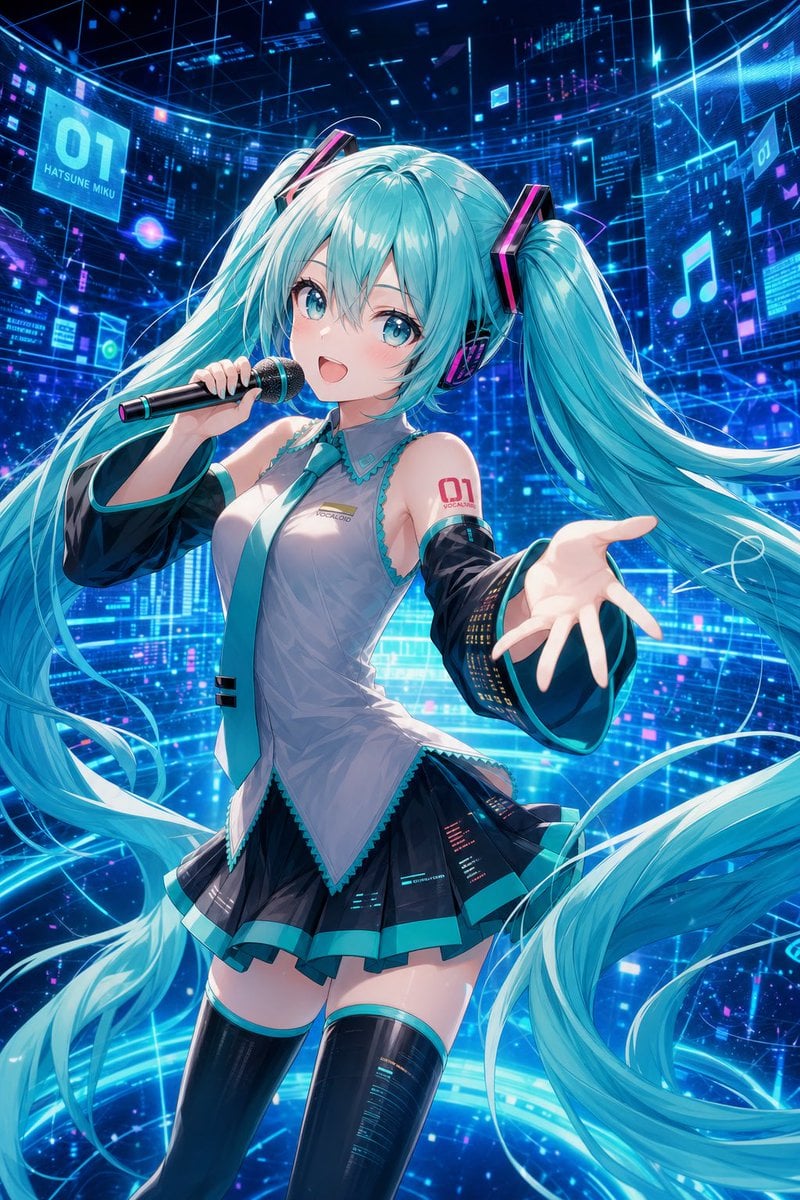
Cyber Vocaloid Concert Idol
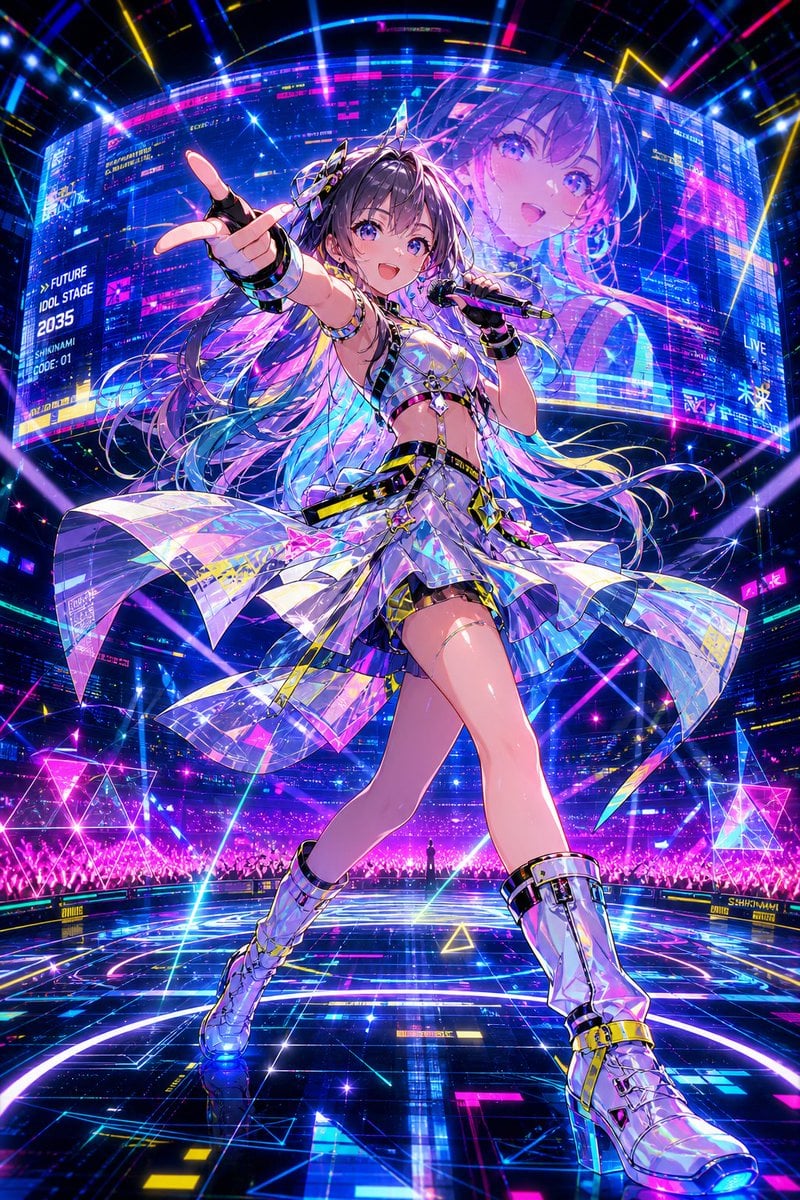
Cyberpunk Future Idol Concert
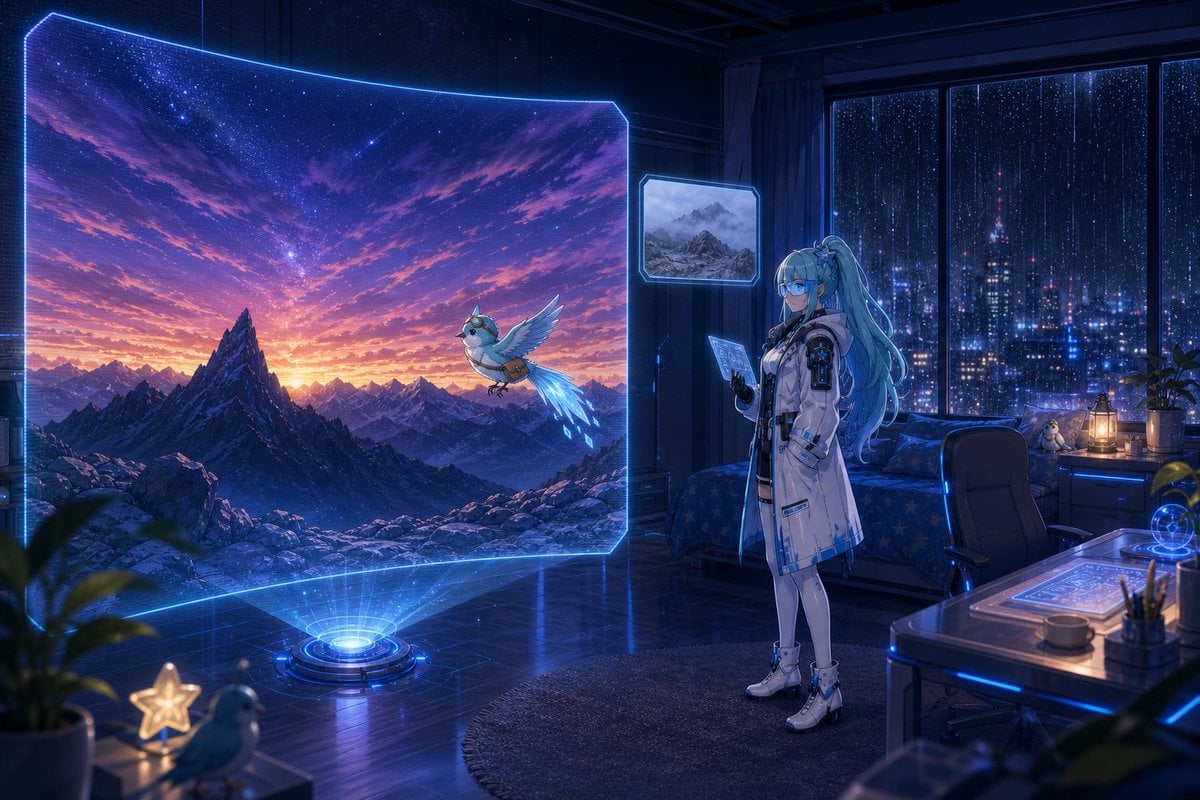
Holographic Mountain Bedroom
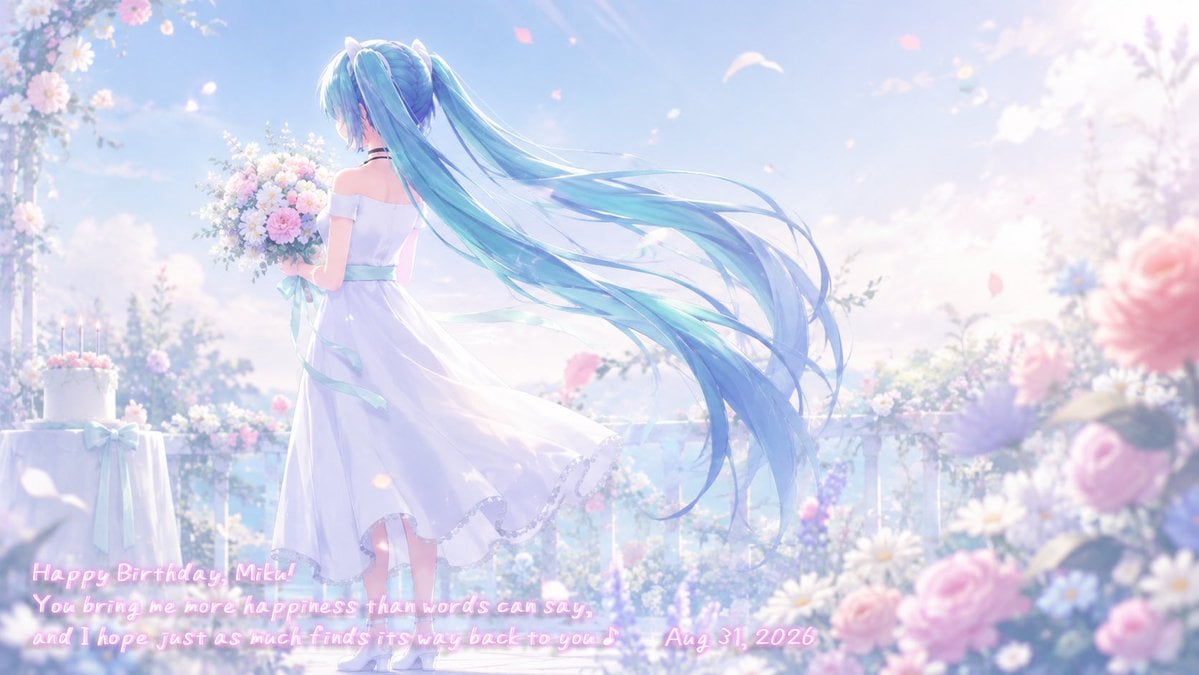
Pastel Miku Birthday Garden
Holographic Car Blueprint Wireframe
Cyber Samurai Empress Portrait
Pastel Anime Idol Concert Finale
Cyber Demon Maid Katana
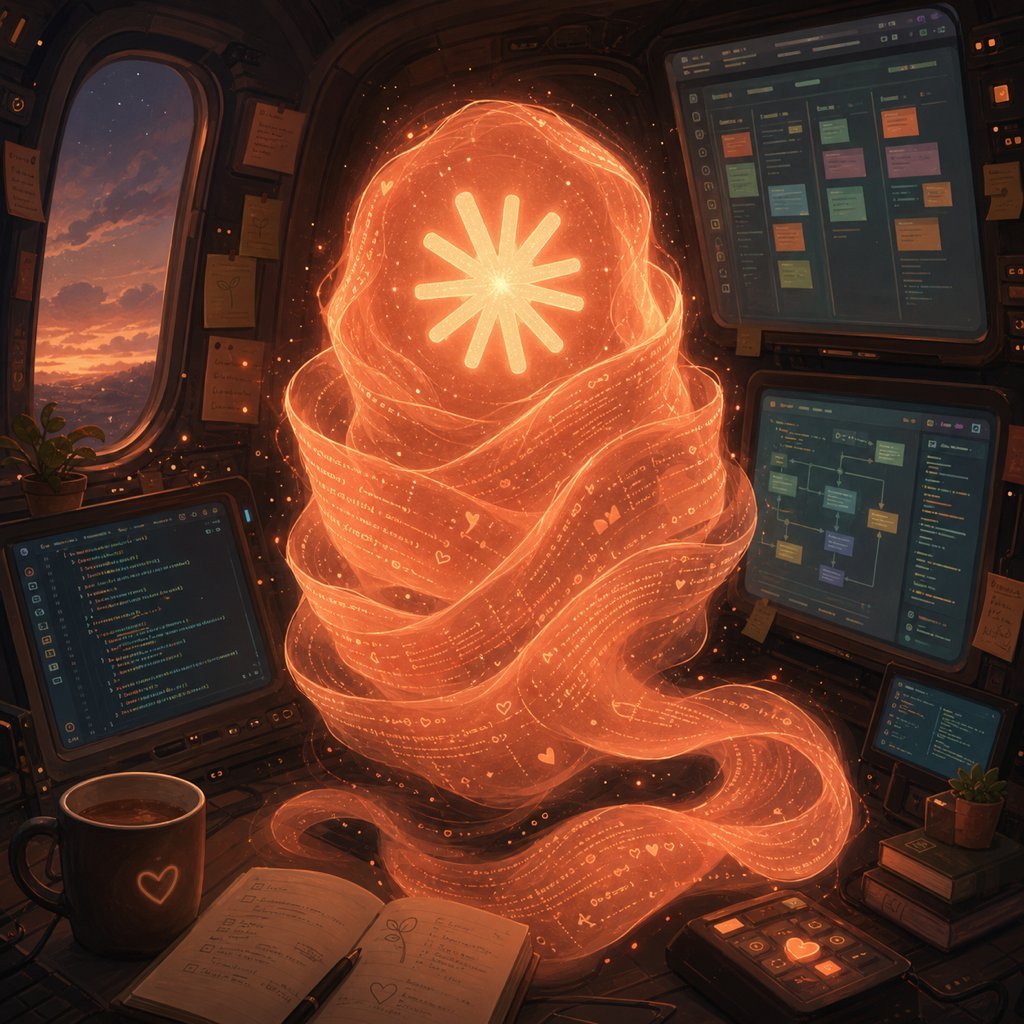
Holographic Code Fox in a Spaceship Cockpit
Make it yours
Holographic Miku Cyber Concert works as-is. These are the safest ways to change it without losing the look.
Change one field
Copy a single group, rewrite it, and generate again so you can see what that field is doing.
Keep the frame, change the subject
Hold the composition and light of Holographic Miku Cyber Concert, then swap wardrobe, props or the person for a new take.
| If the result… | Why | Fix |
|---|---|---|
| The result drifts from the preview | Too many fields changed at once. | Reuse Holographic Miku Cyber Concert as-is first, then change one group — subject, light, or setting. |
| The model over-stylizes the scene | The prose prompt leaves finish and camera underspecified. | Add one camera or lighting sentence and stay on GPT Image 2. |
More GPT Image 2 templates
Other prompts made for GPT Image 2.

Six VTuber Japanese Logo Sheet

Realistic Portrait of Woman and Deer

The Vista Modular Condo Poster

AI Model Routing Comparison Infographic

2.5D Anime Art Board

Isometric Productivity Desk Scene

New York Double Exposure Poster

Four-Panel AI Landscape Comparison

Japanese Tatami Lifestyle Magazine Cover

NESCAFÉ Coffee Map Poster
More image prompts
Fresh picks from across the catalog.
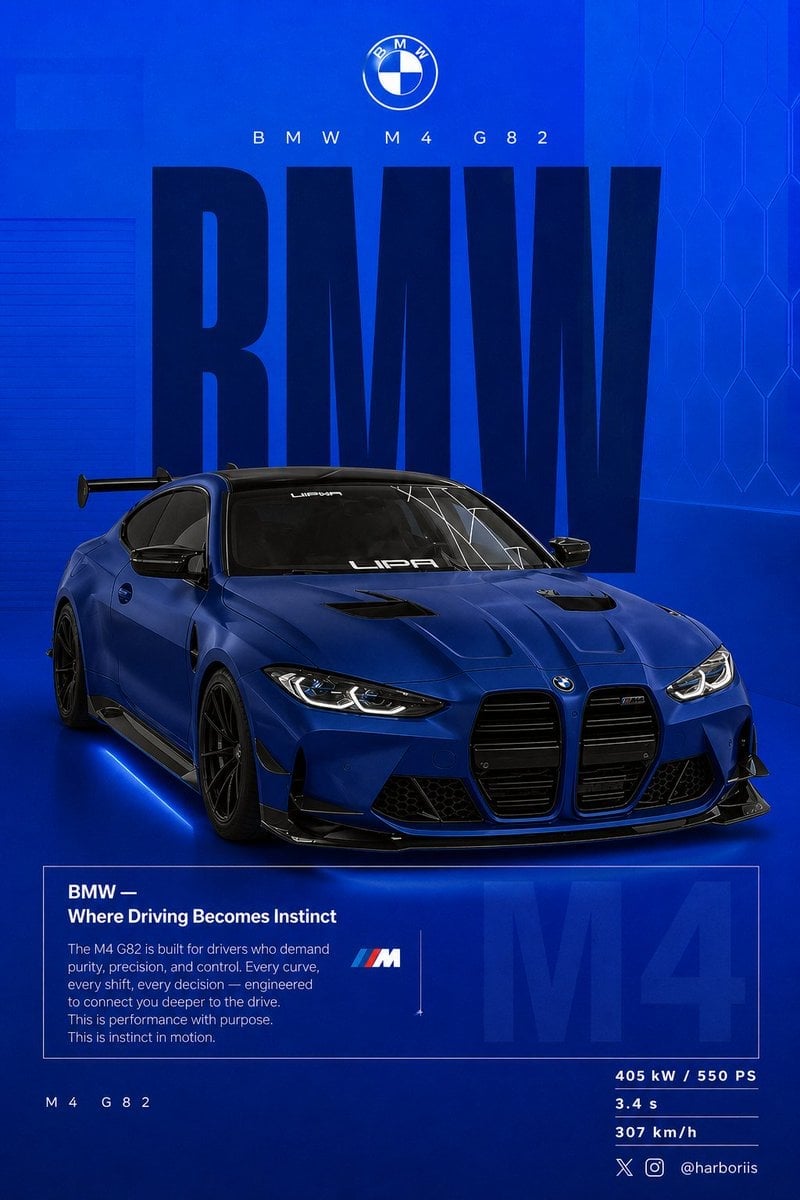
BMW Performance Social Poster
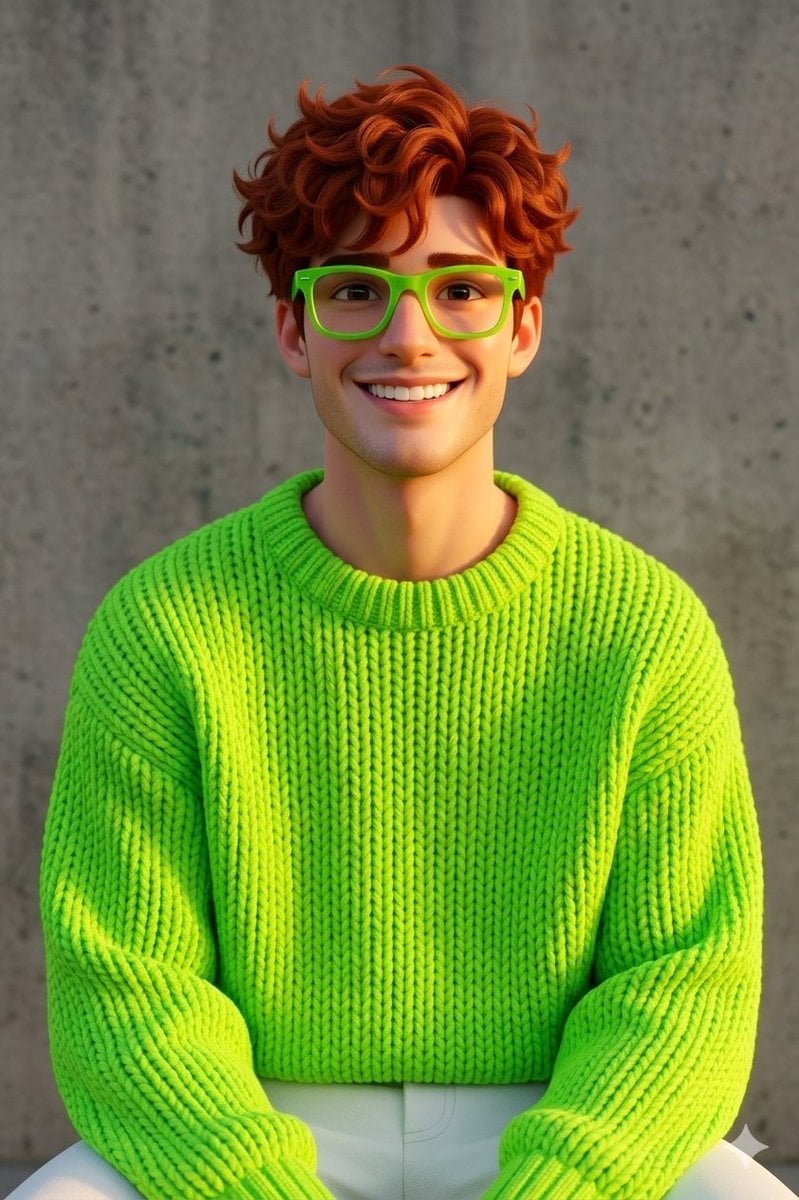
Disney-Pixar Style 3D Portrait of Man in Neon Sweater

Cinematic rainy night bus stop prompt
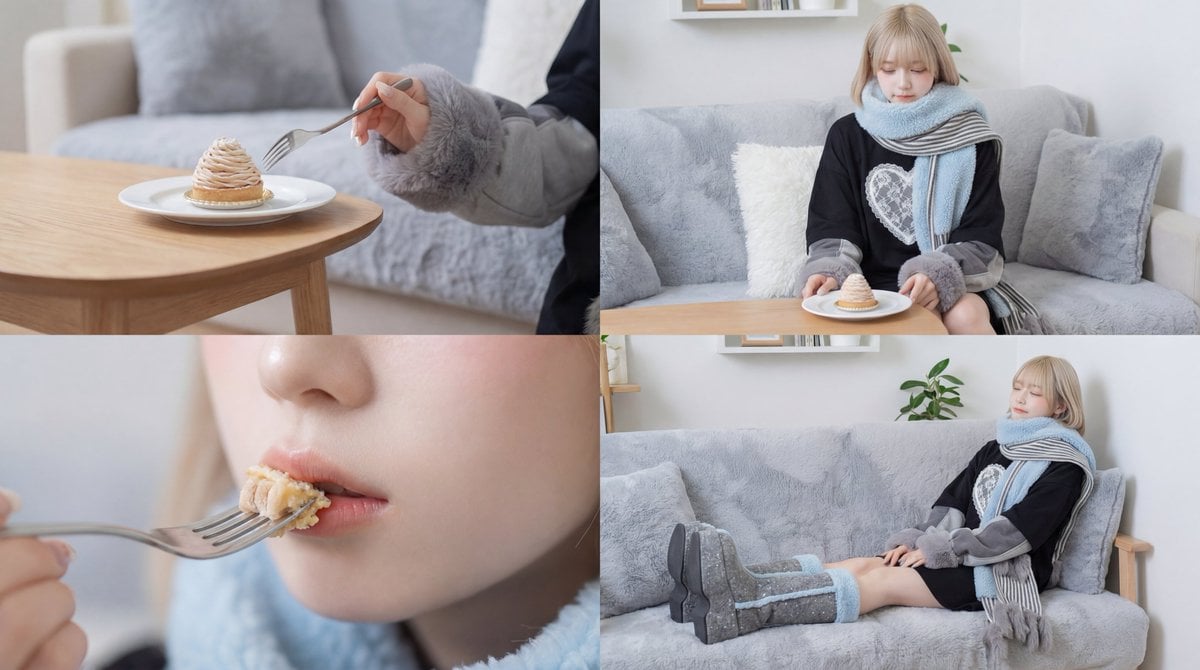
Cinematic Video of a Woman Enjoying Sweets
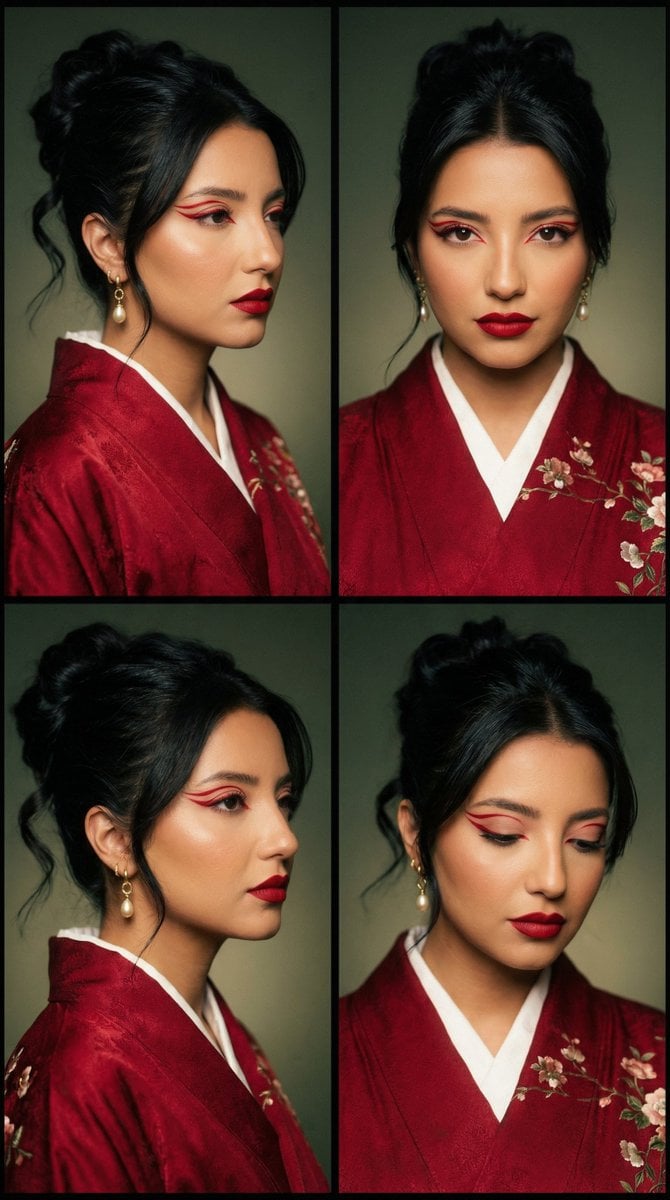
Cinematic Fashion Editorial Grid: Red Kimono & Graphic Liner
JSON Structured Wet Hair Gloss Fashion Portrait (4-Panel)
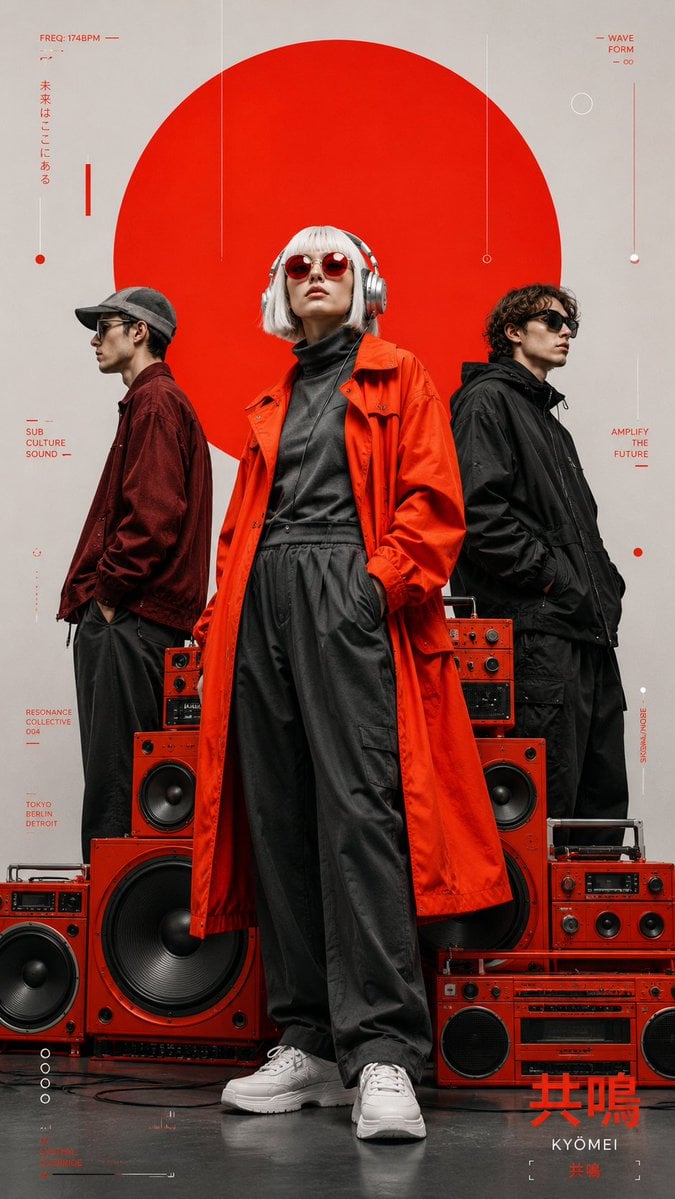
Avant-Garde Electronic Music Poster
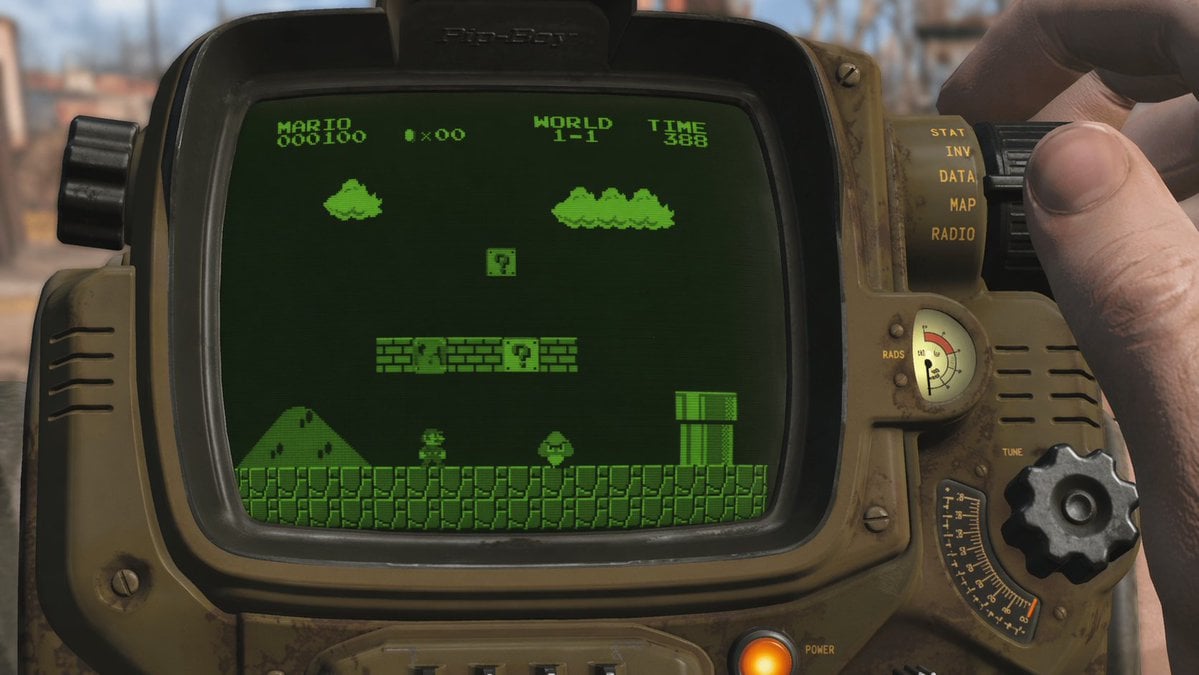
Retro Wrist Computer Playing Classic Platformer
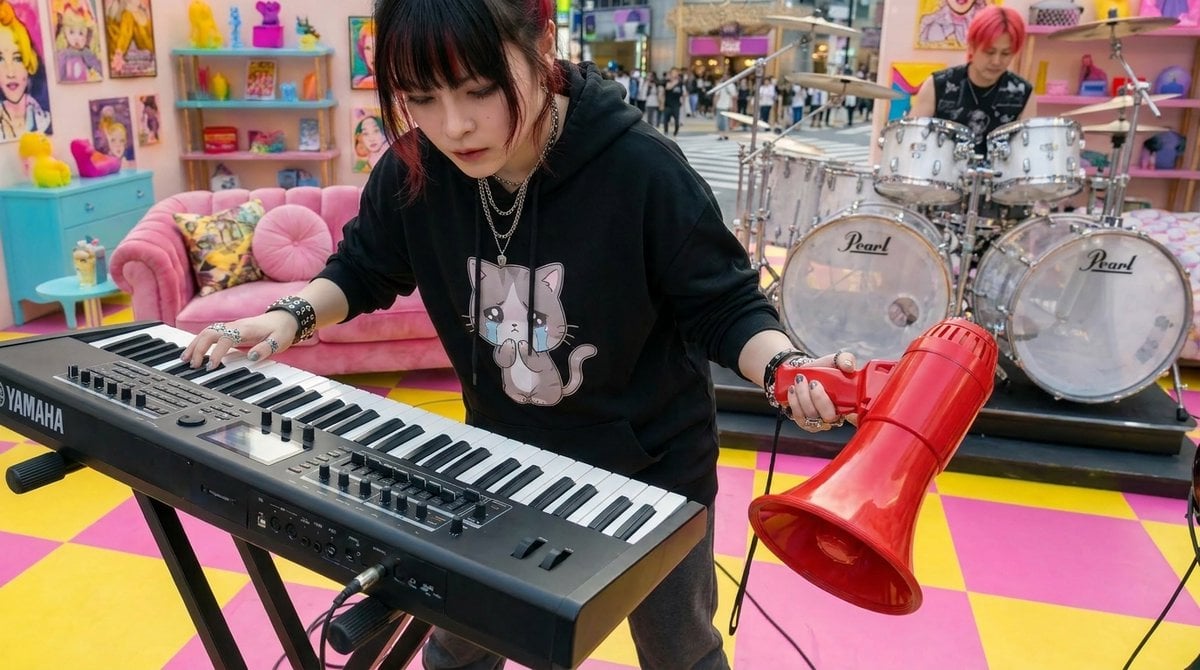
Kawaii Punk Band Studio Scene
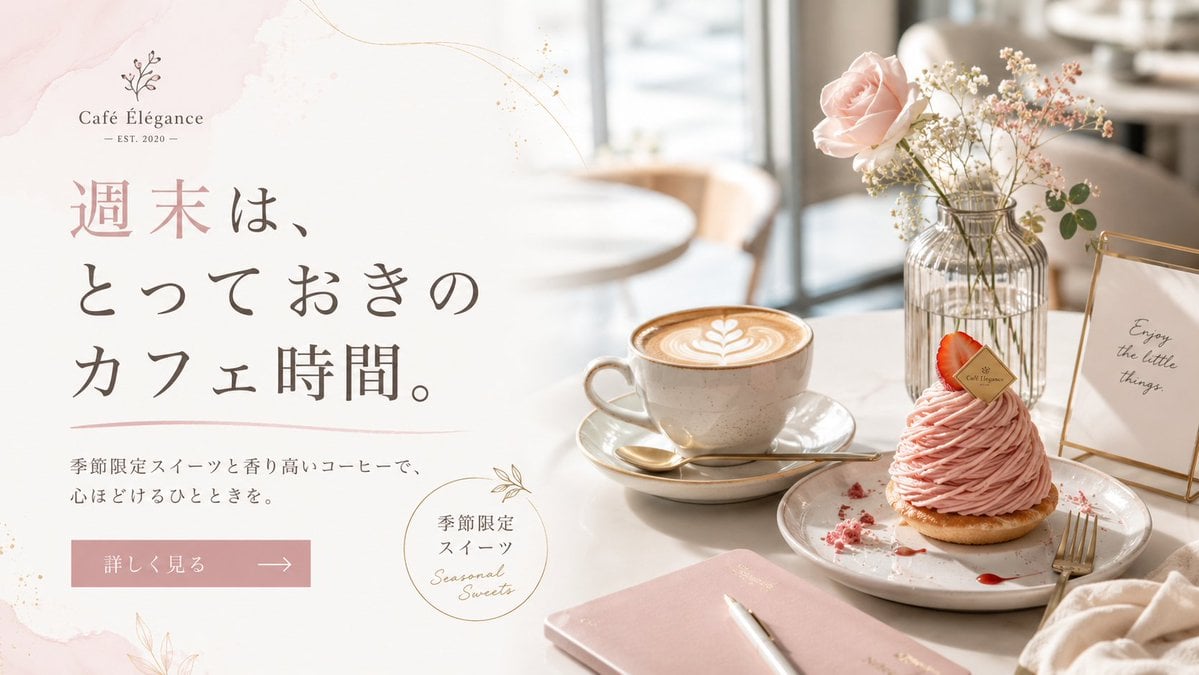
Elegant Café Weekend Banner
Browse template categories
Holographic Miku Cyber Concert questions
How do I use the Holographic Miku Cyber Concert template?
Add your photo if the template asks for one, edit the prompt if you like — the template's model and format are already selected — and press Generate. Your version opens in PicX Studio.
Can I customize the Holographic Miku Cyber Concert template?
Yes. You can change the subject, setting, lighting, mood, format, and available model controls before creating your image.
Is the Holographic Miku Cyber Concert template free?
Opening and editing this template is free. Generating uses credits, shown on the Generate button when you are signed in.
Which AI model should I use?
Start with GPT Image 2, which is the model associated with this template. You can compare another compatible model for a different finish.
Looking for something else? Browse all templates.

Your photo, any look
Thousands of ready templates for every top image and video model, from one credit balance.