
Elegant Café Weekend Banner
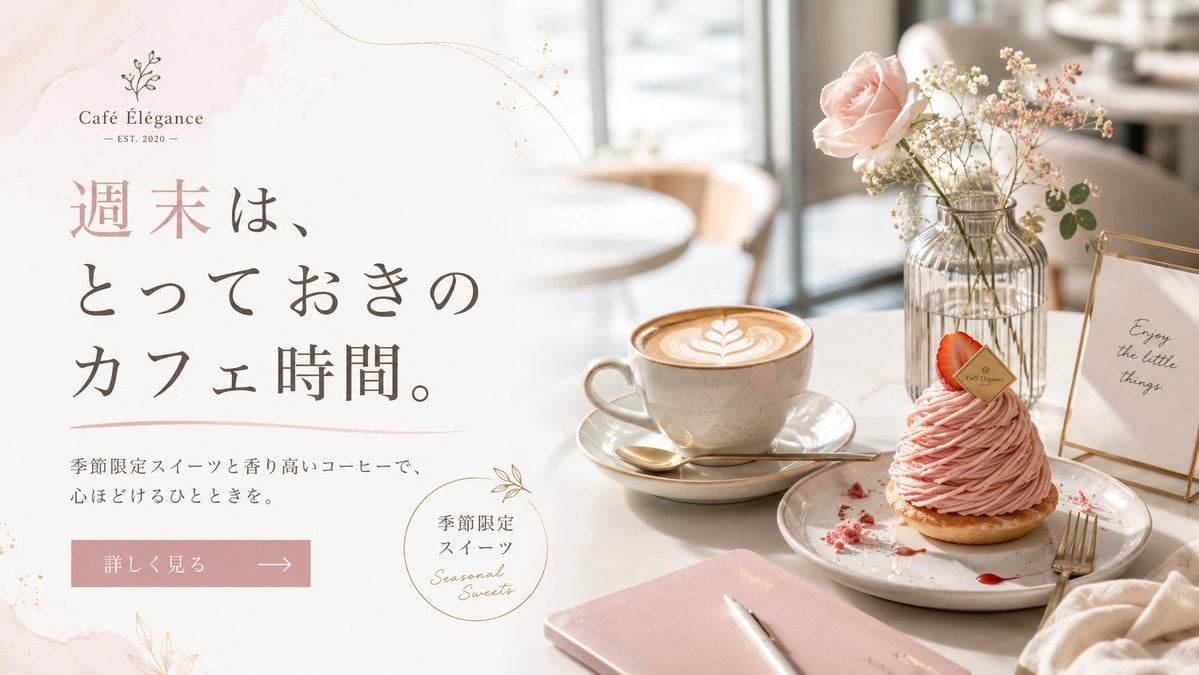
Creates a refined Japanese café advertising banner with pastel typography, seasonal sweets, latte art, and a bright lifestyle tabletop scene.
- Prompt included
- Model and format preset
- Free template
The prompt behind this image
Copy the exact prompt behind Elegant Café Weekend Banner, or open it in the studio and make it yours.
Goal: Create an elegant horizontal café promotional banner for {argument name="cafe name" default="Café Élégance"}, blending a soft Japanese lifestyle advertisement with a realistic café tabletop photo. Canvas: Wide 16:9 web banner, about 1200×675 px. Split composition with the left half as a clean text area on an off-white background and the right half as a bright, shallow-depth-of-field café scene. Layout: Left side contains the café logo at the top, a large Japanese headline in the center-left, a short subheading below, a pink rectangular call-to-action button, and a small circular seasonal sweets badge near the lower center. Right side contains the product still life: one latte cup, one plated pink dessert, one flower vase, one small framed quote sign, and one notebook with pen. Use generous negative space and refined alignment. Text content: At top left, include a delicate botanical line icon above the logo text “{argument name="cafe name" default="Café Élégance"}” and small text “— EST. 2020 —”. Main headline in large vertical-feeling Japanese serif typography: “{argument name="headline text" default="週末は、とっておきのカフェ時間。"}”. Subheading beneath in smaller Japanese text: “{argument name="subheading text" default="季節限定スイーツと香り高いコーヒーで、心ほどけるひとときを。"}”. Button text: “{argument name="button text" default="詳しく見る"}” with a thin right arrow. Circular badge text: Japanese “季節限定 スイーツ” plus handwritten English “Seasonal Sweets”. Framed sign on the table reads “Enjoy the little things.” Subject details: Show exactly 5 main tabletop objects on the right: 1 beige ceramic latte cup on a saucer with leaf latte art and a gold spoon, 1 plated pink Mont Blanc-style strawberry dessert with a small branded tag and crumbs, 1 ribbed glass vase holding a pale pink rose and tiny white flowers, 1 gold-edged tabletop frame with the quote, and 1 blush-pink notebook with a white pen in the foreground. Add soft café chairs and window light blurred in the background. Visual style: Airy luxury café aesthetic, pastel blush pink and cream palette, warm natural daylight, high-key photography, soft bokeh, marble or pale tabletop, fine gold accent lines, light watercolor blush washes and subtle botanical line art around the text area. Typography should feel premium: elegant Japanese Mincho-style serif for the headline, refined small serif for the logo, and handwritten script only for the seasonal badge. Constraints: Keep the design uncluttered and upscale. Preserve the exact count of 5 main tabletop objects. Do not add extra logos, watermarks, people, or excessive text. Maintain sharp readable text on the left and realistic photographic detail on the right.
How to use Elegant Café Weekend Banner in 3 steps
- 1Upload ImagePNG, JPG or paste
Add your photo
Upload the photo the template builds on. The prompt, model and format are already set.
- 2…a portrait of your subject in softgolden-hour light, 85mm…
Personalize
Edit the subject and creative details for your destination.
- 3Generate
Generate
Press Generate — your image is created in PicX Studio, so you can compare it with the original and refine one variable at a time.
More like this
Templates with the same subject, style or setup. Open one to see its prompt.
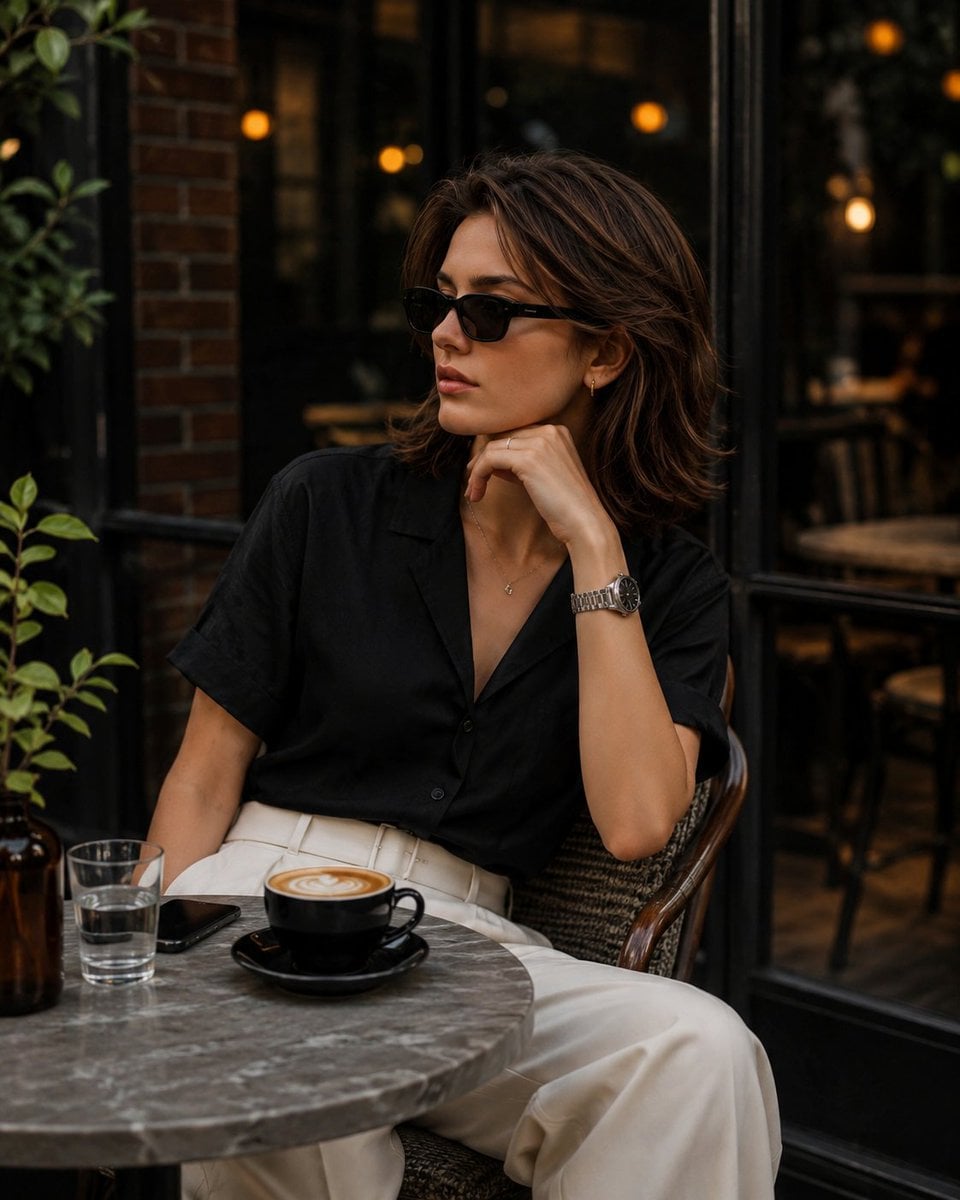
Elegant European Cafe Lifestyle Portrait
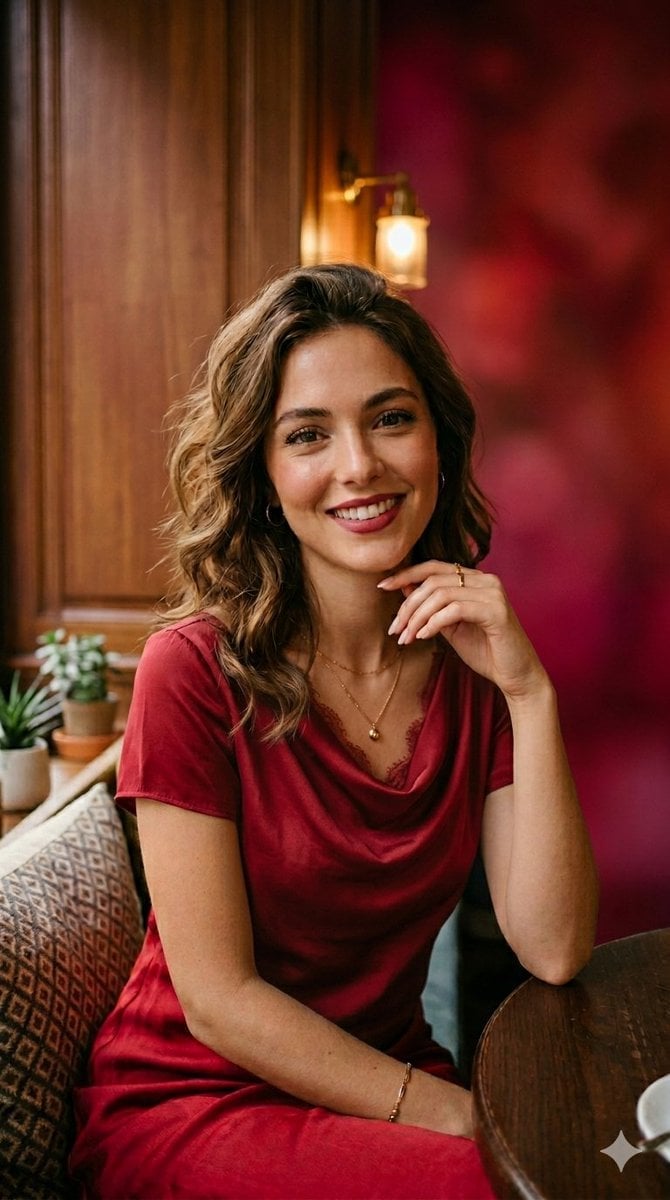
Elegant Woman in Red Satin in Cozy Cafe

Sealing Wax Letter Desk

Ballroom Floor Reflections

Vintage Camera Leather Case

Hedge Maze Aerial Dawn

Tuxedo Cuff Adjust

Cathedral Choir Loft

Pearl Necklace Vanity

Carriage House Courtyard

Leather Bound Law Books

Monochrome Jazz Club
Make it yours
Elegant Café Weekend Banner works as-is. These are the safest ways to change it without losing the look.
Change one field
Copy a single group, rewrite it, and generate again so you can see what that field is doing.
Keep the frame, change the subject
Hold the composition and light of Elegant Café Weekend Banner, then swap wardrobe, props or the person for a new take.
| If the result… | Why | Fix |
|---|---|---|
| The result drifts from the preview | Too many fields changed at once. | Reuse Elegant Café Weekend Banner as-is first, then change one group — subject, light, or setting. |
| The model over-stylizes the scene | The prose prompt leaves finish and camera underspecified. | Add one camera or lighting sentence and stay on GPT Image 2. |
More GPT Image 2 templates
Other prompts made for GPT Image 2.

Six VTuber Japanese Logo Sheet

Realistic Portrait of Woman and Deer

The Vista Modular Condo Poster

AI Model Routing Comparison Infographic

2.5D Anime Art Board

Isometric Productivity Desk Scene

New York Double Exposure Poster

Four-Panel AI Landscape Comparison

Japanese Tatami Lifestyle Magazine Cover

NESCAFÉ Coffee Map Poster
More image prompts
Fresh picks from across the catalog.

Cinematic Portrait Prompt for Nano Banana
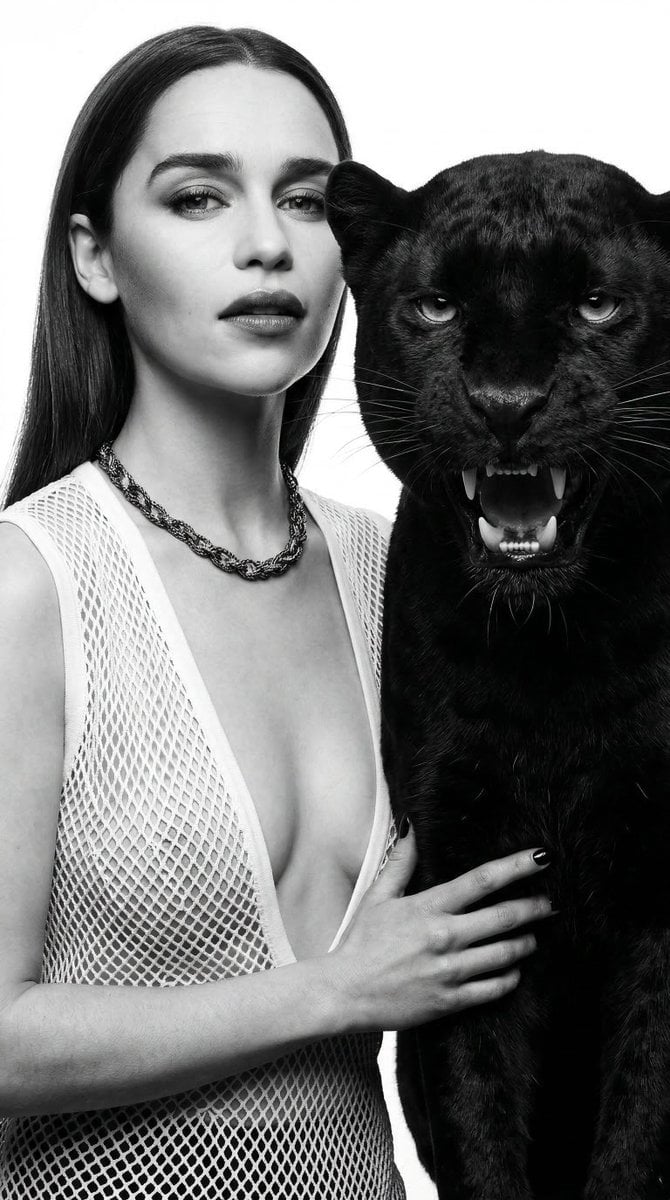
Black and White Panther and Woman Editorial Portrait
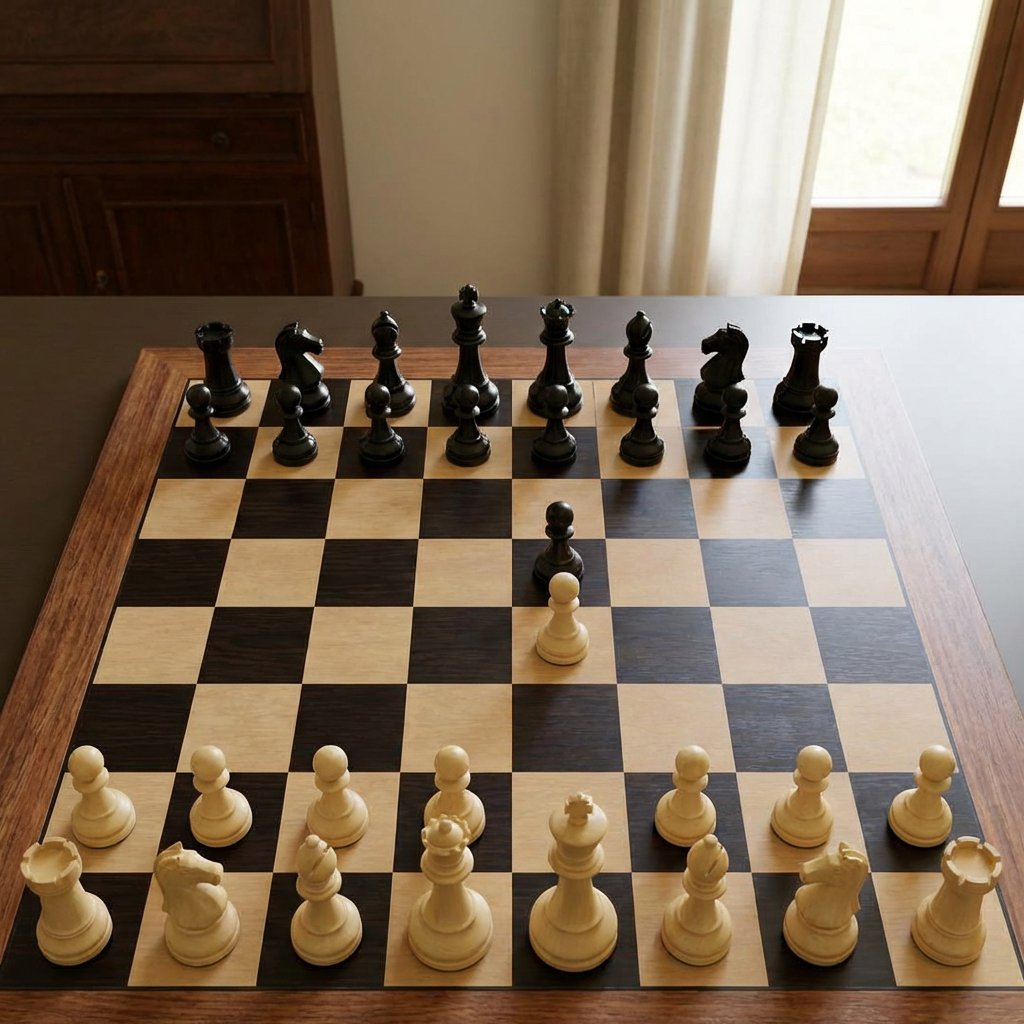
Realistic Chess Opening Photo
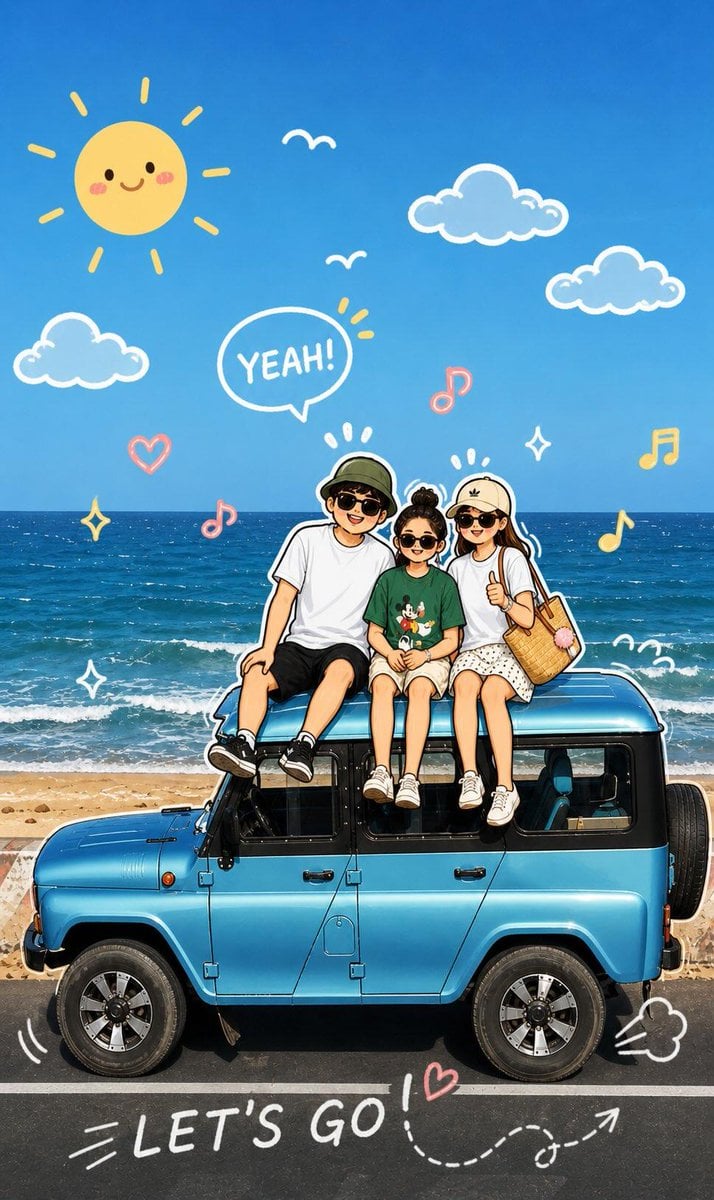
Playful Cartoon Sketch Transformation
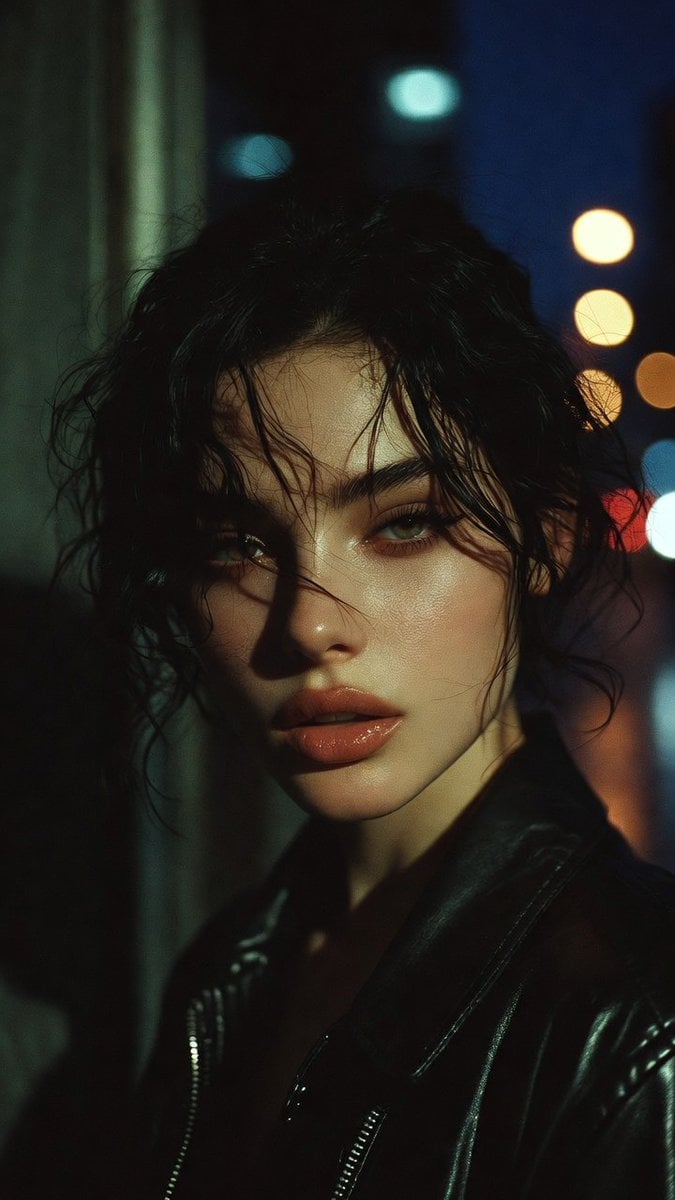
Moody Cinematic Portrait Prompt for AI Image Generation
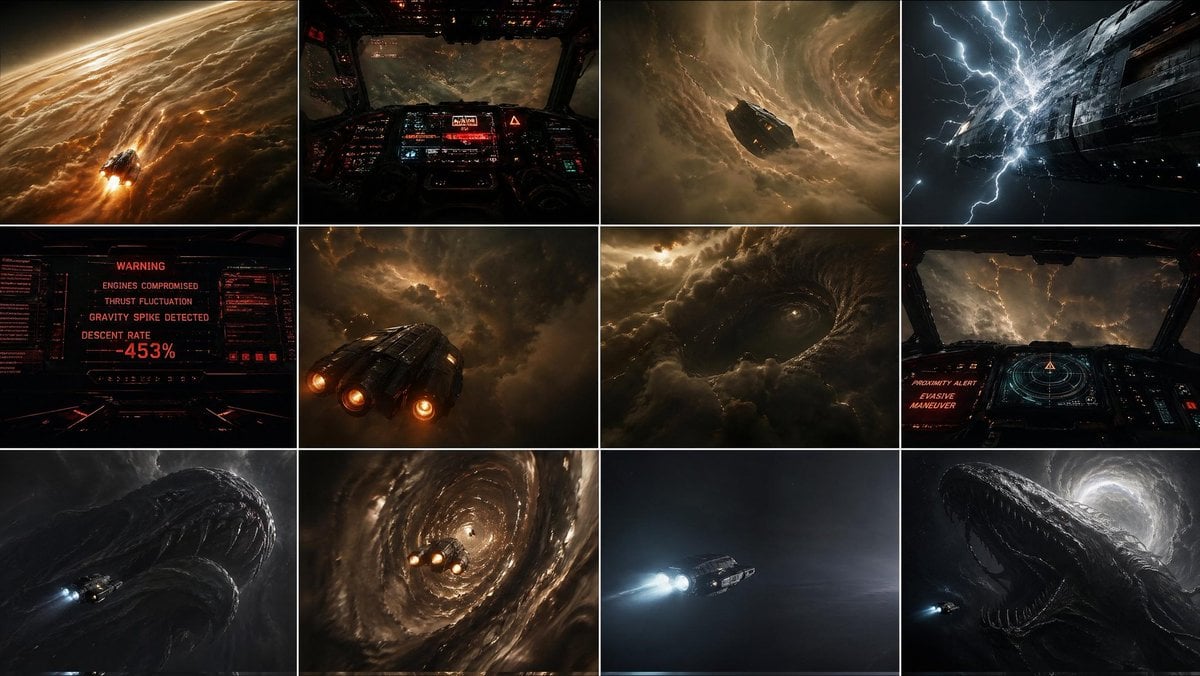
Gpt2 Comic Storyboard Gas Giant Descent Storyboard
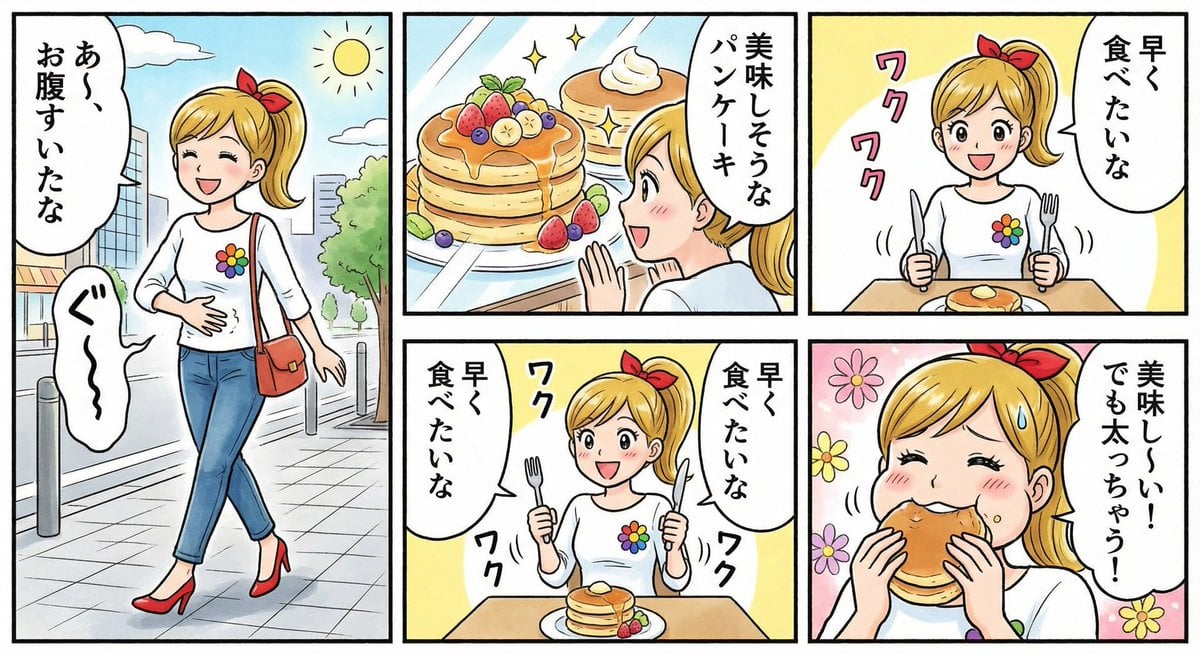
Four-panel manga about a hungry woman and pancakes
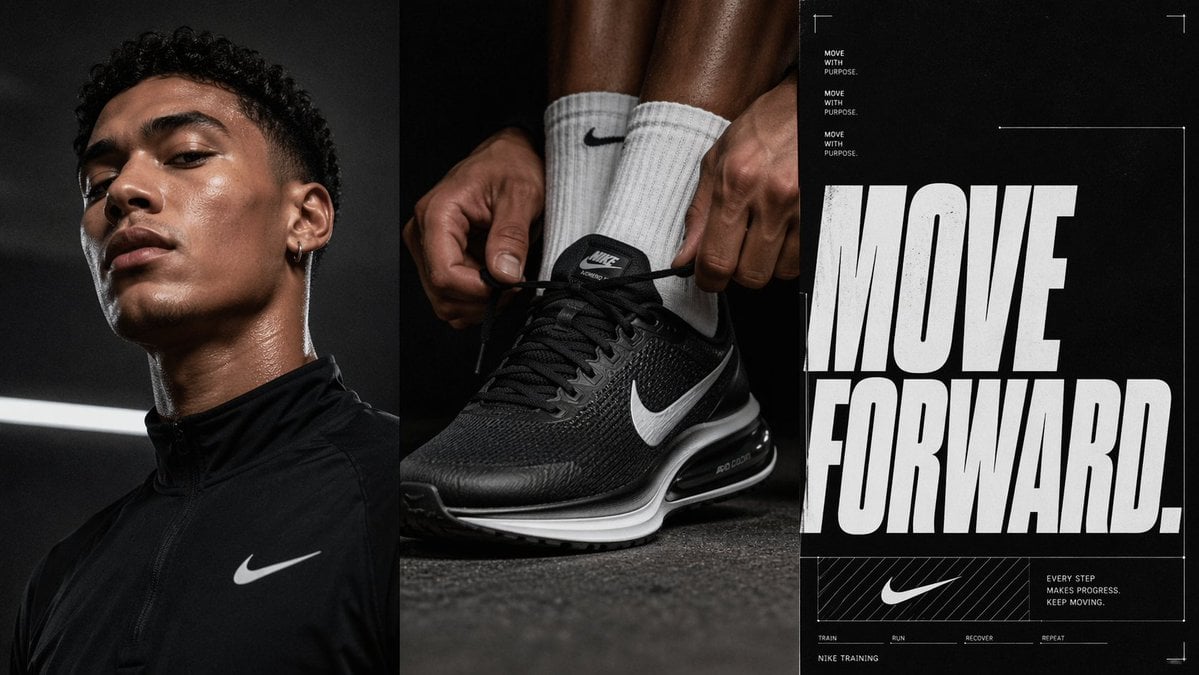
Triptych Sports Ad Poster
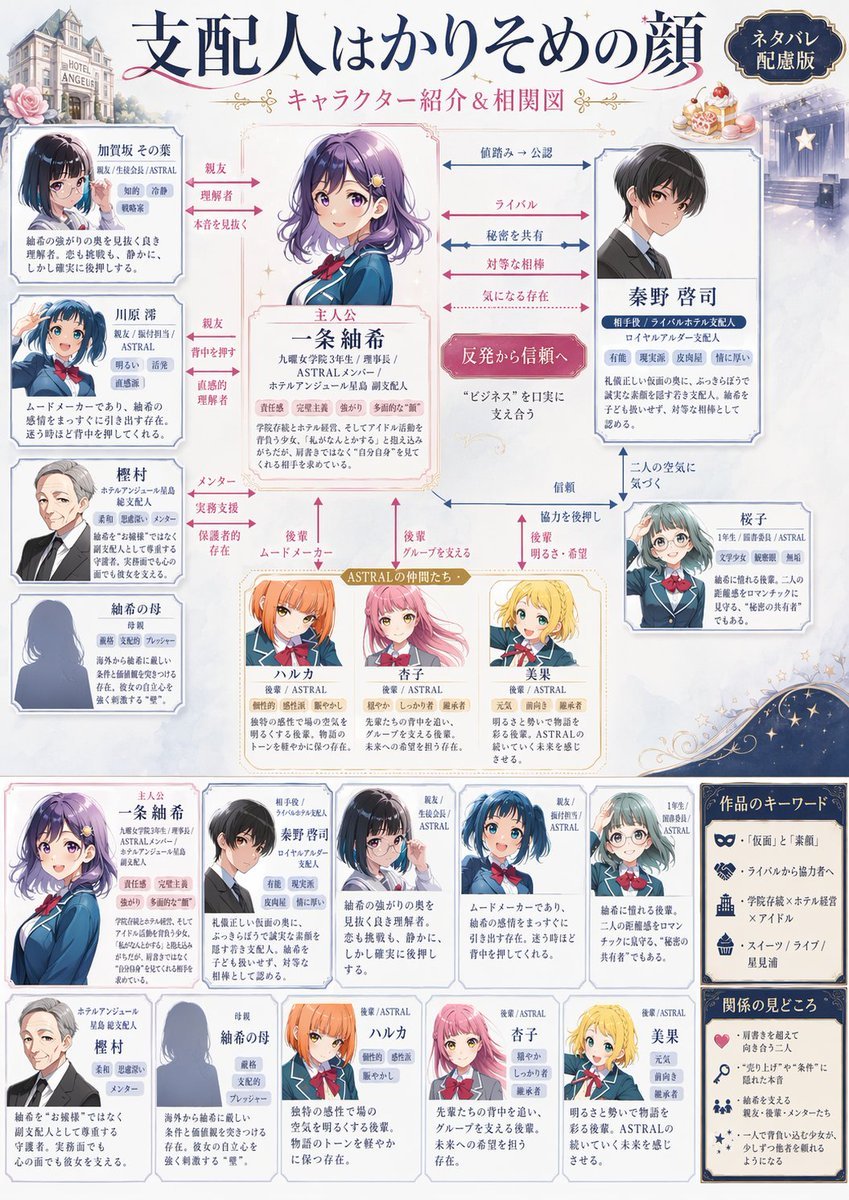
Japanese Character Relationship Chart Poster
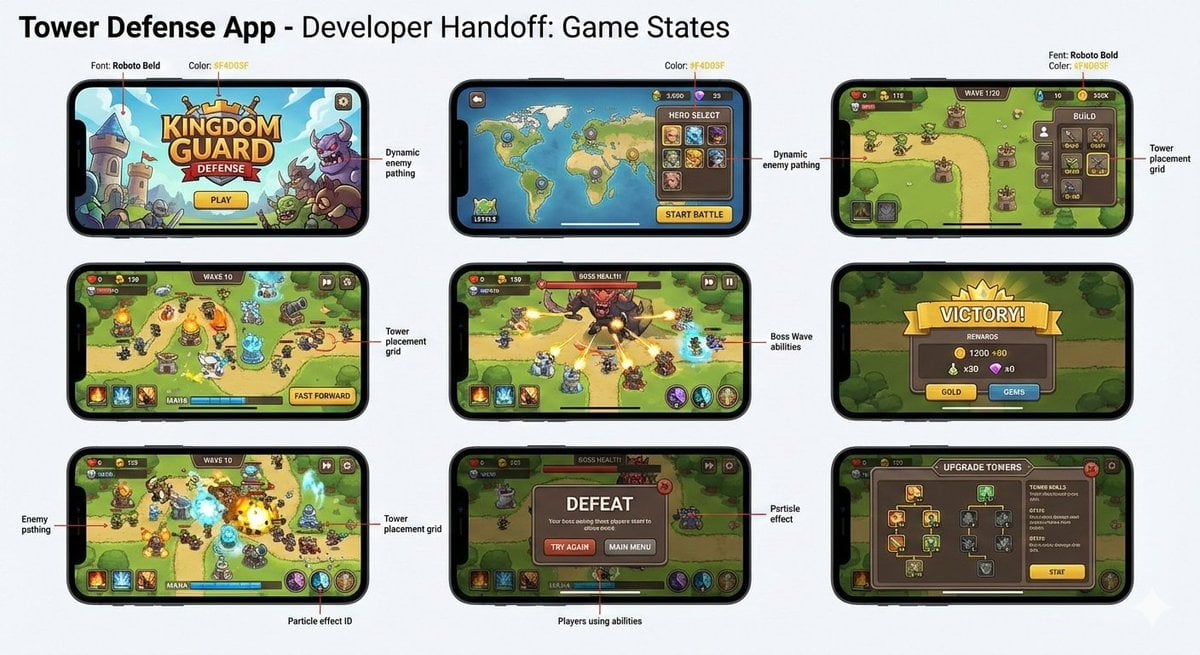
Tower defense mobile app design mockup grid
Browse template categories
Elegant Café Weekend Banner questions
How do I use the Elegant Café Weekend Banner template?
Add your photo if the template asks for one, edit the prompt if you like — the template's model and format are already selected — and press Generate. Your version opens in PicX Studio.
Can I customize the Elegant Café Weekend Banner template?
Yes. You can change the subject, setting, lighting, mood, format, and available model controls before creating your image.
Is the Elegant Café Weekend Banner template free?
Opening and editing this template is free. Generating uses credits, shown on the Generate button when you are signed in.
Which AI model should I use?
Start with GPT Image 2, which is the model associated with this template. You can compare another compatible model for a different finish.
Looking for something else? Browse all templates.

Your photo, any look
Thousands of ready templates for every top image and video model, from one credit balance.