
Black and White Panther and Woman Editorial Portrait
A structured JSON prompt for Nano Banana 2 to create a photorealistic, high-contrast black-and-white editorial portrait featuring a majestic panther and a young woman.
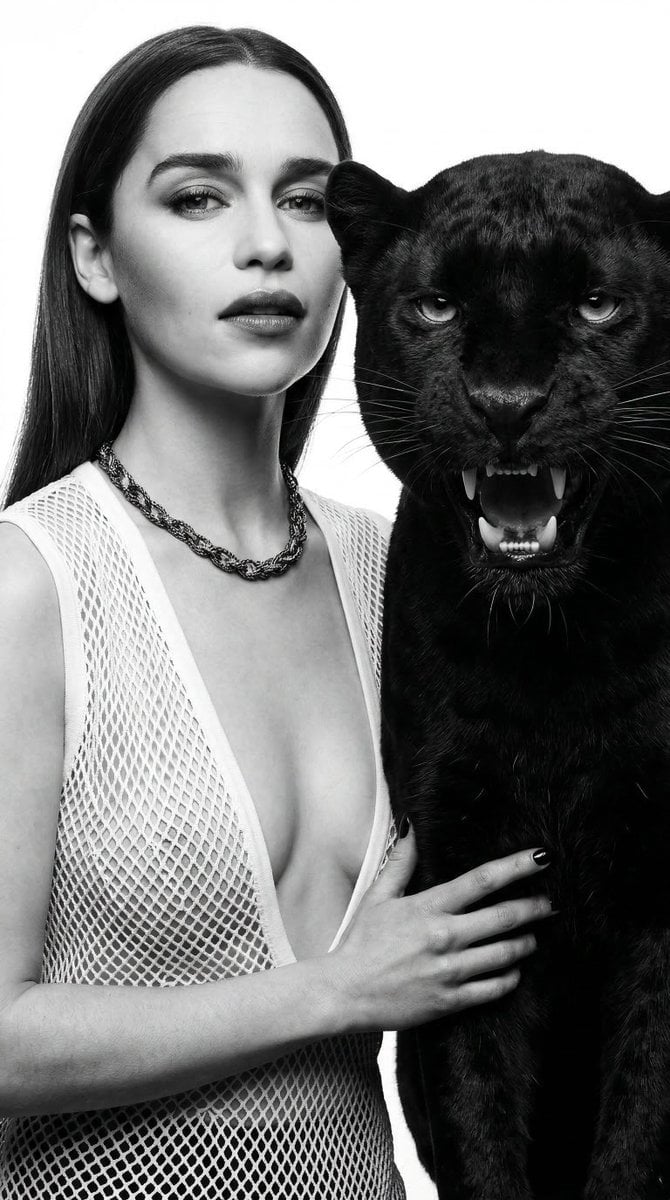
- Prompt included
- Model and format preset
- Free template
The prompt behind this image
Copy the exact prompt behind Black and White Panther and Woman Editorial Portrait, or open it in the studio and make it yours.
- Prompt
- Photorealistic high-fashion editorial portrait in strict black-and-white monochrome, high contrast, 8K resolution, ultra-detailed textures. Close-up composition: a majestic panther growling, expressive pose stands powerfully, next to it a young woman with long straight hair and flawless makeup stands close beside and gently touches the panther. She wears a white fishnet sleeveless deep V-neck shirt. Pure white minimalist background. Dramatic studio lighting with strong backlighting creating elegant rim light silhouettes on hair and fur, deep shadows, sharp focus, hyper-realistic fur and fabric detail. Vogue-style editorial photography, gothic chic aesthetic, surreal atmosphere, high-fashion mood, no color.
- Negative Prompt
- color, blurry, low resolution, deformed anatomy, extra limbs, mutated hands, poorly drawn face, bad proportions, watermark, text, logo, ugly, cartoon, anime, illustration, 3D render, plastic skin, overexposed, underexposed, child, elderly, additional people, aggressive dog expression, teeth baring, open mouth snarling, bright daylight, dull lighting, smiling too wide, cluttered background
- Parameters › Aspect Ratio
- 3:4
- Parameters › Style
- photorealistic high-contrast black and white editorial portrait
- Parameters › Quality
- ultra detailed, 8k, razor sharp, high dynamic range
- Parameters › Lighting
- dramatic studio lighting with strong backlighting and rim light on hair and fur, deep shadows
- Parameters › Camera Angle
- close-up, slightly low angle for majestic presence
- Parameters › Mood
- confident, gothic chic, surreal high-fashion elegance
Raw JSON
{
  "prompt": "Photorealistic high-fashion editorial portrait in strict black-and-white monochrome, high contrast, 8K resolution, ultra-detailed textures. Close-up composition: a majestic panther growling, expressive pose stands powerfully, next to it a young woman with long straight hair and flawless makeup stands close beside and gently touches the panther. She wears a white fishnet sleeveless deep V-neck shirt. Pure white minimalist background. Dramatic studio lighting with strong backlighting creating elegant rim light silhouettes on hair and fur, deep shadows, sharp focus, hyper-realistic fur and fabric detail. Vogue-style editorial photography, gothic chic aesthetic, surreal atmosphere, high-fashion mood, no color.",
  "negative_prompt": "color, blurry, low resolution, deformed anatomy, extra limbs, mutated hands, poorly drawn face, bad proportions, watermark, text, logo, ugly, cartoon, anime, illustration, 3D render, plastic skin, overexposed, underexposed, child, elderly, additional people, aggressive dog expression, teeth baring, open mouth snarling, bright daylight, dull lighting, smiling too wide, cluttered background",
  "parameters": {
    "aspect_ratio": "3:4",
    "style": "photorealistic high-contrast black and white editorial portrait",
    "quality": "ultra detailed, 8k, razor sharp, high dynamic range",
    "lighting": "dramatic studio lighting with strong backlighting and rim light on hair and fur, deep shadows",
    "camera_angle": "close-up, slightly low angle for majestic presence",
    "mood": "confident, gothic chic, surreal high-fashion elegance"
  }
}How to use Black and White Panther and Woman Editorial Portrait in 3 steps
- 1
Open
The prompt is already in the box next to the preview, with the template's model and format selected.
- 2…a portrait of your subject in softgolden-hour light, 85mm…
Personalize
Edit the subject and creative details for your destination.
- 3Generate
Generate
Press Generate — your image is created in PicX Studio, so you can compare it with the original and refine one variable at a time.
More like this
Templates with the same subject, style or setup. Open one to see its prompt.

untitled

Couture Fashion Editorial Woman and Drag

Gpt Image 2 Fashion Portrait

Caution Tape Fashion — Industrial Editorial
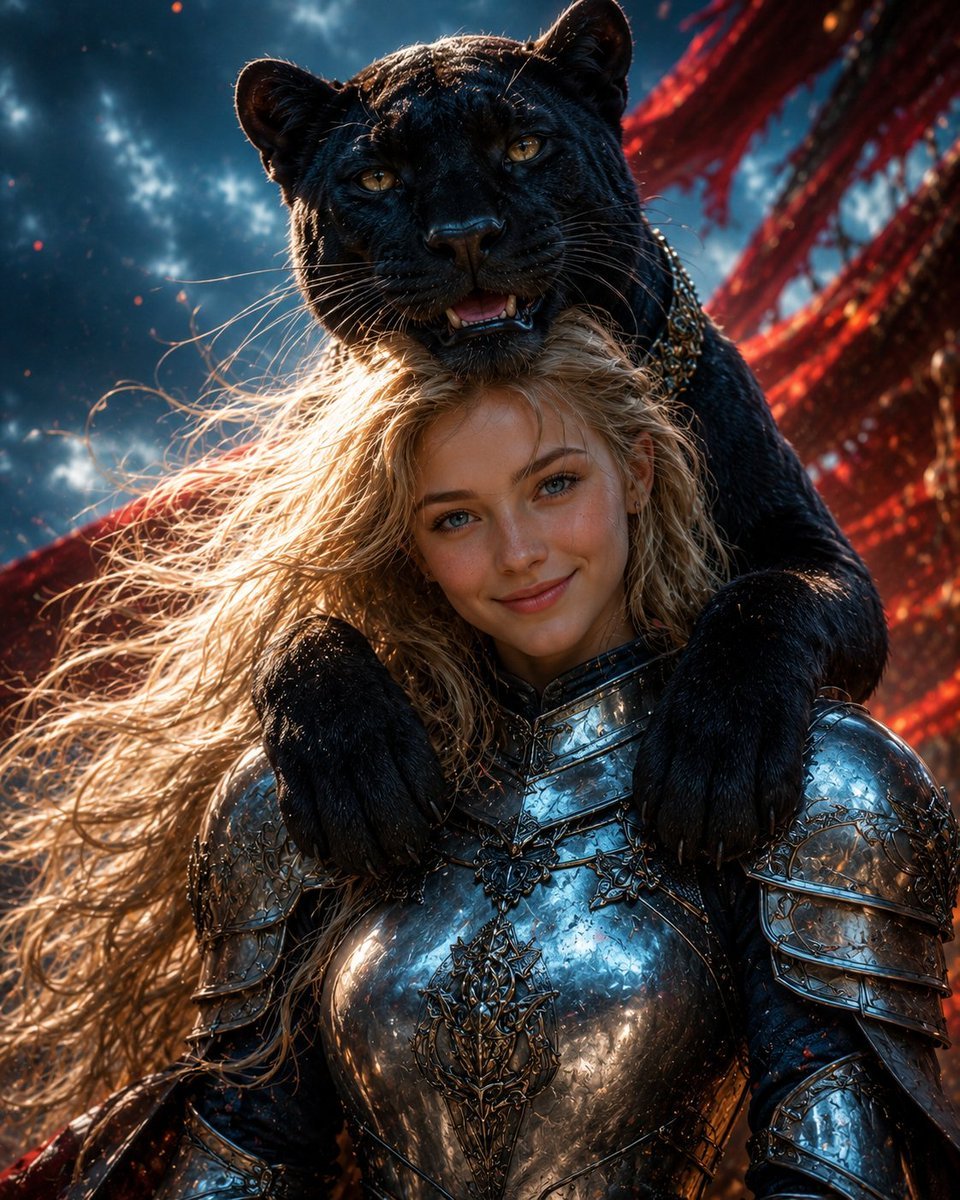
Black Panther and Female Knight Portrait
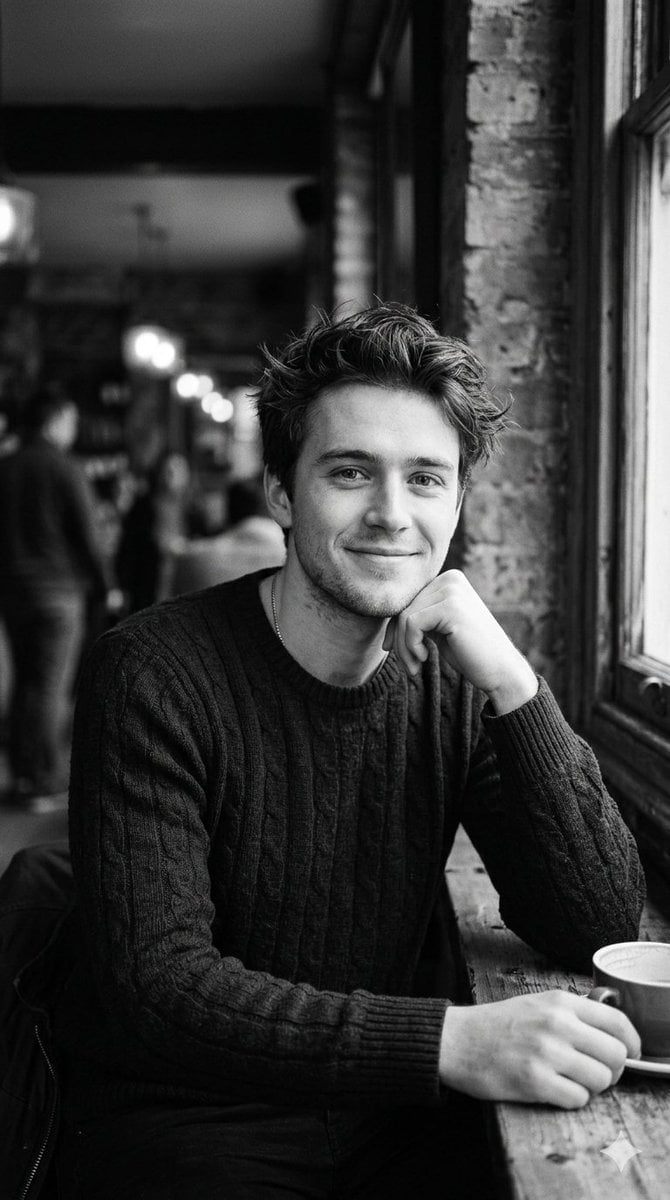
Black and White Cafe Portrait
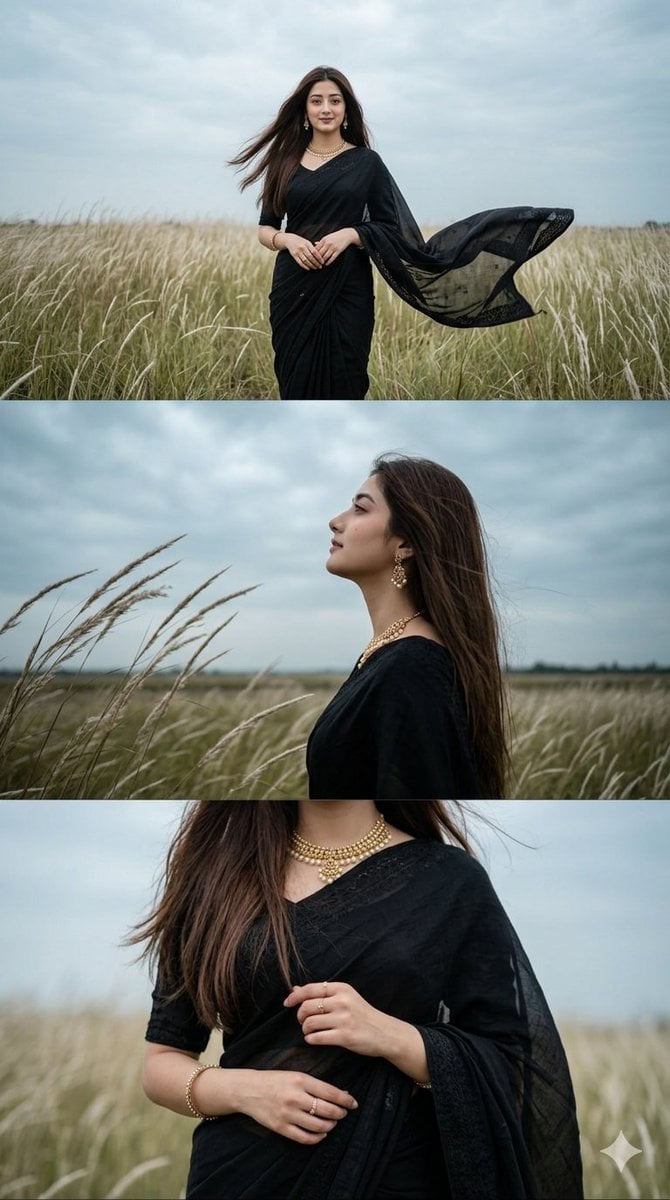
Black Saree Triptych Woman Portrait
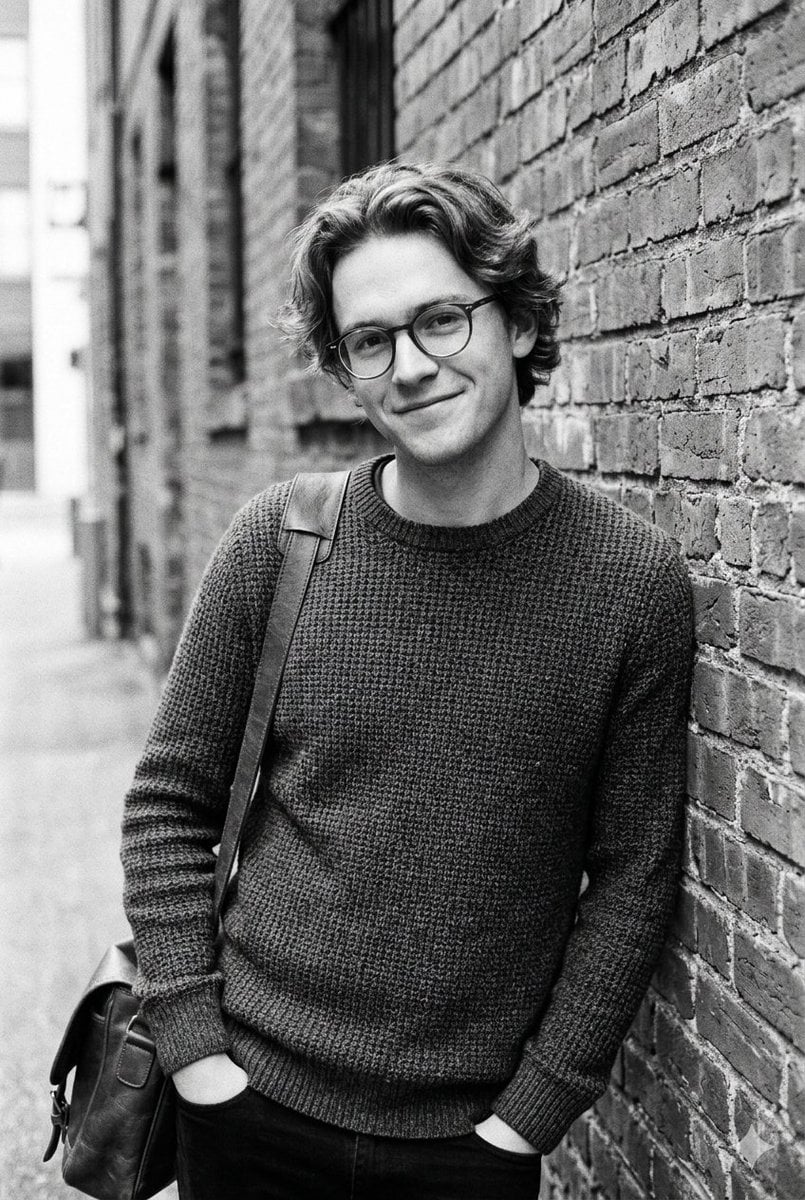
Black and White Urban Male Portrait
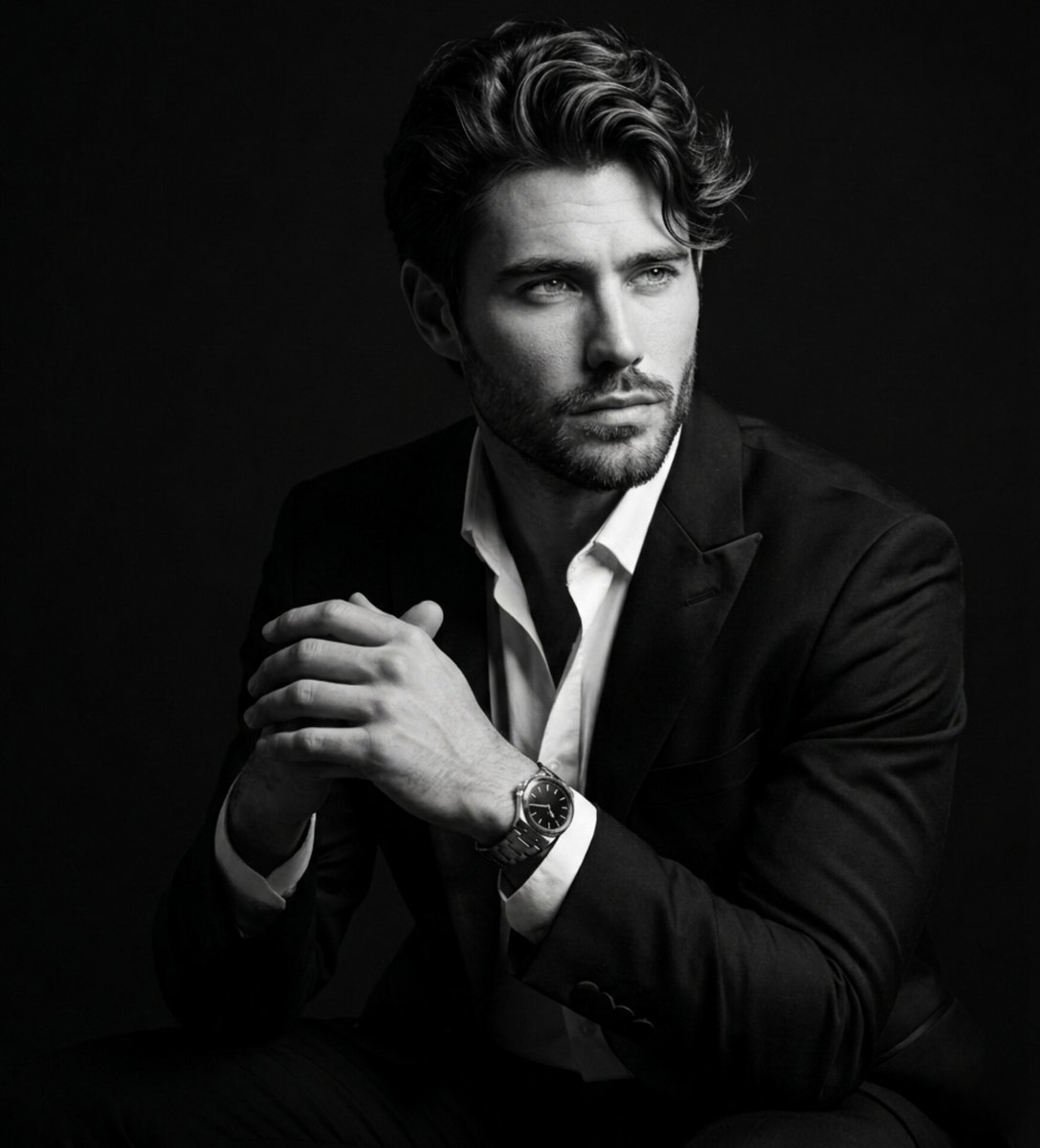
Fine Art Black and White Portrait
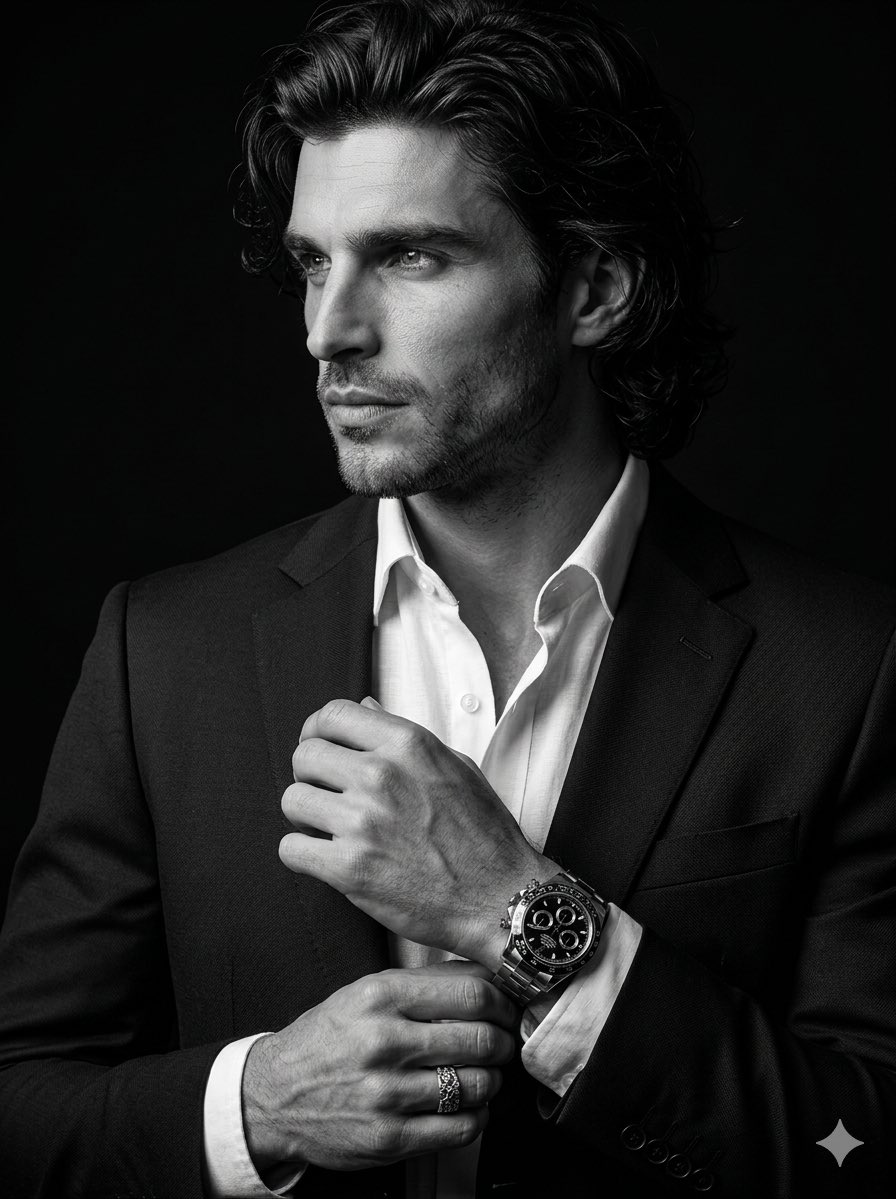
Cinematic Black-and-White Suit Portrait
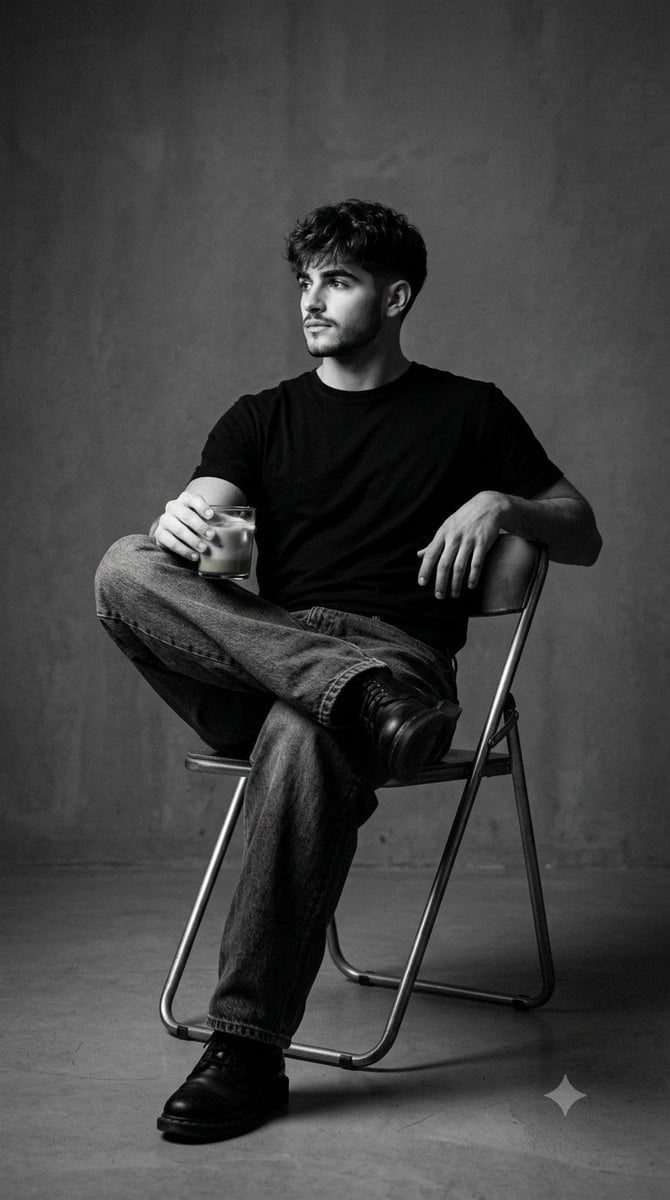
Black and White Studio Portrait
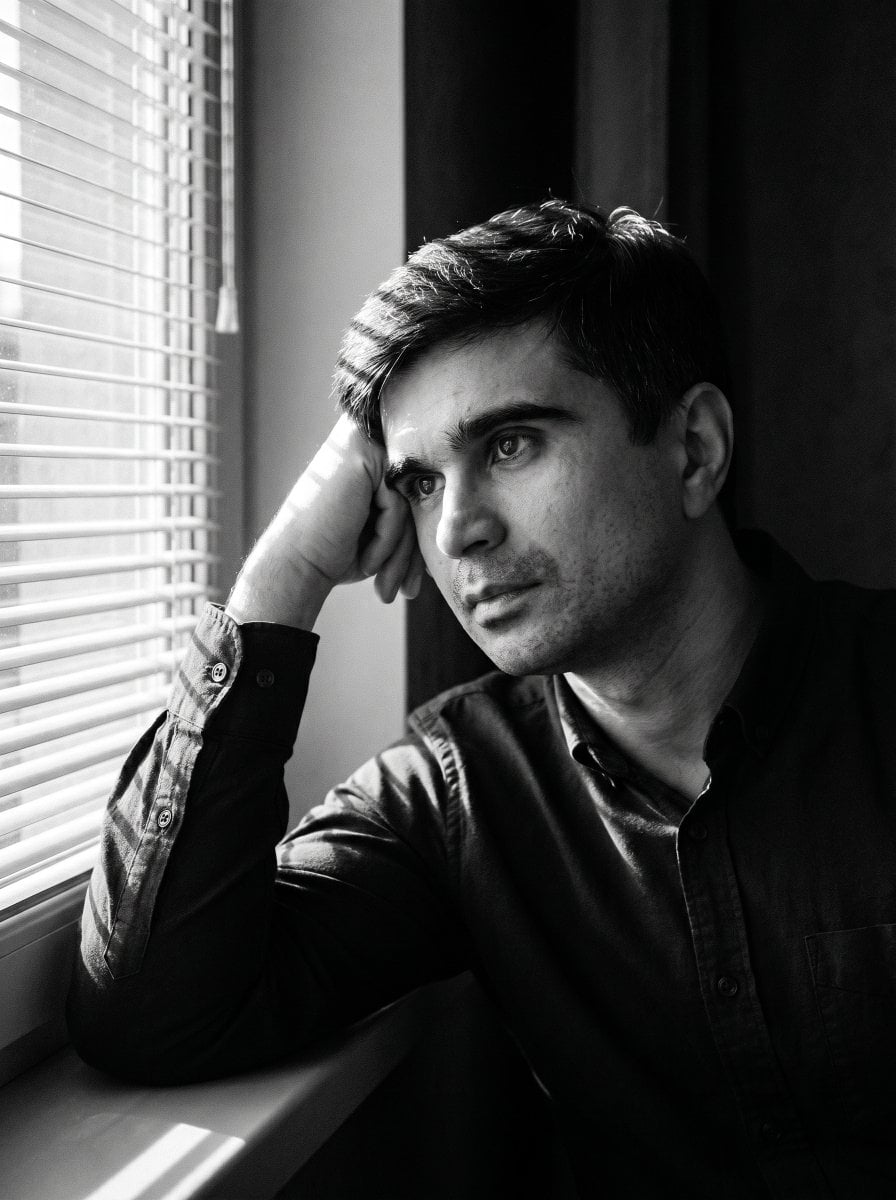
Moody Black and White Portrait
Make it yours
Black and White Panther and Woman Editorial Portrait works as-is. These are the safest ways to change it without losing the look.
Swap the light
One lighting change is enough to compare takes. Current light: “dramatic studio lighting with strong backlighting and rim light on hair and fur,”.
Change one field
Copy a single group, rewrite it, and generate again so you can see what that field is doing.
Keep the frame, change the subject
Hold the composition and light of Black and White Panther and Woman Editorial Portrait, then swap wardrobe, props or the person for a new take.
| If the result… | Why | Fix |
|---|---|---|
| The result drifts from the preview | Too many fields changed at once. | Reuse Black and White Panther and Woman Editorial Portrait as-is first, then change one group — subject, light, or setting. |
| Nano Banana 2 ignores part of the JSON | Some models flatten or skip nested keys. | Keep the same values and paste them as a short paragraph instead. |
More Nano Banana 2 templates
Other prompts made for Nano Banana 2.

Photorealistic Leaf Shaped Like a Dragon

K-Pop Idol Portrait Grid for Rapid Selection

Poetic Rain Forest Portrait During Golden Hour

Urban Street Portrait with Cartoon Inner Self Duo

Candid Nighttime Photo with Cat Prompt

High-Concept 3D Diorama Generation Prompt

Cinematic Futuristic Studio Portrait Template

Skincare Editorial Photography Collage Prompt

Hyper-Realistic Commercial Product Photography (Splash Effect)

Hyper-Realistic Nightclub Portrait Prompt
More image prompts
Fresh picks from across the catalog.
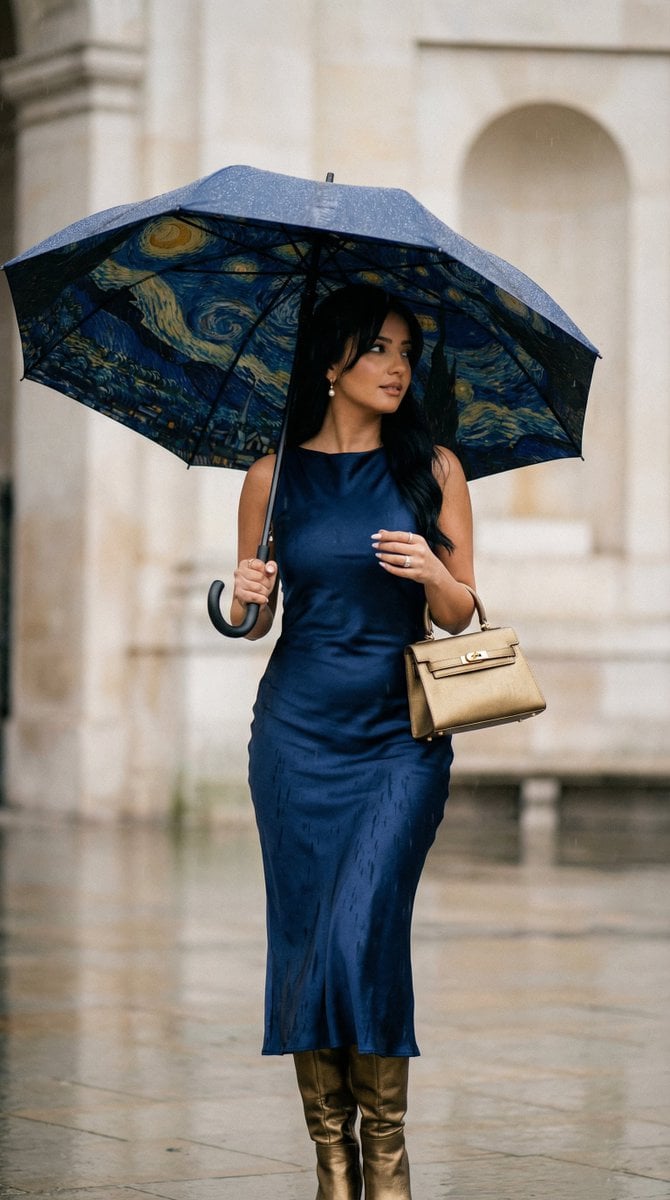
Cinematic Rain Fashion Transformation (Image-to-Image)
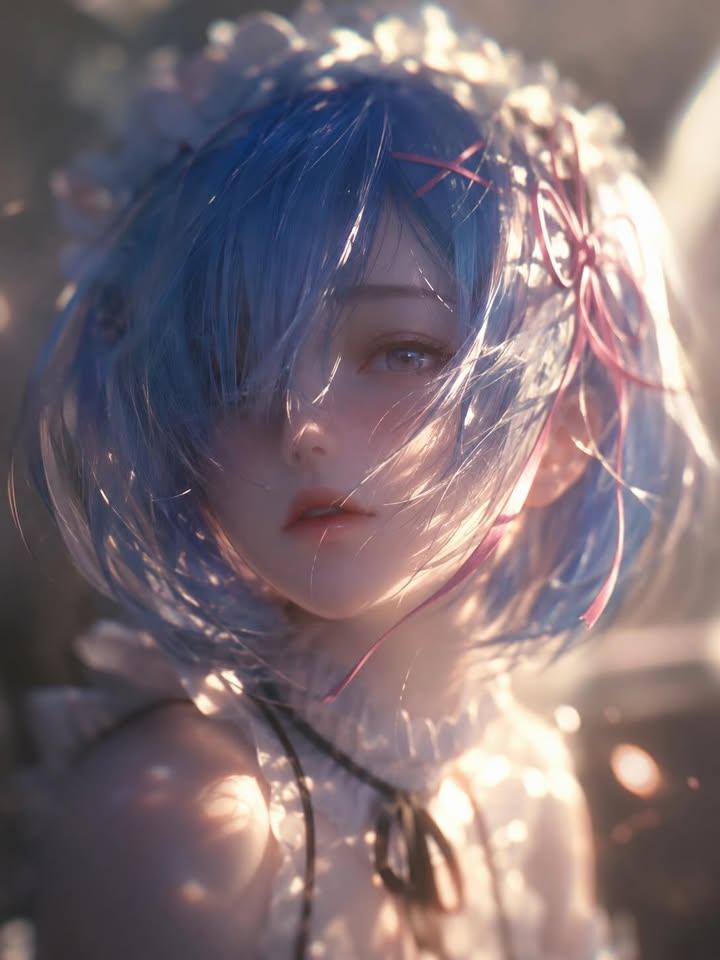
Ethereal Anime Character Portrait
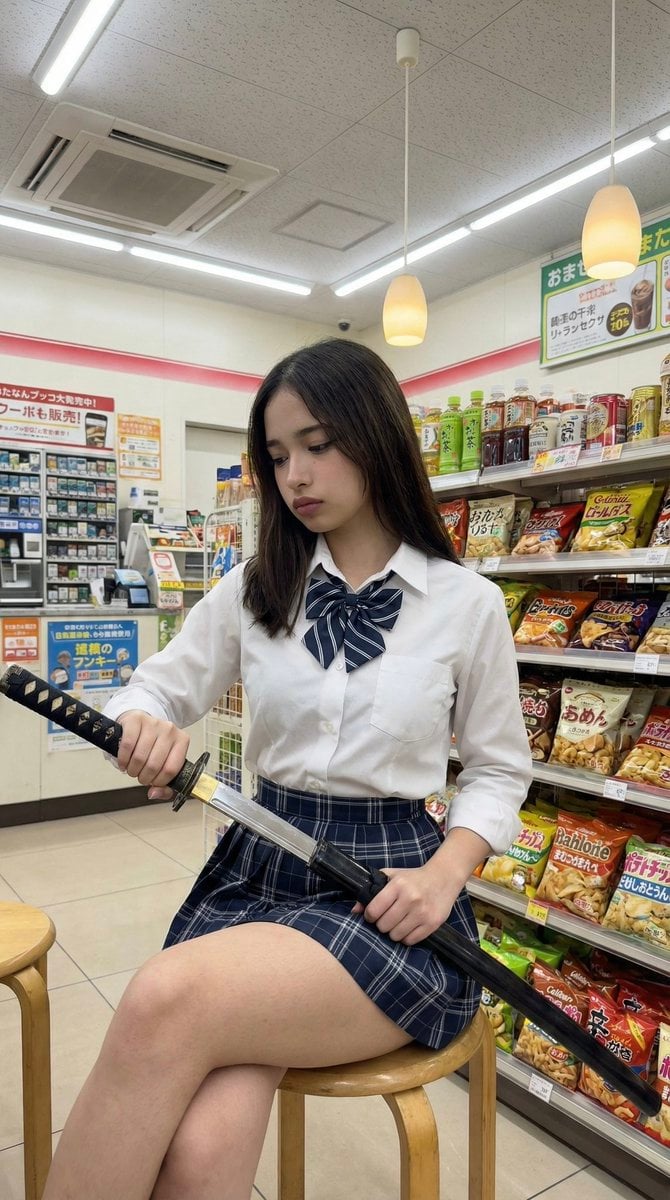
Japanese Konbini Portrait with Katana
Glossy Pink Betta Fish Transformation
Dreamy Fine-Art Portrait with Double Exposure Effect
Dual Luxury Perfume Product Photography Prompts
Cinematic Urban Portrait of a Young Woman in Shanghai
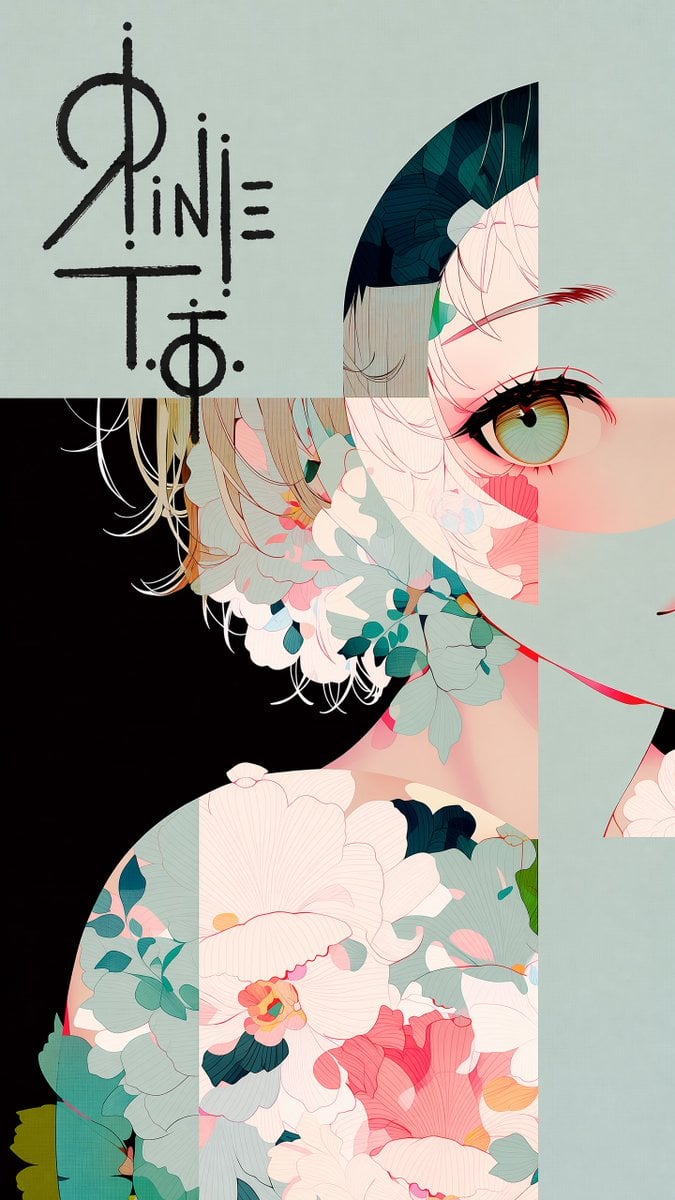
Logo Integration and Marker Overlay
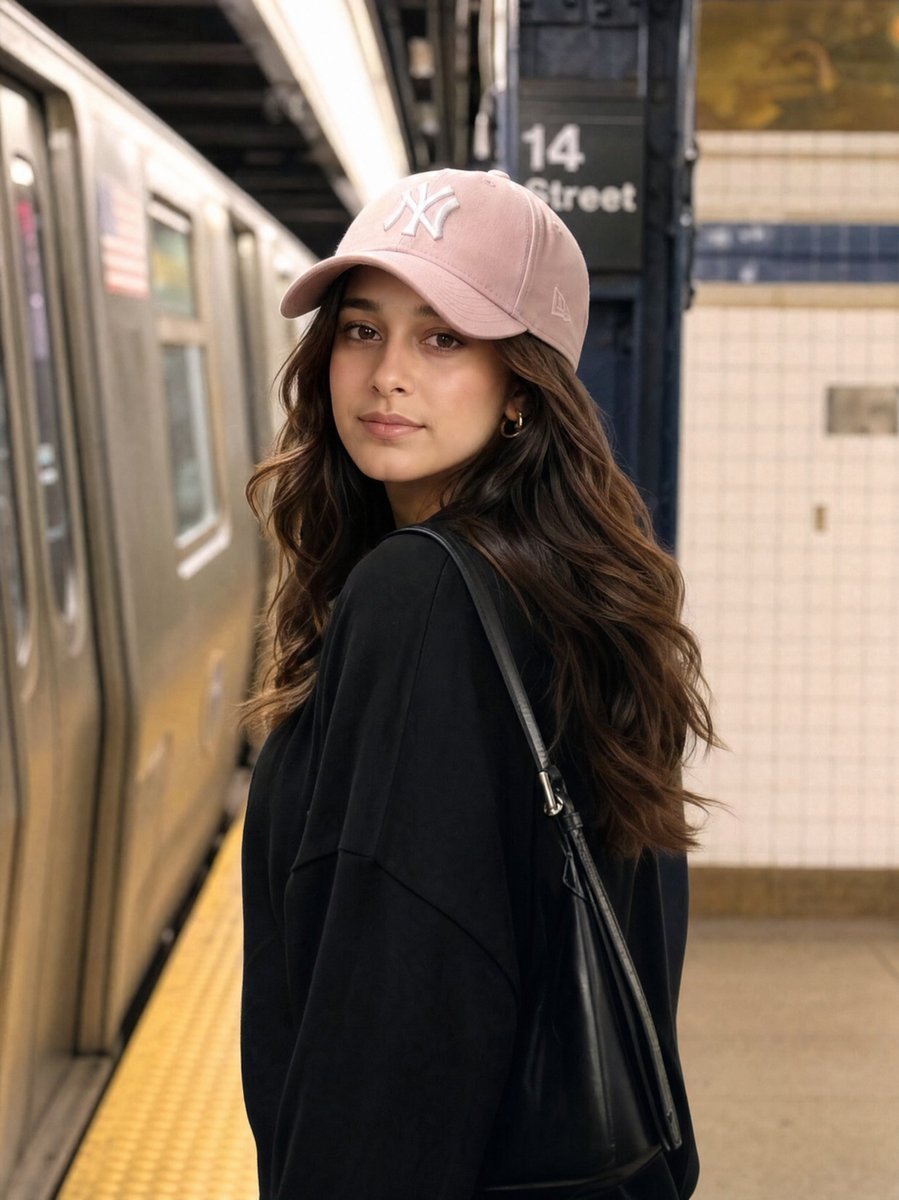
Identity Preservation Subway Portrait
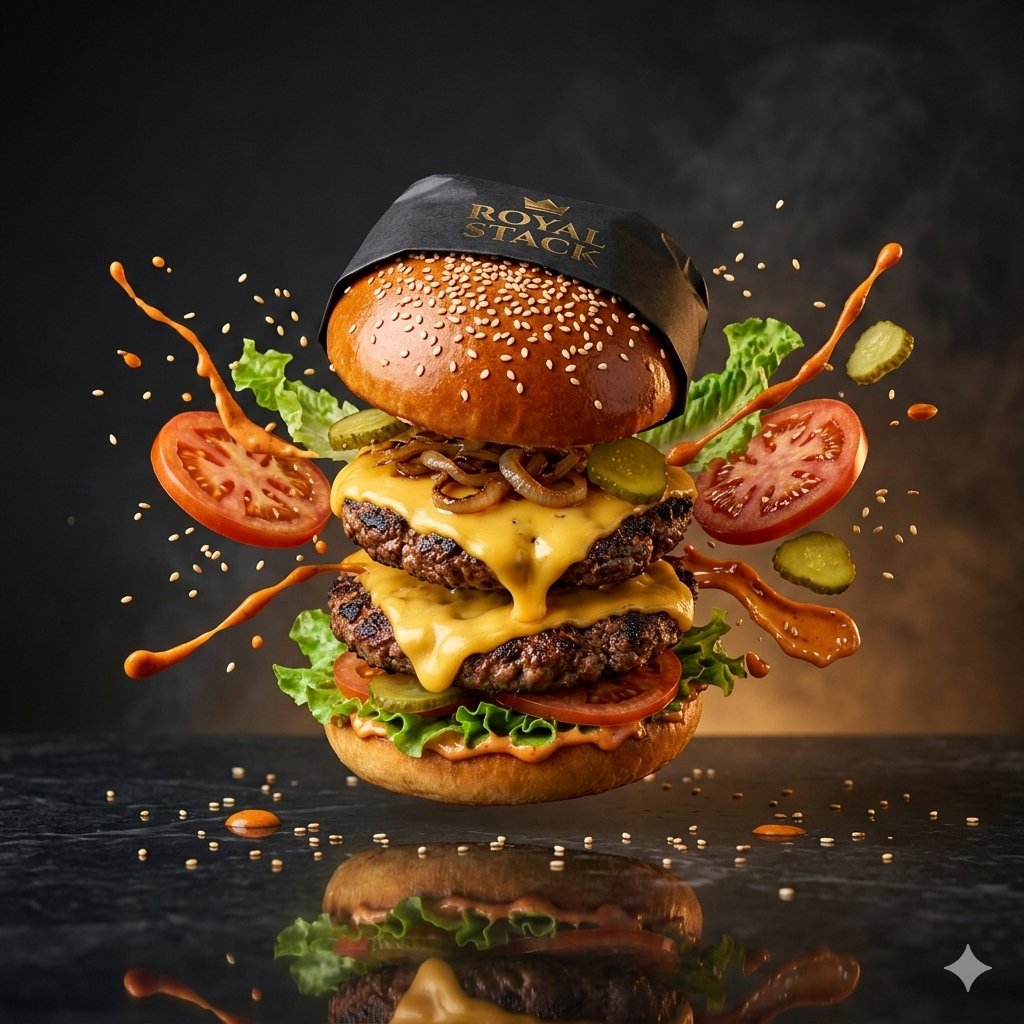
High-Speed Commercial Luxury Burger Photography
Browse template categories
Black and White Panther and Woman Editorial Portrait questions
How do I use the Black and White Panther and Woman Editorial Portrait template?
Add your photo if the template asks for one, edit the prompt if you like — the template's model and format are already selected — and press Generate. Your version opens in PicX Studio.
Can I customize the Black and White Panther and Woman Editorial Portrait template?
Yes. You can change the subject, setting, lighting, mood, format, and available model controls before creating your image.
Is the Black and White Panther and Woman Editorial Portrait template free?
Opening and editing this template is free. Generating uses credits, shown on the Generate button when you are signed in.
Which AI model should I use?
Start with Nano Banana 2, which is the model associated with this template. You can compare another compatible model for a different finish.
Looking for something else? Browse all templates.

Your photo, any look
Thousands of ready templates for every top image and video model, from one credit balance.