How do I use the Cinematic Black-and-White Suit Portrait template?
Choose the primary action to open PicX Studio with the available template settings. Review the model and format, personalize the creative direction, and generate when ready.
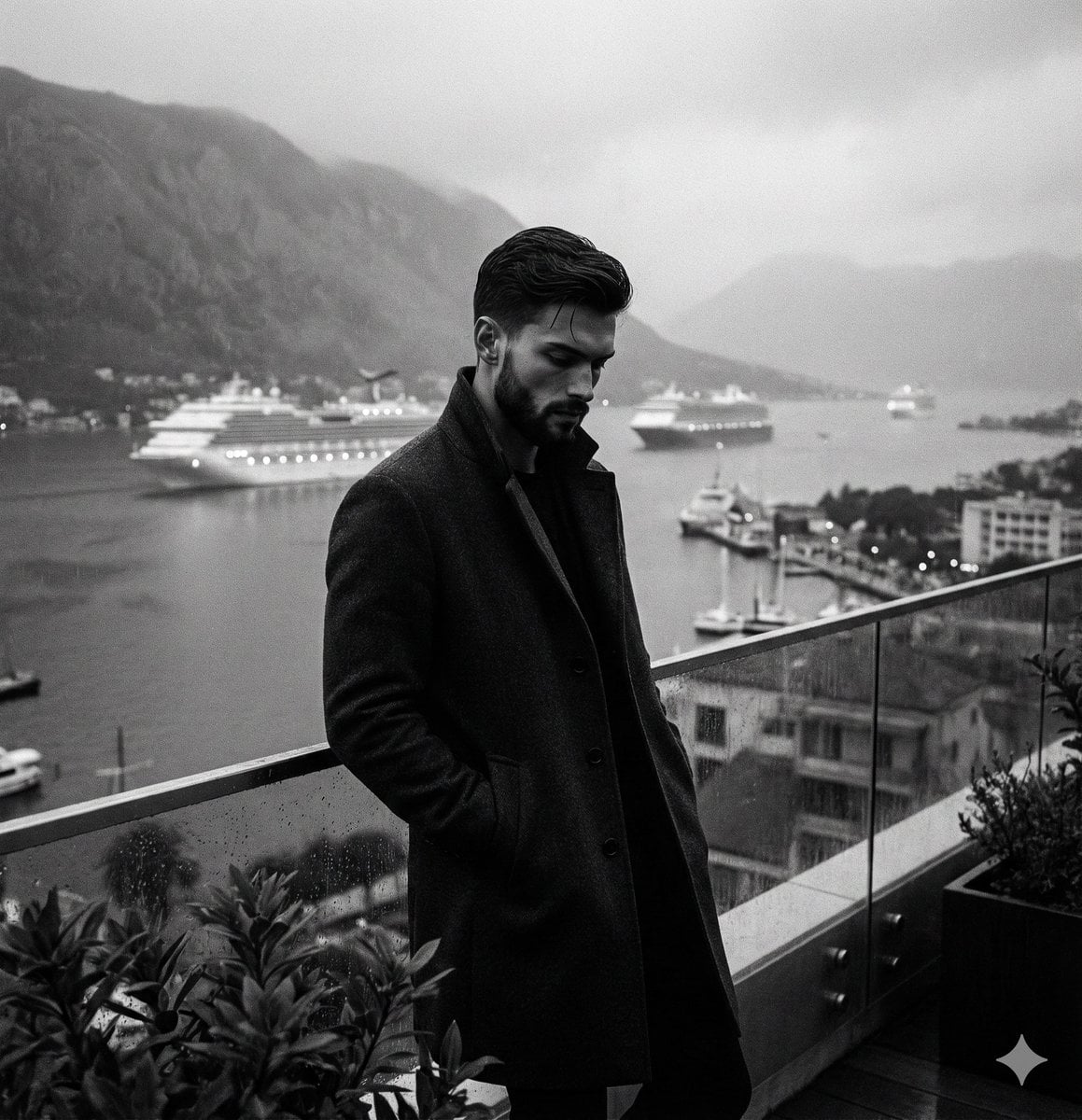
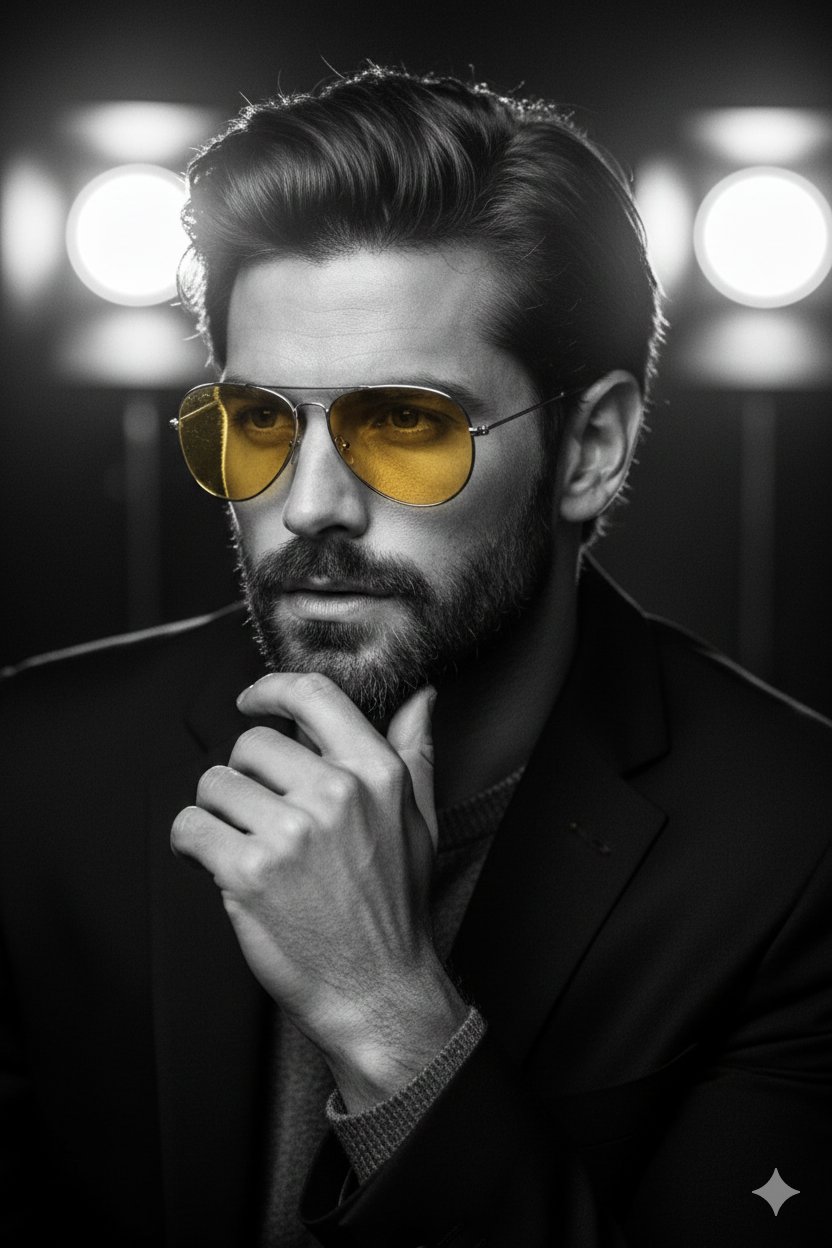
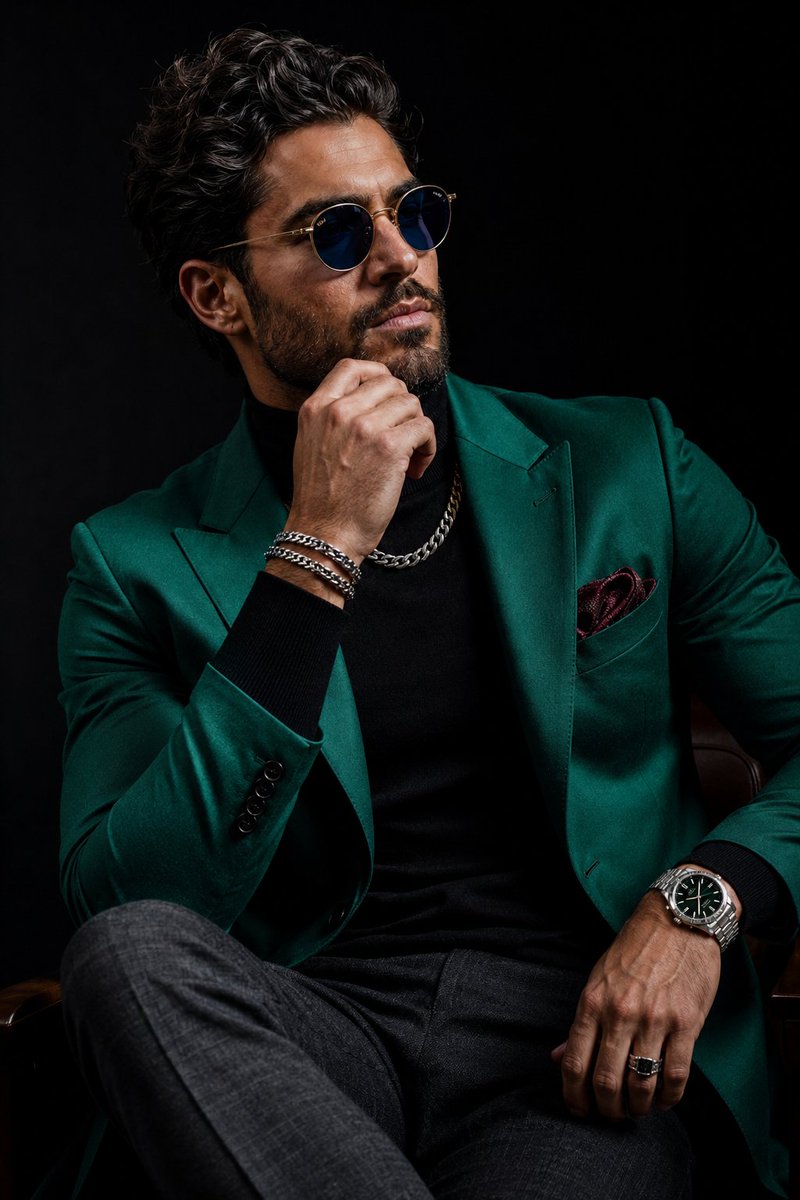
A high-end 8K black-and-white portrait of a man in a tailored suit, highlighting luxury details like a silver chronograph watch.
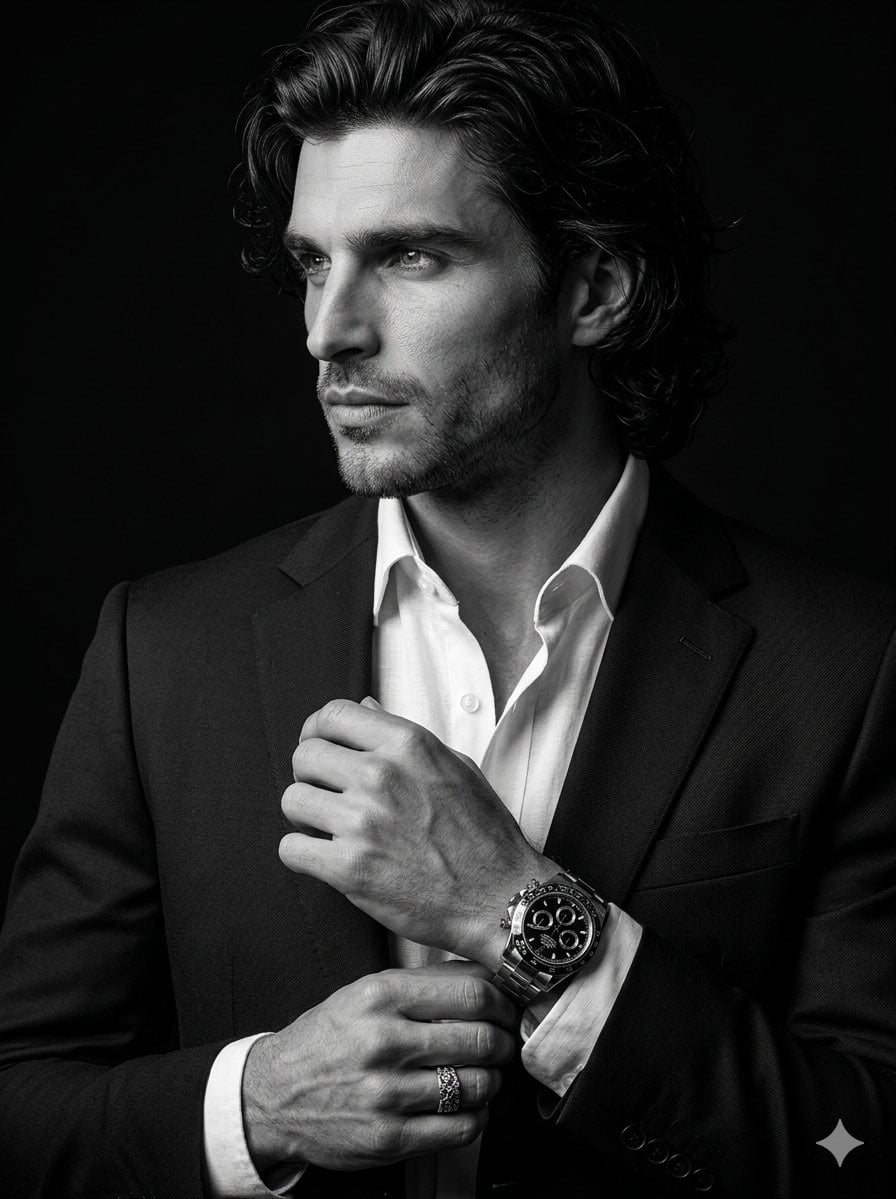
A high-end 8K cinematic black-and-white portrait of a {argument name="subject" default="man in a sharp, professional suit"}, looking away from the camera with a focused, stoic expression. He is standing in a three-quarter profile against a solid, deep black background. The man has styled, dark wavy hair and a clean-shaven face with refined, natural skin textures. He is wearing a {argument name="outfit" default="dark, tailored blazer over a crisp white dress shirt with an open collar"}. His hands are positioned at chest level: his left hand is adjusted by his right hand, prominently displaying a large, detailed {argument name="accessory" default="luxury silver chronograph watch with a black face"}. The lighting is dramatic and directional, creating high-contrast highlights on the side of his face, the fabric of his lapel, and the metallic shine of the watch and ring. Hyper-realistic details capture the individual hairs, the weave of the suit fabric, and a sharp, lifelike glint in his eyes.
Choose the primary action to open PicX Studio with the available template settings. Review the model and format, personalize the creative direction, and generate when ready.
Yes. You can change the subject, setting, lighting, mood, format, and available model controls before creating your image.
This template is free to open and customize. Generation usage is shown in PicX Studio before you create.
Start with Nano Banana 2, which is the model associated with this template. You can compare another compatible model for a different finish.
Follow a topic to a crawlable collection of related PicX Studio templates.