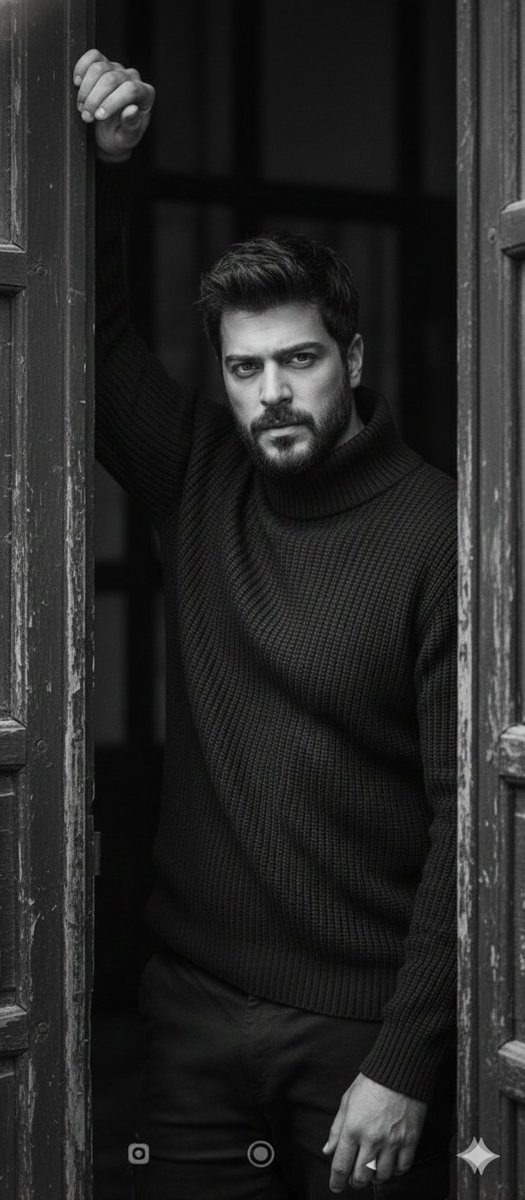
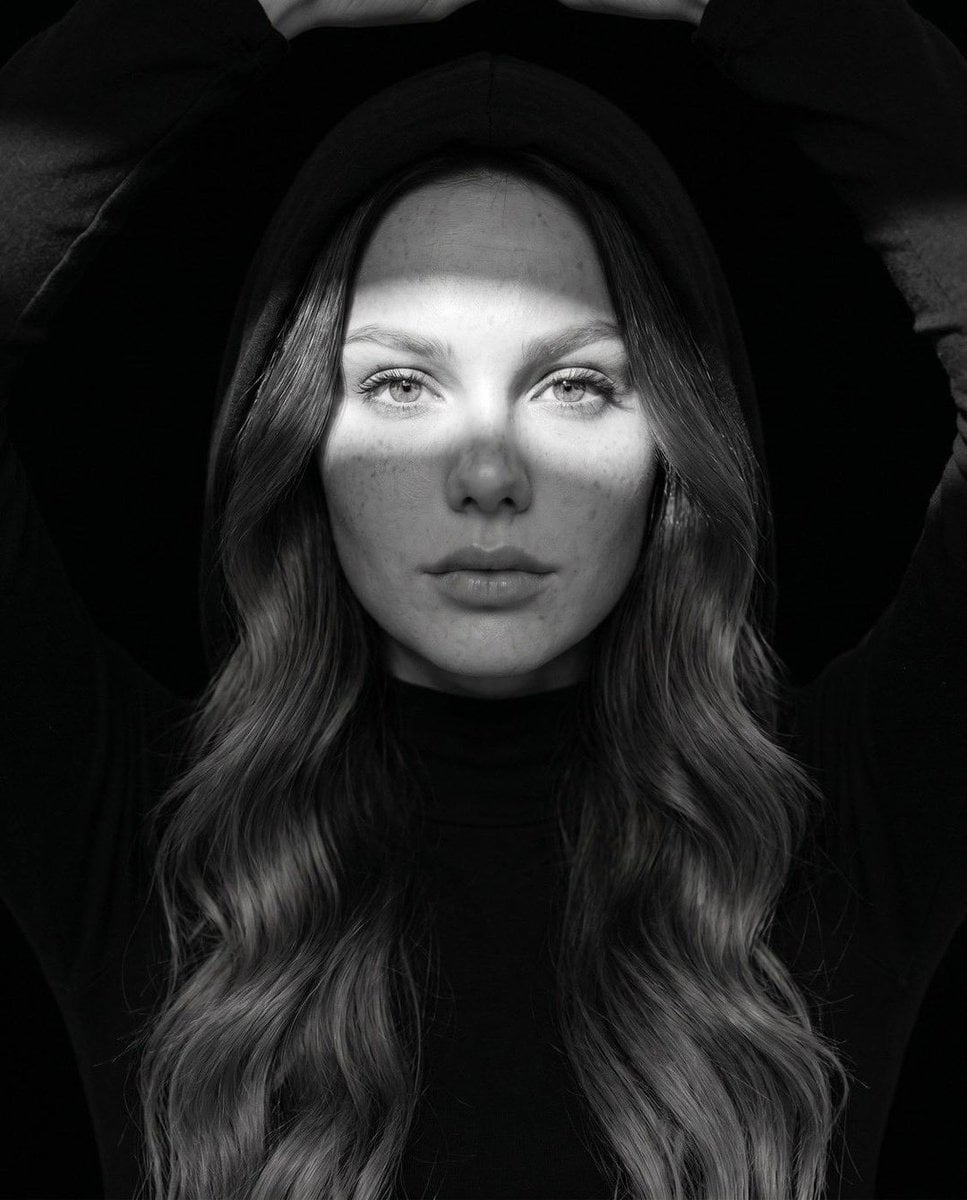
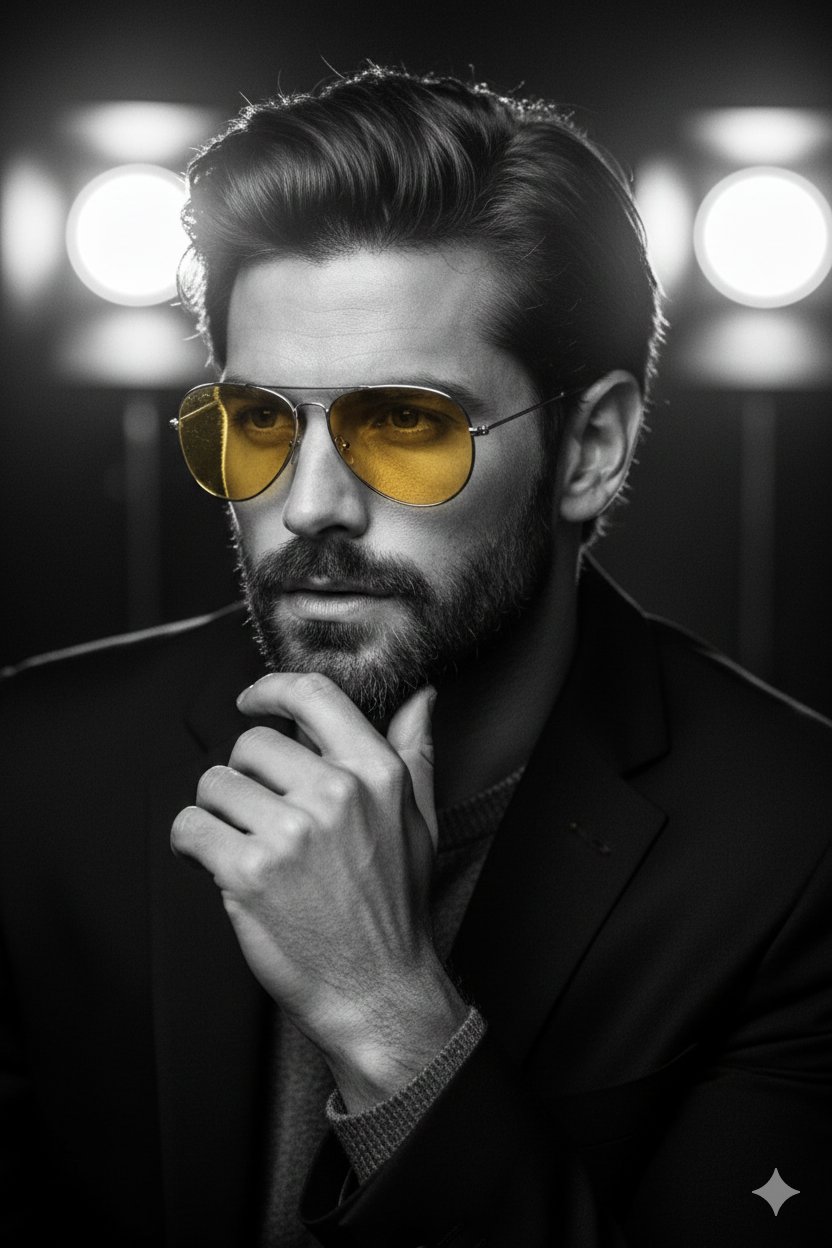
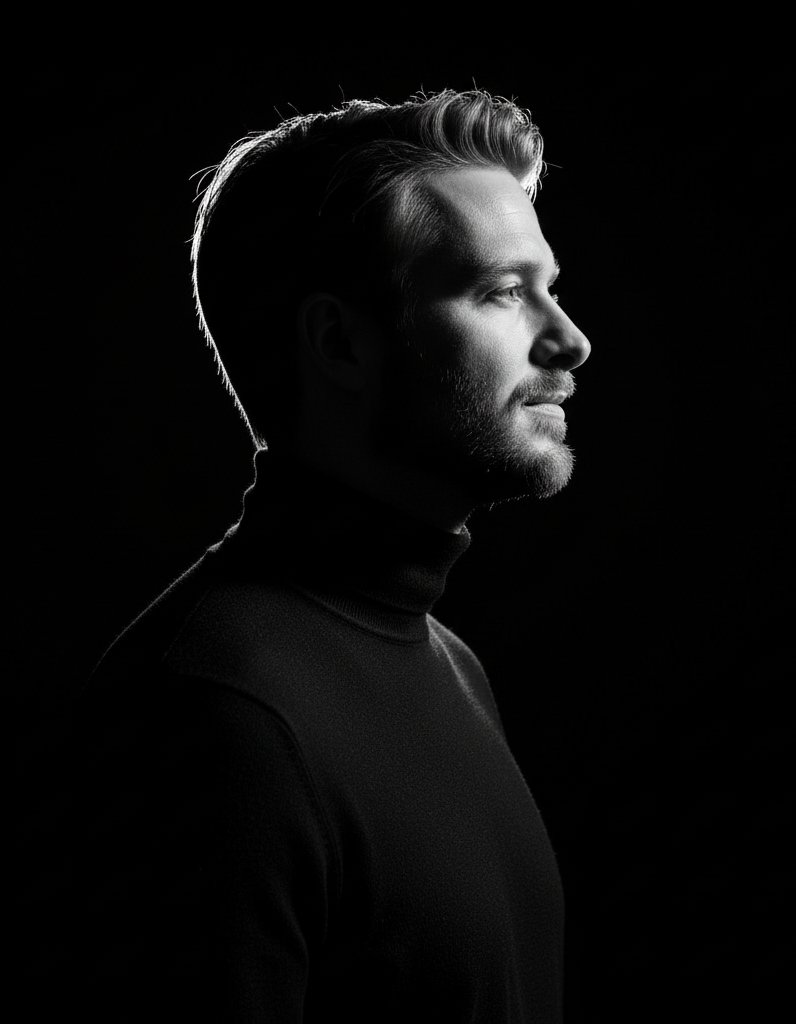
How do I use the Fine Art Black and White Portrait template?
Choose the primary action to open PicX Studio with the available template settings. Review the model and format, personalize the creative direction, and generate when ready.
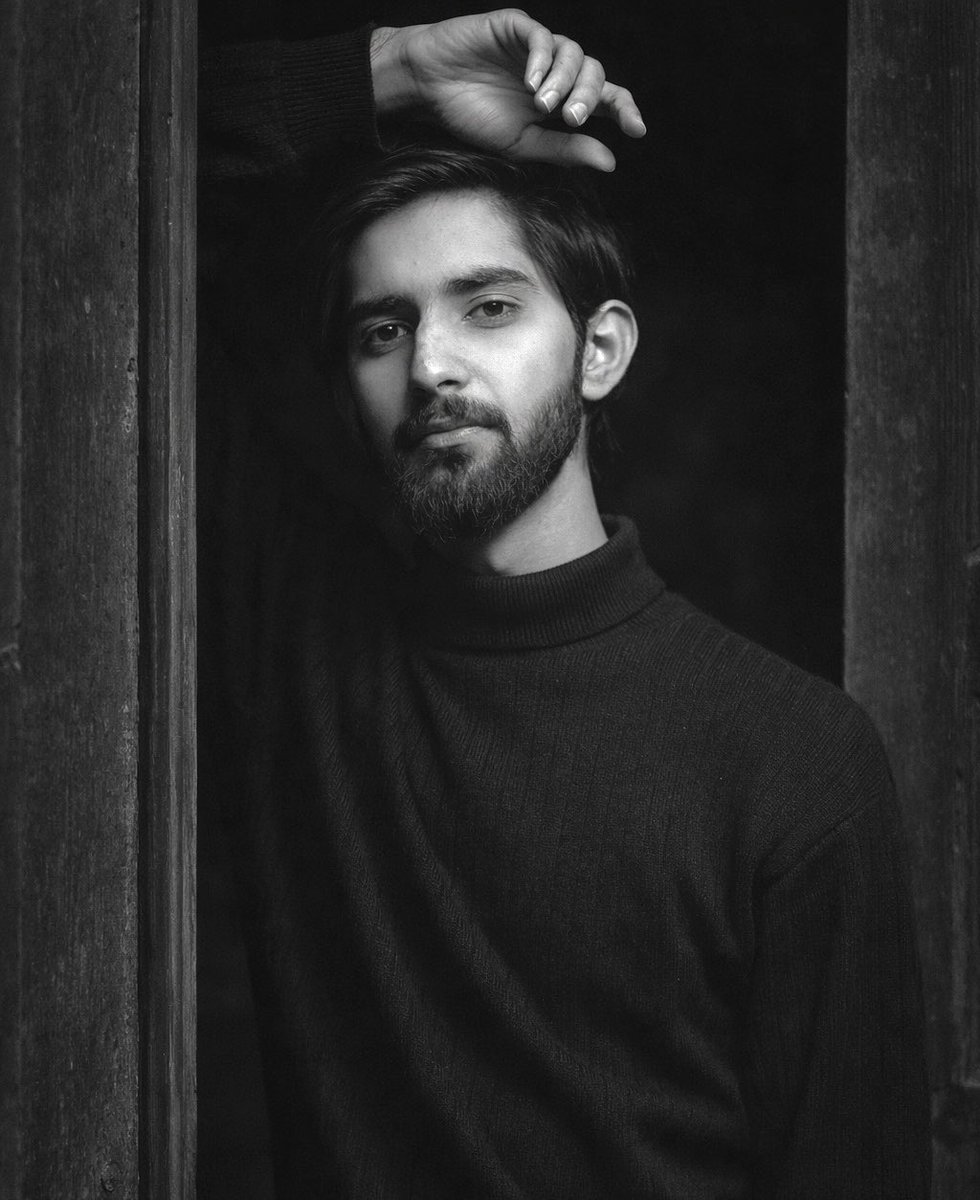
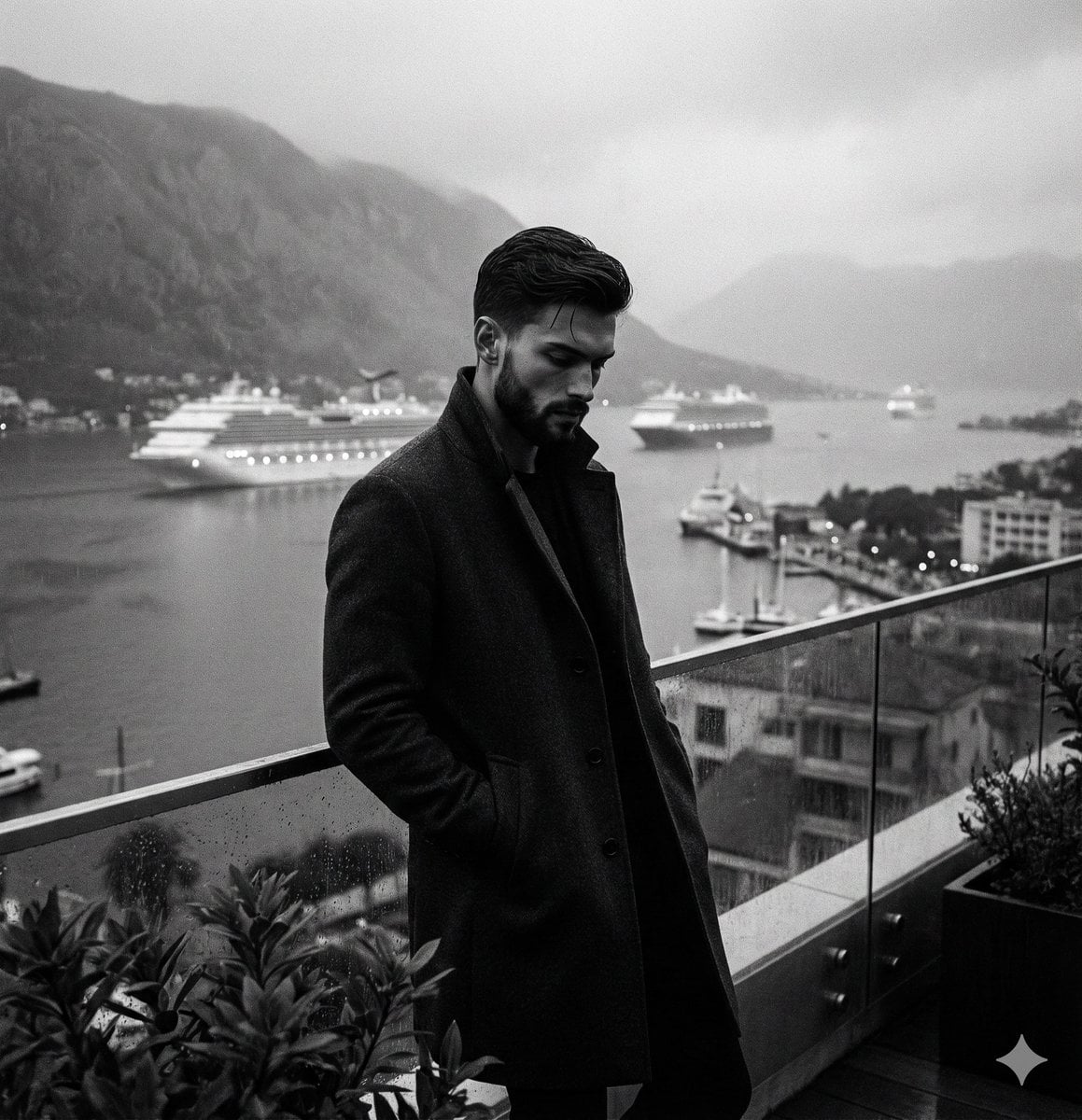
A professional studio fine art portrait of a South Asian man in a tuxedo.
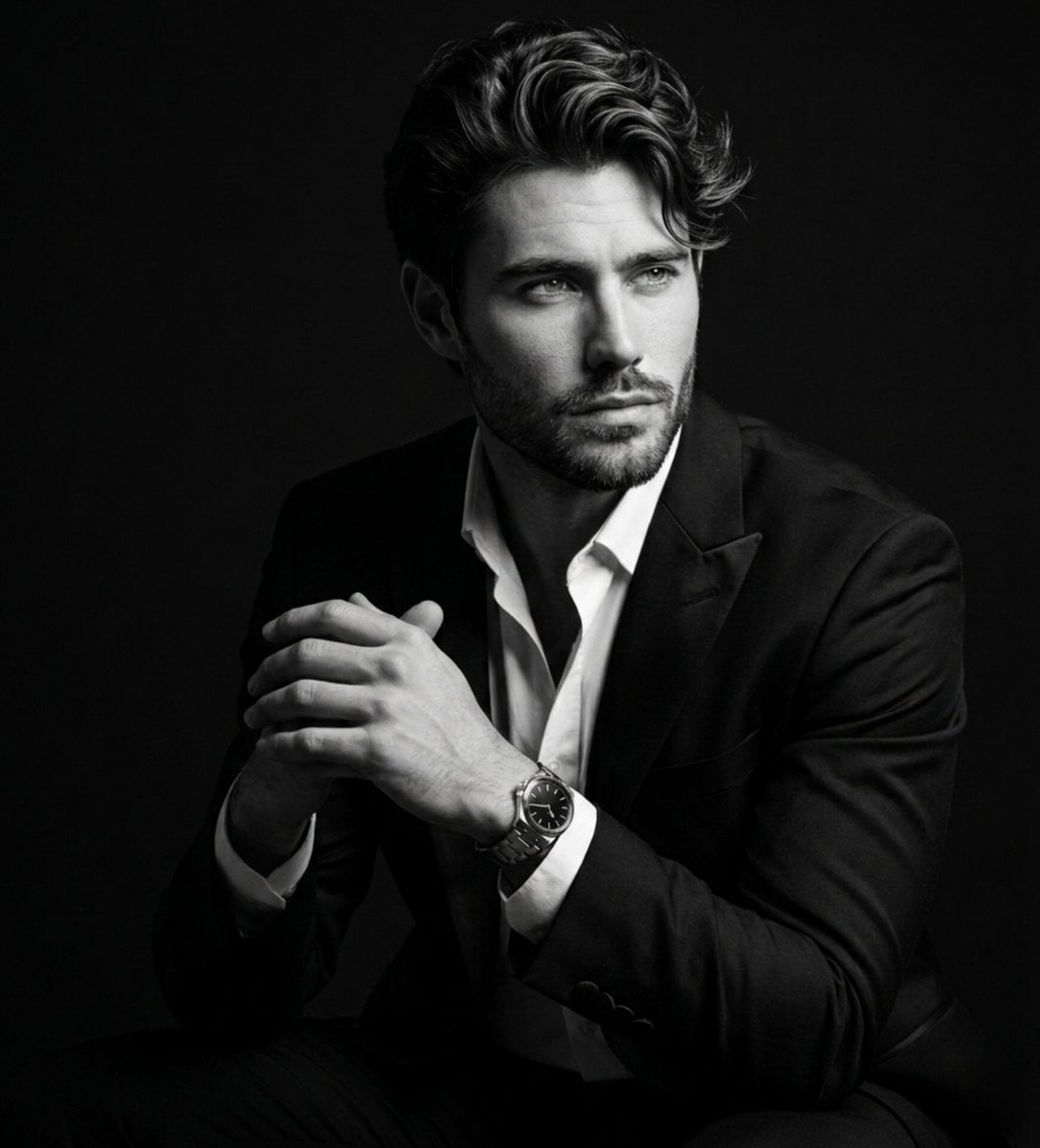
Ultra-realistic black-and-white fine art studio portrait of a handsome young {argument name="ethnicity" default="South Asian"} man, medium-length thick black hair swept across the forehead with soft volume and natural texture, well-groomed short beard and mustache, defined jawline, smooth skin, expressive eyes gazing thoughtfully to the side, elegant and confident demeanor. Wearing a {argument name="outfit" default="tailored black tuxedo jacket"} over a slightly unbuttoned crisp white dress shirt with an open collar, luxury wristwatch visible on the wrist, subtle ring on finger. Subject seated in a relaxed editorial pose with fingers gently interlocked, body angled three-quarters toward the camera while face looks away toward the light source. Deep emotional, contemplative, sophisticated expression. Professional studio photography, seamless pure black background, dramatic low-key lighting, single large softbox positioned 45 degrees from camera left creating cinematic Rembrandt lighting, rich shadows, smooth falloff, subtle catchlights in eyes, strong contrast, sculpted facial features, detailed hair texture, luxurious monochrome tonal range. Fine art portrait photography, Leica SL3, 85mm f/1.4 portrait lens, shallow depth of field, razor-sharp focus on eyes and face, creamy background separation, ultra-high dynamic range, impeccable skin detail, premium fashion magazine aesthetic, timeless elegance, black and white masterpiece, museum-quality portrait, Vogue editorial style, cinematic mood, soft highlight rolloff, realistic textures, ultra-detailed, photorealistic, 8K resolution.
Choose the primary action to open PicX Studio with the available template settings. Review the model and format, personalize the creative direction, and generate when ready.
Yes. You can change the subject, setting, lighting, mood, format, and available model controls before creating your image.
This template is free to open and customize. Generation usage is shown in PicX Studio before you create.
Start with Nano Banana 2, which is the model associated with this template. You can compare another compatible model for a different finish.
Follow a topic to a crawlable collection of related PicX Studio templates.