
Photorealistic Portrait in a European Street with Bougainvillea
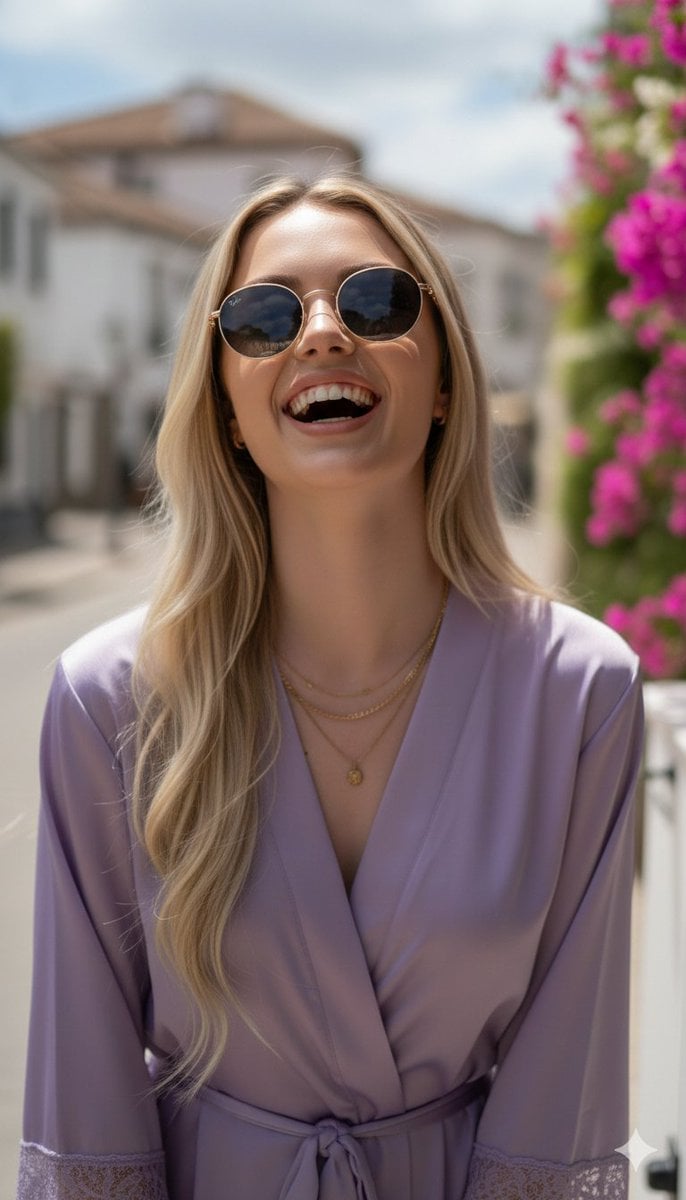
A highly detailed, photorealistic prompt for generating an image of a young woman laughing in a flowing lavender silk robe on a charming European cobblestone street, emphasizing technical specifications like 8k…
- Prompt included
- Model and format preset
- Free template
The prompt behind this image
Copy the exact prompt behind Photorealistic Portrait in a European Street with Bougainvillea, or open it in the studio and make it yours.
- Subject › Description
- Young woman with fair skin and long, straight blonde hair
- Subject › Features
- Elegant facial structure, wearing round dark-lensed sunglasses with gold frames
- Subject › Expression
- Laughing naturally, head tilted slightly back
- Subject › Pose
- Medium-shot, both hands down at her sides
- Attire › Garment
- Flowing lavender silk robe
- Attire › Details
- Delicate lace trim on the cuffs and hem, cinched at the waist with a matching silk belt
- Attire › Accessories
- Layered thin gold necklaces with a small coin pendant, gold bracelet
- Environment › Location
- Charming European cobblestone street
- Environment › Architecture
- White multi-story buildings with dark roofs
- Environment › Foliage
- Vibrant pink, magenta, and purple bougainvillea flowers framing the scene
- Environment › Elements
- White utility box with hand-written sign 'FLOWERS & LIGHT', fallen petals on the ground
- Technical Specs › Lighting
- Bright natural sunlight, soft shadows, warm golden hour glow
- Technical Specs › Camera
- Eye-level photograph, shallow depth of field, blurred background (bokeh)
- Technical Specs › Style
- Photorealistic, 8k, sharp focus on subject, ethereal beauty, romanticism
- Technical Specs › Color Palette
- Dominant lavender, vibrant pinks, neutral whites, and sky blue
Raw JSON
{
  "subject": {
    "description": "Young woman with fair skin and long, straight blonde hair",
    "features": "Elegant facial structure, wearing round dark-lensed sunglasses with gold frames",
    "expression": "Laughing naturally, head tilted slightly back",
    "pose": "Medium-shot, both hands down at her sides"
  },
  "attire": {
    "garment": "Flowing lavender silk robe",
    "details": "Delicate lace trim on the cuffs and hem, cinched at the waist with a matching silk belt",
    "accessories": "Layered thin gold necklaces with a small coin pendant, gold bracelet"
  },
  "environment": {
    "location": "Charming European cobblestone street",
    "architecture": "White multi-story buildings with dark roofs",
    "foliage": "Vibrant pink, magenta, and purple bougainvillea flowers framing the scene",
    "elements": "White utility box with hand-written sign 'FLOWERS & LIGHT', fallen petals on the ground"
  },
  "technical_specs": {
    "lighting": "Bright natural sunlight, soft shadows, warm golden hour glow",
    "camera": "Eye-level photograph, shallow depth of field, blurred background (bokeh)",
    "style": "Photorealistic, 8k, sharp focus on subject, ethereal beauty, romanticism",
    "color_palette": "Dominant lavender, vibrant pinks, neutral whites, and sky blue"
  }
}How to use Photorealistic Portrait in a European Street with Bougainvillea in 3 steps
- 1
Open
The prompt is already in the box next to the preview, with the template's model and format selected.
- 2…a portrait of your subject in softgolden-hour light, 85mm…
Personalize
Edit the subject and creative details for your destination.
- 3Generate
Generate
Press Generate — your image is created in PicX Studio, so you can compare it with the original and refine one variable at a time.
More like this
Templates with the same subject, style or setup. Open one to see its prompt.
Elegant European Street Portrait
European Luxury Street Style Portrait

Male Fashion Portrait in European Street
European Street-Style Portrait
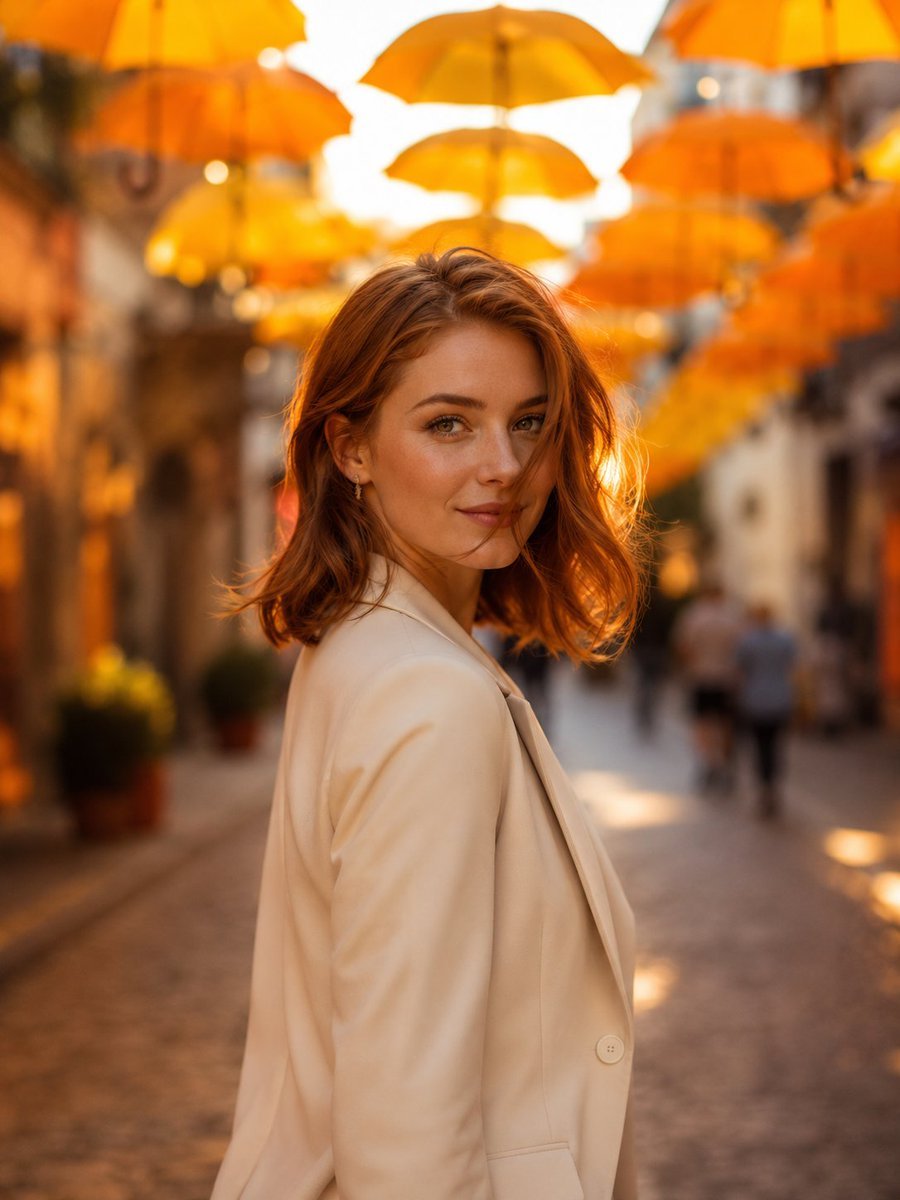
European Umbrella Street Portrait
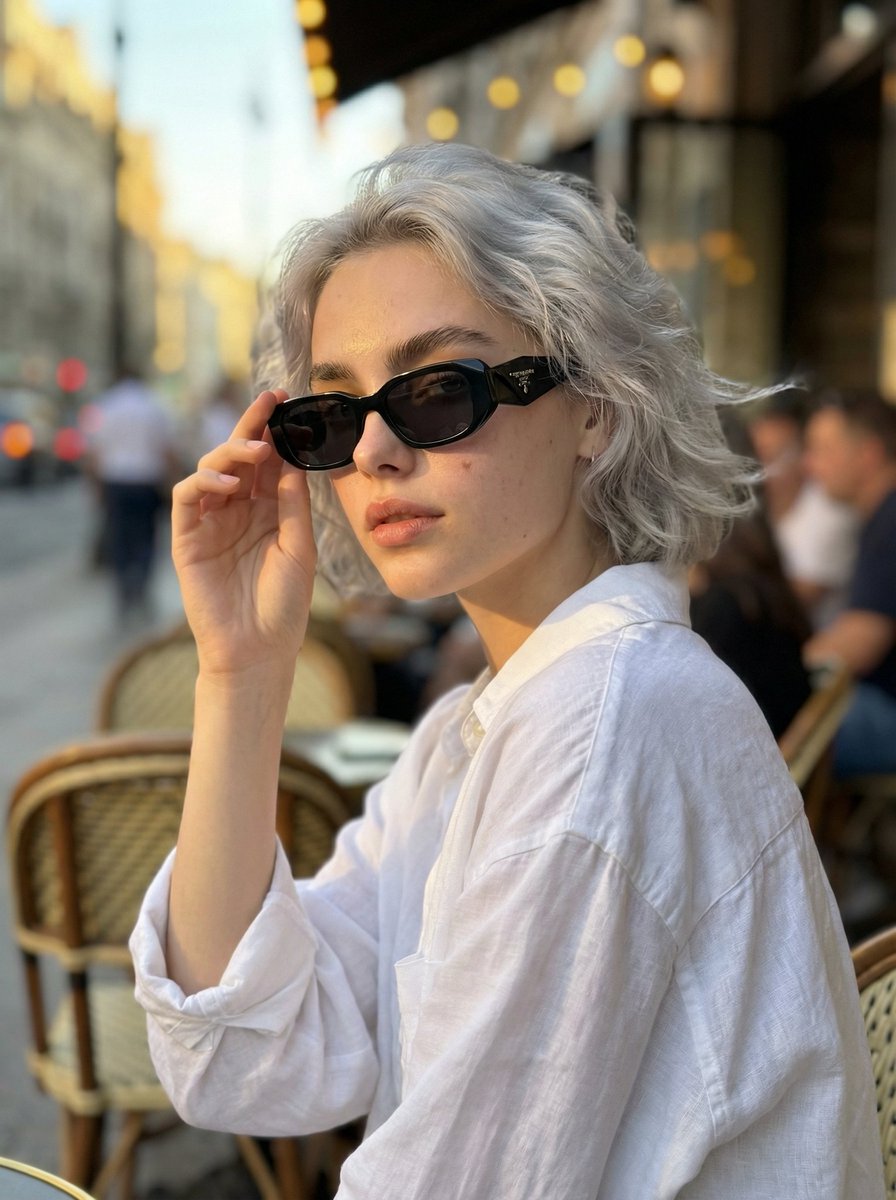
Photorealistic Portrait Prompt of a Woman at a European Café

Two Tickets, One Night

Found Photograph: Us, 1970

Meet Me When It Rains

Two Hearts. One Scooter.

80s Couple Studio Portrait

80s Bollywood Star
Make it yours
Photorealistic Portrait in a European Street with Bougainvillea works as-is. These are the safest ways to change it without losing the look.
Swap the setting
Keep the rest of the prompt and replace the location block. The current setting is “Charming European cobblestone street”.
Swap the light
One lighting change is enough to compare takes. Current light: “Bright natural sunlight, soft shadows, warm golden hour glow”.
Change one field
Copy a single group, rewrite it, and generate again so you can see what that field is doing.
| If the result… | Why | Fix |
|---|---|---|
| The result drifts from the preview | Too many fields changed at once. | Reuse Photorealistic Portrait in a European Street with Bougainvillea as-is first, then change one group — subject, light, or setting. |
| Nano Banana 2 ignores part of the JSON | Some models flatten or skip nested keys. | Keep the same values and paste them as a short paragraph instead. |
More Nano Banana 2 templates
Other prompts made for Nano Banana 2.

Photorealistic Leaf Shaped Like a Dragon

K-Pop Idol Portrait Grid for Rapid Selection

Poetic Rain Forest Portrait During Golden Hour

Urban Street Portrait with Cartoon Inner Self Duo

Candid Nighttime Photo with Cat Prompt

High-Concept 3D Diorama Generation Prompt

Cinematic Futuristic Studio Portrait Template

Skincare Editorial Photography Collage Prompt

Hyper-Realistic Commercial Product Photography (Splash Effect)

Hyper-Realistic Nightclub Portrait Prompt
More image prompts
Fresh picks from across the catalog.

Mount Fuji Train Wallpaper
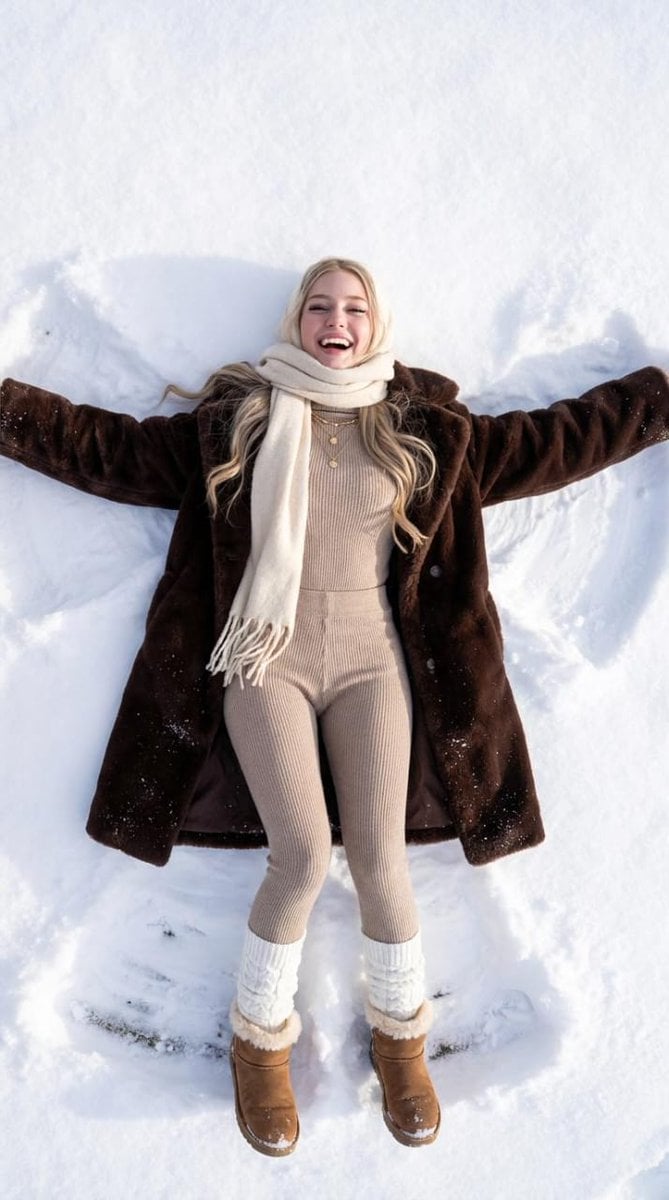
Joyful Snow Angel in 'Old Money' Winter Fashion
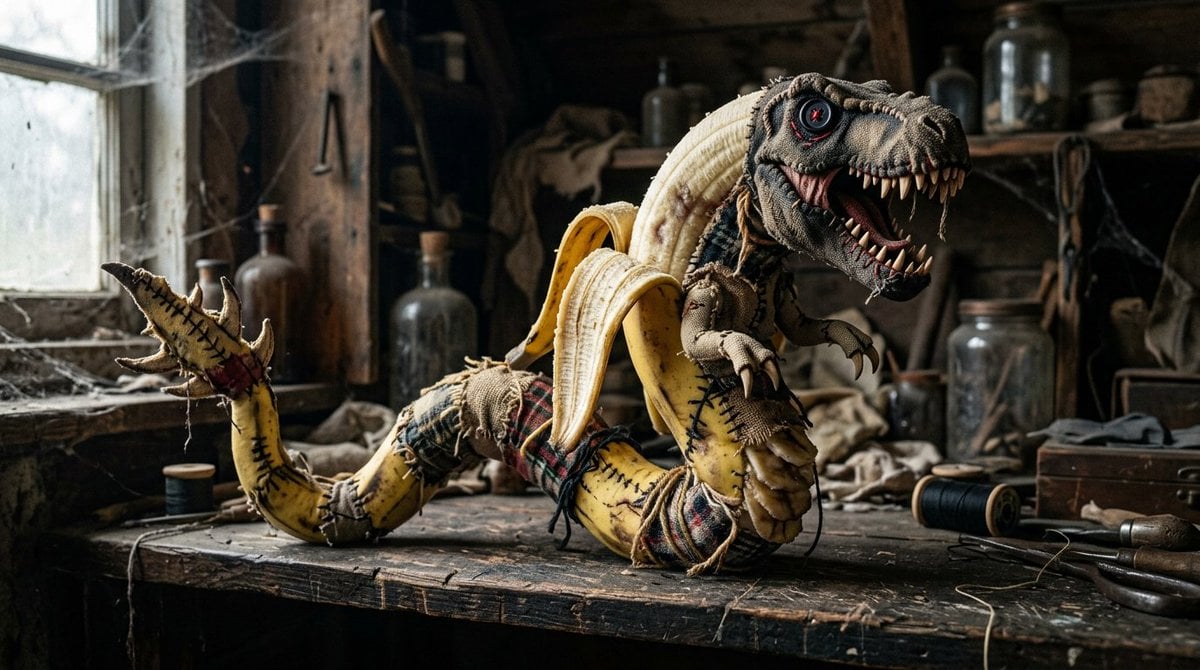
Rag Doll Banana T-Rex Monster
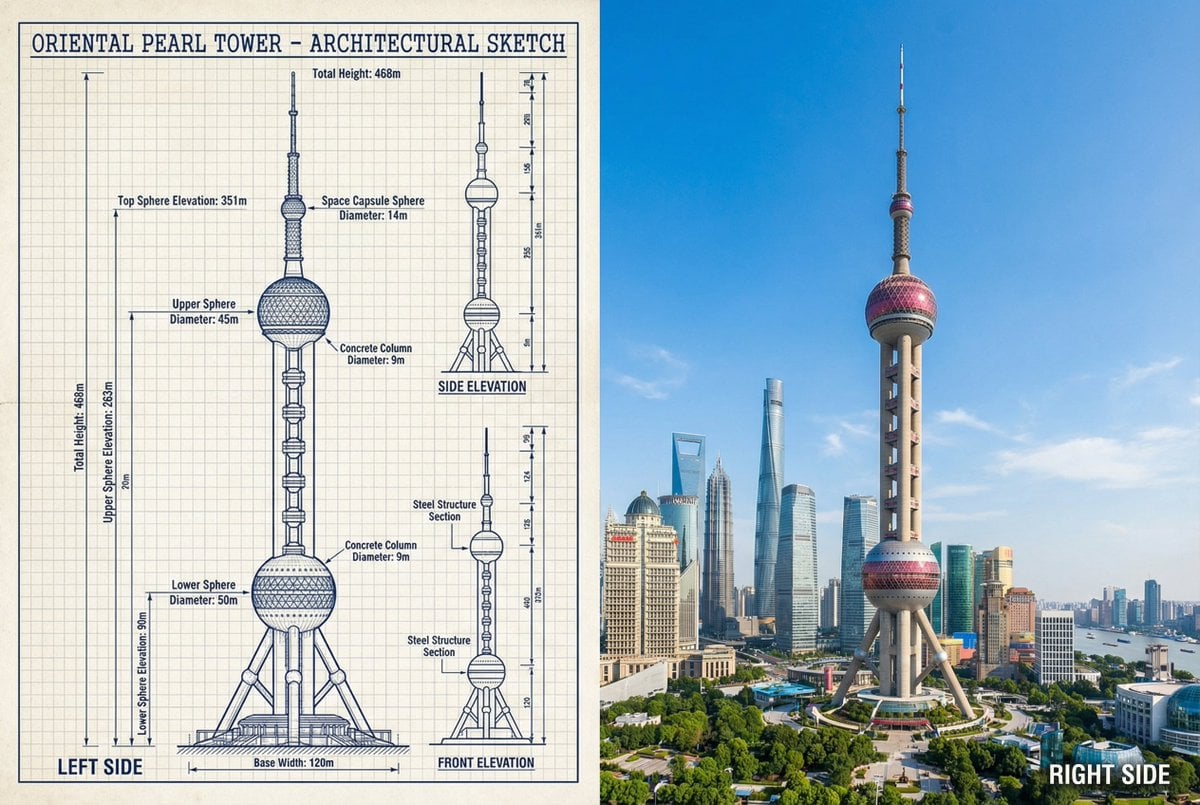
JSON Prompt for Side-by-Side Architectural Comparison of Oriental Pearl Tower
AI Chat Screenshot With Censored Women
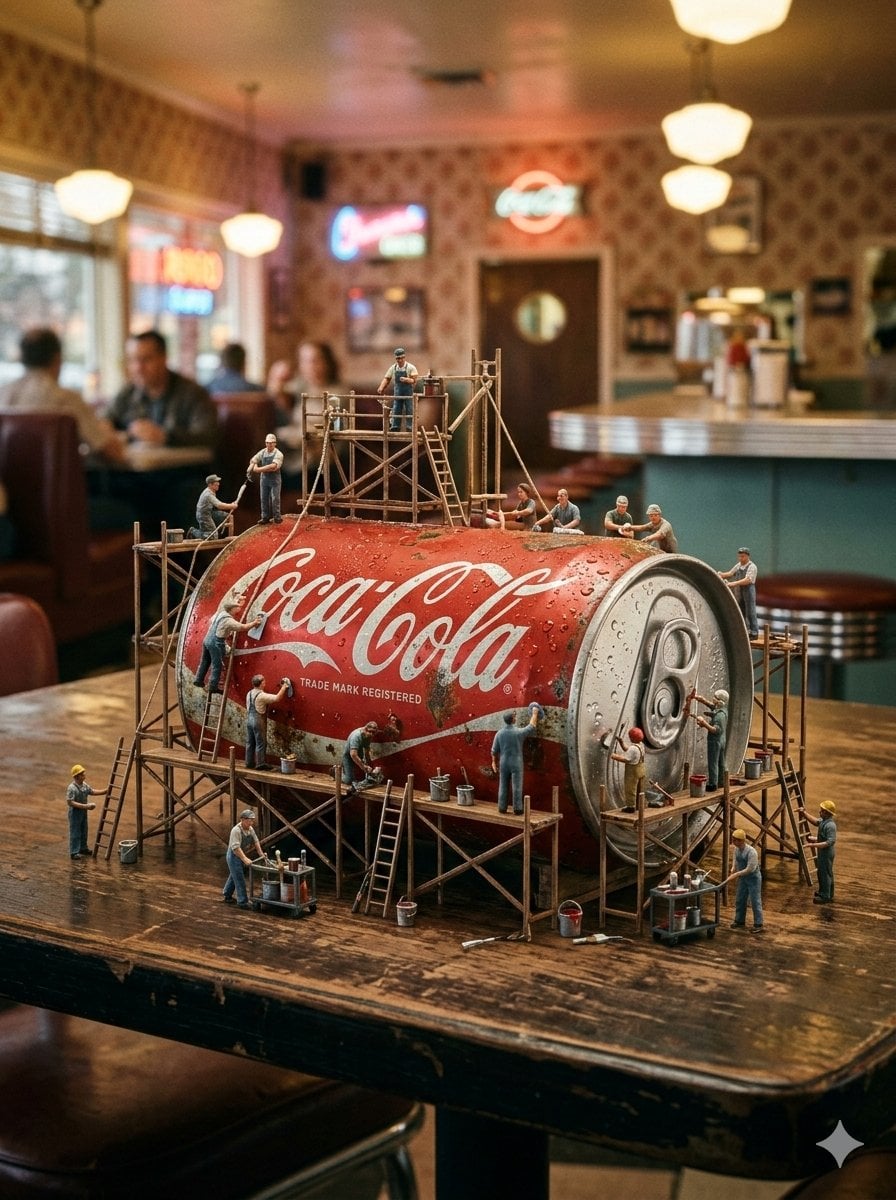
Miniature Industrial Scene on Luxury Products (Coca-Cola & Chanel)

Conceptual brand storytelling visual prompt
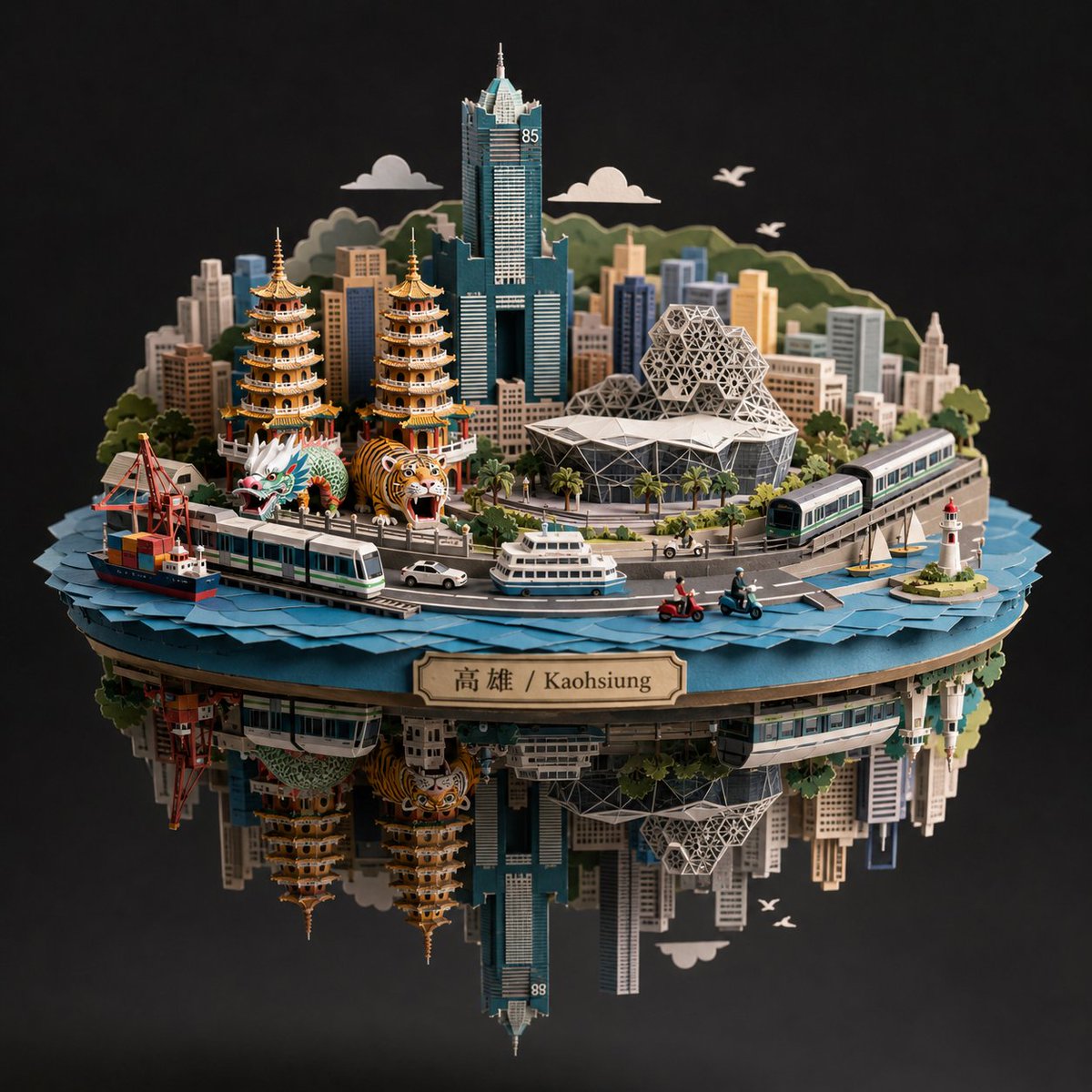
Kaohsiung Spherical Paper City Diorama
Raw High-Fidelity iPhone 17 Pro Simulation
Dreamy Luxury Perfume Photography in Nature Prompt
Browse template categories
Photorealistic Portrait in a European Street with Bougainvillea questions
How do I use the Photorealistic Portrait in a European Street with Bougainvillea template?
Add your photo if the template asks for one, edit the prompt if you like — the template's model and format are already selected — and press Generate. Your version opens in PicX Studio.
Can I customize the Photorealistic Portrait in a European Street with Bougainvillea template?
Yes. You can change the subject, setting, lighting, mood, format, and available model controls before creating your image.
Is the Photorealistic Portrait in a European Street with Bougainvillea template free?
Opening and editing this template is free. Generating uses credits, shown on the Generate button when you are signed in.
Which AI model should I use?
Start with Nano Banana 2, which is the model associated with this template. You can compare another compatible model for a different finish.
Looking for something else? Browse all templates.

Your photo, any look
Thousands of ready templates for every top image and video model, from one credit balance.