
Kaohsiung Spherical Paper City Diorama
Generates a highly detailed floating spherical paper-craft city diorama with Kaohsiung landmarks, waterfront transit, and a subtle readable city nameplate.
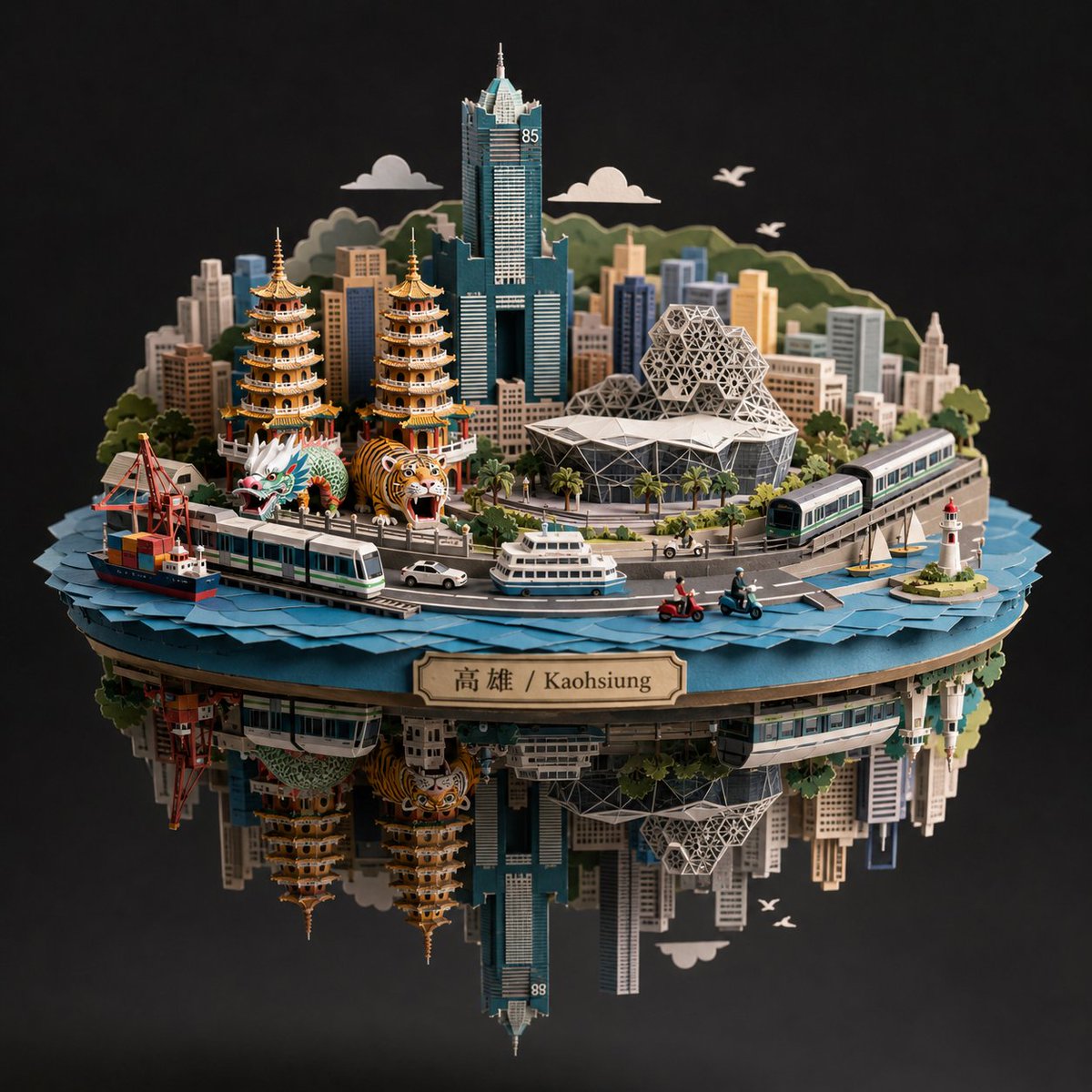
- Prompt included
- Model and format preset
- Free template
The prompt behind this image
Copy the exact prompt behind Kaohsiung Spherical Paper City Diorama, or open it in the studio and make it yours.
Create a highly detailed spherical paper-sculpture cityscape diorama for {argument name="city name" default="Kaohsiung"}, shown as a floating circular island split into an upper hemisphere and an inverted mirrored lower hemisphere, on a deep black studio background with soft dramatic lighting. The model should look like layered cut paper, cardboard, miniature architectural maquette, and laser-cut craft pieces, with crisp edges, tactile paper texture, and realistic shadows. Between the two hemispheres, place one subtle but clearly readable city nameplate on the front rim, with the text {argument name="nameplate text" default="高雄 / Kaohsiung"} in dark lettering on a beige plaque. Canvas and camera: square 1:1 composition, centered object, three-quarter frontal view, slightly elevated camera angle looking down at the upper city, with the inverted underside visible below like a reflection. Use shallow studio depth, high detail, no people as the main subject. Upper hemisphere details: a circular blue waterfront base made from many layered paper wave pieces around the edge. Build a compact Kaohsiung-inspired skyline with exactly 1 very tall teal skyscraper in the center back resembling 85 Sky Tower, marked with a small “85” near the top. Add exactly 2 ornate temple pagodas in the left-middle foreground, each with stacked golden-orange roofs and red accents. Add exactly 2 festival creatures in front of the pagodas: 1 green dragon head/body and 1 orange tiger head/body. Add exactly 1 large modern stadium or cultural center on the right-middle foreground, with a white angular roof and a geometric dome made of triangular lattice panels. Add many small rectangular paper skyscrapers behind and around these landmarks, in muted beige, gray, teal, blue, and cream. Transportation and waterfront objects: include exactly 2 light-rail trains, one crossing the front-left curved track and one on the right elevated curved track. Include exactly 1 cargo ship at the left front waterfront with containers and cranes nearby. Include exactly 1 white passenger ferry at the front center. Include exactly 1 small white car on the front road. Include exactly 2 scooters on the front road, colored red and teal/blue. Include exactly 1 small sailboat on the right water and exactly 1 white lighthouse with red top on a tiny island at the far right. Background scenery: behind the skyline, add layered green paper hills, exactly 2 simple white paper clouds, and exactly 3 white flying bird silhouettes. Add palm trees and small street trees throughout the roads and waterfront. Lower hemisphere: create an inverted underside directly beneath the circular island, mirroring the upper city elements downward like a hanging paper city reflection, including upside-down building facades, pagodas, train segments, cranes, and the tall teal tower. The underside should be darker and slightly shadowed but still detailed. Visual style: premium GPT-image photorealistic paper craft, intricate miniature city model, crisp laser-cut layers, realistic paper grain, warm highlights, teal-blue water, muted urban palette, black background, soft vignette, museum-display quality. Avoid extra labels, avoid watermarks, avoid blurry text, and keep the city nameplate unobtrusive but legible.
How to use Kaohsiung Spherical Paper City Diorama in 3 steps
- 1Upload ImagePNG, JPG or paste
Add your photo
Upload the photo the template builds on. The prompt, model and format are already set.
- 2…a portrait of your subject in softgolden-hour light, 85mm…
Personalize
Edit the subject and creative details for your destination.
- 3Generate
Generate
Press Generate — your image is created in PicX Studio, so you can compare it with the original and refine one variable at a time.
More like this
Templates with the same subject, style or setup. Open one to see its prompt.
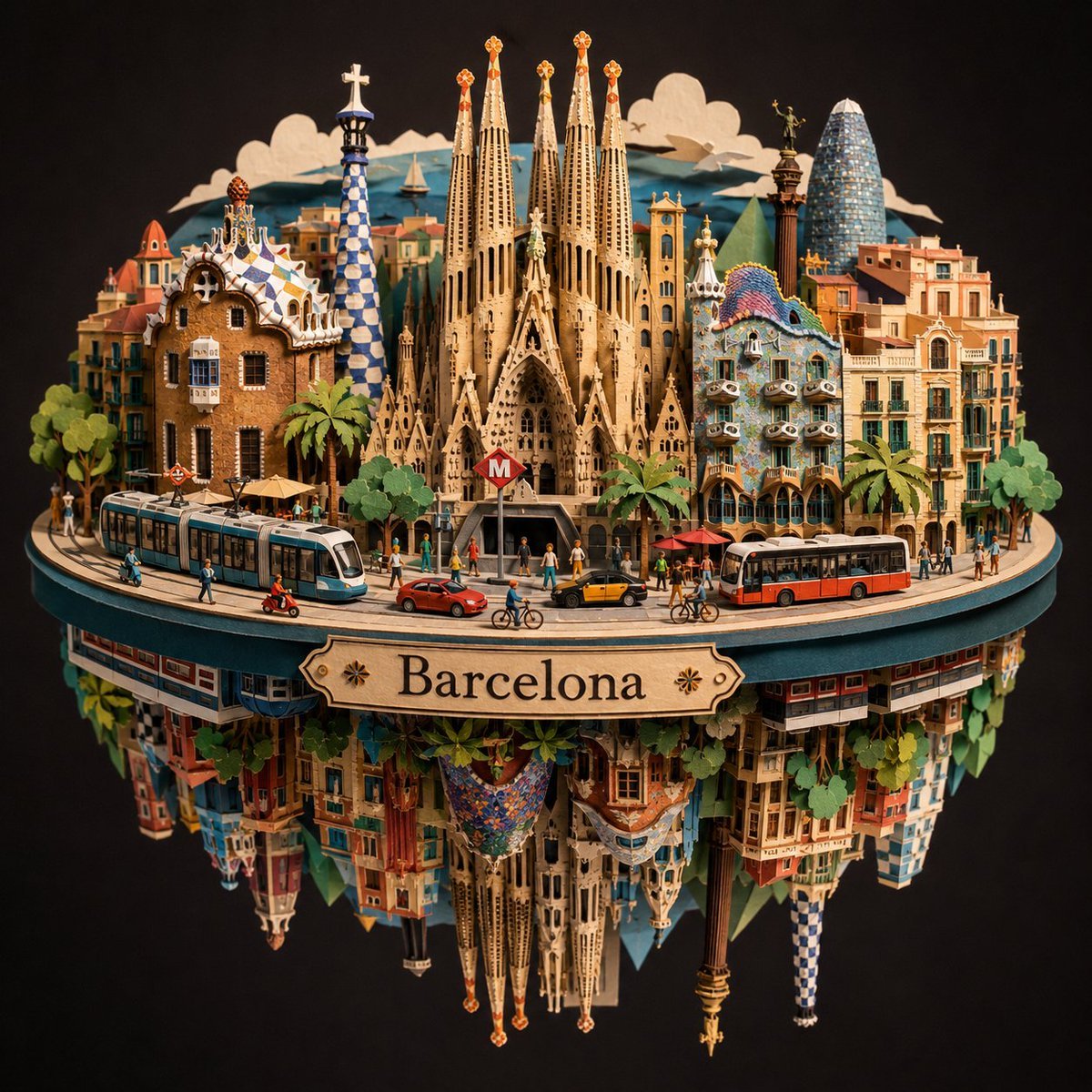
Barcelona Spherical Paper City Diorama

Layered Paper Cut Forest Diorama

Soft Handcrafted Paper-Cut Layered Illustration

敦煌纸雕飞天 — 3D Layered Paper Cutout
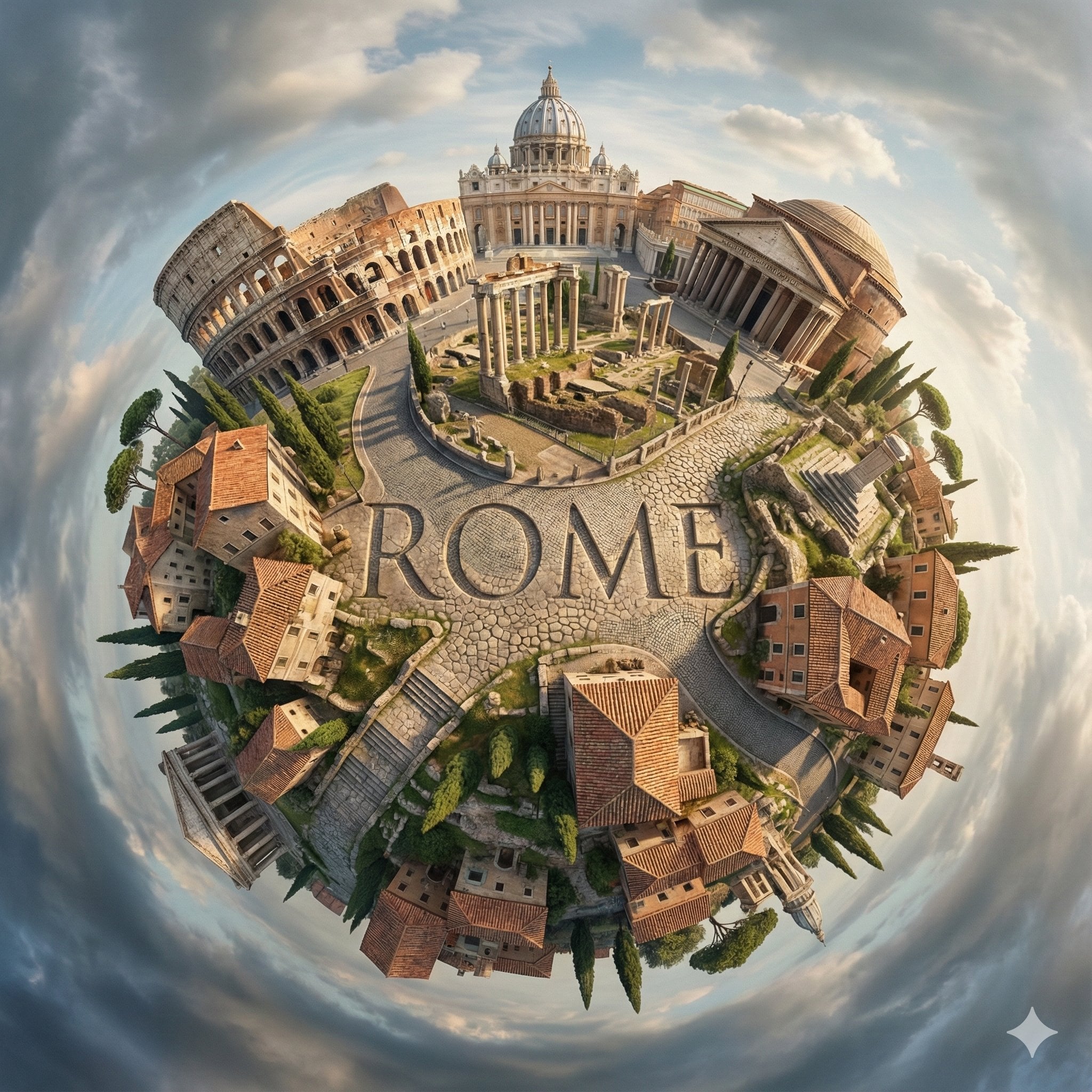
City Spherical Panorama Tiny Planet

Cozy Knit Sweater Window Portrait

Minimalist Hand-Drawn Doodle Portrait
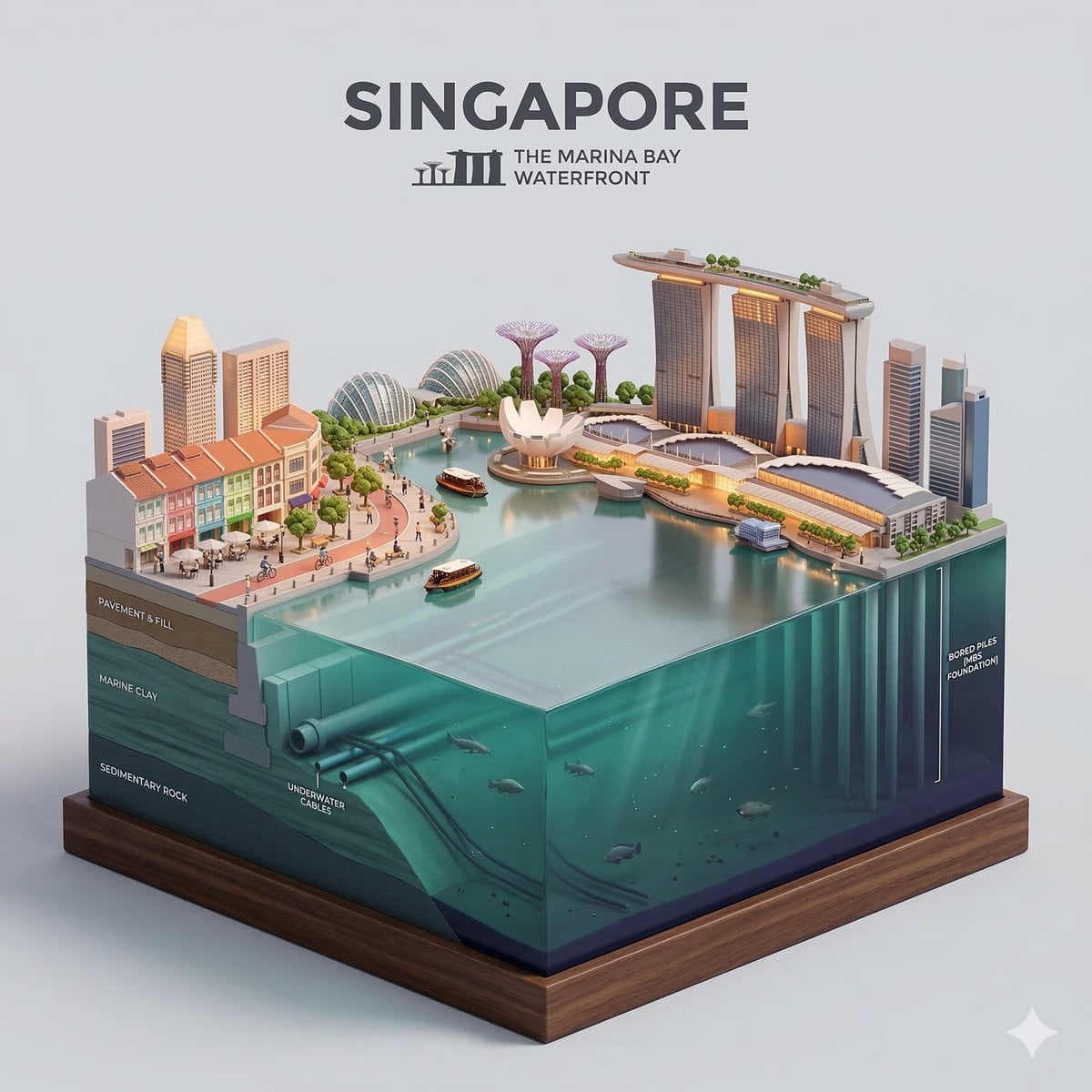
Paper Cut Cityscape Tunnel Book
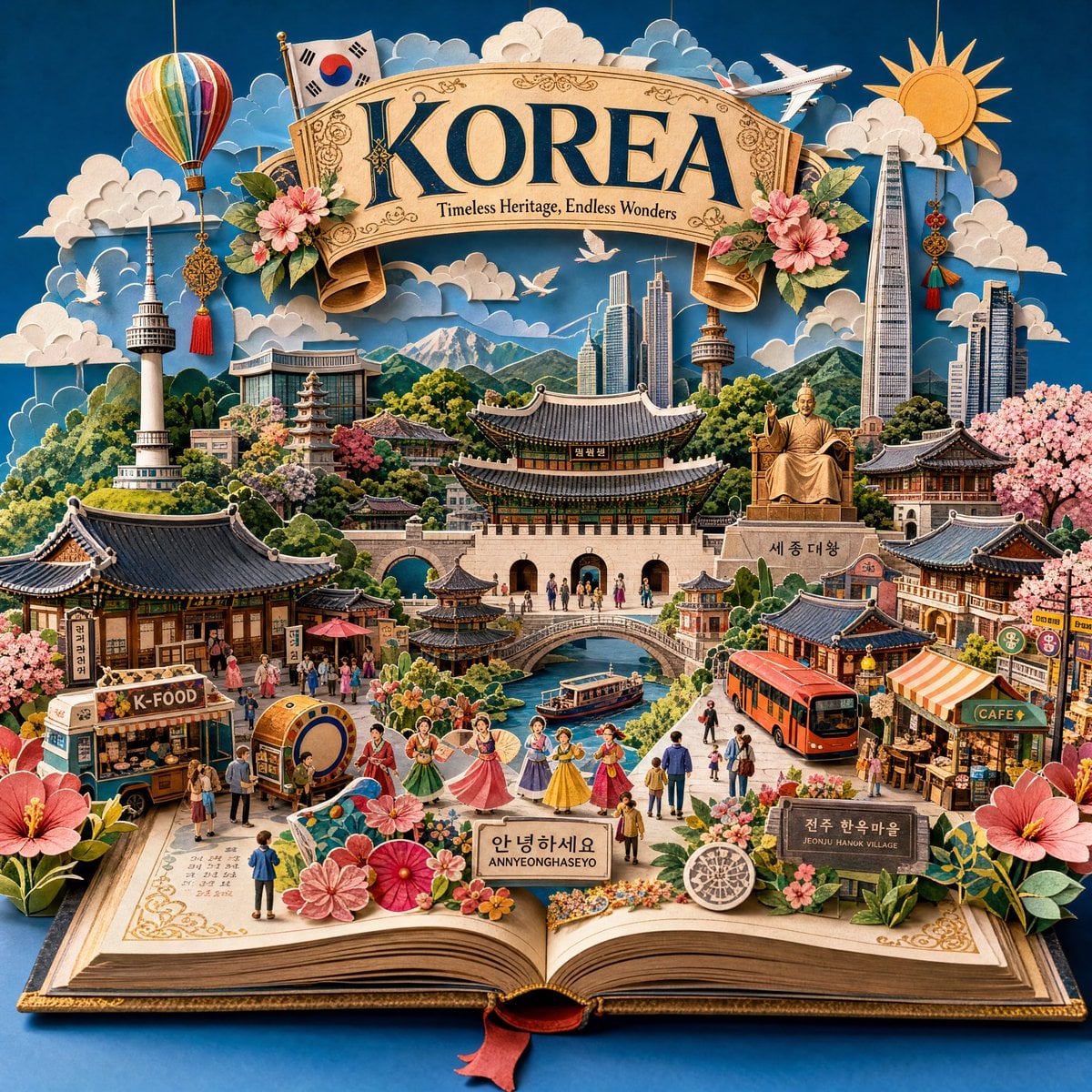
Master Pop-Up Storybook — 3D Paper Engineered Travel Diorama
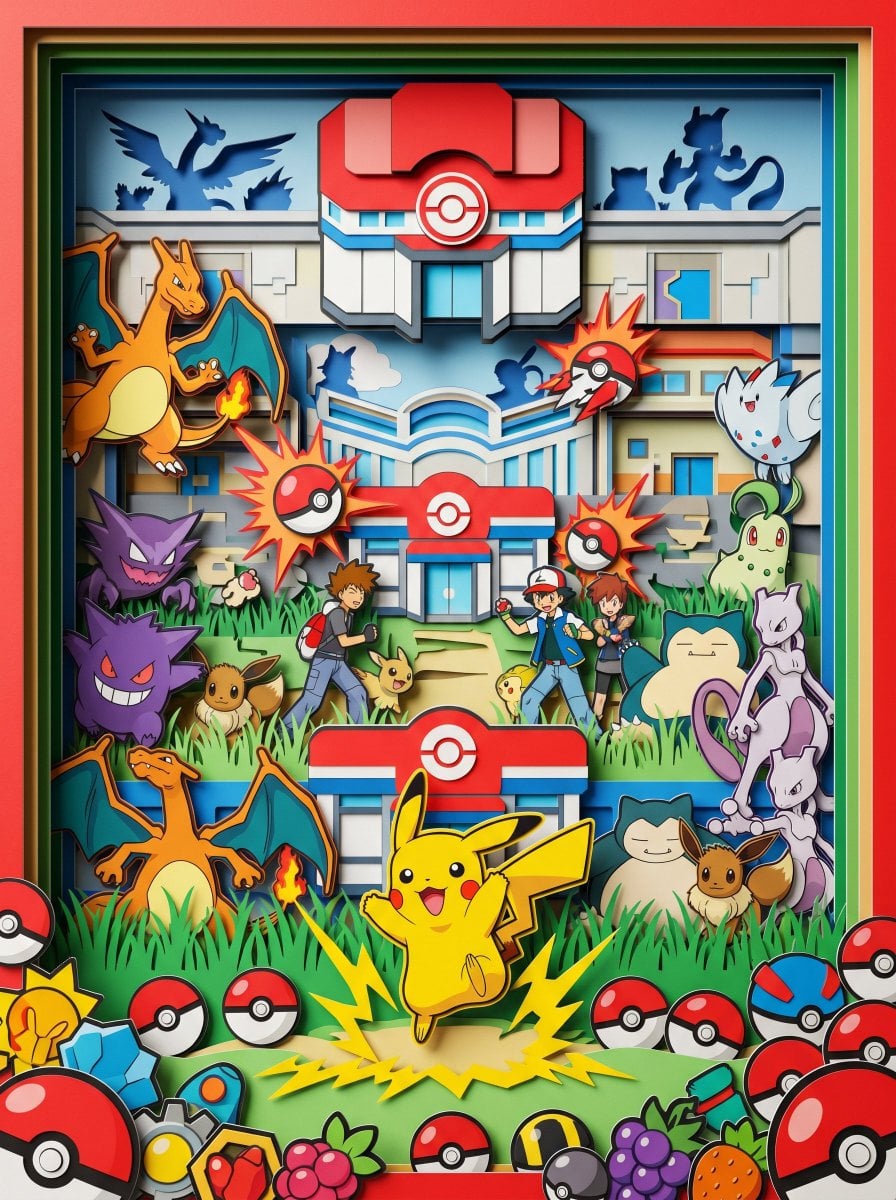
Master Paper Cut Diorama — Hyper-Vibrant 3D Layered Pokémon World

Isometric Process Educational Diorama

Isometric Brand Store Diorama
Make it yours
Kaohsiung Spherical Paper City Diorama works as-is. These are the safest ways to change it without losing the look.
Change one field
Copy a single group, rewrite it, and generate again so you can see what that field is doing.
Keep the frame, change the subject
Hold the composition and light of Kaohsiung Spherical Paper City Diorama, then swap wardrobe, props or the person for a new take.
| If the result… | Why | Fix |
|---|---|---|
| The result drifts from the preview | Too many fields changed at once. | Reuse Kaohsiung Spherical Paper City Diorama as-is first, then change one group — subject, light, or setting. |
| The model over-stylizes the scene | The prose prompt leaves finish and camera underspecified. | Add one camera or lighting sentence and stay on GPT Image 2. |
More GPT Image 2 templates
Other prompts made for GPT Image 2.

Six VTuber Japanese Logo Sheet

Realistic Portrait of Woman and Deer

The Vista Modular Condo Poster

AI Model Routing Comparison Infographic

2.5D Anime Art Board

Isometric Productivity Desk Scene

New York Double Exposure Poster

Four-Panel AI Landscape Comparison

Japanese Tatami Lifestyle Magazine Cover

NESCAFÉ Coffee Map Poster
More image prompts
Fresh picks from across the catalog.
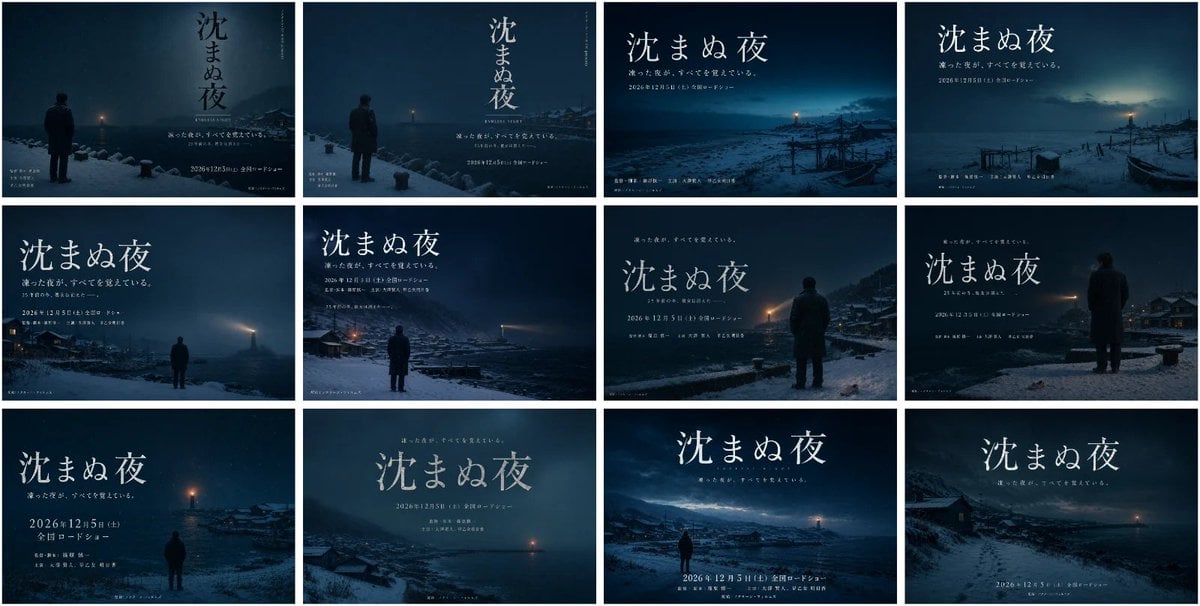
Japanese Winter Mystery Poster Grid
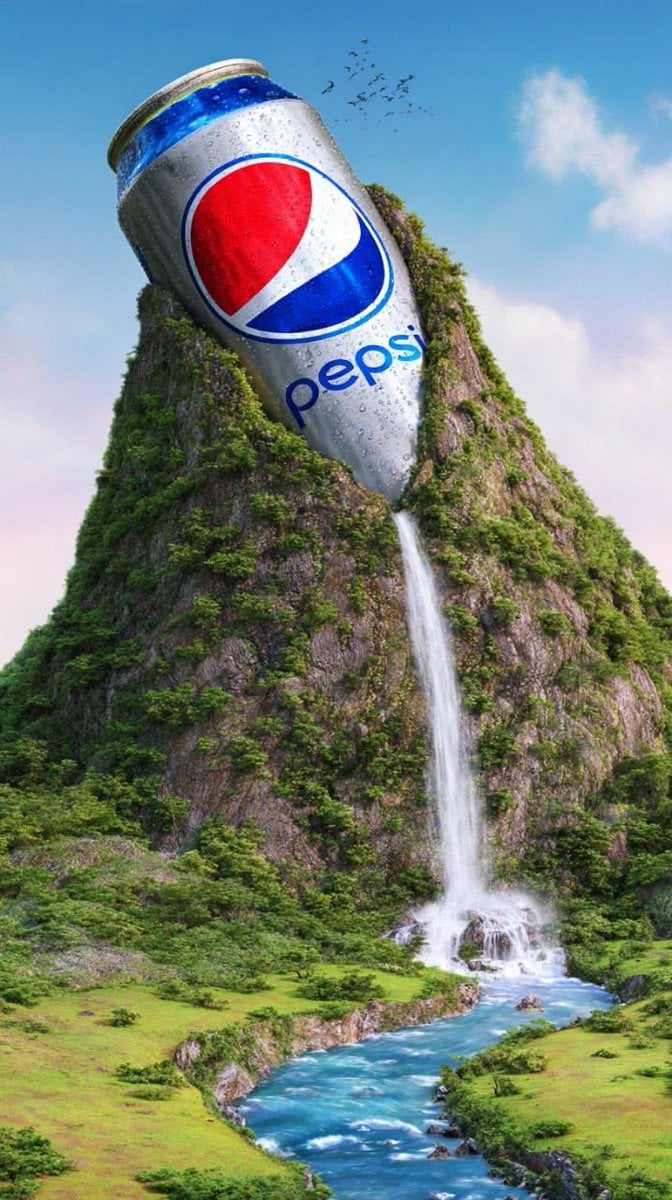
Surreal Giant Aluminum Can Waterfall Prompt for Nano Banana 2
Image Consistency and Style Transfer Prompt
Algerian Identity Card Mockup
Rustic Pasta Tutorial Reference Sheet
Explosive Fried Chicken Advertisement

Organic Skincare Product Advertisement

Raw iPhone Mirror Selfie Realism
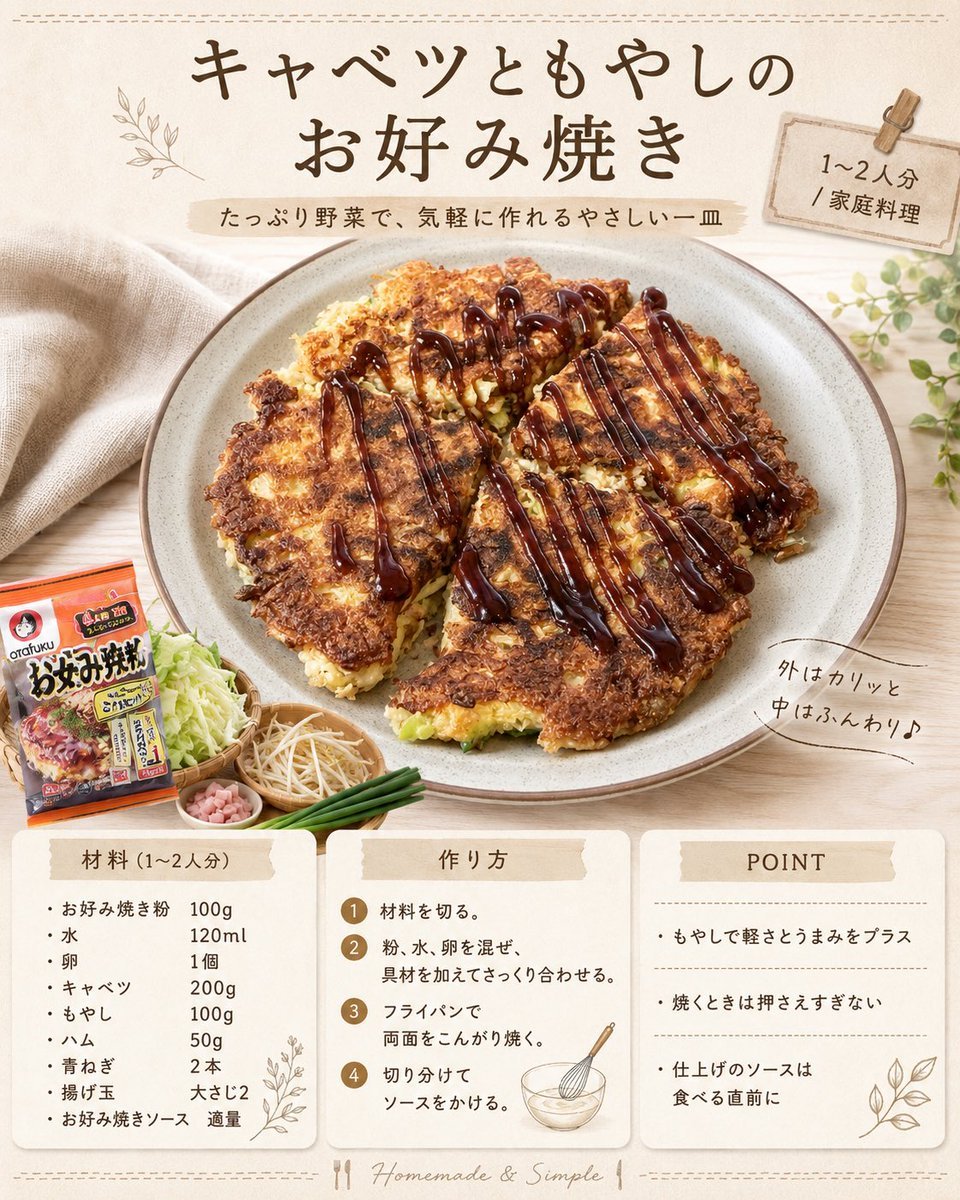
Japanese Okonomiyaki Recipe Card
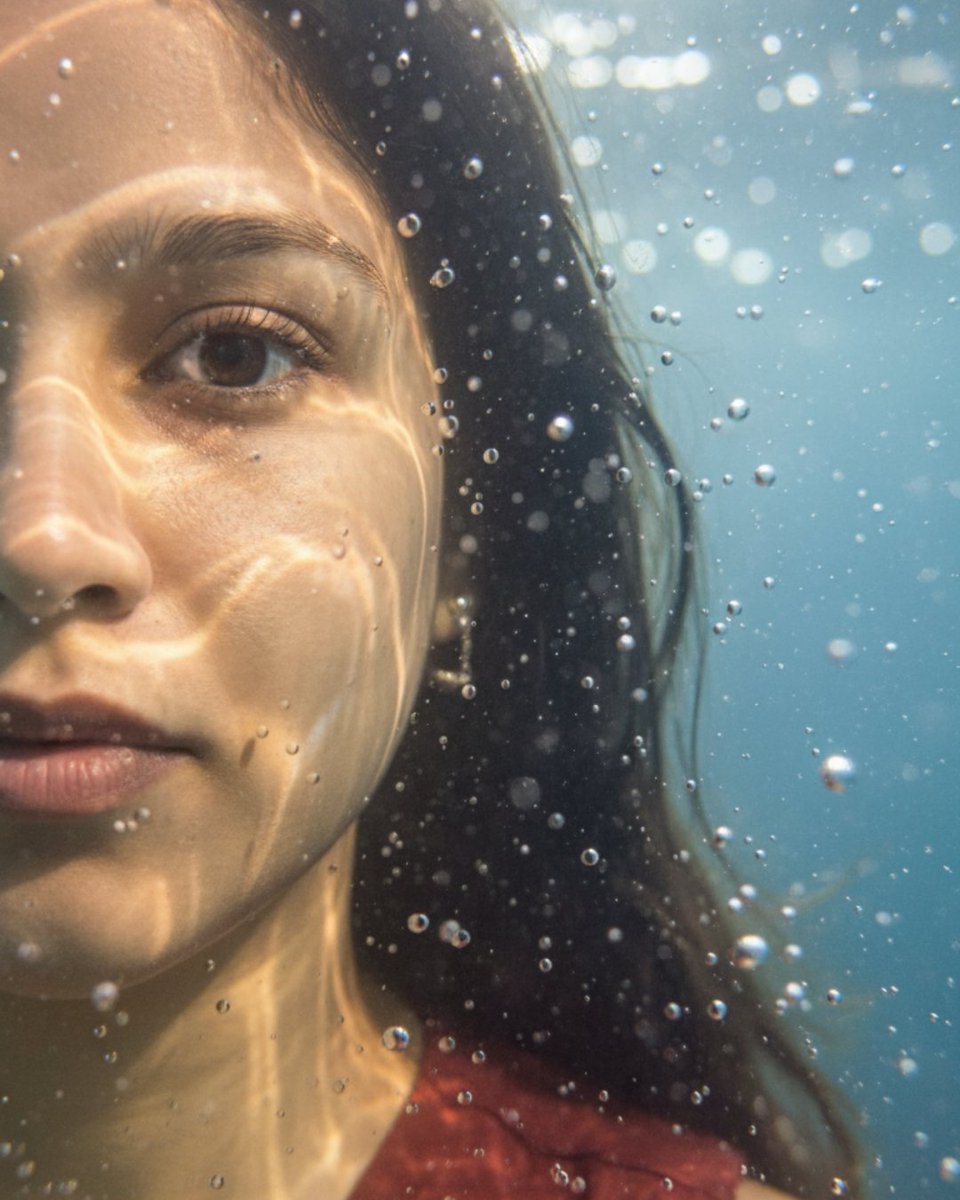
Underwater macro portrait (left half of face)
Browse template categories
Kaohsiung Spherical Paper City Diorama questions
How do I use the Kaohsiung Spherical Paper City Diorama template?
Add your photo if the template asks for one, edit the prompt if you like — the template's model and format are already selected — and press Generate. Your version opens in PicX Studio.
Can I customize the Kaohsiung Spherical Paper City Diorama template?
Yes. You can change the subject, setting, lighting, mood, format, and available model controls before creating your image.
Is the Kaohsiung Spherical Paper City Diorama template free?
Opening and editing this template is free. Generating uses credits, shown on the Generate button when you are signed in.
Which AI model should I use?
Start with GPT Image 2, which is the model associated with this template. You can compare another compatible model for a different finish.
Looking for something else? Browse all templates.

Your photo, any look
Thousands of ready templates for every top image and video model, from one credit balance.