
Barcelona Spherical Paper City Diorama
Generates a detailed floating paper-cut city sphere featuring Barcelona landmarks, transit, people, and a clear central city nameplate.
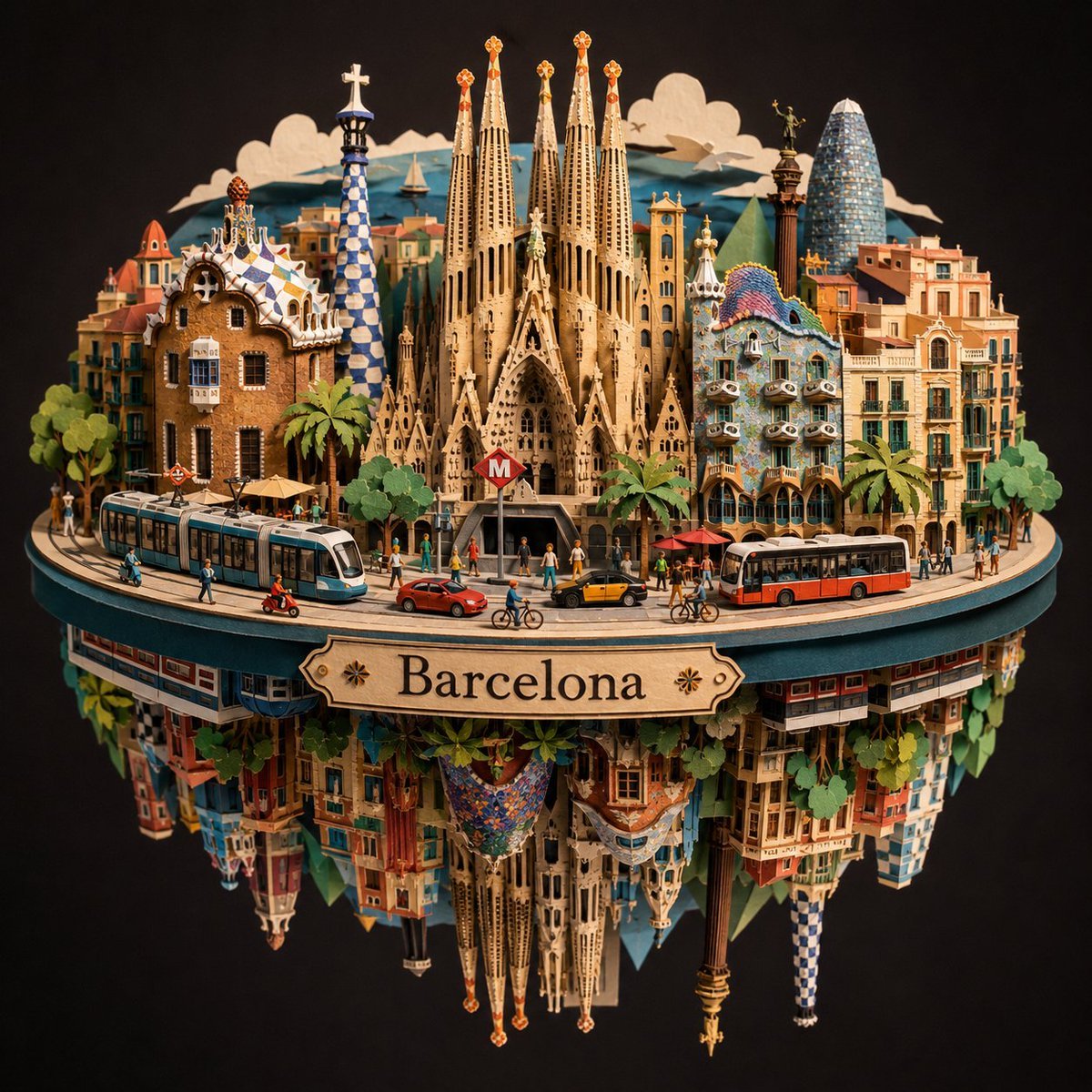
- Prompt included
- Model and format preset
- Free template
The prompt behind this image
Copy the exact prompt behind Barcelona Spherical Paper City Diorama, or open it in the studio and make it yours.
Create an ultra-detailed spherical paper-cut diorama model of {argument name="city name" default="Barcelona"}, like a handcrafted layered cardstock sculpture photographed in a studio against a dark charcoal-black background. The city is built as two mirrored half-spheres separated by a thin horizontal circular platform, with a small ornate wooden nameplate between the hemispheres reading {argument name="city nameplate text" default="Barcelona"}; the sign should be subtle but clearly legible, centered on the front rim, with small decorative star/flower icons on both sides of the word. On the top half, show a dense miniature Barcelona skyline arranged in a circular panorama: exactly 7 prominent landmark structures are visible, including Sagrada Familia in the center with tall beige spires, Park Güell gingerbread-style gatehouse on the left, a blue-and-white tiled Park Güell tower, Casa Batlló with colorful mosaic roof on the right, a tall modern glass bullet-shaped tower resembling Torre Glòries at far right, a classical church bell tower, and warm Mediterranean apartment blocks with balconies. Add exactly 2 large public transit vehicles on the platform, one blue-and-white tram on the left and one red-and-white city bus on the right. Add exactly 5 small road vehicles: a red scooter, a red car, a yellow-and-black taxi, and 2 bicycles. Add many tiny paper people walking along the street, plus palm trees, green leafy trees, café umbrellas, streetlights, and a red metro entrance marked with a white “M” in front of Sagrada Familia. The lower hemisphere should be an inverted reflection/fantasy underside of the same city, with dangling upside-down buildings, greenery, tiled facades, and mirrored landmark fragments, creating a floating globe effect. Use {argument name="material style" default="layered paper sculpture, laser-cut cardstock, folded paper edges"}, warm golden lighting, crisp shadows, shallow depth of field, intricate cutout textures, realistic miniature scale, symmetrical composition, highly detailed architectural ornament, no watermark, no extra text beyond the nameplate and metro M.
How to use Barcelona Spherical Paper City Diorama in 3 steps
- 1Upload ImagePNG, JPG or paste
Add your photo
Upload the photo the template builds on. The prompt, model and format are already set.
- 2…a portrait of your subject in softgolden-hour light, 85mm…
Personalize
Edit the subject and creative details for your destination.
- 3Generate
Generate
Press Generate — your image is created in PicX Studio, so you can compare it with the original and refine one variable at a time.
More like this
Templates with the same subject, style or setup. Open one to see its prompt.
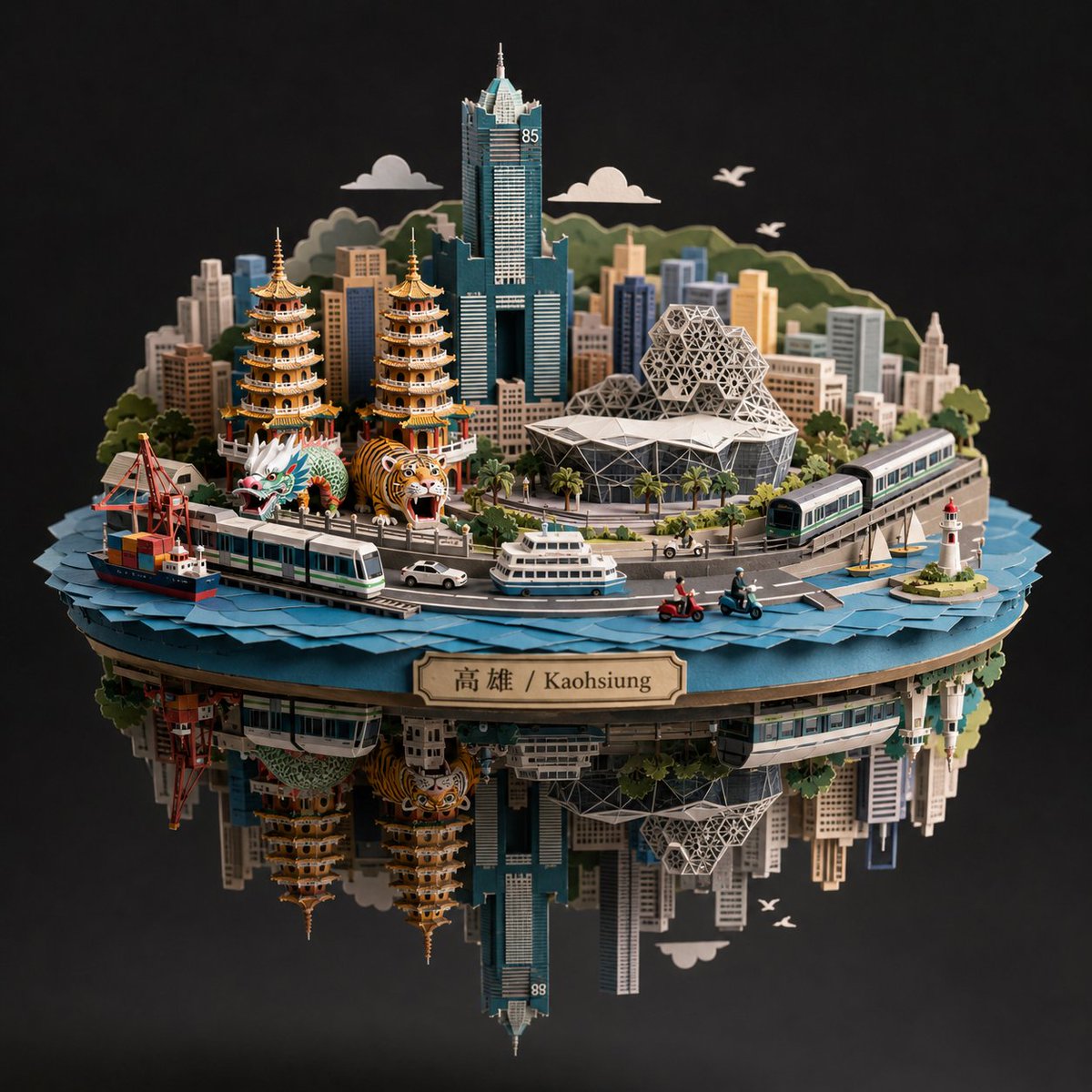
Kaohsiung Spherical Paper City Diorama
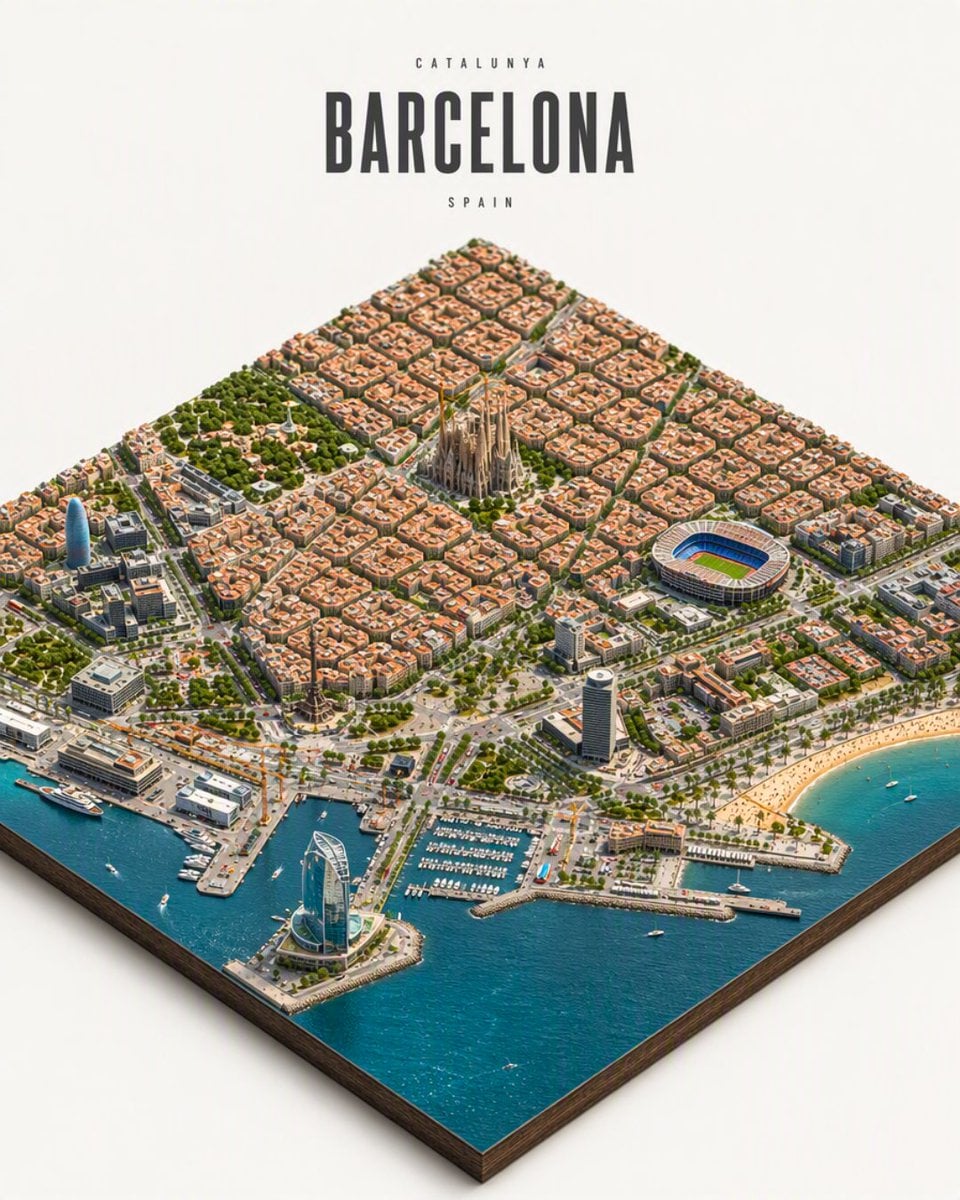
Isometric Barcelona City Diorama

Layered Paper Cut Forest Diorama

Soft Handcrafted Paper-Cut Layered Illustration

敦煌纸雕飞天 — 3D Layered Paper Cutout
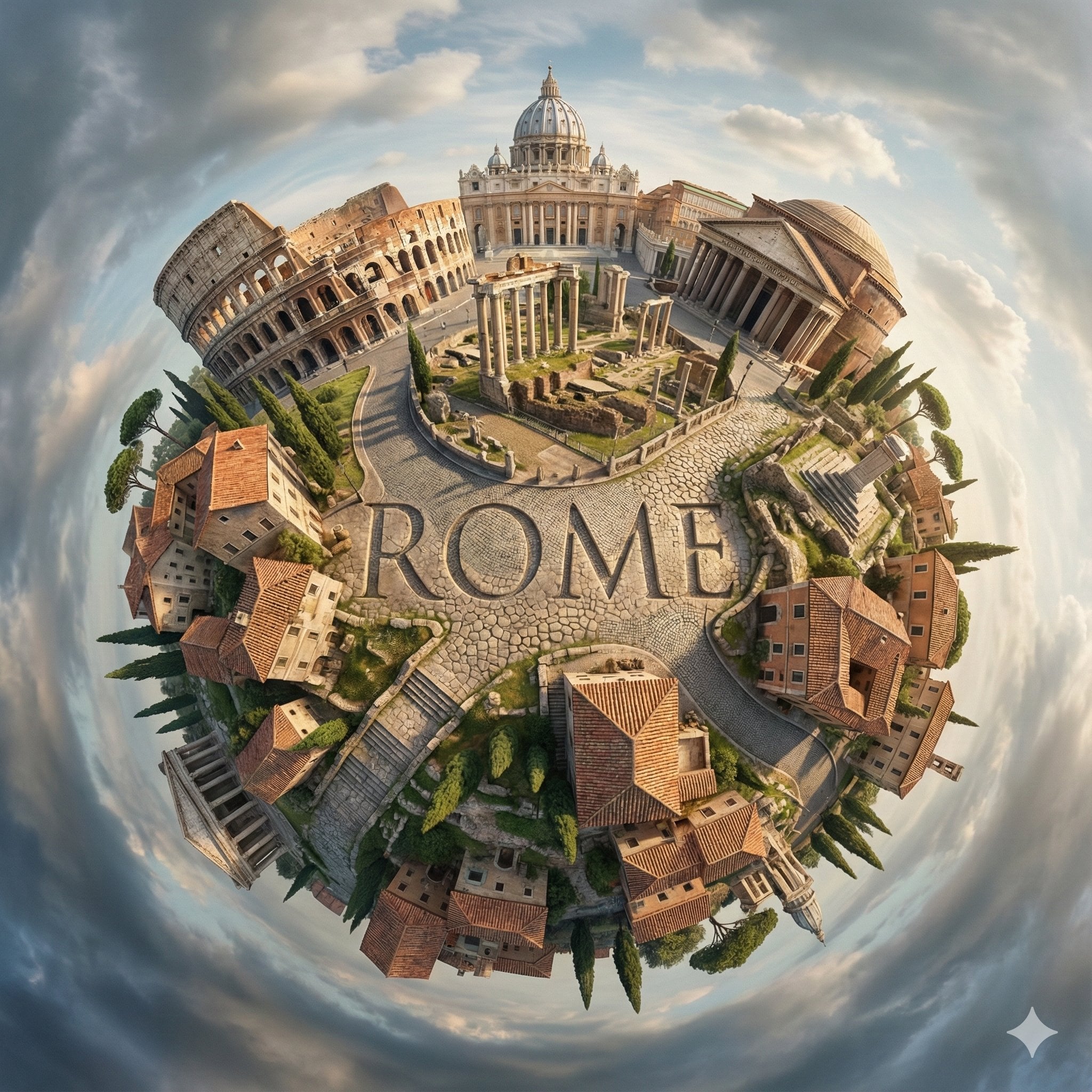
City Spherical Panorama Tiny Planet

Cozy Knit Sweater Window Portrait

Minimalist Hand-Drawn Doodle Portrait
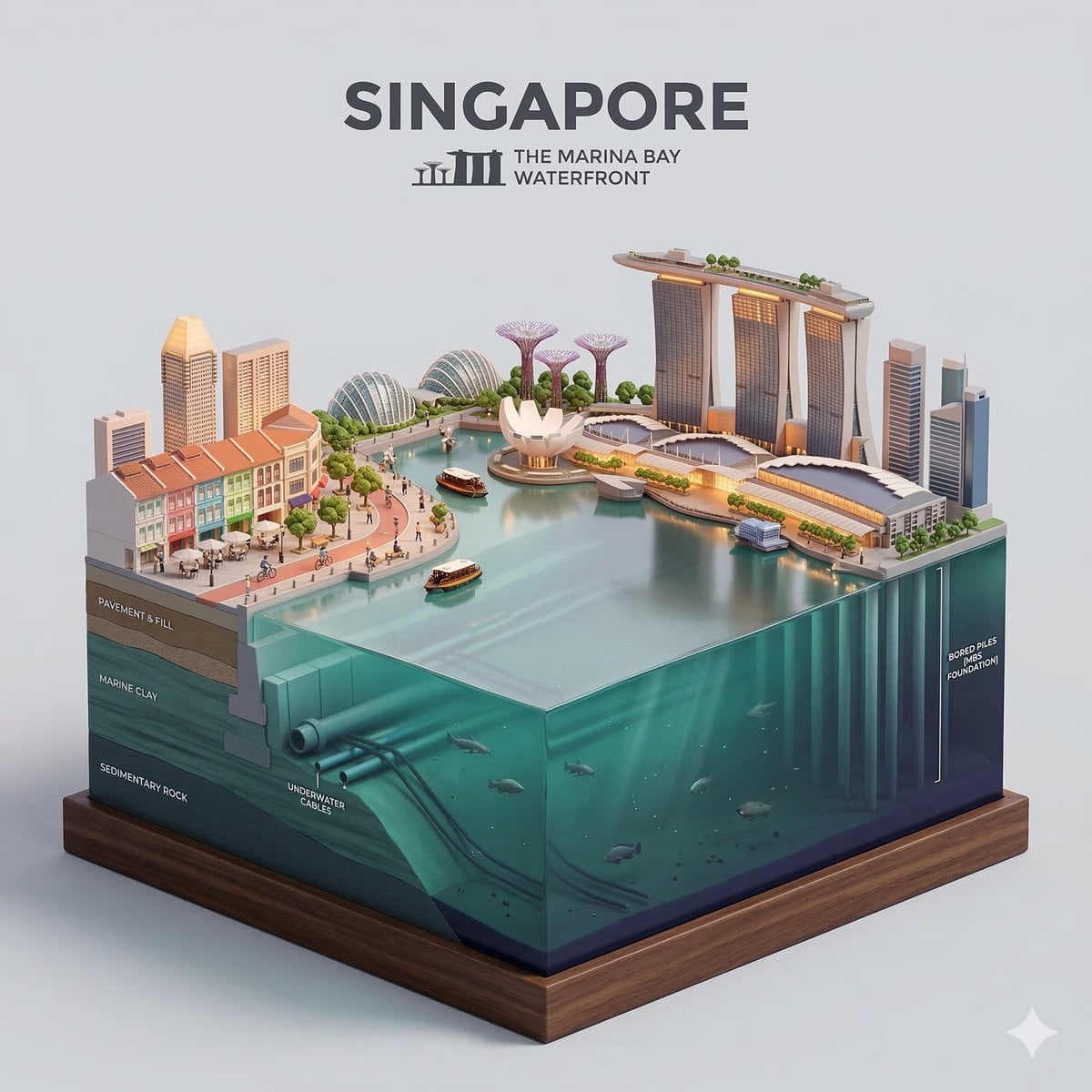
Paper Cut Cityscape Tunnel Book
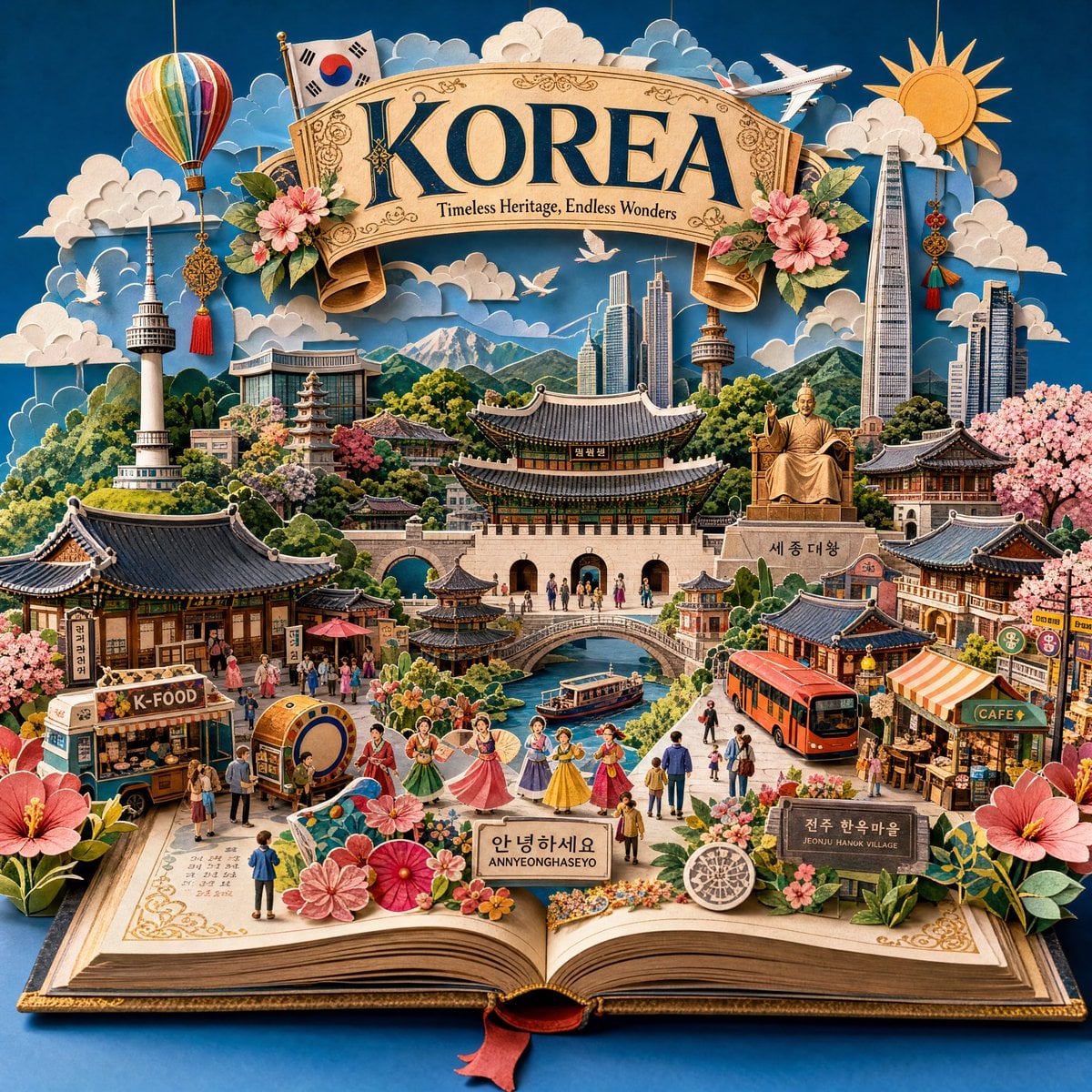
Master Pop-Up Storybook — 3D Paper Engineered Travel Diorama
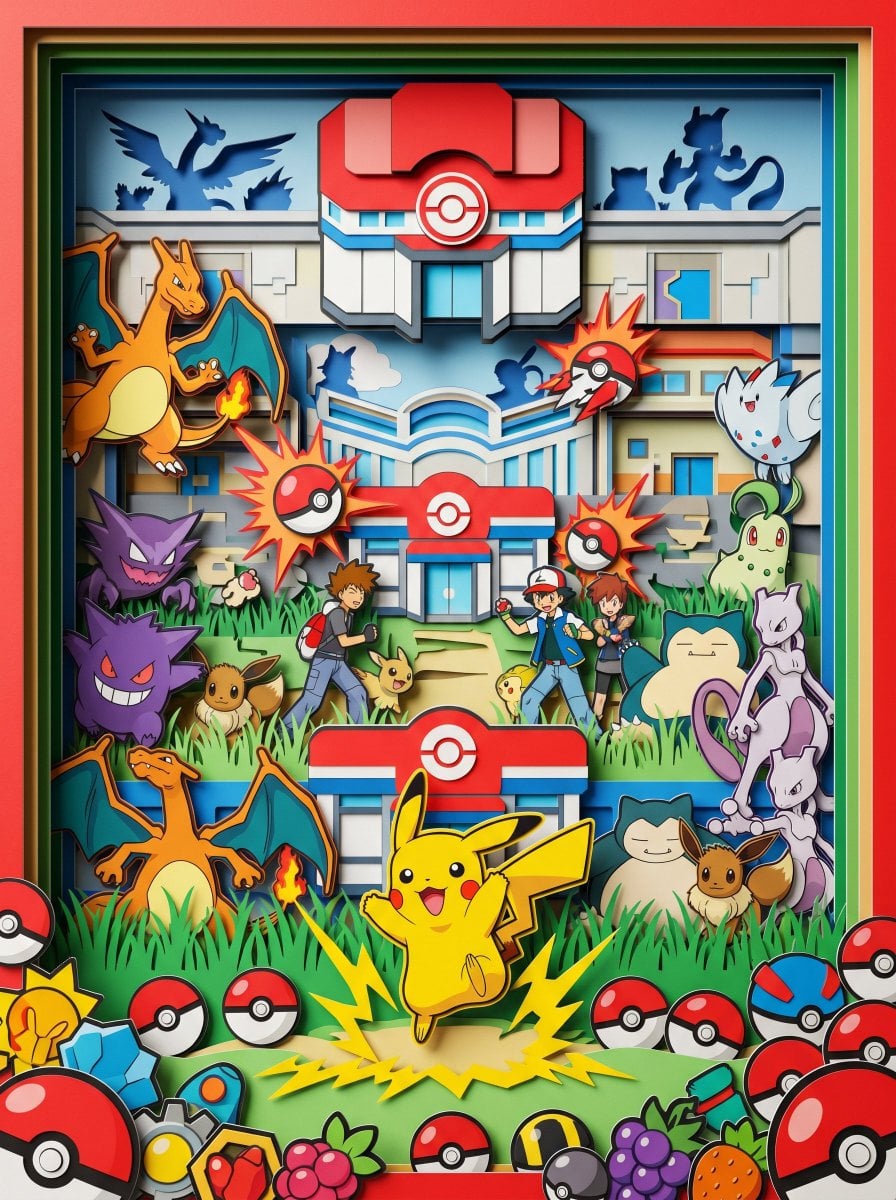
Master Paper Cut Diorama — Hyper-Vibrant 3D Layered Pokémon World

Isometric Process Educational Diorama
Make it yours
Barcelona Spherical Paper City Diorama works as-is. These are the safest ways to change it without losing the look.
Change one field
Copy a single group, rewrite it, and generate again so you can see what that field is doing.
Keep the frame, change the subject
Hold the composition and light of Barcelona Spherical Paper City Diorama, then swap wardrobe, props or the person for a new take.
| If the result… | Why | Fix |
|---|---|---|
| The result drifts from the preview | Too many fields changed at once. | Reuse Barcelona Spherical Paper City Diorama as-is first, then change one group — subject, light, or setting. |
| The model over-stylizes the scene | The prose prompt leaves finish and camera underspecified. | Add one camera or lighting sentence and stay on GPT Image 2. |
More GPT Image 2 templates
Other prompts made for GPT Image 2.

Six VTuber Japanese Logo Sheet

Realistic Portrait of Woman and Deer

The Vista Modular Condo Poster

AI Model Routing Comparison Infographic

2.5D Anime Art Board

Isometric Productivity Desk Scene

New York Double Exposure Poster

Four-Panel AI Landscape Comparison

Japanese Tatami Lifestyle Magazine Cover

NESCAFÉ Coffee Map Poster
More image prompts
Fresh picks from across the catalog.
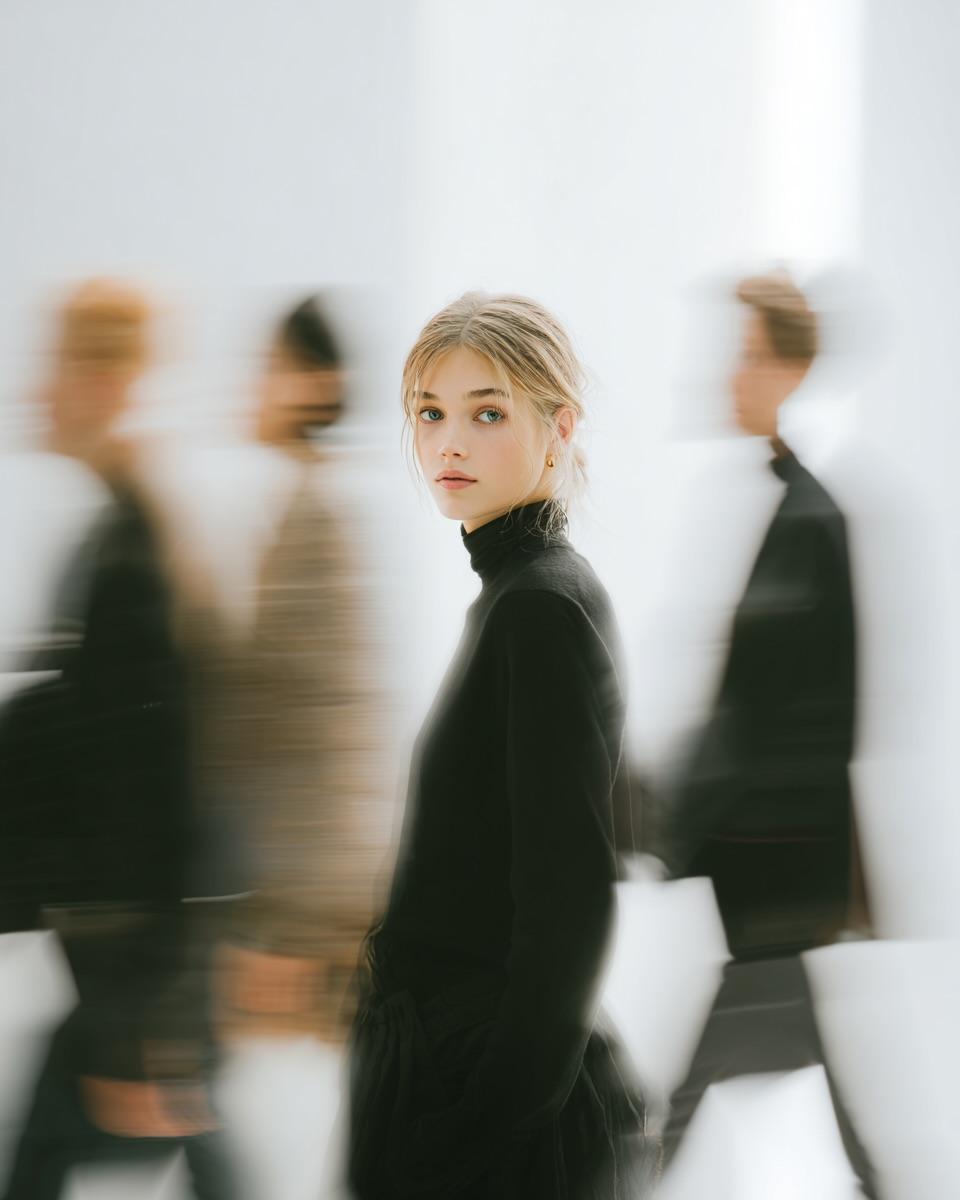
High Fashion Pictorial with Motion Blur
Emerald Green Satin Dress Fashion Editorial
Hyper-Realistic Monster Energy Product Ad

Nano Banana Pro Image Generation Refusal Analysis (Freepik Example)

Cozy Evening Lifestyle Photography on Sofa
Image Style Transfer Prompt: Viking to Dali's 'Burning Giraffe' Style
Optical Illusion of Illusory Motion

Luxury x E-commerce Split Poster
High-Fashion Ball-Jointed Doll in Synthetic Despair
Ultra-Realistic Portrait of Woman Hugging a Maltese Dog
Browse template categories
Barcelona Spherical Paper City Diorama questions
How do I use the Barcelona Spherical Paper City Diorama template?
Add your photo if the template asks for one, edit the prompt if you like — the template's model and format are already selected — and press Generate. Your version opens in PicX Studio.
Can I customize the Barcelona Spherical Paper City Diorama template?
Yes. You can change the subject, setting, lighting, mood, format, and available model controls before creating your image.
Is the Barcelona Spherical Paper City Diorama template free?
Opening and editing this template is free. Generating uses credits, shown on the Generate button when you are signed in.
Which AI model should I use?
Start with GPT Image 2, which is the model associated with this template. You can compare another compatible model for a different finish.
Looking for something else? Browse all templates.

Your photo, any look
Thousands of ready templates for every top image and video model, from one credit balance.