How do I use the Black and White Studio Portrait template?
Edit the prompt in the box under the preview — the template's model and format are already selected — and press Generate. Your version appears right on this page.
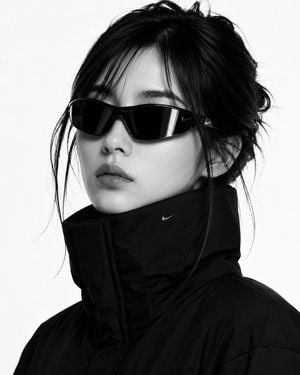
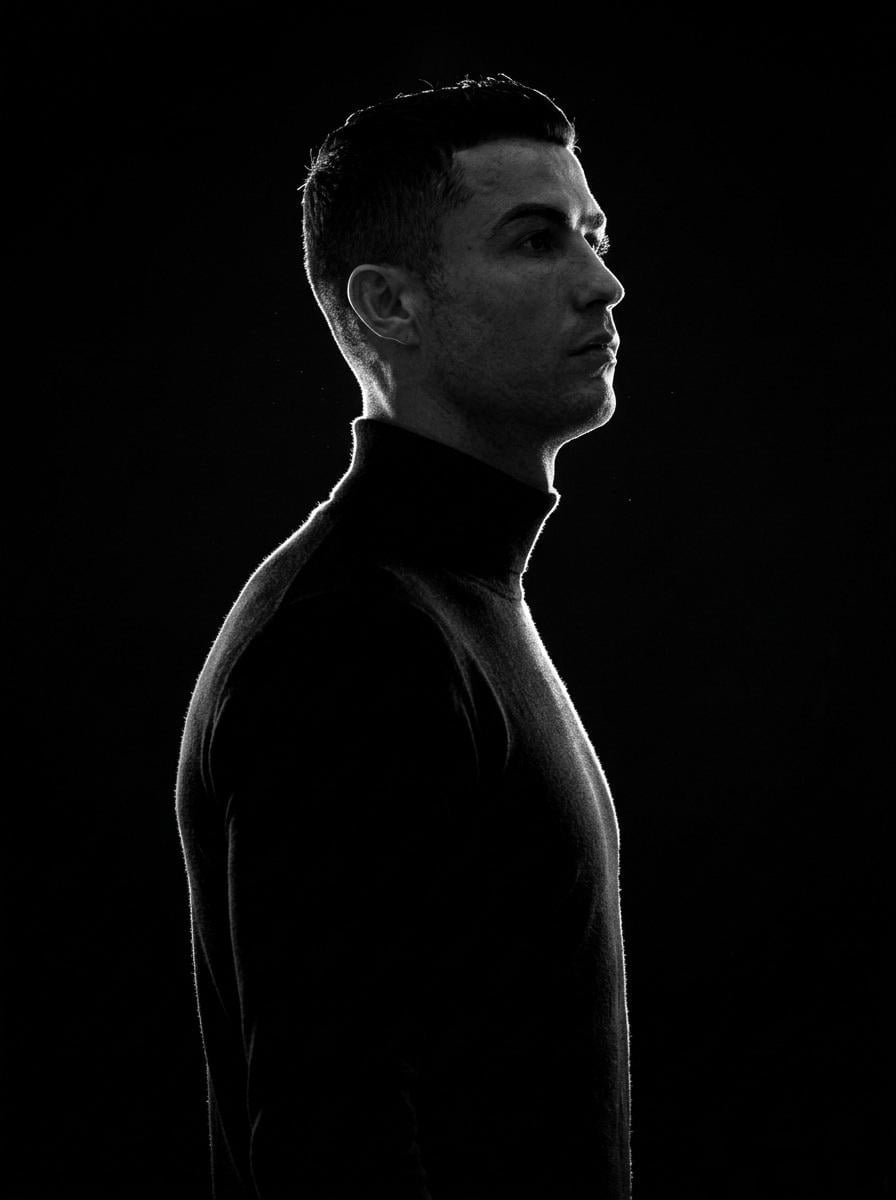
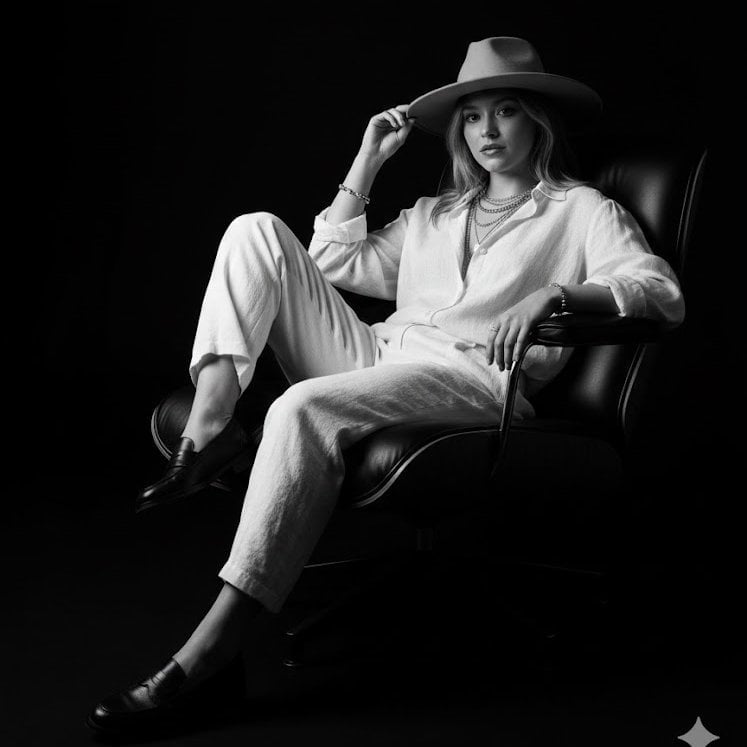
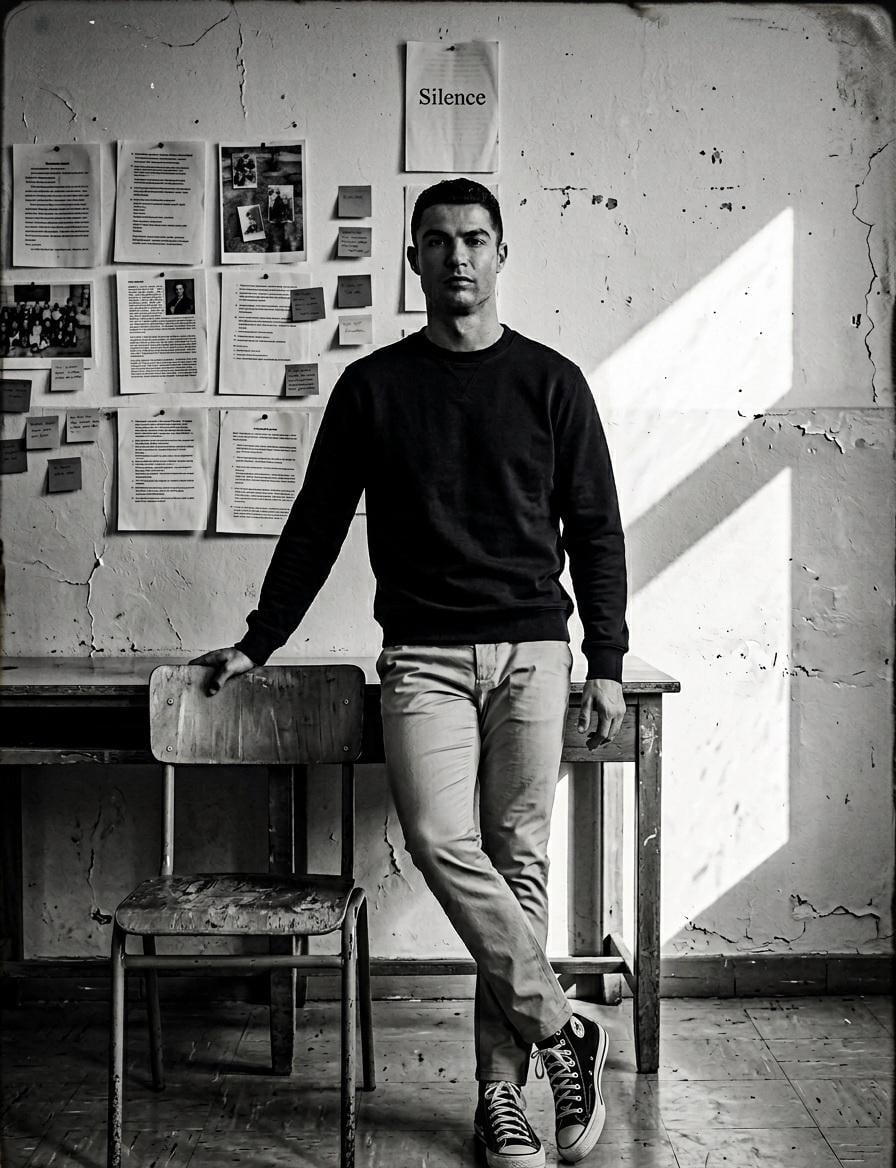
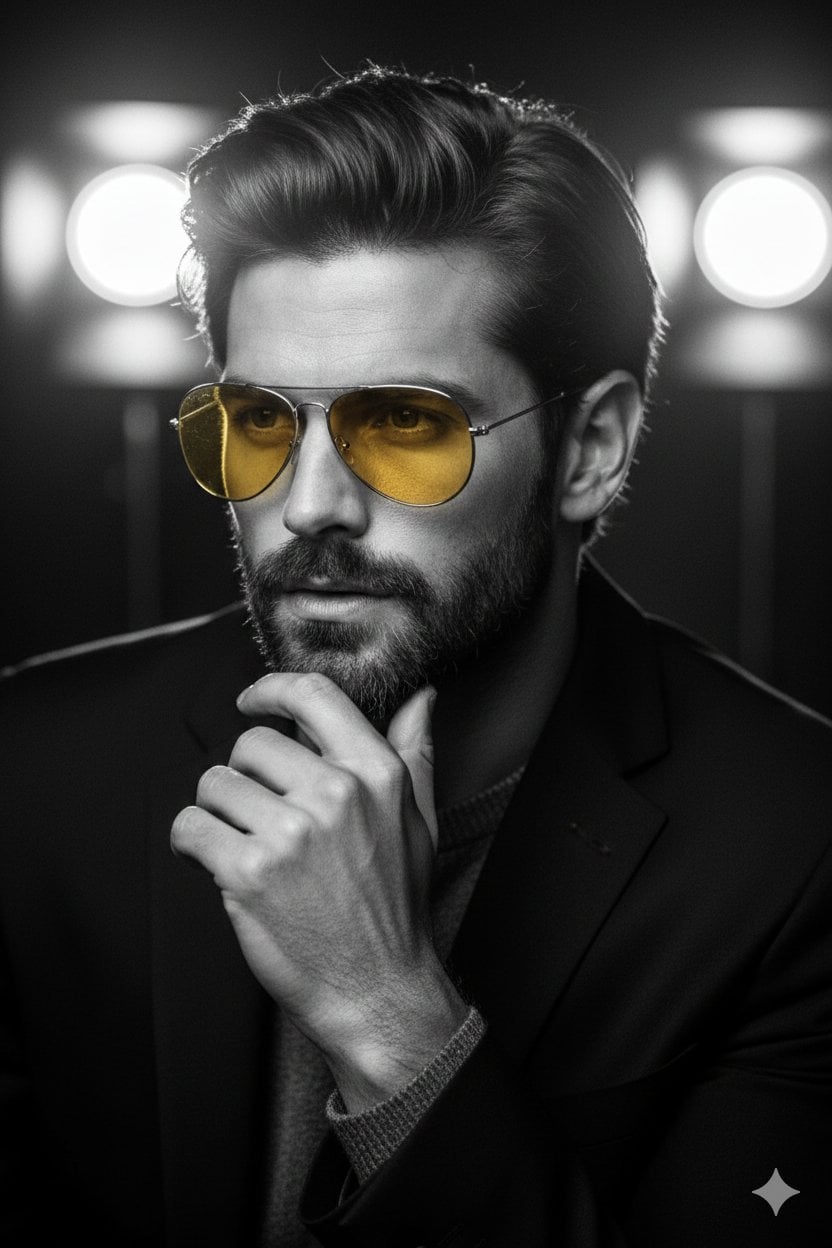
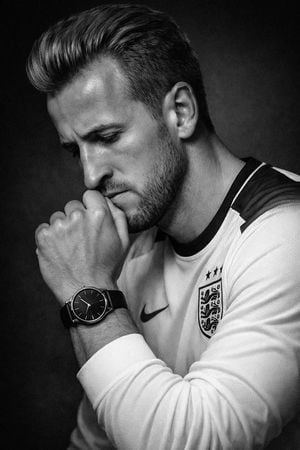
A moody black and white studio portrait featuring a relaxed subject with a drink, characterized by soft lighting and sharp shadows.

Create a black and white studio image of {argument name="subject" default="the person in the uploaded image"}, sitting casually on a metal folding chair with one leg crossed. He is wearing {argument name="clothing" default="baggy denim jeans, a black Tshirt, and black boots"}, with a slightly masculine style. The lighting should be soft and minimal, creating sharp shadows and a moody atmosphere. His pose should be relaxed, slightly leaning, with one hand on the chair’s backrest. His face should be turned about 45 degrees to the side, looking realistic. he is holding a clearly visible {argument name="drink" default="matcha drink"}. The background should be plain, simple, and modern. 9:16
Create a black and white studio image of {argument name="subject" default="the person in the uploaded image"}, sitting casually on a metal folding chair with one leg crossed. He is wearing {argument name="clothing" default="baggy denim jeans, a black Tshirt, and black boots"}, with a slightly masculine style. The lighting should be soft and minimal, creating sharp shadows and a moody atmosphere. His pose should be relaxed, slightly leaning, with one hand on the chair’s backrest. His face should be turned about 45 degrees to the side, looking realistic. he is holding a clearly visible {argument name="drink" default="matcha drink"}. The background should be plain, simple, and modern. 9:16
Edit the prompt in the box under the preview — the template's model and format are already selected — and press Generate. Your version appears right on this page.
Yes. You can change the subject, setting, lighting, mood, format, and available model controls before creating your image.
Opening and editing this template is free. Generating uses credits, shown on the Generate button when you are signed in.
Start with Nano Banana 2, which is the model associated with this template. You can compare another compatible model for a different finish.
Follow a topic to a crawlable collection of related PicX Studio templates.