
Shadow Assassin in Ruined Temple
This prompt generates a cinematic dark-fantasy action artwork of a hooded assassin warrior wielding shadow energy, ideal for game key art, posters, or dramatic concept illustrations.
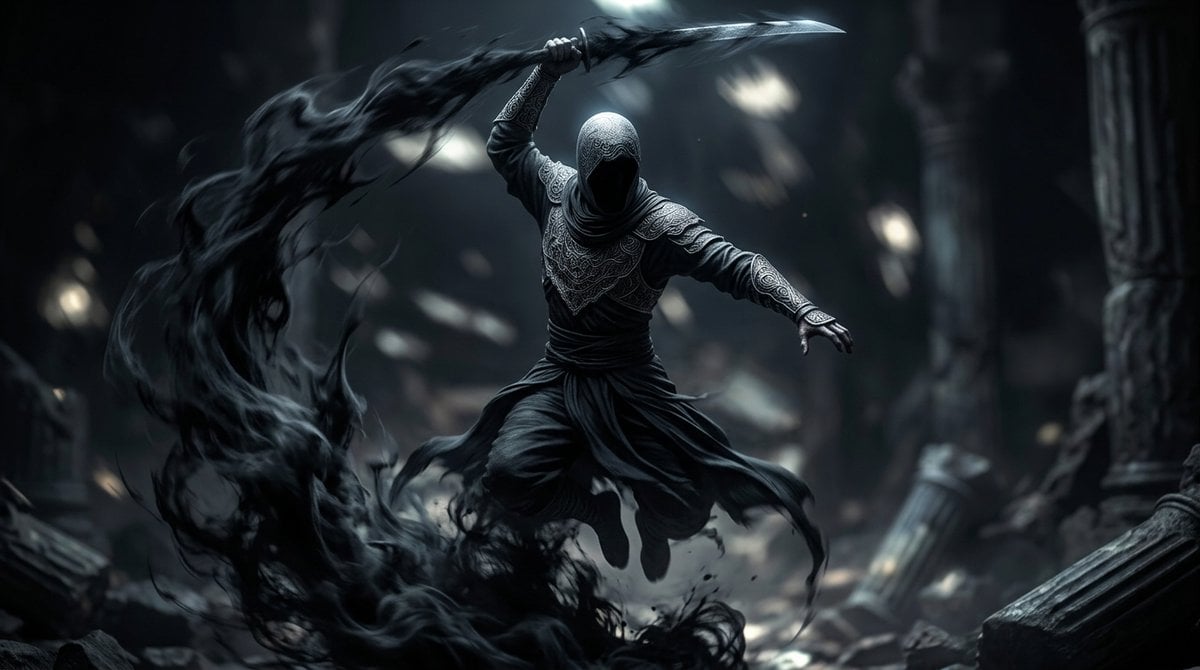
- Prompt included
- Model and format preset
- Free template
The prompt behind this image
Copy the exact prompt behind Shadow Assassin in Ruined Temple, or open it in the studio and make it yours.
A cinematic dark-fantasy action scene inspired by {argument name="inspiration" default="Assassin's Creed"}, showing a single hooded assassin-like warrior suspended mid-leap inside a ruined ancient temple. The figure is centered, faceless in deep shadow beneath a tightly wrapped hood, wearing layered charcoal and black robes with ornate embossed patterns on the chest, shoulders, sleeves, and bracers, a wrapped waist sash, loose flowing trousers, and wind-whipped fabric tails. One arm is raised overhead gripping a curved blade, while the other arm extends outward for balance in a dynamic airborne attack pose. From the sweeping weapon and the fighter's movement, a massive ribbon of black smoke and shadow curls in a dramatic arc from the lower left foreground up around the character, like living darkness or ink in motion. The environment is a cavernous stone ruin with 2 visible broken columns, scattered rubble, dust, and blurred beams of pale light filtering from above. Use a moody monochrome palette of {argument name="primary color palette" default="black, charcoal, steel blue, and cold gray"}, high contrast, soft volumetric lighting, shallow depth of field, motion blur in the shadow trail, sharp focus on the warrior, ultra-detailed fabric textures, ominous atmosphere, epic game concept art style, realistic rendering, 16:9 widescreen composition.
How to use Shadow Assassin in Ruined Temple in 3 steps
- 1Upload ImagePNG, JPG or paste
Add your photo
Upload the photo the template builds on. The prompt, model and format are already set.
- 2…a portrait of your subject in softgolden-hour light, 85mm…
Personalize
Edit the subject and creative details for your destination.
- 3Generate
Generate
Press Generate — your image is created in PicX Studio, so you can compare it with the original and refine one variable at a time.
More like this
Templates with the same subject, style or setup. Open one to see its prompt.
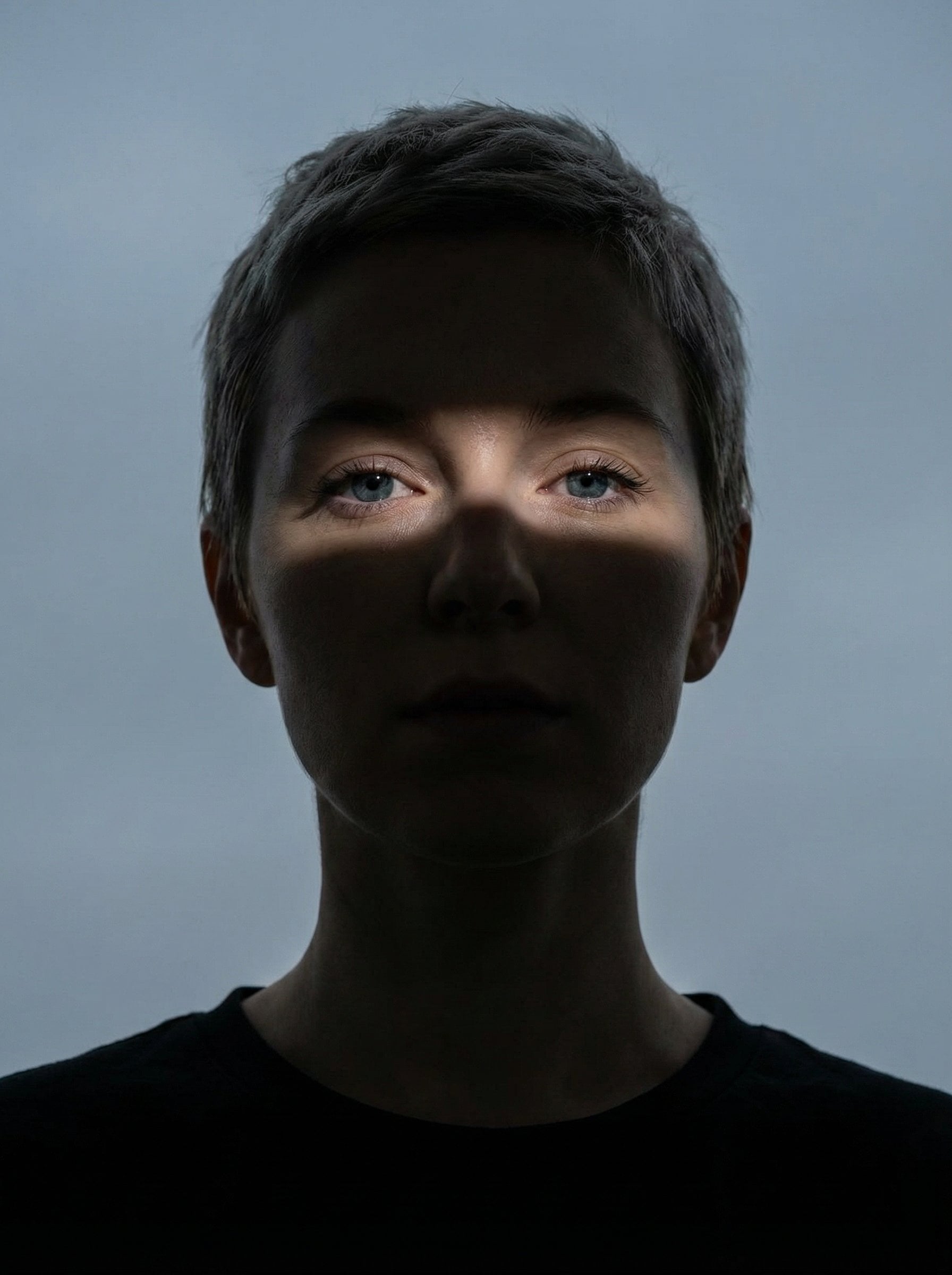
Nano Banana Pro Eyes in Shadow

Ancient Temple Portrait — White Dress Nano Banana
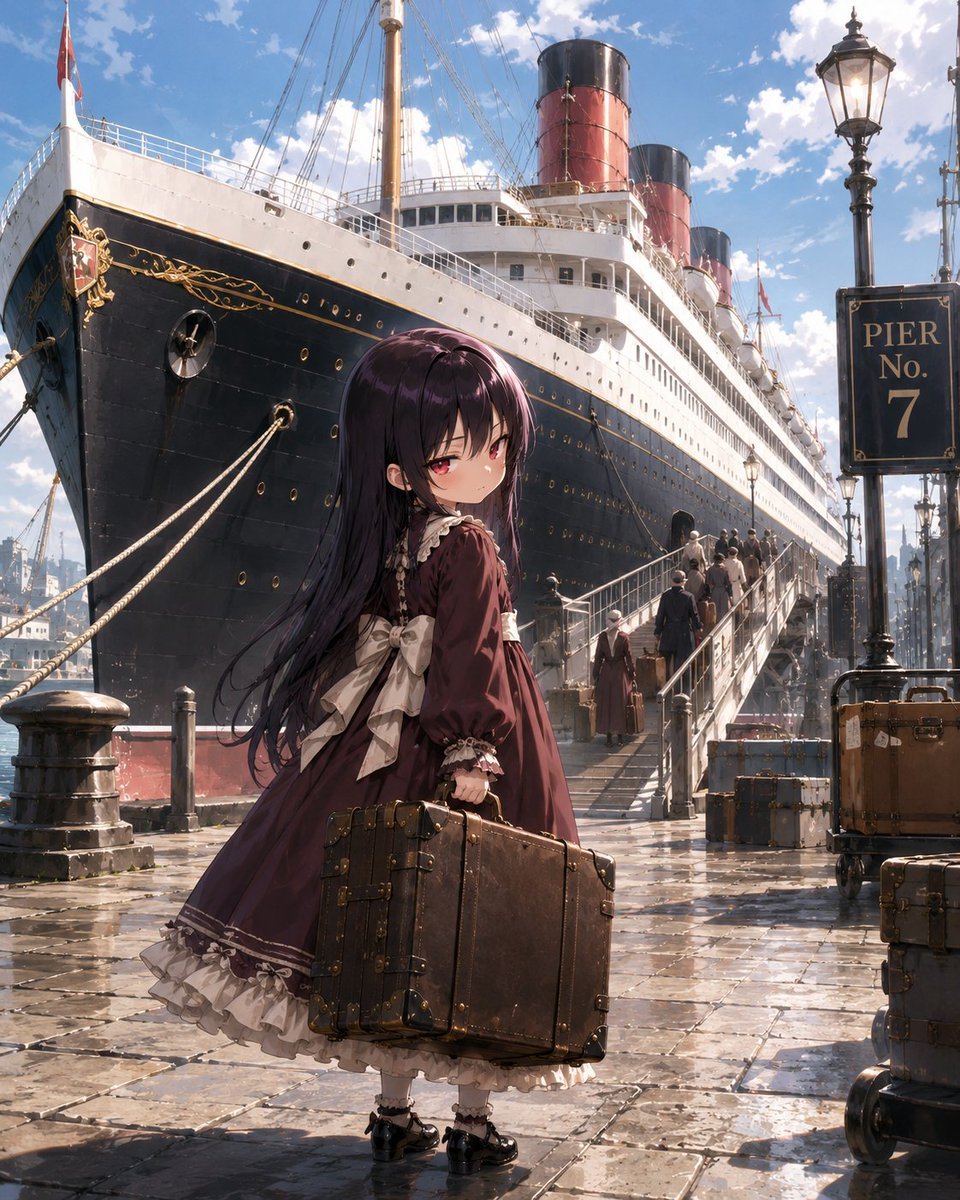
Little Girl in Ruined City
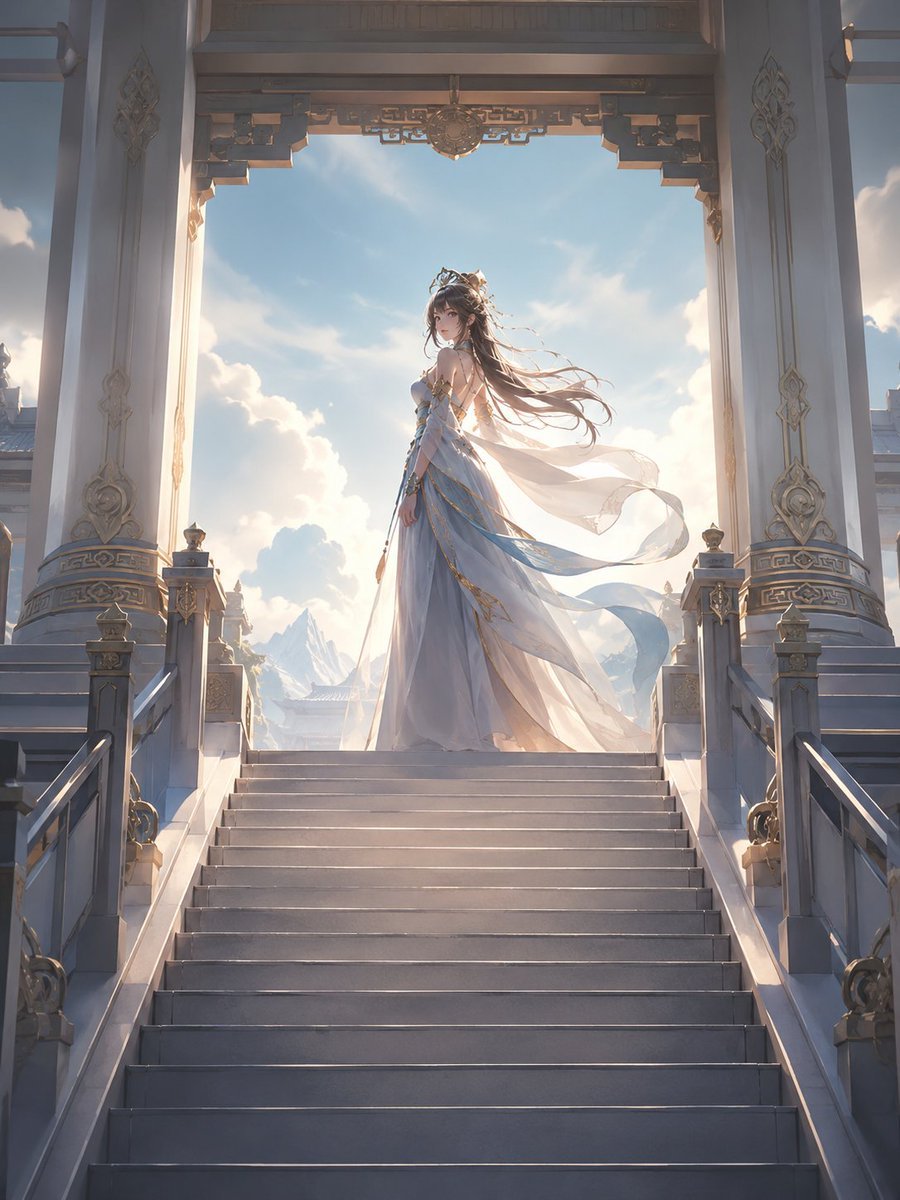
Fantasy Princess Temple Staircase
Noir Assassin Character Sheet
Ancient Temple 3D Diorama
Jing'an Temple Line 2 Station Entrance
Modern Man in Ancient Egyptian Temple
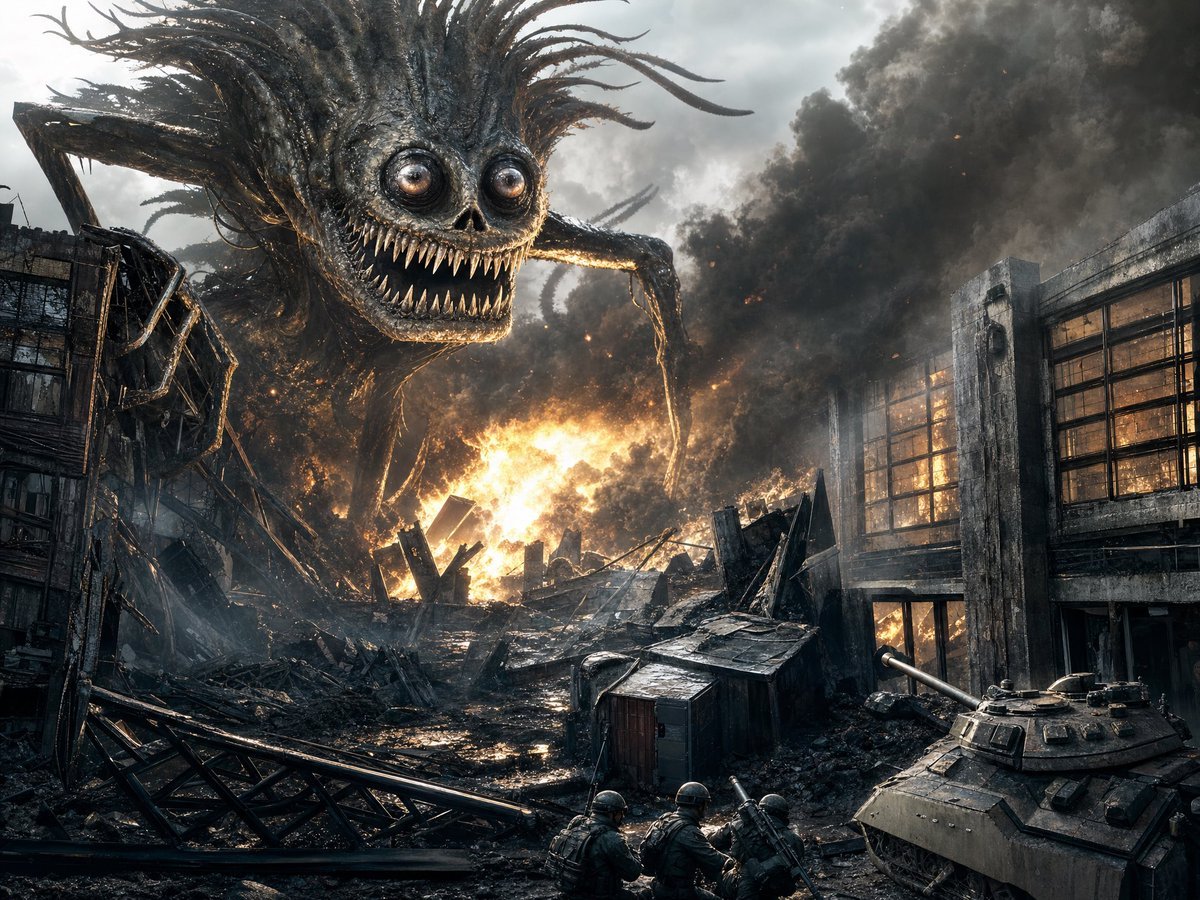
Giant Monster in Ruined War City
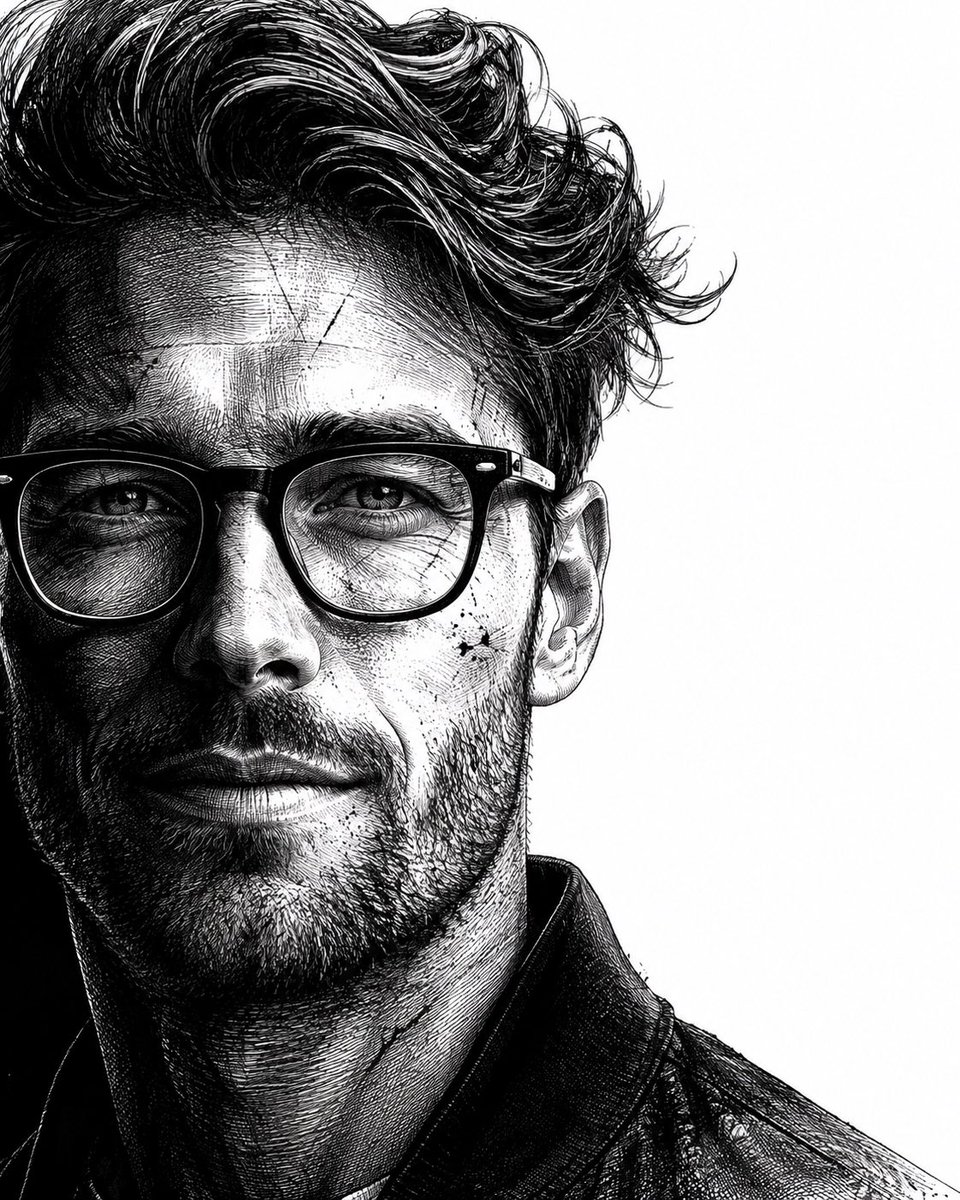
Neo-noir assassin portrait ink engraving
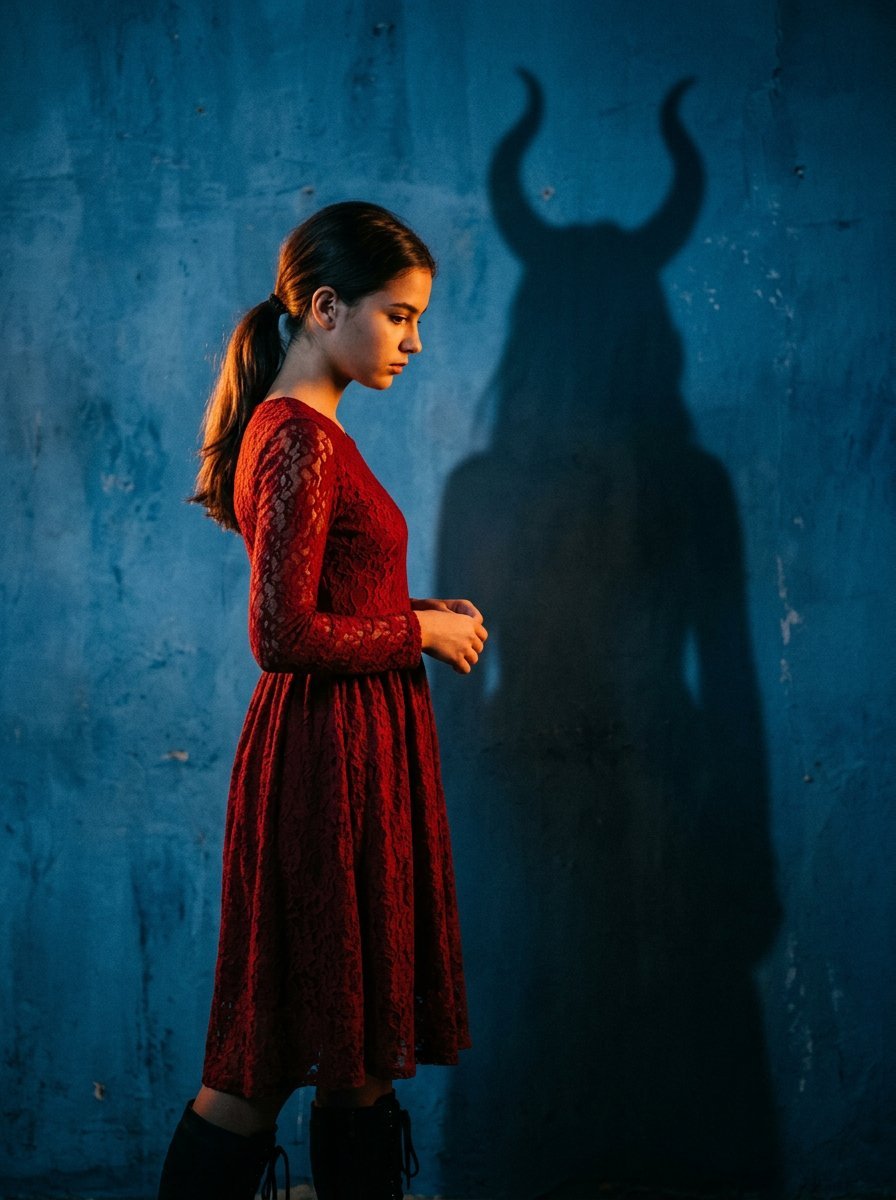
Mysterious Shadow Red Dress Portrait
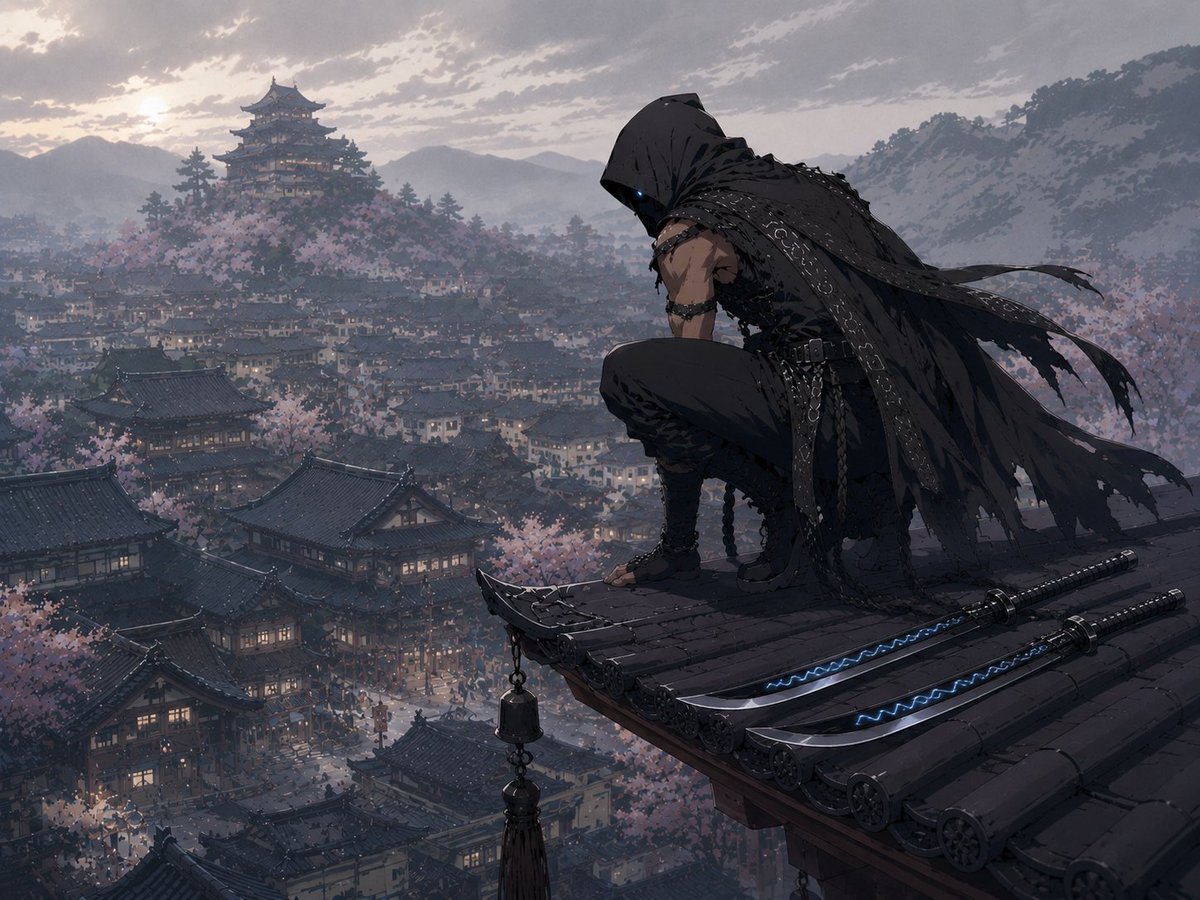
Hooded Assassin Watching Castle Town
Make it yours
Shadow Assassin in Ruined Temple works as-is. These are the safest ways to change it without losing the look.
Change one field
Copy a single group, rewrite it, and generate again so you can see what that field is doing.
Keep the frame, change the subject
Hold the composition and light of Shadow Assassin in Ruined Temple, then swap wardrobe, props or the person for a new take.
| If the result… | Why | Fix |
|---|---|---|
| The result drifts from the preview | Too many fields changed at once. | Reuse Shadow Assassin in Ruined Temple as-is first, then change one group — subject, light, or setting. |
| The model over-stylizes the scene | The prose prompt leaves finish and camera underspecified. | Add one camera or lighting sentence and stay on GPT Image 2. |
More GPT Image 2 templates
Other prompts made for GPT Image 2.

Six VTuber Japanese Logo Sheet

Realistic Portrait of Woman and Deer

The Vista Modular Condo Poster

AI Model Routing Comparison Infographic

2.5D Anime Art Board

Isometric Productivity Desk Scene

New York Double Exposure Poster

Four-Panel AI Landscape Comparison

Japanese Tatami Lifestyle Magazine Cover

NESCAFÉ Coffee Map Poster
More image prompts
Fresh picks from across the catalog.
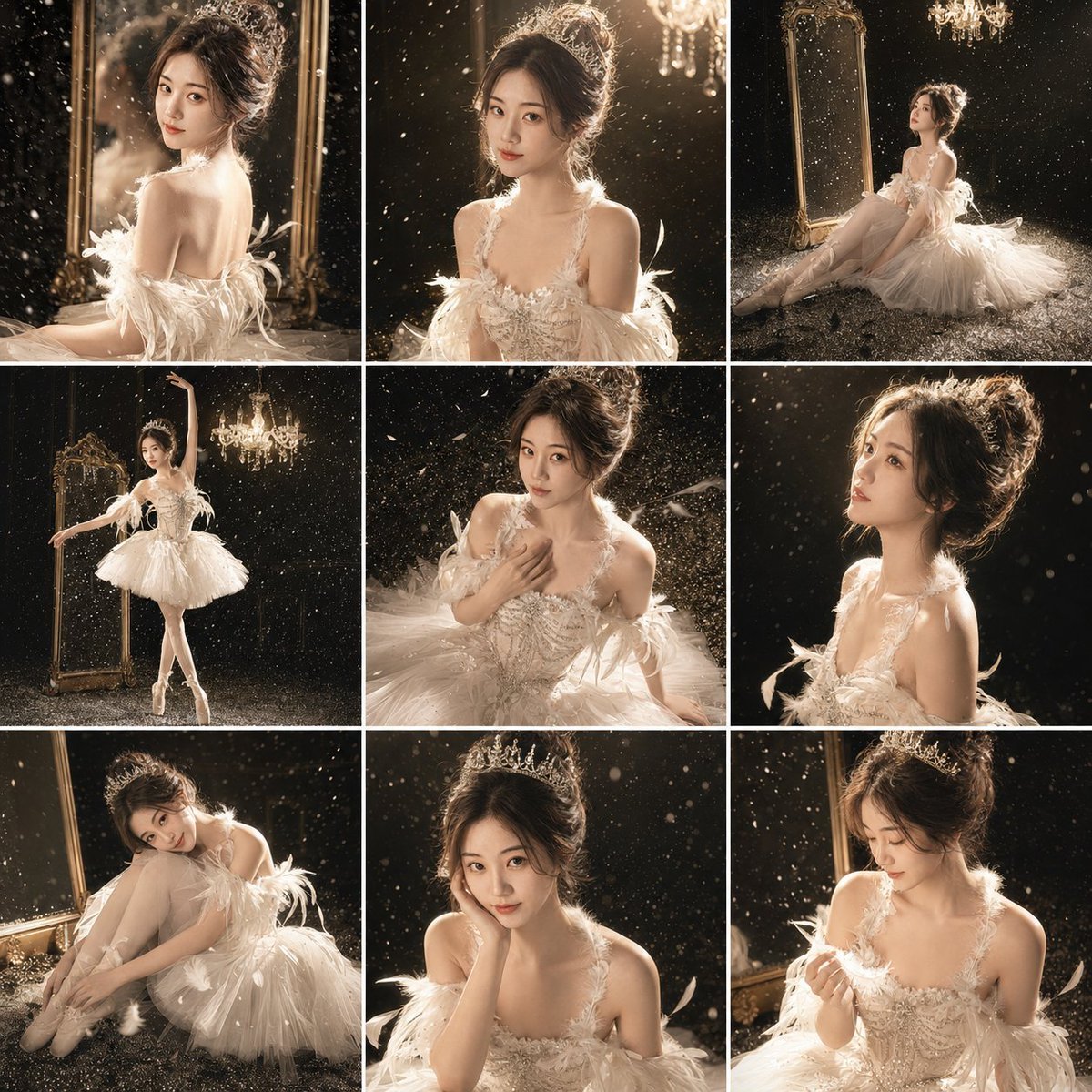
Luxury Studio Ballet Portrait Grid
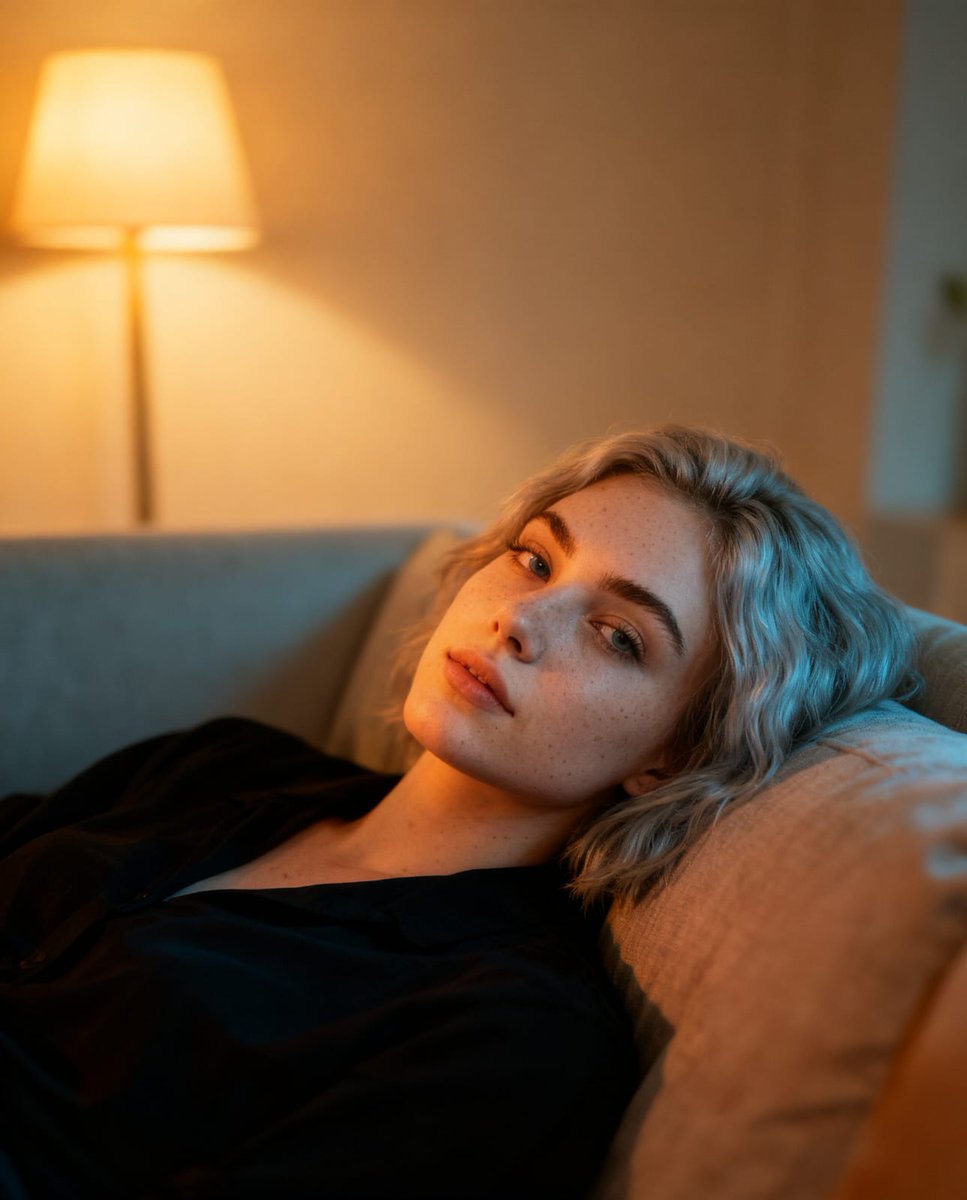
UGC-Style Candid Portrait Edit Prompt

DIY Baby Robot Toy Concept Sheet
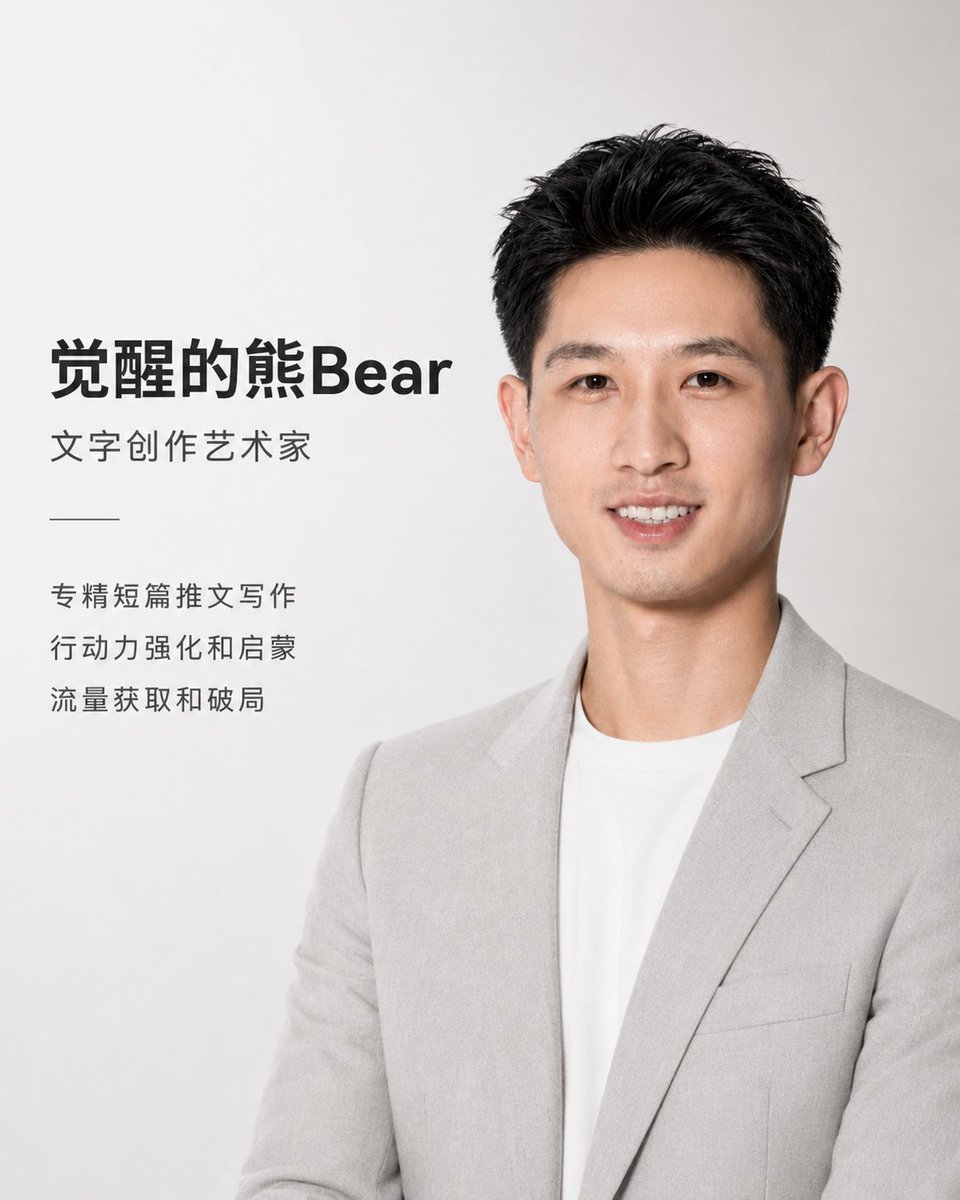
Apple Style Coach Branding Poster
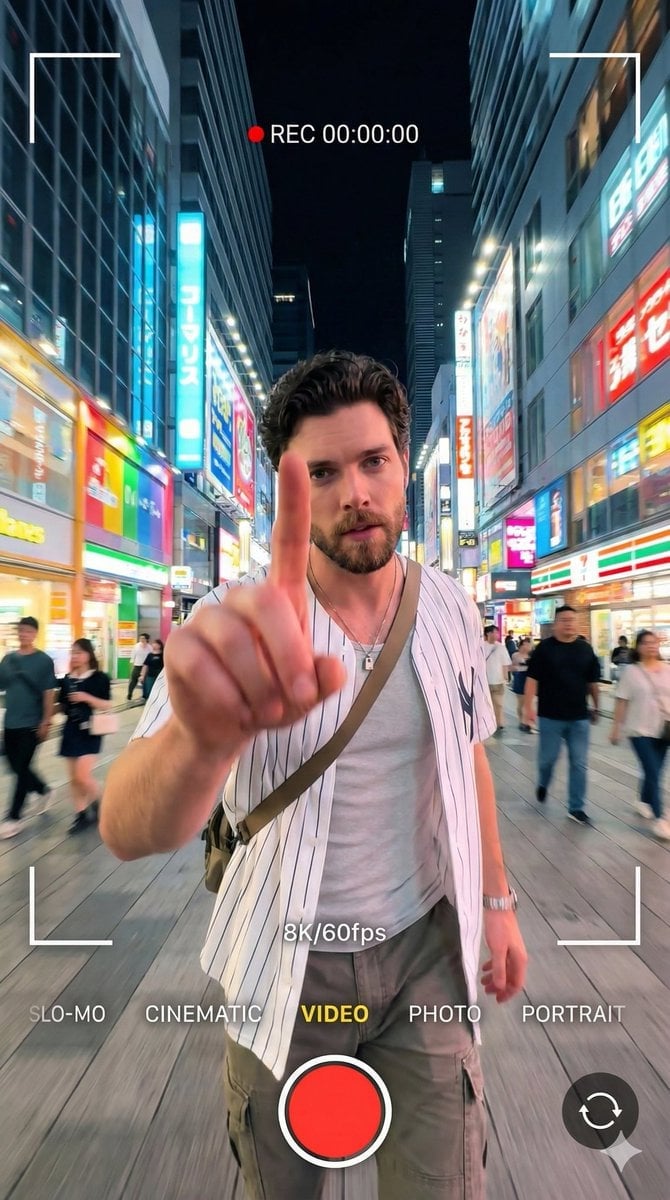
8K Cinematic Portrait with Video UI Overlays
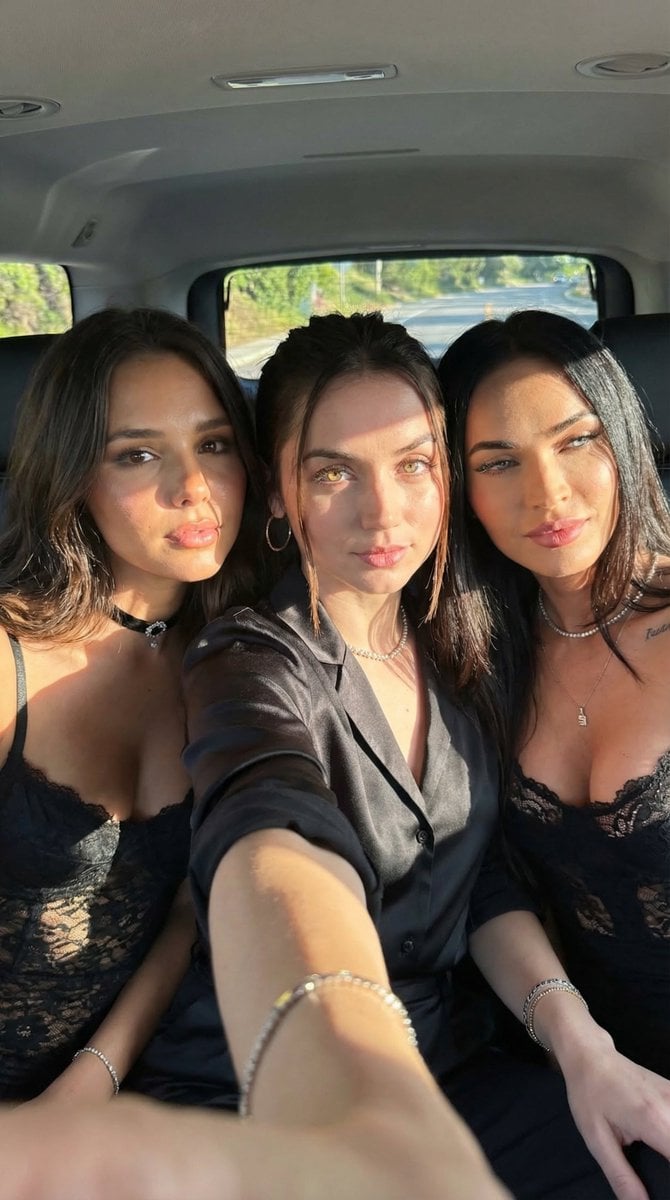
Car Selfie with Three Subjects and Identity Lock
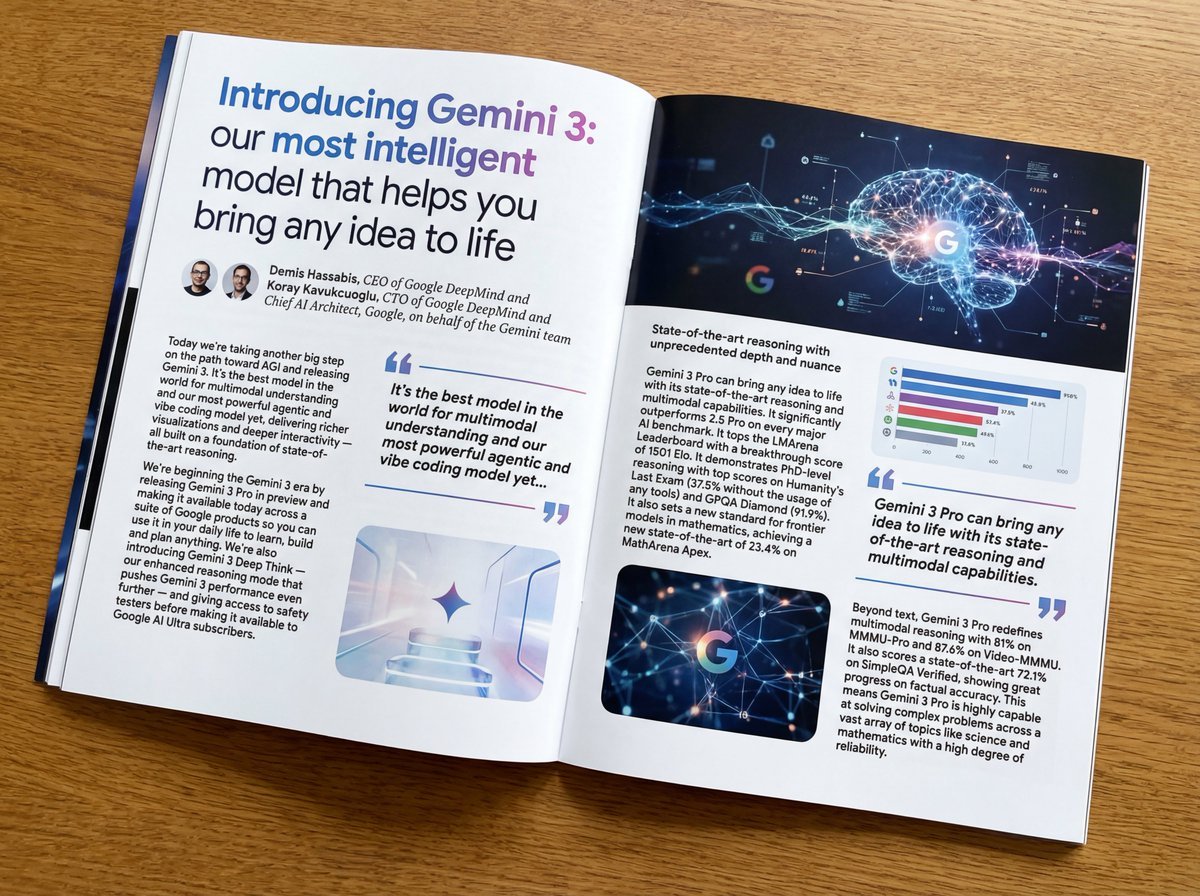
Magazine-style photo containing given article text
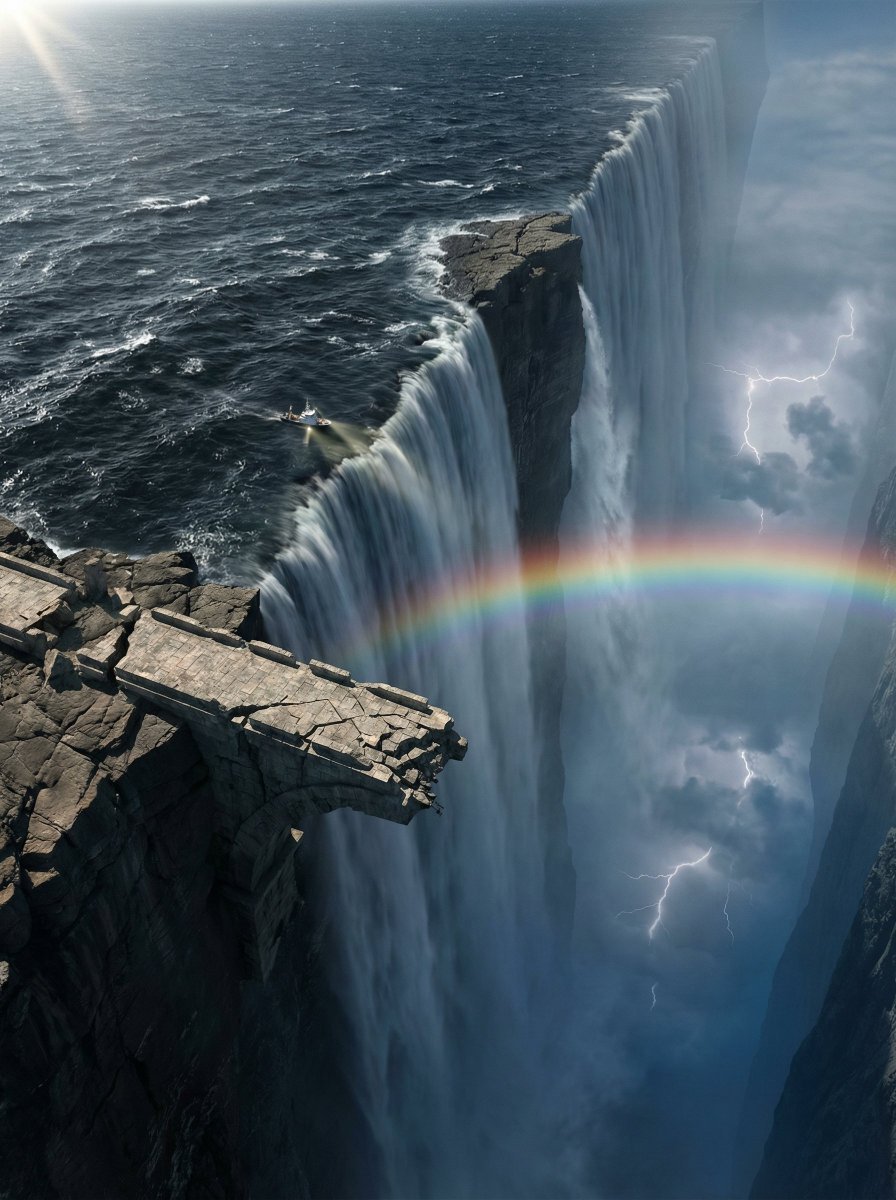
Ultra-Widescreen Tectonic Rift and World's End Scene Prompt in JSON
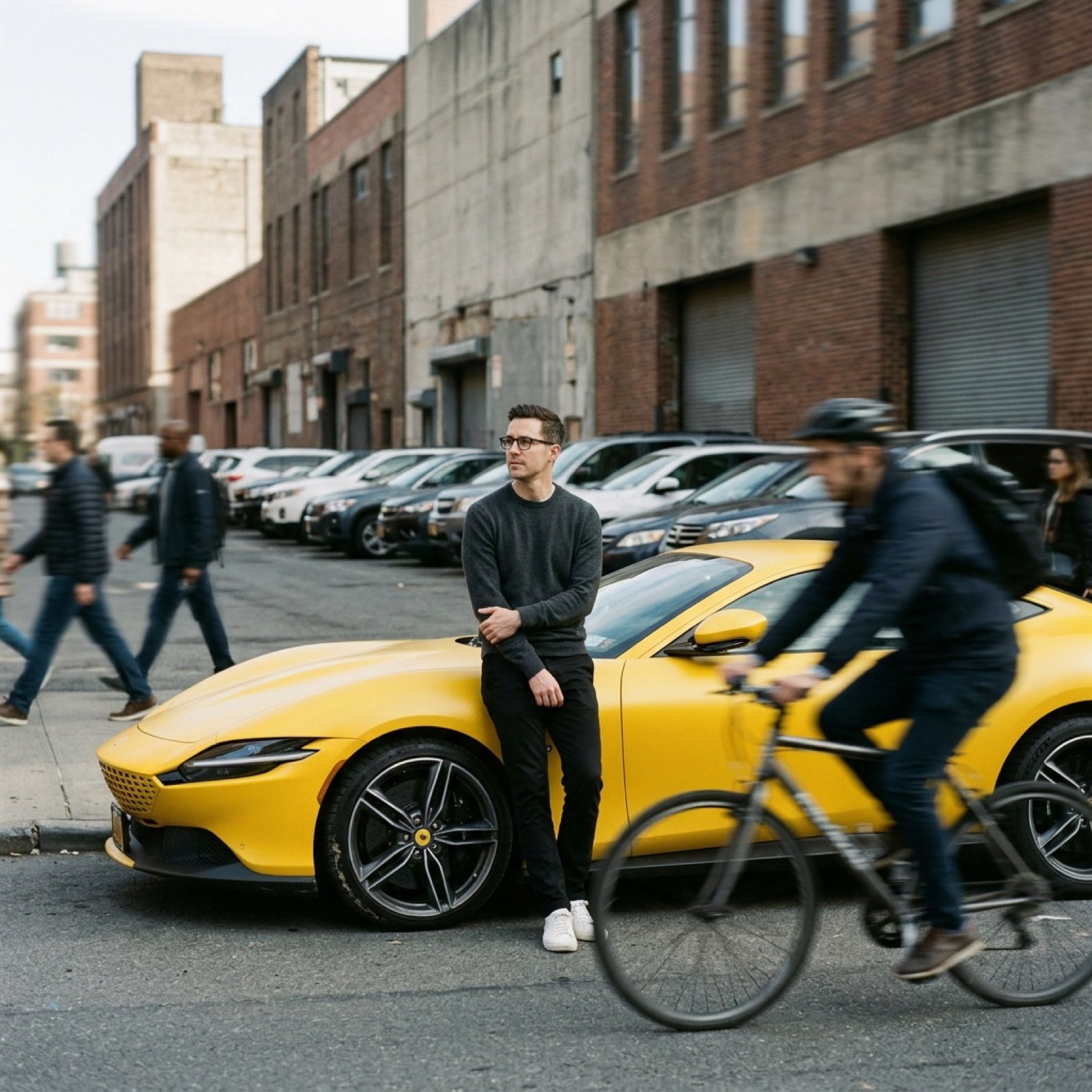
Cinematic Tracking Shot Video Prompt
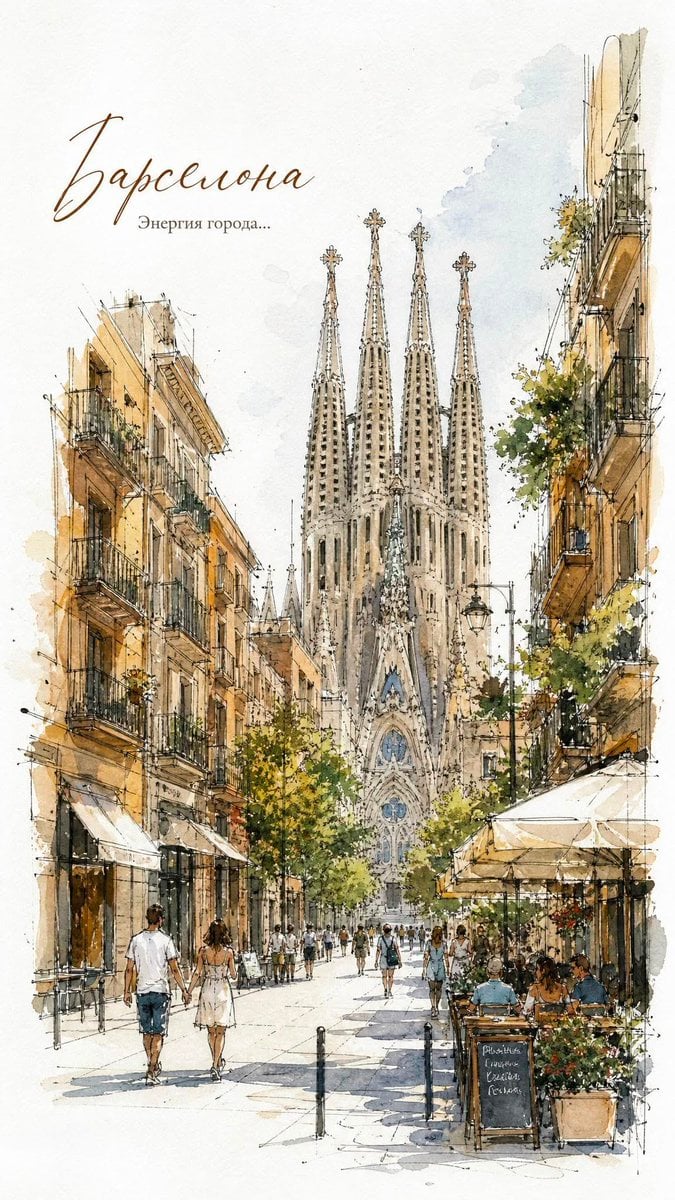
European City Watercolor Sketch Poster
Browse template categories
Shadow Assassin in Ruined Temple questions
How do I use the Shadow Assassin in Ruined Temple template?
Add your photo if the template asks for one, edit the prompt if you like — the template's model and format are already selected — and press Generate. Your version opens in PicX Studio.
Can I customize the Shadow Assassin in Ruined Temple template?
Yes. You can change the subject, setting, lighting, mood, format, and available model controls before creating your image.
Is the Shadow Assassin in Ruined Temple template free?
Opening and editing this template is free. Generating uses credits, shown on the Generate button when you are signed in.
Which AI model should I use?
Start with GPT Image 2, which is the model associated with this template. You can compare another compatible model for a different finish.
Looking for something else? Browse all templates.

Your photo, any look
Thousands of ready templates for every top image and video model, from one credit balance.