
Hooded Assassin Watching Castle Town
A cinematic anime fantasy scene of a dark hooded assassin observing a lantern-lit Japanese castle town from a rooftop.
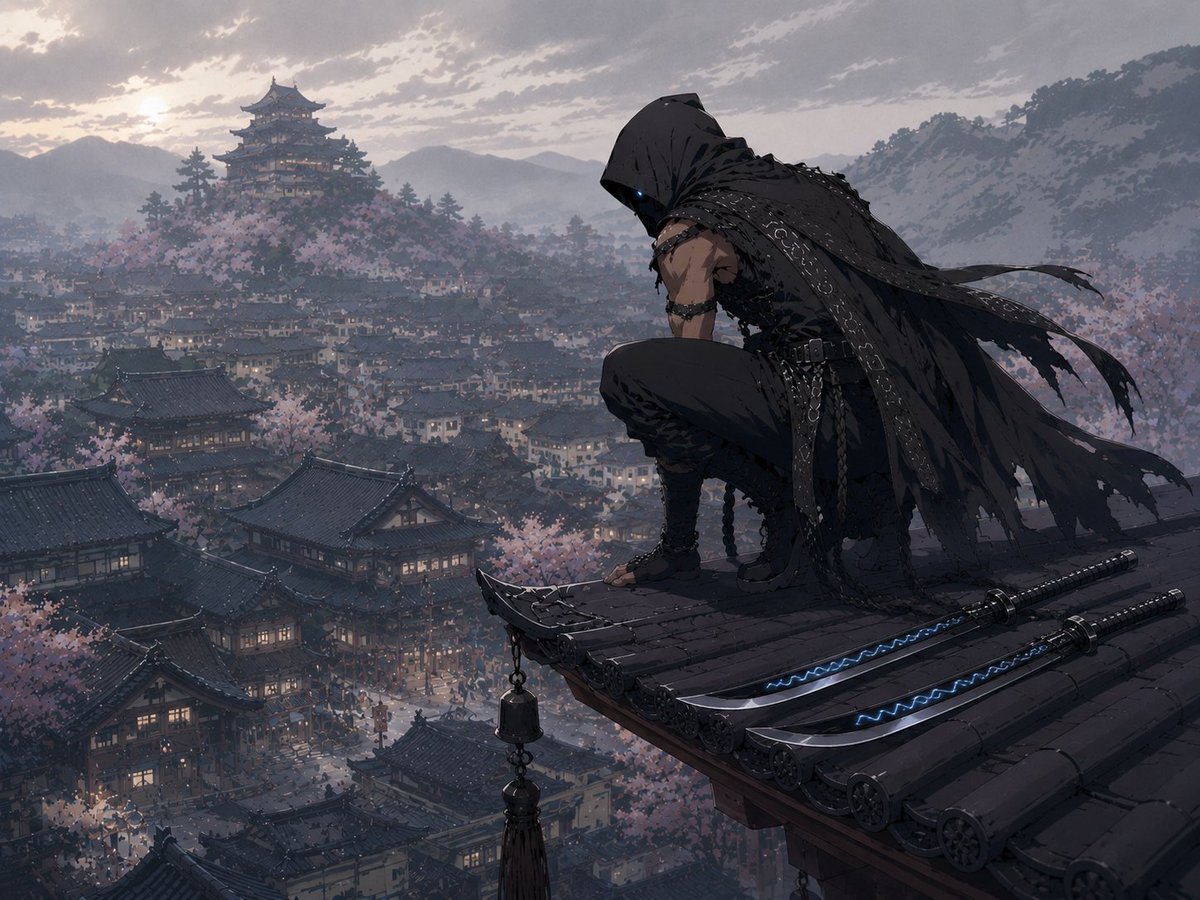
- Prompt included
- Model and format preset
- Free template
The prompt behind this image
Copy the exact prompt behind Hooded Assassin Watching Castle Town, or open it in the studio and make it yours.
Create a dark cinematic anime-style fantasy illustration of {argument name="character name" default="a hooded assassin"} crouching on the corner of a high tiled rooftop, watching over a vast feudal Japanese castle town at dusk. The figure is seen from behind in three-quarter view on the right side of the image, wearing a tattered black hooded cloak with ragged strips streaming in the wind, layered leather straps, belts, chains, buckles, and dark shinobi-style clothing; only one faint glowing blue eye is visible under the hood. Their posture is low and vigilant, one knee raised, one hand braced near the roof edge, conveying that he is watching. On the rooftop beside him are exactly 2 sheathed katanas laid parallel, both black with metallic fittings and subtle electric-blue glowing wave patterns along the blades or scabbards. From the roof corner hangs exactly 1 small tasselled wind-bell ornament with 2 stacked bell shapes. The background is a sprawling ancient Japanese city filled with dark curved tile roofs, warm lantern-lit windows, narrow streets, and dense pale pink cherry blossom trees. In the far distance, place exactly 1 large multi-tier Japanese castle on a hill to the upper left, surrounded by misty mountains and forests. Use a moody gray-blue and muted pink palette, overcast sunset clouds, atmospheric haze, fine painterly detail, dramatic wide-angle composition, high vantage point, epic stealth-ninja mood, no text, no watermark.
How to use Hooded Assassin Watching Castle Town in 3 steps
- 1Upload ImagePNG, JPG or paste
Add your photo
Upload the photo the template builds on. The prompt, model and format are already set.
- 2…a portrait of your subject in softgolden-hour light, 85mm…
Personalize
Edit the subject and creative details for your destination.
- 3Generate
Generate
Press Generate — your image is created in PicX Studio, so you can compare it with the original and refine one variable at a time.
More like this
Templates with the same subject, style or setup. Open one to see its prompt.

Minecraft Fantasy Kingdom Voxel Landscape
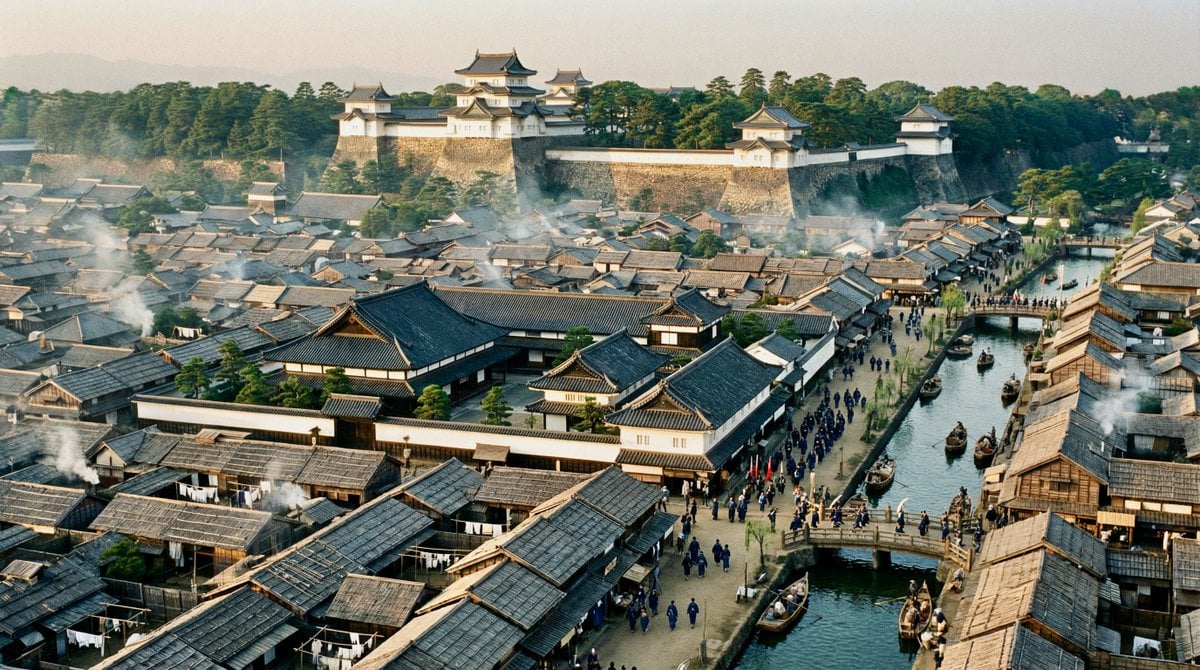
Edo-period castle town scene
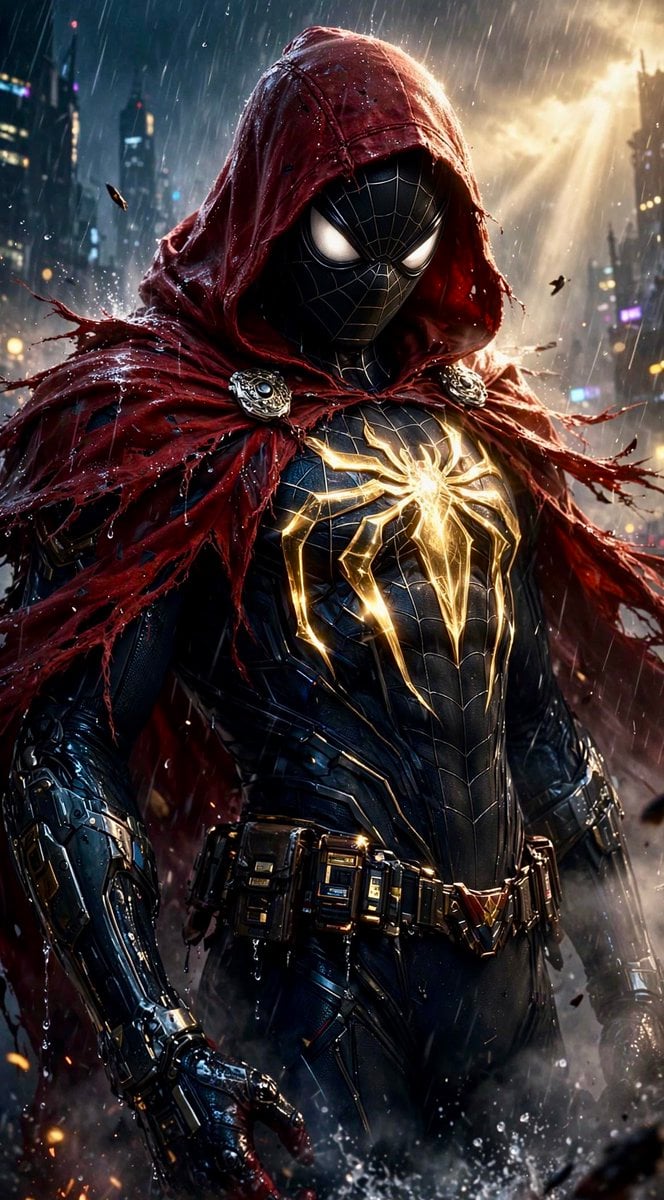
Dark Hooded Spider-Man Portrait
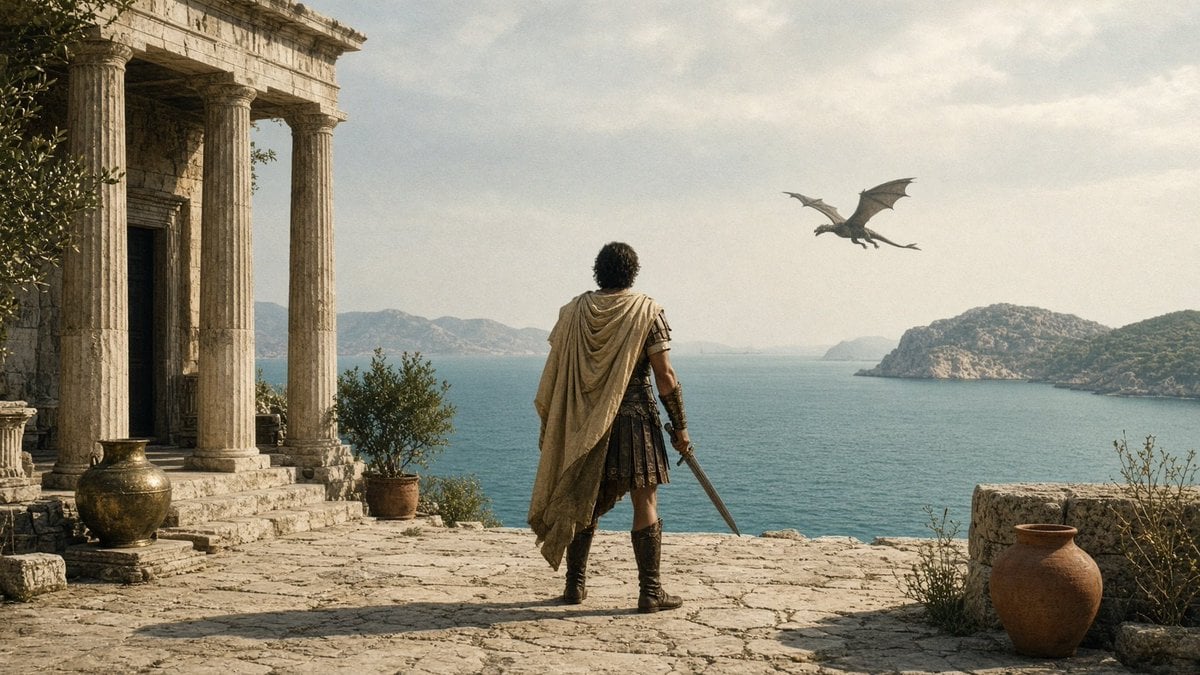
Greek Warrior Watching Dragon
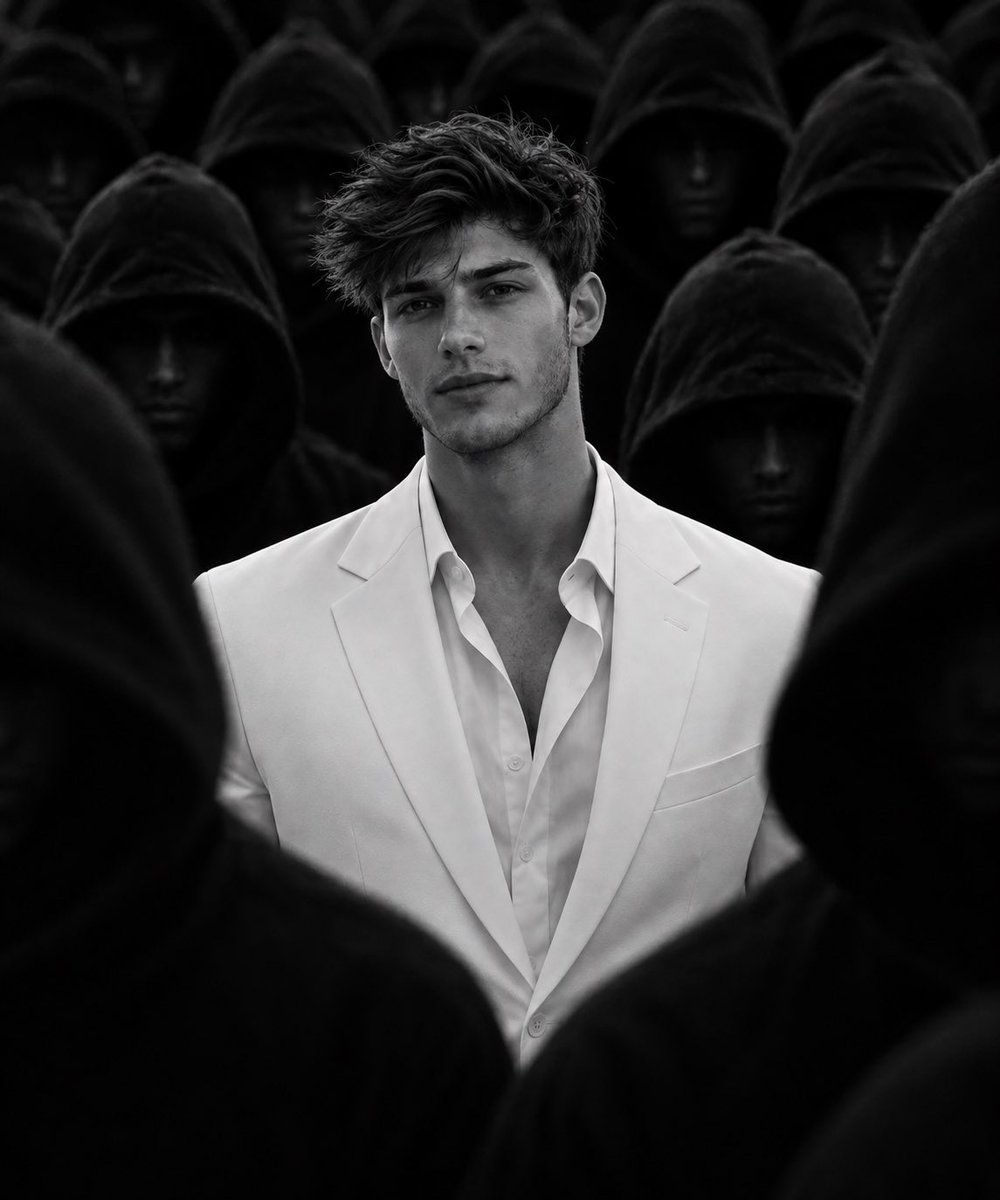
White Suit Man in Hooded Crowd
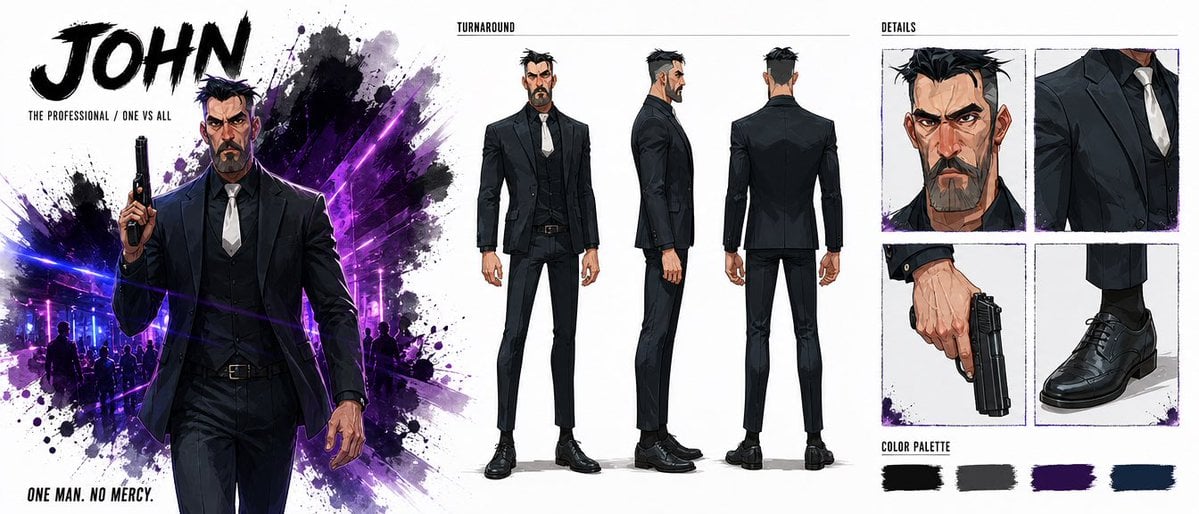
Noir Assassin Character Sheet
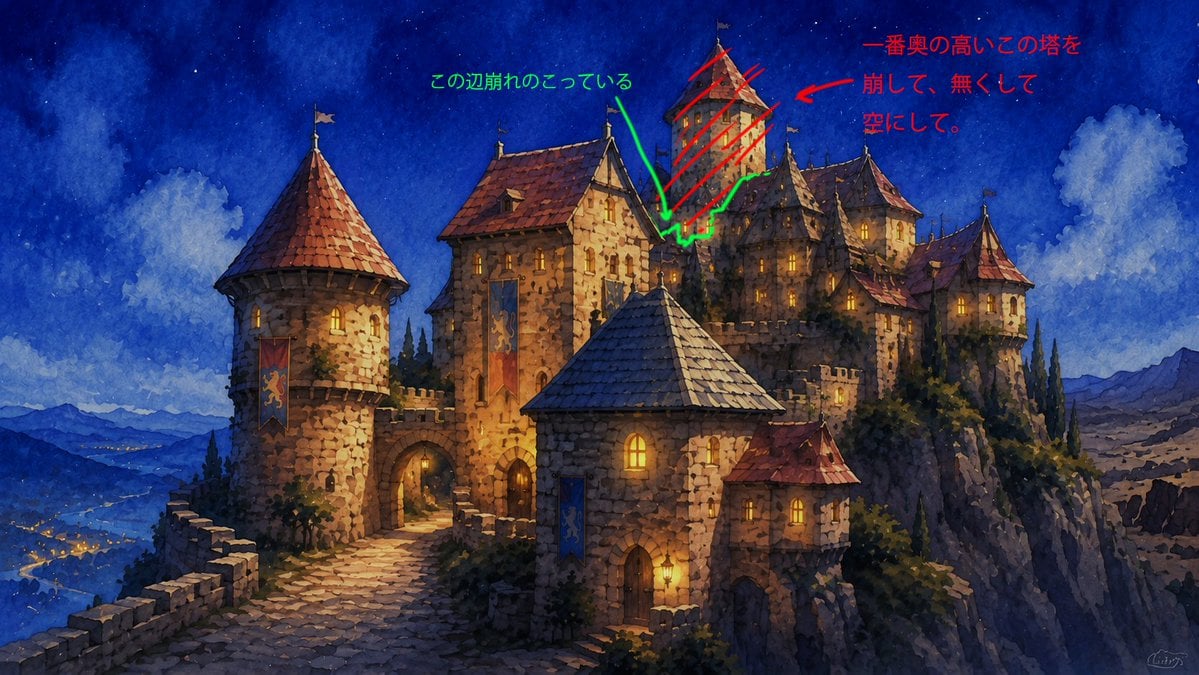
Castle Edit Markup Overlay
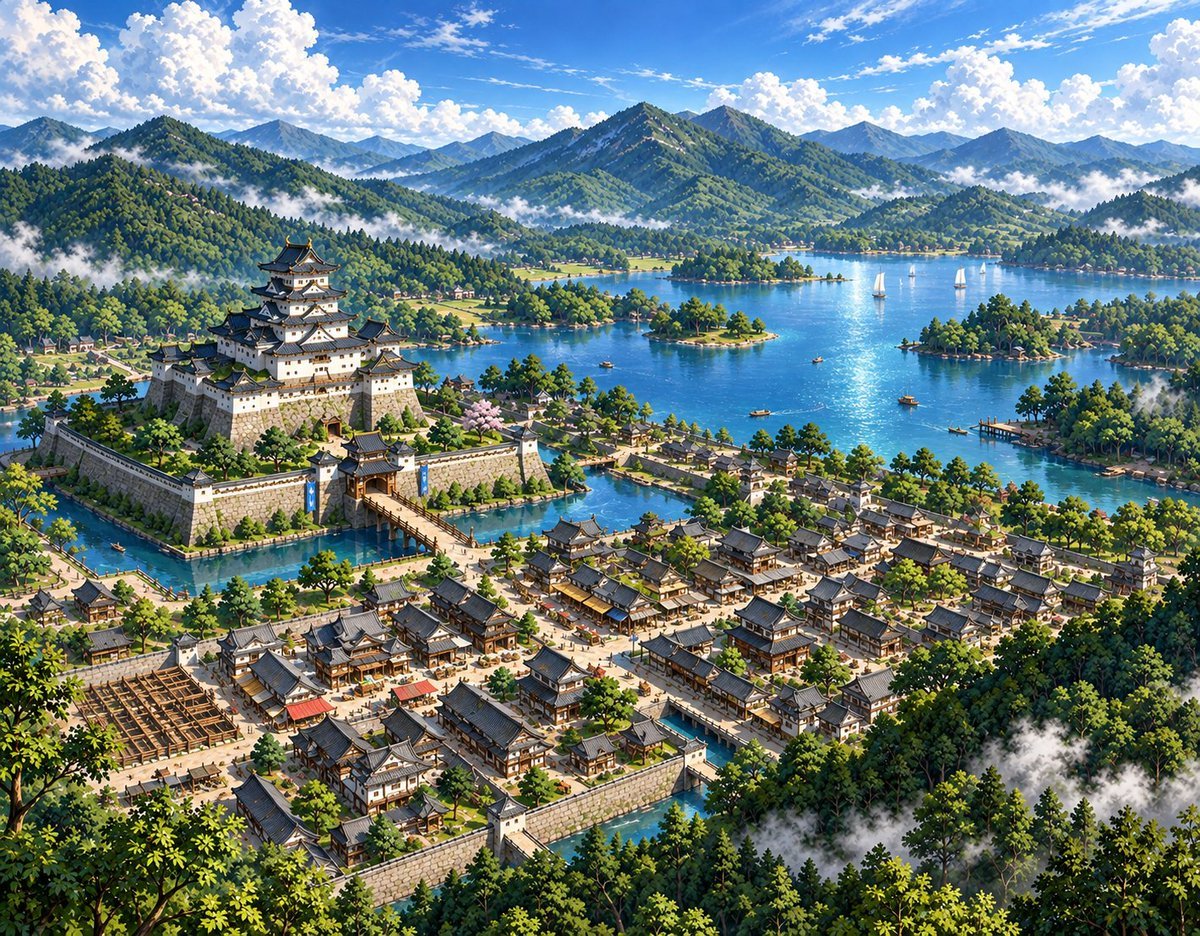
Sketch to Anime Castle Landscape
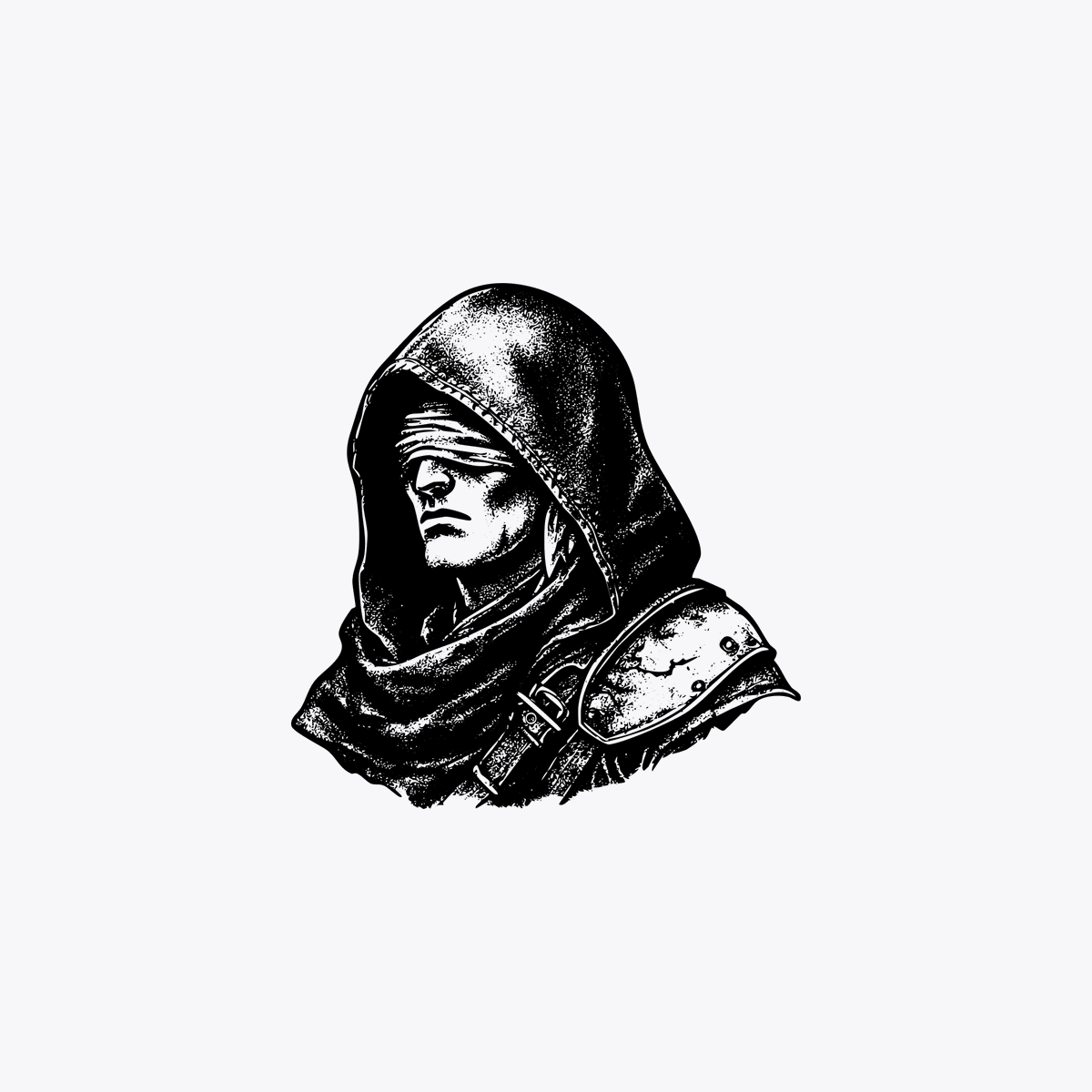
Hooded Rogue with Blurred Face
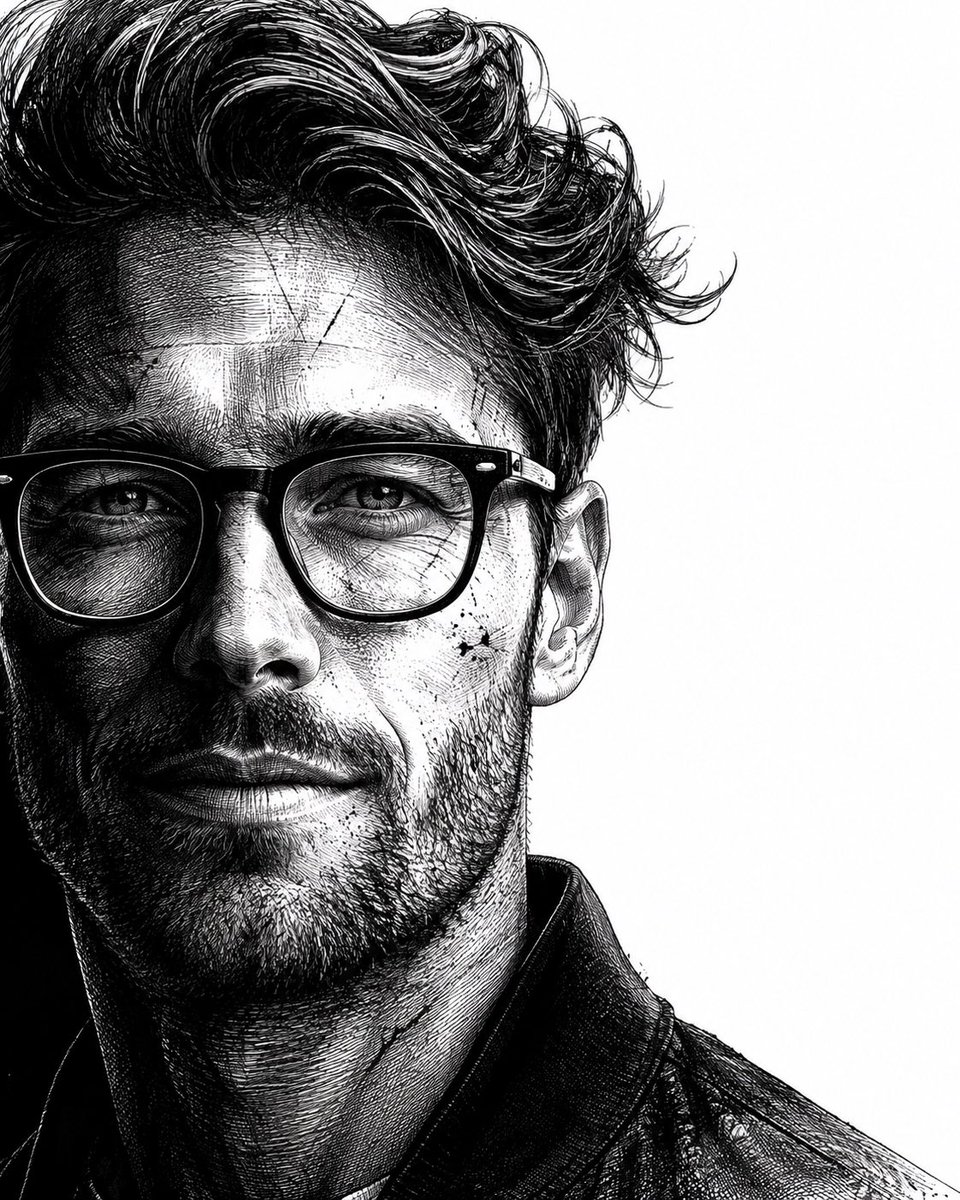
Neo-noir assassin portrait ink engraving
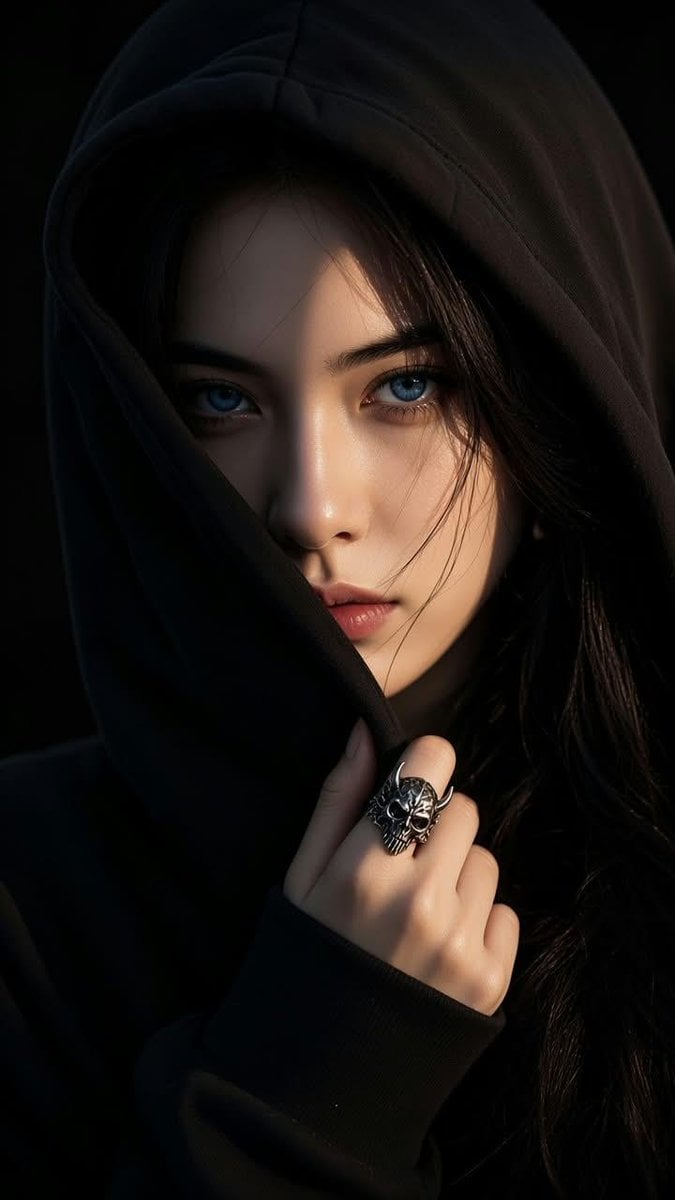
Shadowed Hooded Portrait
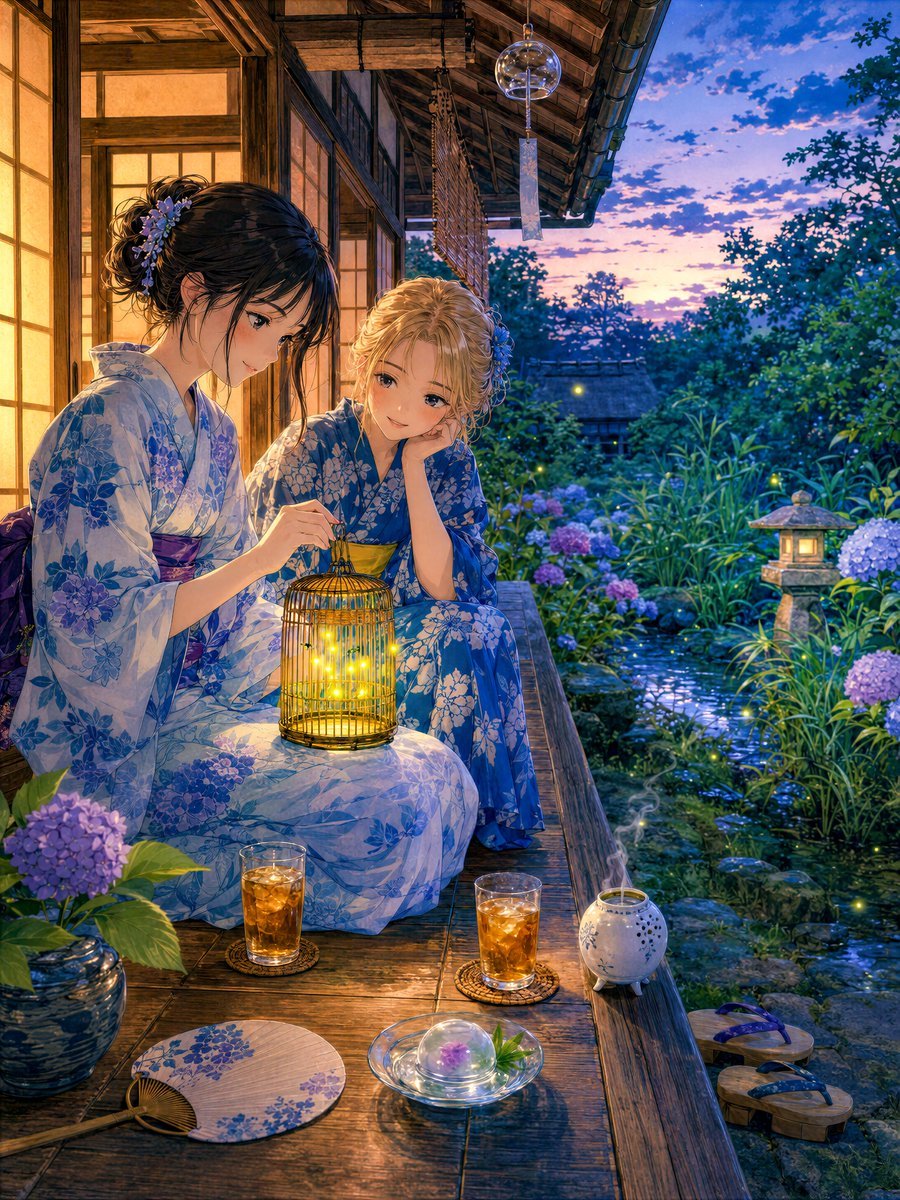
Girl Watching Fireflies on a Summer Veranda
Make it yours
Hooded Assassin Watching Castle Town works as-is. These are the safest ways to change it without losing the look.
Change one field
Copy a single group, rewrite it, and generate again so you can see what that field is doing.
Keep the frame, change the subject
Hold the composition and light of Hooded Assassin Watching Castle Town, then swap wardrobe, props or the person for a new take.
| If the result… | Why | Fix |
|---|---|---|
| The result drifts from the preview | Too many fields changed at once. | Reuse Hooded Assassin Watching Castle Town as-is first, then change one group — subject, light, or setting. |
| The model over-stylizes the scene | The prose prompt leaves finish and camera underspecified. | Add one camera or lighting sentence and stay on GPT Image 2. |
More GPT Image 2 templates
Other prompts made for GPT Image 2.

Six VTuber Japanese Logo Sheet

Realistic Portrait of Woman and Deer

The Vista Modular Condo Poster

AI Model Routing Comparison Infographic

2.5D Anime Art Board

Isometric Productivity Desk Scene

New York Double Exposure Poster

Four-Panel AI Landscape Comparison

Japanese Tatami Lifestyle Magazine Cover

NESCAFÉ Coffee Map Poster
More image prompts
Fresh picks from across the catalog.
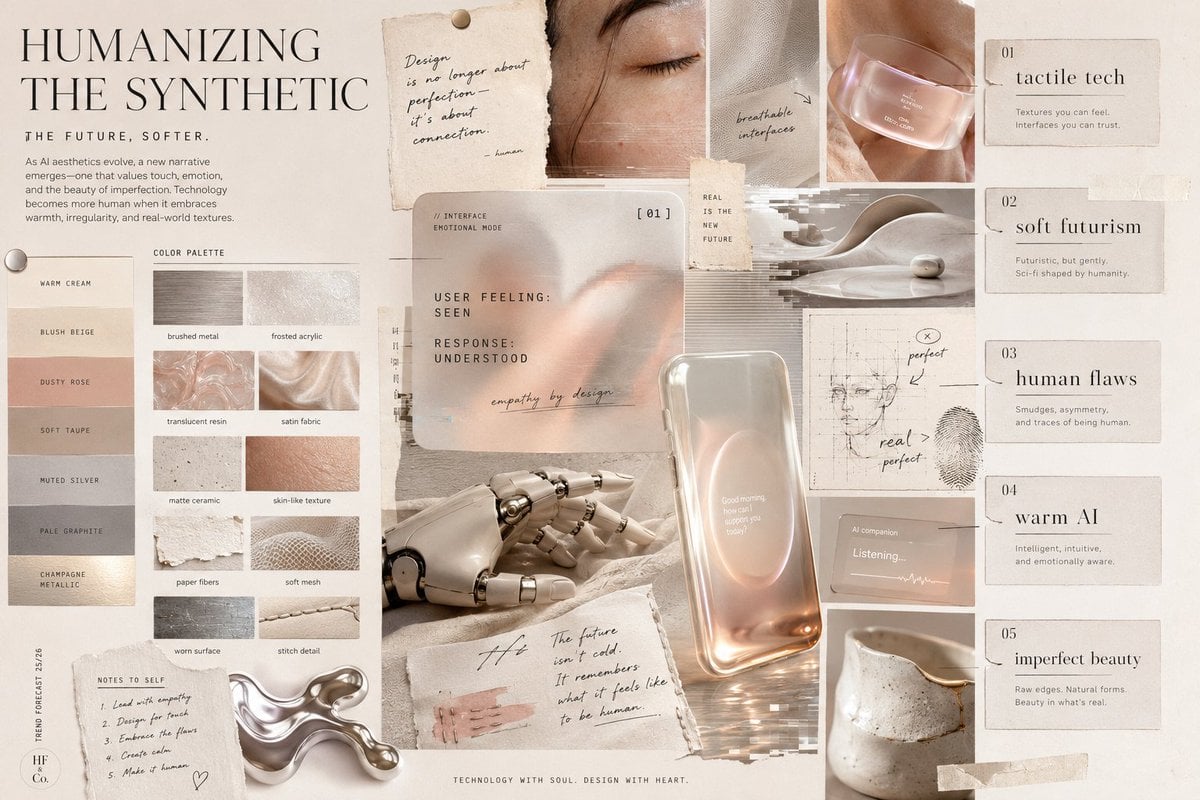
Visual Trend Analysis Moodboard
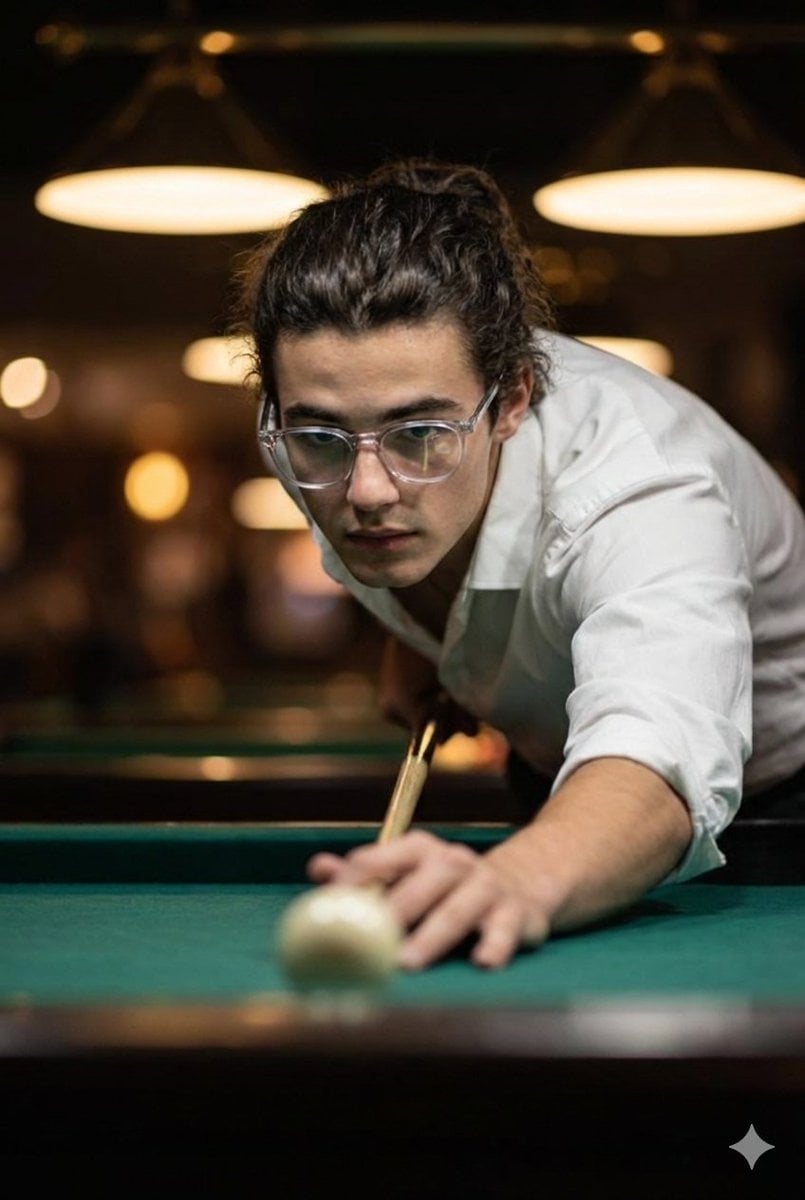
Cinematic Ultra-Realistic Billiards Shot

World Champion Stadium Victory Poster
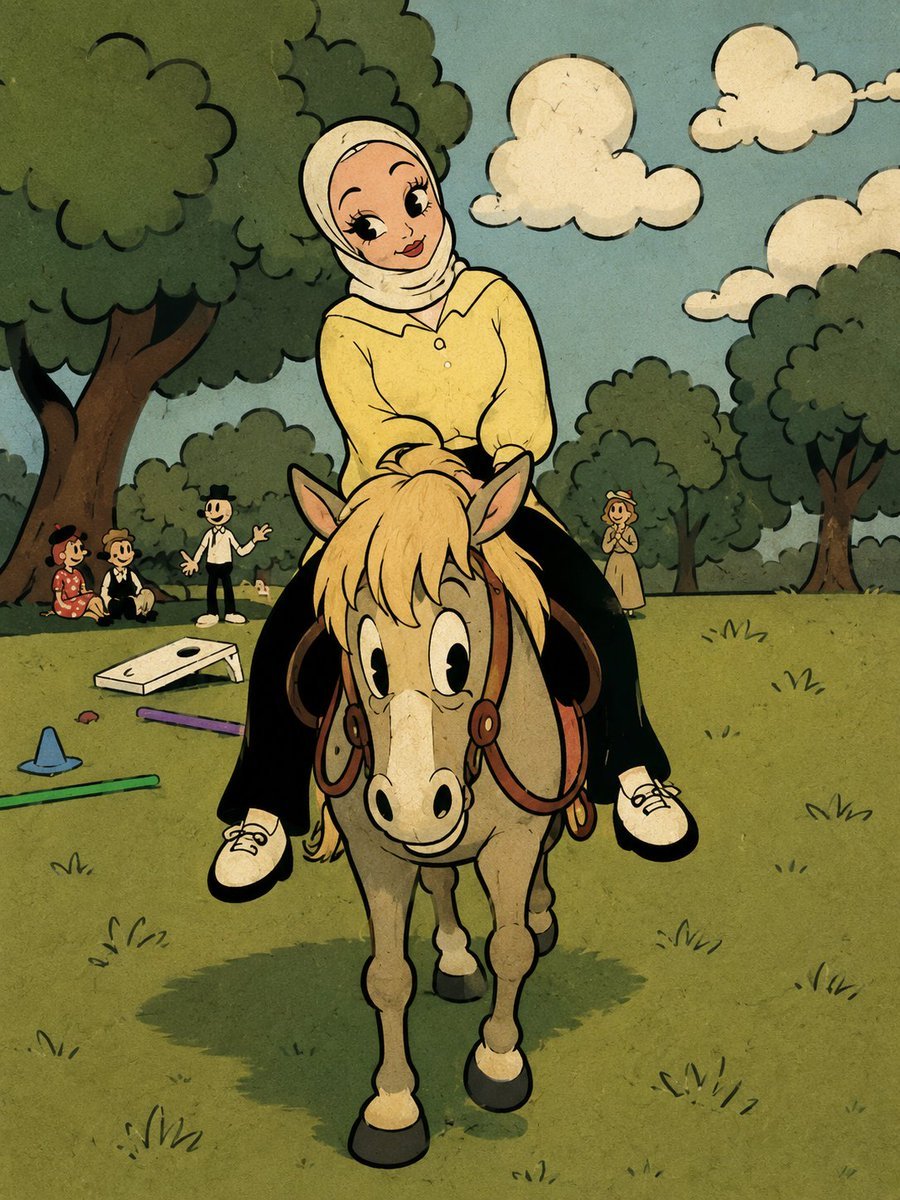
Fleischer-Style Pony Ride

Malta Guinness Inner Strength Ad
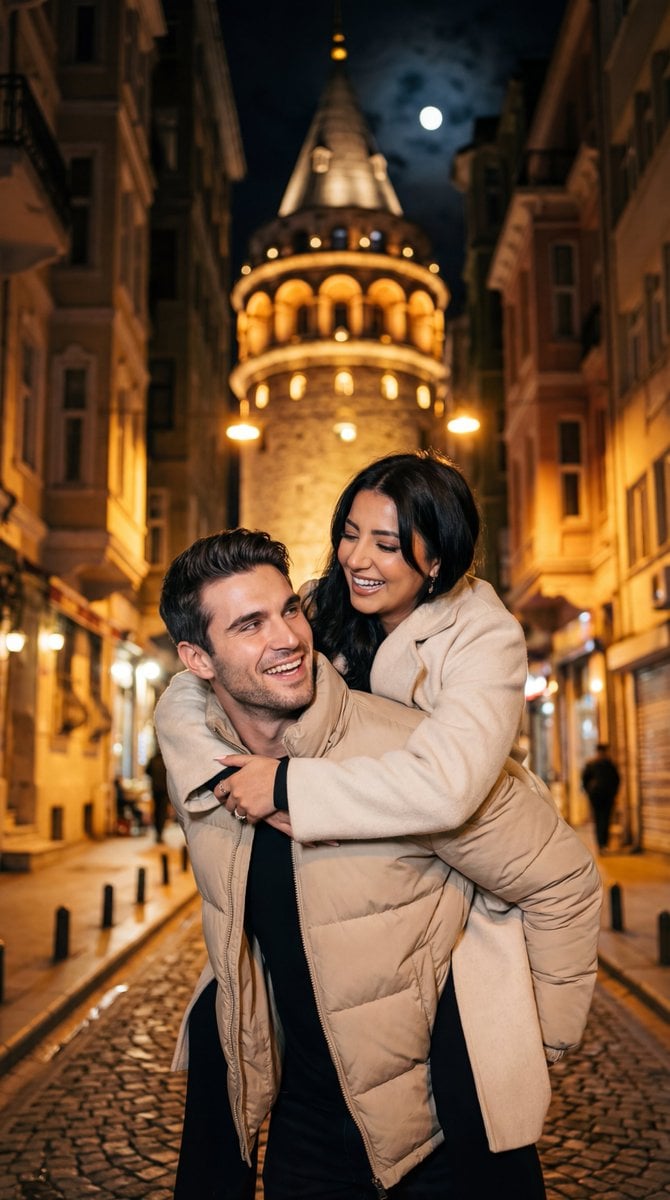
Romantic Nighttime Piggyback in front of Galata Tower

Gpt2 E Commerce Main Image 9 Panel Product Tvc Storyboard
Nano Banana Pro 'Correct Words' for Subtle Smiling Expression
Soft Focus High-Angle Selfie Prompt
Candid Street Photography with Cat
Browse template categories
Hooded Assassin Watching Castle Town questions
How do I use the Hooded Assassin Watching Castle Town template?
Add your photo if the template asks for one, edit the prompt if you like — the template's model and format are already selected — and press Generate. Your version opens in PicX Studio.
Can I customize the Hooded Assassin Watching Castle Town template?
Yes. You can change the subject, setting, lighting, mood, format, and available model controls before creating your image.
Is the Hooded Assassin Watching Castle Town template free?
Opening and editing this template is free. Generating uses credits, shown on the Generate button when you are signed in.
Which AI model should I use?
Start with GPT Image 2, which is the model associated with this template. You can compare another compatible model for a different finish.
Looking for something else? Browse all templates.

Your photo, any look
Thousands of ready templates for every top image and video model, from one credit balance.