
Castle Edit Markup Overlay
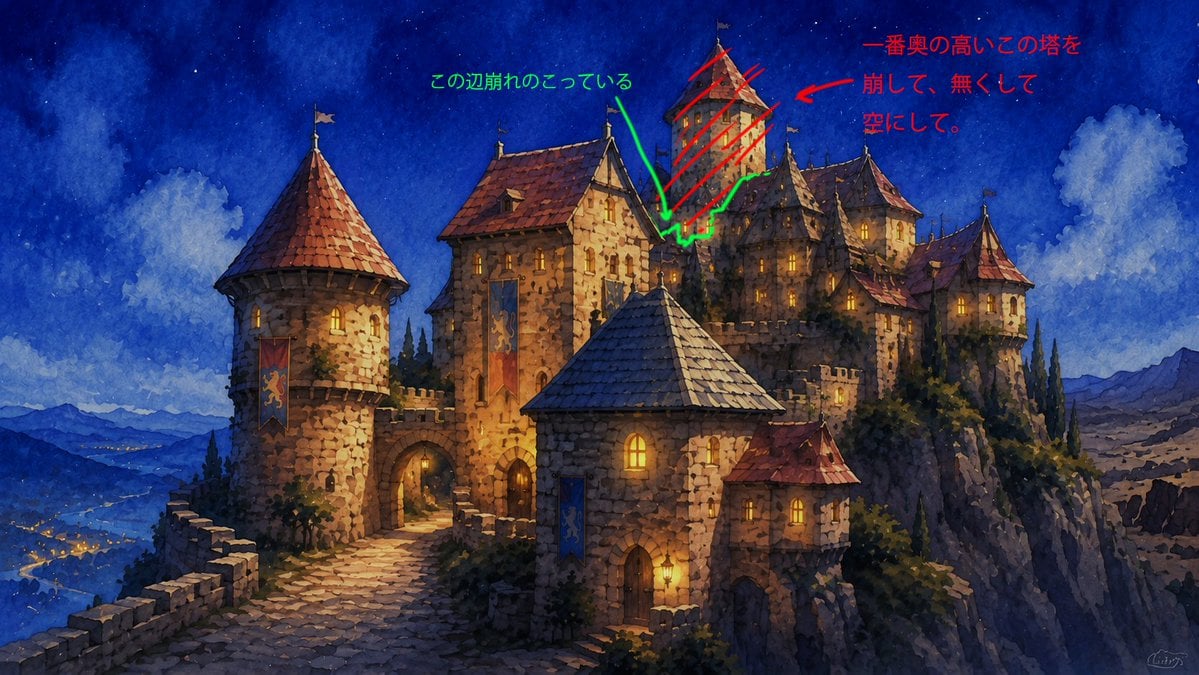
Creates a marked-up version of a fantasy castle image with handwritten red and green revision notes for structural edits.
- Prompt included
- Model and format preset
- Free template
The prompt behind this image
Copy the exact prompt behind Castle Edit Markup Overlay, or open it in the studio and make it yours.
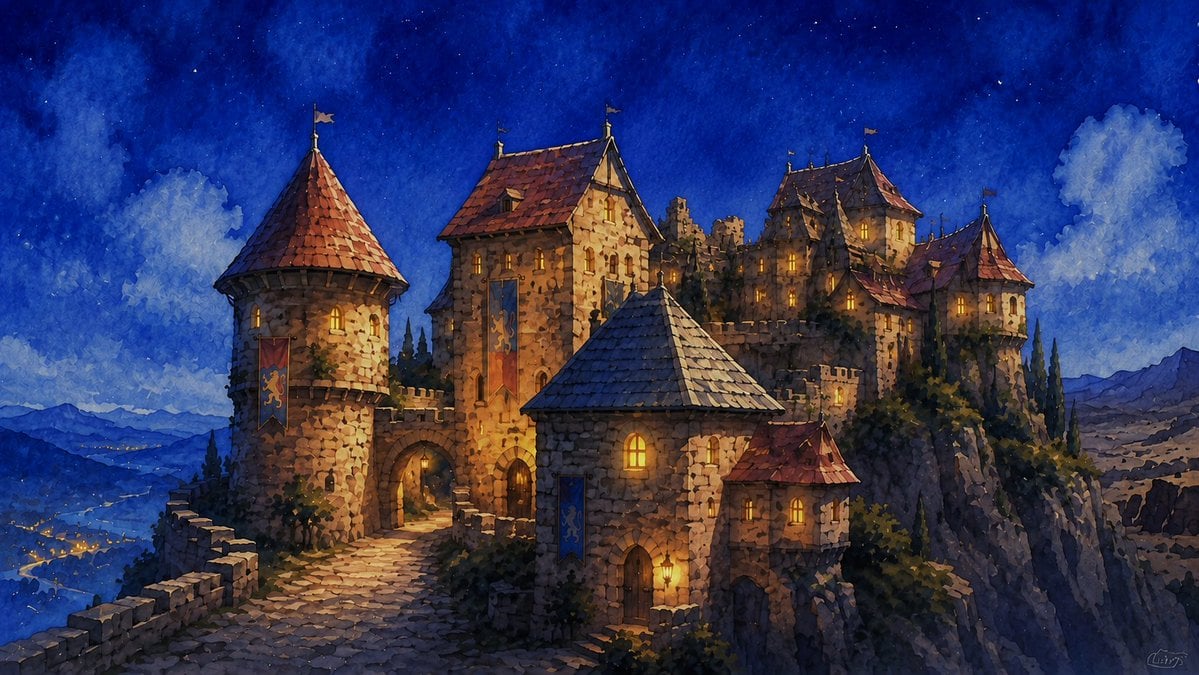
Using REFERENCE_0 as the base image, keep the castle artwork unchanged and overlay rough handwritten edit notes directly on top of it, as if marking areas for an image-editing revision. Add exactly 2 annotation groups: 1. Red annotation group on the tall rear tower near the upper-right center: draw red diagonal hatching across the tower, add a red arrow pointing toward it, and add the handwritten Japanese note {argument name="red edit note" default="一番奥の高いこの塔を崩して、無くして空にして。"} in the upper-right sky area. 2. Green annotation group around the crumbling edge/remaining structure near the middle top: draw a green irregular outline around the broken area, add a green arrow pointing down to it, and add the handwritten Japanese note {argument name="green edit note" default="この辺崩れのこっている"} in the upper-middle sky area. Style constraints: the annotations should look like quick digital pen markup, not integrated into the painting; keep the original watercolor fantasy castle image otherwise intact with no actual architectural removal yet.
Reference images included
Castle Edit Markup Overlay needs input media to work. They load alongside the prompt when you open it in the studio.
How to use Castle Edit Markup Overlay in 3 steps
- 1Upload ImagePNG, JPG or paste
Add your photo
Upload the photo the template builds on. The prompt, model and format are already set.
- 2…a portrait of your subject in softgolden-hour light, 85mm…
Personalize
Edit the subject and creative details for your destination.
- 3Generate
Generate
Press Generate — your image is created in PicX Studio, so you can compare it with the original and refine one variable at a time.
More like this
Templates with the same subject, style or setup. Open one to see its prompt.

Minecraft Fantasy Kingdom Voxel Landscape
Selective Headline Layout Editing
Cinematic Medieval Hilltop Castle
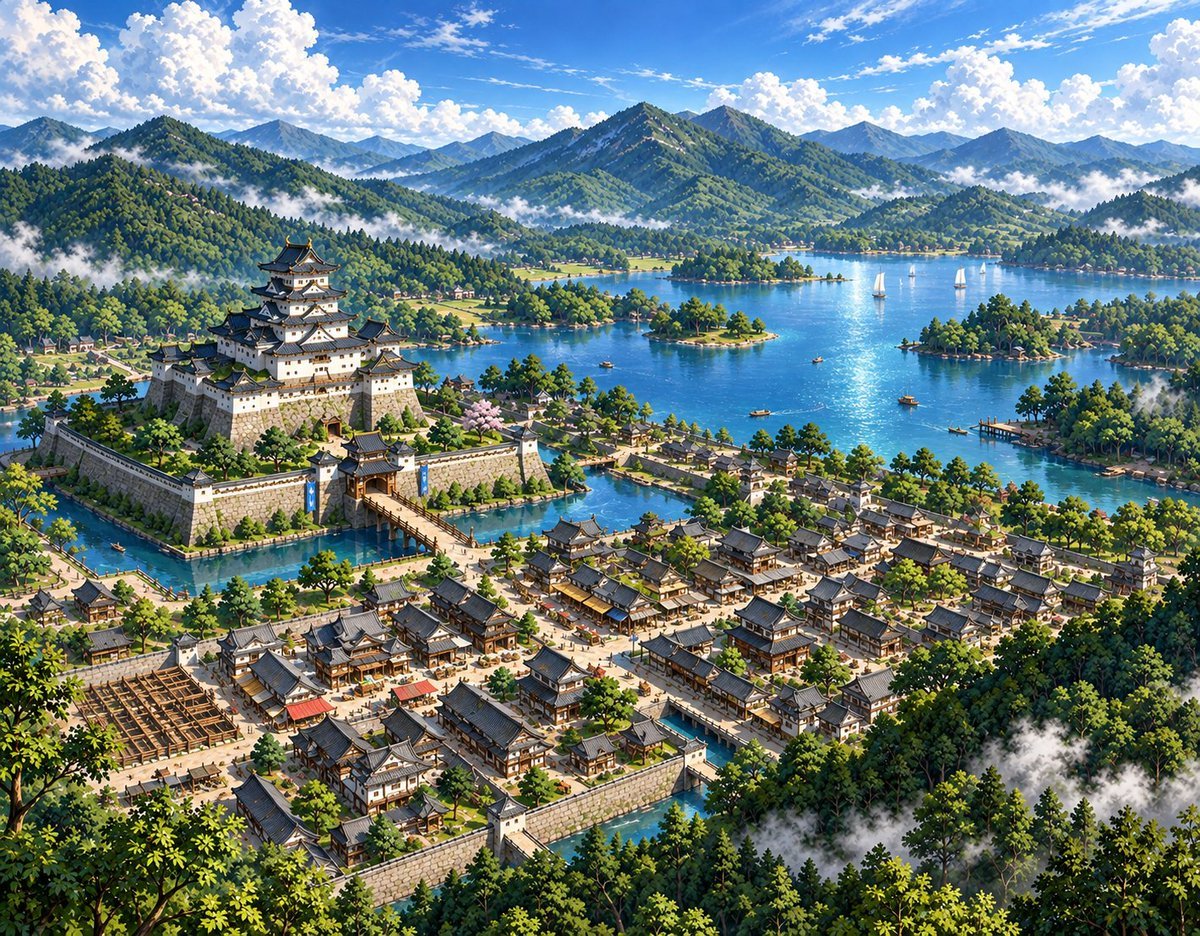
Sketch to Anime Castle Landscape
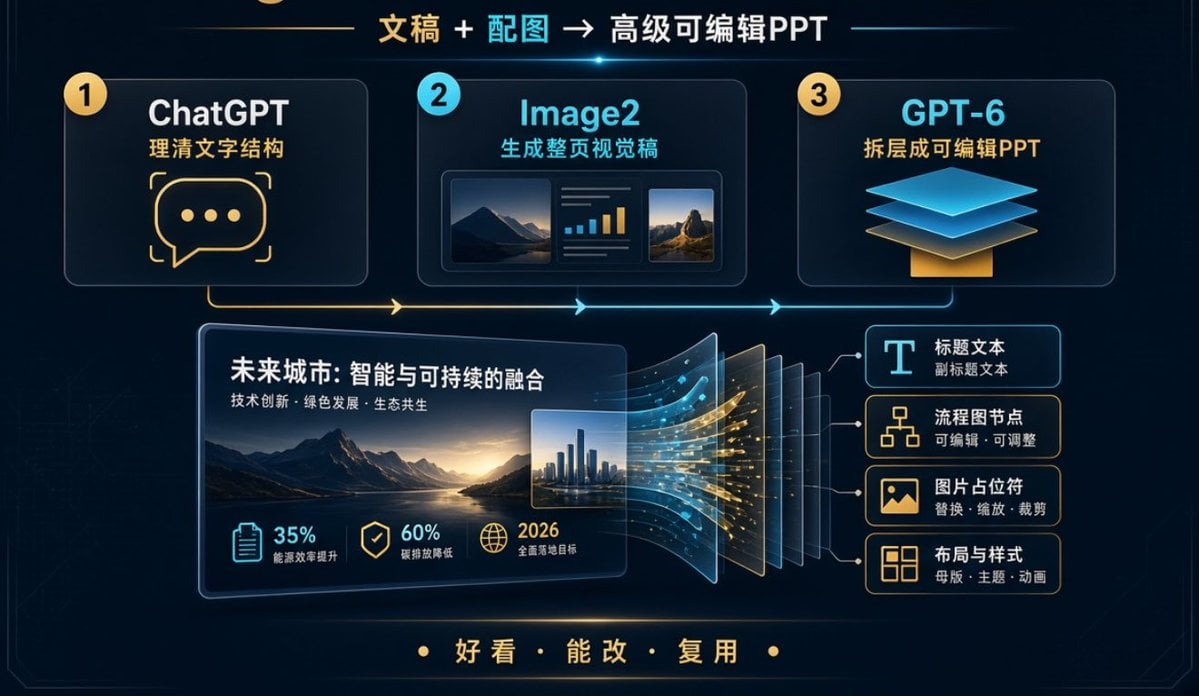
Editable PPT Workflow Infographic

Act as a Senior Editorial Designer and Typographer

Realistic portrait 100 identical face, no editing allowed

AI-edited, hyper-detailed, photorealistic with stylized realism
White Lace Low-Angle Editorial

Vintage Family Expedition Newspaper
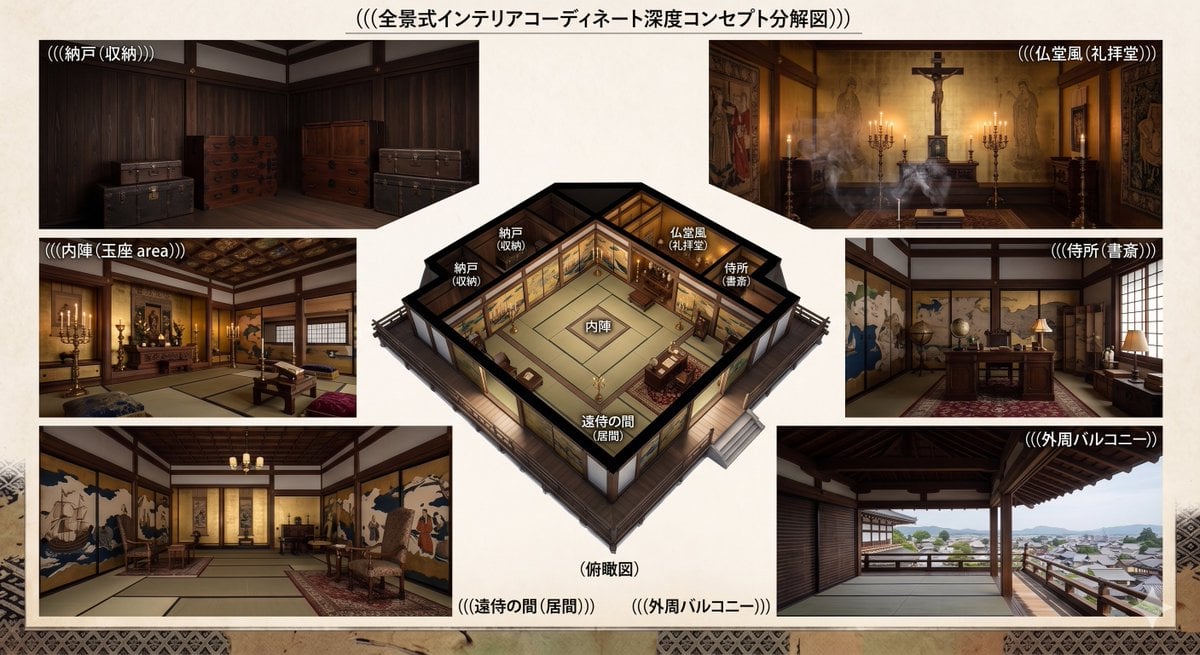
Azuchi-Momoyama Castle Floor Plan
Nature Field Portrait Image Edit
Make it yours
Castle Edit Markup Overlay works as-is. These are the safest ways to change it without losing the look.
Change one field
Copy a single group, rewrite it, and generate again so you can see what that field is doing.
Keep the frame, change the subject
Hold the composition and light of Castle Edit Markup Overlay, then swap wardrobe, props or the person for a new take.
| If the result… | Why | Fix |
|---|---|---|
| The result drifts from the preview | Too many fields changed at once. | Reuse Castle Edit Markup Overlay as-is first, then change one group — subject, light, or setting. |
| The model over-stylizes the scene | The prose prompt leaves finish and camera underspecified. | Add one camera or lighting sentence and stay on GPT Image 2. |
More GPT Image 2 templates
Other prompts made for GPT Image 2.

Six VTuber Japanese Logo Sheet

Realistic Portrait of Woman and Deer

The Vista Modular Condo Poster

AI Model Routing Comparison Infographic

2.5D Anime Art Board

Isometric Productivity Desk Scene

New York Double Exposure Poster

Four-Panel AI Landscape Comparison

Japanese Tatami Lifestyle Magazine Cover

NESCAFÉ Coffee Map Poster
More image prompts
Fresh picks from across the catalog.
Cyber-Poetry Face Projection
Anime Guitar Idol Contact Sheet
Conceptual Object Feasibility Image Prompt
Dramatic Film Filter Processing
Luxury Showroom Scene with Red Supercar and All-Black Outfit
Product Ingredient Labeling Prompt
Cybernetic Butler Concerned Speech
Madison Beer Hotel Iphone Flash
Travel Advertisement Web Banner
Four-Panel Manga Prompt for Nano Banana Pro: Time Stop Comedy
Browse template categories
Castle Edit Markup Overlay questions
How do I use the Castle Edit Markup Overlay template?
Add your photo if the template asks for one, edit the prompt if you like — the template's model and format are already selected — and press Generate. Your version opens in PicX Studio.
Can I customize the Castle Edit Markup Overlay template?
Yes. You can change the subject, setting, lighting, mood, format, and available model controls before creating your image.
Is the Castle Edit Markup Overlay template free?
Opening and editing this template is free. Generating uses credits, shown on the Generate button when you are signed in.
Which AI model should I use?
Start with GPT Image 2, which is the model associated with this template. You can compare another compatible model for a different finish.
Looking for something else? Browse all templates.

Your photo, any look
Thousands of ready templates for every top image and video model, from one credit balance.