
Cinematic Medieval Hilltop Castle
Generates a photorealistic fantasy medieval castle exterior in a vast natural highland setting for concept art or cinematic worldbuilding.
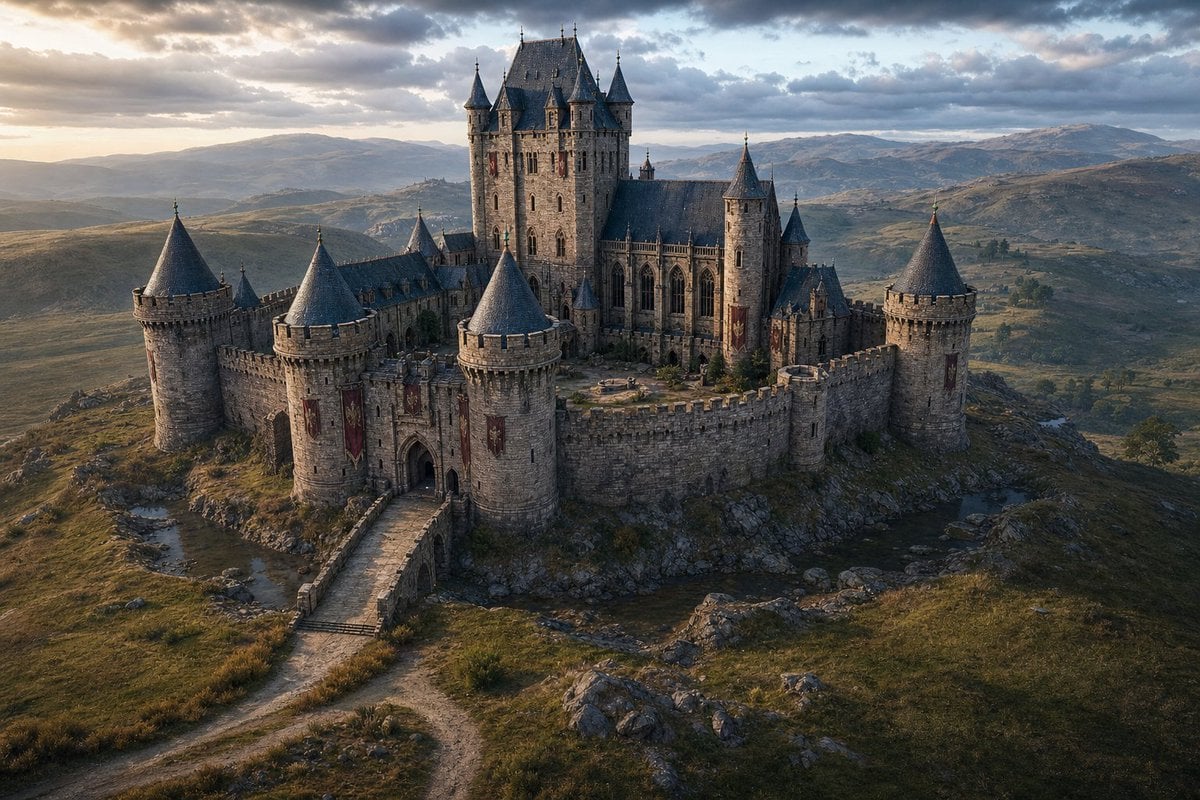
- Prompt included
- Model and format preset
- Free template
The prompt behind this image
Copy the exact prompt behind Cinematic Medieval Hilltop Castle, or open it in the studio and make it yours.
Create a cinematic ultra-realistic aerial wide shot of a {argument name="castle type" default="grand medieval Gothic stone castle"} standing alone on a rocky hilltop in a vast natural highland landscape. The castle has weathered gray masonry, crenellated curtain walls, arched gatehouse, a stone bridge and winding dirt road leading to the entrance, red vertical banners, narrow lancet windows, steep dark slate roofs, and an inner courtyard. Include exactly 10 prominent roofed vertical structures: 5 large round curtain-wall towers with conical slate roofs around the perimeter, 4 tall corner turrets on the central keep, and 1 smaller rear spire. The central keep should rise highest, with cathedral-like Gothic windows and a dramatic fortified silhouette. Surround it with rolling hills, scattered rocks, sparse grasses, small streams, distant mountains, and a wide cloudy sky. Lighting is {argument name="time of day" default="golden hour near sunset"}, with warm low sunlight from the left breaking through dramatic clouds, cool blue-gray shadows, and atmospheric haze over the distant valleys. Use a high-end fantasy film production look, photorealistic materials, detailed stone texture, realistic terrain, volumetric clouds, natural color grading, 16:9 landscape composition, viewed from a slightly elevated drone perspective. No people, no modern objects, no text, no watermark.
How to use Cinematic Medieval Hilltop Castle in 3 steps
- 1Upload ImagePNG, JPG or paste
Add your photo
Upload the photo the template builds on. The prompt, model and format are already set.
- 2…a portrait of your subject in softgolden-hour light, 85mm…
Personalize
Edit the subject and creative details for your destination.
- 3Generate
Generate
Press Generate — your image is created in PicX Studio, so you can compare it with the original and refine one variable at a time.
More like this
Templates with the same subject, style or setup. Open one to see its prompt.

Minecraft Fantasy Kingdom Voxel Landscape
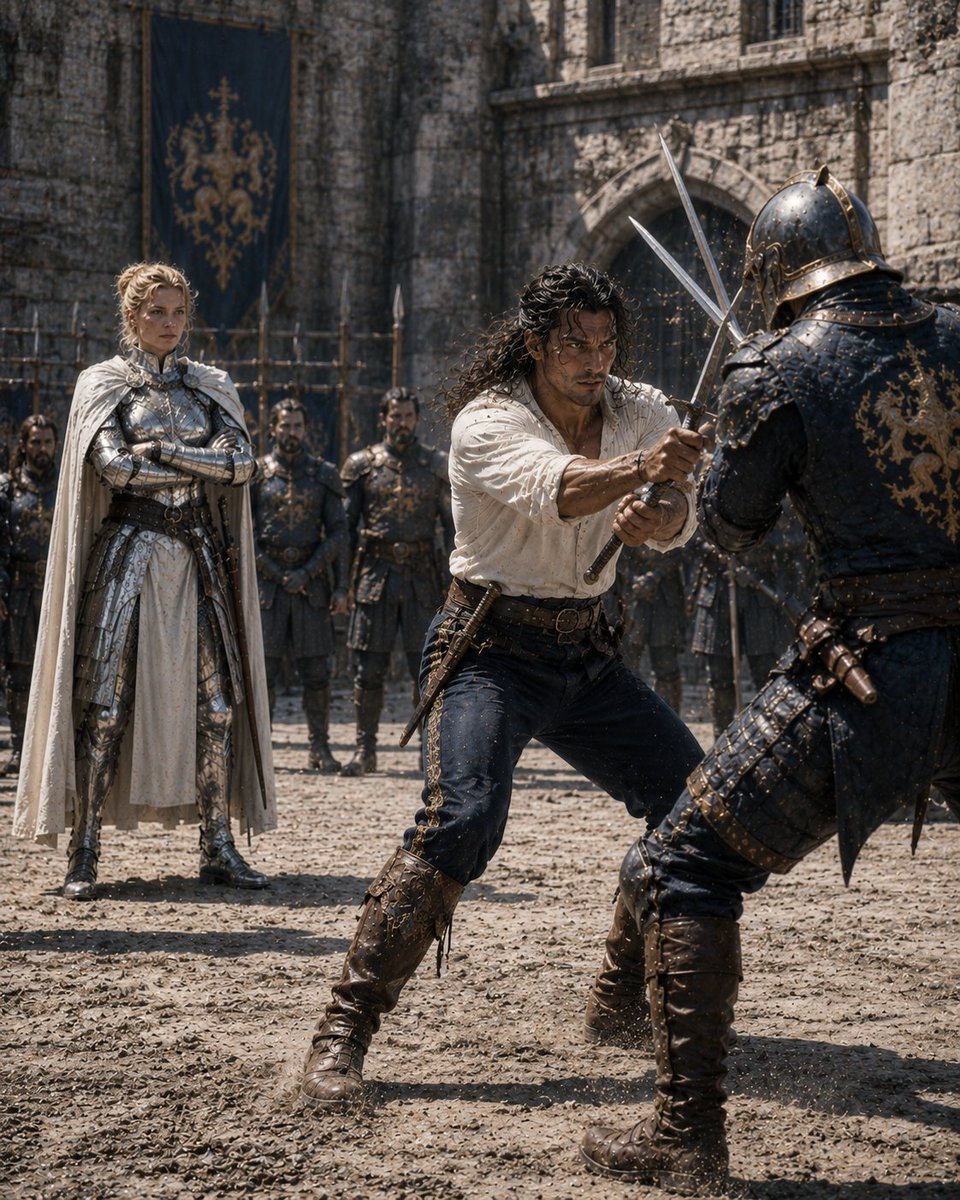
Medieval Castle Mock Duel
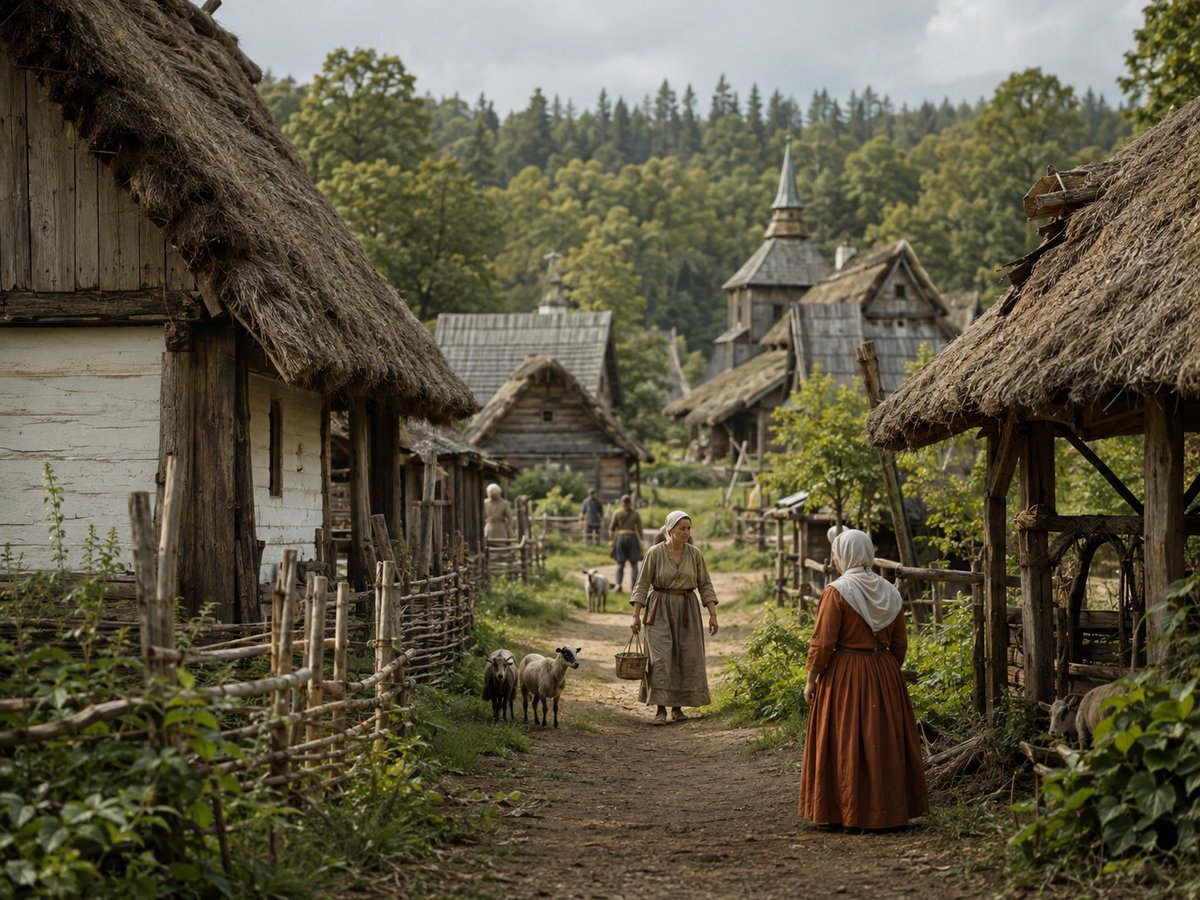
Photorealistic Medieval Village Lane
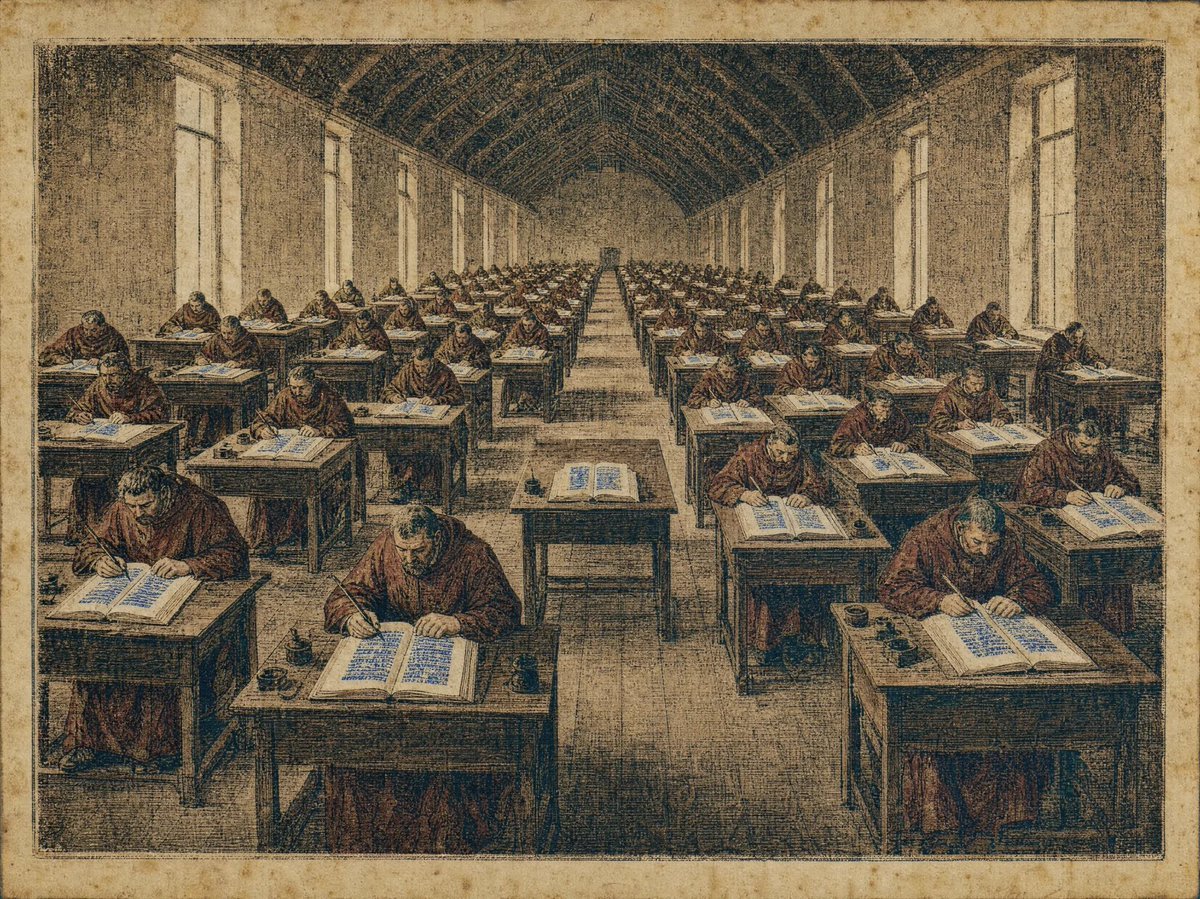
Medieval Scriptorium Hall

Satellite Map Medieval City
Medieval Desert Battlefield Warrior
Censored Elven Adventurers in Medieval Village
Medieval Fortress Training Yard
Medieval Jester Fact Triptych
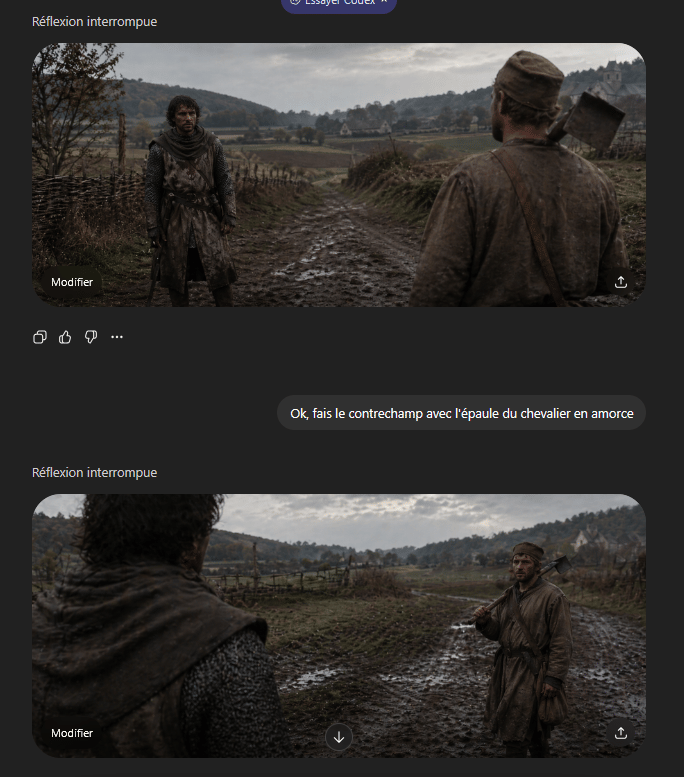
Medieval Shot Reverse Shot
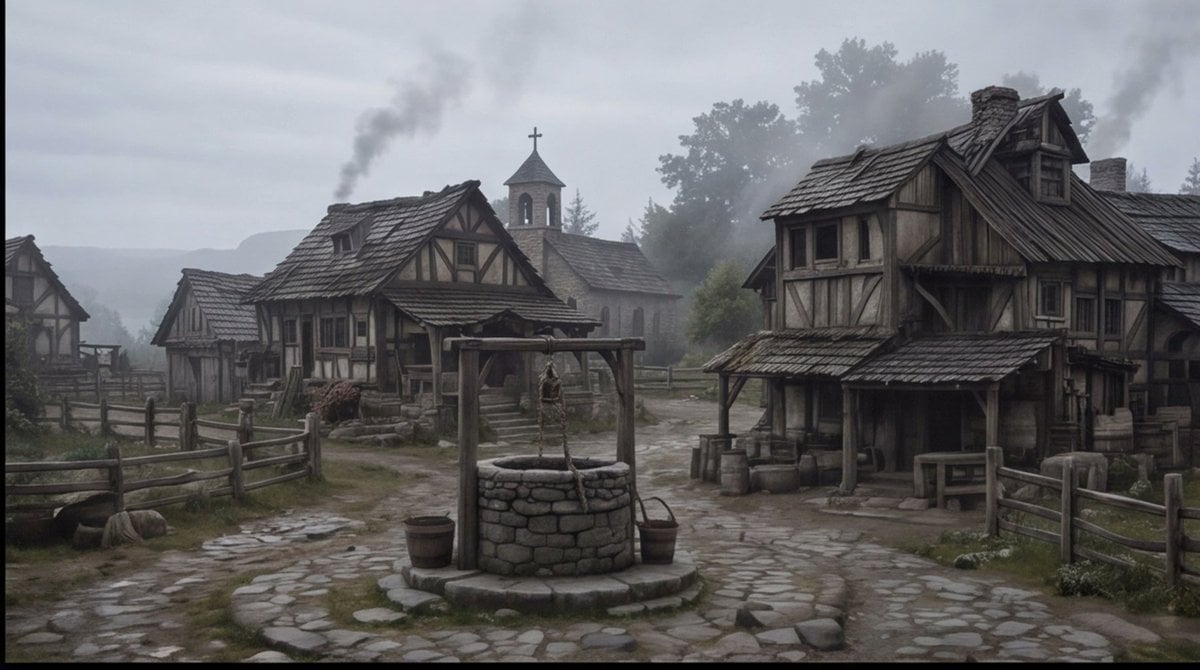
Misty Medieval Village Establishing Shot
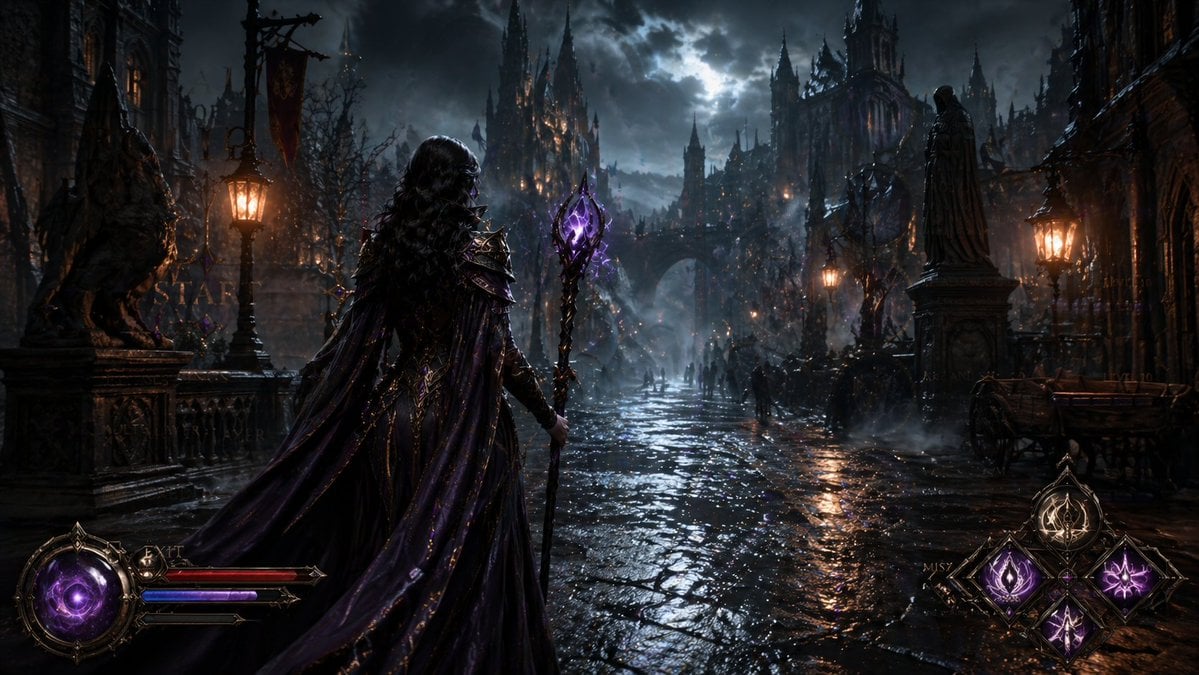
Dark Medieval Sorceress Scene
Make it yours
Cinematic Medieval Hilltop Castle works as-is. These are the safest ways to change it without losing the look.
Change one field
Copy a single group, rewrite it, and generate again so you can see what that field is doing.
Keep the frame, change the subject
Hold the composition and light of Cinematic Medieval Hilltop Castle, then swap wardrobe, props or the person for a new take.
| If the result… | Why | Fix |
|---|---|---|
| The result drifts from the preview | Too many fields changed at once. | Reuse Cinematic Medieval Hilltop Castle as-is first, then change one group — subject, light, or setting. |
| The model over-stylizes the scene | The prose prompt leaves finish and camera underspecified. | Add one camera or lighting sentence and stay on GPT Image 2. |
More GPT Image 2 templates
Other prompts made for GPT Image 2.

Six VTuber Japanese Logo Sheet

Realistic Portrait of Woman and Deer

The Vista Modular Condo Poster

AI Model Routing Comparison Infographic

2.5D Anime Art Board

Isometric Productivity Desk Scene

New York Double Exposure Poster

Four-Panel AI Landscape Comparison

Japanese Tatami Lifestyle Magazine Cover

NESCAFÉ Coffee Map Poster
More image prompts
Fresh picks from across the catalog.

Minimalist Surreal Product Advertisement Still Life Prompt
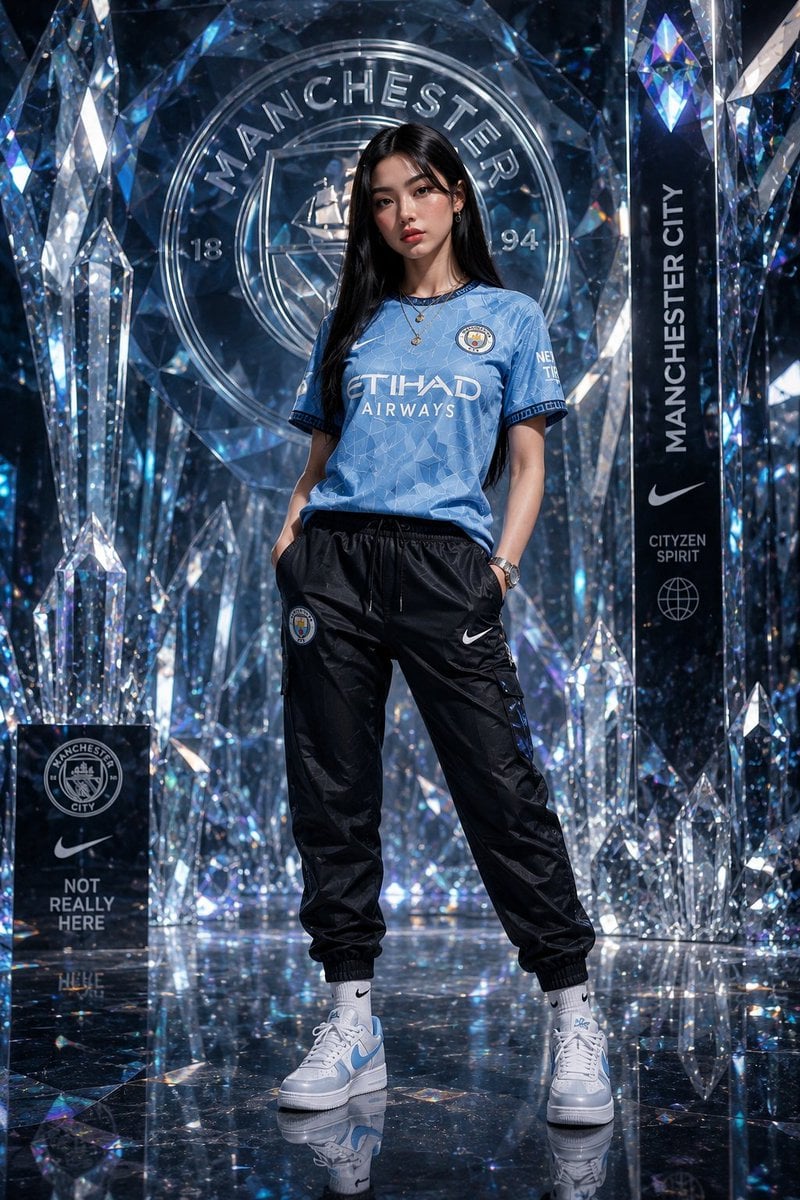
Futuristic Sportswear Fashion in Crystal Palace
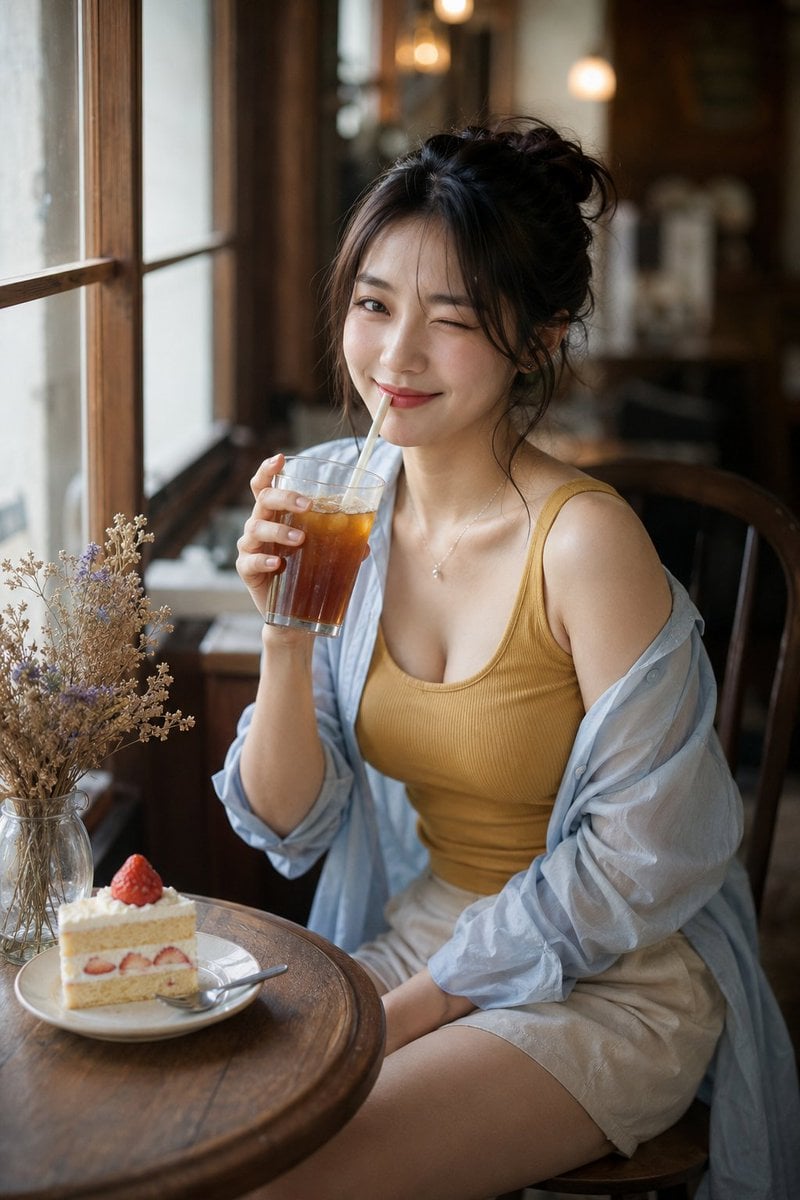
Censored Cafe Portrait Photo
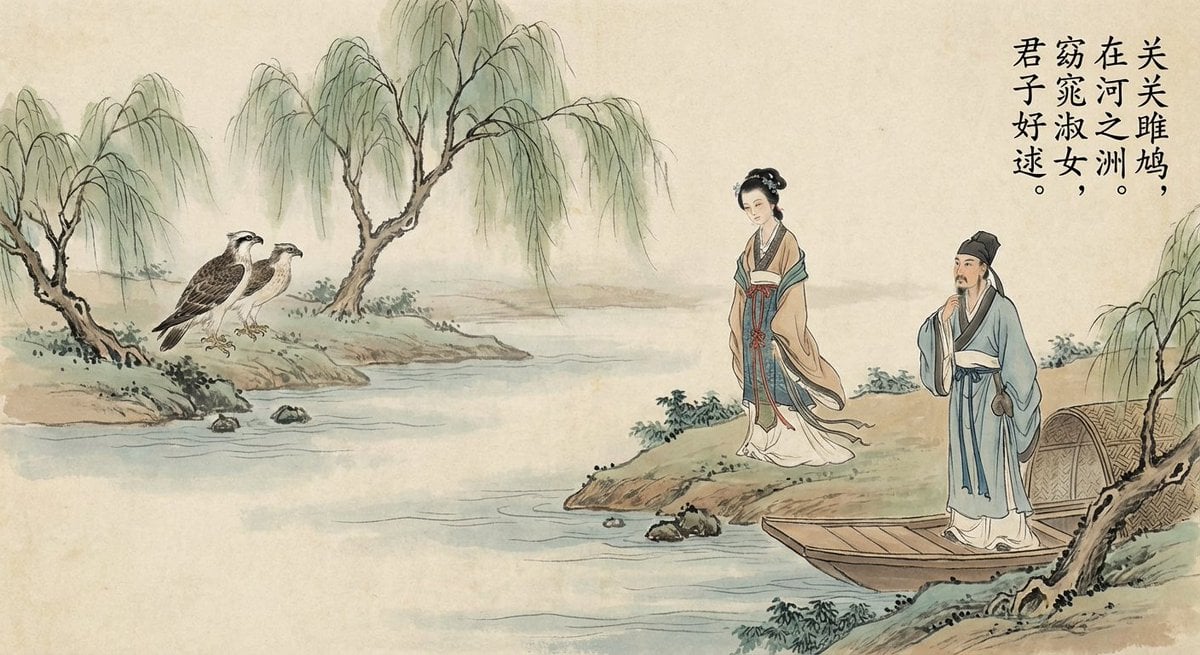
Nano Banana Pro brand hero image (another duplicate)
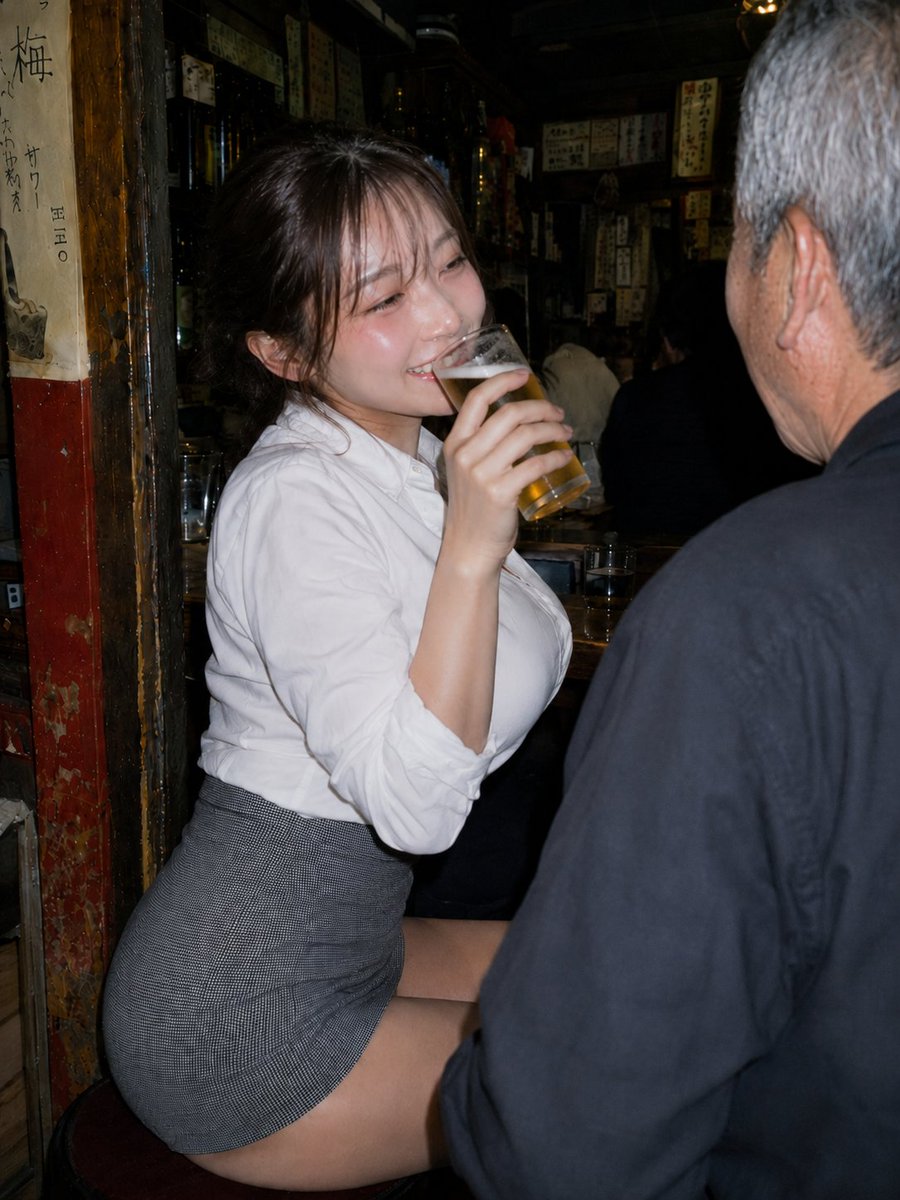
Izakaya Beer-Drinking Variation
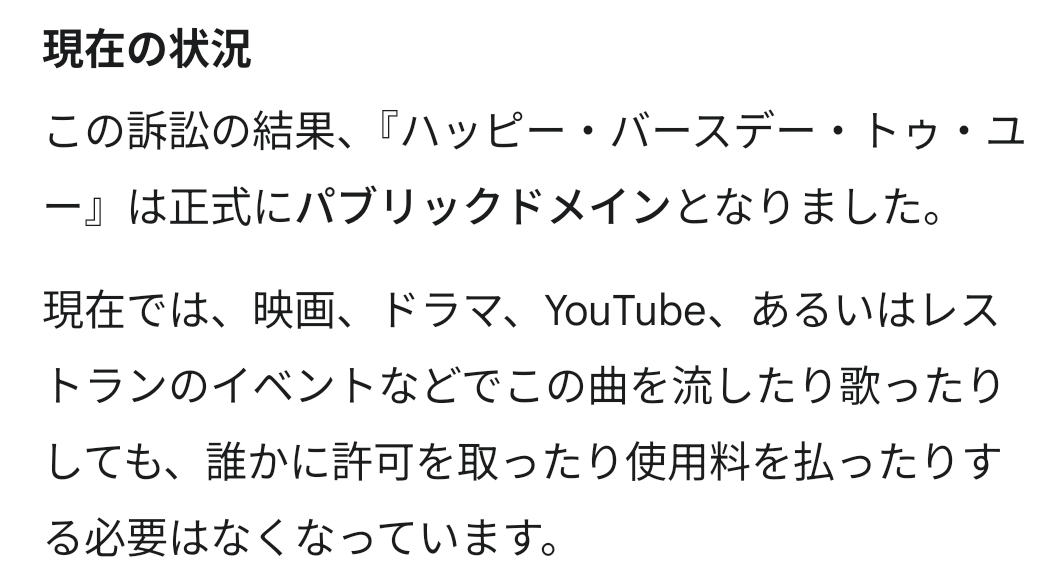
Happy Birthday Song Copyright Prompt

Election Poster Style Prompt
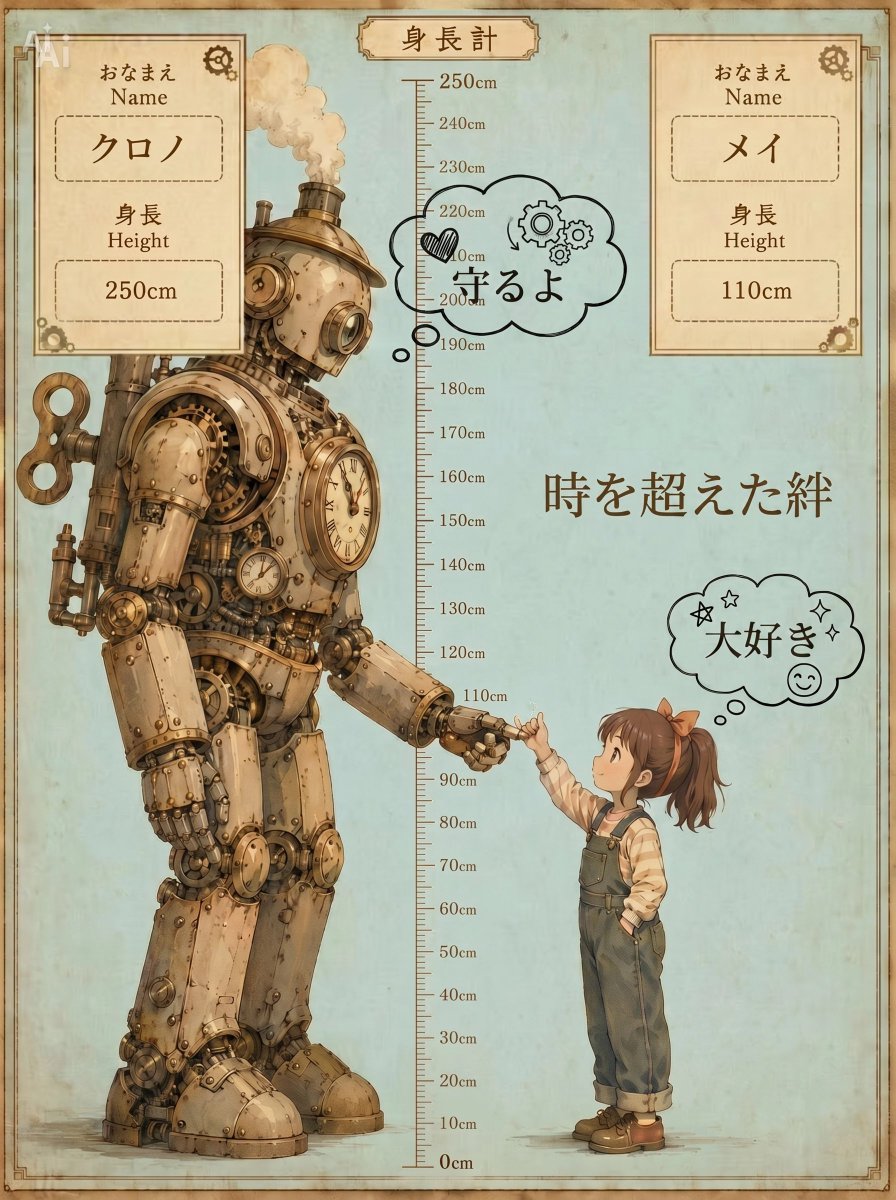
Steampunk Height Difference Poster
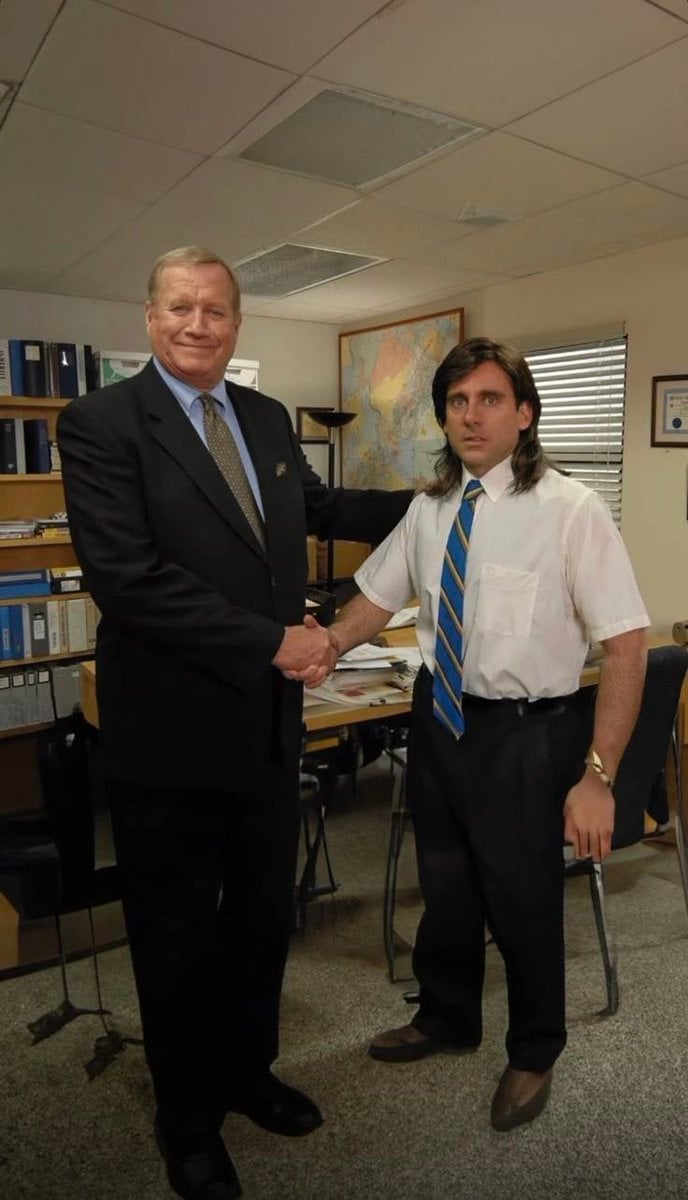
Show Me 10 Years Later
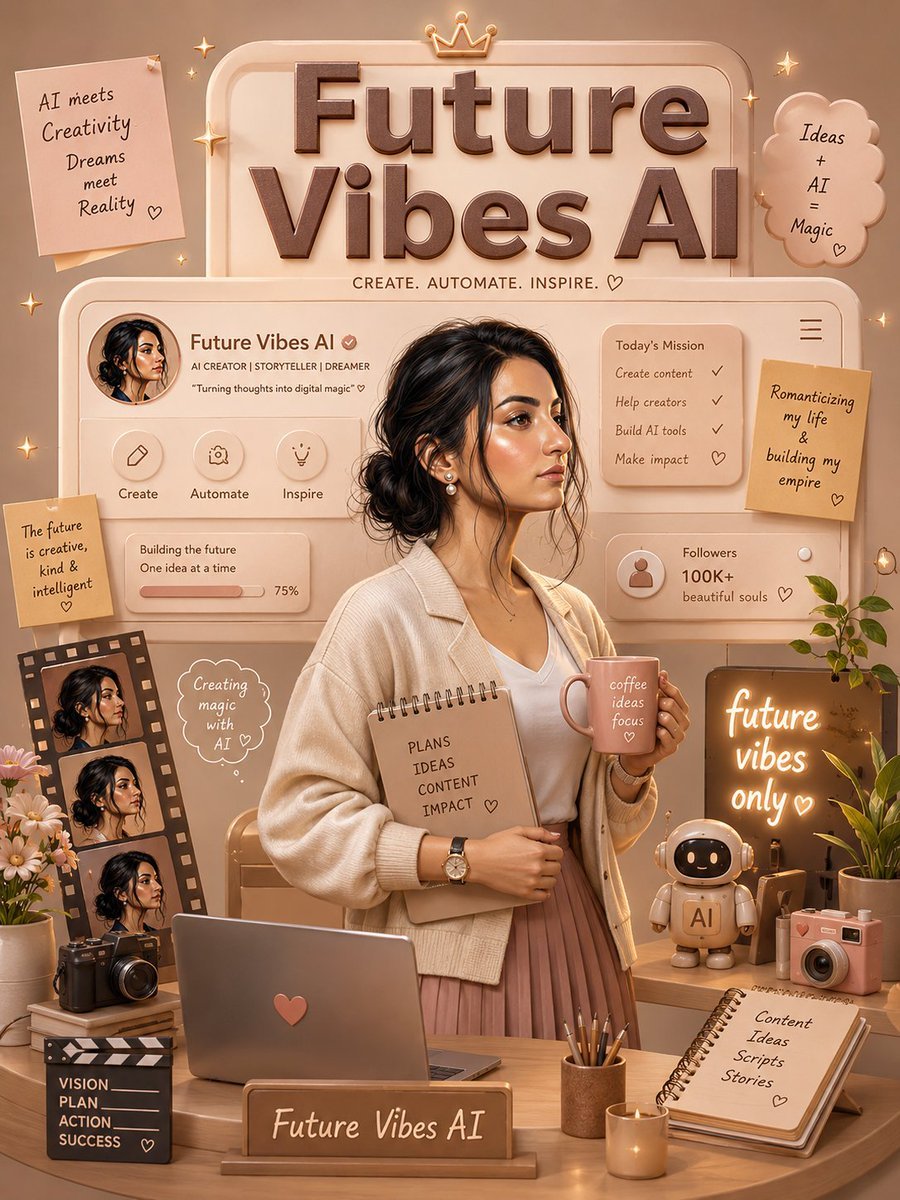
3D Luxury Creator Workspace Poster
Browse template categories
Cinematic Medieval Hilltop Castle questions
How do I use the Cinematic Medieval Hilltop Castle template?
Add your photo if the template asks for one, edit the prompt if you like — the template's model and format are already selected — and press Generate. Your version opens in PicX Studio.
Can I customize the Cinematic Medieval Hilltop Castle template?
Yes. You can change the subject, setting, lighting, mood, format, and available model controls before creating your image.
Is the Cinematic Medieval Hilltop Castle template free?
Opening and editing this template is free. Generating uses credits, shown on the Generate button when you are signed in.
Which AI model should I use?
Start with GPT Image 2, which is the model associated with this template. You can compare another compatible model for a different finish.
Looking for something else? Browse all templates.

Your photo, any look
Thousands of ready templates for every top image and video model, from one credit balance.