
Election Poster Style Prompt
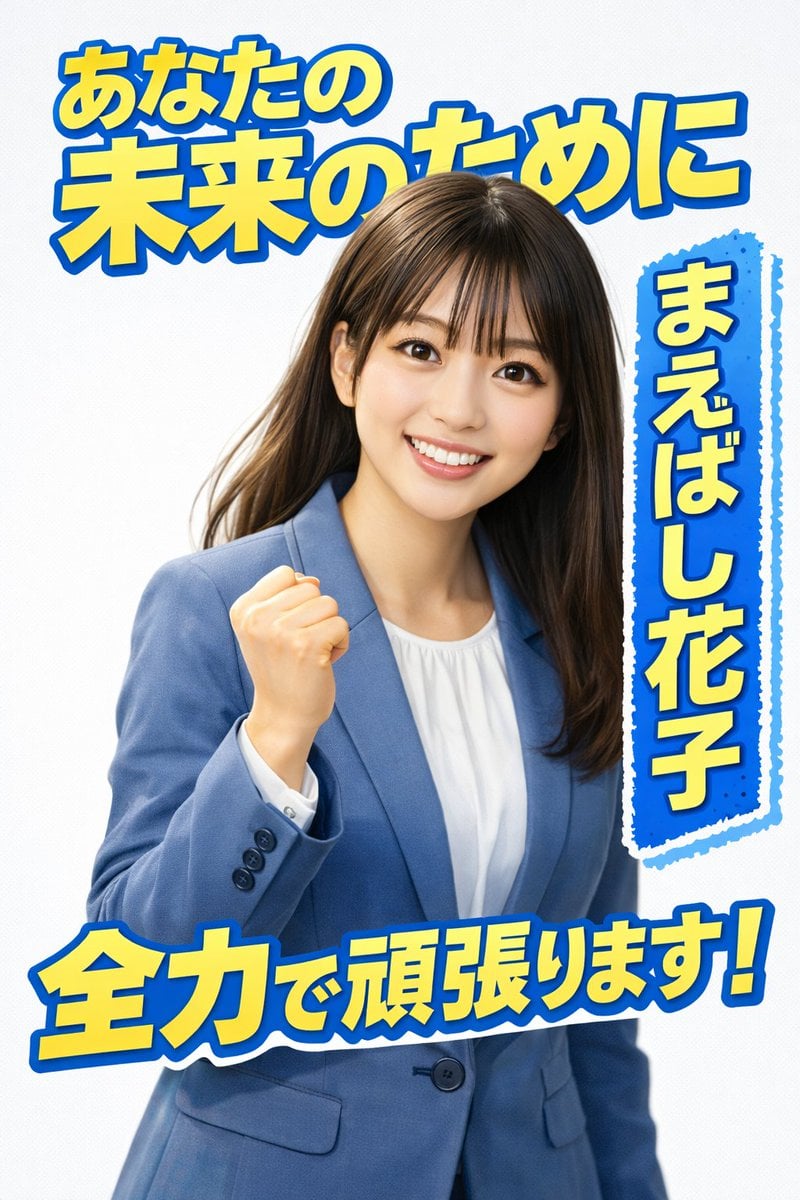
A detailed prompt designed to generate an election poster style illustration, tested successfully on both ChatGPT and Nano Banana Pro.
- Prompt included
- Model and format preset
- Free template
The prompt behind this image
Copy the exact prompt behind Election Poster Style Prompt, or open it in the studio and make it yours.
選挙ポスター風イラストの生成を作ってください アスペクト比4:5 背景:{argument name="背景色" default="爽やかな白"} 切り抜き文字:{argument name="文字色" default="水色に黄色の切り抜き"} 人物撮影サイズ:左側斜めからハーフアップ 表情:笑顔 ポーズ:拳を胸元に掲げる 服装:ブルーグレーのノーカラージャケットに白いシャツをイン 参照:添付の写真を使用 画風:リアル 彩度:明るく 候補の名前:{argument name="候補者名" default="まえばし花子"} コピー①:あなたの未来のために コピー②:全力で頑張ります! 日本語テキストは正しく生成する 名前は右側に大きく背景付きの切り抜きで縦長に配置する ネガティブワード アニメ調 漫画風
How to use Election Poster Style Prompt in 3 steps
- 1
Open
The prompt is already in the box next to the preview, with the template's model and format selected.
- 2…a portrait of your subject in softgolden-hour light, 85mm…
Personalize
Edit the subject and creative details for your destination.
- 3Generate
Generate
Press Generate — your image is created in PicX Studio, so you can compare it with the original and refine one variable at a time.
More like this
Templates with the same subject, style or setup. Open one to see its prompt.

Japan Travel Brochure Poster

Cartoon TV Show Poster Pack

Trendy Cafe Drink Promo Poster

Urban Fashion Editorial Collage Streetwear Poster

Premium Fashion Editorial Cover Layout System

Polo Ralph Lauren Luxury American Heritage Fashion Campaign

Monochrome Halftone Editorial Fashion Poster

Retro Mirror Luxury Fashion Campaign Poster

Luxury Fashion Campaign Typography Poster System

Premium Fashion Editorial Campaign Poster System

Ultra-Stylized High-Fashion Streetwear Poster

Urban Fashion Editorial Collage Poster
Make it yours
Election Poster Style Prompt works as-is. These are the safest ways to change it without losing the look.
Change one field
Copy a single group, rewrite it, and generate again so you can see what that field is doing.
Keep the frame, change the subject
Hold the composition and light of Election Poster Style Prompt, then swap wardrobe, props or the person for a new take.
| If the result… | Why | Fix |
|---|---|---|
| The result drifts from the preview | Too many fields changed at once. | Reuse Election Poster Style Prompt as-is first, then change one group — subject, light, or setting. |
| The model over-stylizes the scene | The prose prompt leaves finish and camera underspecified. | Add one camera or lighting sentence and stay on Nano Banana 2. |
More Nano Banana 2 templates
Other prompts made for Nano Banana 2.

Photorealistic Leaf Shaped Like a Dragon

K-Pop Idol Portrait Grid for Rapid Selection

Poetic Rain Forest Portrait During Golden Hour

Urban Street Portrait with Cartoon Inner Self Duo

Candid Nighttime Photo with Cat Prompt

High-Concept 3D Diorama Generation Prompt

Cinematic Futuristic Studio Portrait Template

Skincare Editorial Photography Collage Prompt

Hyper-Realistic Commercial Product Photography (Splash Effect)

Hyper-Realistic Nightclub Portrait Prompt
More image prompts
Fresh picks from across the catalog.
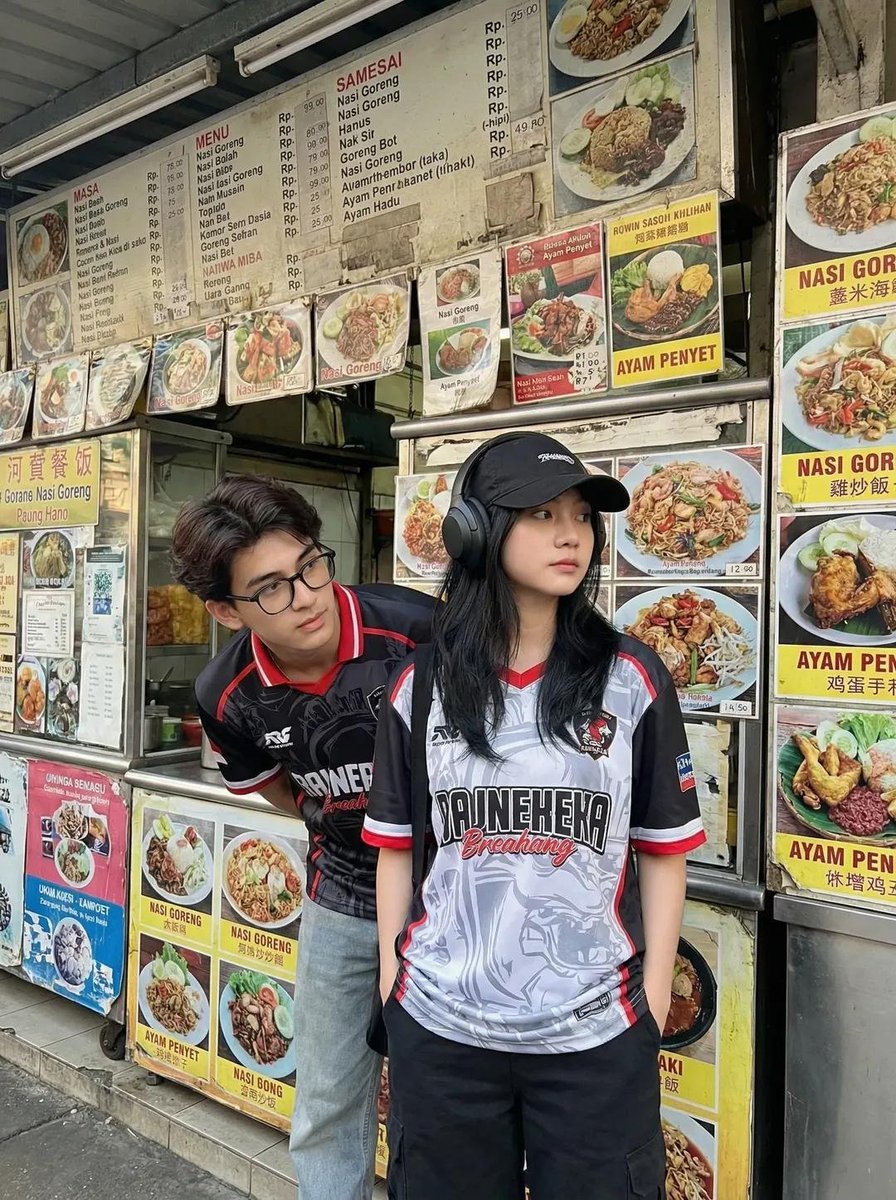
Candid Street Photography of Young Adults at a Southeast Asian Food Stall
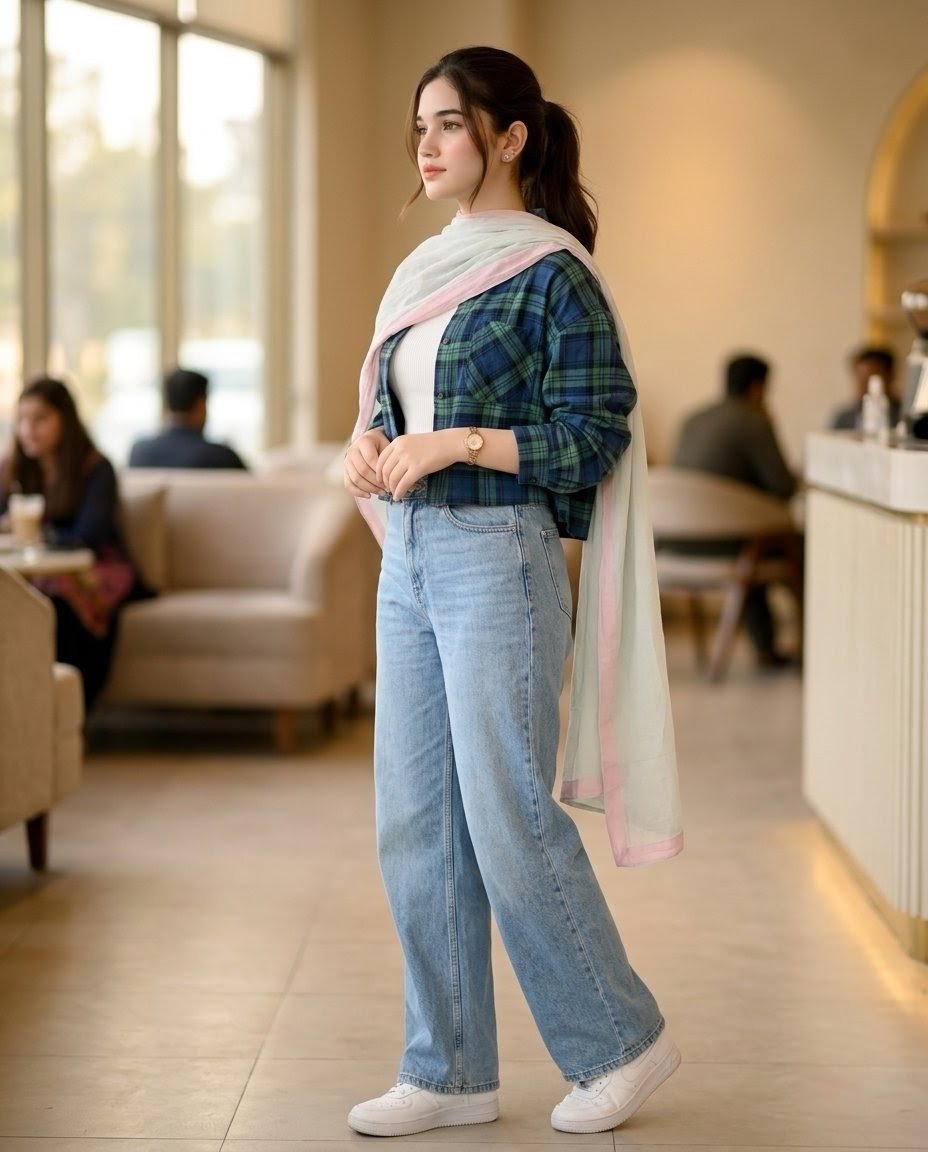
Pakistani Café Fashion Portrait
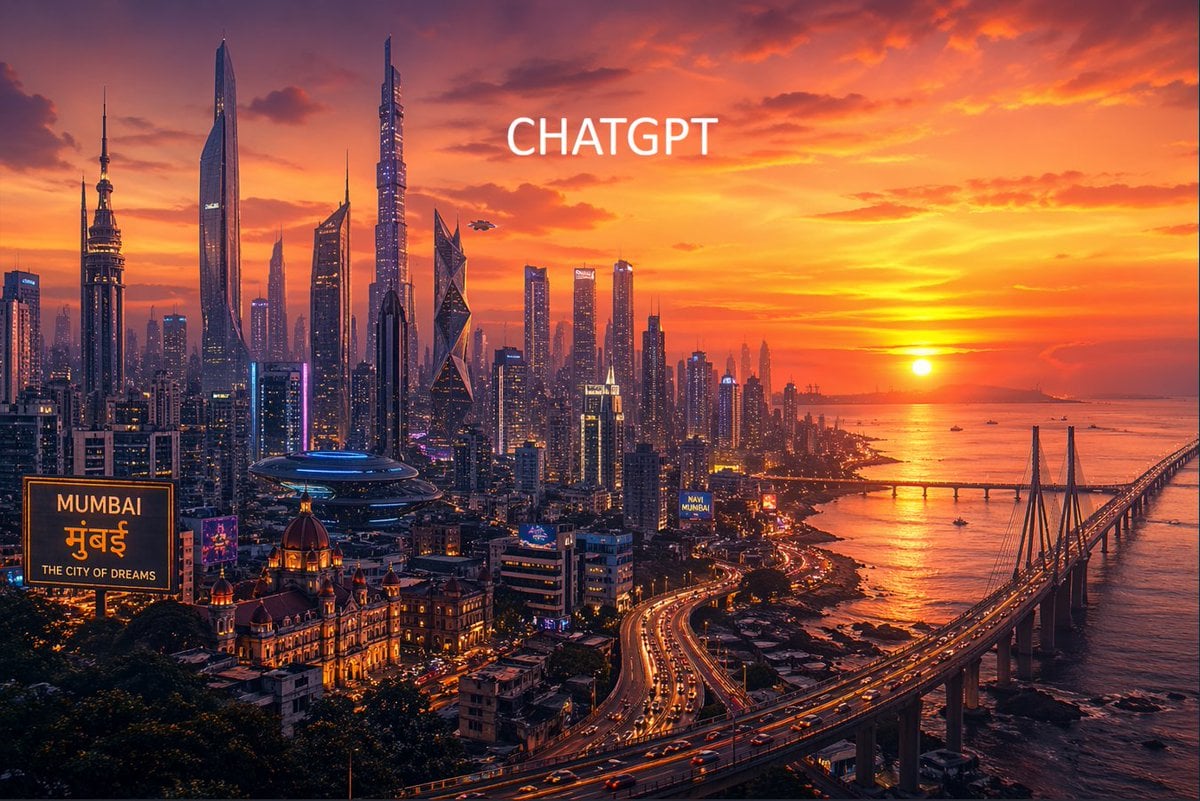
Futuristic Mumbai Sunset Skyline
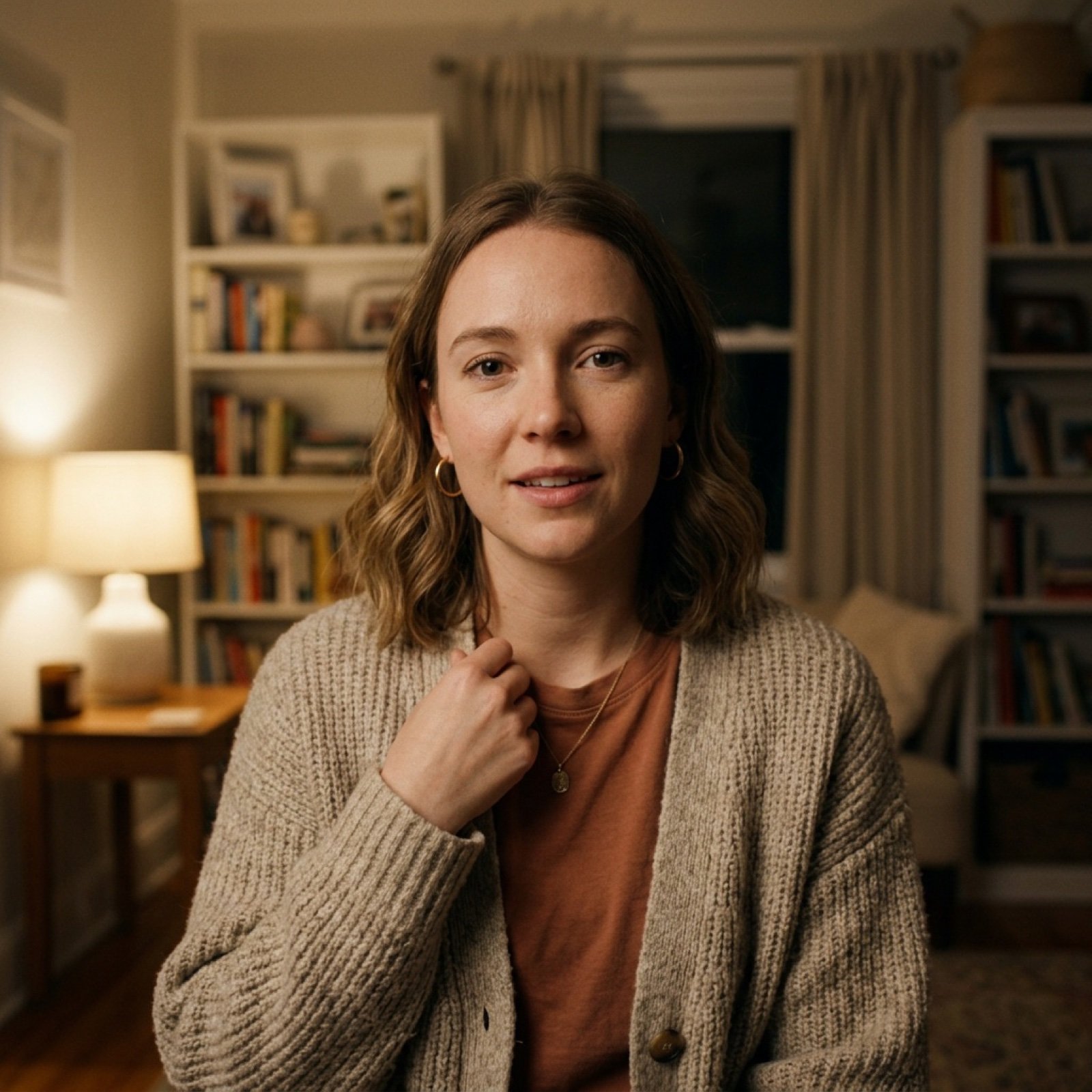
Vlog-Style Fashion Video Prompt
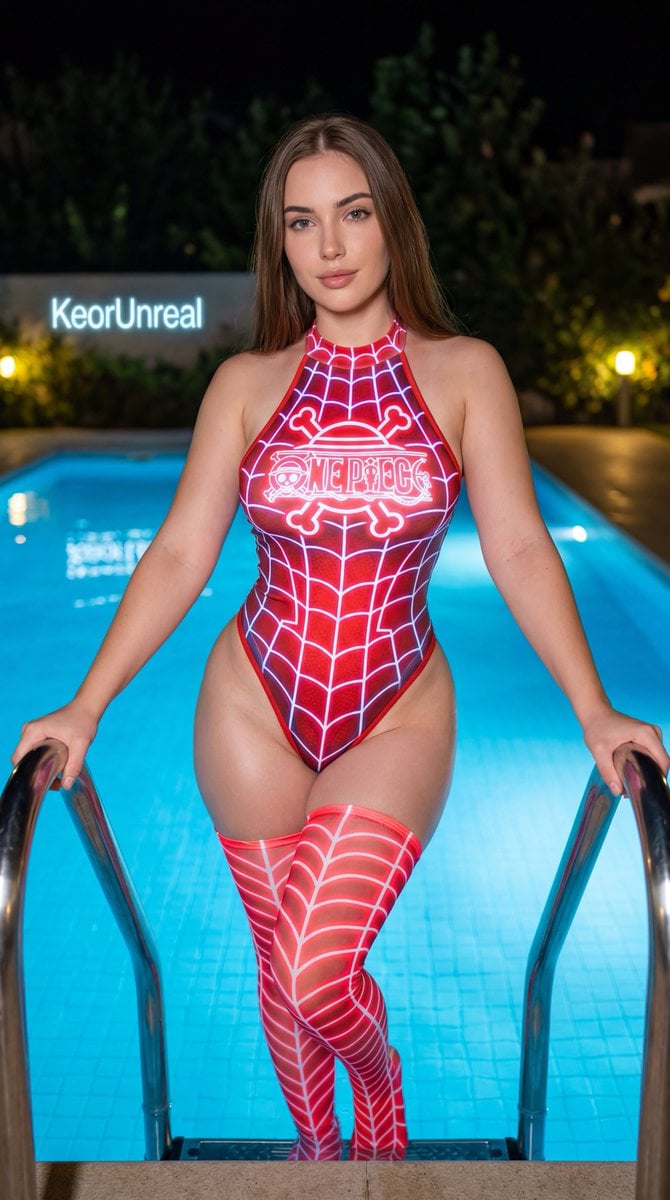
Neon Red One Piece Bodysuit at Night Pool
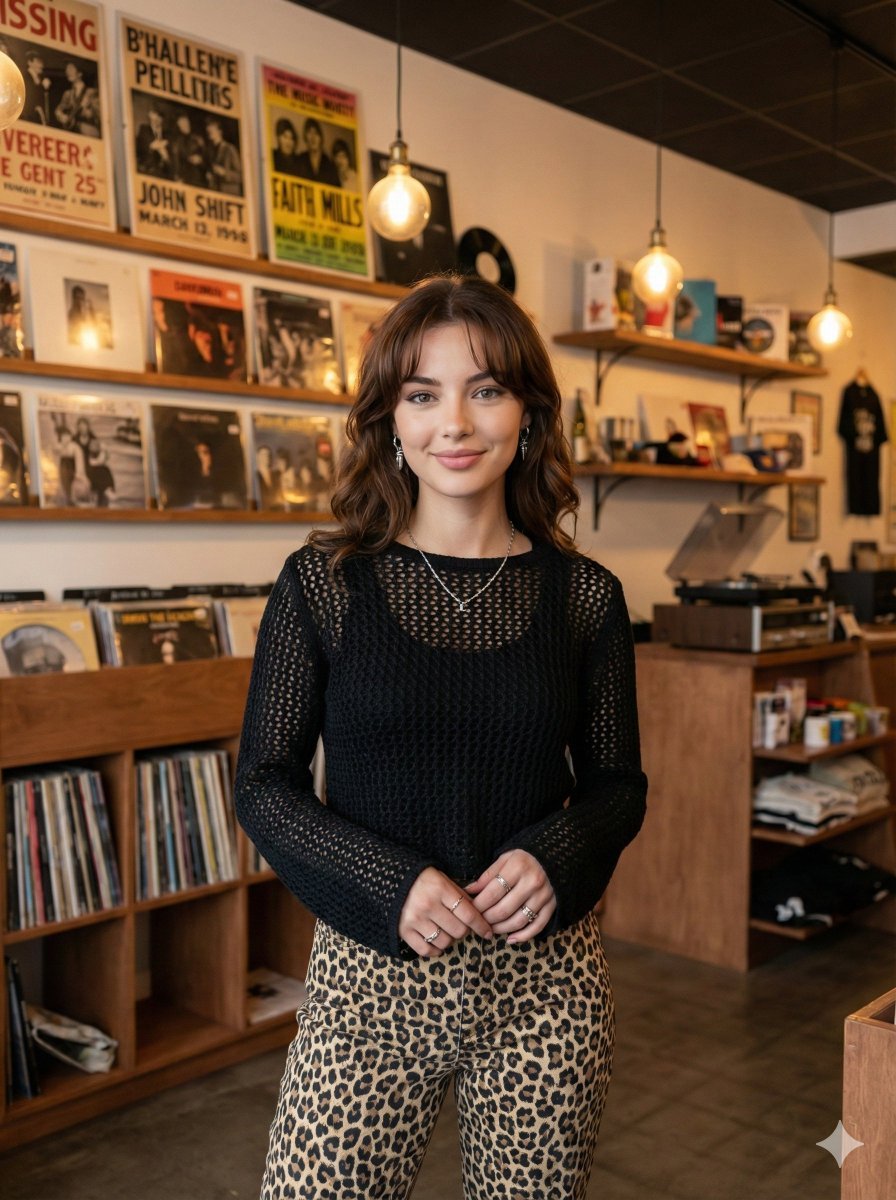
Modern Candid Portrait in a Record Store
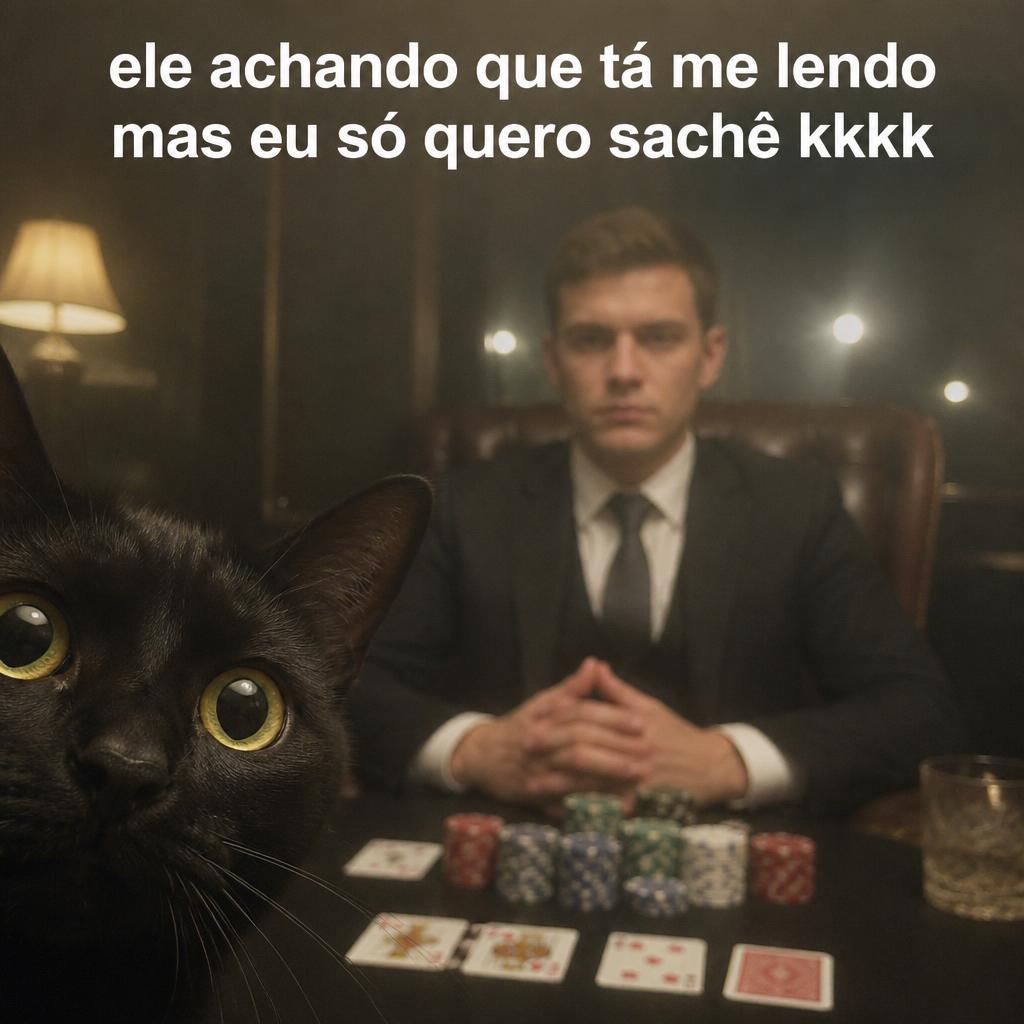
Amateur Smartphone Selfie Black Cat
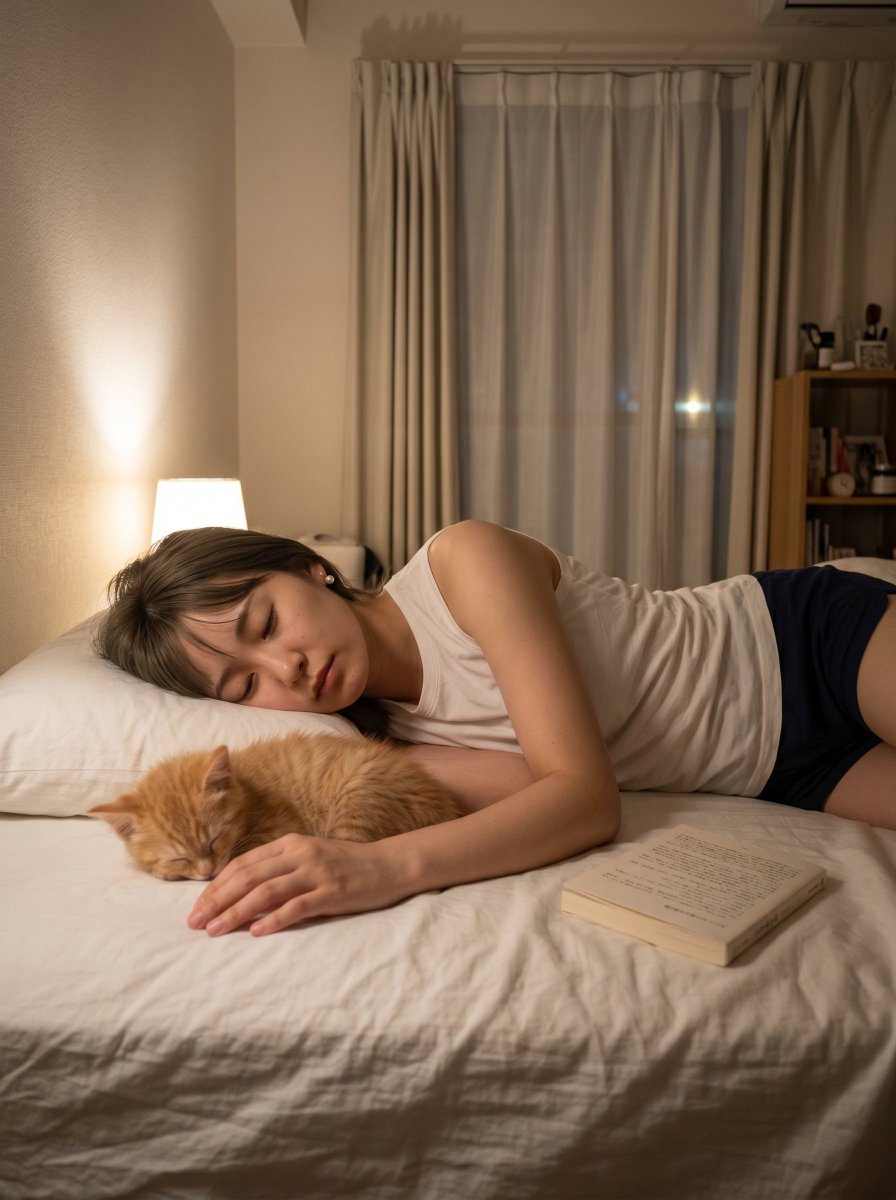
Cozy Bedroom Nap With Cat
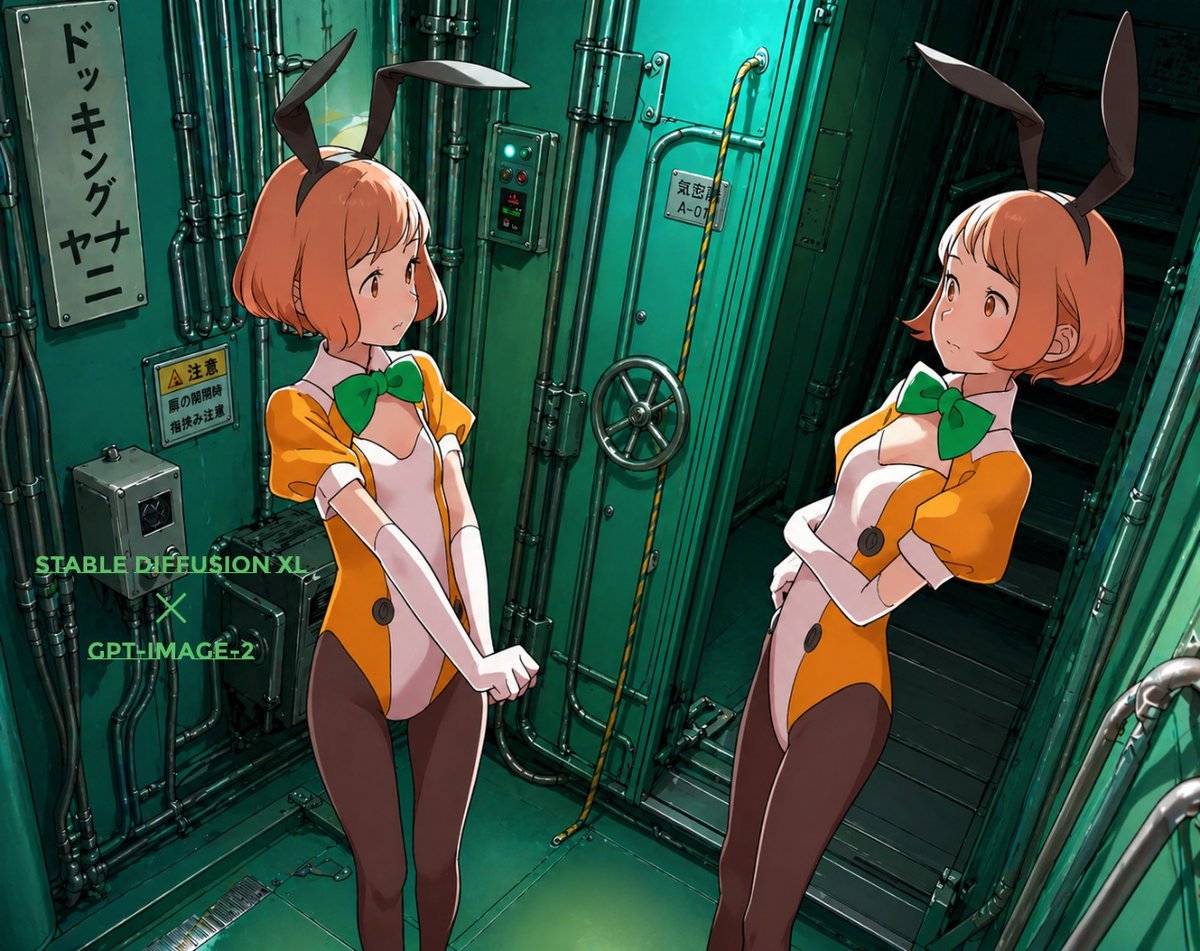
Background Realism Enhancement Prompt
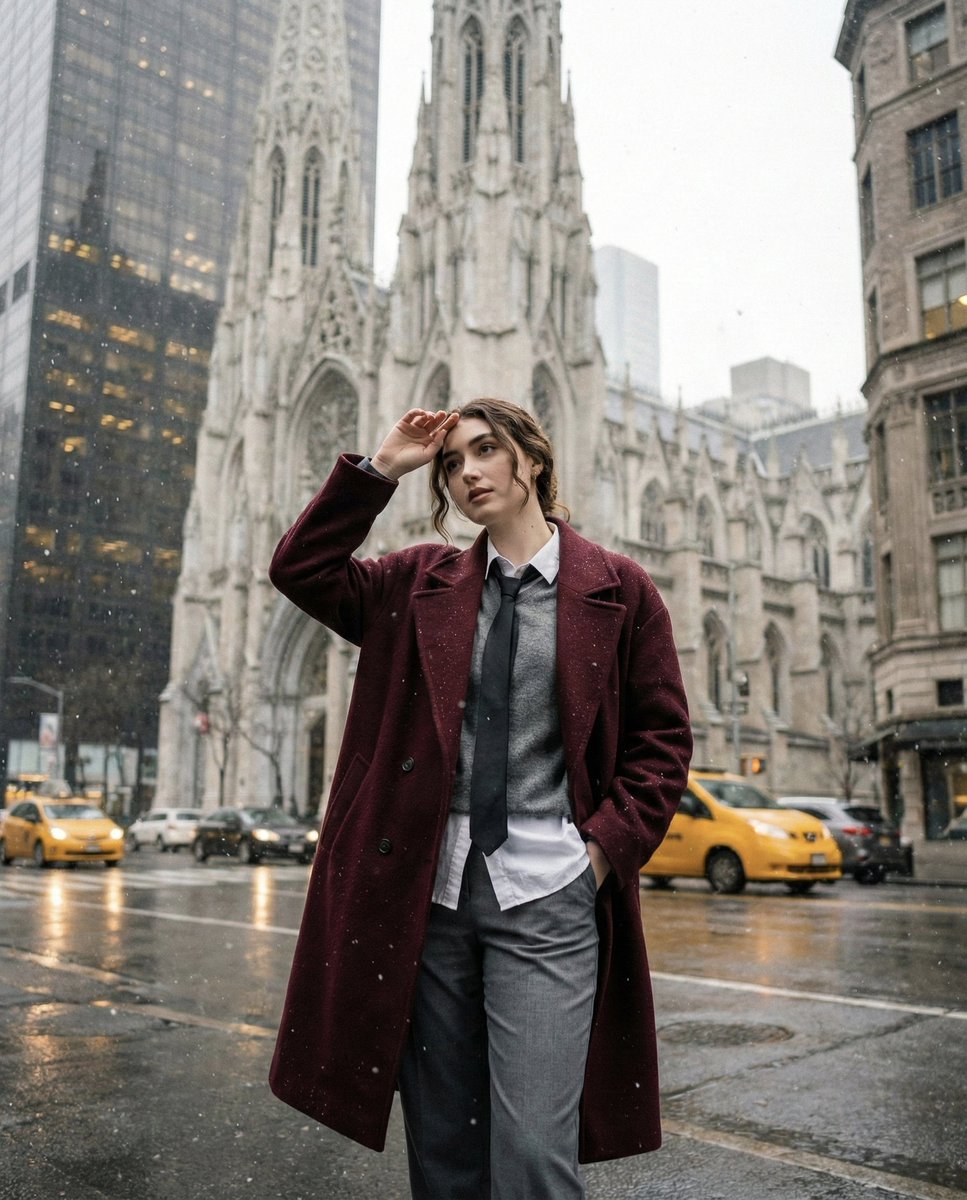
Candid Winter City Portrait during Snowfall
Browse template categories
Election Poster Style Prompt questions
How do I use the Election Poster Style Prompt template?
Add your photo if the template asks for one, edit the prompt if you like — the template's model and format are already selected — and press Generate. Your version opens in PicX Studio.
Can I customize the Election Poster Style Prompt template?
Yes. You can change the subject, setting, lighting, mood, format, and available model controls before creating your image.
Is the Election Poster Style Prompt template free?
Opening and editing this template is free. Generating uses credits, shown on the Generate button when you are signed in.
Which AI model should I use?
Start with Nano Banana 2, which is the model associated with this template. You can compare another compatible model for a different finish.
Looking for something else? Browse all templates.

Your photo, any look
Thousands of ready templates for every top image and video model, from one credit balance.