
Background Realism Enhancement Prompt
An image restoration prompt used to redraw and cleanup background elements realistically while preserving the existing characters, specifically for GPT Image 2.
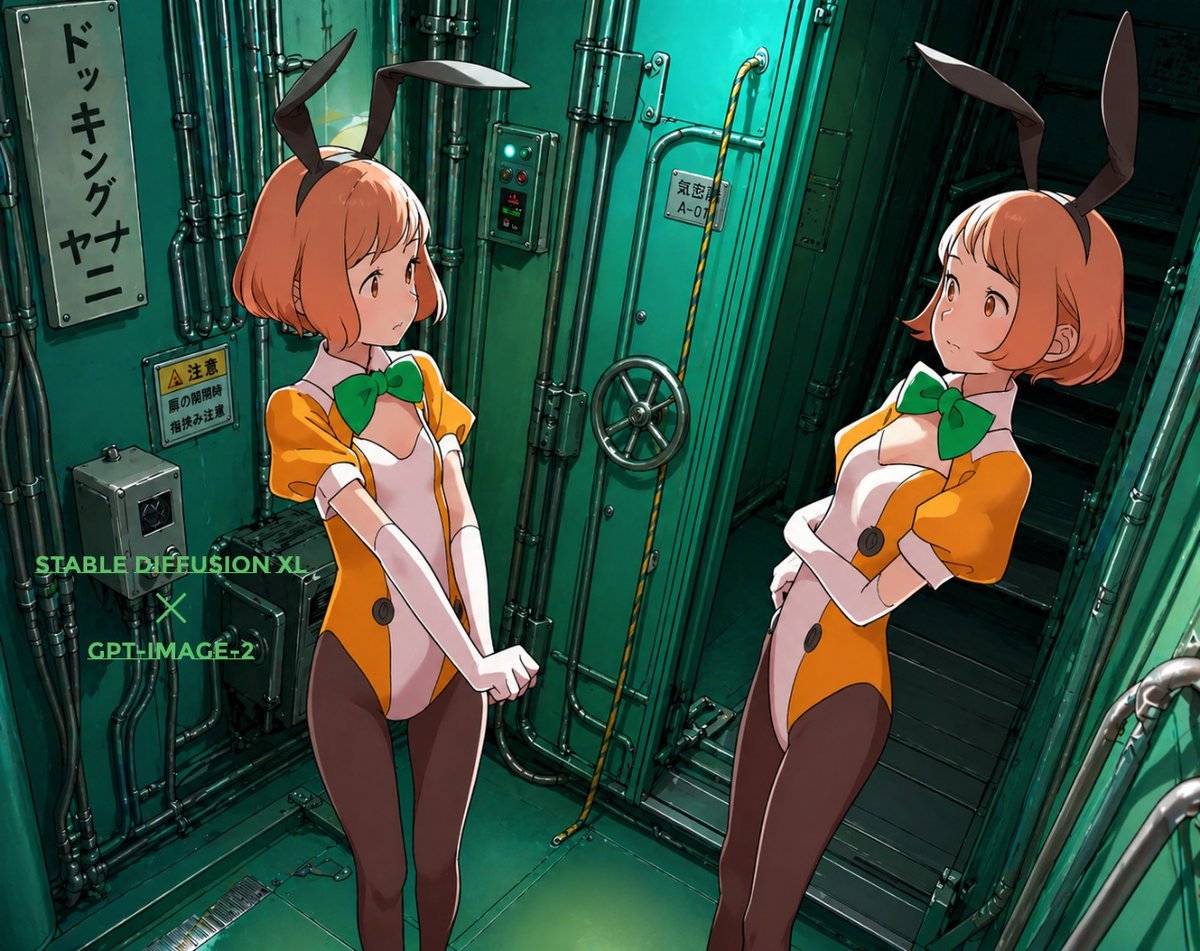
- Prompt included
- Model and format preset
- Free template
The prompt behind this image
Copy the exact prompt behind Background Realism Enhancement Prompt, or open it in the studio and make it yours.
背景にある{argument name="対象" default="施設や装置"}を正しく清書してリアルに描く。{argument name="維持要素" default="キャラクター"}はそのまま維持する。
Reference images included
Background Realism Enhancement Prompt needs input media to work. They load alongside the prompt when you open it in the studio.
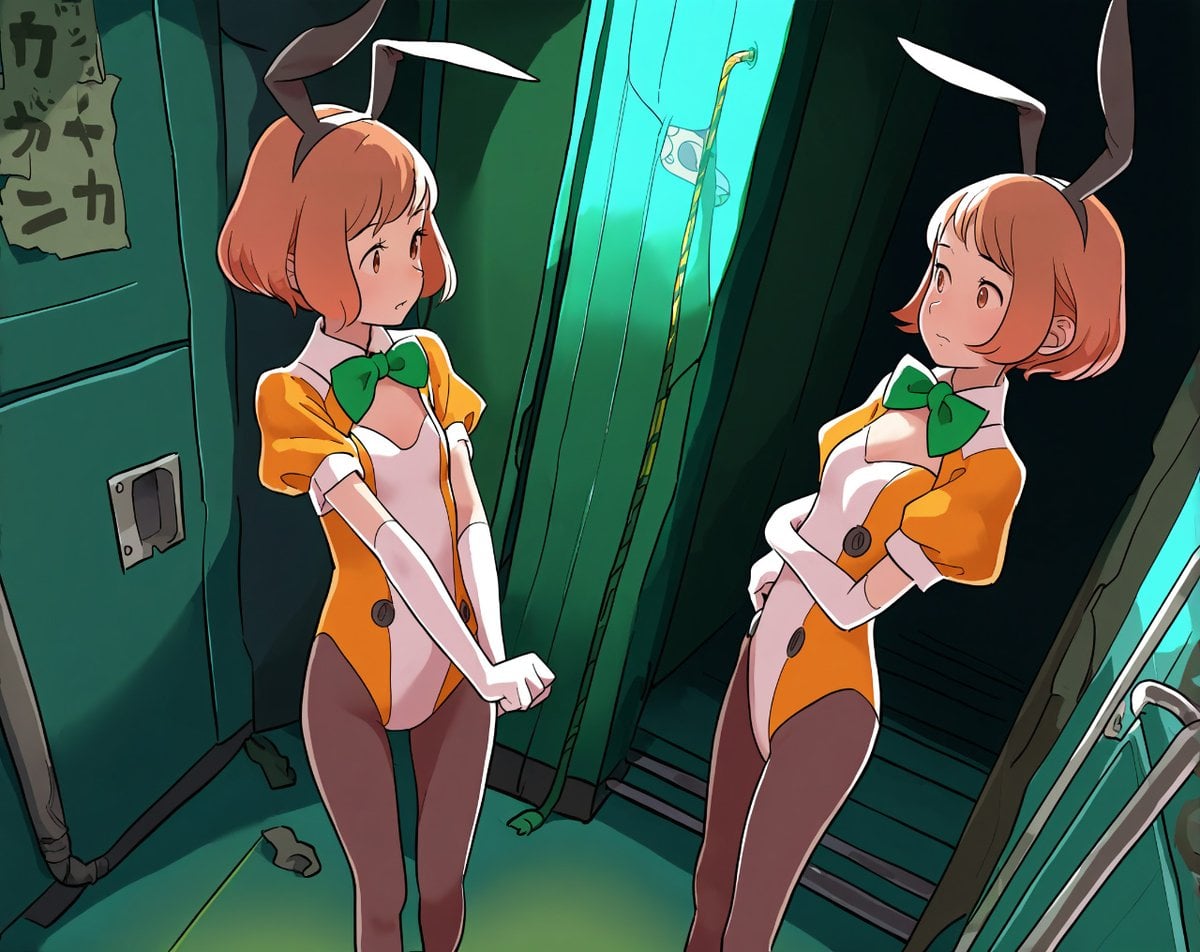
How to use Background Realism Enhancement Prompt in 3 steps
- 1Upload ImagePNG, JPG or paste
Add your photo
Upload the photo the template builds on. The prompt, model and format are already set.
- 2…a portrait of your subject in softgolden-hour light, 85mm…
Personalize
Edit the subject and creative details for your destination.
- 3Generate
Generate
Press Generate — your image is created in PicX Studio, so you can compare it with the original and refine one variable at a time.
More like this
Templates with the same subject, style or setup. Open one to see its prompt.

Photoreal Selfie Minecraft Block World
Gundam Model Detail Enhancement and Background Addition
Realistic Woman Portrait with Wood Background
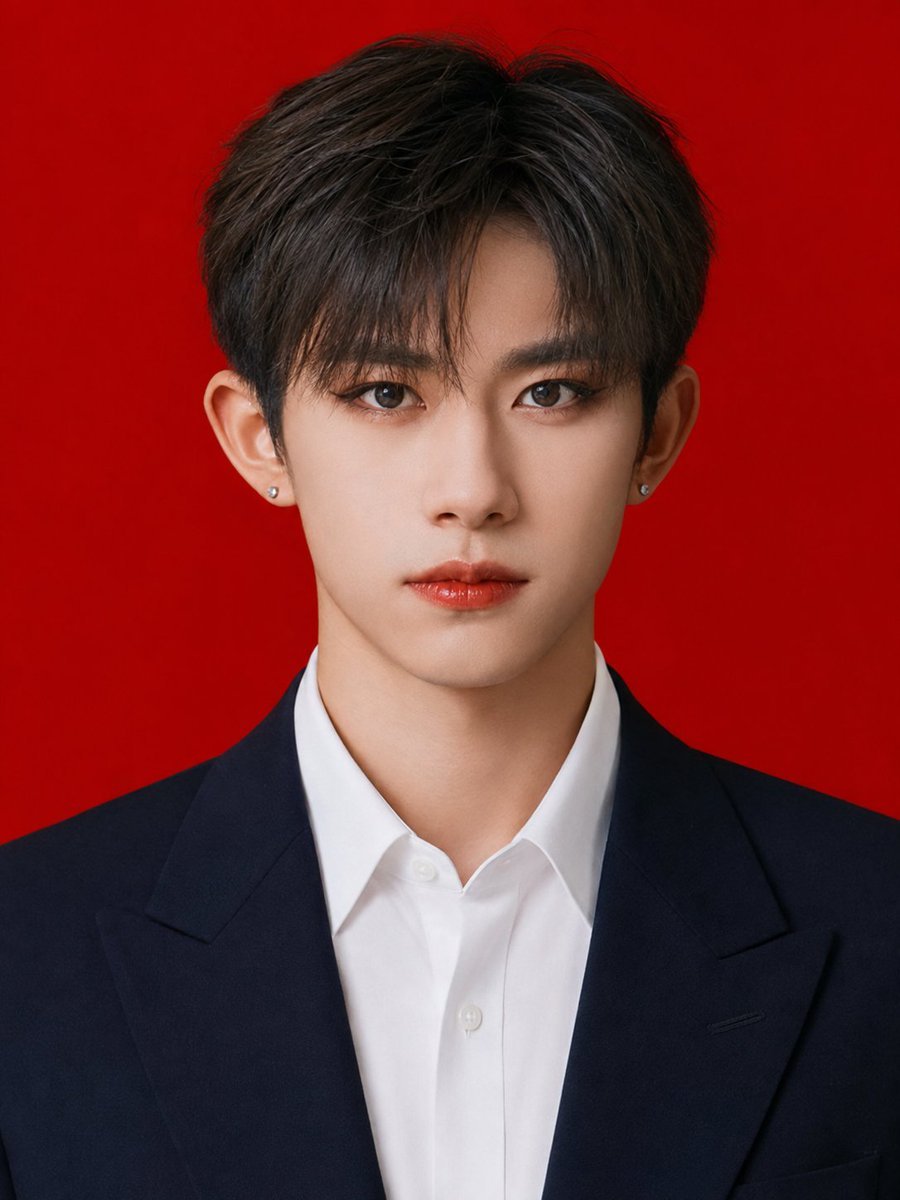
Red Background Formal ID Portrait
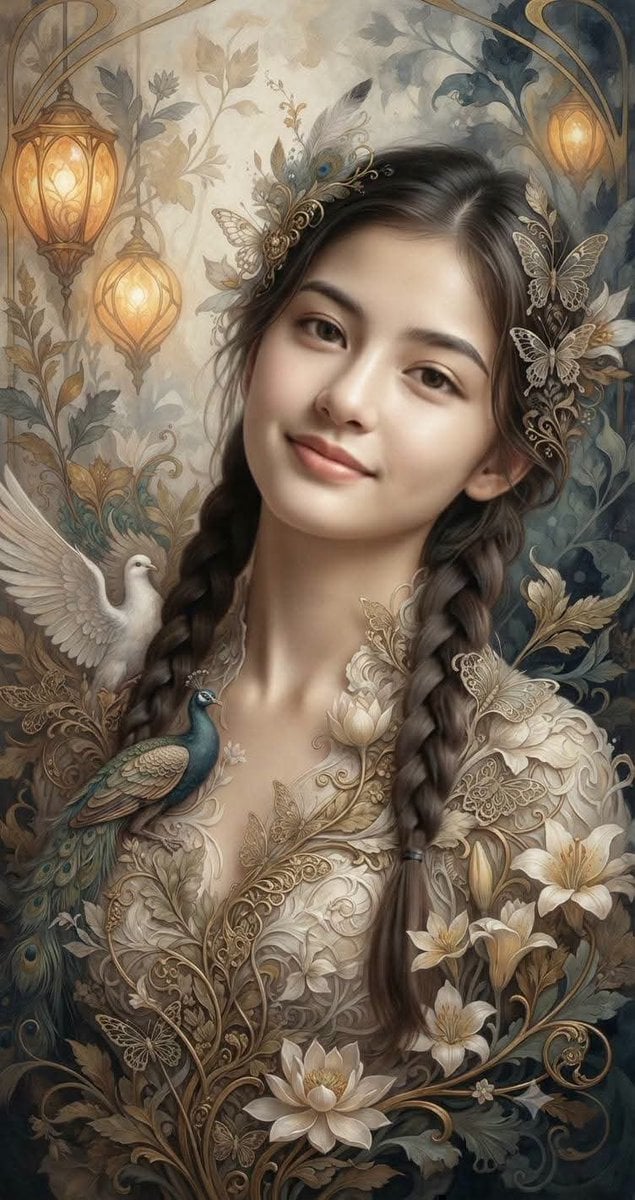
Fantasy Realism and Art Nouveau Fusion
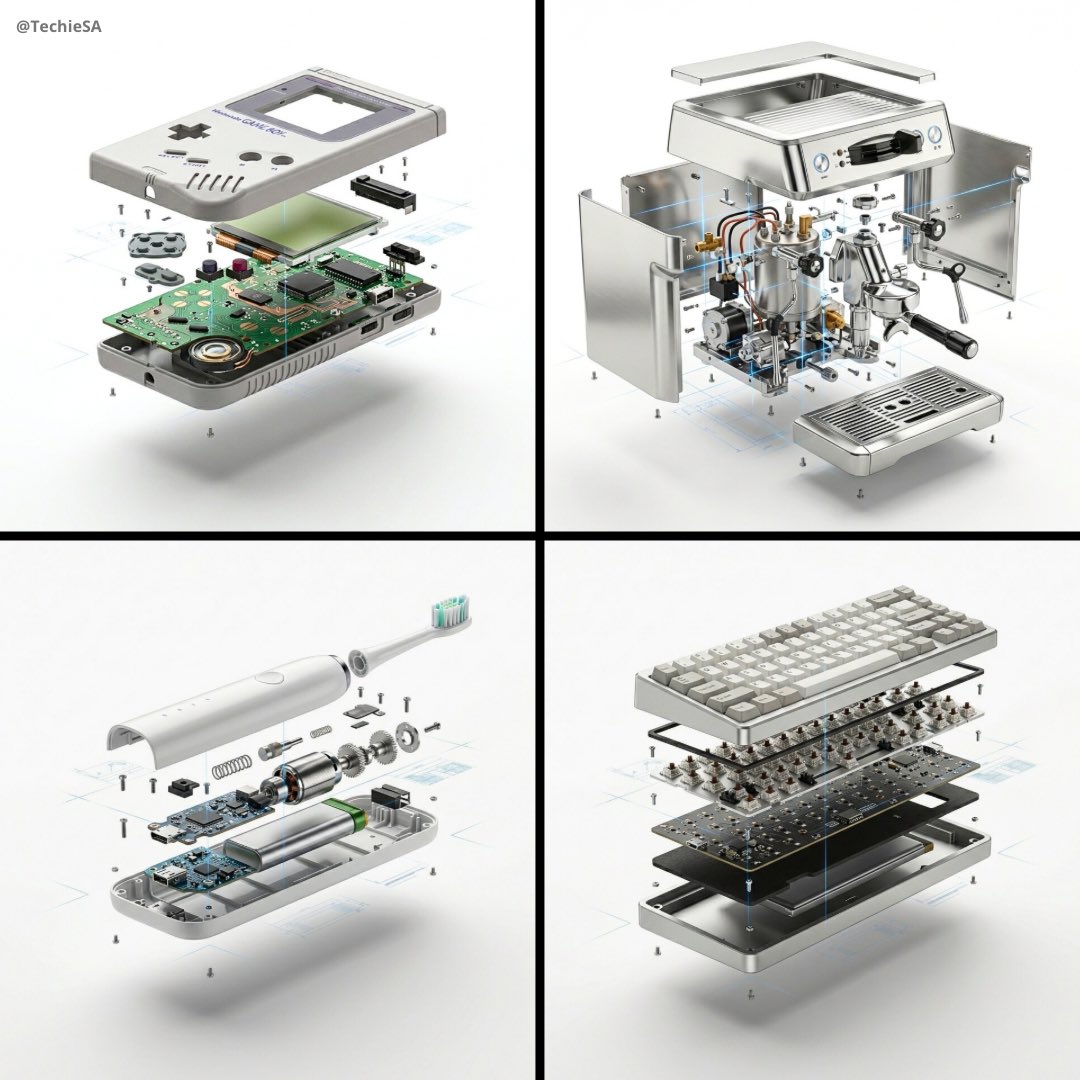
High-end product advertising, white seamless background, exploded view
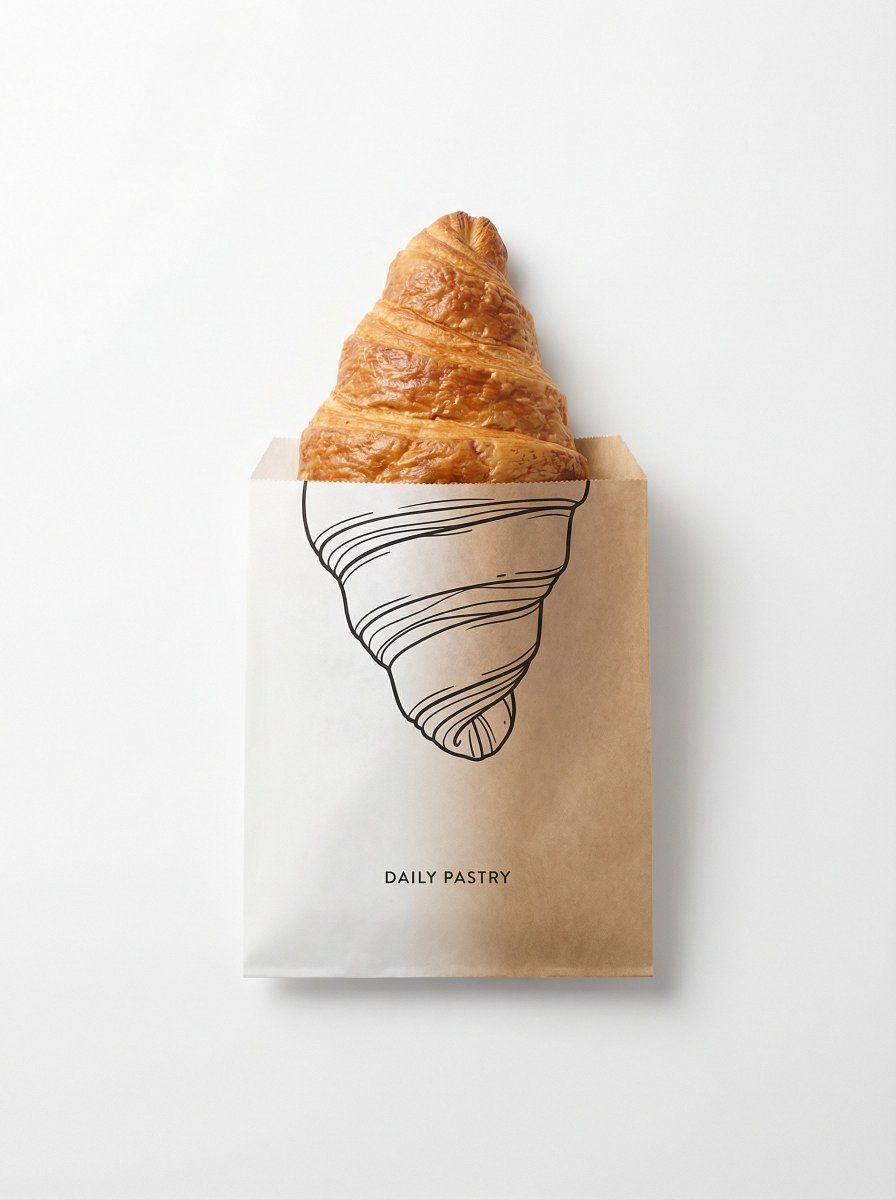
Minimal studio shot on pure white background, real emerging from a paper
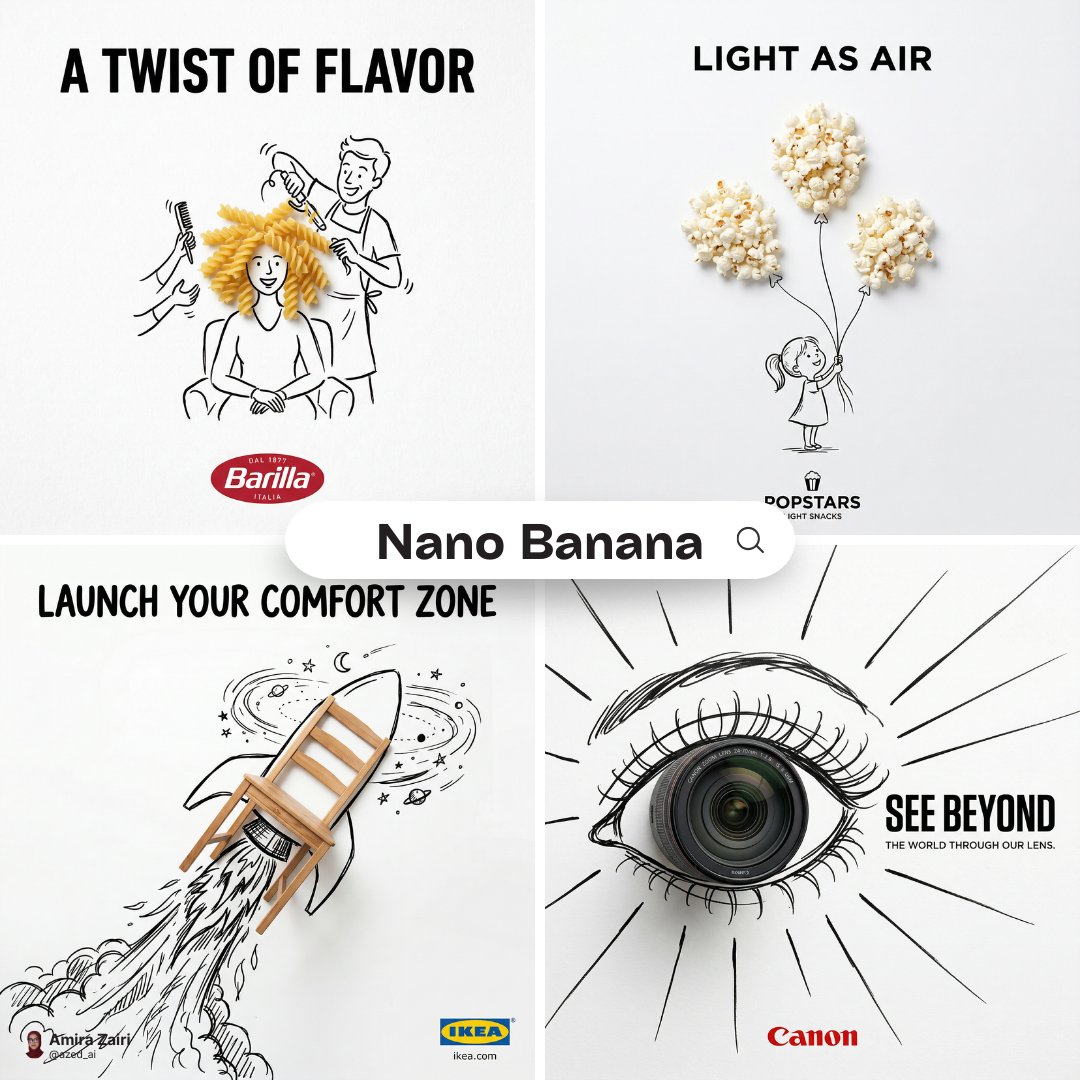
A minimalist and creative advertisement set on a pure white background

Premium fashion catalog flat lay on a clean soft beige studio background

AI-edited, hyper-detailed, photorealistic with stylized realism
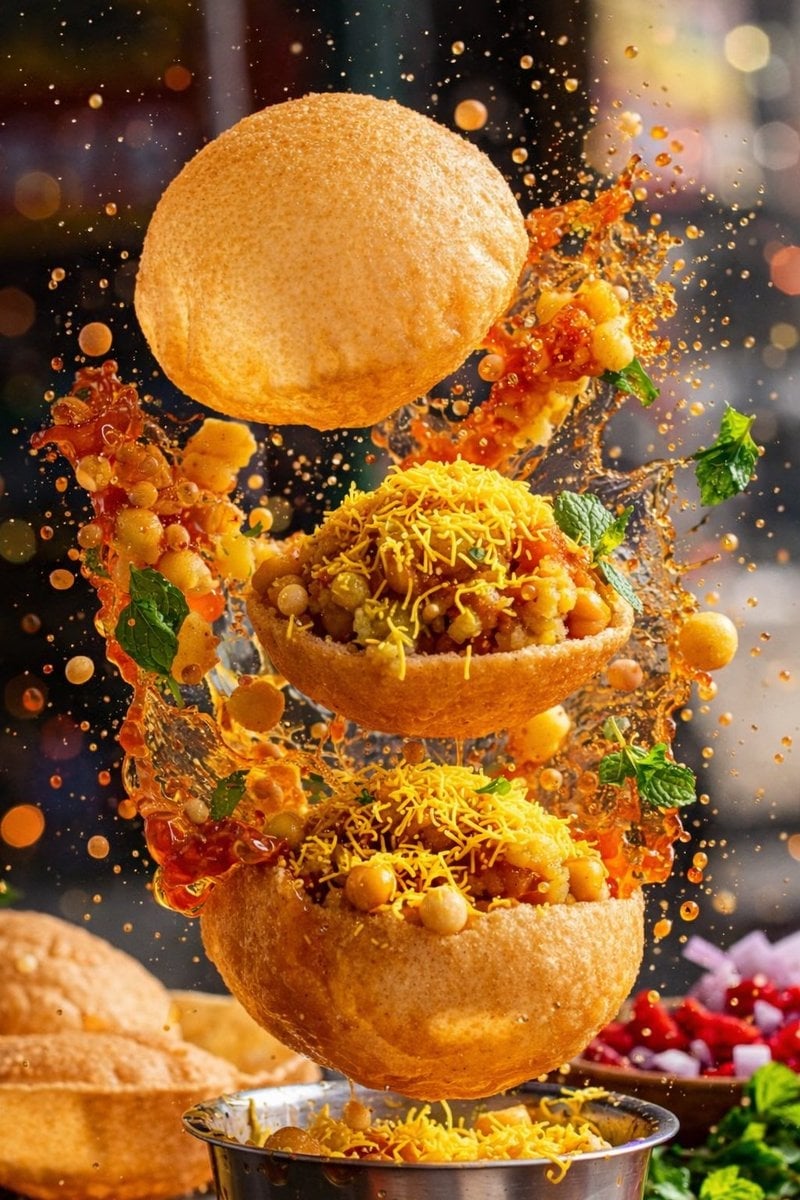
Enhanced realism, minimal alteration from original composition
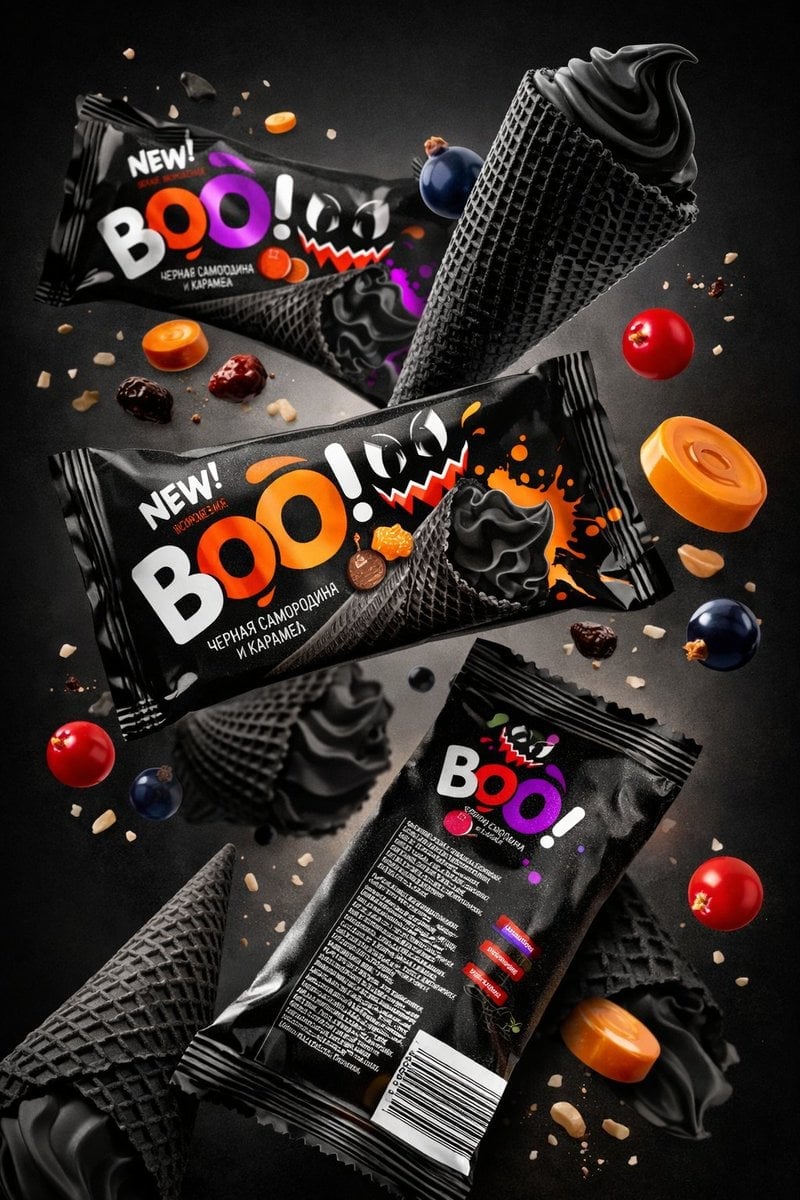
Sharp focus on central package, slightly softer on background elements
Make it yours
Background Realism Enhancement Prompt works as-is. These are the safest ways to change it without losing the look.
Change one field
Copy a single group, rewrite it, and generate again so you can see what that field is doing.
Keep the frame, change the subject
Hold the composition and light of Background Realism Enhancement Prompt, then swap wardrobe, props or the person for a new take.
| If the result… | Why | Fix |
|---|---|---|
| The result drifts from the preview | Too many fields changed at once. | Reuse Background Realism Enhancement Prompt as-is first, then change one group — subject, light, or setting. |
| The model over-stylizes the scene | The prose prompt leaves finish and camera underspecified. | Add one camera or lighting sentence and stay on GPT Image 2. |
More GPT Image 2 templates
Other prompts made for GPT Image 2.
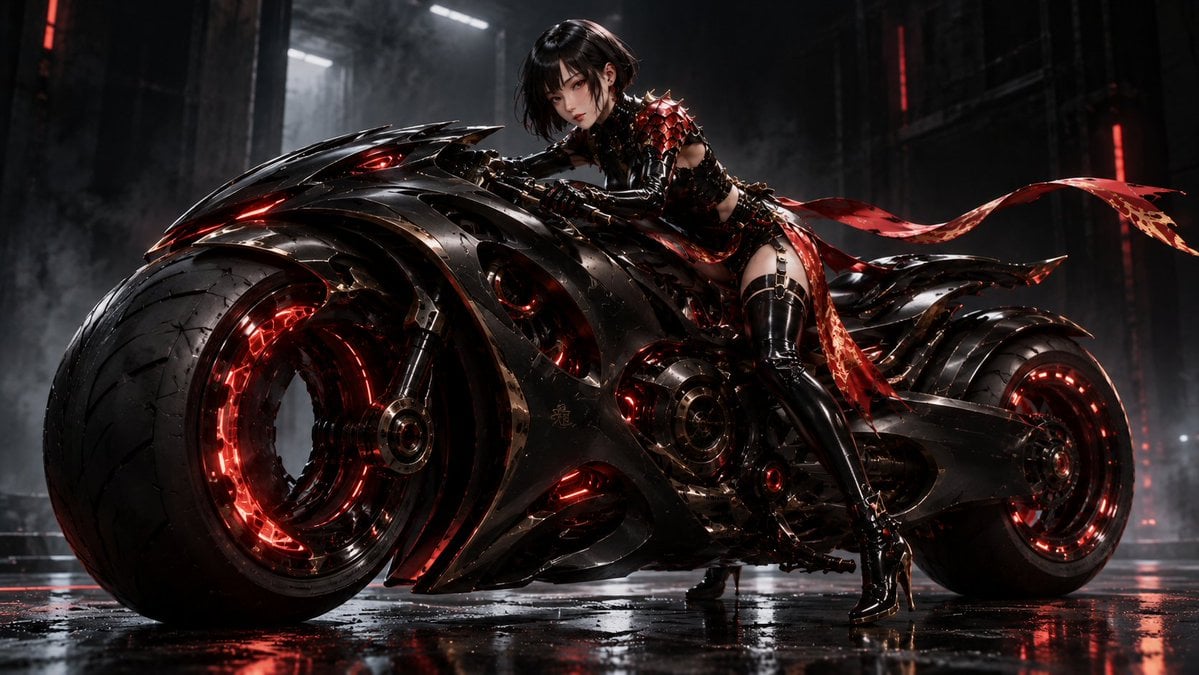
Futuristic Void Fang Mech
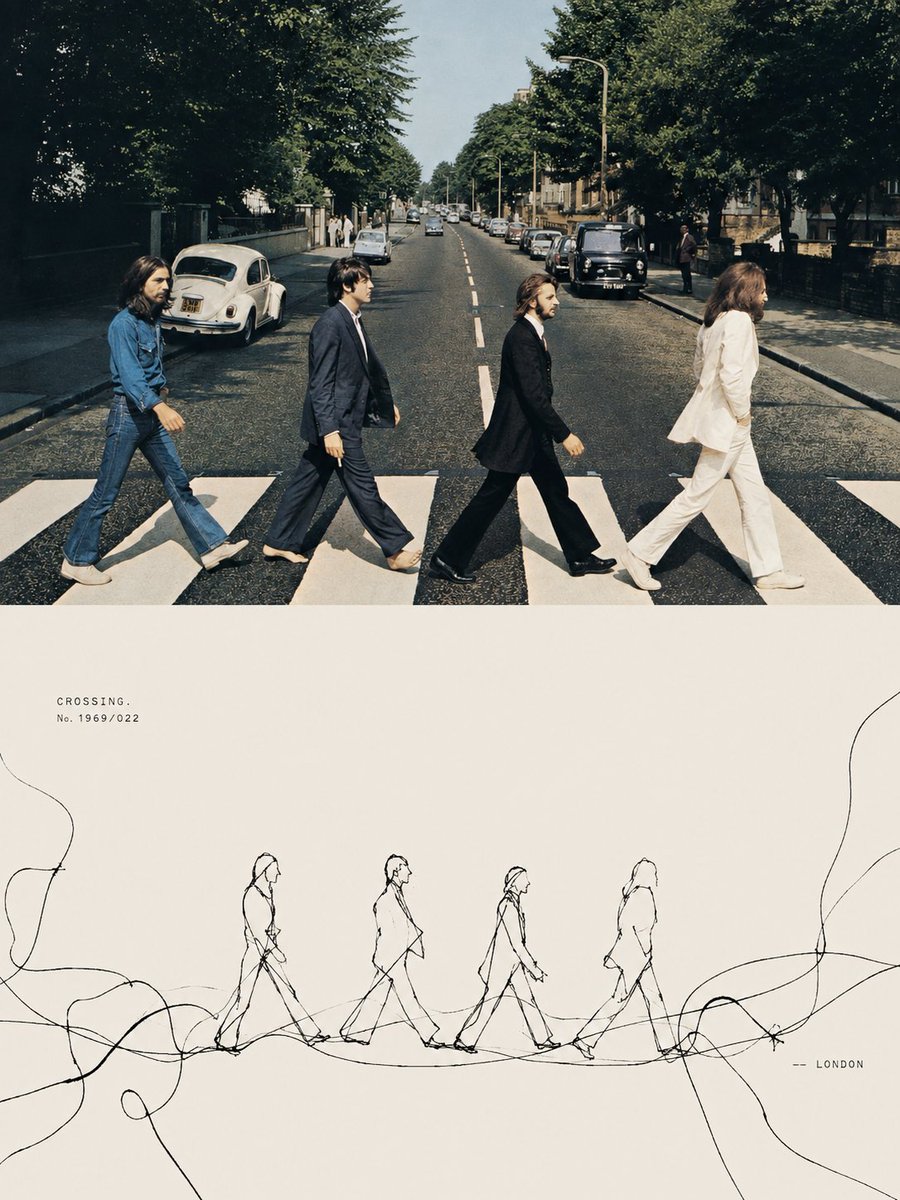
Tension Line Art Concept Poster
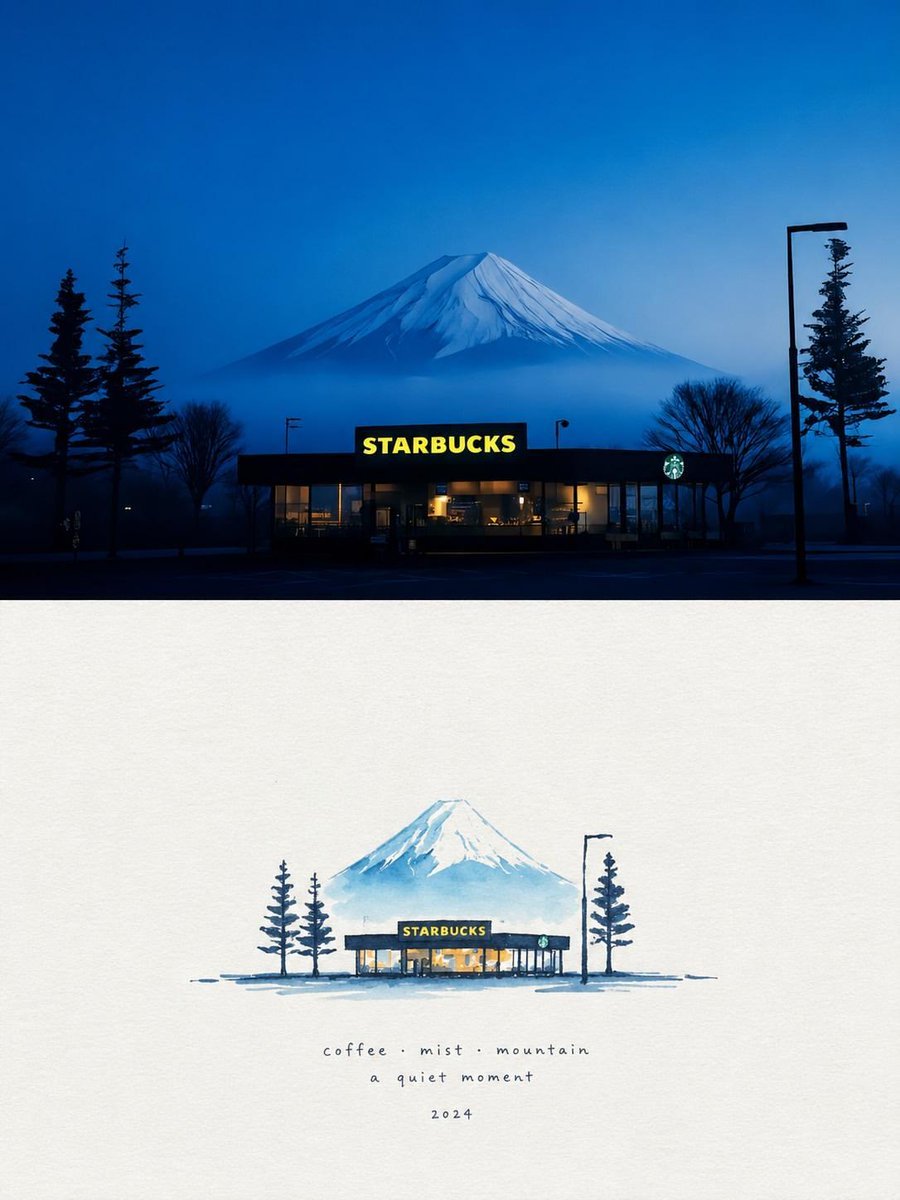
Starbucks Mountain Watercolor Comparison

Six VTuber Japanese Logo Sheet

Luxury ABKR Portrait Poster
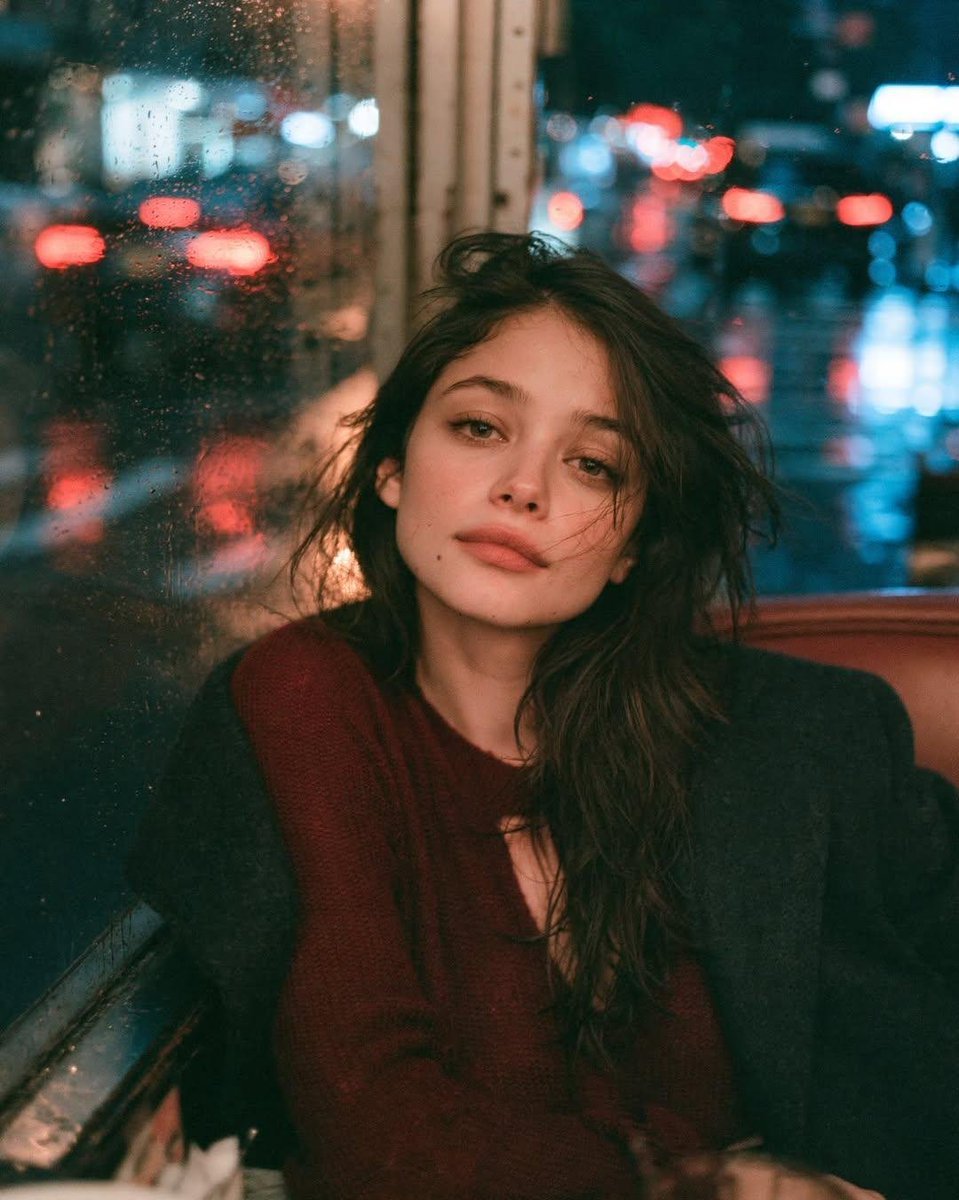
Rainy Night Vintage Diner Portrait
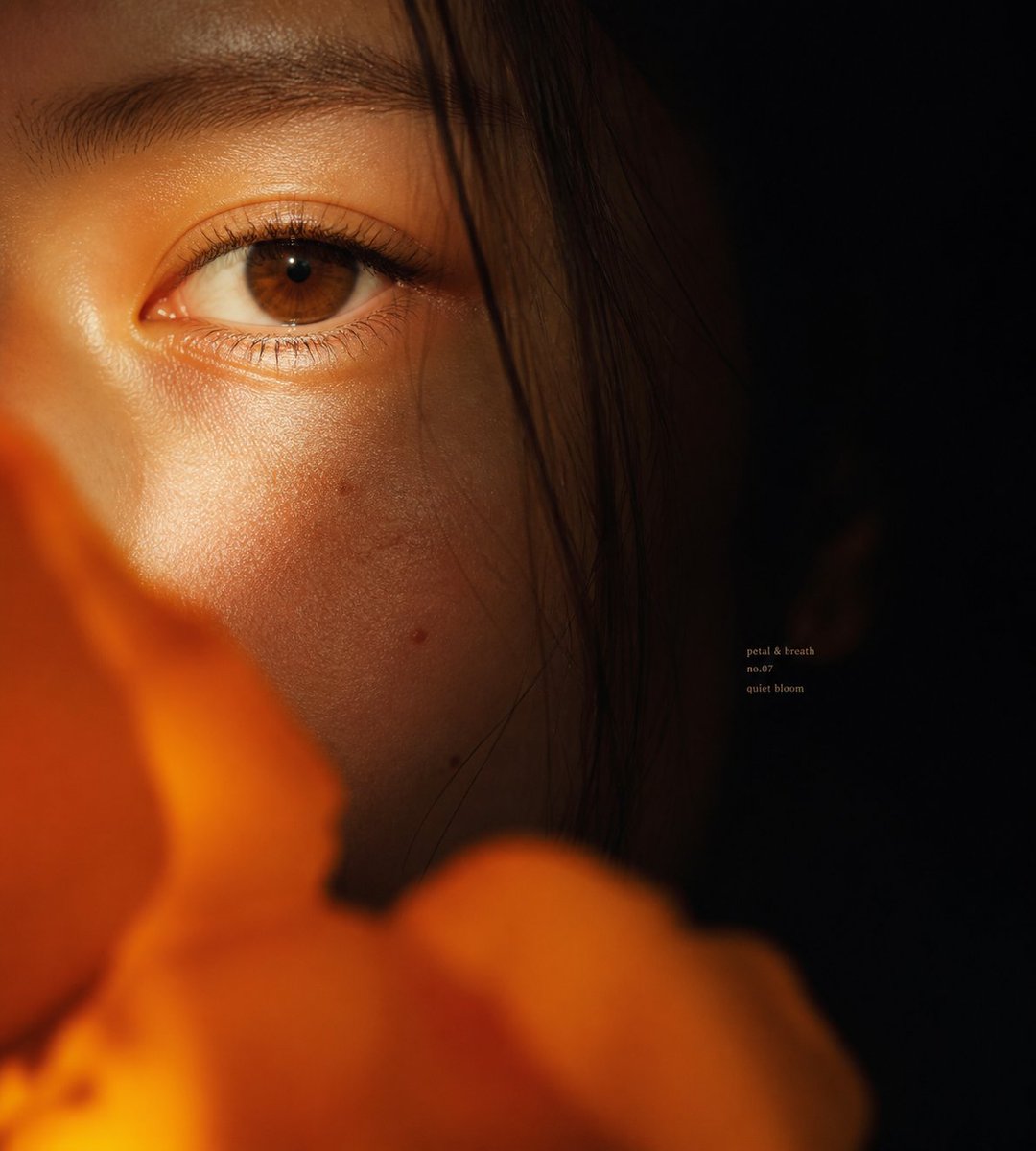
Intimate Flower Petal Macro Portrait
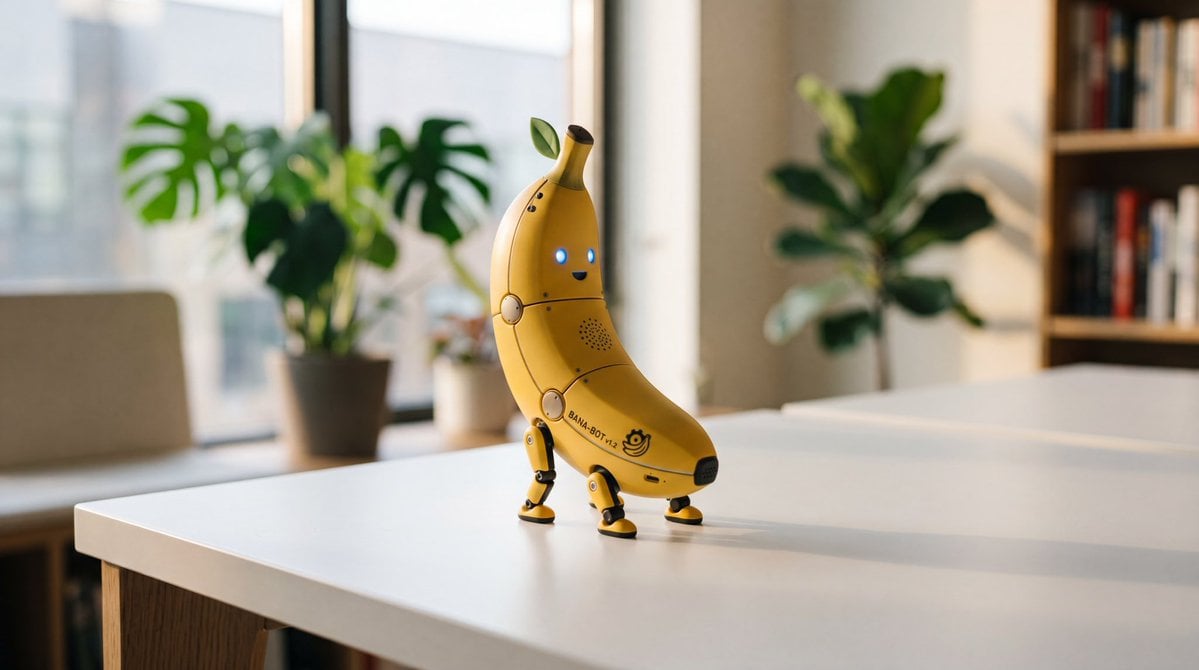
Cute Banana Robot on Table
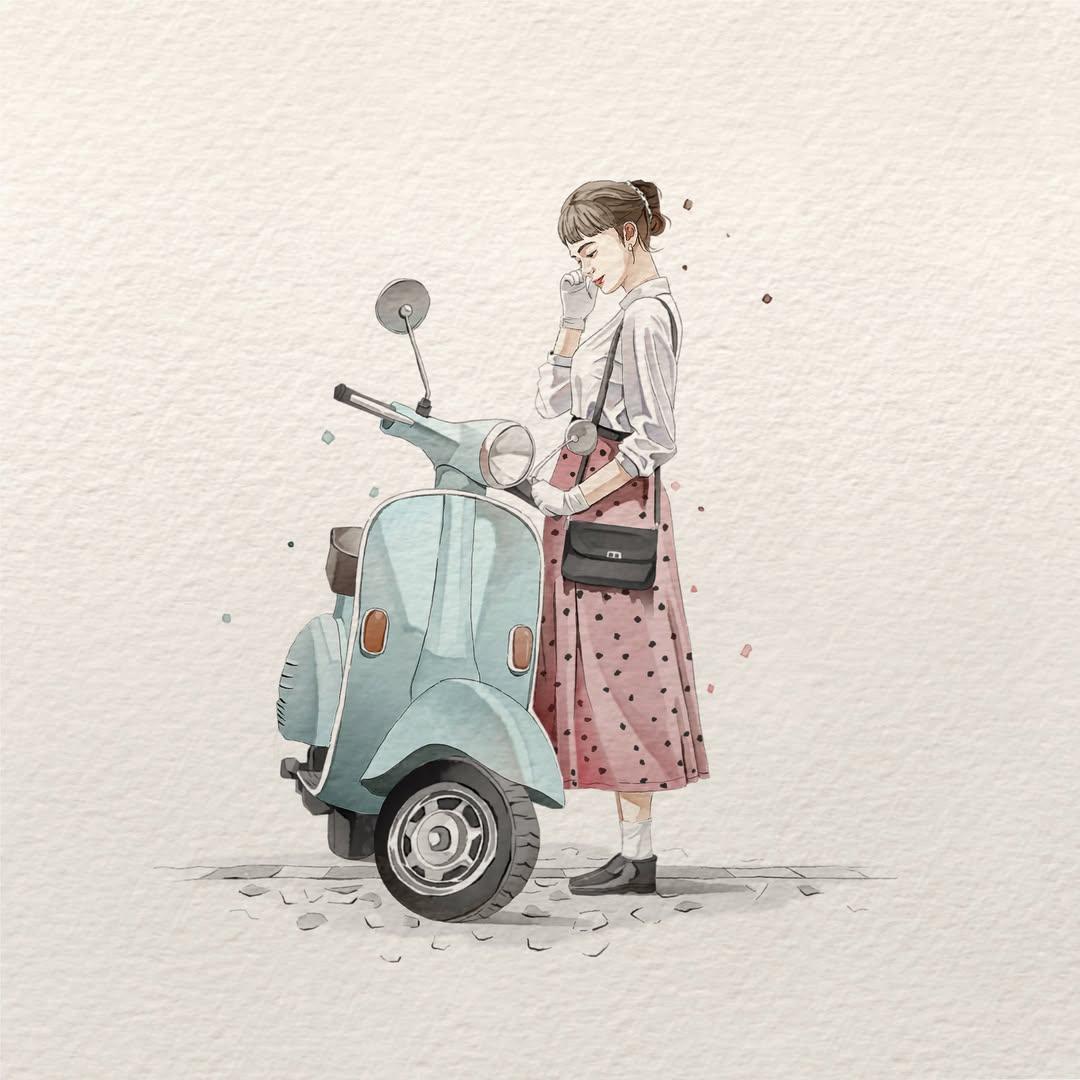
Watercolor Fashion Illustration Aesthetic

Sunlit Orchard Girl With Apples
More image prompts
Fresh picks from across the catalog.
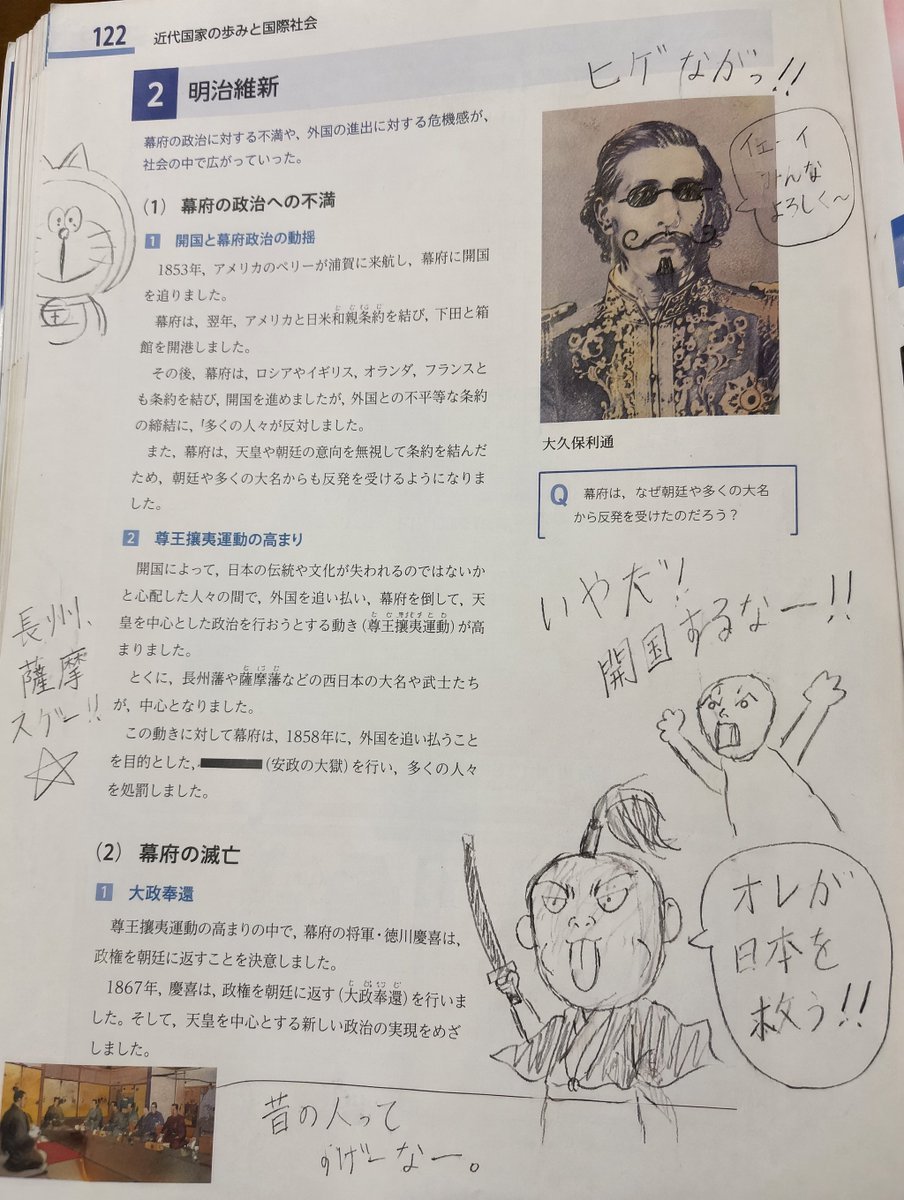
School Textbook Historical Figure Doodle
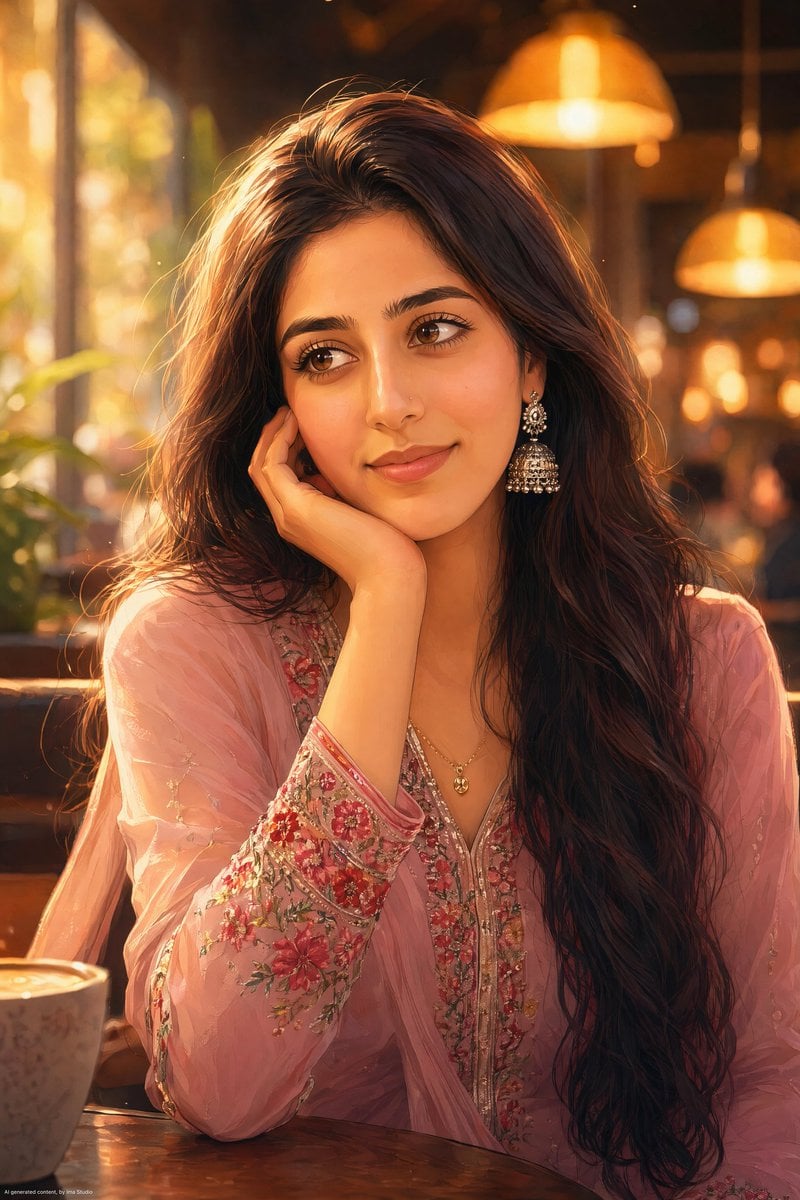
Anime Portrait of South Asian Woman
Gpt2 Profile Avatar Japanese Classroom Long Hair Snapshot
Micro Diorama of Joseon Dynasty Chefs Making Bibimbap
Monochrome tough-guy LINE stickers
Dramatic Portrait with Strong Directional Light
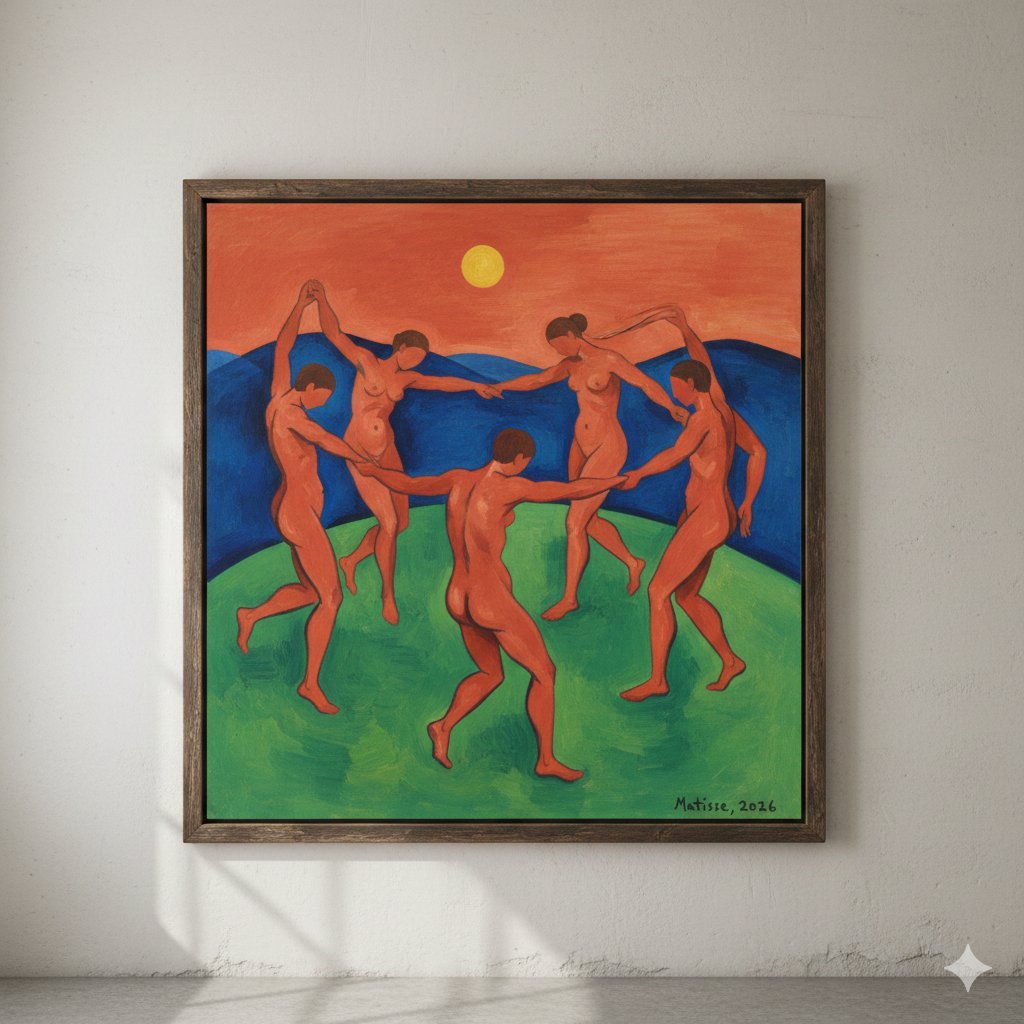
Matisse's Dance Style Image Generation
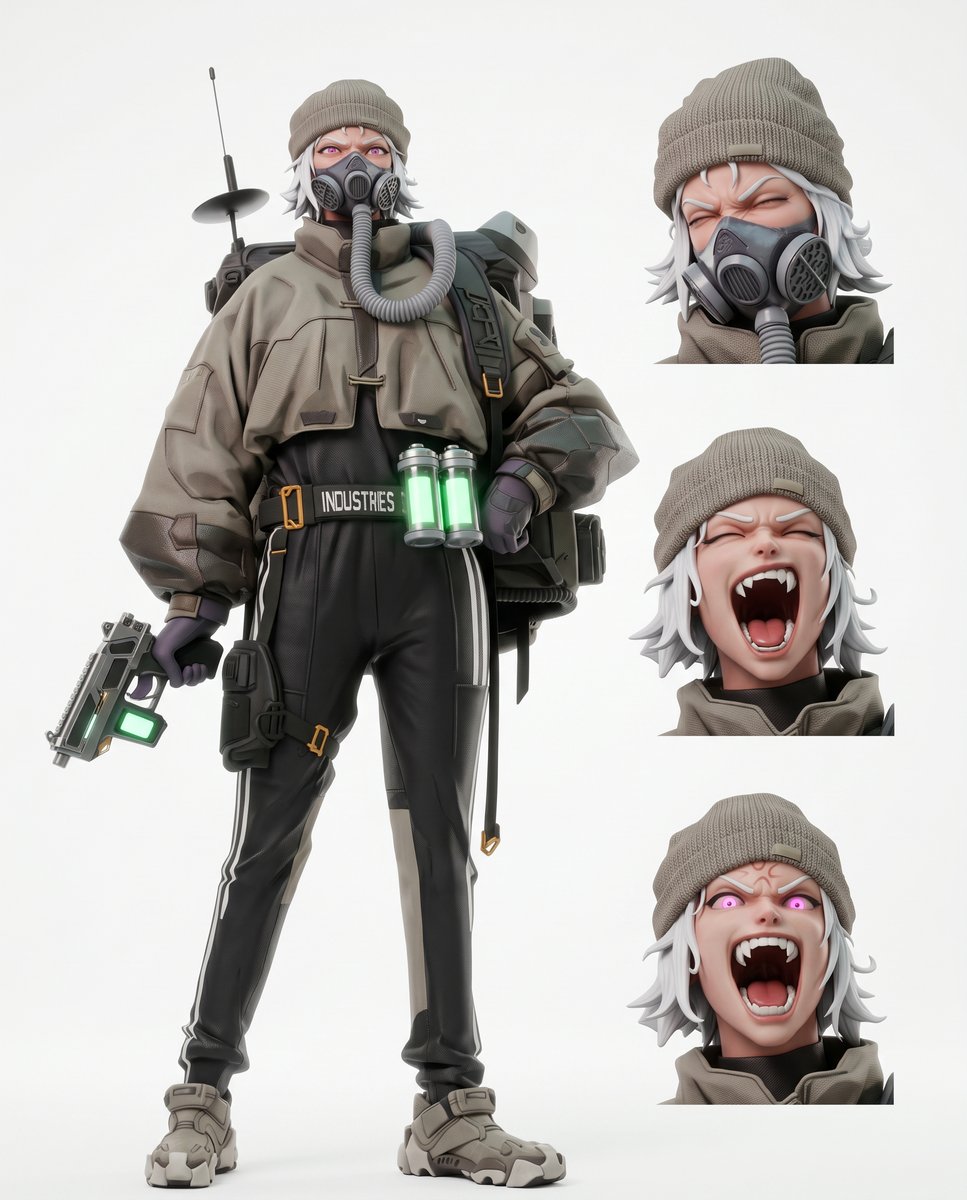
Futuristic Tactical Character Sheet
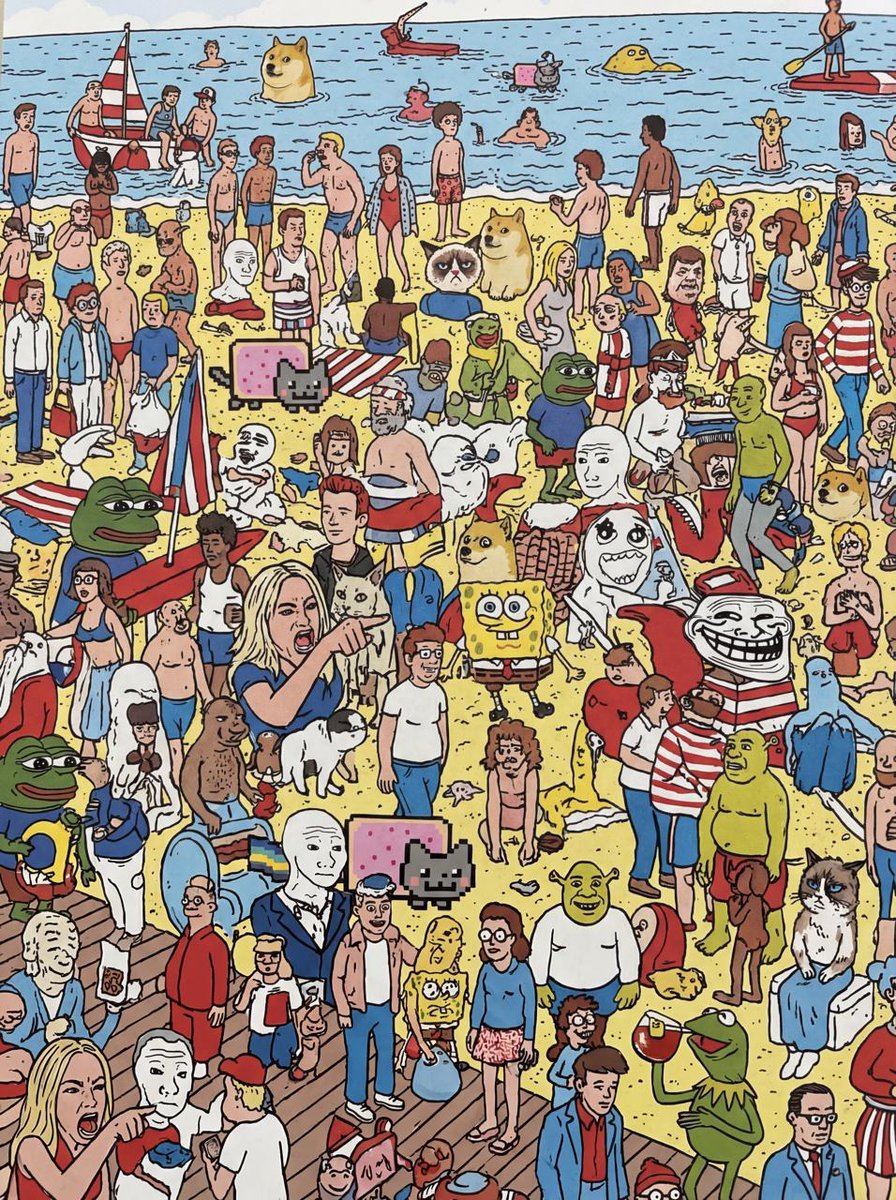
Every meme character in Where’s Wally style
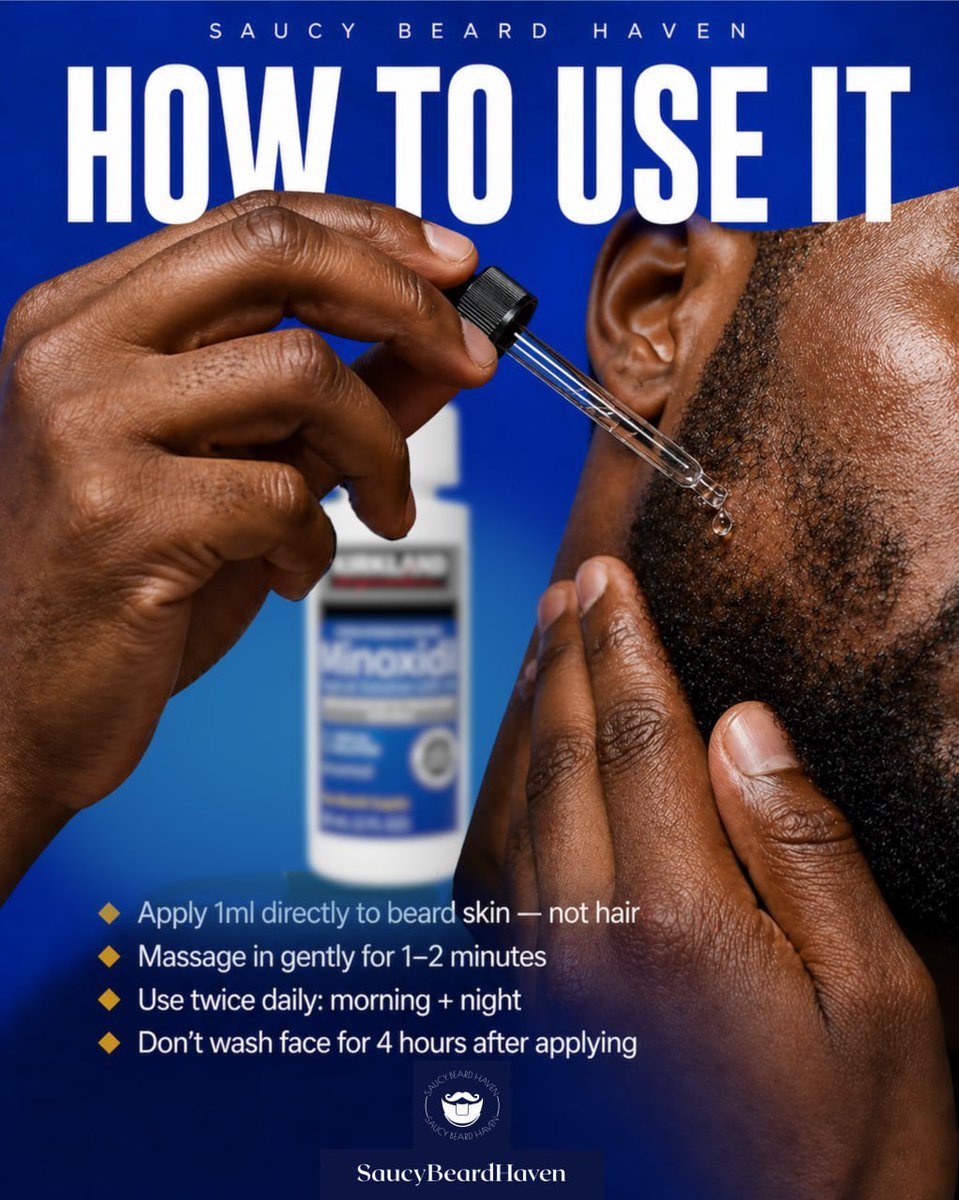
Beard Oil How-To Ad
Browse template categories
Background Realism Enhancement Prompt questions
How do I use the Background Realism Enhancement Prompt template?
Add your photo if the template asks for one, edit the prompt if you like — the template's model and format are already selected — and press Generate. Your version opens in PicX Studio.
Can I customize the Background Realism Enhancement Prompt template?
Yes. You can change the subject, setting, lighting, mood, format, and available model controls before creating your image.
Is the Background Realism Enhancement Prompt template free?
Opening and editing this template is free. Generating uses credits, shown on the Generate button when you are signed in.
Which AI model should I use?
Start with GPT Image 2, which is the model associated with this template. You can compare another compatible model for a different finish.
Looking for something else? Browse all templates.

Your photo, any look
Thousands of ready templates for every top image and video model, from one credit balance.