
Sharp focus on central package, slightly softer on background elements
{ "image_type": "commercial product advertisement", "resolution_target": "8K", "aspect_ratio": "3:4", "orientation": "vertical", "scene": { "environment": "studio product photography", "background": { "color": "dark…
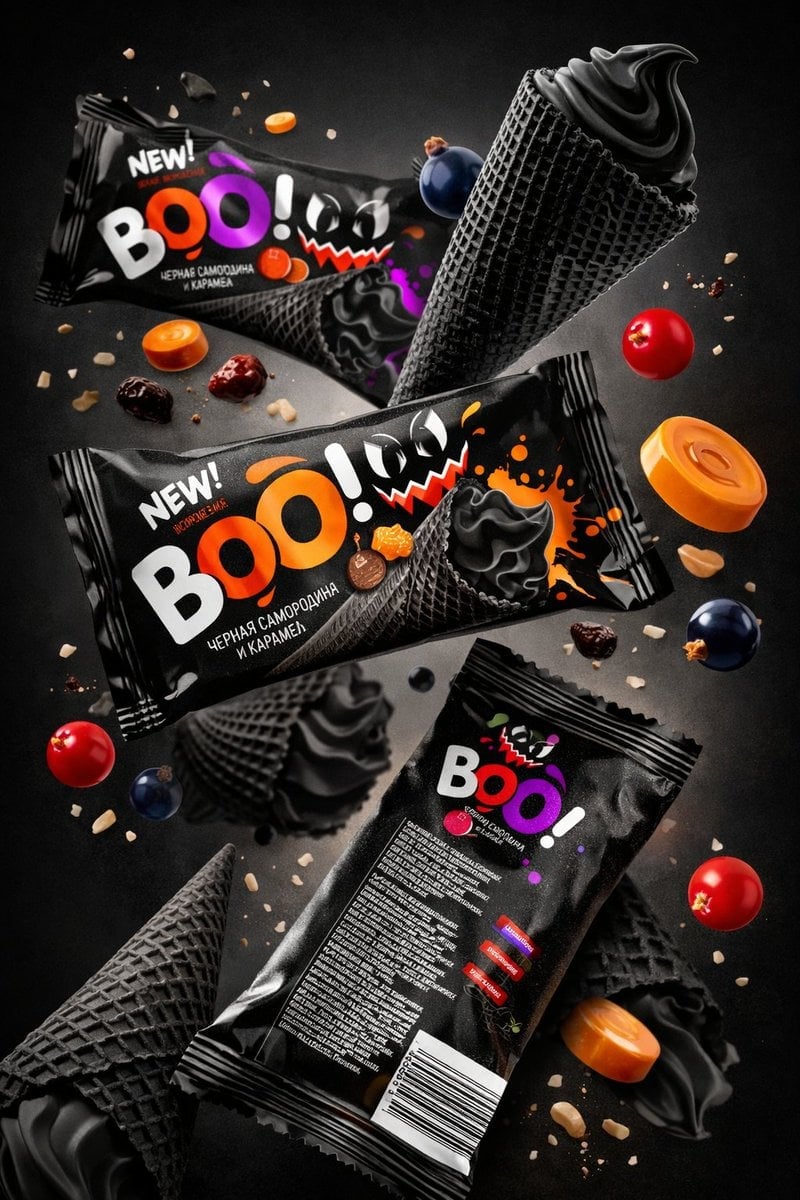
- Prompt included
- Model and format preset
- Premium template
The prompt behind this image
Copy the exact prompt behind Sharp focus on central package, slightly softer on background elements, or open it in the studio and make it yours.
- Image Type
- commercial product advertisement
- Resolution Target
- 8K
- Aspect Ratio
- 3:4
- Orientation
- vertical
- Scene › Environment
- studio product photography
- Scene › Background › Color
- dark charcoal to black gradient
- Scene › Background › Texture
- smooth matte
- Scene › Background › Lighting Falloff
- soft radial gradient toward center
- Composition › Style
- floating product arrangement
- Composition › Depth
- multi-layer depth with foreground, midground, background objects
- Composition › Camera Angle
- slightly top-down perspective
- Composition › Camera Distance
- medium close-up
- Composition › Focus
- sharp focus on central package, slightly softer on background elements
- Composition › Visual Flow
- diagonal downward flow from top-left to bottom-right
- Primary Objects › 0 › Object Type
- snack_package
- Primary Objects › 0 › Brand Text
- BOO!
- Primary Objects › 0 › Position
- upper center
- Primary Objects › 0 › Orientation
- tilted slightly upward left-to-right
- Primary Objects › 0 › Packaging Color
- black glossy plastic
- Primary Objects › 0 › Text Details › Main Text
- BOO!
- Primary Objects › 0 › Text Details › Font Style
- bold sans-serif
- Primary Objects › 0 › Text Details › Text Colors
- white, purple, orange
- Primary Objects › 0 › Text Details › Secondary Text
- NEW!
- Primary Objects › 0 › Text Details › Language
- Cyrillic
Raw JSON
{
  "image_type": "commercial product advertisement",
  "resolution_target": "8K",
  "aspect_ratio": "3:4",
  "orientation": "vertical",

  "scene": {
    "environment": "studio product photography",
    "background": {
      "color": "dark charcoal to black gradient",
      "texture": "smooth matte",
      "lighting_falloff": "soft radial gradient toward center"
    }
  },

  "composition": {
    "style": "floating product arrangement",
    "depth": "multi-layer depth with foreground, midground, background objects",
    "camera_angle": "slightly top-down perspective",
    "camera_distance": "medium close-up",
    "focus": "sharp focus on central package, slightly softer on background elements",
    "visual_flow": "diagonal downward flow from top-left to bottom-right"
  },

  "primary_objects": [
    {
      "object_type": "snack_package",
      "brand_text": "BOO!",
      "position": "upper center",
      "orientation": "tilted slightly upward left-to-right",
      "packaging_color": "black glossy plastic",
      "text_details": {
        "main_text": "BOO!",
        "font_style": "bold sans-serif",
        "text_colors": ["white", "purple", "orange"],
        "secondary_text": "NEW!",
        "language": "Cyrillic"
      },
      "graphics": [
        "cartoon monster face with triangular teeth",
        "paint splash graphic in purple",
        "ice cream cone illustration with black swirl"
      ]
    },

    {
      "object_type": "snack_package",
      "brand_text": "BOO!",
      "position": "center",
      "orientation": "slightly angled",
      "packaging_color": "black glossy plastic",
      "text_details": {
        "main_text": "BOO!",
        "secondary_text": "NEW!",
        "accent_color": "orange"
      },
      "graphics": [
        "orange paint splash",
        "black ice cream cone graphic",
        "small candy illustrations"
      ]
    },

    {
      "object_type": "snack_package",
      "brand_text": "BOO!",
      "position": "bottom",
      "orientation": "back side facing camera",
      "packaging_color": "black glossy plastic",
      "visible_elements": [
        "nutrition text block",
        "barcode",
        "multicolor ingredient indicator bars"
      ]
    }
  ],

  "secondary_objects": [
    {
      "object_type": "ice_cream_cone",
      "color": "black",
      "texture": "waffle cone pattern",
      "ice_cream": "black soft swirl",
      "positions": [
        "right side near center",
        "bottom left",
        "background scattered"
      ]
    },

    {
      "object_type": "berries",
      "colors": ["red", "dark blue"],
      "shape": "small spherical",
      "positions": "floating around packages"
    },

    {
      "object_type": "caramel_candy",
      "shape": "round flat candy discs",
      "color": "orange caramel",
      "positions": "floating mid-scene"
    },

    {
      "object_type": "nut_fragments",
      "color": "light beige",
      "size": "small crumb particles",
      "distribution": "scattered floating around scene"
    }
  ],

  "lighting": {
    "type": "studio lighting",
    "key_light": "soft directional light from upper left",
    "fill_light": "soft ambient fill",
    "rim_light": "subtle edge highlight on packaging",
    "reflections": "visible glossy reflections on plastic packaging",
    "shadows": "soft shadows beneath floating objects"
  },

  "materials": {
    "packaging": "glossy plastic",
    "cone": "matte waffle texture",
    "berries": "smooth slightly reflective skin",
    "candies": "semi-gloss caramel surface"
  },

  "color_palette": {
    "dominant": ["black", "dark gray"],
    "accent": ["orange", "purple", "red", "blue"],
    "highlight": ["white"]
  },

  "motion_effect": {
    "style": "frozen motion",
    "objects": "packages, cones, candies appear suspended mid-air",
    "particle_effect": "small crumbs floating"
  },

  "render_quality": {
    "detail_level": "ultra high detail",
    "sharpness": "crisp edges",
    "noise": "none",
    "texture_detail": "high fidelity",
    "realism": "photorealistic commercial product render"
  }
}How to use Sharp focus on central package, slightly softer on background elements in 3 steps
- 1
Open
The prompt is already in the box next to the preview, with the template's model and format selected.
- 2…a portrait of your subject in softgolden-hour light, 85mm…
Personalize
Edit the subject and creative details for your destination.
- 3Generate
Generate
Press Generate — your image is created in PicX Studio, so you can compare it with the original and refine one variable at a time.
More like this
Templates with the same subject, style or setup. Open one to see its prompt.
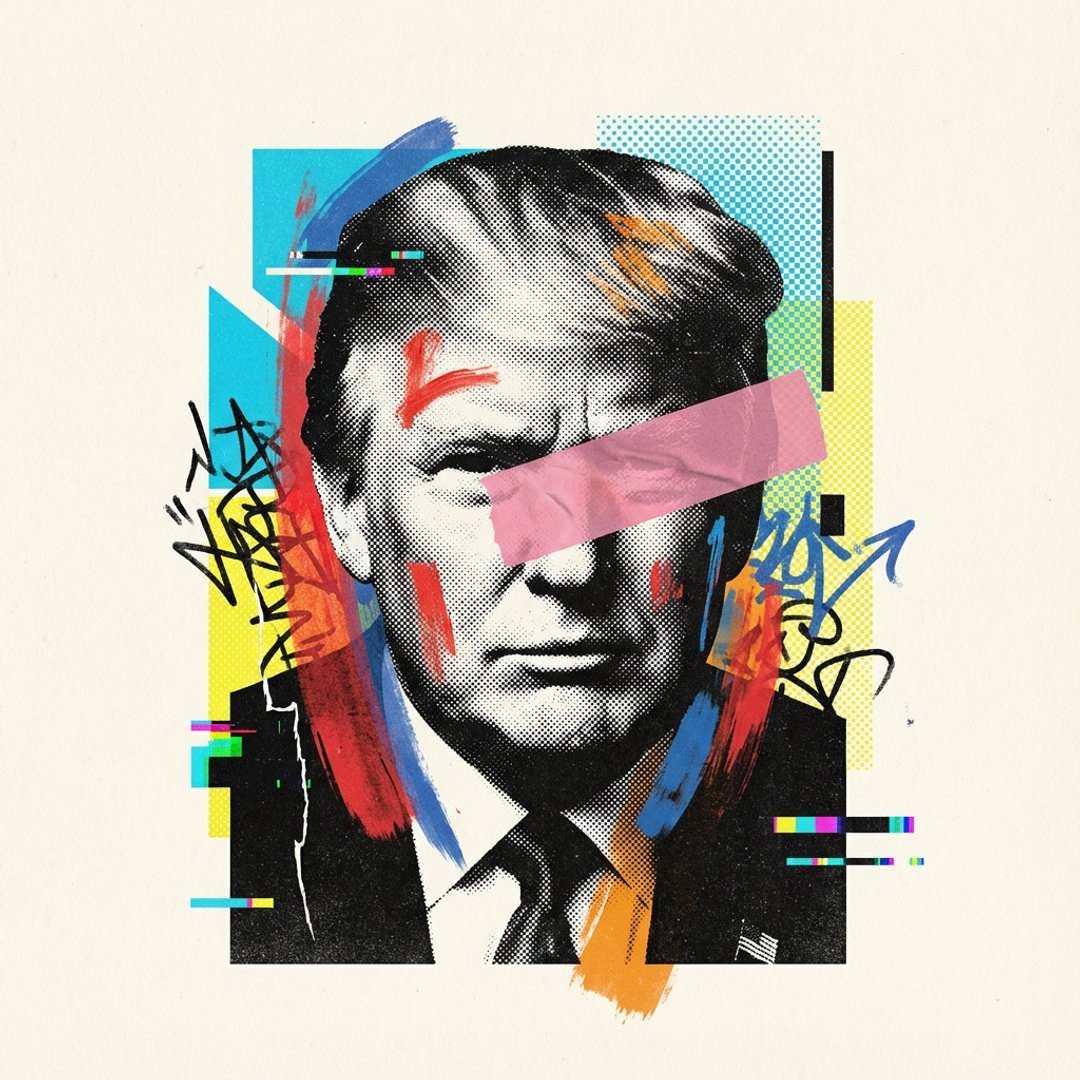
Visualized as the central masterpiece of a surreal avant-garde collage
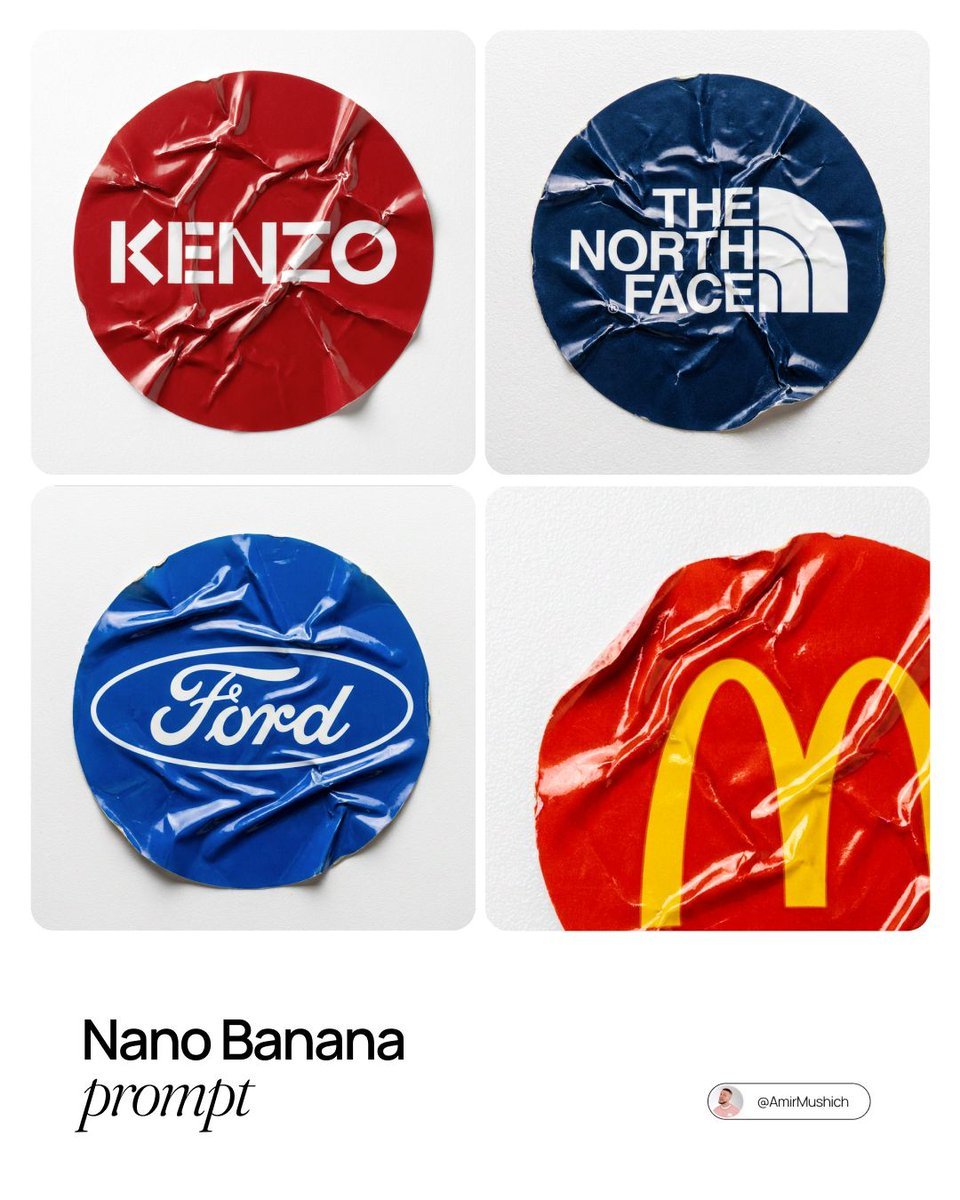
A sharp, top-down macro photograph of a single
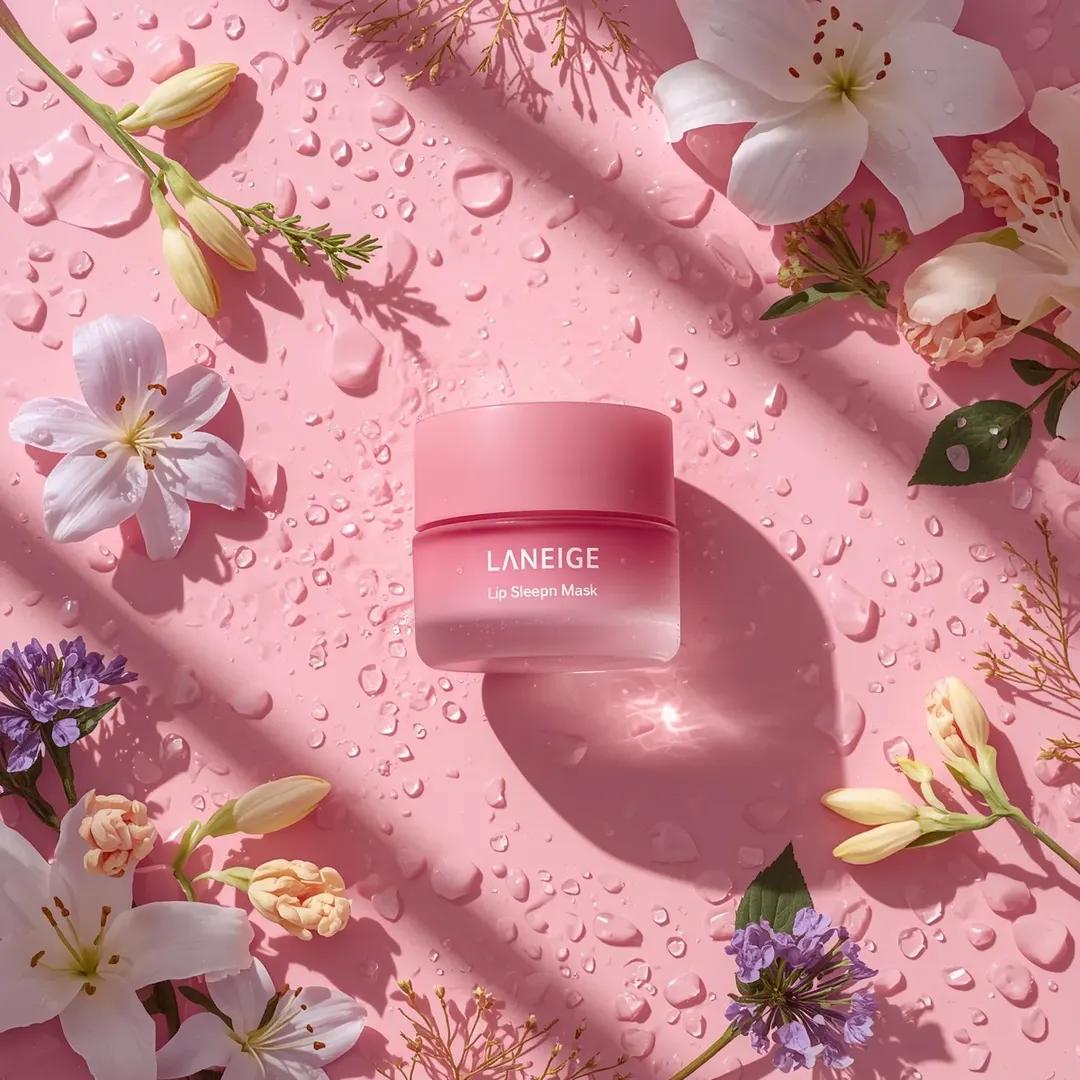
A hyper-realistic beauty product photograph of a pink jar placed
ChatGPT Image 1 5 Google Veo 3 1
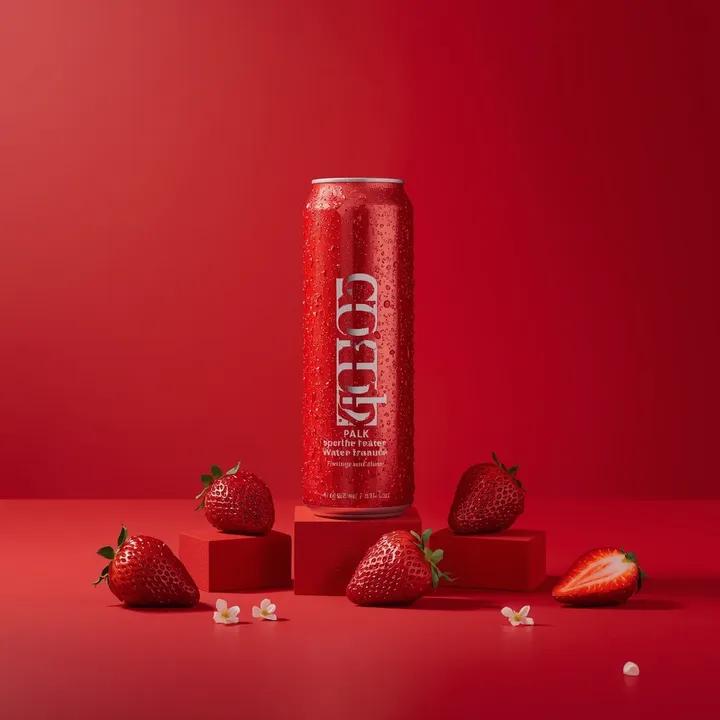
A premium studio product photograph of a tall, slim red aluminum
Product & Brand Prompt #1444
Product & Brand Prompt #569
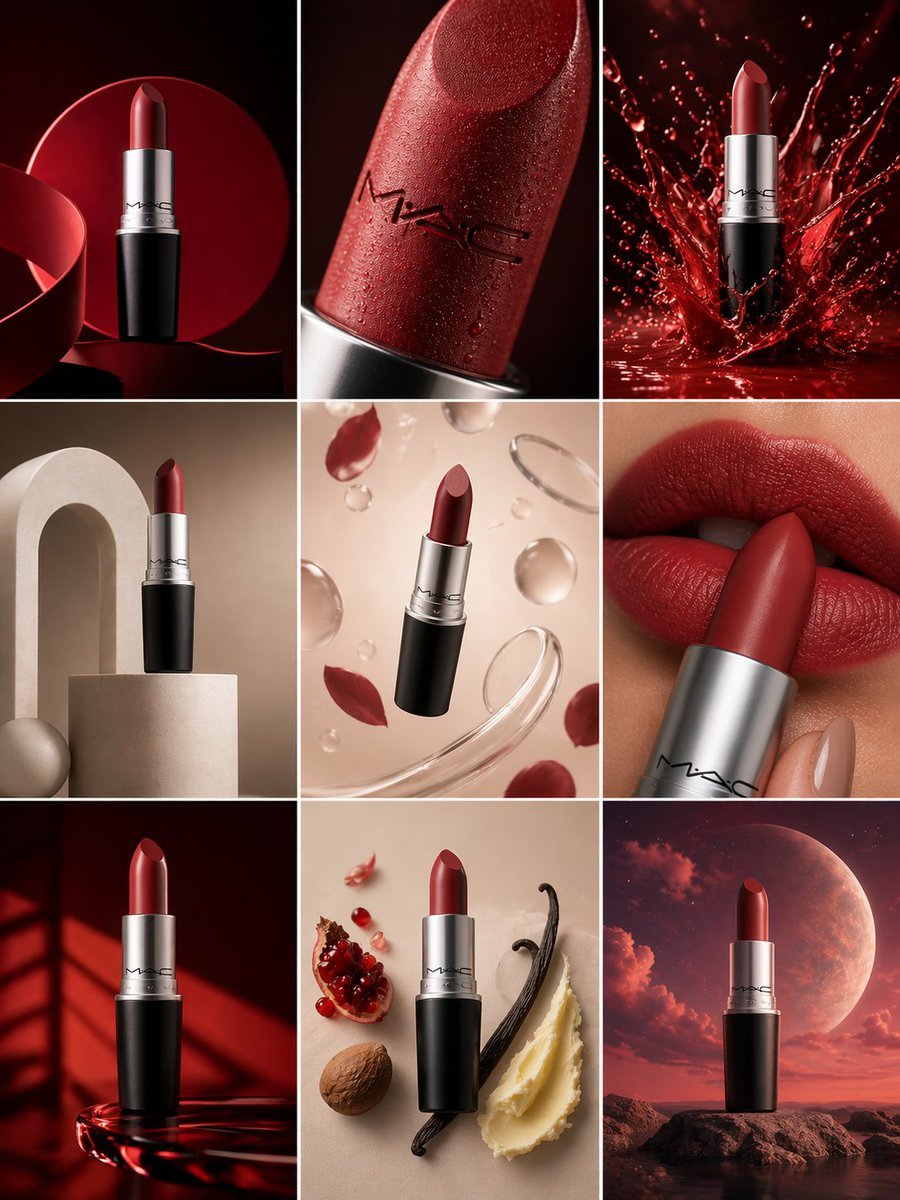
Product & Brand Prompt #285
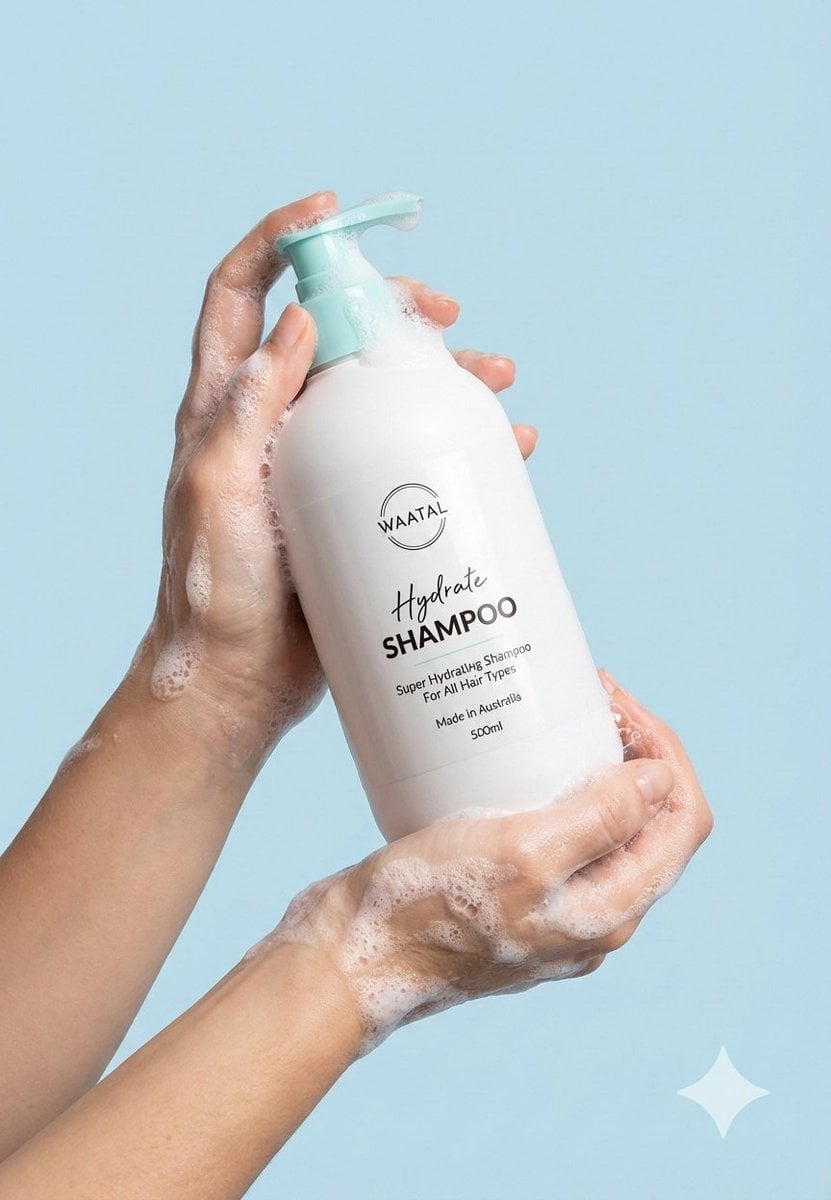
Product & Brand Prompt #953
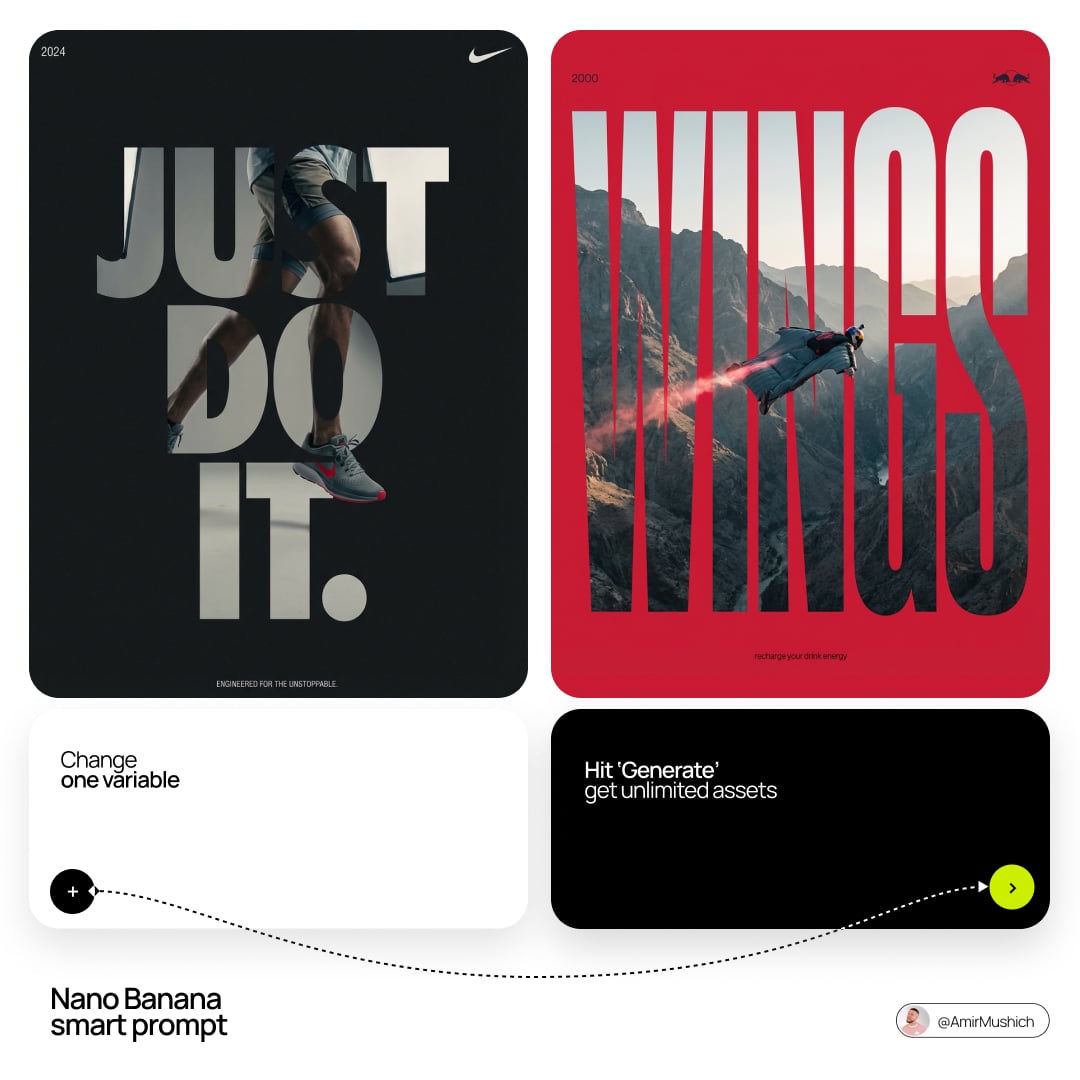
Act as a Senior Editorial Designer and Typographer
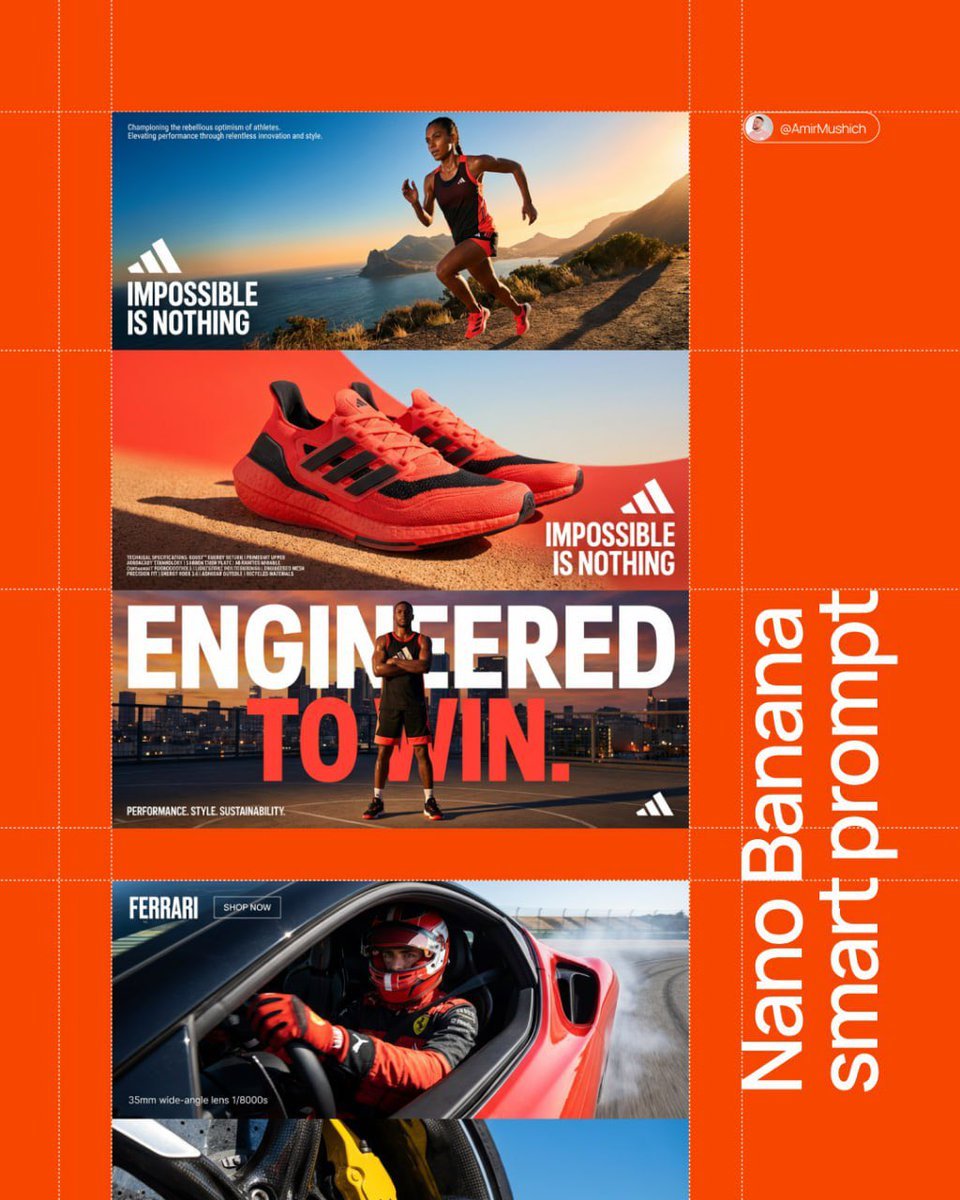
Aesthetic and fill the negative space
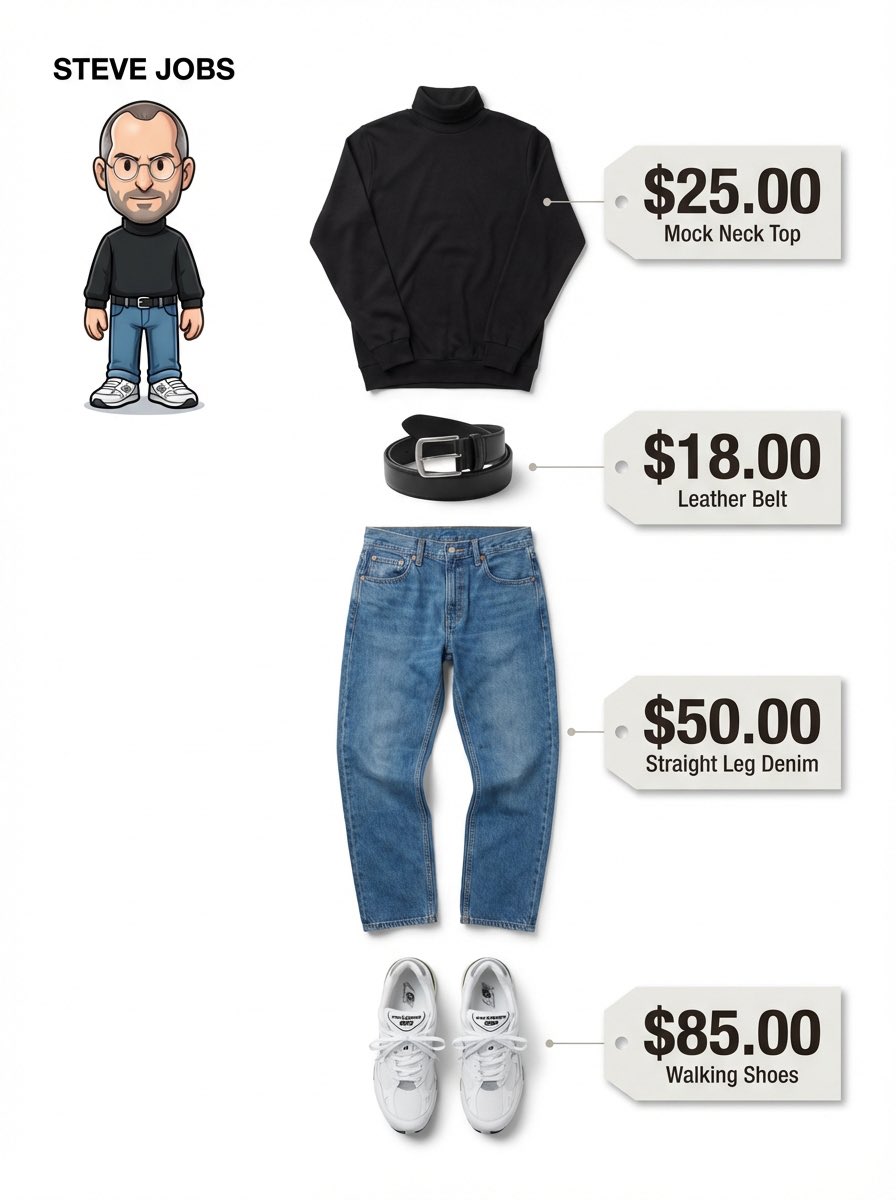
Clean, minimalist fashion infographic from an uploaded reference photo
Make it yours
Sharp focus on central package, slightly softer on background elements works as-is. These are the safest ways to change it without losing the look.
Swap the setting
Keep the rest of the prompt and replace the location block. The current setting is “studio product photography”.
Swap the light
One lighting change is enough to compare takes. Current light: “soft radial gradient toward center”.
Change one field
Copy a single group, rewrite it, and generate again so you can see what that field is doing.
| If the result… | Why | Fix |
|---|---|---|
| The result drifts from the preview | Too many fields changed at once. | Reuse Sharp focus on central package, slightly softer on background elements as-is first, then change one group — subject, light, or setting. |
| Nano Banana 2 ignores part of the JSON | Some models flatten or skip nested keys. | Keep the same values and paste them as a short paragraph instead. |
More Nano Banana 2 templates
Other prompts made for Nano Banana 2.
Photorealistic Leaf Shaped Like a Dragon
K-Pop Idol Portrait Grid for Rapid Selection
Poetic Rain Forest Portrait During Golden Hour
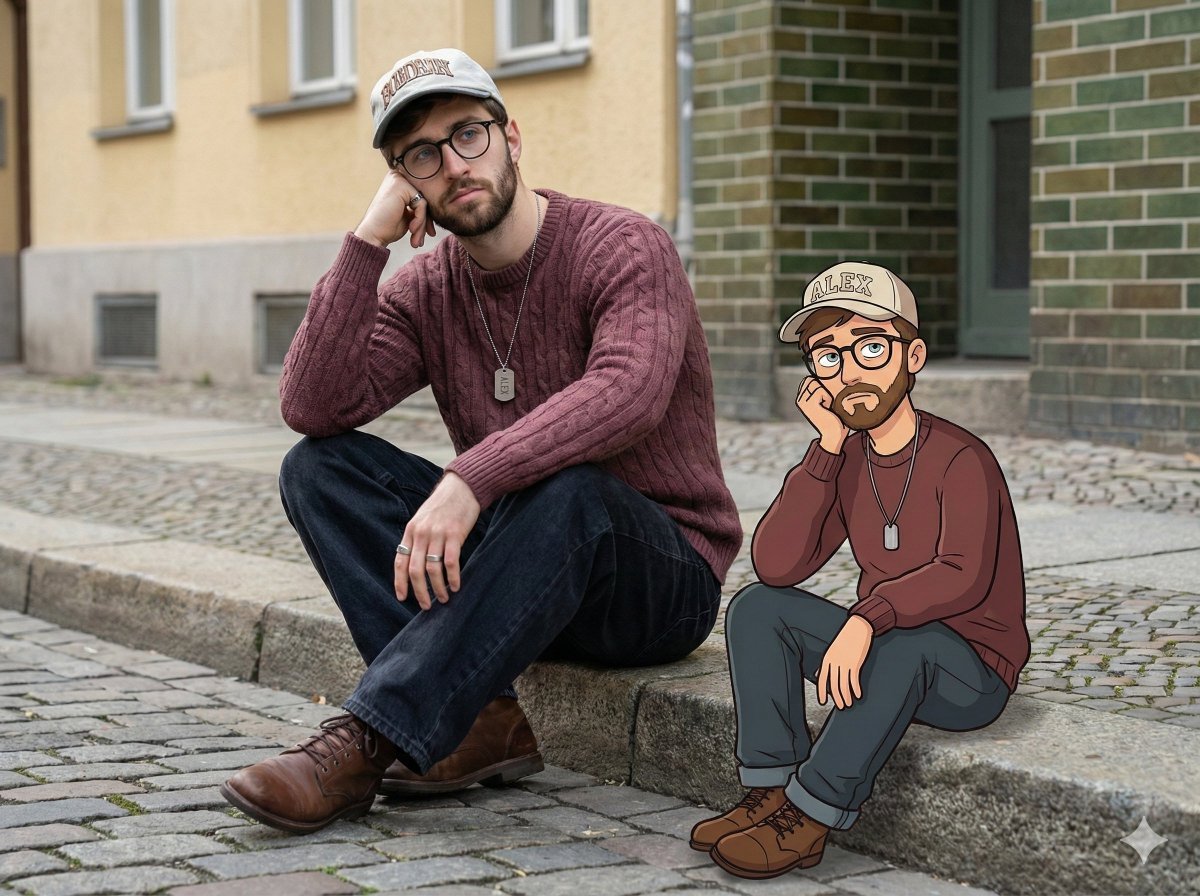
Urban Street Portrait with Cartoon Inner Self Duo
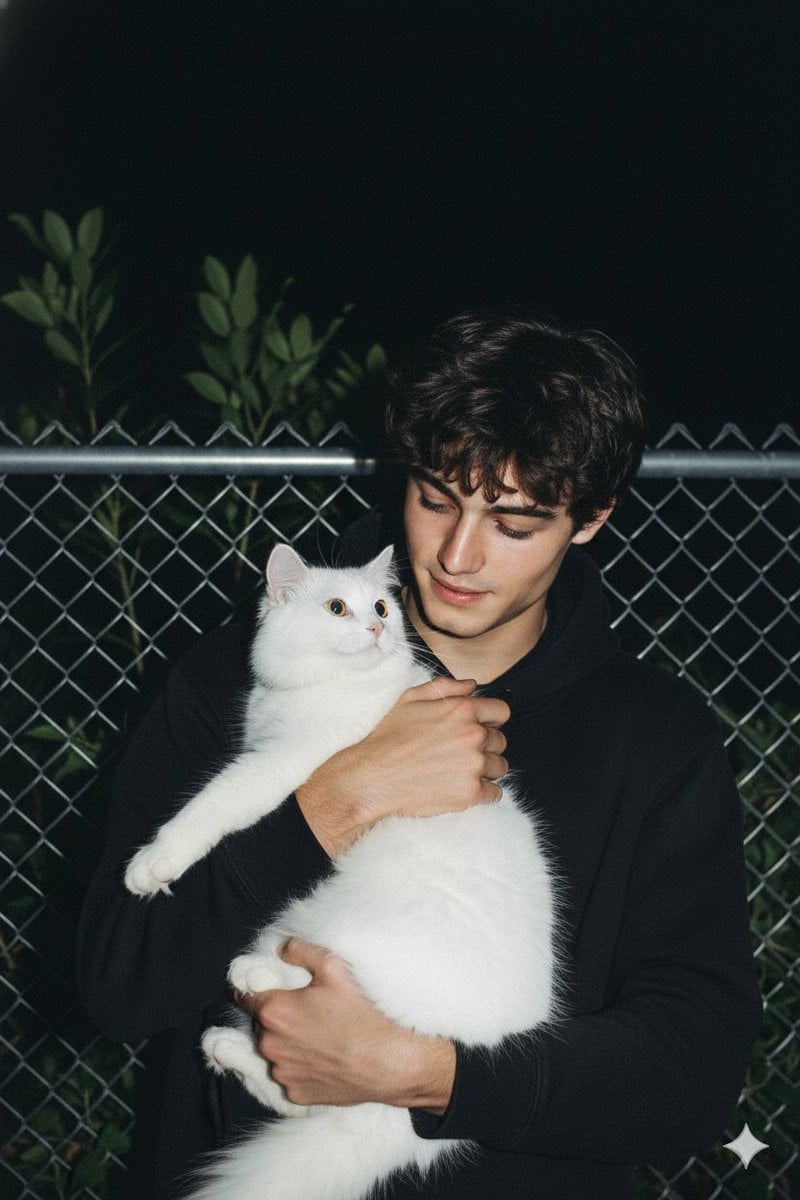
Candid Nighttime Photo with Cat Prompt
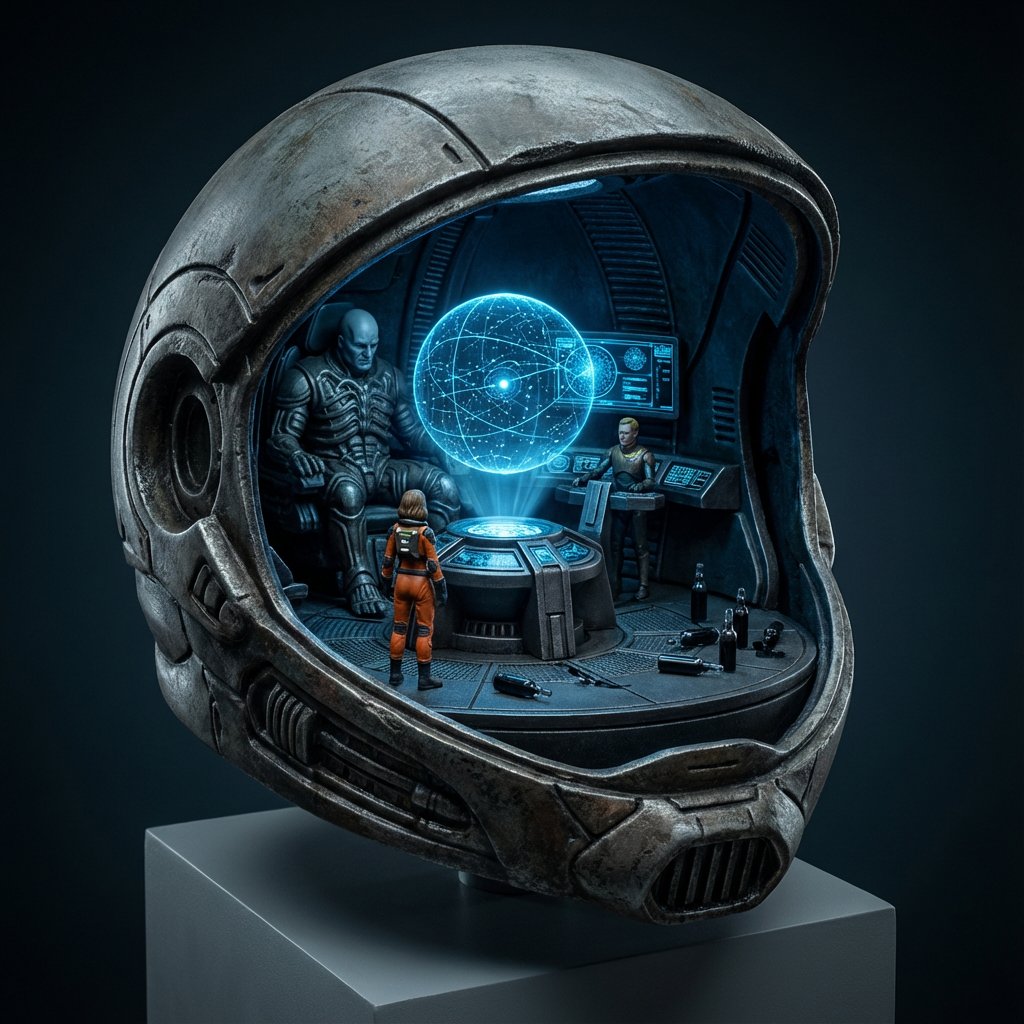
High-Concept 3D Diorama Generation Prompt
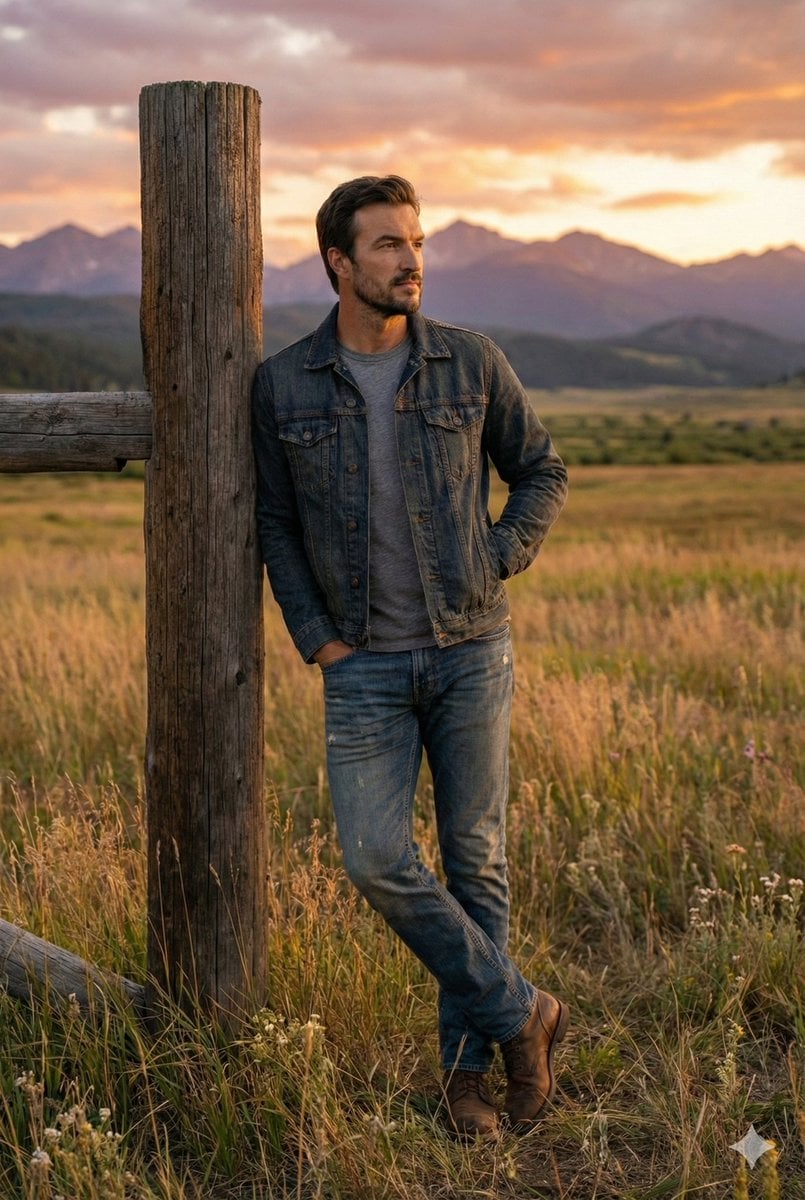
Cinematic Futuristic Studio Portrait Template
Skincare Editorial Photography Collage Prompt
Hyper-Realistic Commercial Product Photography (Splash Effect)
Hyper-Realistic Nightclub Portrait Prompt
More image prompts
Fresh picks from across the catalog.
Candid Modern Bathroom Mirror Selfie Prompt
Prompt Debugging Request
Fictional Japanese Driving Game Magazine Page
Ultra-Realistic Cinematic Close-up Portrait of a Man with Wet Skin
Serene Winter Photography Portrait
Clinic Plus Strong Hair Ad
Catgirl Hardbass Alley Dancers
Ultra Analog Film Candid Romance Scene

Muted Speech Editorial Portrait
Cinematic Landscape of Minimalist Van in Pink Flower Fields
Browse template categories
Sharp focus on central package, slightly softer on background elements questions
How do I use the Sharp focus on central package, slightly softer on background elements template?
Add your photo if the template asks for one, edit the prompt if you like — the template's model and format are already selected — and press Generate. Your version opens in PicX Studio.
Can I customize the Sharp focus on central package, slightly softer on background elements template?
Yes. You can change the subject, setting, lighting, mood, format, and available model controls before creating your image.
Is the Sharp focus on central package, slightly softer on background elements template free?
Opening and editing this template is free. Generating uses credits, shown on the Generate button when you are signed in.
Which AI model should I use?
Start with Nano Banana 2, which is the model associated with this template. You can compare another compatible model for a different finish.
Looking for something else? Browse all templates.

Your photo, any look
Thousands of ready templates for every top image and video model, from one credit balance.