
A sharp, top-down macro photograph of a single
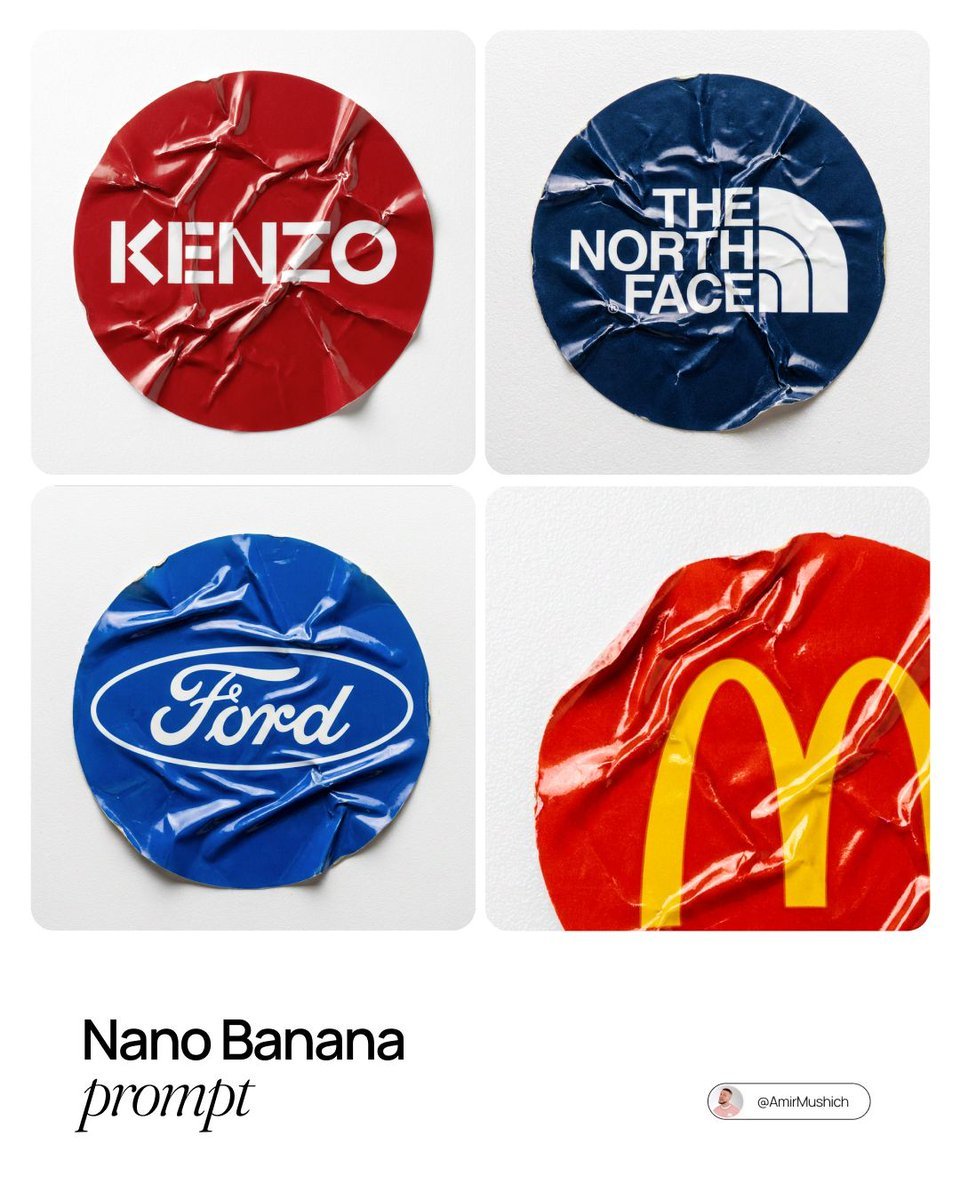
A sharp, top-down macro photograph of a single, heavily crumpled circular vinyl sticker featuring the official [BRAND NAME] logo.
- Prompt included
- Model and format preset
- Free template
The prompt behind this image
Copy the exact prompt behind A sharp, top-down macro photograph of a single, or open it in the studio and make it yours.
A sharp, top-down macro photograph of a single, heavily crumpled circular vinyl sticker featuring the official [BRAND NAME] logo. MATERIAL & TEXTURE (VINYL): The sticker is made of durable, slight-gloss vinyl material, not paper. It is severely crinkled with sharp, defined ridges and deep stress folds across its entire surface. Unlike soft paper creases, these vinyl wrinkles show plastic stress and catch the light with subtle specular highlights on the peaks of the folds. The edges are slightly curled from wear. COLOR PALETTE (BRAND DYNAMIC): The background color of the circular sticker itself is the dominant primary color associated with [BRAND NAME]'s official brand palette (e.g., if Ferrari, red; if John Deere, green). The logo is printed clearly in its standard contrasting color (e.g., white or black). LIGHTING (STUDIO BRIGHT): Bright, clean, high-key overhead white studio lighting. This intense lighting creates strong, clean highlights on the vinyl's crumpled ridges and defined, crisp shadows in the valleys, dramatically emphasizing the 3D topography of the damage. BACKGROUND & COMPOSITION: The camera is locked in a strict, perfectly parallel top-down flat lay view. The sticker is adhered flat onto a pure white plastic surface which has a subtle, fine granular texture (like bead-blasted plastic) to provide tactile contrast to the smooth vinyl. The entire sticker is in sharp focus.
How to use A sharp, top-down macro photograph of a single in 3 steps
- 1
Open
The prompt is already in the box next to the preview, with the template's model and format selected.
- 2…a portrait of your subject in softgolden-hour light, 85mm…
Personalize
Edit the subject and creative details for your destination.
- 3Generate
Generate
Press Generate — your image is created in PicX Studio, so you can compare it with the original and refine one variable at a time.
More like this
Templates with the same subject, style or setup. Open one to see its prompt.

A hyper-realistic beauty product photograph of a pink jar placed
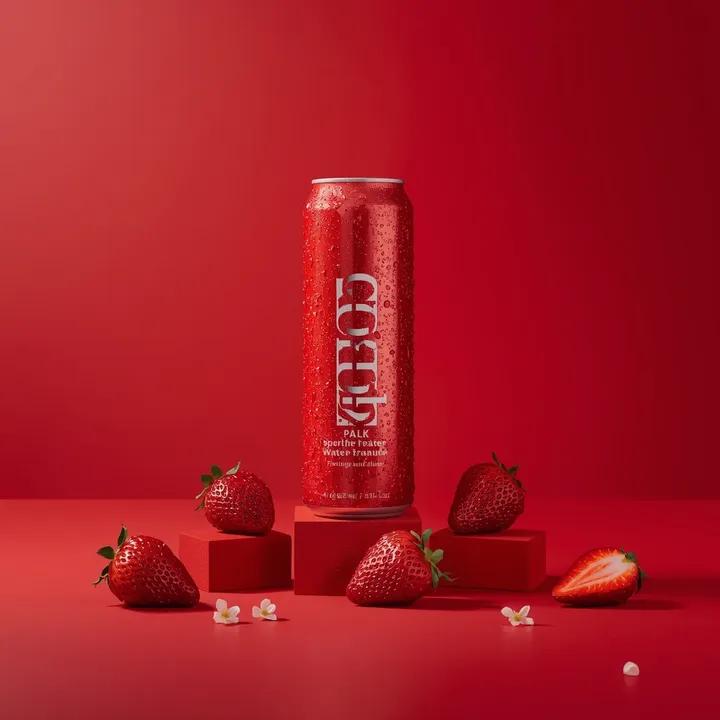
A premium studio product photograph of a tall, slim red aluminum
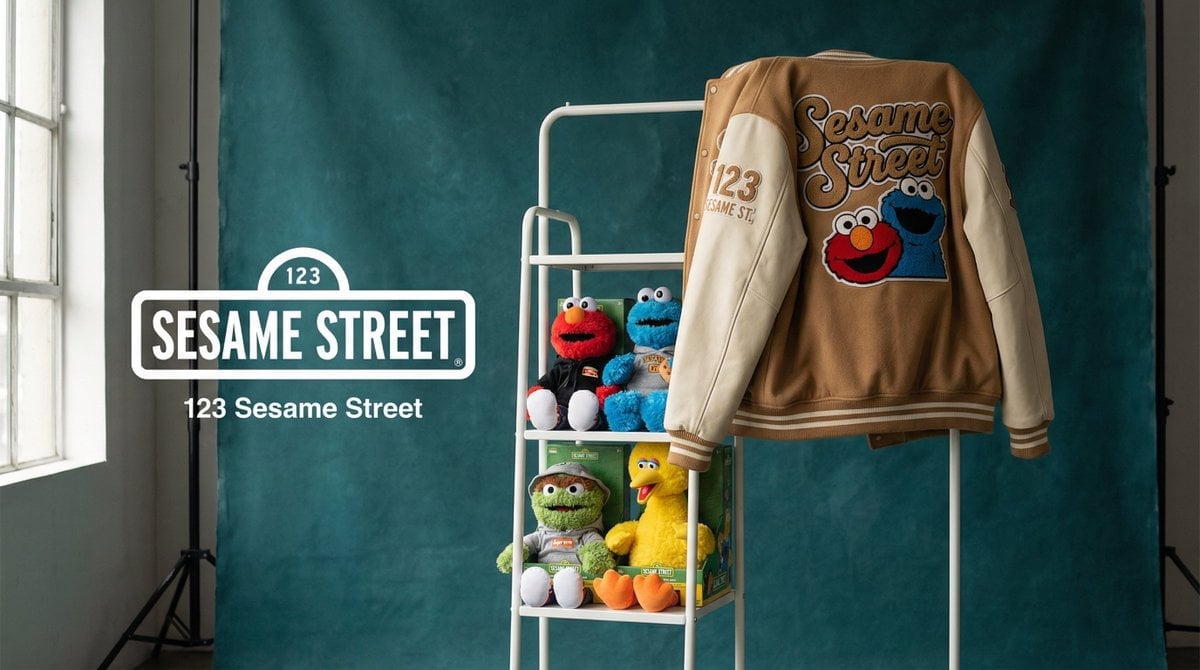
Photograph announcing a limited merchandise drop
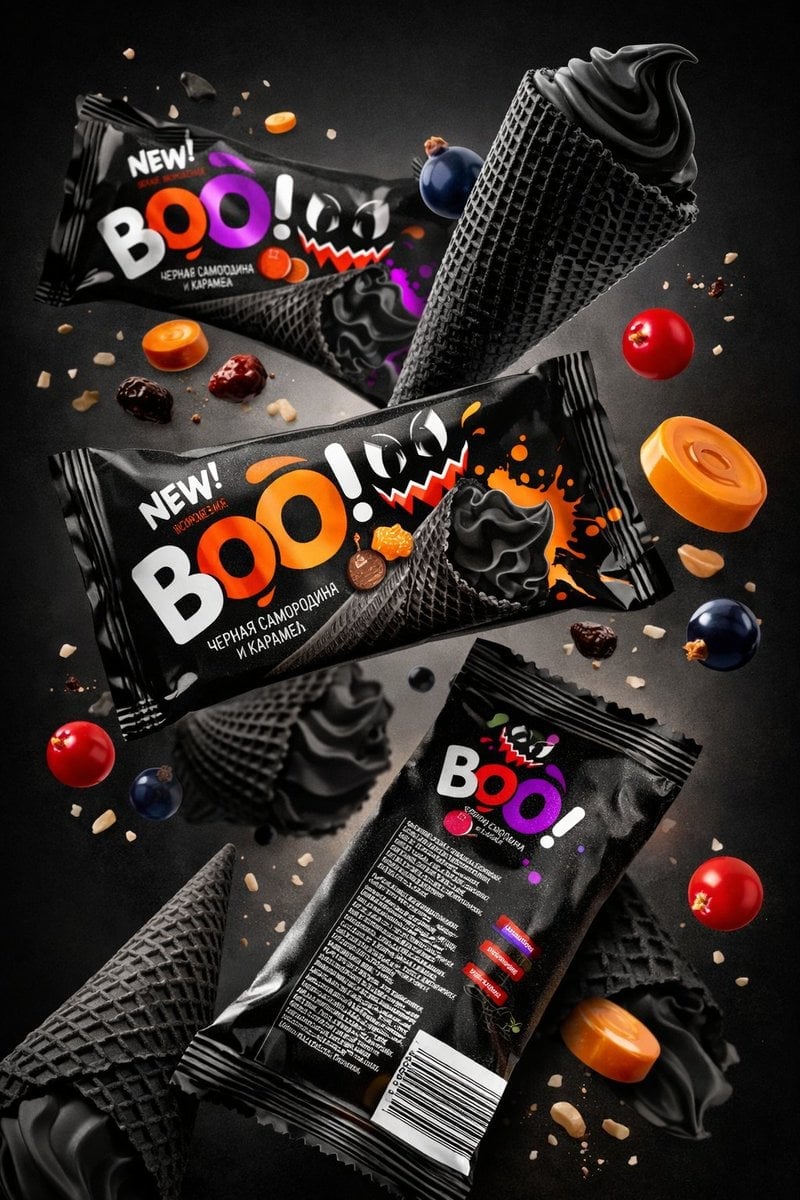
Sharp focus on central package, slightly softer on background elements
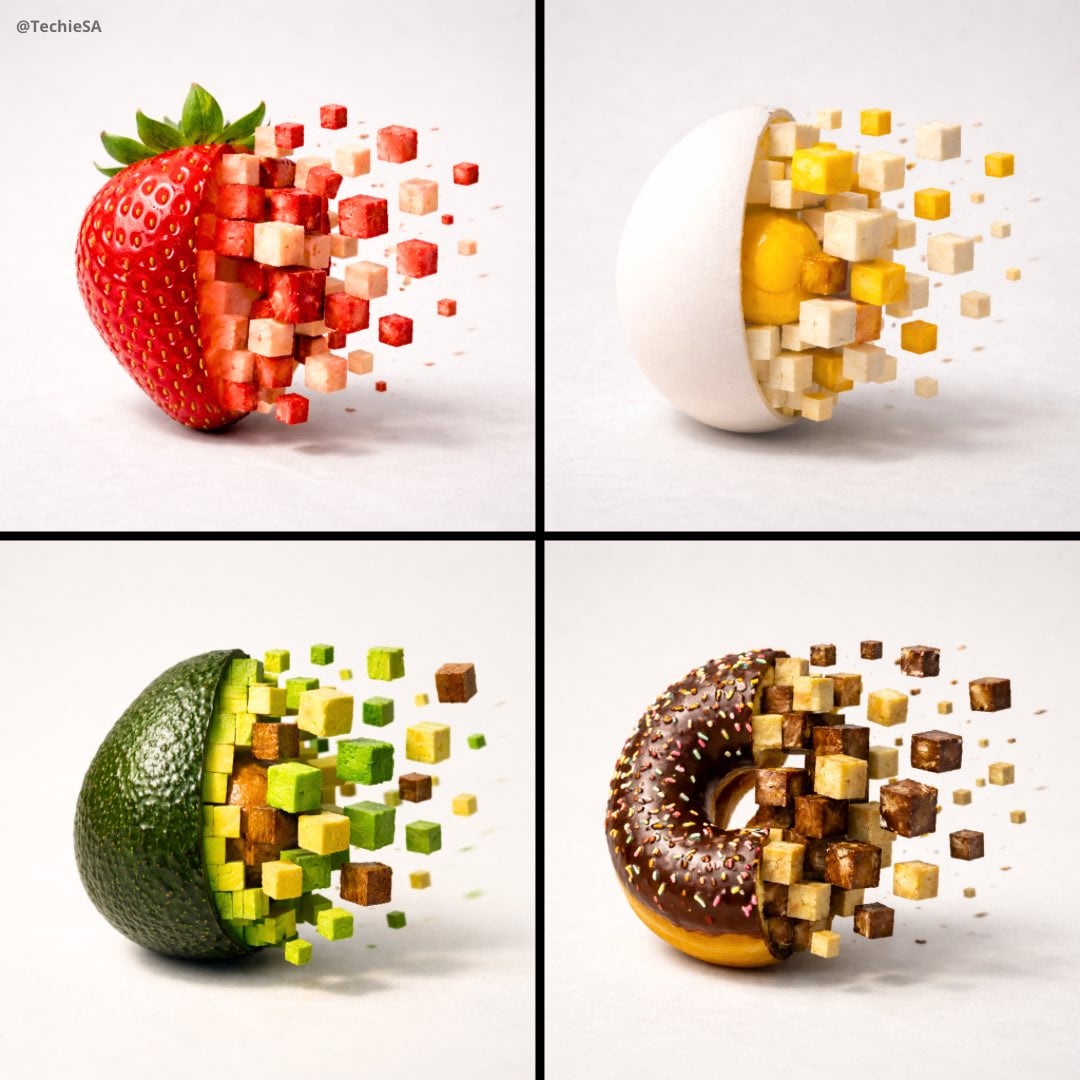
Minimalist food photograph, a single rests on a light, matte surface

Clear, 45 top-down isometric miniature 3D cartoon scene of the iconic

ChatGPT Image 1 5 Google Veo 3 1
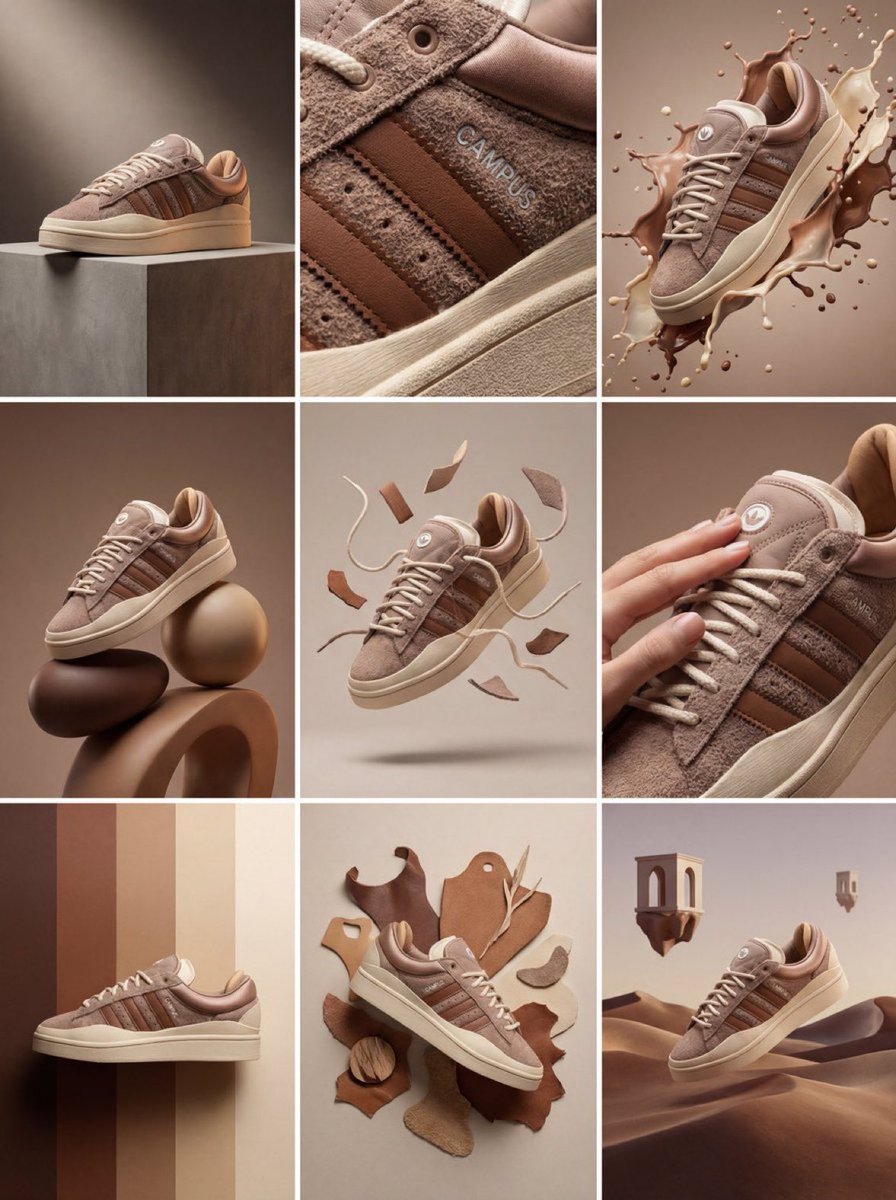
Product & Brand Prompt #1444
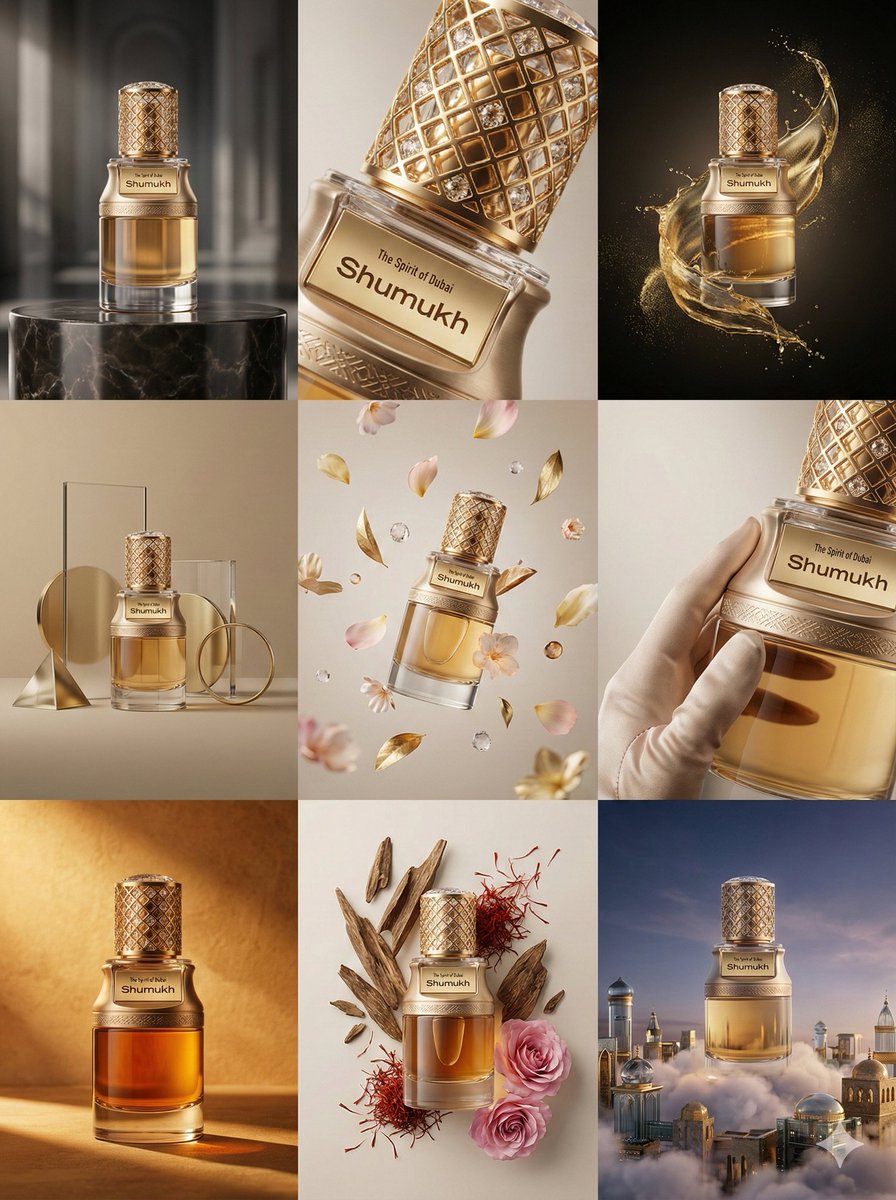
Product & Brand Prompt #569
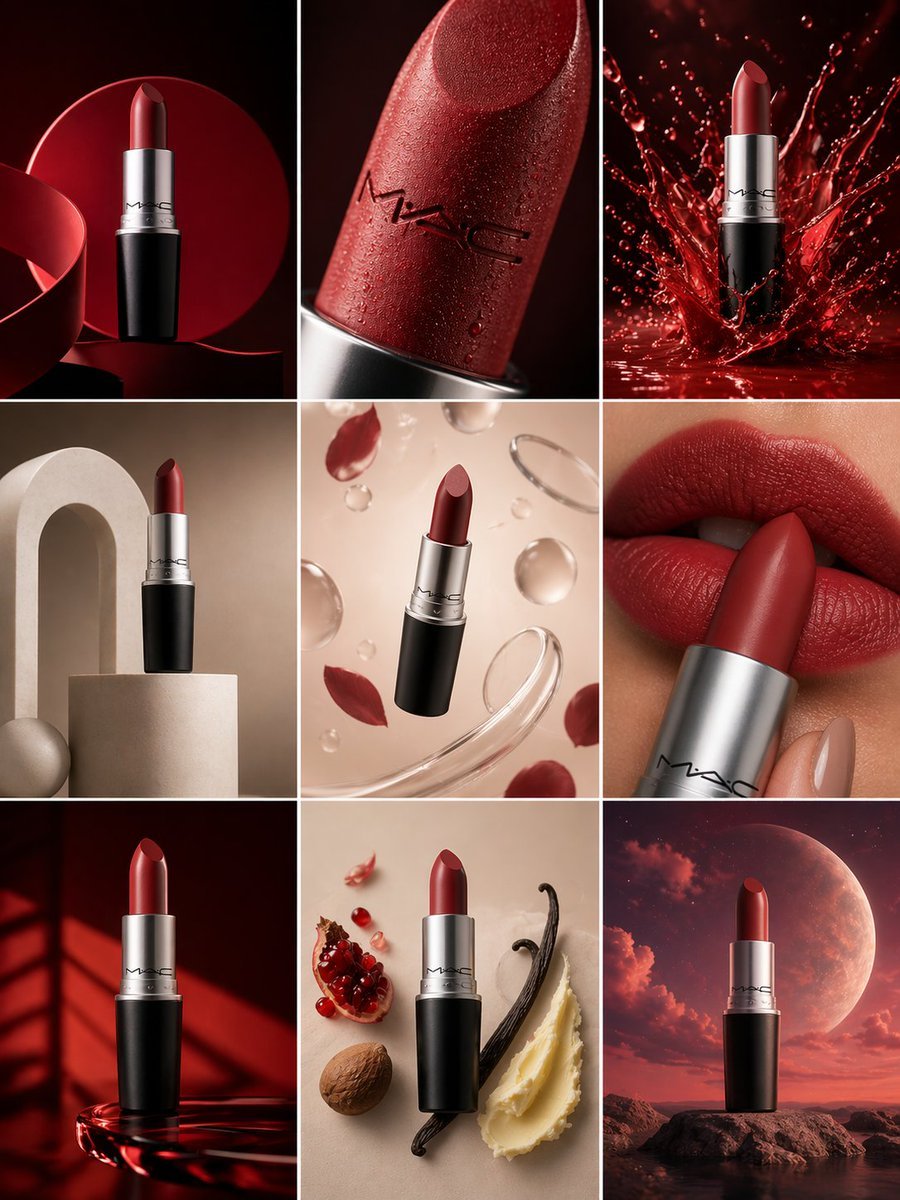
Product & Brand Prompt #285
Product & Brand Prompt #953

Act as a Senior Editorial Designer and Typographer
Make it yours
A sharp, top-down macro photograph of a single works as-is. These are the safest ways to change it without losing the look.
Change one field
Copy a single group, rewrite it, and generate again so you can see what that field is doing.
Keep the frame, change the subject
Hold the composition and light of A sharp, top-down macro photograph of a single, then swap wardrobe, props or the person for a new take.
| If the result… | Why | Fix |
|---|---|---|
| The result drifts from the preview | Too many fields changed at once. | Reuse A sharp, top-down macro photograph of a single as-is first, then change one group — subject, light, or setting. |
| The model over-stylizes the scene | The prose prompt leaves finish and camera underspecified. | Add one camera or lighting sentence and stay on Nano Banana 2. |
More Nano Banana 2 templates
Other prompts made for Nano Banana 2.

Photorealistic Leaf Shaped Like a Dragon

K-Pop Idol Portrait Grid for Rapid Selection

Poetic Rain Forest Portrait During Golden Hour

Urban Street Portrait with Cartoon Inner Self Duo

Candid Nighttime Photo with Cat Prompt

High-Concept 3D Diorama Generation Prompt

Cinematic Futuristic Studio Portrait Template

Skincare Editorial Photography Collage Prompt

Hyper-Realistic Commercial Product Photography (Splash Effect)

Hyper-Realistic Nightclub Portrait Prompt
More image prompts
Fresh picks from across the catalog.
Surreal Floral Petal Portrait
Haunting Cinematic Cliff Scene with Red Rose
Seedance 2 0 Bullet Time Selfie Modular
Image Editing with Nano Banana: Removing a Fence
Urban Night Portrait with 100% Facial Accuracy
Advanced Physics Paradox Infographic
Modern Chinese Retro Fashion Photography Prompt
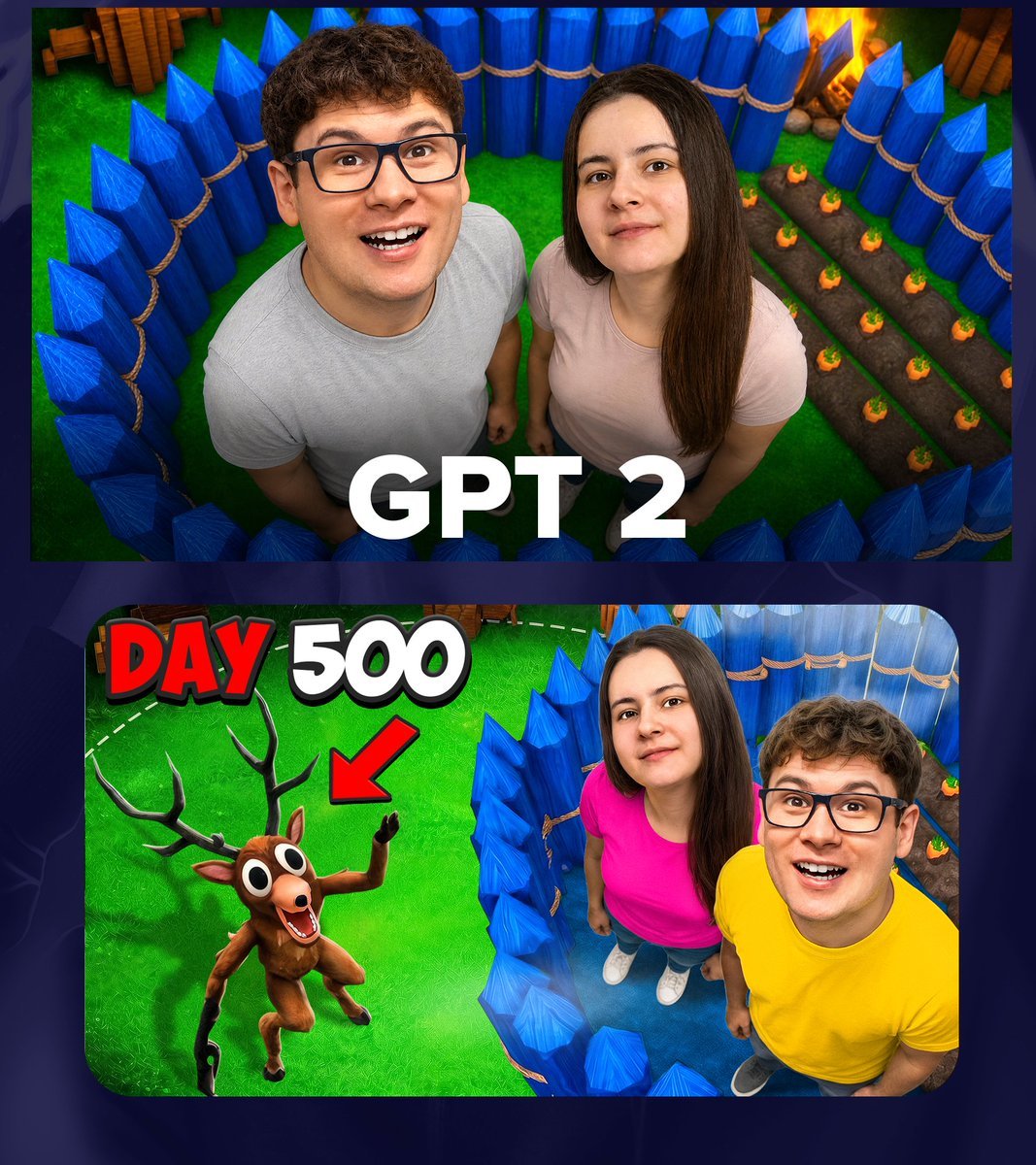
GPT 2 Day 500 Gaming Thumbnail
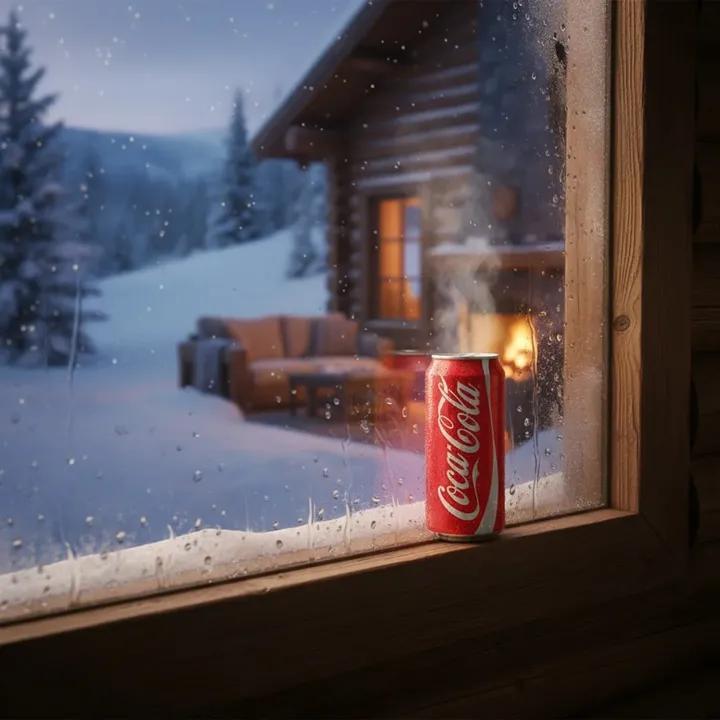
Winter Cabin Scene with Frosted Window and Coca-Cola Can
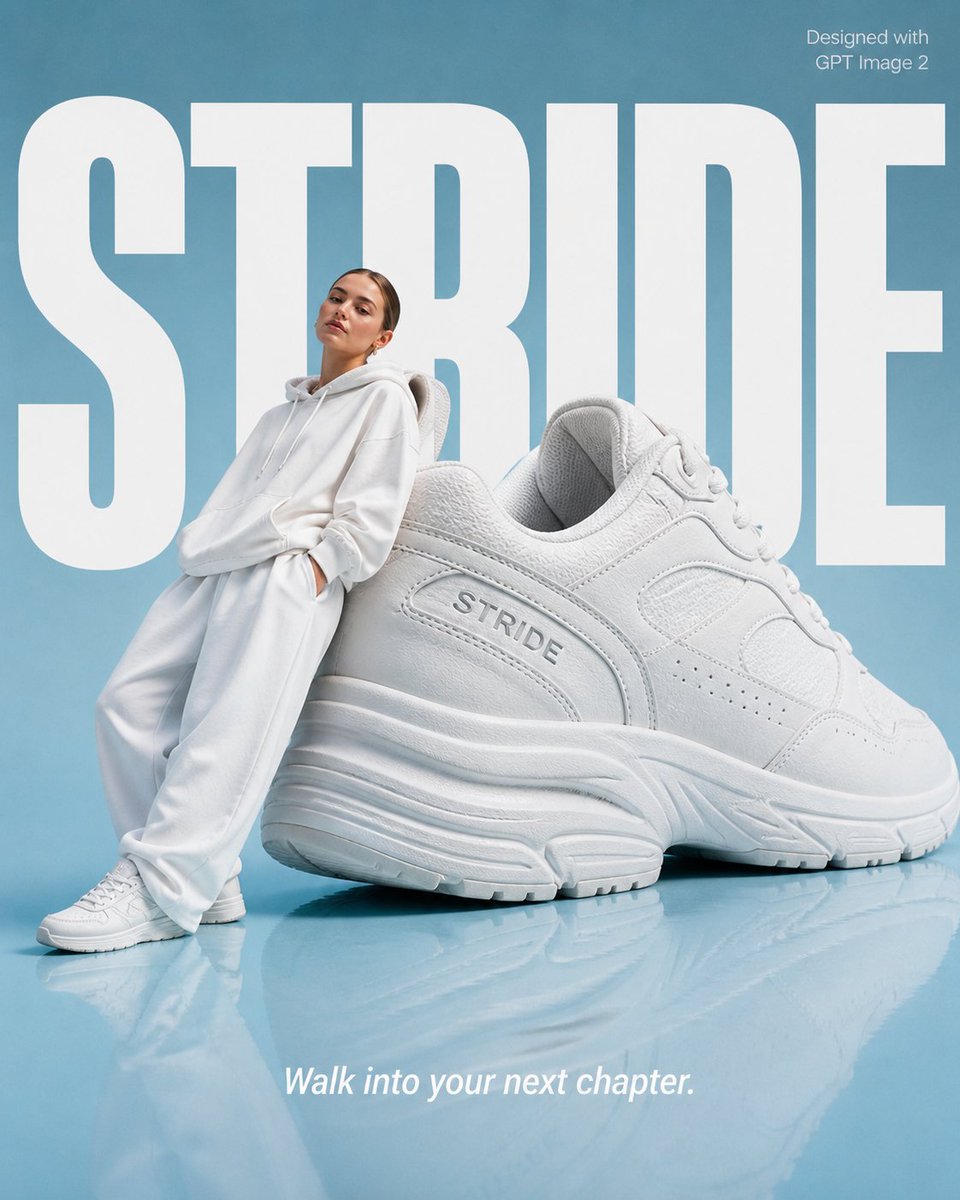
High-End Fashion 'Stride' Poster
Browse template categories
A sharp, top-down macro photograph of a single questions
How do I use the A sharp, top-down macro photograph of a single template?
Add your photo if the template asks for one, edit the prompt if you like — the template's model and format are already selected — and press Generate. Your version opens in PicX Studio.
Can I customize the A sharp, top-down macro photograph of a single template?
Yes. You can change the subject, setting, lighting, mood, format, and available model controls before creating your image.
Is the A sharp, top-down macro photograph of a single template free?
Opening and editing this template is free. Generating uses credits, shown on the Generate button when you are signed in.
Which AI model should I use?
Start with Nano Banana 2, which is the model associated with this template. You can compare another compatible model for a different finish.
Looking for something else? Browse all templates.

Your photo, any look
Thousands of ready templates for every top image and video model, from one credit balance.