
Seedance 2 0 Bullet Time Selfie Modular
Seedance 2 0 Bullet Time Selfie Modular is a ready photo look for Seedance 2.0 Standard.
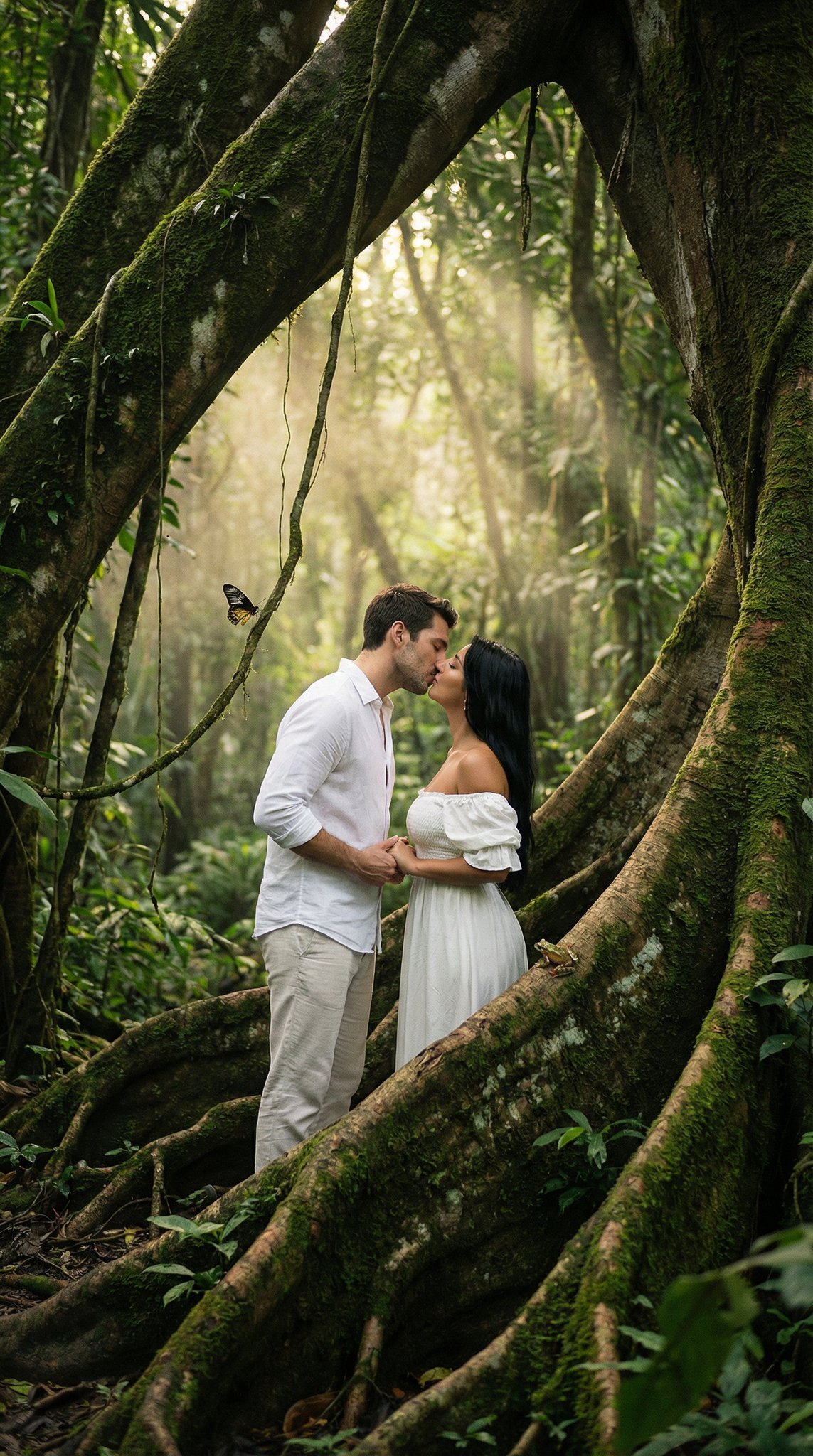
- Prompt included
- Model and format preset
- Premium template
The prompt behind this image
Copy the exact prompt behind Seedance 2 0 Bullet Time Selfie Modular, or open it in the studio and make it yours.
FORMAT: 15s / ONE CONTINUOUS SHOT / BULLET TIME SELFIE PARAMS: <CHARACTER>: define subject, outfit, state <ENVIRONMENT>: define location, time, atmosphere <UNEXPECTED_EVENT>: define threat / accident / impact <OUTCOME_ACTION>: define reaction (attack / dodge / collision / escape) <FINAL_STATE>: define ending state RULE: Freeze the world, keep only <CHARACTER> in real-time motion. Delay character action inside slow motion (~2s hold before selfie). Selfie must clearly include both <CHARACTER> and the <UNEXPECTED_EVENT> in the same frame. STRUCTURE: 0.0–3.0s — SETUP <CHARACTER> in <ENVIRONMENT>, normal flow. <UNEXPECTED_EVENT> begins and escalates rapidly. 3.0–10.0s — PEAK (SLOW MOTION) 3.0–5.0s Time slows almost to a freeze at the critical moment. <CHARACTER> holds position, tension builds. 5.0–10.0s [cam: close, slight orbit / bullet time] [sfx: ambience stretch, single phone snap] <CHARACTER> pulls out phone → takes selfie capturing the moment → puts it back. 10.0–13.0s — OUTCOME ACTION Time snaps back instantly. <OUTCOME_ACTION> plays out. 13.0–15.0s — END <FINAL_STATE>.
How to use Seedance 2 0 Bullet Time Selfie Modular in 3 steps
- 1
Open
The prompt is already in the box next to the preview, with the template's model and format selected.
- 2…a portrait of your subject in softgolden-hour light, 85mm…
Personalize
Edit the subject and creative details for your destination.
- 3Generate
Generate
Press Generate — your image is created in PicX Studio, so you can compare it with the original and refine one variable at a time.
More like this
Templates with the same subject, style or setup. Open one to see its prompt.
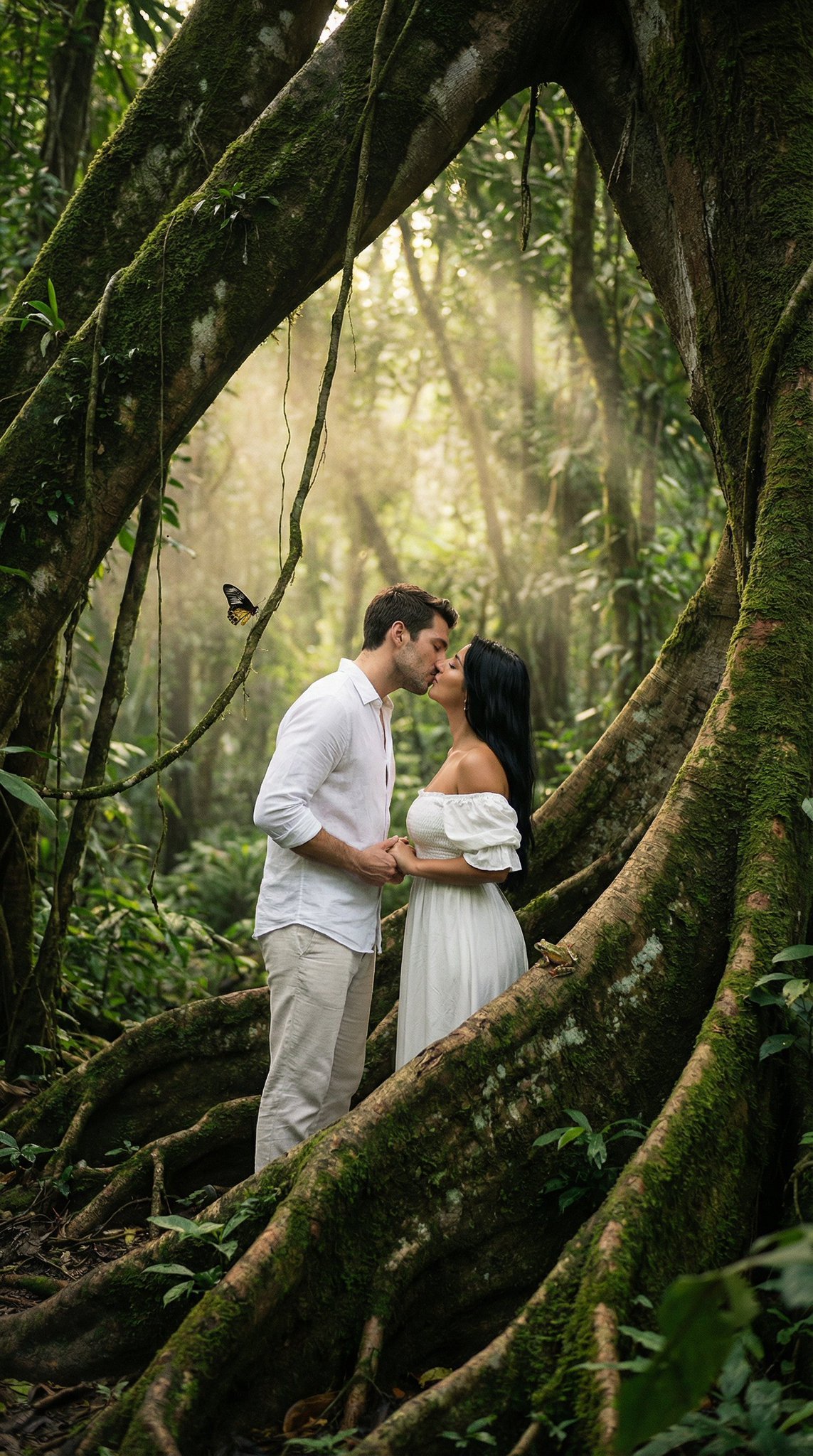
Seedance 2 0 Bullet Time Selfie Modular
Bullet Time Businessman Seedance 2 0
Bullet Time Businessman Seedance 2 0

Rooftop Fisheye — Cat-Ear Balaclava at Golden Hour
80 Year Old Rapper Mv Seedance 2 0 Stree

Hollywood Haute Couture Fantasy Seedance

Japanese Romance Short Film Seedance 2 0

Transformation the Bus Seedance 2 0 Robo

Transformation the Burger Seedance 2 0 a

untitled

Bullet Time Frozen Street Action Portrait

Found Photograph: Us, 1970
Make it yours
Seedance 2 0 Bullet Time Selfie Modular works as-is. These are the safest ways to change it without losing the look.
Change one field
Copy a single group, rewrite it, and generate again so you can see what that field is doing.
Keep the frame, change the subject
Hold the composition and light of 23-seedance-2-0-bullet-time-selfie-modular-, then swap wardrobe, props or the person for a new take.
| If the result… | Why | Fix |
|---|---|---|
| The result drifts from the preview | Too many fields changed at once. | Reuse 23-seedance-2-0-bullet-time-selfie-modular- as-is first, then change one group — subject, light, or setting. |
| The model over-stylizes the scene | The prose prompt leaves finish and camera underspecified. | Add one camera or lighting sentence and stay on Seedance 2.0 Standard. |
More Seedance 2.0 Standard templates
Other prompts made for Seedance 2.0 Standard.






More image prompts
Fresh picks from across the catalog.
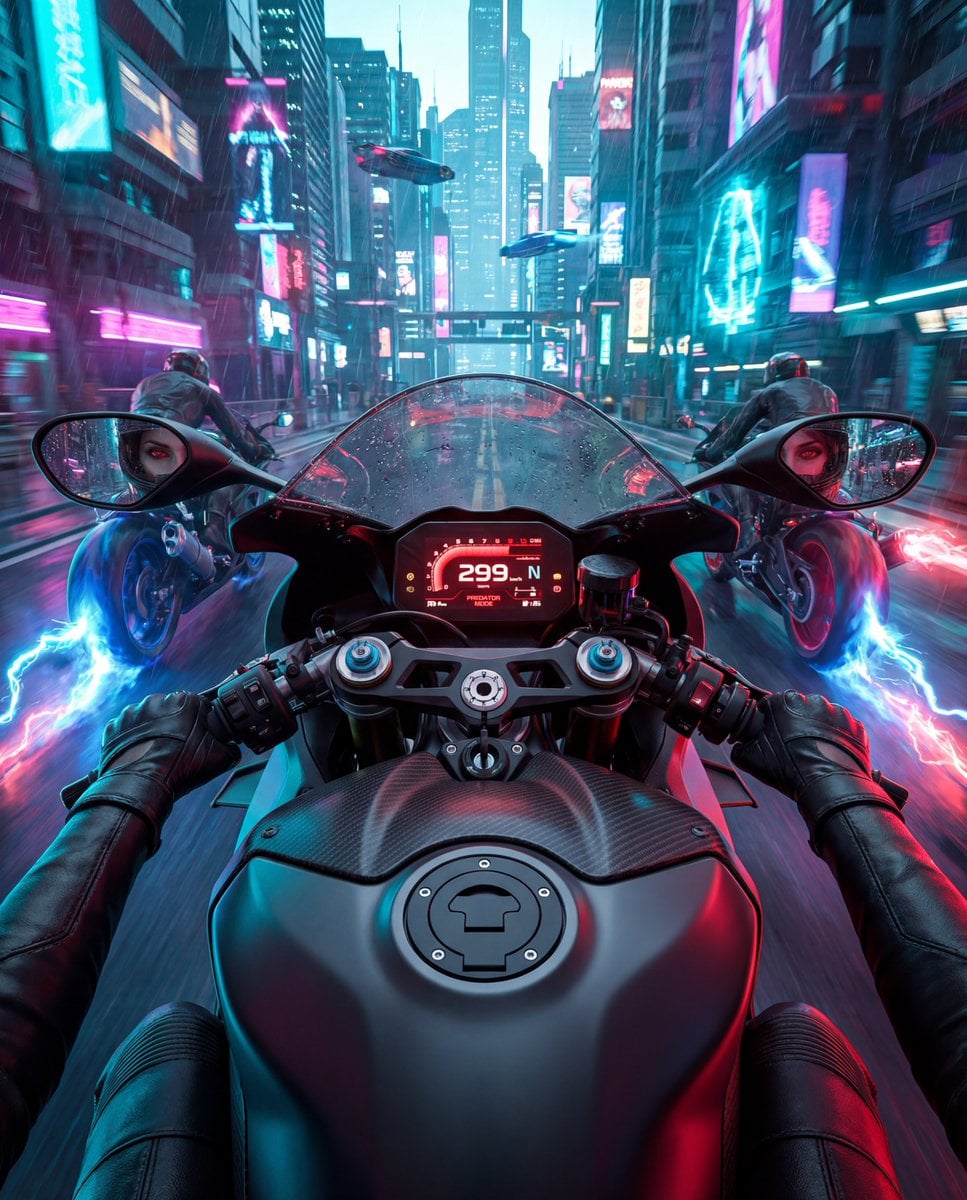
Cyberpunk POV Motorcycle Ride with Vampire Mafia Girl
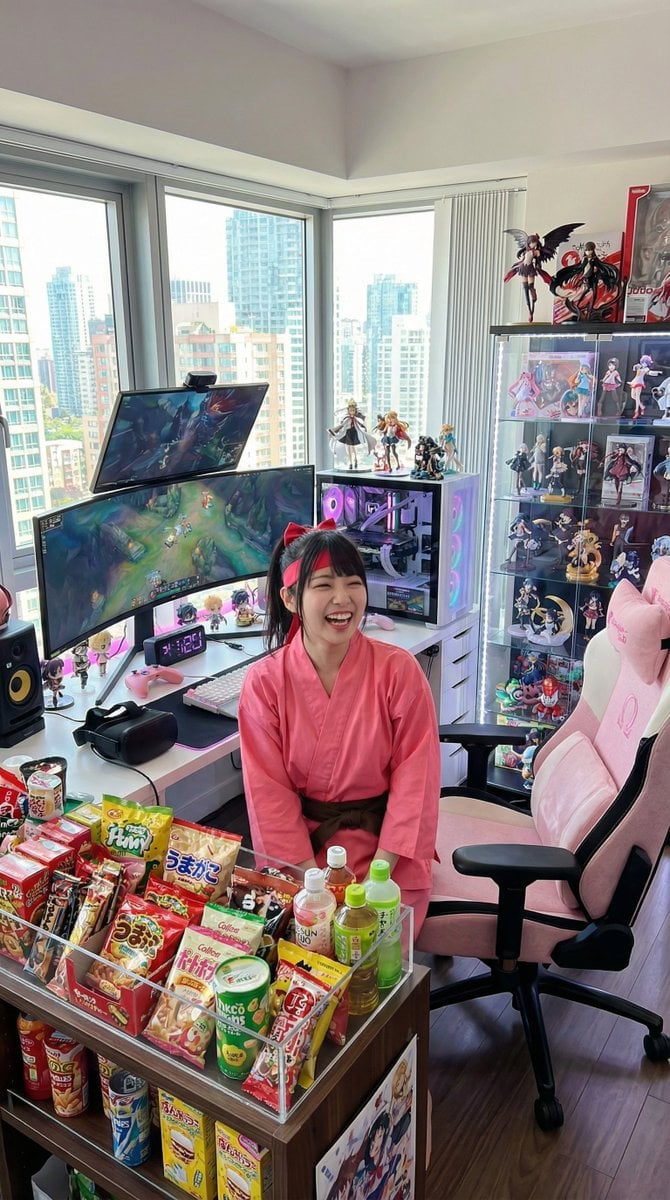
Generate a room that looks like life is being enjoyed to the fullest
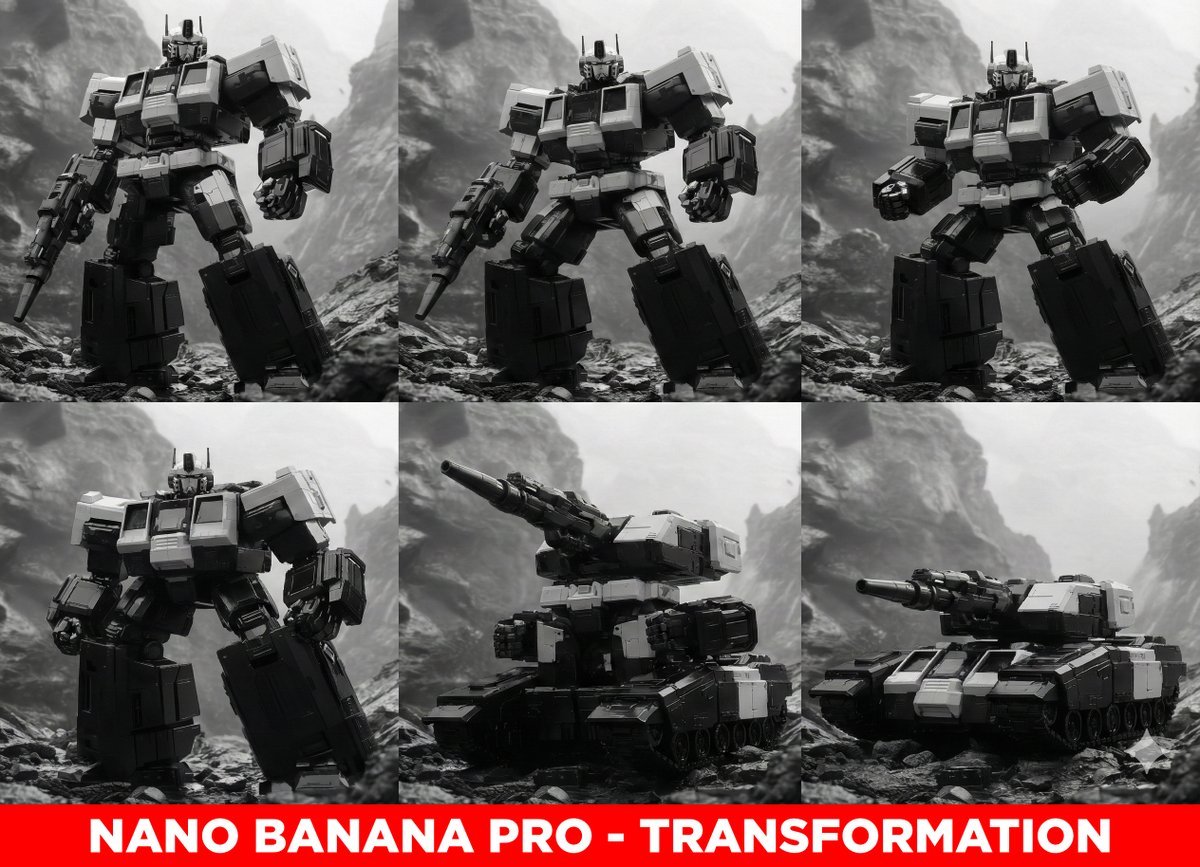
Midjourney Prompt for Transformers

Fisheye Product Photo with Forced Perspective
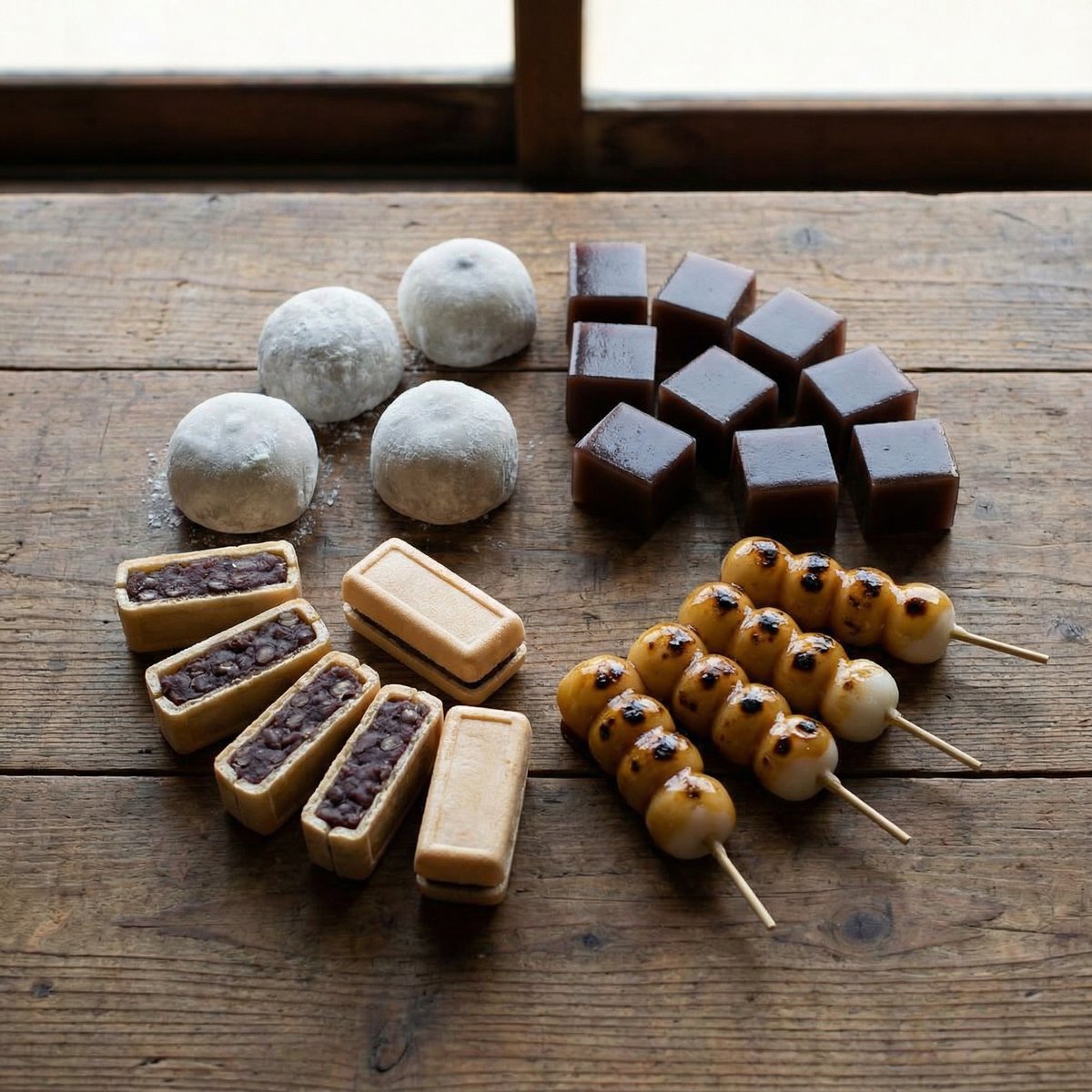
Perfectly Aligned Japanese Wagashi Sweets

Dual-Mood Sunset Portrait

Luxury Korean Beauty Editorial
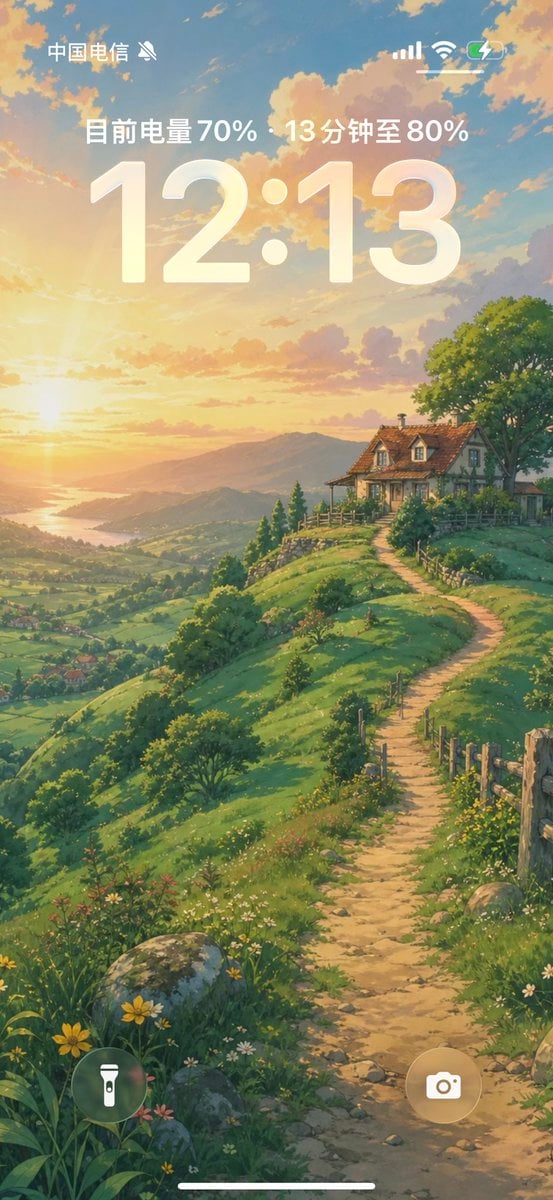
Anime Countryside iPhone Lock Screen

Four Divine Beasts (Shishin) Generation

Surreal Minimalist Ferrari Print Ad
Browse template categories
Seedance 2 0 Bullet Time Selfie Modular questions
How do I use the 23-seedance-2-0-bullet-time-selfie-modular- template?
Add your photo if the template asks for one, edit the prompt if you like — the template's model and format are already selected — and press Generate. Your version opens in PicX Studio.
Can I customize the 23-seedance-2-0-bullet-time-selfie-modular- template?
Yes. You can change the subject, setting, lighting, mood, format, and available model controls before creating your image.
Is the 23-seedance-2-0-bullet-time-selfie-modular- template free?
Opening and editing this template is free. Generating uses credits, shown on the Generate button when you are signed in.
Which AI model should I use?
Start with Seedance 2.0 Standard, which is the model associated with this template. You can compare another compatible model for a different finish.
Looking for something else? Browse all templates.

Your photo, any look
Thousands of ready templates for every top image and video model, from one credit balance.