
untitled
untitled is a ready photo look for Seedance 2.0 Standard.
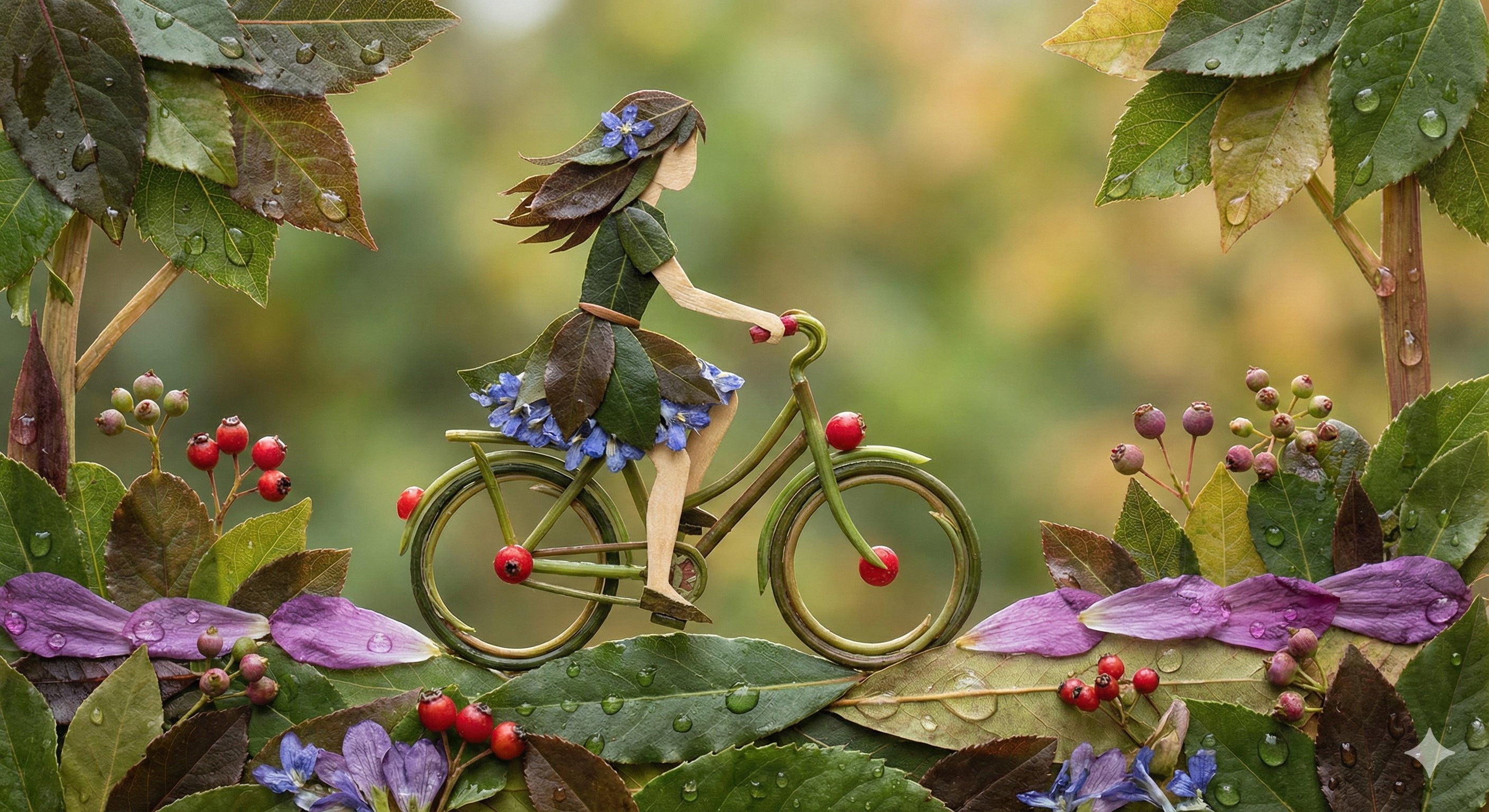
- Prompt included
- Model and format preset
- Premium template
The prompt behind this image
Copy the exact prompt behind untitled, or open it in the studio and make it yours.
Handheld documentary realism, natural sunlight, tennis match atmosphere, slight motion shake. Character Reference: Use Image1 as the exact tennis player reference. Maintain identical face, body structure, hairstyle, and outfit identity. Environment: Luxury tennis stadium in Monaco. Crowd watching quietly. Hook (0–3s): The clay court suddenly splits open. A massive stone crocodile titan climbs out. Scene 0–2s: Crocodile roars. Clay explodes everywhere. SFX: deep reptile roar stone cracking Music: dramatic orchestral build 2–3s: Camera cuts to the player (Image1) calmly bouncing a tennis ball. 3–5s: The Lacoste crocodile logo on the polo begins glowing emerald green. 5–7s: Green energy spreads across the shirt forming sleek crocodile-scale armor. SFX: metal forming energy pulse 7–9s: A giant transparent crocodile spirit appears behind the player. Music: epic choir begins. 9–11s: The player hits a serve. The ball becomes a green energy comet. 11–12s: The comet smashes the crocodile titan across the stadium. 12–13s: Player fixes the collar of the polo. Lacoste logo fades in.
How to use untitled in 3 steps
- 1Upload ImagePNG, JPG or paste
Add your photo
Upload the photo the template builds on. The prompt, model and format are already set.
- 2…a portrait of your subject in softgolden-hour light, 85mm…
Personalize
Edit the subject and creative details for your destination.
- 3Generate
Generate
Press Generate — your image is created in PicX Studio, so you can compare it with the original and refine one variable at a time.
More like this
Templates with the same subject, style or setup. Open one to see its prompt.








Make it yours
untitled works as-is. These are the safest ways to change it without losing the look.
Change one field
Copy a single group, rewrite it, and generate again so you can see what that field is doing.
Keep the frame, change the subject
Hold the composition and light of 77-untitled, then swap wardrobe, props or the person for a new take.
| If the result… | Why | Fix |
|---|---|---|
| The result drifts from the preview | Too many fields changed at once. | Reuse 77-untitled as-is first, then change one group — subject, light, or setting. |
| The model over-stylizes the scene | The prose prompt leaves finish and camera underspecified. | Add one camera or lighting sentence and stay on Seedance 2.0 Standard. |
More Seedance 2.0 Standard templates
Other prompts made for Seedance 2.0 Standard.





More image prompts
Fresh picks from across the catalog.
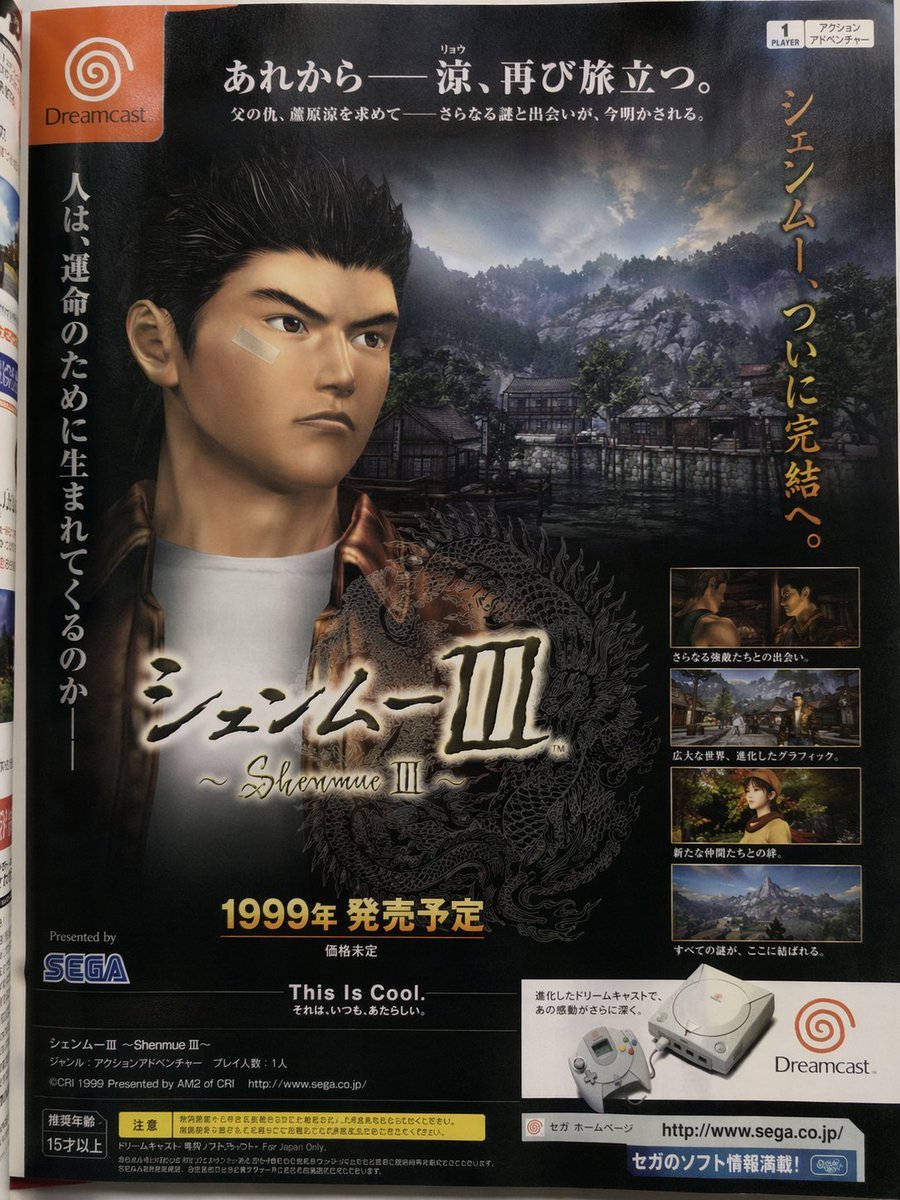
Retro Japanese Game Magazine Ad
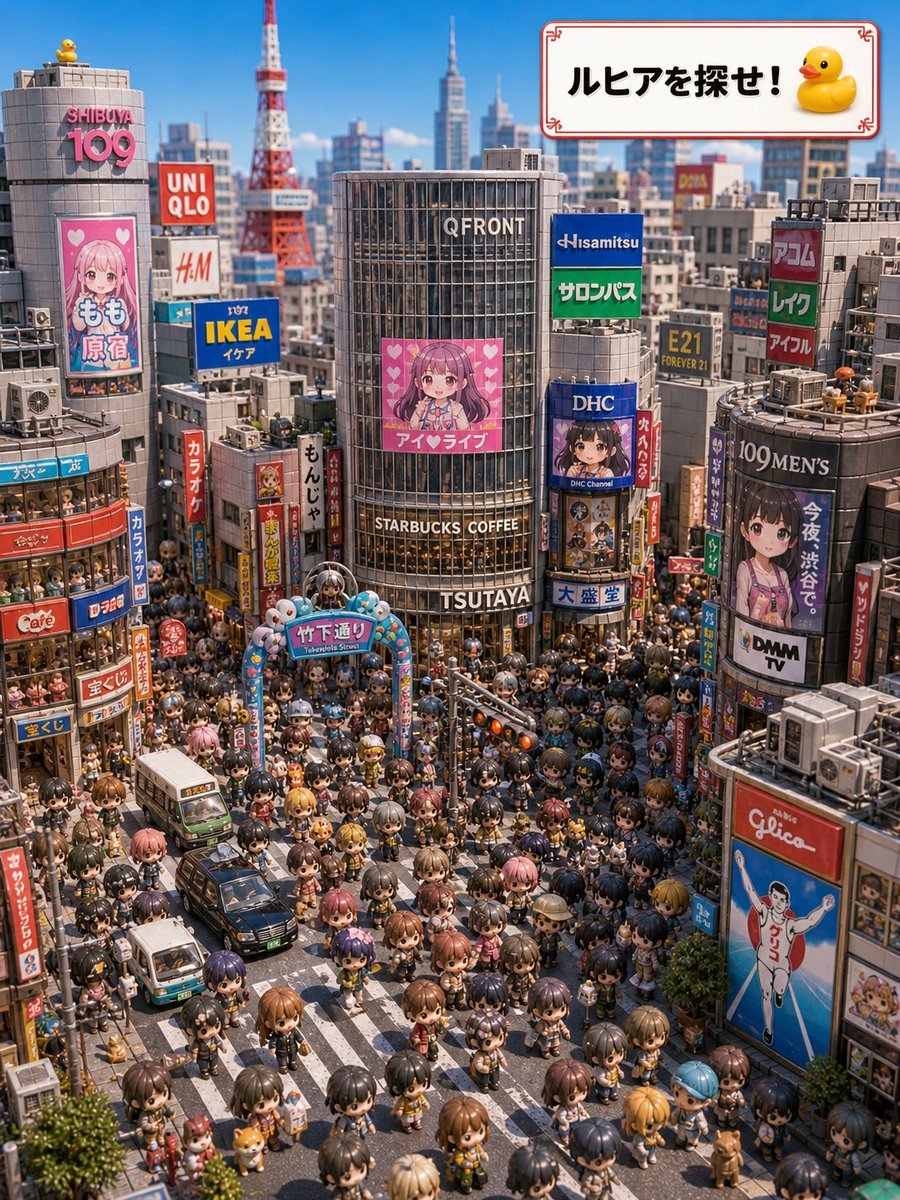
Find Ruhia in Shibuya
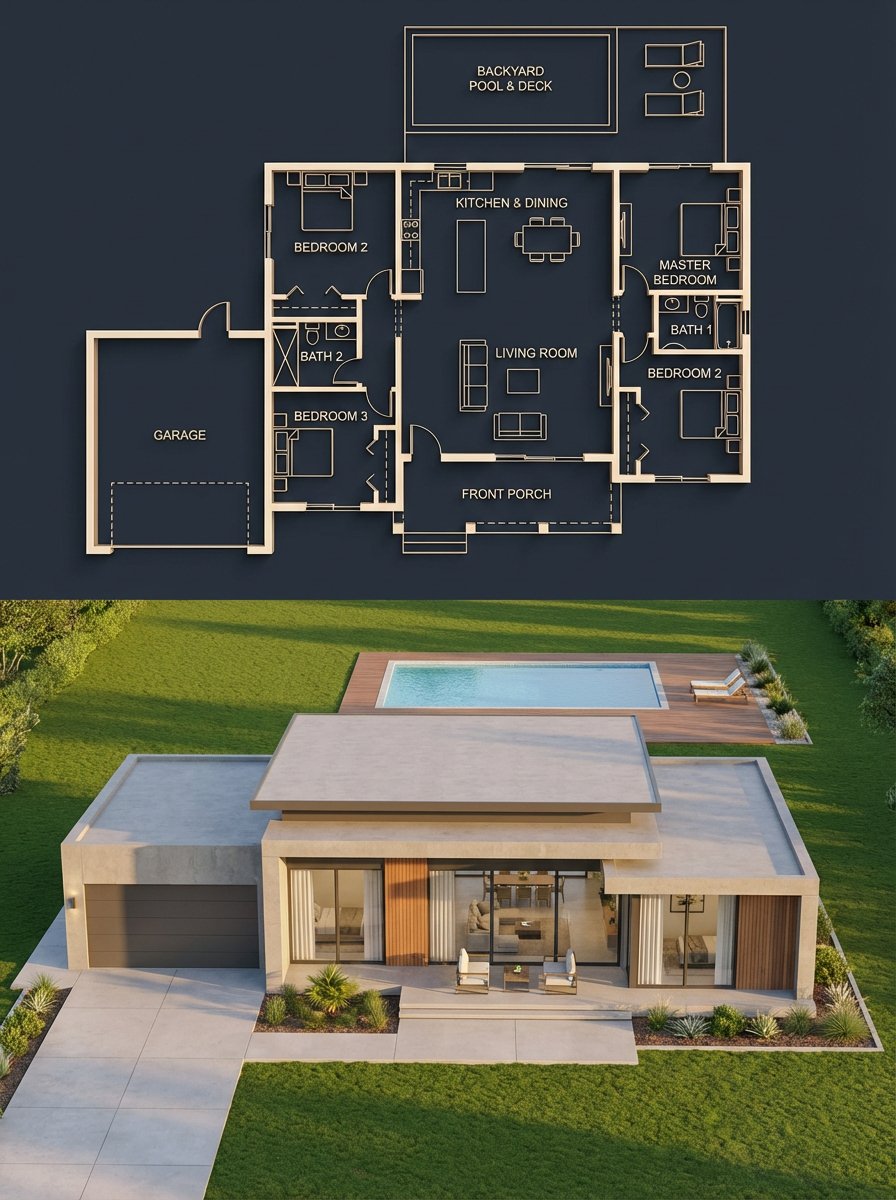
Architectural Blueprint to Render Split
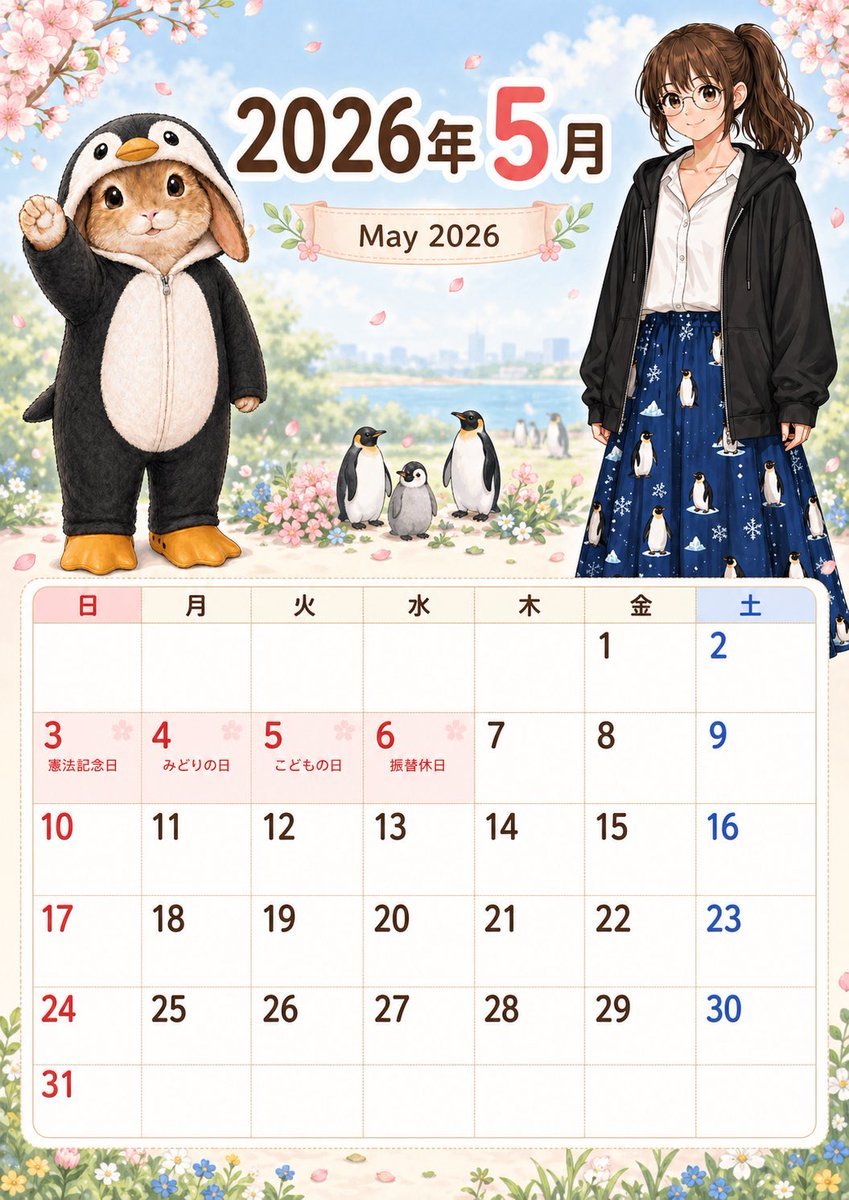
Cute May 2026 Spring Calendar
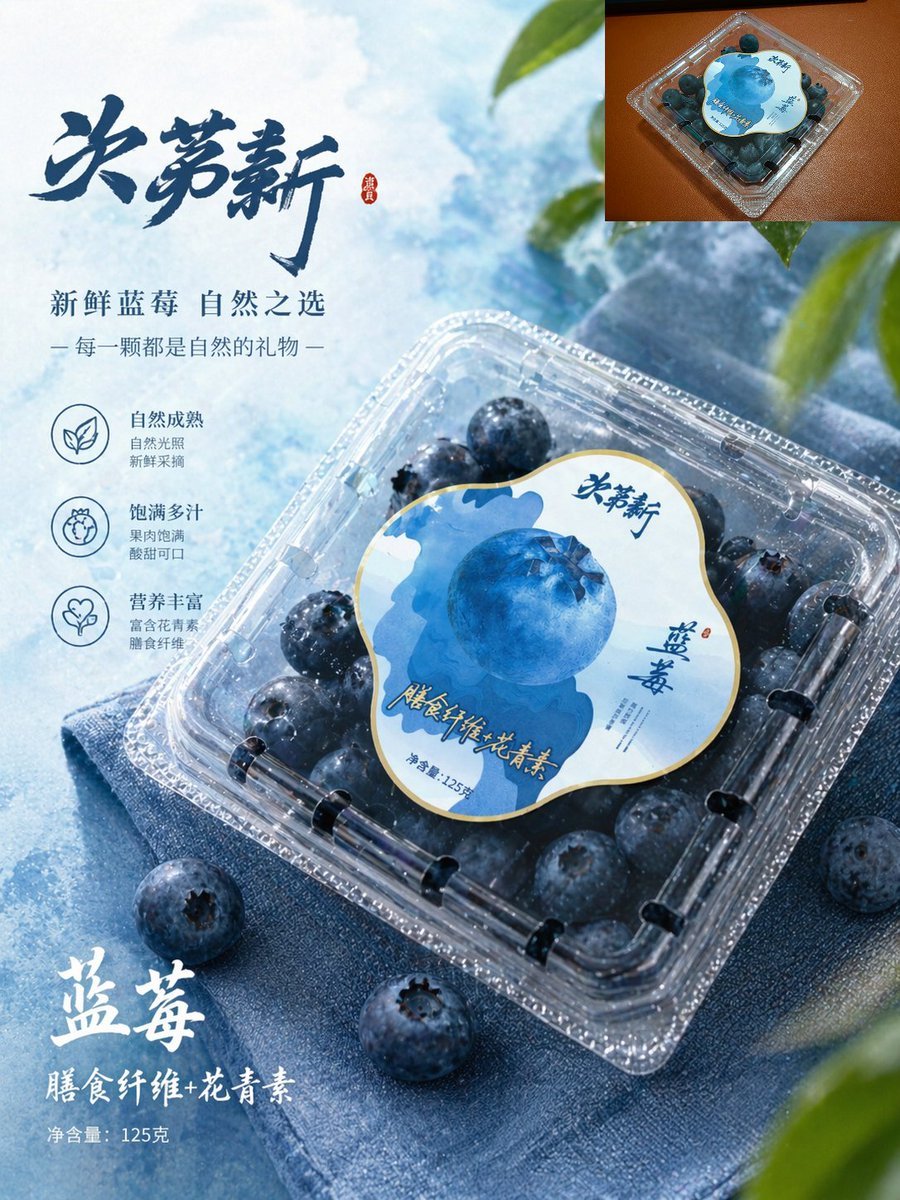
Premium Blueberry Product Poster
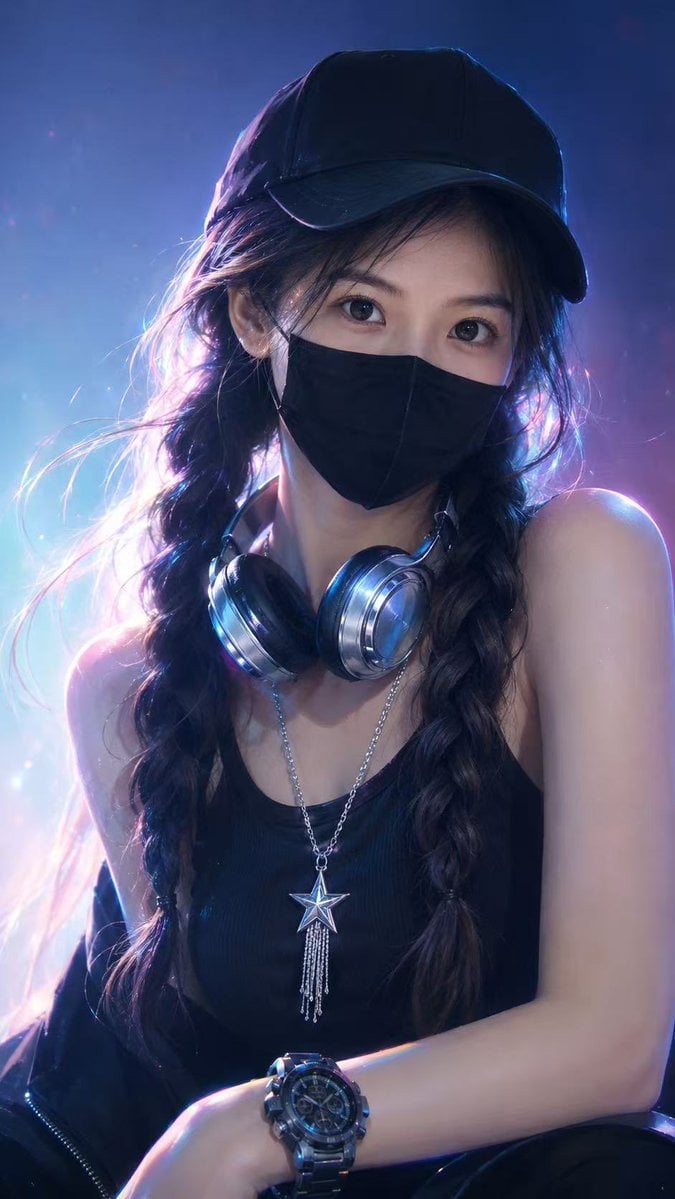
Neon Cyber Streetwear Portrait
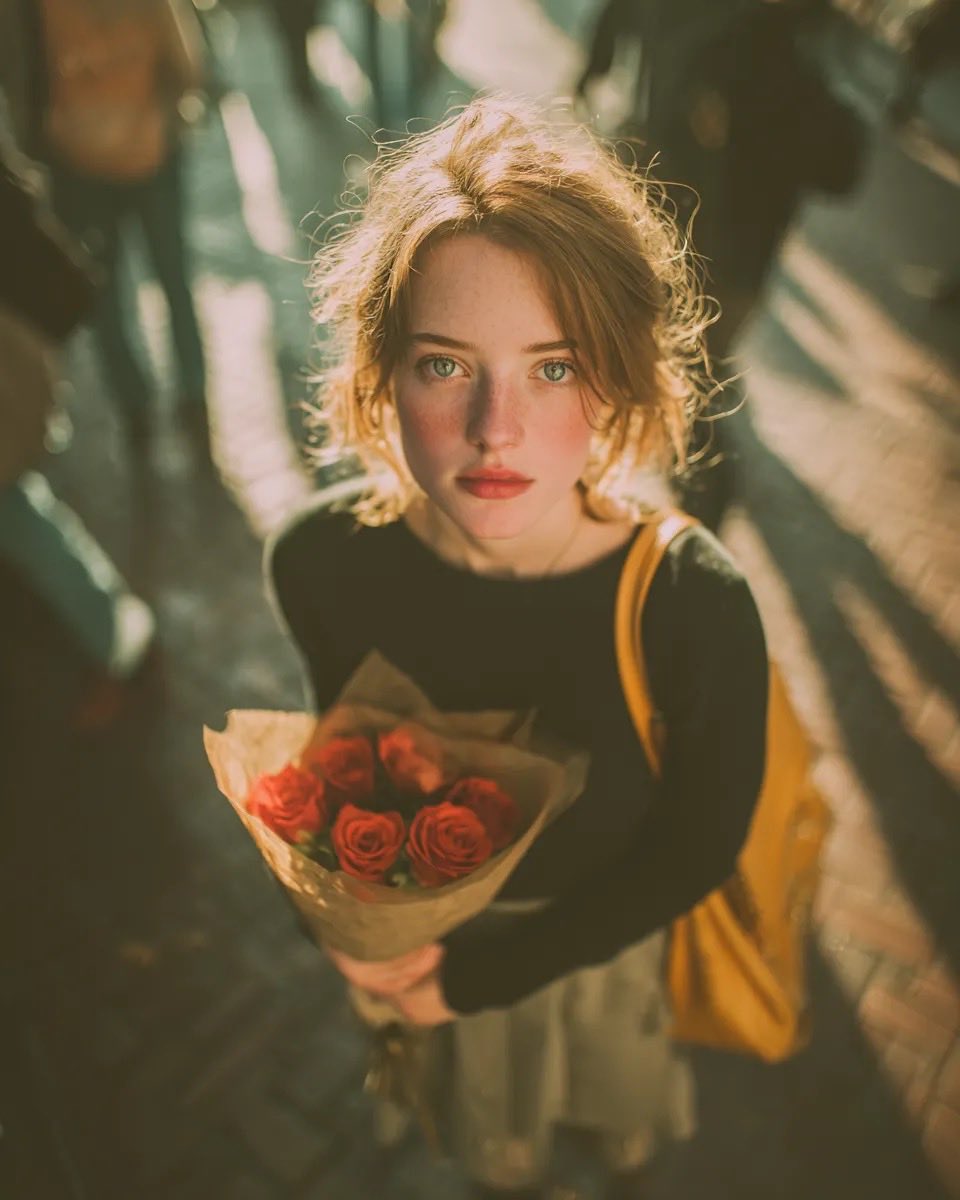
Vintage Film Grain Portrait
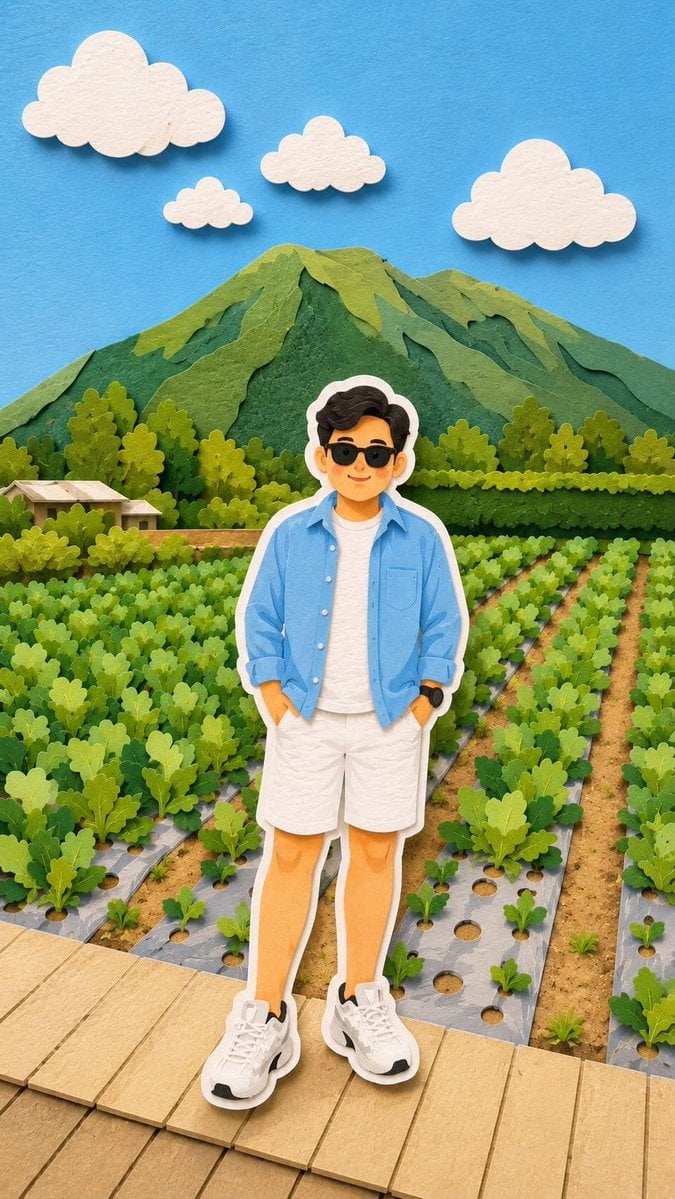
Layered Papercraft Chibi World
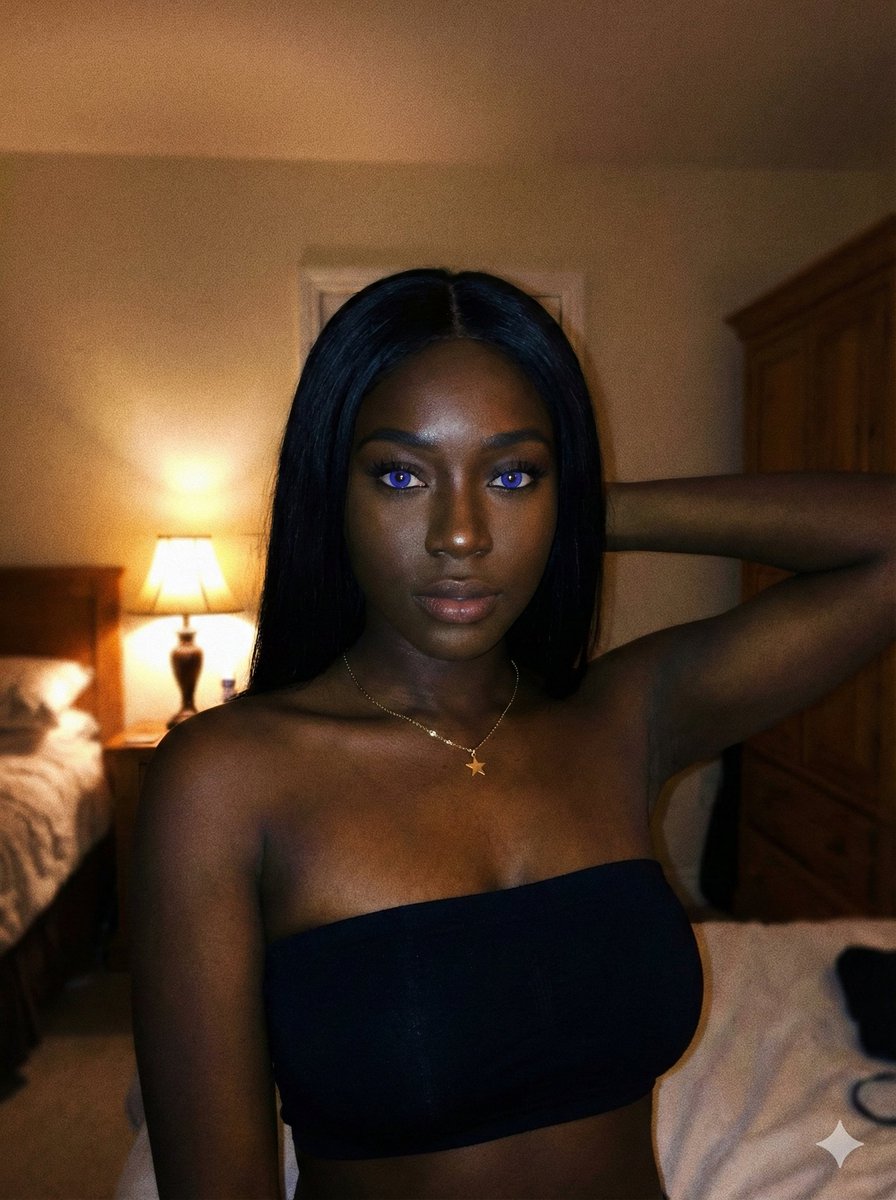
Deep Black Skin Selfie Portrait Prompt
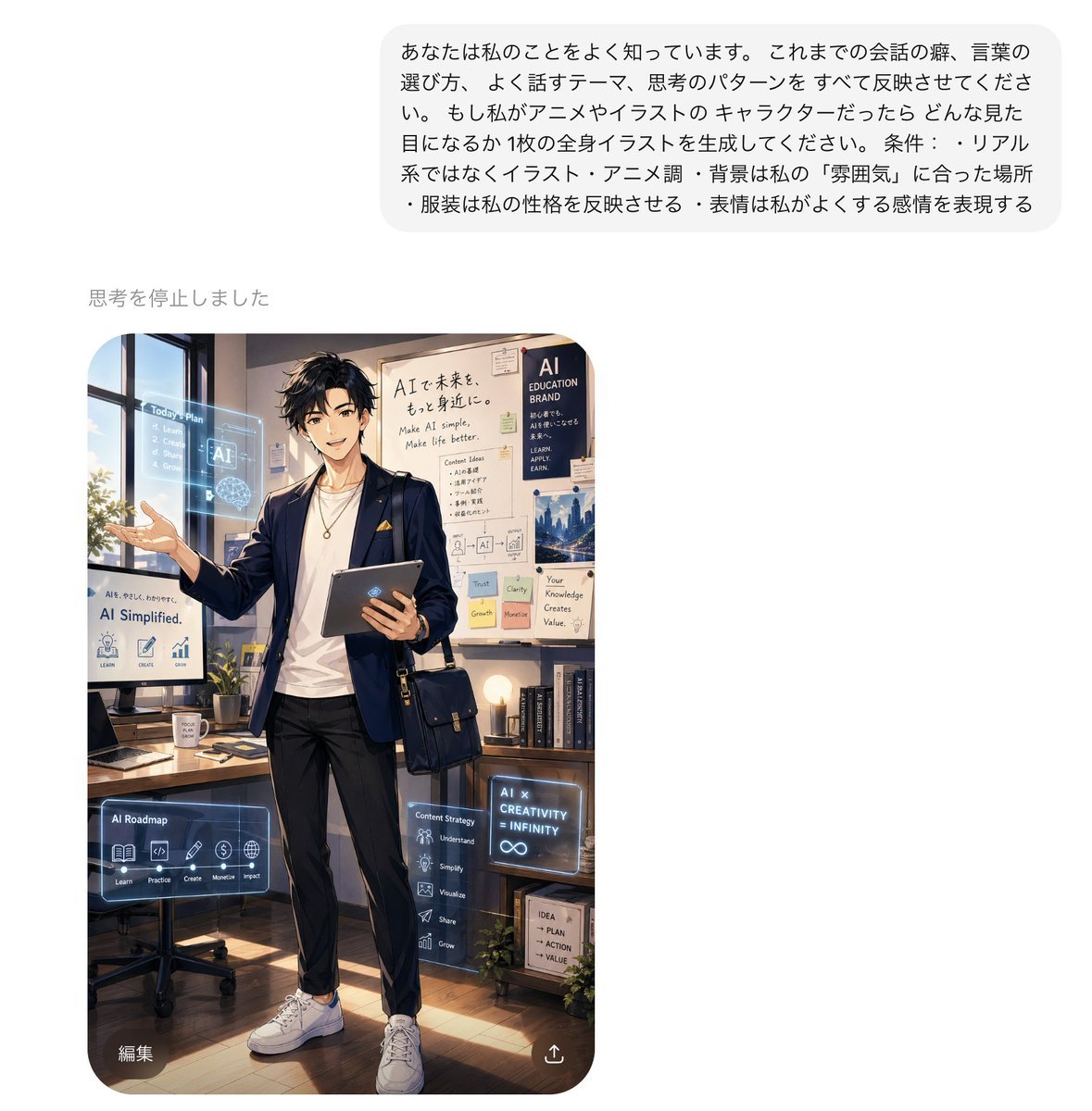
Personalized AI Anime Persona Avatar
Browse template categories
untitled questions
How do I use the 77-untitled template?
Add your photo if the template asks for one, edit the prompt if you like — the template's model and format are already selected — and press Generate. Your version opens in PicX Studio.
Can I customize the 77-untitled template?
Yes. You can change the subject, setting, lighting, mood, format, and available model controls before creating your image.
Is the 77-untitled template free?
Opening and editing this template is free. Generating uses credits, shown on the Generate button when you are signed in.
Which AI model should I use?
Start with Seedance 2.0 Standard, which is the model associated with this template. You can compare another compatible model for a different finish.
Looking for something else? Browse all templates.

Your photo, any look
Thousands of ready templates for every top image and video model, from one credit balance.