
Find Ruhia in Shibuya
Generates a dense chibi hidden-object scene set in a playful miniature Shibuya city crossing for a find-the-character travel puzzle.
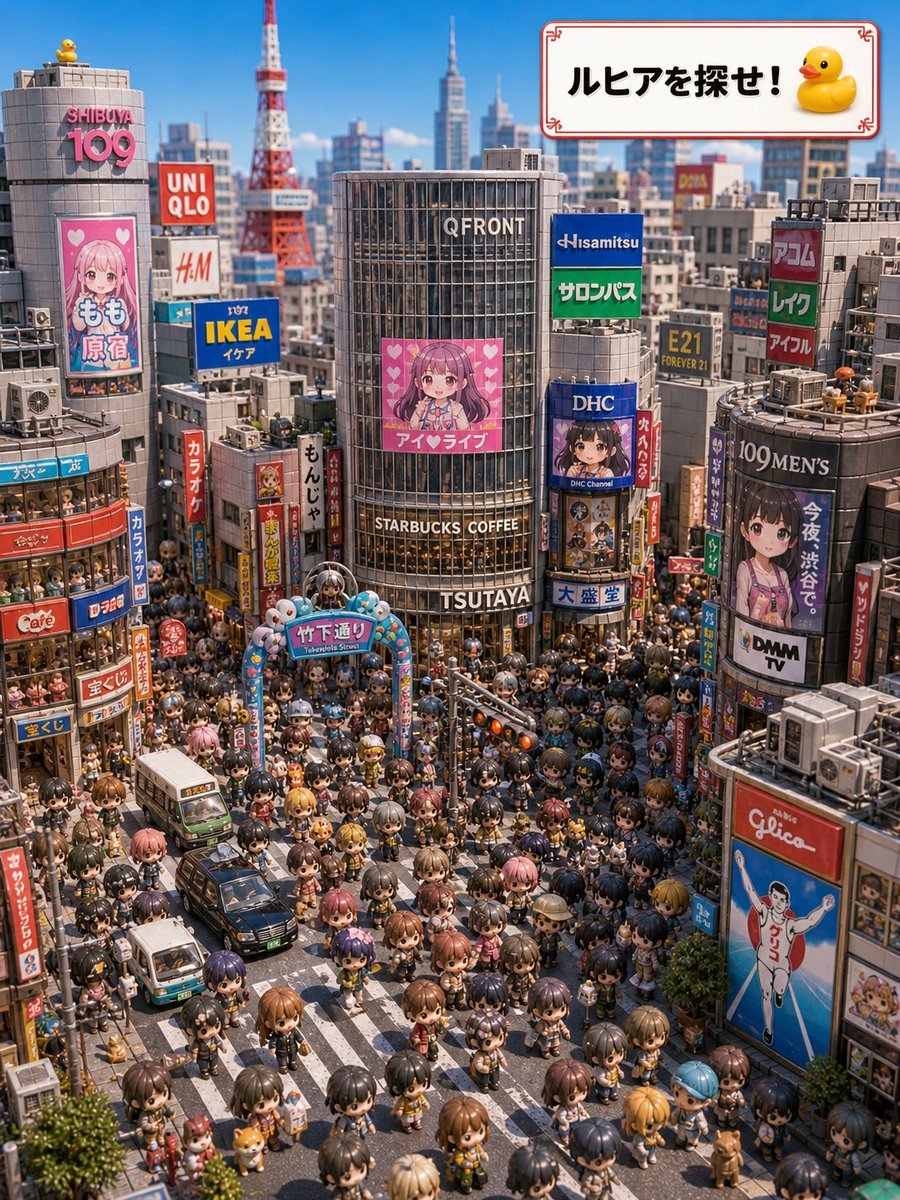
- Prompt included
- Model and format preset
- Free template
The prompt behind this image
Copy the exact prompt behind Find Ruhia in Shibuya, or open it in the studio and make it yours.
- Type
- highly detailed isometric 3D hidden-object city scene
- Title Text
- {argument name="headline text" default="ルヒアを探せ!"}
- Setting
- a bright sunny Golden Week special scene in Shibuya, Tokyo, viewed from a high elevated wide angle like a miniature diorama, with Tokyo Tower and skyscrapers in the blue-sky background
- Main Goal
- create a 'find the character' puzzle image where the viewer searches for Ruhia among a huge chibi crowd
- Style
- GPT-image-2 style, ultra-detailed toy-like 3D render, anime chibi figures, crisp daylight, shallow miniature depth of field, vibrant commercial colors, dense urban signage, playful travel poster mood
- Layout › Camera
- high-angle wide shot looking down into a famous Shibuya-style crossing packed with chibi pedestrians
- Layout › Foreground
- zebra crosswalks, small cars and buses, trees, street lamps, shop entrances, crowds of chibi anime people
- Layout › Midground
- large QFRONT building in the center with TSUTAYA and STARBUCKS COFFEE signs, surrounded by many vertical Japanese signs and billboards
- Layout › Background
- Shibuya 109 building on the left, red Tokyo Tower behind it, modern office towers and commercial buildings filling the skyline
- Layout › Top Right Overlay
- a white rectangular signboard with a thin red decorative border, bold black Japanese headline text, and a yellow rubber duck icon
- Counted Elements › Rubber Ducks › Count
- 2
- Counted Elements › Rubber Ducks › Items
- one small yellow rubber duck sitting on the roof of the SHIBUYA 109 building at the upper left, one yellow rubber duck icon inside the top-right headline placard
- Counted Elements › Major Brand Or Landmark Signs › Count
- 17
- Counted Elements › Major Brand Or Landmark Signs › Items
- SHIBUYA 109, UNIQLO, H&M, IKEA, QFRONT, STARBUCKS COFFEE, TSUTAYA, Hisamitsu, サロンパス, DHC, 109MEN'S, DMM TV, Glico running man billboard, 竹下通り gate, Tokyo Tower, もも原宿 billboard, アイ♡ライブ billboard
- Counted Elements › Headline Placards › Count
- 1
- Counted Elements › Headline Placards › Items
- top-right white bordered placard reading {argument name="headline text" default="ルヒアを探せ!"} with a duck
- Characters › Crowd
- hundreds of small anime chibi pedestrians packed shoulder-to-shoulder across the streets and sidewalks, with varied hair colors, outfits, animal-ear accessories, tiny bags, and idol-like costumes
- Characters › Hidden Target
- {argument name="hidden character" default="Ruhia"} should be camouflaged somewhere in the crowd as the object of the search game
- Characters › Character Style
- cute rounded chibi proportions, oversized heads, glossy eyes, tiny bodies, toy figurine texture
- Signage And Details
- fill the buildings with colorful Japanese street signs, idol posters, cafe signs, karaoke signs, capsule-toy-like decorations, rooftop air conditioners, balconies, windows, and miniature urban clutter; include a Takeshita Street-style decorative arch in the lower center-left with cute mascot ornaments
- Color Palette
- clear blue sky, warm sunlight, saturated reds, blues, yellows, pink idol billboards, gray concrete buildings, and multicolored crowd accents
- Render Quality
- extremely dense details, sharp readable central signs, realistic miniature shadows, whimsical but believable Shibuya travel scene, no empty areas
Raw JSON
{"type":"highly detailed isometric 3D hidden-object city scene","title_text":"{argument name=\"headline text\" default=\"ルヒアを探せ!\"}","setting":"a bright sunny Golden Week special scene in Shibuya, Tokyo, viewed from a high elevated wide angle like a miniature diorama, with Tokyo Tower and skyscrapers in the blue-sky background","main_goal":"create a 'find the character' puzzle image where the viewer searches for Ruhia among a huge chibi crowd","style":"GPT-image-2 style, ultra-detailed toy-like 3D render, anime chibi figures, crisp daylight, shallow miniature depth of field, vibrant commercial colors, dense urban signage, playful travel poster mood","layout":{"camera":"high-angle wide shot looking down into a famous Shibuya-style crossing packed with chibi pedestrians","foreground":"zebra crosswalks, small cars and buses, trees, street lamps, shop entrances, crowds of chibi anime people","midground":"large QFRONT building in the center with TSUTAYA and STARBUCKS COFFEE signs, surrounded by many vertical Japanese signs and billboards","background":"Shibuya 109 building on the left, red Tokyo Tower behind it, modern office towers and commercial buildings filling the skyline","top_right_overlay":"a white rectangular signboard with a thin red decorative border, bold black Japanese headline text, and a yellow rubber duck icon"},"counted_elements":{"rubber_ducks":{"count":2,"items":["one small yellow rubber duck sitting on the roof of the SHIBUYA 109 building at the upper left","one yellow rubber duck icon inside the top-right headline placard"]},"major_brand_or_landmark_signs":{"count":17,"items":["SHIBUYA 109","UNIQLO","H&M","IKEA","QFRONT","STARBUCKS COFFEE","TSUTAYA","Hisamitsu","サロンパス","DHC","109MEN'S","DMM TV","Glico running man billboard","竹下通り gate","Tokyo Tower","もも原宿 billboard","アイ♡ライブ billboard"]},"headline_placards":{"count":1,"items":["top-right white bordered placard reading {argument name=\"headline text\" default=\"ルヒアを探せ!\"} with a duck"]}},"characters":{"crowd":"hundreds of small anime chibi pedestrians packed shoulder-to-shoulder across the streets and sidewalks, with varied hair colors, outfits, animal-ear accessories, tiny bags, and idol-like costumes","hidden_target":"{argument name=\"hidden character\" default=\"Ruhia\"} should be camouflaged somewhere in the crowd as the object of the search game","character_style":"cute rounded chibi proportions, oversized heads, glossy eyes, tiny bodies, toy figurine texture"},"signage_and_details":"fill the buildings with colorful Japanese street signs, idol posters, cafe signs, karaoke signs, capsule-toy-like decorations, rooftop air conditioners, balconies, windows, and miniature urban clutter; include a Takeshita Street-style decorative arch in the lower center-left with cute mascot ornaments","color_palette":"clear blue sky, warm sunlight, saturated reds, blues, yellows, pink idol billboards, gray concrete buildings, and multicolored crowd accents","render_quality":"extremely dense details, sharp readable central signs, realistic miniature shadows, whimsical but believable Shibuya travel scene, no empty areas"}How to use Find Ruhia in Shibuya in 3 steps
- 1Upload ImagePNG, JPG or paste
Add your photo
Upload the photo the template builds on. The prompt, model and format are already set.
- 2…a portrait of your subject in softgolden-hour light, 85mm…
Personalize
Edit the subject and creative details for your destination.
- 3Generate
Generate
Press Generate — your image is created in PicX Studio, so you can compare it with the original and refine one variable at a time.
More like this
Templates with the same subject, style or setup. Open one to see its prompt.
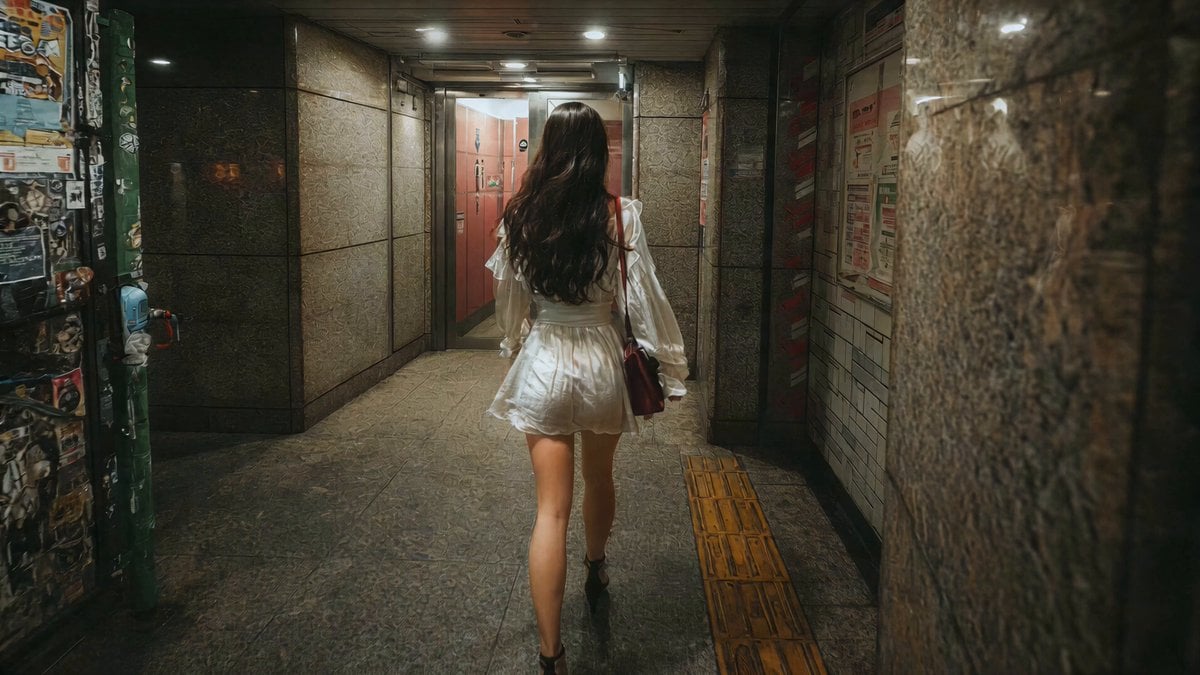
J-Horror Shibuya Station - Seedance 2.0
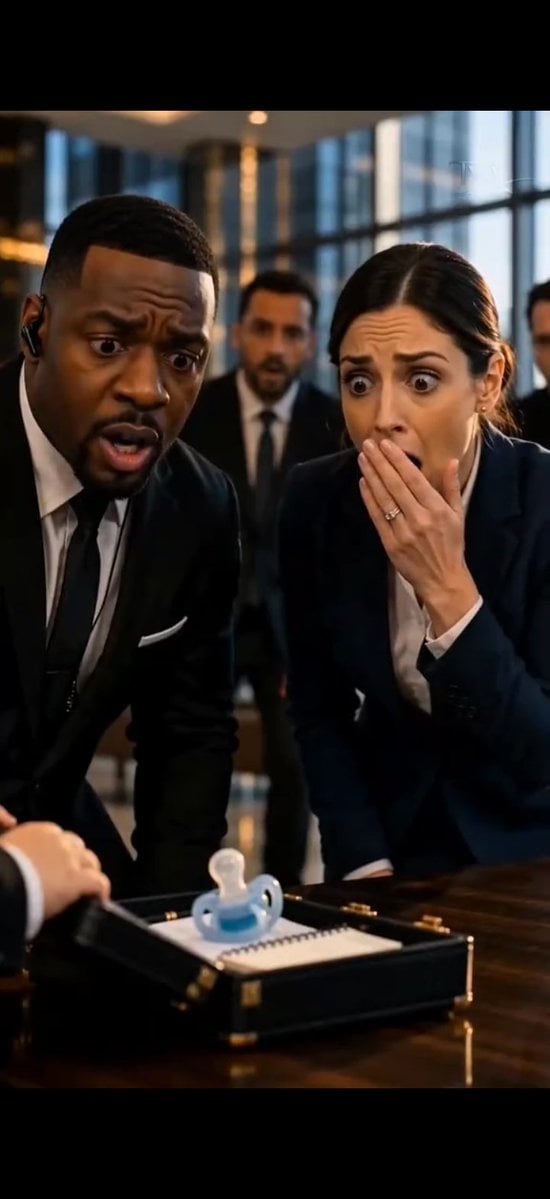
Shocked Executives Find Pacifier
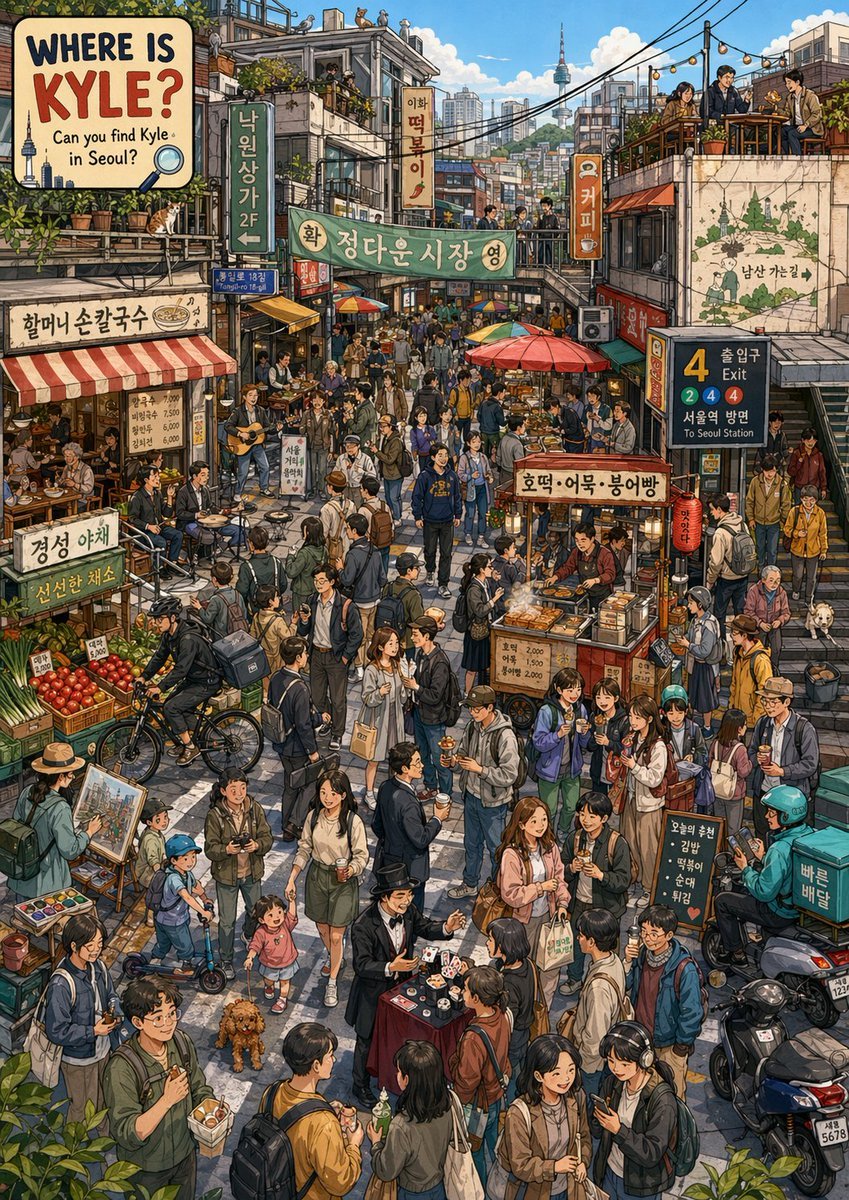
Find Kyle in a Seoul Market
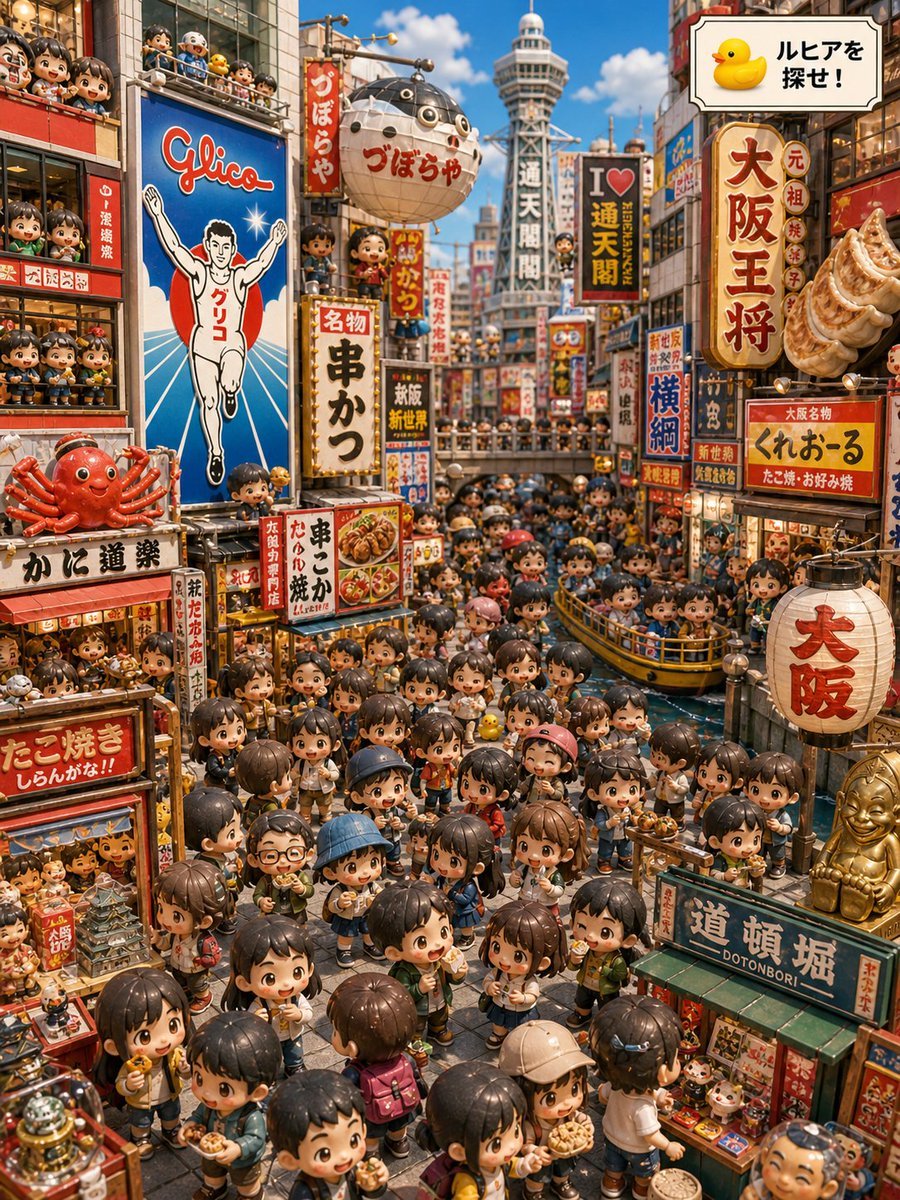
Osaka Chibi Find-the-Duck Diorama
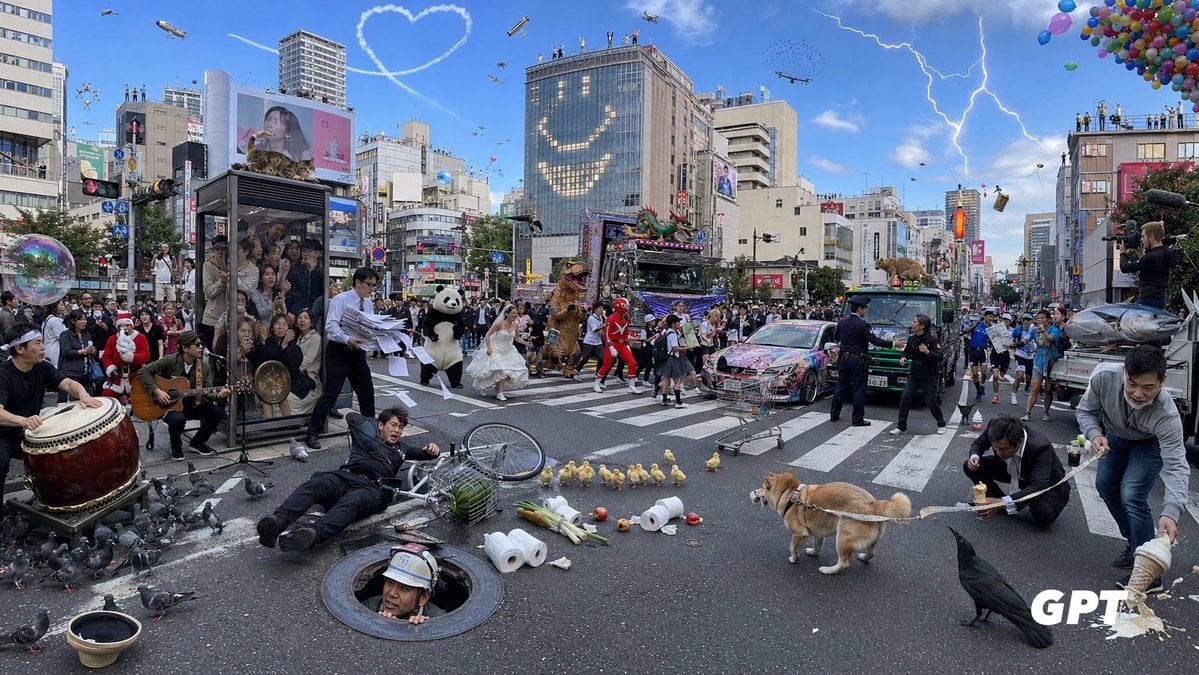
Chaotic Shibuya Scramble Crossing
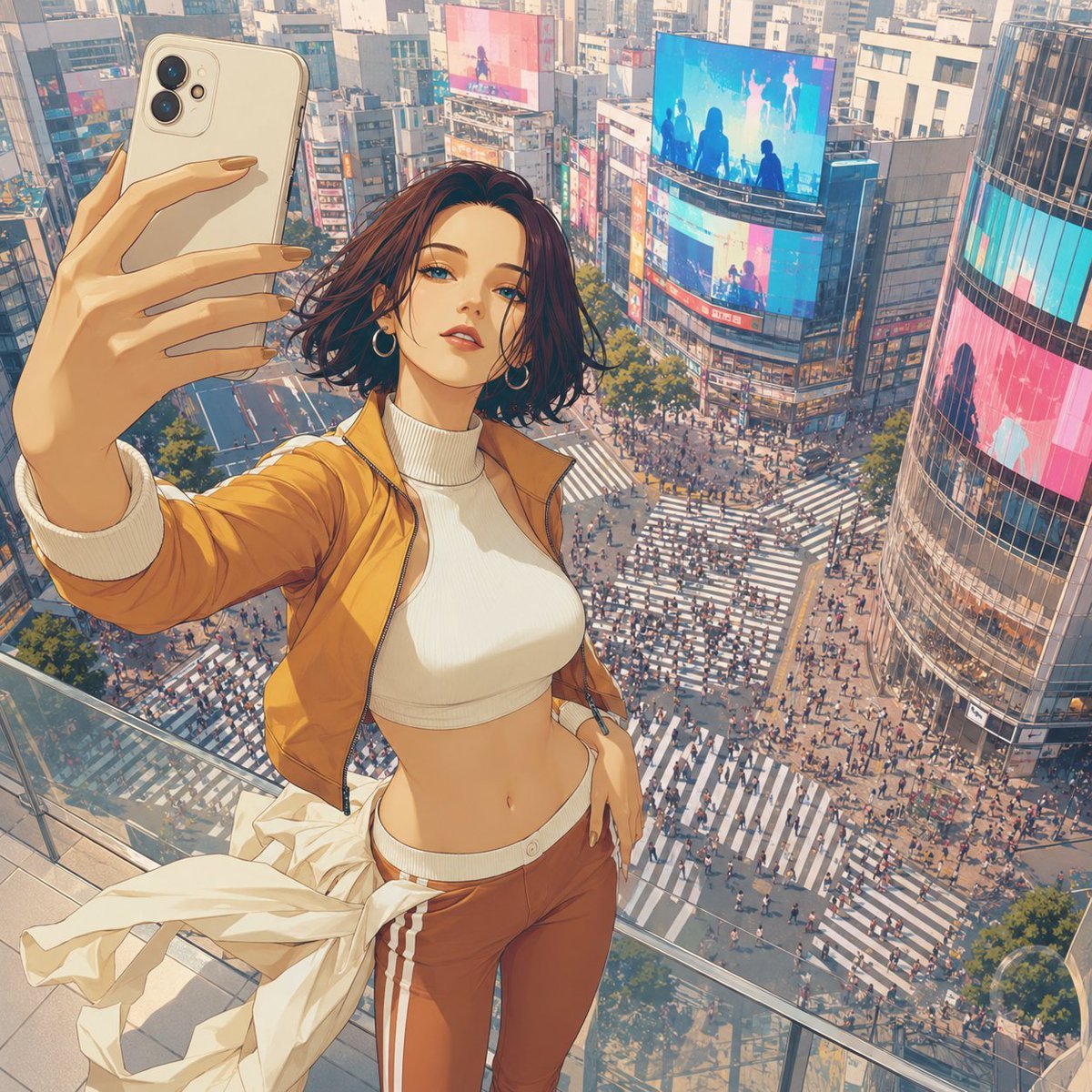
Shibuya Rooftop Selfie Photography
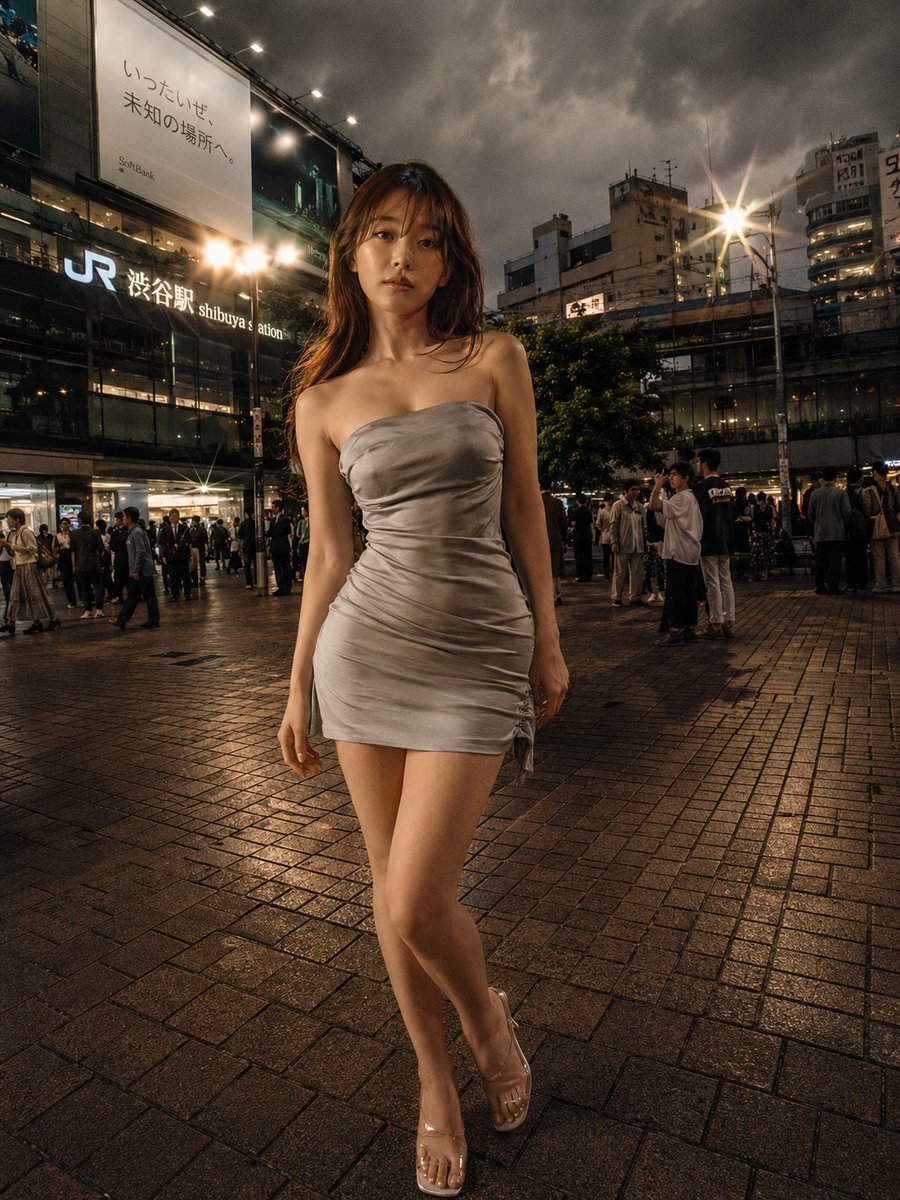
Night Fashion Portrait at Shibuya Station
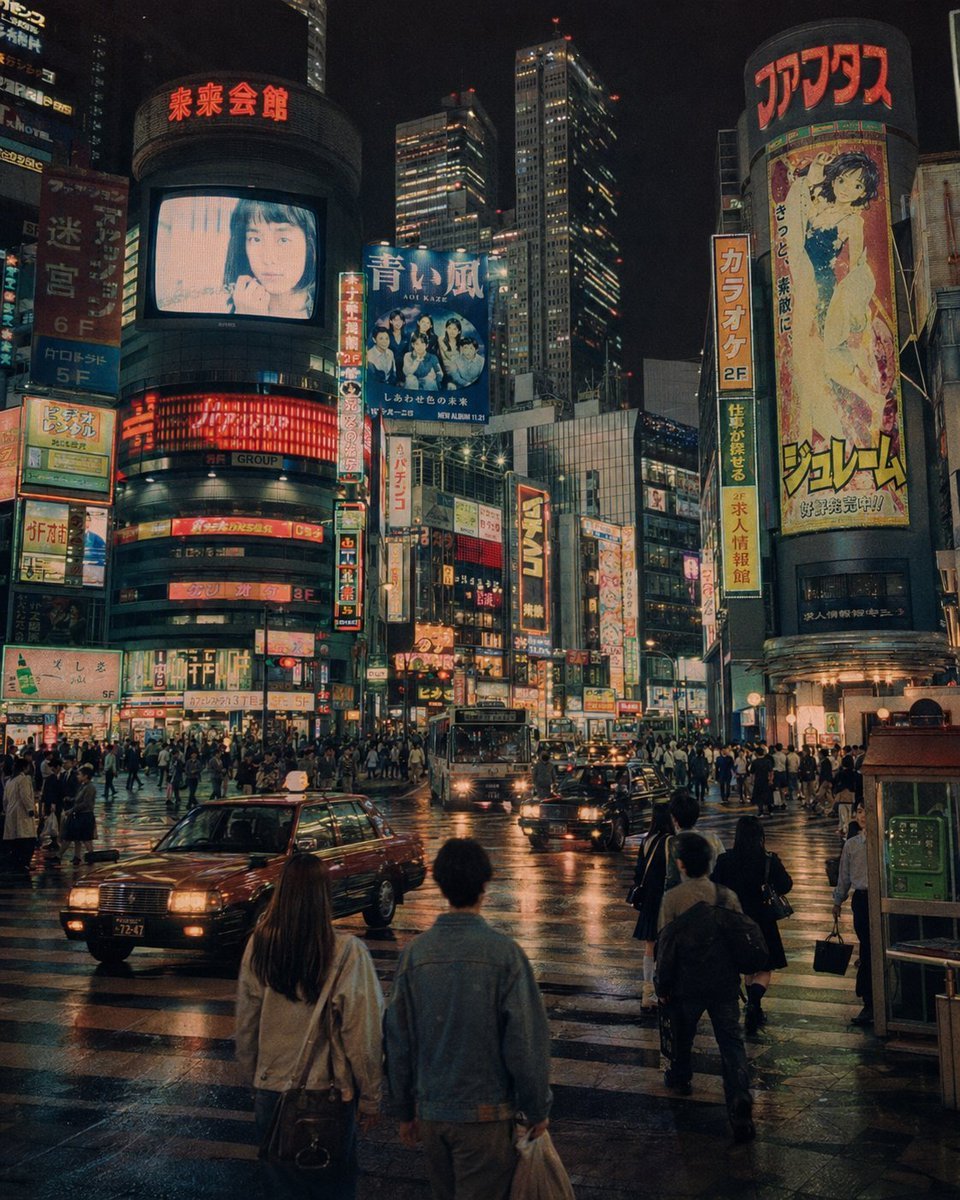
Alternate 1990s Futuristic Shibuya
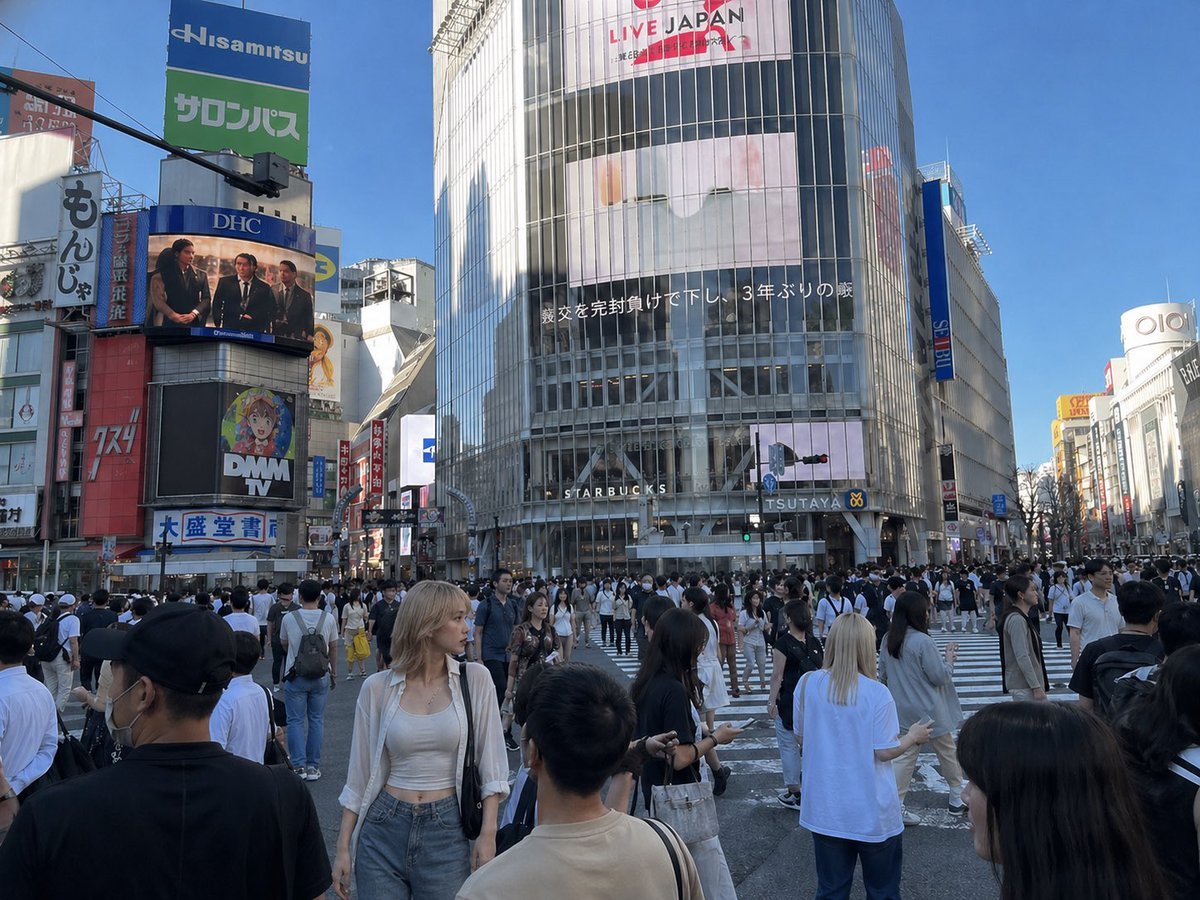
Insert Reference Person Into Shibuya Scene
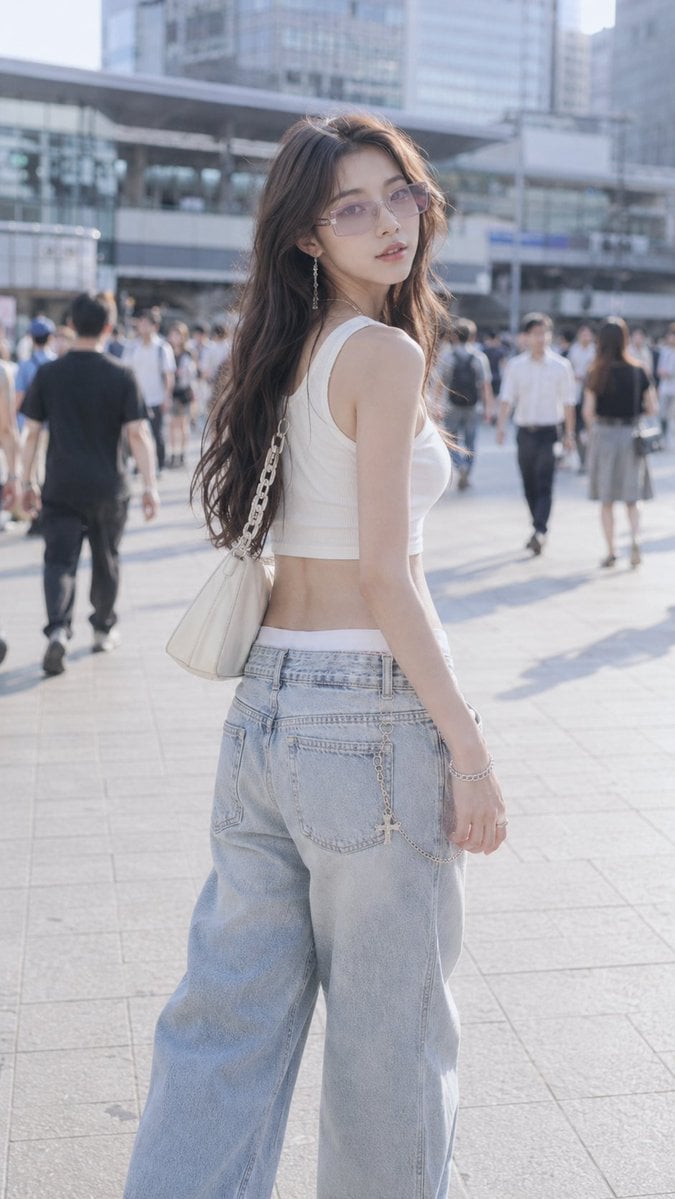
Shibuya Y2K Fashion Portrait
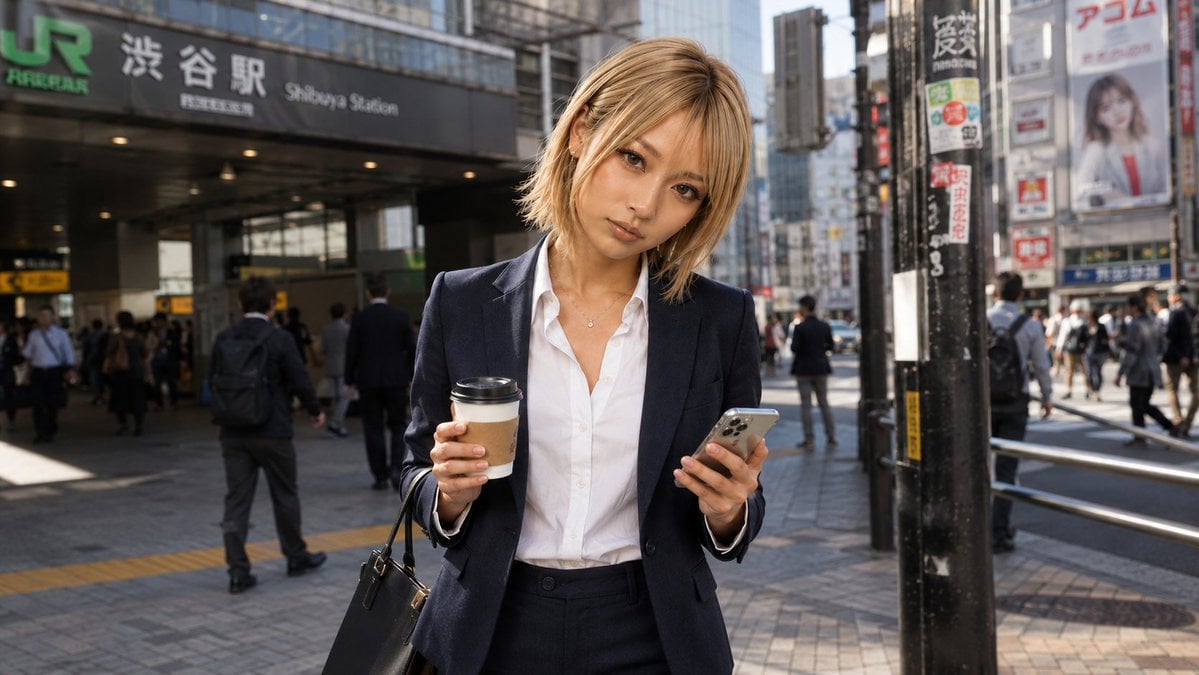
Businesswoman at Shibuya Station
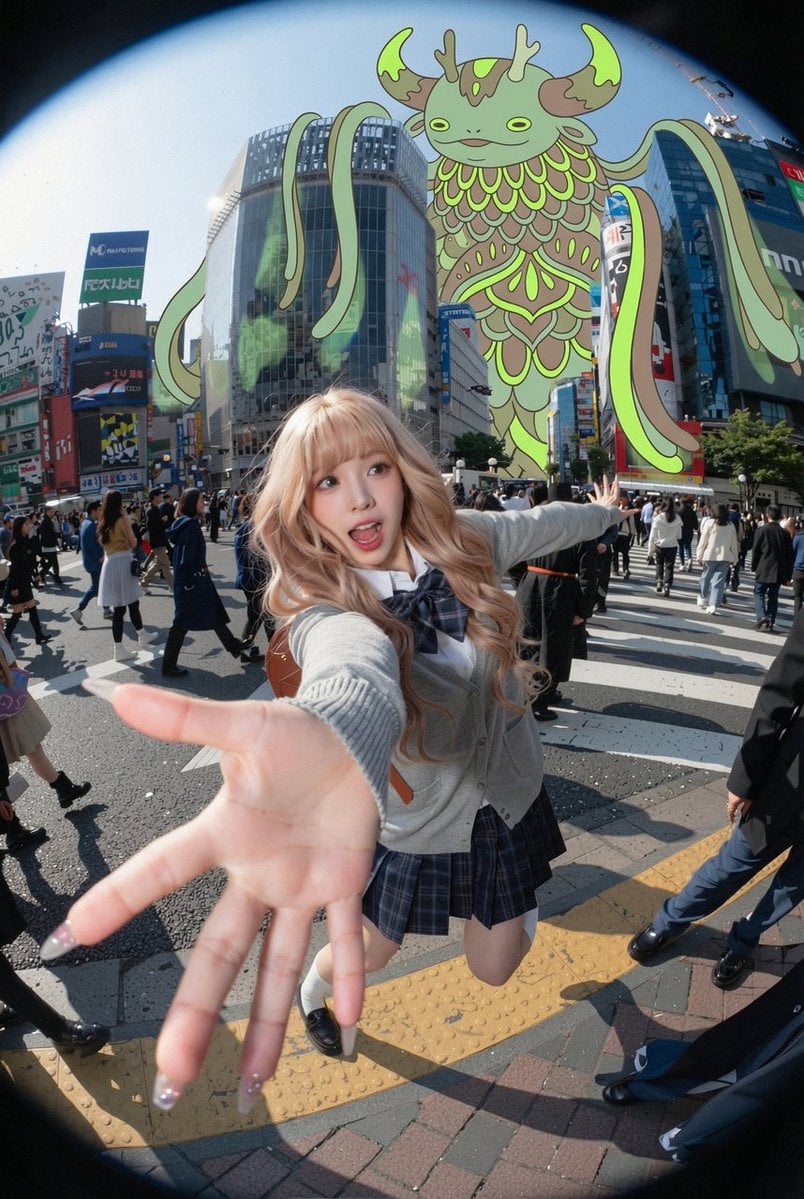
Fisheye Shibuya Yokai Selfie
Make it yours
Find Ruhia in Shibuya works as-is. These are the safest ways to change it without losing the look.
Swap the setting
Keep the rest of the prompt and replace the location block. The current setting is “a bright sunny Golden Week special scene in Shibuya, Tokyo, viewed from a high e”.
Change one field
Copy a single group, rewrite it, and generate again so you can see what that field is doing.
Keep the frame, change the subject
Hold the composition and light of Find Ruhia in Shibuya, then swap wardrobe, props or the person for a new take.
| If the result… | Why | Fix |
|---|---|---|
| The result drifts from the preview | Too many fields changed at once. | Reuse Find Ruhia in Shibuya as-is first, then change one group — subject, light, or setting. |
| GPT Image 2 ignores part of the JSON | Some models flatten or skip nested keys. | Keep the same values and paste them as a short paragraph instead. |
More GPT Image 2 templates
Other prompts made for GPT Image 2.

Six VTuber Japanese Logo Sheet

Realistic Portrait of Woman and Deer

The Vista Modular Condo Poster

AI Model Routing Comparison Infographic

2.5D Anime Art Board

Isometric Productivity Desk Scene

New York Double Exposure Poster

Four-Panel AI Landscape Comparison

Japanese Tatami Lifestyle Magazine Cover

NESCAFÉ Coffee Map Poster
More image prompts
Fresh picks from across the catalog.
Giant Robot Meets Woman on Balcony
HANA Anime Wrapped Train at Station
Garden Portrait With White Summer Dress

K-Pop Idol Portrait Grid for Rapid Selection
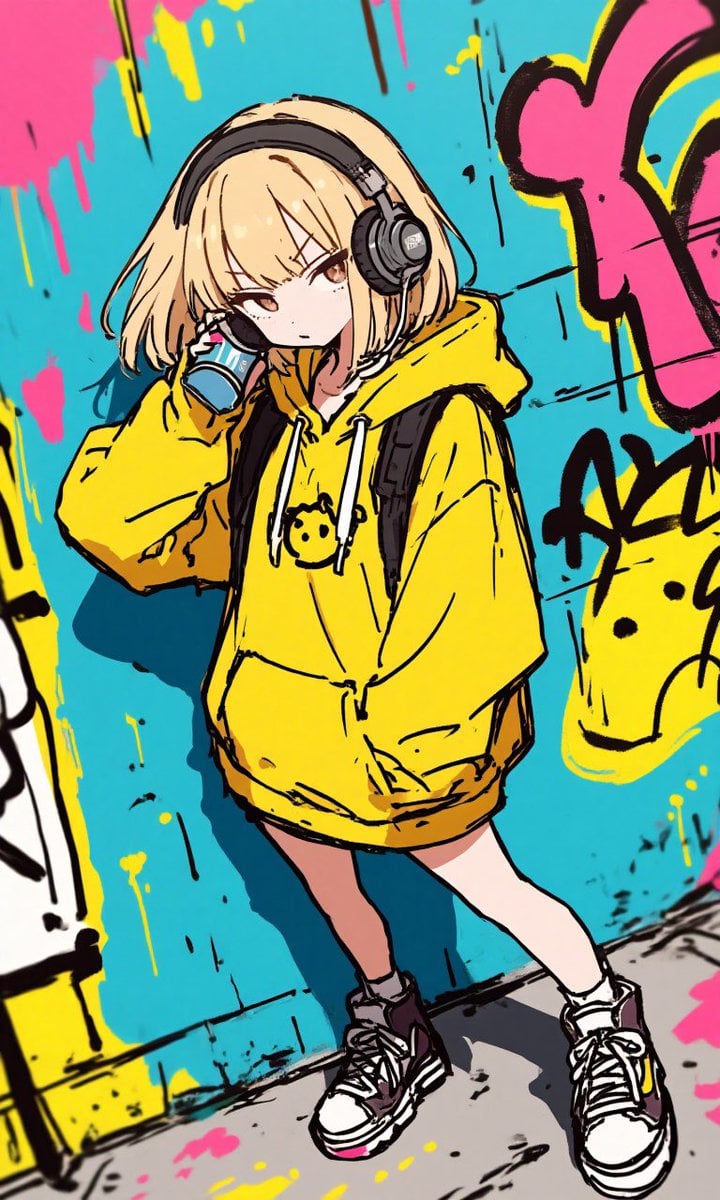
Anime Graffiti Girl Transformation
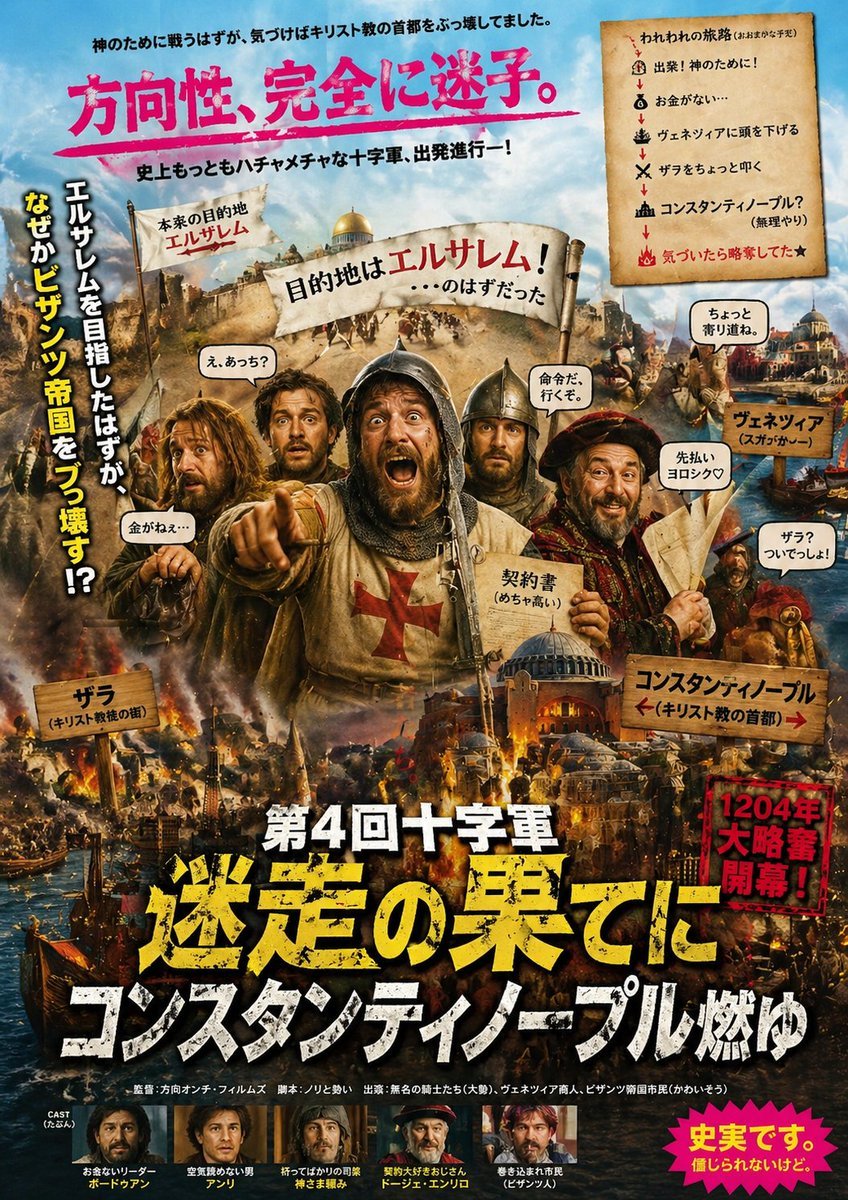
Chaotic Fourth Crusade Parody Poster
Red Pink Fractal Kaleidoscope
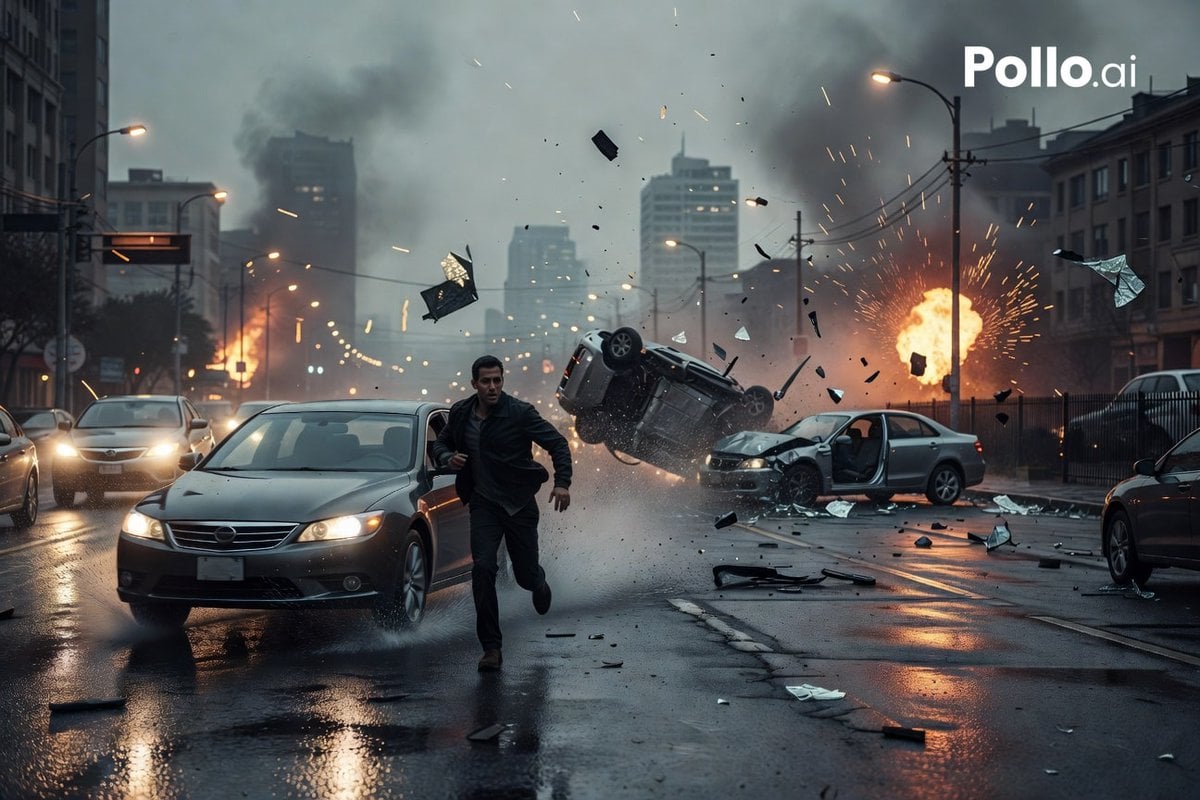
Cinematic City Crash Explosion
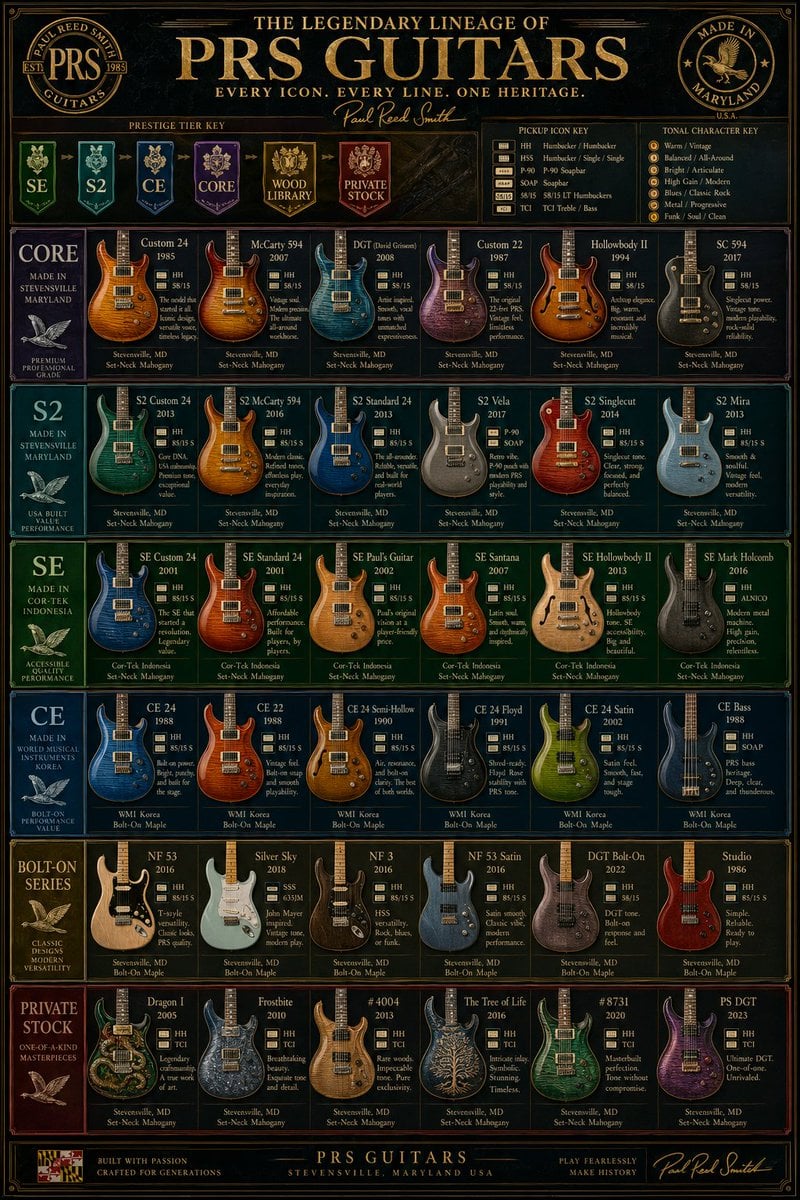
Vintage PRS Guitar Lineage Poster
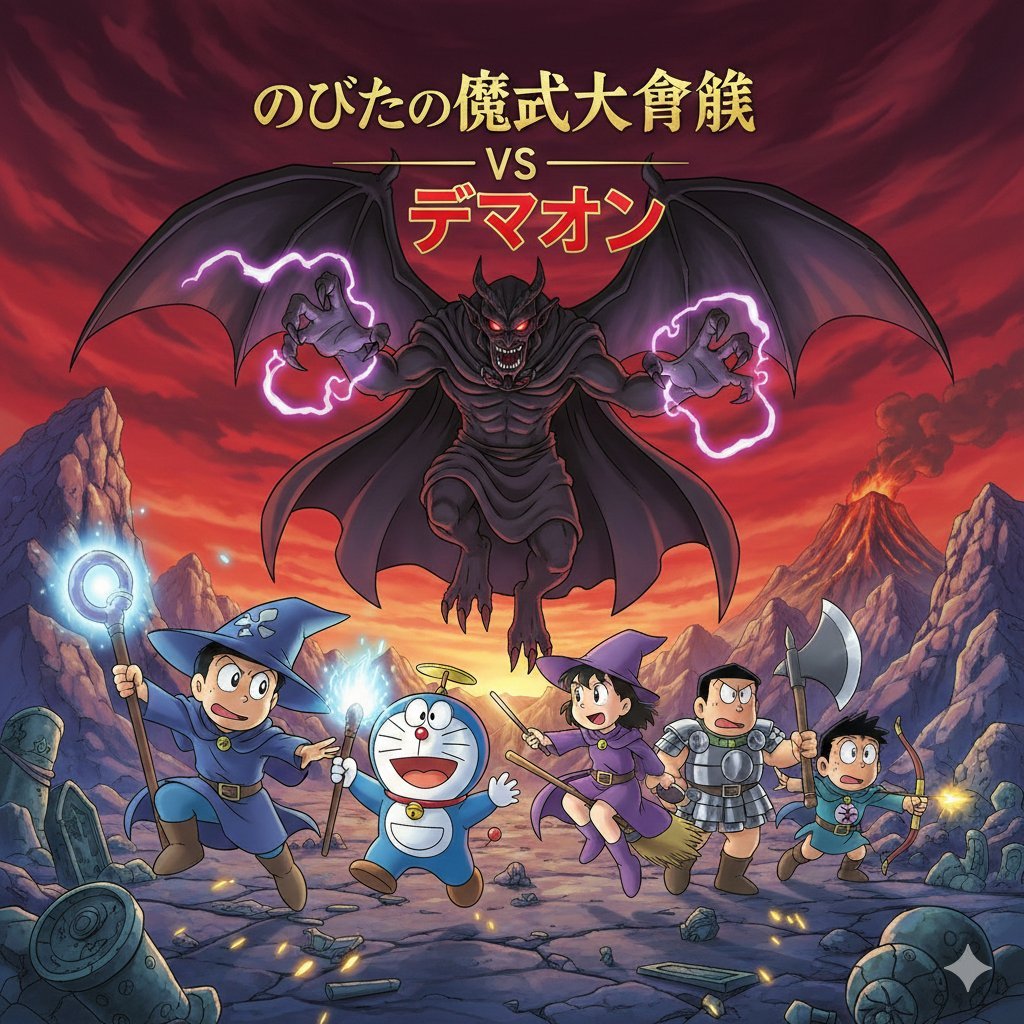
Doraemon Movie Scene Generation
Browse template categories
Find Ruhia in Shibuya questions
How do I use the Find Ruhia in Shibuya template?
Add your photo if the template asks for one, edit the prompt if you like — the template's model and format are already selected — and press Generate. Your version opens in PicX Studio.
Can I customize the Find Ruhia in Shibuya template?
Yes. You can change the subject, setting, lighting, mood, format, and available model controls before creating your image.
Is the Find Ruhia in Shibuya template free?
Opening and editing this template is free. Generating uses credits, shown on the Generate button when you are signed in.
Which AI model should I use?
Start with GPT Image 2, which is the model associated with this template. You can compare another compatible model for a different finish.
Looking for something else? Browse all templates.

Your photo, any look
Thousands of ready templates for every top image and video model, from one credit balance.