
Fisheye Shibuya Yokai Selfie
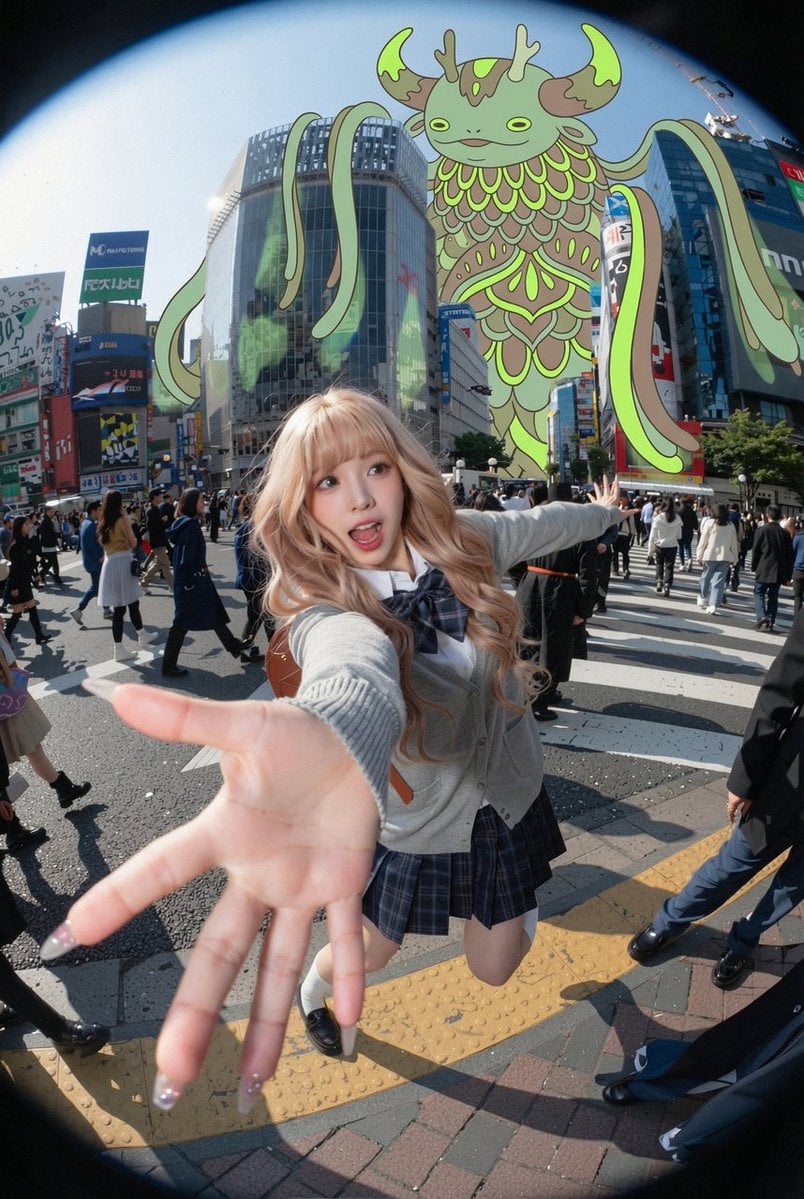
Generates a surreal fisheye Tokyo street selfie with a schoolgirl foreground pose and a giant illustrated yokai towering over Shibuya Crossing.
- Prompt included
- Model and format preset
- Free template
The prompt behind this image
Copy the exact prompt behind Fisheye Shibuya Yokai Selfie, or open it in the studio and make it yours.
Create a dynamic ultra-wide fisheye action selfie photo at {argument name="location" default="Shibuya Crossing, Tokyo"} on a bright sunny day, shot from a low front-facing camera with strong circular lens vignetting and exaggerated perspective. In the foreground, show one fashionable teenage schoolgirl with {argument name="hair color" default="long wavy pastel-blonde hair"}, wearing a Japanese school uniform with a gray cardigan, white shirt, dark bow tie, blue plaid skirt, knee socks, black loafers, and a small brown shoulder bag. Her face is intentionally covered by a flat square privacy blur/censor block, while her nearest hand reaches dramatically toward the camera, huge from perspective distortion, with glossy manicured nails; her other arm stretches outward as if posing mid-crosswalk. Behind her, place one enormous floating fantasy yokai/kaiju creature towering above the city buildings: a cute but strange green-and-brown owl-deer-dragon spirit with antlers, crescent horn shapes, leaf-feather body patterns, long ribbon-like tendrils, glowing lime outlines, and a calm smiling face. Surround the scene with dense pedestrian traffic, zebra crossing stripes, tall commercial buildings, colorful Japanese signage, glass façades, realistic street shadows, and midday urban energy. Blend photorealistic street photography with a flat 2D illustrated monster composited convincingly into the sky, using crisp daylight, high detail, motion-filled crowds, playful surreal scale contrast, and a viral social-media snapshot feeling. The creature’s palette should emphasize {argument name="creature accent color" default="neon lime green"}, and the overall mood should feel {argument name="mood" default="whimsical, chaotic, and cinematic"}.
How to use Fisheye Shibuya Yokai Selfie in 3 steps
- 1Upload ImagePNG, JPG or paste
Add your photo
Upload the photo the template builds on. The prompt, model and format are already set.
- 2…a portrait of your subject in softgolden-hour light, 85mm…
Personalize
Edit the subject and creative details for your destination.
- 3Generate
Generate
Press Generate — your image is created in PicX Studio, so you can compare it with the original and refine one variable at a time.
More like this
Templates with the same subject, style or setup. Open one to see its prompt.

Rooftop Fisheye — Cat-Ear Balaclava at Golden Hour

Eid al-Adha Cute Chaos — Fisheye Selfie with Farm Selfie, Mosque & Animals
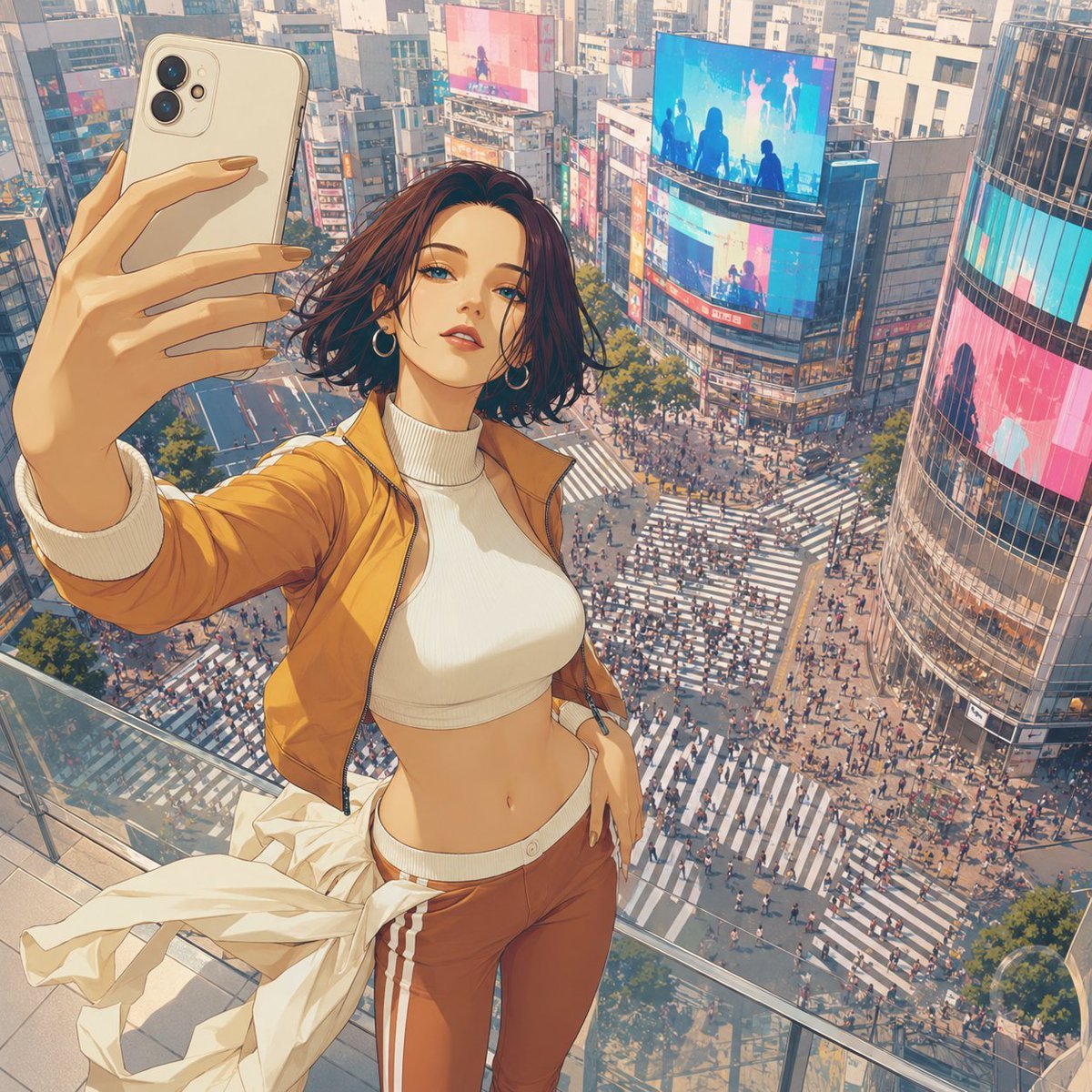
Shibuya Rooftop Selfie Photography

Felt & Knit 3D Character — Photo-Exact Face, Pixar-Quality Plush Figurine

Cat Photobomb Selfie — 0.5x Wide Angle Café Chaos

Gen Z Triple Selfie Collage — Y2K Flash Photography

Surreal Cat Astronaut — Humanoid Face Freefall

Photoreal Village Lanterns Minecraft Scene

Photoreal Snow Biome Name Tag UI

Photoreal Selfie Minecraft Block World

Photoreal Selfie Minecraft Village Ghast UI

Low Angle Floor Selfie With Upside Down Cat
Make it yours
Fisheye Shibuya Yokai Selfie works as-is. These are the safest ways to change it without losing the look.
Change one field
Copy a single group, rewrite it, and generate again so you can see what that field is doing.
Keep the frame, change the subject
Hold the composition and light of Fisheye Shibuya Yokai Selfie, then swap wardrobe, props or the person for a new take.
| If the result… | Why | Fix |
|---|---|---|
| The result drifts from the preview | Too many fields changed at once. | Reuse Fisheye Shibuya Yokai Selfie as-is first, then change one group — subject, light, or setting. |
| The model over-stylizes the scene | The prose prompt leaves finish and camera underspecified. | Add one camera or lighting sentence and stay on GPT Image 2. |
More GPT Image 2 templates
Other prompts made for GPT Image 2.

Six VTuber Japanese Logo Sheet

Realistic Portrait of Woman and Deer

The Vista Modular Condo Poster

AI Model Routing Comparison Infographic

2.5D Anime Art Board

Isometric Productivity Desk Scene

New York Double Exposure Poster

Four-Panel AI Landscape Comparison

Japanese Tatami Lifestyle Magazine Cover

NESCAFÉ Coffee Map Poster
More image prompts
Fresh picks from across the catalog.
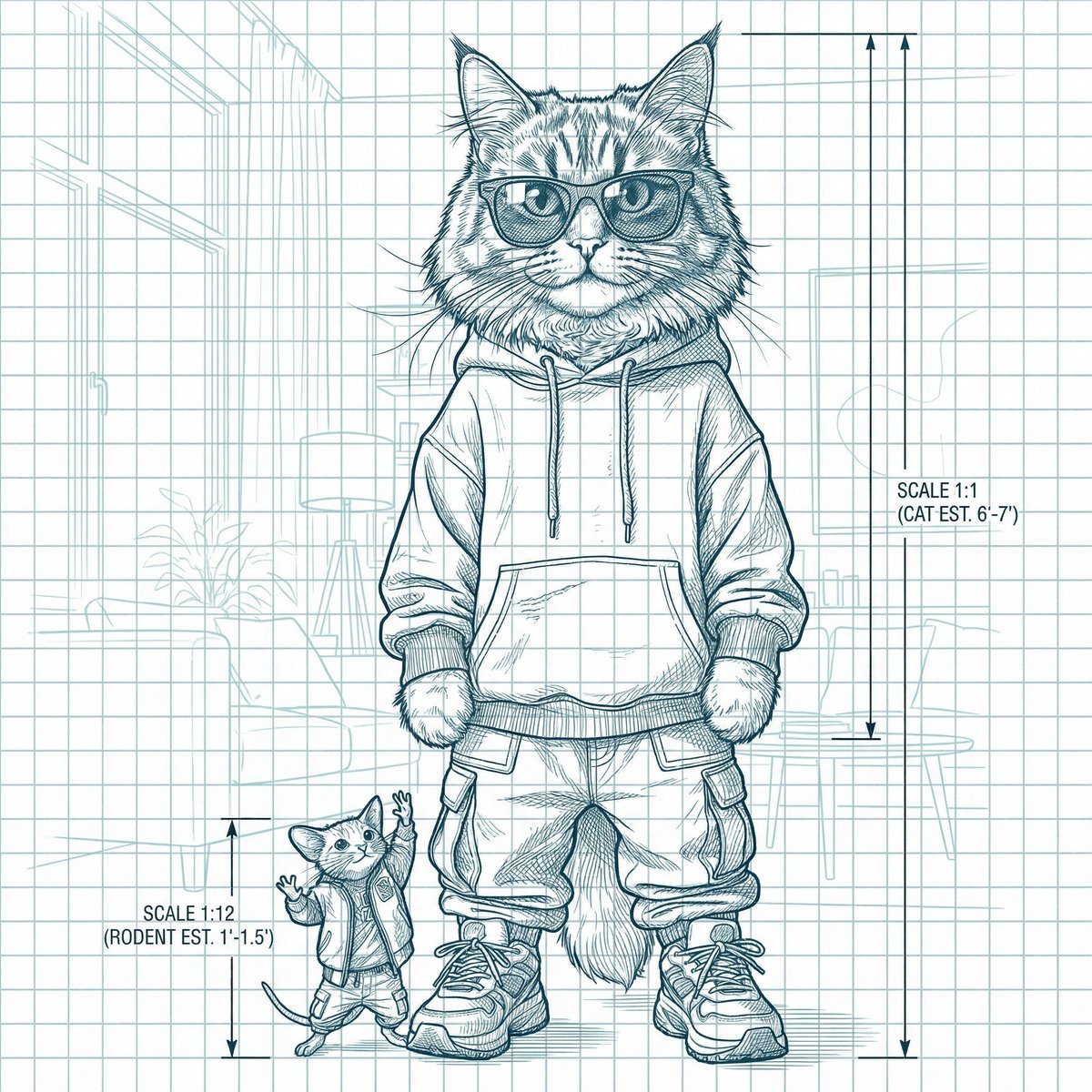
Blueprint-style technical schematic generation
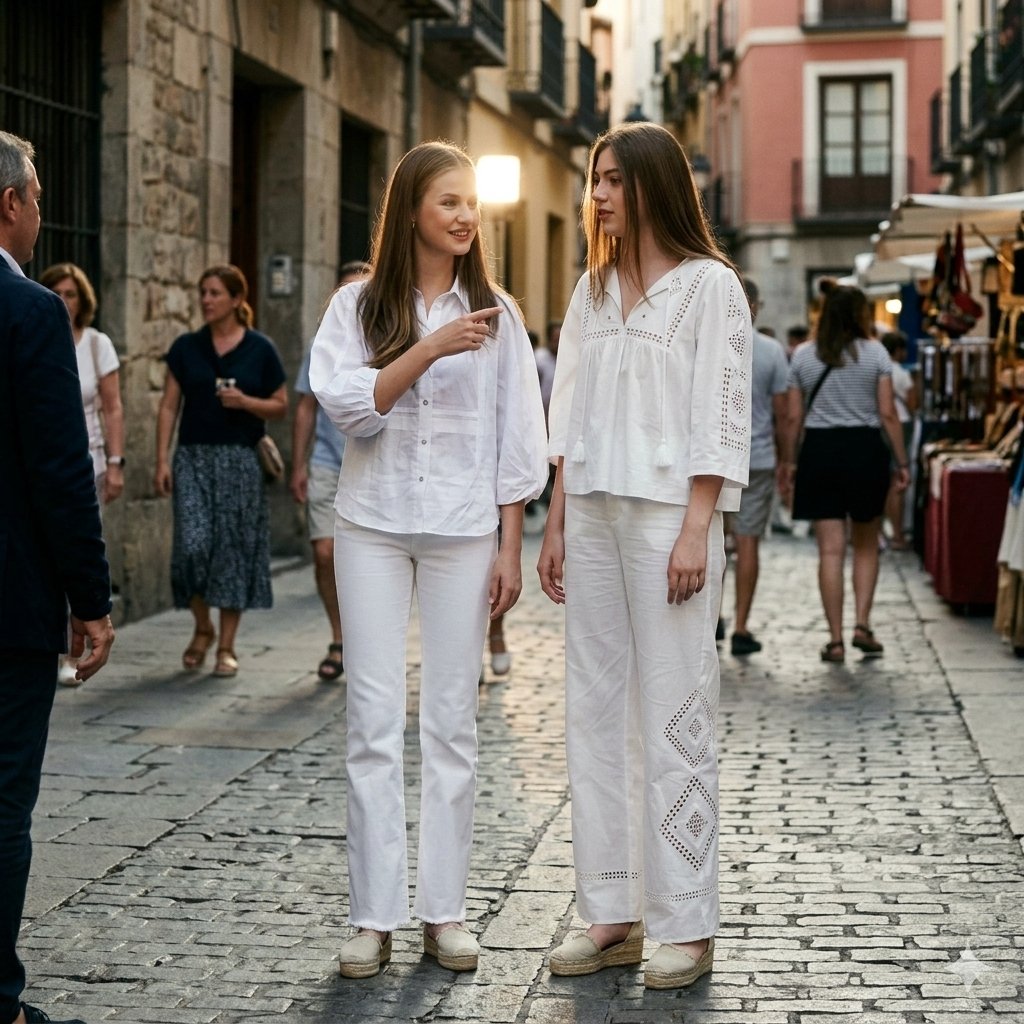
Candid Paparazzi Street Fashion in All White
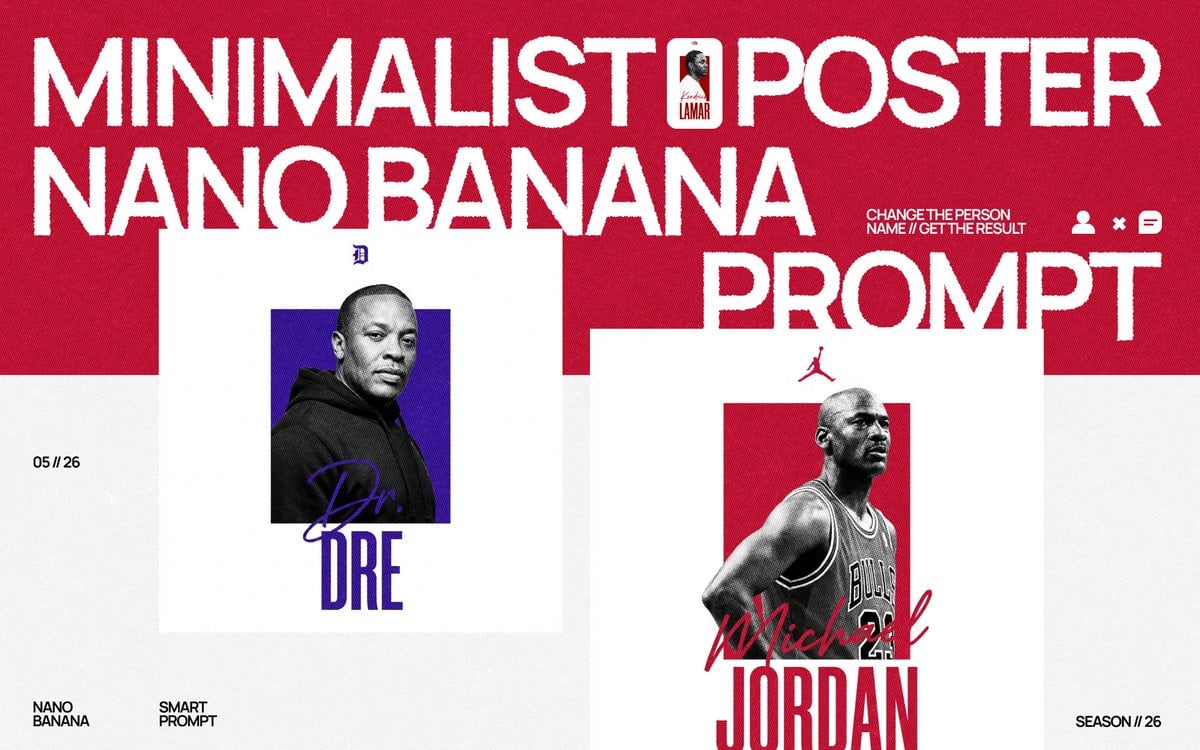
Minimalist Nano Banana Poster Layout
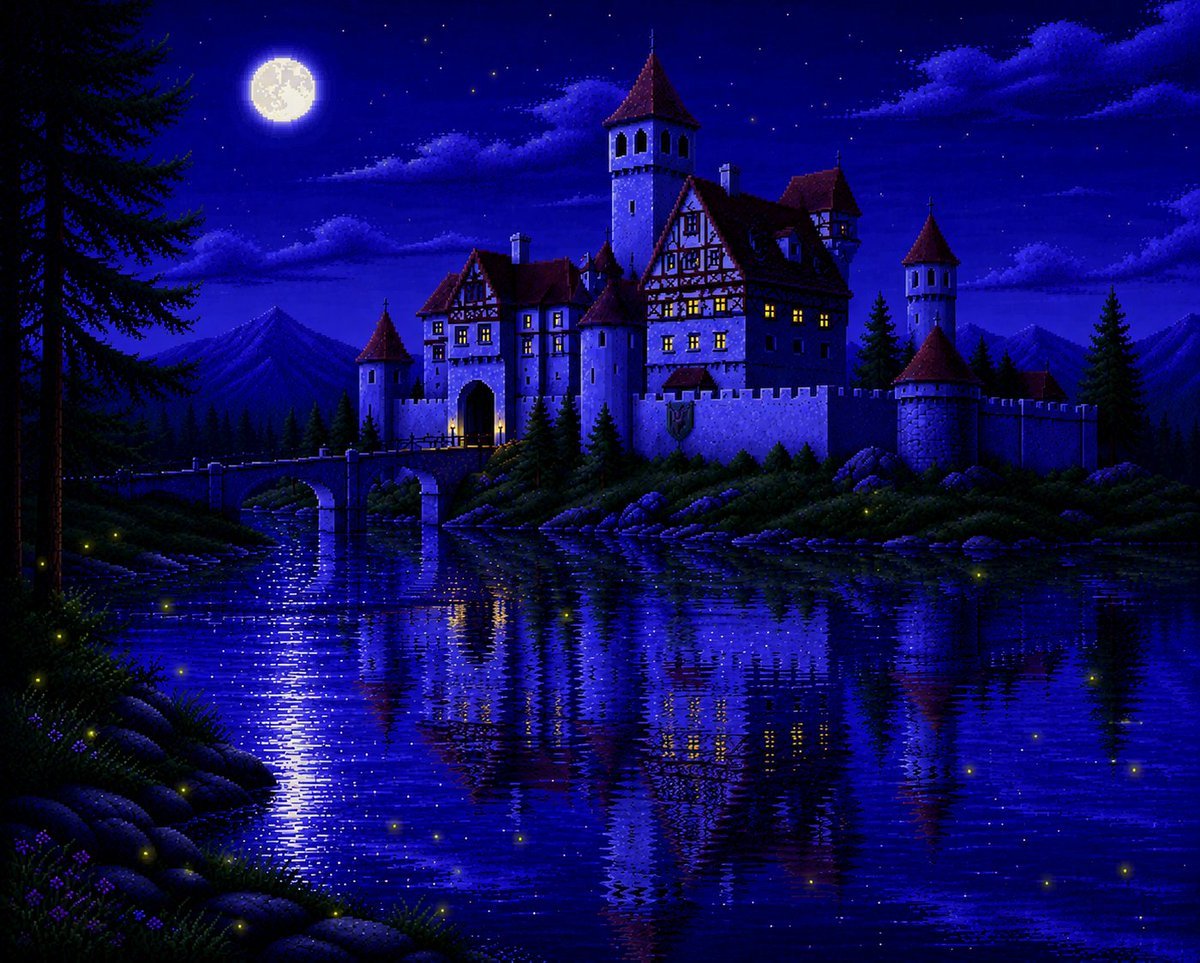
Moonlit Sierra-Style Castle Pixel Art
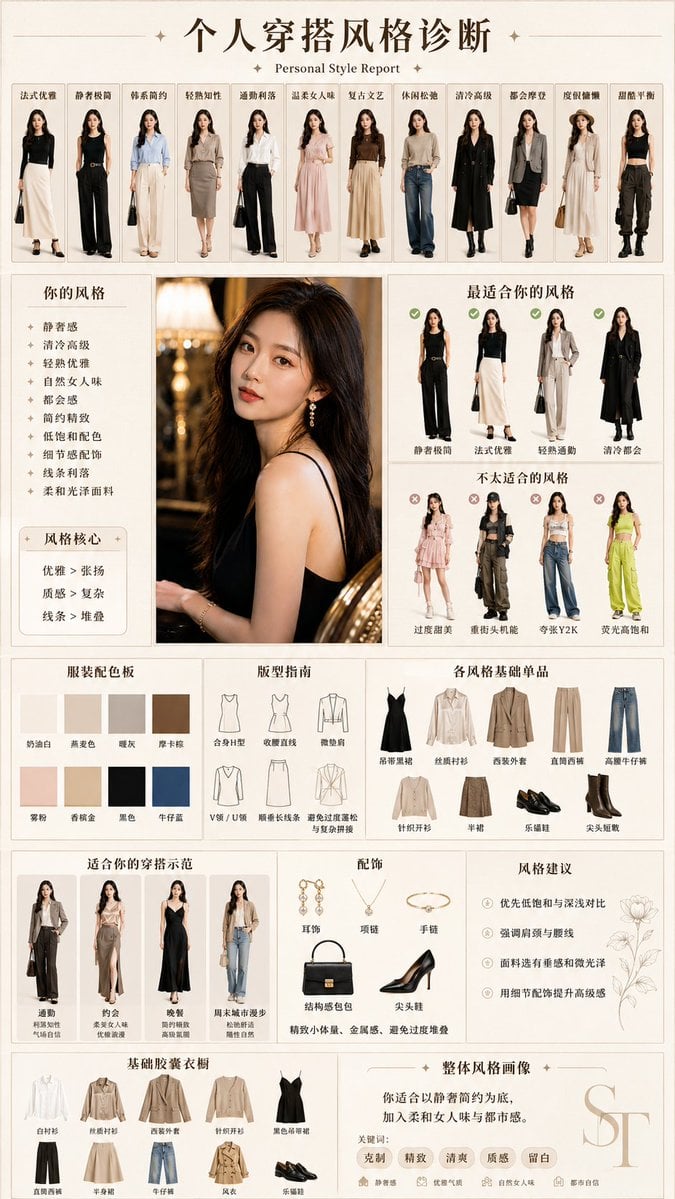
Personal Style Diagnosis Report
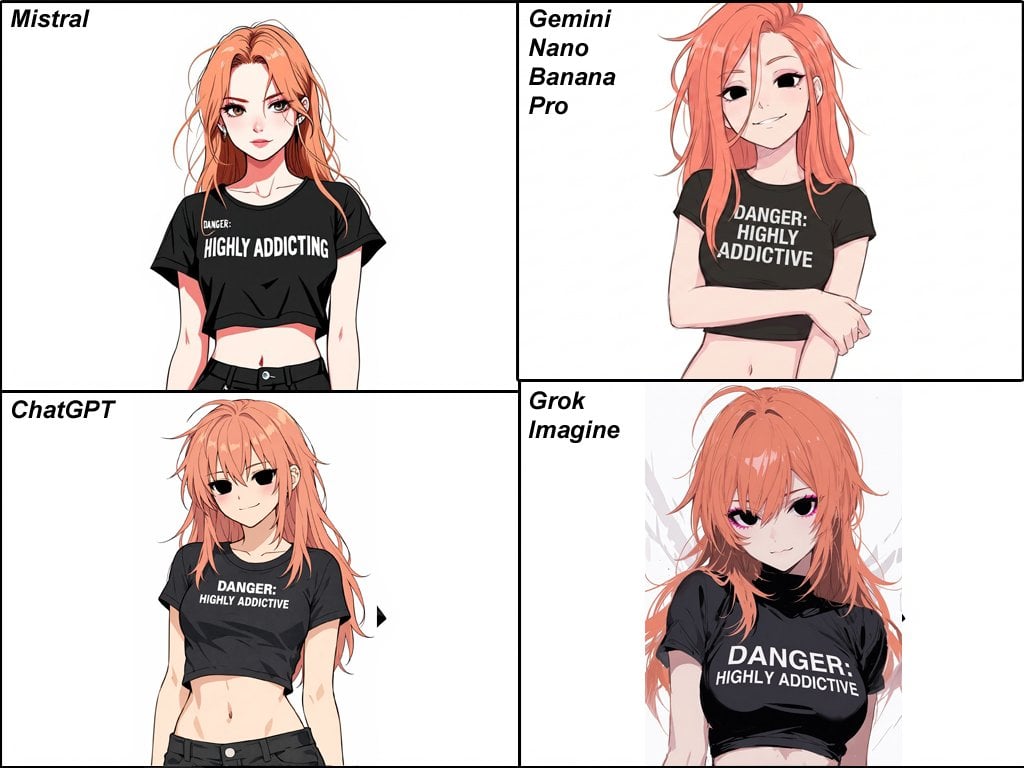
Anime Egirl Illustration Prompt Shootout
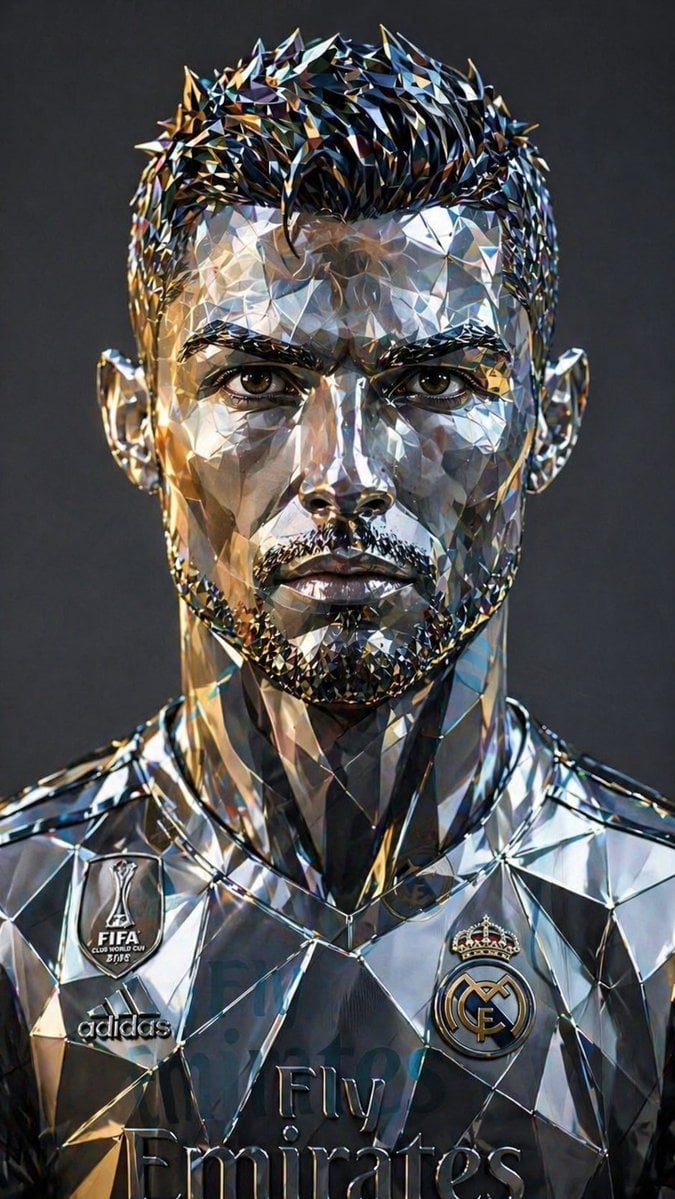
Futuristic Low-Poly Metallic Portrait
Wireframe schematic restyle prompt
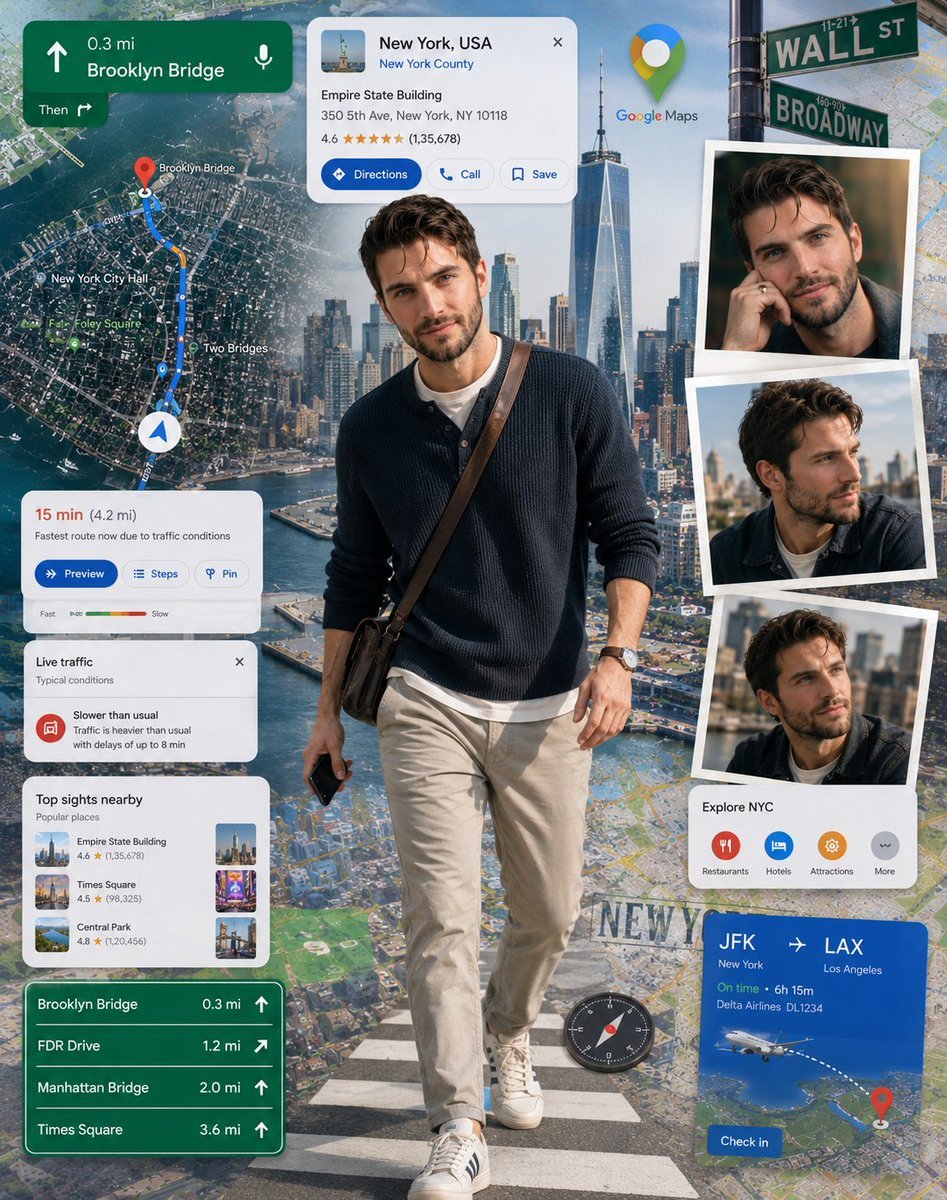
Google Maps Inspired Digital Collage Poster
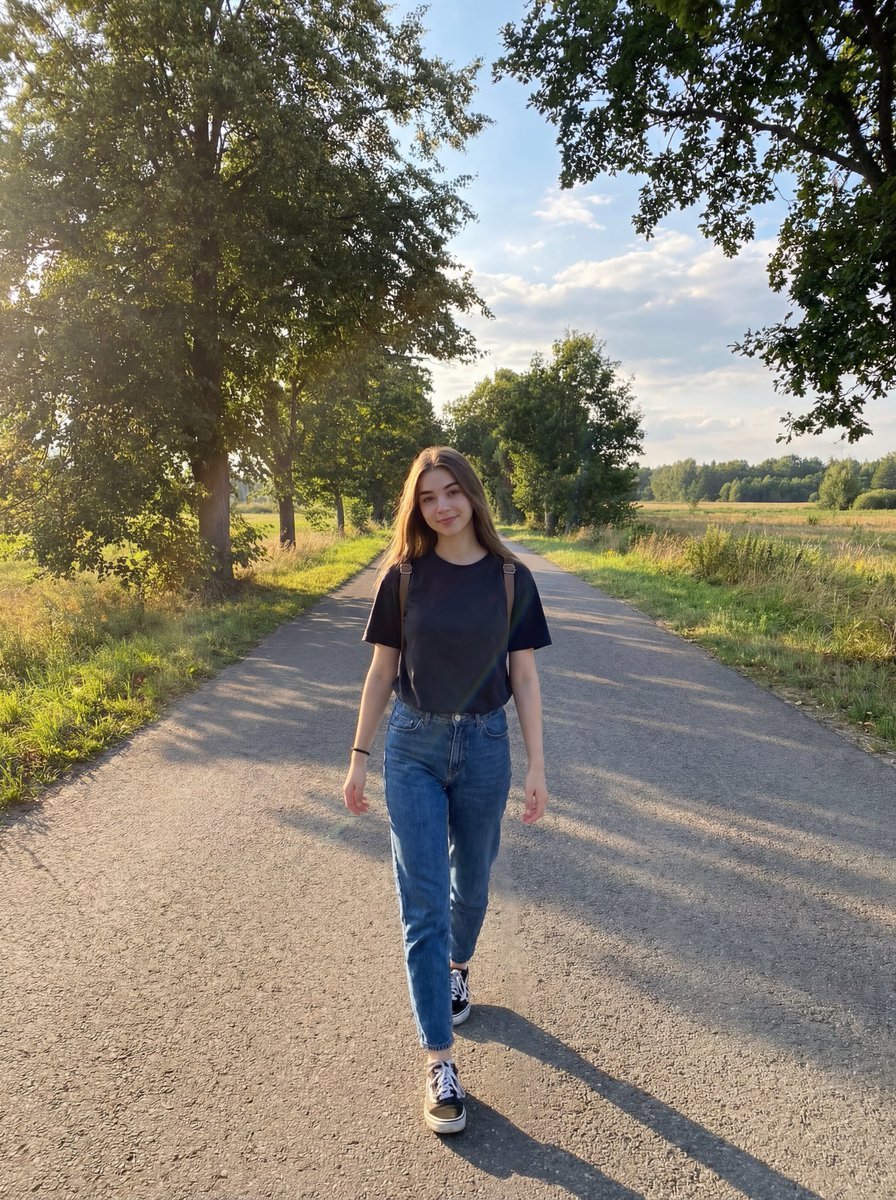
Natural Lifestyle Portrait on Country Road at Golden Hour
Browse template categories
Fisheye Shibuya Yokai Selfie questions
How do I use the Fisheye Shibuya Yokai Selfie template?
Add your photo if the template asks for one, edit the prompt if you like — the template's model and format are already selected — and press Generate. Your version opens in PicX Studio.
Can I customize the Fisheye Shibuya Yokai Selfie template?
Yes. You can change the subject, setting, lighting, mood, format, and available model controls before creating your image.
Is the Fisheye Shibuya Yokai Selfie template free?
Opening and editing this template is free. Generating uses credits, shown on the Generate button when you are signed in.
Which AI model should I use?
Start with GPT Image 2, which is the model associated with this template. You can compare another compatible model for a different finish.
Looking for something else? Browse all templates.

Your photo, any look
Thousands of ready templates for every top image and video model, from one credit balance.