
Shibuya Rooftop Selfie Photography
A highly detailed Japanese prompt for gpt-image-2 designed to generate realistic or illustrative selfies of a character from a high-rise rooftop overlooking the Shibuya Scramble Crossing, emphasizing composition and…
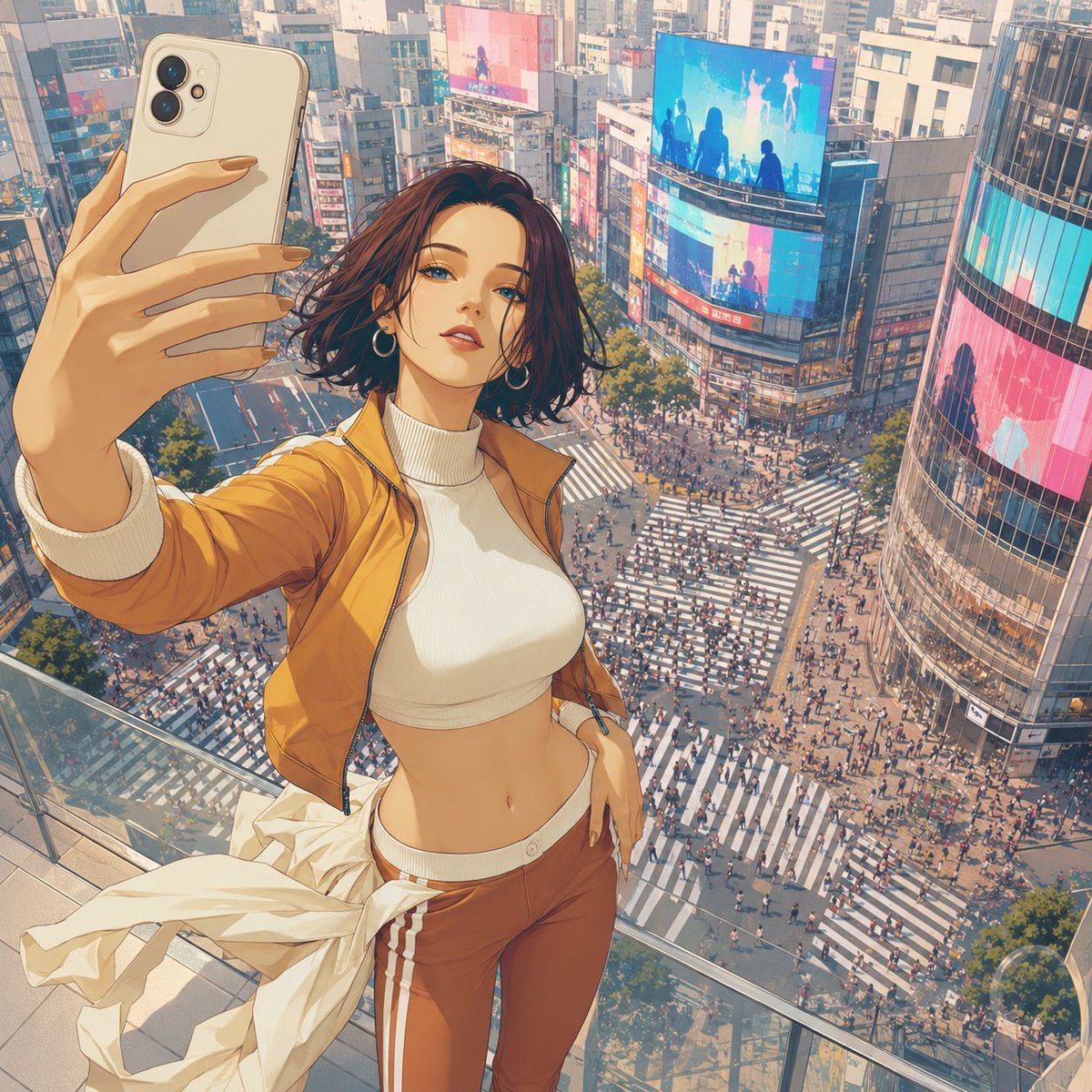
- Prompt included
- Model and format preset
- Free template
The prompt behind this image
Copy the exact prompt behind Shibuya Rooftop Selfie Photography, or open it in the studio and make it yours.
参照画像の人物を、{argument name="撮影場所" default="渋谷スクランブル交差点"}を正面下方に見下ろせる{argument name="建物" default="高層商業ビルの屋上展望デッキ"}で、スマートフォンを使ってセルフィーを撮っている瞬間として描写してください。スマホ自身の厳密な撮影画面ではなく、その瞬間を近距離の第三者カメラが捉えたセルフィー風構図です。 参照画像の顔立ち、目、髪型、髪色、年齢感、衣装の色・形・素材・装飾、人物の雰囲気を維持し、別人化させないでください。元の背景、照明、構図、ポーズは継承しません。 人物を唯一の主役とし、顔から太もも付近までの安定した3/4身構図にしてください。全身を無理に入れず、顔、上半身、衣装、スマホ、背景の再現性を優先します。 人物は安全な屋上展望デッキに立ち、片腕を前方へ伸ばしてスマホを持ち、その画面へ自然に視線を向けます。スマホは前景にやや大きく見せますが、顔や衣装を隠さず巨大化させません。反対の腕は身体の近くに自然に配置してください。 画面下端または左右の端に、屋上床と透明なガラス柵を少量だけ見せ、撮影場所を明確にしてください。屋上部分は画面の10%以内。空中浮遊、落下、危険な縁立ちは避けてください。 カメラは人物の少し前方かつ上方から、渋谷を見下ろす斜め俯瞰。完全な真上視点にはしません。人物の背後中央から下方にスクランブル交差点を大きく配置し、幅広い複数方向の横断歩道、交差点中央、スクランブル横断中の多数の歩行者を明確に見せてください。人をまばらにせず、中央も空白にしません。 周囲には高密度な商業ビル、曲面ガラス、店舗ファサード、大型デジタルビジョンを近く大きく配置し、少なくとも3面のビジョンを見せてください。ビジョンには青、シアン、赤、マゼンタ、ピンクを含む鮮やかな抽象映像や人物シルエットを表示し、読める文字、企業名、実在ロゴは出さないでください。 時間帯は柔らかな自然光の午後。道路は自然なニュートラルグレー、横断歩道は明確な白。背景を衣装色に合わせて低彩度化、白色化、単色化せず、群衆、商業ビル、ビジョン、窓の反射による情報量と色彩で渋谷の華やかさを一定に保ってください。白飛び、過度なHDR、夕焼け、夜景、霧、青白い色かぶりは避けます。人物の顔と衣装は背景よりわずかに鮮明にしてください。 実写参照は高品質な実写のまま、アニメ・イラスト参照は元の絵柄、線、彩色、質感、顔の比率を維持してください。実写とアニメを相互変換しません。 余分な手足や指、不自然なスマホ、身体の接続崩れ、一般的な交差点への変更、空中浮遊、落下表現、読める広告文字、実在ロゴを避けてください。
How to use Shibuya Rooftop Selfie Photography in 3 steps
- 1Upload ImagePNG, JPG or paste
Add your photo
Upload the photo the template builds on. The prompt, model and format are already set.
- 2…a portrait of your subject in softgolden-hour light, 85mm…
Personalize
Edit the subject and creative details for your destination.
- 3Generate
Generate
Press Generate — your image is created in PicX Studio, so you can compare it with the original and refine one variable at a time.
More like this
Templates with the same subject, style or setup. Open one to see its prompt.

Rooftop Fisheye — Cat-Ear Balaclava at Golden Hour
Mirror Selfie Chibi Characters Pixar Style
Hyper-realistic cinematic selfie image of a woman using her exact

If We Met in 1985
Flower Petal Sunglasses Couture Portrait

Fashion Portrait Colored Smoke Studio
Mountain Valley Lifestyle Portrait
青蛇小青写真大片,绿色紧身蛇鳞裙,湿发红唇,妖娆妩媚
A double exposure, long exposure editorial photograph of a man Use image

Portrait of a young woman in her early 20s walking calmly on a beautiful
Artistic portrait of an elegant Asian woman wearing a black silk
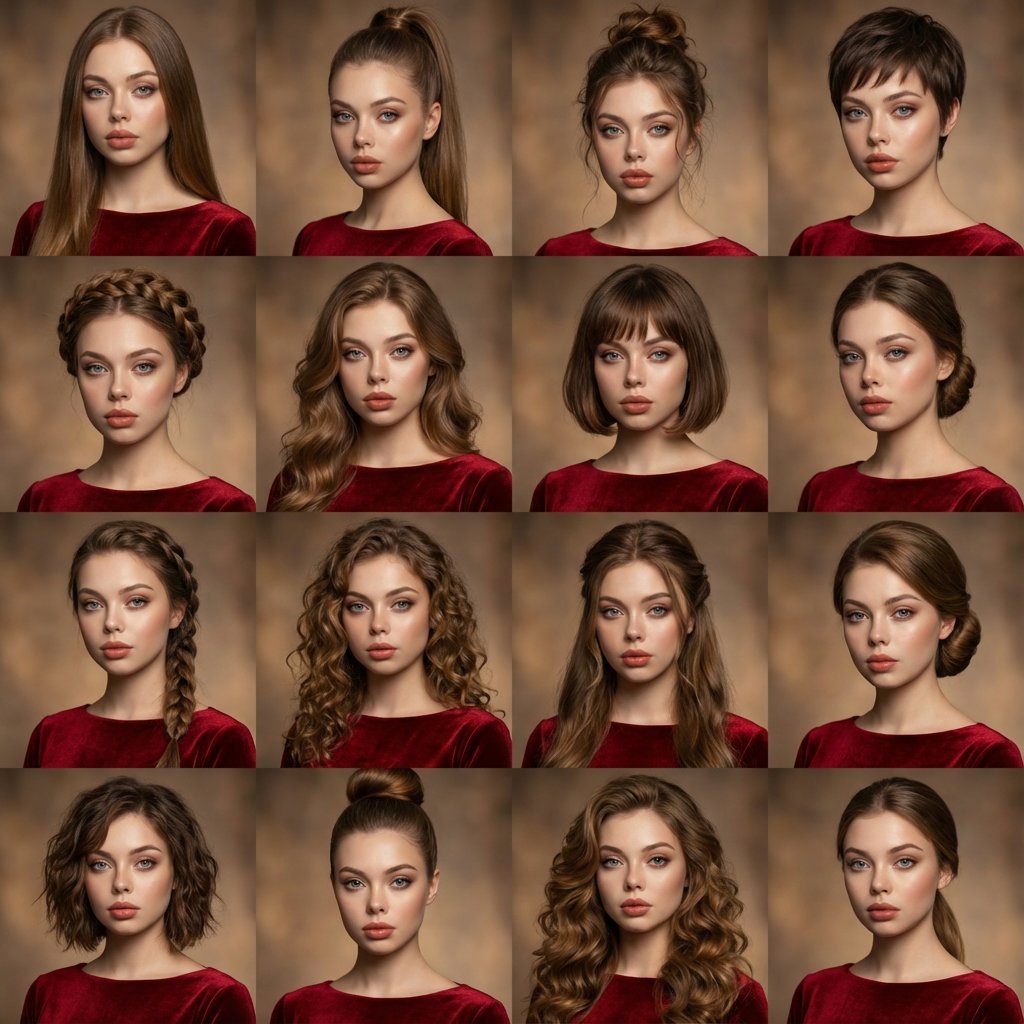
A high-quality photo collage featuring the same person with identical
Make it yours
Shibuya Rooftop Selfie Photography works as-is. These are the safest ways to change it without losing the look.
Change one field
Copy a single group, rewrite it, and generate again so you can see what that field is doing.
Keep the frame, change the subject
Hold the composition and light of Shibuya Rooftop Selfie Photography, then swap wardrobe, props or the person for a new take.
| If the result… | Why | Fix |
|---|---|---|
| The result drifts from the preview | Too many fields changed at once. | Reuse Shibuya Rooftop Selfie Photography as-is first, then change one group — subject, light, or setting. |
| The model over-stylizes the scene | The prose prompt leaves finish and camera underspecified. | Add one camera or lighting sentence and stay on GPT Image 2. |
More GPT Image 2 templates
Other prompts made for GPT Image 2.

Six VTuber Japanese Logo Sheet

Realistic Portrait of Woman and Deer

The Vista Modular Condo Poster

AI Model Routing Comparison Infographic

2.5D Anime Art Board

Isometric Productivity Desk Scene

New York Double Exposure Poster

Four-Panel AI Landscape Comparison

Japanese Tatami Lifestyle Magazine Cover

NESCAFÉ Coffee Map Poster
More image prompts
Fresh picks from across the catalog.
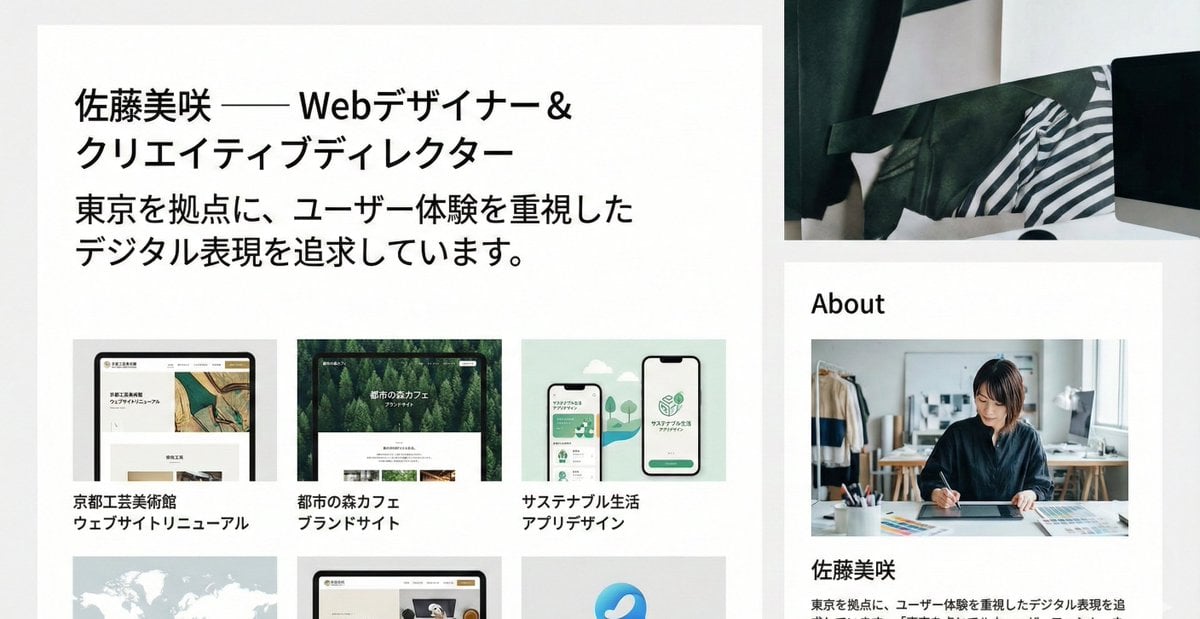
Portfolio image for a fictional web designer
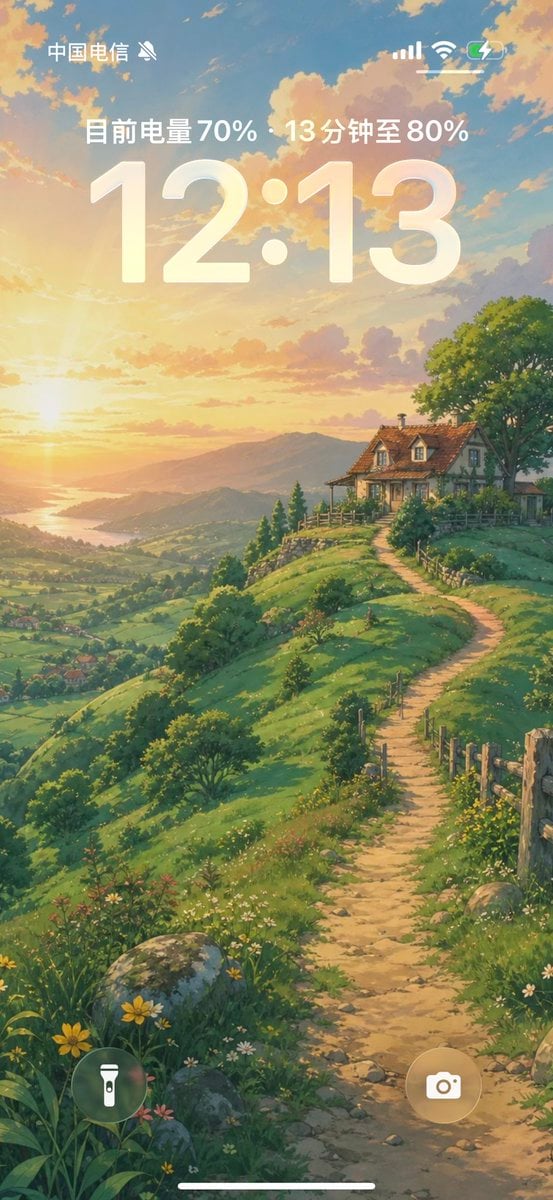
Anime Countryside iPhone Lock Screen
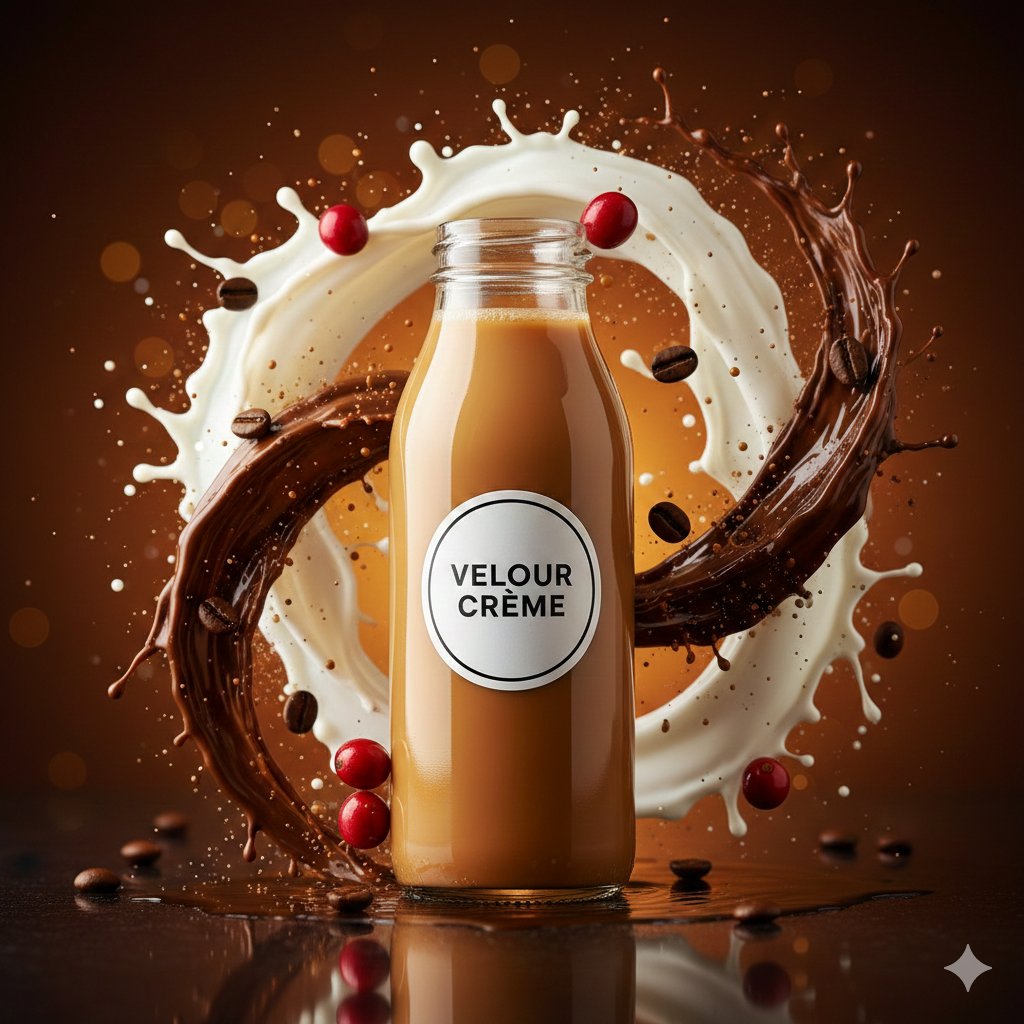
High-Speed Commercial Food Photography Prompt for Latte Bottle
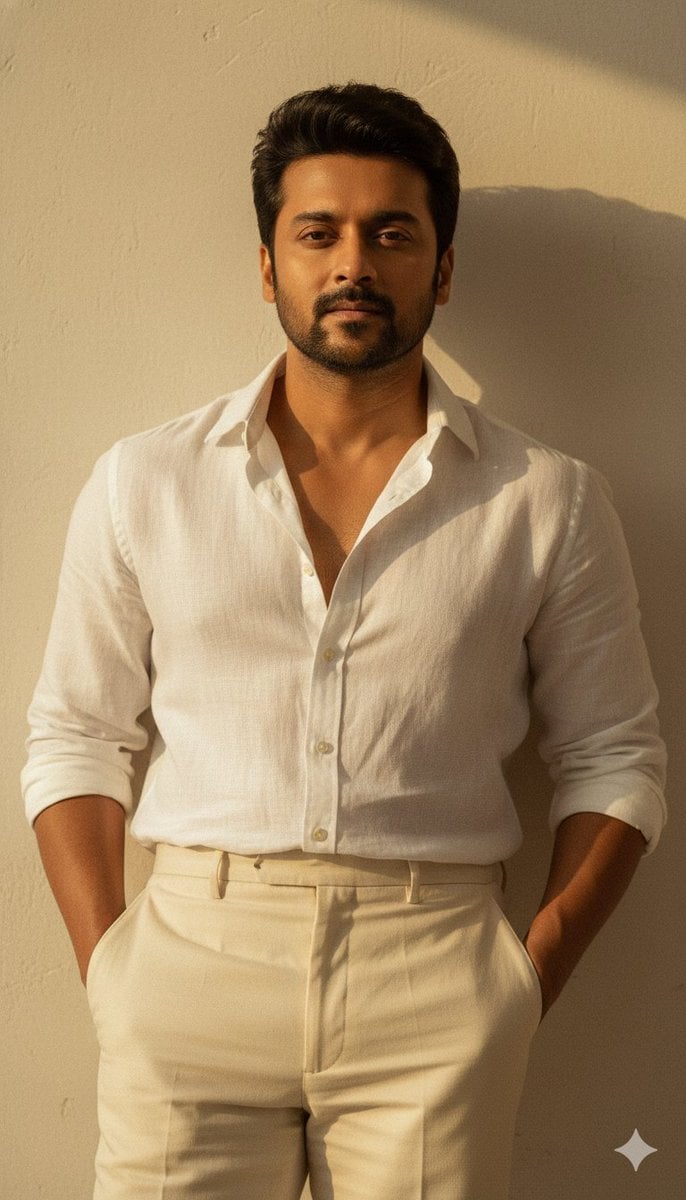
Warm Vintage Aesthetic Portrait with Identity Lock
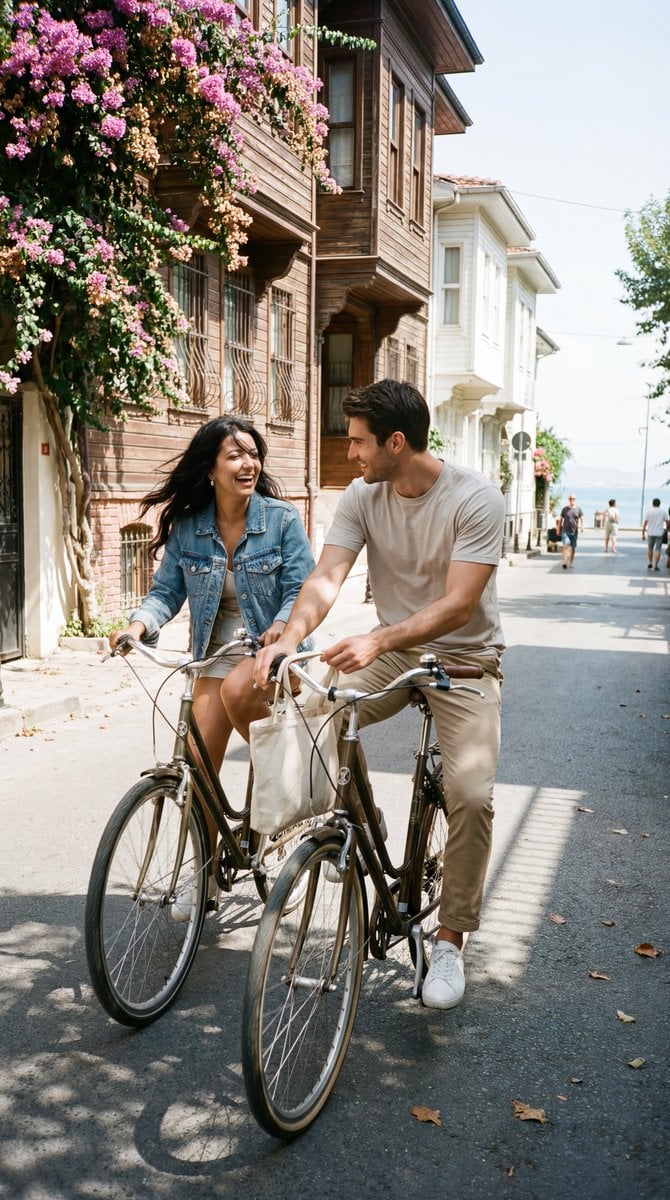
Photoreal Candid Street Romance Film Still Prompt (Büyükada)
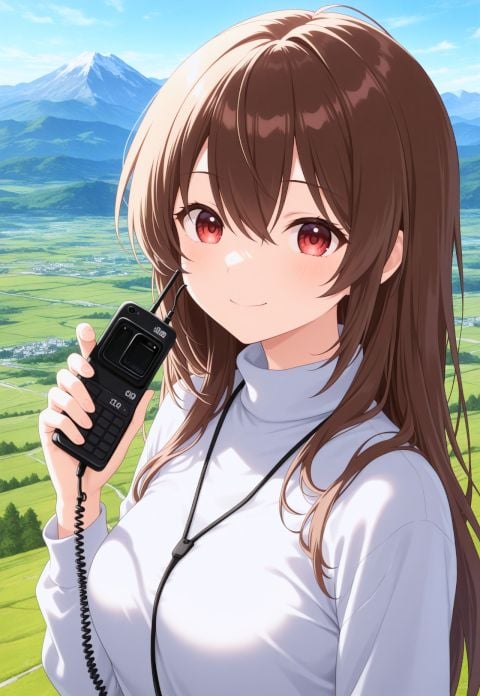
NanoBanana AI Correction for Handheld Device Image
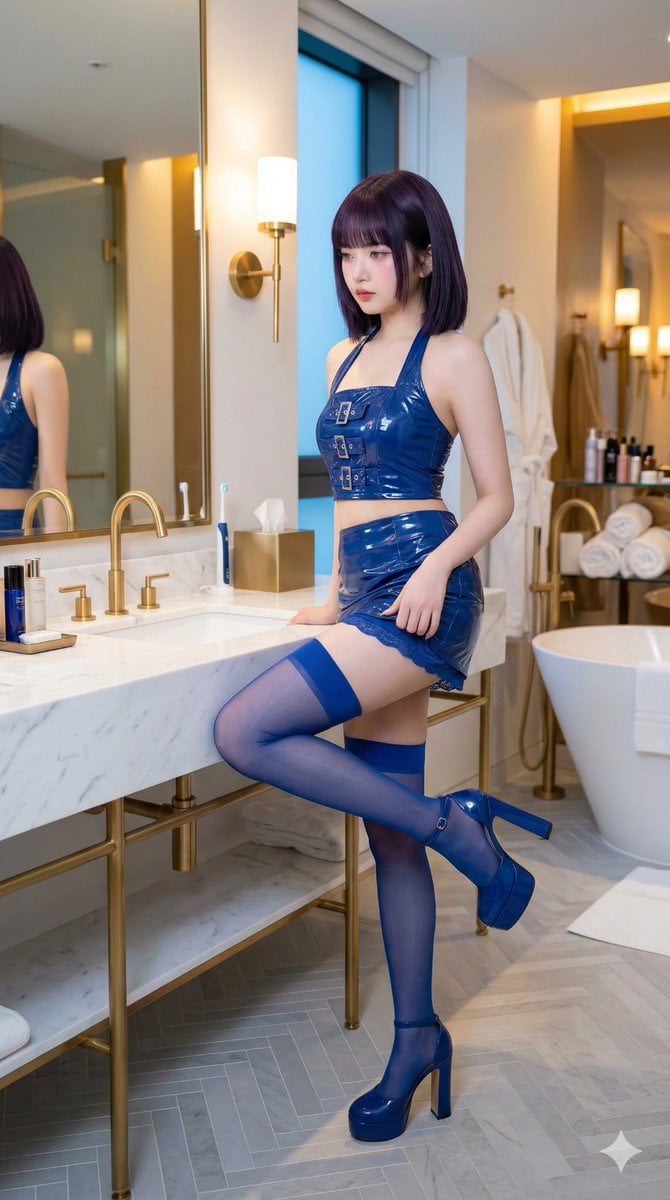
IVE's An Yujin in Luxury Bathroom
Fashion Editorial Portrait Prompt for Gemini Nano Banana Pro
Candid 35mm Concert Romance Film Still
Pastel Height Difference Best Friends
Browse template categories
Shibuya Rooftop Selfie Photography questions
How do I use the Shibuya Rooftop Selfie Photography template?
Add your photo if the template asks for one, edit the prompt if you like — the template's model and format are already selected — and press Generate. Your version opens in PicX Studio.
Can I customize the Shibuya Rooftop Selfie Photography template?
Yes. You can change the subject, setting, lighting, mood, format, and available model controls before creating your image.
Is the Shibuya Rooftop Selfie Photography template free?
Opening and editing this template is free. Generating uses credits, shown on the Generate button when you are signed in.
Which AI model should I use?
Start with GPT Image 2, which is the model associated with this template. You can compare another compatible model for a different finish.
Looking for something else? Browse all templates.

Your photo, any look
Thousands of ready templates for every top image and video model, from one credit balance.