
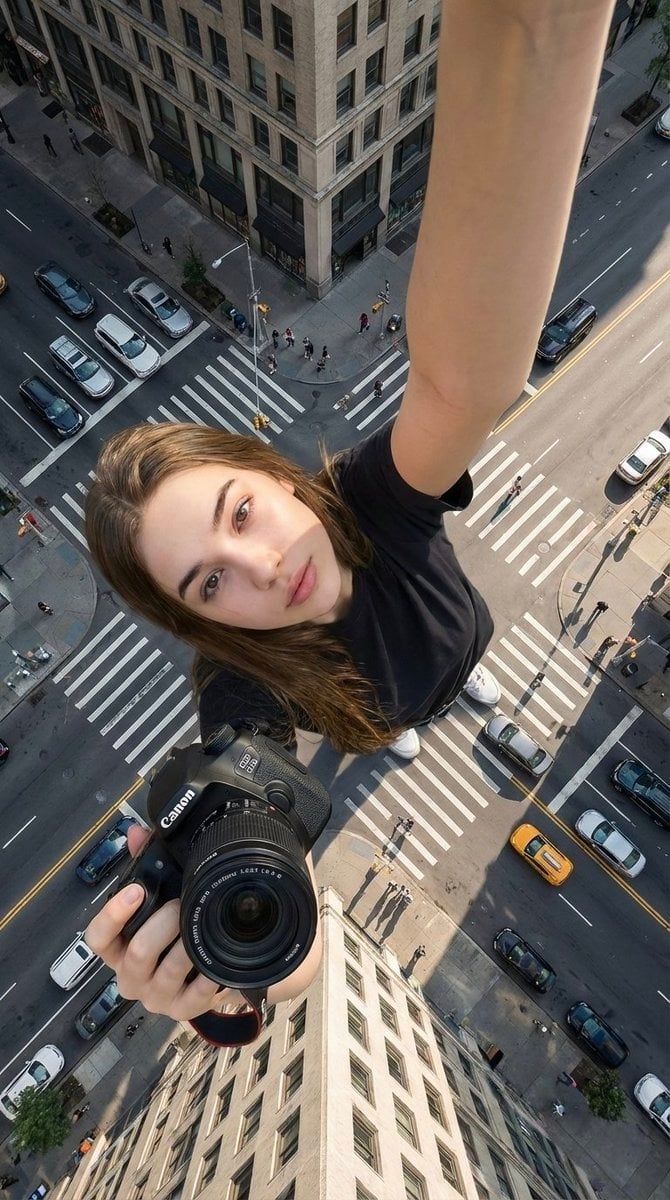
Hyper-realistic cinematic selfie image of a woman using her exact
{ "type": "image_generation_prompt", "language": "en", "style": "hyper-realistic cinematic selfie photography", "aspect_ratio": "9:16", "identity_preservation": { "use_reference_image": true, "strict_identity_lock"…
- Prompt included
- Model and format preset
- Premium template
The prompt behind this image
Copy the exact prompt behind Hyper-realistic cinematic selfie image of a woman using her exact, or open it in the studio and make it yours.
- Type
- image_generation_prompt
- Language
- en
- Style
- hyper-realistic cinematic selfie photography
- Aspect Ratio
- 9:16
- Identity Preservation › Use Reference Image
- true
- Identity Preservation › Strict Identity Lock
- true
- Identity Preservation › Alter Face
- false
- Identity Preservation › Alter Skin
- false
- Identity Preservation › Alter Hair
- false
- Identity Preservation › Alter Gender
- false
- Identity Preservation › Notes
- Preserve identical facial features, skin texture, hair, glasses, age, and gender from the uploaded reference image. No synthetic skin or sculptural look.
- Subject › Gender
- female
- Subject › Capture Method
- selfie taken by the subject herself
- Subject › Pose › Selfie Arm › Description
- one arm fully straight and completely extended upward holding the camera that takes the selfie
- Subject › Pose › Selfie Arm › Visibility
- arm clearly visible, straight and dominant in frame
- Subject › Pose › Selfie Arm › Camera Visibility
- the selfie camera device itself must NOT be visible in the frame
- Subject › Pose › Product Arm › Description
- the other arm fully extended toward the camera holding the attached Canon camera
- Subject › Pose › Product Arm › Importance
- product is closest to the camera and visually dominant
- Subject › Pose › Head › Tilt
- slightly tilted toward the selfie camera
- Subject › Pose › Expression
- natural and relaxed facial expression
- Subject › Body Visibility
- full body visible from head to toe
- Subject › Feet
- feet clearly touching the road surface
- Composition › Perspective
- natural selfie perspective at chest height
- Composition › Camera Angle
- extreme top-down angle, camera above the subject looking directly downward
Raw JSON
{
  "type": "image_generation_prompt",
  "language": "en",
  "style": "hyper-realistic cinematic selfie photography",
  "aspect_ratio": "9:16",
  "identity_preservation": {
    "use_reference_image": true,
    "strict_identity_lock": true,
    "alter_face": false,
    "alter_skin": false,
    "alter_hair": false,
    "alter_gender": false,
    "notes": "Preserve identical facial features, skin texture, hair, glasses, age, and gender from the uploaded reference image. No synthetic skin or sculptural look."
  },
  "subject": {
    "gender": "female",
    "capture_method": "selfie taken by the subject herself",
    "pose": {
      "selfie_arm": {
        "description": "one arm fully straight and completely extended upward holding the camera that takes the selfie",
        "visibility": "arm clearly visible, straight and dominant in frame",
        "camera_visibility": "the selfie camera device itself must NOT be visible in the frame"
      },
      "product_arm": {
        "description": "the other arm fully extended toward the camera holding the attached Canon camera",
        "importance": "product is closest to the camera and visually dominant"
      },
      "head": {
        "tilt": "slightly tilted toward the selfie camera"
      },
      "expression": "natural and relaxed facial expression"
    },
    "body_visibility": "full body visible from head to toe",
    "feet": "feet clearly touching the road surface"
  },
  "composition": {
    "perspective": "natural selfie perspective at chest height",
    "camera_angle": "extreme top-down angle, camera above the subject looking directly downward",
    "layer_depth": [
      "product (closest to camera)",
      "face",
      "full body",
      "city environment (background)"
    ]
  },
  "scale_and_perspective": {
    "effect": "forced perspective",
    "subject_scale": "the woman appears extremely giant",
    "buildings_scale": "buildings appear much smaller, reaching no higher than her knees",
    "dominance": "the subject visually dominates the entire scene",
    "realism": "inspiring scale while remaining physically believable"
  },
  "environment": {
    "location": "real urban intersection",
    "elements": [
      "pedestrian crosswalk",
      "road markings",
      "traffic signs",
      "cars",
      "bicycles",
      "pedestrians at realistic human scale"
    ],
    "setting": "ground-level urban environment"
  },
  "lighting": {
    "type": "natural daylight",
    "conditions": "clear or lightly cloudy sky",
    "shadows": "soft and realistic",
    "restrictions": "no fantasy or dramatic lighting"
  },
  "product_rules": {
    "usage": "use the uploaded Canon product exactly as provided",
    "distortion": "none",
    "logo": "unchanged",
    "appearance": "natural reflections and realistic highlights only"
  },
  "camera_quality": {
    "realism": "maximum photorealism",
    "depth": "clear separation of foreground, subject, and background",
    "artifacts": "none"
  },
  "constraints": [
    "No AI-art look",
    "No plastic or sculpted skin",
    "No distortion of face or body",
    "No extra limbs or incorrect anatomy",
    "No text or watermarks",
    "No visible selfie camera device"
  ],
  "output_goal": "Create a hyper-realistic cinematic selfie image of a woman using her exact reference identity, captured from an extreme top-down perspective in a real urban crosswalk, with forced perspective scale, natural daylight, and a Canon camera product prominently held toward the lens."
}How to use Hyper-realistic cinematic selfie image of a woman using her exact in 3 steps
- 1Upload ImagePNG, JPG or paste
Add your photo
Upload the photo the template builds on. The prompt, model and format are already set.
- 2…a portrait of your subject in softgolden-hour light, 85mm…
Personalize
Edit the subject and creative details for your destination.
- 3Generate
Generate
Press Generate — your image is created in PicX Studio, so you can compare it with the original and refine one variable at a time.
More like this
Templates with the same subject, style or setup. Open one to see its prompt.
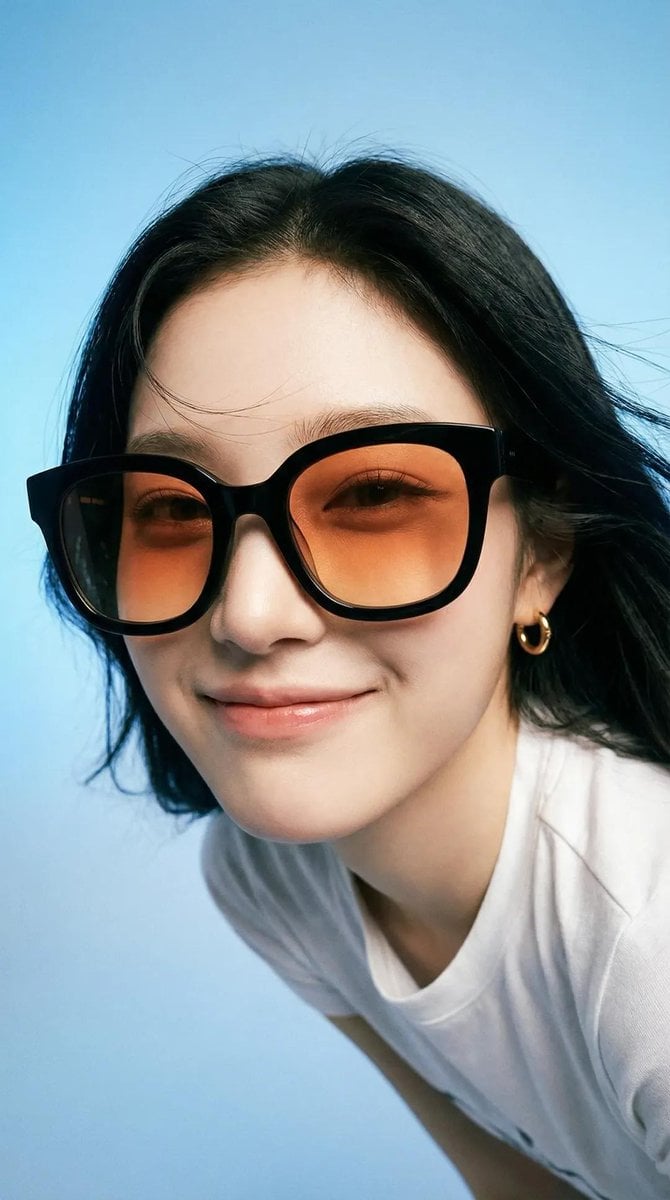
Photorealistic editorial portrait of a smiling woman using the exact

Portrait of a young woman in her early 20s walking calmly on a beautiful
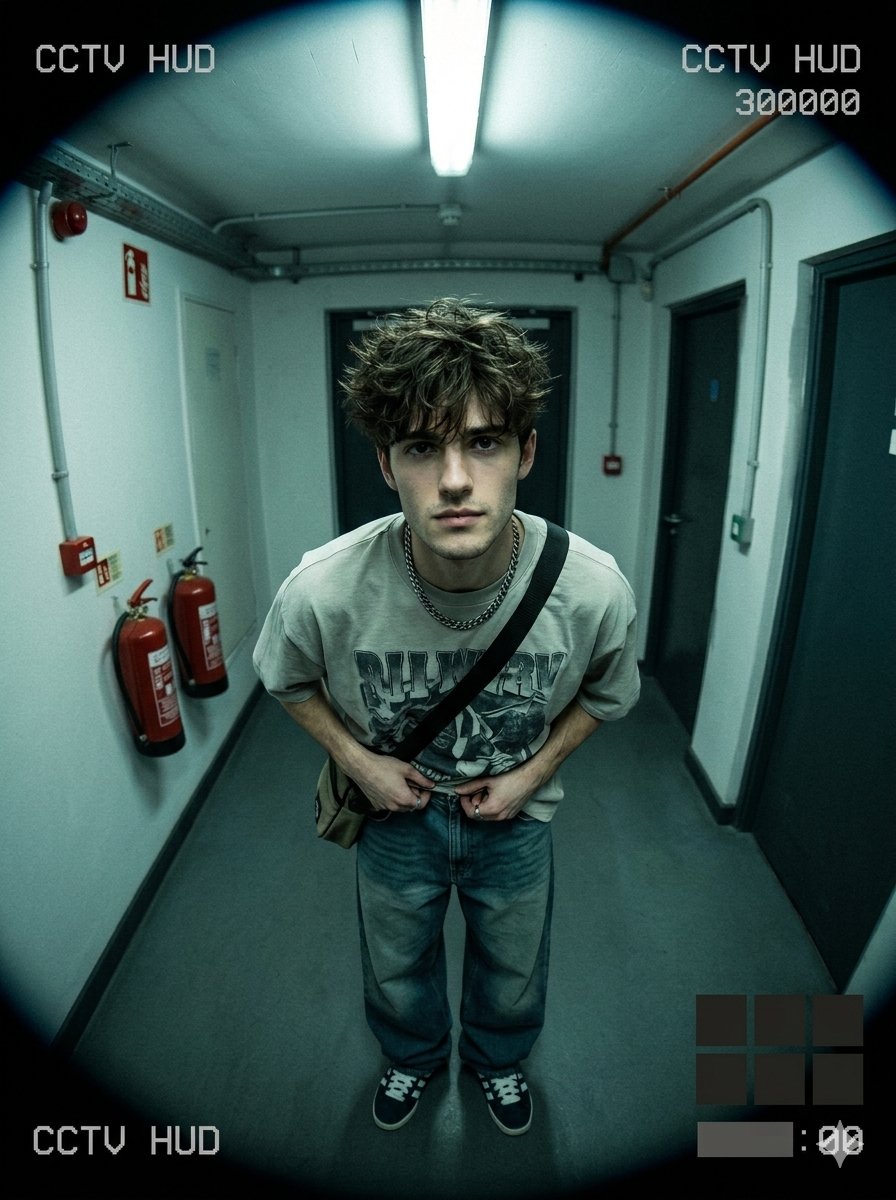
Use uploaded selfie as ONLY face reference preserve exact

Artistic portrait of an elegant Asian woman wearing a black silk
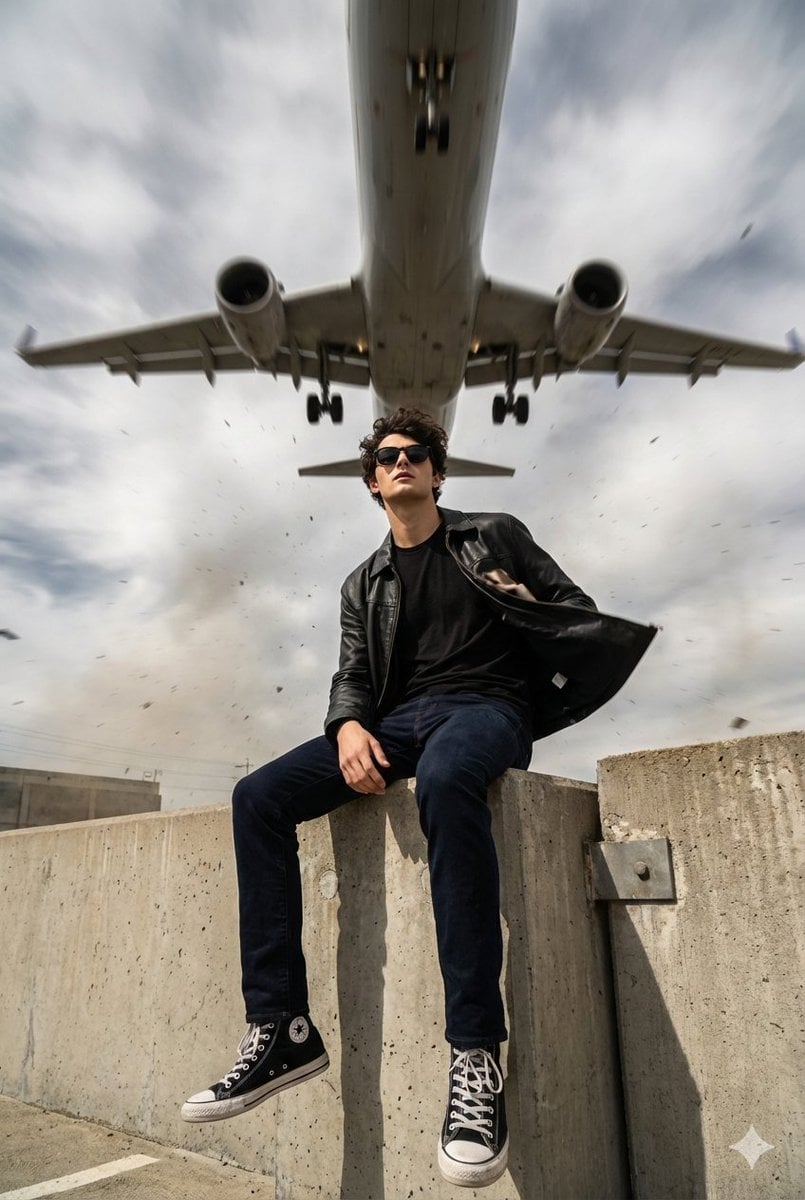
Ultra-realistic cinematic 8K portrait, use face reference exactly 100
Hyper-realistic full-body portrait of a woman, using the exact pose

A high-definition cinematic portrait of a sophisticated woman sitting

青蛇小青写真大片,绿色紧身蛇鳞裙,湿发红唇,妖娆妩媚

A double exposure, long exposure editorial photograph of a man Use image

A high-quality photo collage featuring the same person with identical

LIGHTING each element still lit by its original source, windows casting

A 3x3 grid storyboard contact sheet comprised of nine candid, cinematic
Make it yours
Hyper-realistic cinematic selfie image of a woman using her exact works as-is. These are the safest ways to change it without losing the look.
Swap the setting
Keep the rest of the prompt and replace the location block. The current setting is “real urban intersection”.
Swap the light
One lighting change is enough to compare takes. Current light: “natural daylight”.
Change one field
Copy a single group, rewrite it, and generate again so you can see what that field is doing.
| If the result… | Why | Fix |
|---|---|---|
| The result drifts from the preview | Too many fields changed at once. | Reuse Hyper-realistic cinematic selfie image of a woman using her exact as-is first, then change one group — subject, light, or setting. |
| GPT Image 2 ignores part of the JSON | Some models flatten or skip nested keys. | Keep the same values and paste them as a short paragraph instead. |
More GPT Image 2 templates
Other prompts made for GPT Image 2.

Six VTuber Japanese Logo Sheet

Realistic Portrait of Woman and Deer

The Vista Modular Condo Poster

AI Model Routing Comparison Infographic

2.5D Anime Art Board

Isometric Productivity Desk Scene

New York Double Exposure Poster

Four-Panel AI Landscape Comparison

Japanese Tatami Lifestyle Magazine Cover

NESCAFÉ Coffee Map Poster
More image prompts
Fresh picks from across the catalog.
Luxury Influencer Branding Poster

Maximalist Grain Art Prompt for Nano Banana 2
Anime Shrine Maiden Character Sheet

Event Photo Synthesis Illustration
Glamour Portrait in Floral Ruched Mini Dress
Golden Hour Rose Portrait
JSON Prompt for Cinematic Dual-Tone Selfie Portrait
Luxury High-Speed Shake Commercial Photography Prompt

Ultra-Realistic Luxury Sheer Khurma Food Photography
Japanese Vacuum Design Sketch Board
Browse template categories
Hyper-realistic cinematic selfie image of a woman using her exact questions
How do I use the Hyper-realistic cinematic selfie image of a woman using her exact template?
Add your photo if the template asks for one, edit the prompt if you like — the template's model and format are already selected — and press Generate. Your version opens in PicX Studio.
Can I customize the Hyper-realistic cinematic selfie image of a woman using her exact template?
Yes. You can change the subject, setting, lighting, mood, format, and available model controls before creating your image.
Is the Hyper-realistic cinematic selfie image of a woman using her exact template free?
Opening and editing this template is free. Generating uses credits, shown on the Generate button when you are signed in.
Which AI model should I use?
Start with GPT Image 2, which is the model associated with this template. You can compare another compatible model for a different finish.
Looking for something else? Browse all templates.

Your photo, any look
Thousands of ready templates for every top image and video model, from one credit balance.