
Anime Shrine Maiden Character Sheet
Generates a square anime reference sheet with 15 pose and expression variations of a red-and-white shrine maiden character.
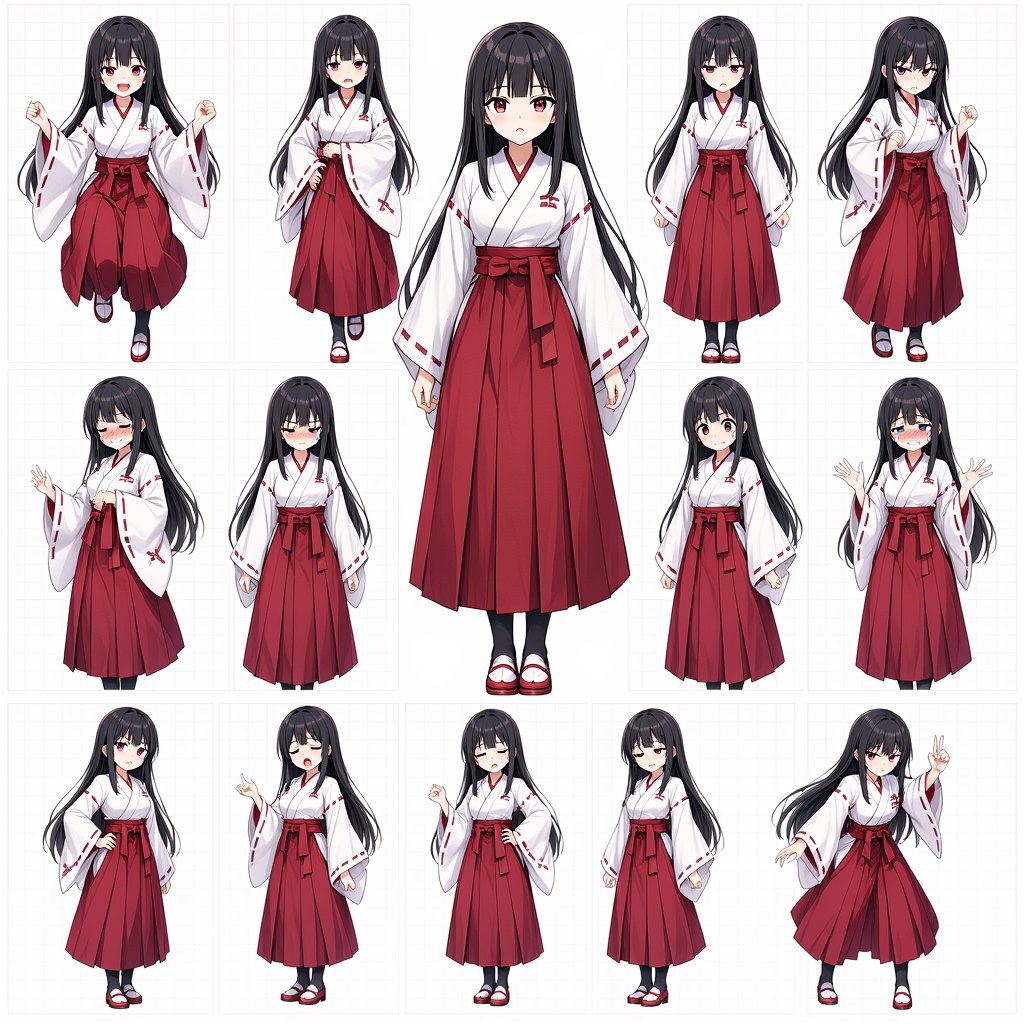
- Prompt included
- Model and format preset
- Free template
The prompt behind this image
Copy the exact prompt behind Anime Shrine Maiden Character Sheet, or open it in the studio and make it yours.
Goal: Create an anime character reference sheet featuring {argument name="character name" default="a young shrine maiden girl"} in a consistent red-and-white miko outfit, shown as a collection of full-body poses and expression variations on a clean white background. Canvas: Square 1:1 image, high-resolution, white background with a very faint pale-gray grid and thin rectangular panel divisions like a character design board. Use crisp clean anime line art, soft cel shading, polished digital illustration, and consistent proportions across all versions. Layout: Arrange exactly 15 full-body character figures in a loose 5-column by 3-row reference-sheet composition. The central figure is the largest and tallest, placed in the middle, front-facing, occupying most of the vertical height. The other 14 figures are smaller surrounding pose variations, each inside its own faint panel. Keep generous white space and avoid any text labels. Subject details: The character is a petite teenage anime girl with very long straight {argument name="hair color" default="black"} hair reaching past the waist, blunt bangs, small side locks, pale skin, and red eyes when visible. She wears a traditional shrine maiden outfit: white kimono-style top with wide sleeves, red trim and red stitch-like sleeve markings, red hakama skirt with deep pleats, a large red waist bow/sash, white tabi socks, and red-and-white sandals. The outfit should remain consistent in every pose. Pose and expression count: Include exactly 15 discrete figures: 1 large central front-facing neutral full-body pose with a softly blurred/featureless face; 2 top-left jumping pose with clenched fists and blurred face; 3 top-second standing pose with one hand on hip and blurred face; 4 top-center close-up standing pose with blurred face; 5 top-fourth small front-facing neutral pose with visible calm face; 6 top-right shy standing pose with clenched fists and blurred face; 7 middle-left embarrassed side pose with visible blushing face and one raised hand; 8 middle-second smiling bashful pose with visible closed eyes; 9 middle-fourth small front-facing curious pose with visible open eyes; 10 middle-right crying flustered pose with both hands raised and visible tears; 11 bottom-left hand-on-hip standing pose with blurred face; 12 bottom-second side-facing pointing pose with blurred face; 13 bottom-center small hand-on-hip pose with blurred face; 14 bottom-fourth simple standing pose with blurred face; 15 bottom-right dynamic playful pose with visible face, flowing hair, one hand making a peace sign and the other arm extended. Visual style: Modern Japanese anime character-sheet style, glossy dark hair highlights, soft blush where visible, clean red-and-white color palette, elegant shrine maiden aesthetic, balanced proportions, subtle shadows beneath feet, no background scenery. Constraints: No words, no logos, no watermark, no extra characters, no props. Keep all 15 figures recognizable as the same character and keep the miko outfit identical across every pose.
How to use Anime Shrine Maiden Character Sheet in 3 steps
- 1Upload ImagePNG, JPG or paste
Add your photo
Upload the photo the template builds on. The prompt, model and format are already set.
- 2…a portrait of your subject in softgolden-hour light, 85mm…
Personalize
Edit the subject and creative details for your destination.
- 3Generate
Generate
Press Generate — your image is created in PicX Studio, so you can compare it with the original and refine one variable at a time.
More like this
Templates with the same subject, style or setup. Open one to see its prompt.

Anime Character Charm Analysis Sheet
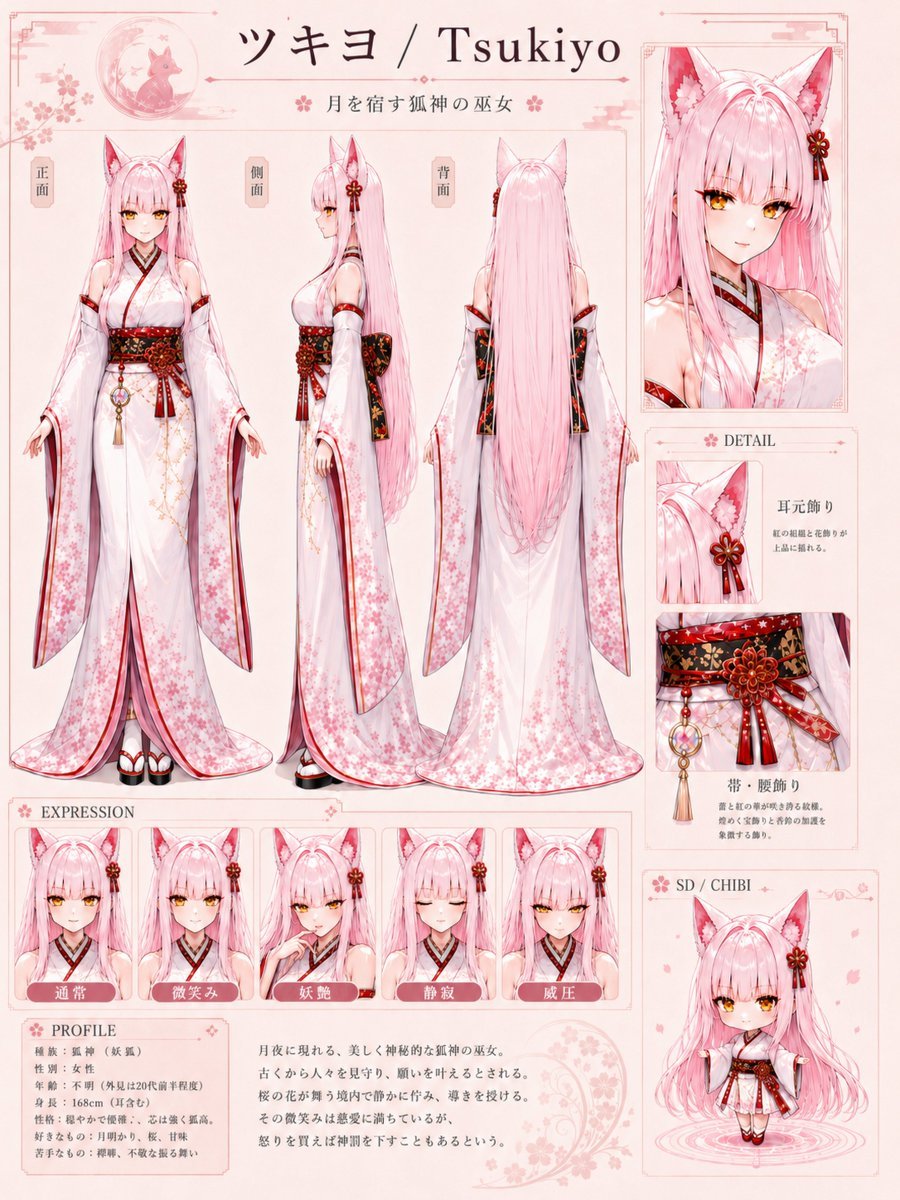
Tsukiyo Fox Shrine Maiden Reference Sheet
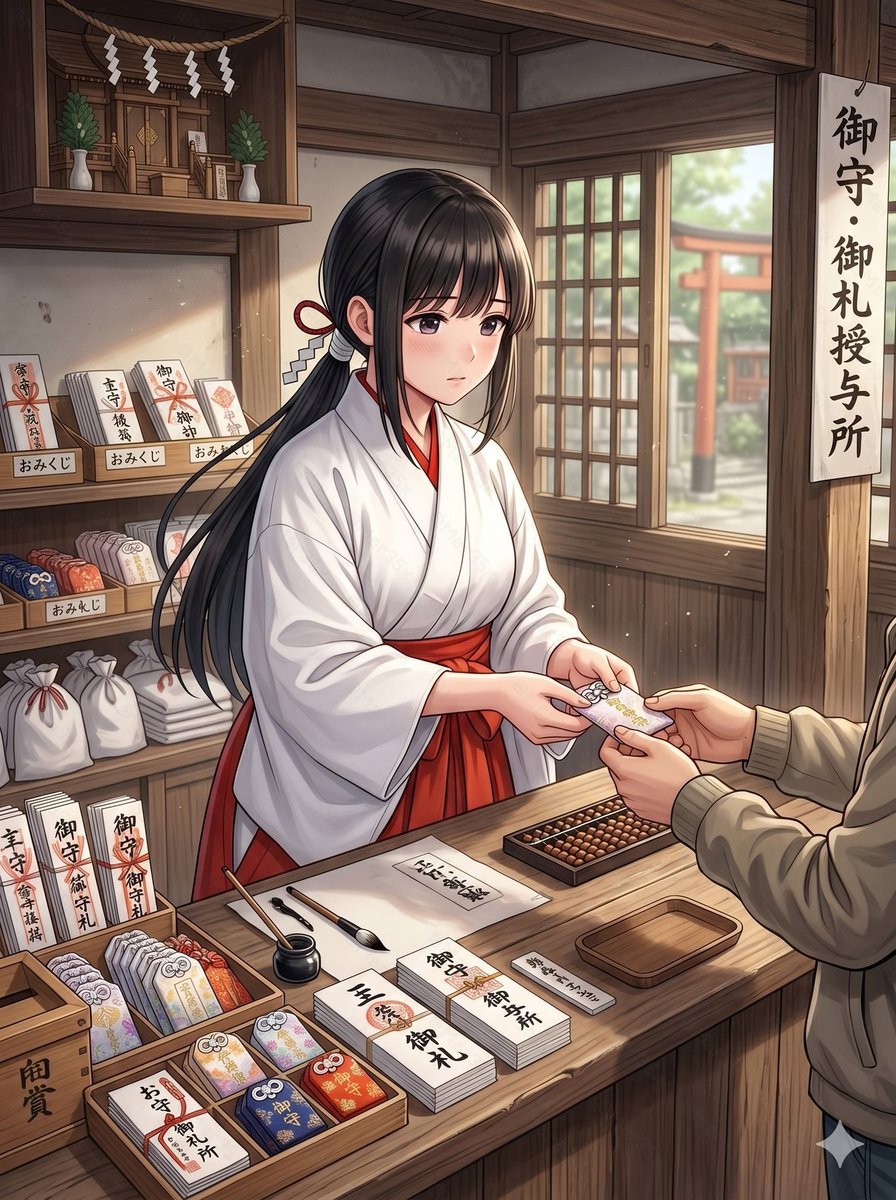
Anime Shrine Maiden Omamori Counter
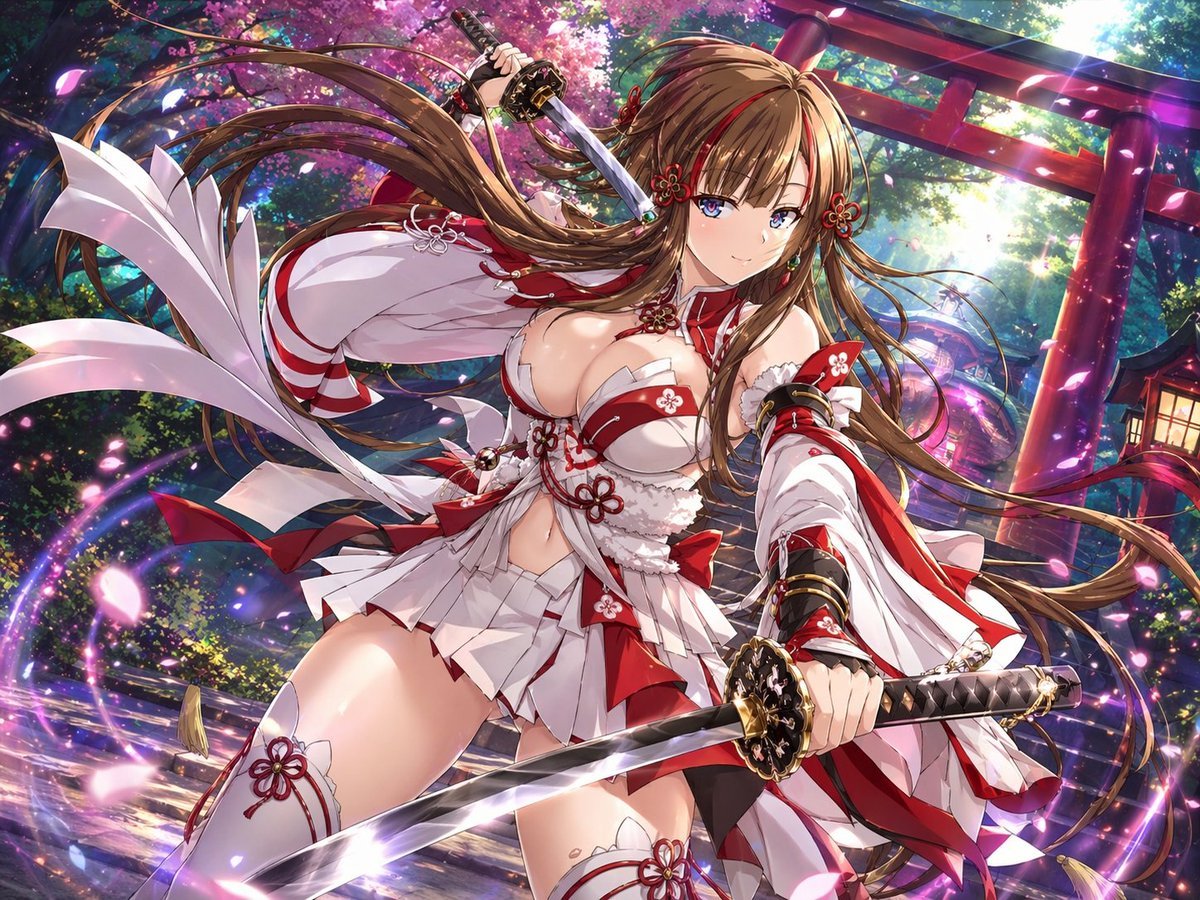
Anime Shrine Maiden Dual Katana
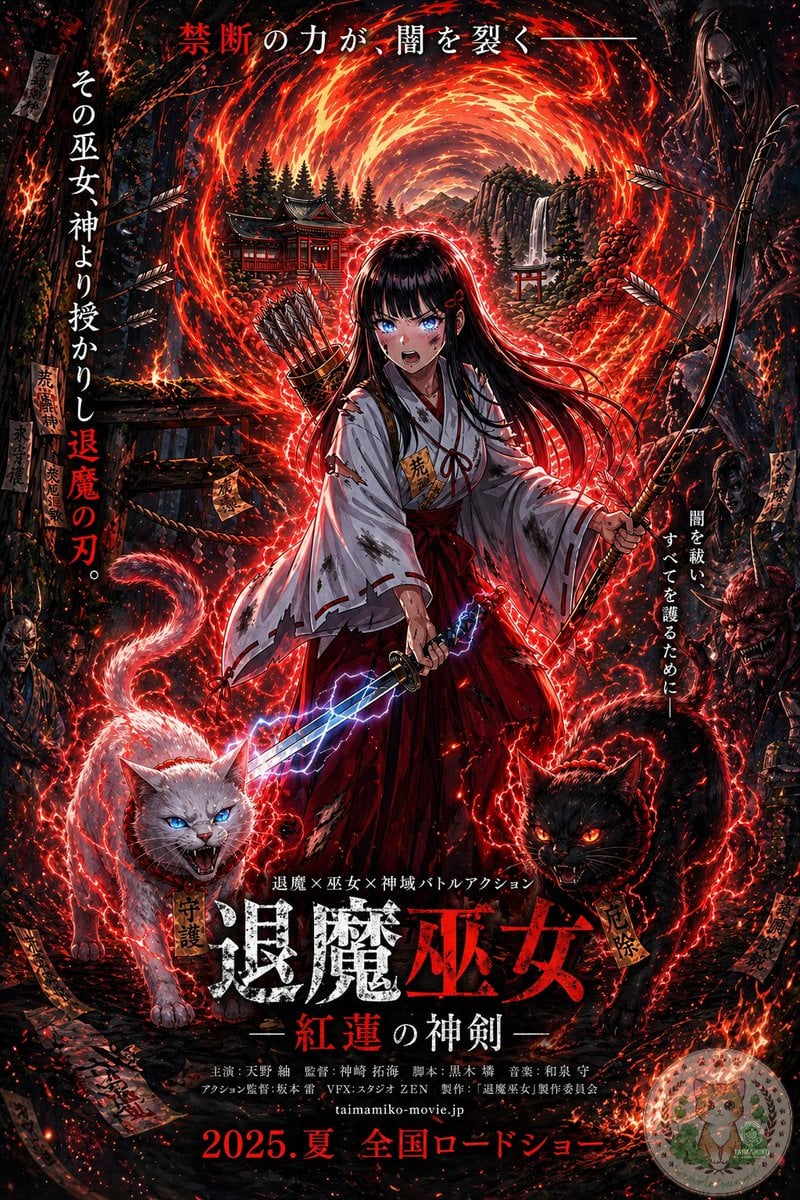
Anime Shrine Maiden Movie Poster
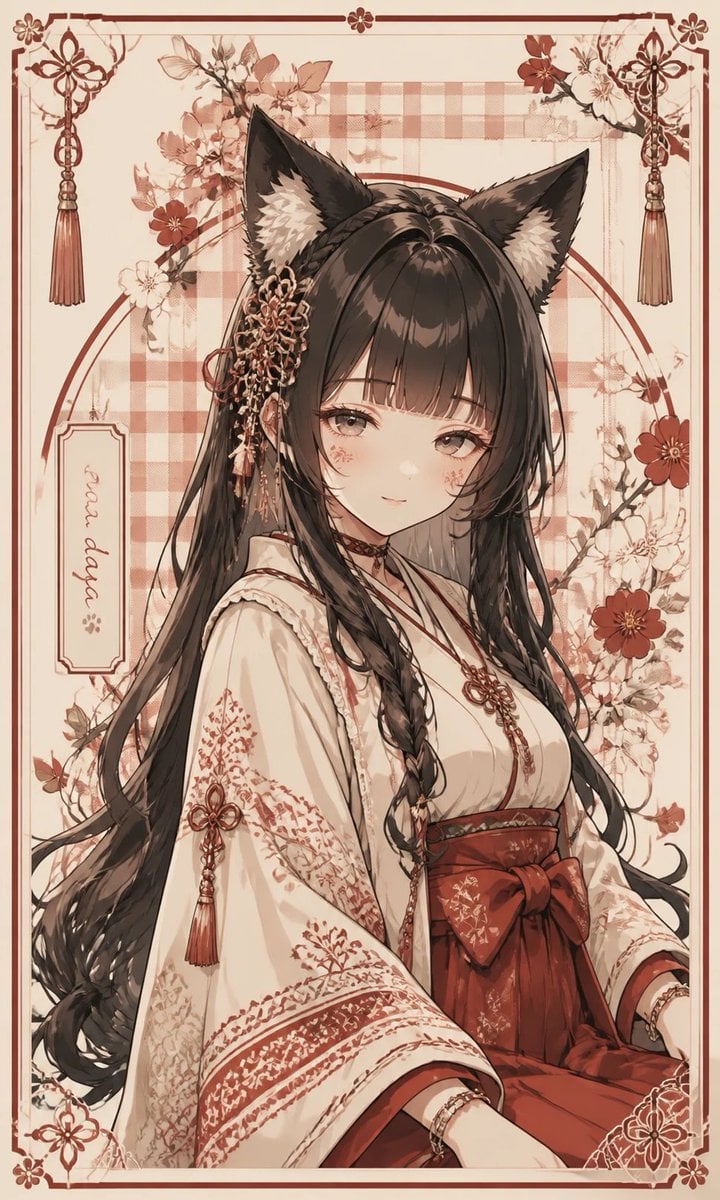
Fox Shrine Maiden Postcard
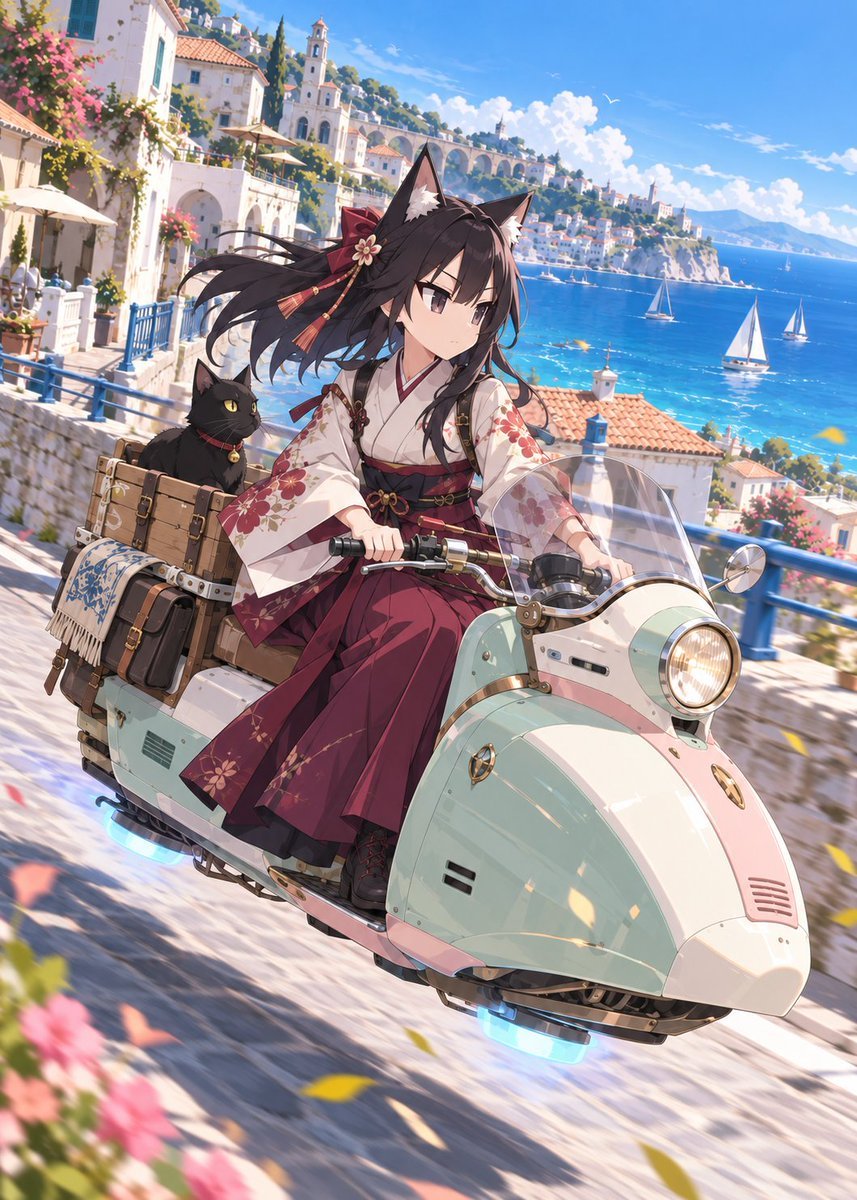
Fox Shrine Maiden on Hover Scooter
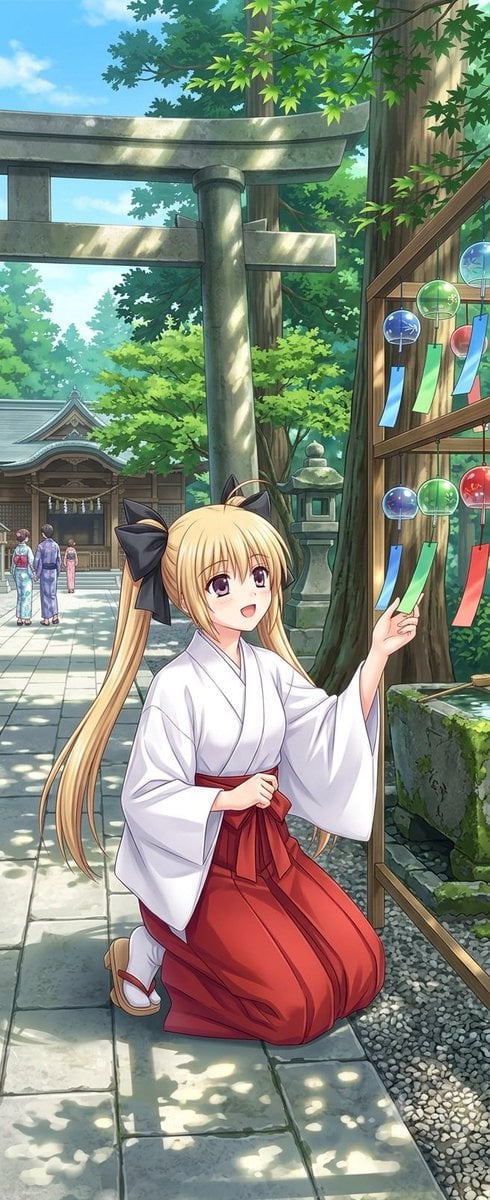
Summer Shrine Maiden Portrait
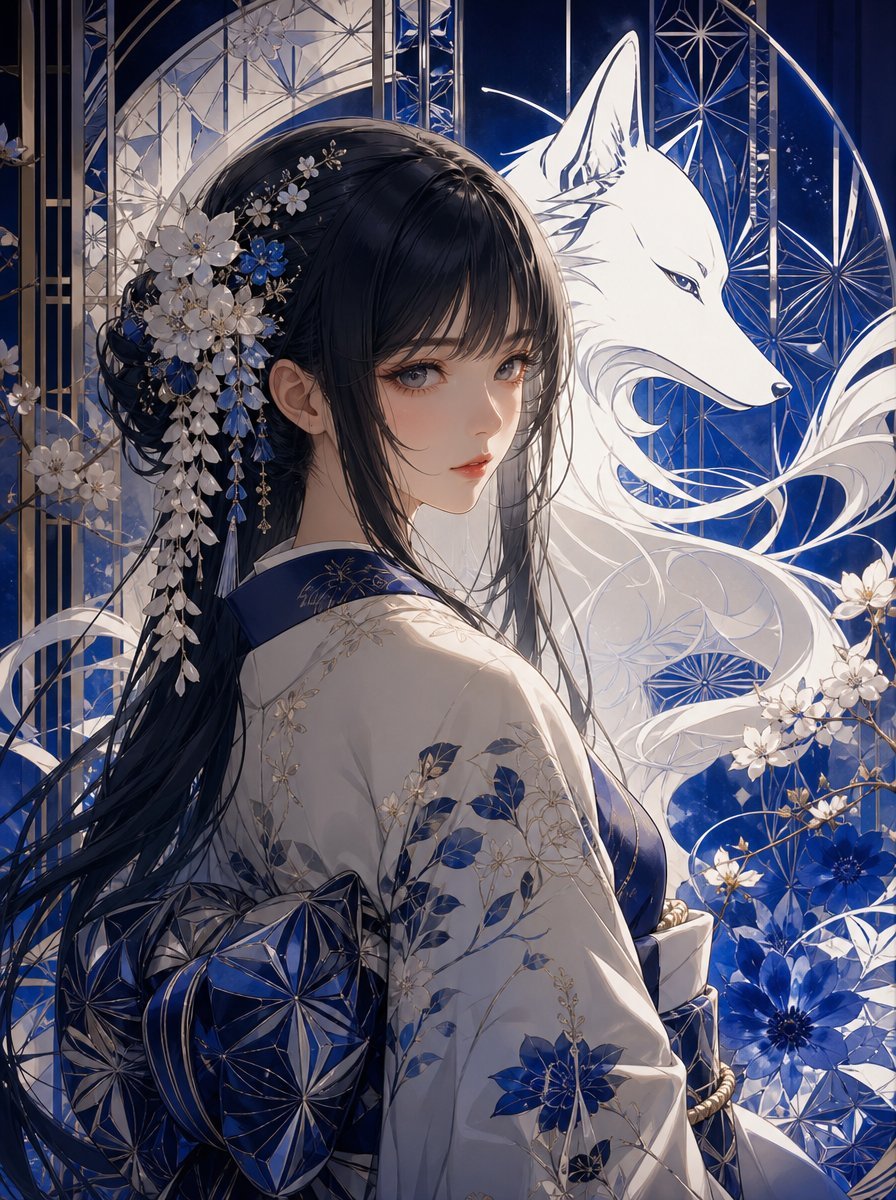
Blue Kiriko Fox Shrine Maiden
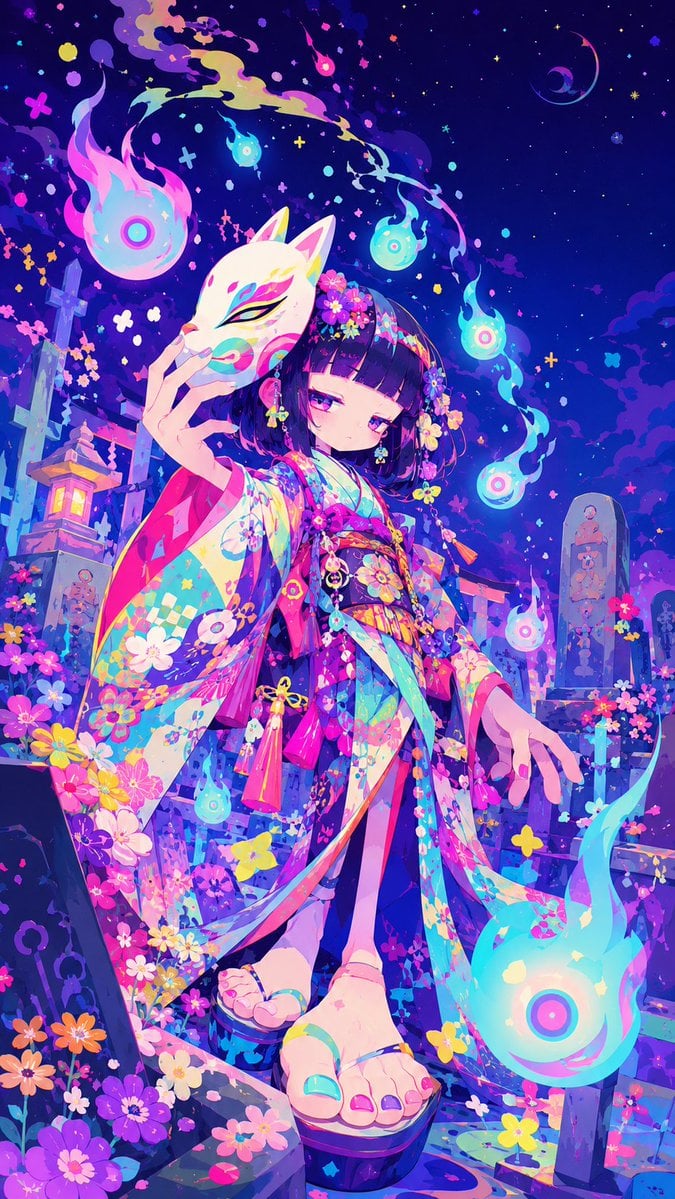
Neon Kitsune Shrine Maiden
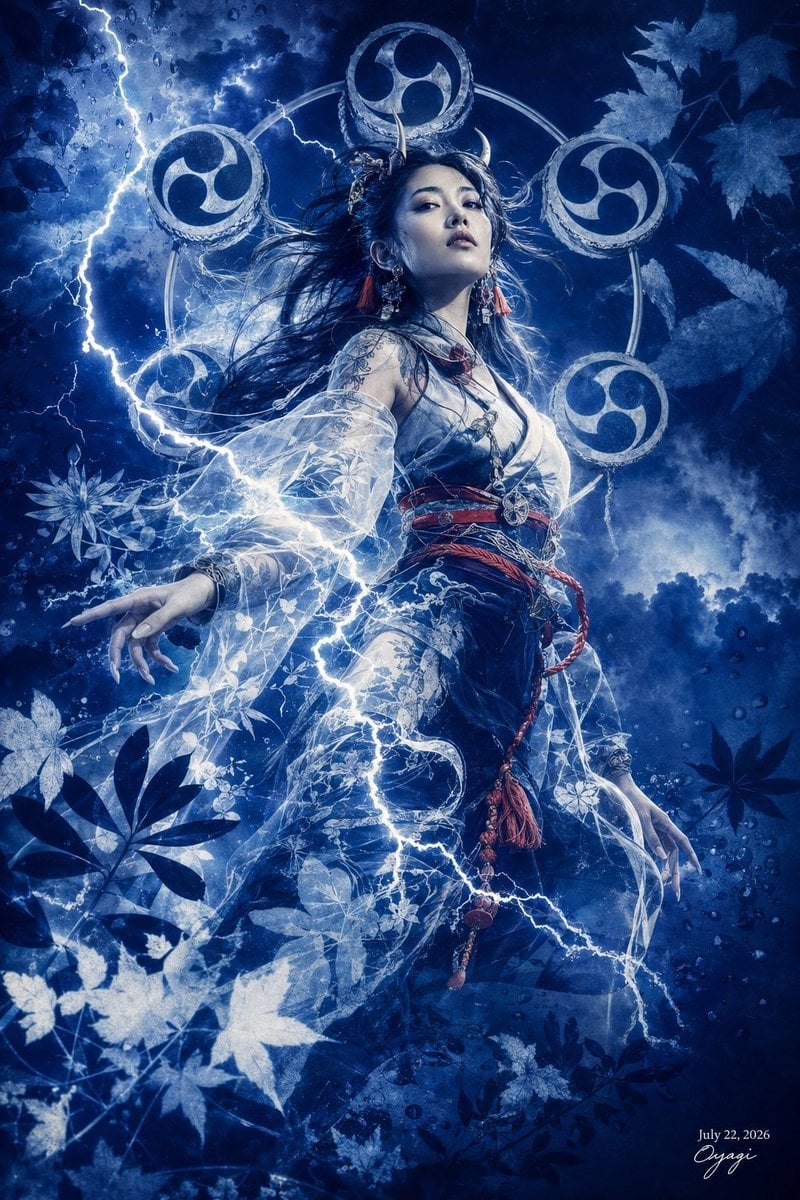
Thunder Shrine Maiden Portrait

Cel 2D Finale Fireworks
Make it yours
Anime Shrine Maiden Character Sheet works as-is. These are the safest ways to change it without losing the look.
Change one field
Copy a single group, rewrite it, and generate again so you can see what that field is doing.
Keep the frame, change the subject
Hold the composition and light of Anime Shrine Maiden Character Sheet, then swap wardrobe, props or the person for a new take.
| If the result… | Why | Fix |
|---|---|---|
| The result drifts from the preview | Too many fields changed at once. | Reuse Anime Shrine Maiden Character Sheet as-is first, then change one group — subject, light, or setting. |
| The model over-stylizes the scene | The prose prompt leaves finish and camera underspecified. | Add one camera or lighting sentence and stay on GPT Image 2. |
More GPT Image 2 templates
Other prompts made for GPT Image 2.

Six VTuber Japanese Logo Sheet

Realistic Portrait of Woman and Deer

The Vista Modular Condo Poster

AI Model Routing Comparison Infographic

2.5D Anime Art Board

Isometric Productivity Desk Scene

New York Double Exposure Poster

Four-Panel AI Landscape Comparison

Japanese Tatami Lifestyle Magazine Cover

NESCAFÉ Coffee Map Poster
More image prompts
Fresh picks from across the catalog.
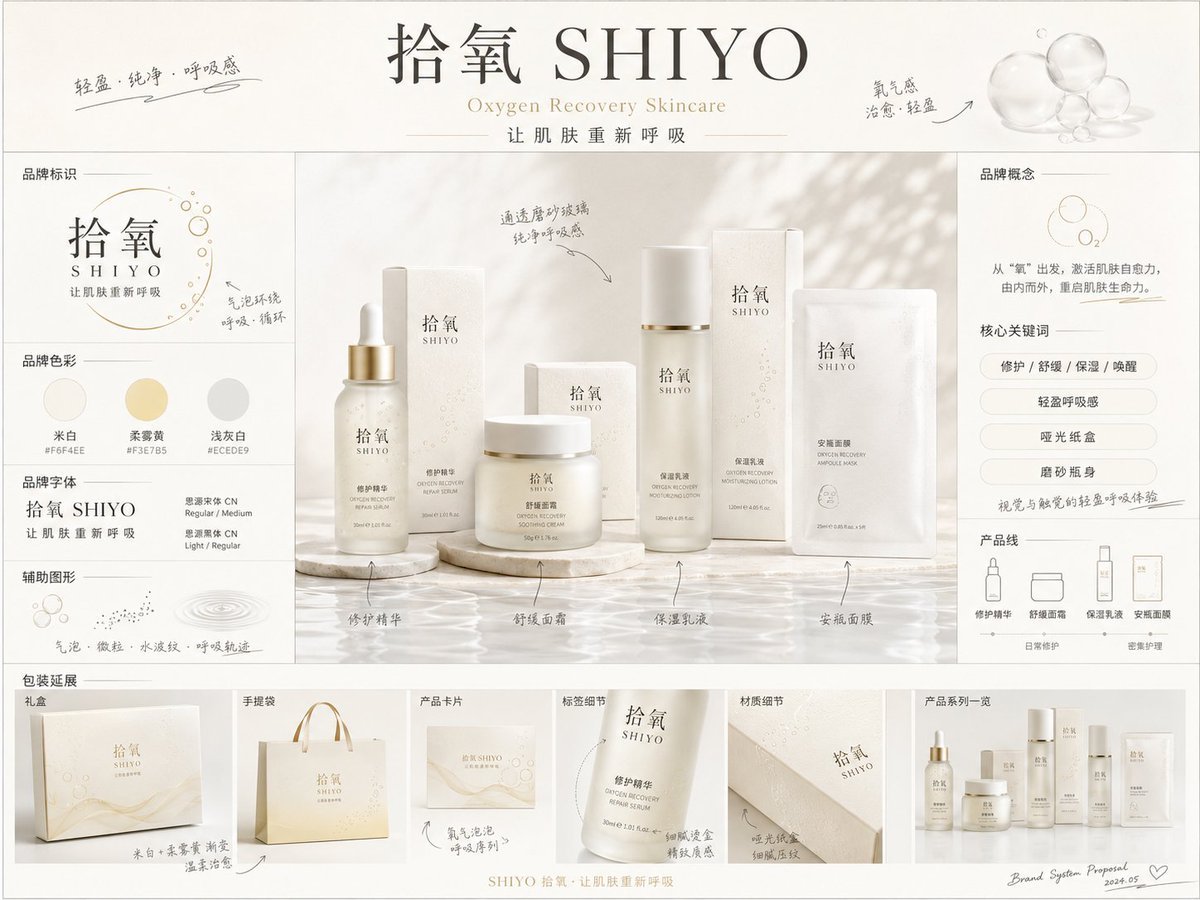
《品牌概念提案板》提示词: 请生成一张【画幅比例】的高完成度「品牌全案概念提案板 / Brand
Retro 90s Movie Fashion Portrait
Post-Apocalyptic Staten Island Ferry
Hyper-realistic Urban Streetwear Portrait

Kashmir Winter Promotional Scene Prompt
Minimal Menswear Editorial Poster
Minimal Comic Style Greeting Card
Travel Candid of Woman Shielding Eyes near Eiffel Tower
Image Sharpening and Blur Removal
Vlog Style Video Generation from Nano Banana Pro Image using Google Veo 3.1
Browse template categories
Anime Shrine Maiden Character Sheet questions
How do I use the Anime Shrine Maiden Character Sheet template?
Add your photo if the template asks for one, edit the prompt if you like — the template's model and format are already selected — and press Generate. Your version opens in PicX Studio.
Can I customize the Anime Shrine Maiden Character Sheet template?
Yes. You can change the subject, setting, lighting, mood, format, and available model controls before creating your image.
Is the Anime Shrine Maiden Character Sheet template free?
Opening and editing this template is free. Generating uses credits, shown on the Generate button when you are signed in.
Which AI model should I use?
Start with GPT Image 2, which is the model associated with this template. You can compare another compatible model for a different finish.
Looking for something else? Browse all templates.

Your photo, any look
Thousands of ready templates for every top image and video model, from one credit balance.