
Anime Shrine Maiden Dual Katana
This prompt generates a polished anime-style fantasy action illustration of a dual-wielding shrine maiden warrior, ideal for game key art, character posters, or dramatic AI illustration showcases.
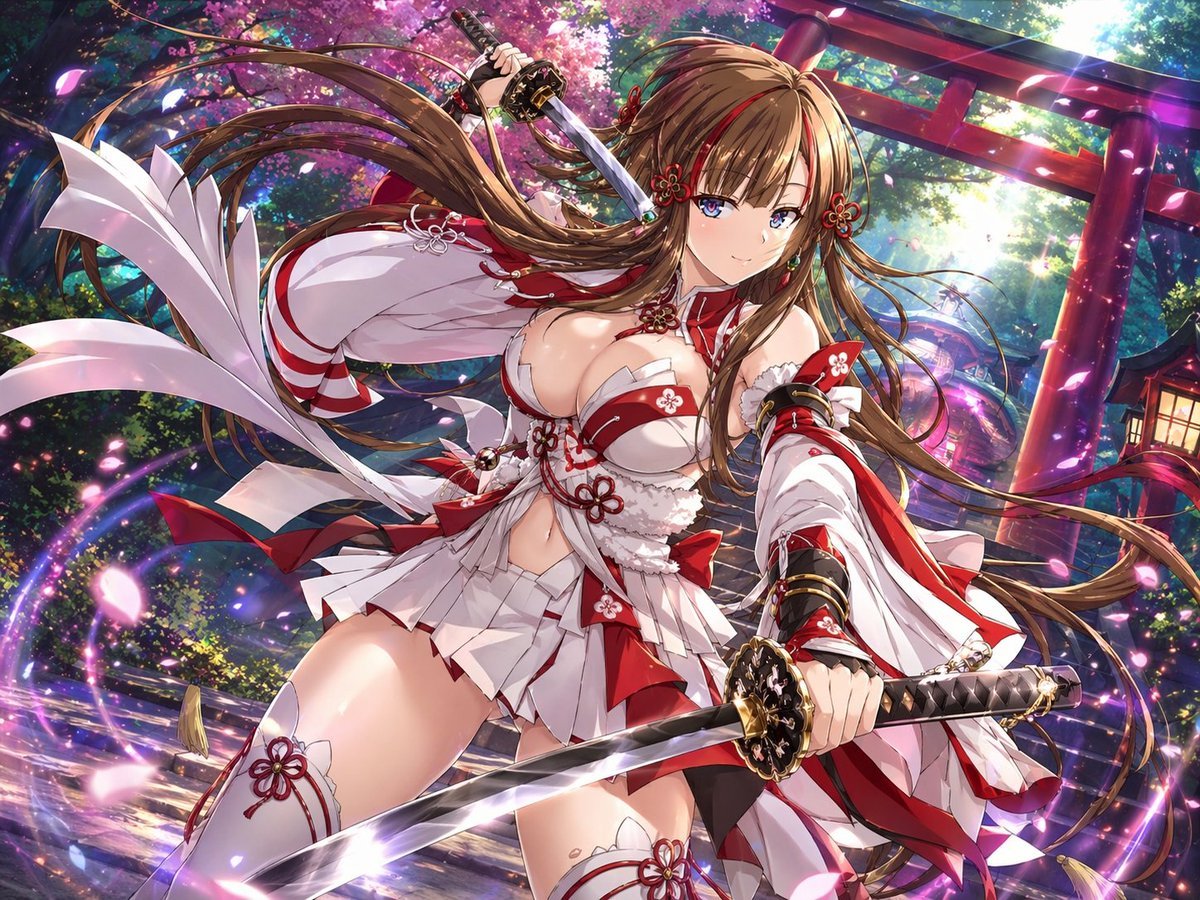
- Prompt included
- Model and format preset
- Free template
The prompt behind this image
Copy the exact prompt behind Anime Shrine Maiden Dual Katana, or open it in the studio and make it yours.
A highly detailed anime fantasy illustration of {argument name="character name" default="a shrine maiden swordswoman"} in a dynamic low-angle action pose at a Japanese shrine during spring. She is a beautiful young woman with {argument name="hair color" default="light brown"} very long flowing hair, blue eyes, a confident gentle smile, and ornate red floral hair ornaments. She holds 2 katana: one sword raised behind her head in her right hand and one sword extended forward toward the viewer in her left hand, with polished steel blades and elaborate black-and-gold hilts. Her outfit is a stylized, revealing red-and-white shrine maiden battle costume with 1 short pleated skirt, 1 cropped top with floral knot decorations, 2 oversized detached sleeves, 2 thigh-high stockings with red flower emblems, multiple red bows, white ribbons, and intricate ornamental trim. The scene is filled with motion: her hair and ribbons sweep dramatically through the air, cherry blossom petals fly around her, and glowing magical purple-pink light trails spiral around her body and swords. In the background, show 1 large red torii gate, 1 stone shrine path, dense green forest, blooming {argument name="tree type" default="cherry blossom"} trees, and 1 warm lantern on the right side. Use brilliant cinematic lighting with sunbeams filtering through the trees, sparkling particles, glossy highlights, saturated colors, depth, and a polished premium gacha-game key visual aesthetic. Emphasize energetic composition, fantasy atmosphere, sharp linework, ultra-detailed costume design, and a vivid heroic shrine guardian vibe.
How to use Anime Shrine Maiden Dual Katana in 3 steps
- 1Upload ImagePNG, JPG or paste
Add your photo
Upload the photo the template builds on. The prompt, model and format are already set.
- 2…a portrait of your subject in softgolden-hour light, 85mm…
Personalize
Edit the subject and creative details for your destination.
- 3Generate
Generate
Press Generate — your image is created in PicX Studio, so you can compare it with the original and refine one variable at a time.
More like this
Templates with the same subject, style or setup. Open one to see its prompt.
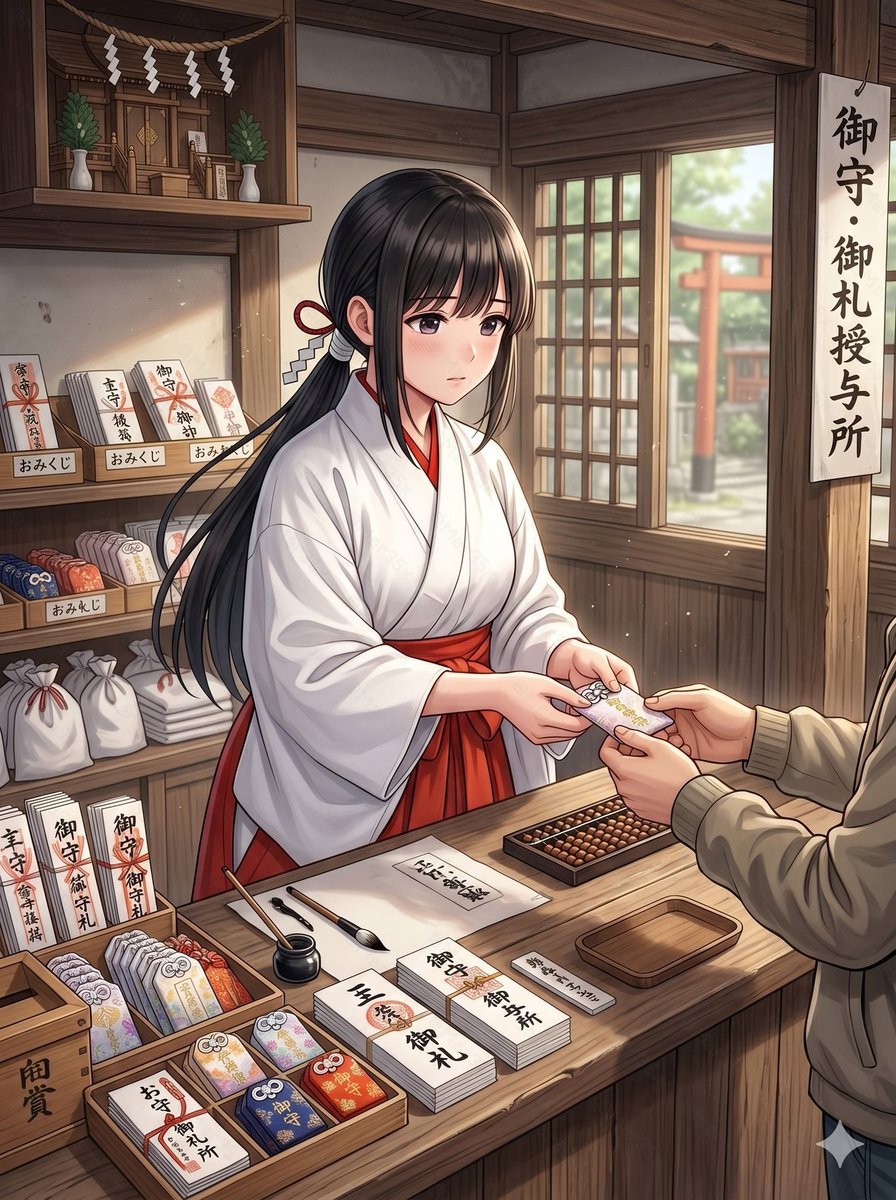
Anime Shrine Maiden Omamori Counter
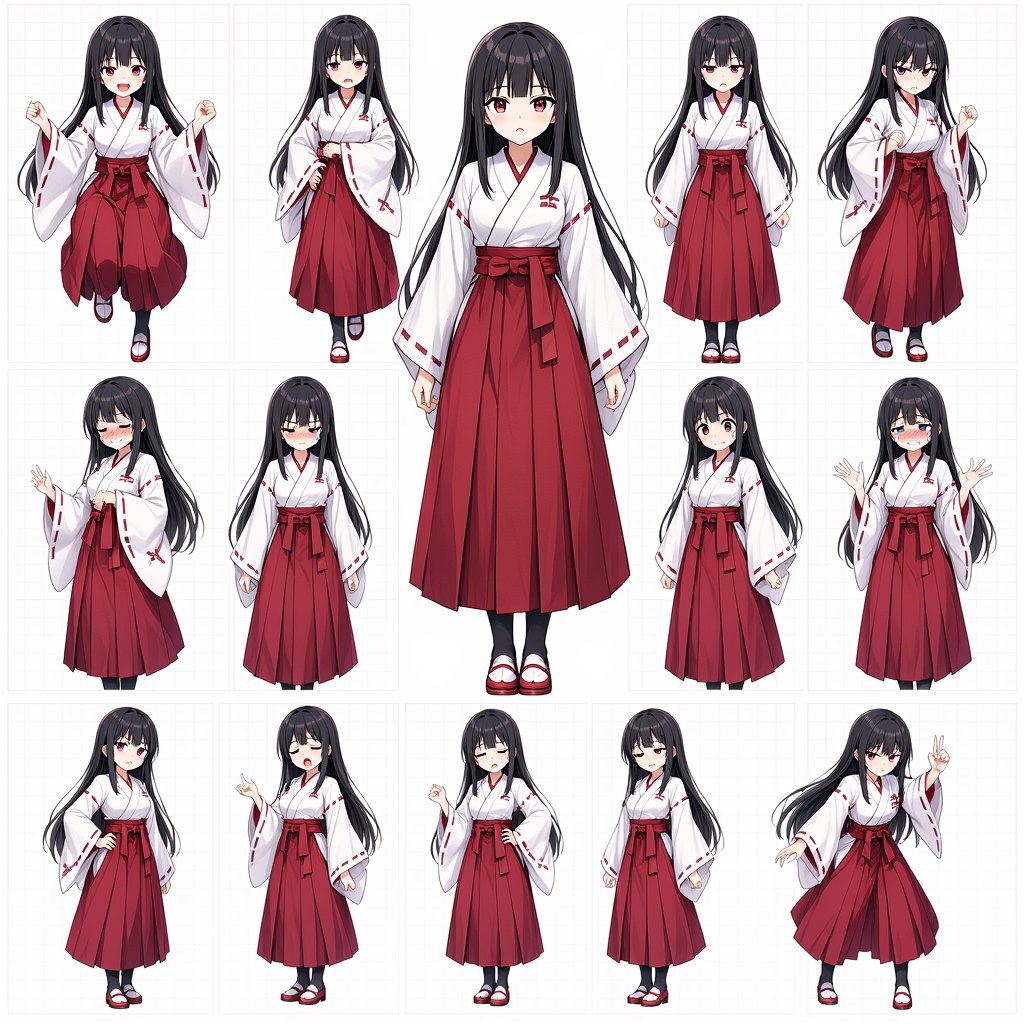
Anime Shrine Maiden Character Sheet
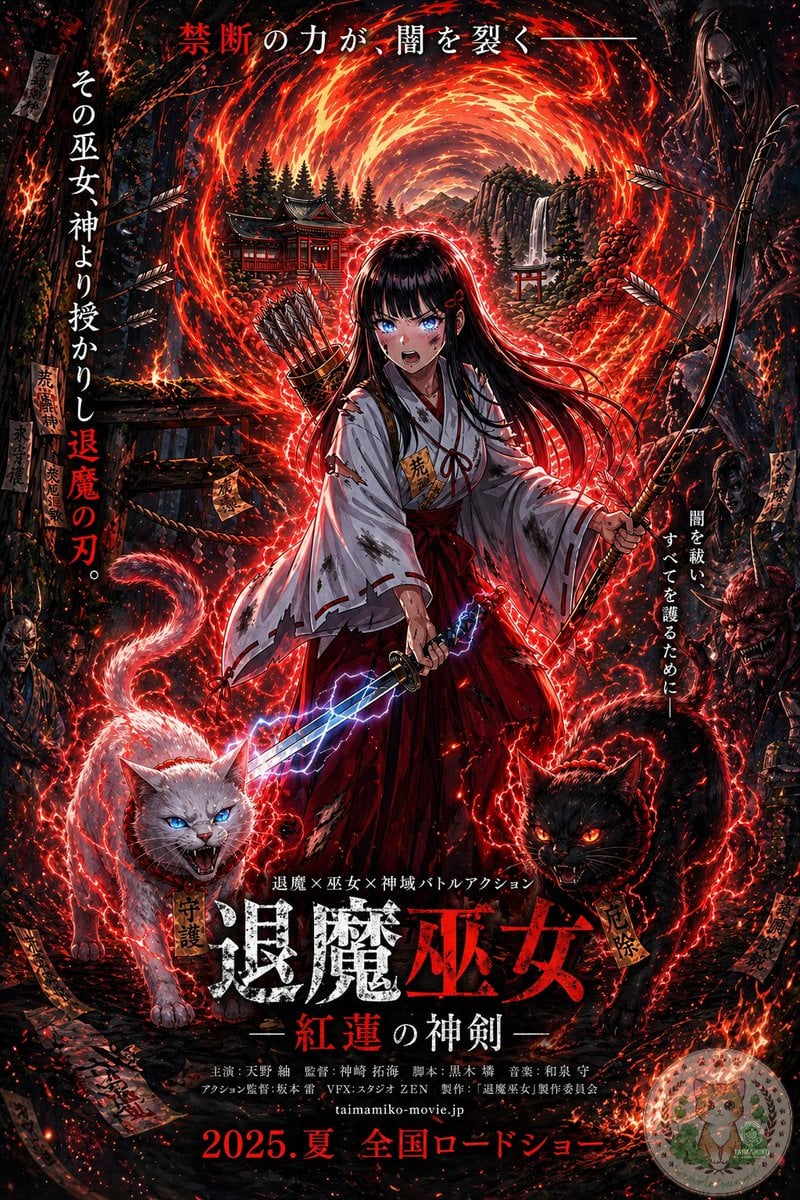
Anime Shrine Maiden Movie Poster
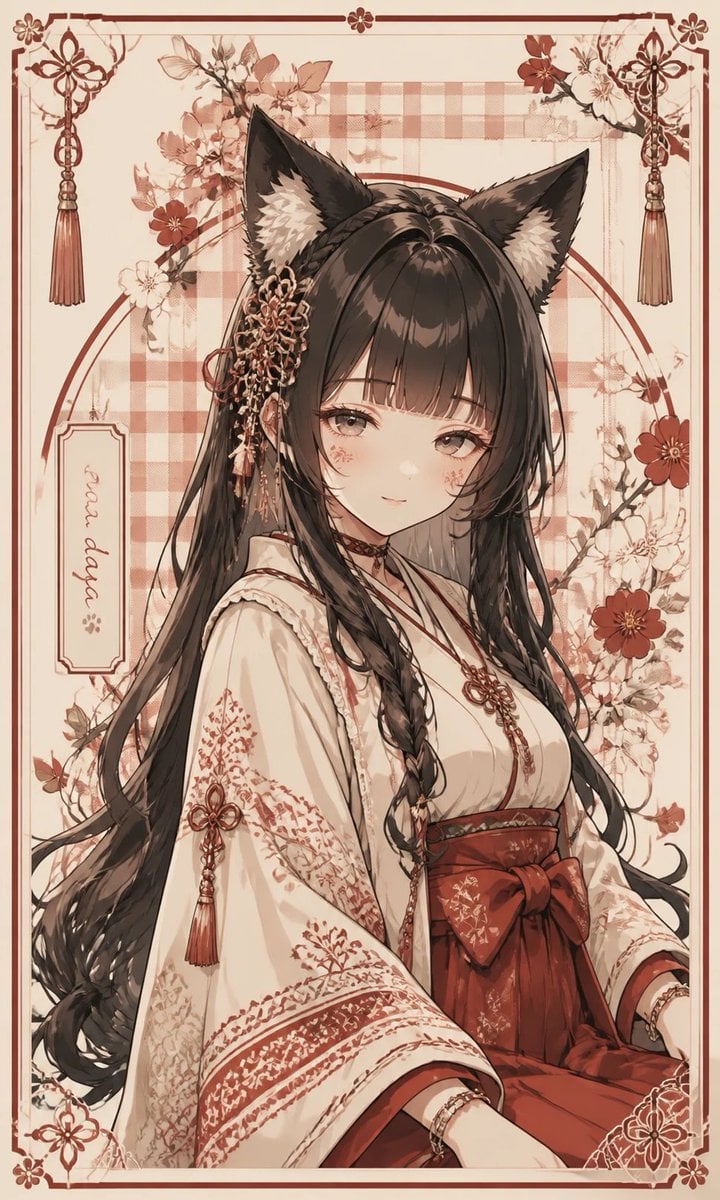
Fox Shrine Maiden Postcard
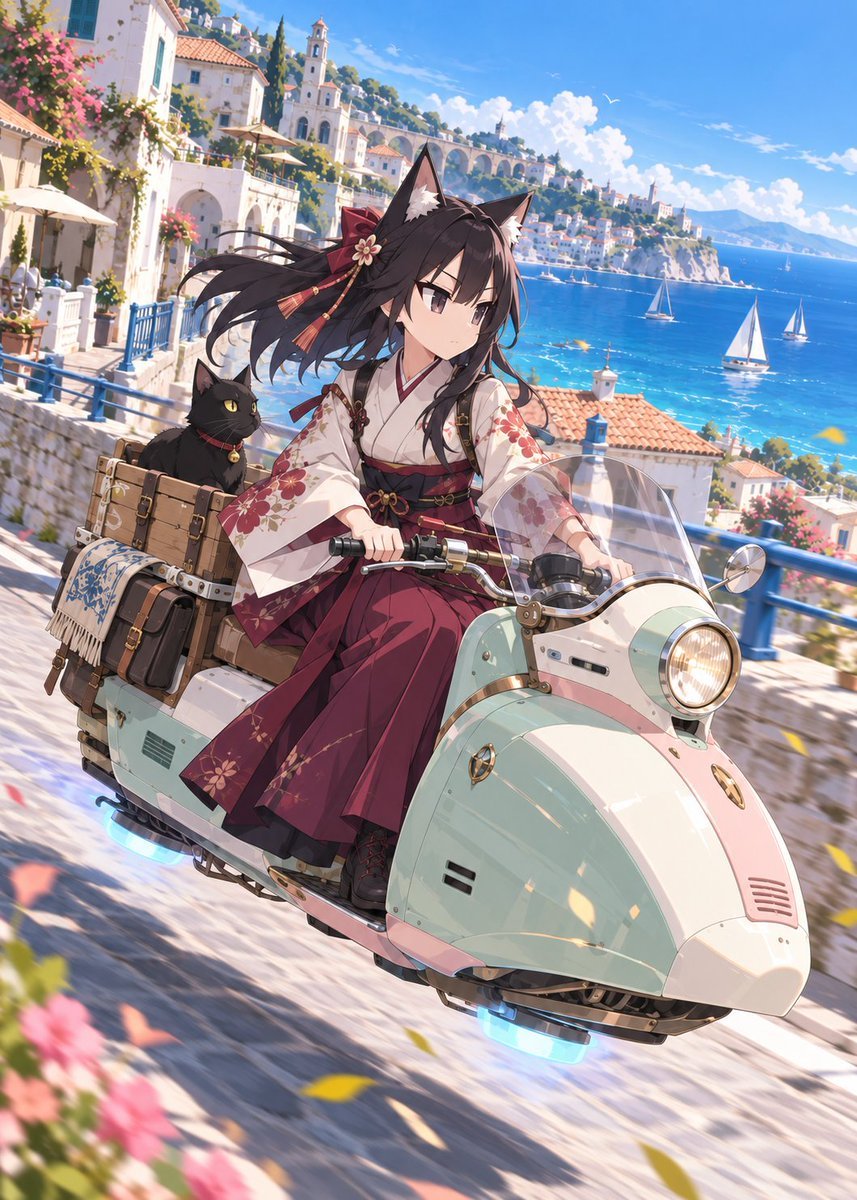
Fox Shrine Maiden on Hover Scooter
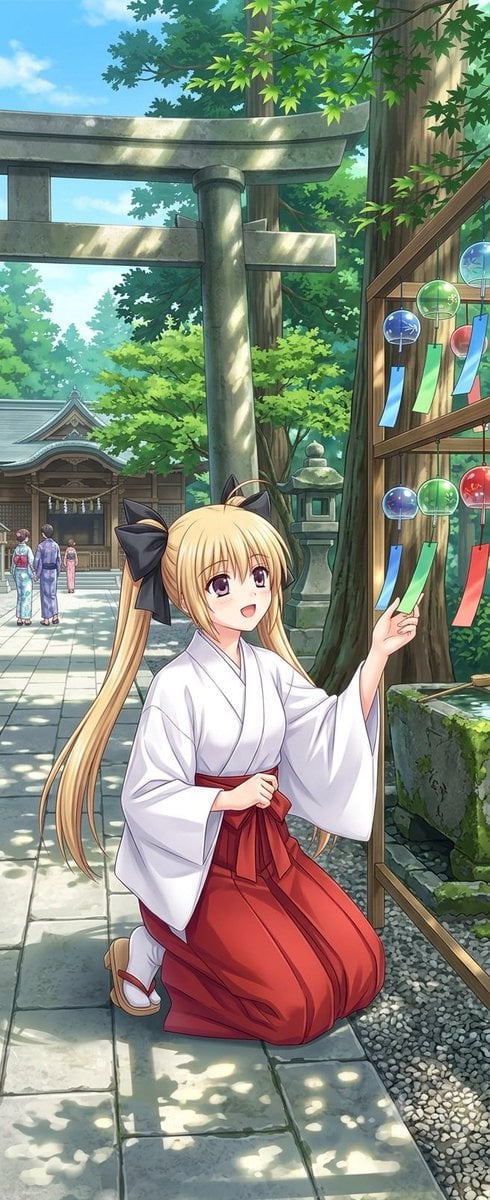
Summer Shrine Maiden Portrait
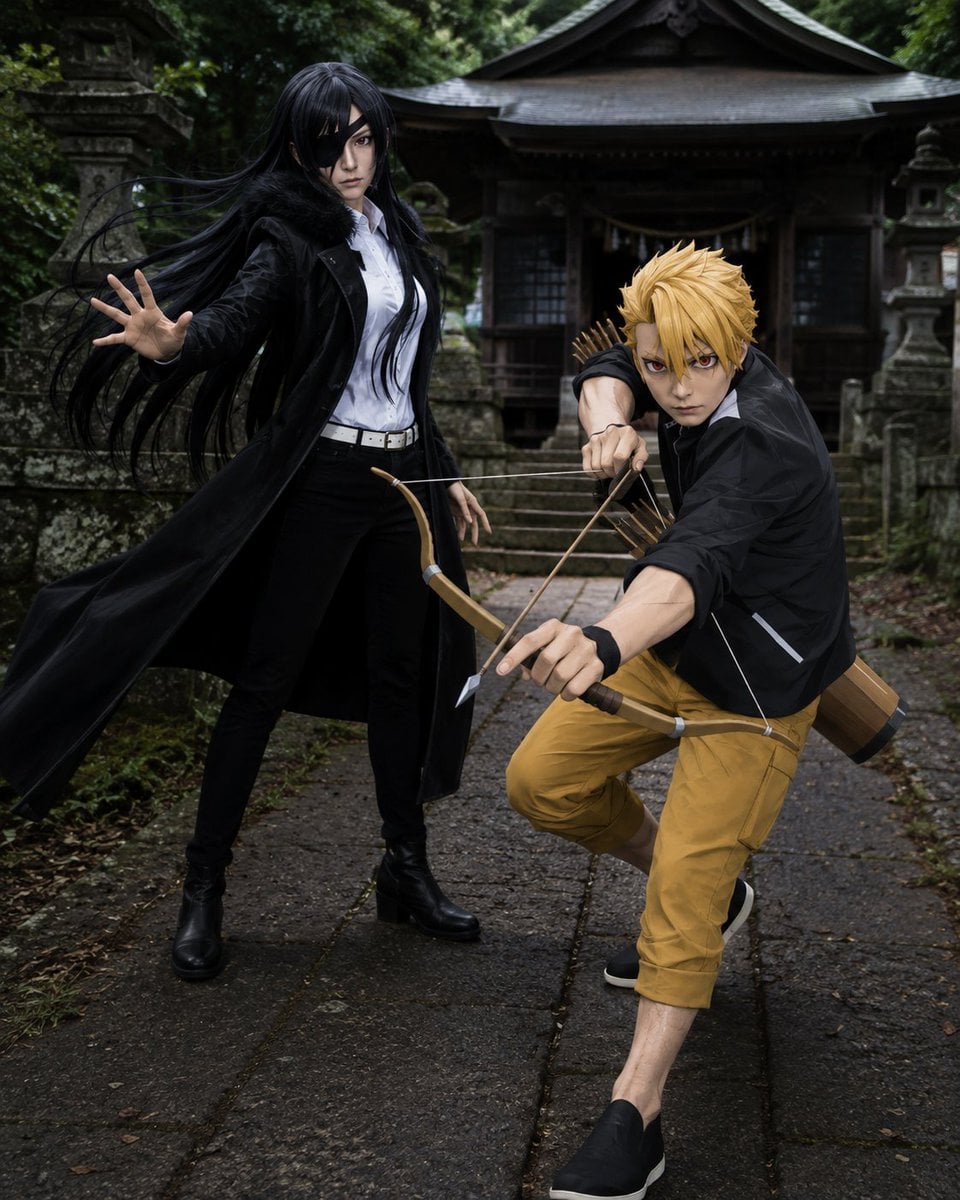
Anime Cosplay Duo at Forest Shrine
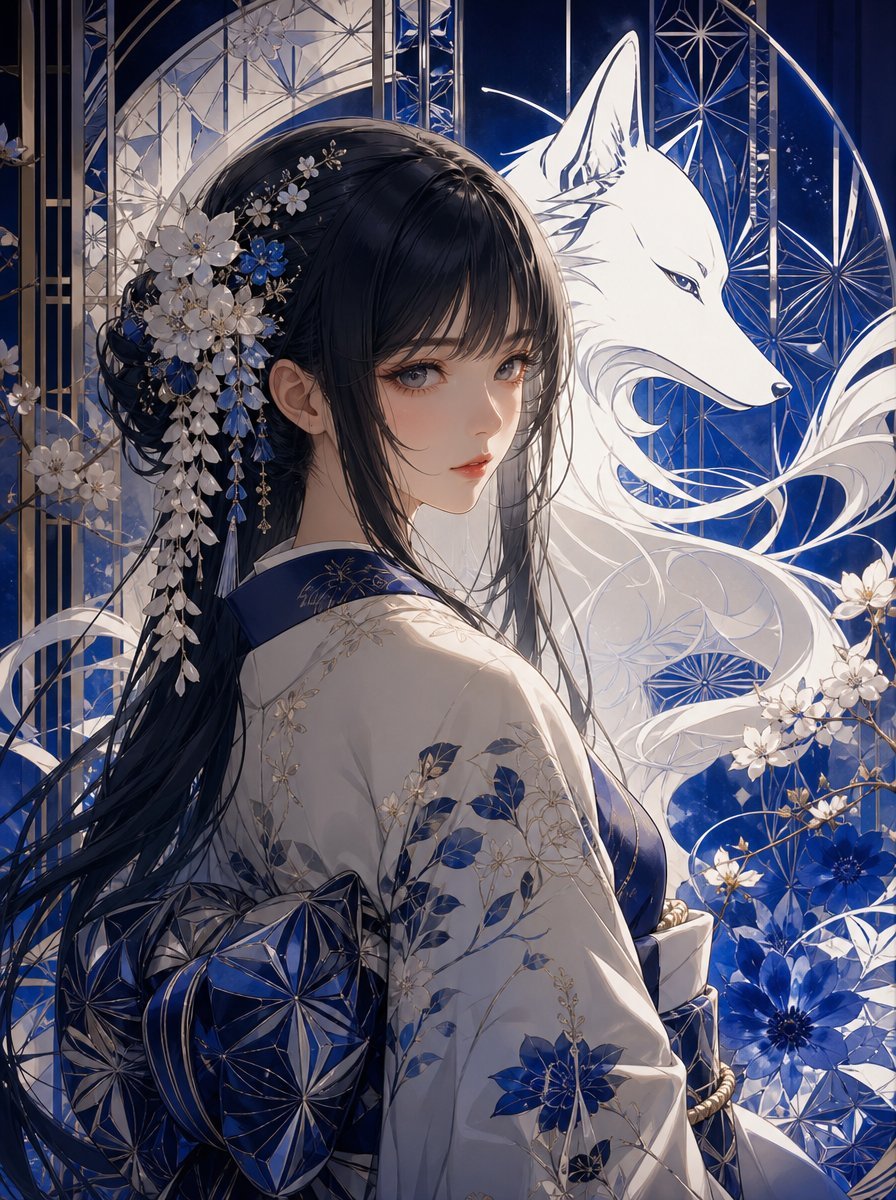
Blue Kiriko Fox Shrine Maiden
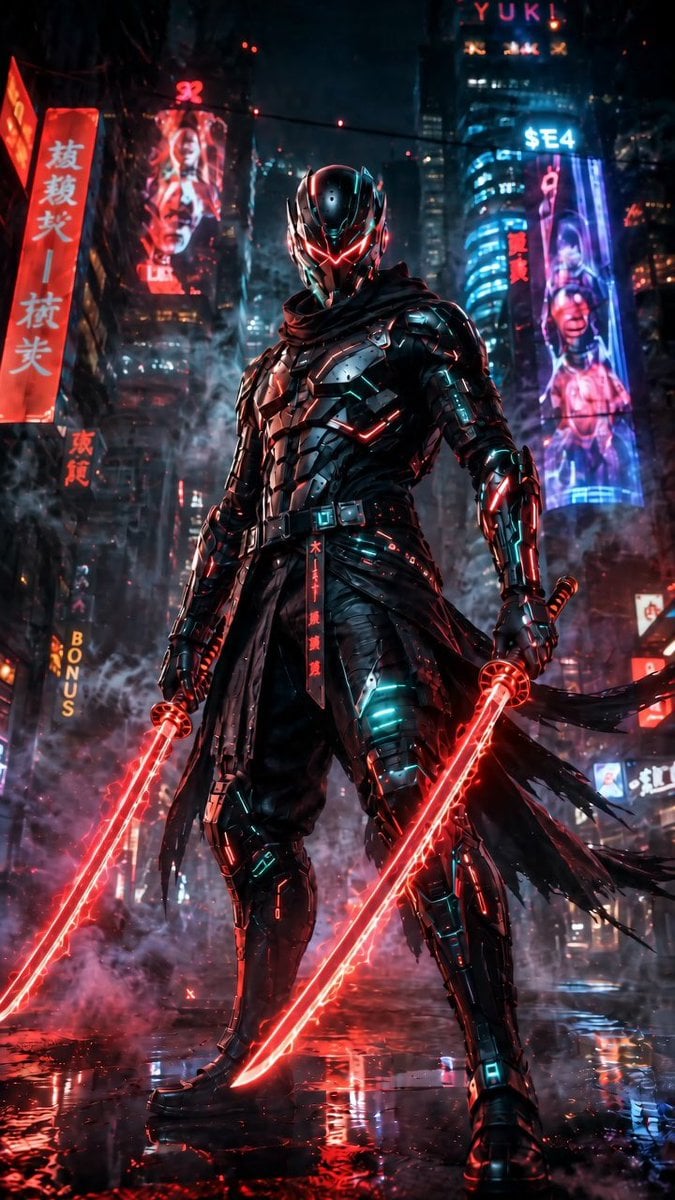
Cyberpunk Dual-Katana Ninja
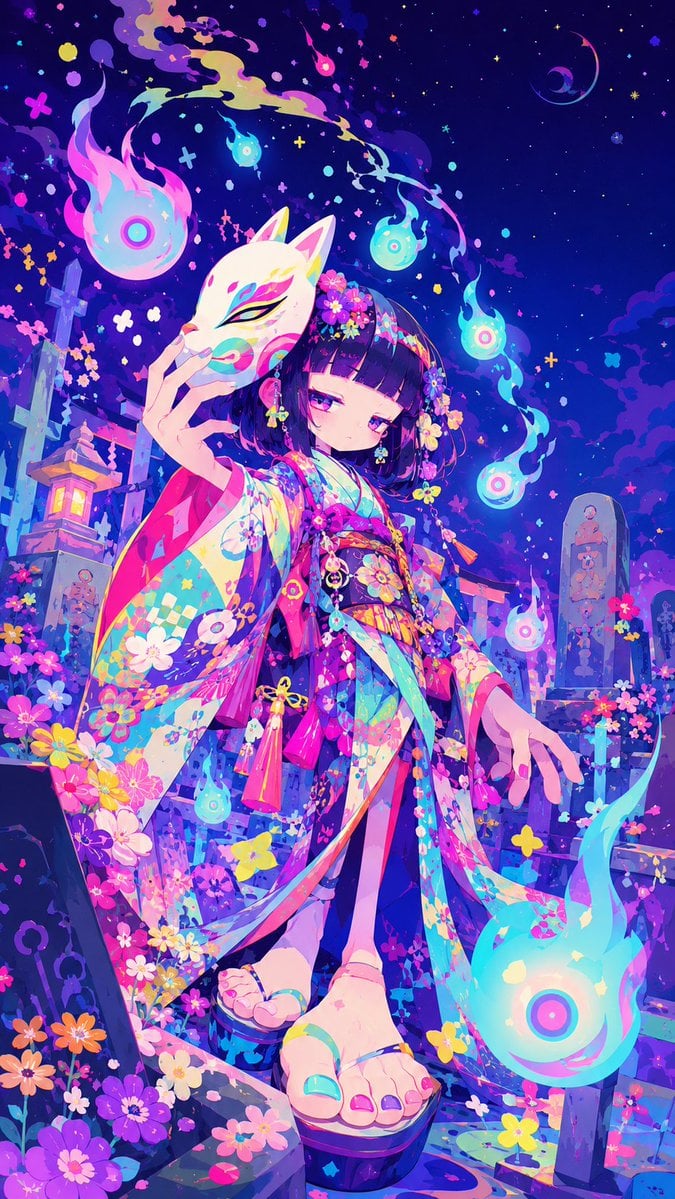
Neon Kitsune Shrine Maiden
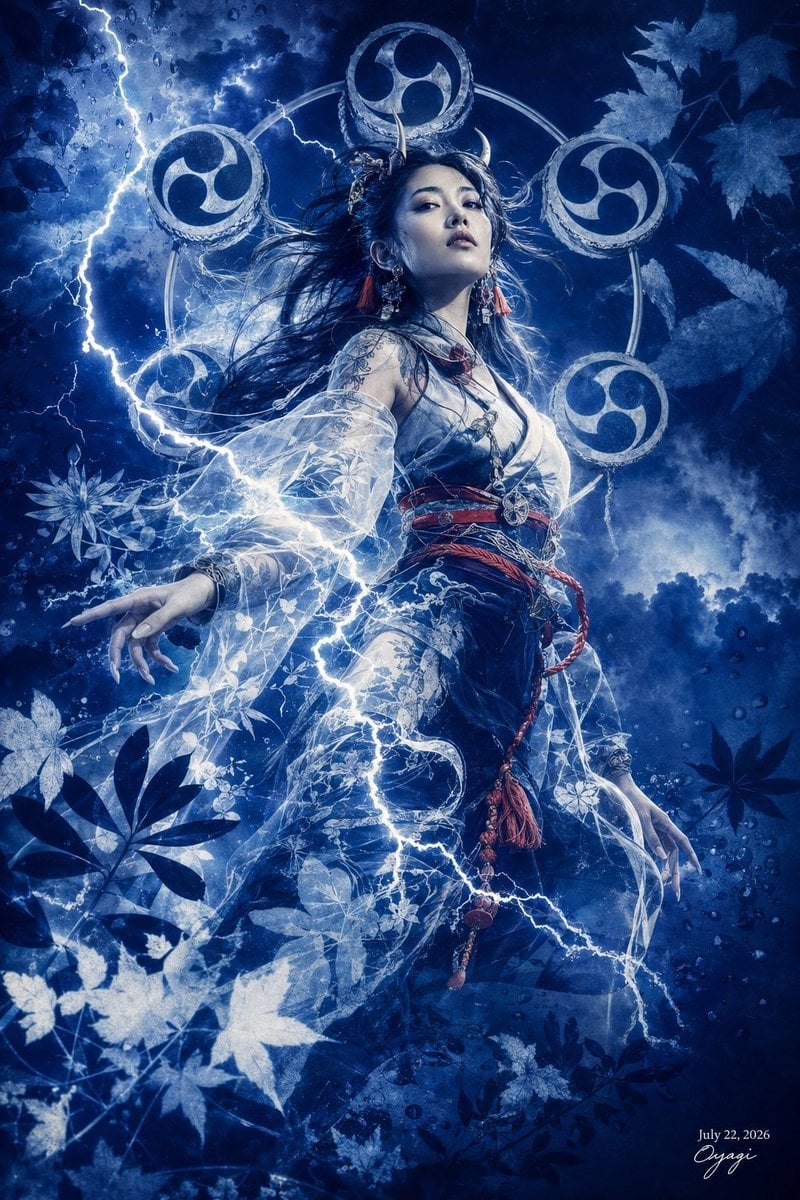
Thunder Shrine Maiden Portrait

Cel 2D Finale Fireworks
Make it yours
Anime Shrine Maiden Dual Katana works as-is. These are the safest ways to change it without losing the look.
Change one field
Copy a single group, rewrite it, and generate again so you can see what that field is doing.
Keep the frame, change the subject
Hold the composition and light of Anime Shrine Maiden Dual Katana, then swap wardrobe, props or the person for a new take.
| If the result… | Why | Fix |
|---|---|---|
| The result drifts from the preview | Too many fields changed at once. | Reuse Anime Shrine Maiden Dual Katana as-is first, then change one group — subject, light, or setting. |
| The model over-stylizes the scene | The prose prompt leaves finish and camera underspecified. | Add one camera or lighting sentence and stay on GPT Image 2. |
More GPT Image 2 templates
Other prompts made for GPT Image 2.

Six VTuber Japanese Logo Sheet

Realistic Portrait of Woman and Deer

The Vista Modular Condo Poster

AI Model Routing Comparison Infographic

2.5D Anime Art Board

Isometric Productivity Desk Scene

New York Double Exposure Poster

Four-Panel AI Landscape Comparison

Japanese Tatami Lifestyle Magazine Cover

NESCAFÉ Coffee Map Poster
More image prompts
Fresh picks from across the catalog.
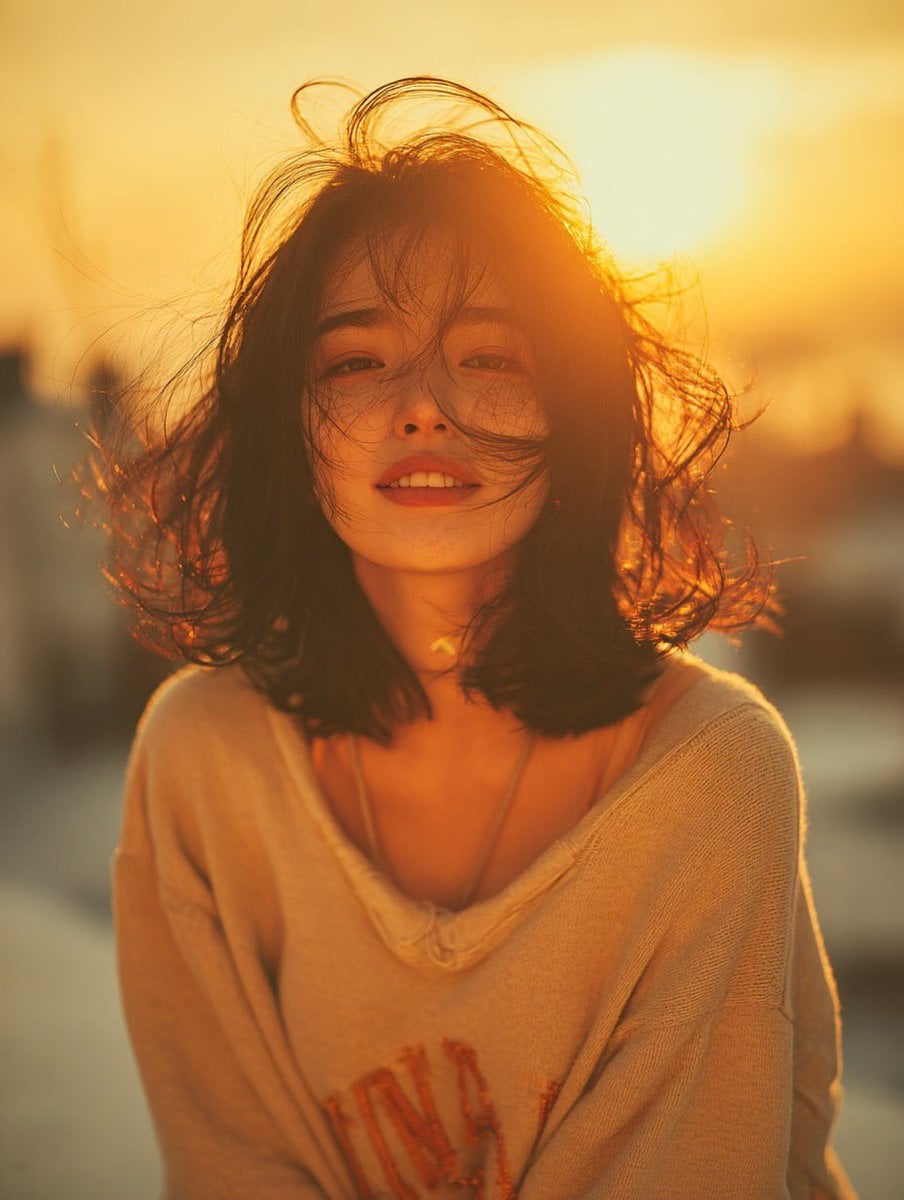
Golden Hour Rooftop Portrait
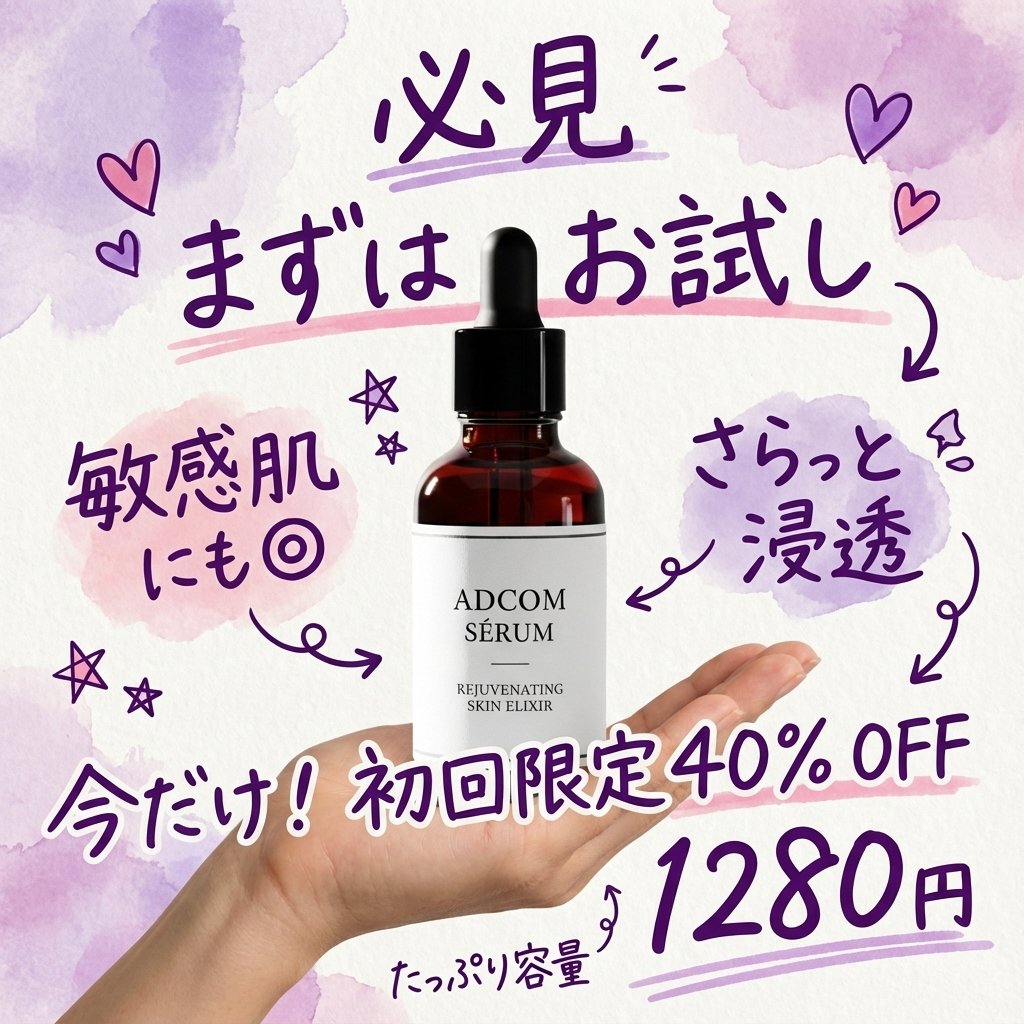
Instagram-style Japanese handwritten cosmetic ad
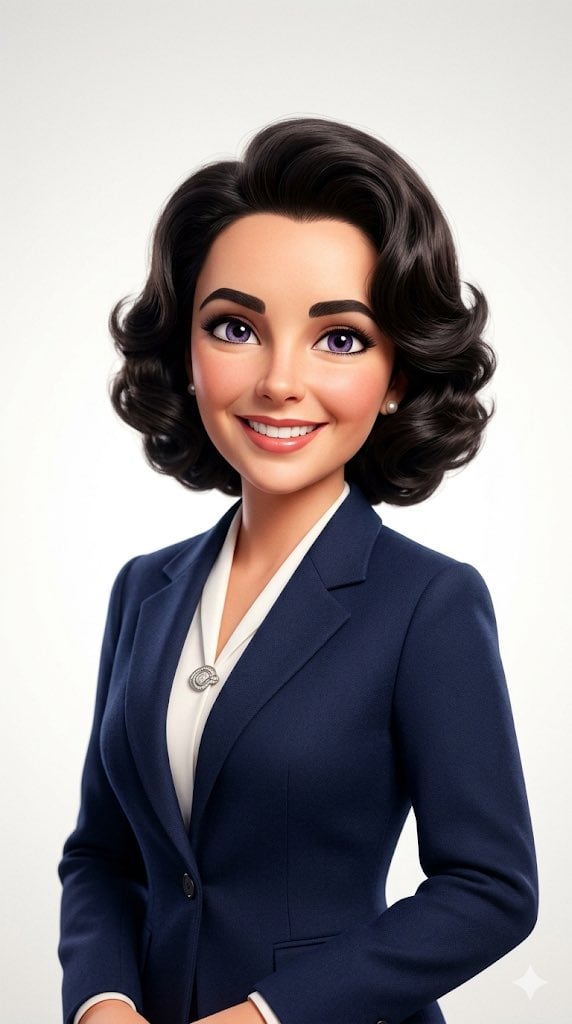
Pixar-Style 3D Avatar Prompt for Nano Banana
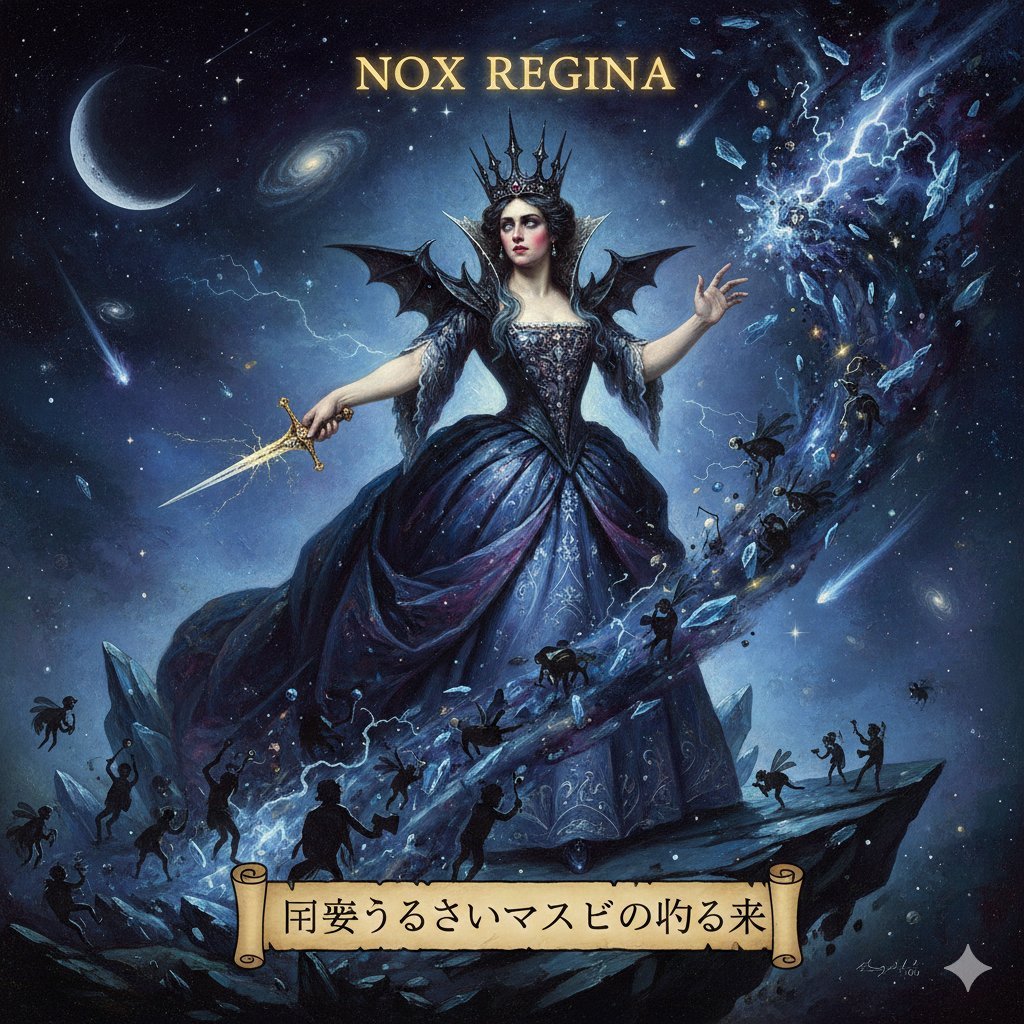
The Magic Flute - Queen of the Night Prompt
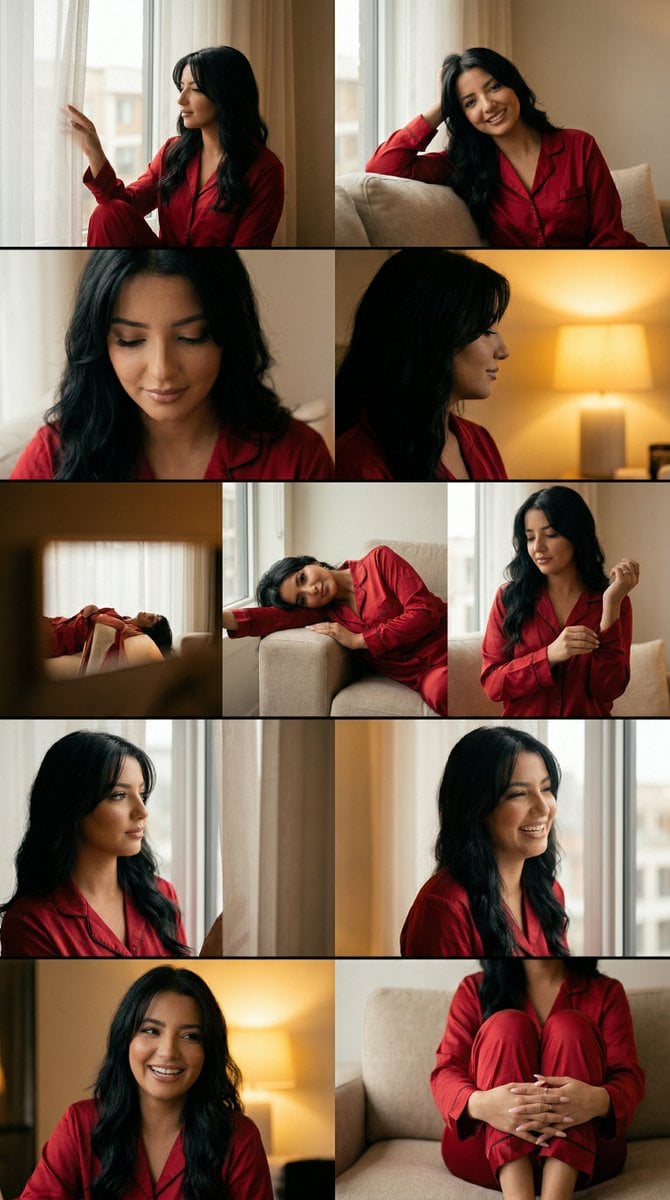
Cinematic Home Editorial Grid Prompt
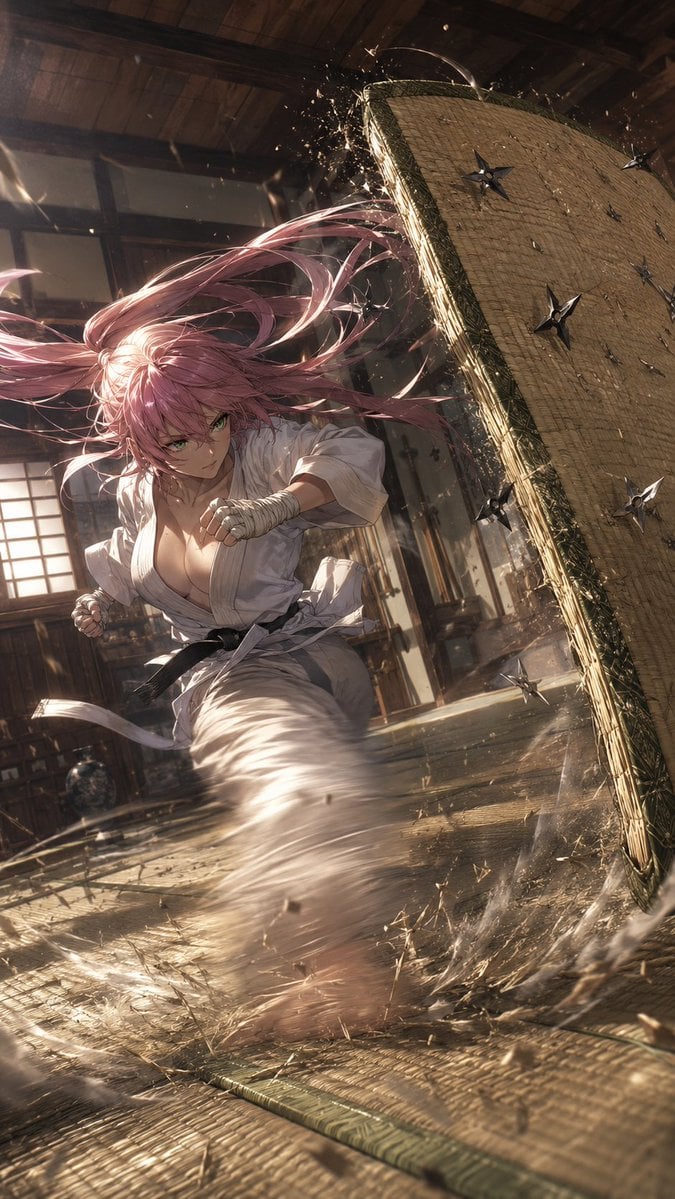
Pink-Haired Dojo Martial Artist
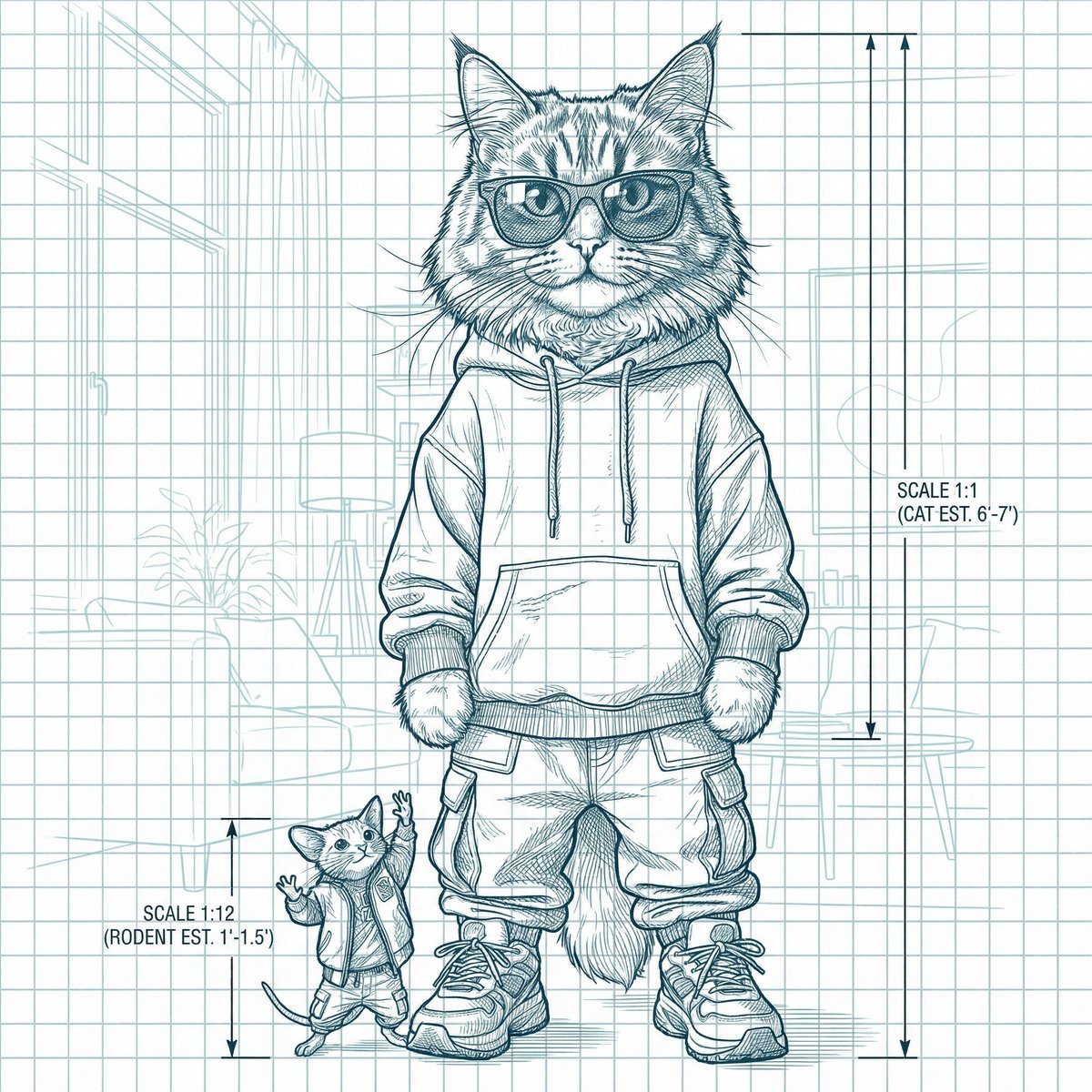
Blueprint-style technical schematic generation
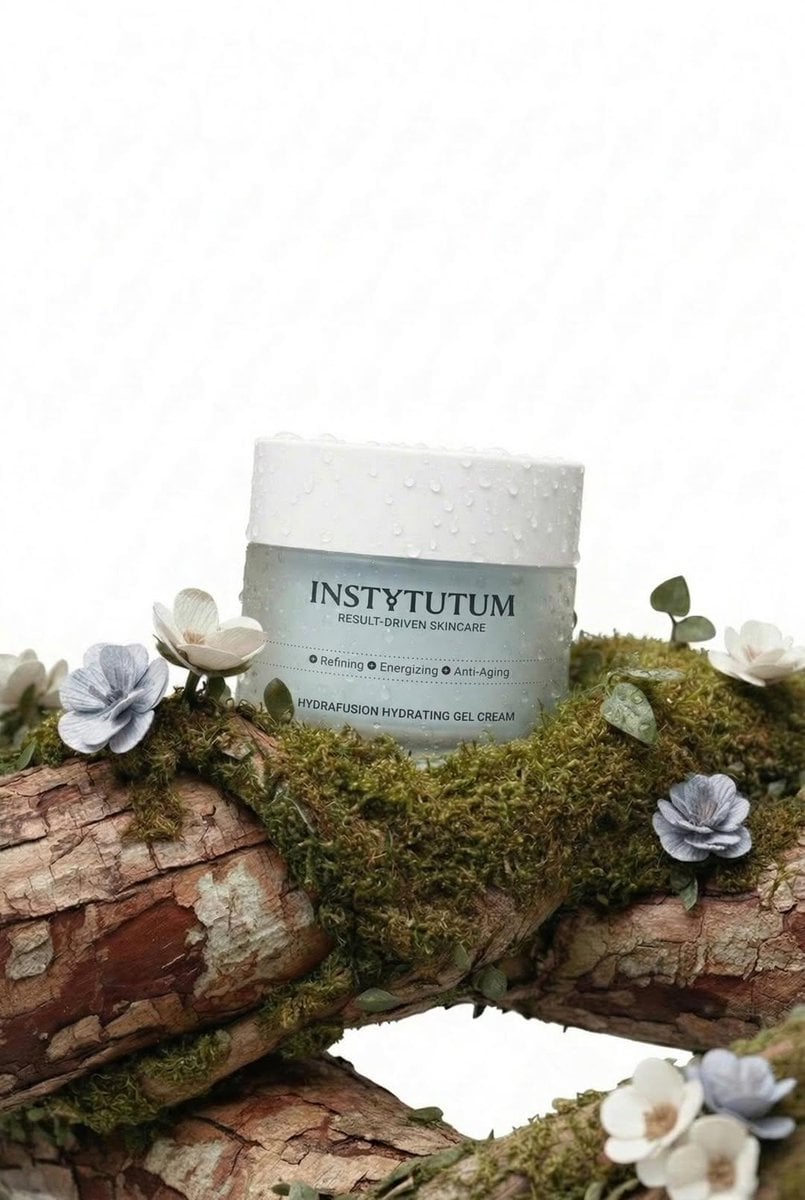
Eco-Luxury Skincare Product Photography
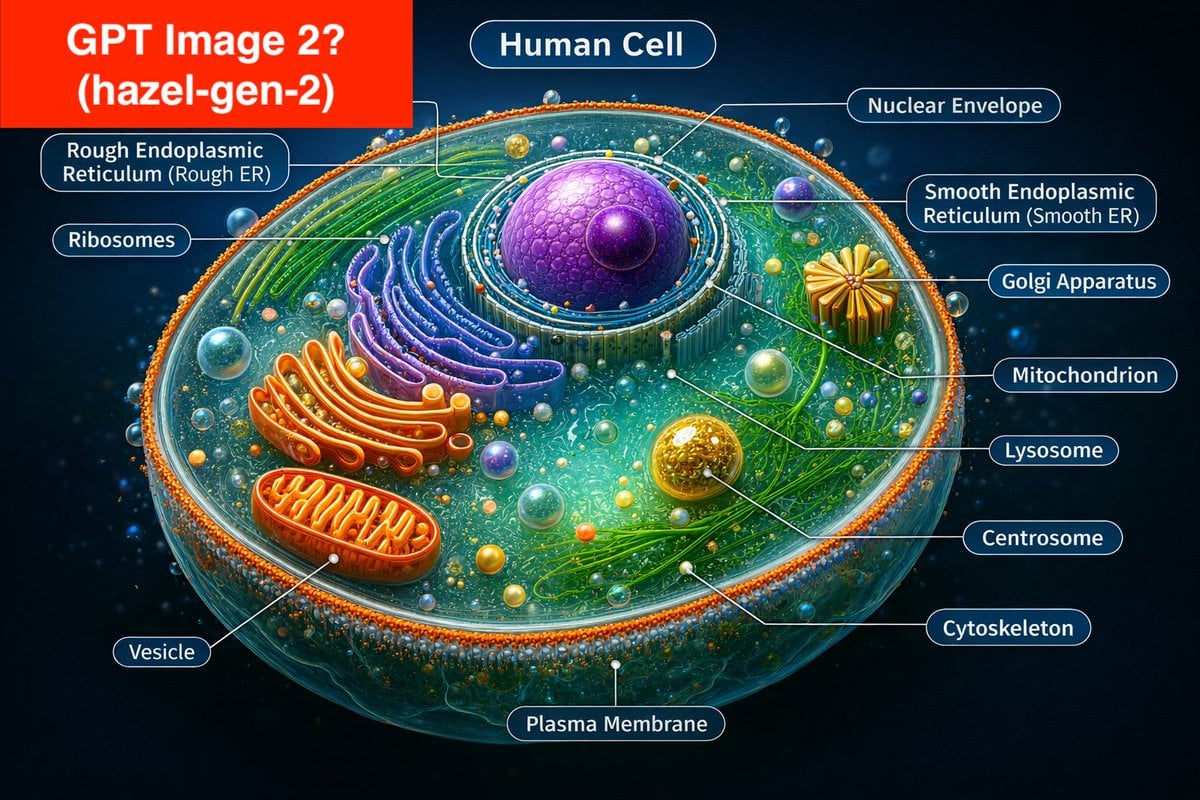
Labeled Diagram of a Human Cell (Comparison Prompt)
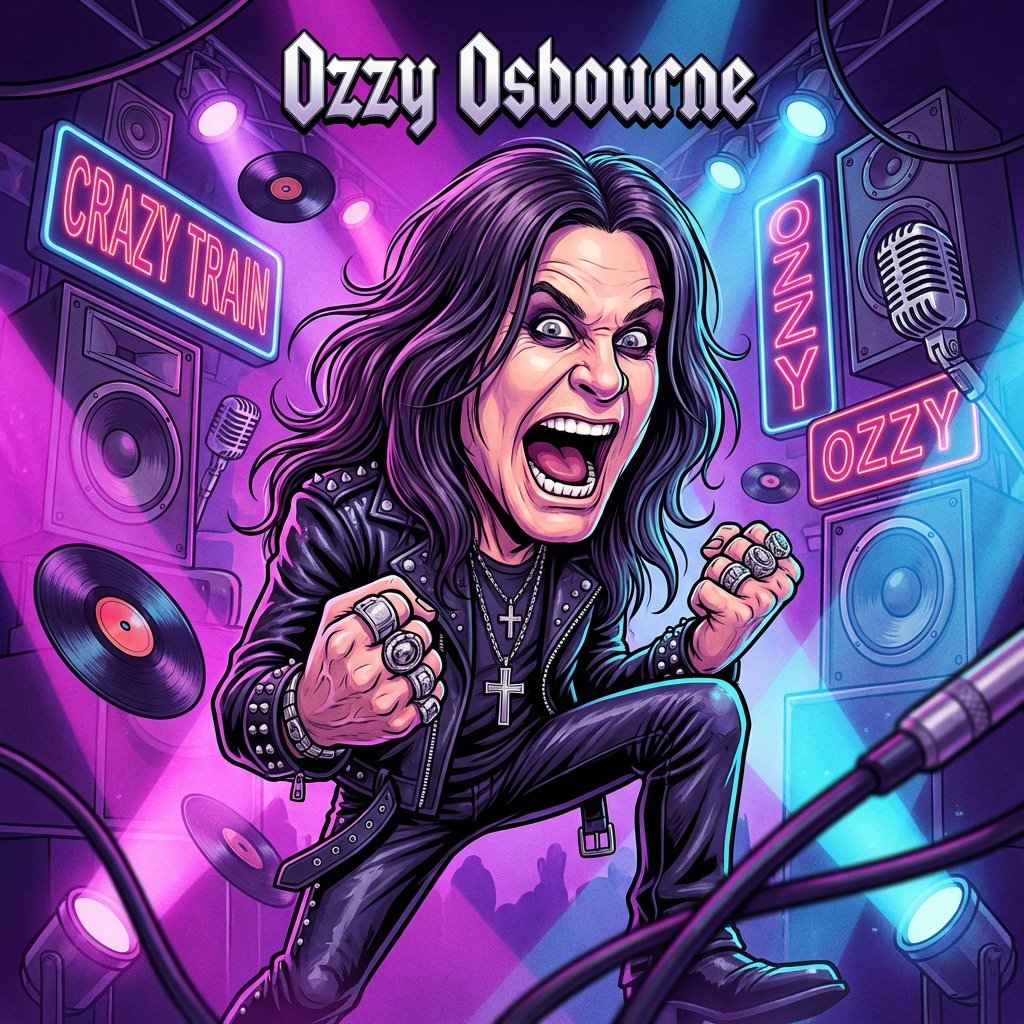
Master Prompt for Caricature Art of Music Legends
Browse template categories
Anime Shrine Maiden Dual Katana questions
How do I use the Anime Shrine Maiden Dual Katana template?
Add your photo if the template asks for one, edit the prompt if you like — the template's model and format are already selected — and press Generate. Your version opens in PicX Studio.
Can I customize the Anime Shrine Maiden Dual Katana template?
Yes. You can change the subject, setting, lighting, mood, format, and available model controls before creating your image.
Is the Anime Shrine Maiden Dual Katana template free?
Opening and editing this template is free. Generating uses credits, shown on the Generate button when you are signed in.
Which AI model should I use?
Start with GPT Image 2, which is the model associated with this template. You can compare another compatible model for a different finish.
Looking for something else? Browse all templates.

Your photo, any look
Thousands of ready templates for every top image and video model, from one credit balance.