
Cyberpunk Dual-Katana Ninja
A cinematic prompt for generating a neon-lit armored cyberpunk ninja with two glowing red katanas in a rainy futuristic city.
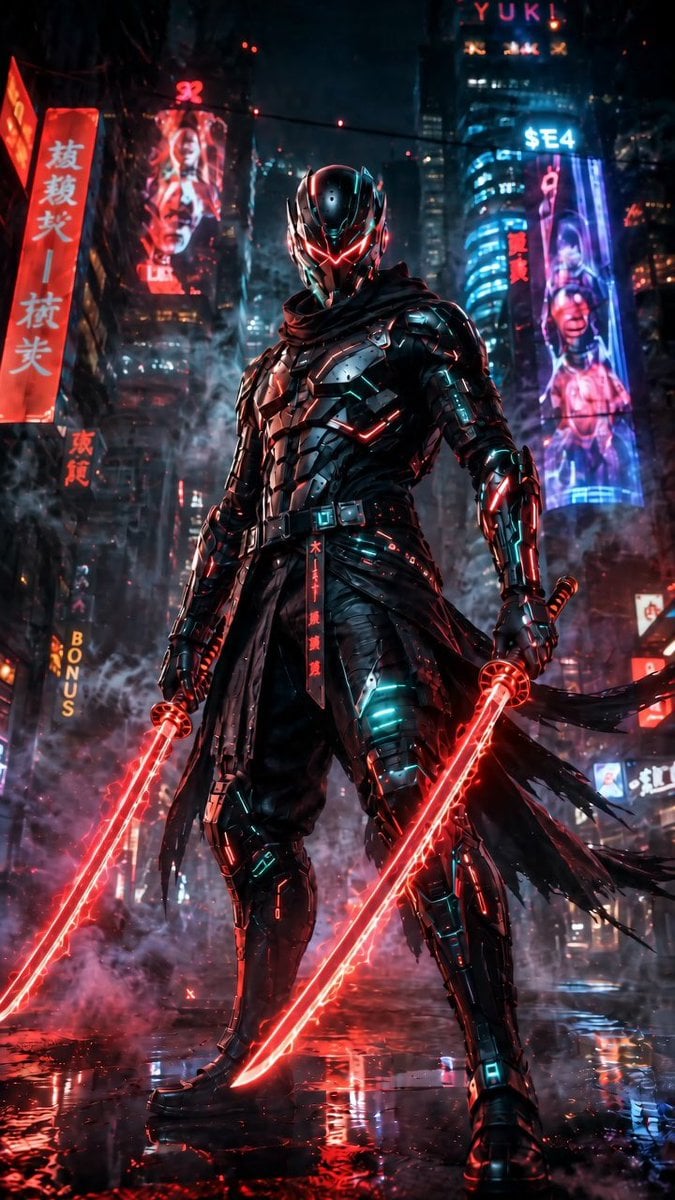
- Prompt included
- Model and format preset
- Free template
The prompt behind this image
Copy the exact prompt behind Cyberpunk Dual-Katana Ninja, or open it in the studio and make it yours.
Create a vertical 9:16 cinematic cyberpunk character poster featuring {argument name="character name" default="a futuristic armored ninja assassin"} standing full-body in the center of a rain-soaked neon city street at night. The character wears glossy black segmented exosuit armor with teal cyan micro-lights, red glowing trim, a black tattered scarf and long torn waist cloth strips blowing to the right, armored boots, gauntlets, belt plates, and a sleek insect-like helmet with a black visor and sharp red V-shaped glowing eyes. Pose him in a powerful low-angle stance, legs apart, shoulders squared, looking directly forward. He holds exactly 2 red energy katanas, one in each hand, both blades glowing intensely with red plasma edges and reflecting on the wet pavement. The environment is dense and dramatic: towering skyscrapers, haze, steam, falling rain, puddles, red and blue neon reflections, sparks, smoke around the legs, and shallow depth of field. Include exactly 6 readable or semi-readable neon sign elements in the background: 1 tall red vertical sign with East Asian characters on the left, 1 red holographic portrait billboard on the upper left, 1 vertical yellow “BONUS” sign on the lower left, 1 top sign reading “YUK!”, 1 blue sign reading “$E4” on the upper right tower, and 1 tall purple-blue cybernetic woman billboard on the right. Use a dark palette of black, crimson red, cyan, electric blue, and violet, with intense rim lighting, ultra-detailed hard-surface armor, realistic rain, cinematic contrast, volumetric fog, and high-detail concept art realism. Avoid extra characters, daylight, cartoon styling, blurry anatomy, or additional weapons.
How to use Cyberpunk Dual-Katana Ninja in 3 steps
- 1Upload ImagePNG, JPG or paste
Add your photo
Upload the photo the template builds on. The prompt, model and format are already set.
- 2…a portrait of your subject in softgolden-hour light, 85mm…
Personalize
Edit the subject and creative details for your destination.
- 3Generate
Generate
Press Generate — your image is created in PicX Studio, so you can compare it with the original and refine one variable at a time.
More like this
Templates with the same subject, style or setup. Open one to see its prompt.
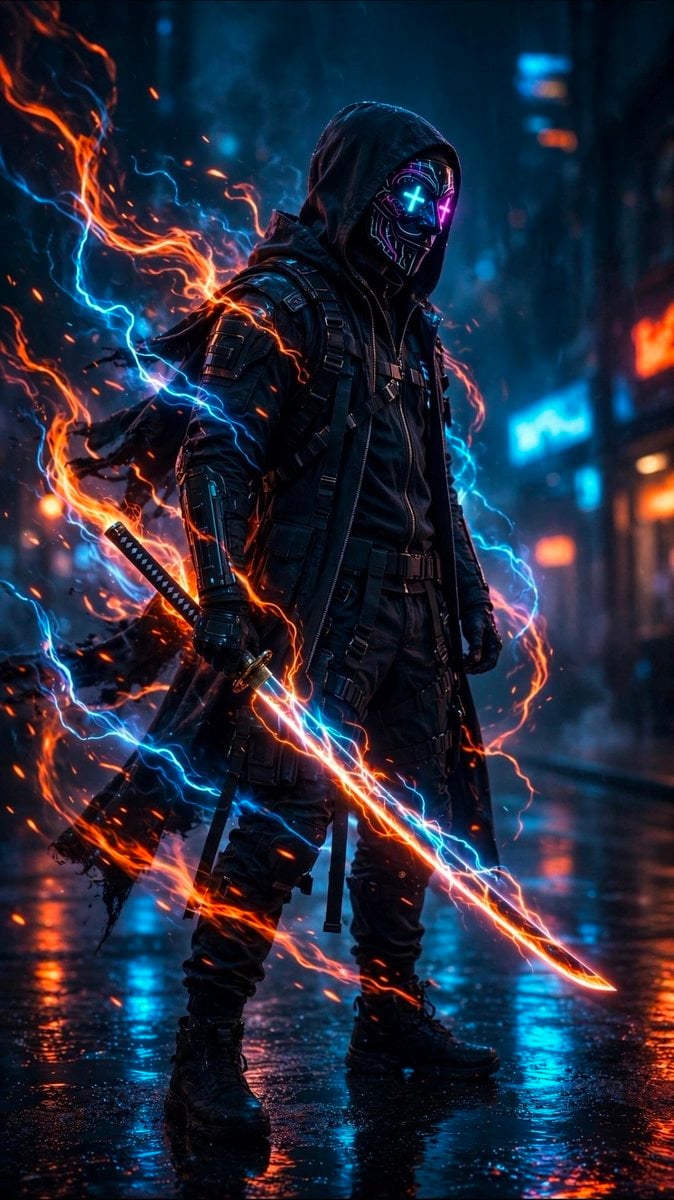
Cyberpunk Neon Ninja Samurai
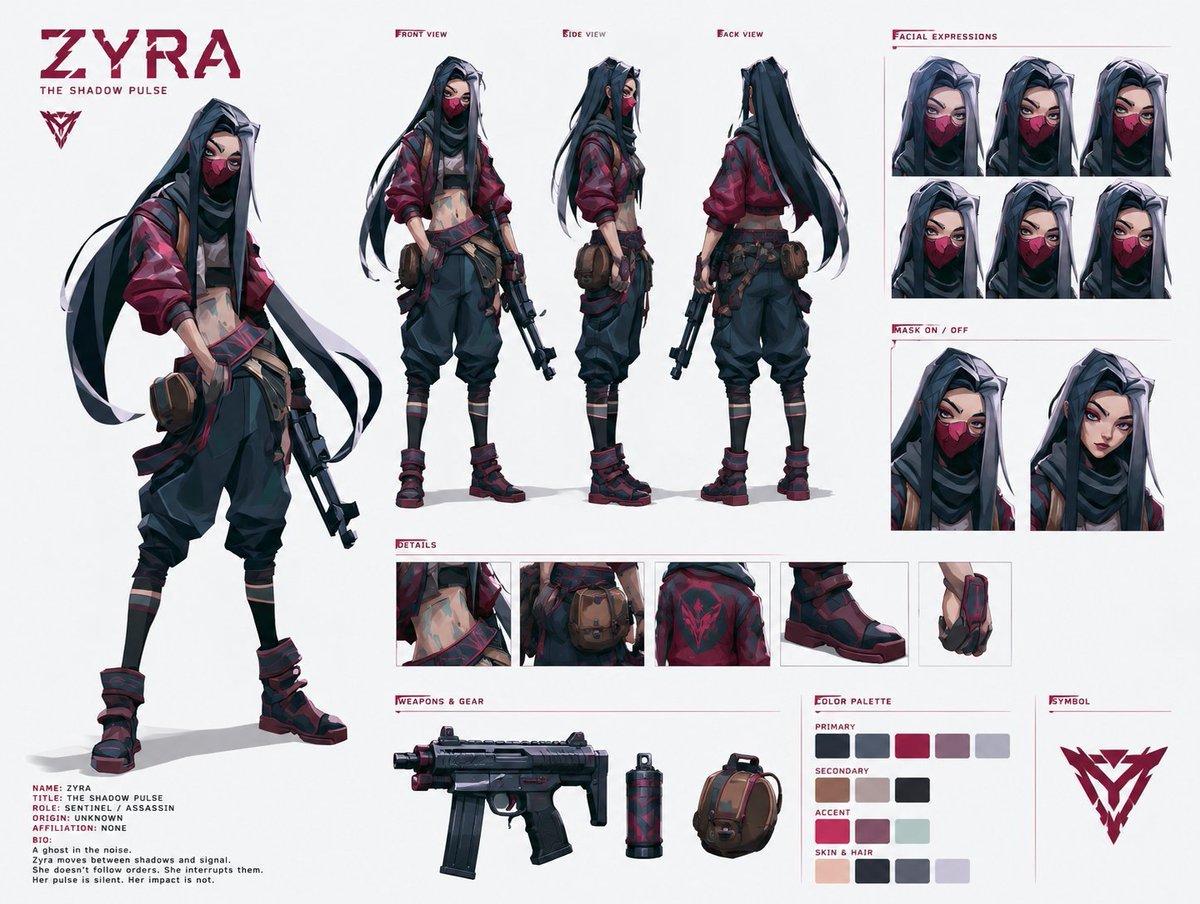
Cyberpunk Ninja Assassin Character Sheet

Rainy Night Android Cyberpunk Portrait

Korean Idol Partial Shadow Editorial Portrait

Cinematic Sci-Fi Interface Side Profile

Cyberpunk Neon Profile Fashion Portrait

Cinematic Neon Light Strip Studio Portrait

Futuristic Studio Neon Ring Minimalist Portrait

Neon Violet Streetwear Fashion Portrait

Neon Night Crosswalk Candid Portrait

Red Futuristic Sport Motorcycle POV
Rainy Night Android Cyberpunk Portrait
Make it yours
Cyberpunk Dual-Katana Ninja works as-is. These are the safest ways to change it without losing the look.
Change one field
Copy a single group, rewrite it, and generate again so you can see what that field is doing.
Keep the frame, change the subject
Hold the composition and light of Cyberpunk Dual-Katana Ninja, then swap wardrobe, props or the person for a new take.
| If the result… | Why | Fix |
|---|---|---|
| The result drifts from the preview | Too many fields changed at once. | Reuse Cyberpunk Dual-Katana Ninja as-is first, then change one group — subject, light, or setting. |
| The model over-stylizes the scene | The prose prompt leaves finish and camera underspecified. | Add one camera or lighting sentence and stay on GPT Image 2. |
More GPT Image 2 templates
Other prompts made for GPT Image 2.

Six VTuber Japanese Logo Sheet

Realistic Portrait of Woman and Deer

The Vista Modular Condo Poster

AI Model Routing Comparison Infographic

2.5D Anime Art Board

Isometric Productivity Desk Scene

New York Double Exposure Poster

Four-Panel AI Landscape Comparison

Japanese Tatami Lifestyle Magazine Cover

NESCAFÉ Coffee Map Poster
More image prompts
Fresh picks from across the catalog.
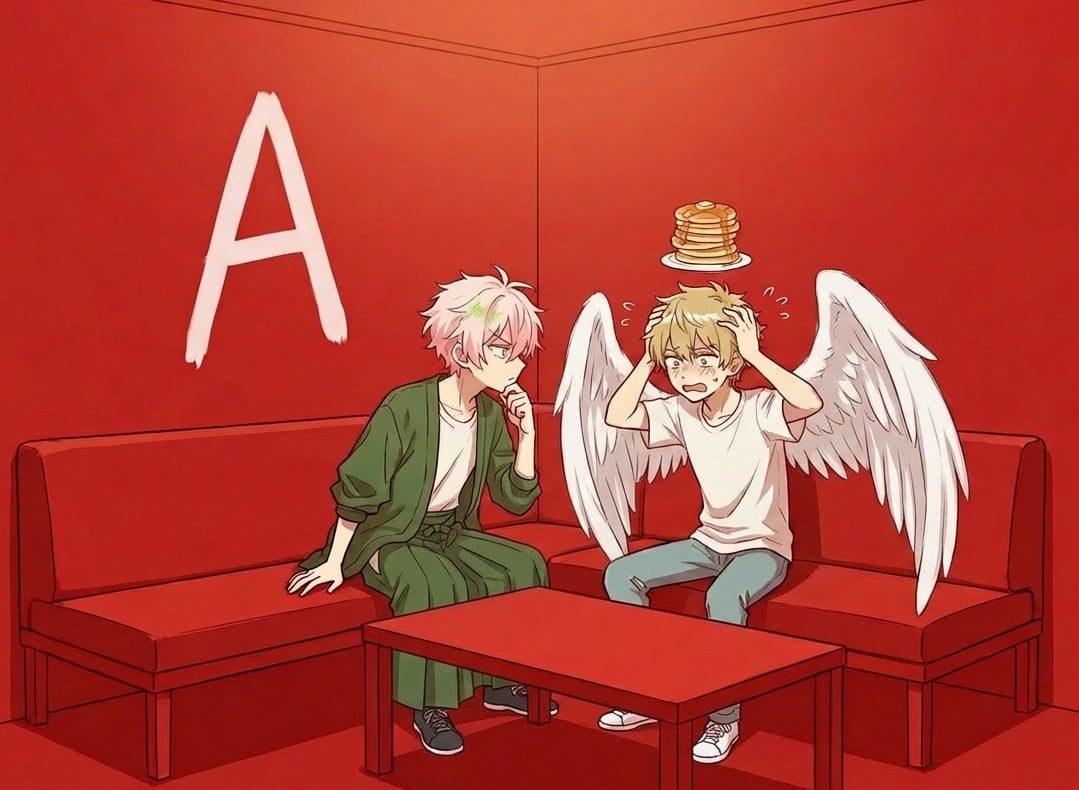
Character in a Red Room Scene Prompt
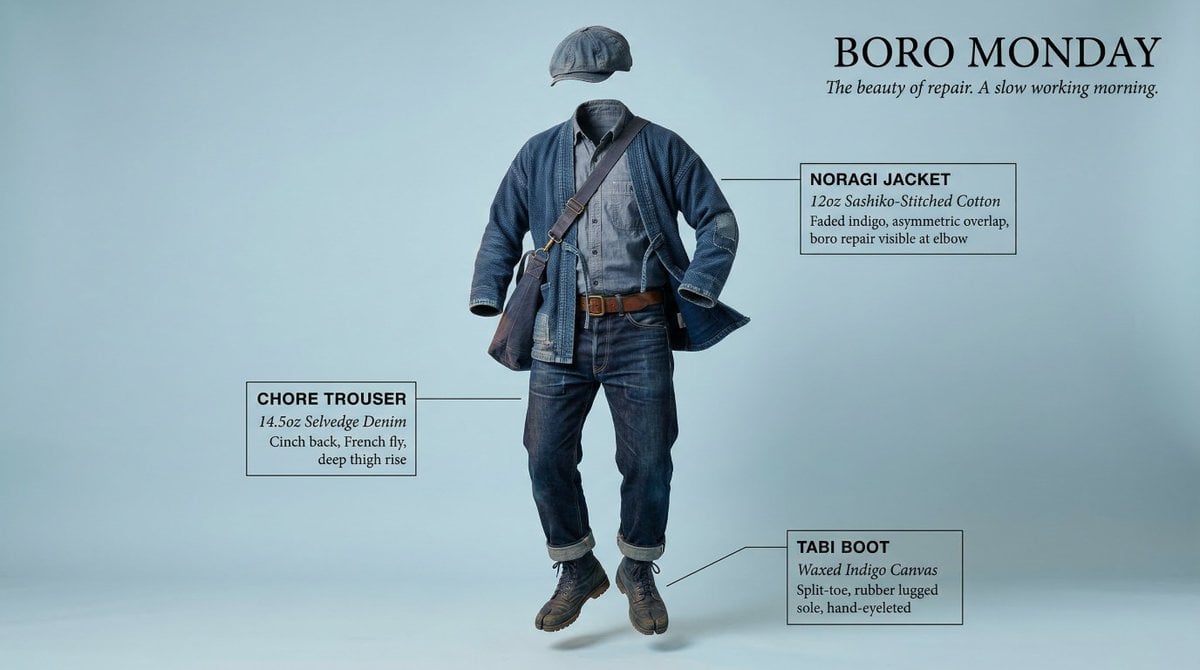
High-Concept Levitation Fashion Editorial
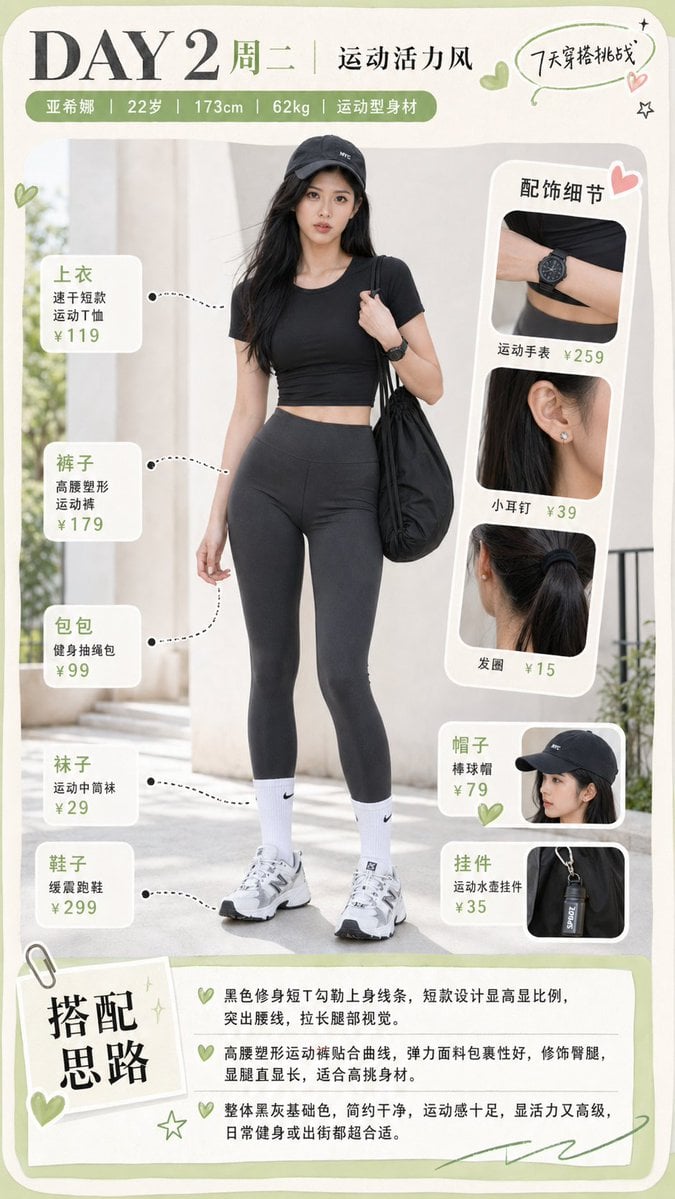
Sporty Outfit Breakdown Poster
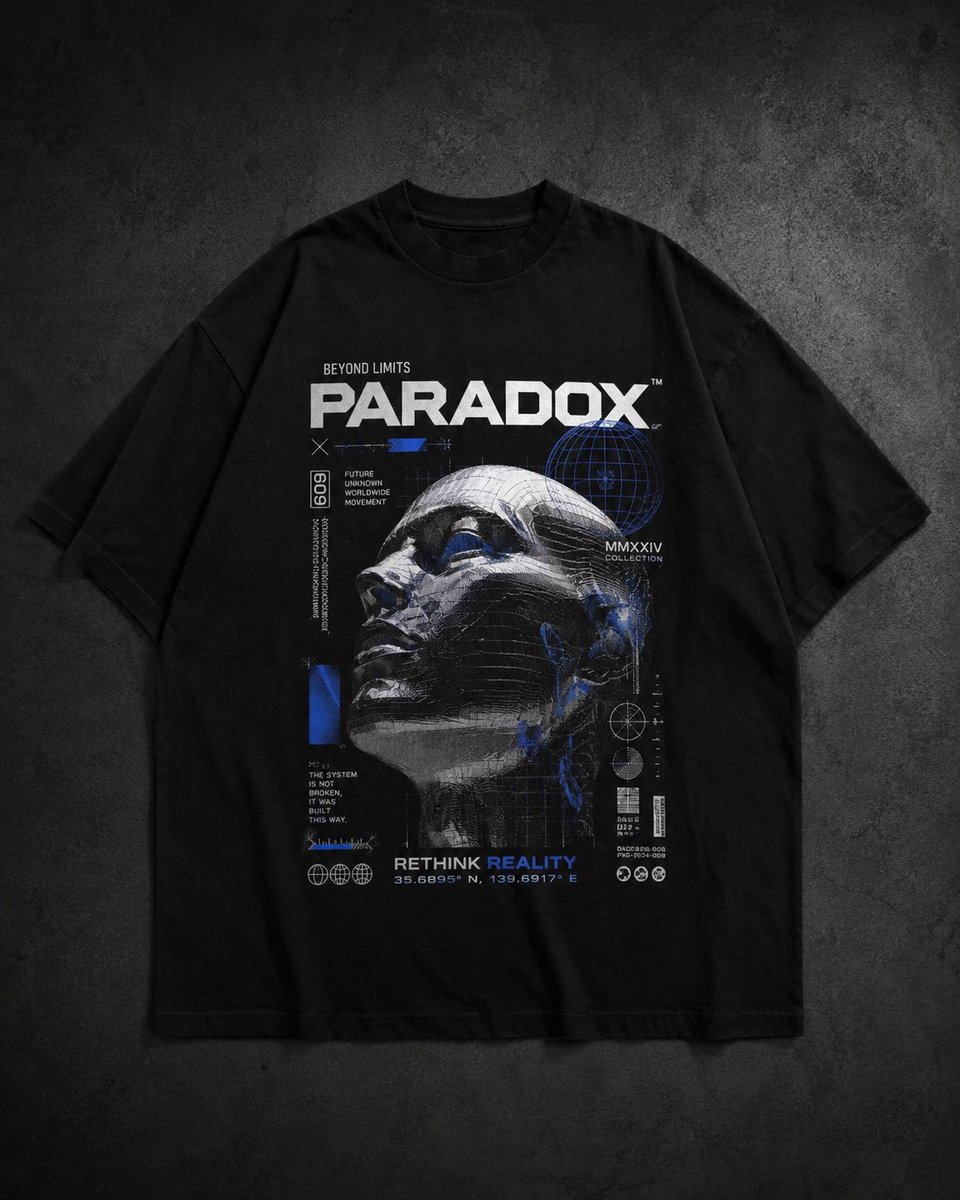
Modern Streetwear and Luxury T-Shirt Designs
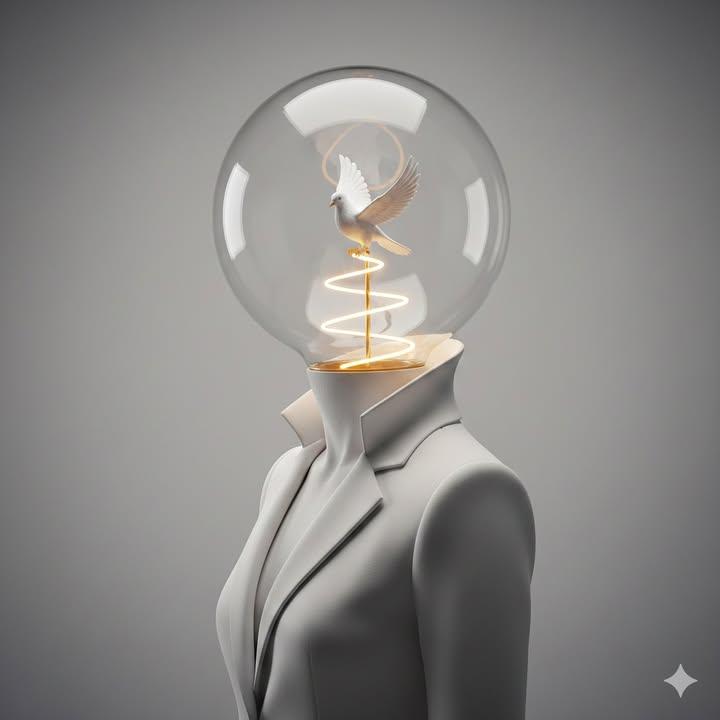
Surreal Minimalist Conceptual Artwork Prompt
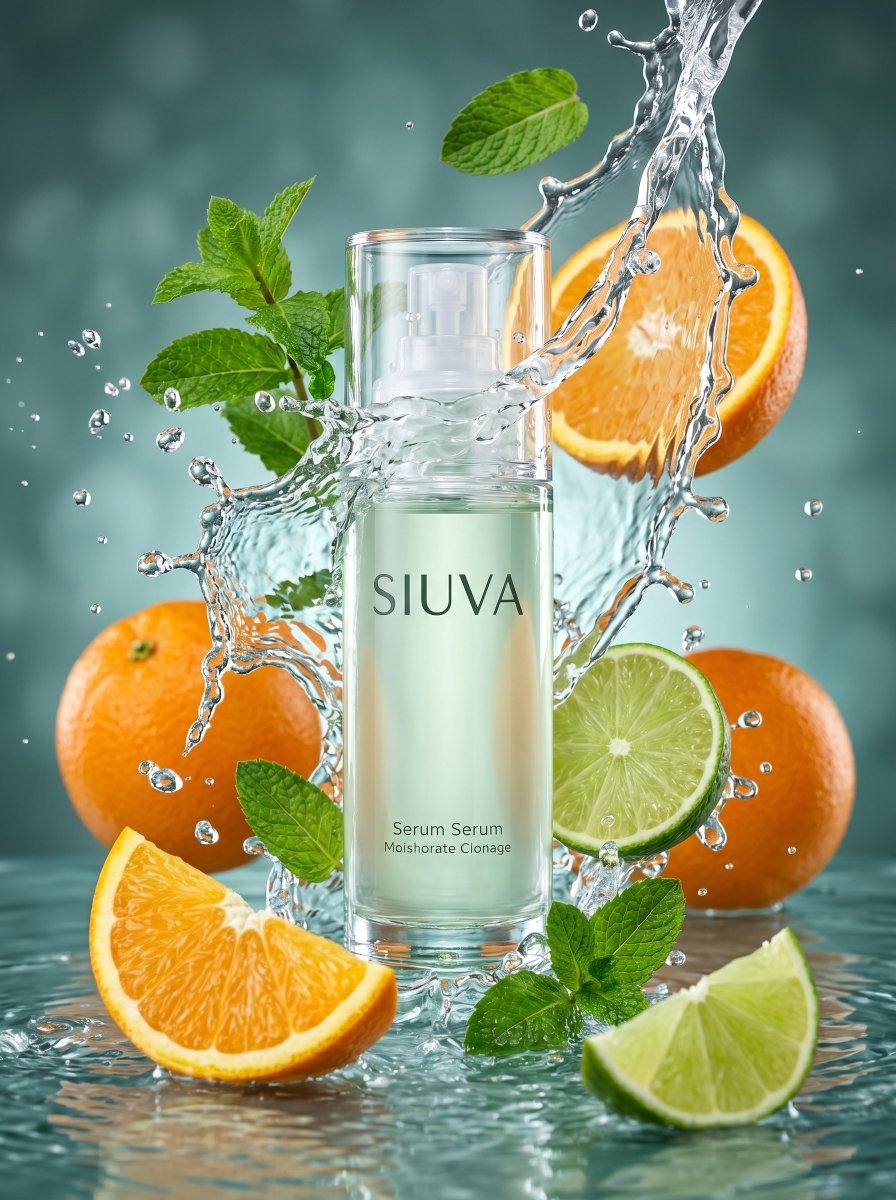
Skincare Product Splash Photography
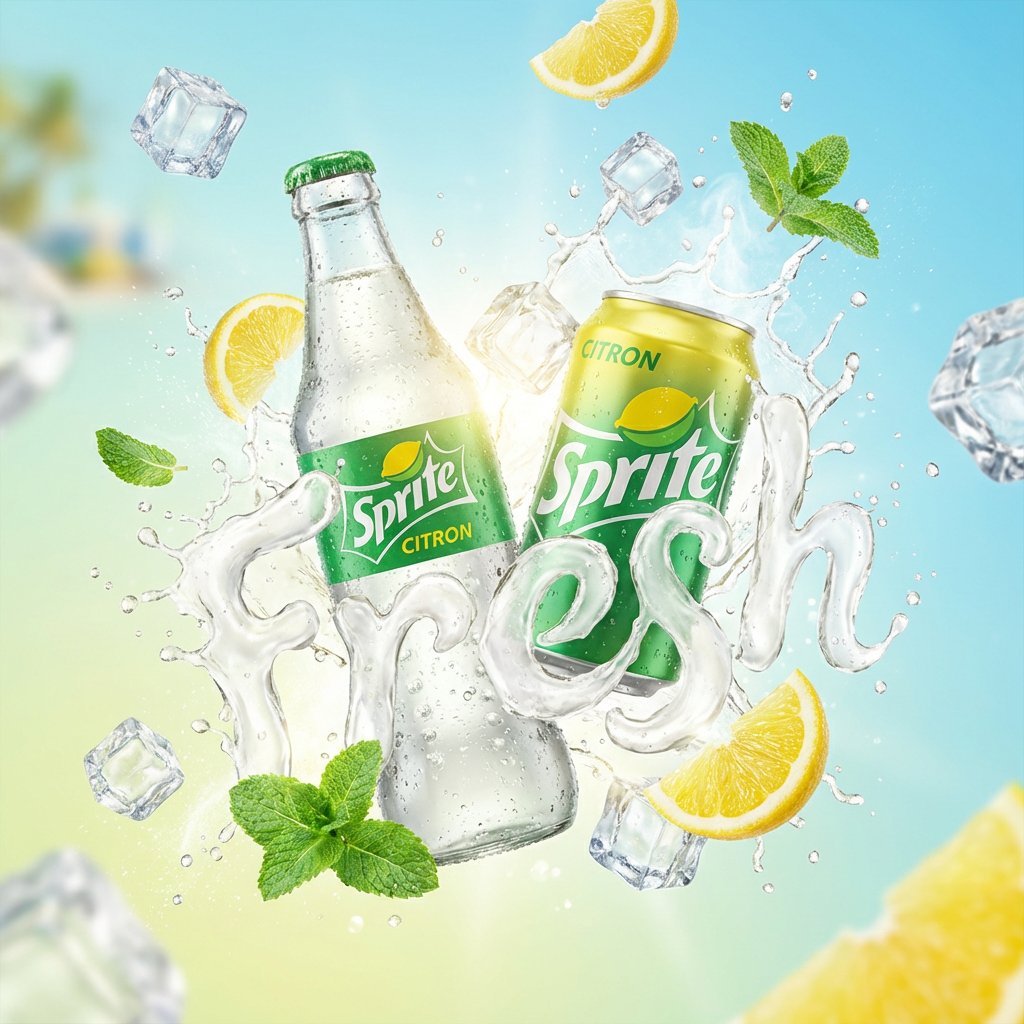
High-End Soda Advertising Visual

New Chinese Style Ice Cream Drink Poster
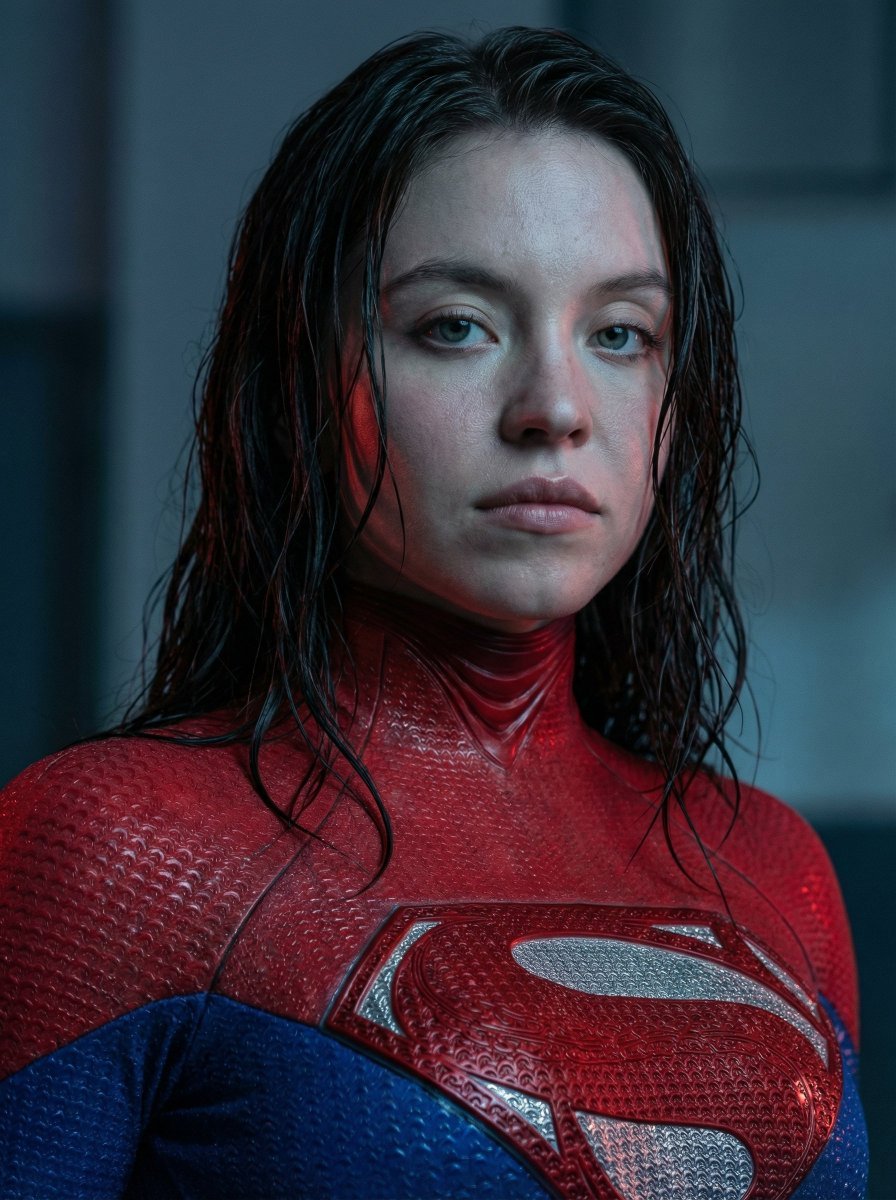
Ultra-Realistic Cinematic Female Superhero Portrait
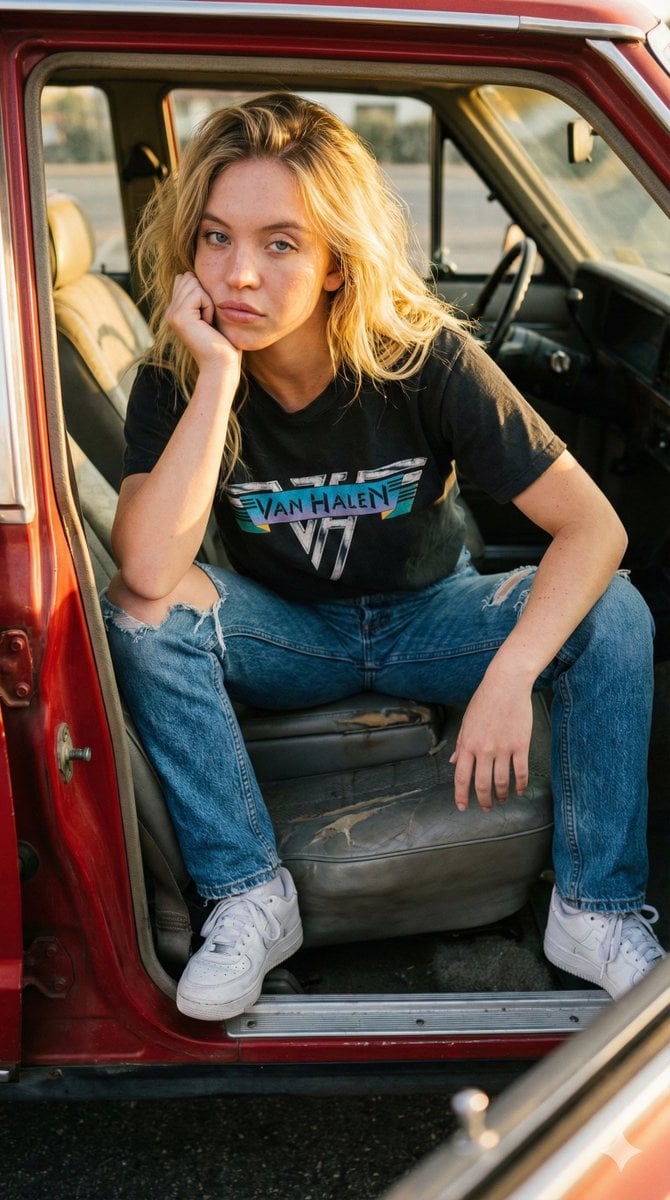
Raw Documentary Car Interior Portrait
Browse template categories
Cyberpunk Dual-Katana Ninja questions
How do I use the Cyberpunk Dual-Katana Ninja template?
Add your photo if the template asks for one, edit the prompt if you like — the template's model and format are already selected — and press Generate. Your version opens in PicX Studio.
Can I customize the Cyberpunk Dual-Katana Ninja template?
Yes. You can change the subject, setting, lighting, mood, format, and available model controls before creating your image.
Is the Cyberpunk Dual-Katana Ninja template free?
Opening and editing this template is free. Generating uses credits, shown on the Generate button when you are signed in.
Which AI model should I use?
Start with GPT Image 2, which is the model associated with this template. You can compare another compatible model for a different finish.
Looking for something else? Browse all templates.

Your photo, any look
Thousands of ready templates for every top image and video model, from one credit balance.