
Cyberpunk Neon Ninja Samurai
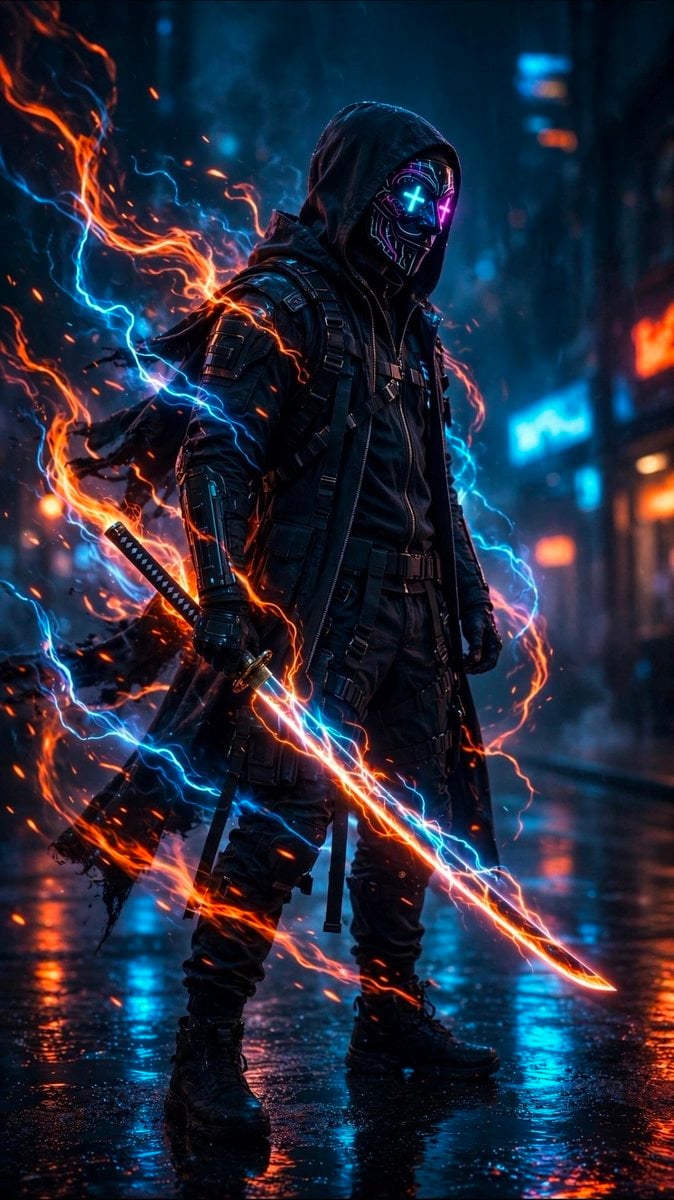
A cinematic vertical portrait prompt for generating a hooded cyberpunk samurai with a glowing energy katana in a rainy neon city.
- Prompt included
- Model and format preset
- Free template
The prompt behind this image
Copy the exact prompt behind Cyberpunk Neon Ninja Samurai, or open it in the studio and make it yours.
Create a vertical cinematic cyberpunk action portrait of a lone futuristic ninja-samurai standing in a rain-soaked neon city street at night. The subject is a full-body male figure in a black hooded tactical outfit with layered leather armor, straps, utility harnesses, armored forearms, gloves, cargo pants, and heavy combat boots. His face is hidden by a glossy black cyber mask with glowing neon circuitry and two bright X-shaped eyes, one cyan and one magenta; the hood casts deep shadow over the mask. He holds exactly one katana in his right hand, angled diagonally downward across the foreground, with a glowing energy blade wrapped in orange fire and blue electrical arcs. A second sheathed sword is visible at his left hip/back. Surround him with dramatic swirling elemental energy: one large orange flame ribbon looping from the left side behind his shoulder down around the sword, and one bright cyan lightning stream crossing behind and around him, with many small sparks and embers. The environment is a dark futuristic alley or street with blurred blue and orange neon signs, wet reflective pavement, rain mist, and bokeh city lights in the background. Use high contrast teal-and-orange color grading, volumetric haze, rim lighting, realistic glossy reflections, cinematic depth of field, sharp detailed character textures, and dynamic motion in the energy effects. The character should feel intimidating, calm, and powerful, standing upright and facing slightly to the right. Customize the main figure as {argument name="character name" default="cyberpunk hooded ninja samurai"}, the outfit color as {argument name="outfit color" default="black"}, the mask eye colors as {argument name="mask eye colors" default="cyan and magenta"}, the sword energy colors as {argument name="sword energy colors" default="orange fire and blue lightning"}, and the setting as {argument name="setting" default="rainy neon cyberpunk city street"}. No text, no watermark, no extra characters, no cartoon style.
How to use Cyberpunk Neon Ninja Samurai in 3 steps
- 1Upload ImagePNG, JPG or paste
Add your photo
Upload the photo the template builds on. The prompt, model and format are already set.
- 2…a portrait of your subject in softgolden-hour light, 85mm…
Personalize
Edit the subject and creative details for your destination.
- 3Generate
Generate
Press Generate — your image is created in PicX Studio, so you can compare it with the original and refine one variable at a time.
More like this
Templates with the same subject, style or setup. Open one to see its prompt.

Rainy Night Android Cyberpunk Portrait

Korean Idol Partial Shadow Editorial Portrait

Cyberpunk Neon Profile Fashion Portrait

Neon Night Crosswalk Candid Portrait
Rainy Night Android Cyberpunk Portrait

Cinematic Sci-Fi Commander Side Profile Portrait
Low-Angle Cyberpunk Neon Profile Portrait

Cinematic Neon Light Strip Studio Portrait
Neon Night Crosswalk Candid Portrait

Neon Glitch Cyber Symbiote Music Poster

Spider-Man 2099 Cyberpunk Neon Future City

Cyberpunk Neon Brazil World Cup Poster
Make it yours
Cyberpunk Neon Ninja Samurai works as-is. These are the safest ways to change it without losing the look.
Change one field
Copy a single group, rewrite it, and generate again so you can see what that field is doing.
Keep the frame, change the subject
Hold the composition and light of Cyberpunk Neon Ninja Samurai, then swap wardrobe, props or the person for a new take.
| If the result… | Why | Fix |
|---|---|---|
| The result drifts from the preview | Too many fields changed at once. | Reuse Cyberpunk Neon Ninja Samurai as-is first, then change one group — subject, light, or setting. |
| The model over-stylizes the scene | The prose prompt leaves finish and camera underspecified. | Add one camera or lighting sentence and stay on GPT Image 2. |
More GPT Image 2 templates
Other prompts made for GPT Image 2.

Six VTuber Japanese Logo Sheet

Realistic Portrait of Woman and Deer

The Vista Modular Condo Poster

AI Model Routing Comparison Infographic

2.5D Anime Art Board

Isometric Productivity Desk Scene

New York Double Exposure Poster

Four-Panel AI Landscape Comparison

Japanese Tatami Lifestyle Magazine Cover

NESCAFÉ Coffee Map Poster
More image prompts
Fresh picks from across the catalog.
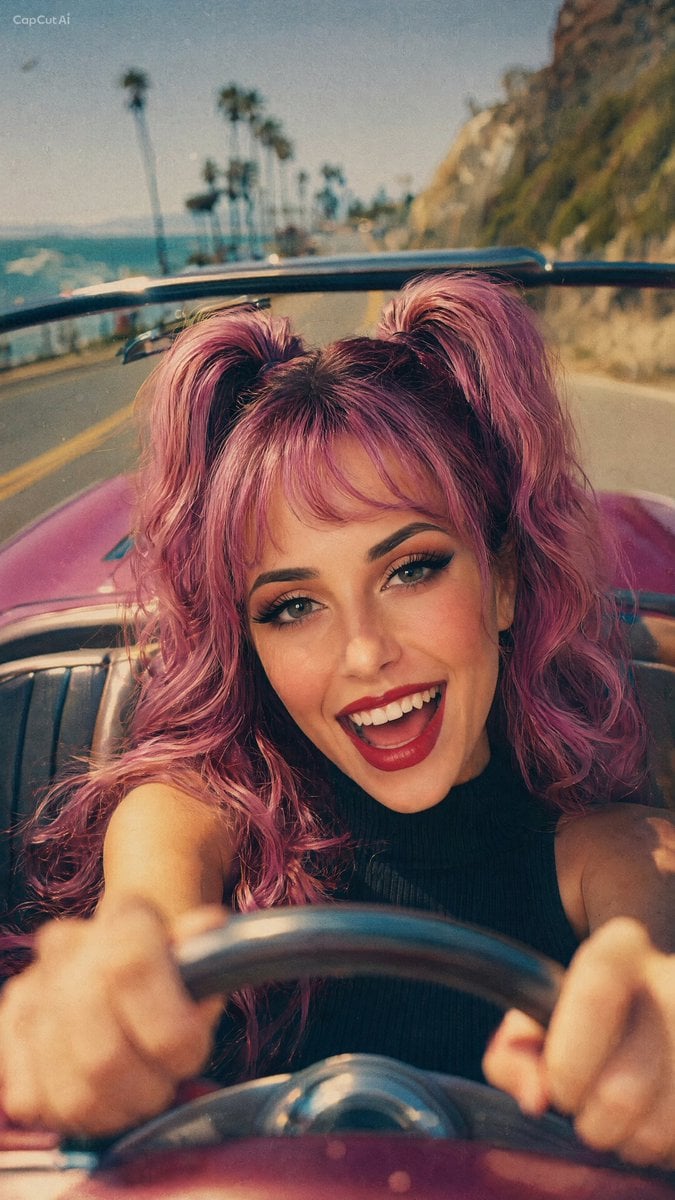
90s Retro Film Driving Shot
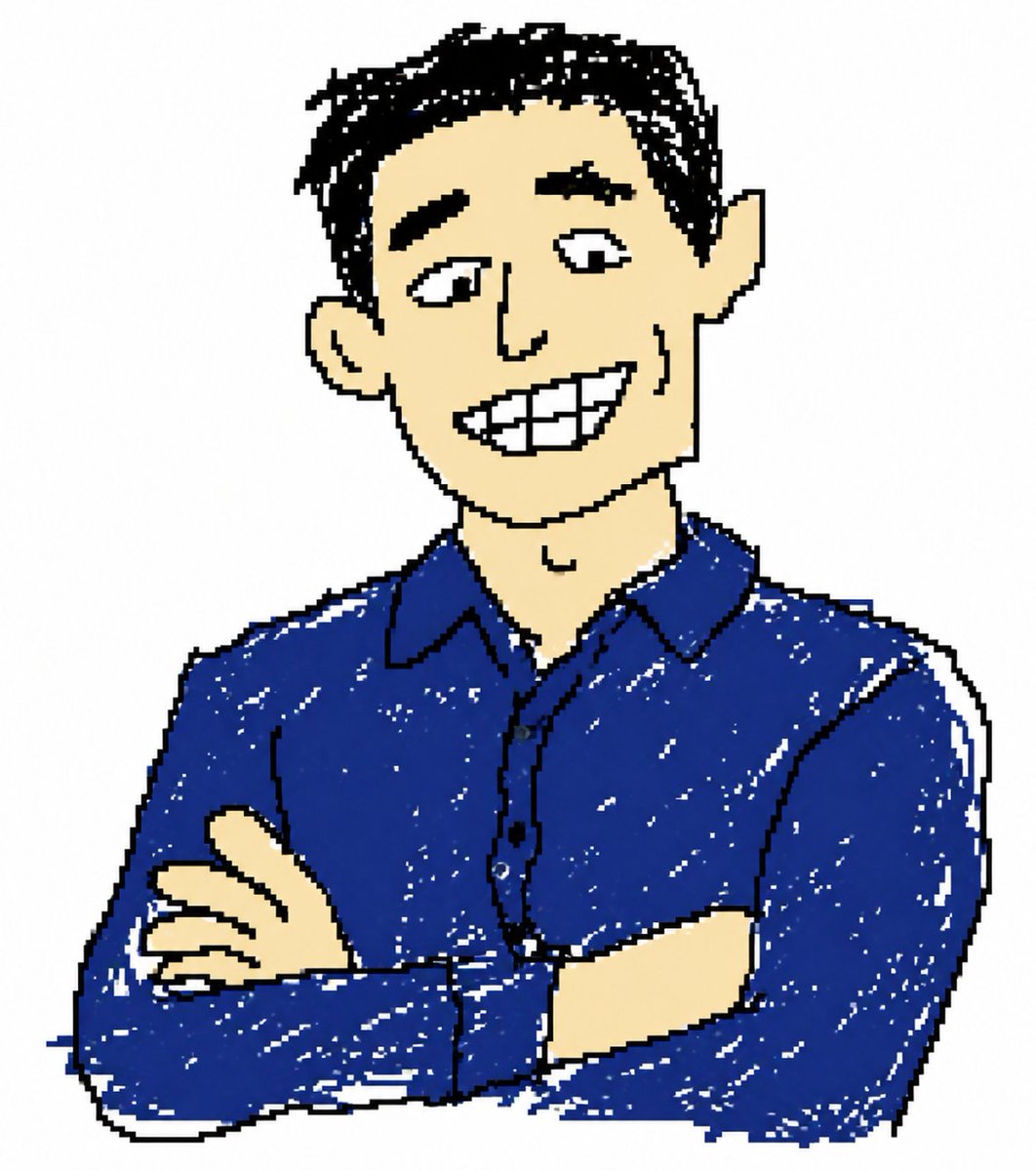
Clumsy MS Paint Style Redraw
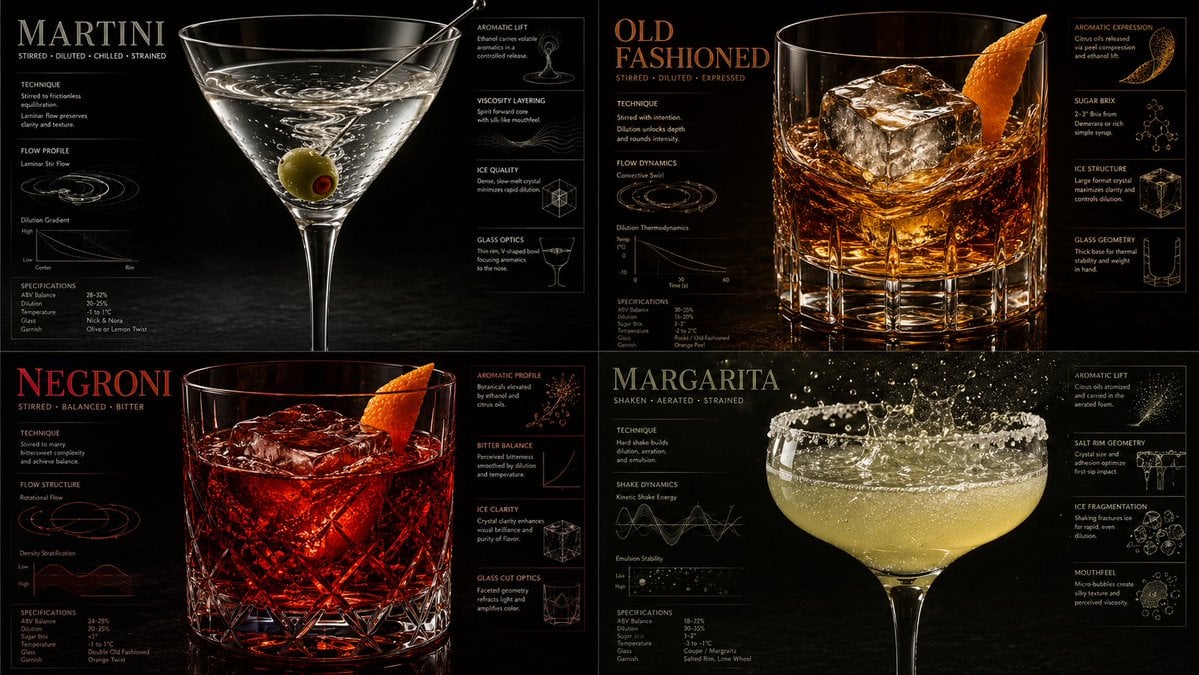
Luxury Mixology Fluid Dynamics Poster
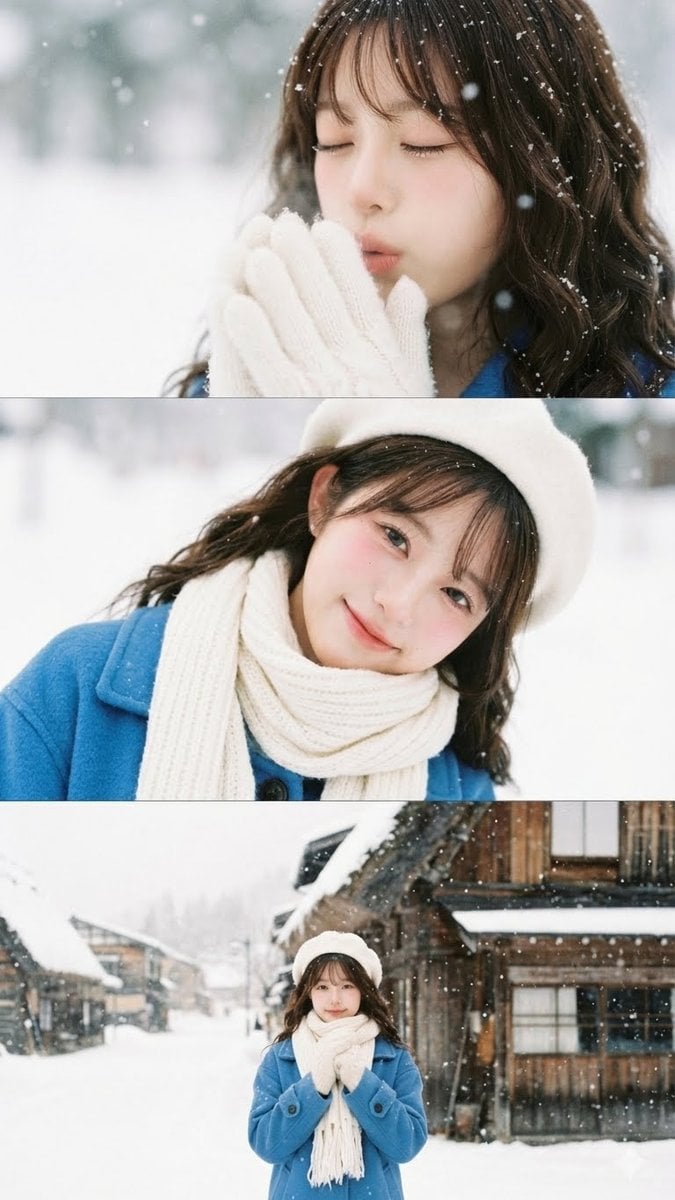
Vertical film strip collage of an Asian woman in a snowy Hokkaido setting

Reverb City Movie Poster
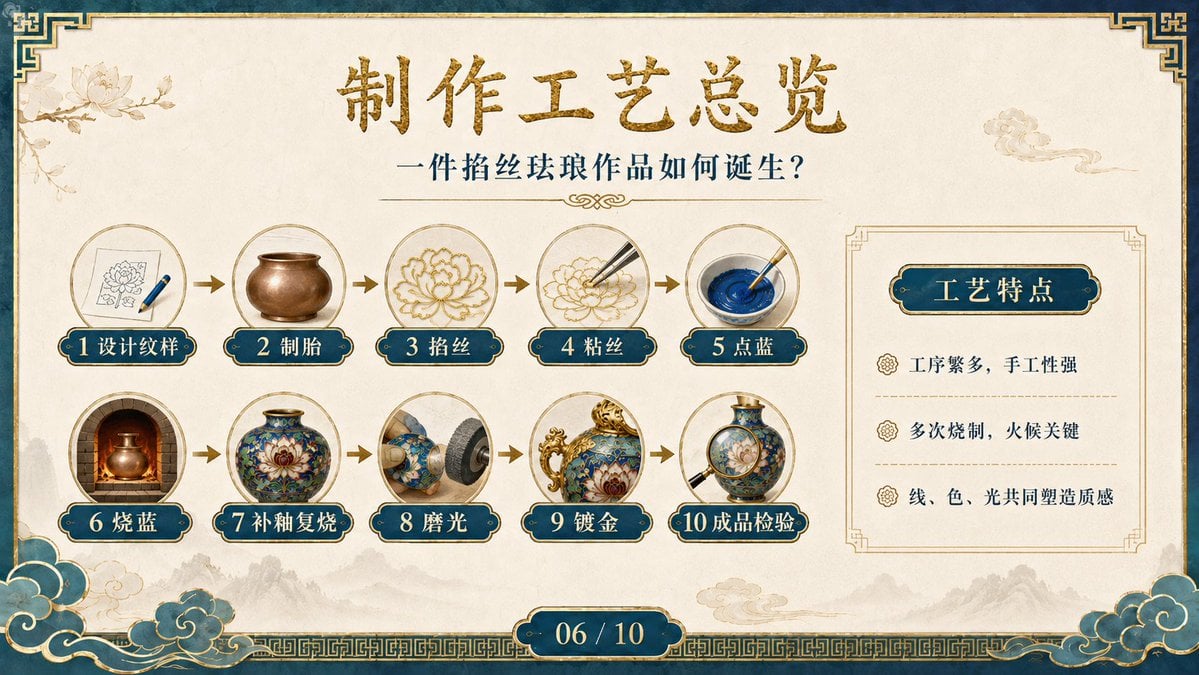
Cloisonné Craft Process PPT Slide
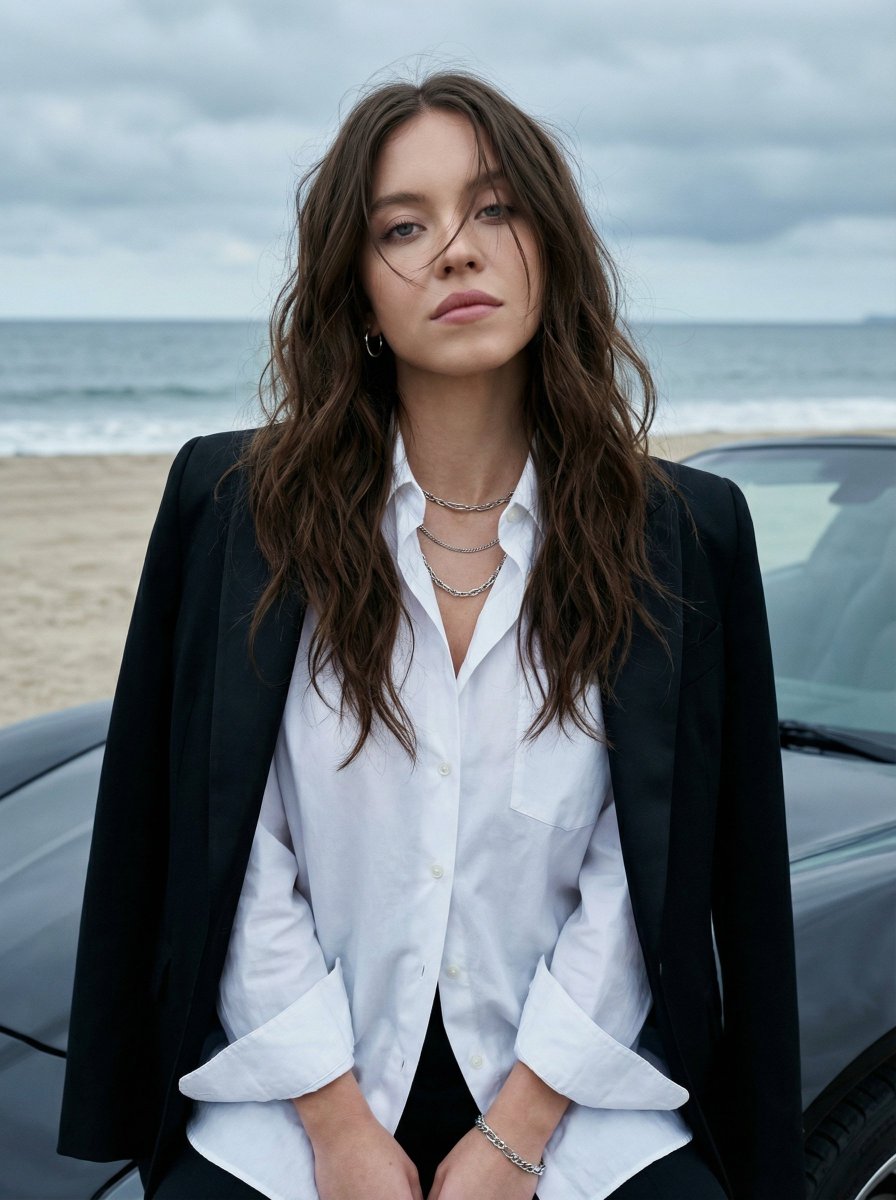
Photorealistic Fashion Portrait on Car Hood at Seaside
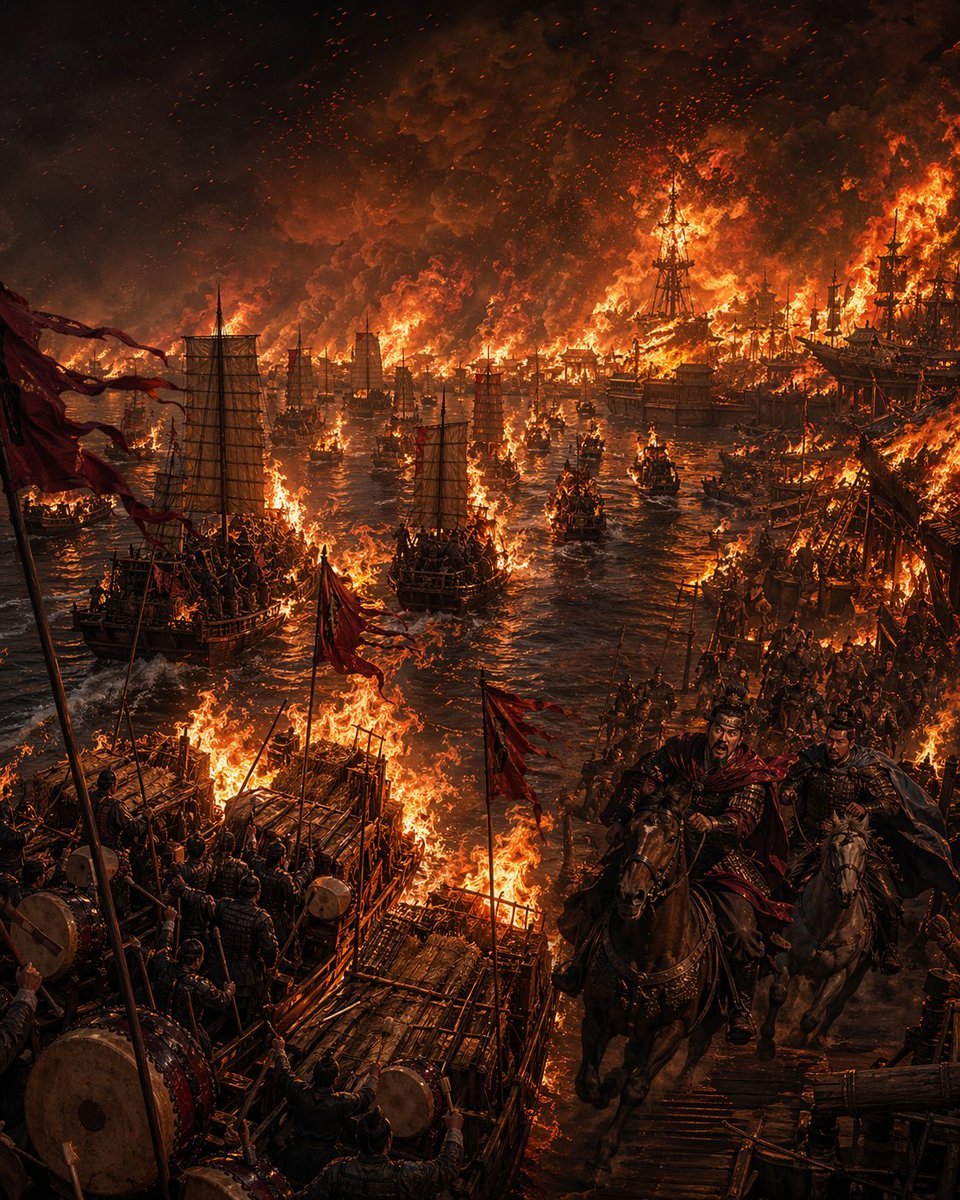
Burning Red Cliffs Night Battle
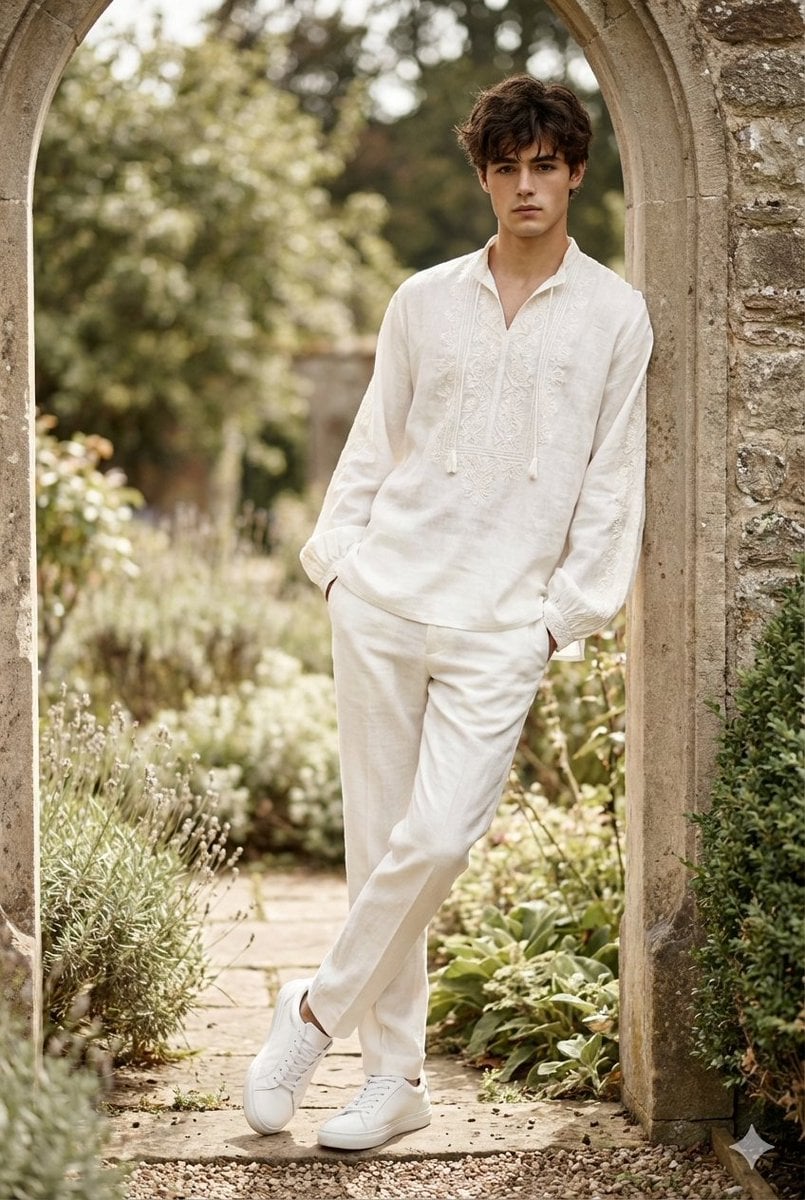
High-Fashion Boho Editorial Prompt
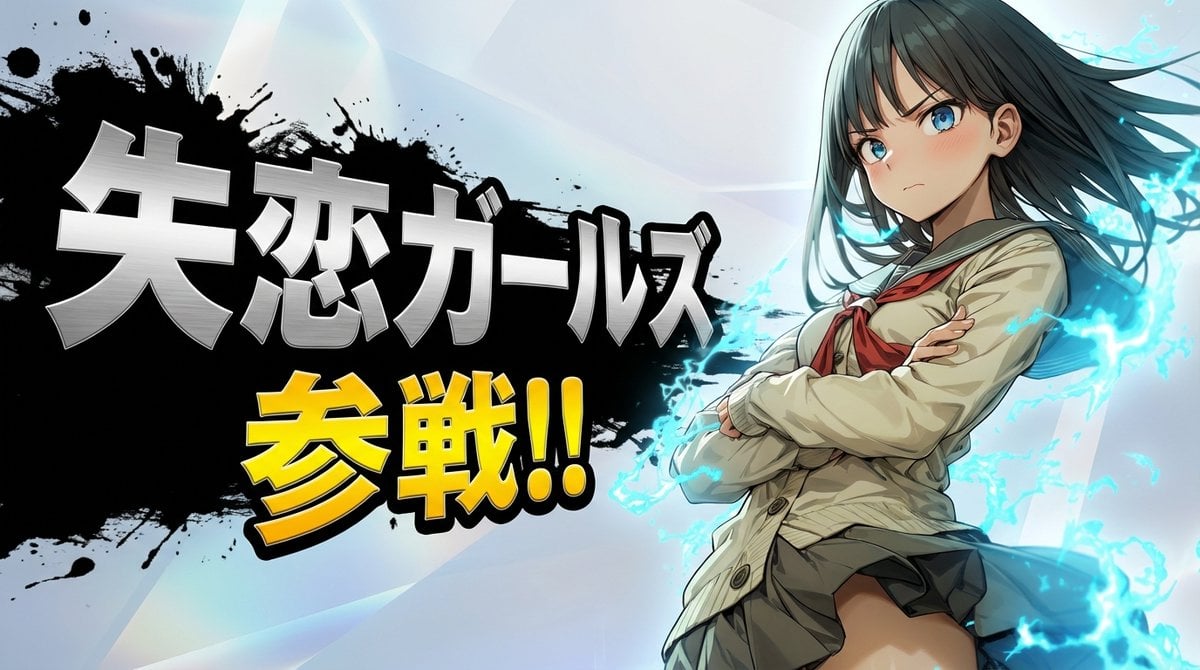
Nano Banana Pro Battle Entry Screen Prompt
Browse template categories
Cyberpunk Neon Ninja Samurai questions
How do I use the Cyberpunk Neon Ninja Samurai template?
Add your photo if the template asks for one, edit the prompt if you like — the template's model and format are already selected — and press Generate. Your version opens in PicX Studio.
Can I customize the Cyberpunk Neon Ninja Samurai template?
Yes. You can change the subject, setting, lighting, mood, format, and available model controls before creating your image.
Is the Cyberpunk Neon Ninja Samurai template free?
Opening and editing this template is free. Generating uses credits, shown on the Generate button when you are signed in.
Which AI model should I use?
Start with GPT Image 2, which is the model associated with this template. You can compare another compatible model for a different finish.
Looking for something else? Browse all templates.

Your photo, any look
Thousands of ready templates for every top image and video model, from one credit balance.