
Photorealistic Fashion Portrait on Car Hood at Seaside
A detailed, structured image generation prompt for creating a highly photorealistic outdoor fashion portrait.
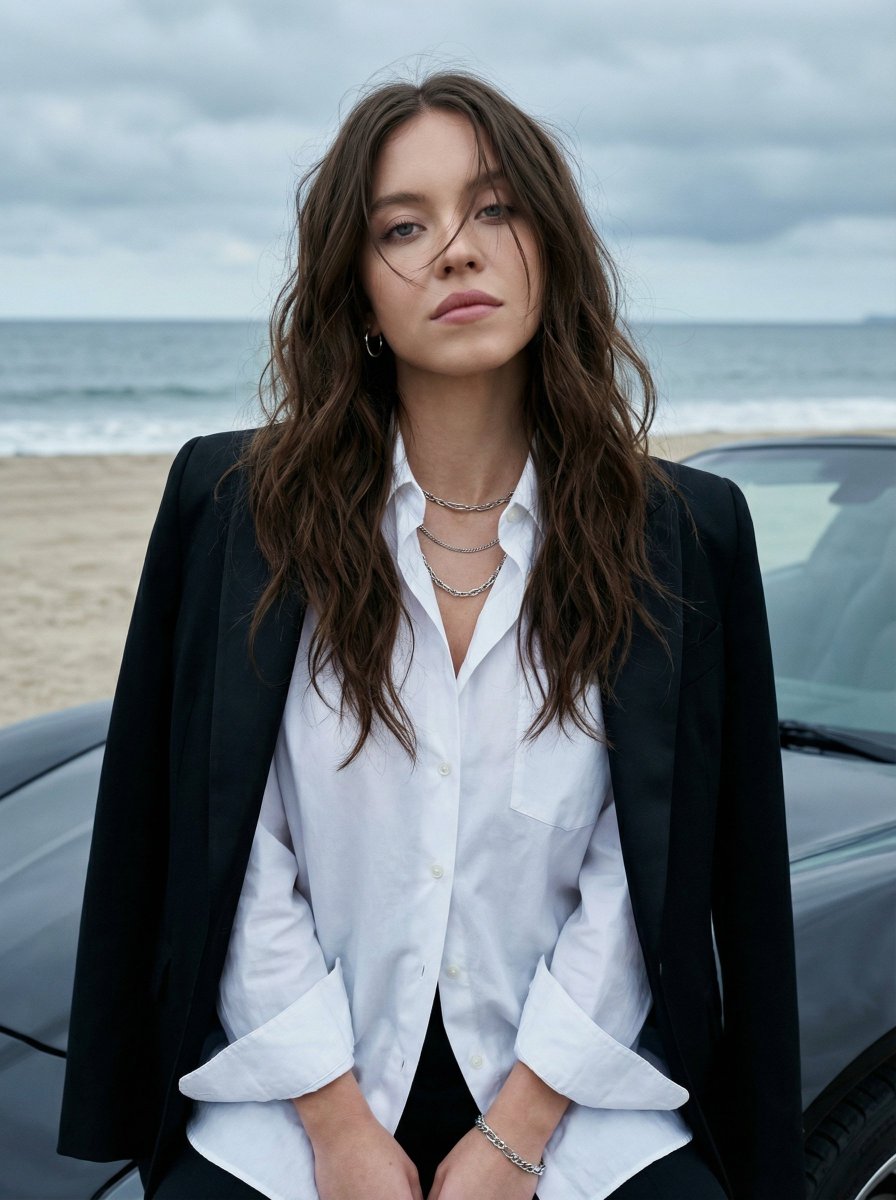
- Prompt included
- Model and format preset
- Free template
The prompt behind this image
Copy the exact prompt behind Photorealistic Fashion Portrait on Car Hood at Seaside, or open it in the studio and make it yours.
- Image Prompt › Reference Image
- use_uploaded_photo
- Image Prompt › Face Preservation › Enabled
- true
- Image Prompt › Face Preservation › Strength
- maximum
- Image Prompt › Face Preservation › Instruction
- Do not alter facial structure, proportions, skin texture, expression, moles, or identity in any way. The face must match the reference image exactly.
- Image Prompt › Subject › Description
- A very beautiful young woman
- Image Prompt › Subject › Expression
- calm, slightly dreamy
- Image Prompt › Subject › Gaze
- looking directly at the camera
- Image Prompt › Subject › Skin
- natural, realistic skin texture
- Image Prompt › Subject › Makeup › Style
- minimal with soft smokey eye makeup
- Image Prompt › Subject › Makeup › Focus
- eyes subtly emphasized
- Image Prompt › Subject › Hair › Color
- dark brown
- Image Prompt › Subject › Hair › Length
- long
- Image Prompt › Subject › Hair › Style
- loose, wavy, slightly messy
- Image Prompt › Subject › Hair › Details
- a few strands partially covering her face for a natural, effortless look
- Image Prompt › Outfit And Accessories › Top › Type
- loose white open shirt button
- Image Prompt › Outfit And Accessories › Top › Fit
- relaxed
- Image Prompt › Outfit And Accessories › Top › Details
- sleeves slightly rolled up at the wrists
- Image Prompt › Outfit And Accessories › Outerwear › Type
- formal black blazer
- Image Prompt › Outfit And Accessories › Outerwear › Placement
- draped over her left shoulder and resting slightly on the hood of the car
- Image Prompt › Outfit And Accessories › Bottom › Type
- dark pants
- Image Prompt › Outfit And Accessories › Bottom › Color
- black
- Image Prompt › Outfit And Accessories › Bottom › Visibility
- only partially visible
- Image Prompt › Outfit And Accessories › Jewelry › Neck
- layered chunky silver chain necklaces
- Image Prompt › Outfit And Accessories › Jewelry › Ears
- small silver hoop earrings
Raw JSON
{
  "image_prompt": {
    "reference_image": "use_uploaded_photo",
    "face_preservation": {
      "enabled": true,
      "strength": "maximum",
      "instruction": "Do not alter facial structure, proportions, skin texture, expression, moles, or identity in any way. The face must match the reference image exactly."
    },

    "subject": {
      "description": "A very beautiful young woman",
      "expression": "calm, slightly dreamy",
      "gaze": "looking directly at the camera",
      "skin": "natural, realistic skin texture",
      "makeup": {
        "style": "minimal with soft smokey eye makeup",
        "focus": "eyes subtly emphasized"
      },
      "hair": {
        "color": "dark brown",
        "length": "long",
        "style": "loose, wavy, slightly messy",
        "details": "a few strands partially covering her face for a natural, effortless look"
      }
    },

    "outfit_and_accessories": {
      "top": {
        "type": "loose white open shirt button",
        "fit": "relaxed",
        "details": "sleeves slightly rolled up at the wrists"
      },
      "outerwear": {
        "type": "formal black blazer",
        "placement": "draped over her left shoulder and resting slightly on the hood of the car"
      },
      "bottom": {
        "type": "dark pants",
        "color": "black",
        "visibility": "only partially visible"
      },
      "jewelry": {
        "neck": "layered chunky silver chain necklaces",
        "ears": "small silver hoop earrings",
        "wrist": "silver chain bracelet"
      }
    },

    "pose_and_composition": {
      "pose": "sitting casually on the hood of a car",
      "support": "leaning slightly back against the hood",
      "framing": "medium close-up",
      "focus": "sharp focus on the subject",
      "background_blur": "slight natural bokeh"
    },

    "environment": {
      "foreground": "glossy black sports car hood with subtle reflections",
      "background": {
        "location": "beach or seaside",
        "details": [
          "faint sandy shoreline",
          "calm grayish-blue ocean",
          "overcast or heavily cloudy sky"
        ],
        "atmosphere": "cool, melancholic, serene"
      }
    },

    "lighting": {
      "type": "soft natural daylight",
      "condition": "overcast",
      "effect": "evenly diffused lighting with no harsh shadows"
    },

    "photography_style": {
      "genre": "outdoor fashion portrait",
      "realism": "highly photorealistic",
      "color_tone": "cool and muted",
      "depth_of_field": "moderate with gentle background blur"
    },

    "quality": {
      "resolution": "ultra high",
      "detail": "sharp fabric, hair, jewelry, and skin textures",
      "render_style": "natural DSLR photography look"
    }
  }
}How to use Photorealistic Fashion Portrait on Car Hood at Seaside in 3 steps
- 1Upload ImagePNG, JPG or paste
Add your photo
Upload the photo the template builds on. The prompt, model and format are already set.
- 2…a portrait of your subject in softgolden-hour light, 85mm…
Personalize
Edit the subject and creative details for your destination.
- 3Generate
Generate
Press Generate — your image is created in PicX Studio, so you can compare it with the original and refine one variable at a time.
More like this
Templates with the same subject, style or setup. Open one to see its prompt.

Nano Banana 2 High Fashion Sports Campai

Couture Fashion Editorial Woman and Drag

Ive Yujin Fashion Portrait in Blue

Nano Banana 2 Editorial Fashion Portrait

Caution Tape Fashion — Industrial Editorial
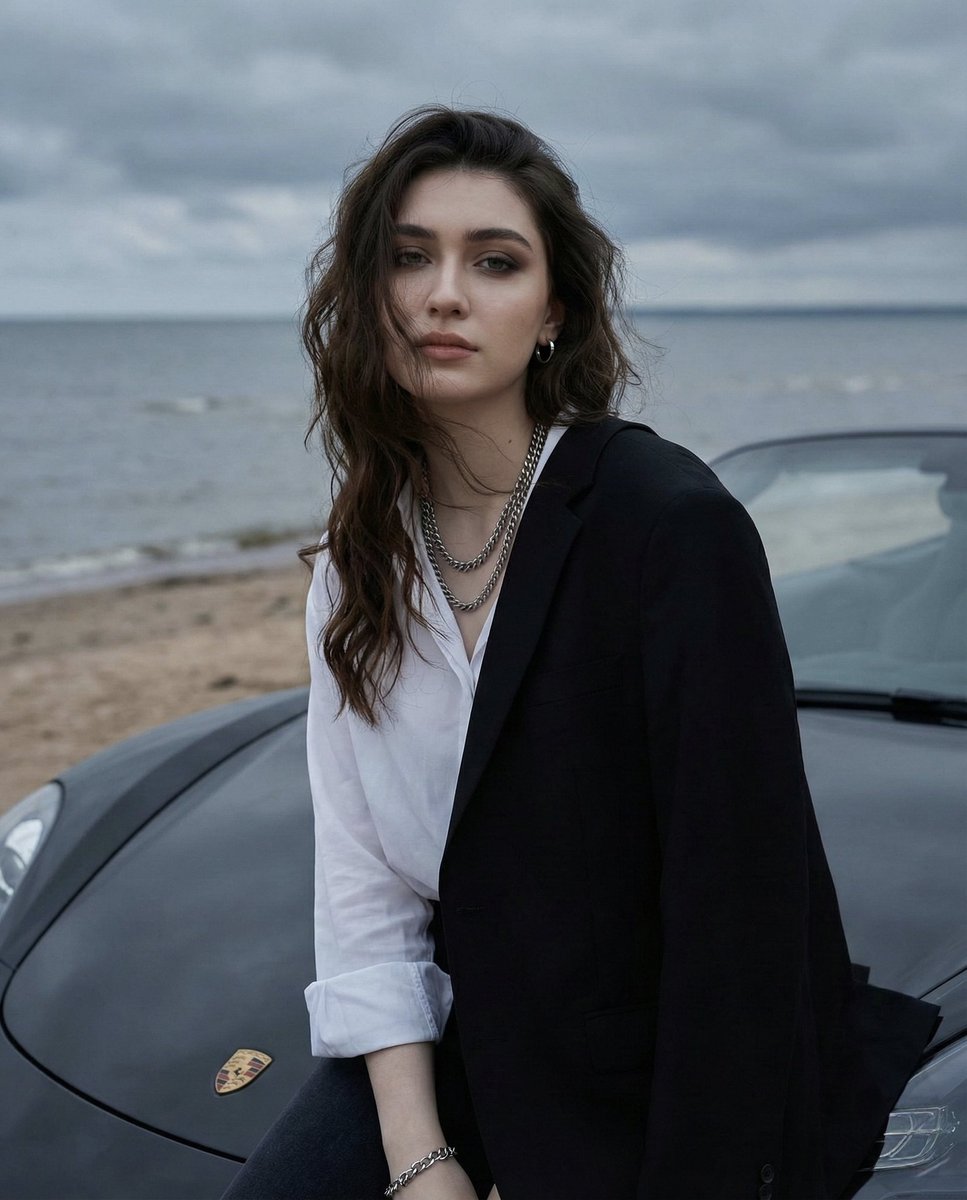
Overcast Seaside Car Hood Portrait with Identity Lock Prompt

Ultra Detailed 3d Plush Cartoon Characte
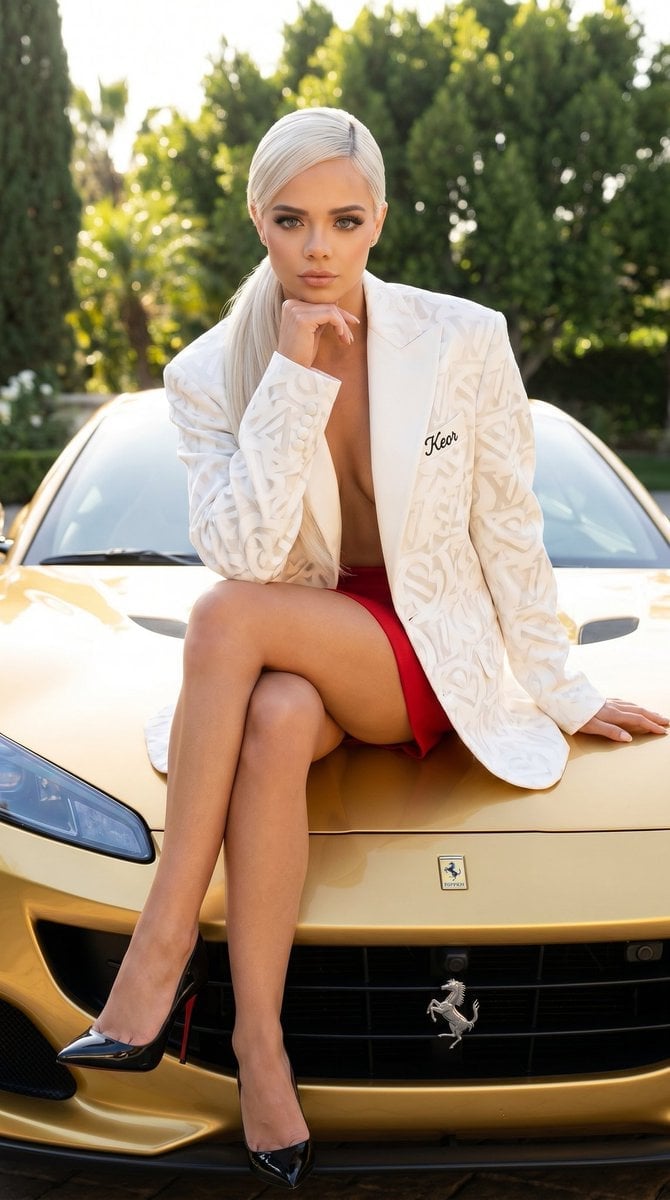
Luxury Car Fashion Portrait with Monogram Blazer
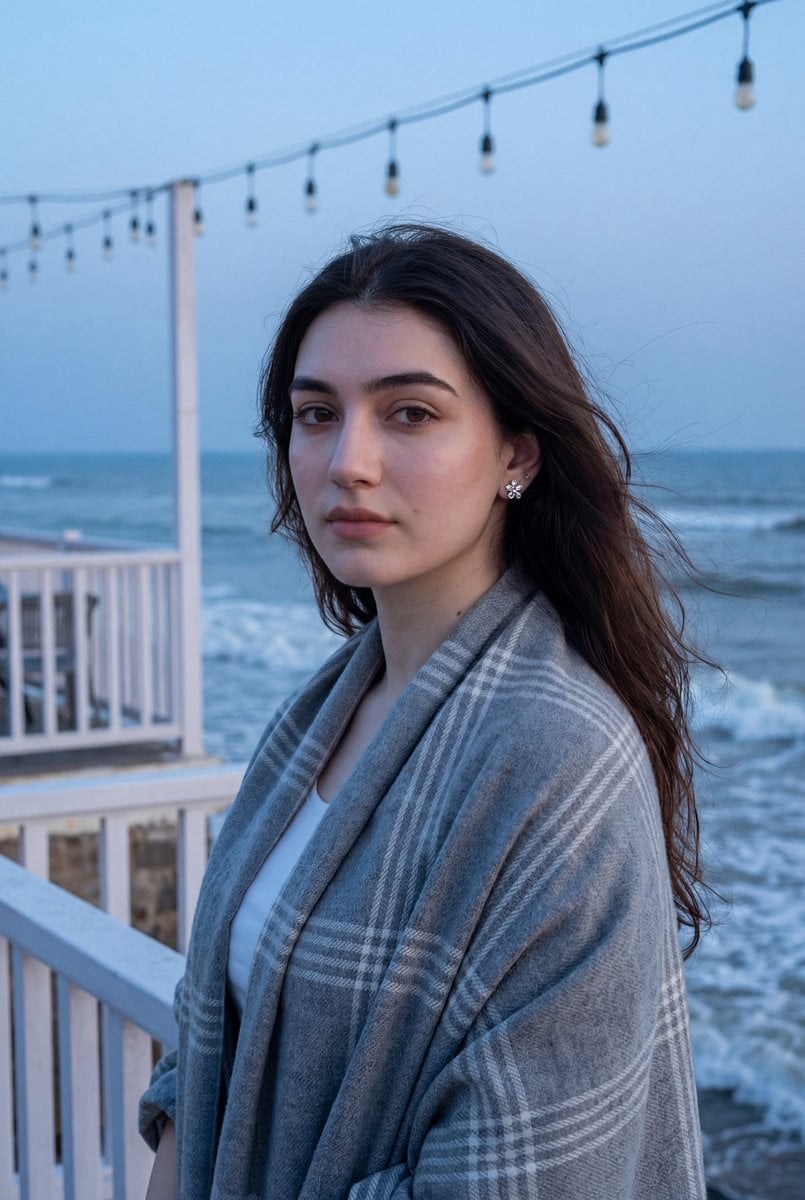
Photorealistic Portrait of a Woman on a Seaside Terrace at Blue Hour
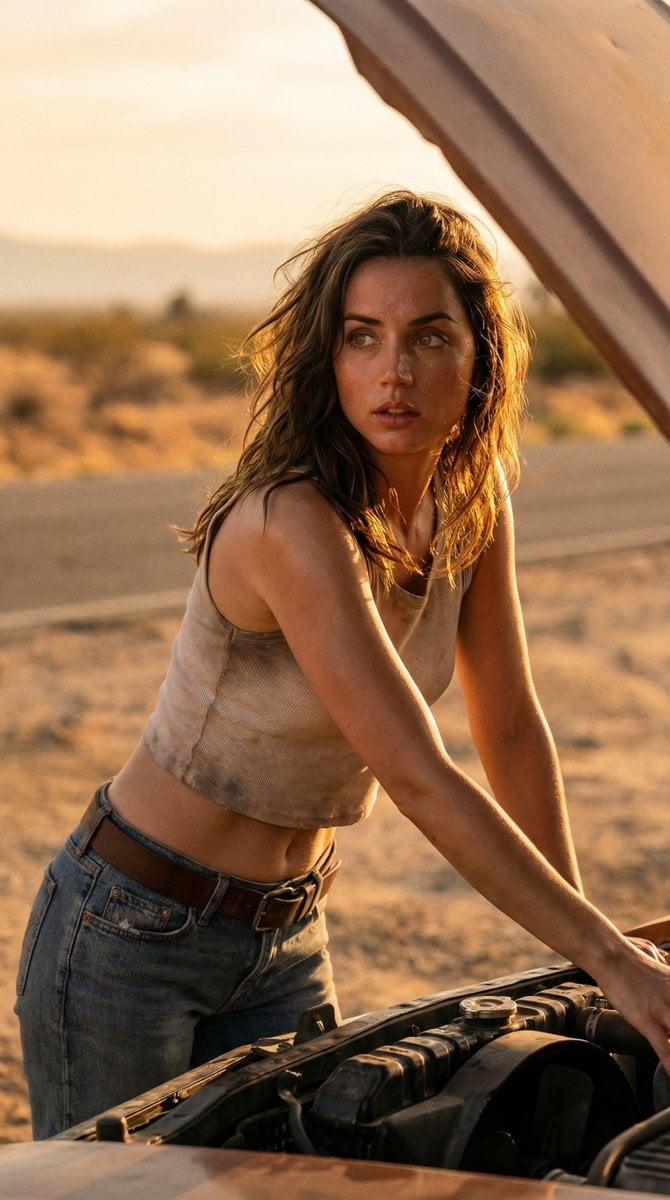
Cinematic Desert Portrait Leaning on Car Hood

Miniature Self Portrait Collage

Found Photograph: Us, 1970
Make it yours
Photorealistic Fashion Portrait on Car Hood at Seaside works as-is. These are the safest ways to change it without losing the look.
Swap the setting
Keep the rest of the prompt and replace the location block. The current setting is “slight natural bokeh”.
Swap the light
One lighting change is enough to compare takes. Current light: “soft natural daylight”.
Change one field
Copy a single group, rewrite it, and generate again so you can see what that field is doing.
| If the result… | Why | Fix |
|---|---|---|
| The result drifts from the preview | Too many fields changed at once. | Reuse Photorealistic Fashion Portrait on Car Hood at Seaside as-is first, then change one group — subject, light, or setting. |
| Nano Banana 2 ignores part of the JSON | Some models flatten or skip nested keys. | Keep the same values and paste them as a short paragraph instead. |
More Nano Banana 2 templates
Other prompts made for Nano Banana 2.

Photorealistic Leaf Shaped Like a Dragon

K-Pop Idol Portrait Grid for Rapid Selection

Poetic Rain Forest Portrait During Golden Hour

Urban Street Portrait with Cartoon Inner Self Duo

Candid Nighttime Photo with Cat Prompt

High-Concept 3D Diorama Generation Prompt

Cinematic Futuristic Studio Portrait Template

Skincare Editorial Photography Collage Prompt

Hyper-Realistic Commercial Product Photography (Splash Effect)

Hyper-Realistic Nightclub Portrait Prompt
More image prompts
Fresh picks from across the catalog.
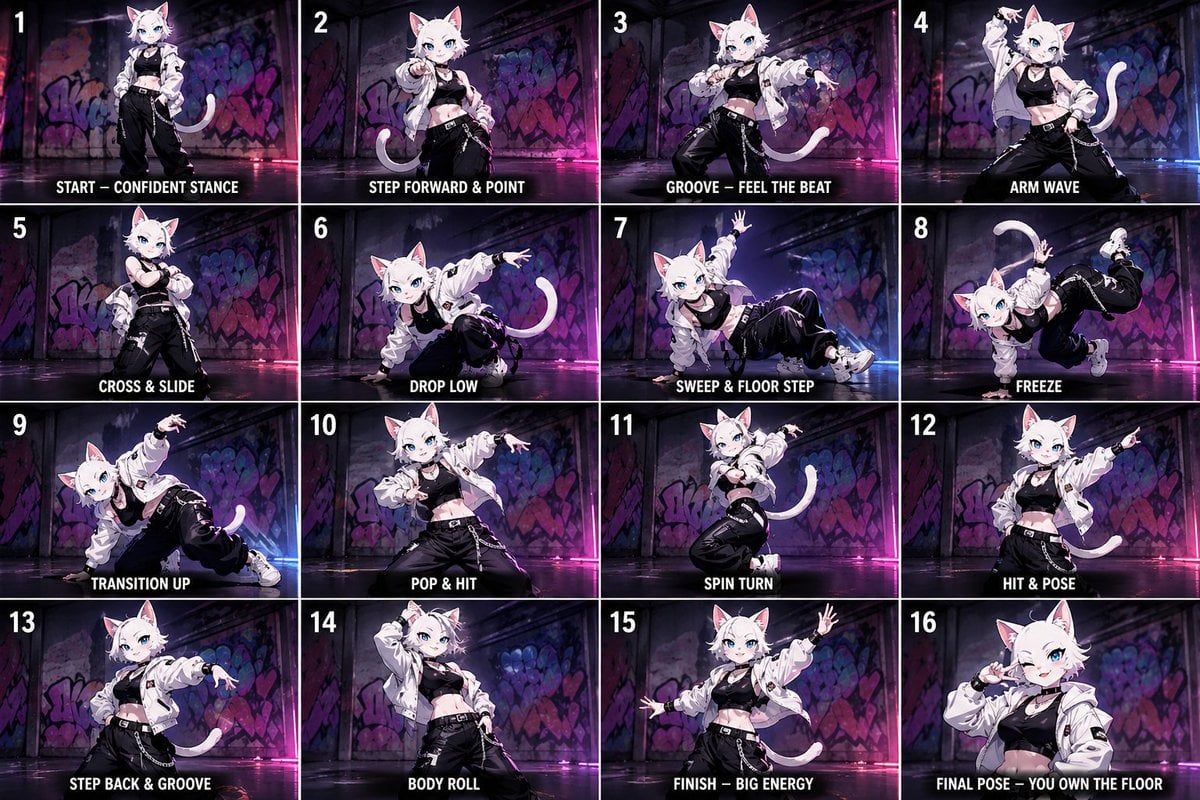
Anime Street-Dancer Character Grid

Glass Shard Character Embedding Prompt (Comparison)
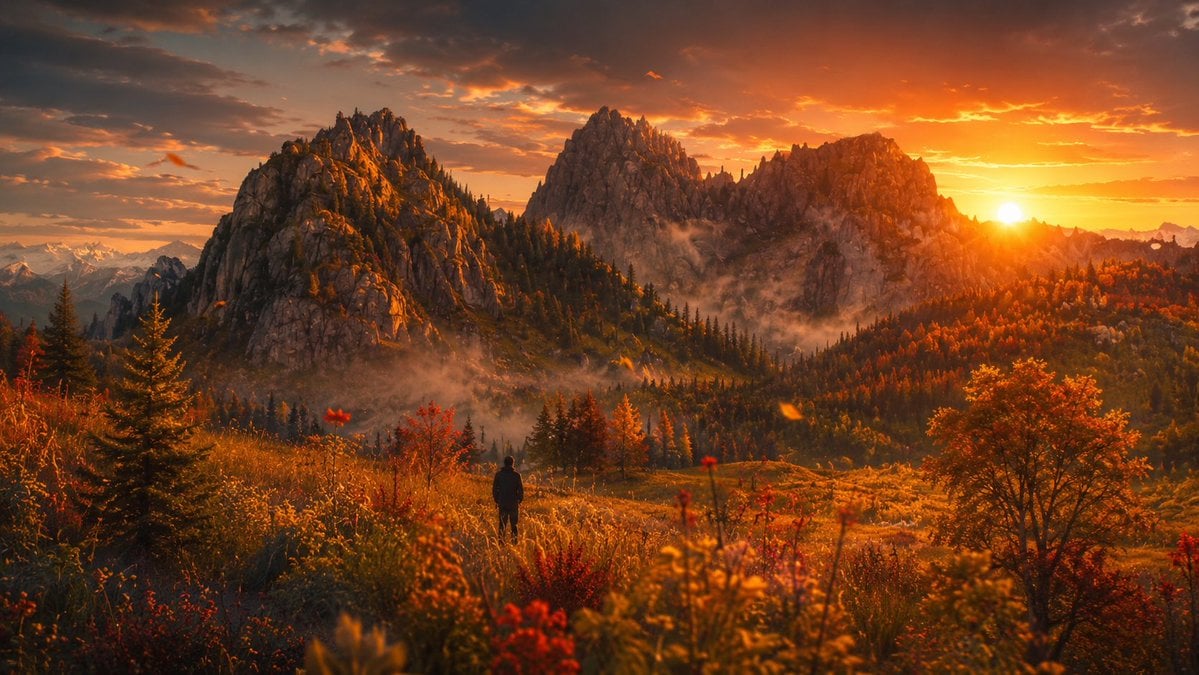
Cinematic Alpine Sunset Hiker

Web page design from reference wireframe
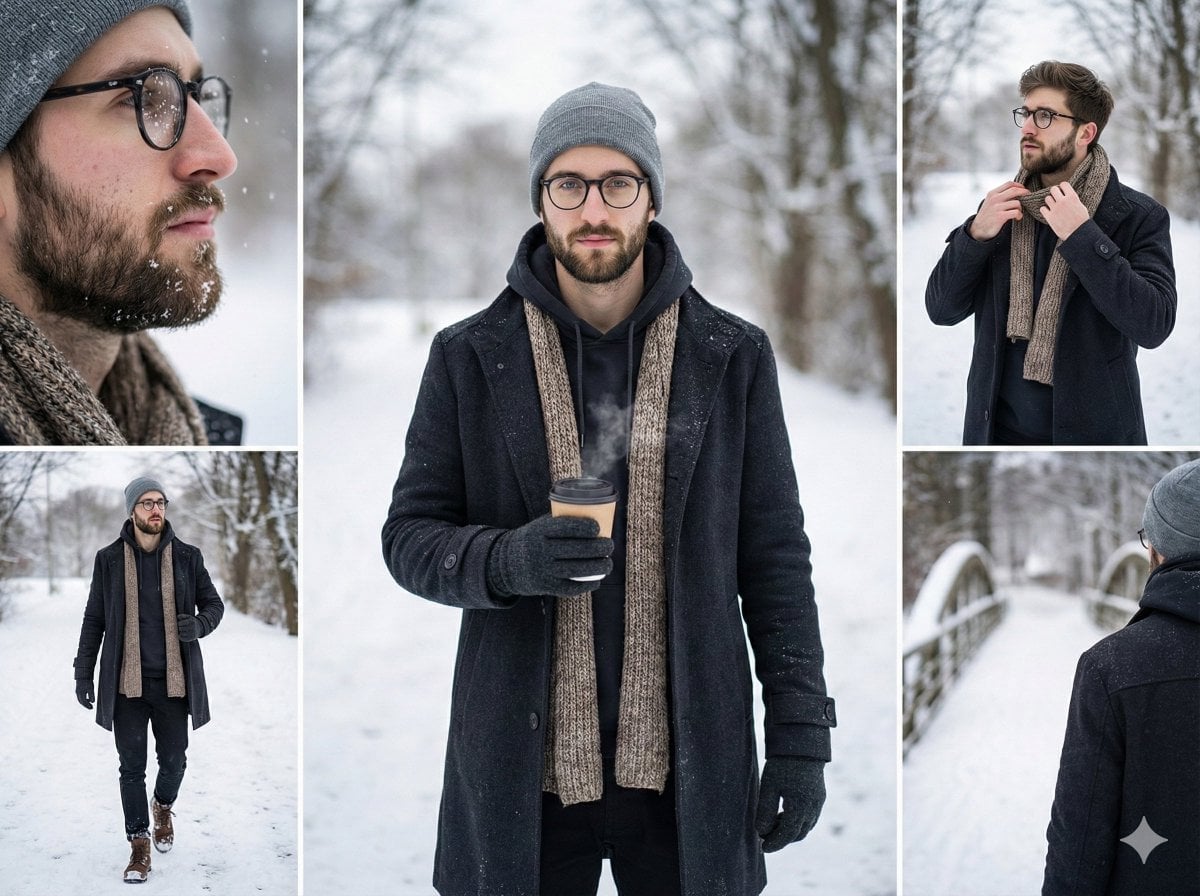
Multi-Shot Cinematic Fashion Collage in Winter
Using Nano Banana Pro as a Shading Tool for MMD Output
Cinematic Portrait in a Wildflower Field
Dramatic Black and White Family Portrait Prompts
Classic Comic Book Panel Style
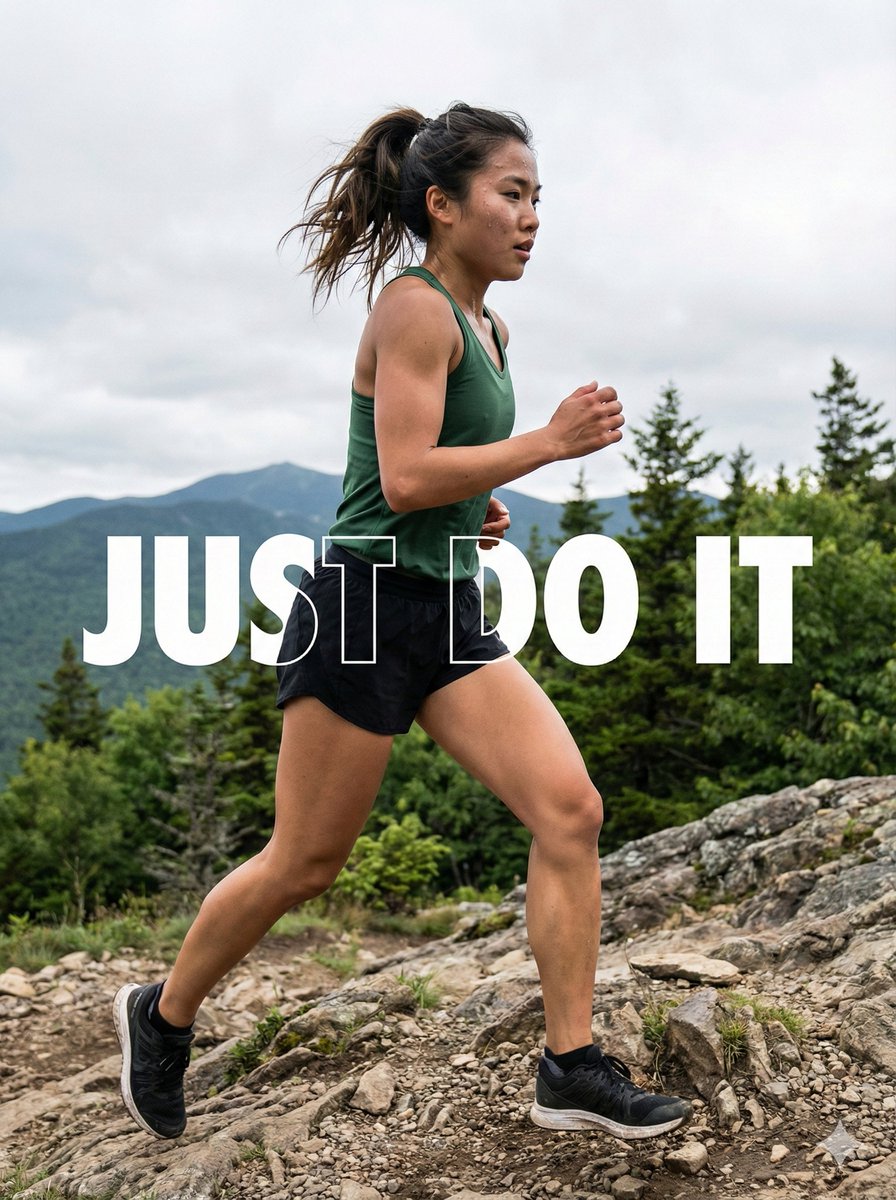
Motivational Trail Running Action Shot Prompt
Browse template categories
Photorealistic Fashion Portrait on Car Hood at Seaside questions
How do I use the Photorealistic Fashion Portrait on Car Hood at Seaside template?
Add your photo if the template asks for one, edit the prompt if you like — the template's model and format are already selected — and press Generate. Your version opens in PicX Studio.
Can I customize the Photorealistic Fashion Portrait on Car Hood at Seaside template?
Yes. You can change the subject, setting, lighting, mood, format, and available model controls before creating your image.
Is the Photorealistic Fashion Portrait on Car Hood at Seaside template free?
Opening and editing this template is free. Generating uses credits, shown on the Generate button when you are signed in.
Which AI model should I use?
Start with Nano Banana 2, which is the model associated with this template. You can compare another compatible model for a different finish.
Looking for something else? Browse all templates.

Your photo, any look
Thousands of ready templates for every top image and video model, from one credit balance.