
Multi-Shot Cinematic Fashion Collage in Winter
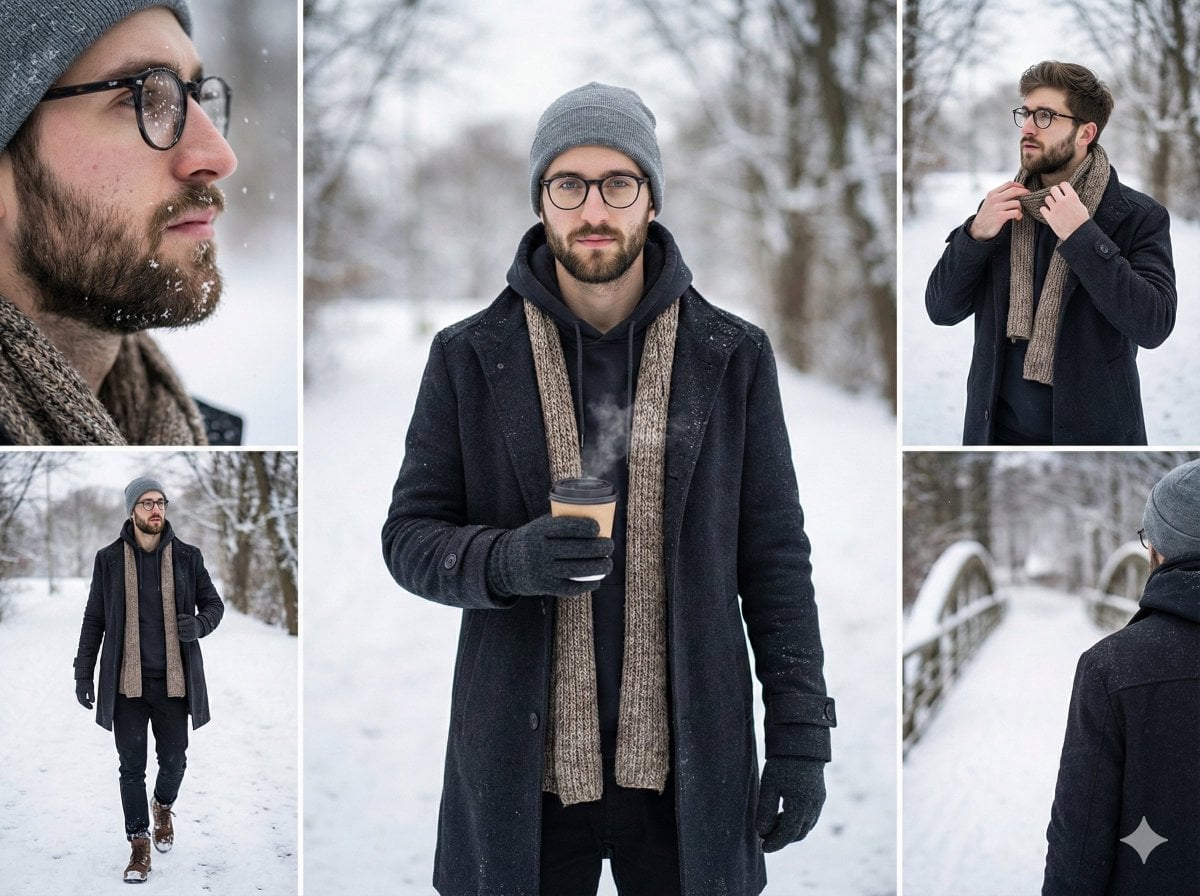
A JSON prompt for generating a cinematic, realistic, multi-shot collage (5-panel grid) of a young man in stylish winter attire, captured in various poses on a snowy outdoor walkway with soft natural daylight.
- Prompt included
- Model and format preset
- Premium template
The prompt behind this image
Copy the exact prompt behind Multi-Shot Cinematic Fashion Collage in Winter, or open it in the studio and make it yours.
- Style
- cinematic, realistic, high resolution, multi-shot collage, 5-panel grid
- Subject
- young man in his mid 20s, natural features, confident and relaxed expression
- Scene
- snowy outdoor walkway, winter landscape, soft falling snow, cold weather atmosphere
- Outfit
- stylish winter coat, wool scarf, gloves, fitted winter trousers, winter boots, cozy beanie
- Action
- walking casually, holding a warm drink, adjusting coat, looking around naturally
- Composition
- five panels showing varied angles: front portrait, side profile, close-up face, walking action shot, over-the-shoulder view
- Lighting
- soft natural daylight, subject gently highlighted, subtle rim light, realistic shadows
- Camera
- mix of 35mm and 85mm lenses, shallow depth of field, professional photography style
- Mood
- calm, cinematic, lifestyle fashion photoshoot
- Quality
- 8k ultra detailed, sharp focus, clean background, photorealistic, minimal noise
Raw JSON
{
  "style": "cinematic, realistic, high resolution, multi-shot collage, 5-panel grid",
  "subject": "young man in his mid 20s, natural features, confident and relaxed expression",
  "scene": "snowy outdoor walkway, winter landscape, soft falling snow, cold weather atmosphere",
  "outfit": "stylish winter coat, wool scarf, gloves, fitted winter trousers, winter boots, cozy beanie",
  "action": "walking casually, holding a warm drink, adjusting coat, looking around naturally",
  "composition": "five panels showing varied angles: front portrait, side profile, close-up face, walking action shot, over-the-shoulder view",
  "lighting": "soft natural daylight, subject gently highlighted, subtle rim light, realistic shadows",
  "camera": "mix of 35mm and 85mm lenses, shallow depth of field, professional photography style",
  "mood": "calm, cinematic, lifestyle fashion photoshoot",
  "quality": "8k ultra detailed, sharp focus, clean background, photorealistic, minimal noise"
}How to use Multi-Shot Cinematic Fashion Collage in Winter in 3 steps
- 1
Open
The prompt is already in the box next to the preview, with the template's model and format selected.
- 2…a portrait of your subject in softgolden-hour light, 85mm…
Personalize
Edit the subject and creative details for your destination.
- 3Generate
Generate
Press Generate — your image is created in PicX Studio, so you can compare it with the original and refine one variable at a time.
More like this
Templates with the same subject, style or setup. Open one to see its prompt.
Paper Cut Winter Cabin
Miniature Self Portrait Collage

80s College Gate

1988 Mall Style

80s Polka Dot Saree
Indian Anarkali Fashion Collage
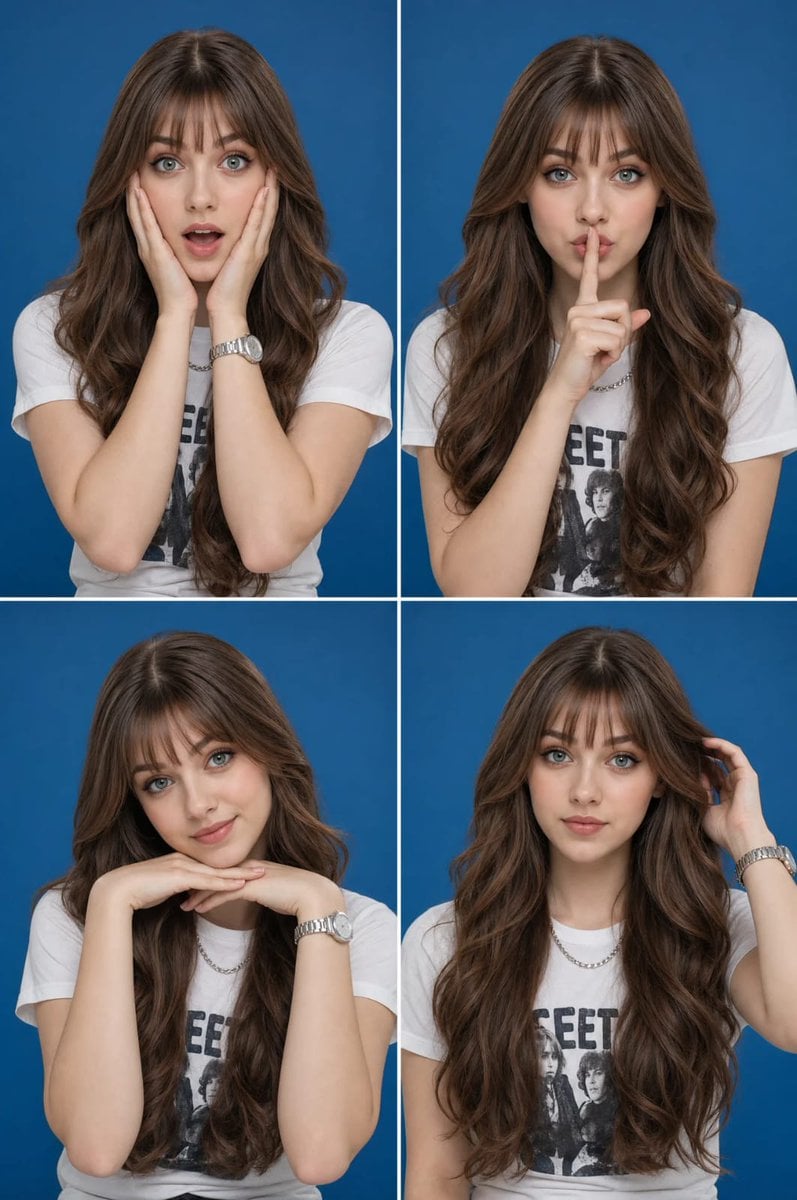
Multi-Expression Portrait Collage

Rainy Monsoon Fashion Collage
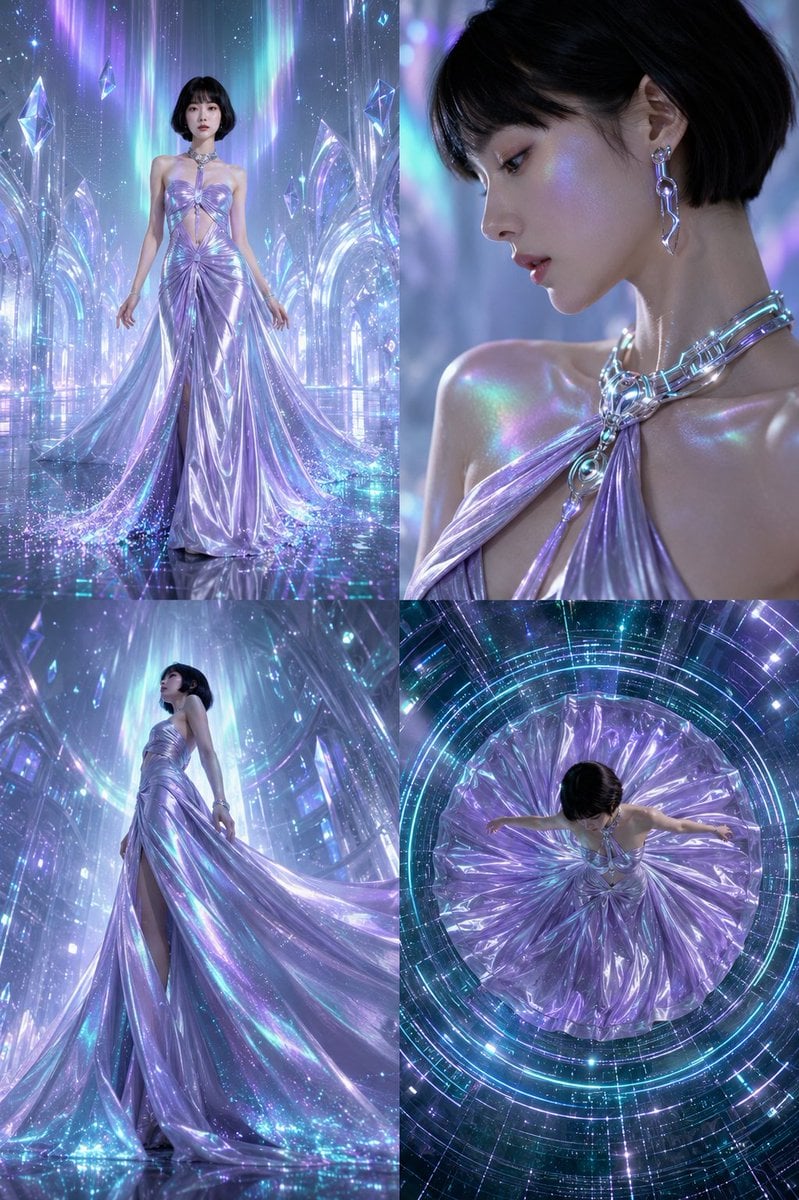
Futuristic Ice Palace Fashion Collage
Paper Cut Finale Fireworks
Paper Cut Garden Maze
Paper Cut Rooftop Concert
Make it yours
Multi-Shot Cinematic Fashion Collage in Winter works as-is. These are the safest ways to change it without losing the look.
Swap the light
One lighting change is enough to compare takes. Current light: “soft natural daylight, subject gently highlighted, subtle rim light, realistic s”.
Change one field
Copy a single group, rewrite it, and generate again so you can see what that field is doing.
Keep the frame, change the subject
Hold the composition and light of Multi-Shot Cinematic Fashion Collage in Winter, then swap wardrobe, props or the person for a new take.
| If the result… | Why | Fix |
|---|---|---|
| The result drifts from the preview | Too many fields changed at once. | Reuse Multi-Shot Cinematic Fashion Collage in Winter as-is first, then change one group — subject, light, or setting. |
| Nano Banana 2 ignores part of the JSON | Some models flatten or skip nested keys. | Keep the same values and paste them as a short paragraph instead. |
More Nano Banana 2 templates
Other prompts made for Nano Banana 2.

Photorealistic Leaf Shaped Like a Dragon

K-Pop Idol Portrait Grid for Rapid Selection

Poetic Rain Forest Portrait During Golden Hour

Urban Street Portrait with Cartoon Inner Self Duo

Candid Nighttime Photo with Cat Prompt

High-Concept 3D Diorama Generation Prompt

Cinematic Futuristic Studio Portrait Template

Skincare Editorial Photography Collage Prompt

Hyper-Realistic Commercial Product Photography (Splash Effect)

Hyper-Realistic Nightclub Portrait Prompt
More image prompts
Fresh picks from across the catalog.
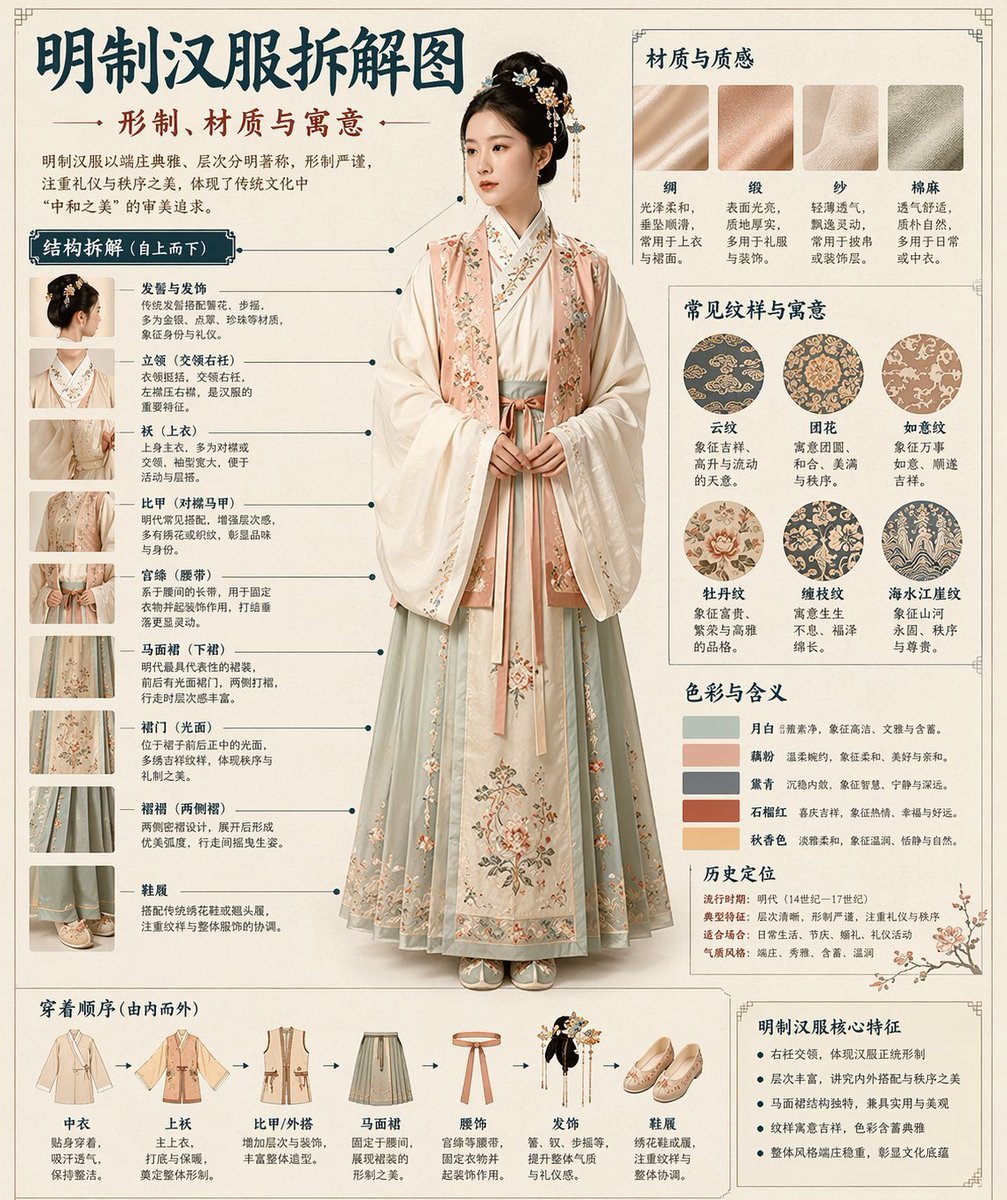
Chinese Museum Deconstruction Infographic
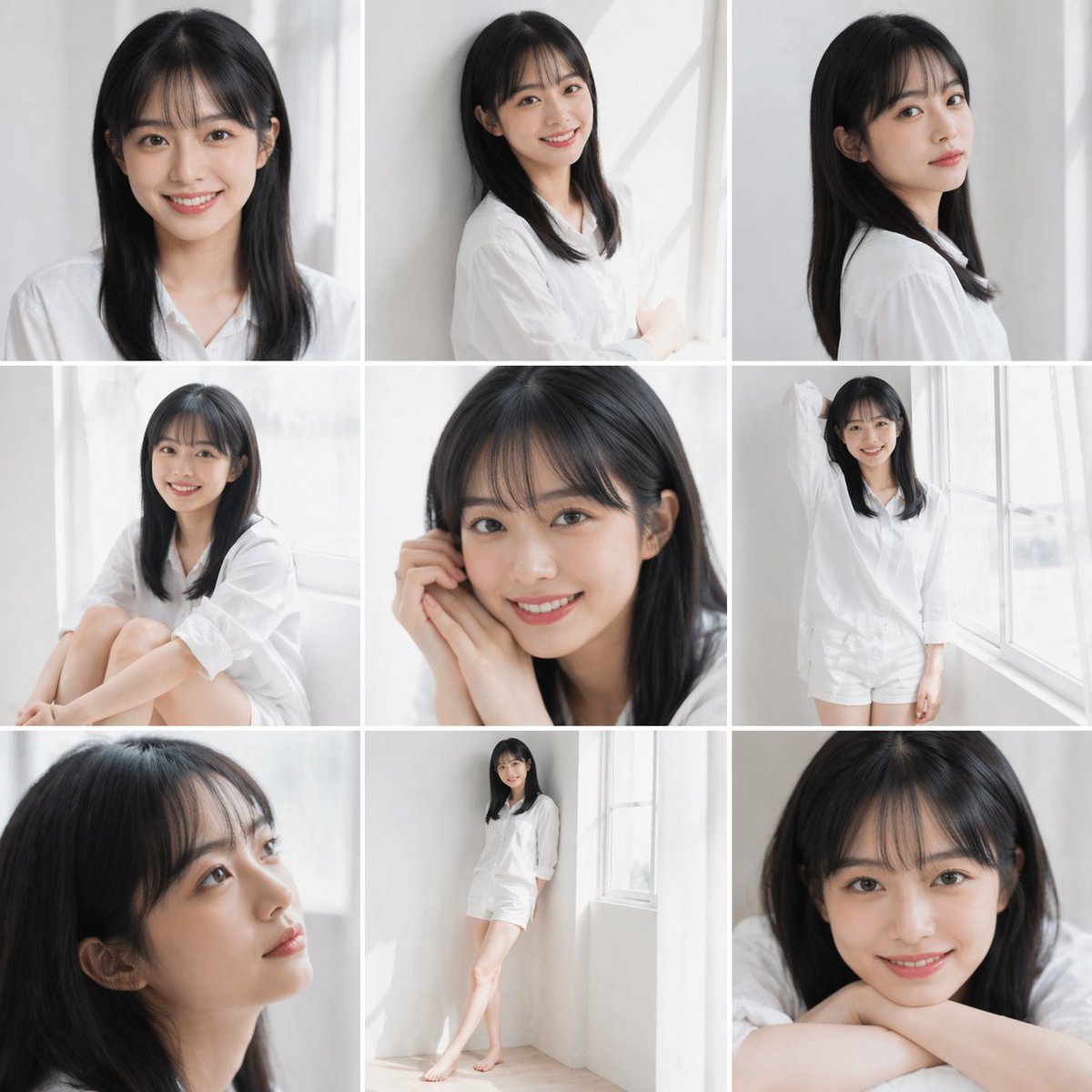
Clean Japanese/Korean Style Photoshoot
Raw High-Contrast Night Documentation Portrait
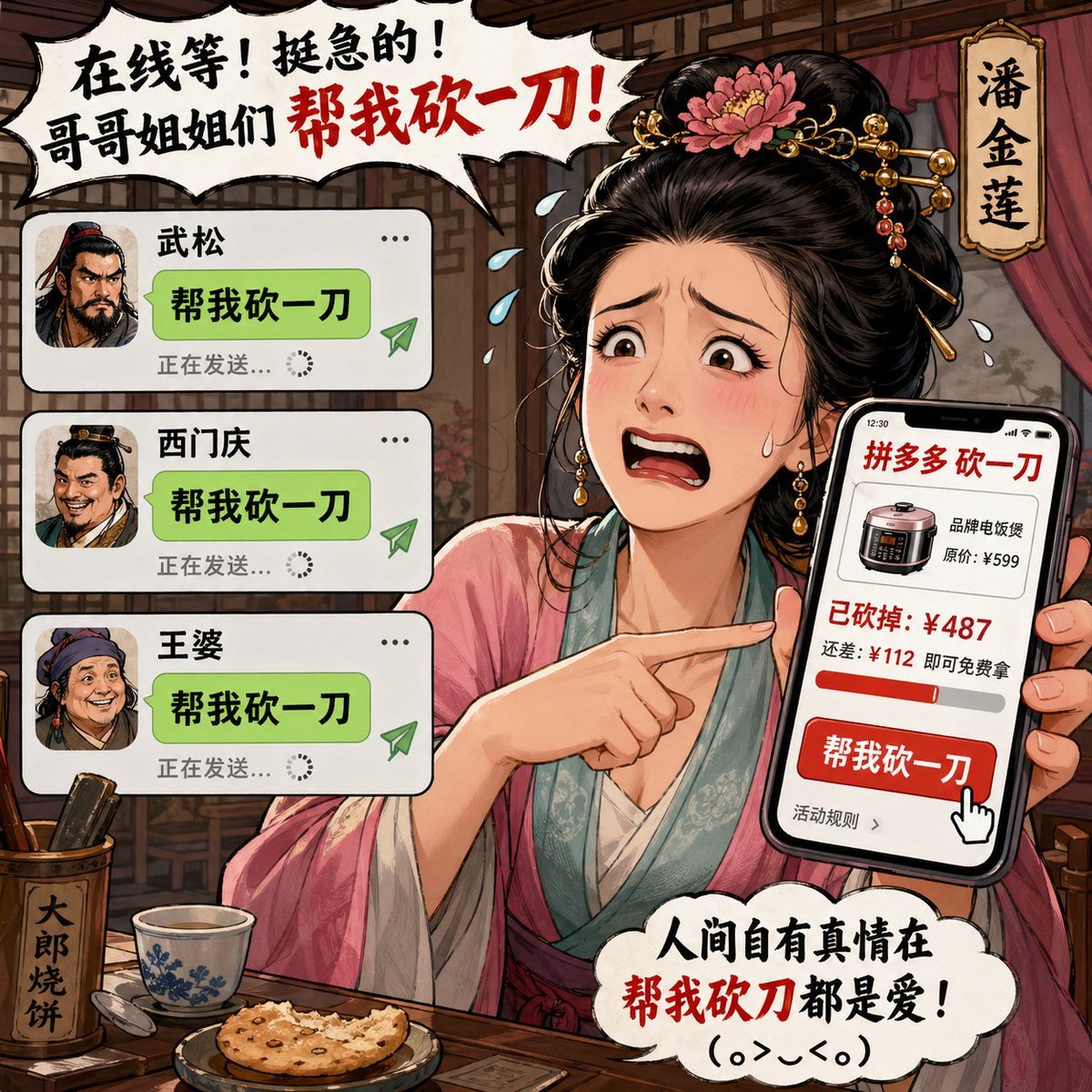
Pan Jinlian Social E-commerce Meme
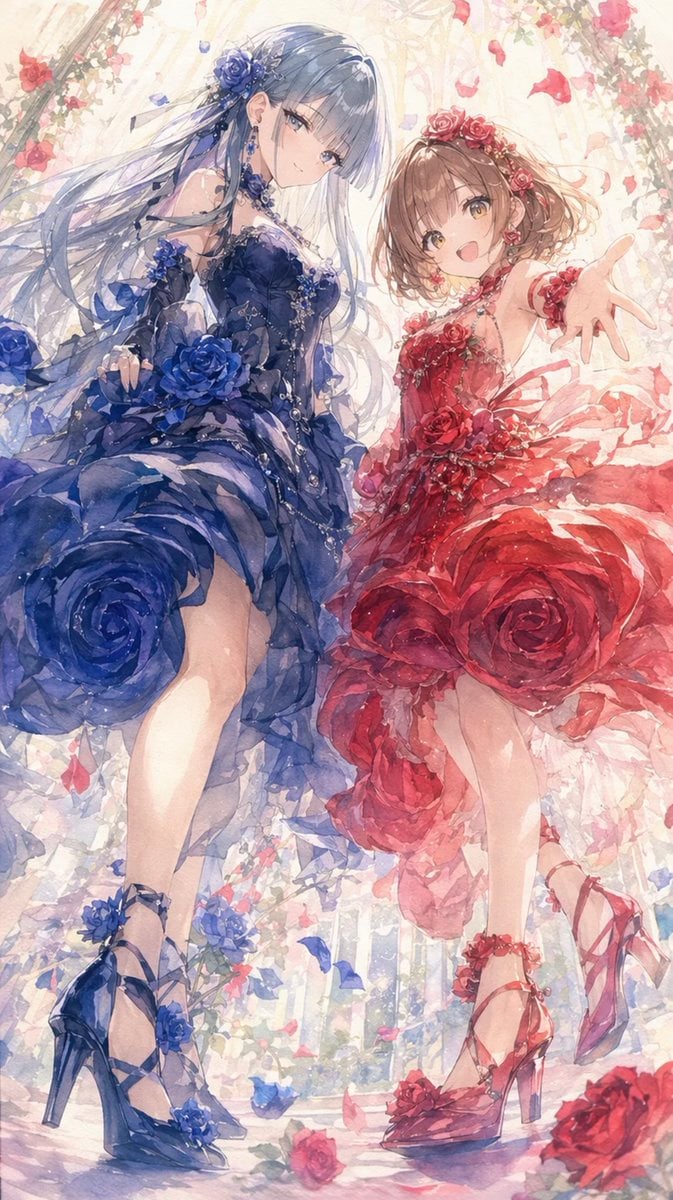
Rose Garden Anime Fashion Duo
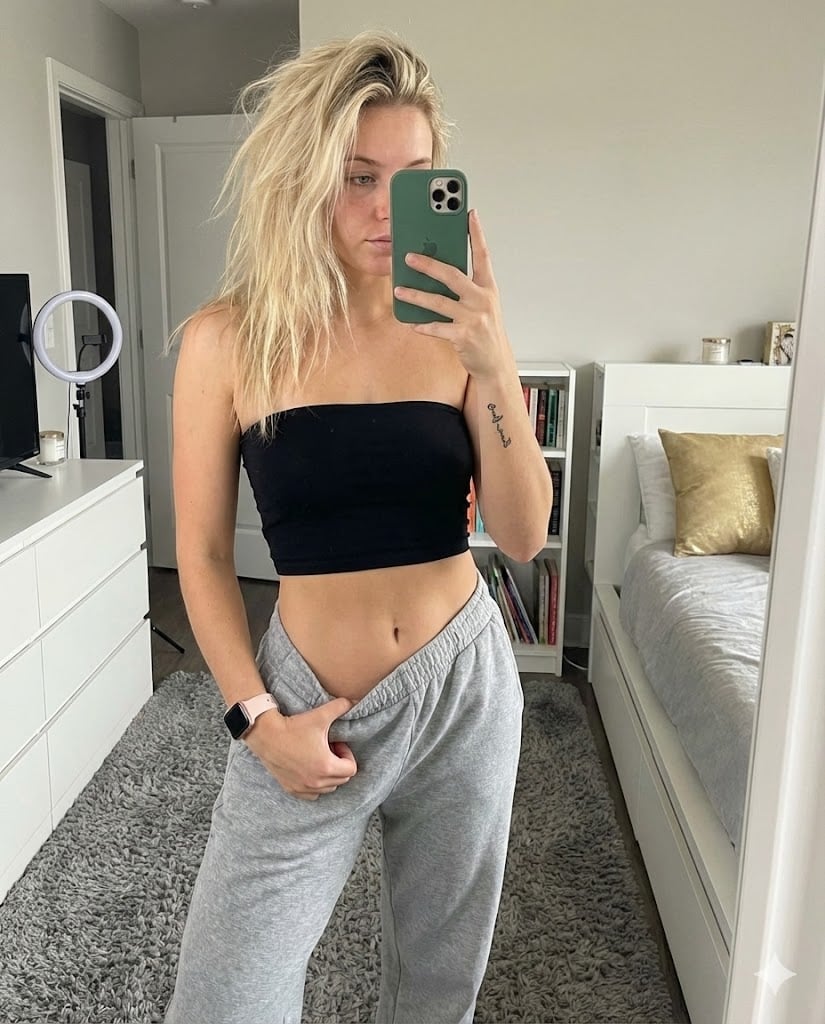
Realistic Mirror Selfie in Bandeau Top and Sweatpants
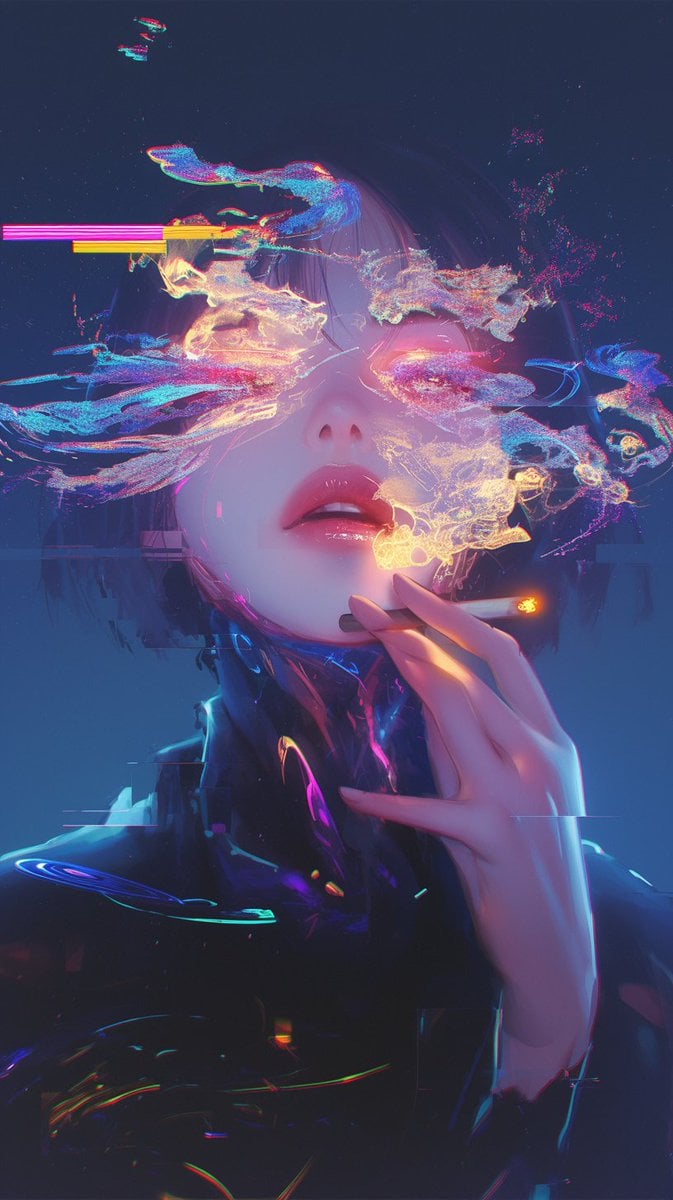
Image Repair and Inpainting Prompt
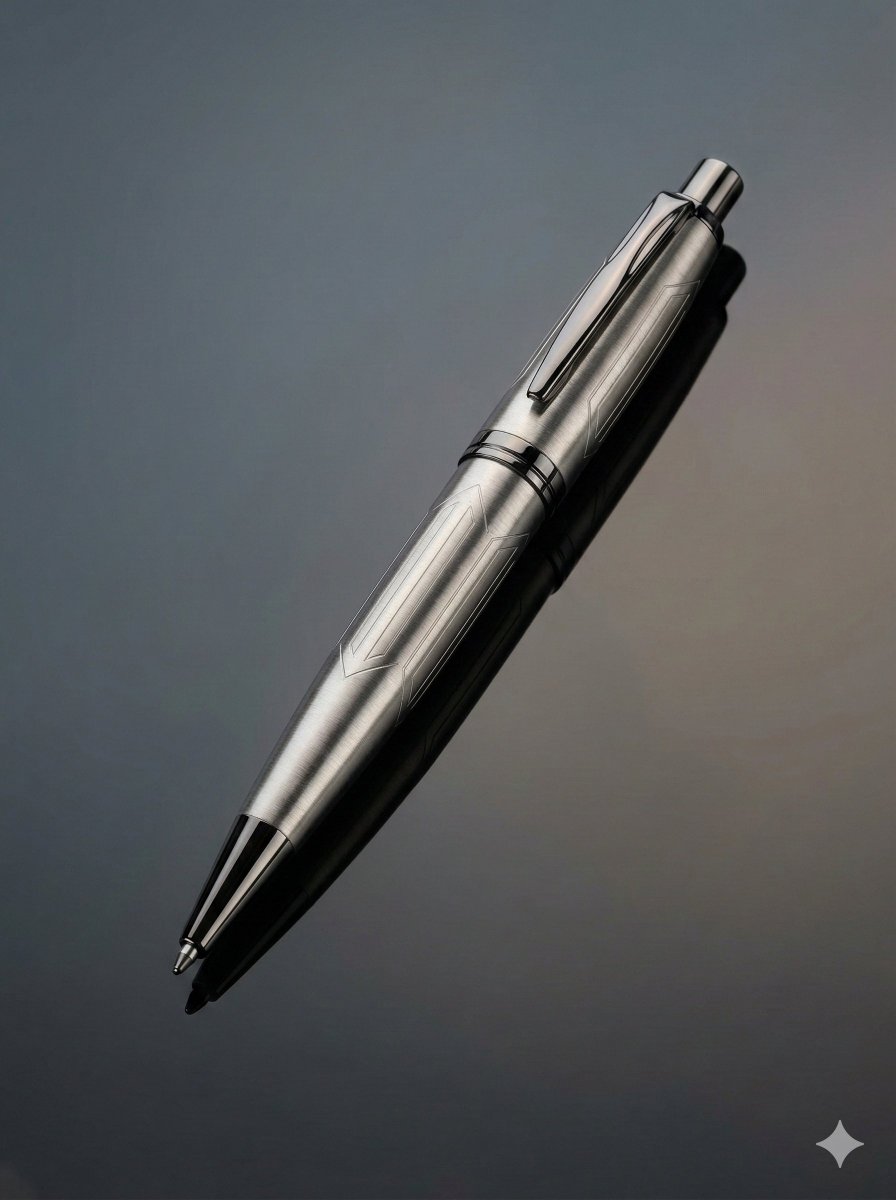
Ultra-Realistic Product Photography of a Pen
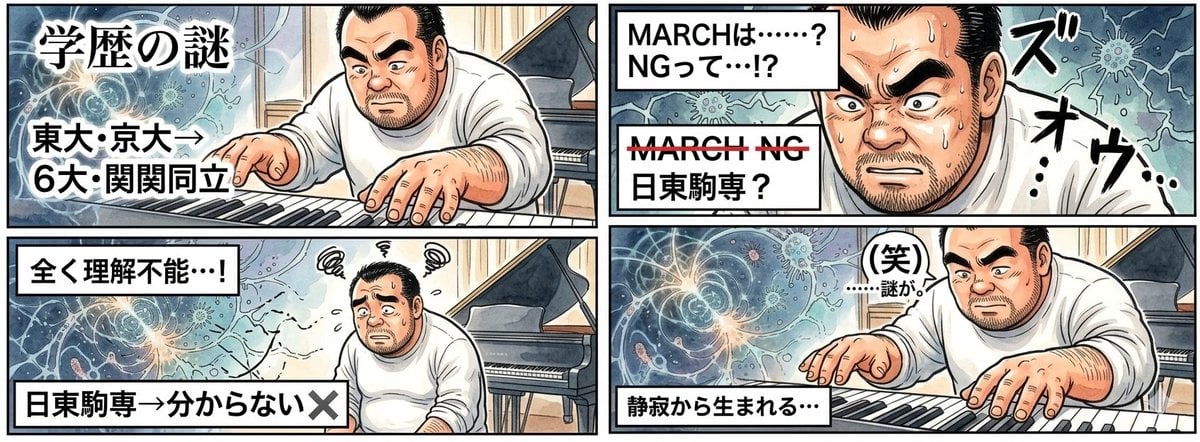
AI Image Generation Prompt for 4-Panel Manga: Academic Silence
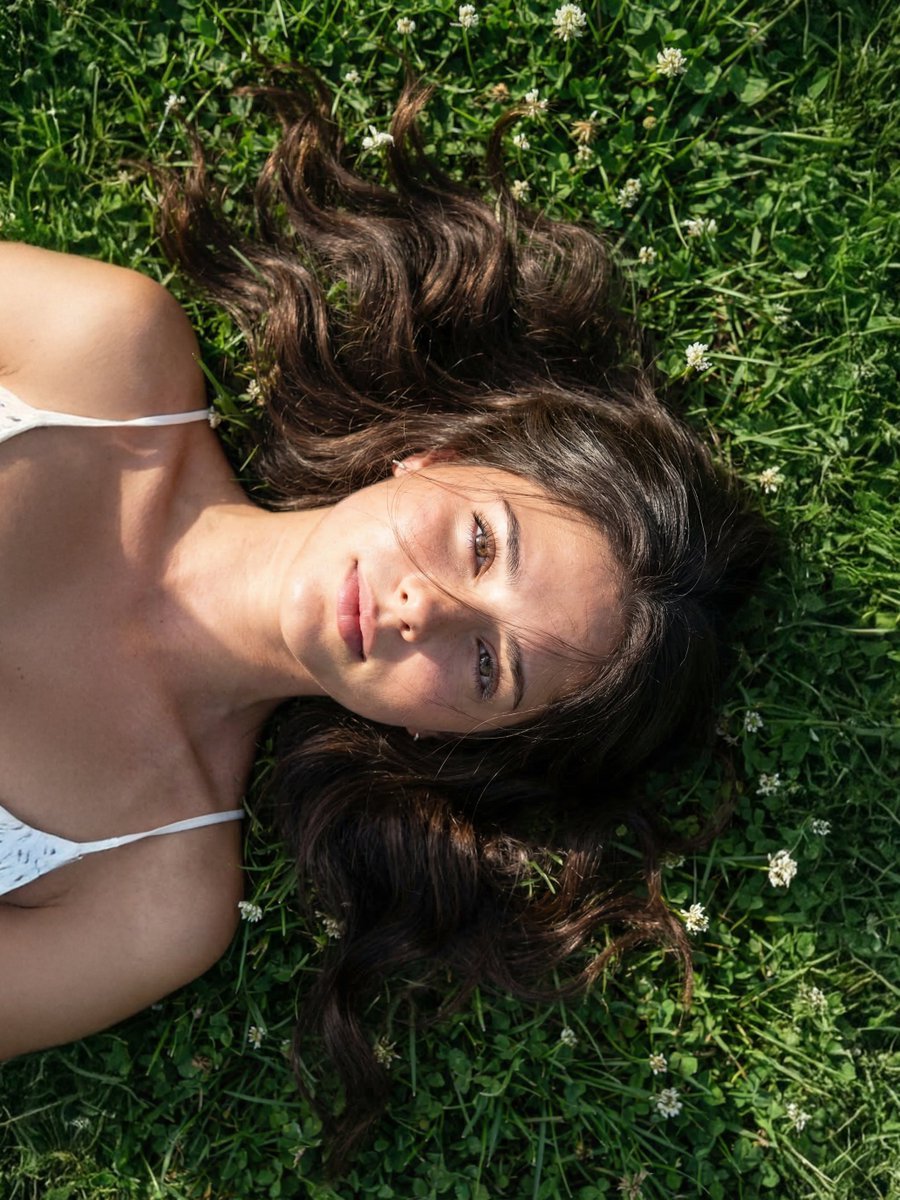
Photorealistic Close Portrait with Raw Natural Photography Style
Browse template categories
Multi-Shot Cinematic Fashion Collage in Winter questions
How do I use the Multi-Shot Cinematic Fashion Collage in Winter template?
Add your photo if the template asks for one, edit the prompt if you like — the template's model and format are already selected — and press Generate. Your version opens in PicX Studio.
Can I customize the Multi-Shot Cinematic Fashion Collage in Winter template?
Yes. You can change the subject, setting, lighting, mood, format, and available model controls before creating your image.
Is the Multi-Shot Cinematic Fashion Collage in Winter template free?
Opening and editing this template is free. Generating uses credits, shown on the Generate button when you are signed in.
Which AI model should I use?
Start with Nano Banana 2, which is the model associated with this template. You can compare another compatible model for a different finish.
Looking for something else? Browse all templates.

Your photo, any look
Thousands of ready templates for every top image and video model, from one credit balance.