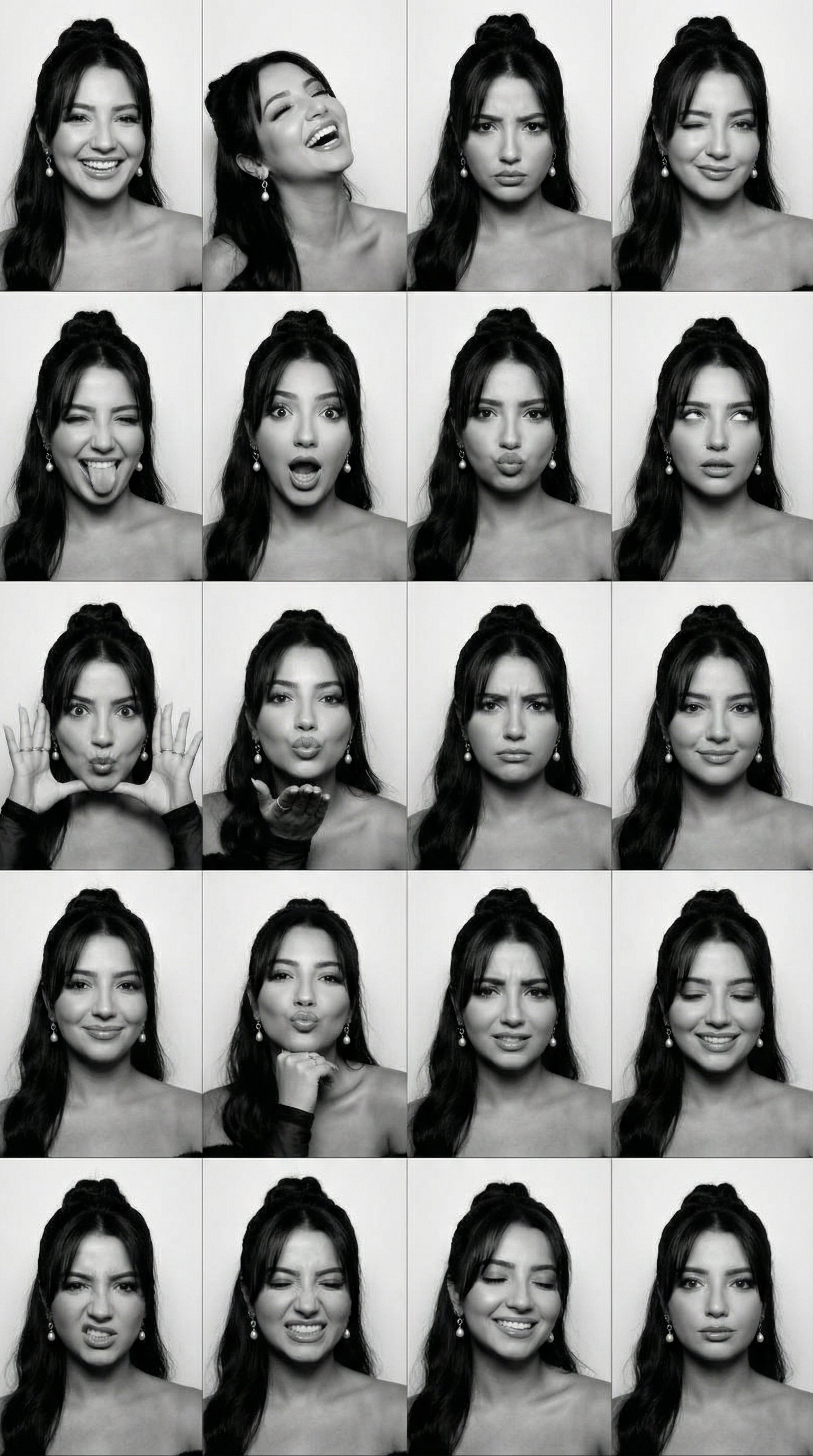
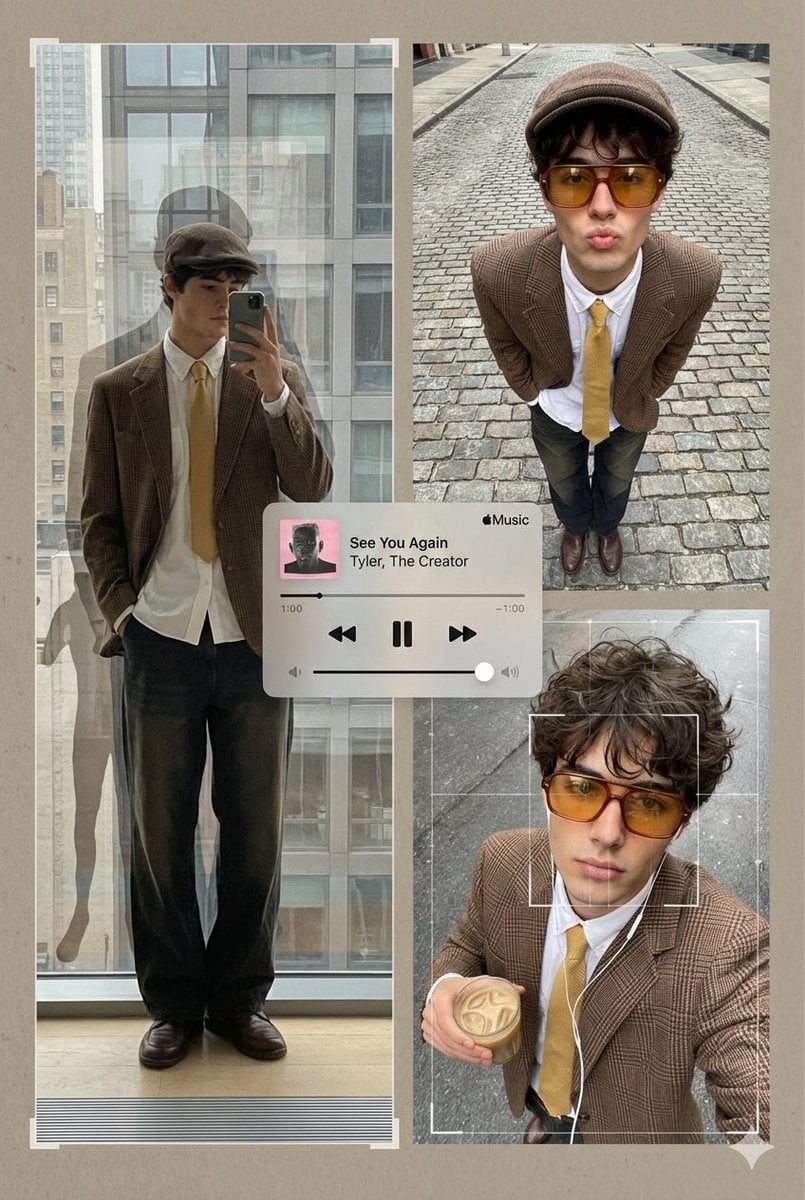
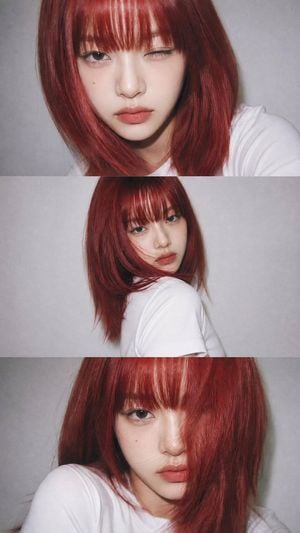
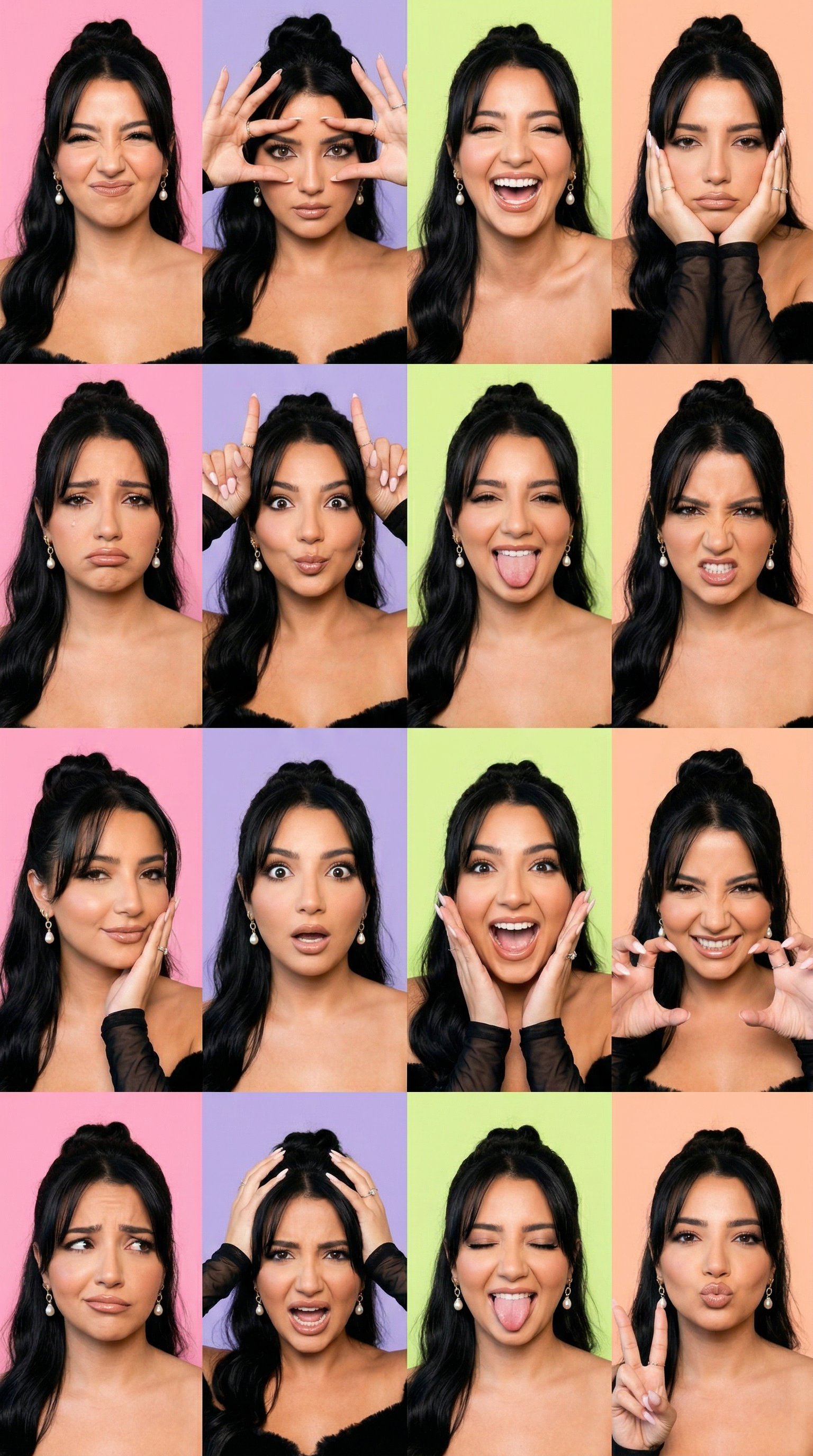
How do I use the Multi-Expression Portrait Collage template?
Edit the prompt in the box under the preview — the template's model and format are already selected — and press Generate. Your version appears right on this page.
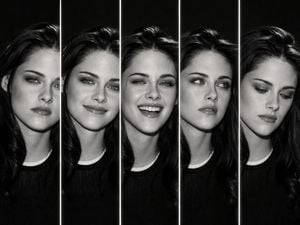
Generates a 2x2 collage of a subject with four different facial expressions in a clean studio setting.

A studio portrait of the {argument name="subject description" default="same beautiful young woman with long wavy dark hair, straight bangs, striking blue eyes"}, wearing a {argument name="clothing" default="white graphic T-shirt, a silver necklace, and a wristwatch"}, against a {argument name="background color" default="solid blue seamless background"}. Four different expressions: surprised with hands on cheeks, "shh" gesture with finger on lips, thoughtful pose with hands under chin, and a calm neutral pose touching her hair. Arranged in a clean 2×2 collage, soft studio lighting, centered composition, photorealistic, ultra-detailed, natural skin texture, 85mm lens, shallow depth of field, high-end editorial photography, 8K.
A studio portrait of the {argument name="subject description" default="same beautiful young woman with long wavy dark hair, straight bangs, striking blue eyes"}, wearing a {argument name="clothing" default="white graphic T-shirt, a silver necklace, and a wristwatch"}, against a {argument name="background color" default="solid blue seamless background"}. Four different expressions: surprised with hands on cheeks, "shh" gesture with finger on lips, thoughtful pose with hands under chin, and a calm neutral pose touching her hair. Arranged in a clean 2×2 collage, soft studio lighting, centered composition, photorealistic, ultra-detailed, natural skin texture, 85mm lens, shallow depth of field, high-end editorial photography, 8K.
Edit the prompt in the box under the preview — the template's model and format are already selected — and press Generate. Your version appears right on this page.
Yes. You can change the subject, setting, lighting, mood, format, and available model controls before creating your image.
Opening and editing this template is free. Generating uses credits, shown on the Generate button when you are signed in.
Start with GPT Image 2, which is the model associated with this template. You can compare another compatible model for a different finish.
Follow a topic to a crawlable collection of related PicX Studio templates.