How do I use the Next-Gen Mobile App UI Showcase template?
Edit the prompt in the box under the preview — the template's model and format are already selected — and press Generate. Your version appears right on this page.
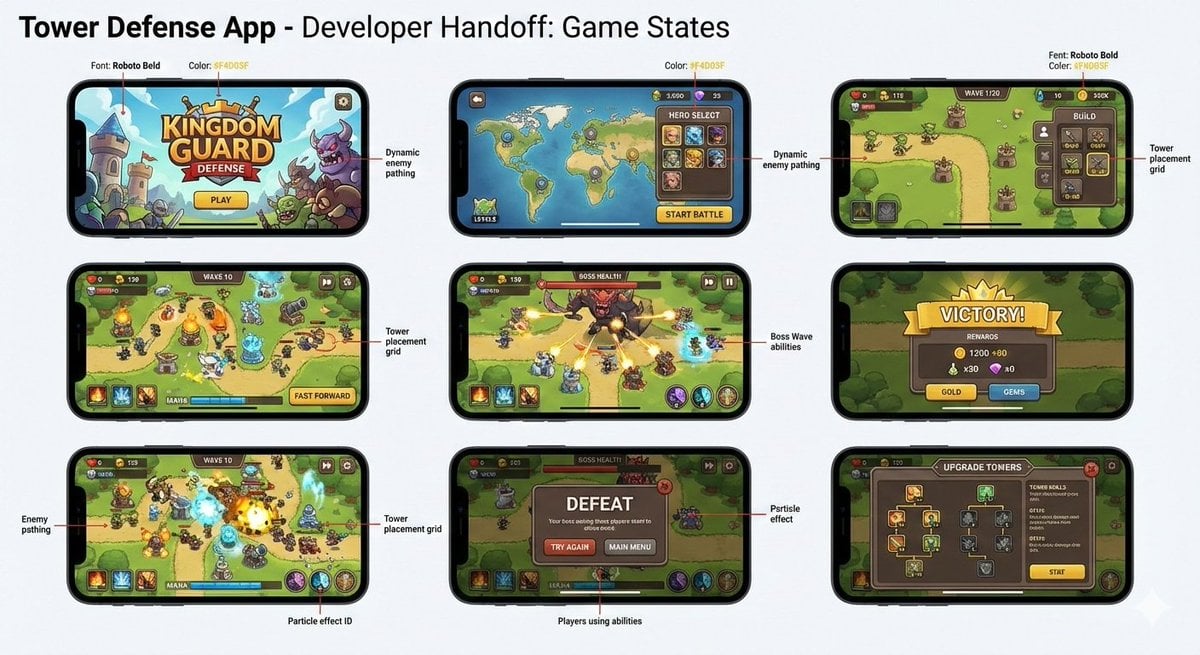
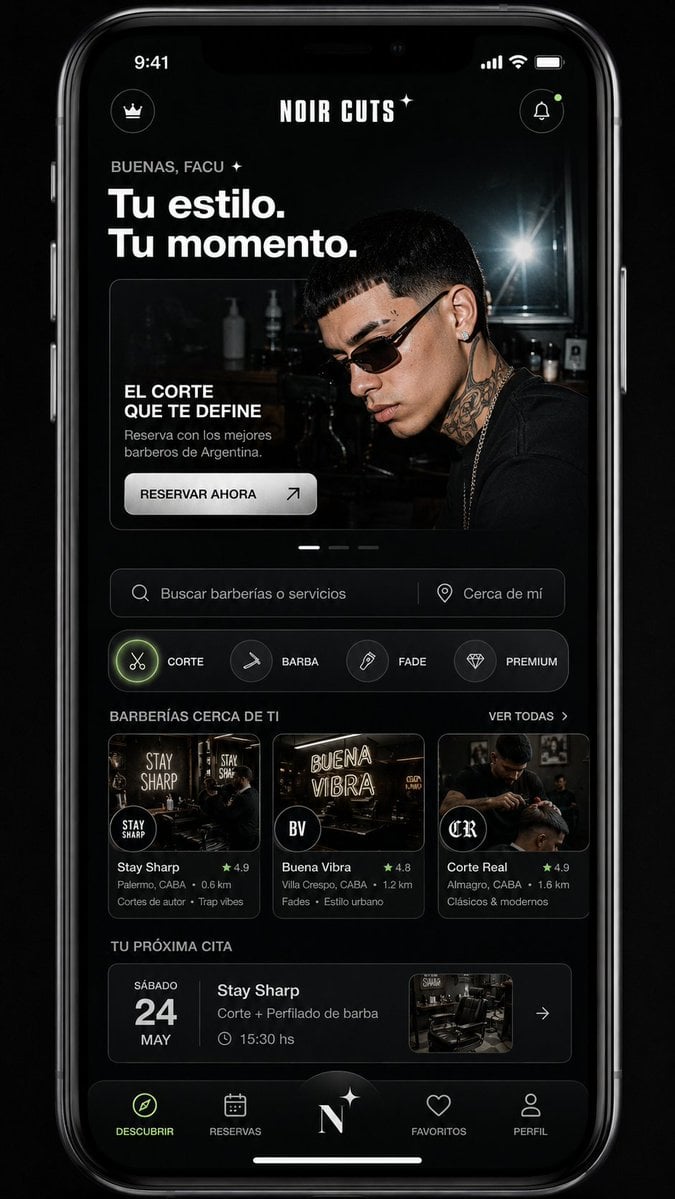
An image-to-image prompt designed to generate professional mobile app UI screenshots featuring a consistent subject across various screens, styled like a Product Hunt or Apple presentation.

This template uses your photo — add one with the + button.
Using the attached subject as the main feature, please put together {argument name="app type" default="a collection of screenshots from a next-generation smartphone app that could plausibly be real"} into a single image. This is not an advertising poster. It should be a highly finished visual like an App Store showcase image, a product design presentation, or a UI case study. Please accurately preserve the reference image's subject's features, colors, shapes, face, outfit, and impression. Treat the subject as the app's main content. Do not change it into a different character or different product. Arrange {argument name="number of screens" default="4 to 6"} vertical smartphone screens in the image. Make each one a different screen. Screens to include: · Home screen · Detailed profile screen · Analytics dashboard · Collection screen · Edit screen · Share screen UI elements: · Fictional app name · Tab bar · Card UI · Buttons · Graphs · Tags · Short description text · Numeric displays · Icons · Small notification badges The design should be a polished 2026-style mobile UI. Clean, practical, with clear information design. Don't overuse glassmorphism. Text should be readable, mostly in English, and short. Do not use real company names, real app names, or real logos. The background should be a simple studio background. Overall, it should have the finish of an app showcase image in the style of Dribbble, Product Hunt, or Apple. However, make it look natural as a fictional product. Top priorities: UI that looks genuinely plausible, faithfulness to the reference image, convincingness as a screenshot, and information density worth saving on social media.
Using the attached subject as the main feature, please put together {argument name="app type" default="a collection of screenshots from a next-generation smartphone app that could plausibly be real"} into a single image. This is not an advertising poster. It should be a highly finished visual like an App Store showcase image, a product design presentation, or a UI case study. Please accurately preserve the reference image's subject's features, colors, shapes, face, outfit, and impression. Treat the subject as the app's main content. Do not change it into a different character or different product. Arrange {argument name="number of screens" default="4 to 6"} vertical smartphone screens in the image. Make each one a different screen. Screens to include: · Home screen · Detailed profile screen · Analytics dashboard · Collection screen · Edit screen · Share screen UI elements: · Fictional app name · Tab bar · Card UI · Buttons · Graphs · Tags · Short description text · Numeric displays · Icons · Small notification badges The design should be a polished 2026-style mobile UI. Clean, practical, with clear information design. Don't overuse glassmorphism. Text should be readable, mostly in English, and short. Do not use real company names, real app names, or real logos. The background should be a simple studio background. Overall, it should have the finish of an app showcase image in the style of Dribbble, Product Hunt, or Apple. However, make it look natural as a fictional product. Top priorities: UI that looks genuinely plausible, faithfulness to the reference image, convincingness as a screenshot, and information density worth saving on social media.
Edit the prompt in the box under the preview — the template's model and format are already selected — and press Generate. Your version appears right on this page.
Yes. You can change the subject, setting, lighting, mood, format, and available model controls before creating your image.
Opening and editing this template is free. Generating uses credits, shown on the Generate button when you are signed in.
Start with GPT Image 2, which is the model associated with this template. You can compare another compatible model for a different finish.
Follow a topic to a crawlable collection of related PicX Studio templates.