
Readable AI Agent Prompt Showcase
Readable AI Agent Prompt Showcase is a ready photo look.
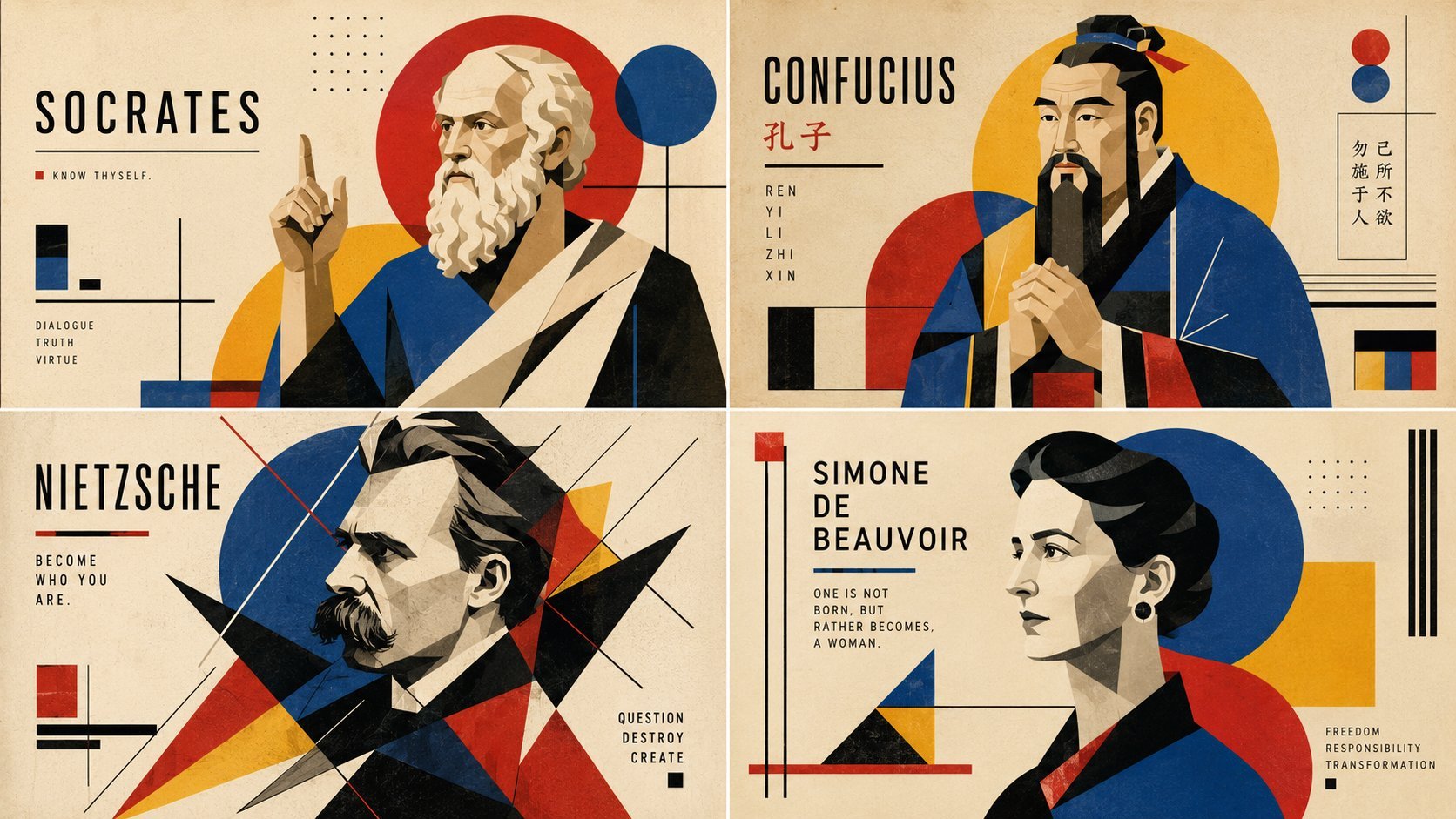
- Prompt included
- Model and format preset
- Free template
The prompt behind this image
Copy the exact prompt behind Readable AI Agent Prompt Showcase, or open it in the studio and make it yours.
I spend so much time on highly complex prompts for my AI agents but if I were to write them for humans, they'd be much shorter and readable 😅 Here is one for philosophers: 2x2 grid, 16:9, do this for 4 famous philosophers; graphic design poster, bauhaus aesthetic, [geometrically abstract $ subject figure in a rigid pose, showing structural order or chaotic dissent], [subtle backdrop of intersecting primary-colored circles and triangles], functionalist art style, vector art, flat 2d rendering, strong grid composition, sans-serif typography aesthetic, high resolution, design museum archive quality, 1920s avant-garde documentation, modernist gallery showcase
How to use Readable AI Agent Prompt Showcase in 3 steps
- 1
Open
The prompt is already in the box next to the preview, with the template's model and format selected.
- 2…a portrait of your subject in softgolden-hour light, 85mm…
Personalize
Edit the subject and creative details for your destination.
- 3Generate
Generate
Press Generate — your image is created in PicX Studio, so you can compare it with the original and refine one variable at a time.
More like this
Templates with the same subject, style or setup. Open one to see its prompt.

Ultra Detailed 3d Plush Cartoon Characte

Found Photograph: Us, 1970

80s Couple Studio Portrait

80s Bollywood Star

80s Golden Hour Cinema

Me in 1985

1985 Studio Portrait

Rooftop Fisheye — Cat-Ear Balaclava at Golden Hour

untitled

2025 Aesthetic Photography

Nano Banana Is So Addictive

Transformation the Burger Seedance 2 0 a
Make it yours
Readable AI Agent Prompt Showcase works as-is. These are the safest ways to change it without losing the look.
Change one field
Copy a single group, rewrite it, and generate again so you can see what that field is doing.
Keep the frame, change the subject
Hold the composition and light of Readable AI Agent Prompt Showcase, then swap wardrobe, props or the person for a new take.
| If the result… | Why | Fix |
|---|---|---|
| The result drifts from the preview | Too many fields changed at once. | Reuse Readable AI Agent Prompt Showcase as-is first, then change one group — subject, light, or setting. |
| The model over-stylizes the scene | The prose prompt leaves finish and camera underspecified. | Add one camera or lighting sentence and stay on PicX Studio. |
More image prompts
Fresh picks from across the catalog.
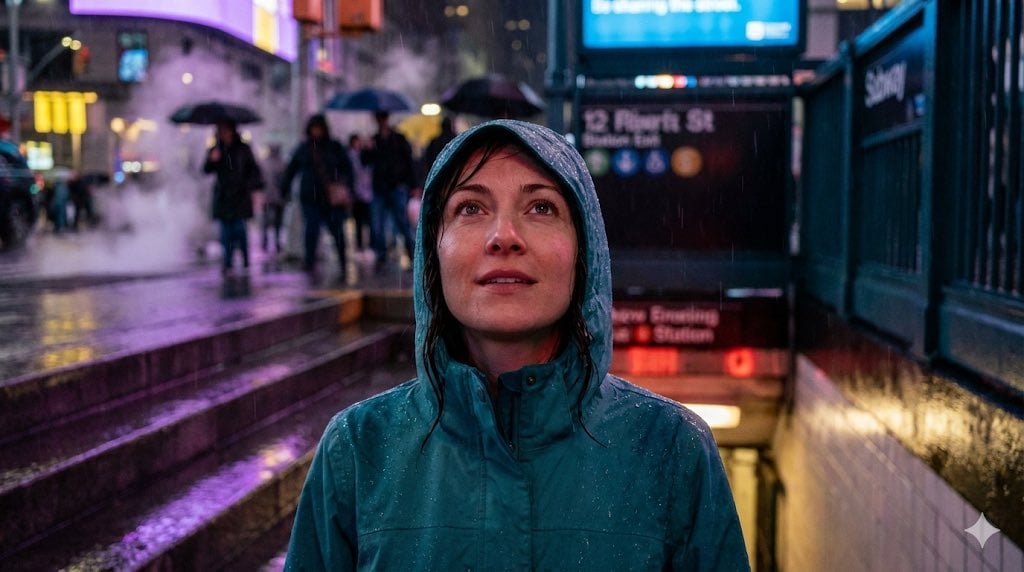
Neon Rain Subway Exit Portrait Prompt
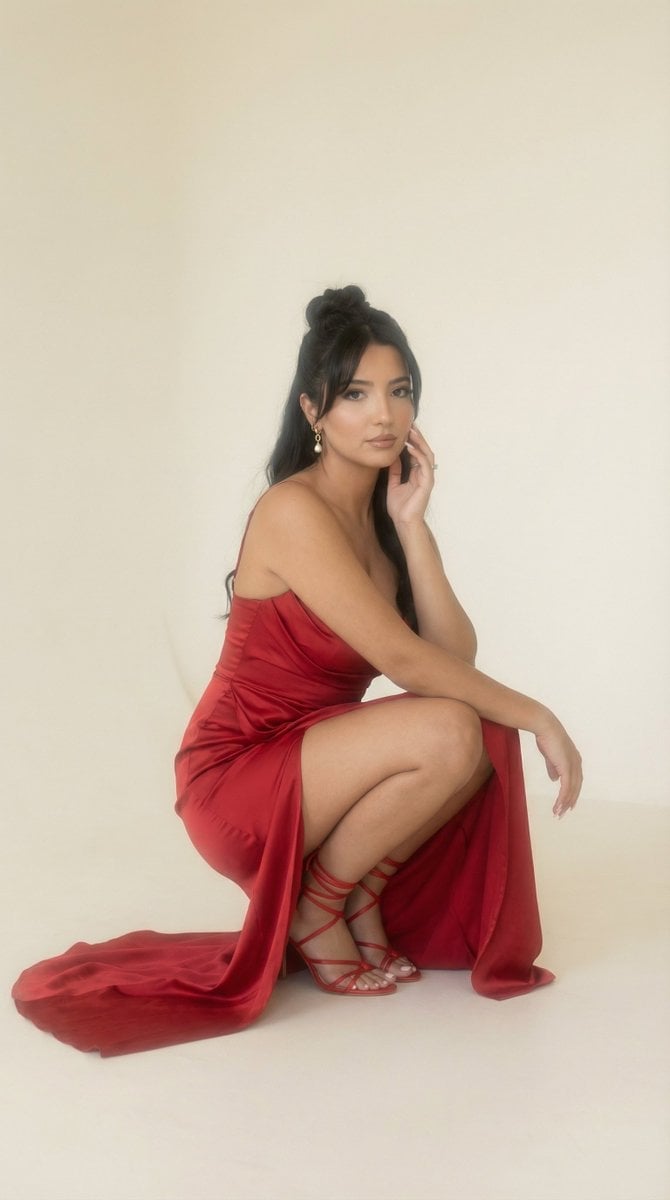
Soft Haze Editorial Studio Portrait (Image-to-Image)
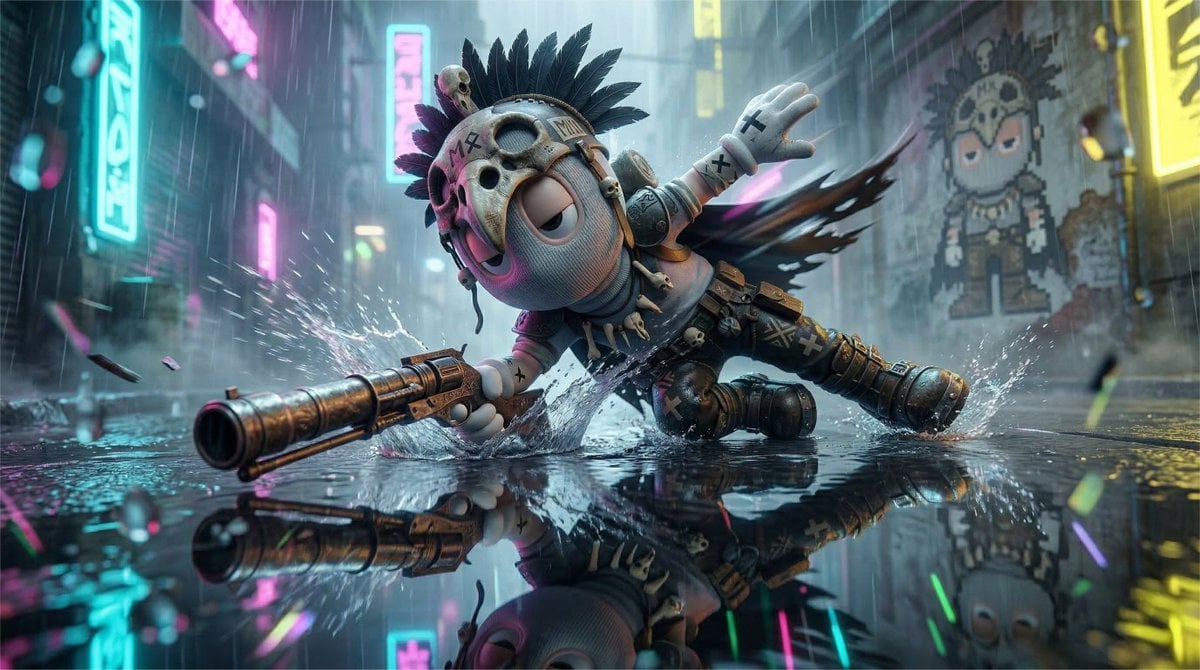
High-Speed Cinematic Cyberpunk Scene Prompt

Royal Golden Cobra Emblem

Character Rebuilt from Sliced Fruits and Vegetables
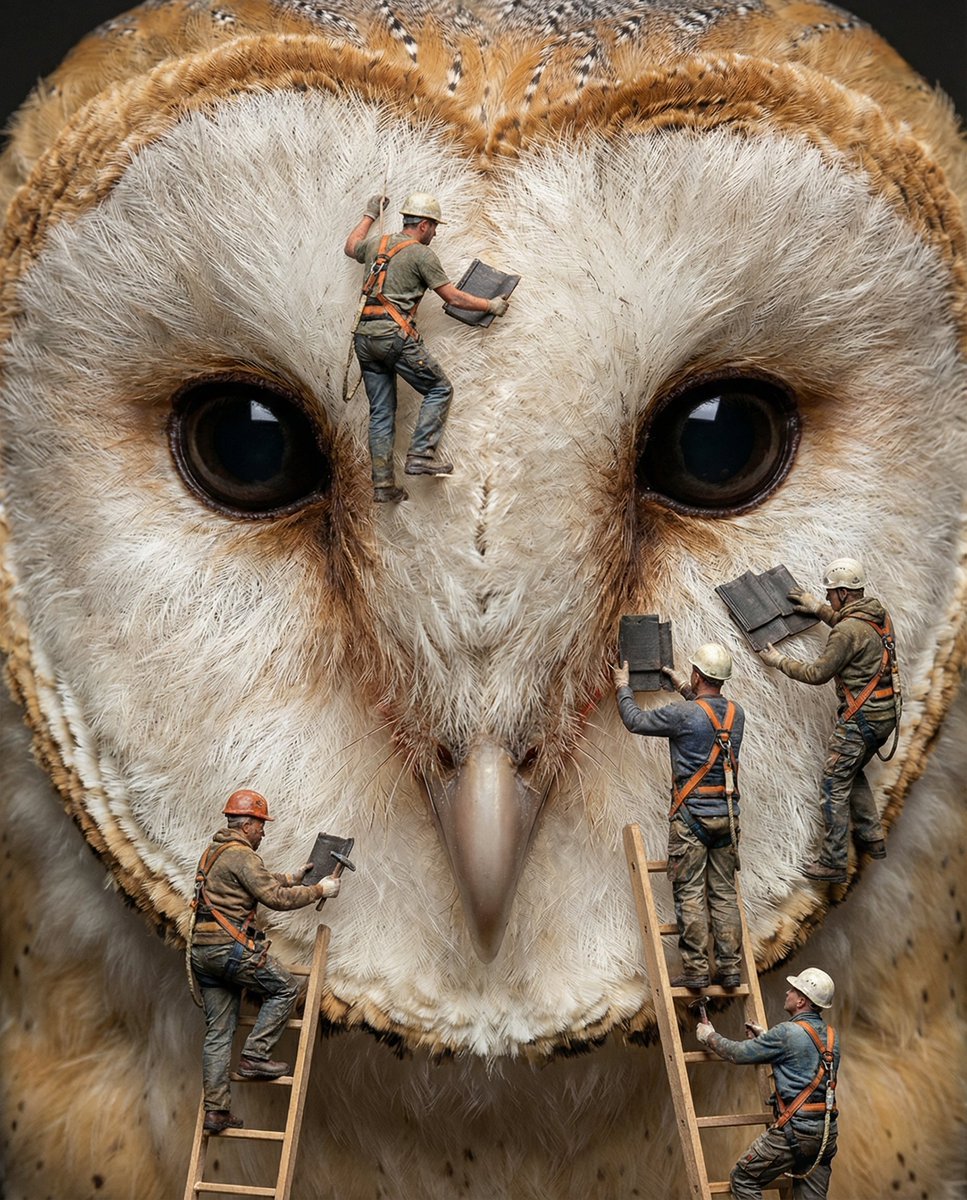
Hyper-Realistic Composite Macro Photography Prompt
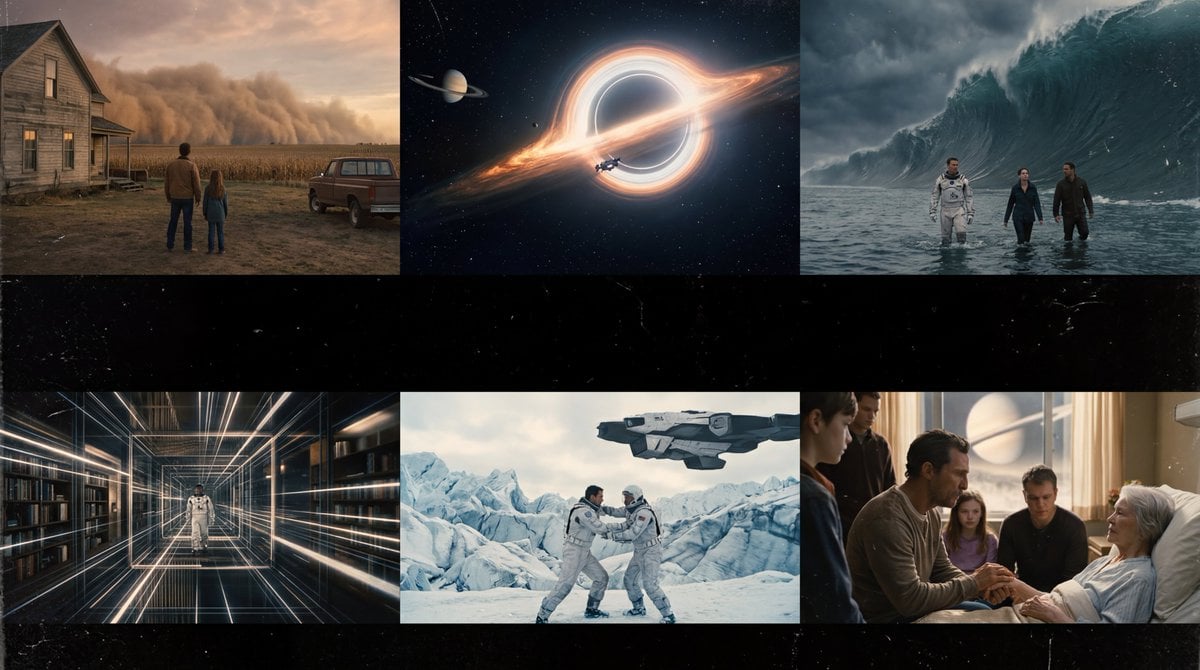
Interstellar-Inspired Cinematic Film Stills Prompt
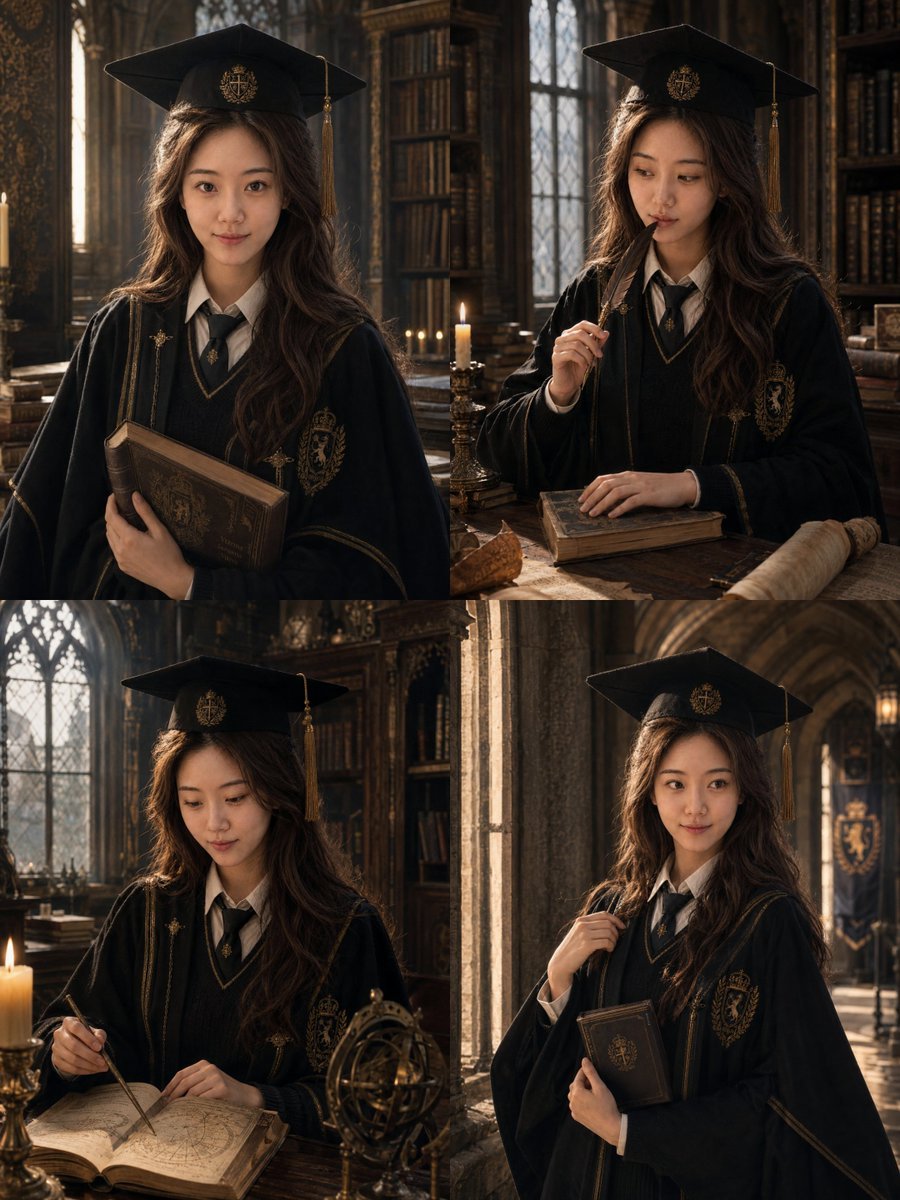
British Magic Academy Graduation Portraits
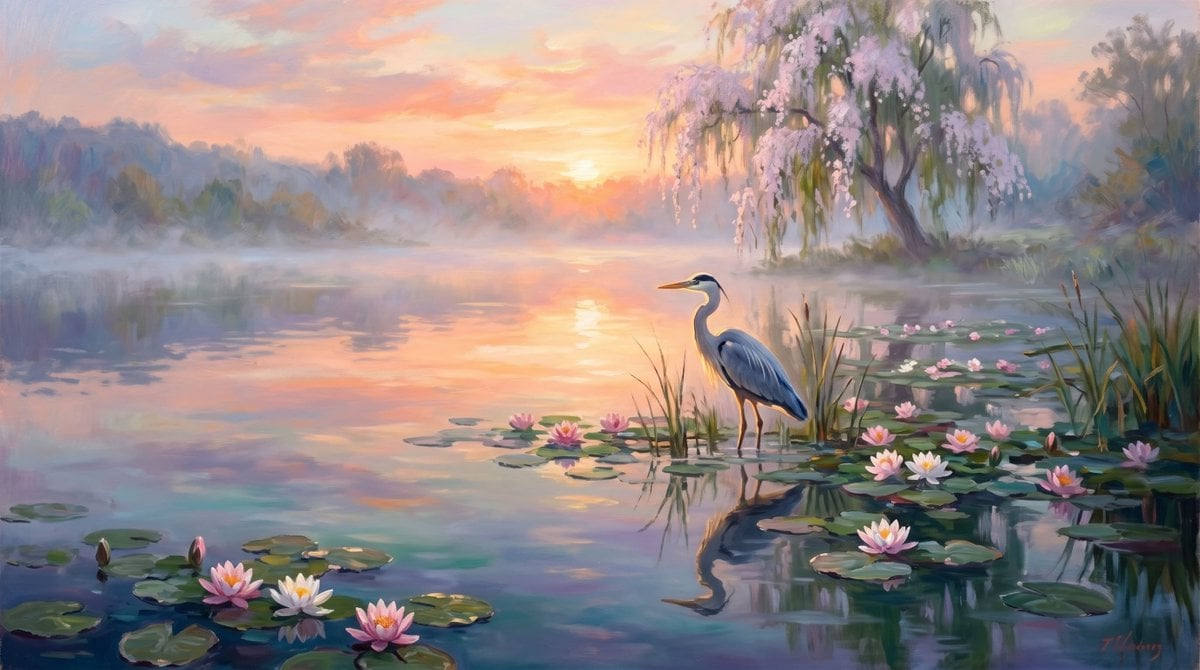
Misty Heron Lake at Sunrise
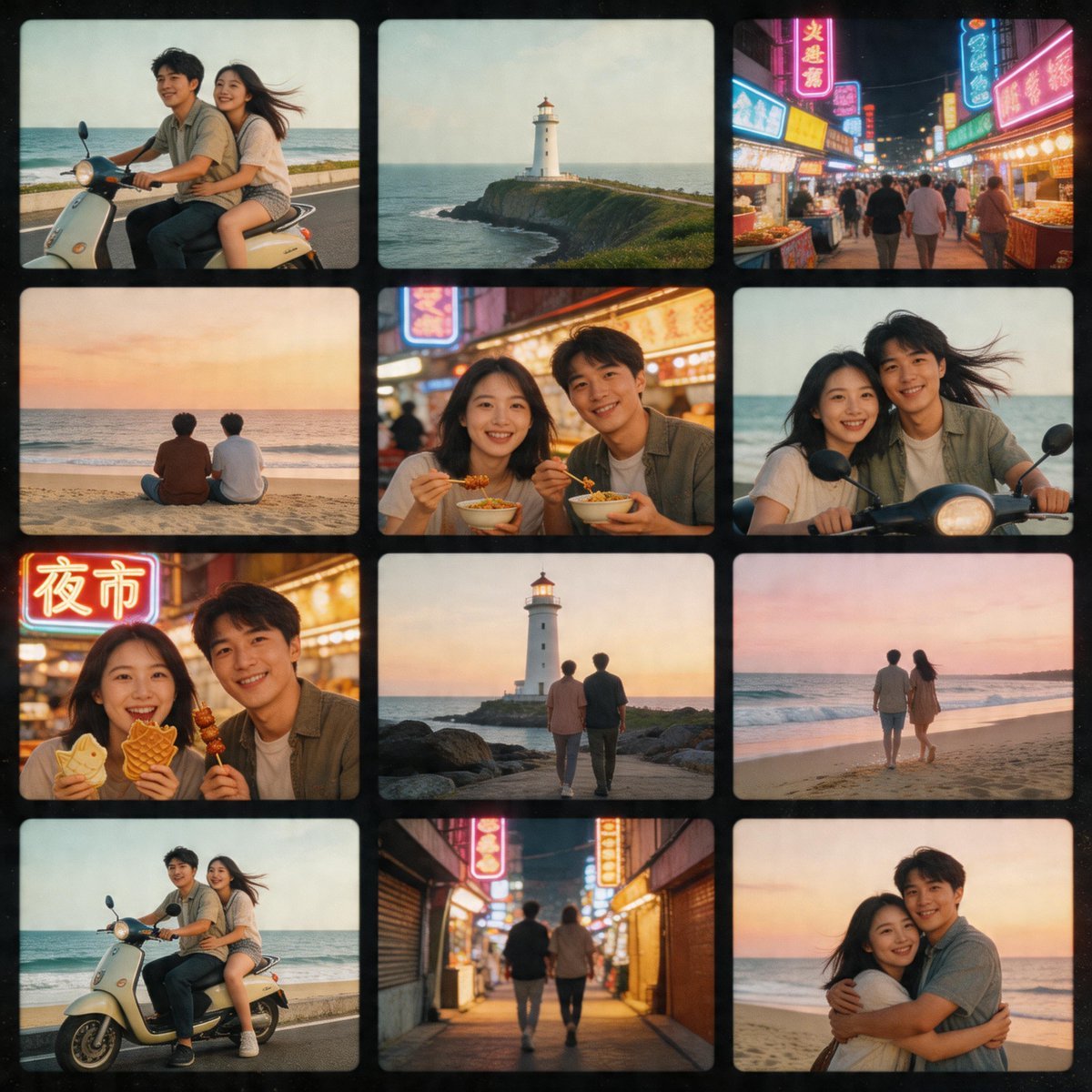
Nostalgic Tokyo Travel Collage
Browse template categories
Readable AI Agent Prompt Showcase questions
How do I use the Readable AI Agent Prompt Showcase template?
Add your photo if the template asks for one, edit the prompt if you like — the template's model and format are already selected — and press Generate. Your version opens in PicX Studio.
Can I customize the Readable AI Agent Prompt Showcase template?
Yes. You can change the subject, setting, lighting, mood, format, and available model controls before creating your image.
Is the Readable AI Agent Prompt Showcase template free?
Opening and editing this template is free. Generating uses credits, shown on the Generate button when you are signed in.
Which AI model should I use?
Choose a compatible model in PicX Studio based on the style, speed, and output controls your project needs.
Looking for something else? Browse all templates.

Your photo, any look
Thousands of ready templates for every top image and video model, from one credit balance.