
Royal Golden Cobra Emblem
Generates a luxurious black-and-gold baroque cobra crest suitable for fantasy branding, posters, game emblems, or ornate decorative artwork.
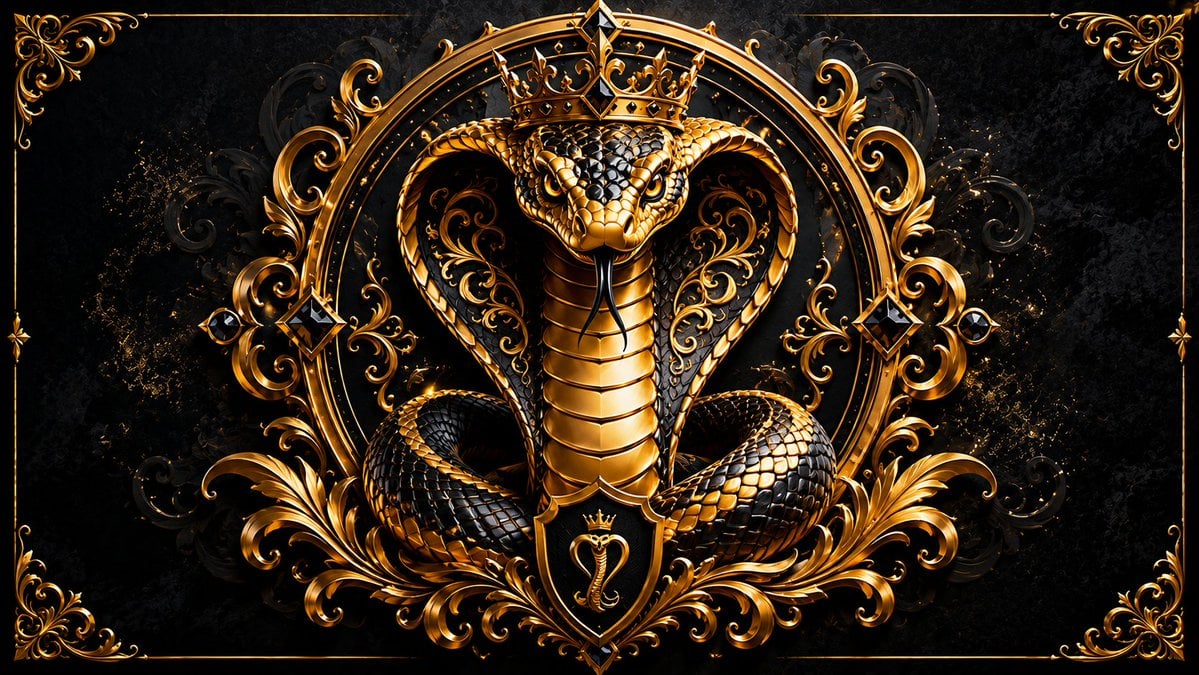
- Prompt included
- Model and format preset
- Free template
The prompt behind this image
Copy the exact prompt behind Royal Golden Cobra Emblem, or open it in the studio and make it yours.
Create a dark luxury heraldic emblem featuring {argument name="animal subject" default="a royal cobra"} centered on a wide horizontal canvas. The cobra faces forward with its hood fully spread, coiled body at the bottom, glossy black scales edged in reflective metallic gold, a golden segmented belly, intense glowing eyes, and a black forked tongue. Place exactly 1 ornate gold crown on the cobra's head and exactly 1 small black-and-gold shield crest below the neck, showing a tiny crowned cobra symbol. Surround the cobra with an elaborate symmetrical baroque frame: exactly 1 large circular gold arch behind the head, 2 mirrored large gold acanthus-leaf flourishes at the lower left and lower right, 2 mirrored vertical side ornaments with black diamond gemstones, and 4 ornate gold corner decorations connected by a thin rectangular gold border. Use a {argument name="color palette" default="black, metallic gold, and deep bronze"} palette with high contrast, polished 3D metal rendering, dramatic rim lighting, sparkling gold dust accents, and a dark textured damask background. The mood should be {argument name="mood" default="regal, dangerous, and opulent"}. Make the composition perfectly centered and symmetrical, ultra-detailed, sharp, cinematic, premium fantasy insignia style, with no text, no watermark, and no extra animals.
How to use Royal Golden Cobra Emblem in 3 steps
- 1Upload ImagePNG, JPG or paste
Add your photo
Upload the photo the template builds on. The prompt, model and format are already set.
- 2…a portrait of your subject in softgolden-hour light, 85mm…
Personalize
Edit the subject and creative details for your destination.
- 3Generate
Generate
Press Generate — your image is created in PicX Studio, so you can compare it with the original and refine one variable at a time.
More like this
Templates with the same subject, style or setup. Open one to see its prompt.
Golden Royal Glam Mirror Selfie

80s Golden Hour Cinema
Indian Royal Bandhgala Portrait
Royal Anime Mages at Dawn
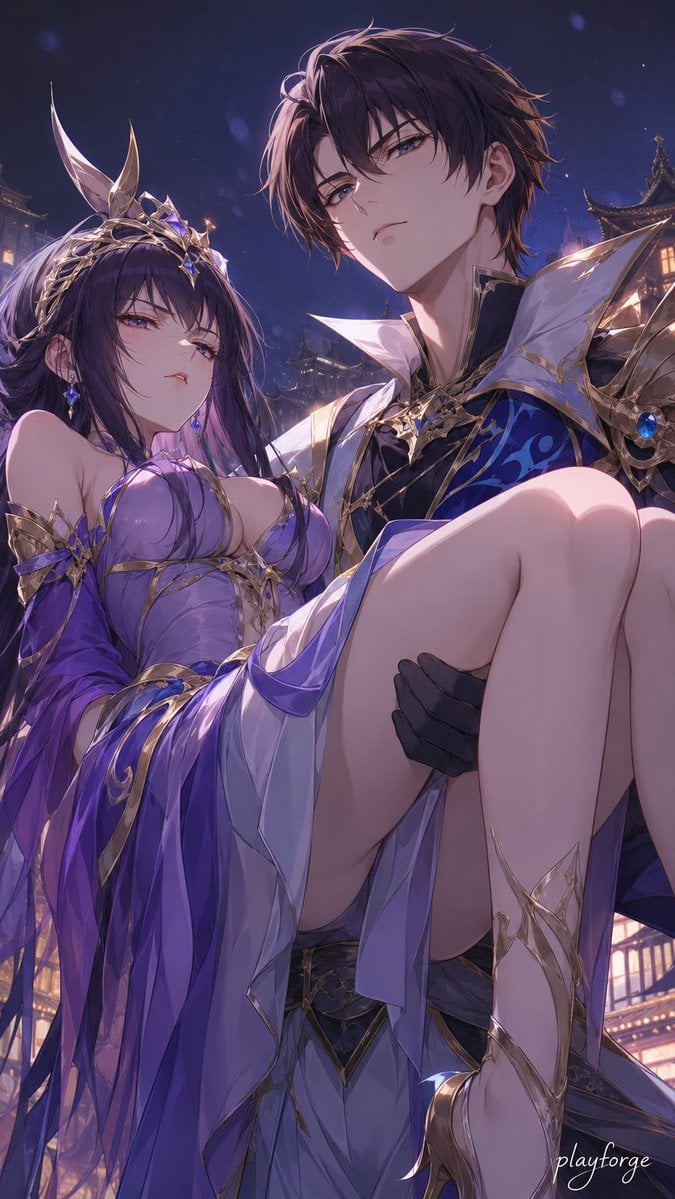
Royal Fantasy Bridal Carry

Cinematic Golden Hour Garden Portrait
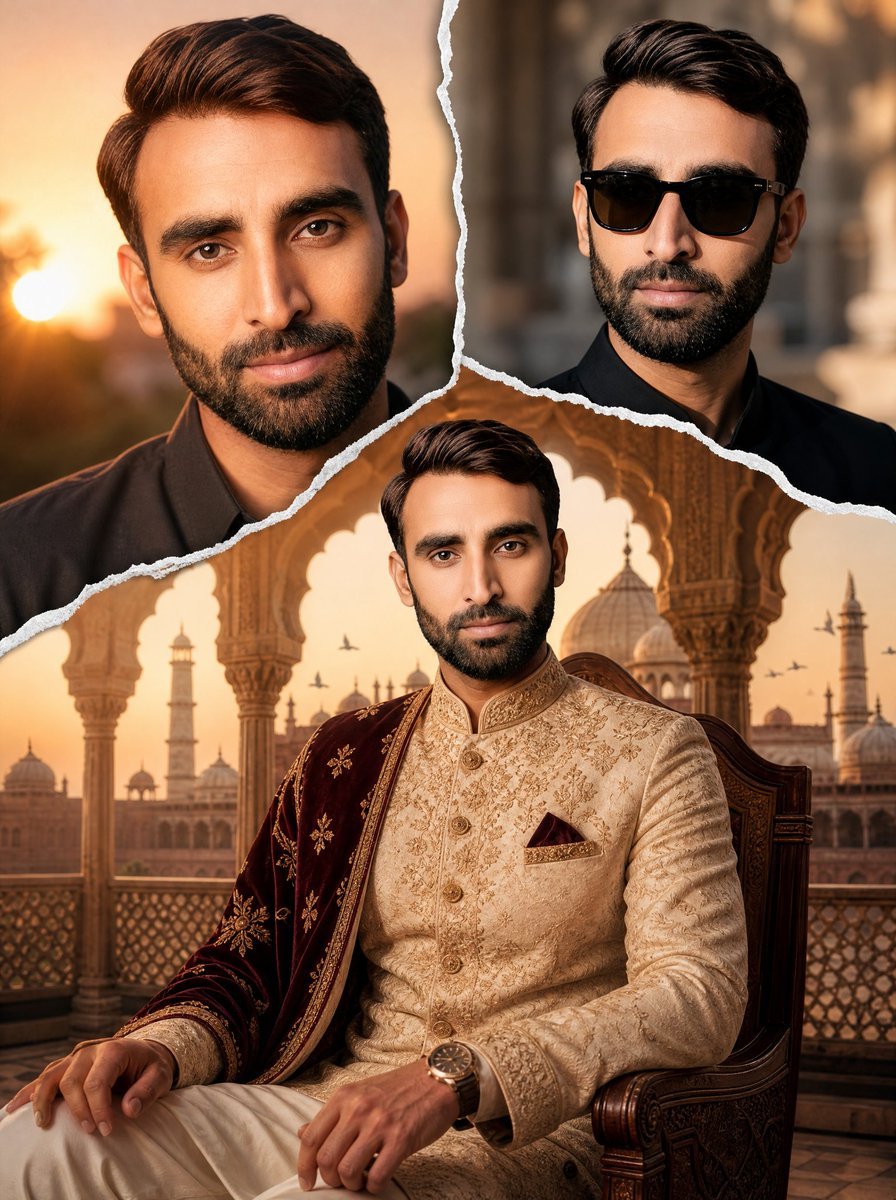
Royal Sherwani Portrait Collage Prompt

Cinematic Golden Hour Urban Portrait

Luxury Men's Golden Hour Collage
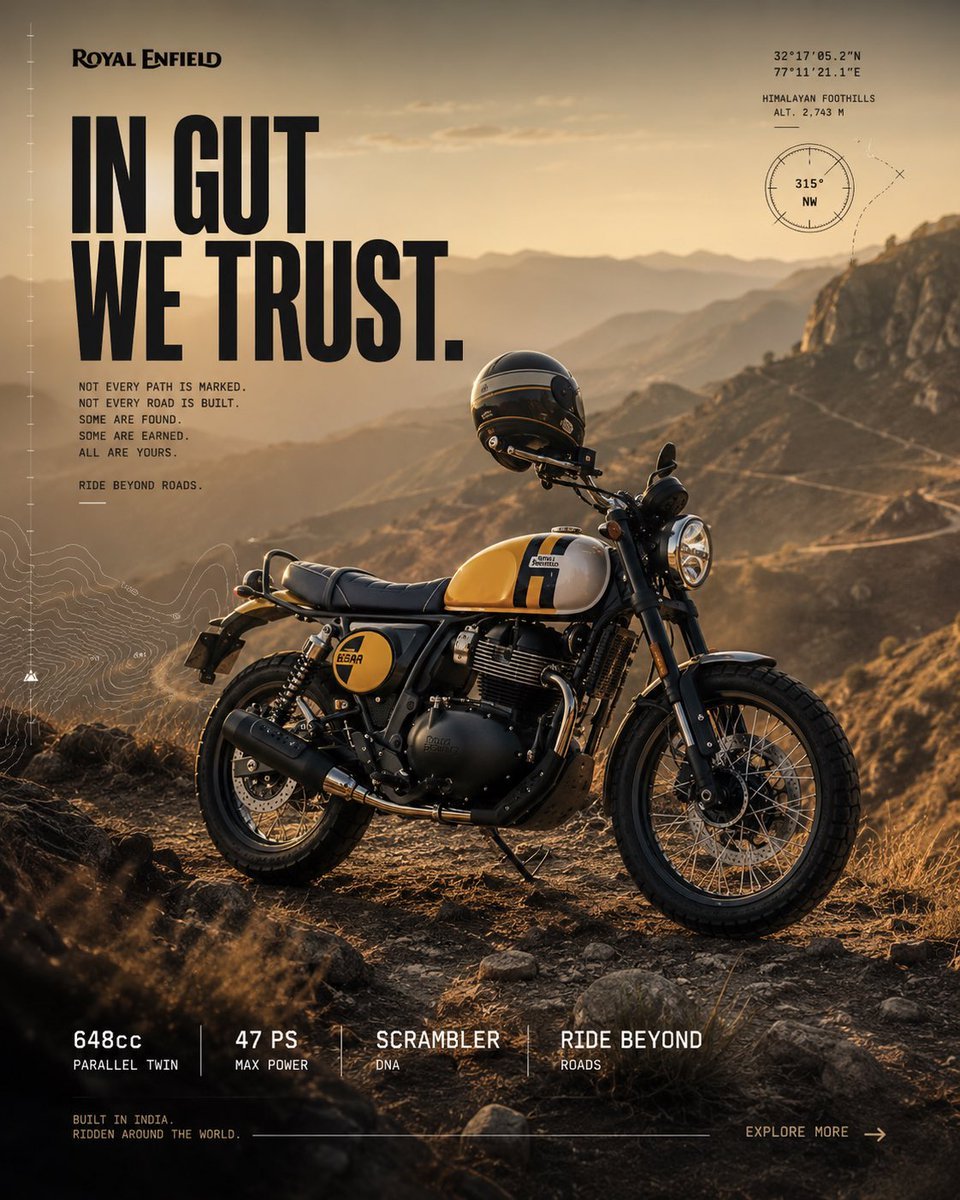
Royal Enfield Adventure Campaign Poster
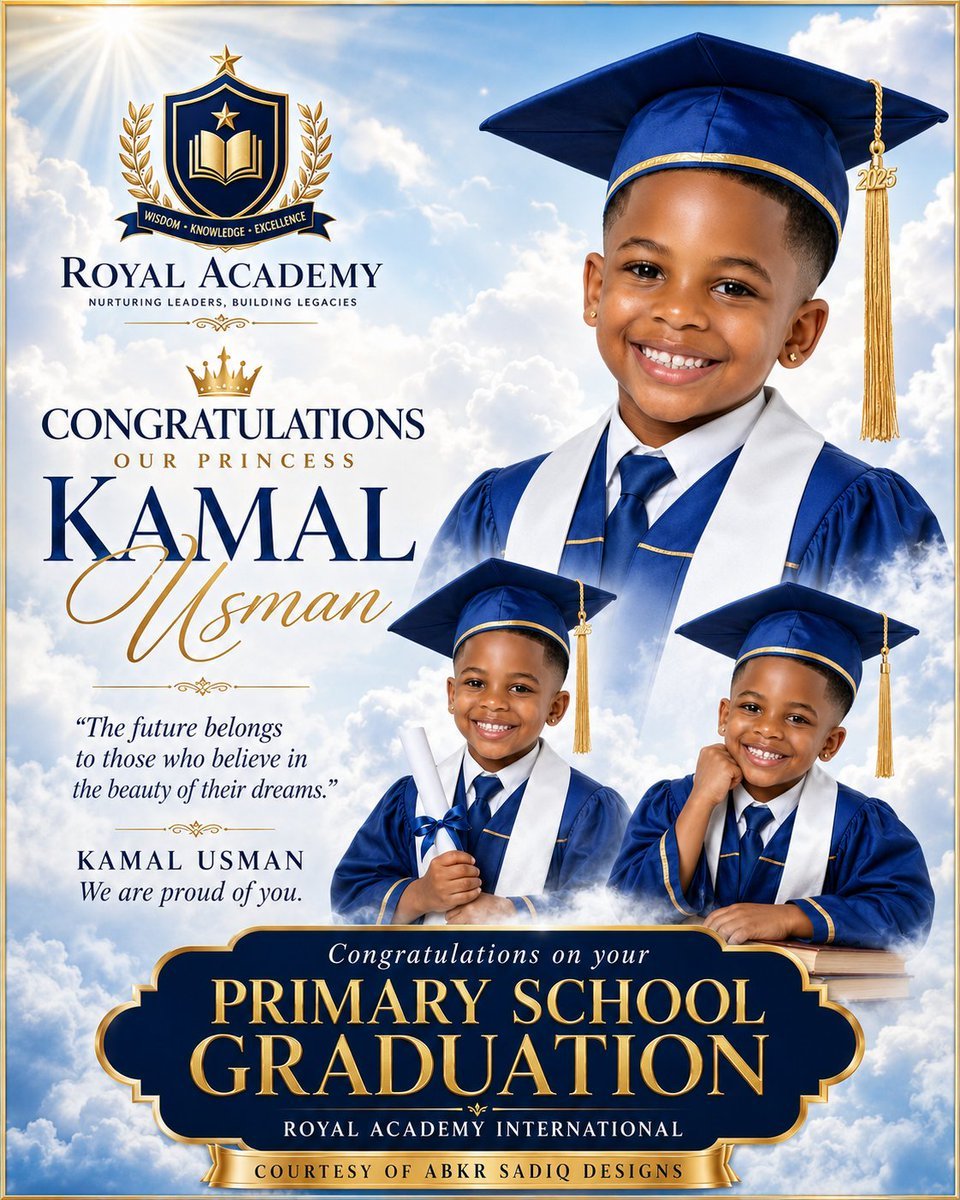
Royal Primary Graduation Poster

Rooftop Fisheye — Cat-Ear Balaclava at Golden Hour
Make it yours
Royal Golden Cobra Emblem works as-is. These are the safest ways to change it without losing the look.
Change one field
Copy a single group, rewrite it, and generate again so you can see what that field is doing.
Keep the frame, change the subject
Hold the composition and light of Royal Golden Cobra Emblem, then swap wardrobe, props or the person for a new take.
| If the result… | Why | Fix |
|---|---|---|
| The result drifts from the preview | Too many fields changed at once. | Reuse Royal Golden Cobra Emblem as-is first, then change one group — subject, light, or setting. |
| The model over-stylizes the scene | The prose prompt leaves finish and camera underspecified. | Add one camera or lighting sentence and stay on GPT Image 2. |
More GPT Image 2 templates
Other prompts made for GPT Image 2.

Six VTuber Japanese Logo Sheet

Realistic Portrait of Woman and Deer

The Vista Modular Condo Poster

AI Model Routing Comparison Infographic

2.5D Anime Art Board

Isometric Productivity Desk Scene

New York Double Exposure Poster

Four-Panel AI Landscape Comparison

Japanese Tatami Lifestyle Magazine Cover

NESCAFÉ Coffee Map Poster
More image prompts
Fresh picks from across the catalog.
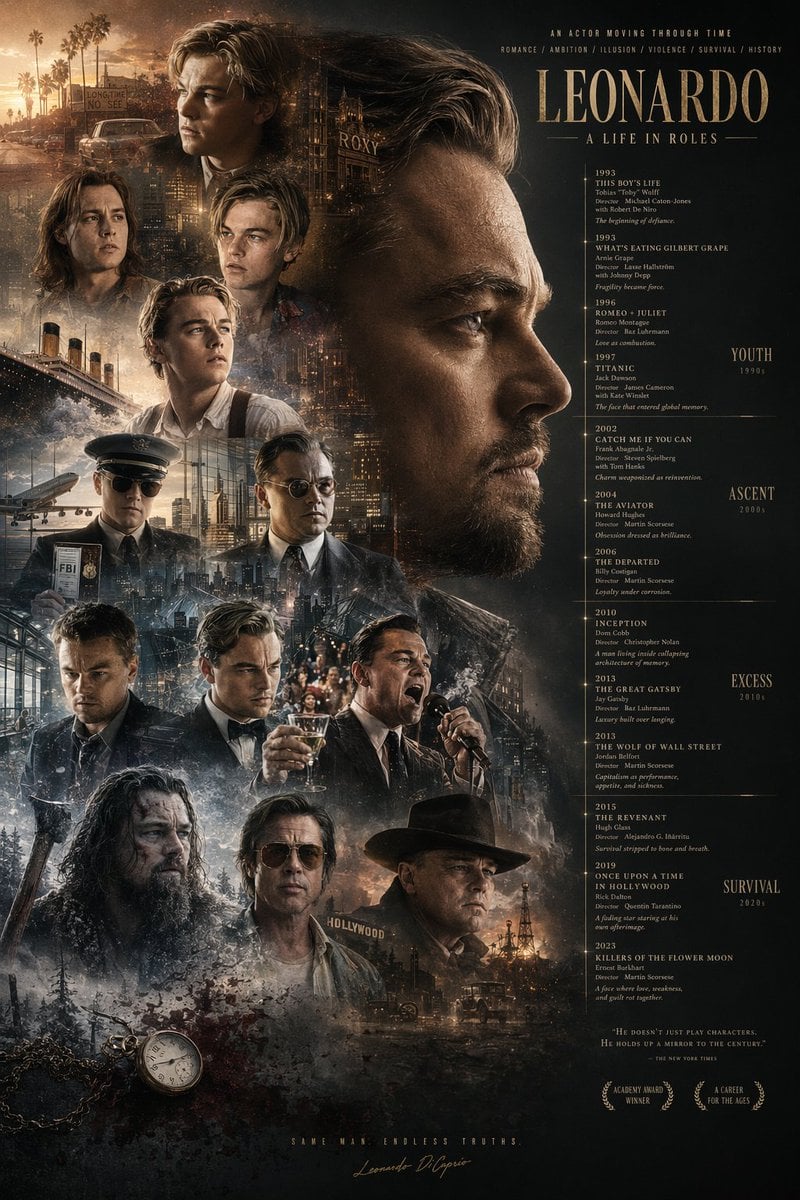
Mirrored Actor Retrospective Poster
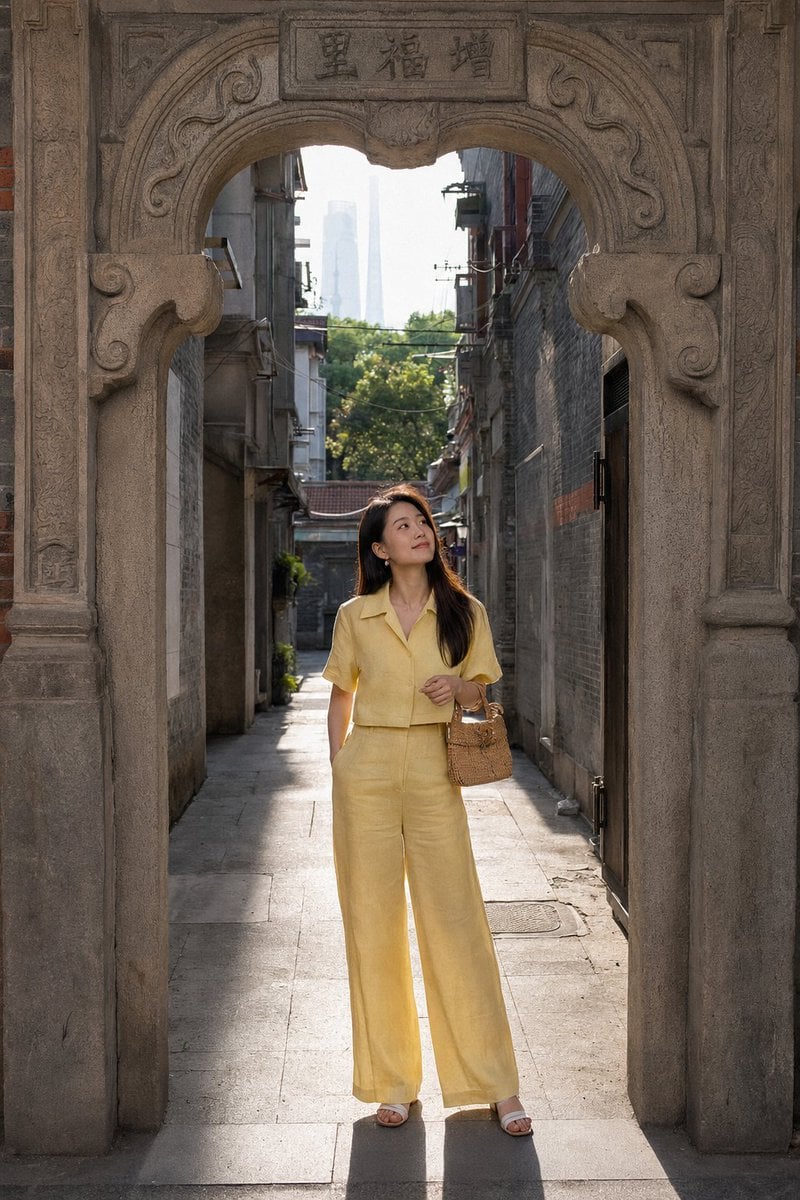
Shanghai Shikumen Street Portrait
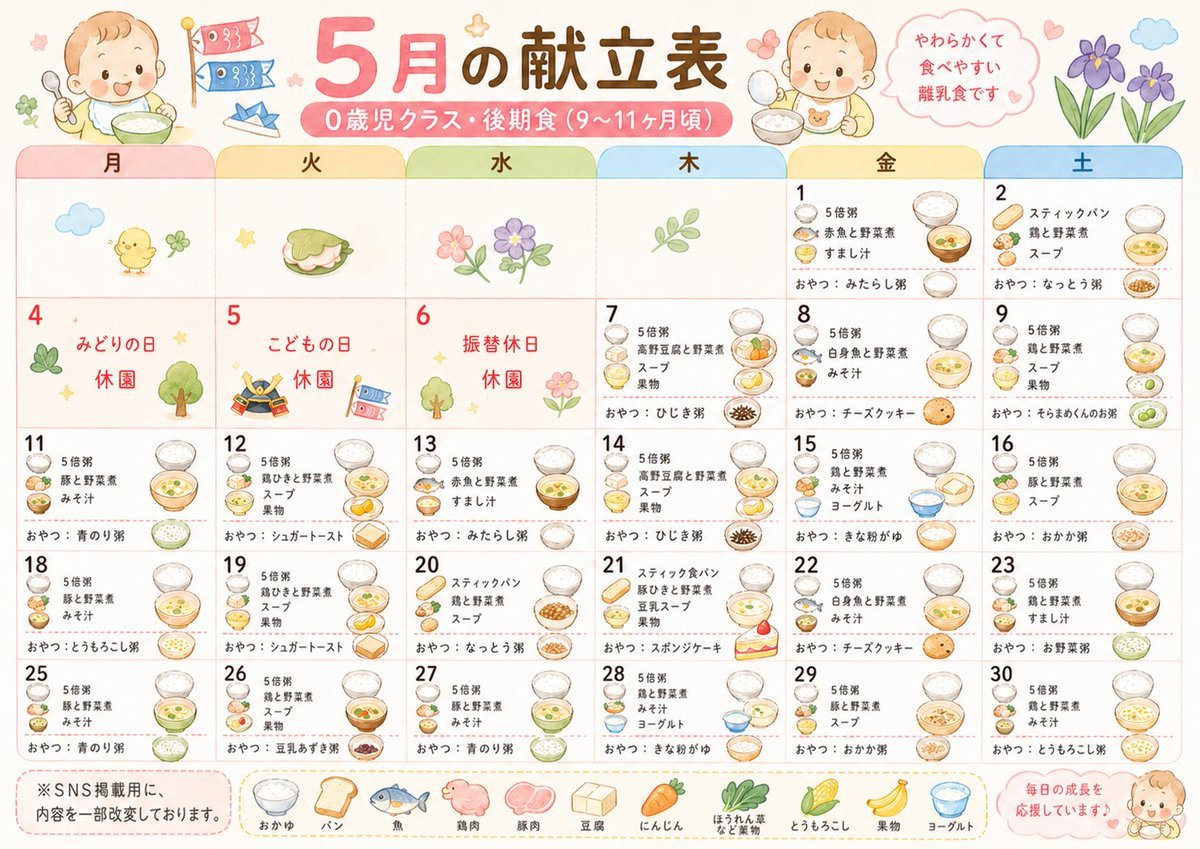
Cute Japanese Nursery Menu Calendar
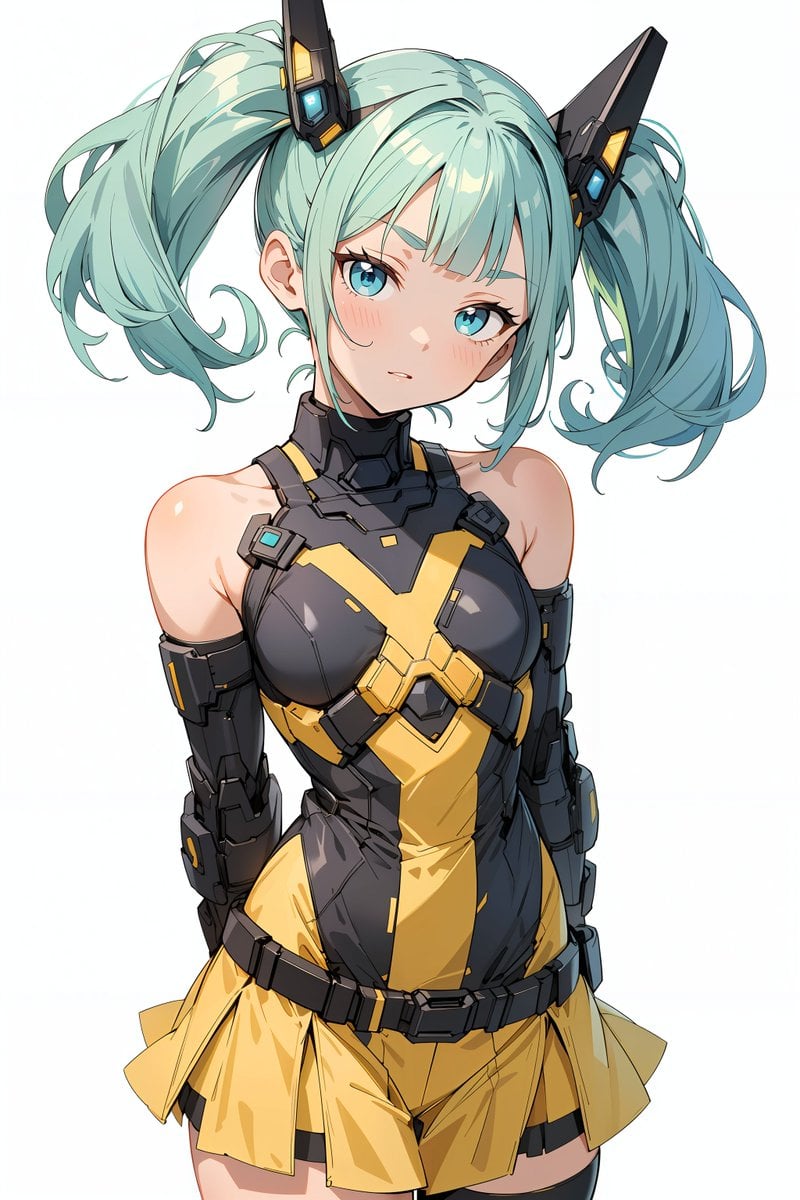
Energy field barrier VFX and pose adjustment YAML prompt

Cinematic Realism Portrait in a Library Loft

London outdoor restaurant portrait with Nano Banana Pro
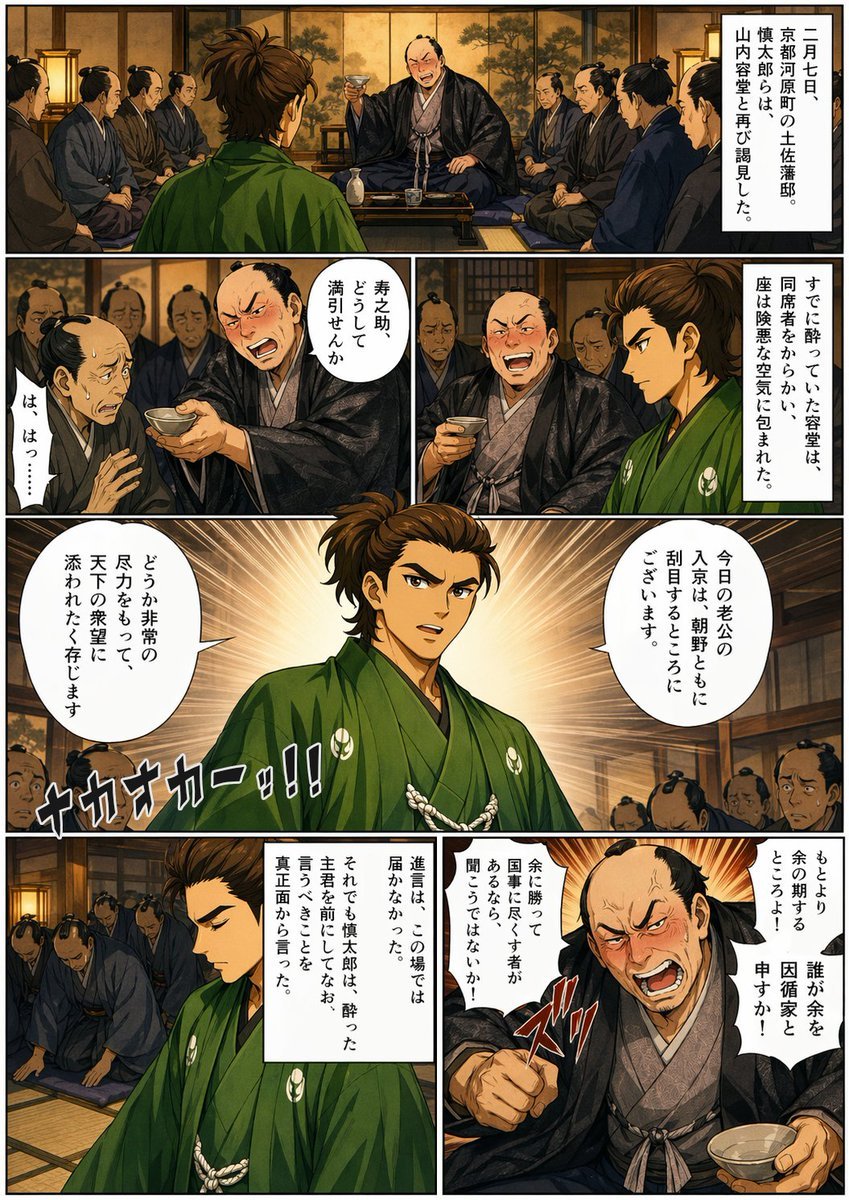
Bakumatsu Confrontation Manga Page
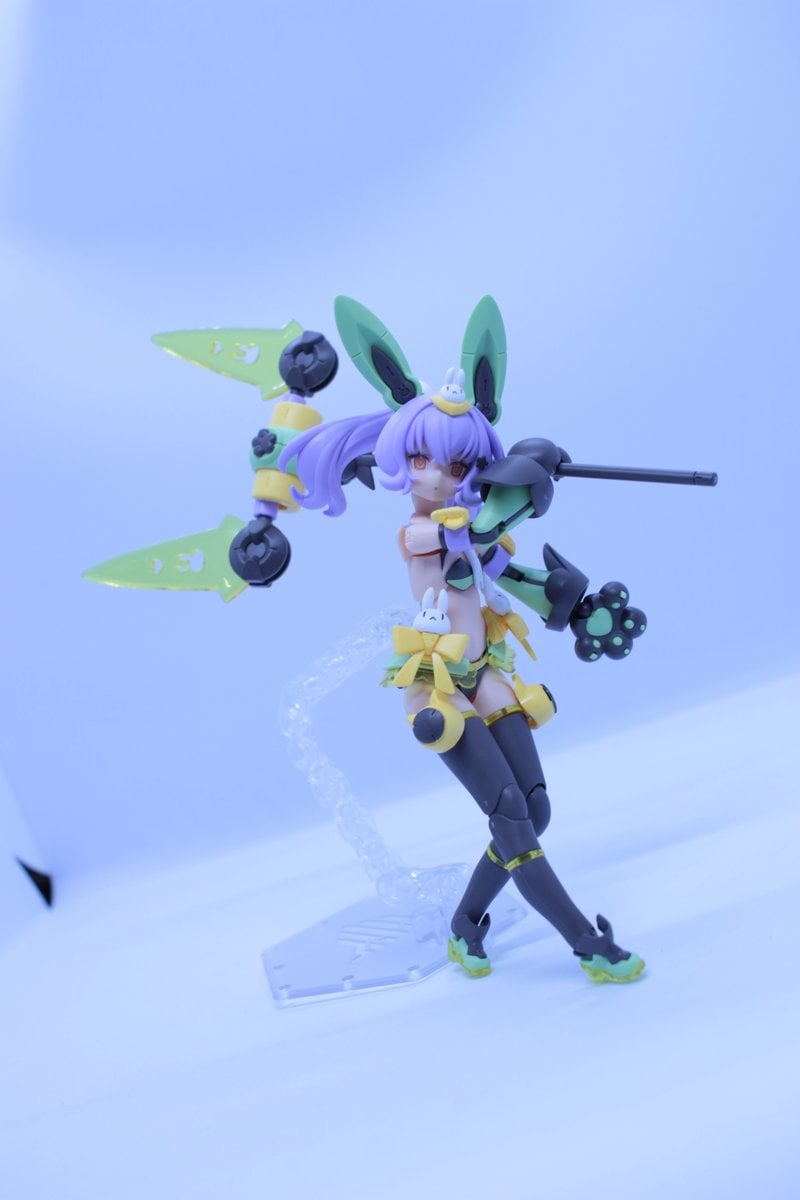
Low-Poly Character Figure of Megami Device
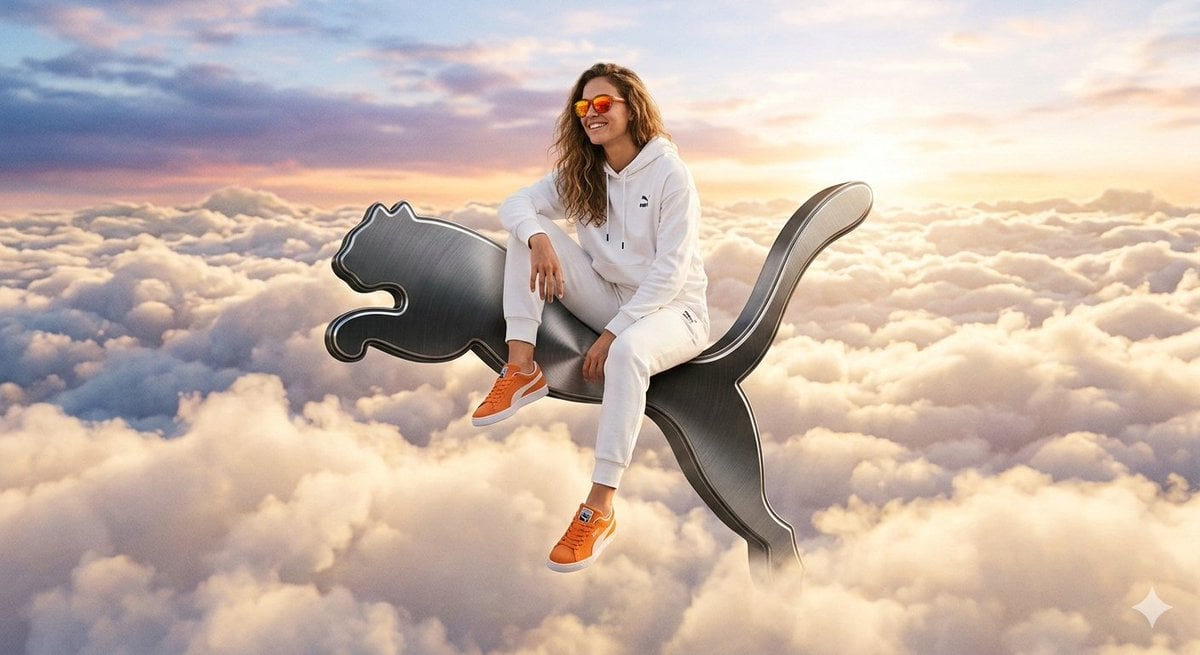
Surreal High-Fashion Ad on Floating Puma Logo

Gemini Nano Banana 2
Browse template categories
Royal Golden Cobra Emblem questions
How do I use the Royal Golden Cobra Emblem template?
Add your photo if the template asks for one, edit the prompt if you like — the template's model and format are already selected — and press Generate. Your version opens in PicX Studio.
Can I customize the Royal Golden Cobra Emblem template?
Yes. You can change the subject, setting, lighting, mood, format, and available model controls before creating your image.
Is the Royal Golden Cobra Emblem template free?
Opening and editing this template is free. Generating uses credits, shown on the Generate button when you are signed in.
Which AI model should I use?
Start with GPT Image 2, which is the model associated with this template. You can compare another compatible model for a different finish.
Looking for something else? Browse all templates.

Your photo, any look
Thousands of ready templates for every top image and video model, from one credit balance.