
Energy field barrier VFX and pose adjustment YAML prompt
A detailed YAML Nano Banana Pro prompt that changes a character’s pose to extend both arms forward and adds concentric octagonal energy-field barriers in front of the hands, while preserving all original character and…
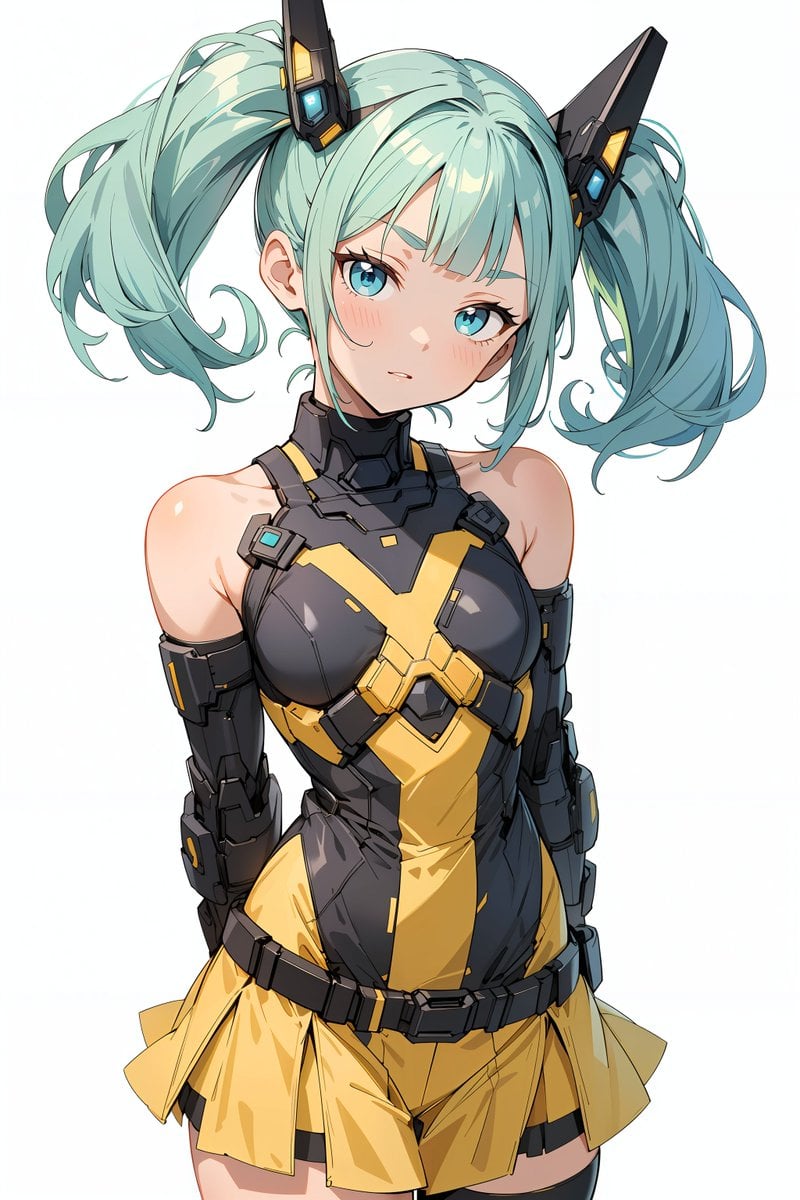
- Prompt included
- Model and format preset
- Free template
The prompt behind this image
Copy the exact prompt behind Energy field barrier VFX and pose adjustment YAML prompt, or open it in the studio and make it yours.
task: "pose-and-barrier-vfx" reference_image: keep_original: true subject: keep_character_design: true rules: - do not change the character’s face, expression, hairstyle, anatomy, or proportions - do not change outfit, colors, lineart, or art style - do not change background, composition, shading, or lighting - all modifications occur only through the defined steps steps: - step: "pose-adjustment" action: - extend both arms forward toward the viewer - rotate both palms to face directly toward the camera - fingers naturally spread constraints: forbidden: - altering facial expression - modifying outfit - adding props or new items - introducing glow or VFX - step: "energy-barrier-vfx" vfx: type: "concentric-octagonal-barrier" placement: "in front of both palms" geometry: shape: "regular octagon" structure: "multiple concentric octagonal surfaces" alignment: - all surfaces share the same center - all surfaces are parallel to the camera plane - no curvature or spherical distortion forbidden: - outline-only shapes - hollow frames - hexagonal shapes - domed or warped surfaces surface: fill: "center-to-edge radial gradient" colors: center: "white-yellow" mid: "orange-gold" edge: "transparent orange" glow: - strong center luminosity - soft bloom - refractive shimmer opacity: "semi-transparent" layering: count: {argument name="number of barrier layers" default="8"} direction: "stacked forward" - step: "text-overlay" text: content: "Prompt by てんねん@ munou_ac" position: "bottom-left" font_color: "white" font_size: "small" opacity: "0.9" composition: camera: angle: "frontal" distance: "medium shot" focus: "hands and barrier surface" lighting: keep_original: true placement: barrier_position: "centered between both palms" size: "large frontal barrier"
How to use Energy field barrier VFX and pose adjustment YAML prompt in 3 steps
- 1
Open
The prompt is already in the box next to the preview, with the template's model and format selected.
- 2…a portrait of your subject in softgolden-hour light, 85mm…
Personalize
Edit the subject and creative details for your destination.
- 3Generate
Generate
Press Generate — your image is created in PicX Studio, so you can compare it with the original and refine one variable at a time.
More like this
Templates with the same subject, style or setup. Open one to see its prompt.
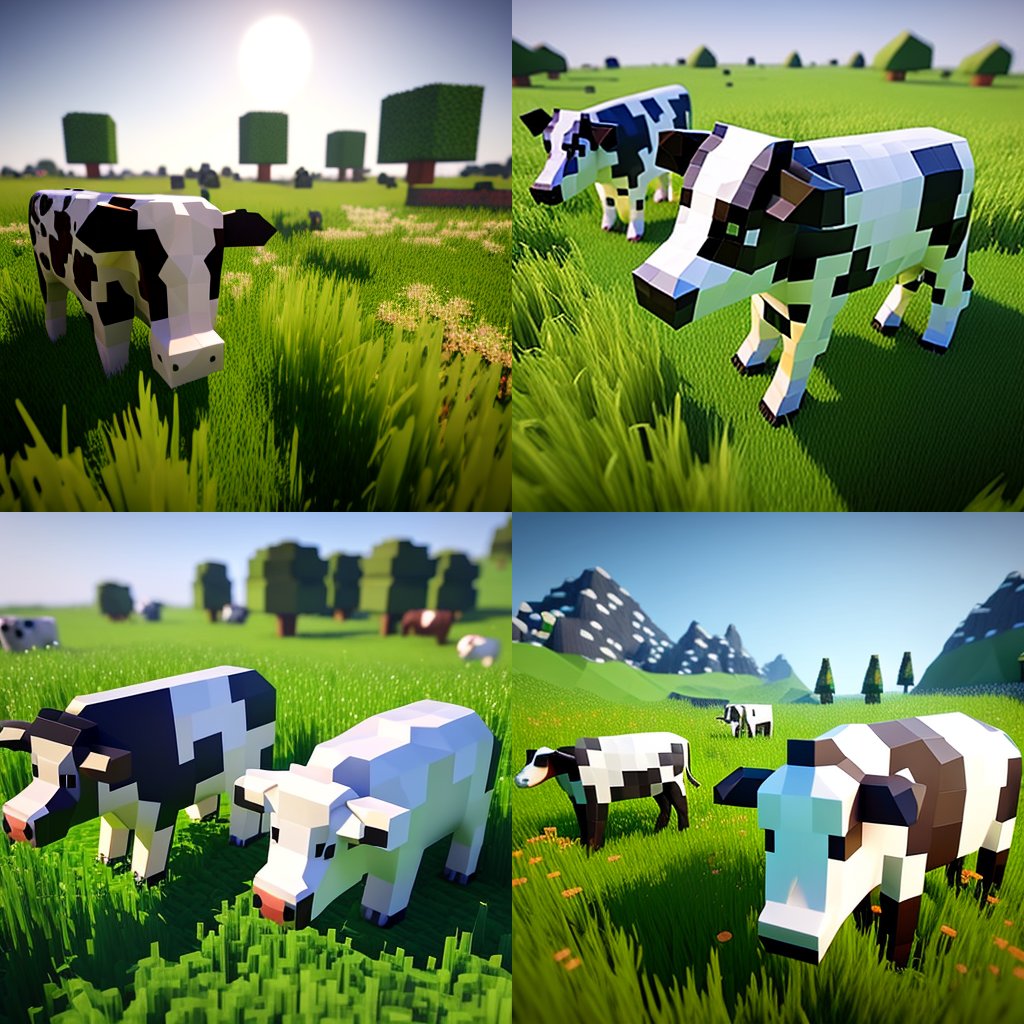
Hyper-Realistic Minecraft Cows Grazing
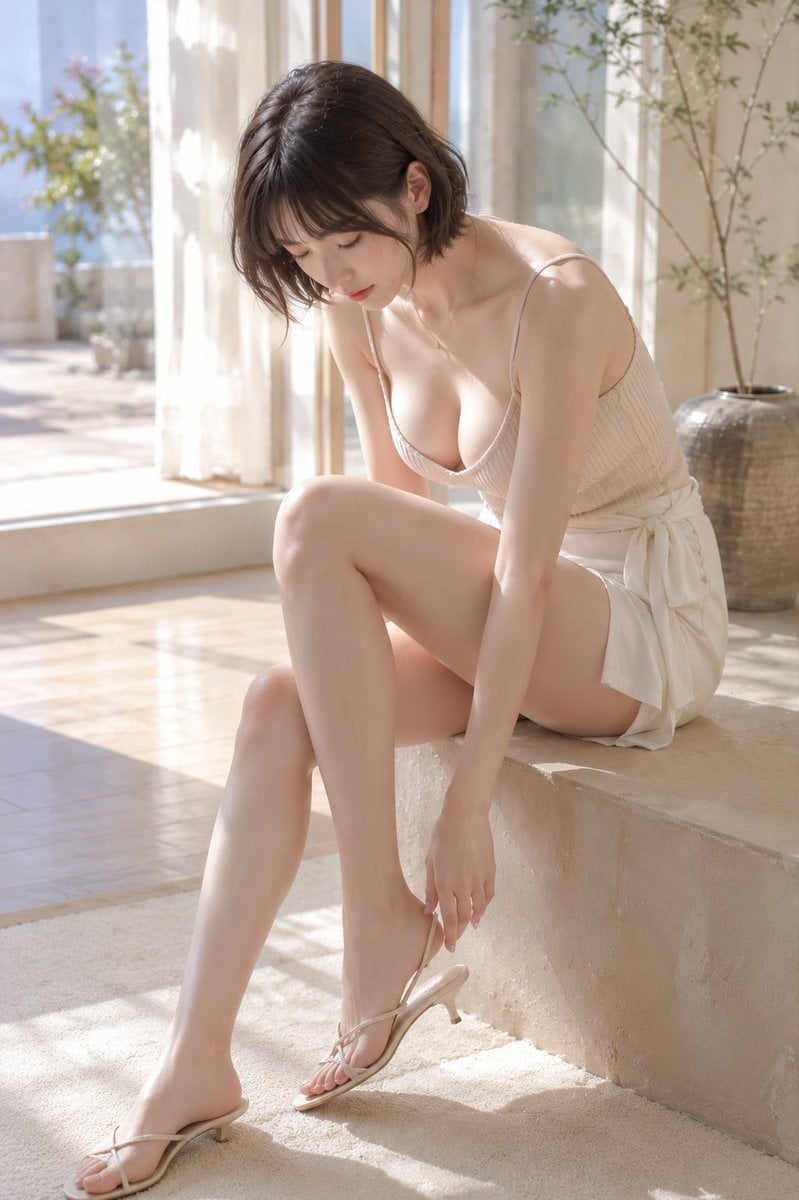
Morning Light Sandal Adjustment
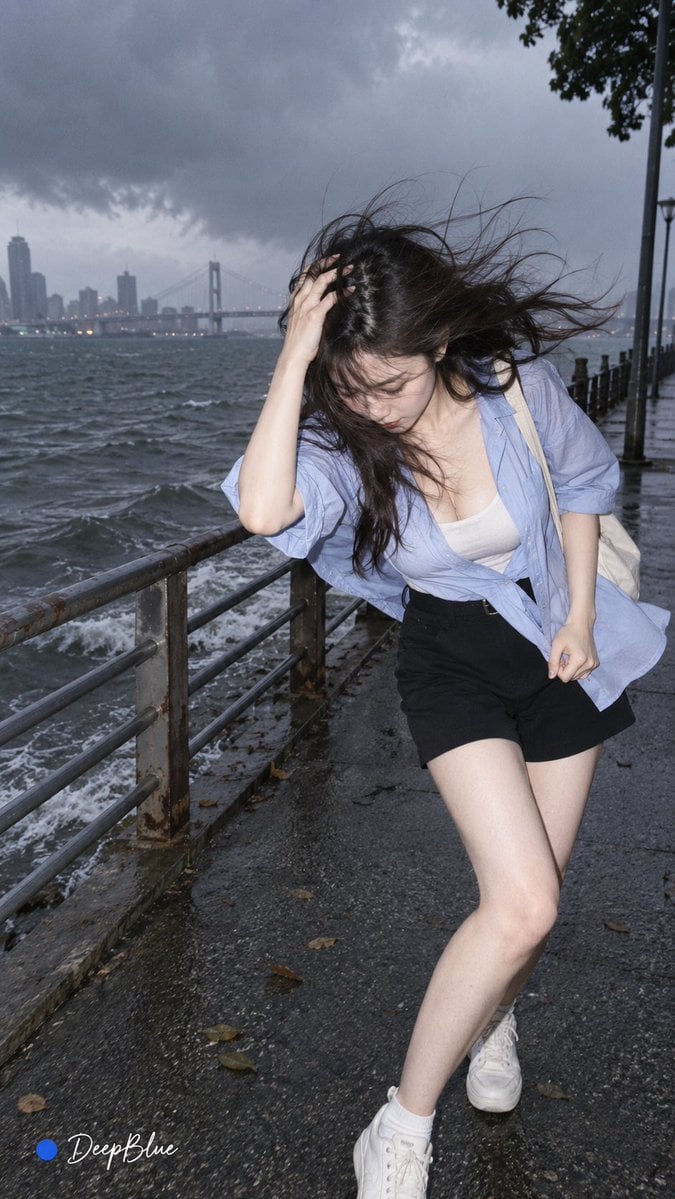
Random Photo Pose Generator
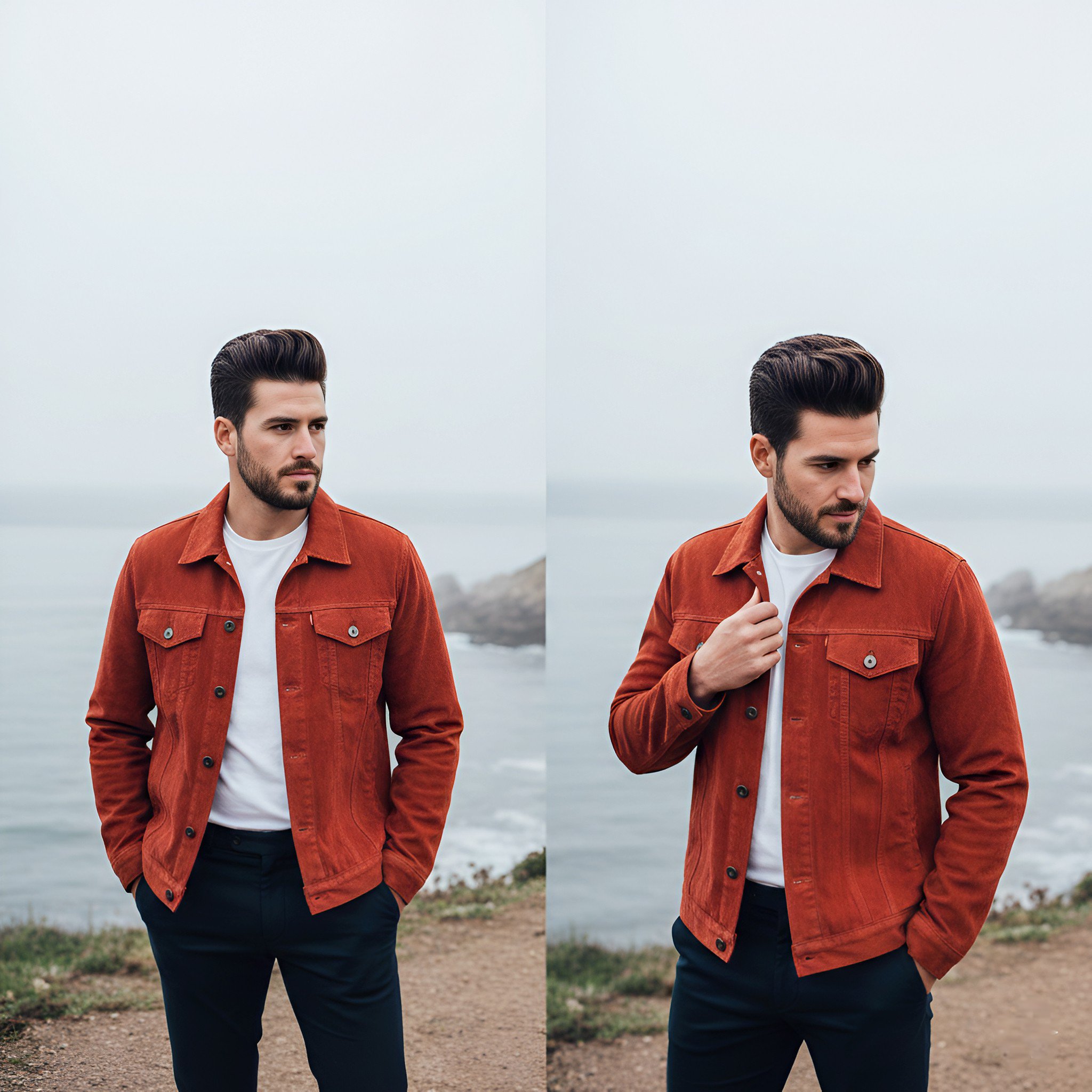
Lifestyle photography, cinematic color grading, shallow depth of field
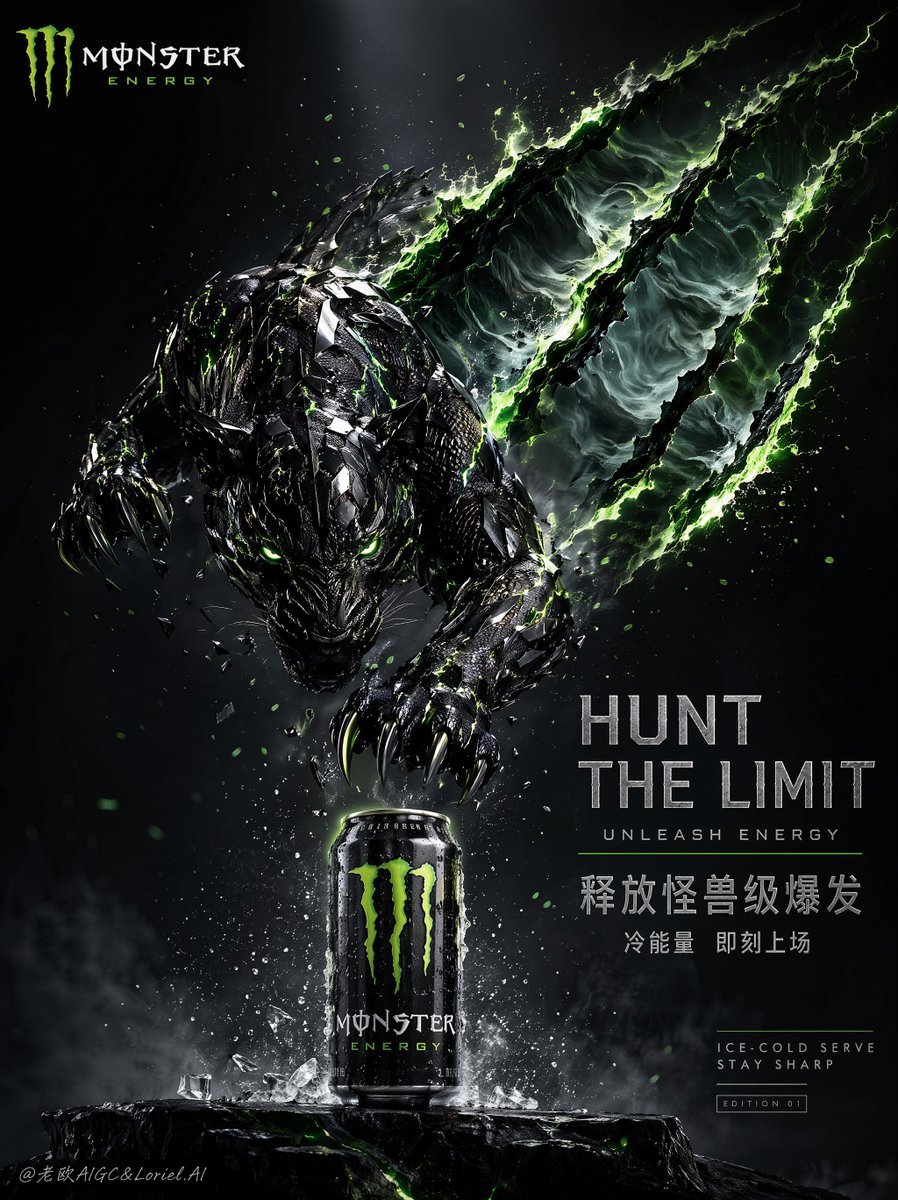
Cinematic Beast Energy Drink Poster

Sunflower Field Frame Portrait
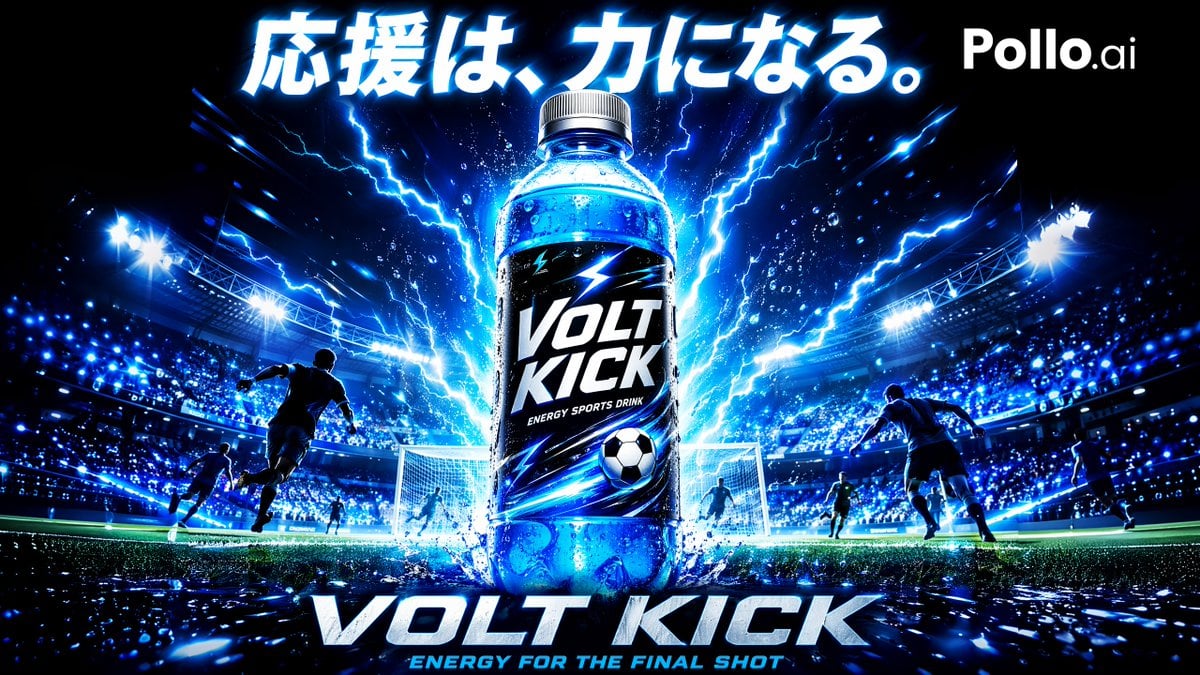
Volt Kick Soccer Energy Drink Poster
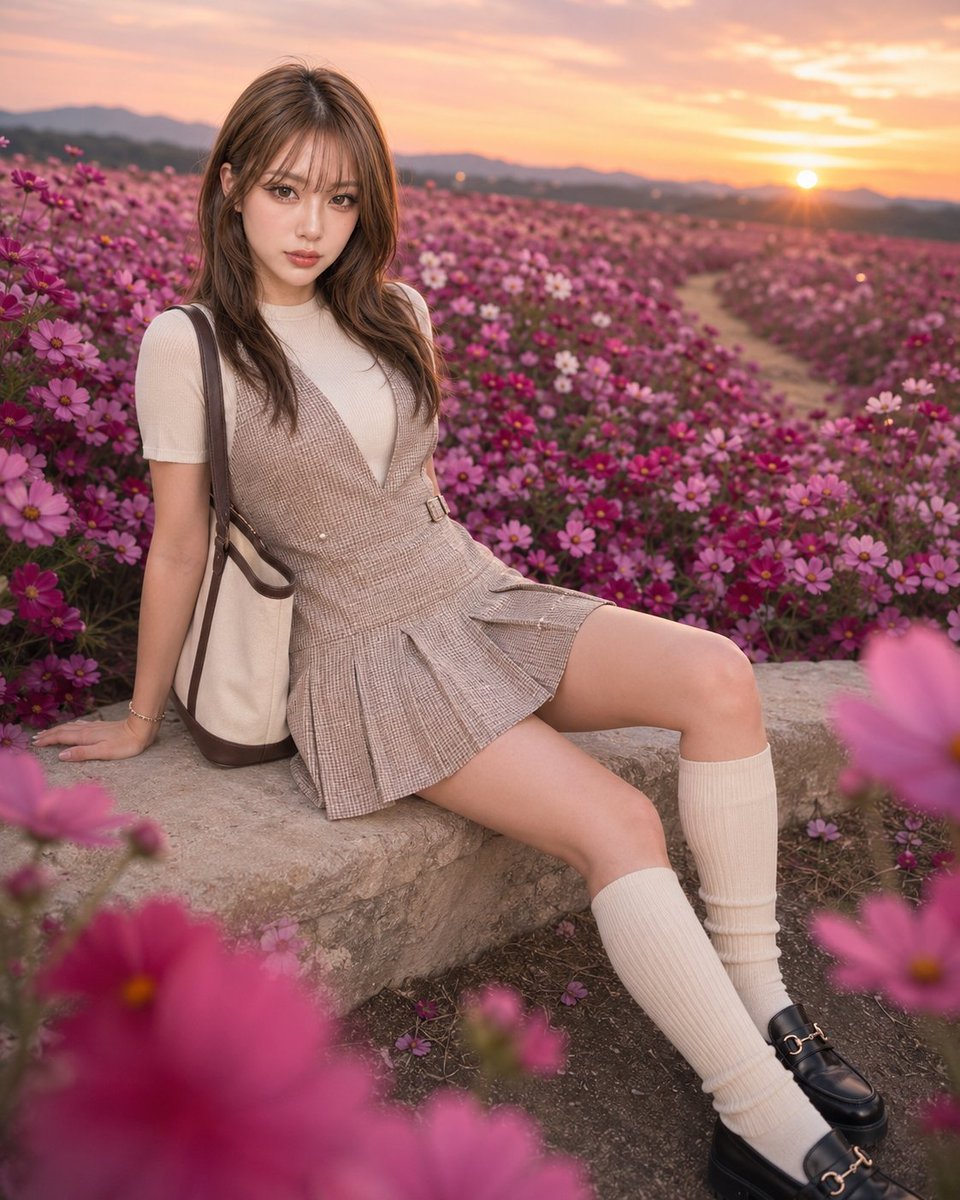
Fashion Portrait in Rose Cosmos Field
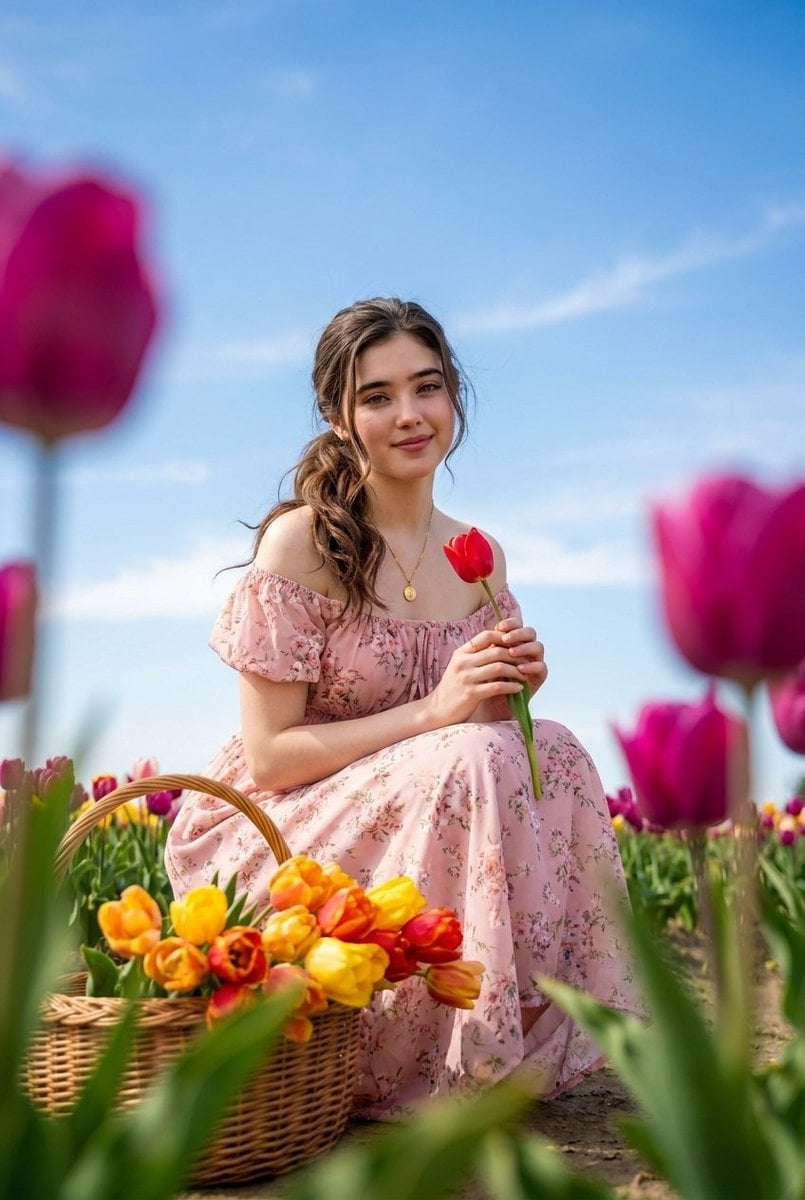
Brunette Woman in Tulip Field Portrait

High-energy sports advertisement poster
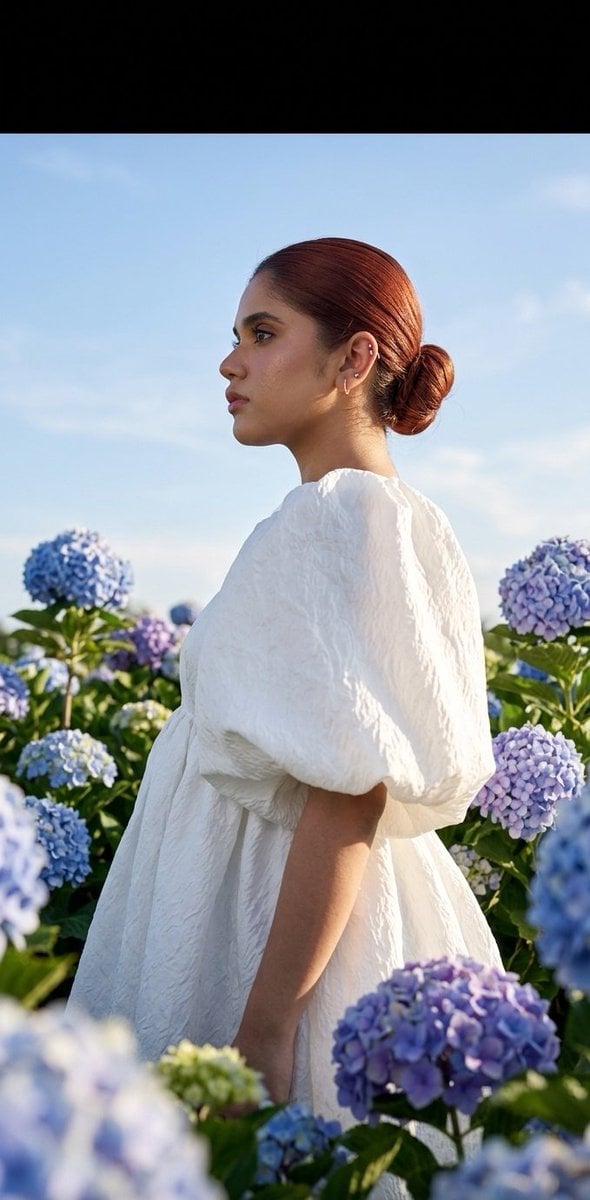
Summer fashion hydrangea field editorial
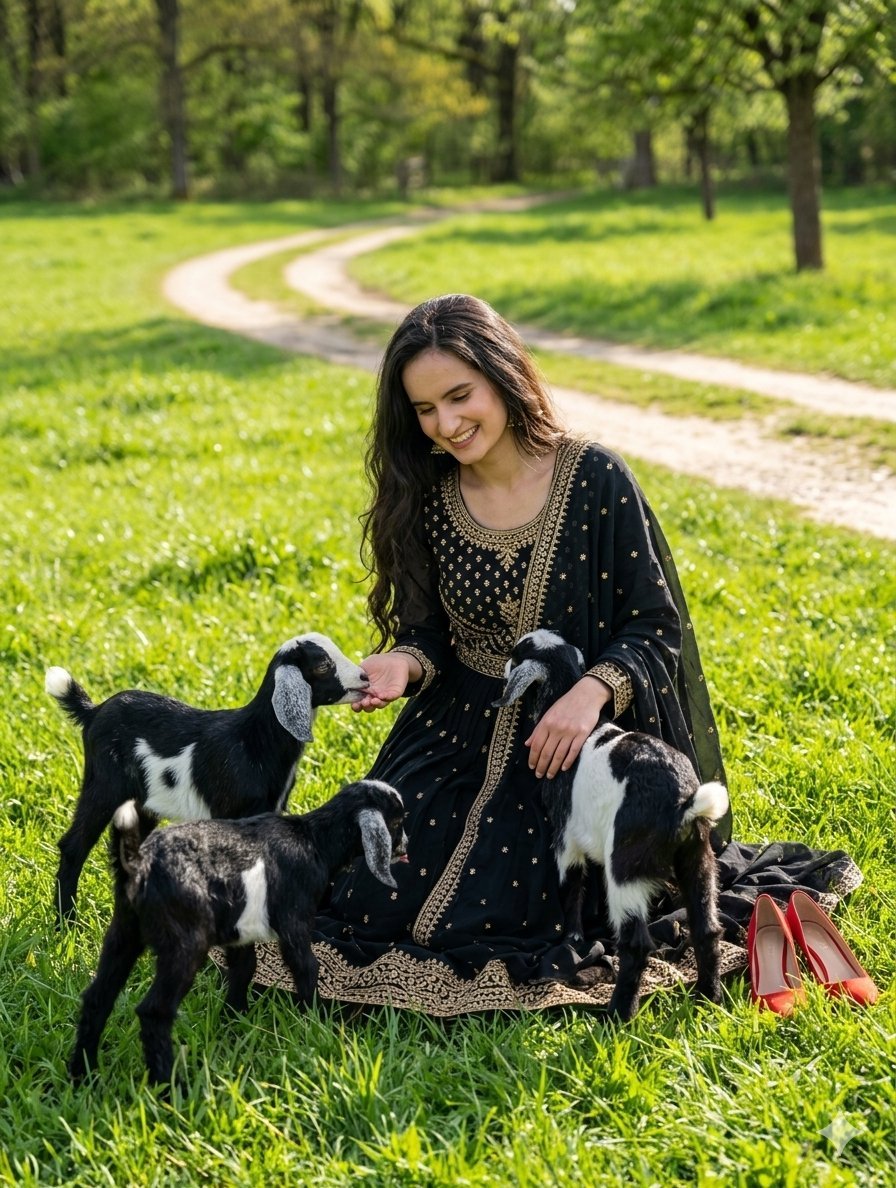
Nature Field Portrait Image Edit
Make it yours
Energy field barrier VFX and pose adjustment YAML prompt works as-is. These are the safest ways to change it without losing the look.
Change one field
Copy a single group, rewrite it, and generate again so you can see what that field is doing.
Keep the frame, change the subject
Hold the composition and light of Energy field barrier VFX and pose adjustment YAML prompt, then swap wardrobe, props or the person for a new take.
| If the result… | Why | Fix |
|---|---|---|
| The result drifts from the preview | Too many fields changed at once. | Reuse Energy field barrier VFX and pose adjustment YAML prompt as-is first, then change one group — subject, light, or setting. |
| The model over-stylizes the scene | The prose prompt leaves finish and camera underspecified. | Add one camera or lighting sentence and stay on Nano Banana 2. |
More Nano Banana 2 templates
Other prompts made for Nano Banana 2.

Photorealistic Leaf Shaped Like a Dragon

K-Pop Idol Portrait Grid for Rapid Selection

Poetic Rain Forest Portrait During Golden Hour

Urban Street Portrait with Cartoon Inner Self Duo

Candid Nighttime Photo with Cat Prompt

High-Concept 3D Diorama Generation Prompt

Cinematic Futuristic Studio Portrait Template

Skincare Editorial Photography Collage Prompt

Hyper-Realistic Commercial Product Photography (Splash Effect)

Hyper-Realistic Nightclub Portrait Prompt
More image prompts
Fresh picks from across the catalog.
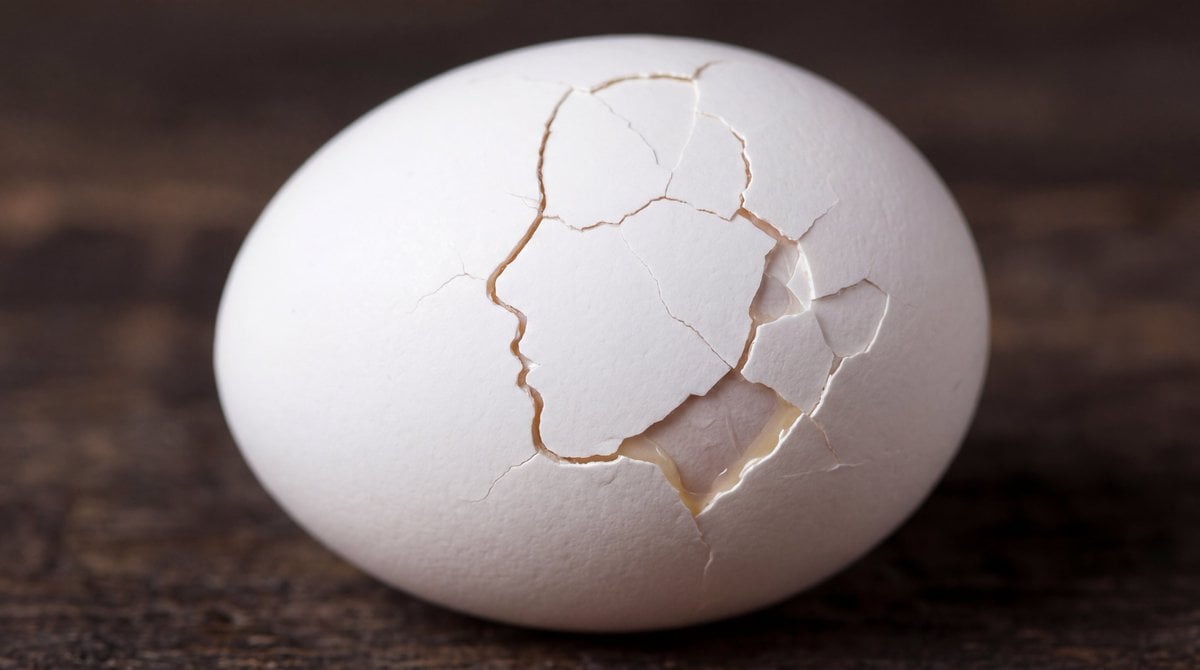
Cracked Egg with Shape Outline
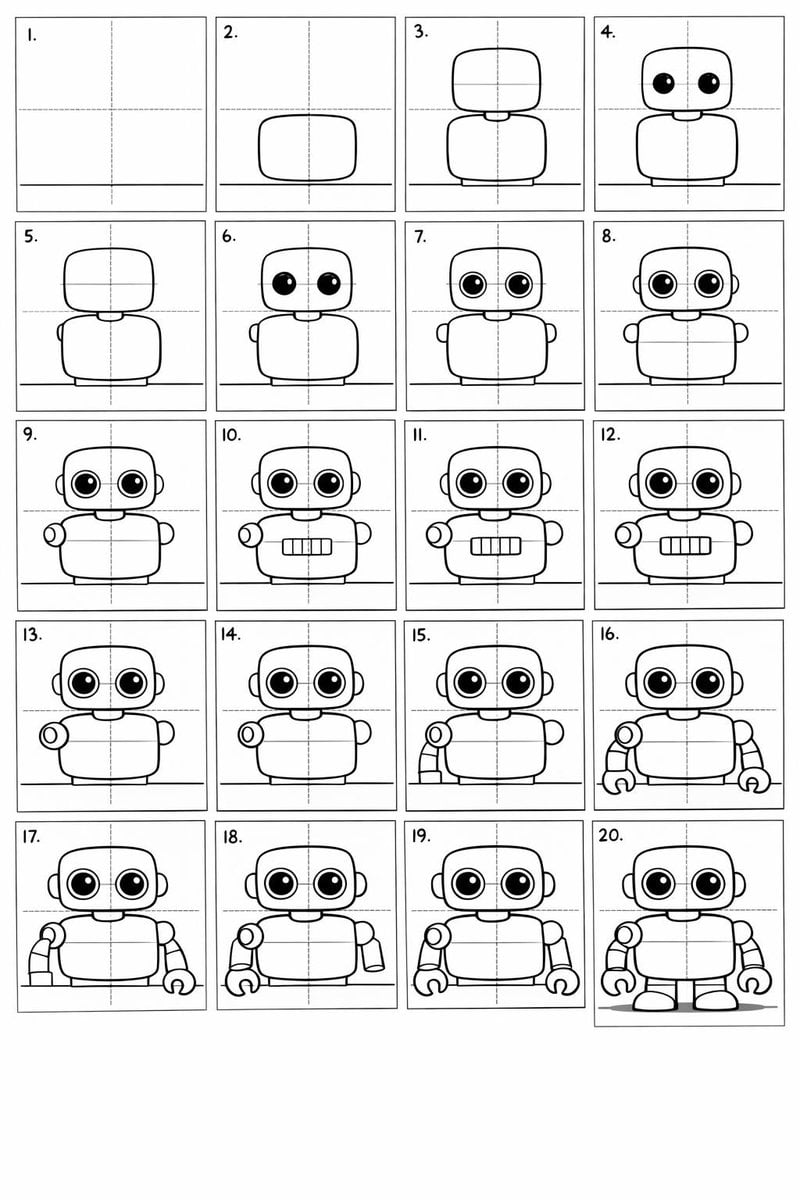
Panel Cartoon Robot Drawing Guide Prompt
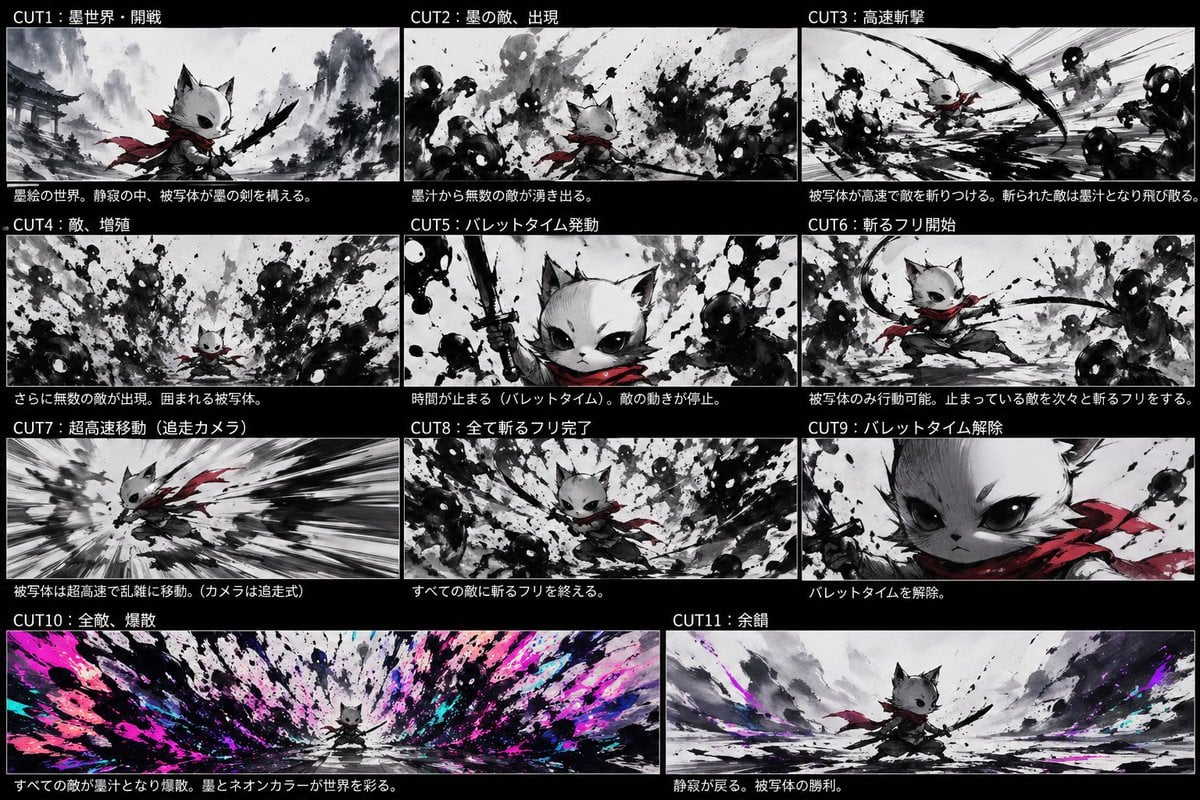
Ink Neon Cat Samurai Storyboard
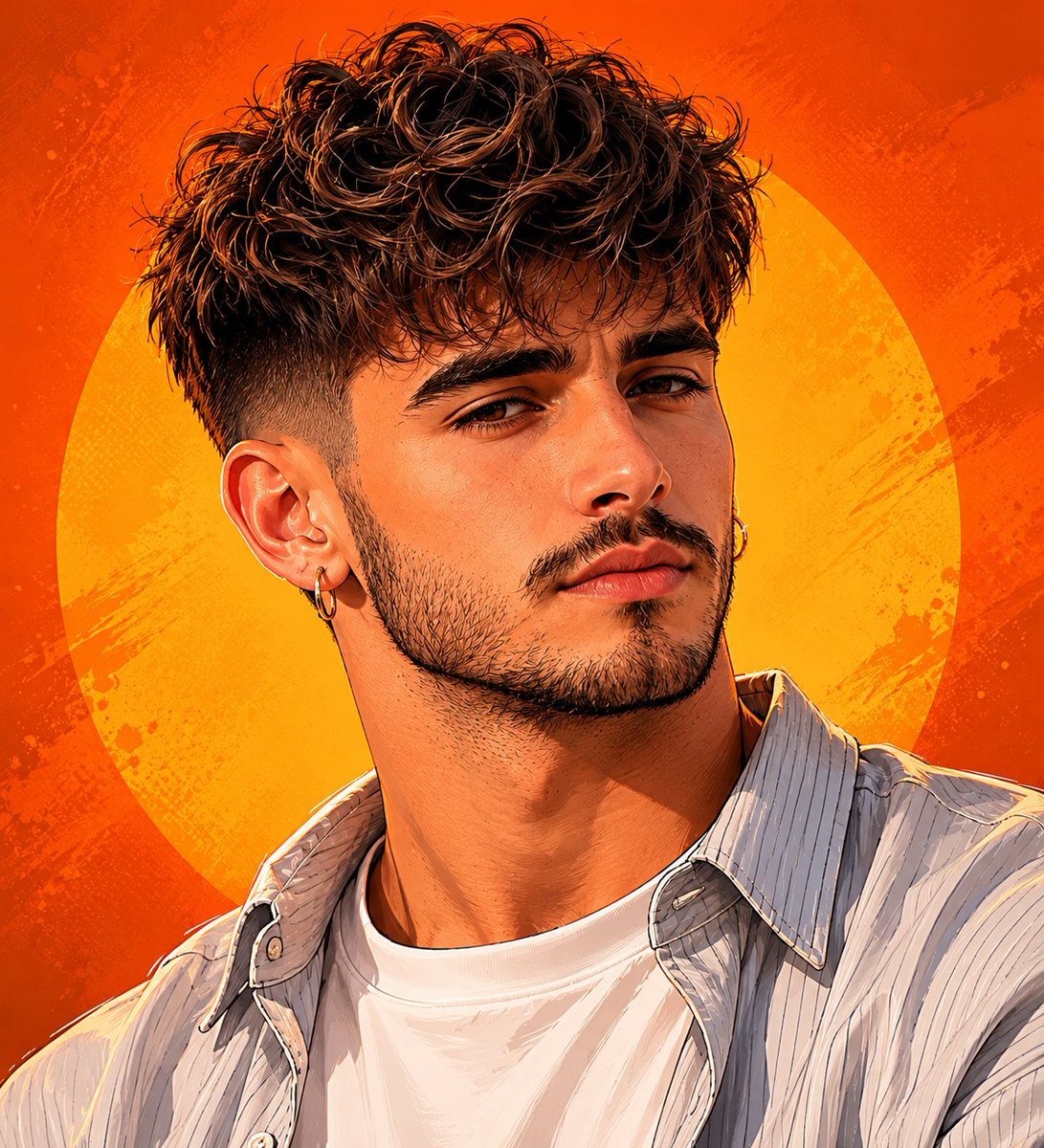
Detailed Digital Vector Portrait with Comic Shading
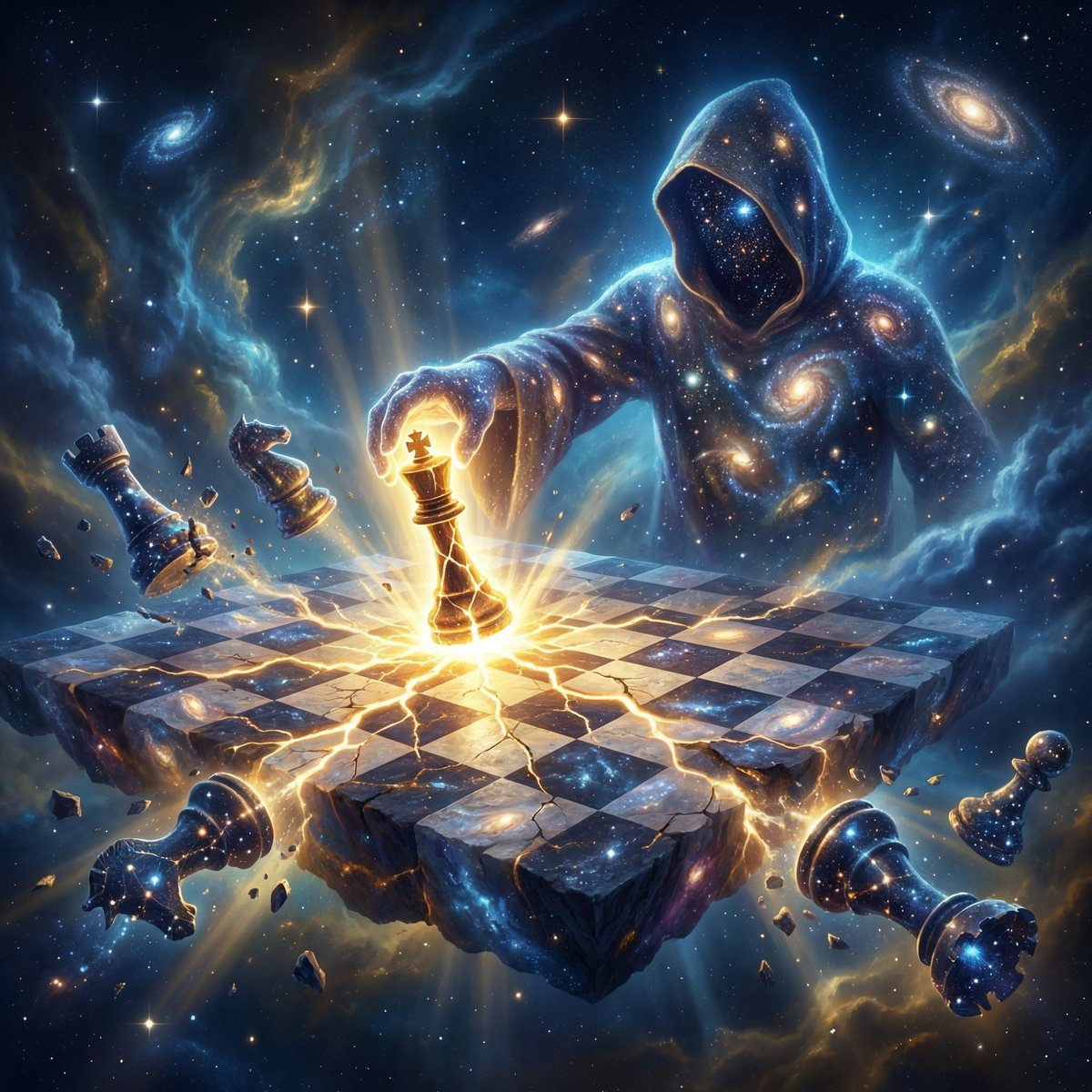
Cosmic Chessboard Checkmate Scene
Elegant Photorealistic Female Portrait
Glowing 3D Heartbeat App Icon
Ultra-Photoreal Cartoon Reality Scene Prompt for Nano Banana Pro
Horror Anime Movie Poster
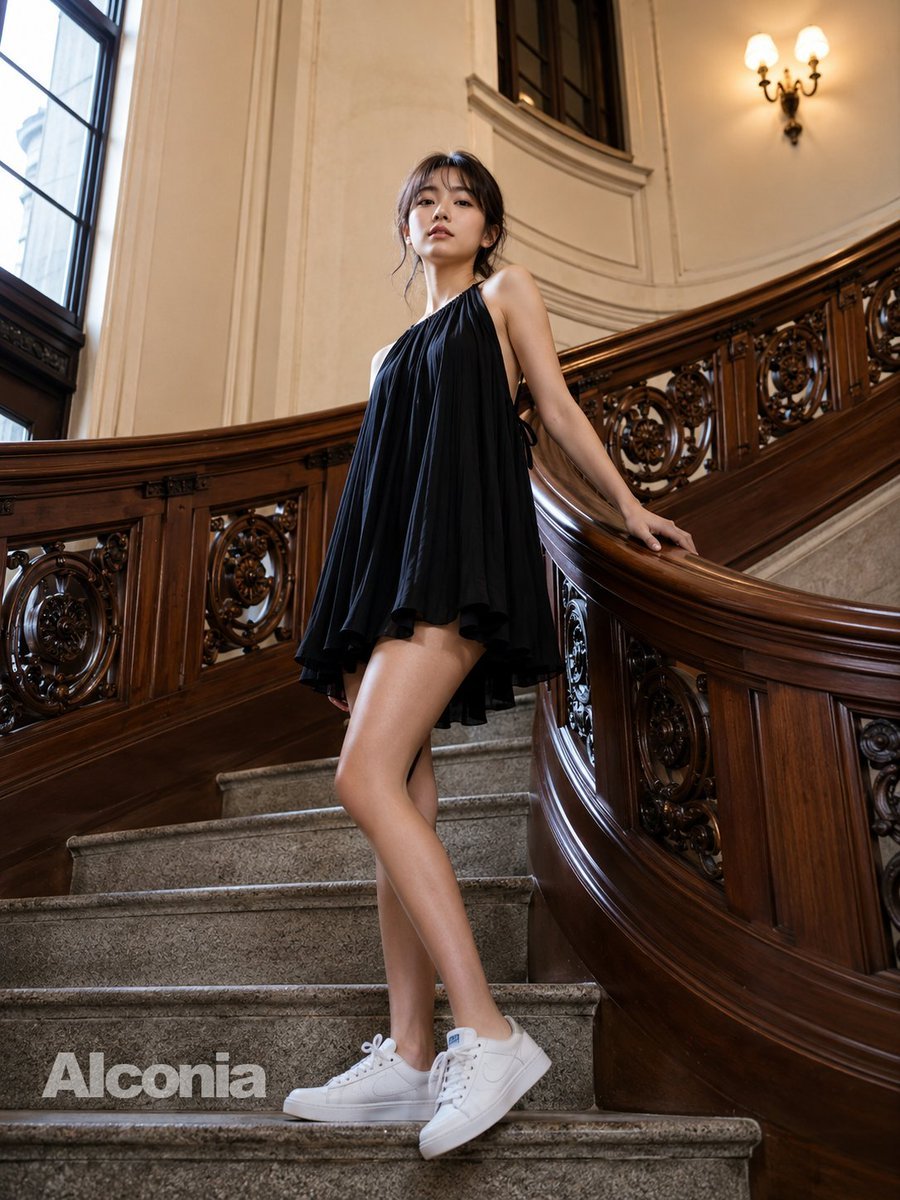
Fashion Portrait on Grand Staircase
Browse template categories
Energy field barrier VFX and pose adjustment YAML prompt questions
How do I use the Energy field barrier VFX and pose adjustment YAML prompt template?
Add your photo if the template asks for one, edit the prompt if you like — the template's model and format are already selected — and press Generate. Your version opens in PicX Studio.
Can I customize the Energy field barrier VFX and pose adjustment YAML prompt template?
Yes. You can change the subject, setting, lighting, mood, format, and available model controls before creating your image.
Is the Energy field barrier VFX and pose adjustment YAML prompt template free?
Opening and editing this template is free. Generating uses credits, shown on the Generate button when you are signed in.
Which AI model should I use?
Start with Nano Banana 2, which is the model associated with this template. You can compare another compatible model for a different finish.
Looking for something else? Browse all templates.

Your photo, any look
Thousands of ready templates for every top image and video model, from one credit balance.