
Morning Light Sandal Adjustment
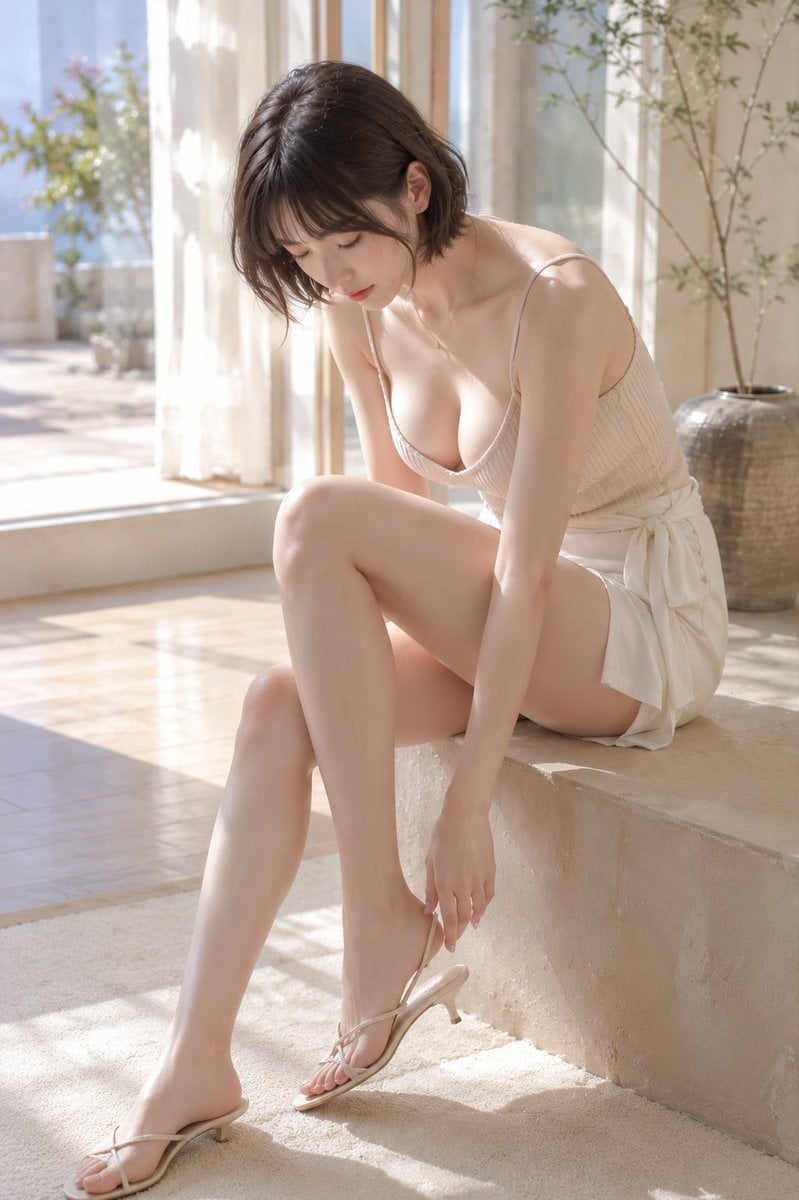
A prompt describing a serene morning scene of a woman adjusting her sandals by a large window with soft sunlight.
- Prompt included
- Model and format preset
- Free template
The prompt behind this image
Copy the exact prompt behind Morning Light Sandal Adjustment, or open it in the studio and make it yours.
主題: {argument name="主題" default="朝窓で直すサンダル"} 主体: 画面中央、明るい大窓のそばの段差に座った女性が、うつむいて右足の細いサンダルへ手を伸ばす。淡いベージュのキャミソールと白いラップ風ショートパンツで全身が入る。 人物・表情: 女性は上体を前へ曲げ、顔を下に向けて足元を見つめる。丸みのある小顔と短い顎、伏せた細長い目、細い眉、細い鼻筋、落ち着いた赤みの唇。黒褐色の顎丈ボブは右側で耳にかかり、軽い薄前髪が額に沿う。メイクはごく薄く自然。 服装・ポーズ: 細い肩紐と深い丸首の{argument name="服の色" default="ベージュ系"}リブキャミソールトップ、右腰で大きく結んだ白いラップ風ショートパンツ。右脚を曲げて左腿に重ね、右手を足首のストラップへ下ろし、左腕は膝沿い。低いヒールの細いストラップサンダルを履く。 背景・光: 背景には画面左の白いカーテン越しの大窓、明るい石床、右奥の大きな陶器鉢と細い枝物がある。左からの朝日が肩と脚に柔らかなハイライトを作り、床に長い窓影を落とす。 構図・カメラ: 2:3の縦位置、やや高めの目線から座る全身を収め、人物にピントを合わせる。曲げた右膝が中央前景で大きく、左脚は左下へ長く伸び、室内背景は穏やかにぼける。 質感・スタイル: 淡いアイボリーと肌色で整えた自然光の実写写真。布の細い畝、石床、肌を柔らかく清潔に描く。 ネガティブ: 右足へ手を伸ばす姿勢を崩さない;顔を正面向きにしない
How to use Morning Light Sandal Adjustment in 3 steps
- 1
Open
The prompt is already in the box next to the preview, with the template's model and format selected.
- 2…a portrait of your subject in softgolden-hour light, 85mm…
Personalize
Edit the subject and creative details for your destination.
- 3Generate
Generate
Press Generate — your image is created in PicX Studio, so you can compare it with the original and refine one variable at a time.
More like this
Templates with the same subject, style or setup. Open one to see its prompt.

Pixar-Style Chibi Café Morning Scene
Character Background and Lighting Adjustment

Cinematic Studio Portrait Lighting Setup
Zero Gravity Morning Scene

LIGHTING each element still lit by its original source, windows casting
Morning Mirror Selfie Candid
Twilight Japanese Ryokan Parlor

Chibi Morning Greeting Sticker
Demon Office Girl Morning Drink

Chibi Anime Morning Greeting Sticker
Good Morning Changsha Food Poster

Futuristic Good Morning Beijing Poster
Make it yours
Morning Light Sandal Adjustment works as-is. These are the safest ways to change it without losing the look.
Change one field
Copy a single group, rewrite it, and generate again so you can see what that field is doing.
Keep the frame, change the subject
Hold the composition and light of Morning Light Sandal Adjustment, then swap wardrobe, props or the person for a new take.
| If the result… | Why | Fix |
|---|---|---|
| The result drifts from the preview | Too many fields changed at once. | Reuse Morning Light Sandal Adjustment as-is first, then change one group — subject, light, or setting. |
| The model over-stylizes the scene | The prose prompt leaves finish and camera underspecified. | Add one camera or lighting sentence and stay on GPT Image 2. |
More GPT Image 2 templates
Other prompts made for GPT Image 2.

Six VTuber Japanese Logo Sheet

Realistic Portrait of Woman and Deer

The Vista Modular Condo Poster

AI Model Routing Comparison Infographic

2.5D Anime Art Board

Isometric Productivity Desk Scene

New York Double Exposure Poster

Four-Panel AI Landscape Comparison

Japanese Tatami Lifestyle Magazine Cover

NESCAFÉ Coffee Map Poster
More image prompts
Fresh picks from across the catalog.
Ultra-Realistic 16K Smartphone Flash Selfie
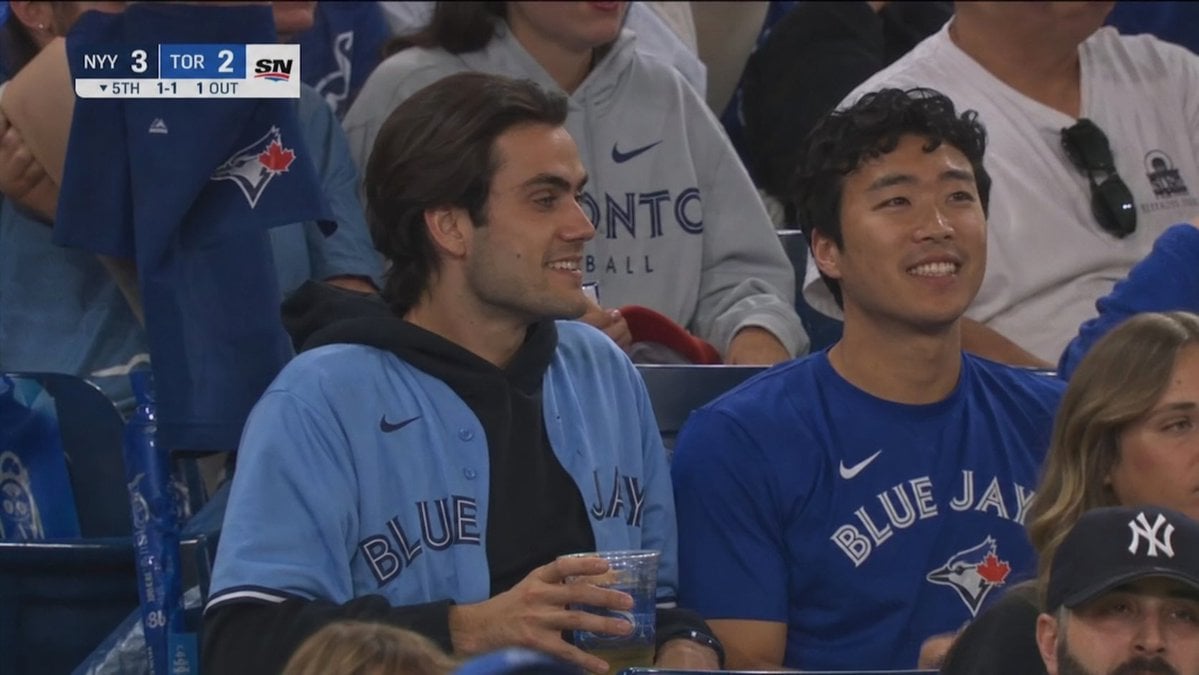
Blue Jays Broadcast Crowd Shot
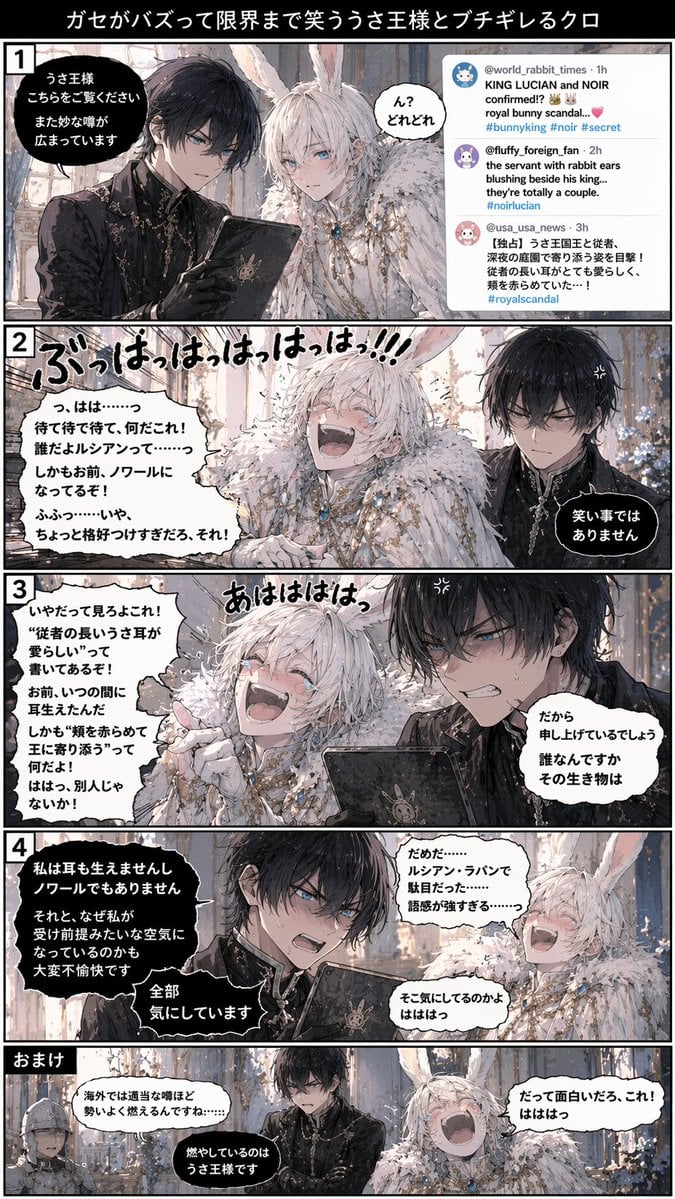
Vertical 5-Panel Anime Comic Strip
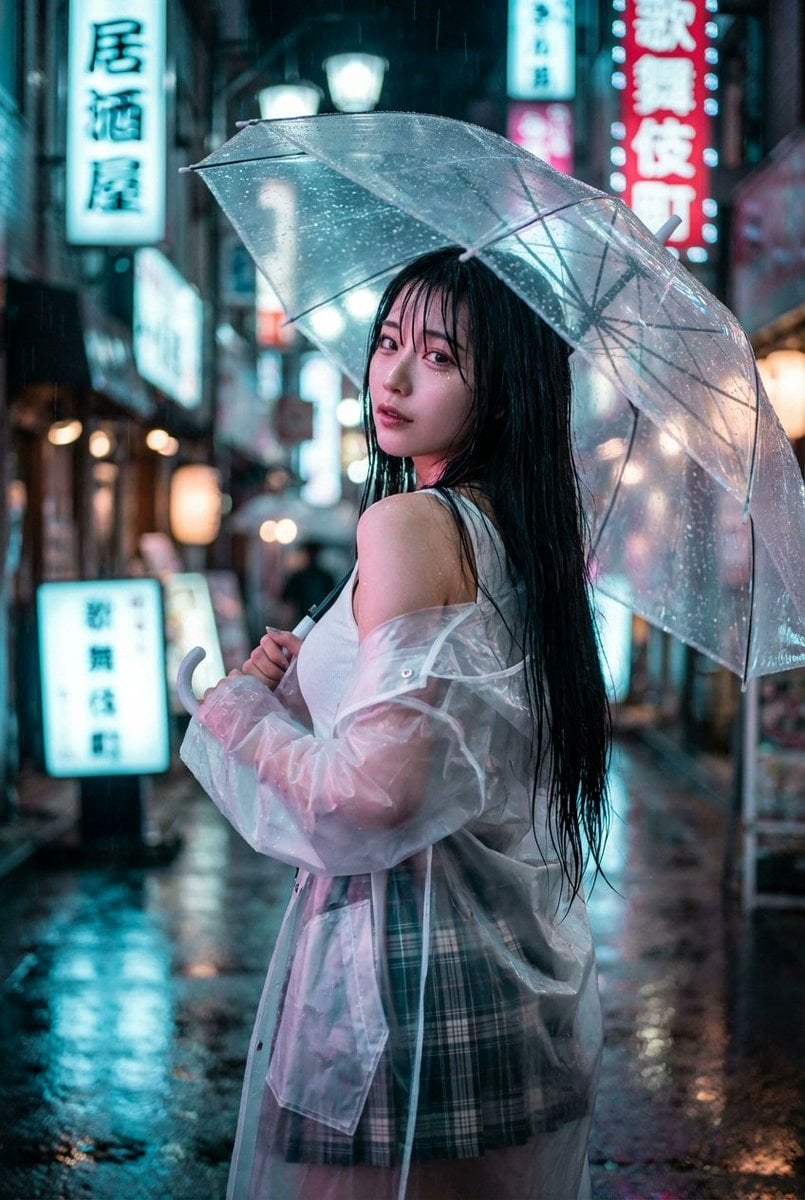
Cyberpunk J-Pop Neon-Noir Street Portrait
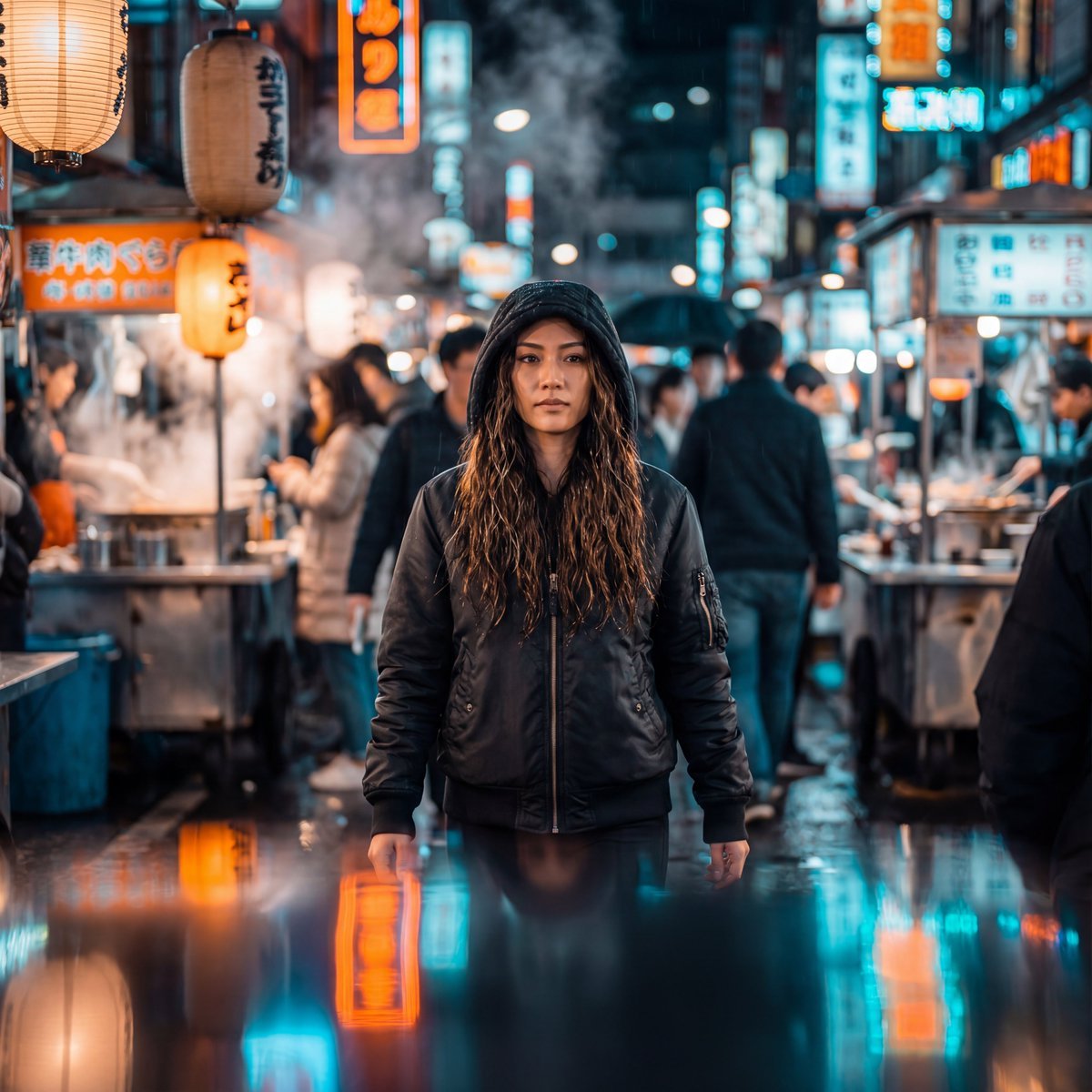
Neon-Lit Night Market Cinematic Portrait

Purple Fantasy Grape Soda Ad
Candid Holiday Portrait with Sequin Dress and Red Hair

SynClub Anime Character QR Poster
Cute May 2026 Spring Calendar
Misty Heron Sunrise Lake
Browse template categories
Morning Light Sandal Adjustment questions
How do I use the Morning Light Sandal Adjustment template?
Add your photo if the template asks for one, edit the prompt if you like — the template's model and format are already selected — and press Generate. Your version opens in PicX Studio.
Can I customize the Morning Light Sandal Adjustment template?
Yes. You can change the subject, setting, lighting, mood, format, and available model controls before creating your image.
Is the Morning Light Sandal Adjustment template free?
Opening and editing this template is free. Generating uses credits, shown on the Generate button when you are signed in.
Which AI model should I use?
Start with GPT Image 2, which is the model associated with this template. You can compare another compatible model for a different finish.
Looking for something else? Browse all templates.

Your photo, any look
Thousands of ready templates for every top image and video model, from one credit balance.