
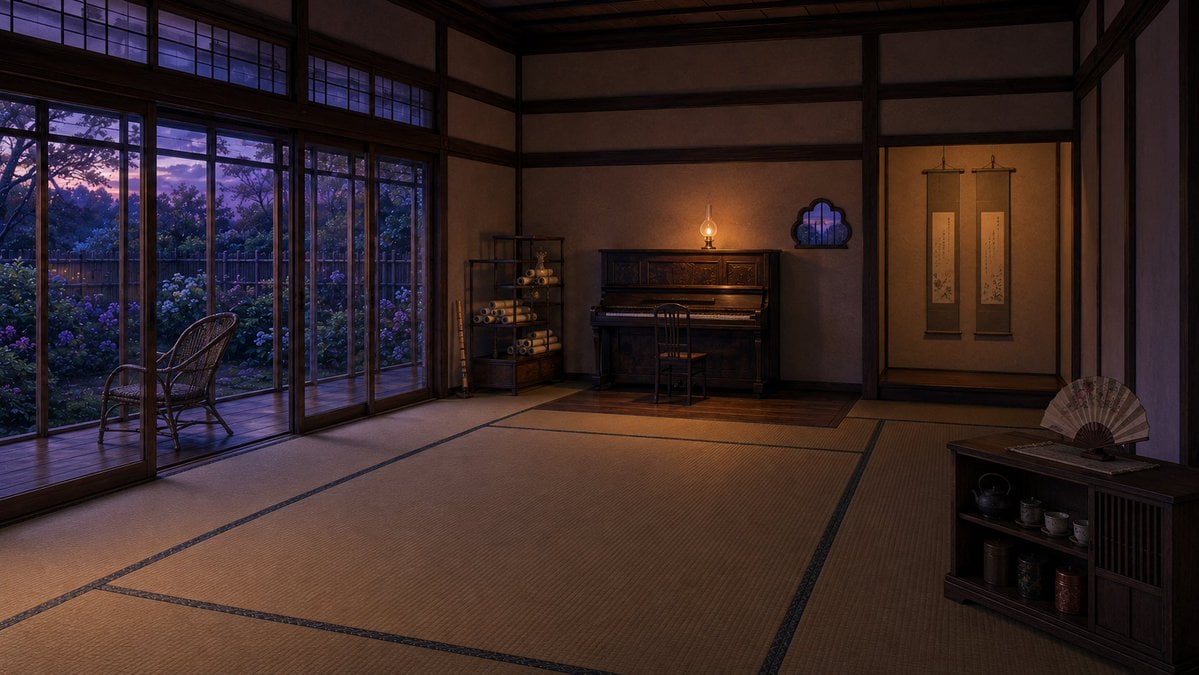
Twilight Japanese Ryokan Parlor
A cinematic prompt for generating a serene traditional Japanese reception room with tatami mats, garden windows, piano, scrolls, and tea cabinet at dusk.
- Prompt included
- Model and format preset
- Free template
The prompt behind this image
Copy the exact prompt behind Twilight Japanese Ryokan Parlor, or open it in the studio and make it yours.
Create a wide cinematic digital painting of a quiet traditional Japanese reception room in an old ryokan-style house at twilight. The room has an expansive tatami mat floor with dark border lines, dark wooden beams, plaster walls, and a high ceiling, viewed from a low eye-level corner perspective with the empty tatami space dominating the foreground. On the left, show a full wall of wooden-framed sliding glass doors and transom windows looking out to a veranda and a lush garden filled with hydrangeas, trees, and a wooden fence under a purple-blue sunset sky; place exactly 1 wicker chair on the veranda. At the back center, place exactly 1 upright piano against the wall with exactly 1 wooden piano chair, lit by exactly 1 small warm oil lamp sitting on top of the piano. Beside the piano, include exactly 1 open shelving unit containing rolled scrolls, plus exactly 3 bamboo flutes or long bamboo rods leaning vertically near it. On the right wall, include exactly 2 hanging calligraphy scrolls in a tokonoma-like alcove and exactly 1 small decorative cloud-shaped window showing the twilight outside. In the right foreground, place exactly 1 low dark wooden tea cabinet with exactly 1 open folding fan displayed on top and small tea utensils visible inside. Use moody warm interior lighting contrasted with cool blue-purple evening light from the garden, realistic anime-background detail, painterly texture, no people, no animals, no modern electronics, no text, no watermark. The atmosphere should feel like a refined guest parlor rather than a lived-in bedroom.
How to use Twilight Japanese Ryokan Parlor in 3 steps
- 1Upload ImagePNG, JPG or paste
Add your photo
Upload the photo the template builds on. The prompt, model and format are already set.
- 2…a portrait of your subject in softgolden-hour light, 85mm…
Personalize
Edit the subject and creative details for your destination.
- 3Generate
Generate
Press Generate — your image is created in PicX Studio, so you can compare it with the original and refine one variable at a time.
More like this
Templates with the same subject, style or setup. Open one to see its prompt.

Minecraft Japanese Research Lab Exploration

Japanese Architectural Concrete Studio Fashion Campaign

Japanese Minimalist Concrete Studio Fashion Editorial

Blue Backdrop Luxury Fashion Portrait Campaign

Japanese Film Reflection Idol
Empty Japanese Pachislot Parlor Row
Harbor Twilight Photo Sketch Poster
Lantern in the Winter Twilight Photography
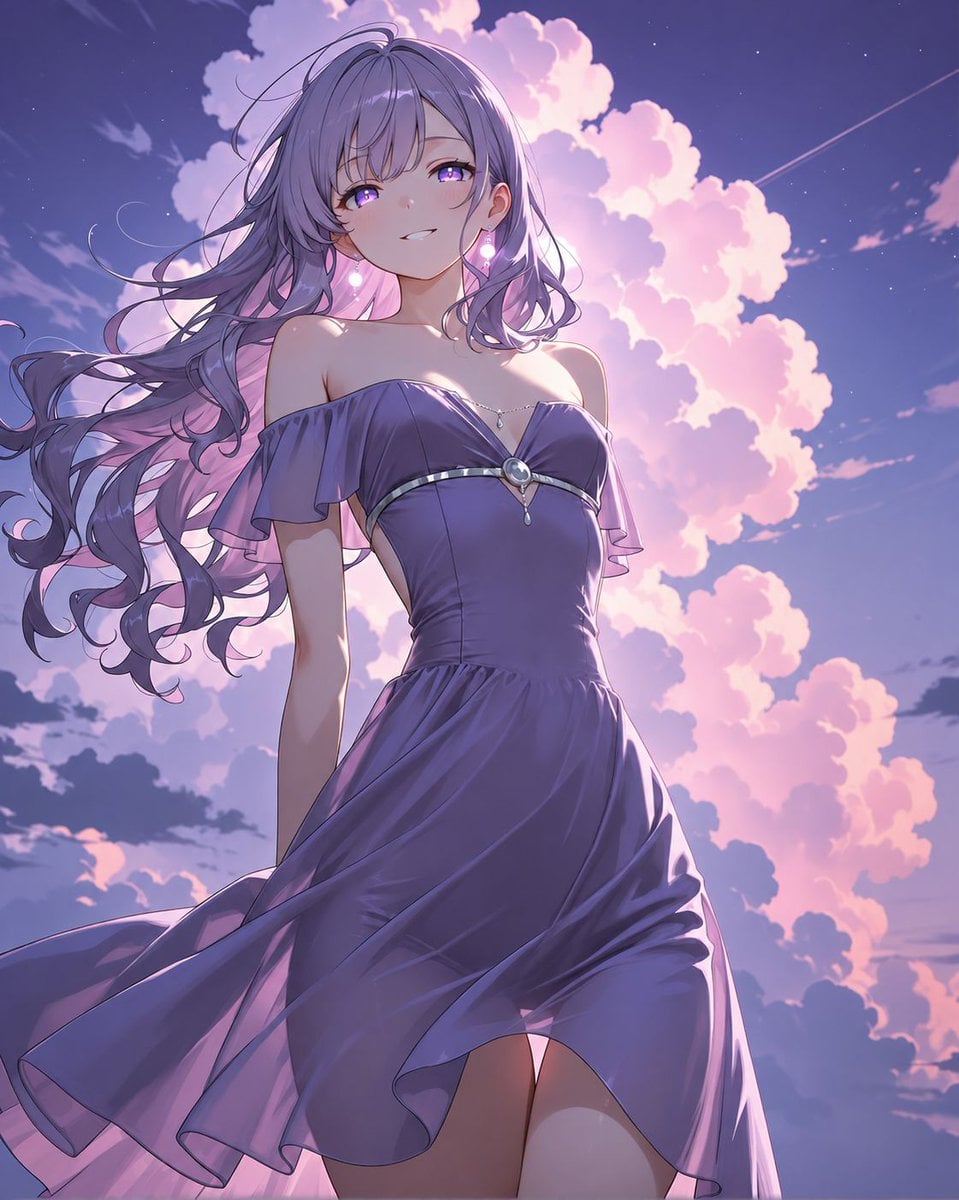
Lavender Anime Woman at Twilight

Boutique Cafe Twilight Portrait
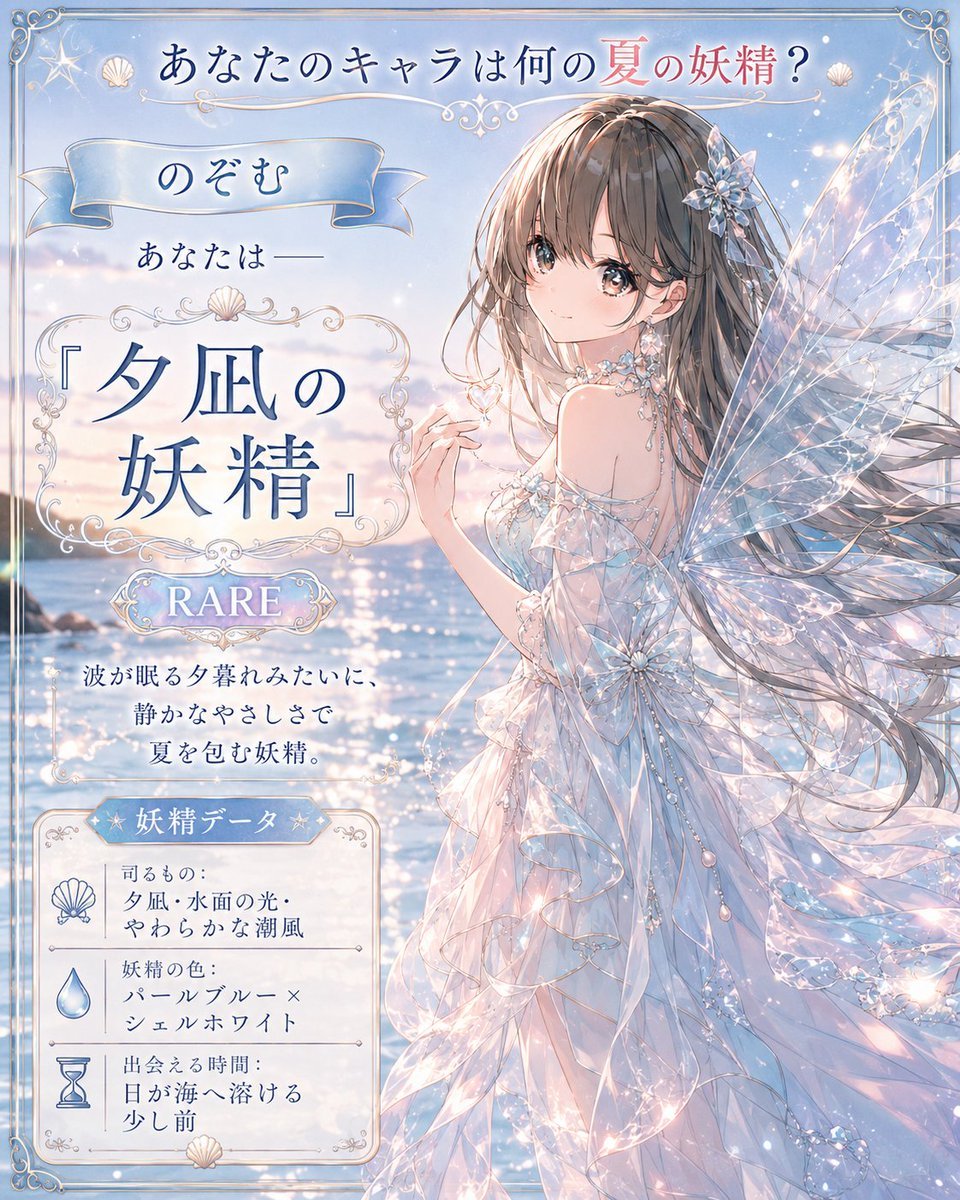
Twilight Sea Fairy Fortune Card
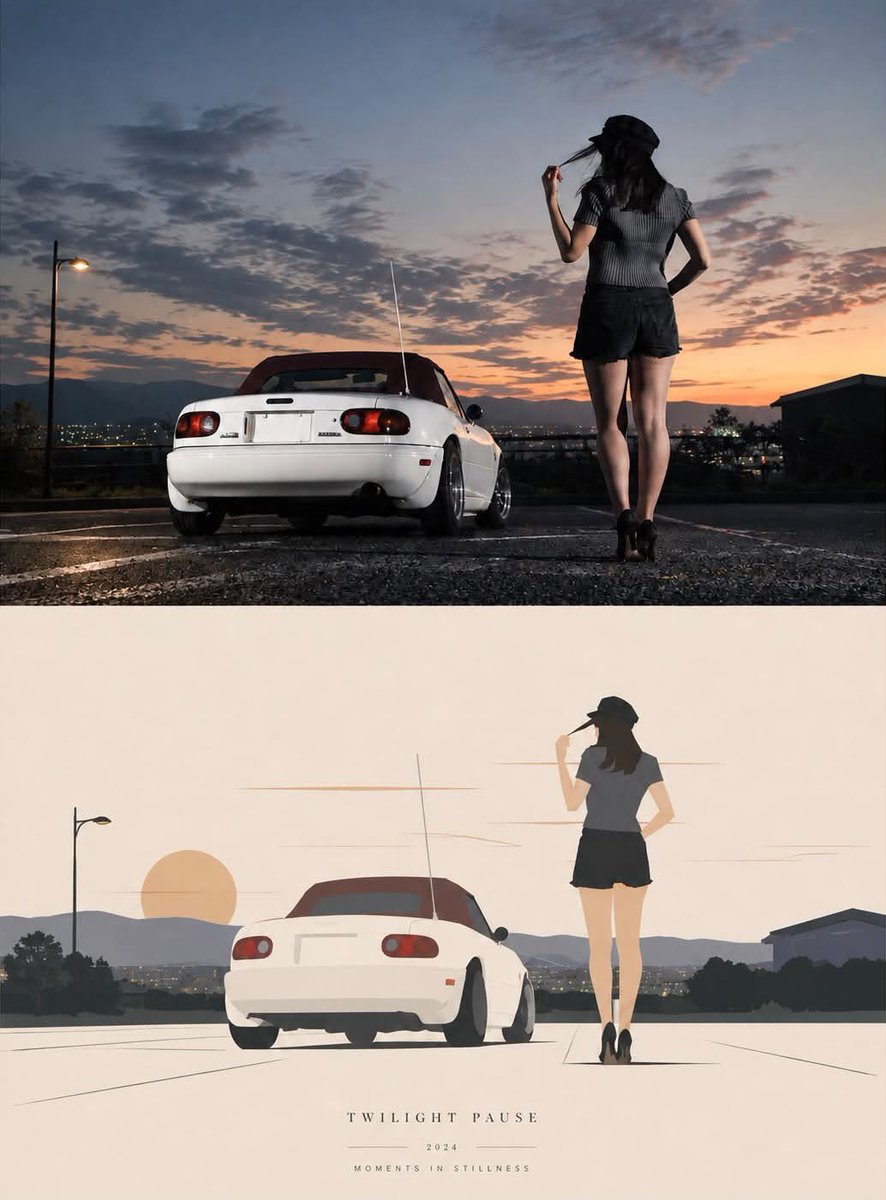
Twilight Pause Cinematic Editorial Poster
Make it yours
Twilight Japanese Ryokan Parlor works as-is. These are the safest ways to change it without losing the look.
Change one field
Copy a single group, rewrite it, and generate again so you can see what that field is doing.
Keep the frame, change the subject
Hold the composition and light of Twilight Japanese Ryokan Parlor, then swap wardrobe, props or the person for a new take.
| If the result… | Why | Fix |
|---|---|---|
| The result drifts from the preview | Too many fields changed at once. | Reuse Twilight Japanese Ryokan Parlor as-is first, then change one group — subject, light, or setting. |
| The model over-stylizes the scene | The prose prompt leaves finish and camera underspecified. | Add one camera or lighting sentence and stay on GPT Image 2. |
More GPT Image 2 templates
Other prompts made for GPT Image 2.

Six VTuber Japanese Logo Sheet

Realistic Portrait of Woman and Deer

The Vista Modular Condo Poster

AI Model Routing Comparison Infographic

2.5D Anime Art Board

Isometric Productivity Desk Scene

New York Double Exposure Poster

Four-Panel AI Landscape Comparison

Japanese Tatami Lifestyle Magazine Cover

NESCAFÉ Coffee Map Poster
More image prompts
Fresh picks from across the catalog.
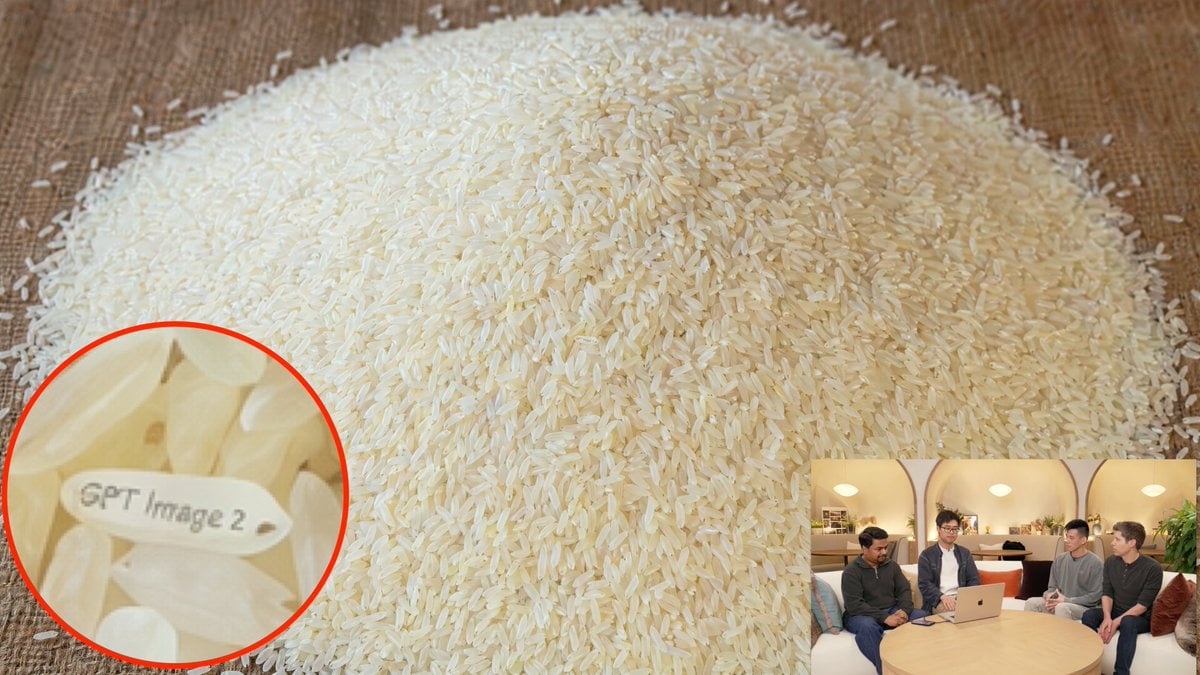
Hidden Engraved Rice Grain

Luxury Car Showroom Portrait
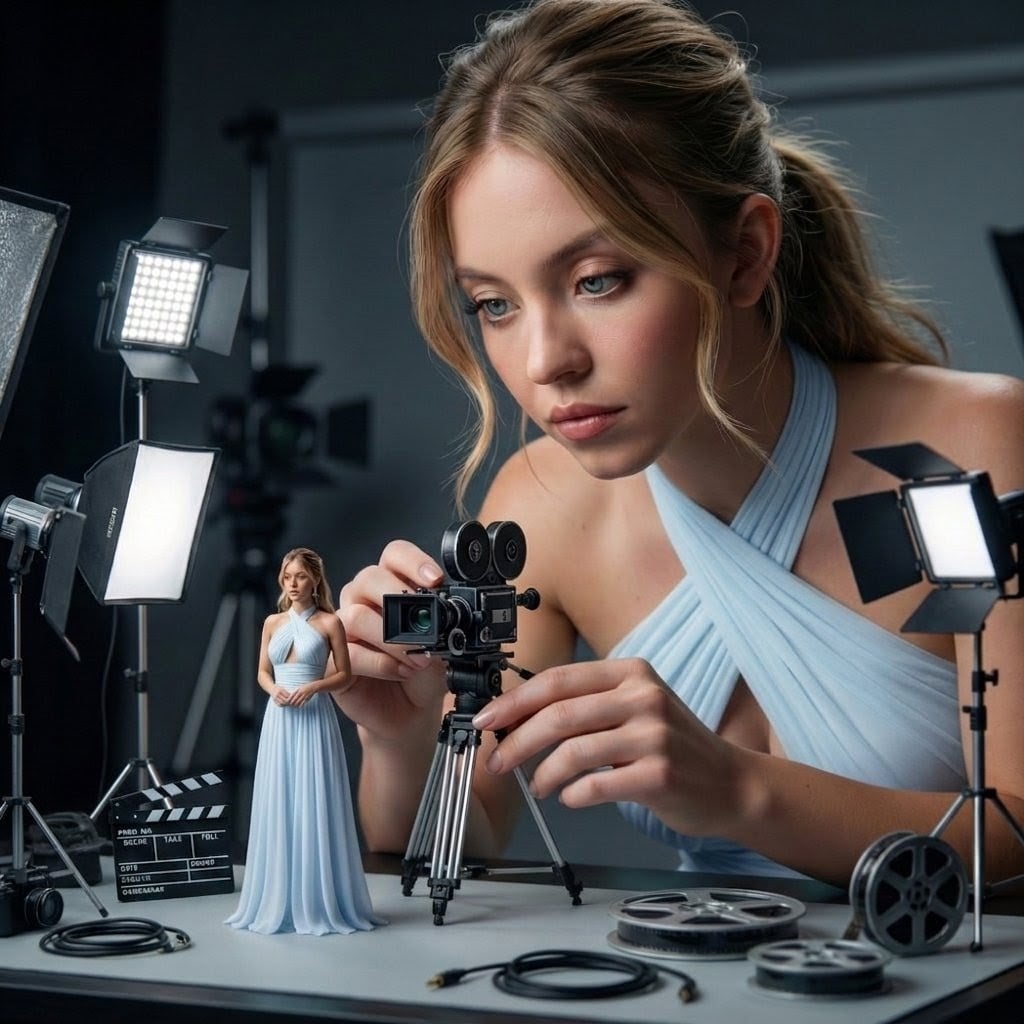
Giant Woman Filmmaker with Miniature Model
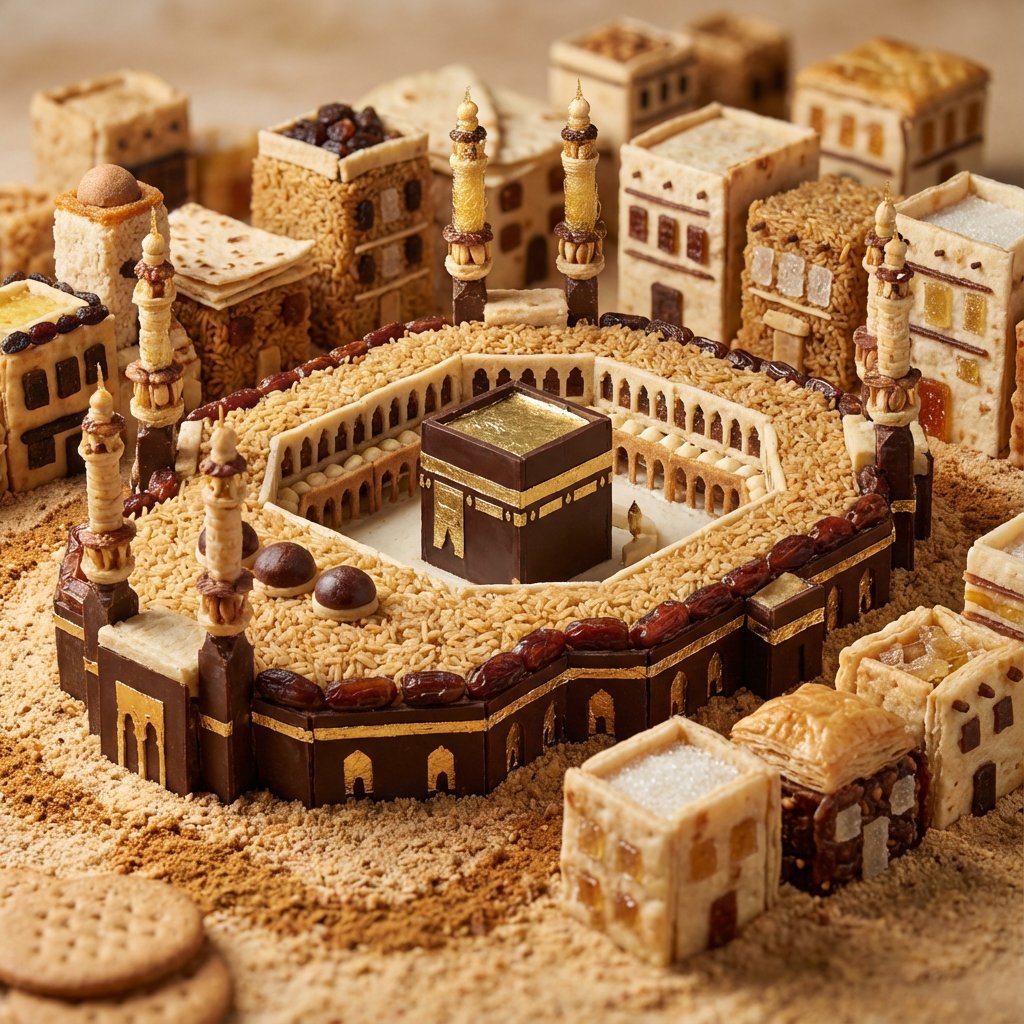
Edible Cityscape Diorama (Double Inference)
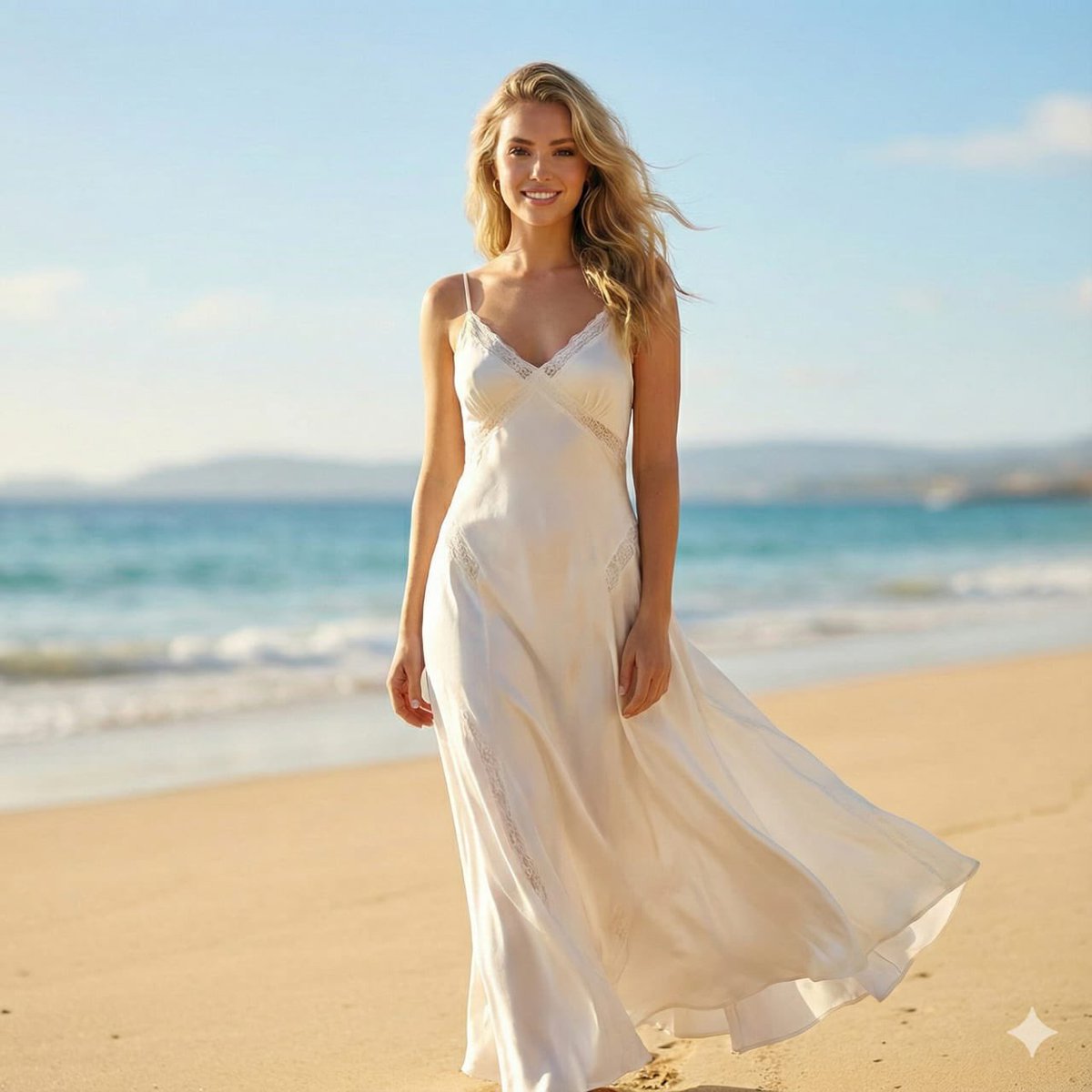
Editorial Beach Photoshoot Prompt
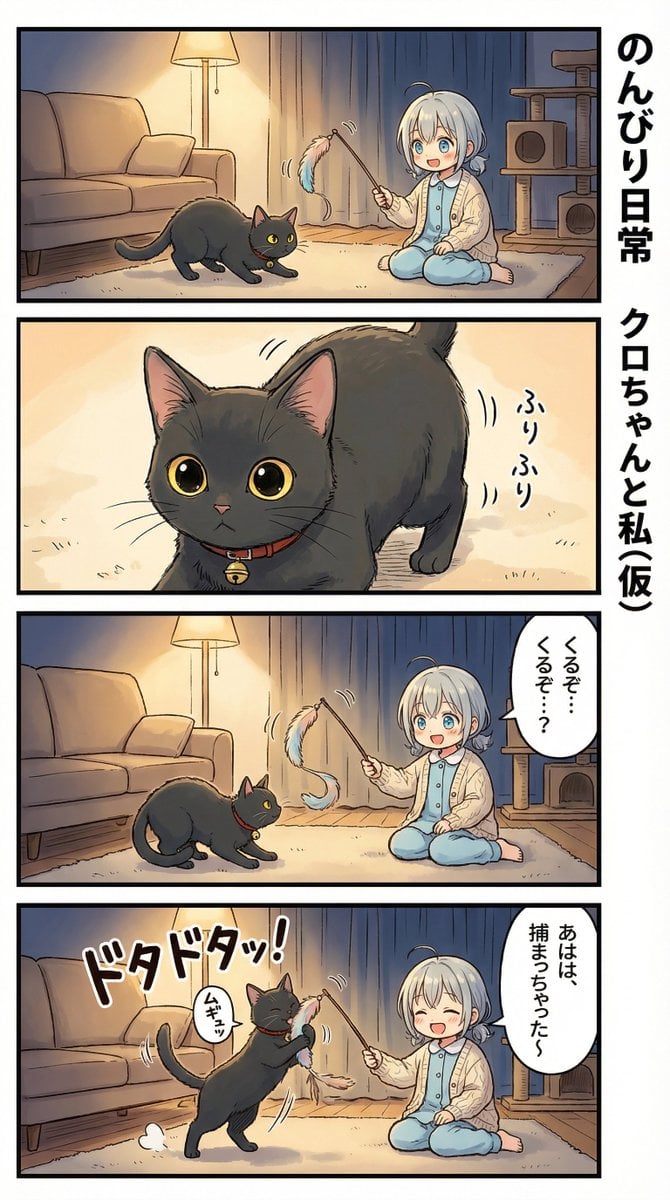
AI Manga Nano Banana Pro
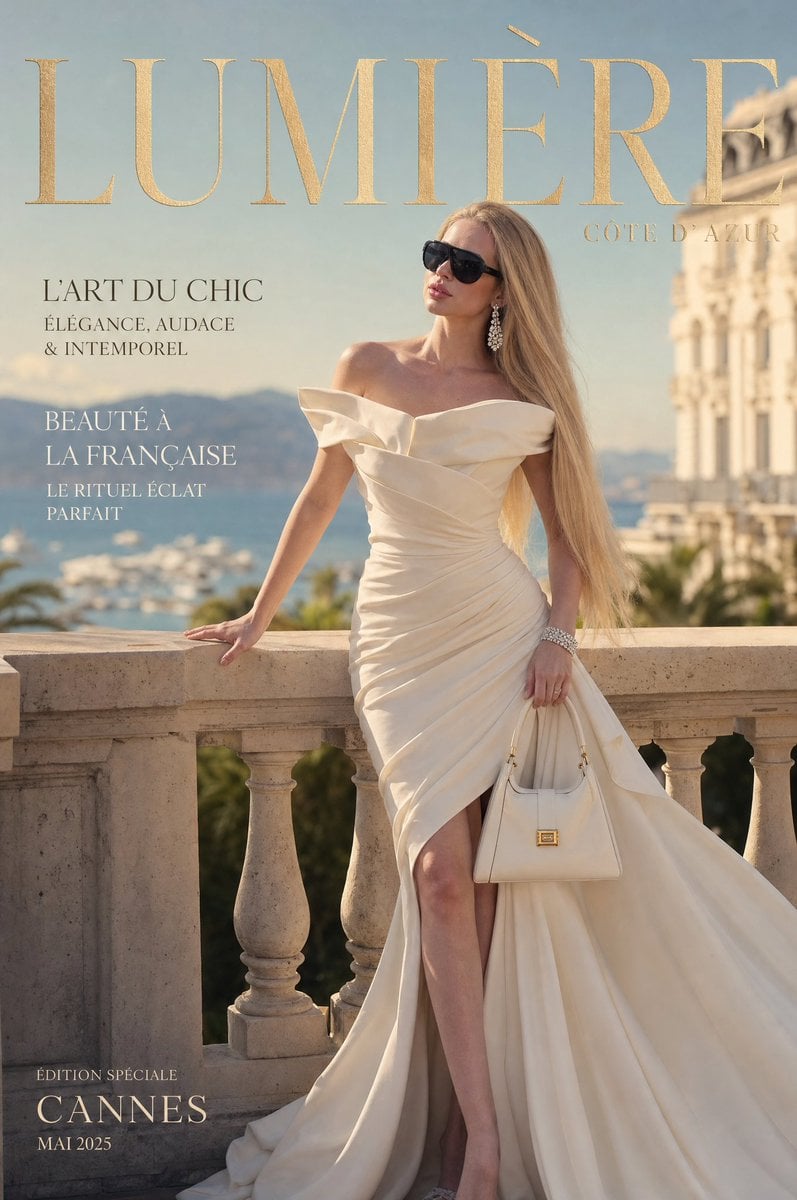
Côte d’Azur Couture Magazine Cover
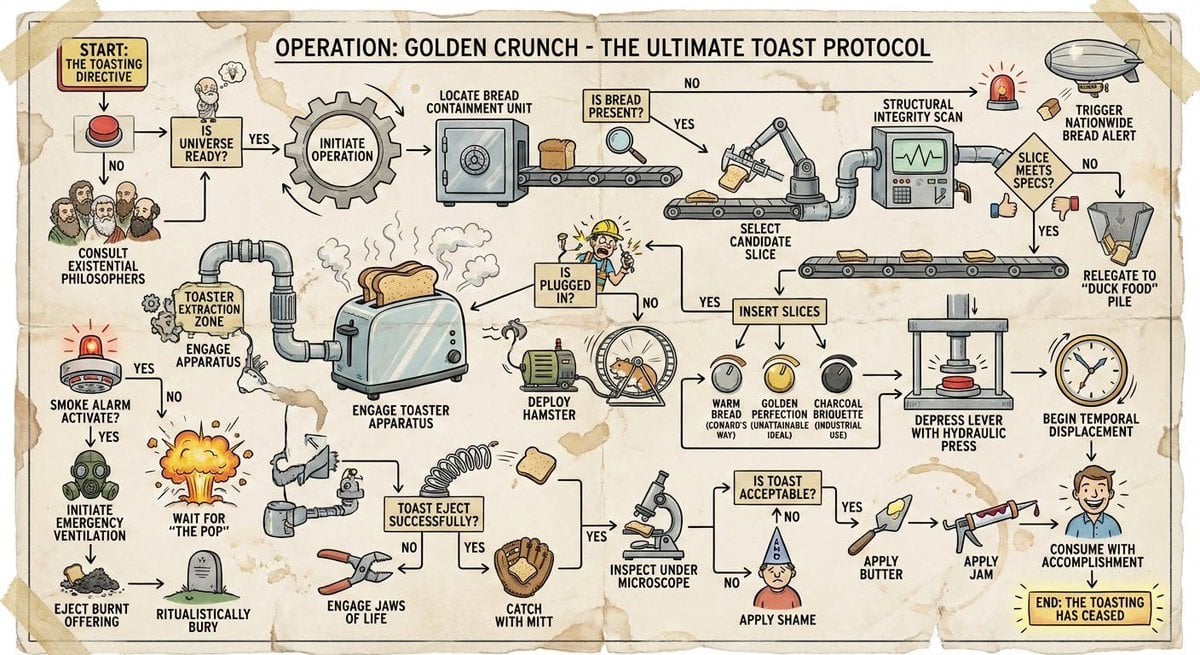
Wacky flowchart for toasting bread
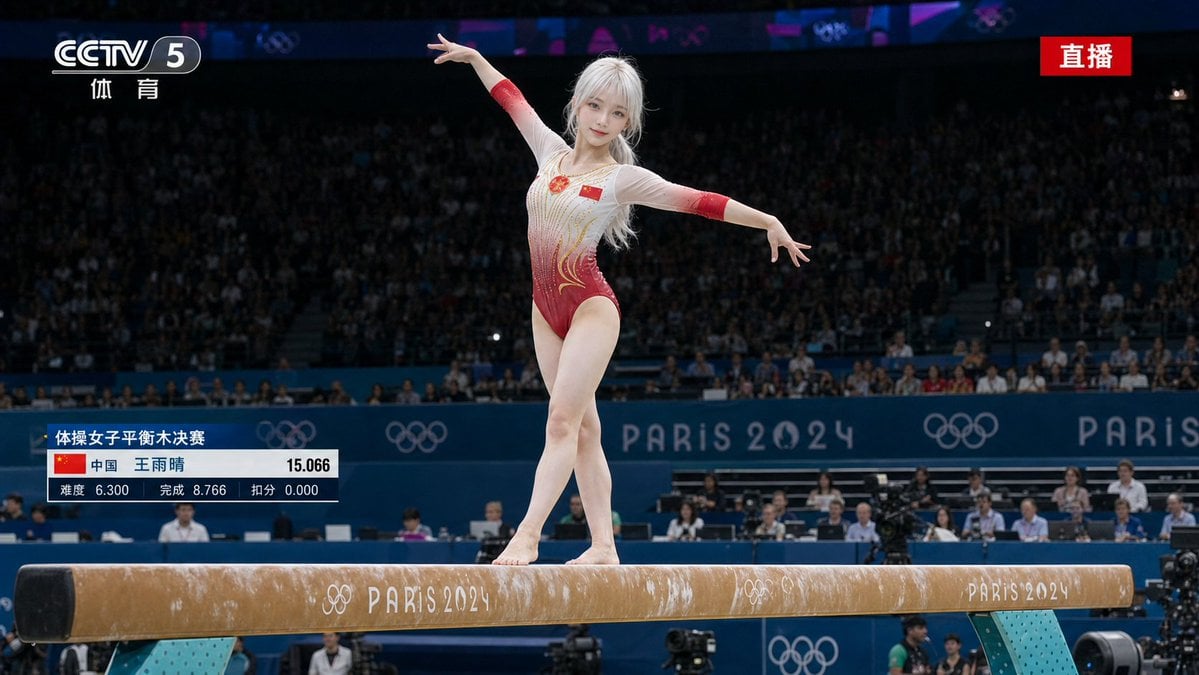
Olympic Gymnast Broadcast
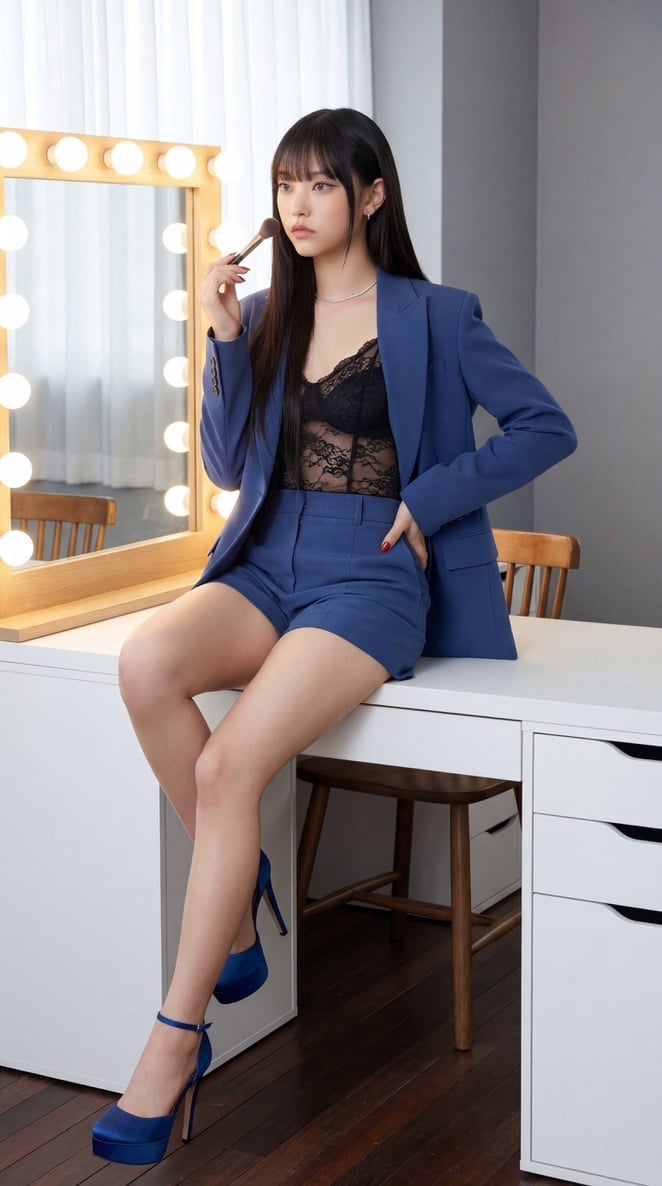
NewJeans Danielle Portrait Prompt for Nano Banana Pro
Browse template categories
Twilight Japanese Ryokan Parlor questions
How do I use the Twilight Japanese Ryokan Parlor template?
Add your photo if the template asks for one, edit the prompt if you like — the template's model and format are already selected — and press Generate. Your version opens in PicX Studio.
Can I customize the Twilight Japanese Ryokan Parlor template?
Yes. You can change the subject, setting, lighting, mood, format, and available model controls before creating your image.
Is the Twilight Japanese Ryokan Parlor template free?
Opening and editing this template is free. Generating uses credits, shown on the Generate button when you are signed in.
Which AI model should I use?
Start with GPT Image 2, which is the model associated with this template. You can compare another compatible model for a different finish.
Looking for something else? Browse all templates.

Your photo, any look
Thousands of ready templates for every top image and video model, from one credit balance.