
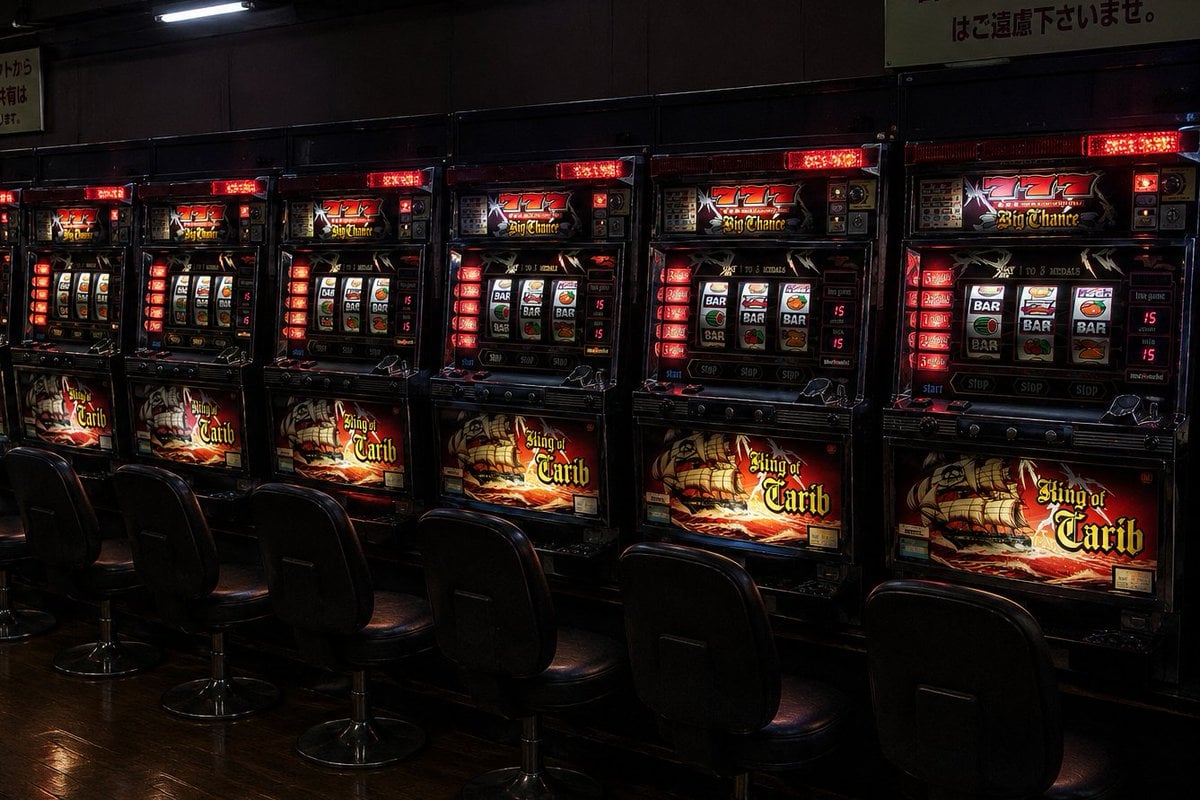
Empty Japanese Pachislot Parlor Row
Generates a moody photorealistic wide shot of an empty Japanese slot machine parlor aisle for atmosphere, gaming, or nightlife visuals.
- Prompt included
- Model and format preset
- Free template
The prompt behind this image
Copy the exact prompt behind Empty Japanese Pachislot Parlor Row, or open it in the studio and make it yours.
Create a photorealistic wide-angle interior photograph of a dim Japanese pachislot parlor aisle during Golden Week, showing exactly {argument name="number of slot machines" default="7"} pirate-themed slot machines lined up side by side against a dark wall and exactly {argument name="number of chairs" default="7"} empty black vinyl swivel chairs in front of them. Each machine has glossy black casing, glowing red LED panels, illuminated reel windows with BAR, cherry, bell, and orange symbols, and ornate pirate ship artwork reading {argument name="machine title text" default="King of Carib"} on the lower display; the top displays show red triple sevens and the words Big Chance. The scene should feel quiet and slightly mysterious, with no people present, deep shadows, red and amber casino lighting, reflections on the polished dark wooden floor, and faint Japanese caution signage above the machines. Use a realistic documentary snapshot style, eye-level perspective, strong contrast, moody low-key exposure, visible machine details, slight lens perspective stretching across the row, and a 16:9 horizontal composition.
How to use Empty Japanese Pachislot Parlor Row in 3 steps
- 1Upload ImagePNG, JPG or paste
Add your photo
Upload the photo the template builds on. The prompt, model and format are already set.
- 2…a portrait of your subject in softgolden-hour light, 85mm…
Personalize
Edit the subject and creative details for your destination.
- 3Generate
Generate
Press Generate — your image is created in PicX Studio, so you can compare it with the original and refine one variable at a time.
More like this
Templates with the same subject, style or setup. Open one to see its prompt.

Minecraft Japanese Research Lab Exploration

Japanese Architectural Concrete Studio Fashion Campaign

Japanese Minimalist Concrete Studio Fashion Editorial

Blue Backdrop Luxury Fashion Portrait Campaign

Japanese Film Reflection Idol
Twilight Japanese Ryokan Parlor
Golden Hour Empty Airport Runway

Glossy AI Logo Redesign Row
Pixel Art Retrowave Motel Roadside
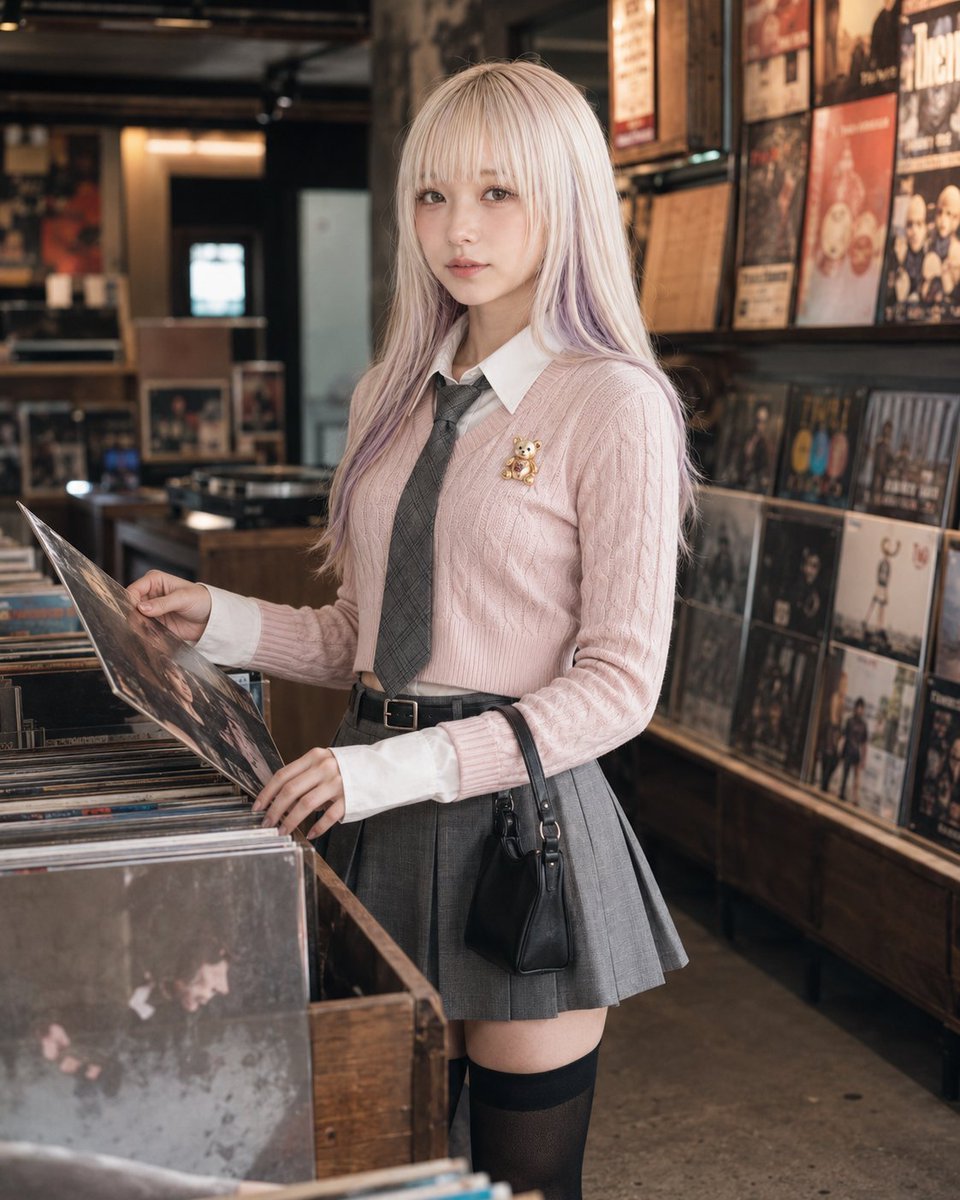
Urban Record Store Browsing
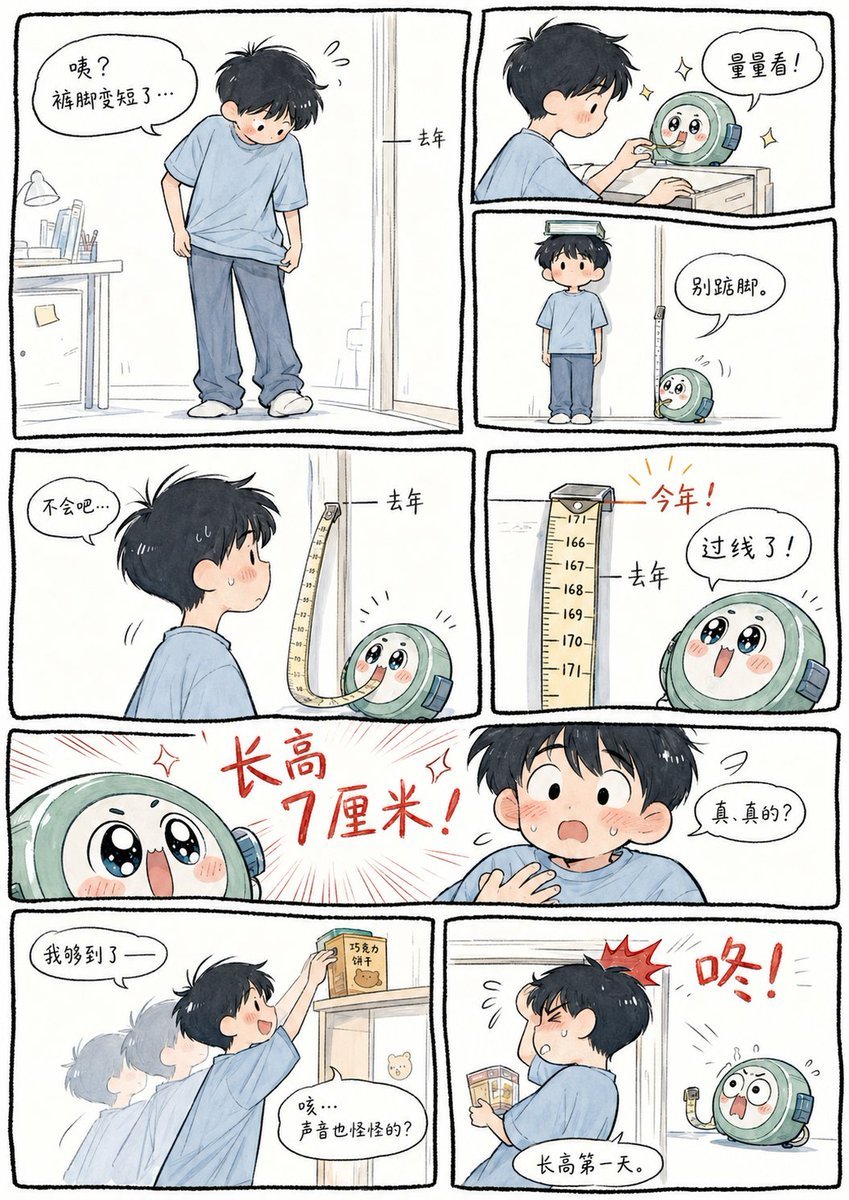
Boy Height Growth Manhua Comic
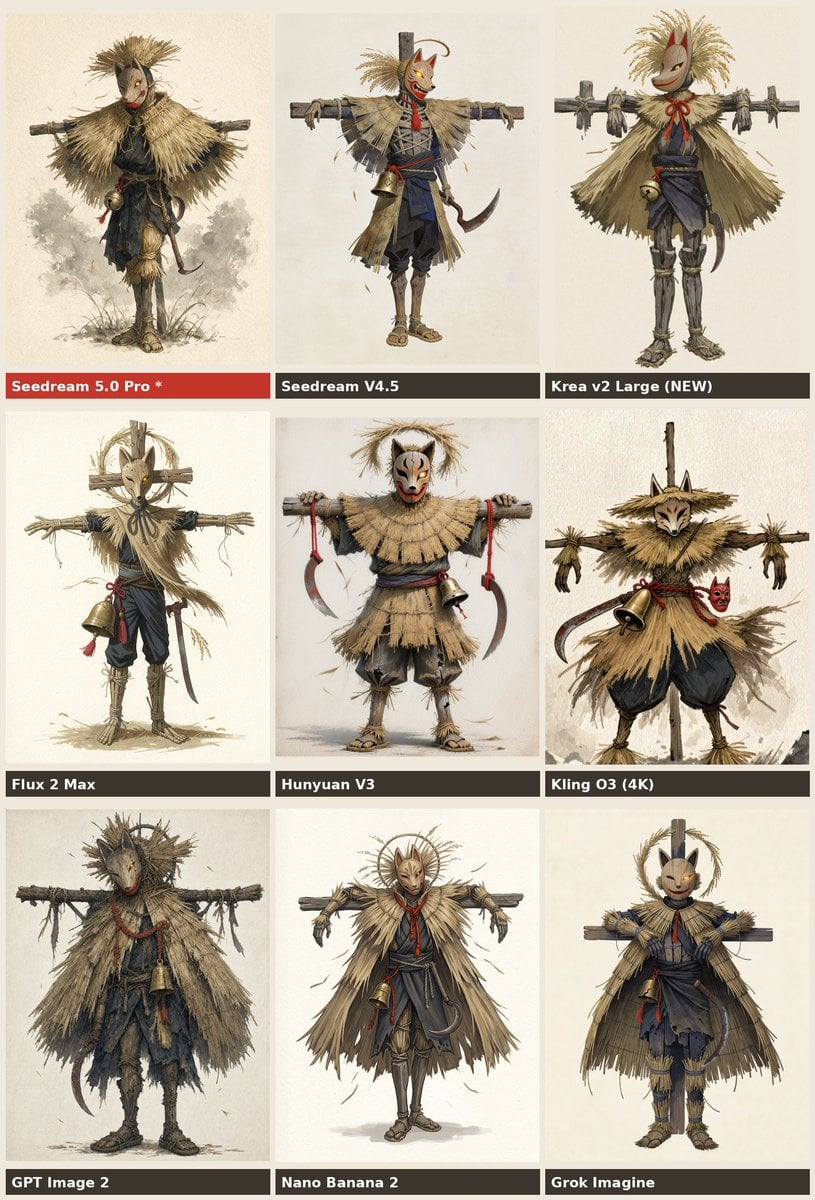
Nine-Model Scarecrow Yokai Comparison
Make it yours
Empty Japanese Pachislot Parlor Row works as-is. These are the safest ways to change it without losing the look.
Change one field
Copy a single group, rewrite it, and generate again so you can see what that field is doing.
Keep the frame, change the subject
Hold the composition and light of Empty Japanese Pachislot Parlor Row, then swap wardrobe, props or the person for a new take.
| If the result… | Why | Fix |
|---|---|---|
| The result drifts from the preview | Too many fields changed at once. | Reuse Empty Japanese Pachislot Parlor Row as-is first, then change one group — subject, light, or setting. |
| The model over-stylizes the scene | The prose prompt leaves finish and camera underspecified. | Add one camera or lighting sentence and stay on GPT Image 2. |
More GPT Image 2 templates
Other prompts made for GPT Image 2.

Six VTuber Japanese Logo Sheet

Realistic Portrait of Woman and Deer

The Vista Modular Condo Poster

AI Model Routing Comparison Infographic

2.5D Anime Art Board

Isometric Productivity Desk Scene

New York Double Exposure Poster

Four-Panel AI Landscape Comparison

Japanese Tatami Lifestyle Magazine Cover

NESCAFÉ Coffee Map Poster
More image prompts
Fresh picks from across the catalog.
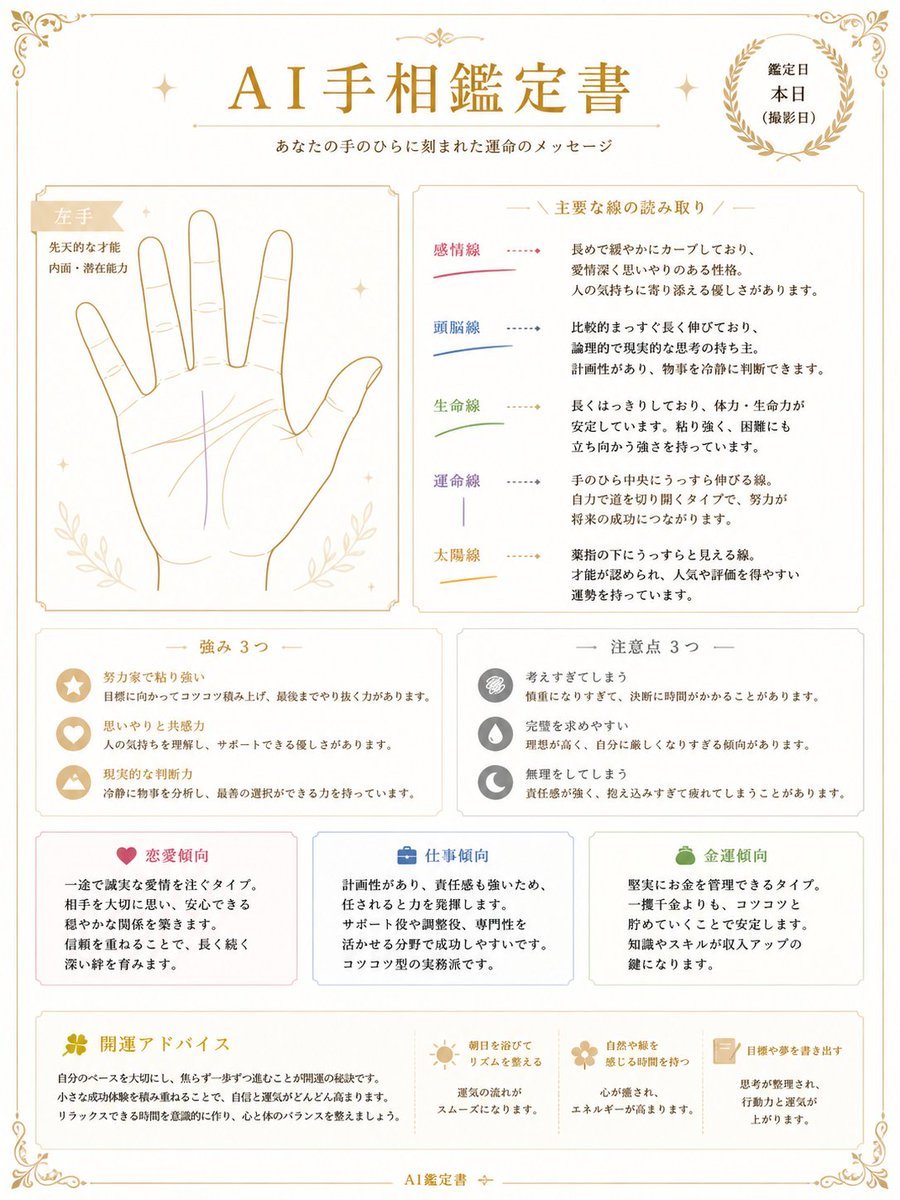
Japanese AI Palm Reading Certificate
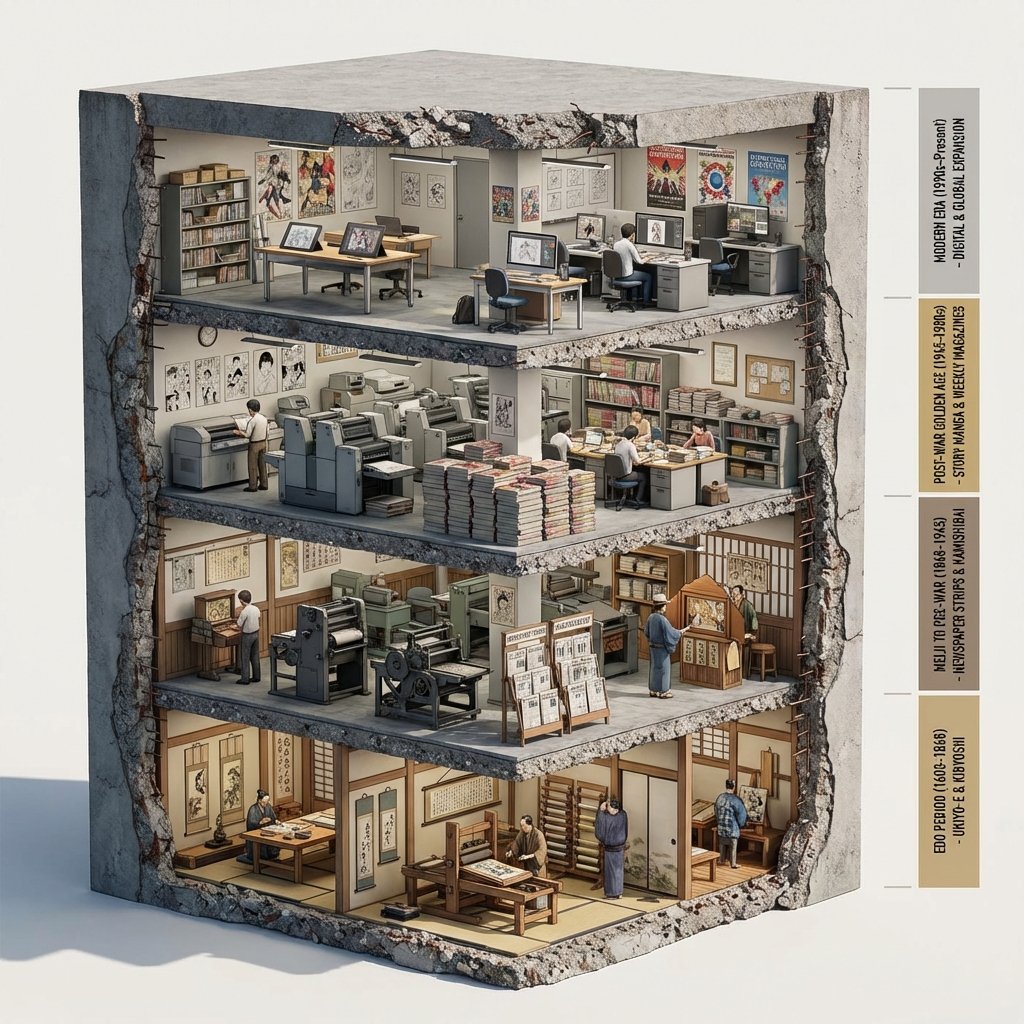
Manga Evolution Architectural Section Prompt
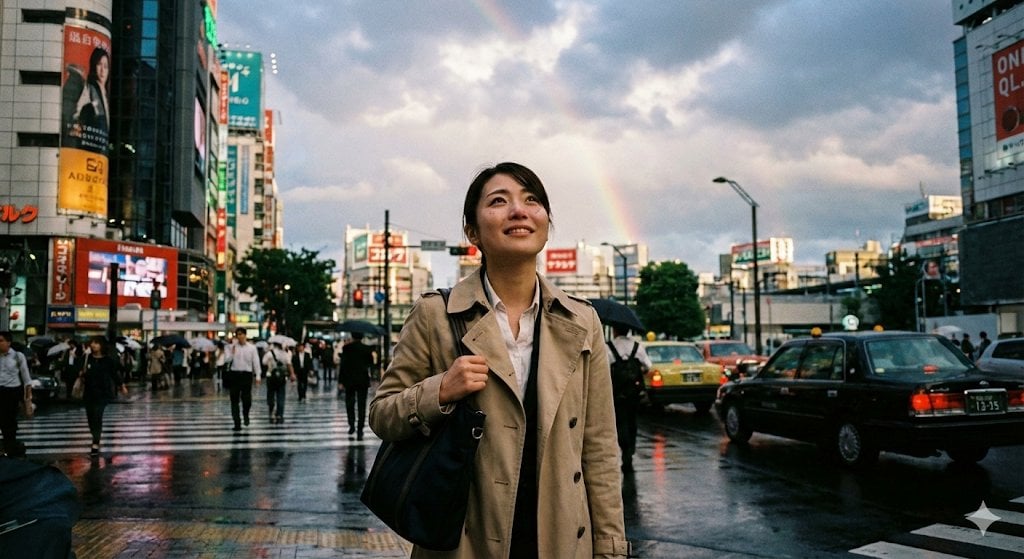
Emotional Snapshot of a Woman in Rainy Tokyo
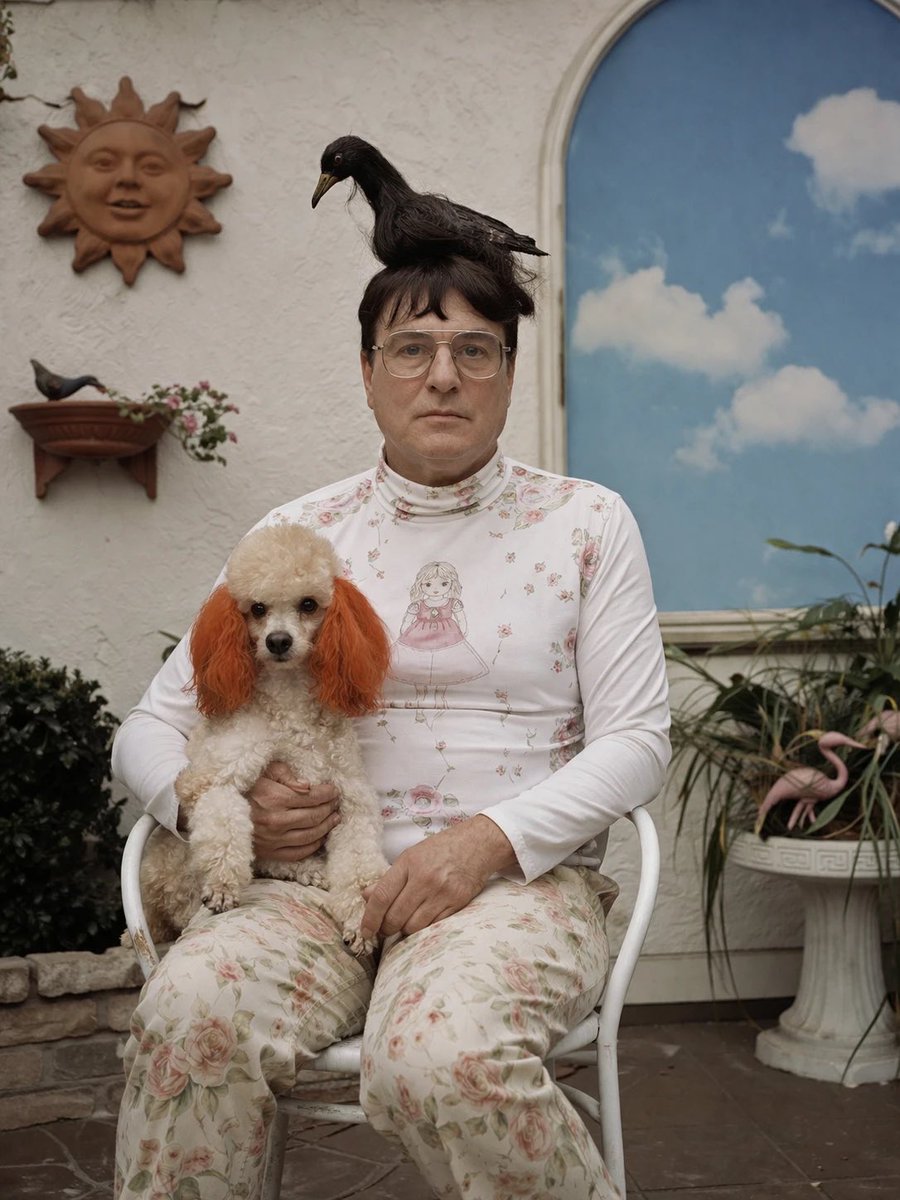
Surreal Patio Portrait with Crow and Dog
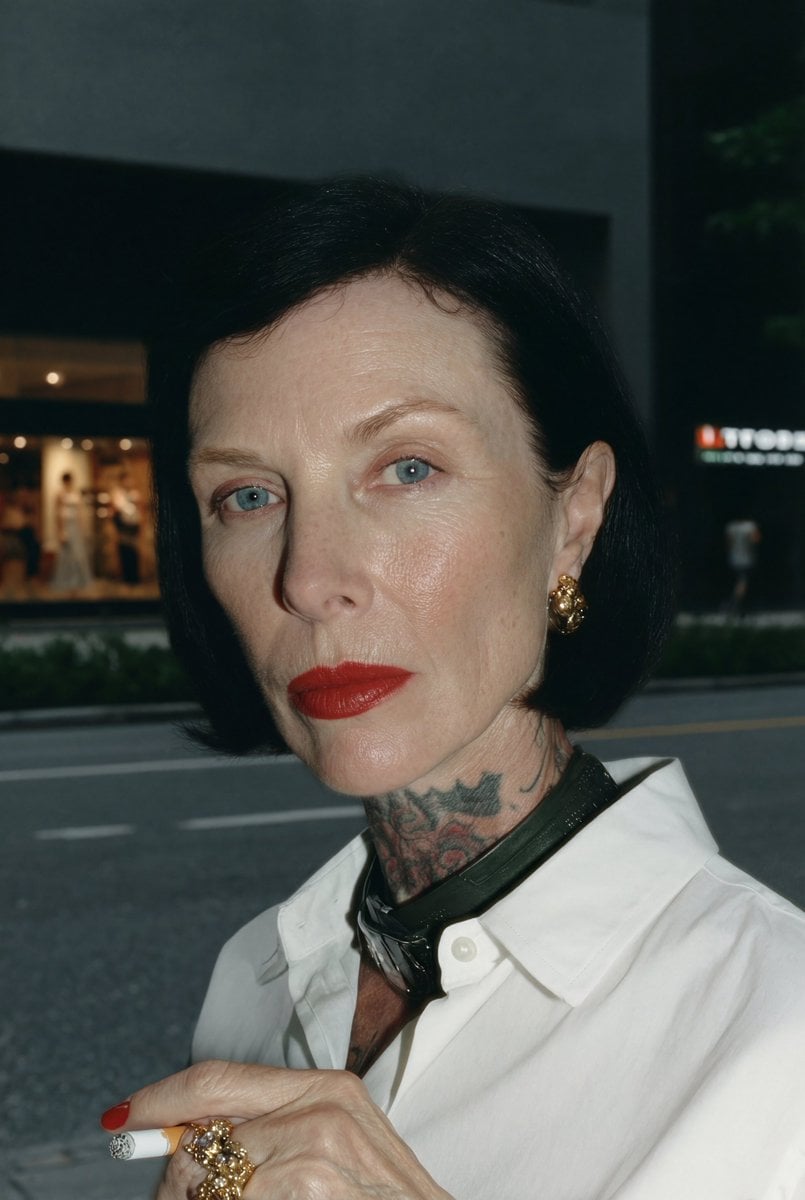
3D stylized character transformation prompt
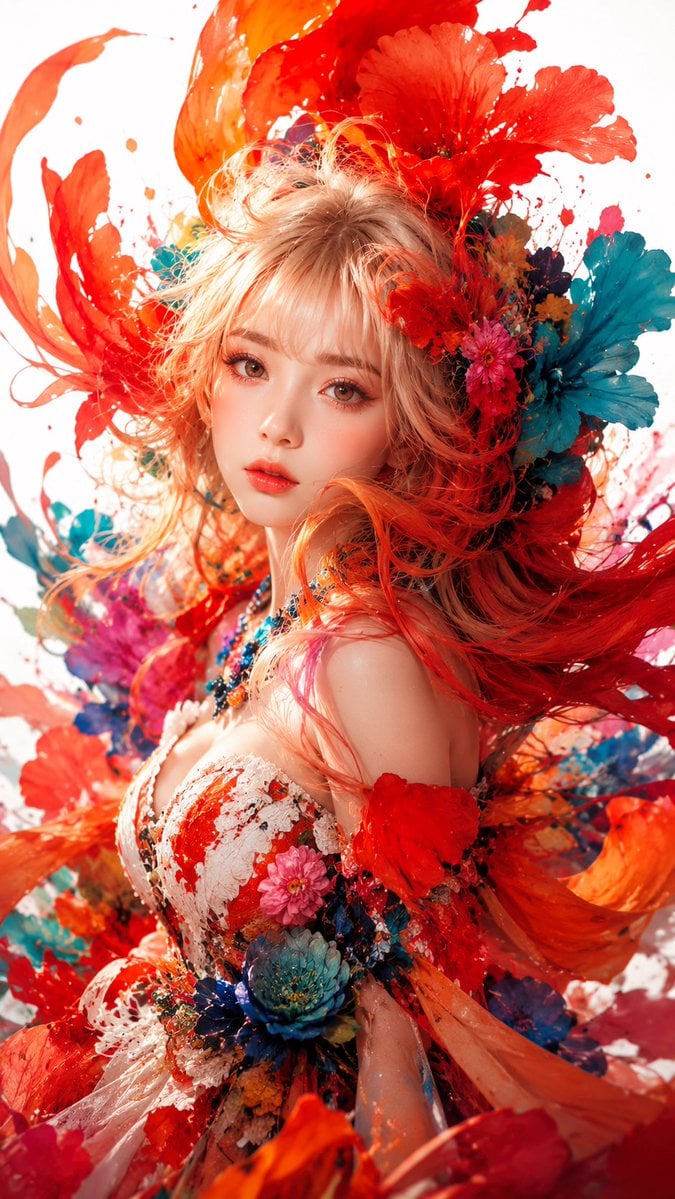
Surreal Floral Couture Portrait
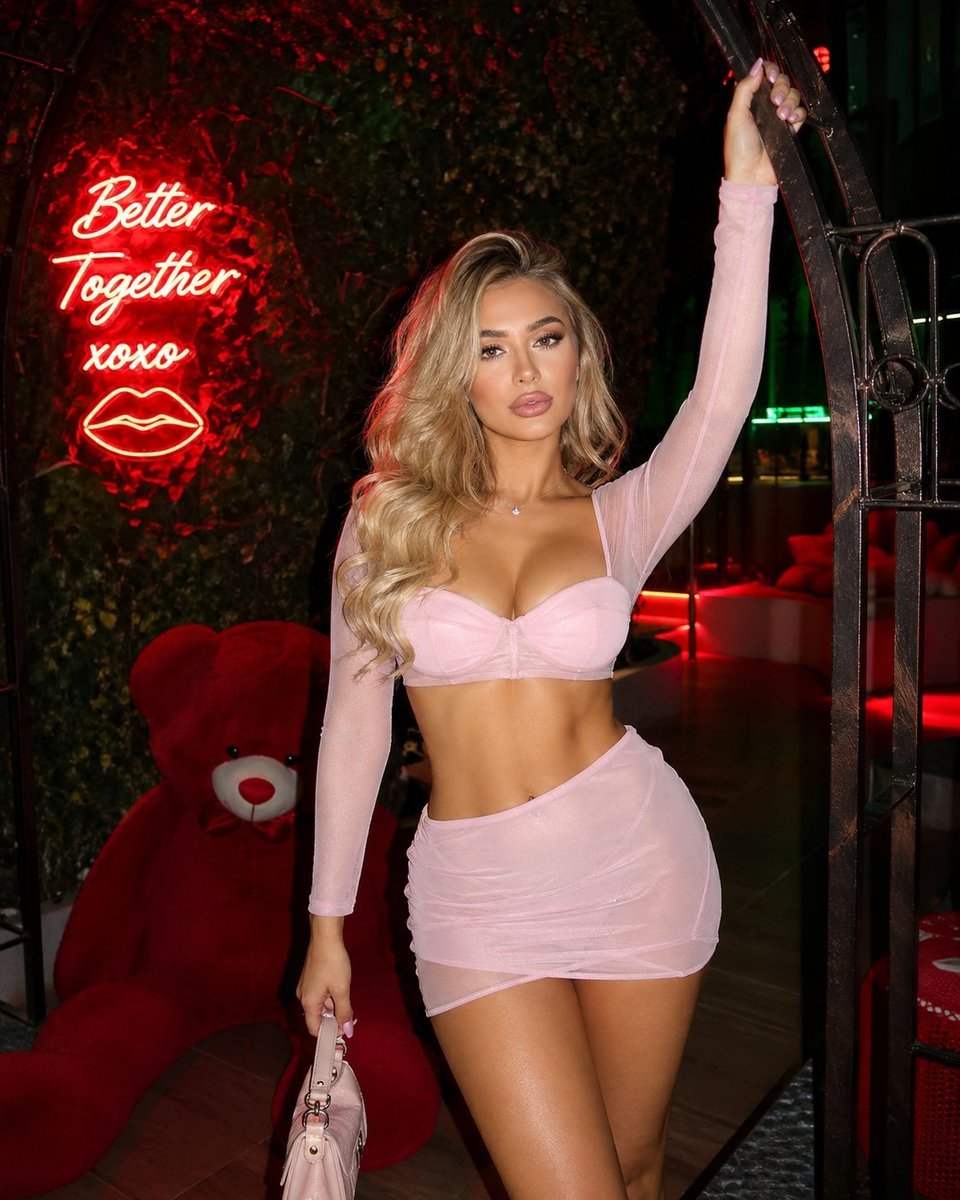
Structured nightlife fashion photography prompt
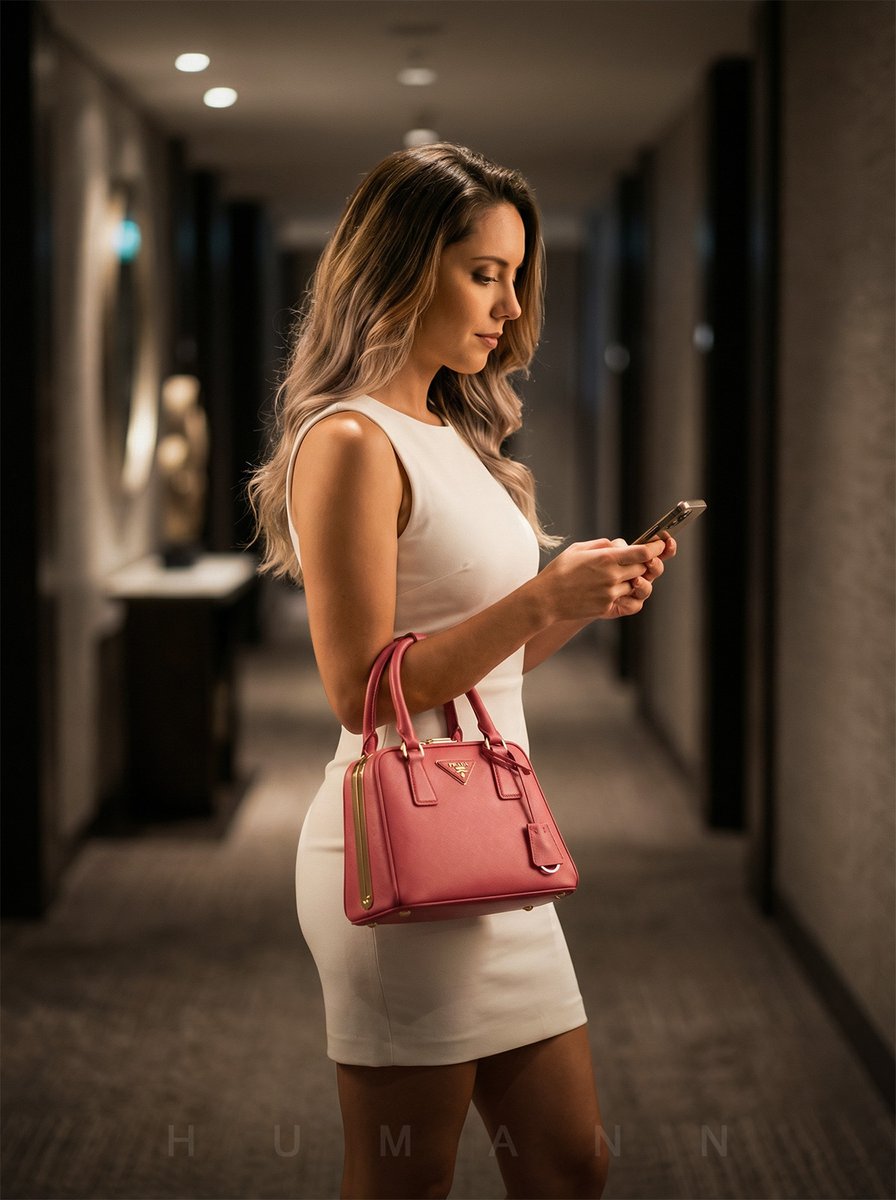
Luxury Hotel Hallway Reference Image Prompt
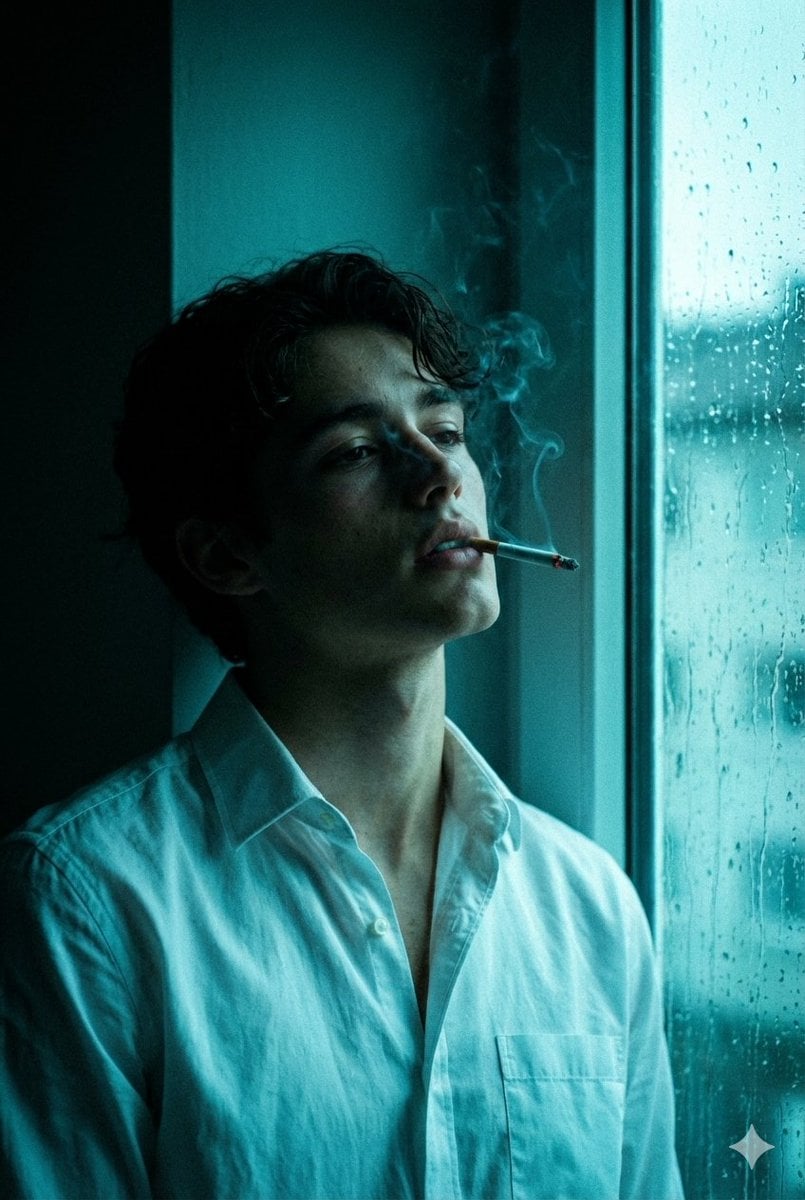
Cinematic Melancholy Portrait in Turquoise

Flat Vector Office Team Illustration
Browse template categories
Empty Japanese Pachislot Parlor Row questions
How do I use the Empty Japanese Pachislot Parlor Row template?
Add your photo if the template asks for one, edit the prompt if you like — the template's model and format are already selected — and press Generate. Your version opens in PicX Studio.
Can I customize the Empty Japanese Pachislot Parlor Row template?
Yes. You can change the subject, setting, lighting, mood, format, and available model controls before creating your image.
Is the Empty Japanese Pachislot Parlor Row template free?
Opening and editing this template is free. Generating uses credits, shown on the Generate button when you are signed in.
Which AI model should I use?
Start with GPT Image 2, which is the model associated with this template. You can compare another compatible model for a different finish.
Looking for something else? Browse all templates.

Your photo, any look
Thousands of ready templates for every top image and video model, from one credit balance.