
Urban Record Store Browsing
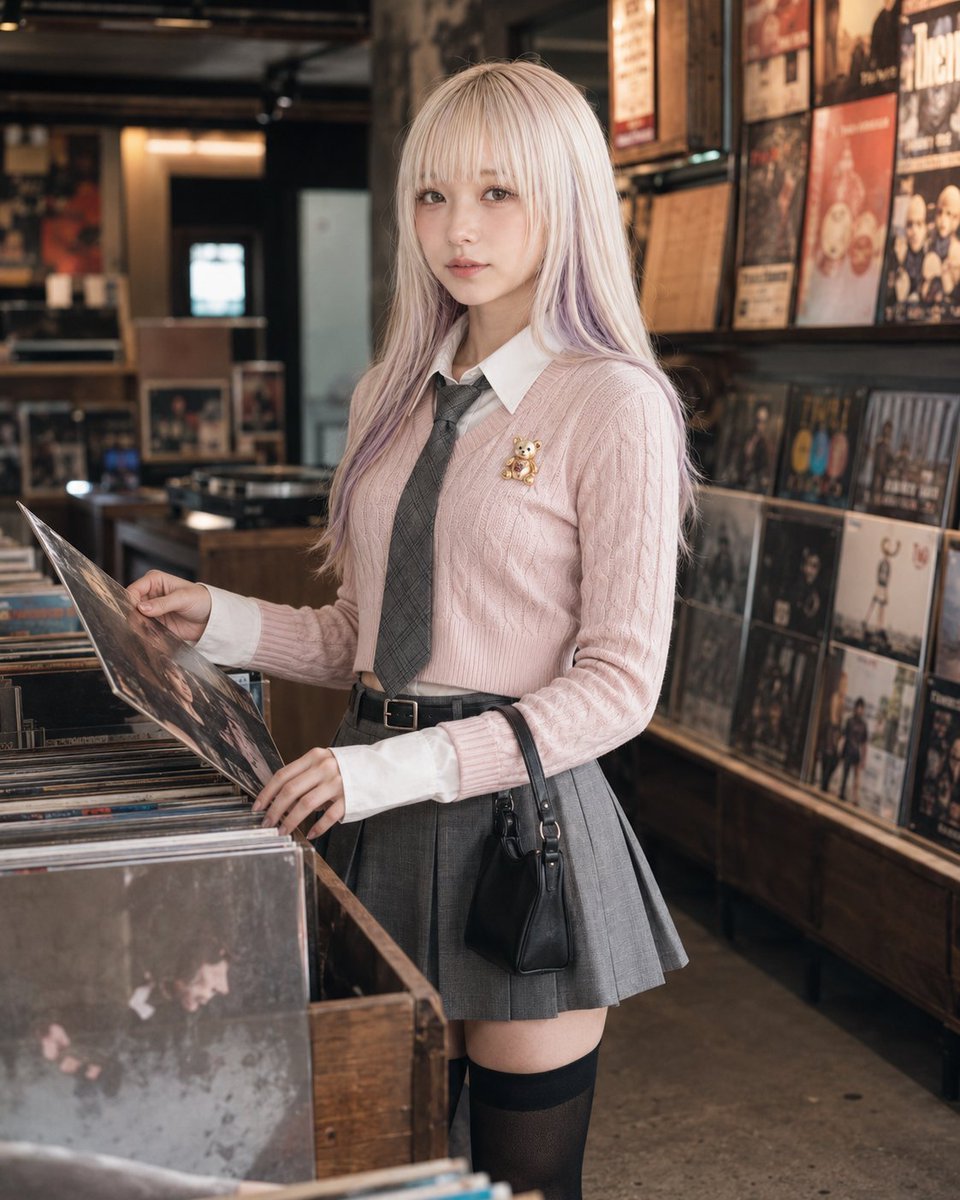
A stylish everyday lifestyle prompt featuring a woman browsing vinyl records in a detailed, warmly lit urban music shop.
- Prompt included
- Model and format preset
- Free template
The prompt behind this image
Copy the exact prompt behind Urban Record Store Browsing, or open it in the studio and make it yours.
Photorealistic everyday lifestyle scene featuring an {argument name="subject" default="adult woman in her twenties"}. Background identity: a {argument name="location" default="compact record store"} with tightly packed vinyl shelves, record jackets facing outward, warm spotlights, a listening station or counter area, poster-like music graphics kept non-readable, wood and metal textures, and layered shop depth. The space should feel cool, urban, and real, with strong record-store identity rather than a generic shop. Depth lock: in the foreground, a blurred record bin edge, vinyl sleeve corner, or listening-station detail enters near the lens. In the middle ground, the subject stands beside a record bin or shelf. In the background, more vinyl rows, wall displays, and shop depth recede behind her. Composition lock: vertical 4:5 lifestyle crop from around waist height, framed from waist or mid-thigh to head. The subject fills about 65–75% of the frame. Keep one record bin edge, several visible jackets, and the receding store depth readable. The image should feel intimate and naturally observed. Action lock: the subject is {argument name="action" default="browsing records"} in a believable way. One hand holds a selected record jacket partly lifted from the bin, while the other hand rests on the bin edge or lightly separates adjacent records. Her body faces the bin at a slight angle, shoulders relaxed, posture casual, both feet grounded. No dramatic posing. Gaze design: after noticing a particular record, she briefly glances toward the camera without turning her whole body into a portrait pose. The direct eye contact should feel subtle and momentary, like being caught mid-browse. Avoid: wide shop overview, staged fashion stance, exaggerated lean, raised knee, strong torso twist, hard staring, unreadable props, clutter blocking the face or hands.
How to use Urban Record Store Browsing in 3 steps
- 1
Open
The prompt is already in the box next to the preview, with the template's model and format selected.
- 2…a portrait of your subject in softgolden-hour light, 85mm…
Personalize
Edit the subject and creative details for your destination.
- 3Generate
Generate
Press Generate — your image is created in PicX Studio, so you can compare it with the original and refine one variable at a time.
More like this
Templates with the same subject, style or setup. Open one to see its prompt.
Vintage Record Store Lifestyle Portrait
Vintage Record Store Owner Editorial

Urban Fashion Editorial Collage Streetwear Poster

Korean Streetwear Minimalist Campaign Portrait

Cinematic Korean Streetwear Street Portrait

Frozen Street Luxe Graffiti Fashion Campaign

Urban Fashion Editorial Collage Poster

Cinematic Street Fashion Portrait Motion Blur Crowd

Subway Platform Quiet Introspective Portrait

Night City Bridge Triptych Portrait Session
Subway Platform Quiet Introspective Portrait
Miles Morales Spider-Man Brooklyn Graffiti
Make it yours
Urban Record Store Browsing works as-is. These are the safest ways to change it without losing the look.
Change one field
Copy a single group, rewrite it, and generate again so you can see what that field is doing.
Keep the frame, change the subject
Hold the composition and light of Urban Record Store Browsing, then swap wardrobe, props or the person for a new take.
| If the result… | Why | Fix |
|---|---|---|
| The result drifts from the preview | Too many fields changed at once. | Reuse Urban Record Store Browsing as-is first, then change one group — subject, light, or setting. |
| The model over-stylizes the scene | The prose prompt leaves finish and camera underspecified. | Add one camera or lighting sentence and stay on GPT Image 2. |
More GPT Image 2 templates
Other prompts made for GPT Image 2.

Six VTuber Japanese Logo Sheet

Realistic Portrait of Woman and Deer

The Vista Modular Condo Poster

AI Model Routing Comparison Infographic

2.5D Anime Art Board

Isometric Productivity Desk Scene

New York Double Exposure Poster

Four-Panel AI Landscape Comparison

Japanese Tatami Lifestyle Magazine Cover

NESCAFÉ Coffee Map Poster
More image prompts
Fresh picks from across the catalog.
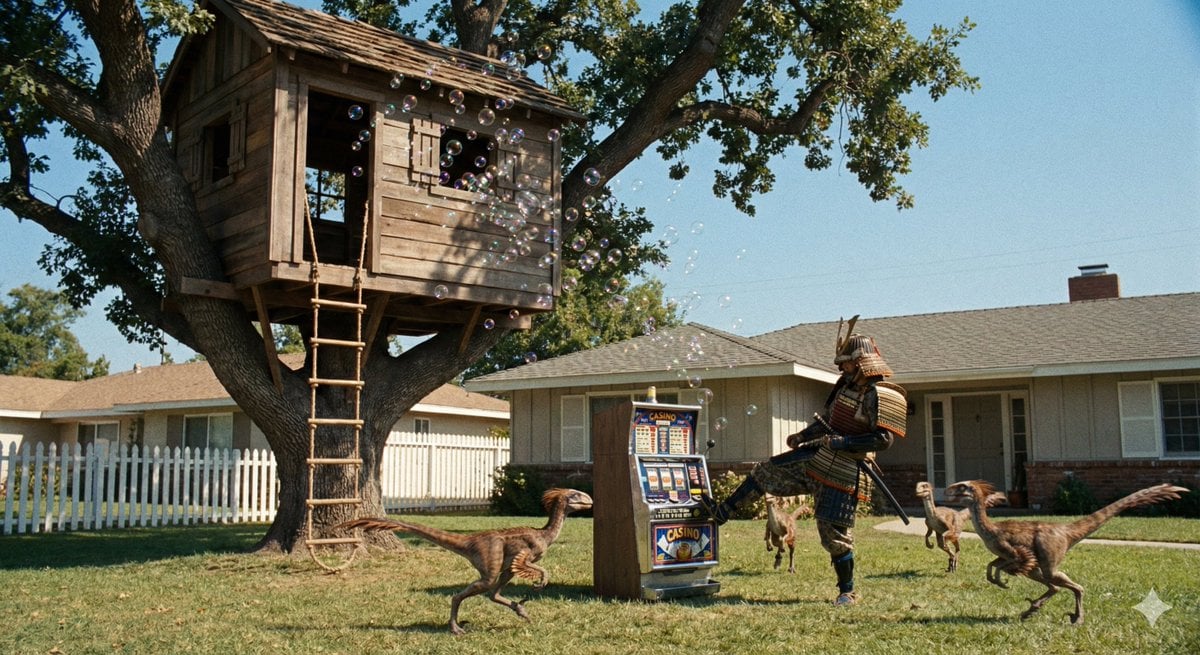
Samurai vs Oviraptors

Luxury Fitness Campaign
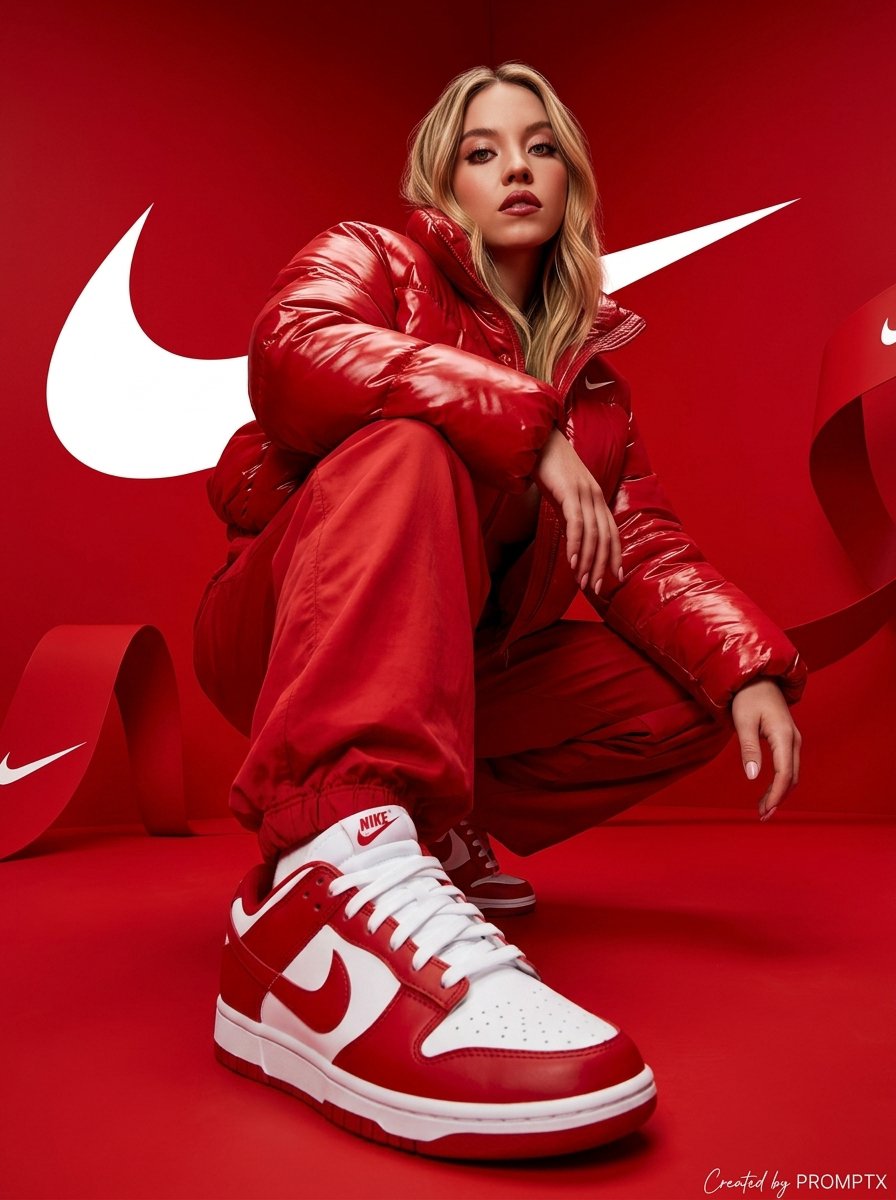
Hyper-Realistic Streetwear Campaign in Red
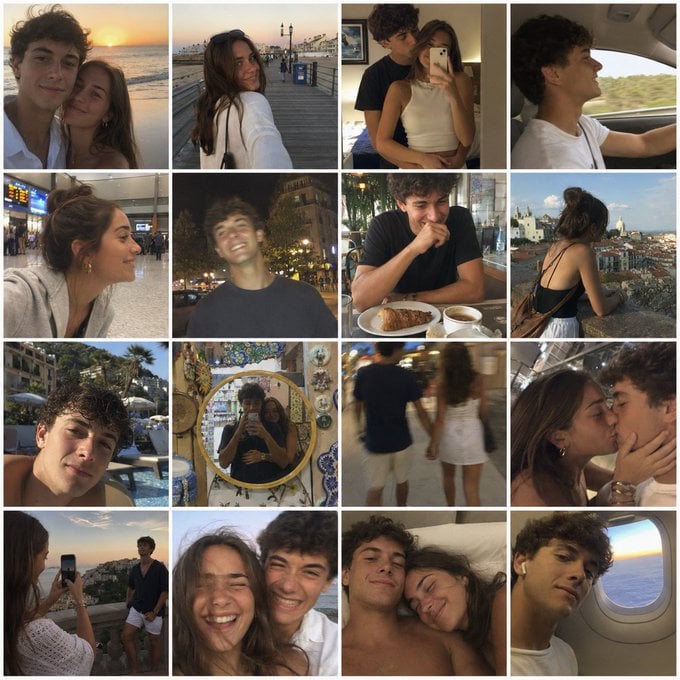
Nostalgic Vacation iPhone Snapshot Grid
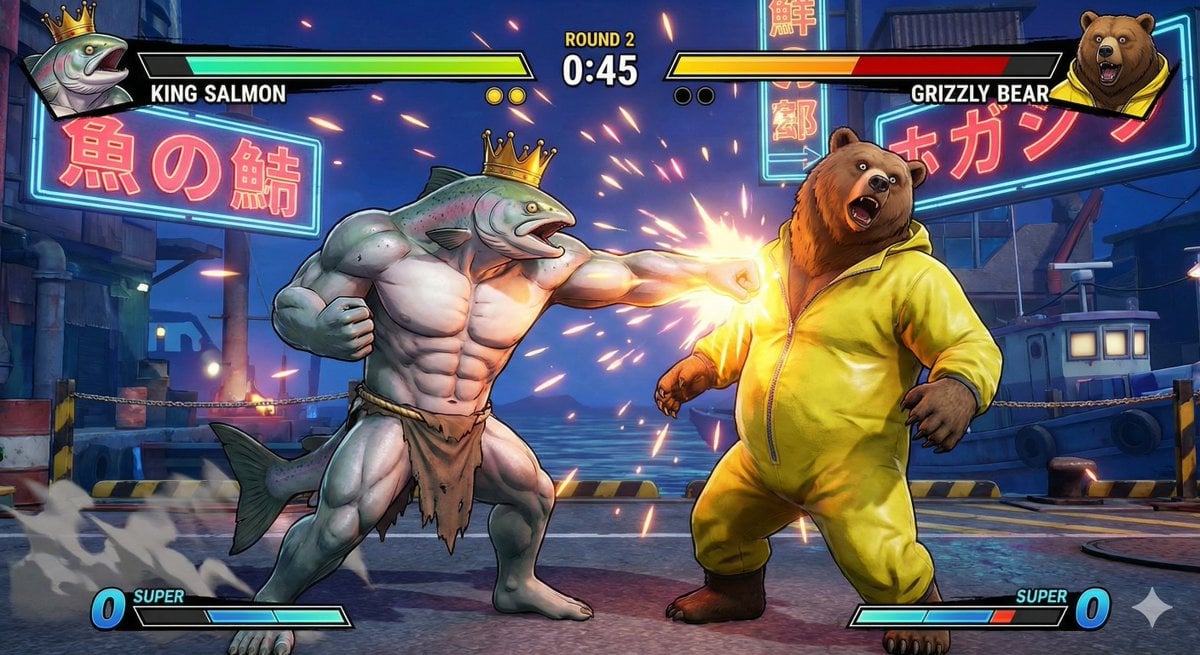
King Salmon vs Grizzly Bear Battle

Japanese Woman in Indigo Dress

Detailed Japanese Graphic Recording Summary
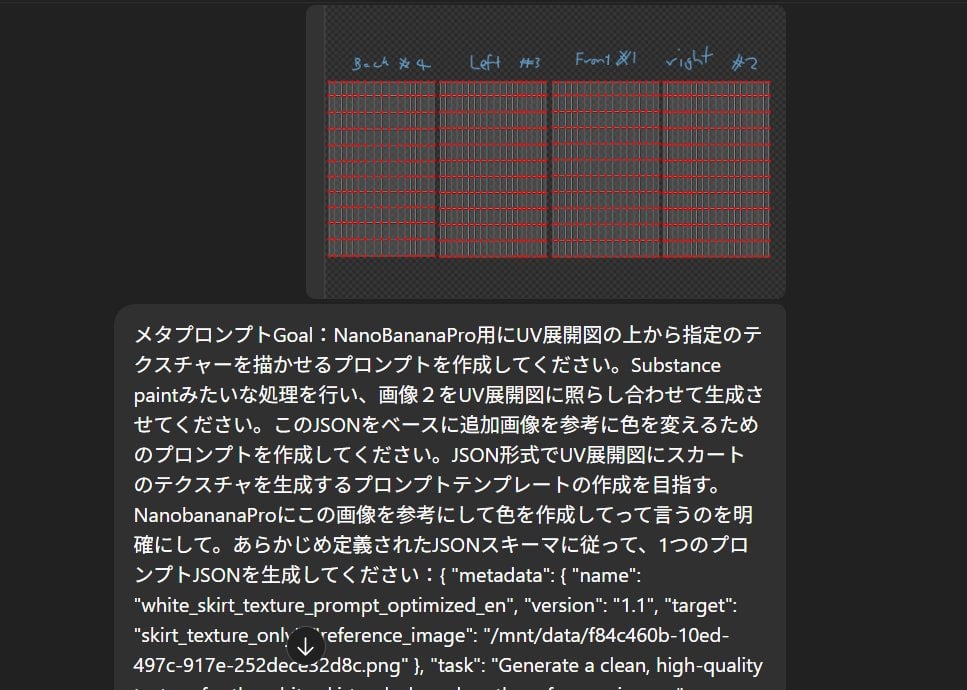
Texture Creation via JSON and UV Map Metaprompt

Colossal Stone Titan Rising from Ocean

3D Isometric Floating Home Office Illustration
Browse template categories
Urban Record Store Browsing questions
How do I use the Urban Record Store Browsing template?
Add your photo if the template asks for one, edit the prompt if you like — the template's model and format are already selected — and press Generate. Your version opens in PicX Studio.
Can I customize the Urban Record Store Browsing template?
Yes. You can change the subject, setting, lighting, mood, format, and available model controls before creating your image.
Is the Urban Record Store Browsing template free?
Opening and editing this template is free. Generating uses credits, shown on the Generate button when you are signed in.
Which AI model should I use?
Start with GPT Image 2, which is the model associated with this template. You can compare another compatible model for a different finish.
Looking for something else? Browse all templates.

Your photo, any look
Thousands of ready templates for every top image and video model, from one credit balance.