
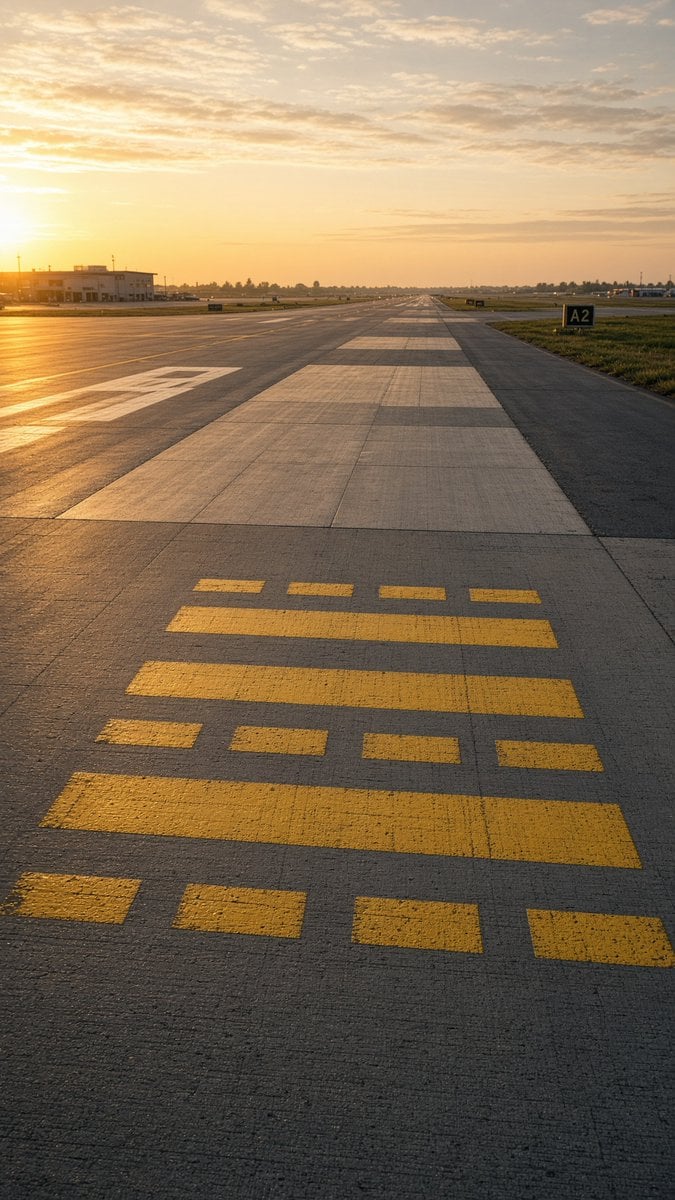
Golden Hour Empty Airport Runway
A photorealistic vertical aviation scene showing an empty runway or taxiway at sunset with detailed pavement markings and a distant airport horizon.
- Prompt included
- Model and format preset
- Free template
The prompt behind this image
Copy the exact prompt behind Golden Hour Empty Airport Runway, or open it in the studio and make it yours.
Create a photorealistic vertical aviation photograph of an empty airport runway/taxiway at golden hour, shot from a very low standing viewpoint centered on the concrete pavement and looking straight down the runway toward a distant vanishing point. The sun is low on the far left horizon, casting warm orange light, long shadows, and a glowing reflection across the tarmac. The sky is pale gold with scattered thin clouds. In the foreground, place exactly 15 yellow runway/taxiway paint rectangles on the concrete: 4 small separated rectangles along the bottom edge, 1 long horizontal bar above them, 4 small separated rectangles above that, 2 long horizontal bars in the middle, and 4 small separated rectangles near the top of the marking group. The runway surface should show realistic expansion joints, subtle cracks, rough texture, and alternating pale concrete slabs extending into the distance. Add a low airport building and utility poles on the left, flat grassy fields on both sides, distant tree line and airport lights near the horizon, and a black runway/taxiway sign on the right reading {argument name="taxiway sign text" default="A2"}. Use a calm, empty, realistic avgeek aesthetic with no aircraft, no people, no vehicles in the foreground, no watermark, and no extra text.
How to use Golden Hour Empty Airport Runway in 3 steps
- 1Upload ImagePNG, JPG or paste
Add your photo
Upload the photo the template builds on. The prompt, model and format are already set.
- 2…a portrait of your subject in softgolden-hour light, 85mm…
Personalize
Edit the subject and creative details for your destination.
- 3Generate
Generate
Press Generate — your image is created in PicX Studio, so you can compare it with the original and refine one variable at a time.
More like this
Templates with the same subject, style or setup. Open one to see its prompt.
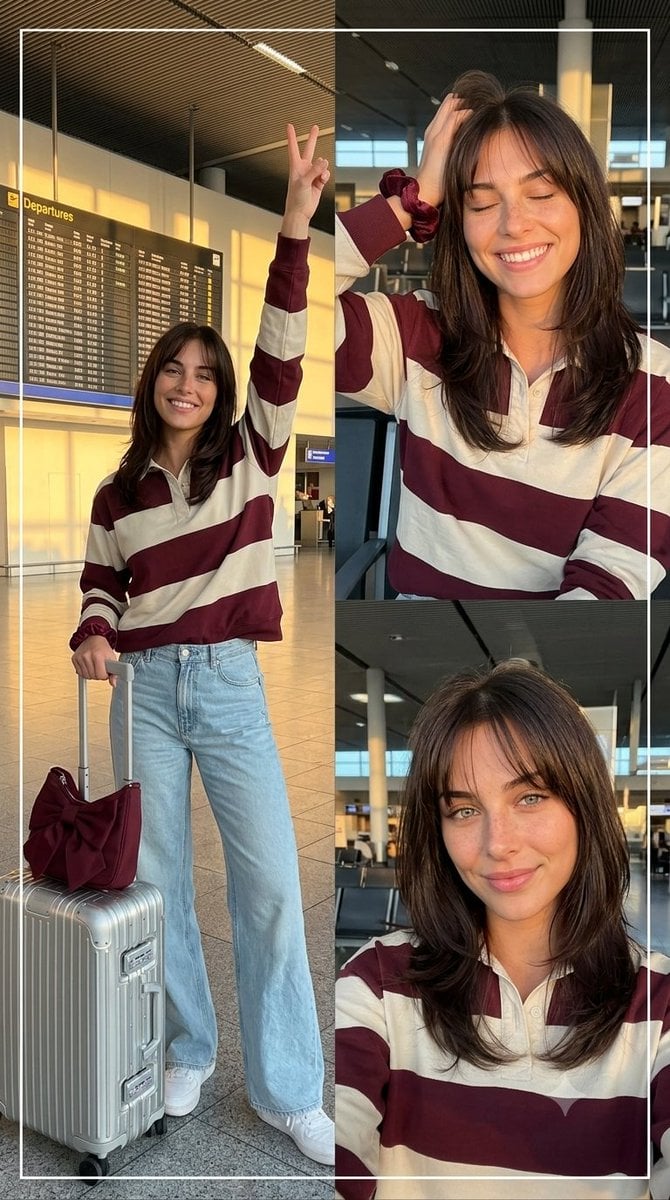
Airport Golden Hour Triptych

80s Golden Hour Cinema

Cinematic Golden Hour Garden Portrait

Cinematic Golden Hour Urban Portrait

Luxury Men's Golden Hour Collage

Rooftop Fisheye — Cat-Ear Balaclava at Golden Hour

Golden Hour Redhead Portrait
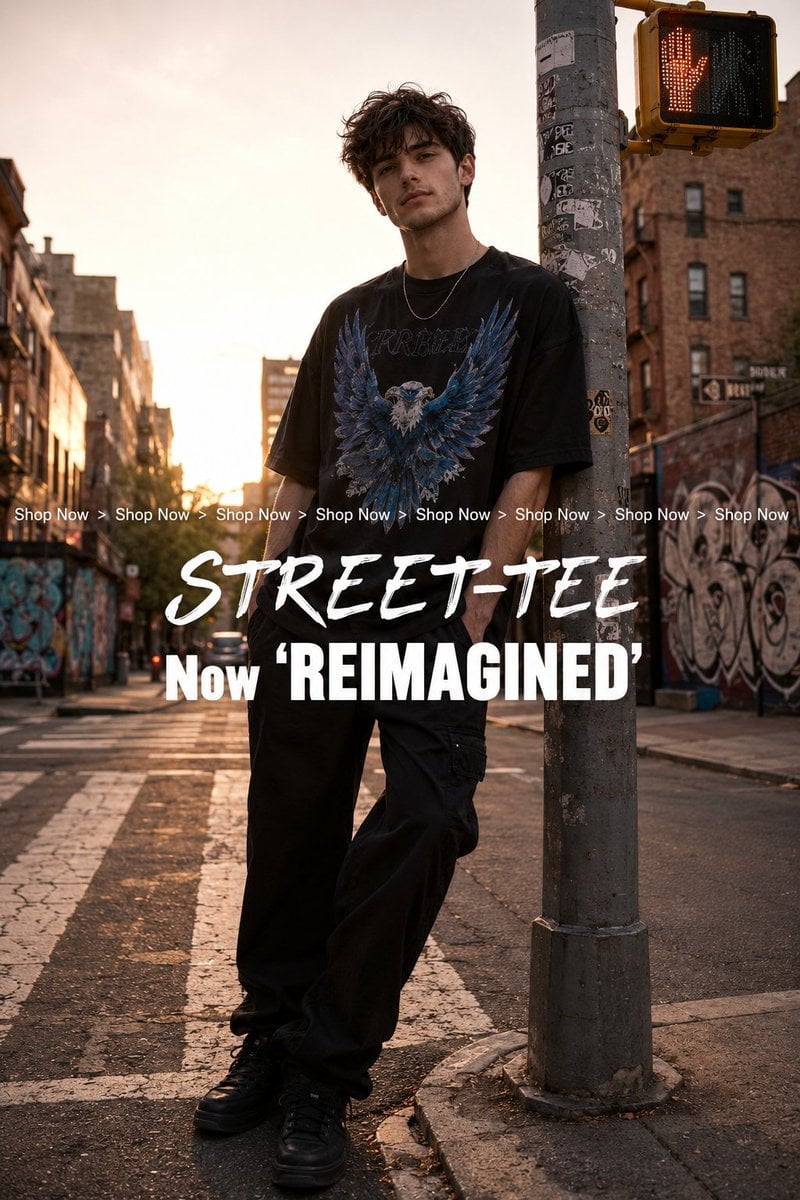
Golden Hour Streetwear Facebook Ad

Golden Hour Cinematic Boss Energy Portrait

Golden Hour SUV Selfie

Golden Hour SUV Selfie

Golden Hour Cinematic Portrait
Make it yours
Golden Hour Empty Airport Runway works as-is. These are the safest ways to change it without losing the look.
Change one field
Copy a single group, rewrite it, and generate again so you can see what that field is doing.
Keep the frame, change the subject
Hold the composition and light of Golden Hour Empty Airport Runway, then swap wardrobe, props or the person for a new take.
| If the result… | Why | Fix |
|---|---|---|
| The result drifts from the preview | Too many fields changed at once. | Reuse Golden Hour Empty Airport Runway as-is first, then change one group — subject, light, or setting. |
| The model over-stylizes the scene | The prose prompt leaves finish and camera underspecified. | Add one camera or lighting sentence and stay on GPT Image 2. |
More GPT Image 2 templates
Other prompts made for GPT Image 2.

Six VTuber Japanese Logo Sheet

Realistic Portrait of Woman and Deer

The Vista Modular Condo Poster

AI Model Routing Comparison Infographic

2.5D Anime Art Board

Isometric Productivity Desk Scene

New York Double Exposure Poster

Four-Panel AI Landscape Comparison

Japanese Tatami Lifestyle Magazine Cover

NESCAFÉ Coffee Map Poster
More image prompts
Fresh picks from across the catalog.
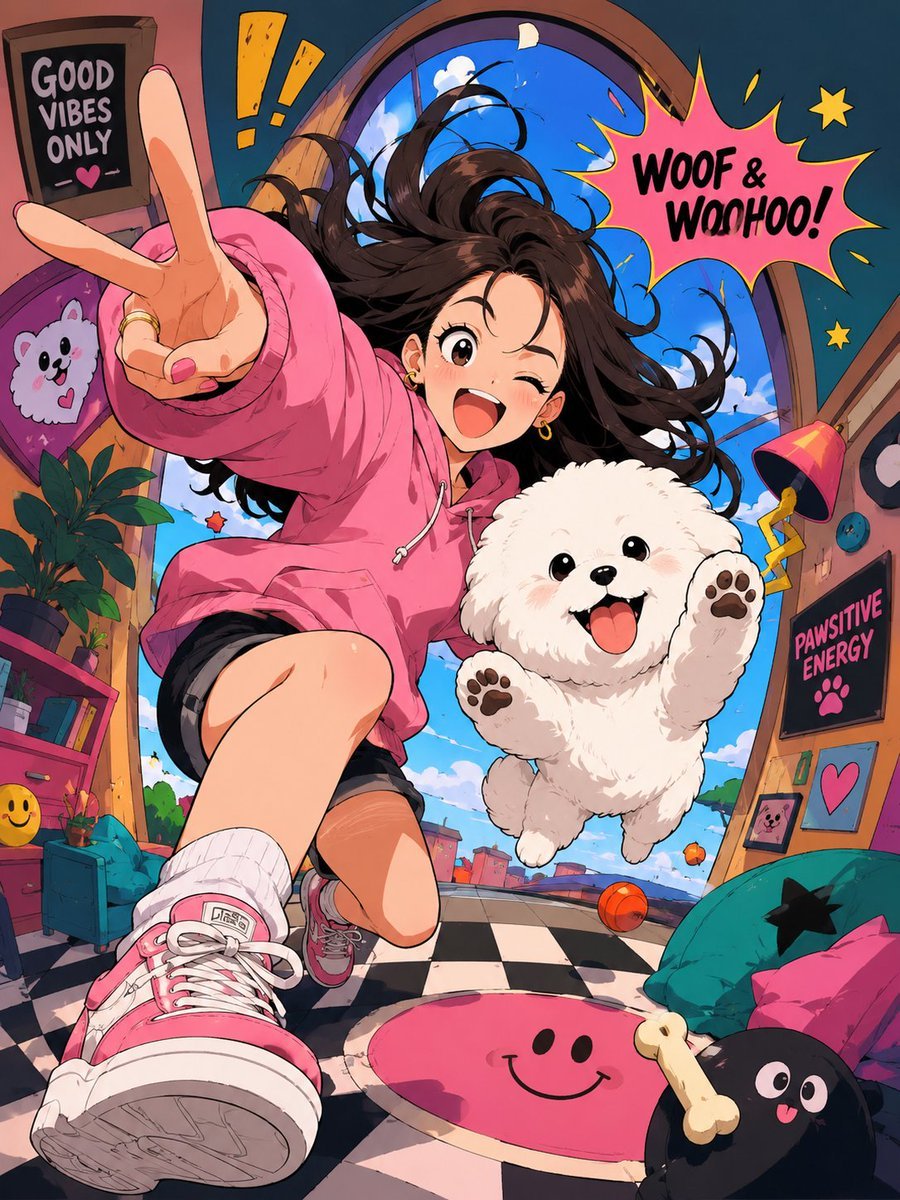
Expressive Cartoon Anime Style

World-class cool film camera poster (2:3)

Watercolor Illustration of Kittens in a Garden

Minimalist Cobalt-Blue Fashion Studio Shoot
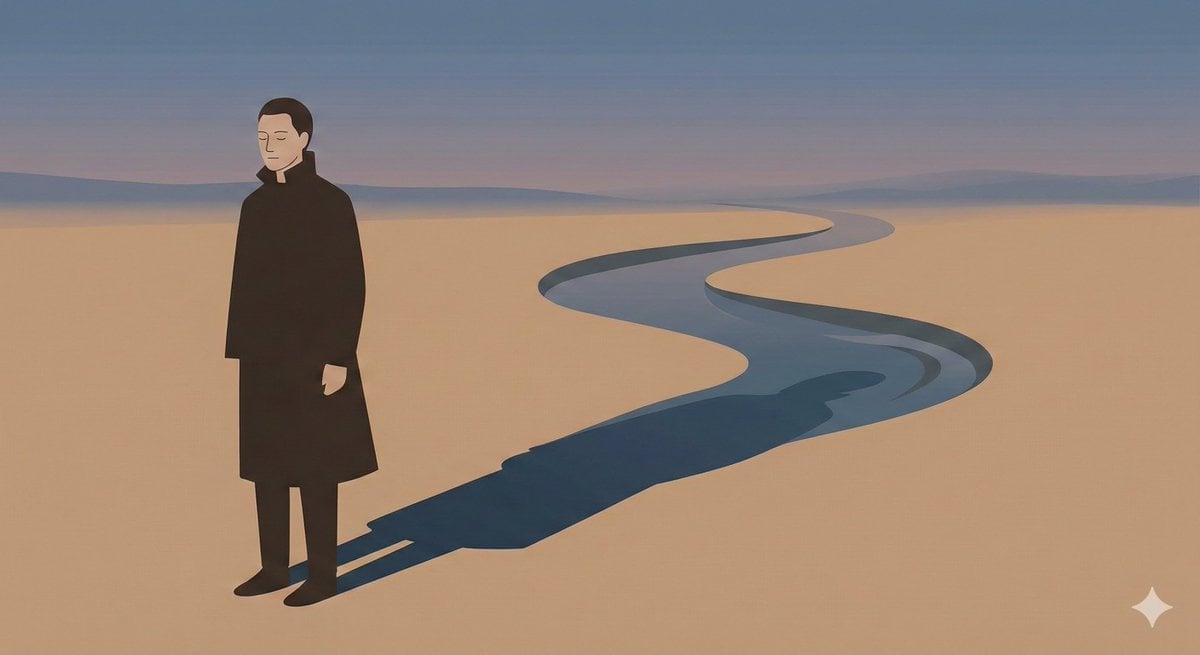
Poetic Minimal Illustration Template

14 Napa Valley Vineyard — California Series
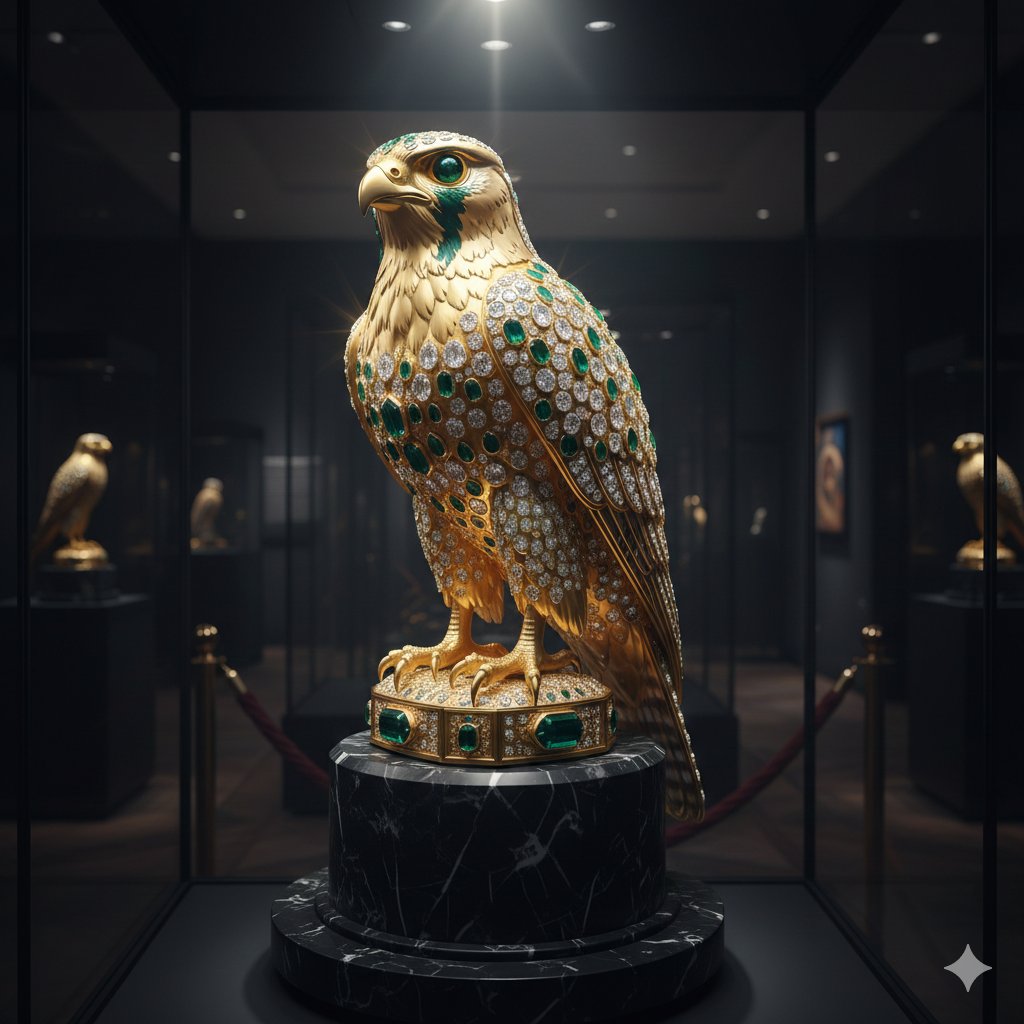
Ornate Gold Falcon Sculpture Prompt
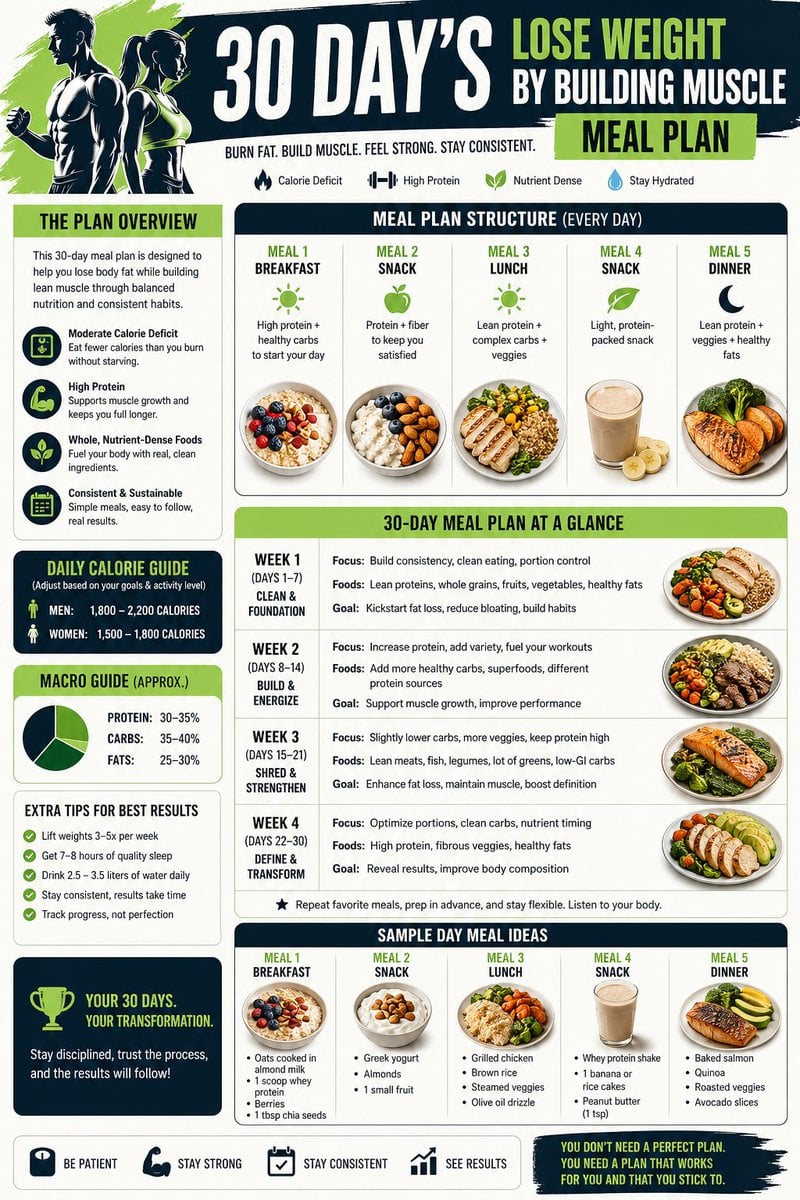
Health and Fitness Infographic Prompt
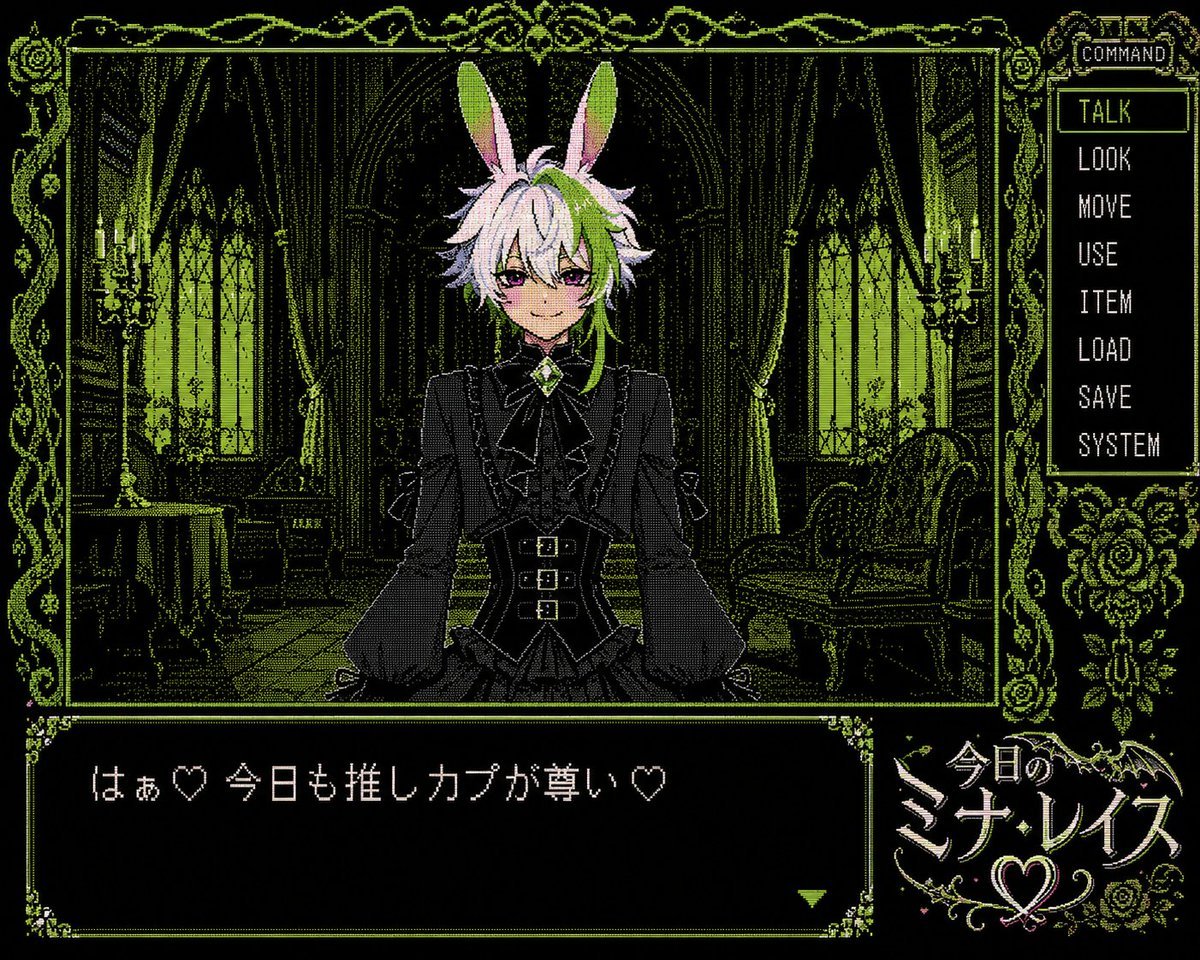
PC-98 Gothic Visual Novel UI
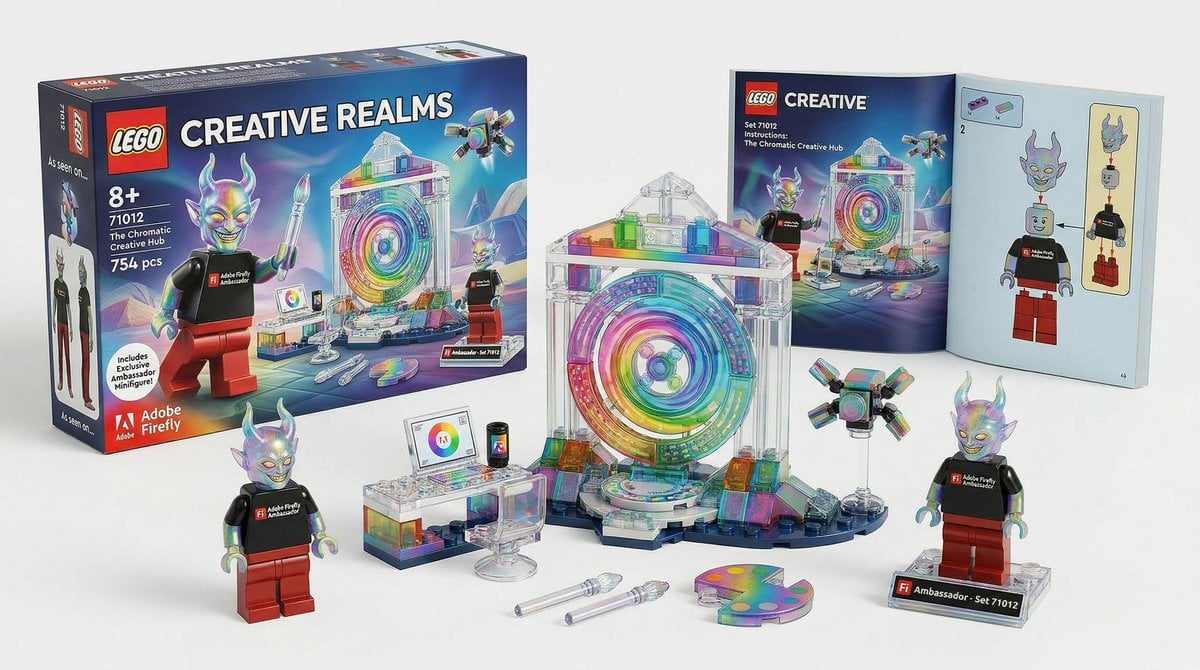
Lego Set Design Prompt Template
Browse template categories
Golden Hour Empty Airport Runway questions
How do I use the Golden Hour Empty Airport Runway template?
Add your photo if the template asks for one, edit the prompt if you like — the template's model and format are already selected — and press Generate. Your version opens in PicX Studio.
Can I customize the Golden Hour Empty Airport Runway template?
Yes. You can change the subject, setting, lighting, mood, format, and available model controls before creating your image.
Is the Golden Hour Empty Airport Runway template free?
Opening and editing this template is free. Generating uses credits, shown on the Generate button when you are signed in.
Which AI model should I use?
Start with GPT Image 2, which is the model associated with this template. You can compare another compatible model for a different finish.
Looking for something else? Browse all templates.

Your photo, any look
Thousands of ready templates for every top image and video model, from one credit balance.