
Surreal Patio Portrait with Crow and Dog
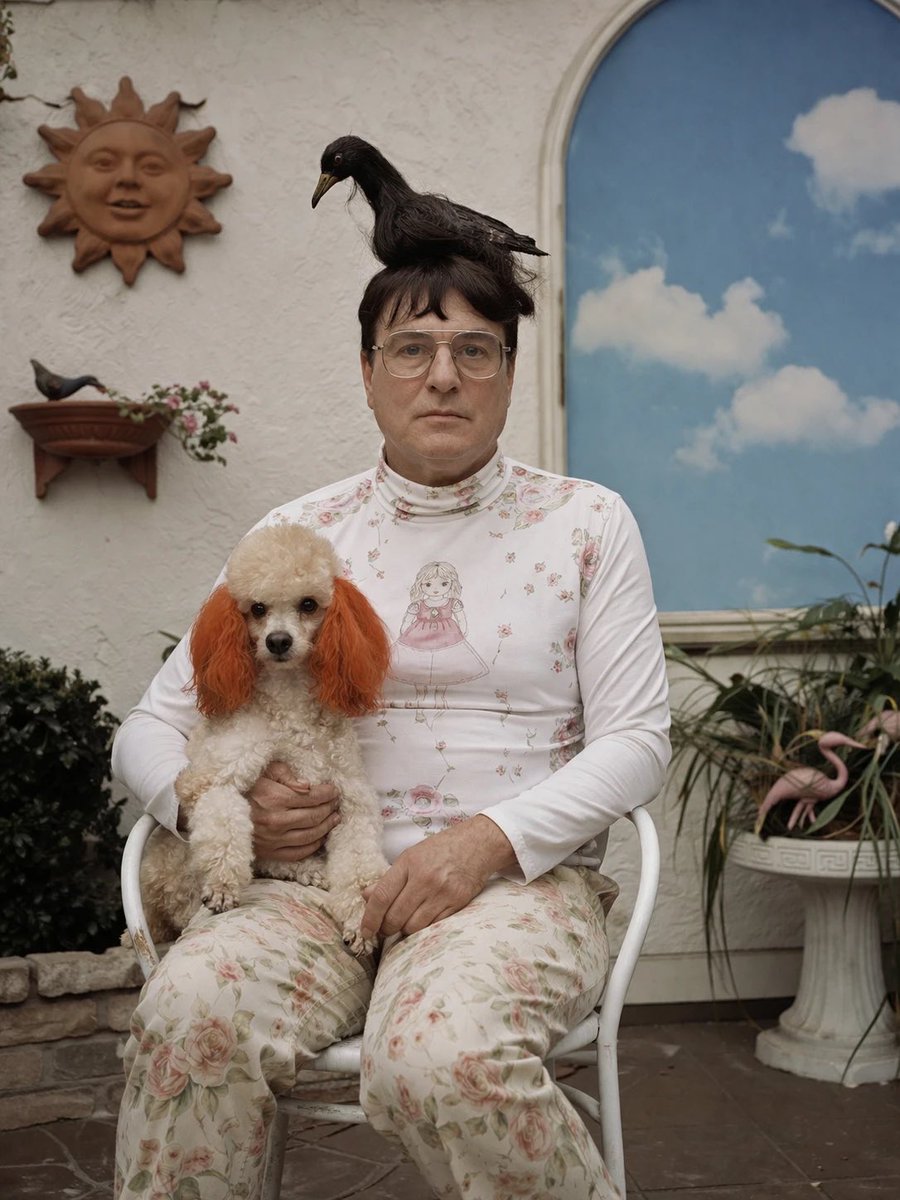
This prompt generates a photorealistic, slightly uncanny portrait of a seated person holding a small dog while a black bird perches on their head, ideal for editorial-style surreal photography.
- Prompt included
- Model and format preset
- Free template
The prompt behind this image
Copy the exact prompt behind Surreal Patio Portrait with Crow and Dog, or open it in the studio and make it yours.
A slightly surreal but photorealistic portrait of a seated person in a quiet courtyard or patio, centered in frame, wearing a fitted white long-sleeve turtleneck top with delicate pink floral prints and a printed illustration of a girl on the chest, paired with loose cream floral pants. The person sits on a simple white metal chair and holds a small fluffy poodle-like dog in their lap; the dog has curly off-white fur and distinctly dyed orange ears. Perched on top of the person’s dark hair bun is a black crow or raven, facing left, calm and balanced as if it naturally belongs there. The subject’s pose is still, direct, and formal, creating an odd deadpan family-portrait feeling. Set the scene against a textured off-white stucco wall with exactly 4 notable decorative background elements: 1 brown sun-shaped wall ornament in the upper left, 1 small wall-mounted planter shelf with a small bird figurine and trailing flowers on the left, 1 tall arched window or mural on the right showing a bright blue sky with soft white clouds, and 1 white pedestal planter at lower right filled with long green leaves and exactly 2 pink flamingo ornaments. Include a bit of stone edging and dark greenery at lower left and a brown tiled floor. Lighting is soft natural daylight, slightly overcast, with muted colors, shallow depth of field, and a vintage editorial photography look. Composition should be vertical, full seated figure, straight-on, balanced, and quietly uncanny. Customize the main figure as {argument name="person" default="a middle-aged woman"}, the bird as {argument name="bird type" default="black crow"}, the dog breed as {argument name="dog type" default="small poodle mix"}, the dog ear color as {argument name="dog ear color" default="orange"}, and the outfit palette as {argument name="outfit colors" default="white and faded pink florals"}.
How to use Surreal Patio Portrait with Crow and Dog in 3 steps
- 1Upload ImagePNG, JPG or paste
Add your photo
Upload the photo the template builds on. The prompt, model and format are already set.
- 2…a portrait of your subject in softgolden-hour light, 85mm…
Personalize
Edit the subject and creative details for your destination.
- 3Generate
Generate
Press Generate — your image is created in PicX Studio, so you can compare it with the original and refine one variable at a time.
More like this
Templates with the same subject, style or setup. Open one to see its prompt.
Nano Banana Pet Portrait Dog

Found Photograph: Us, 1970

80s Couple Studio Portrait

80s Bollywood Star

80s Golden Hour Cinema

Me in 1985

1985 Studio Portrait

Hyper-Realistic Minecraft POV Portrait
Surreal Moonlit Dog Output Window

Rooftop Fisheye — Cat-Ear Balaclava at Golden Hour

Surreal Cat Astronaut — Humanoid Face Freefall
Surreal Birch Bark Portrait Prompt
Make it yours
Surreal Patio Portrait with Crow and Dog works as-is. These are the safest ways to change it without losing the look.
Change one field
Copy a single group, rewrite it, and generate again so you can see what that field is doing.
Keep the frame, change the subject
Hold the composition and light of Surreal Patio Portrait with Crow and Dog, then swap wardrobe, props or the person for a new take.
| If the result… | Why | Fix |
|---|---|---|
| The result drifts from the preview | Too many fields changed at once. | Reuse Surreal Patio Portrait with Crow and Dog as-is first, then change one group — subject, light, or setting. |
| The model over-stylizes the scene | The prose prompt leaves finish and camera underspecified. | Add one camera or lighting sentence and stay on GPT Image 2. |
More GPT Image 2 templates
Other prompts made for GPT Image 2.

Six VTuber Japanese Logo Sheet

Realistic Portrait of Woman and Deer

The Vista Modular Condo Poster

AI Model Routing Comparison Infographic

2.5D Anime Art Board

Isometric Productivity Desk Scene

New York Double Exposure Poster

Four-Panel AI Landscape Comparison

Japanese Tatami Lifestyle Magazine Cover

NESCAFÉ Coffee Map Poster
More image prompts
Fresh picks from across the catalog.
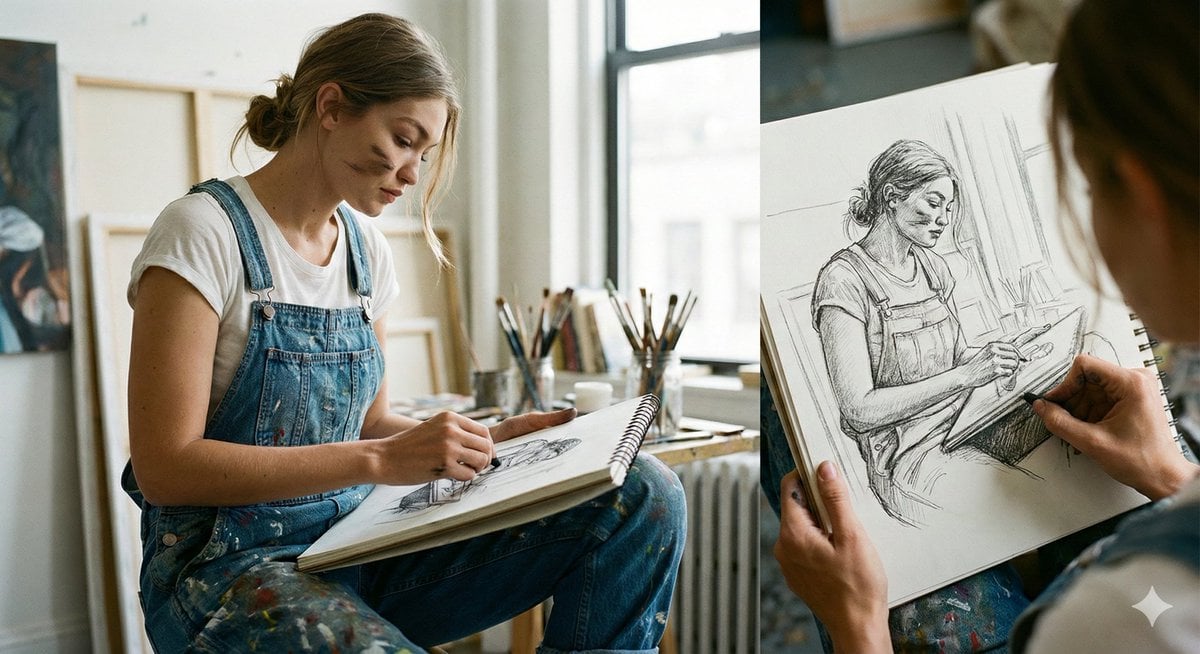
Cinematic Realism: Dual Scene Self-Portrait Concept

Cinematic Blue Hour Portrait of a Man
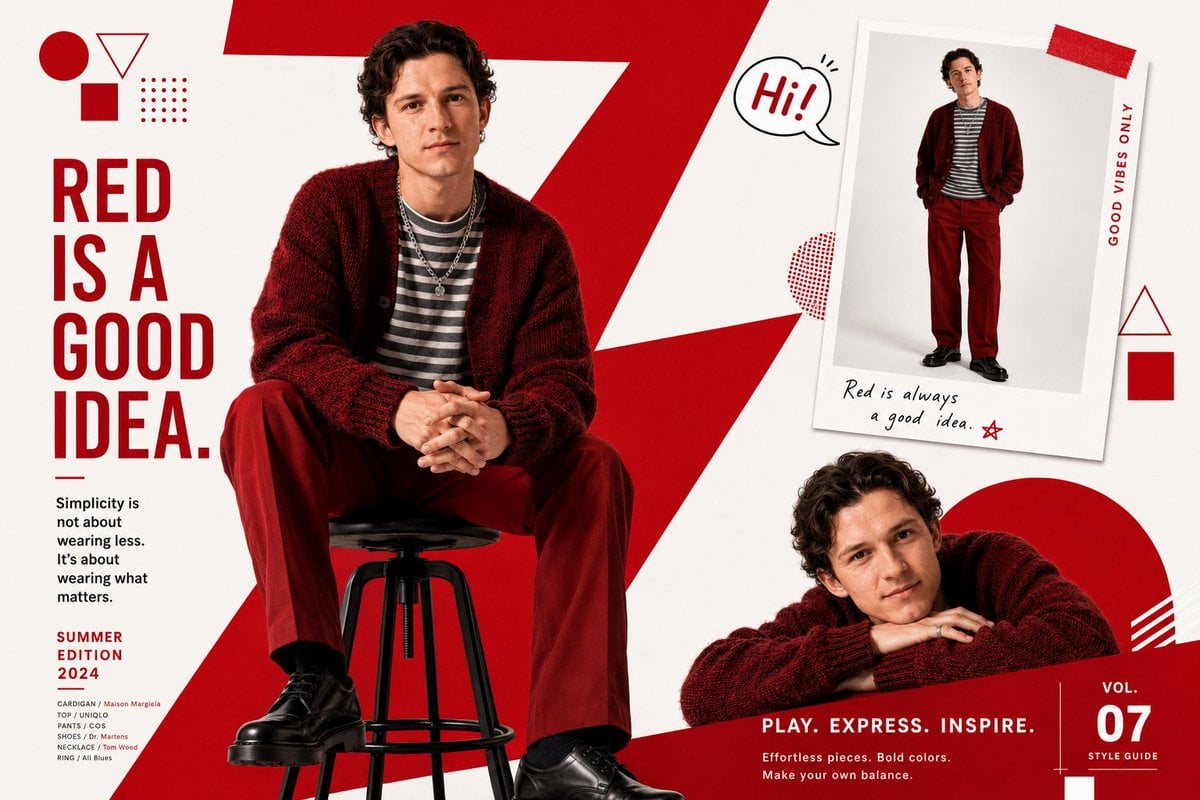
Fashion Magazine Editorial Spread

Style Modifier for 90s Cartoon Realism
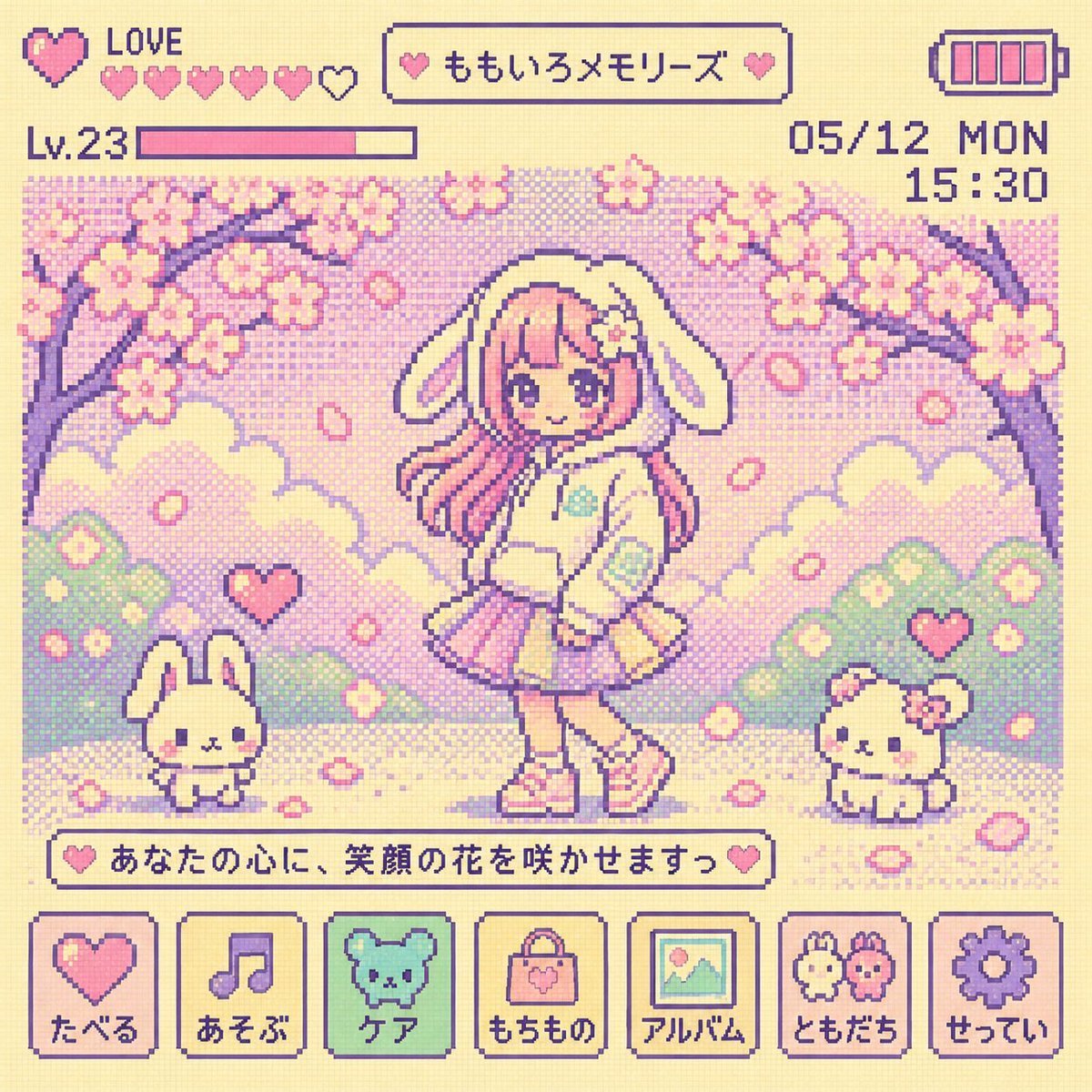
Y2K Tamagotchi LCD Filter
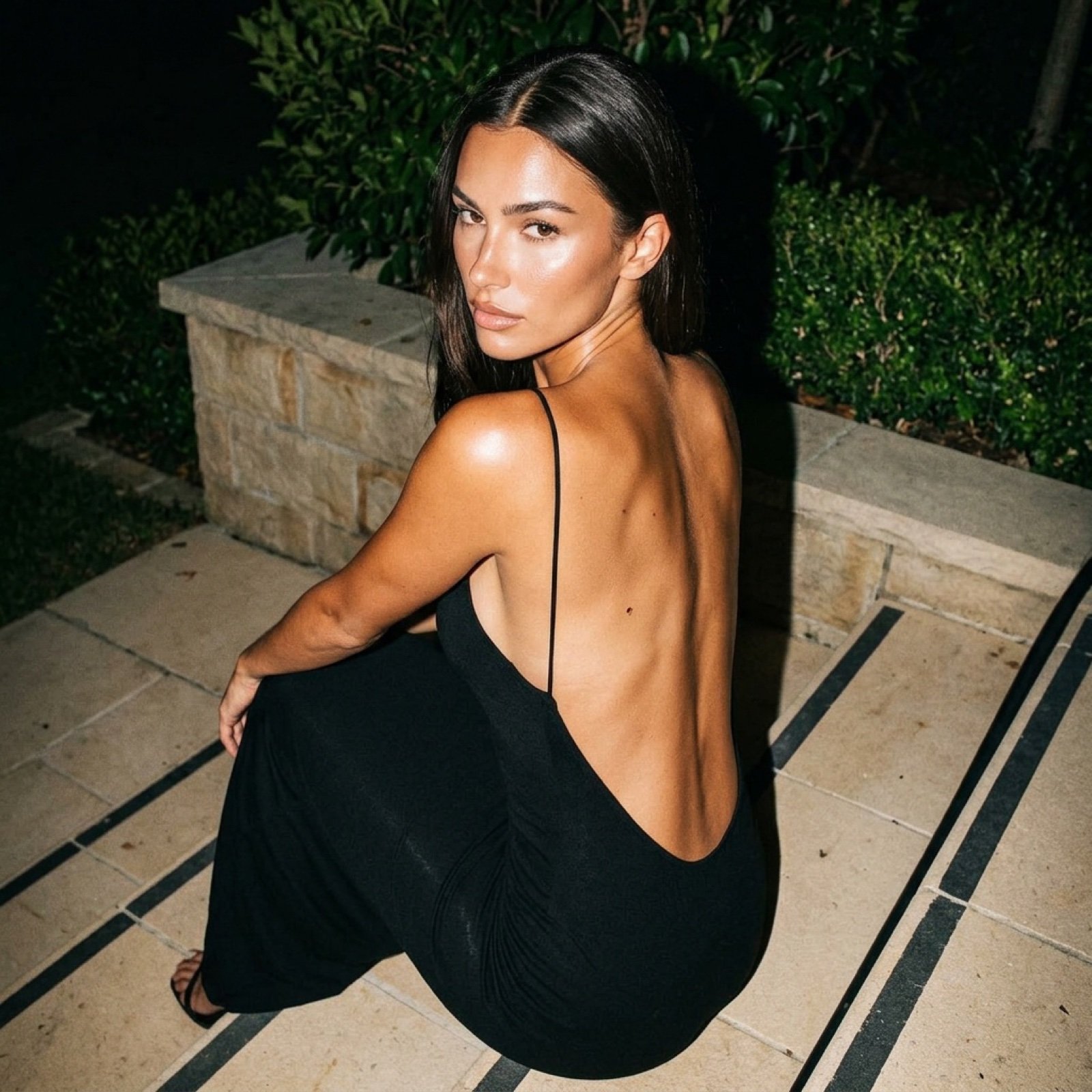
Hard Flash Backless Dress Night Photo Prompt
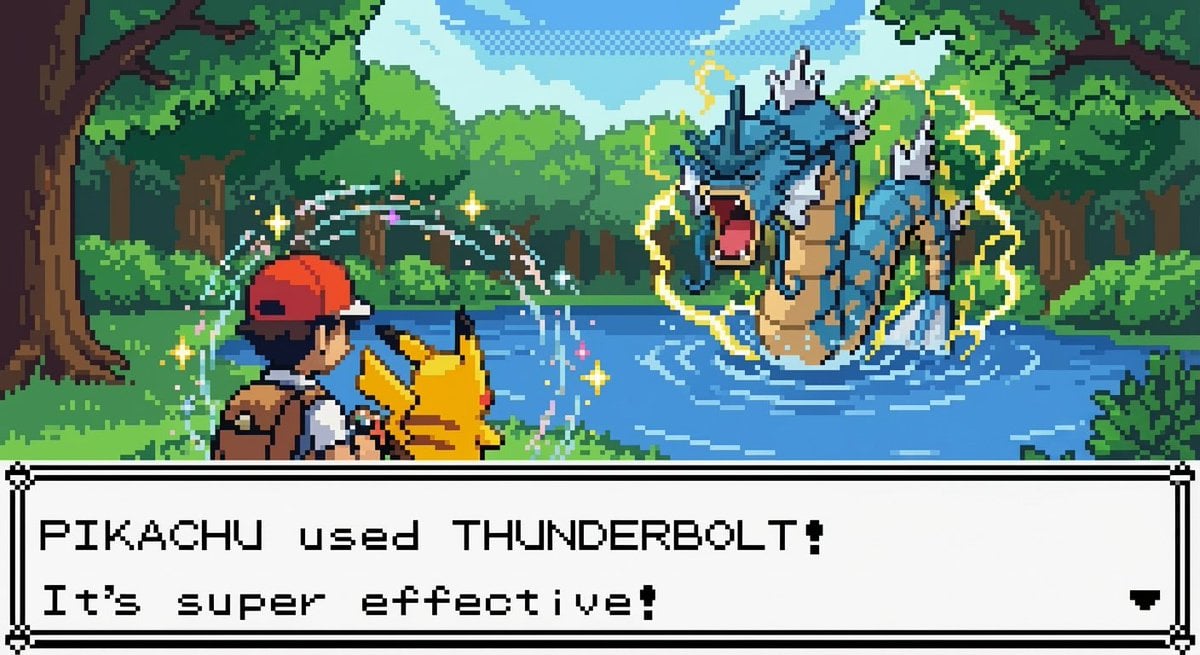
New Pokémon pixel art battle scene
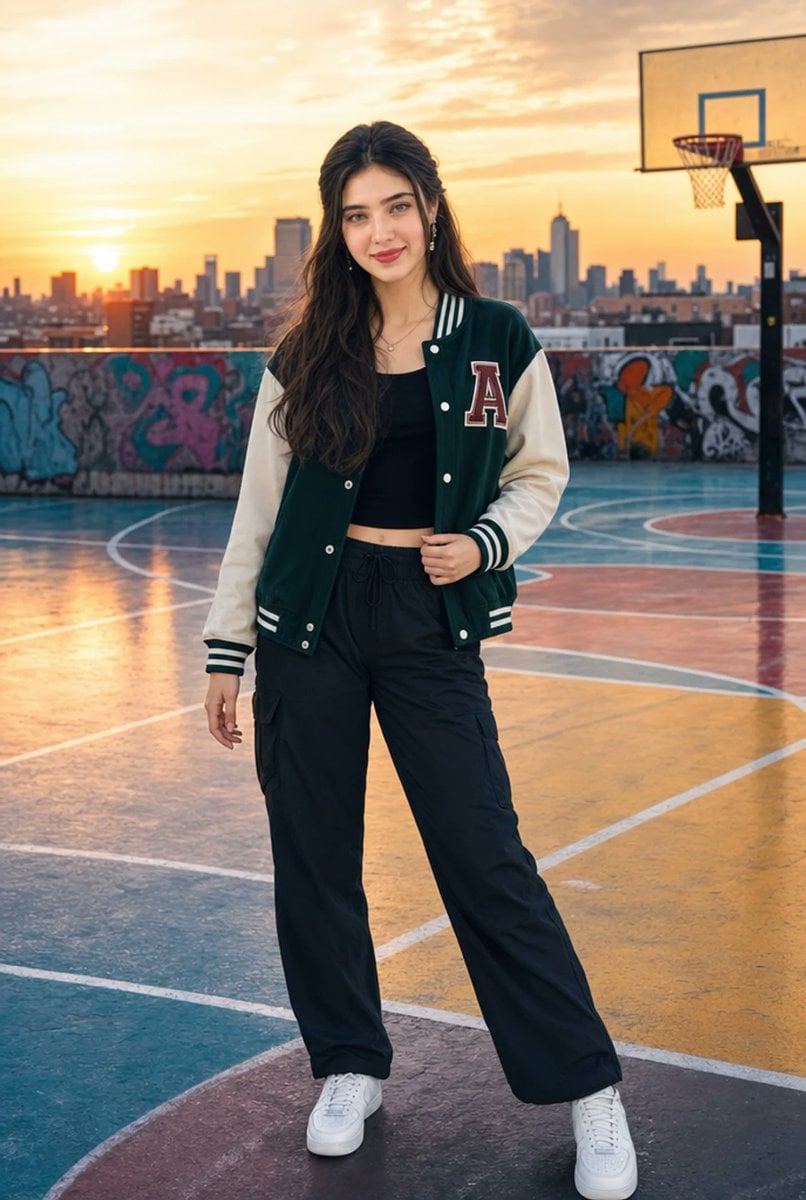
Urban Rooftop Varsity Jacket Portrait
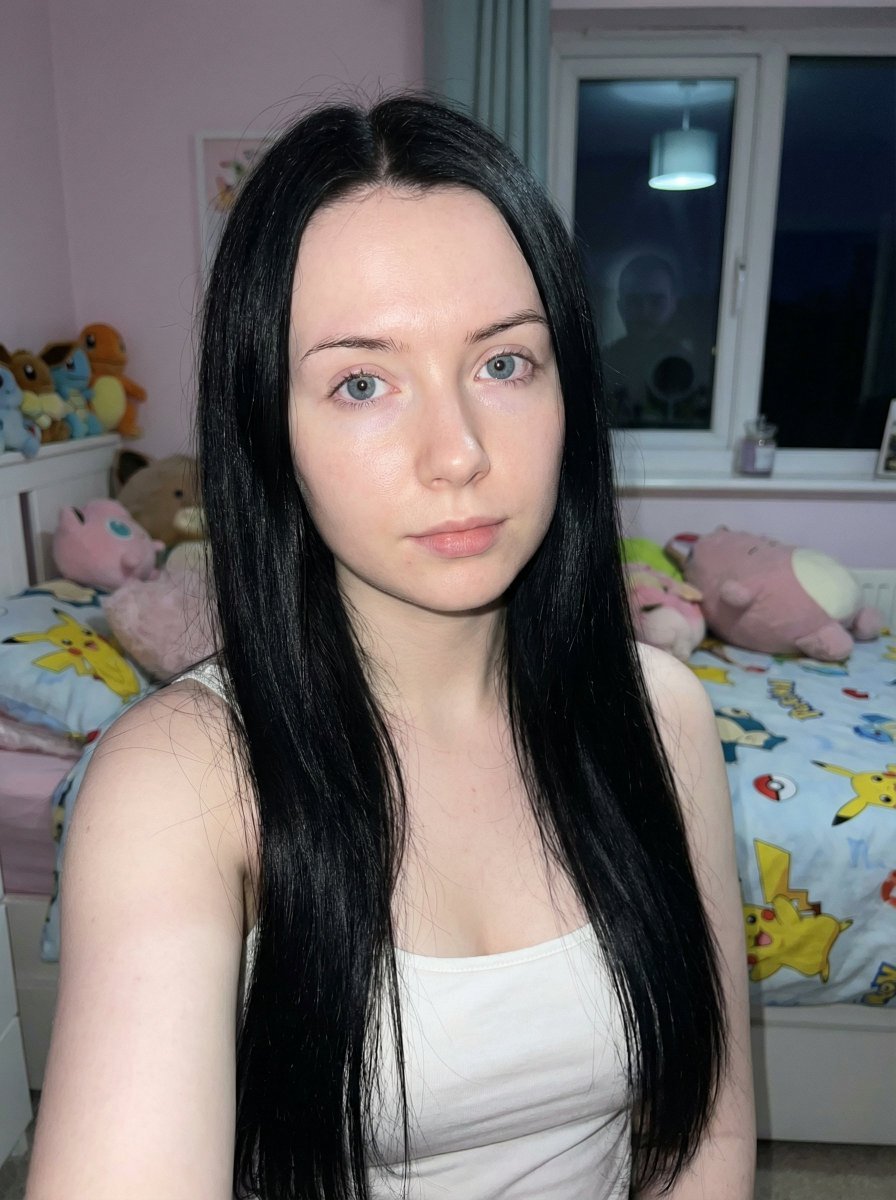
Psychological Horror Selfie with Distant Anomaly

Manga Style Brand Identity Infographic
Browse template categories
Surreal Patio Portrait with Crow and Dog questions
How do I use the Surreal Patio Portrait with Crow and Dog template?
Add your photo if the template asks for one, edit the prompt if you like — the template's model and format are already selected — and press Generate. Your version opens in PicX Studio.
Can I customize the Surreal Patio Portrait with Crow and Dog template?
Yes. You can change the subject, setting, lighting, mood, format, and available model controls before creating your image.
Is the Surreal Patio Portrait with Crow and Dog template free?
Opening and editing this template is free. Generating uses credits, shown on the Generate button when you are signed in.
Which AI model should I use?
Start with GPT Image 2, which is the model associated with this template. You can compare another compatible model for a different finish.
Looking for something else? Browse all templates.

Your photo, any look
Thousands of ready templates for every top image and video model, from one credit balance.