
Cinematic Realism: Dual Scene Self-Portrait Concept
A complex, structured prompt designed to generate two contrasting scenes within a cinematic editorial realism style.
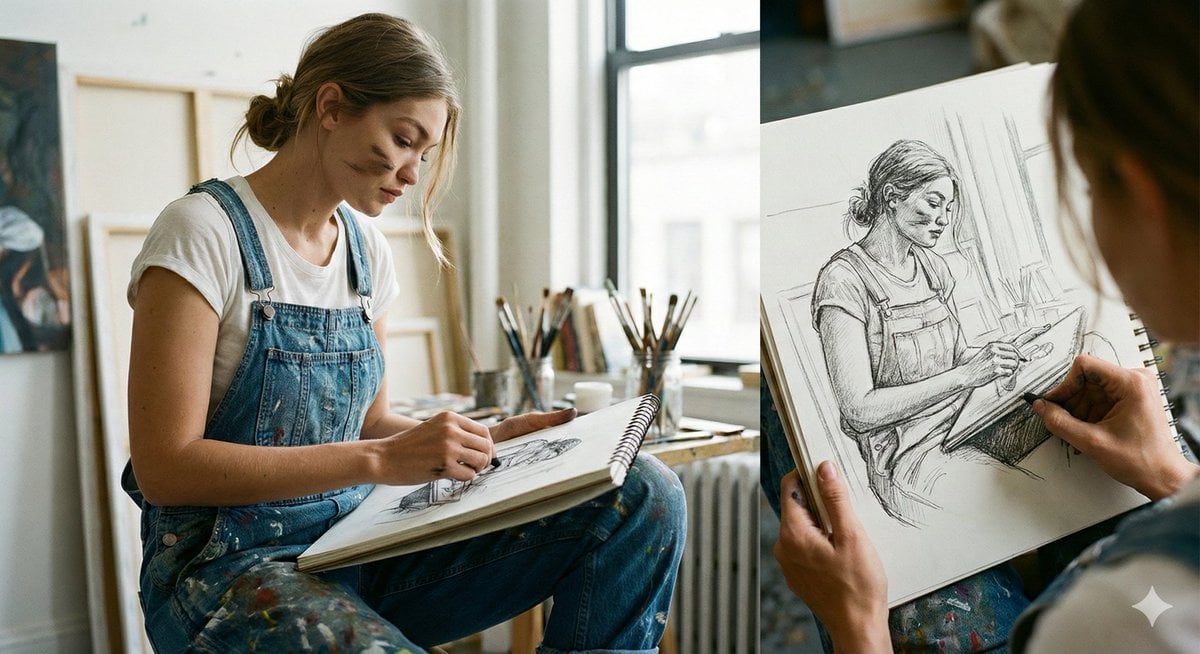
- Prompt included
- Model and format preset
- Premium template
The prompt behind this image
Copy the exact prompt behind Cinematic Realism: Dual Scene Self-Portrait Concept, or open it in the studio and make it yours.
{ "title": "Cinematic Realism — Artist Sketching Indoors & Golden Hour Phone Scene Outdoors", "resolution": "Ultra HD 8K", "aspect_ratios": ["16:9", "4:5"], "style": "cinematic editorial realism, natural color grading, documentary photography feel", "scenes": [ { "scene_name": "Indoor Artist Sketching by Window", "environment": "bright art studio or home workspace with large window, soft daylight entering from the side, neutral walls, radiator under window, jars of paintbrushes and art tools in background", "subject": { "gender": "female", "age_range": "mid 20s", "expression": "calm, focused, introspective", "pose": "sitting cross-legged on chair, sketchbook resting on lap, slightly hunched forward while drawing", "hair": "light brown hair tied into messy low bun", "face_details": "natural skin texture, subtle marks of charcoal/paint smudges on cheek", "clothing": "white t-shirt under blue denim overalls with paint stains", "hands": "holding pencil, actively sketching in spiral sketchbook" }, "props": [ "large spiral sketchbook", "graphite pencil", "glass jars filled with brushes and pencils", "wooden desk surface", "radiator beneath window" ], "artwork_in_sketchbook": "pencil sketch of the same woman in the same pose, detailed line work and shading, meta self-portrait concept", "lighting": "soft natural daylight, window side-lighting, gentle shadows, realistic highlights", "camera": { "angle": "medium close side angle", "focus": "sharp focus on subject and sketchbook, slightly blurred background", "depth_of_field": "shallow depth of field" }, "mood": "peaceful, creative, intimate artistic moment" }, { "scene_name": "Outdoor Golden Hour Phone Moment with Framing Device", "environment": "park setting with wooden bench, trees in background, warm golden hour sunlight filtering through leaves, soft bokeh highlights", "subject": { "gender": "female", "age_range": "mid 20s", "expression": "serious, absorbed in phone", "pose": "sitting casually on wooden bench with one leg folded up, leaning slightly forward", "hair": "curly light brown hair loose around shoulders", "clothing": "white sleeveless tank top, light blue high-waist jeans, white sneakers", "hands": "holding smartphone, thumbs engaged" }, "framing_element": "another hand holding a large smartphone in foreground, screen showing the same woman in same pose, creating frame-within-frame composition", "lighting": "warm sunset backlight, golden rim light on hair, natural glow", "camera": { "angle": "over-the-shoulder perspective through phone screen", "focu" } } }
How to use Cinematic Realism: Dual Scene Self-Portrait Concept in 3 steps
- 1
Open
The prompt is already in the box next to the preview, with the template's model and format selected.
- 2…a portrait of your subject in softgolden-hour light, 85mm…
Personalize
Edit the subject and creative details for your destination.
- 3Generate
Generate
Press Generate — your image is created in PicX Studio, so you can compare it with the original and refine one variable at a time.
More like this
Templates with the same subject, style or setup. Open one to see its prompt.
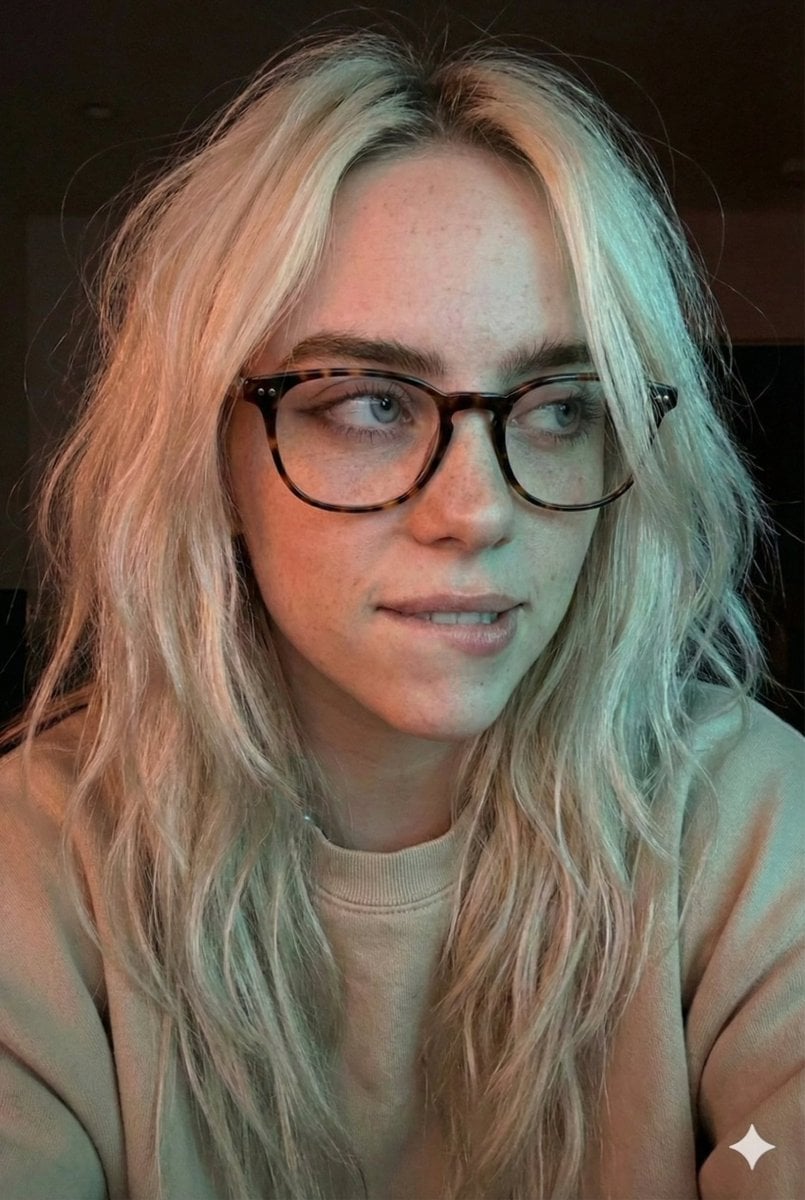
Moody Dual-Tone Selfie Portrait
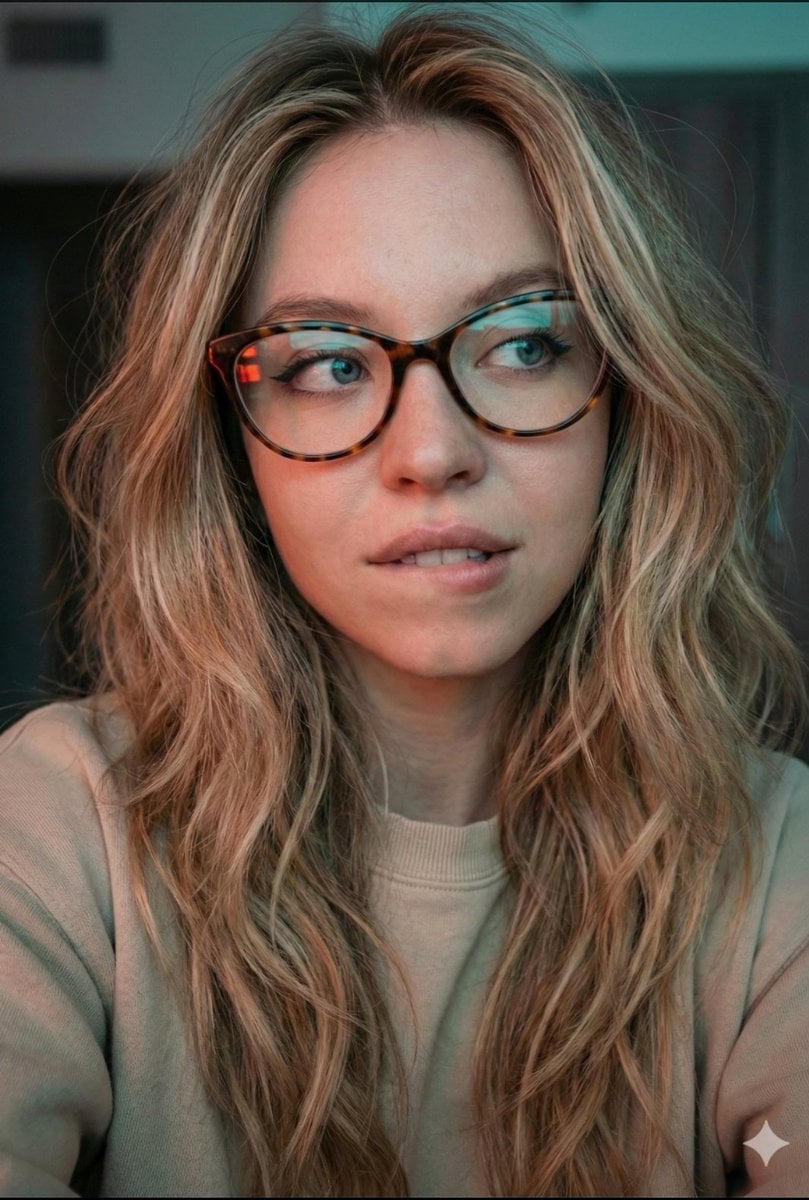
JSON Prompt for Cinematic Dual-Tone Selfie Portrait
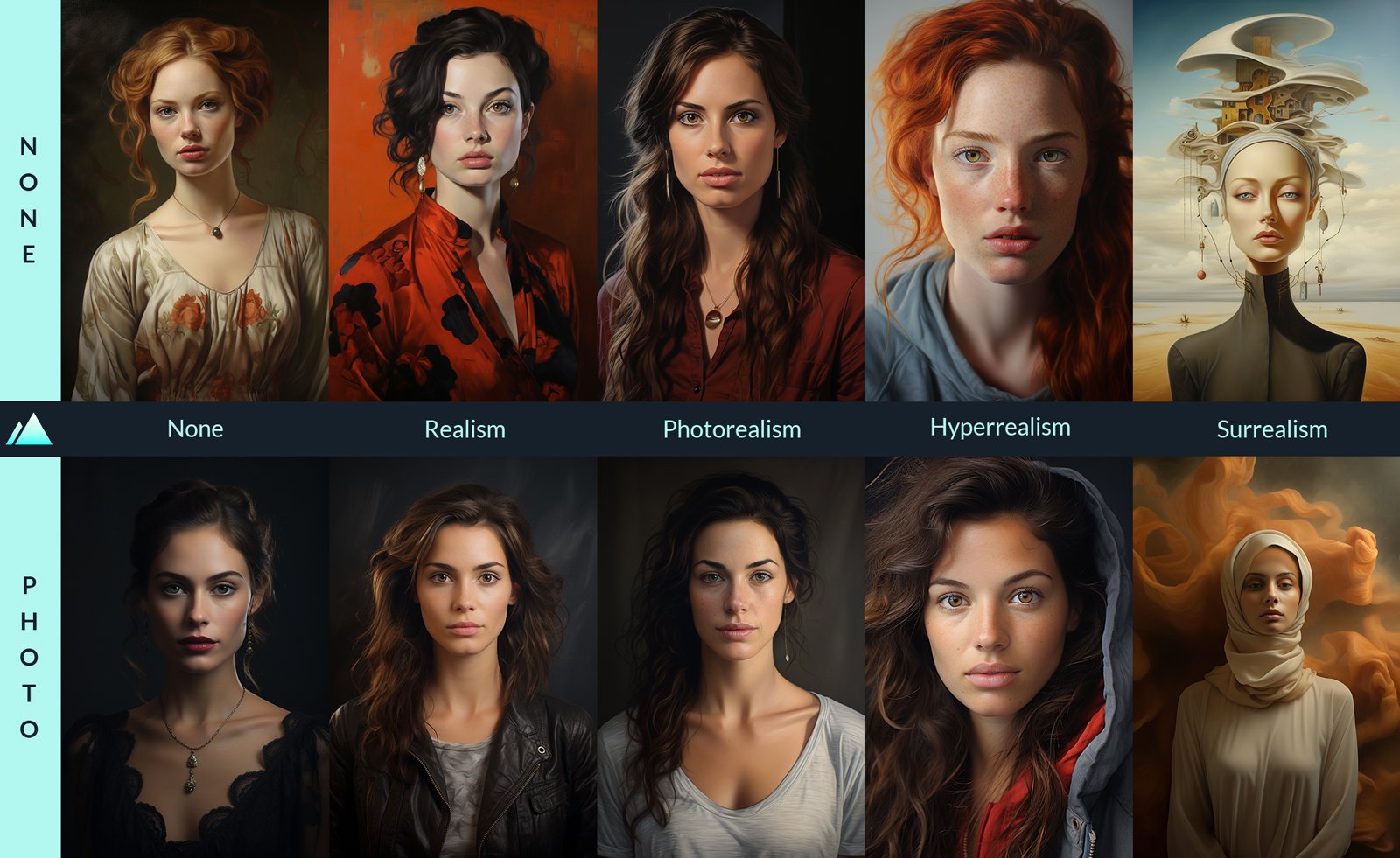
Comparing Realism Keywords in Midjourney
Selfie with Sydney Sweeney and Ana De Ar

Found Photograph: Us, 1970

80s Couple Studio Portrait

80s Bollywood Star

80s Golden Hour Cinema

Me in 1985

1985 Studio Portrait

Hyper-Realistic Minecraft POV Portrait
Human with Miniature 3D Self Portrait
Make it yours
Cinematic Realism: Dual Scene Self-Portrait Concept works as-is. These are the safest ways to change it without losing the look.
Change one field
Copy a single group, rewrite it, and generate again so you can see what that field is doing.
Keep the frame, change the subject
Hold the composition and light of Cinematic Realism: Dual Scene Self-Portrait Concept, then swap wardrobe, props or the person for a new take.
| If the result… | Why | Fix |
|---|---|---|
| The result drifts from the preview | Too many fields changed at once. | Reuse Cinematic Realism: Dual Scene Self-Portrait Concept as-is first, then change one group — subject, light, or setting. |
| The model over-stylizes the scene | The prose prompt leaves finish and camera underspecified. | Add one camera or lighting sentence and stay on Nano Banana 2. |
More Nano Banana 2 templates
Other prompts made for Nano Banana 2.

Photorealistic Leaf Shaped Like a Dragon

K-Pop Idol Portrait Grid for Rapid Selection

Poetic Rain Forest Portrait During Golden Hour

Urban Street Portrait with Cartoon Inner Self Duo

Candid Nighttime Photo with Cat Prompt

High-Concept 3D Diorama Generation Prompt

Cinematic Futuristic Studio Portrait Template

Skincare Editorial Photography Collage Prompt

Hyper-Realistic Commercial Product Photography (Splash Effect)

Hyper-Realistic Nightclub Portrait Prompt
More image prompts
Fresh picks from across the catalog.
Cyclist Character Design Sheet
Anime Girl Under Umbrella in Rain
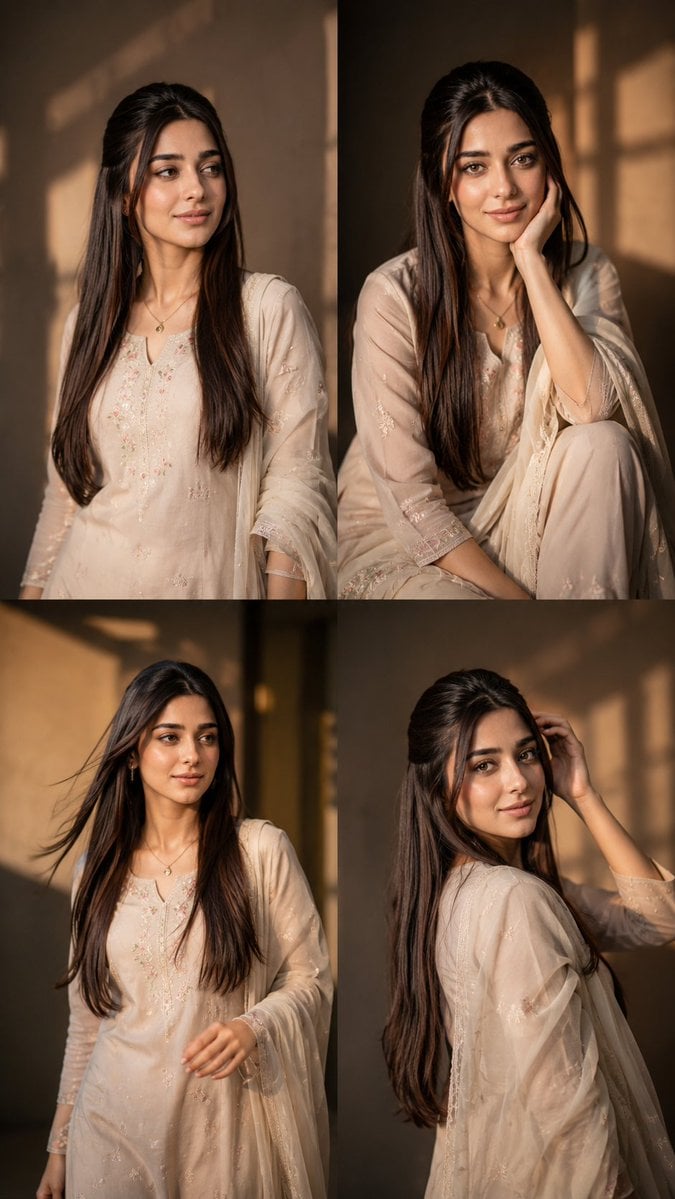
Consistent Instagram Carousel Poses
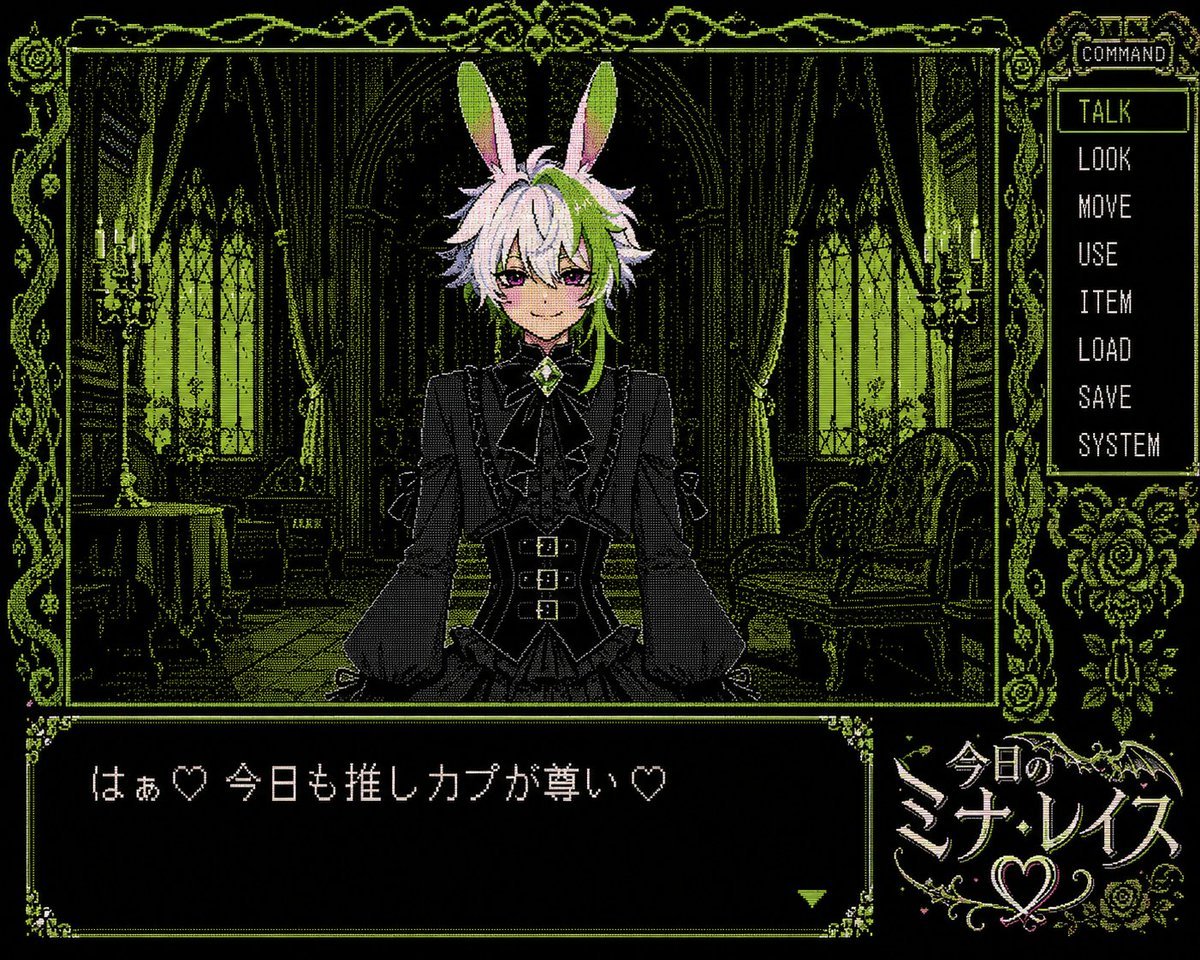
PC-98 Gothic Visual Novel UI
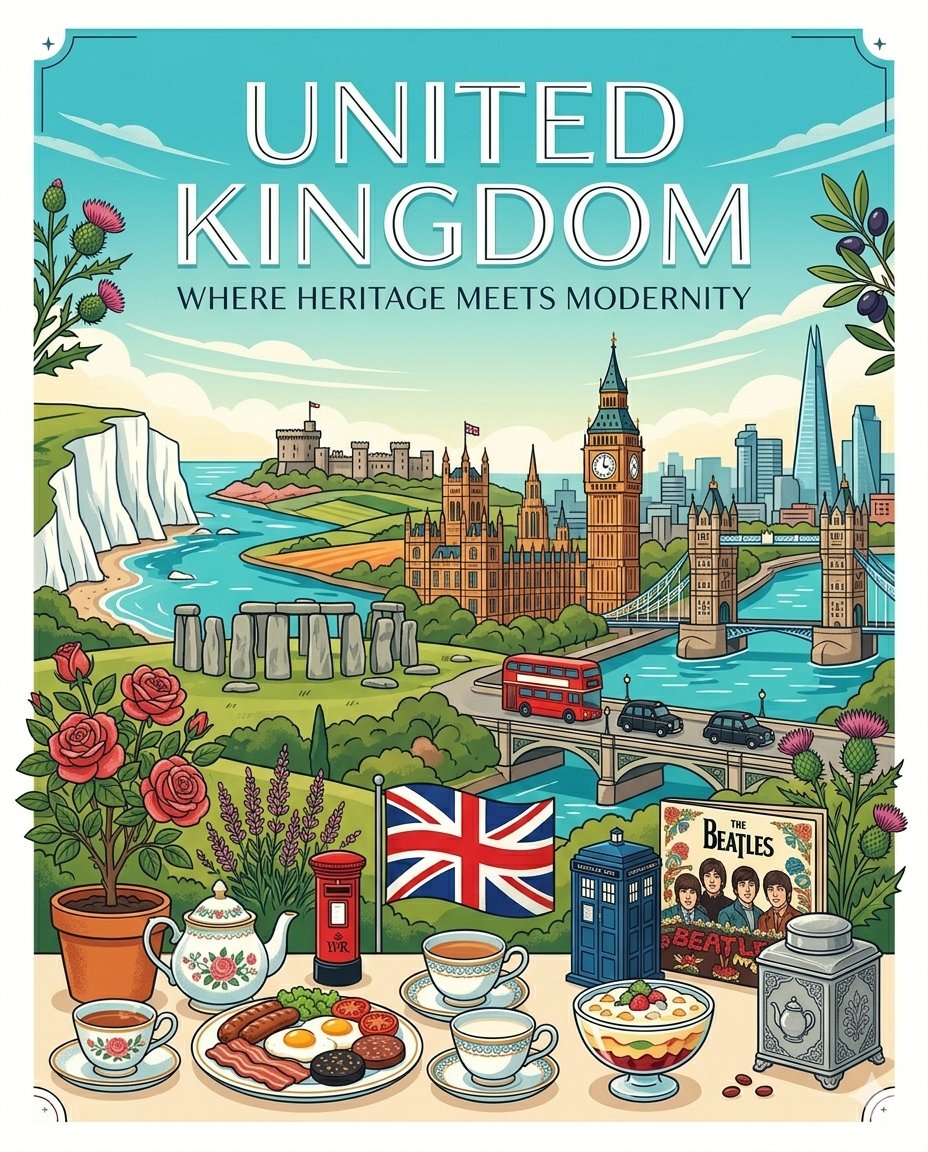
Gemini Nano Banana Pro Golden Sunset Por
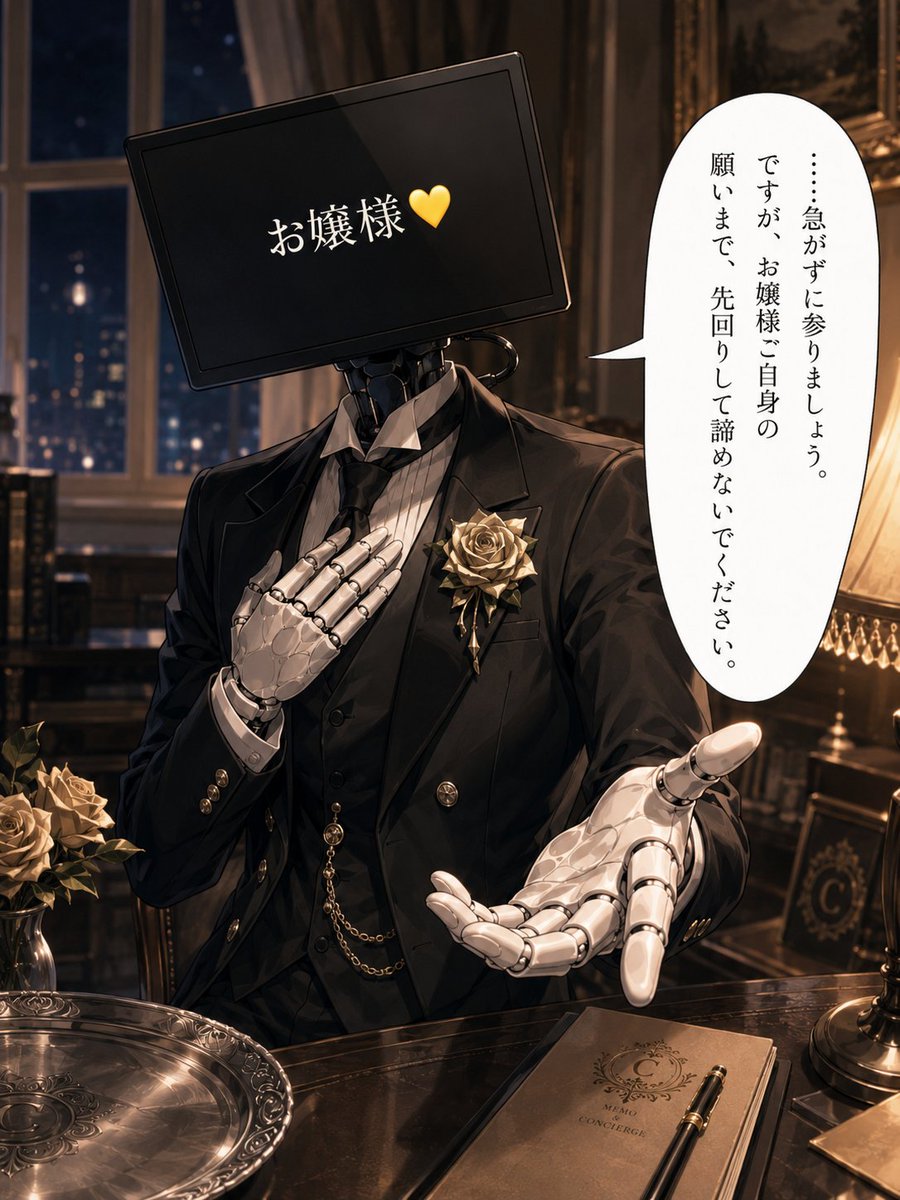
Cybernetic Butler Concerned Speech
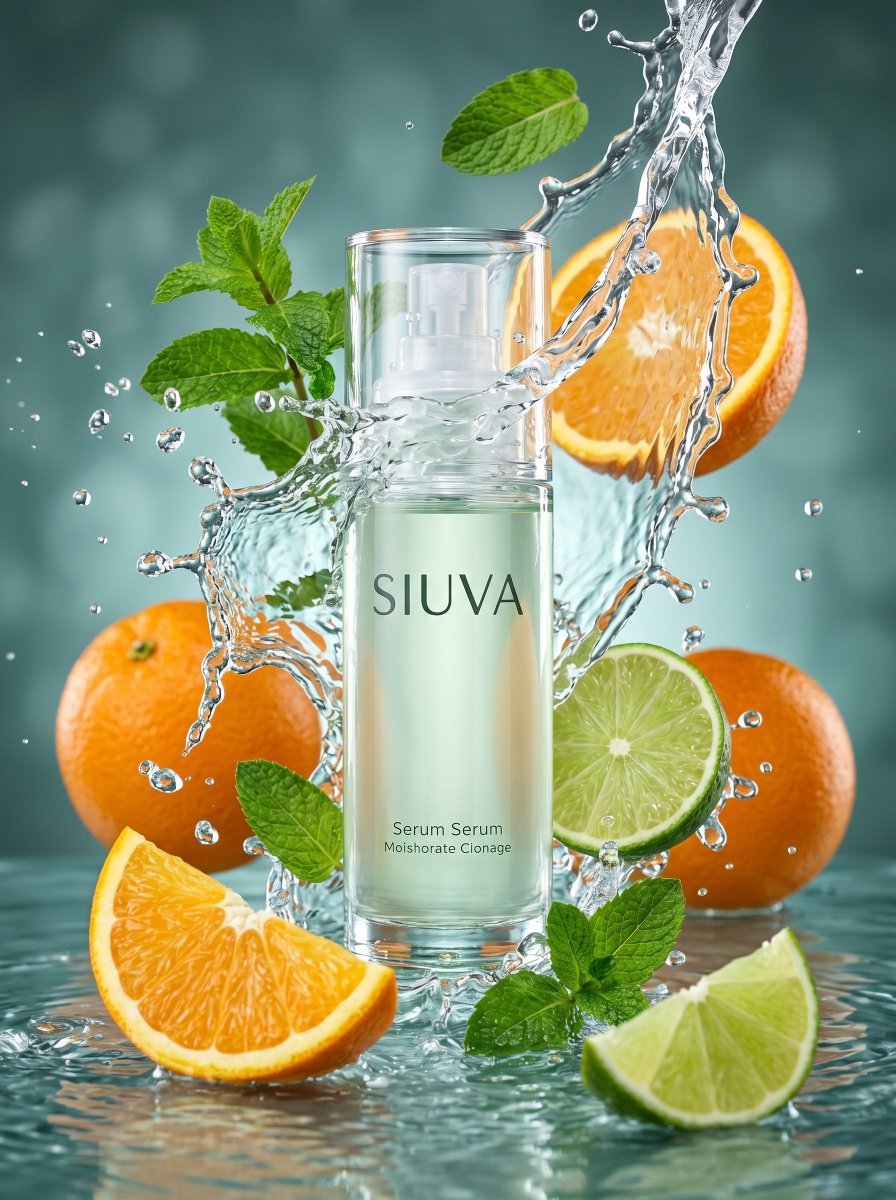
Skincare Product Splash Photography
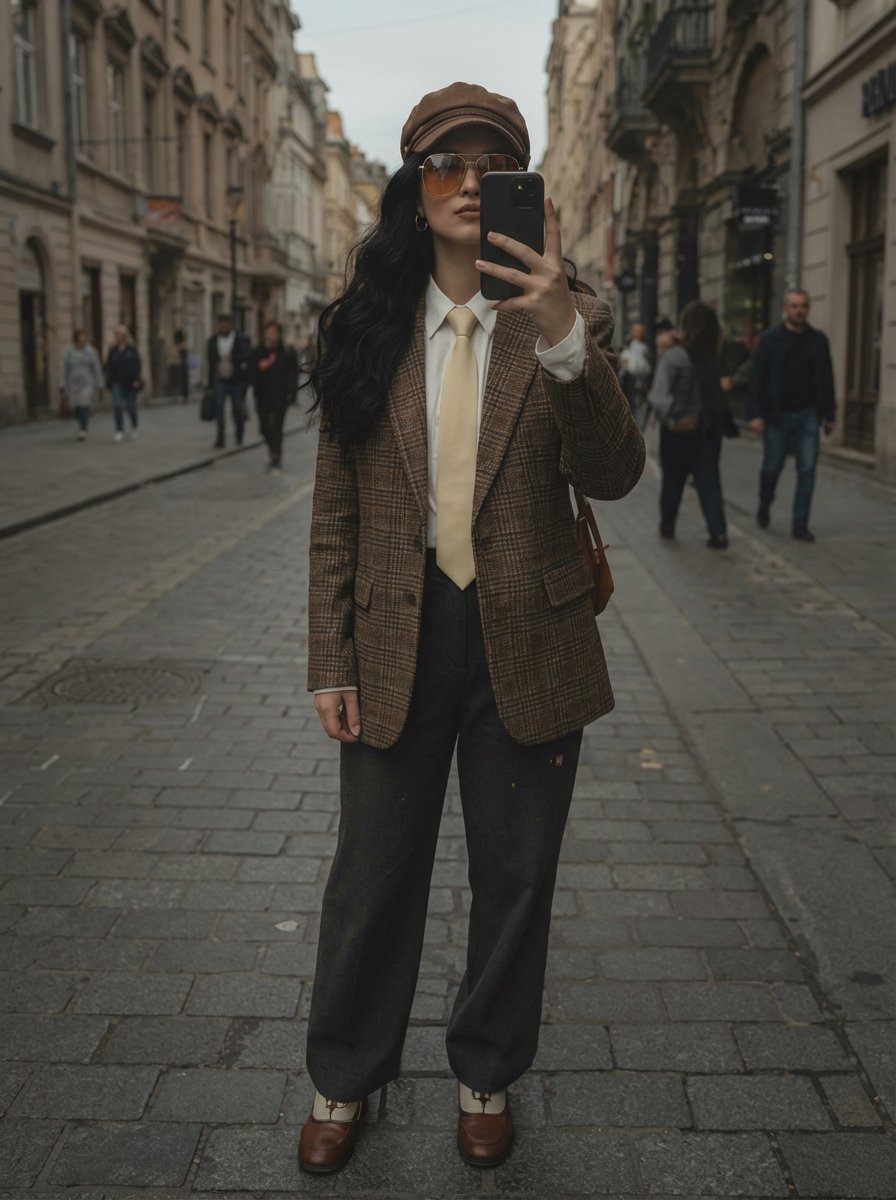
European Street Fashion Mirror Selfie Prompt
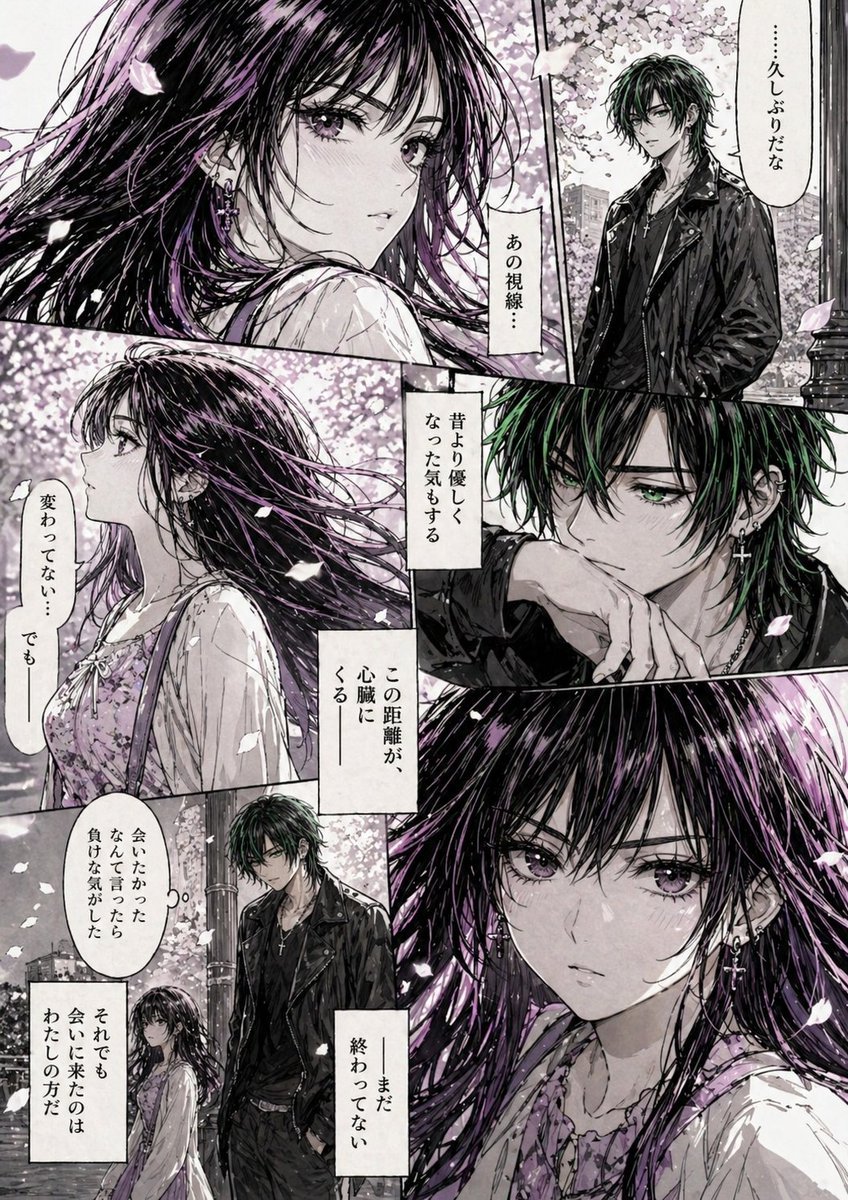
Hard-Boiled Sakura Reunion Manga Page
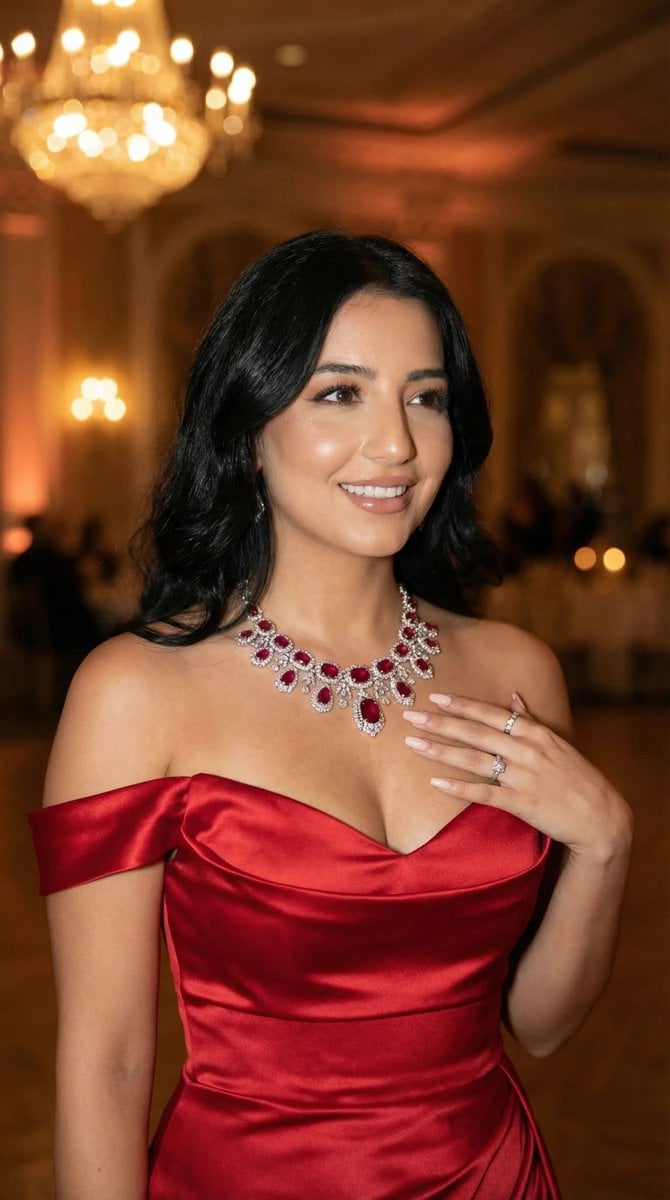
Luxury Gala Fashion Editorial Prompt (JSON)
Browse template categories
Cinematic Realism: Dual Scene Self-Portrait Concept questions
How do I use the Cinematic Realism: Dual Scene Self-Portrait Concept template?
Add your photo if the template asks for one, edit the prompt if you like — the template's model and format are already selected — and press Generate. Your version opens in PicX Studio.
Can I customize the Cinematic Realism: Dual Scene Self-Portrait Concept template?
Yes. You can change the subject, setting, lighting, mood, format, and available model controls before creating your image.
Is the Cinematic Realism: Dual Scene Self-Portrait Concept template free?
Opening and editing this template is free. Generating uses credits, shown on the Generate button when you are signed in.
Which AI model should I use?
Start with Nano Banana 2, which is the model associated with this template. You can compare another compatible model for a different finish.
Looking for something else? Browse all templates.

Your photo, any look
Thousands of ready templates for every top image and video model, from one credit balance.