
Consistent Instagram Carousel Poses
A prompt for generating a 4-grid Instagram carousel while maintaining high facial consistency from a reference image, featuring diverse fashion poses.
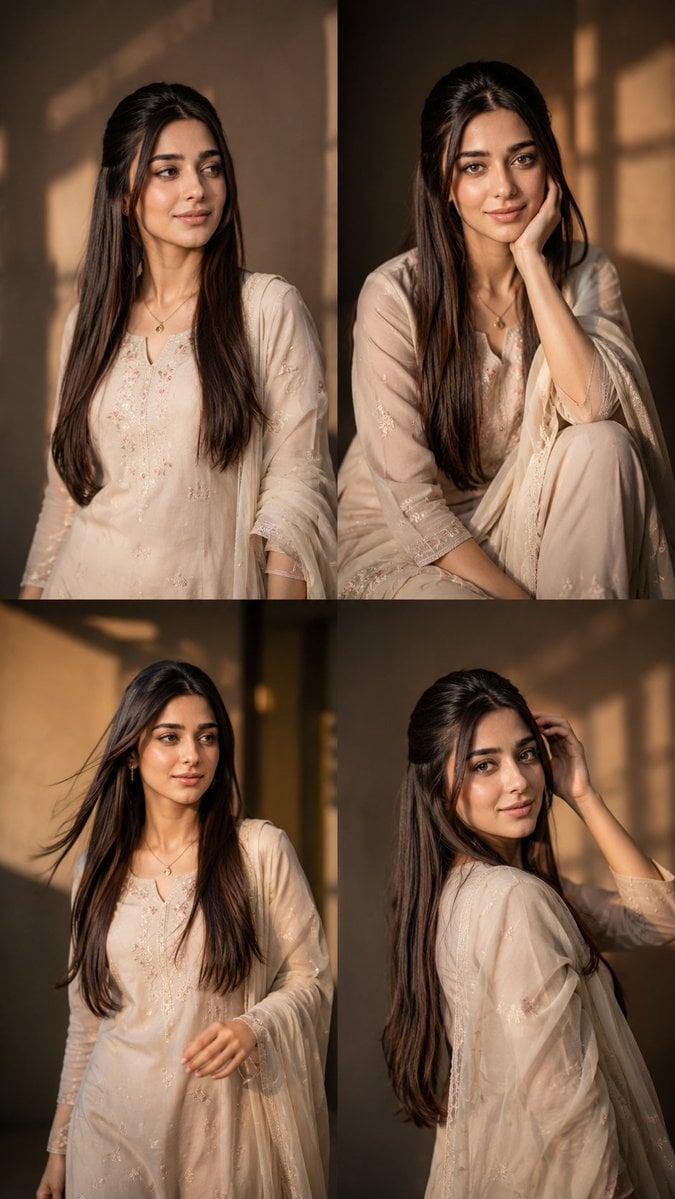
- Prompt included
- Model and format preset
- Free template
The prompt behind this image
Copy the exact prompt behind Consistent Instagram Carousel Poses, or open it in the studio and make it yours.
Create a highly realistic 4-grid Instagram carousel featuring the SAME exact girl from the uploaded image. Analyze the uploaded image carefully and preserve the exact same aesthetic vibe, environment, lighting, mood, camera quality, outfit styling, hairstyle, accessories, and overall cinematic feel. Generate 4 DIFFERENT stylish poses that naturally match the uploaded image’s location and atmosphere, as if they were captured during the same photoshoot session. Maintain IDENTICAL facial features in all 4 frames with maximum face consistency. Preserve the exact same eyes, nose, lips, jawline, skin texture, hairstyle, hair color, body proportions, outfit details, accessories, and natural expression style from the uploaded image. The face must remain ultra realistic, sharp, detailed, and naturally human with no AI distortion or facial changes. 4 DIFFERENT POSES: 1st frame: confident standing pose looking away naturally with relaxed posture 2nd frame: candid sitting pose with soft expression and natural hand placement 3rd frame: walking or movement pose with cinematic candid energy 4th frame: over-shoulder or hair-touching pose with {argument name="aesthetic style" default="Pinterest / Gen-Z"} aesthetic Each frame should have: different body posture different hand placement different camera composition different candid expression different aesthetic energy while still matching the original image vibe perfectly. Luxury influencer aesthetic, cinematic photography, realistic shadows, realistic hands, natural anatomy, DSLR quality, shallow depth of field, warm cinematic color grading, premium Instagram aesthetic, editorial fashion photography vibe, ultra detailed skin texture, realistic hair strands, photorealistic 8k. The final output should look like an authentic 4-photo carousel from the same aesthetic photoshoot with smooth visual consistency between all frames aspect ratio {argument name="aspect ratio" default="9:16"}
How to use Consistent Instagram Carousel Poses in 3 steps
- 1Upload ImagePNG, JPG or paste
Add your photo
Upload the photo the template builds on. The prompt, model and format are already set.
- 2…a portrait of your subject in softgolden-hour light, 85mm…
Personalize
Edit the subject and creative details for your destination.
- 3Generate
Generate
Press Generate — your image is created in PicX Studio, so you can compare it with the original and refine one variable at a time.
More like this
Templates with the same subject, style or setup. Open one to see its prompt.

Mirror Selfie Chibi Characters Pixar Style

Eid al-Adha Cute Chaos — Fisheye Selfie with Farm Selfie, Mosque & Animals

Gen Z Triple Selfie Collage — Y2K Flash Photography
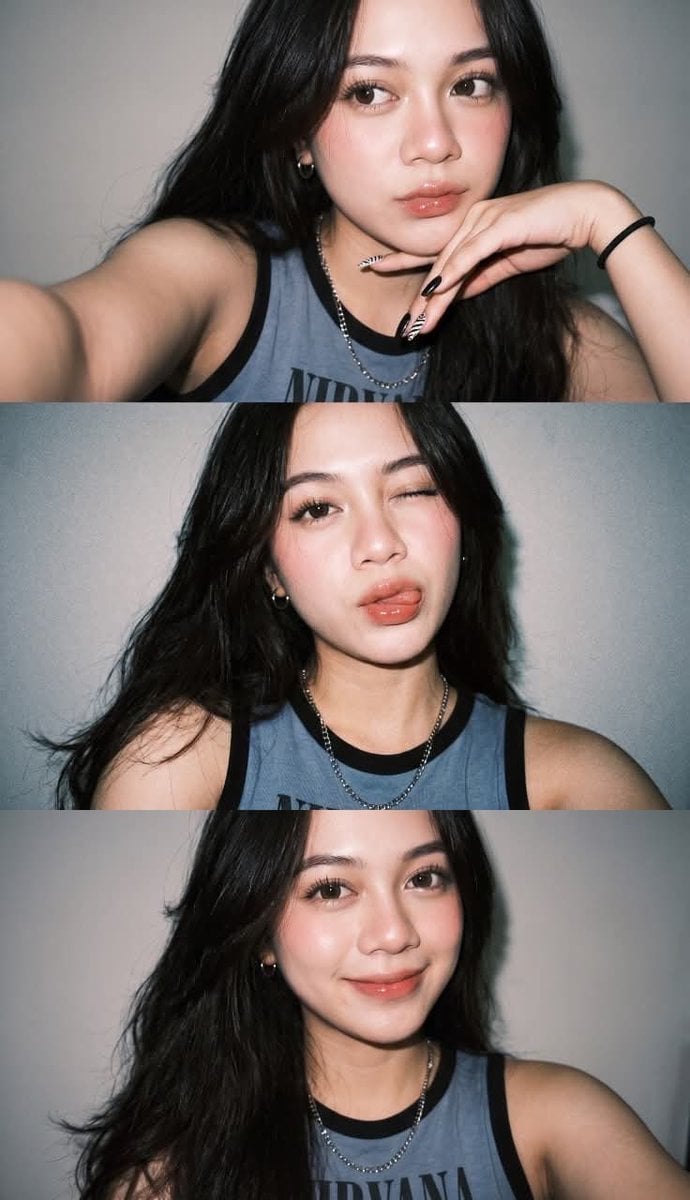
Gen Z Flash Selfie Triple Collage

Cozy Food Flat Lay Doodle Labels

Movement Sheet - Dance Reference (Seedance 2.0)

Paris Travel Collage Grid - Face Reference
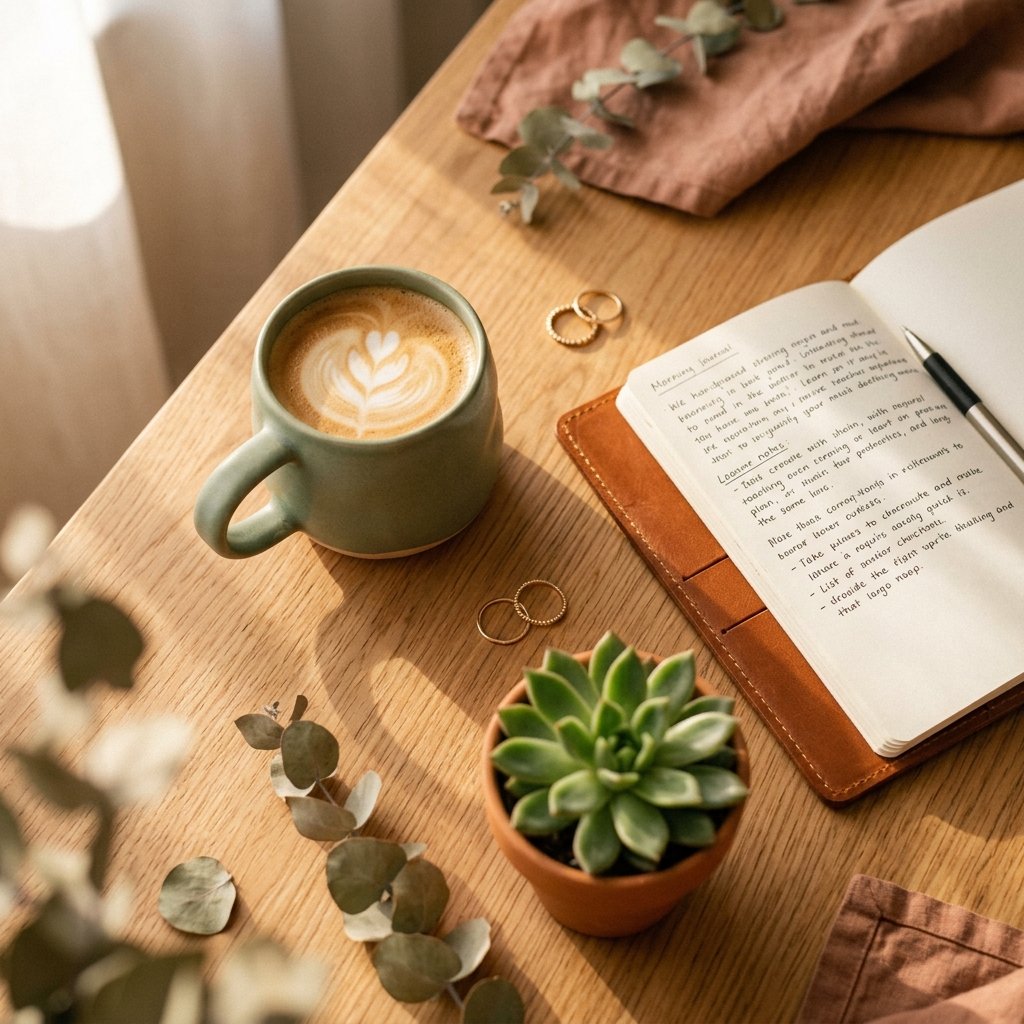
Instagram Feed Grid
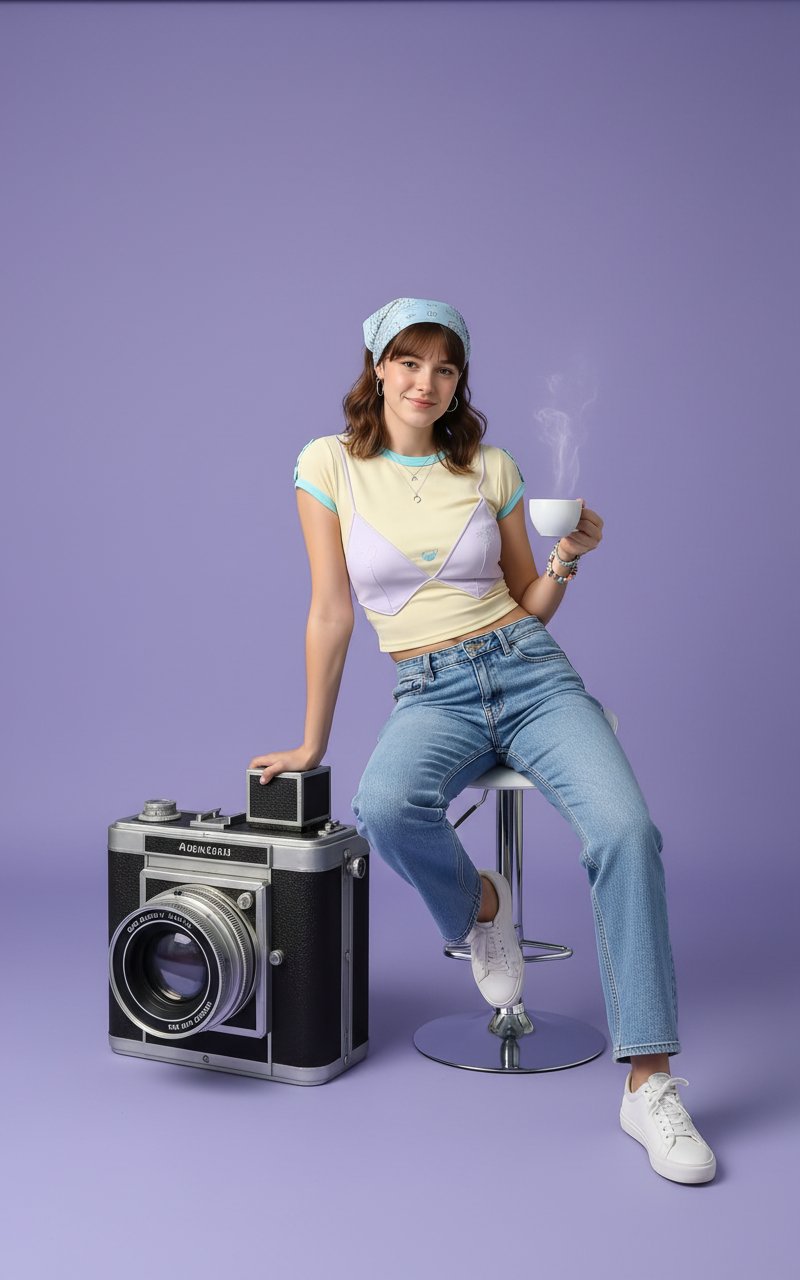
Photoshoot
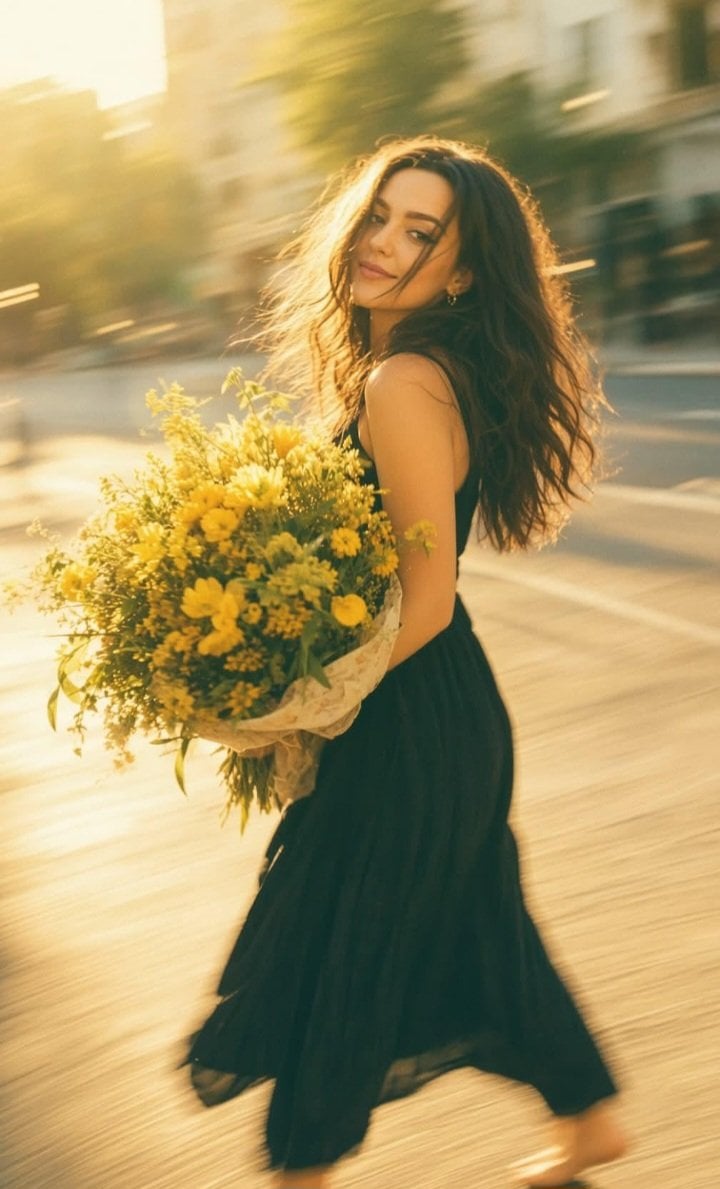
Consistent Series Character Street Snapshot
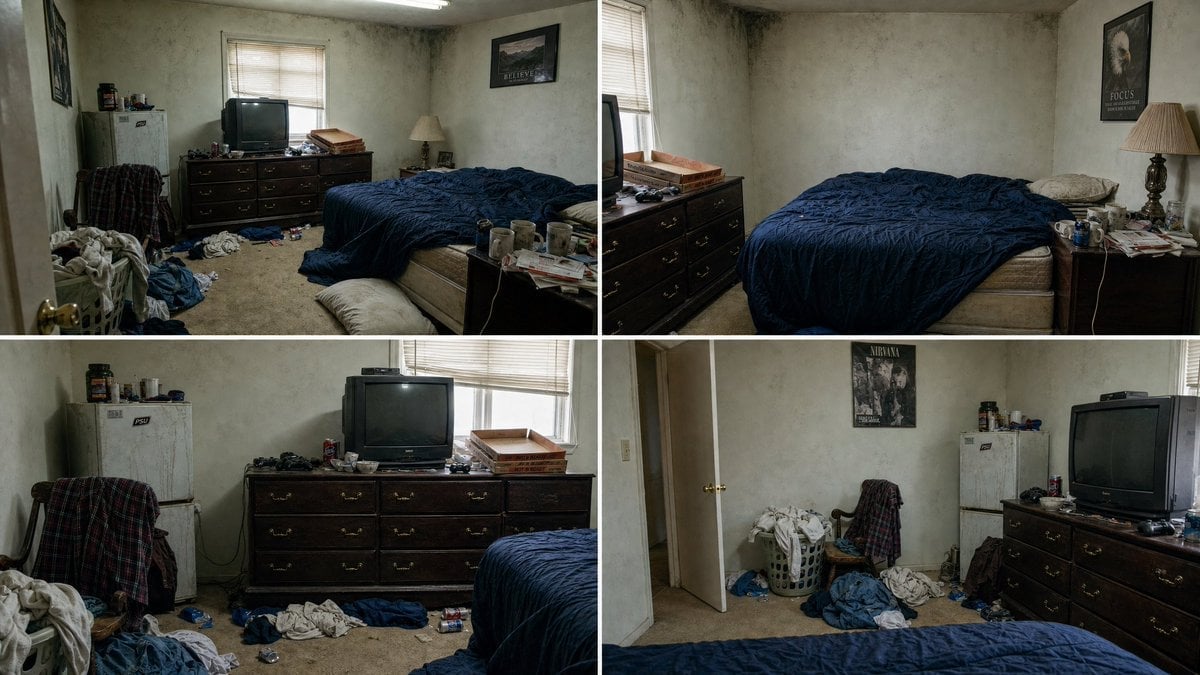
Multi-Angle Consistent Interior Room Grid
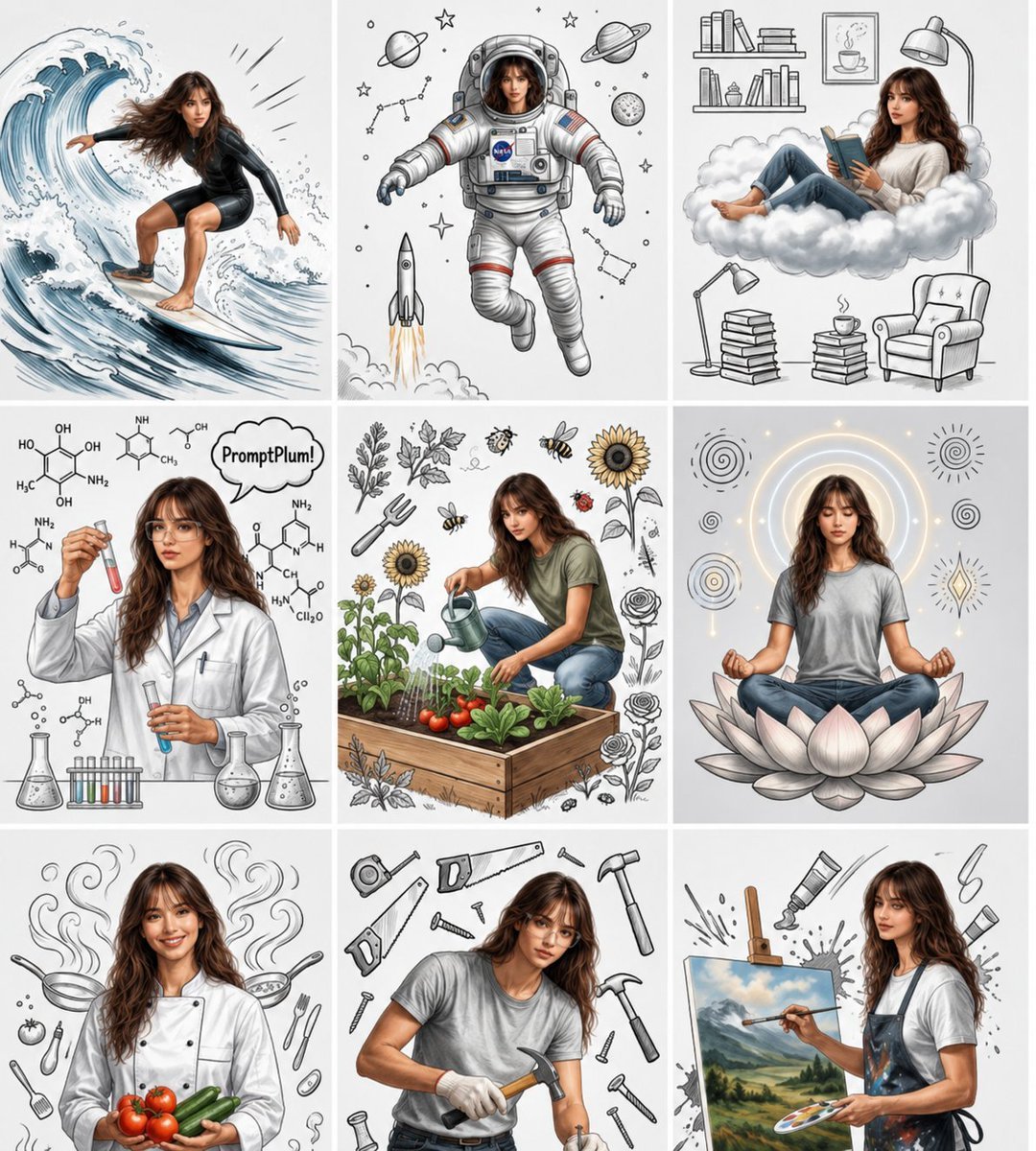
Consistent Character Nine-Panel Illustration Collage
Make it yours
Consistent Instagram Carousel Poses works as-is. These are the safest ways to change it without losing the look.
Change one field
Copy a single group, rewrite it, and generate again so you can see what that field is doing.
Keep the frame, change the subject
Hold the composition and light of Consistent Instagram Carousel Poses, then swap wardrobe, props or the person for a new take.
| If the result… | Why | Fix |
|---|---|---|
| The result drifts from the preview | Too many fields changed at once. | Reuse Consistent Instagram Carousel Poses as-is first, then change one group — subject, light, or setting. |
| The model over-stylizes the scene | The prose prompt leaves finish and camera underspecified. | Add one camera or lighting sentence and stay on GPT Image 2. |
More GPT Image 2 templates
Other prompts made for GPT Image 2.

Six VTuber Japanese Logo Sheet

Realistic Portrait of Woman and Deer

The Vista Modular Condo Poster

AI Model Routing Comparison Infographic

2.5D Anime Art Board

Isometric Productivity Desk Scene

New York Double Exposure Poster

Four-Panel AI Landscape Comparison

Japanese Tatami Lifestyle Magazine Cover

NESCAFÉ Coffee Map Poster
More image prompts
Fresh picks from across the catalog.
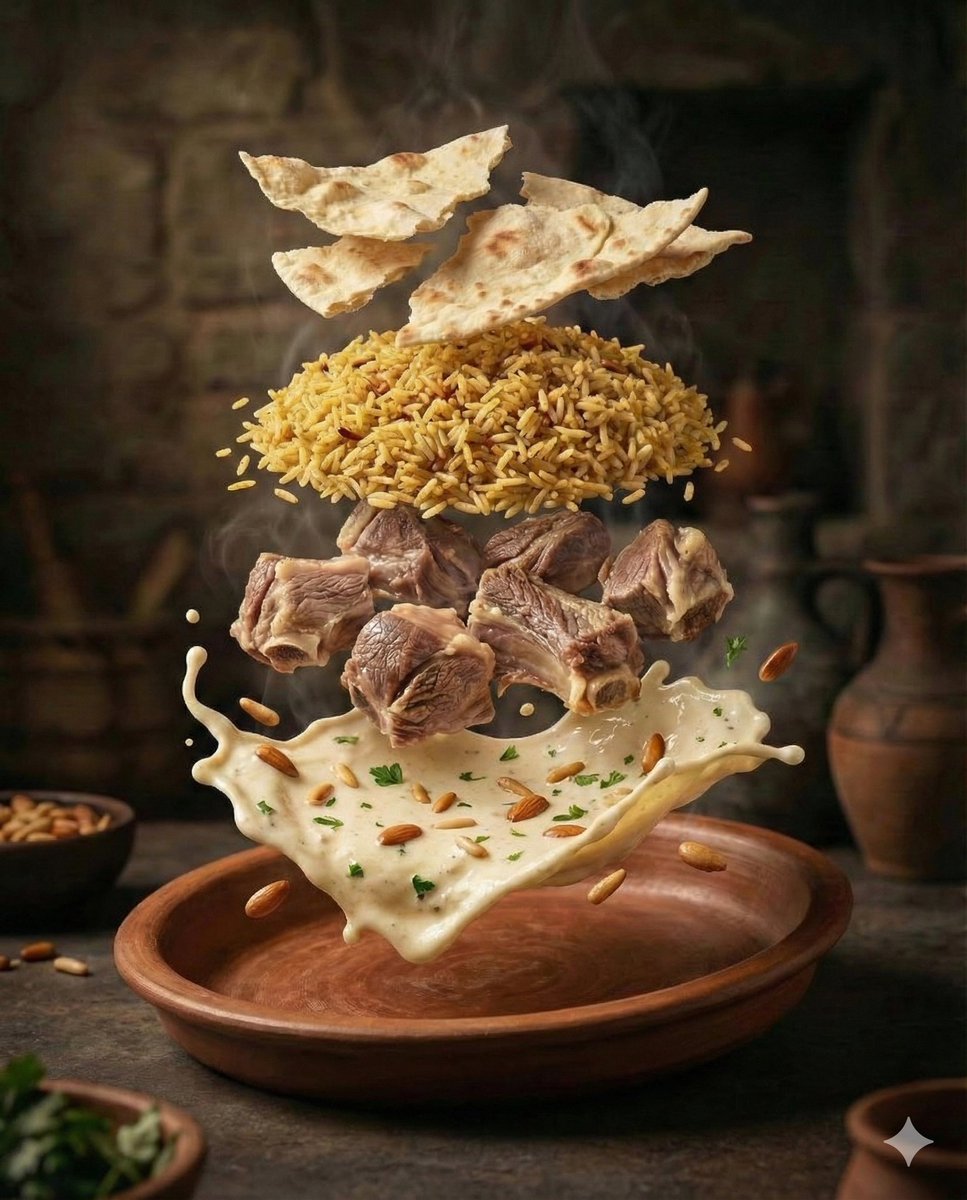
Cinematic Food Photography of Deconstructed Middle Eastern Cuisine

Fictional Music CD Jacket
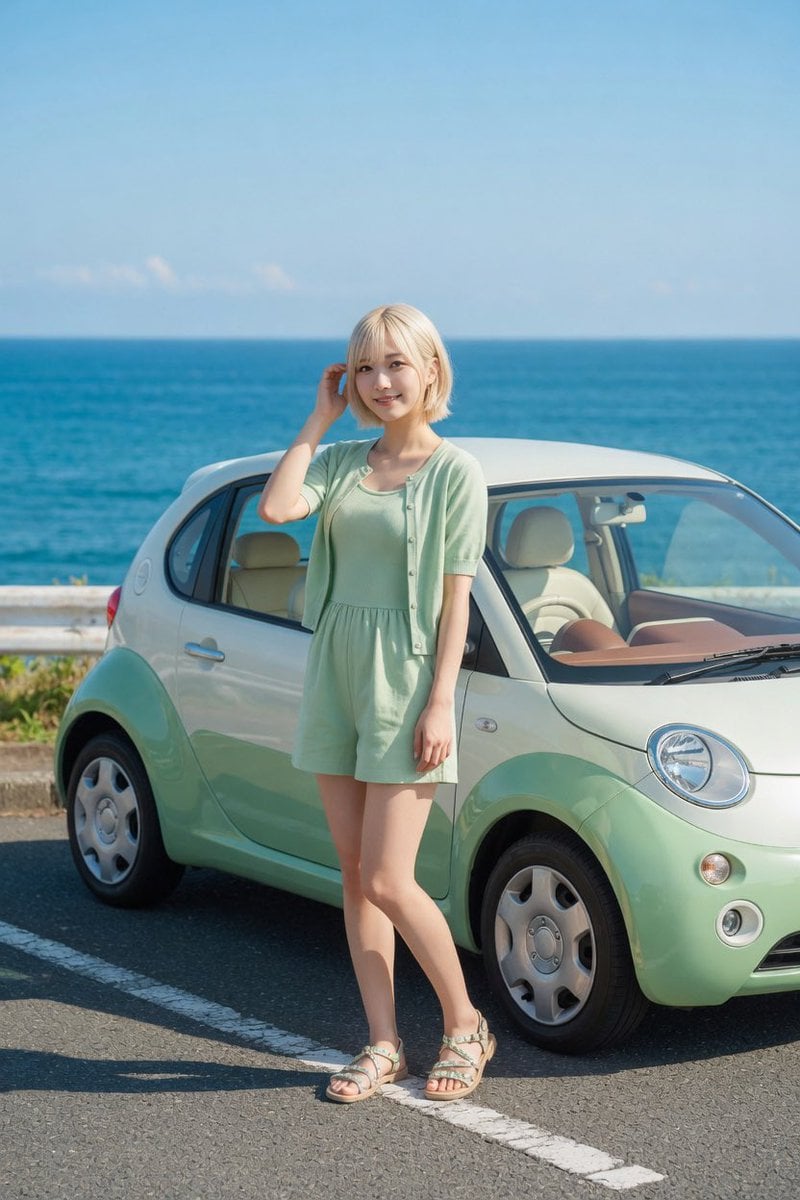
Mint Compact Car by the Sea

Dreamy Venezia Travel Poster
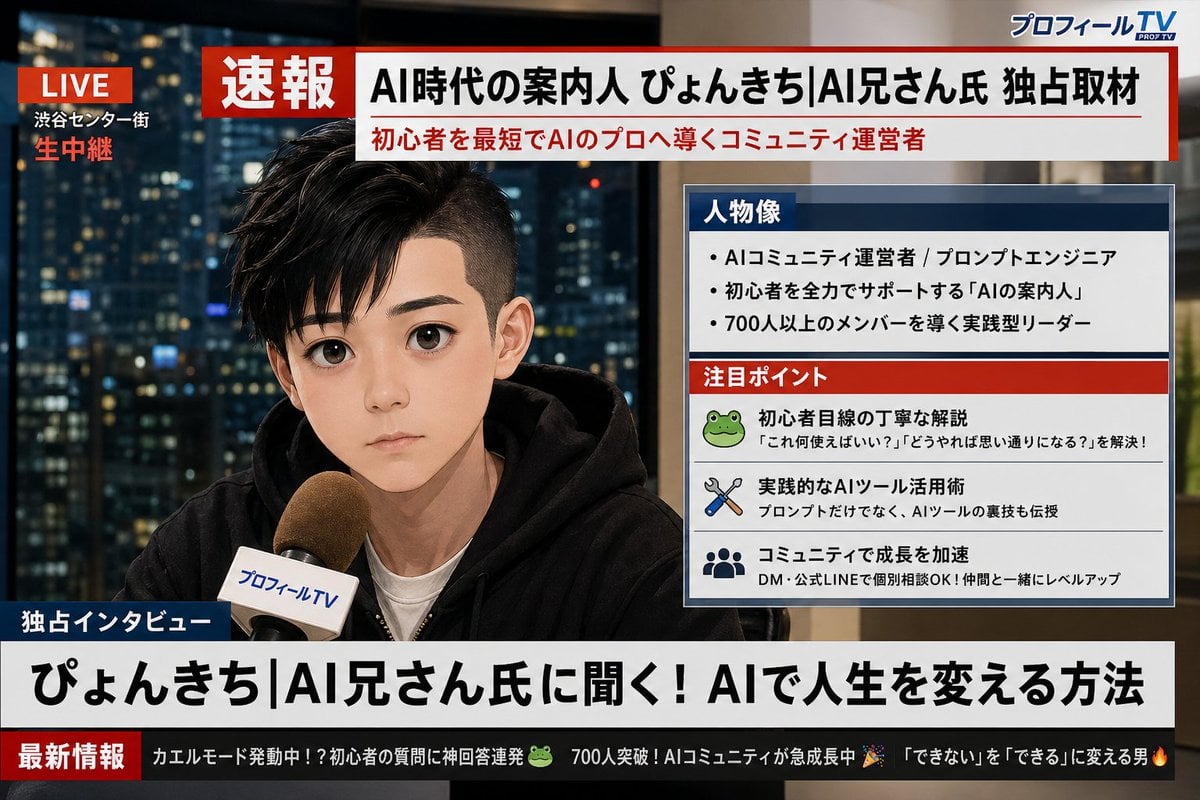
Social Media Profile News Broadcast Transformation

Neural Network Architecture Diagram
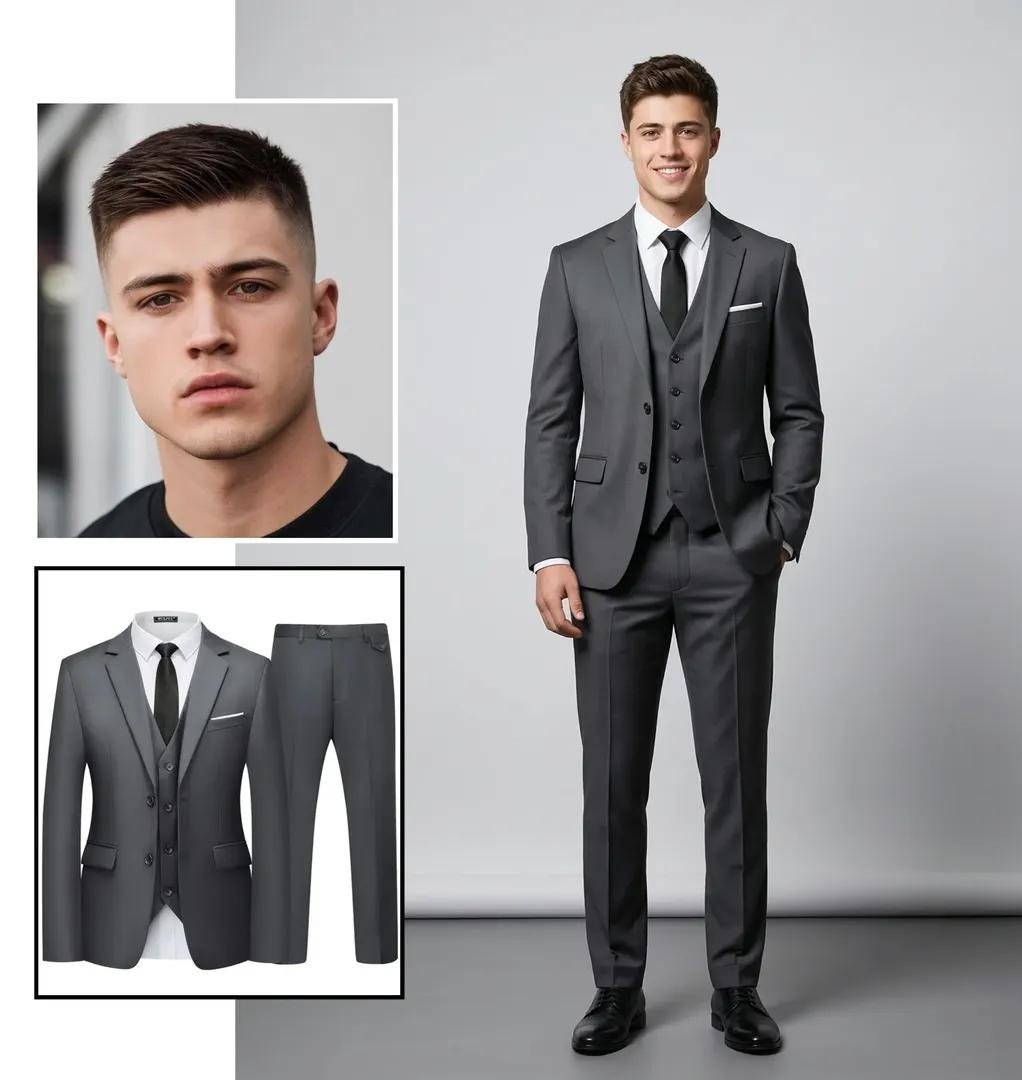
Ultra-realistic Full-Body Fashion Studio Portrait
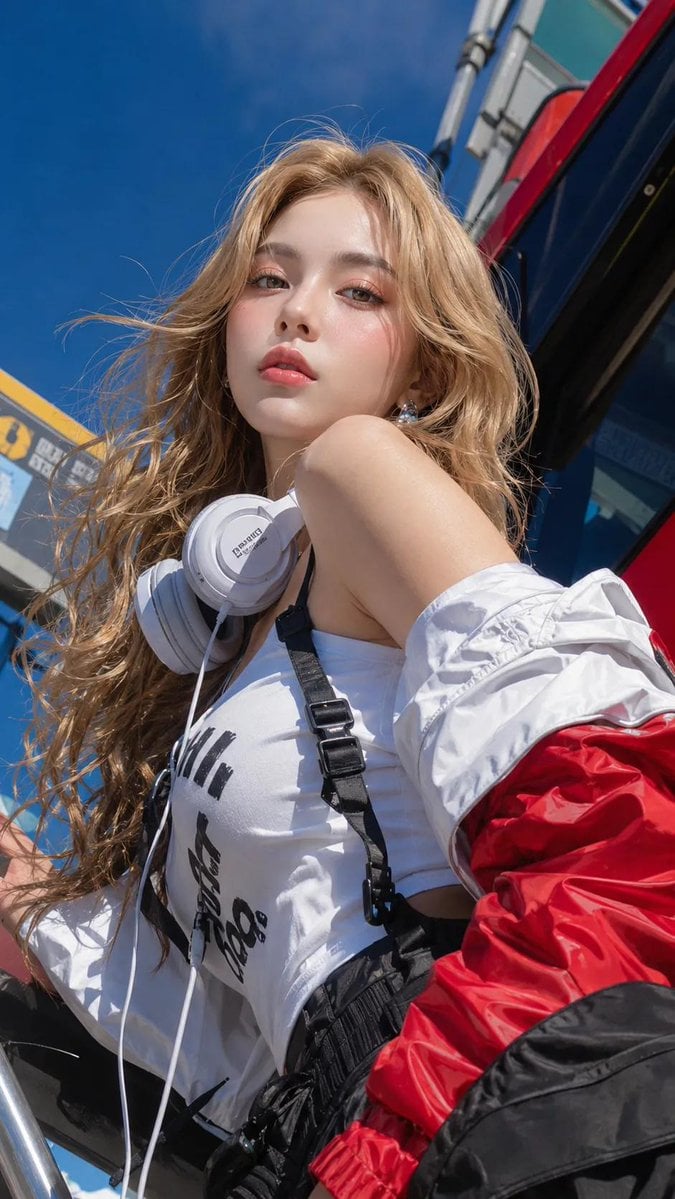
Absolute Face Preservation Urban Streetwear

Hyperrealistic Miniature Planet Cityscape
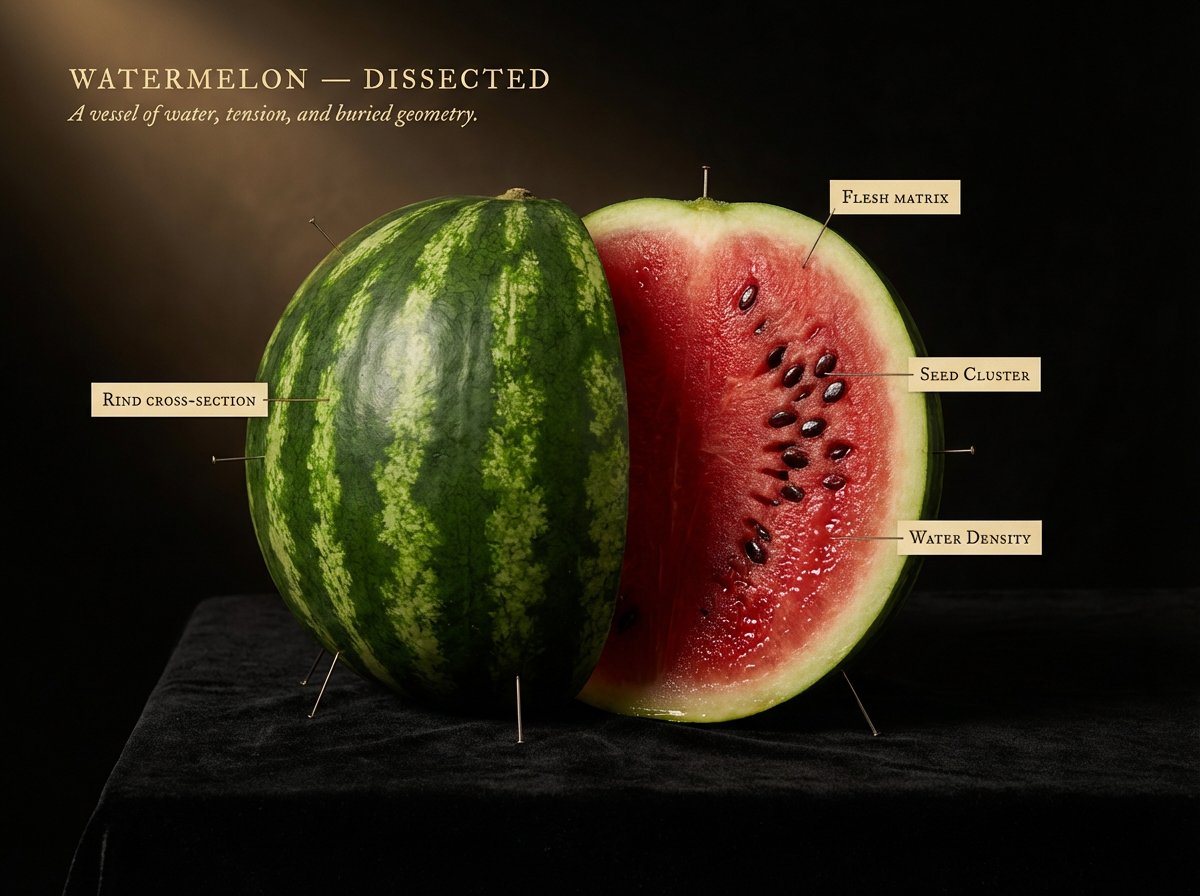
Caravaggio Meets National Geographic Dissection
Browse template categories
Consistent Instagram Carousel Poses questions
How do I use the Consistent Instagram Carousel Poses template?
Add your photo if the template asks for one, edit the prompt if you like — the template's model and format are already selected — and press Generate. Your version opens in PicX Studio.
Can I customize the Consistent Instagram Carousel Poses template?
Yes. You can change the subject, setting, lighting, mood, format, and available model controls before creating your image.
Is the Consistent Instagram Carousel Poses template free?
Opening and editing this template is free. Generating uses credits, shown on the Generate button when you are signed in.
Which AI model should I use?
Start with GPT Image 2, which is the model associated with this template. You can compare another compatible model for a different finish.
Looking for something else? Browse all templates.

Your photo, any look
Thousands of ready templates for every top image and video model, from one credit balance.