
Absolute Face Preservation Urban Streetwear
A highly detailed prompt focused on keeping consistent facial identity for a young woman in stylish urban streetwear with a cinematic daylight setting.
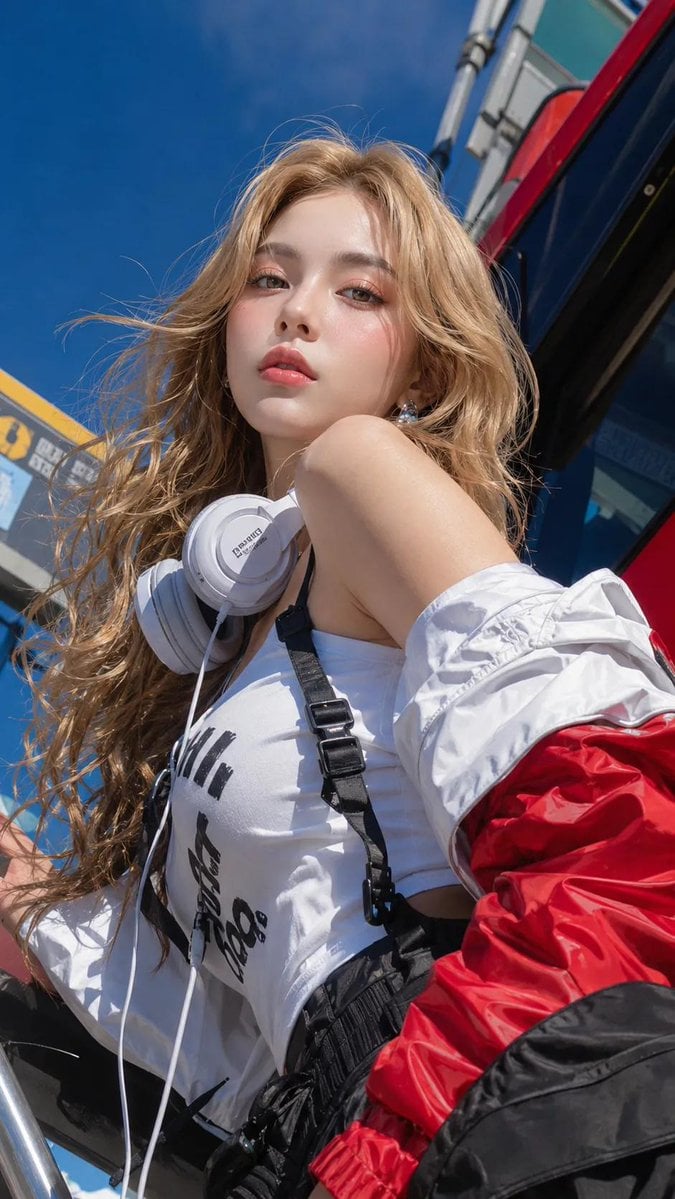
- Prompt included
- Model and format preset
- Free template
The prompt behind this image
Copy the exact prompt behind Absolute Face Preservation Urban Streetwear, or open it in the studio and make it yours.
ABSOLUTE FACE PRESERVATION MODE — USE MY UPLOADED FACE PHOTO AS THE PRIMARY FACIAL IDENTITY REFERENCE. KEEP EXACT SAME FACE IDENTITY. DO NOT CREATE A NEW PERSON. DO NOT ALTER FACIAL STRUCTURE. DO NOT BEAUTIFY INTO ANOTHER PERSON. Maintain 95–100% facial similarity to my uploaded face. Preserve EXACT: same eyes, same nose, same lips, same jawline, same cheekbones, same forehead, same skin tone, same age, same ethnicity, same facial proportions, same recognizable identity, same natural skin texture. Subject: {argument name="subject description" default="young woman (18–23)"}, ultra-realistic stylish urban street beauty, cool confident feminine aura, subtle attitude expression, soft editorial fashion mood, preserve MY ORIGINAL FACE exactly. Make-up — MATCH REFERENCE STYLE: soft glossy skin, light peach blush, subtle luminous highlights, minimal shimmer eyelids, thin eyeliner, natural lashes, healthy glossy lips, defined but natural brows matching original face, visible pores, realistic skin texture, balanced skin tone between face, neck, hands, and body. Hair — MATCH REFERENCE EXACTLY: long slightly messy wavy hair, natural wind-blown movement, loose face-framing strands, natural volume, soft glossy texture, same hairstyle behavior as reference image, realistic individual hair strands. Outfit — MATCH REFERENCE EXACTLY: fashionable urban streetwear styling. {argument name="top" default="white fitted top / sporty casual innerwear"}, {argument name="jacket" default="oversized red-white technical jacket"} draped naturally, black utility / cargo fashion elements, layered streetwear textures, premium fabric realism, clean folds, high-fashion urban aesthetic. Accessories — MATCH REFERENCE: large white headphones around neck, small metallic earrings, minimal trendy fashion accessories, utility straps / harness details, clean stylish street aesthetic. Pose & Composition — PRESERVE EXACT REFERENCE POSE. Maintain EXACT: same low-angle perspective, same upward camera view, same head tilt, same hand placement near neck / jaw, same body angle, same confident expression intensity, same portrait crop, same dramatic close framing. Environment — MATCH REFERENCE EXACTLY: urban outdoor environment. bright blue sky, vehicle / industrial transport background, modern street atmosphere, outdoor editorial setting, clean environmental depth. Lighting — MATCH REFERENCE EXACTLY: glossy cinematic daylight lighting. strong sunlight toward face, bright highlights on skin, lips, hair, jacket, and accessories, soft darker side shadows, high contrast editorial lighting, smooth dimensional facial depth, outdoor glossy realism. Shadow Effect: rich shadow gradients, strong sunlight contrast, clean highlight-to-shadow transition, high dimensional realism, natural outdoor lighting behavior. Camera: DSLR photography, extreme low-angle portrait perspective, fashion editorial style, shallow depth of field, ultra-sharp facial detail, clean outdoor realism. Color Grading — MATCH REFERENCE: vivid cinematic streetwear grading. deep blue sky tone
How to use Absolute Face Preservation Urban Streetwear in 3 steps
- 1Upload ImagePNG, JPG or paste
Add your photo
Upload the photo the template builds on. The prompt, model and format are already set.
- 2…a portrait of your subject in softgolden-hour light, 85mm…
Personalize
Edit the subject and creative details for your destination.
- 3Generate
Generate
Press Generate — your image is created in PicX Studio, so you can compare it with the original and refine one variable at a time.
More like this
Templates with the same subject, style or setup. Open one to see its prompt.

Urban Fashion Editorial Collage Streetwear Poster

Korean Streetwear Minimalist Campaign Portrait

Cinematic Korean Streetwear Street Portrait

Frozen Street Luxe Graffiti Fashion Campaign

Urban Fashion Editorial Collage Poster

1988 Mall Style
Modern Urban Streetwear Portrait
Korean Streetwear Urban Editorial
Digicam Style Urban Streetwear Shot
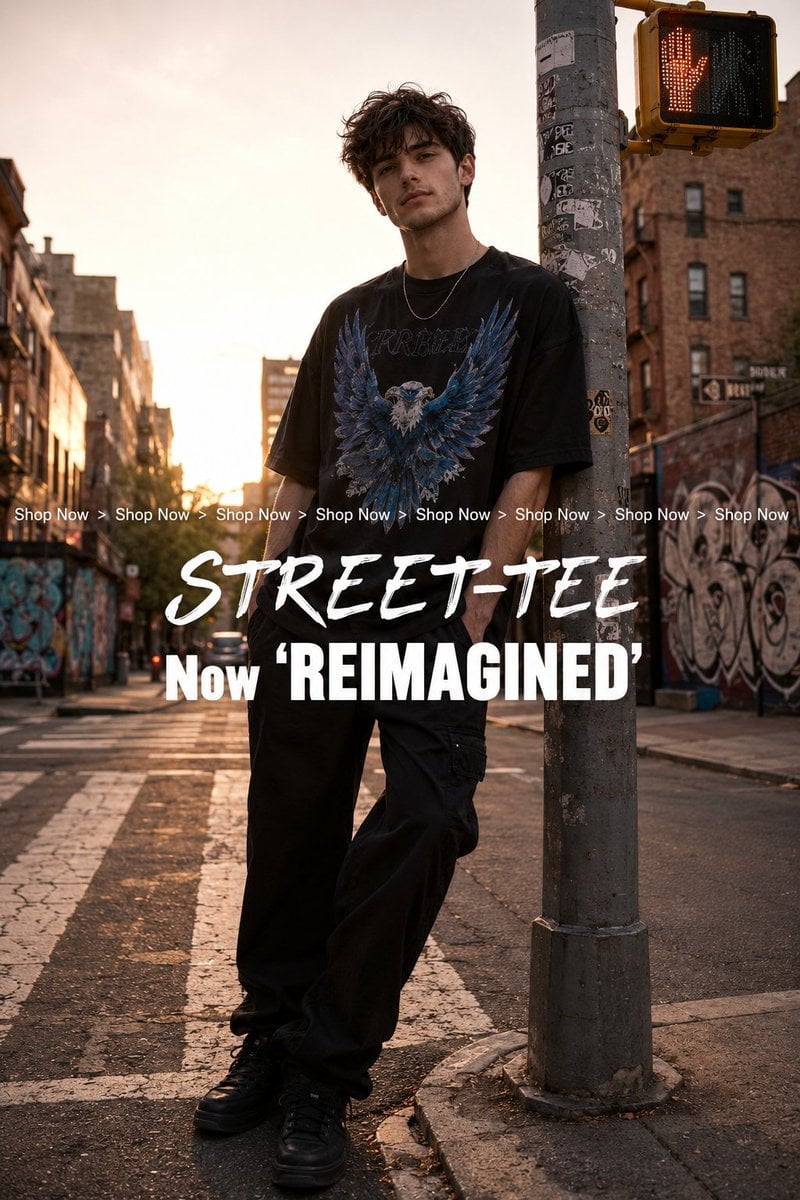
Golden Hour Streetwear Facebook Ad
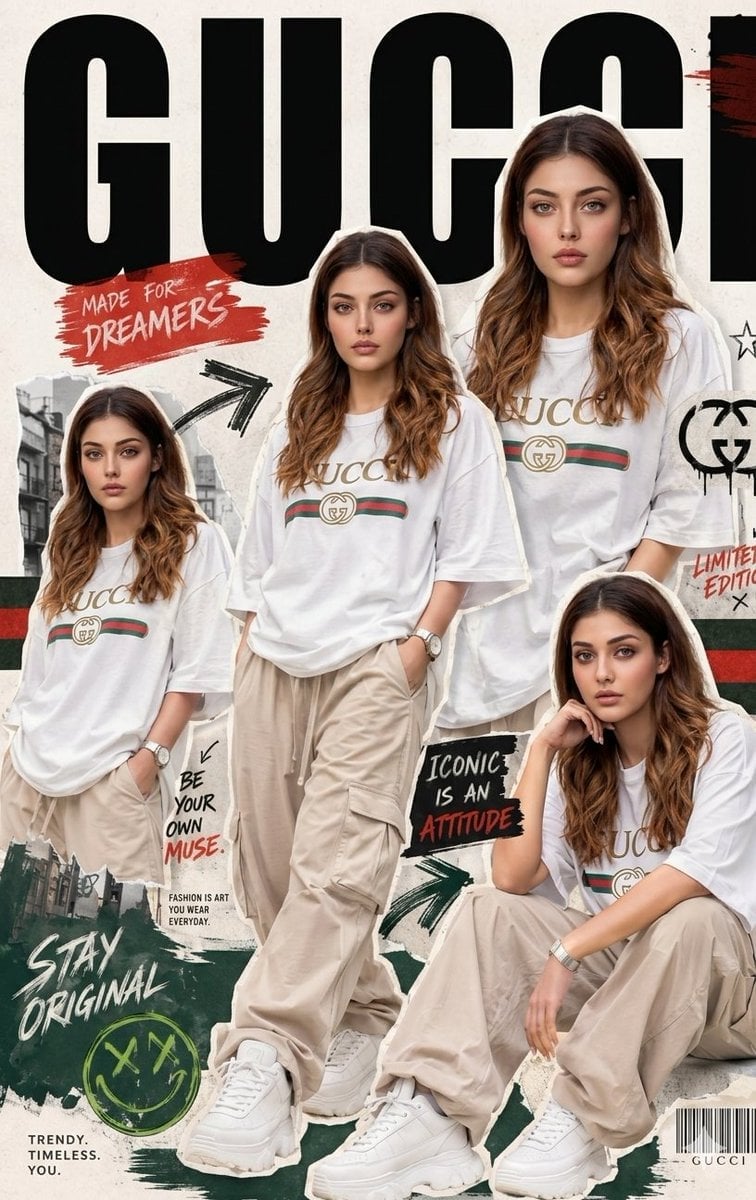
Urban Streetwear Fashion Collage Poster
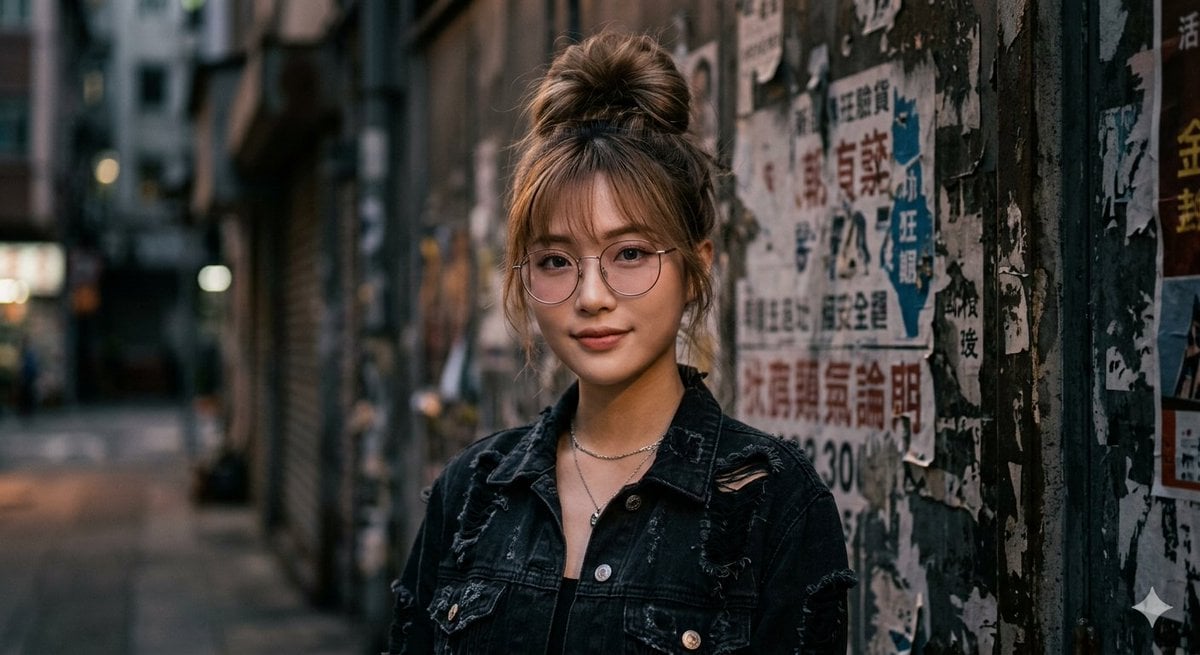
Urban Streetwear Portrait
Make it yours
Absolute Face Preservation Urban Streetwear works as-is. These are the safest ways to change it without losing the look.
Change one field
Copy a single group, rewrite it, and generate again so you can see what that field is doing.
Keep the frame, change the subject
Hold the composition and light of Absolute Face Preservation Urban Streetwear, then swap wardrobe, props or the person for a new take.
| If the result… | Why | Fix |
|---|---|---|
| The result drifts from the preview | Too many fields changed at once. | Reuse Absolute Face Preservation Urban Streetwear as-is first, then change one group — subject, light, or setting. |
| The model over-stylizes the scene | The prose prompt leaves finish and camera underspecified. | Add one camera or lighting sentence and stay on GPT Image 2. |
More GPT Image 2 templates
Other prompts made for GPT Image 2.

Six VTuber Japanese Logo Sheet

Realistic Portrait of Woman and Deer

The Vista Modular Condo Poster

AI Model Routing Comparison Infographic

2.5D Anime Art Board

Isometric Productivity Desk Scene

New York Double Exposure Poster

Four-Panel AI Landscape Comparison

Japanese Tatami Lifestyle Magazine Cover

NESCAFÉ Coffee Map Poster
More image prompts
Fresh picks from across the catalog.
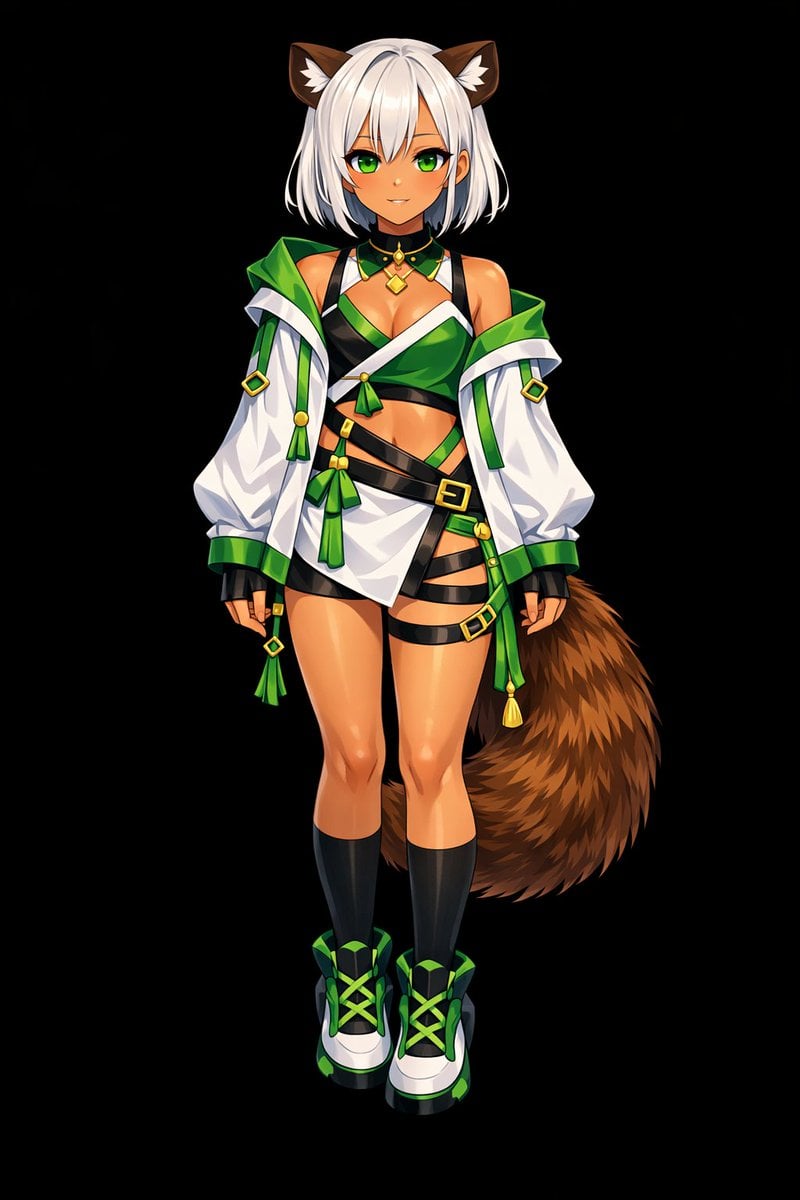
Glossy Anime Shading Transformation
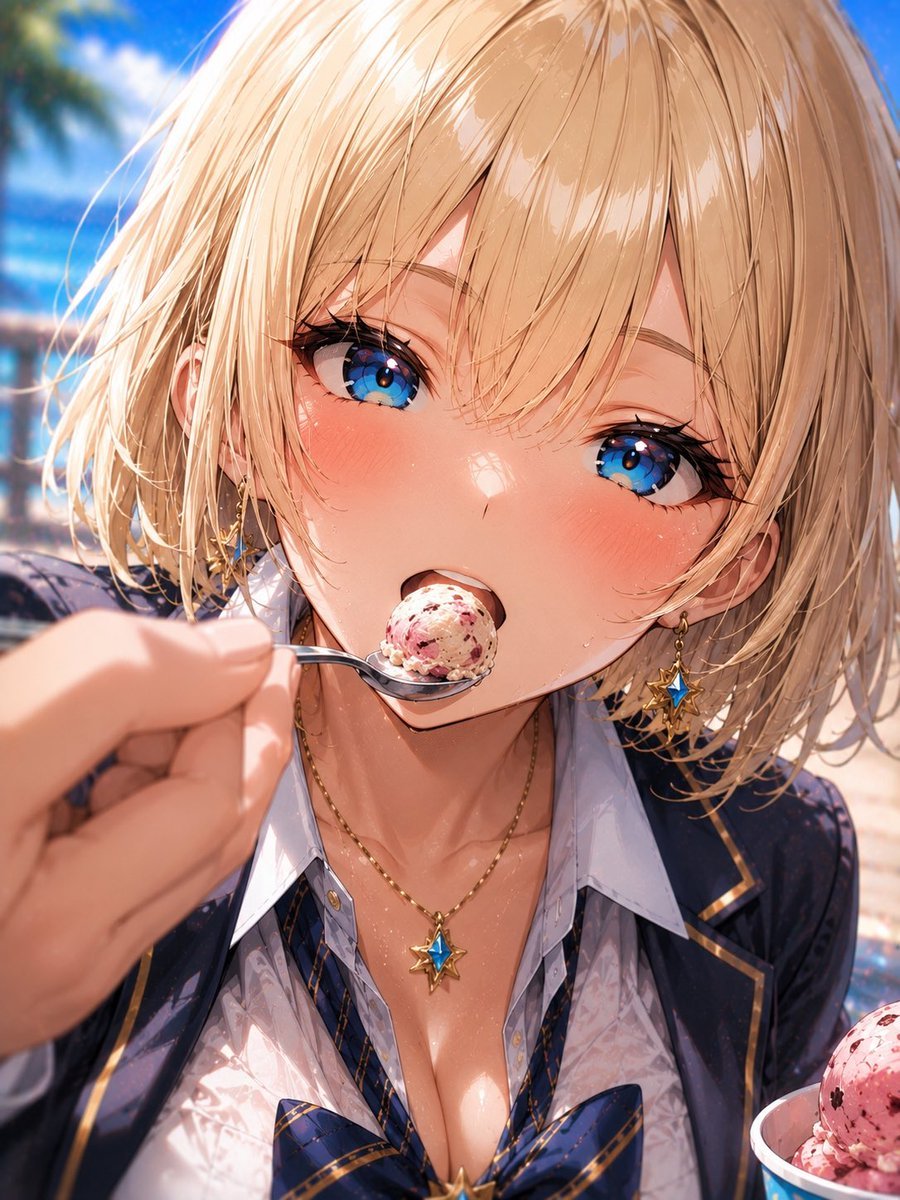
Blonde Beach Anime Girl with Ice Cream
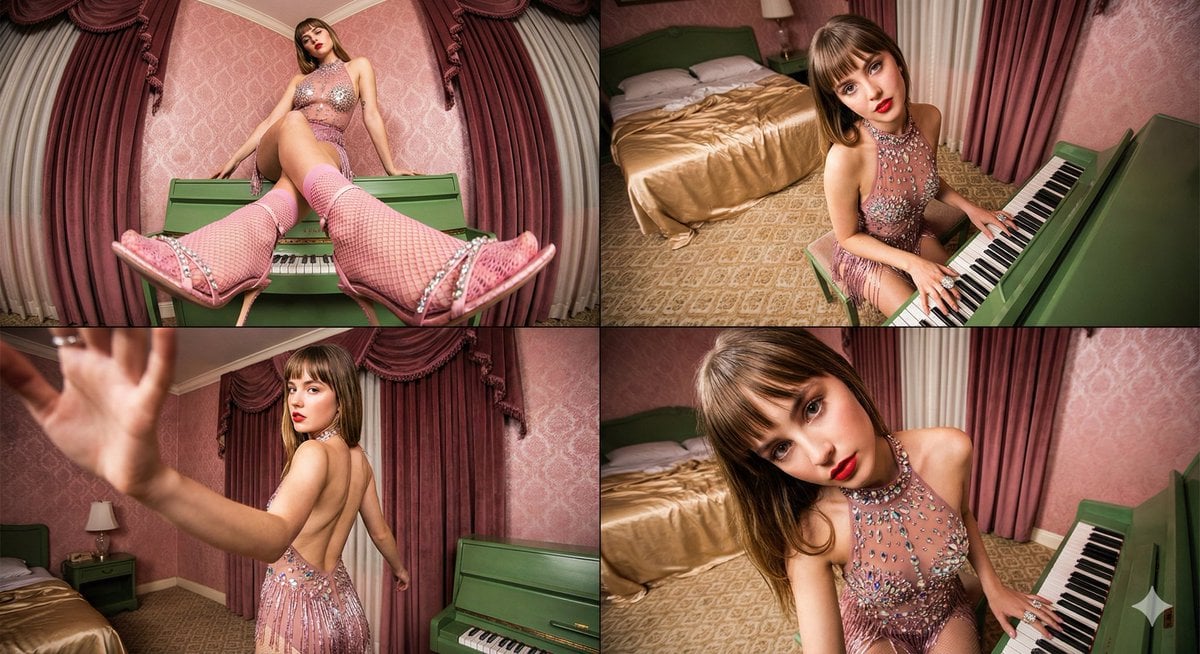
Four-frame vintage glamour collage of a woman in a crystal bodysuit at a piano
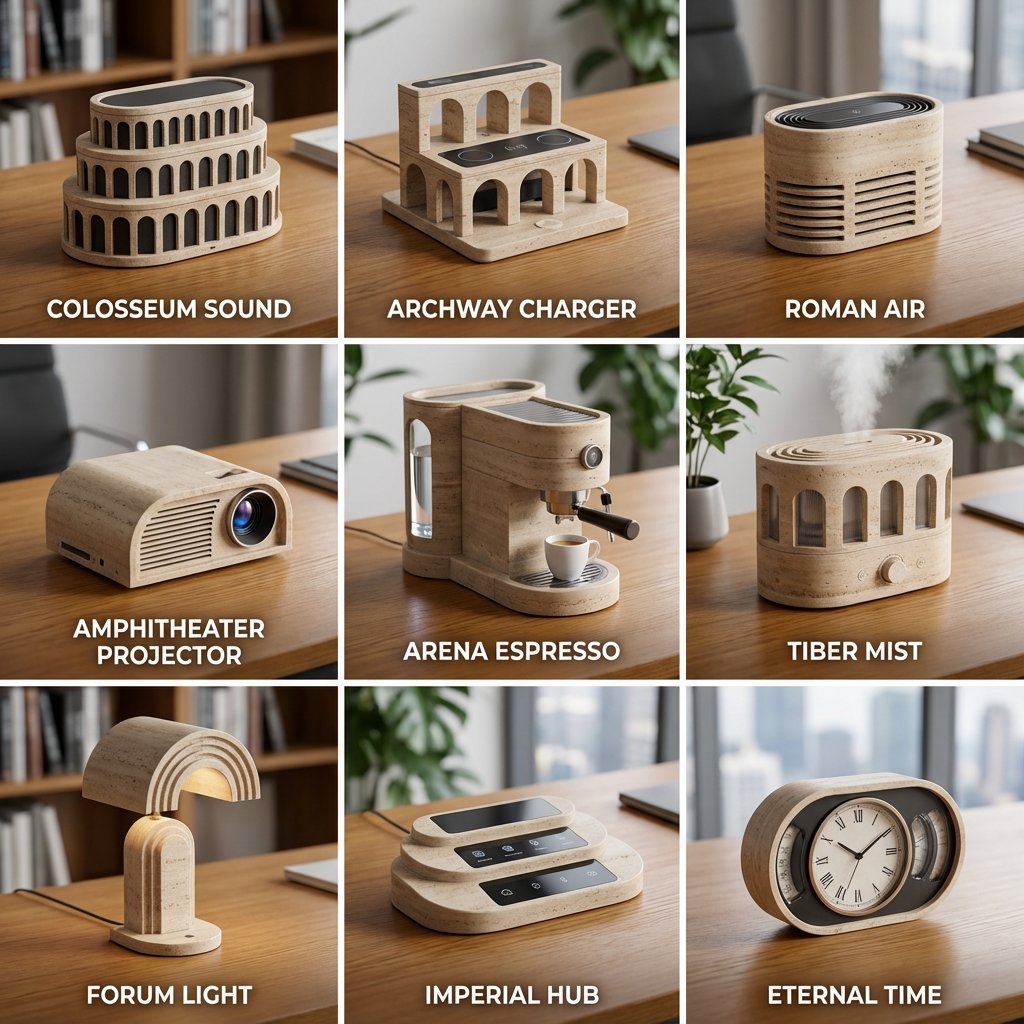
Landmark to Desk Gadget Transformation Prompt
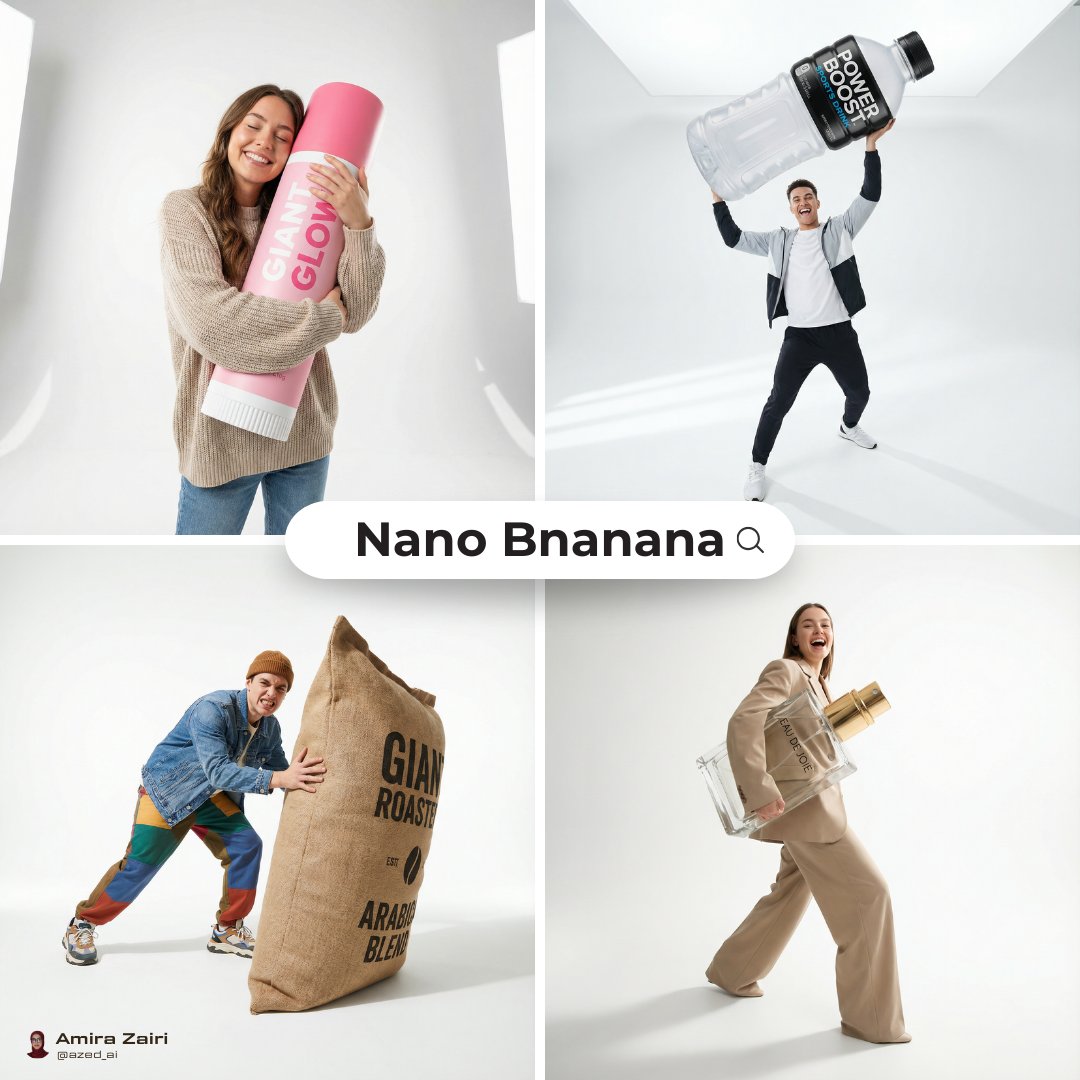
Oversized Product Editorial Fashion Shot
Melancholic Guitar Girl and Cat
World Cup Tunnel Champion
Style Transfer: Renoir's Piano Playing Girls
Heroine Expression Difference Grid Attempt
Pixar-Style Banana Character Animation Prompt
Browse template categories
Absolute Face Preservation Urban Streetwear questions
How do I use the Absolute Face Preservation Urban Streetwear template?
Add your photo if the template asks for one, edit the prompt if you like — the template's model and format are already selected — and press Generate. Your version opens in PicX Studio.
Can I customize the Absolute Face Preservation Urban Streetwear template?
Yes. You can change the subject, setting, lighting, mood, format, and available model controls before creating your image.
Is the Absolute Face Preservation Urban Streetwear template free?
Opening and editing this template is free. Generating uses credits, shown on the Generate button when you are signed in.
Which AI model should I use?
Start with GPT Image 2, which is the model associated with this template. You can compare another compatible model for a different finish.
Looking for something else? Browse all templates.

Your photo, any look
Thousands of ready templates for every top image and video model, from one credit balance.