
Multi-Angle Consistent Interior Room Grid
A technical prompt for creating a 2x2 grid of the same room from four different angles to ensure location consistency for cinematic assets.
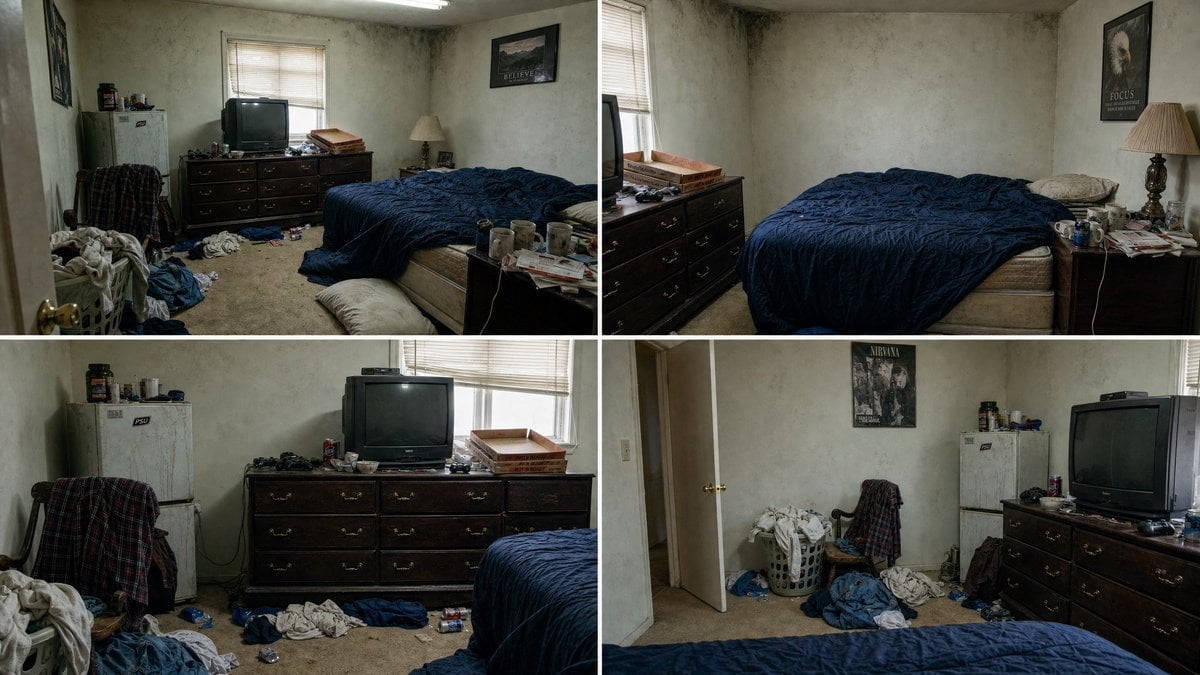
- Prompt included
- Model and format preset
- Free template
The prompt behind this image
Copy the exact prompt behind Multi-Angle Consistent Interior Room Grid, or open it in the studio and make it yours.
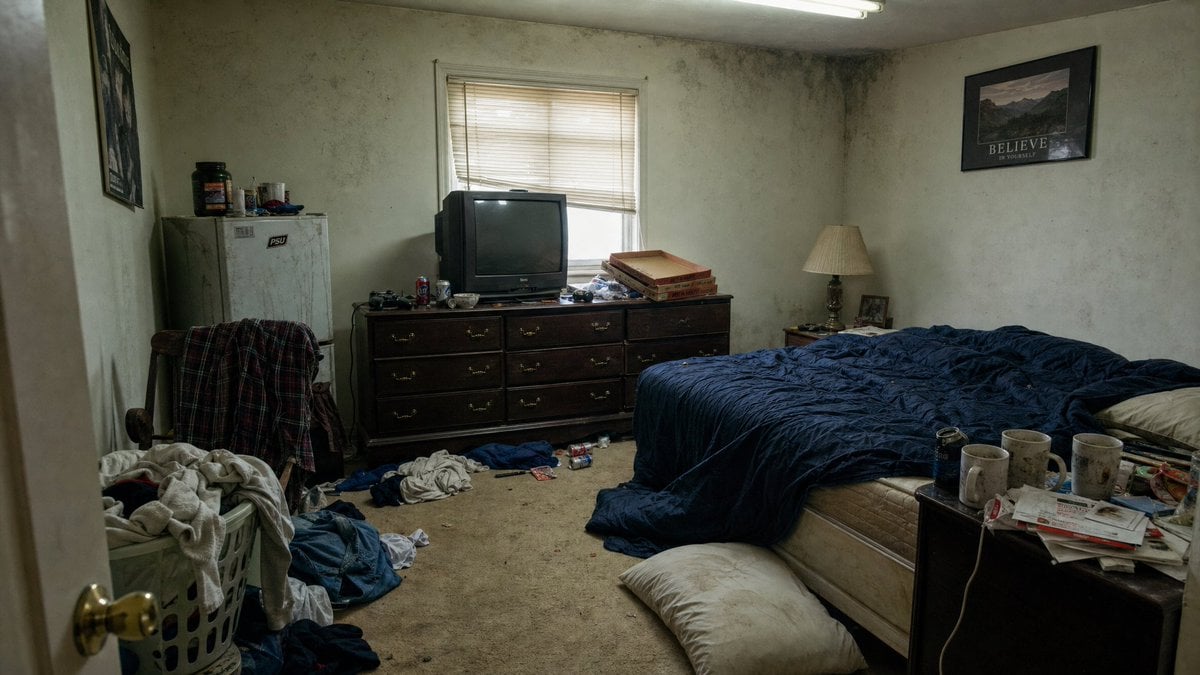
Using the attached photograph as the exact reference for this room, create a single image divided into a 2x2 grid of four equal panels, each a photorealistic wide view of the SAME room from a different wall, same furniture, same colors, same beige carpet, same off-white walls, same flat overcast window light, same 35mm film look, no people in any panel. Panel 1 (top-left) — the reference view: standing in the doorway looking at the window wall; TV on the wooden dresser and the black mini fridge on the left, the unmade bed with navy comforter along the right wall, laundry basket and chair in the near right corner. Panel 2 (top-right) — looking at the right wall: the bed seen from the side, headboard end against the wall, the wooden nightstand with the blue lamp, coffee mug and stack of mail, the framed eagle poster above it, the window now on the left edge of frame. Panel 3 (bottom-left) — looking at the left wall: the wooden dresser with the old boxy TV, cereal bowl and game controller, the black mini fridge beside it, the window now on the right edge of frame, the bed's foot visible on the far right. Panel 4 (bottom-right) — looking back at the door wall, the reverse angle of the reference: the open bedroom door with brass knob, the laundry basket and chair with the flannel shirt now on the left, the dresser and TV now on the right, the bed's foot in the near foreground. Every object keeps its real position in the room so all four views describe one consistent space.
Reference images included
Multi-Angle Consistent Interior Room Grid needs input media to work. They load alongside the prompt when you open it in the studio.
How to use Multi-Angle Consistent Interior Room Grid in 3 steps
- 1Upload ImagePNG, JPG or paste
Add your photo
Upload the photo the template builds on. The prompt, model and format are already set.
- 2…a portrait of your subject in softgolden-hour light, 85mm…
Personalize
Edit the subject and creative details for your destination.
- 3Generate
Generate
Press Generate — your image is created in PicX Studio, so you can compare it with the original and refine one variable at a time.
More like this
Templates with the same subject, style or setup. Open one to see its prompt.
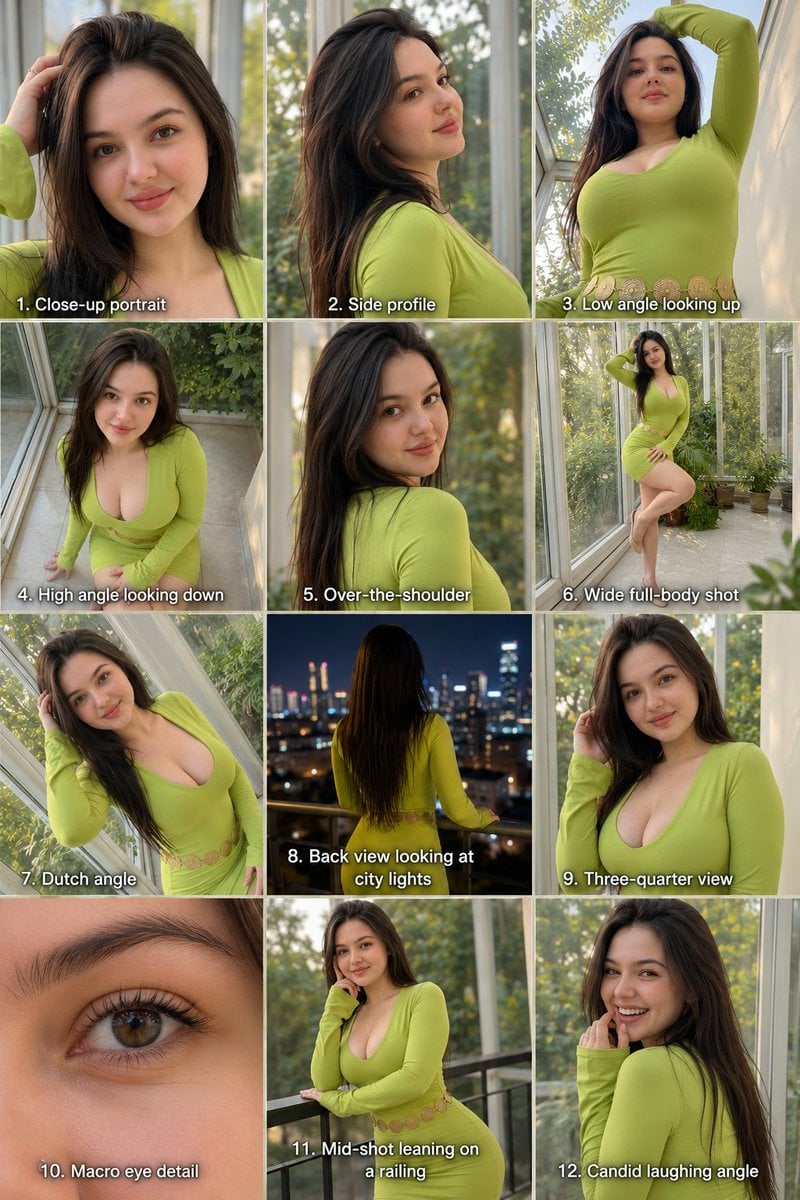
Twelve Angle Multi-View Face Grid
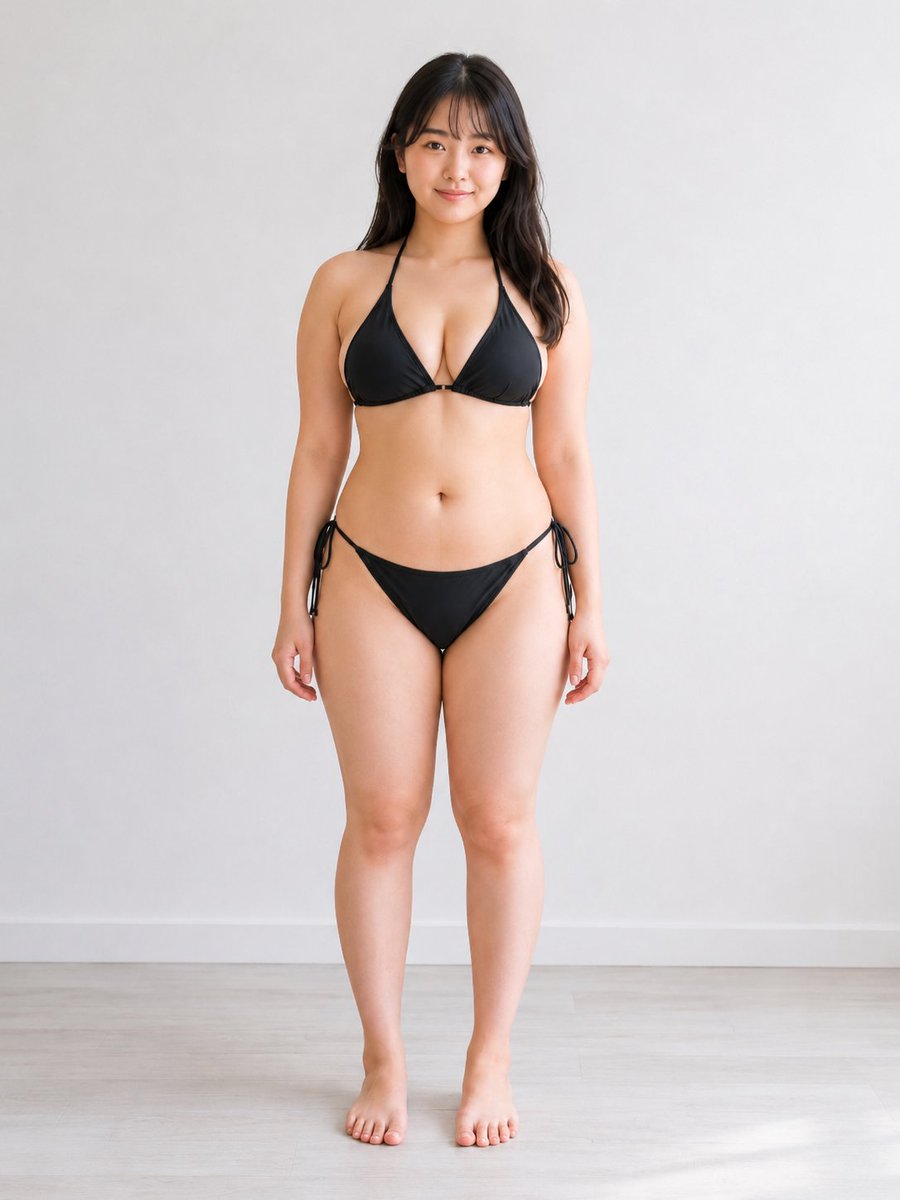
Consistent Character Multi-Angle Studio Shot

Rural Fields Multi-Perspective Grid

Consistent Child Portrait Photo Grid
Korean Luxury Fashion Editorial 2x2 Grid Series
Minimalist Fashion Editorial Split Layout
Ultra-Realistic Vogue-Style Editorial Fashion Grid

Headphones Lifestyle Nine Panel Grid
Multi-Panel Emotional State Grid
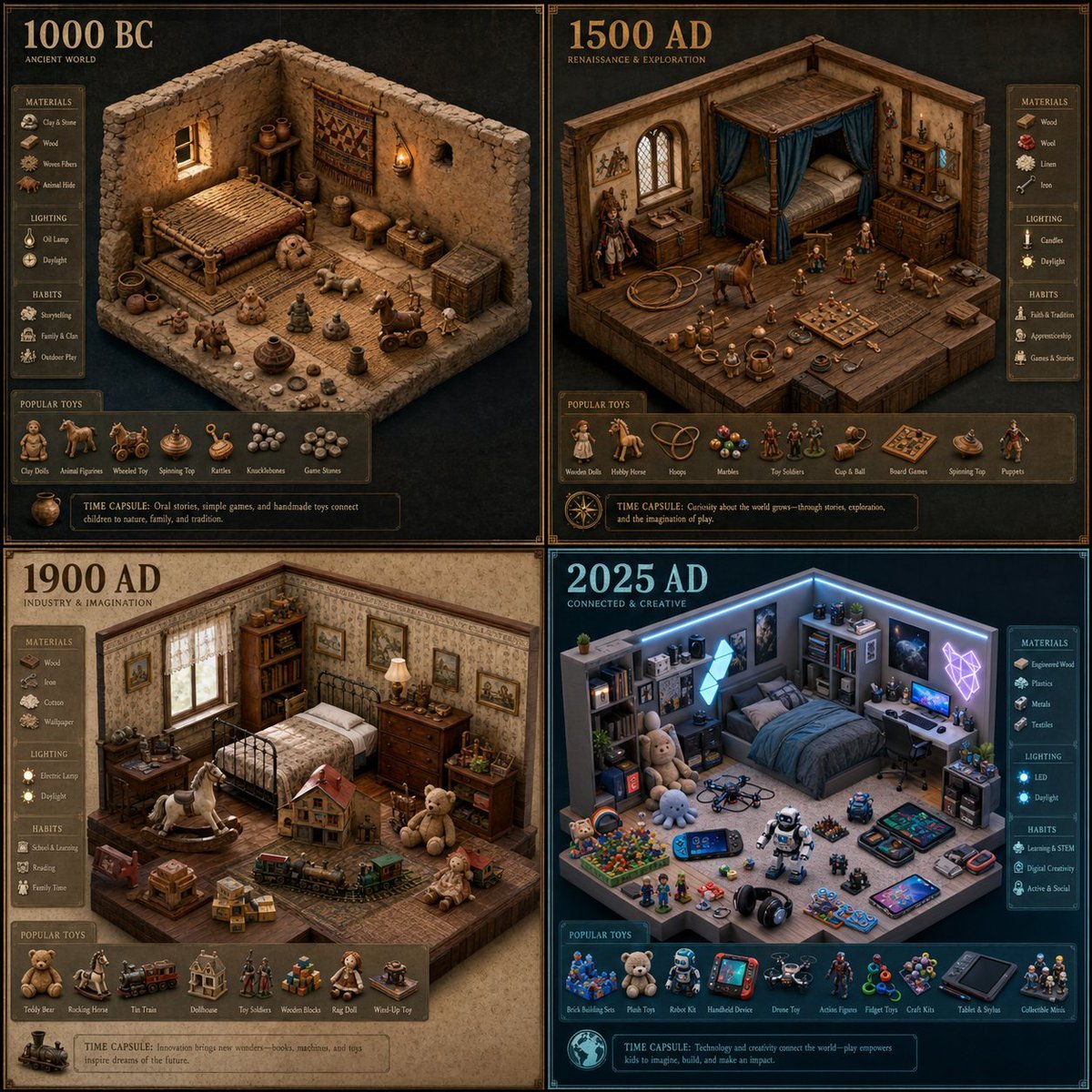
Historical Era Bedroom Interior Map

Surreal Library Multi-Angle Portrait
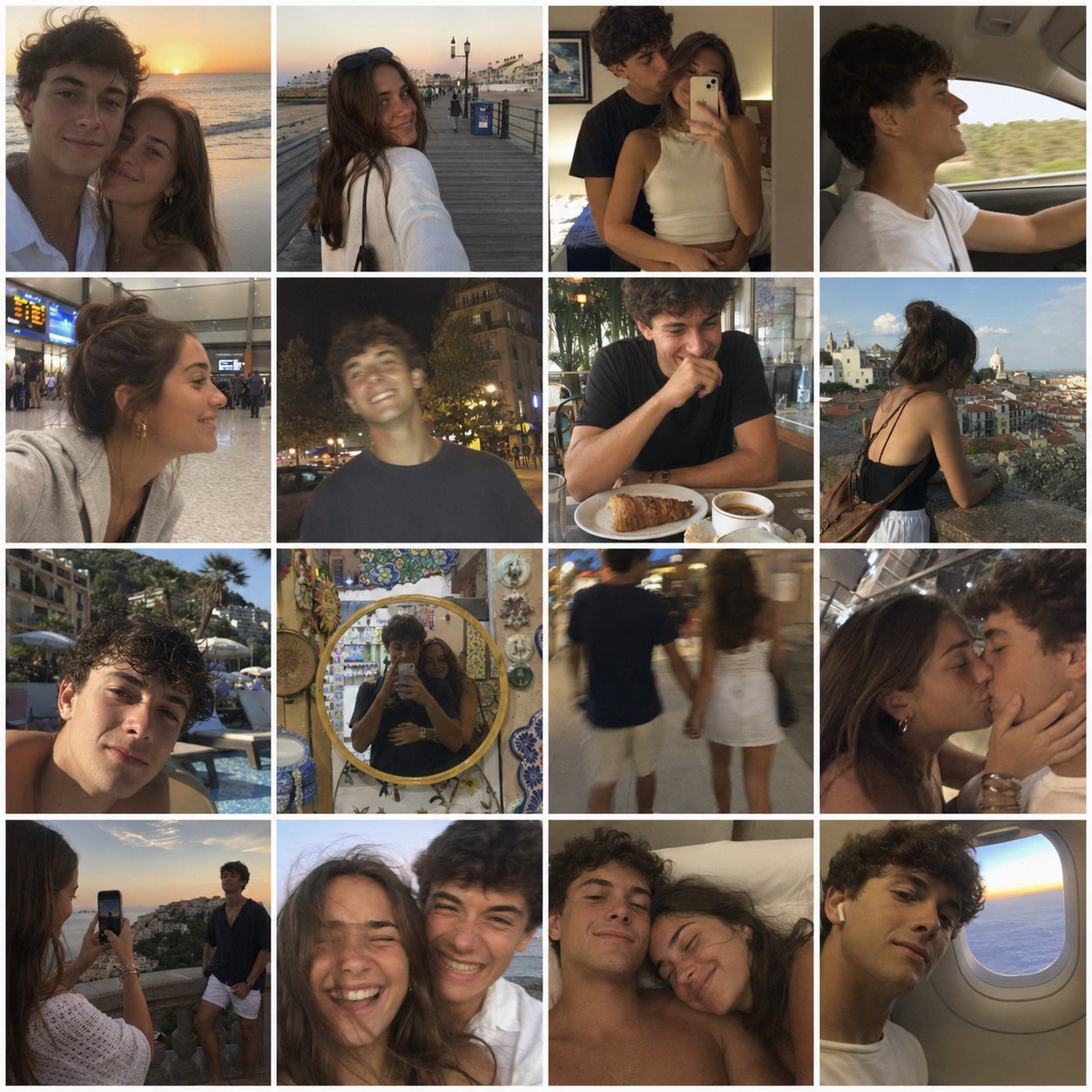
4x4 Grid - Candid Nostalgic Vacation Selfies
Make it yours
Multi-Angle Consistent Interior Room Grid works as-is. These are the safest ways to change it without losing the look.
Change one field
Copy a single group, rewrite it, and generate again so you can see what that field is doing.
Keep the frame, change the subject
Hold the composition and light of Multi-Angle Consistent Interior Room Grid, then swap wardrobe, props or the person for a new take.
| If the result… | Why | Fix |
|---|---|---|
| The result drifts from the preview | Too many fields changed at once. | Reuse Multi-Angle Consistent Interior Room Grid as-is first, then change one group — subject, light, or setting. |
| The model over-stylizes the scene | The prose prompt leaves finish and camera underspecified. | Add one camera or lighting sentence and stay on GPT Image 2. |
More GPT Image 2 templates
Other prompts made for GPT Image 2.

Six VTuber Japanese Logo Sheet

Realistic Portrait of Woman and Deer

The Vista Modular Condo Poster

AI Model Routing Comparison Infographic

2.5D Anime Art Board

Isometric Productivity Desk Scene

New York Double Exposure Poster

Four-Panel AI Landscape Comparison

Japanese Tatami Lifestyle Magazine Cover

NESCAFÉ Coffee Map Poster
More image prompts
Fresh picks from across the catalog.

Hyper-Realistic 3D Architectural Exhibition Booth Visualization

Doodled Strawberry Matcha Drink Photo

Panel Advertising Concept Grid
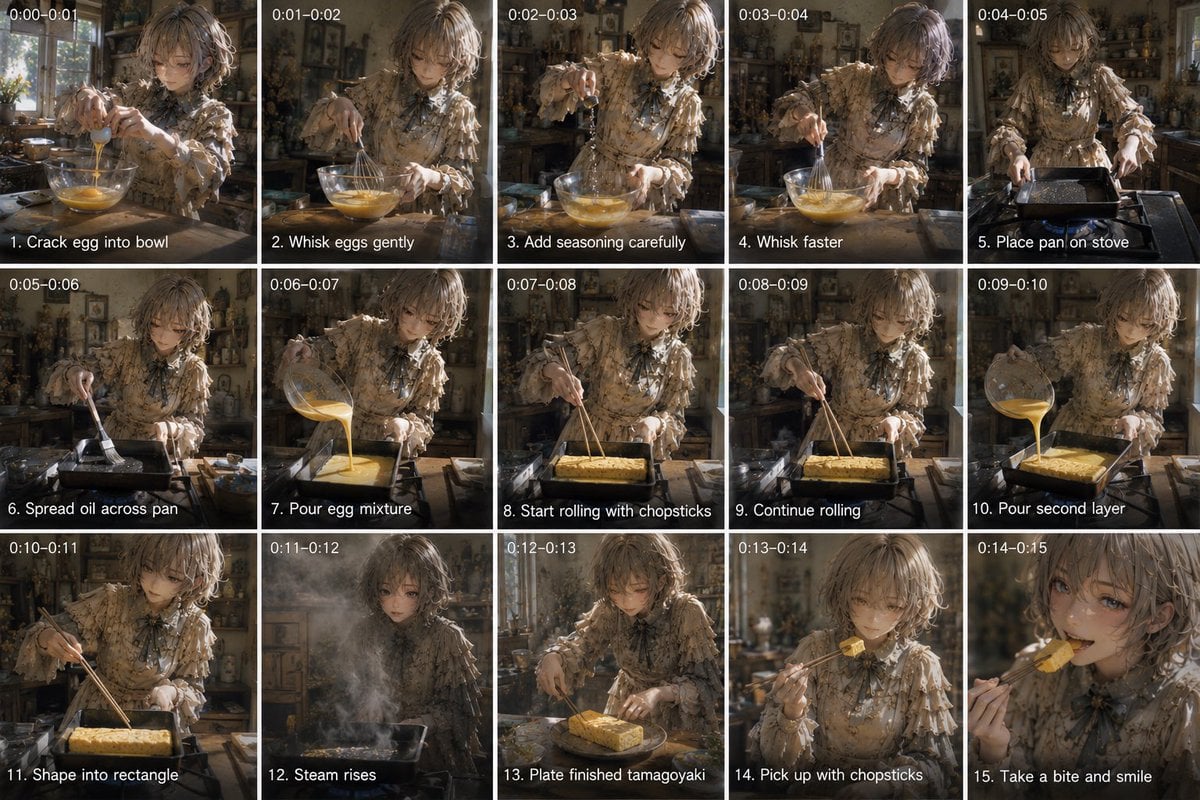
Tamagoyaki Cooking Storyboard

Floating Instagram Creator Portrait

Watercolor Illustration of Kittens in a Garden

Japanese School Pool Cleaning Scene
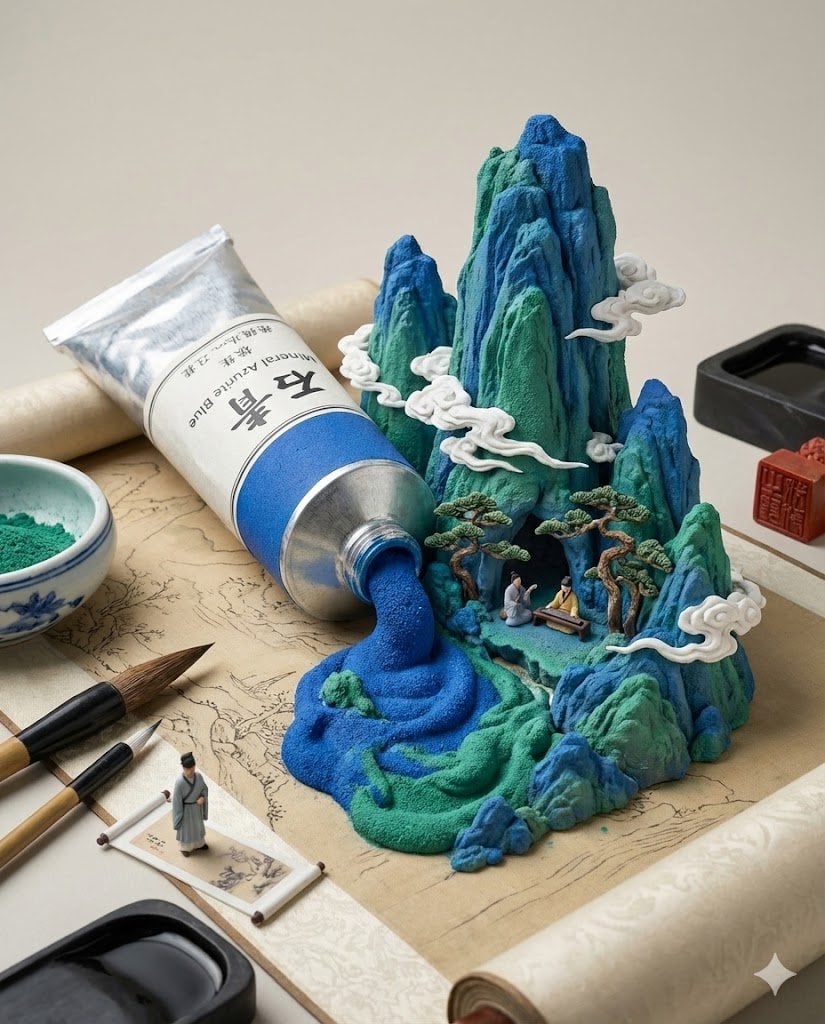
Chinese Landscape Painting Pigment Squeeze
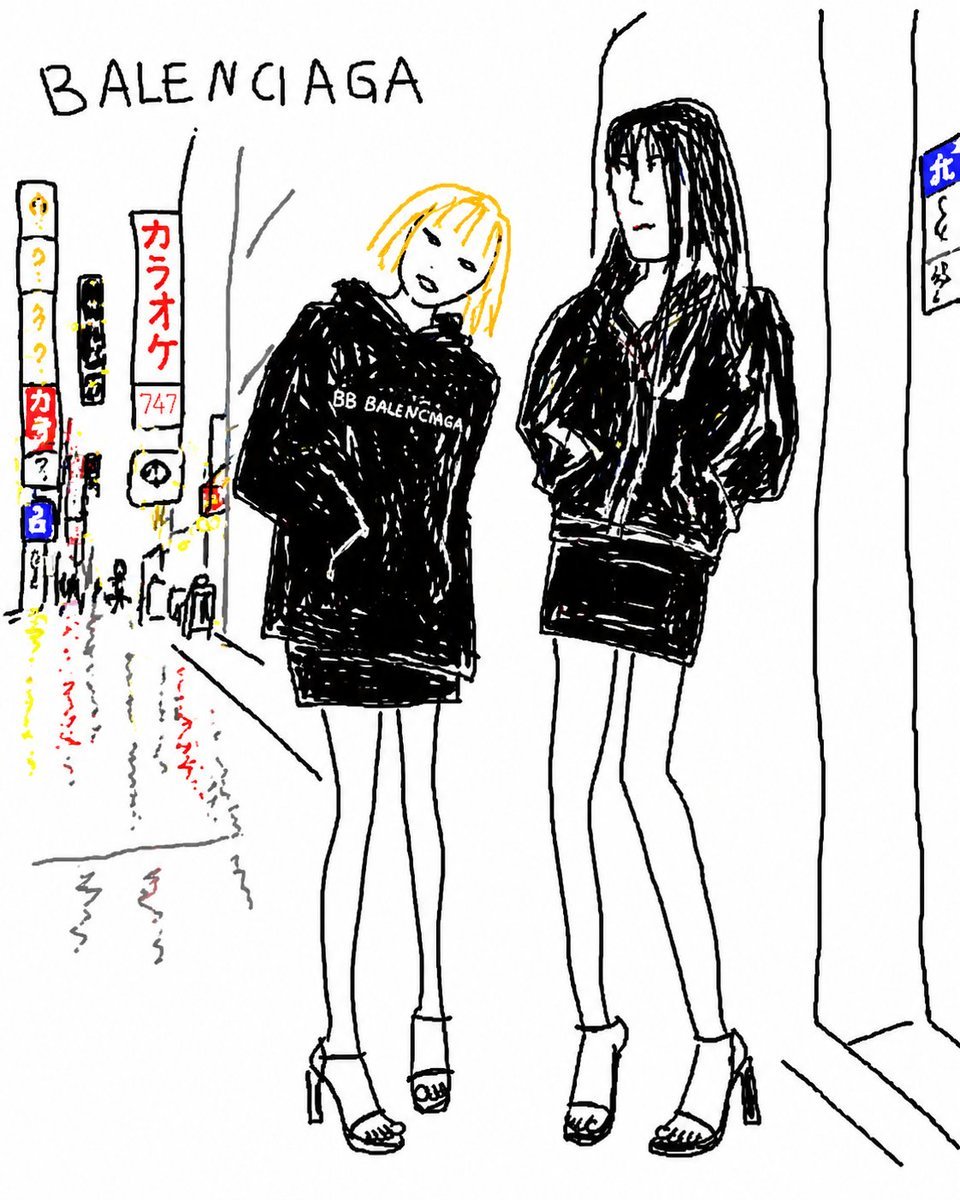
Balenciaga Street Fashion Sketch

Japanese Folk Art Prompt
Browse template categories
Multi-Angle Consistent Interior Room Grid questions
How do I use the Multi-Angle Consistent Interior Room Grid template?
Add your photo if the template asks for one, edit the prompt if you like — the template's model and format are already selected — and press Generate. Your version opens in PicX Studio.
Can I customize the Multi-Angle Consistent Interior Room Grid template?
Yes. You can change the subject, setting, lighting, mood, format, and available model controls before creating your image.
Is the Multi-Angle Consistent Interior Room Grid template free?
Opening and editing this template is free. Generating uses credits, shown on the Generate button when you are signed in.
Which AI model should I use?
Start with GPT Image 2, which is the model associated with this template. You can compare another compatible model for a different finish.
Looking for something else? Browse all templates.

Your photo, any look
Thousands of ready templates for every top image and video model, from one credit balance.