
Balenciaga Street Fashion Sketch
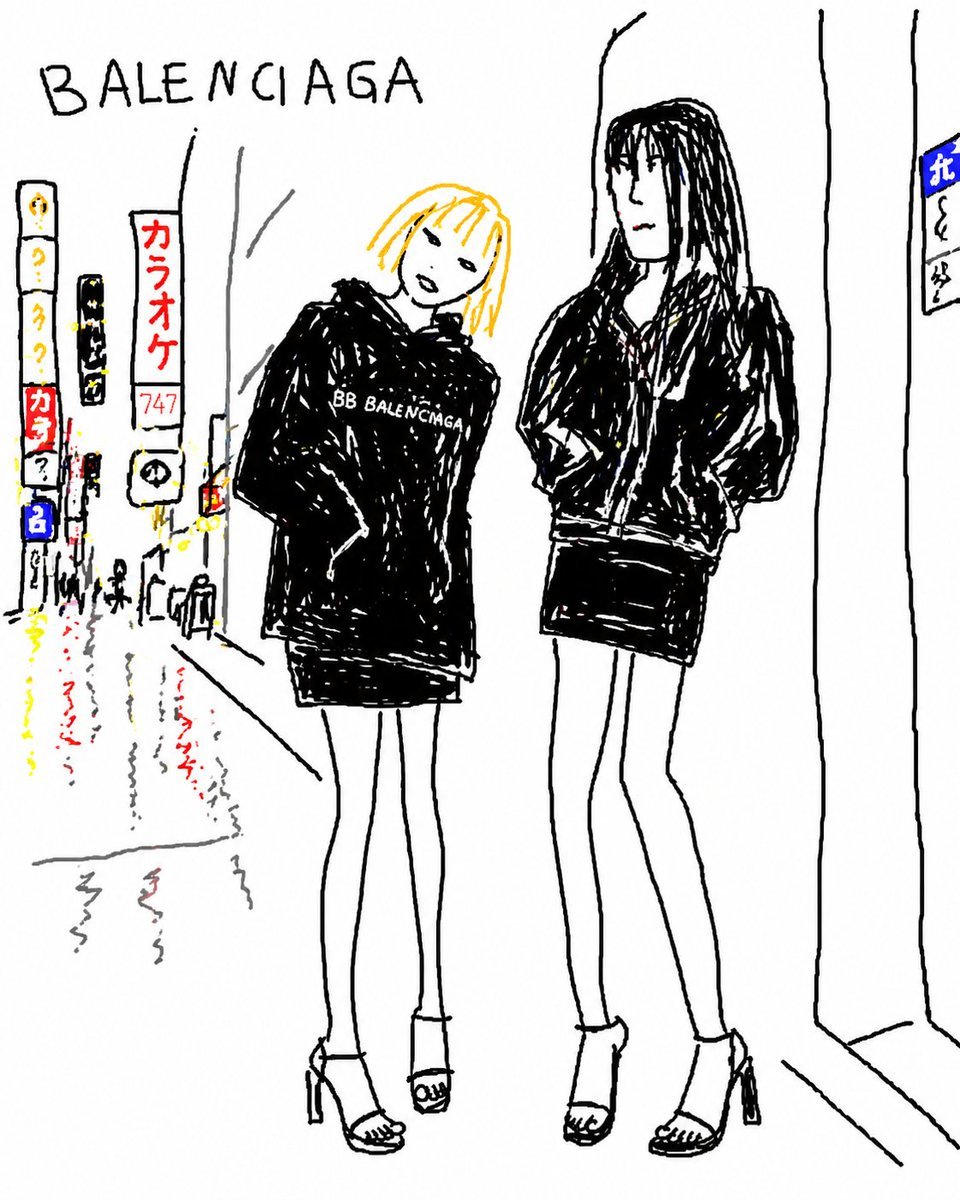
Generates a rough marker-style fashion illustration of two stylish women outside a Balenciaga storefront on a rainy neon city street.
- Prompt included
- Model and format preset
- Free template
The prompt behind this image
Copy the exact prompt behind Balenciaga Street Fashion Sketch, or open it in the studio and make it yours.
Create a loose, hand-drawn fashion street sketch in a naive black-ink marker style on a white background, showing exactly 2 tall slim young women standing on a rainy neon city sidewalk outside a {argument name="store name" default="BALENCIAGA"} storefront. Put the large handwritten word {argument name="store name" default="BALENCIAGA"} across the upper left. The left woman has a simple visible face, {argument name="hair color" default="bright yellow-blonde"} chin-length hair with bangs, a relaxed tilted pose, very long thin legs, high-heeled open-toe sandals, and an oversized black hoodie or sweatshirt with the small white text {argument name="chest logo text" default="BB BALENCIAGA"} on the chest above a short black skirt. The right woman is taller, with long black braided or dreadlocked hair and a deliberately blurred rectangular face, wearing an oversized black zip jacket, short black skirt, long thin legs, and high-heeled open-toe sandals, leaning casually with hands in pockets. Draw the clothes mostly as dense scribbled black fills with rough white highlights and wobbly outlines. The background should include exactly 5 visible vertical city signs on the left side: one tall white sign with yellow symbols and a red block, one narrow black sign with yellow characters, one white sign with red Japanese katakana reading {argument name="red sign text" default="カラオケ"}, one tiny traffic-light-like sign with red/yellow/green marks, and one small blue sign near the street; add another small blue-and-white sign on the far right edge. Show wet pavement with reflected red, yellow, blue, and gray squiggles, tiny distant pedestrians, simple perspective lines of buildings, and a minimal storefront wall on the right. Keep the composition sketchy, high-fashion, candid, imperfect, with thin black lines, sparse color accents, and lots of white space.
How to use Balenciaga Street Fashion Sketch in 3 steps
- 1Upload ImagePNG, JPG or paste
Add your photo
Upload the photo the template builds on. The prompt, model and format are already set.
- 2…a portrait of your subject in softgolden-hour light, 85mm…
Personalize
Edit the subject and creative details for your destination.
- 3Generate
Generate
Press Generate — your image is created in PicX Studio, so you can compare it with the original and refine one variable at a time.
More like this
Templates with the same subject, style or setup. Open one to see its prompt.

Face-Locked Cream Half-Zip Street Walk

Nano Banana - Street Paris T-Shirt

Frozen Street Luxe Graffiti Fashion Campaign

Blue Hour Editorial Fashion Portrait
Double Exposure City Street Portrait

Two Tickets, One Night

Meet Me When It Rains

Two Hearts. One Scooter.

80s College Gate

1988 Mall Style

80s Polka Dot Saree

1986 Street Couple
Make it yours
Balenciaga Street Fashion Sketch works as-is. These are the safest ways to change it without losing the look.
Change one field
Copy a single group, rewrite it, and generate again so you can see what that field is doing.
Keep the frame, change the subject
Hold the composition and light of Balenciaga Street Fashion Sketch, then swap wardrobe, props or the person for a new take.
| If the result… | Why | Fix |
|---|---|---|
| The result drifts from the preview | Too many fields changed at once. | Reuse Balenciaga Street Fashion Sketch as-is first, then change one group — subject, light, or setting. |
| The model over-stylizes the scene | The prose prompt leaves finish and camera underspecified. | Add one camera or lighting sentence and stay on GPT Image 2. |
More GPT Image 2 templates
Other prompts made for GPT Image 2.

Six VTuber Japanese Logo Sheet

Realistic Portrait of Woman and Deer

The Vista Modular Condo Poster

AI Model Routing Comparison Infographic

2.5D Anime Art Board

Isometric Productivity Desk Scene

New York Double Exposure Poster

Four-Panel AI Landscape Comparison

Japanese Tatami Lifestyle Magazine Cover

NESCAFÉ Coffee Map Poster
More image prompts
Fresh picks from across the catalog.
Luis Miguel as a Russian Man in Red Square
Patrick Bateman Meets Sparkle Beach Ken Prompt
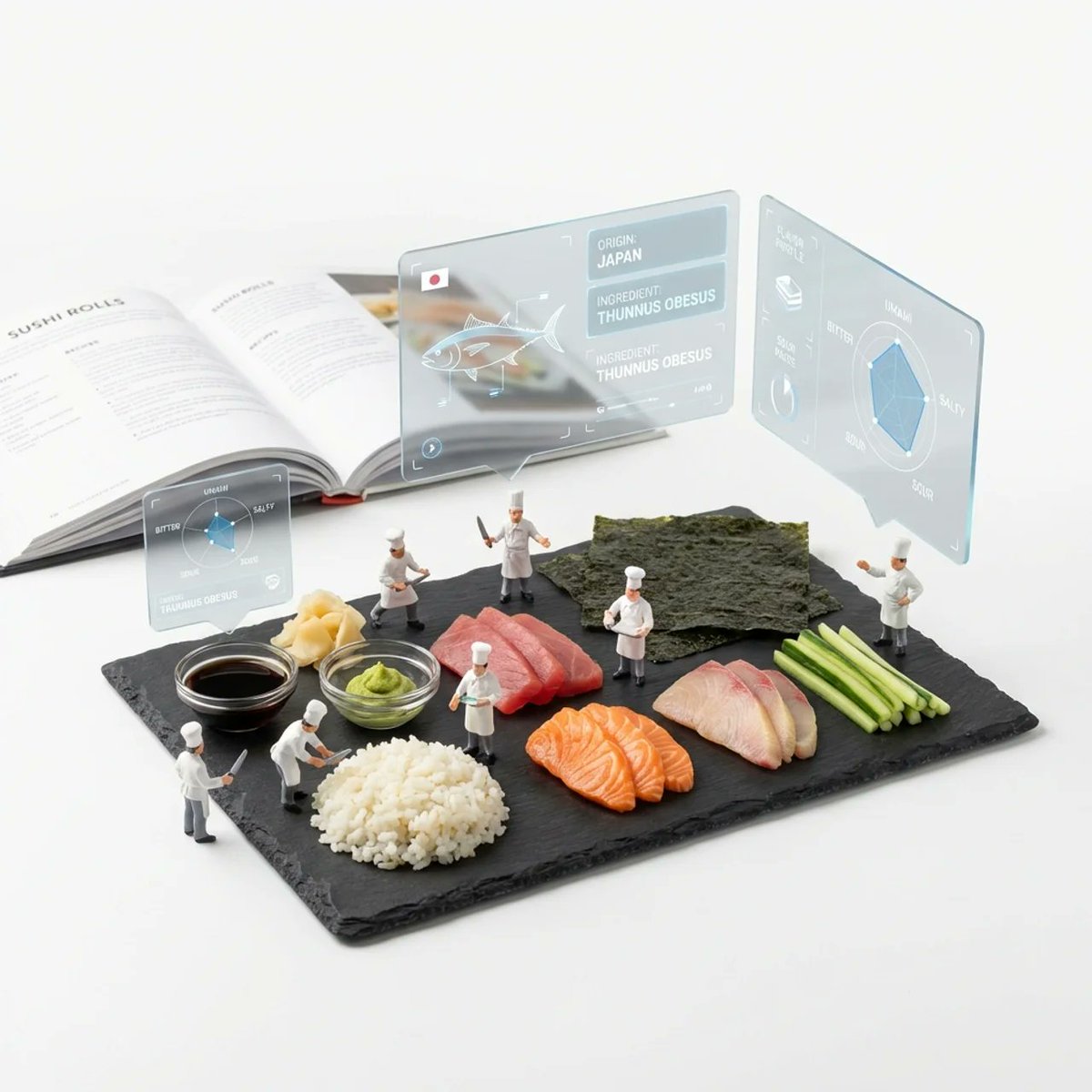
Deconstructed Ingredients Visualization

Nano Banana - Paris Night Party Dancing
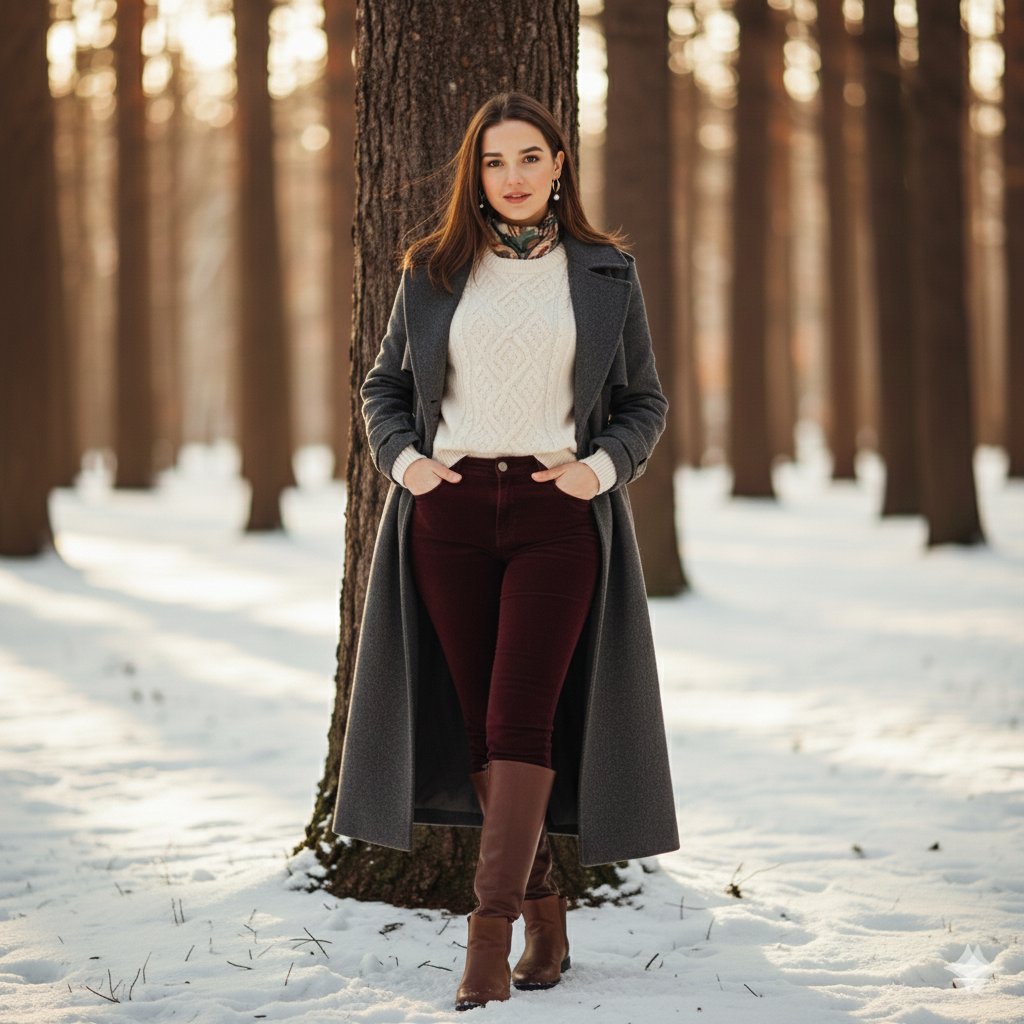
Cinematic Winter Portrait Photoshoot Prompt
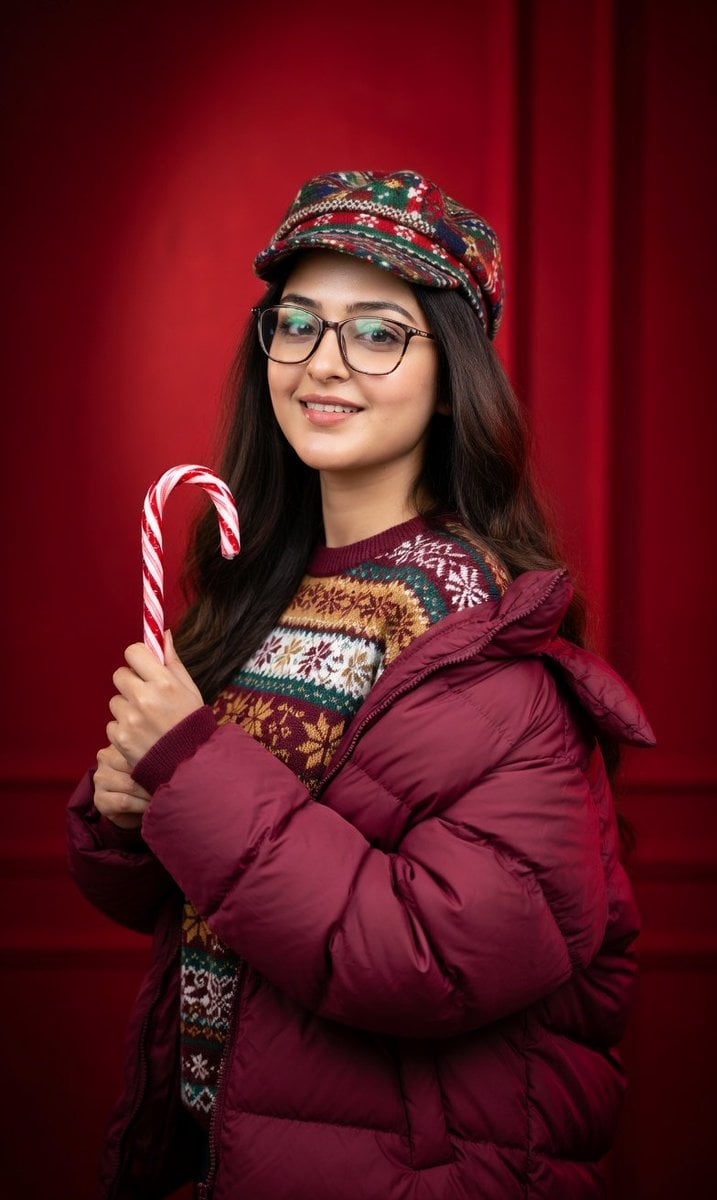
Studio Portrait with Red Gradient Background Prompt for Nano Banana Pro
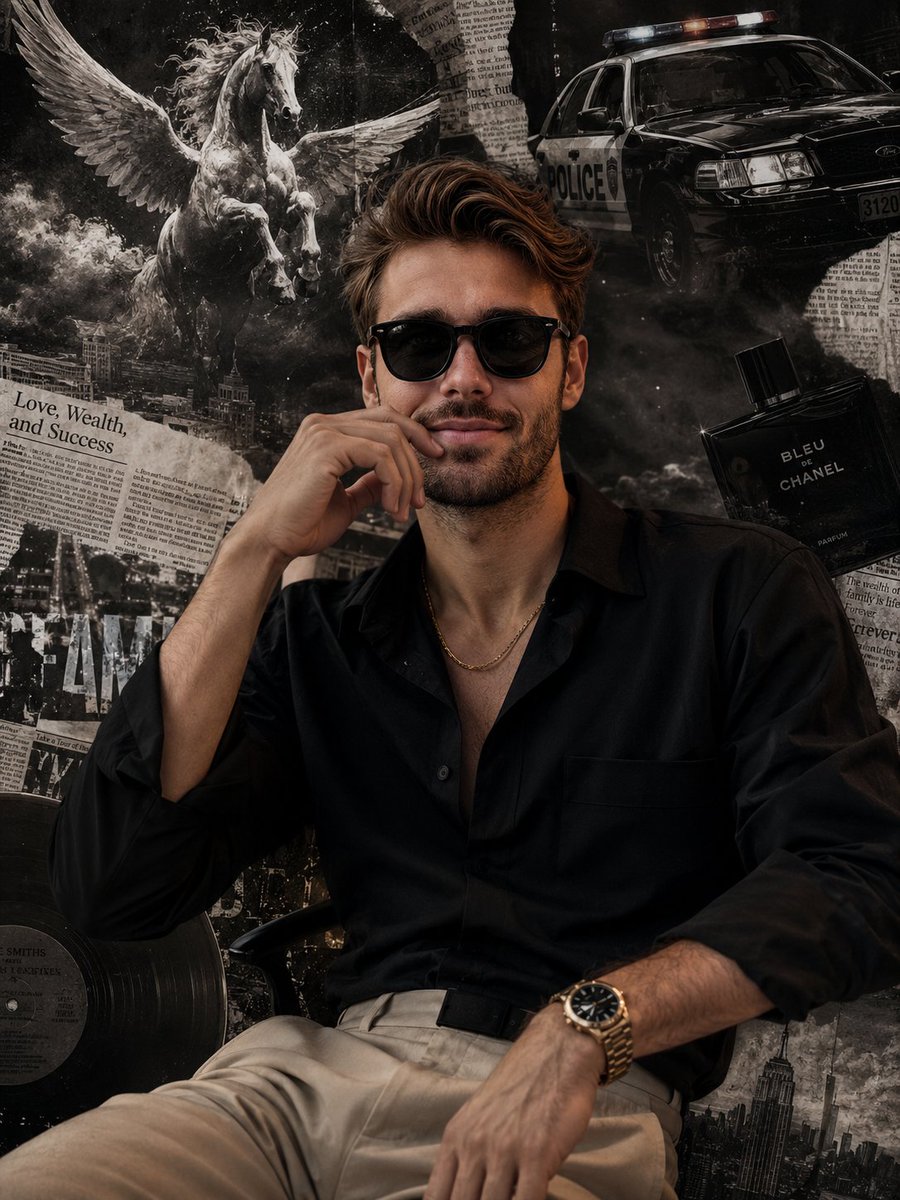
Grunge Collage Fashion Portrait
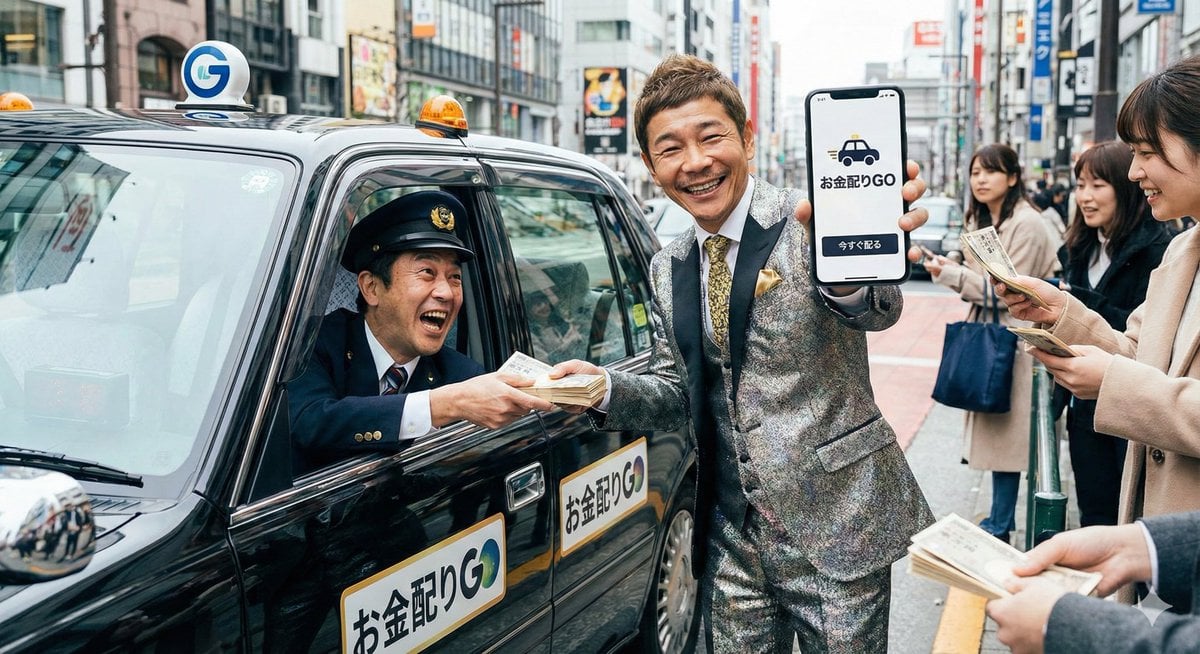
Generate image of a person based on a descriptive phrase
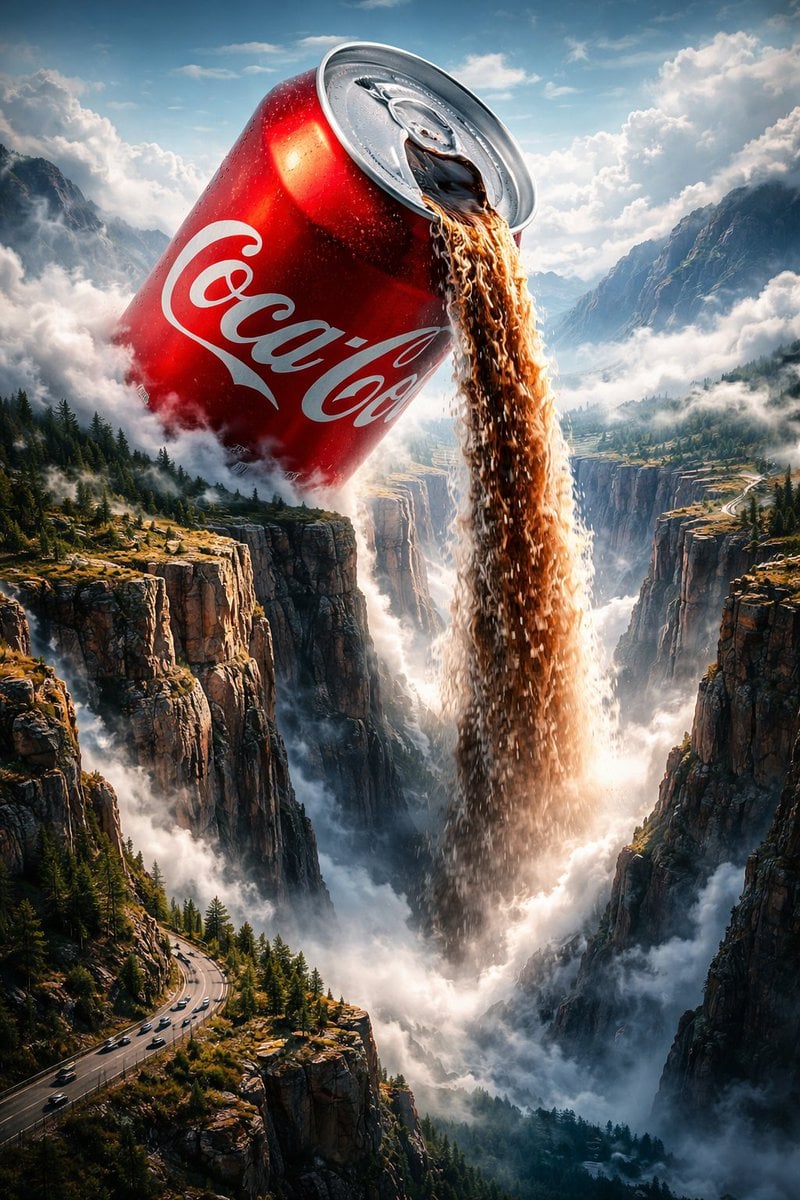
Surreal Epic Coca-Cola Waterfall Landscape
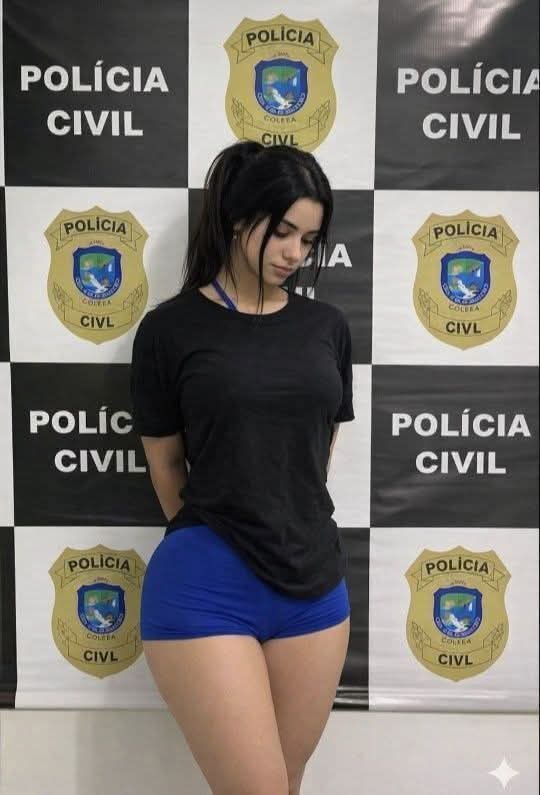
Request for Beach Selfie Prompt
Browse template categories
Balenciaga Street Fashion Sketch questions
How do I use the Balenciaga Street Fashion Sketch template?
Add your photo if the template asks for one, edit the prompt if you like — the template's model and format are already selected — and press Generate. Your version opens in PicX Studio.
Can I customize the Balenciaga Street Fashion Sketch template?
Yes. You can change the subject, setting, lighting, mood, format, and available model controls before creating your image.
Is the Balenciaga Street Fashion Sketch template free?
Opening and editing this template is free. Generating uses credits, shown on the Generate button when you are signed in.
Which AI model should I use?
Start with GPT Image 2, which is the model associated with this template. You can compare another compatible model for a different finish.
Looking for something else? Browse all templates.

Your photo, any look
Thousands of ready templates for every top image and video model, from one credit balance.