
Anime Girl Under Umbrella in Rain
A detailed anime rain portrait focused on transparent water effects, soft lighting, and a serene schoolgirl in a lush garden setting, ideal for atmospheric illustration prompts.
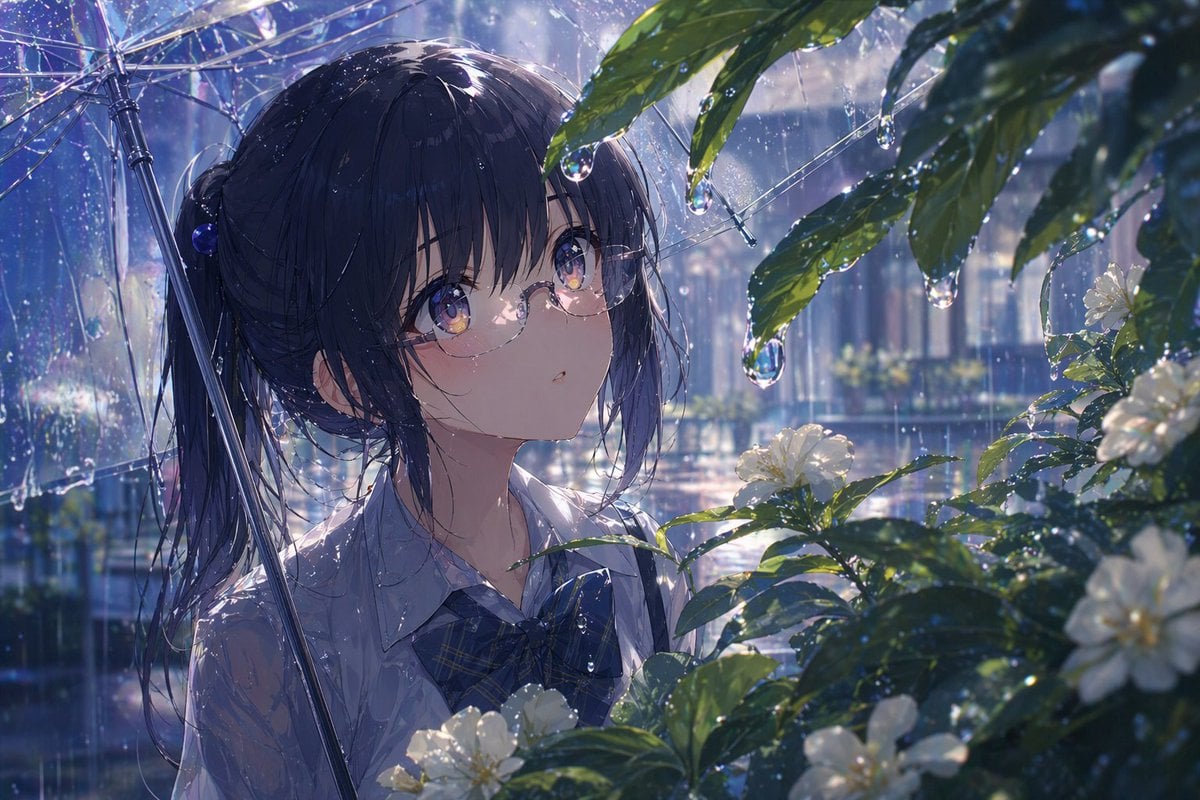
- Prompt included
- Model and format preset
- Premium template
The prompt behind this image
Copy the exact prompt behind Anime Girl Under Umbrella in Rain, or open it in the studio and make it yours.
A luminous anime-style close-up portrait of a teenage schoolgirl standing outdoors in the rain, framed from the chest up, holding a transparent vinyl umbrella. She has {argument name="hair color" default="dark navy black"} hair tied in a low side ponytail with soft loose strands and straight bangs, delicate round glasses, large glossy violet-blue eyes, and a calm, slightly awed expression as she looks upward toward leaves and raindrops. She wears a wet white short-sleeved school blouse and a dark blue plaid ribbon bow at the collar. The scene is filled with convincing water and light: rain falling in fine streaks, droplets clinging to the umbrella ribs, beads of water on her hair and shirt, and large crystal-clear drops hanging from broad green leaves in the upper right foreground. In the lower right and foreground, include blooming white garden flowers with dark glossy foliage covered in rain. Use a cool blue and silver palette with soft lavender highlights, backlit by diffused daylight after or during a shower, creating intense transparency, reflections, refraction, sparkling bokeh, and shimmering wet surfaces. The background should be an out-of-focus urban garden or residential walkway with fences and buildings blurred by rain, while the girl remains sharply rendered. Emphasize cinematic composition, layered foreground leaves, hyper-detailed raindrops, realistic translucent umbrella material, subtle rim light on wet hair, and an overall mood of quiet wonder and serene summer rain.
How to use Anime Girl Under Umbrella in Rain in 3 steps
- 1Upload ImagePNG, JPG or paste
Add your photo
Upload the photo the template builds on. The prompt, model and format are already set.
- 2…a portrait of your subject in softgolden-hour light, 85mm…
Personalize
Edit the subject and creative details for your destination.
- 3Generate
Generate
Press Generate — your image is created in PicX Studio, so you can compare it with the original and refine one variable at a time.
More like this
Templates with the same subject, style or setup. Open one to see its prompt.
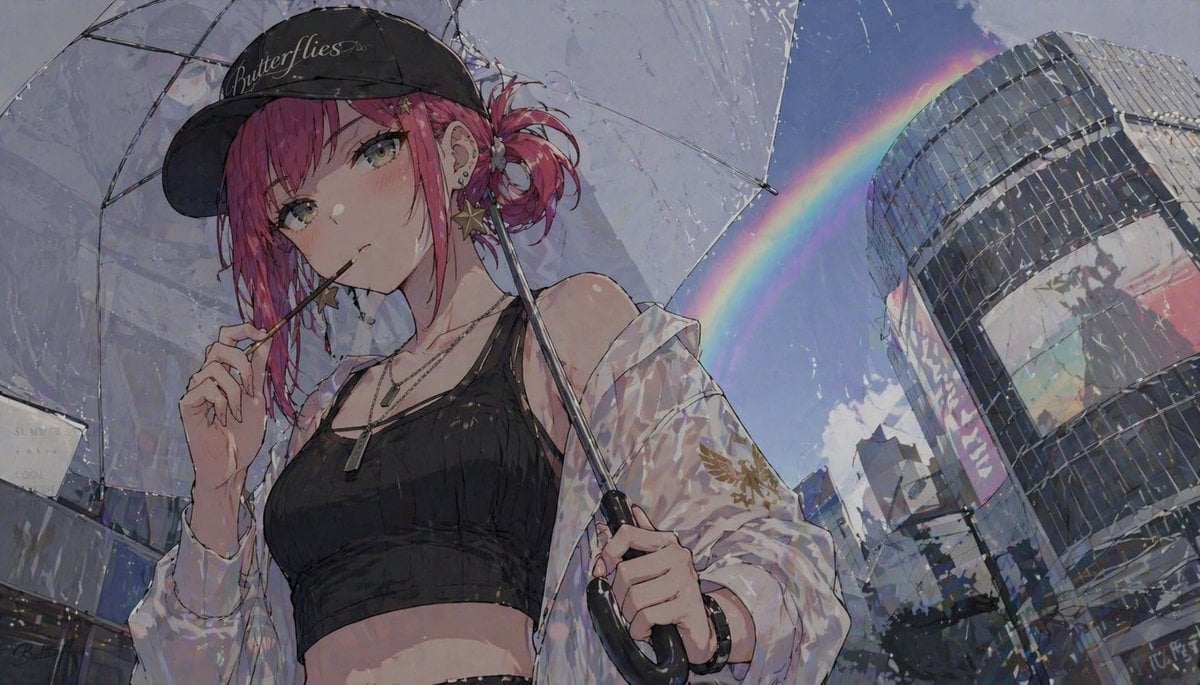
Anime Girl with Umbrella and Rainbow
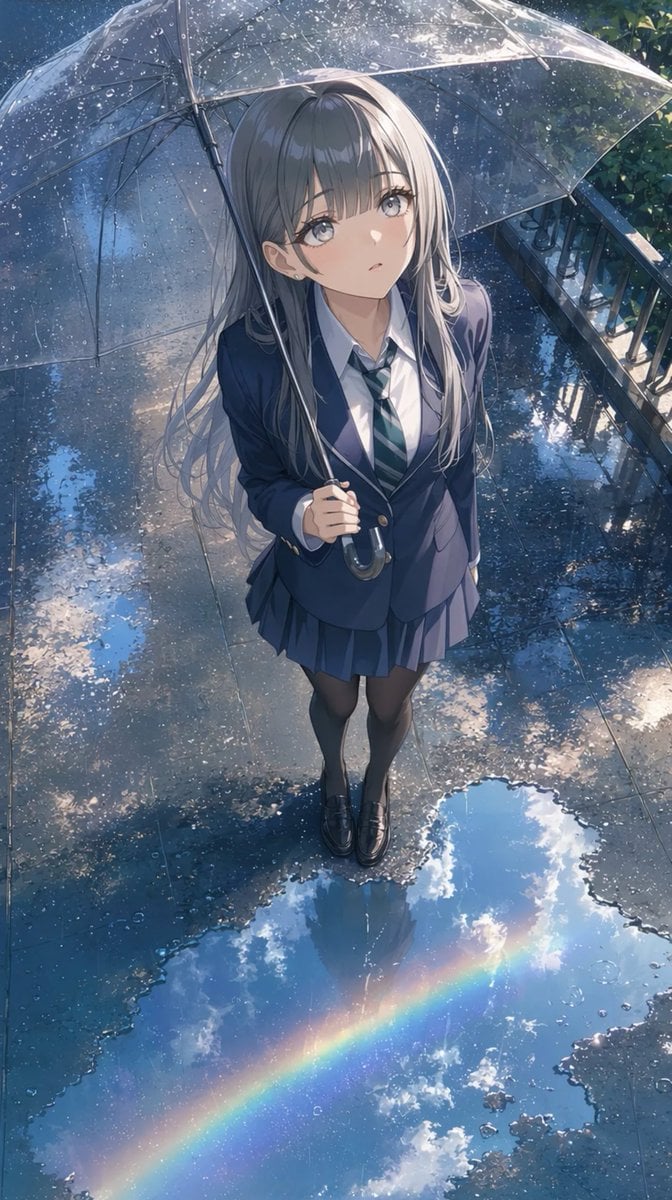
Anime Schoolgirl Under Clear Umbrella

Cel 2D Rainy Bus Stop

Cel 2D Underwater Reef

Cel 2D Train Window

Anime Rain Poncho Parade

Ghibli Rainy Tram Interior
Pixar Anime Rainy Window
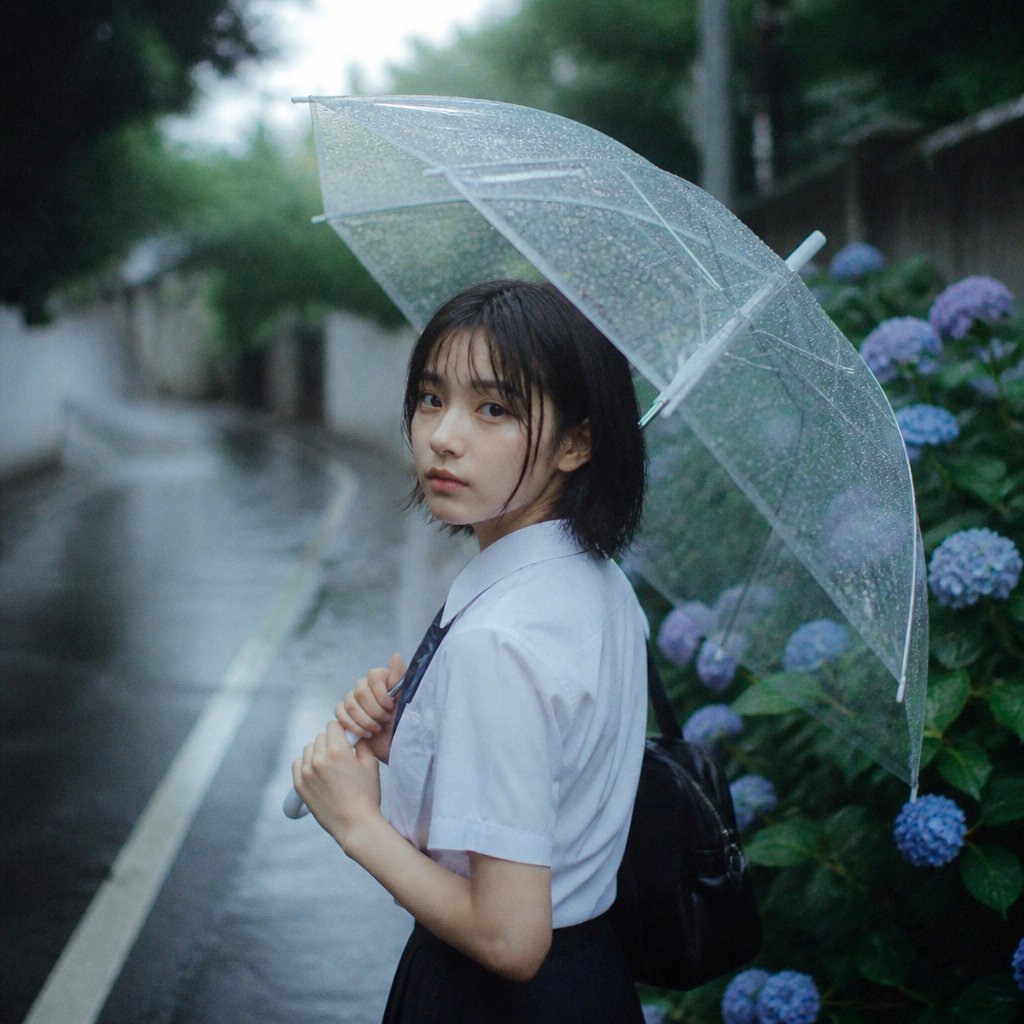
Rainy Schoolgirl With Transparent Umbrella
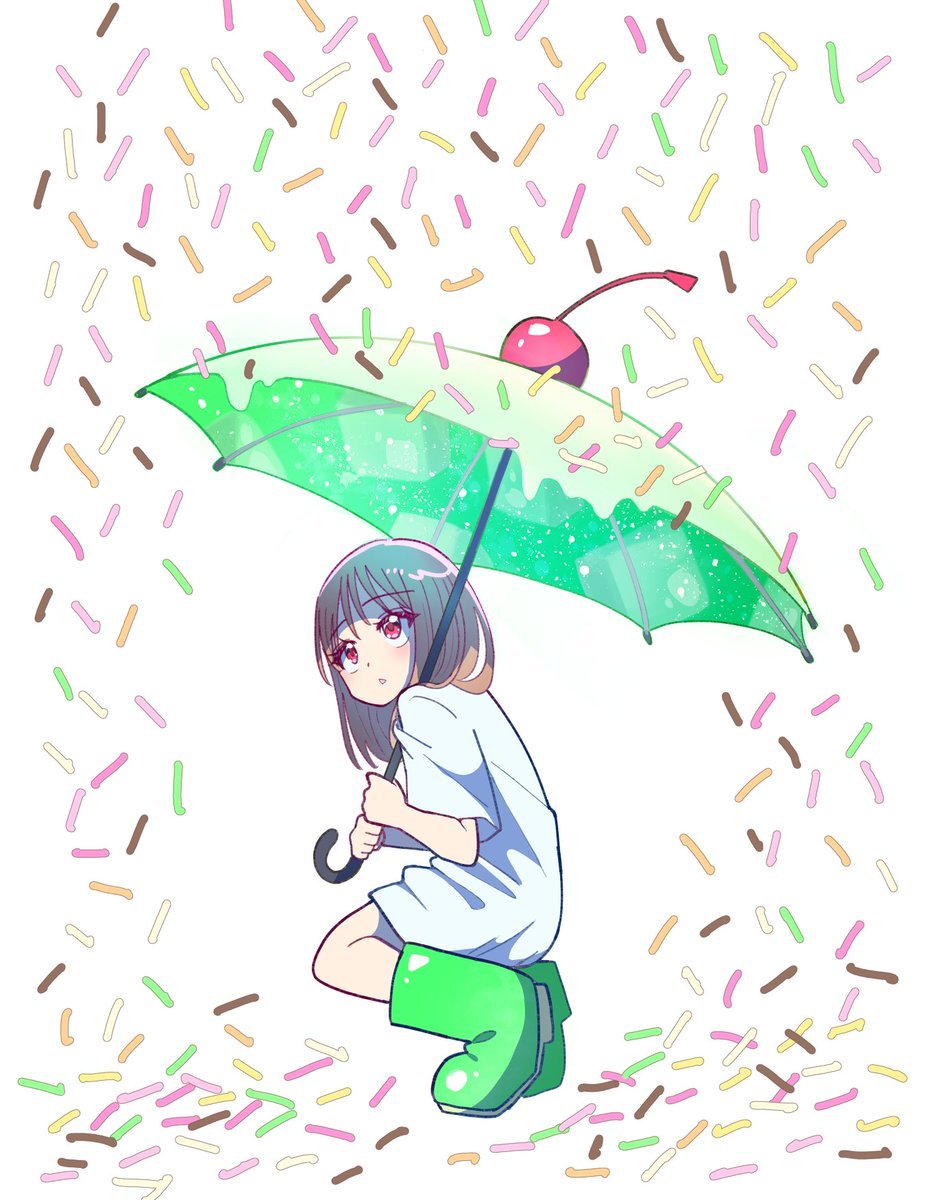
Anime Girl with Melon Soda Umbrella
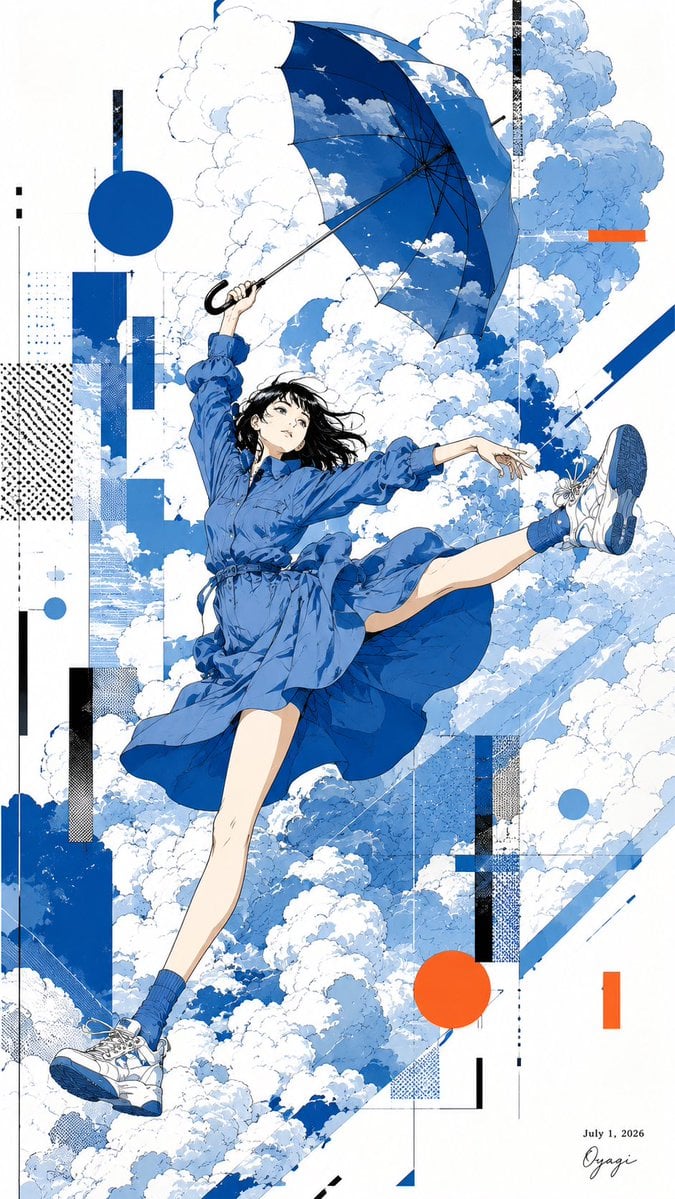
Anime Girl Floating With Umbrella

Meet Me When It Rains
Make it yours
Anime Girl Under Umbrella in Rain works as-is. These are the safest ways to change it without losing the look.
Change one field
Copy a single group, rewrite it, and generate again so you can see what that field is doing.
Keep the frame, change the subject
Hold the composition and light of Anime Girl Under Umbrella in Rain, then swap wardrobe, props or the person for a new take.
| If the result… | Why | Fix |
|---|---|---|
| The result drifts from the preview | Too many fields changed at once. | Reuse Anime Girl Under Umbrella in Rain as-is first, then change one group — subject, light, or setting. |
| The model over-stylizes the scene | The prose prompt leaves finish and camera underspecified. | Add one camera or lighting sentence and stay on GPT Image 2. |
More GPT Image 2 templates
Other prompts made for GPT Image 2.

Six VTuber Japanese Logo Sheet

Realistic Portrait of Woman and Deer

The Vista Modular Condo Poster

AI Model Routing Comparison Infographic

2.5D Anime Art Board

Isometric Productivity Desk Scene

New York Double Exposure Poster

Four-Panel AI Landscape Comparison

Japanese Tatami Lifestyle Magazine Cover

NESCAFÉ Coffee Map Poster
More image prompts
Fresh picks from across the catalog.
Bizarre Photo Restoration Creepypasta Prompt
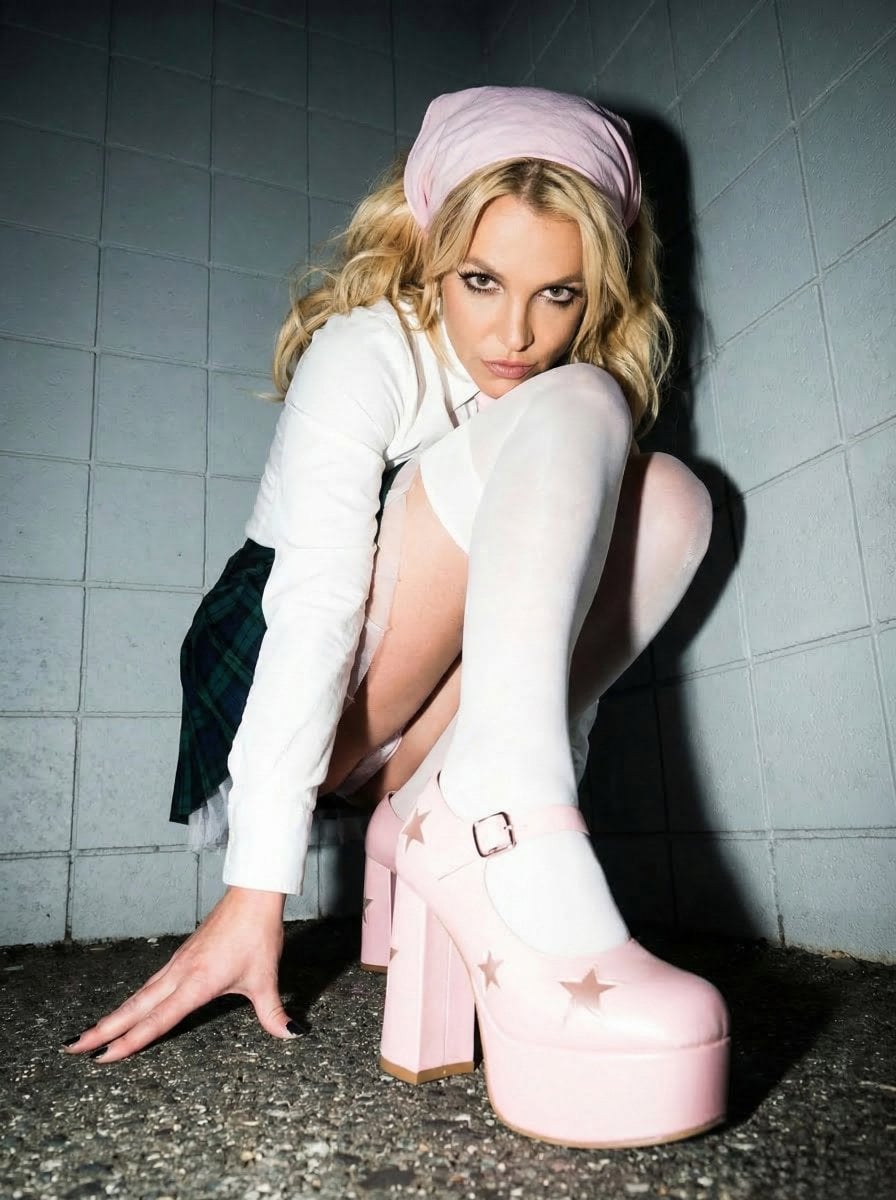
Avant-garde Punk Schoolgirl Portrait for Nano Banana Pro
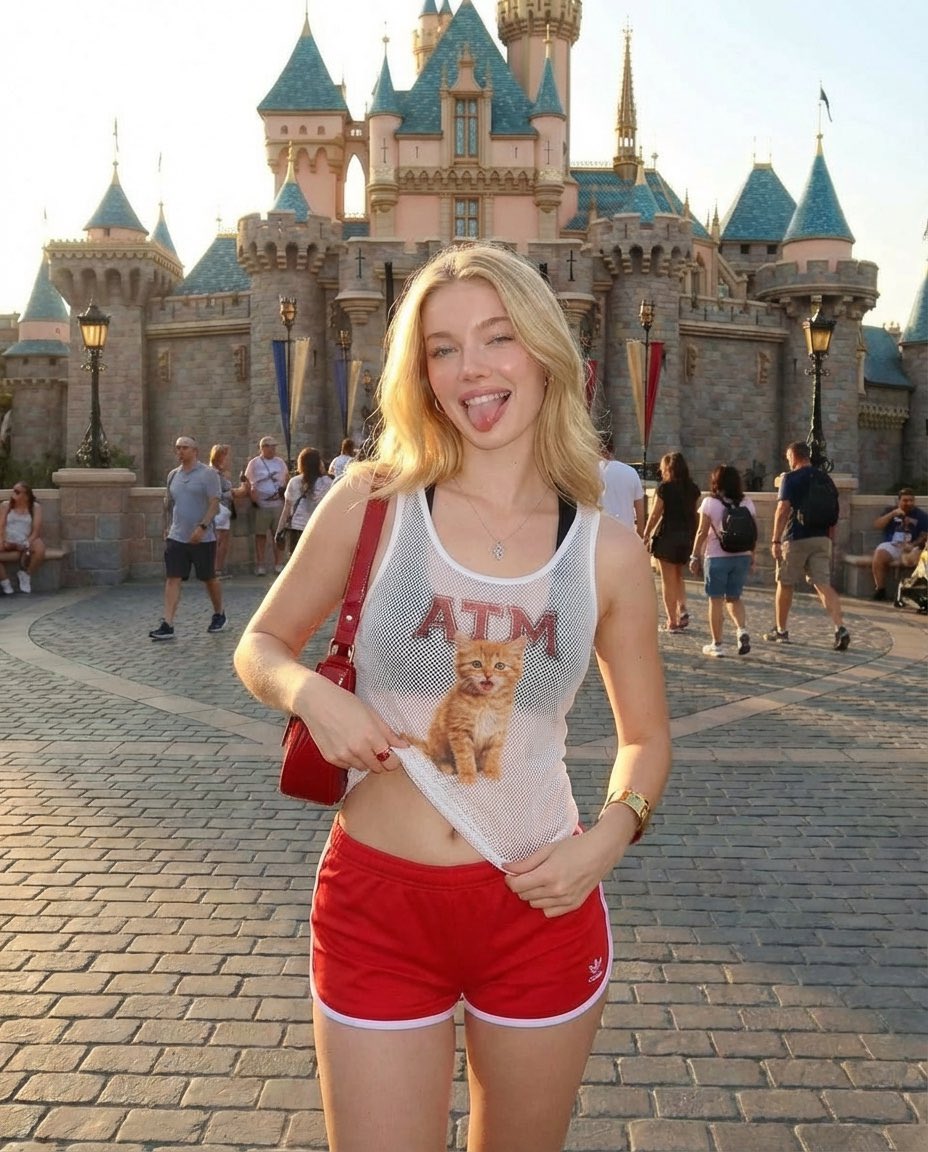
Realistic Photography of a Woman at a Fairytale Castle
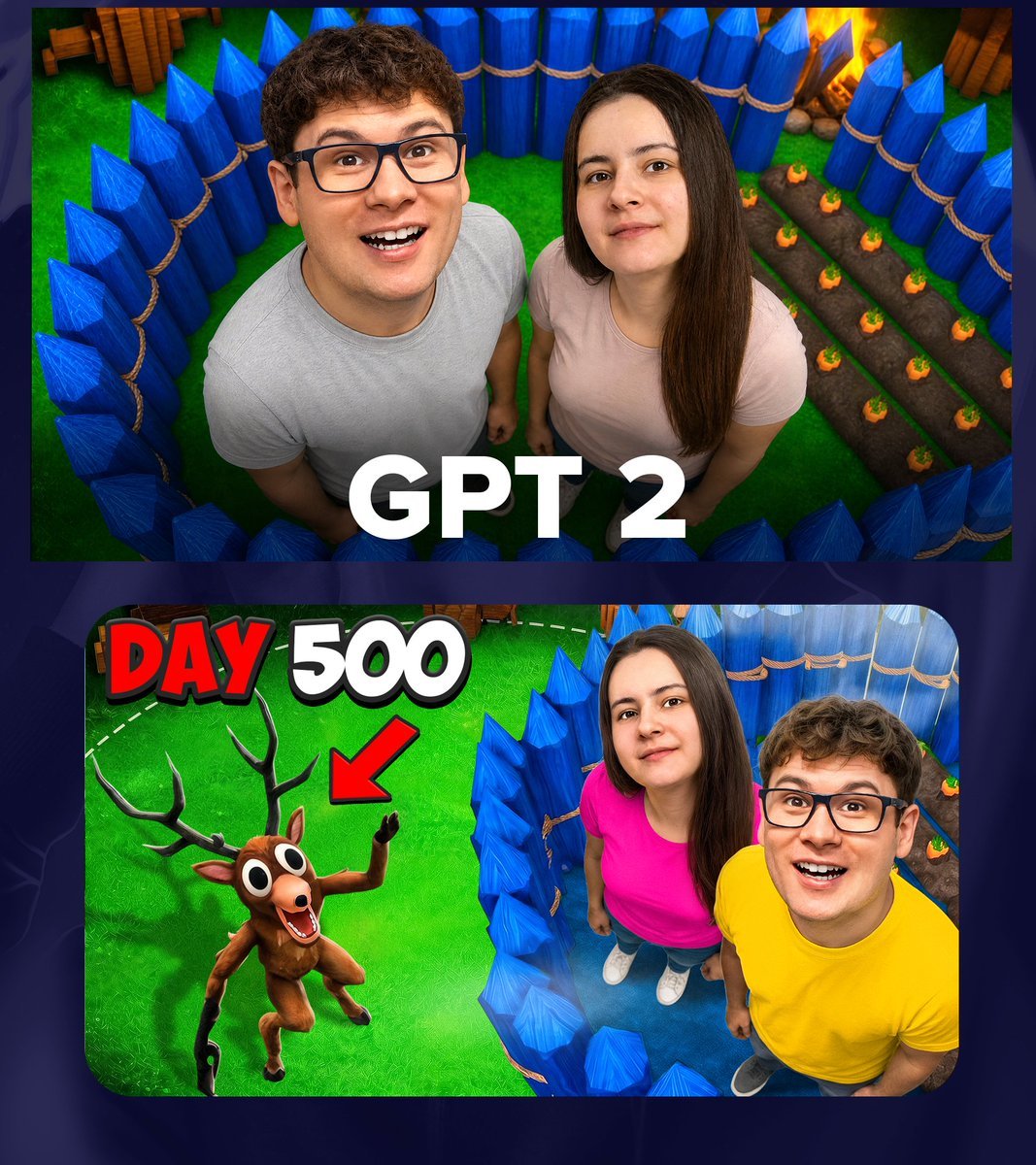
GPT 2 Day 500 Gaming Thumbnail
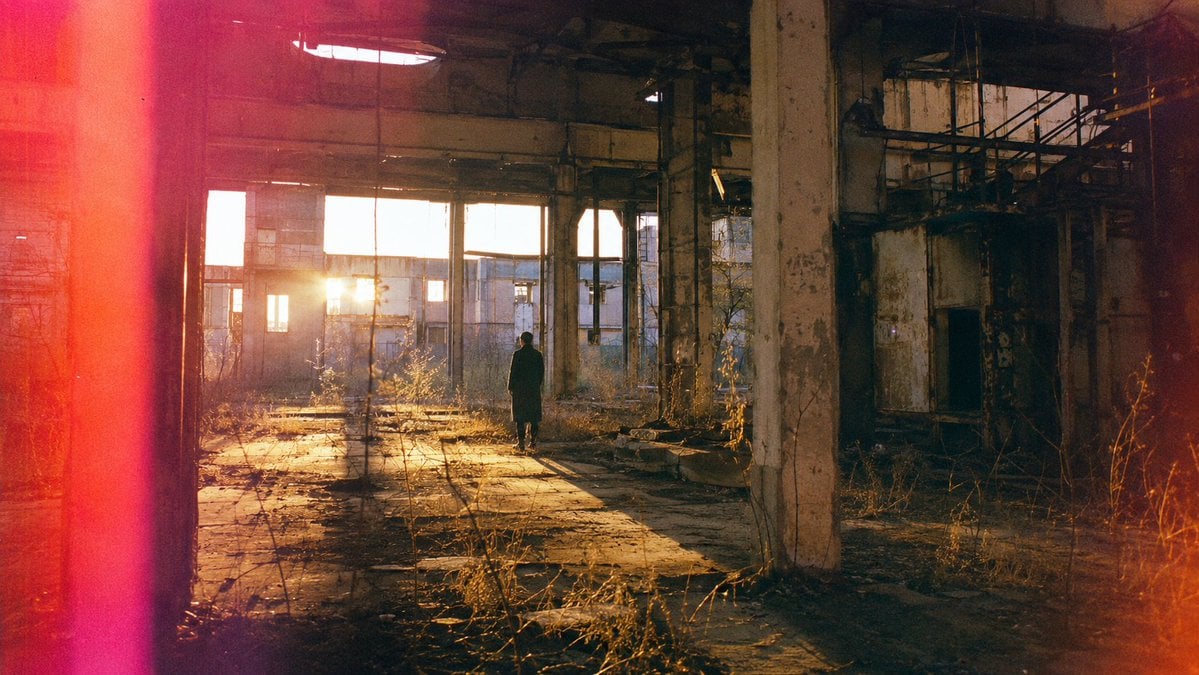
Lone Figure in Abandoned Warehouse
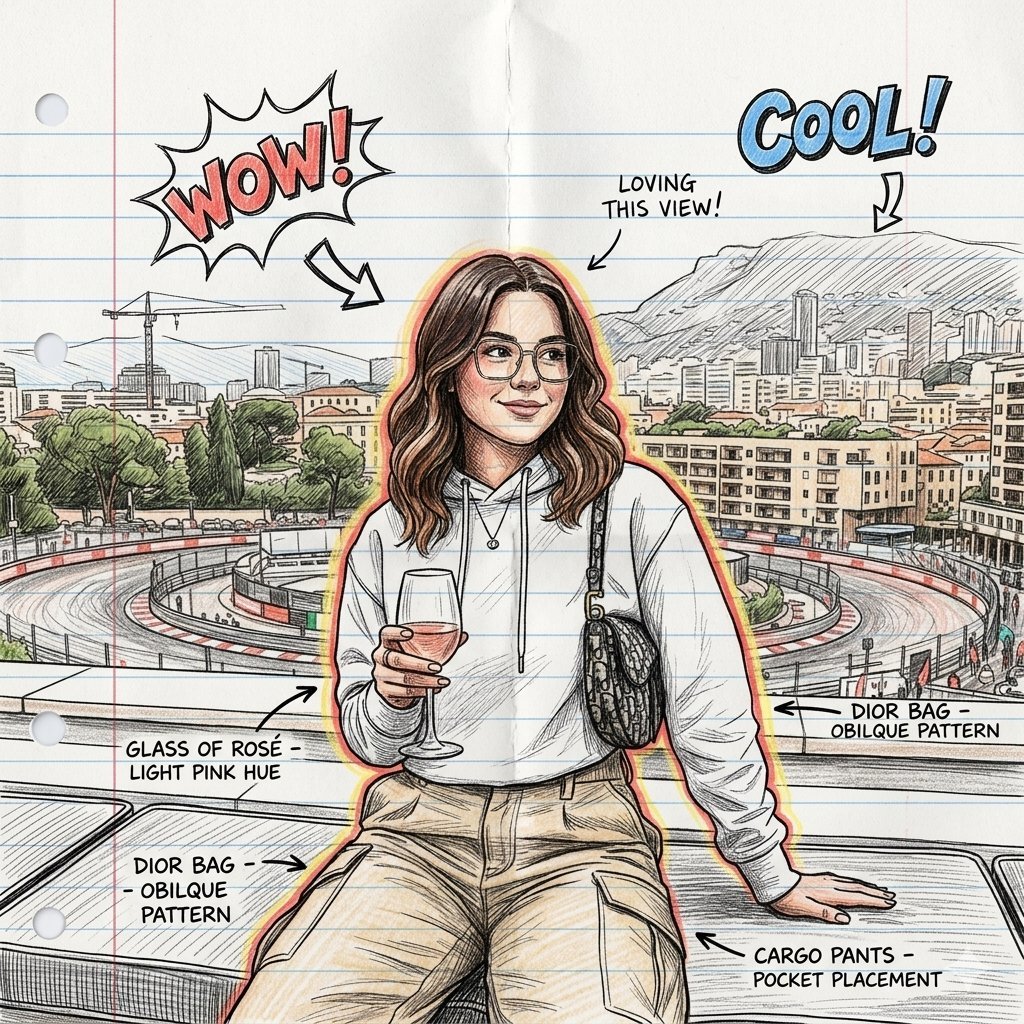
Gemini Nano Banana 2
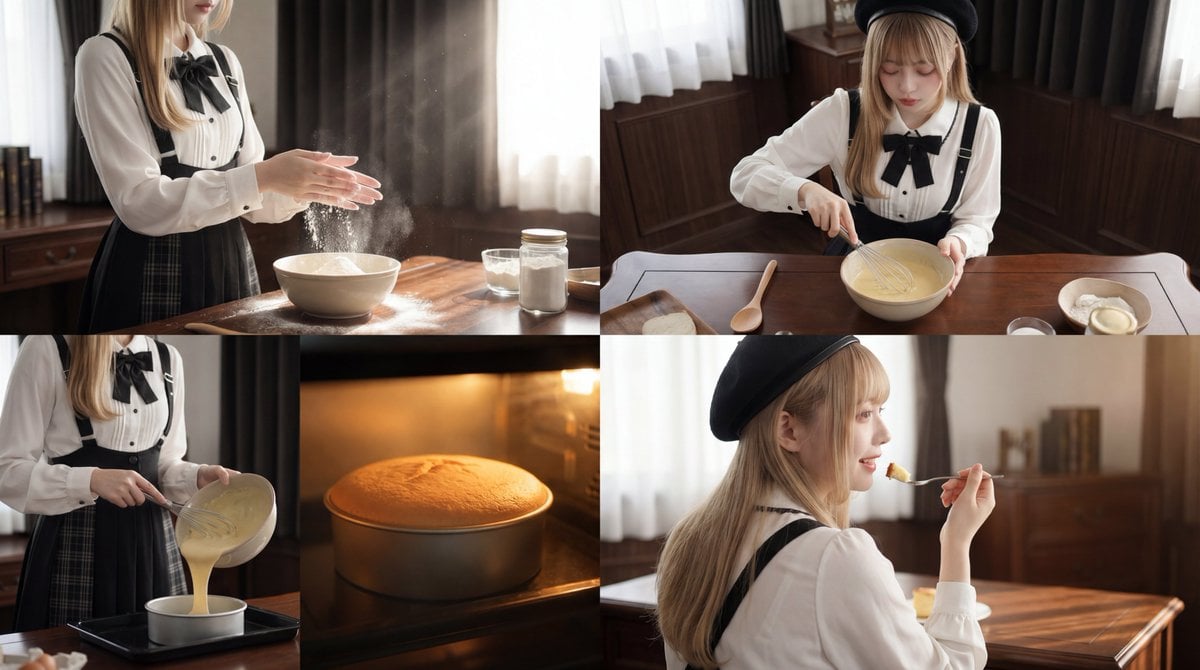
Cinematic Cake Making Process Video Prompt
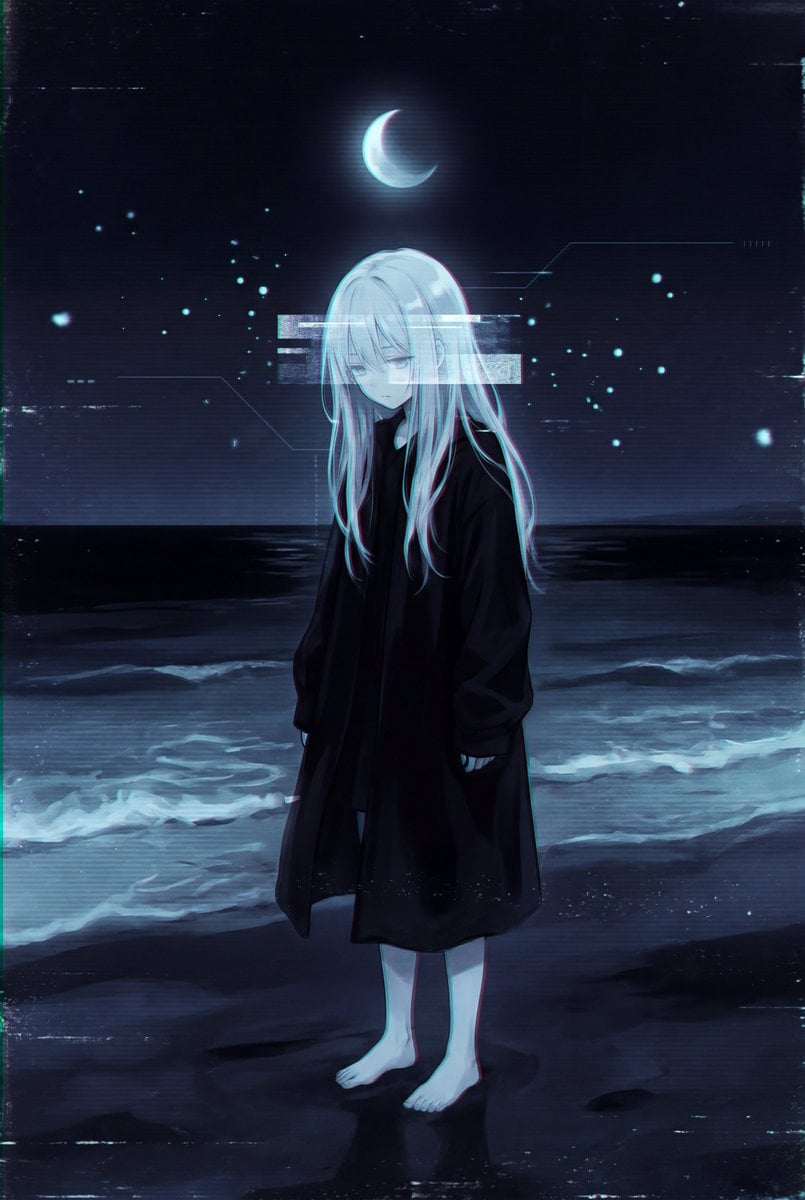
Dark Liminal Anime Illustration

8K Cinematic Winter Portrait in Jammu & Kashmir
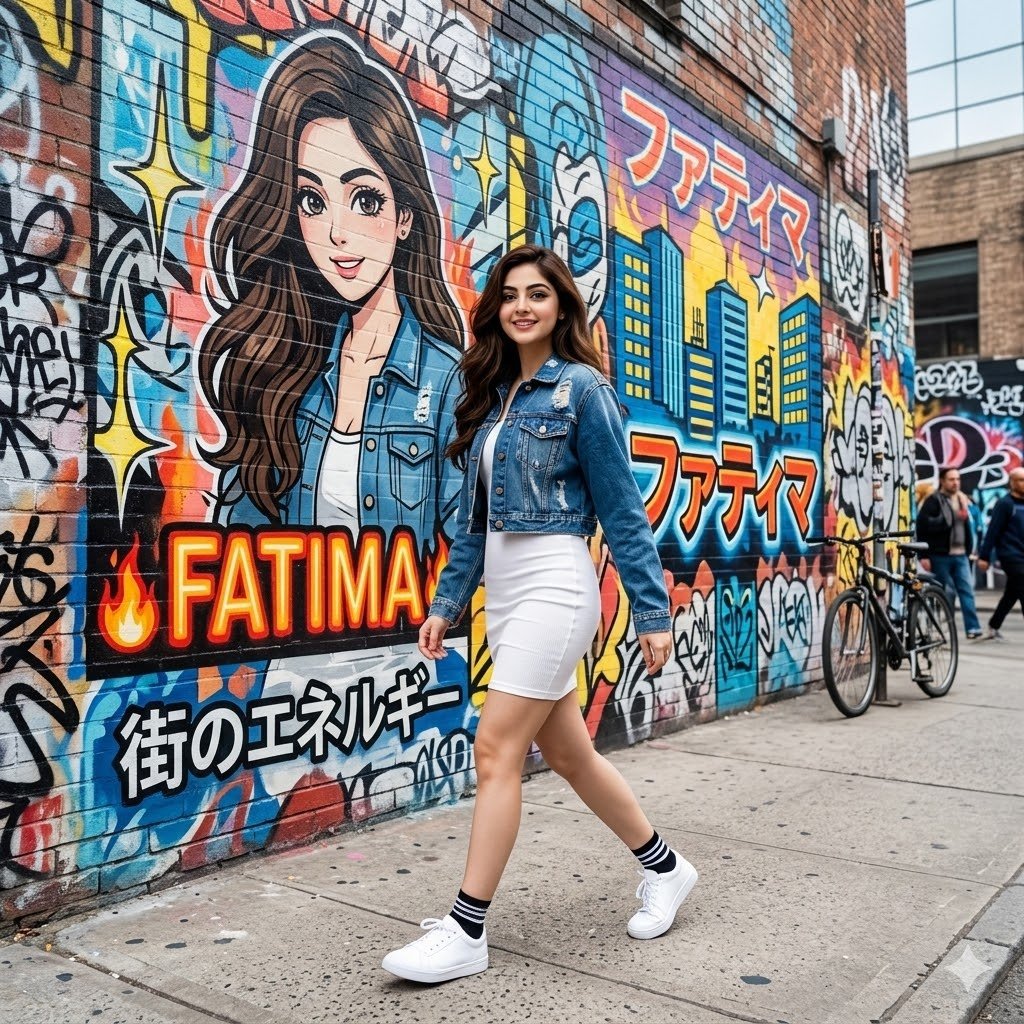
Graffiti Wall Urban Fashion Portrait
Browse template categories
Anime Girl Under Umbrella in Rain questions
How do I use the Anime Girl Under Umbrella in Rain template?
Add your photo if the template asks for one, edit the prompt if you like — the template's model and format are already selected — and press Generate. Your version opens in PicX Studio.
Can I customize the Anime Girl Under Umbrella in Rain template?
Yes. You can change the subject, setting, lighting, mood, format, and available model controls before creating your image.
Is the Anime Girl Under Umbrella in Rain template free?
Opening and editing this template is free. Generating uses credits, shown on the Generate button when you are signed in.
Which AI model should I use?
Start with GPT Image 2, which is the model associated with this template. You can compare another compatible model for a different finish.
Looking for something else? Browse all templates.

Your photo, any look
Thousands of ready templates for every top image and video model, from one credit balance.