
Rainy Schoolgirl With Transparent Umbrella
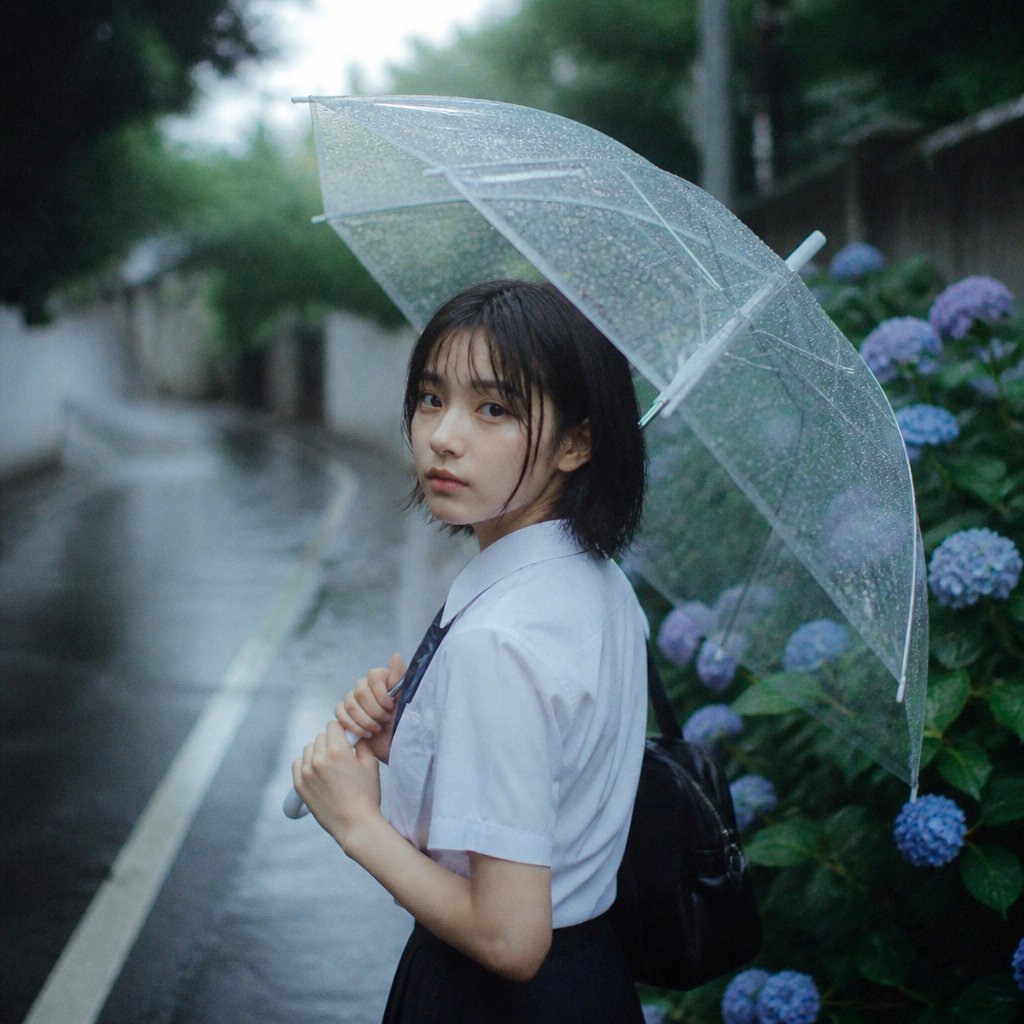
A cinematic rainy street portrait featuring a schoolgirl holding a clear umbrella beside blue hydrangeas, useful for moody photorealistic scene generation.
- Prompt included
- Model and format preset
- Free template
The prompt behind this image
Copy the exact prompt behind Rainy Schoolgirl With Transparent Umbrella, or open it in the studio and make it yours.
Create a moody, cinematic square portrait photograph of {argument name="character description" default="a Japanese high school girl"} standing on a narrow wet residential street on a rainy day, viewed from the waist up in side profile facing left. She wears a crisp white short-sleeve school shirt, a dark navy tie or ribbon, a dark pleated skirt, and a black backpack slung behind her. Her {argument name="hair style" default="straight short black bob haircut"} is slightly damp. She holds the handle of a transparent vinyl umbrella close to her chest with both hands; the umbrella canopy is open above and behind her, covered in many fine raindrops, with visible pale ribs, a curved clear edge, and a slightly imperfect asymmetrical shape. Her face is intentionally obscured by a flat, centered, soft-edged rectangular censor block in muted brown-gray. The background is softly blurred with shallow depth of field: a rain-slick asphalt road curving into the distance on the left with a white lane line, dark green trees and walls in the distance, and a dense hydrangea bush on the right containing exactly 9 visible blue-to-purple flower clusters among glossy green leaves. Use cool blue-green rainy tones, natural overcast light, film-grain texture, bokeh, realistic wet reflections, and an intimate 35mm street-photography look. Keep the composition square, place the subject slightly right of center, and make the umbrella dominate the upper half of the frame. No text, no watermark, no extra people.
How to use Rainy Schoolgirl With Transparent Umbrella in 3 steps
- 1Upload ImagePNG, JPG or paste
Add your photo
Upload the photo the template builds on. The prompt, model and format are already set.
- 2…a portrait of your subject in softgolden-hour light, 85mm…
Personalize
Edit the subject and creative details for your destination.
- 3Generate
Generate
Press Generate — your image is created in PicX Studio, so you can compare it with the original and refine one variable at a time.
More like this
Templates with the same subject, style or setup. Open one to see its prompt.
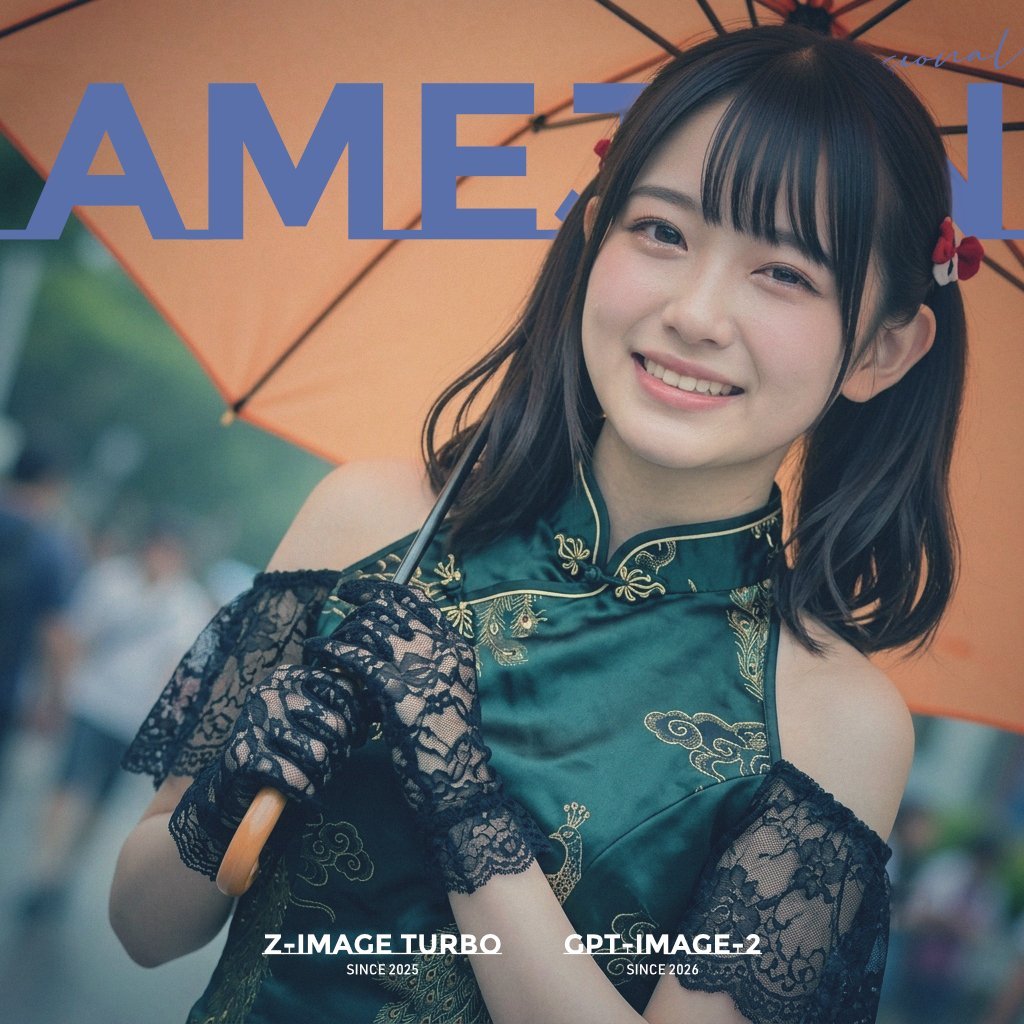
Rainy Umbrella Fashion Cover
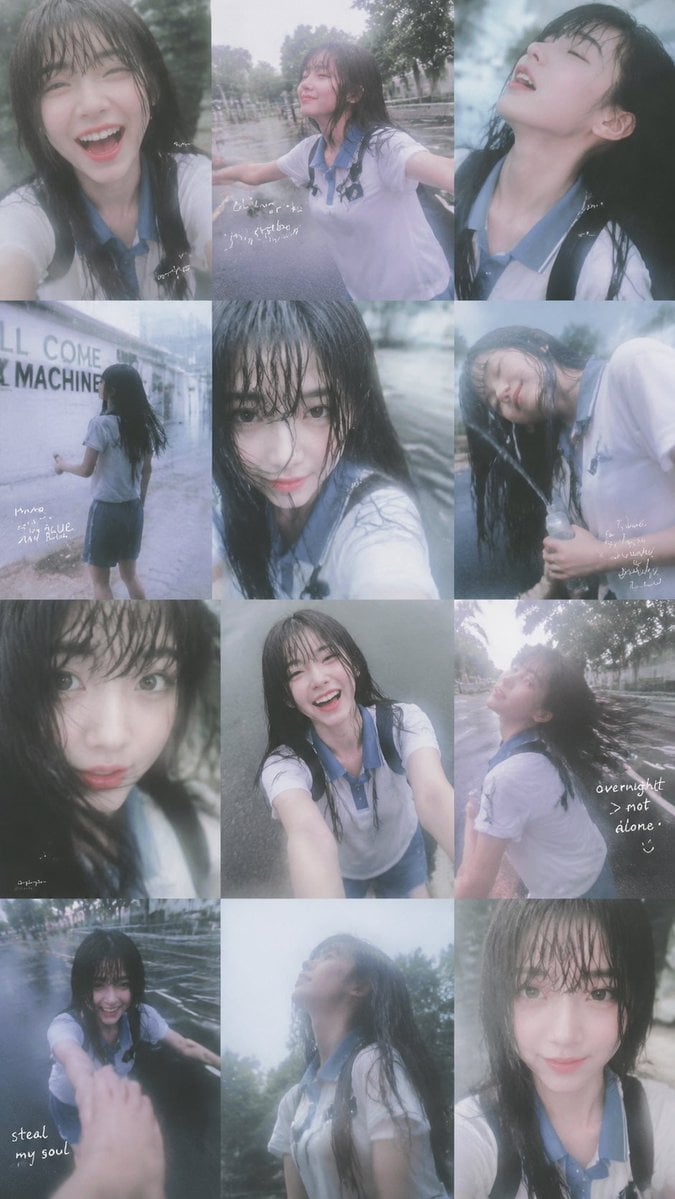
Rainy Schoolgirl Photo Diary Collage
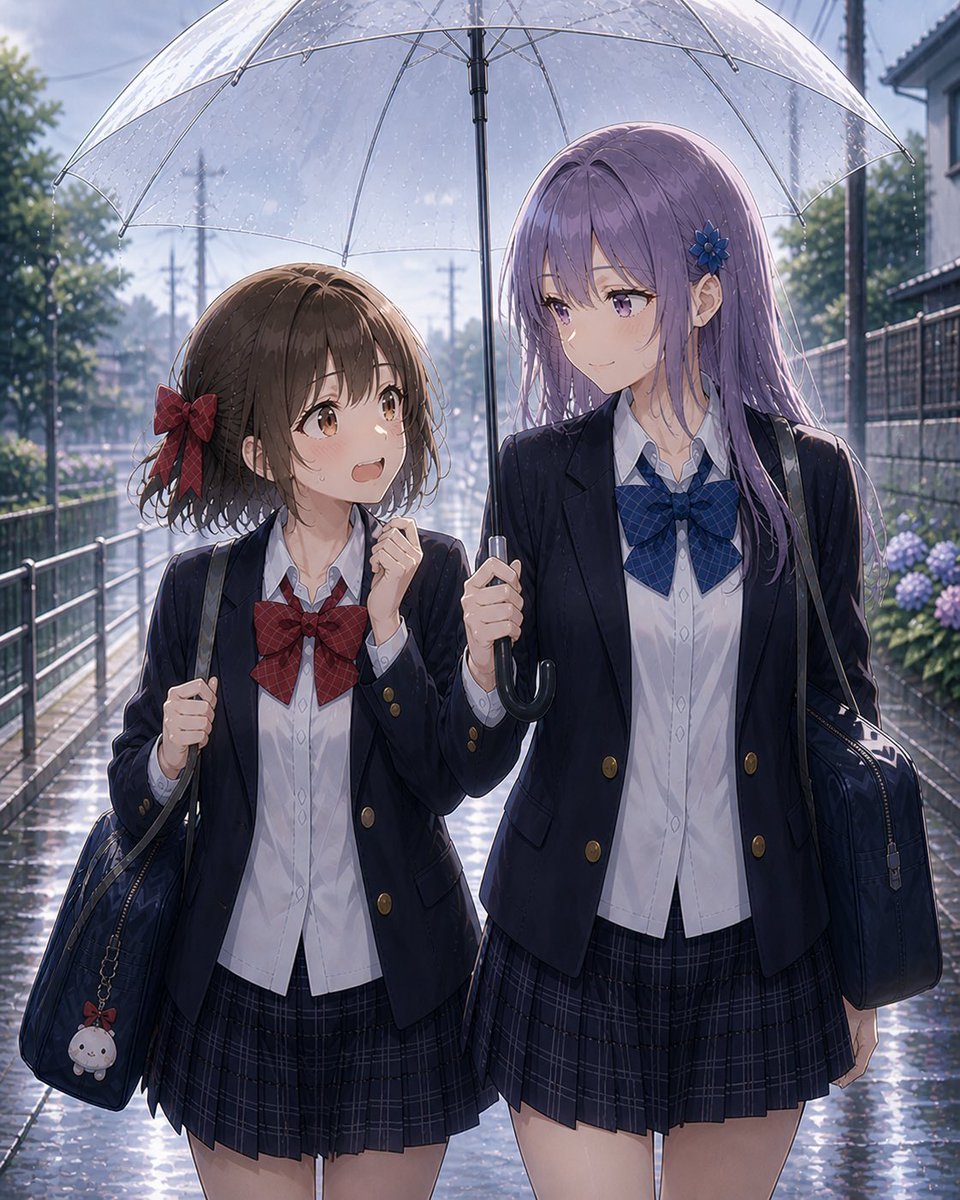
Rainy After-School Umbrella Friends
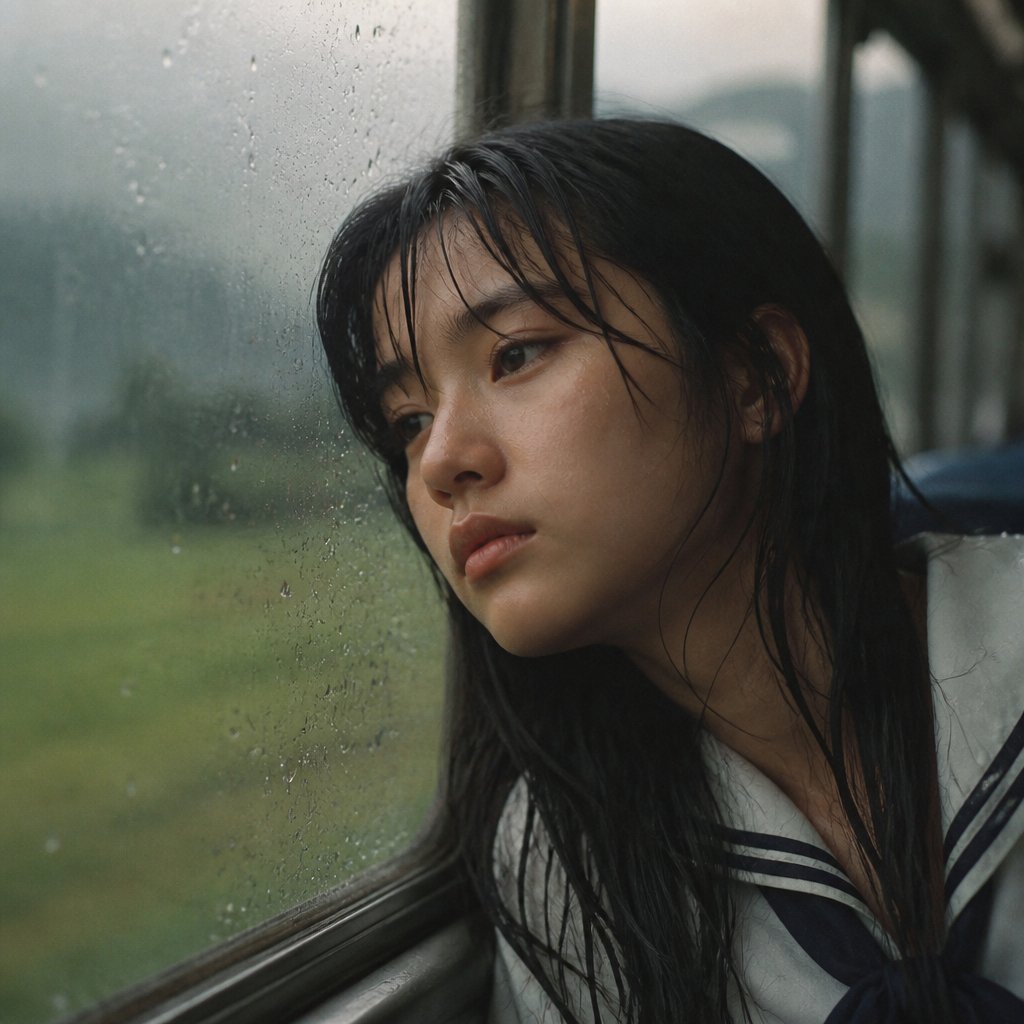
Rainy Train Schoolgirl Portrait
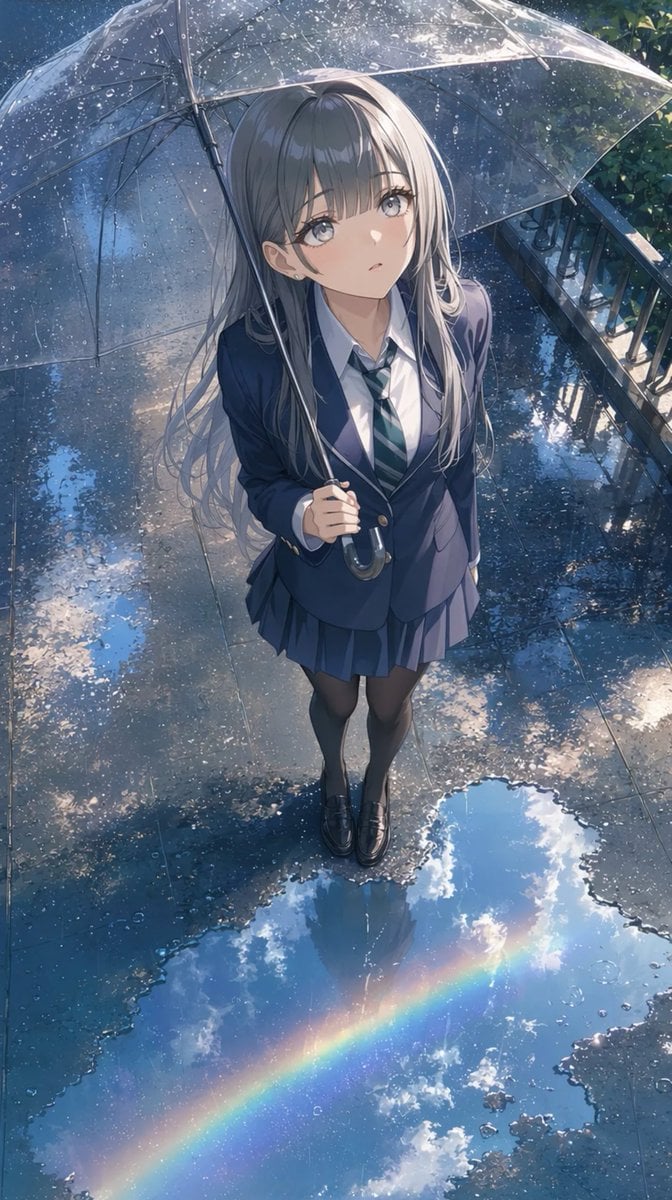
Anime Schoolgirl Under Clear Umbrella
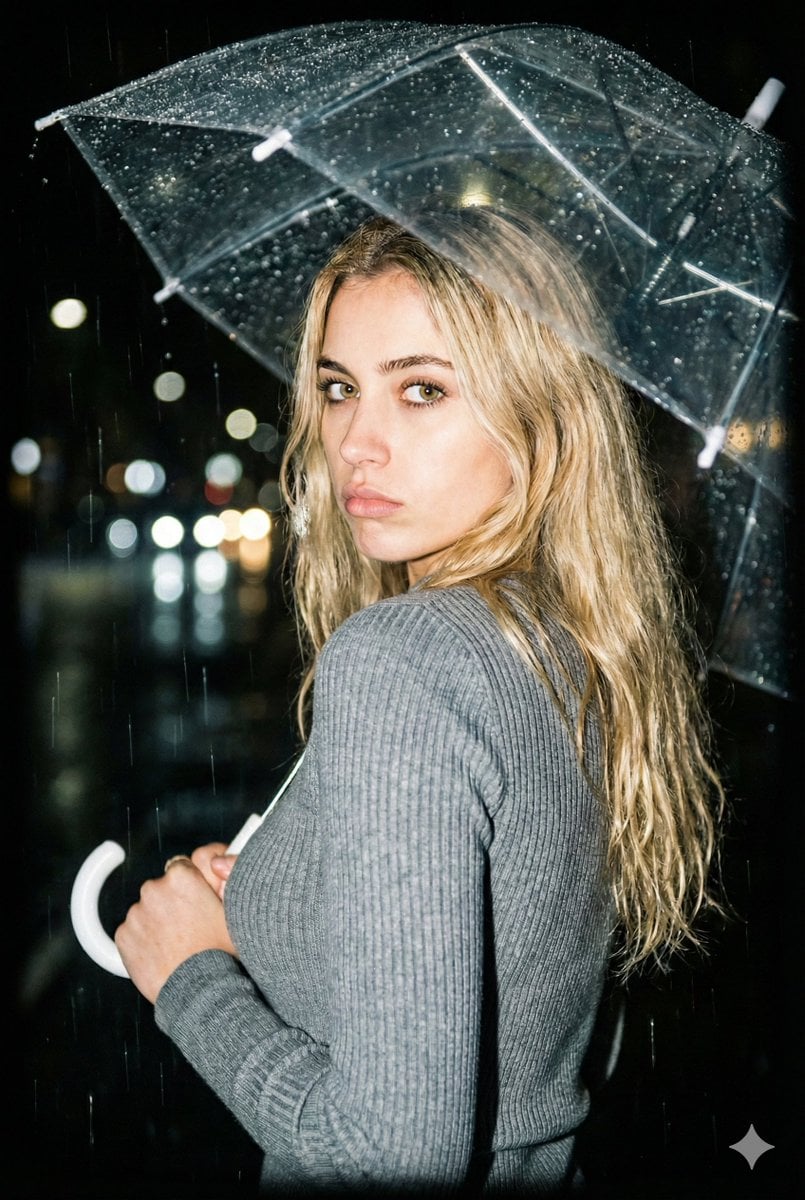
Nighttime Rainy Umbrella Portrait Prompt

Transparent Bear Character Cutout
Transparent Earbuds on Stone Pedestal
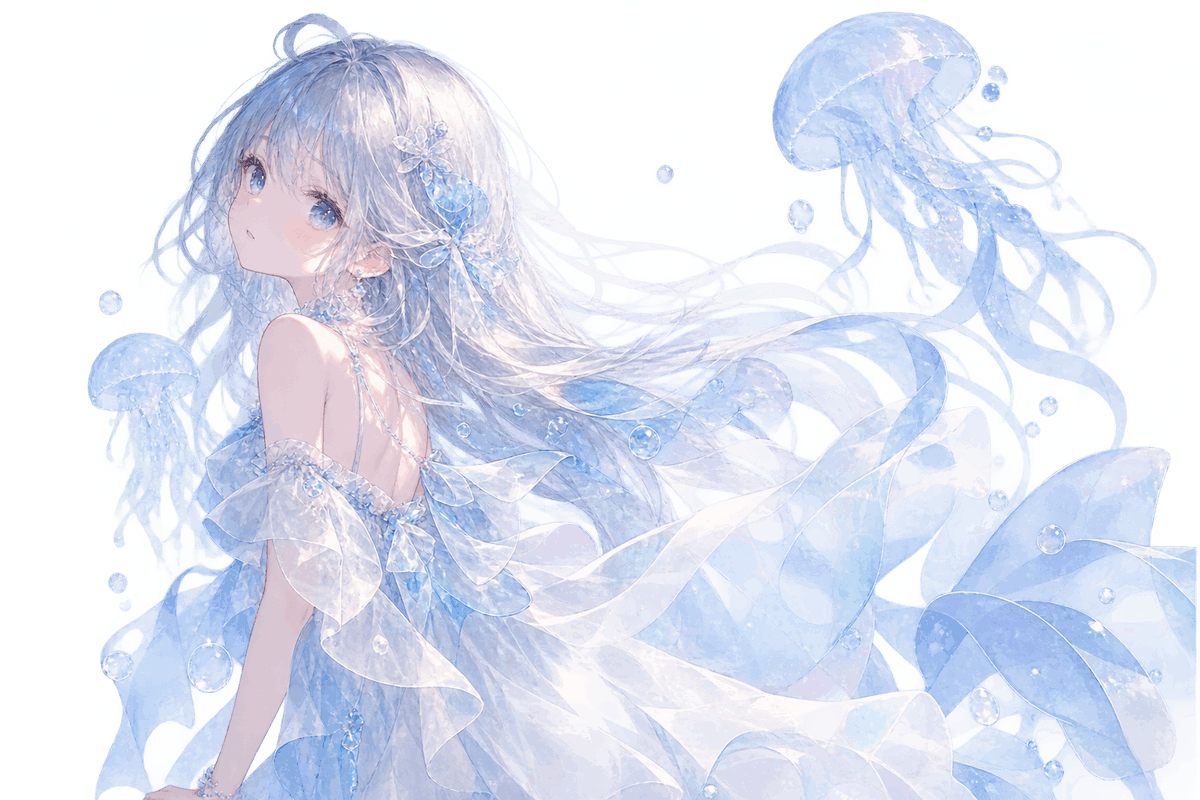
Transparent Jellyfish Princess
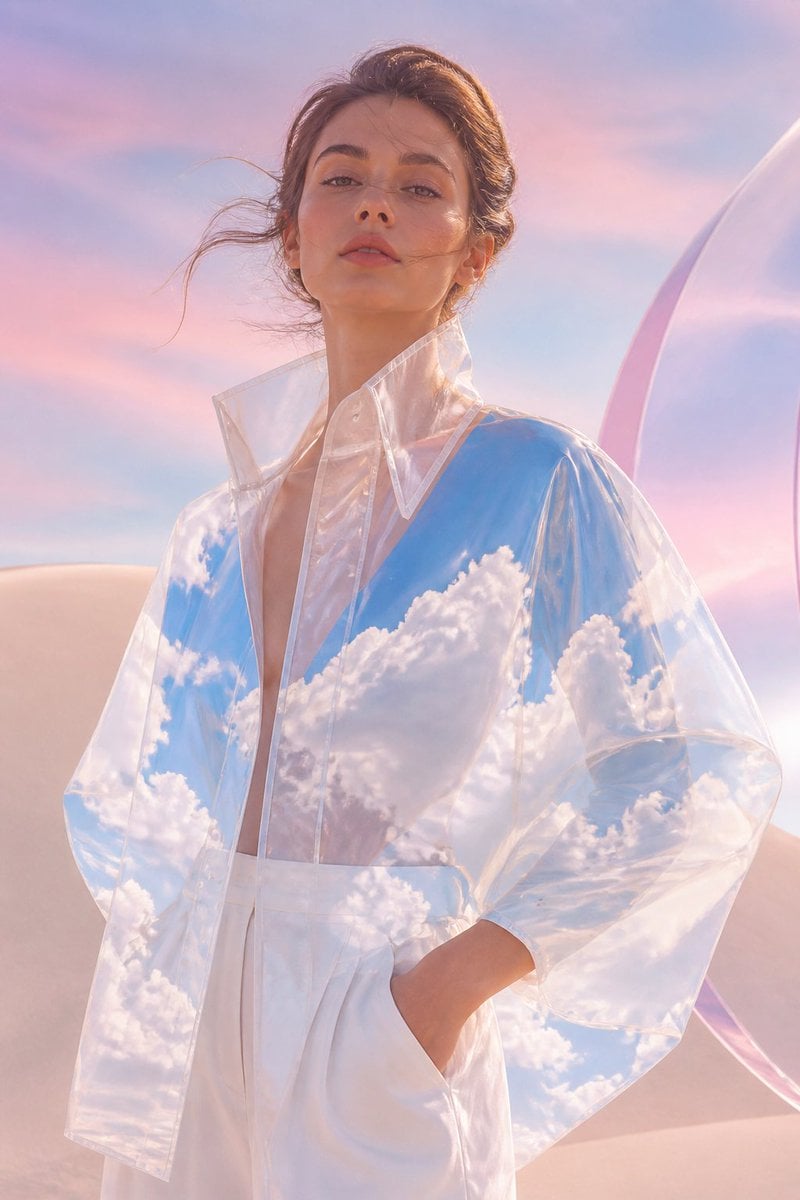
Transparent Sky Jacket Fashion

Wet Transparent Earbud Macro

X-Ray Transparent Grand Piano
Make it yours
Rainy Schoolgirl With Transparent Umbrella works as-is. These are the safest ways to change it without losing the look.
Change one field
Copy a single group, rewrite it, and generate again so you can see what that field is doing.
Keep the frame, change the subject
Hold the composition and light of Rainy Schoolgirl With Transparent Umbrella, then swap wardrobe, props or the person for a new take.
| If the result… | Why | Fix |
|---|---|---|
| The result drifts from the preview | Too many fields changed at once. | Reuse Rainy Schoolgirl With Transparent Umbrella as-is first, then change one group — subject, light, or setting. |
| The model over-stylizes the scene | The prose prompt leaves finish and camera underspecified. | Add one camera or lighting sentence and stay on GPT Image 2. |
More GPT Image 2 templates
Other prompts made for GPT Image 2.

Six VTuber Japanese Logo Sheet

Realistic Portrait of Woman and Deer

The Vista Modular Condo Poster

AI Model Routing Comparison Infographic

2.5D Anime Art Board

Isometric Productivity Desk Scene

New York Double Exposure Poster

Four-Panel AI Landscape Comparison

Japanese Tatami Lifestyle Magazine Cover

NESCAFÉ Coffee Map Poster
More image prompts
Fresh picks from across the catalog.
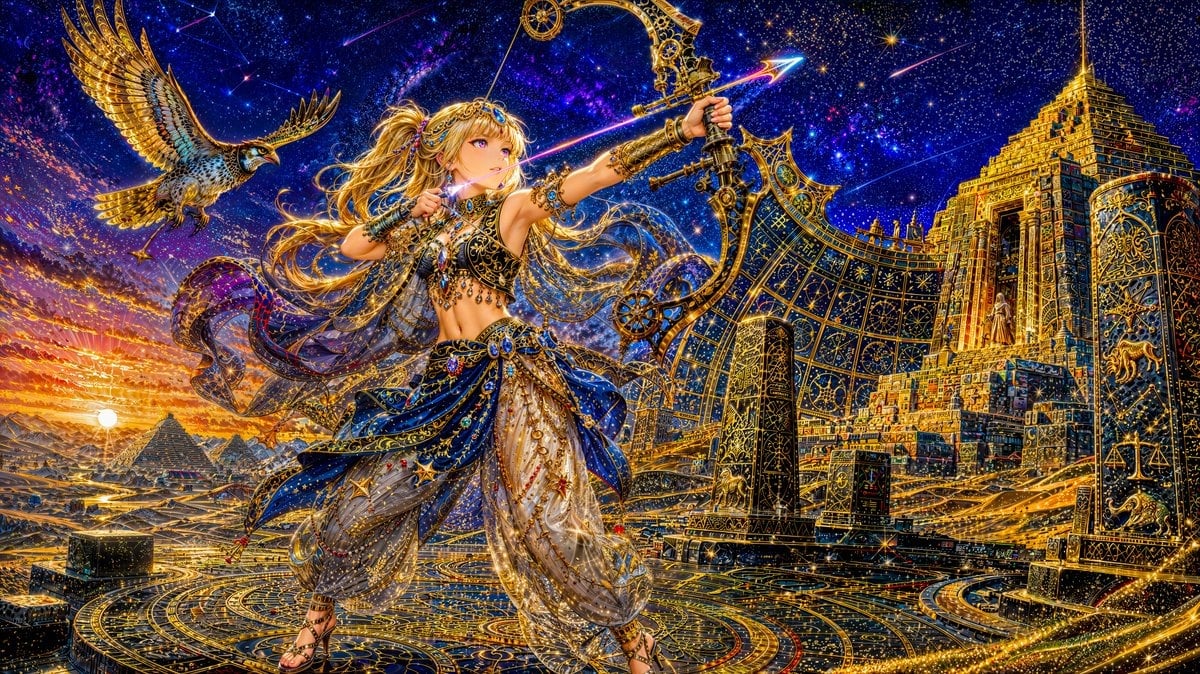
Celestial Archer in Golden Star Temple
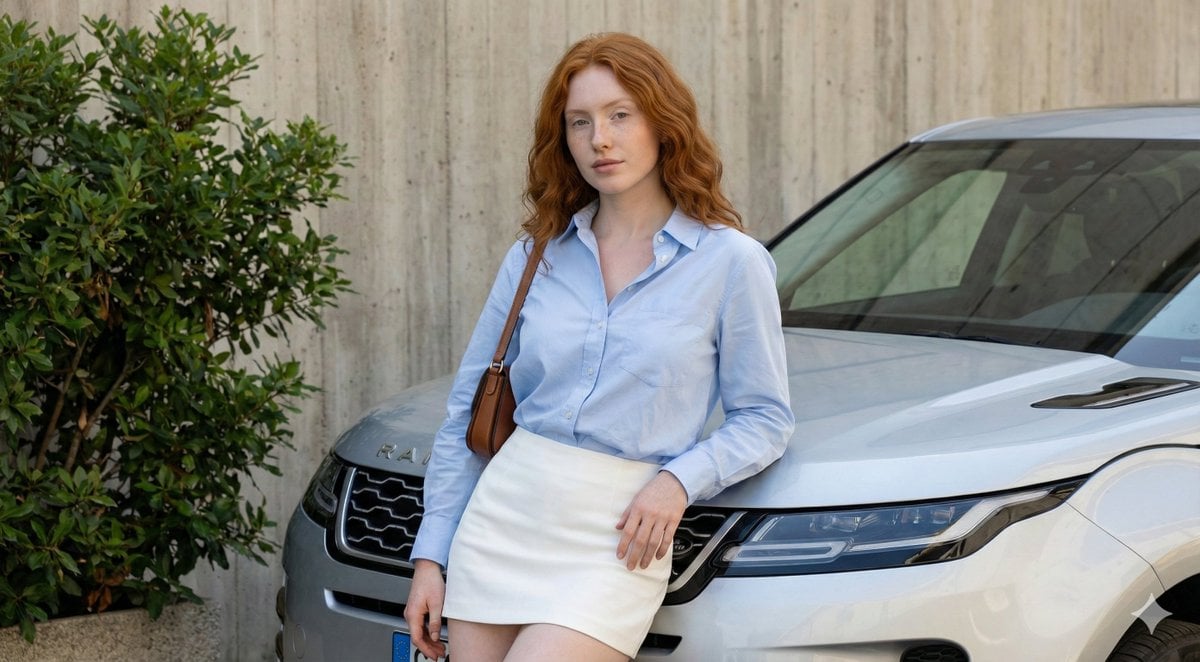
Urban Fashion Portrait with Range Rover Prompt
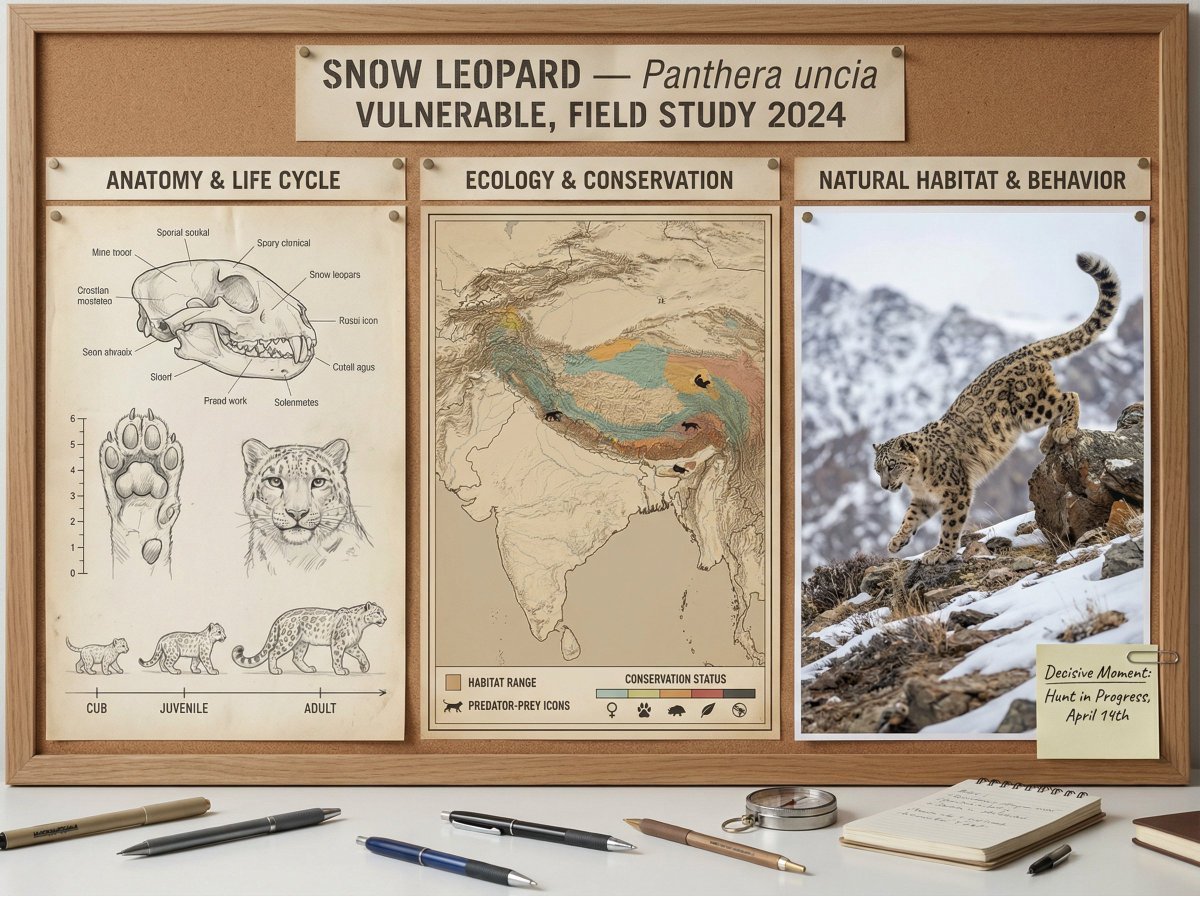
Scientific field researcher's documentation board prompt
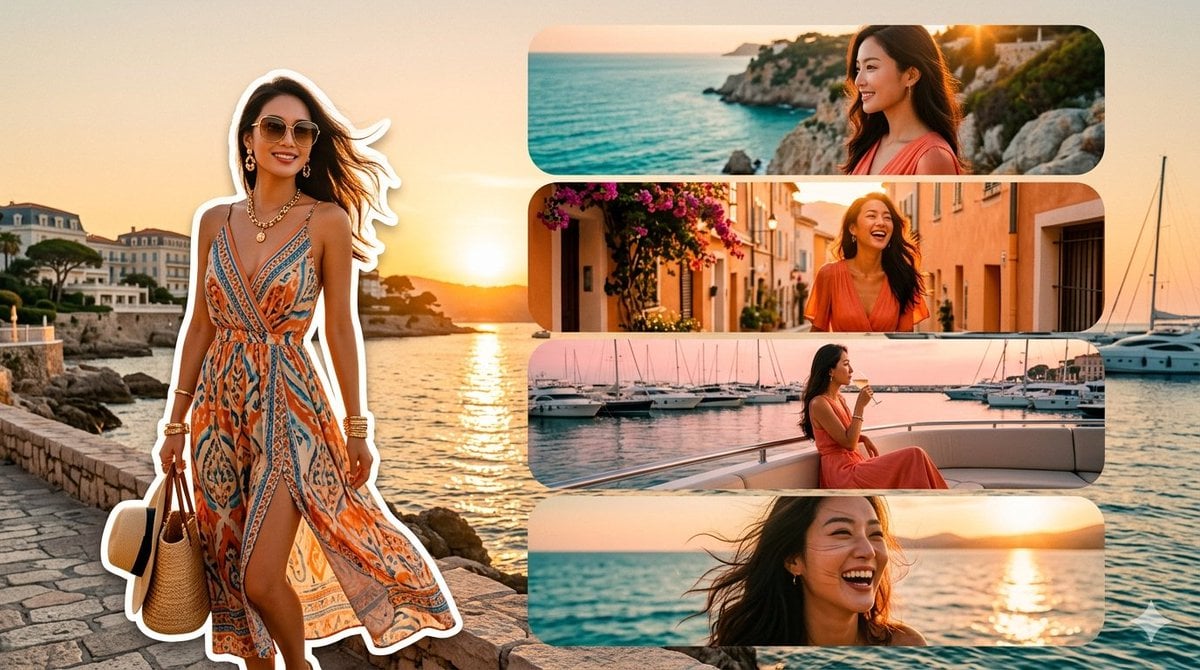
Mediterranean Fashion Travel Collage
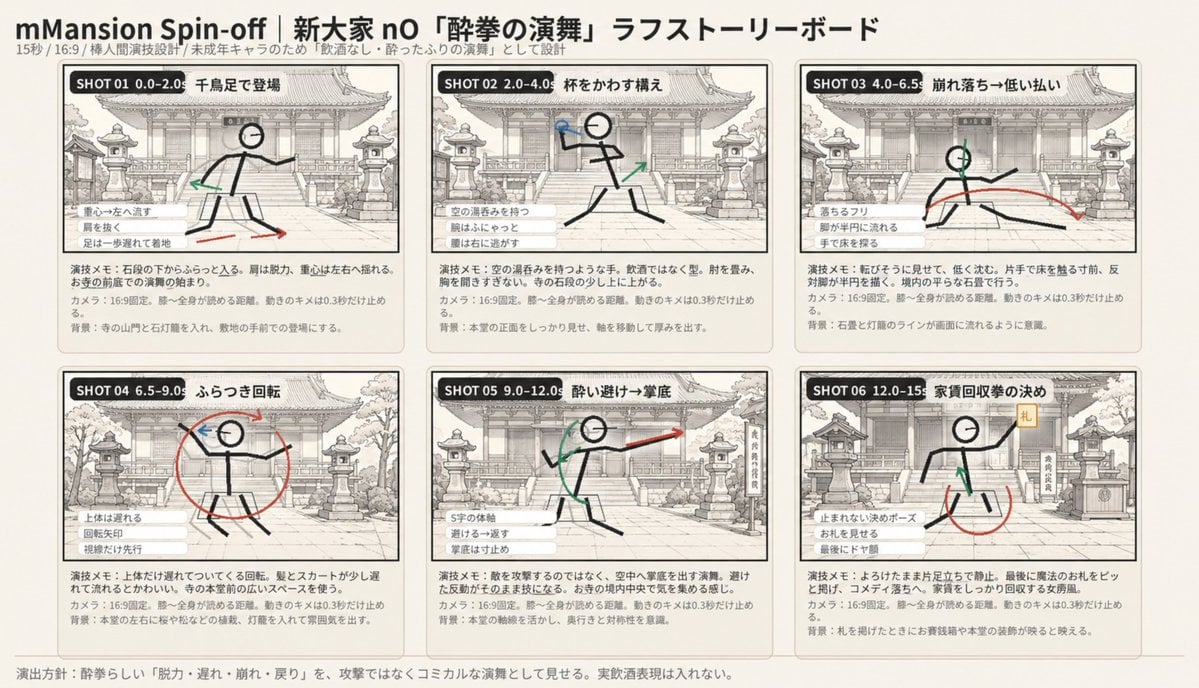
Six-Panel Drunken Kung Fu Storyboard
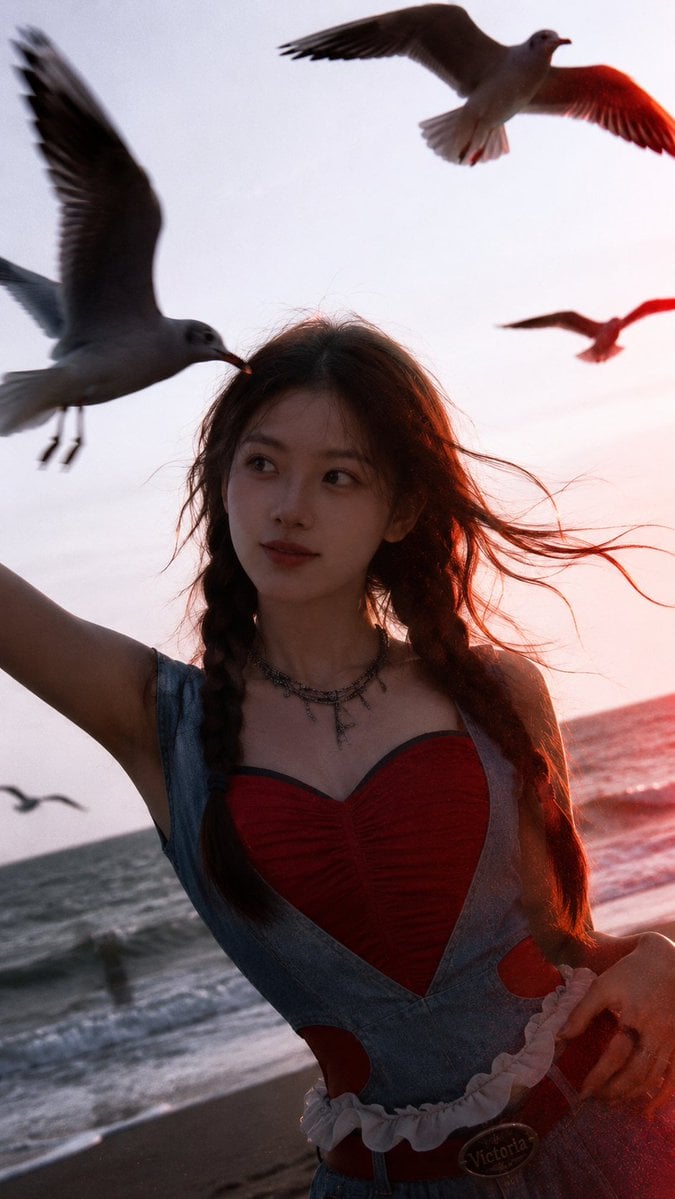
Cinematic Seaside Sunset Portrait
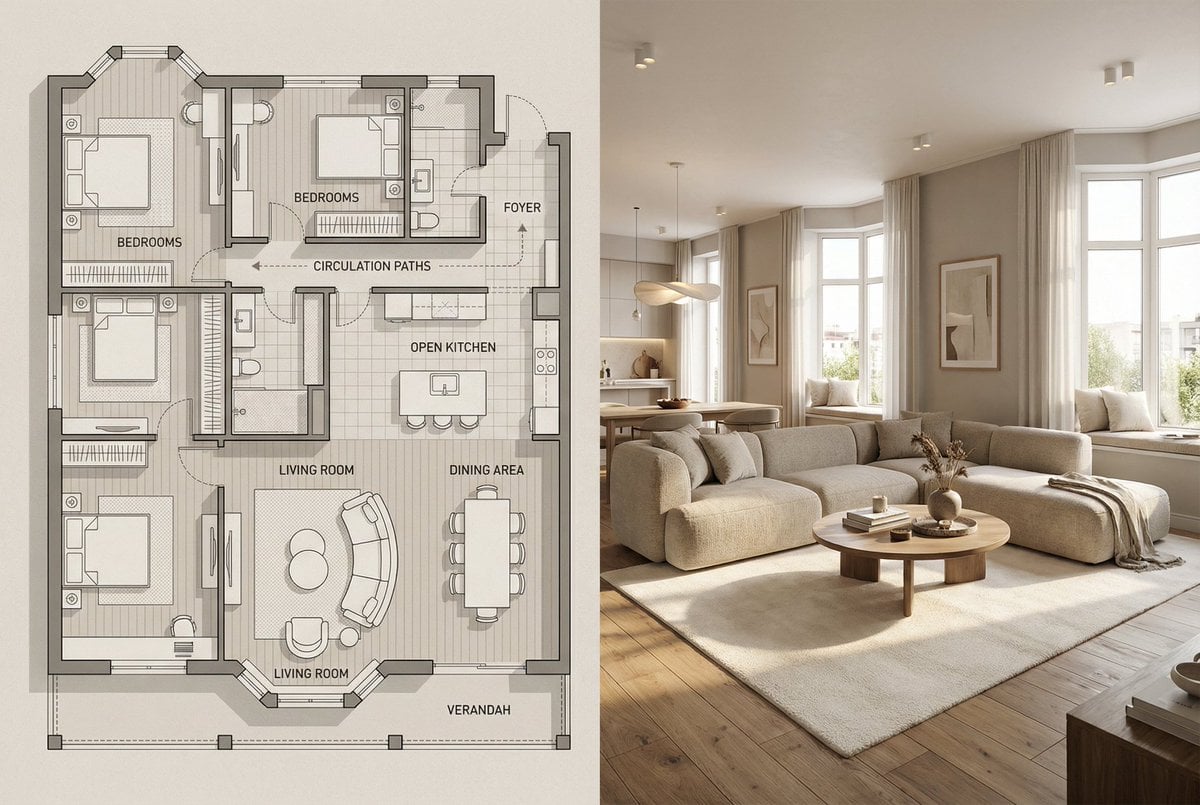
Architectural Floor Plan and Realistic Interior Photo Generation
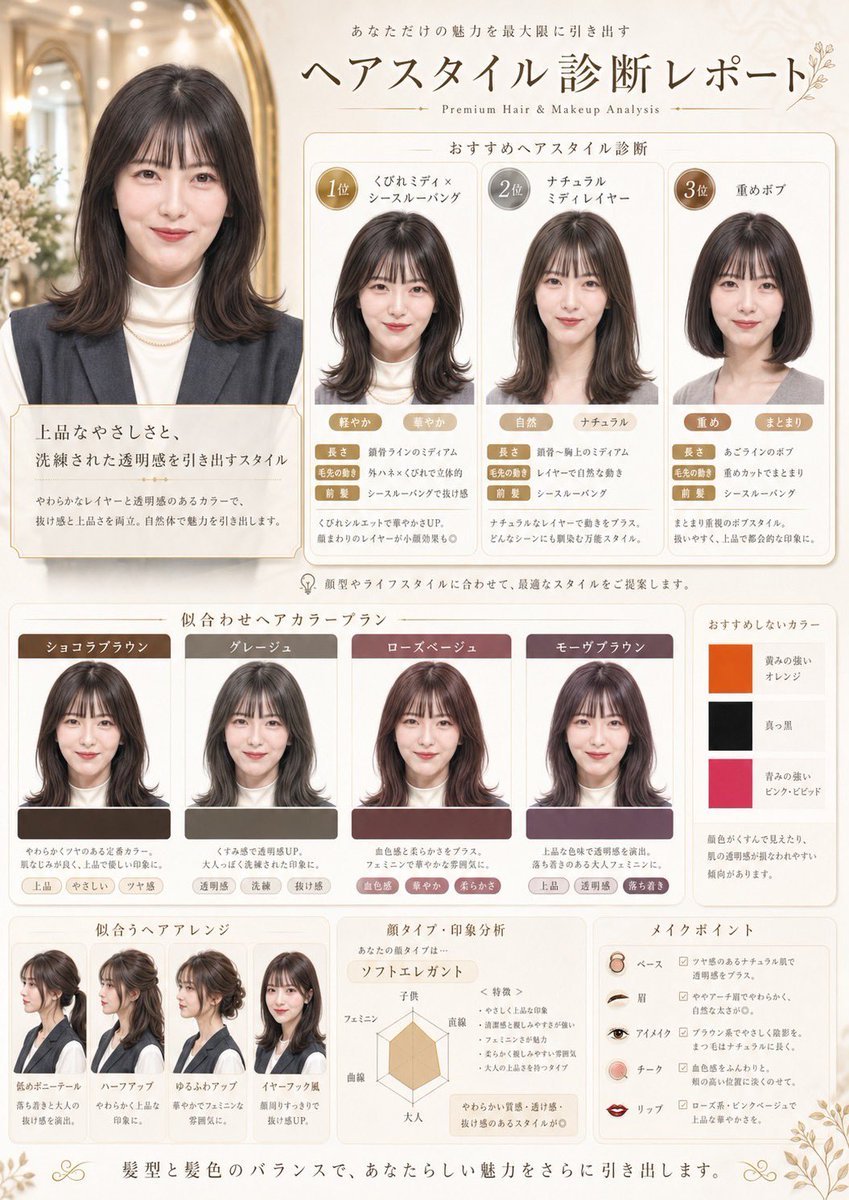
Japanese Hair Diagnosis Salon Poster
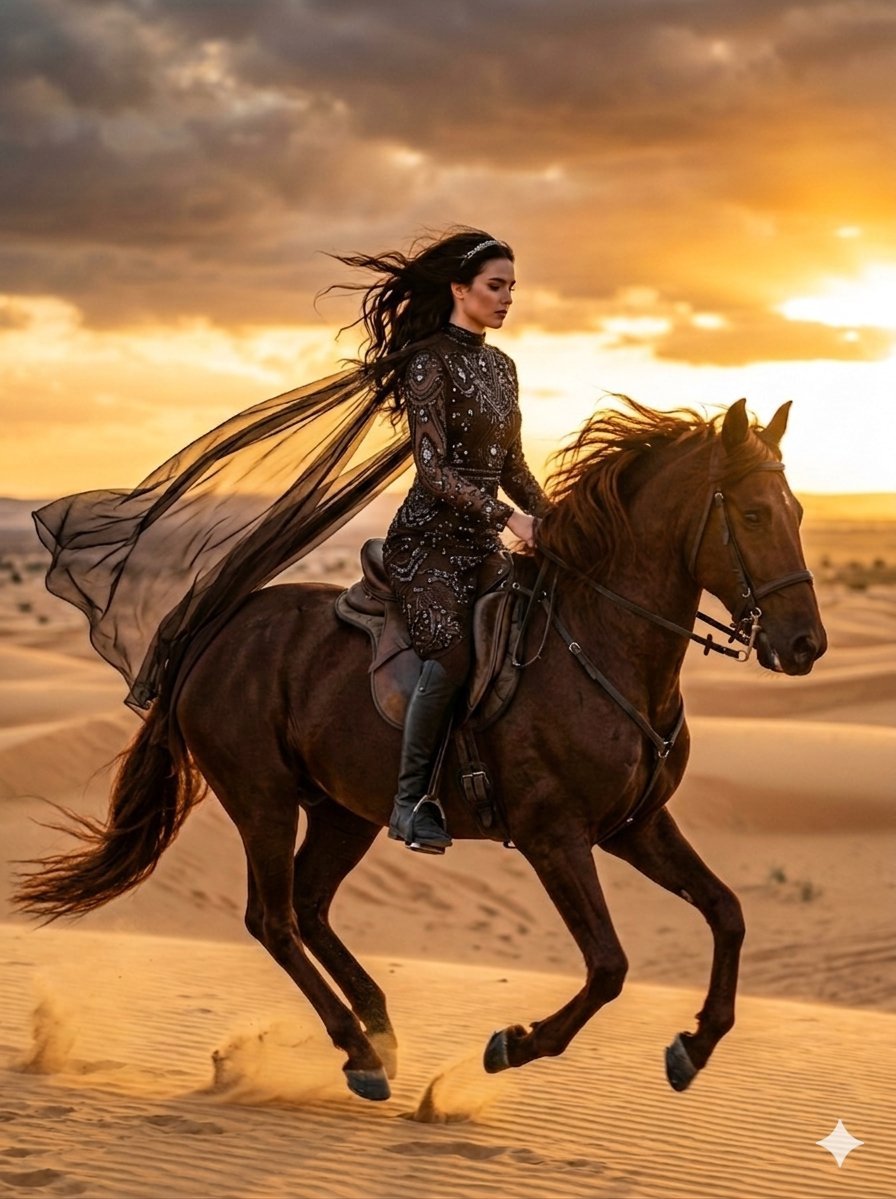
Cinematic Desert Horse Rider
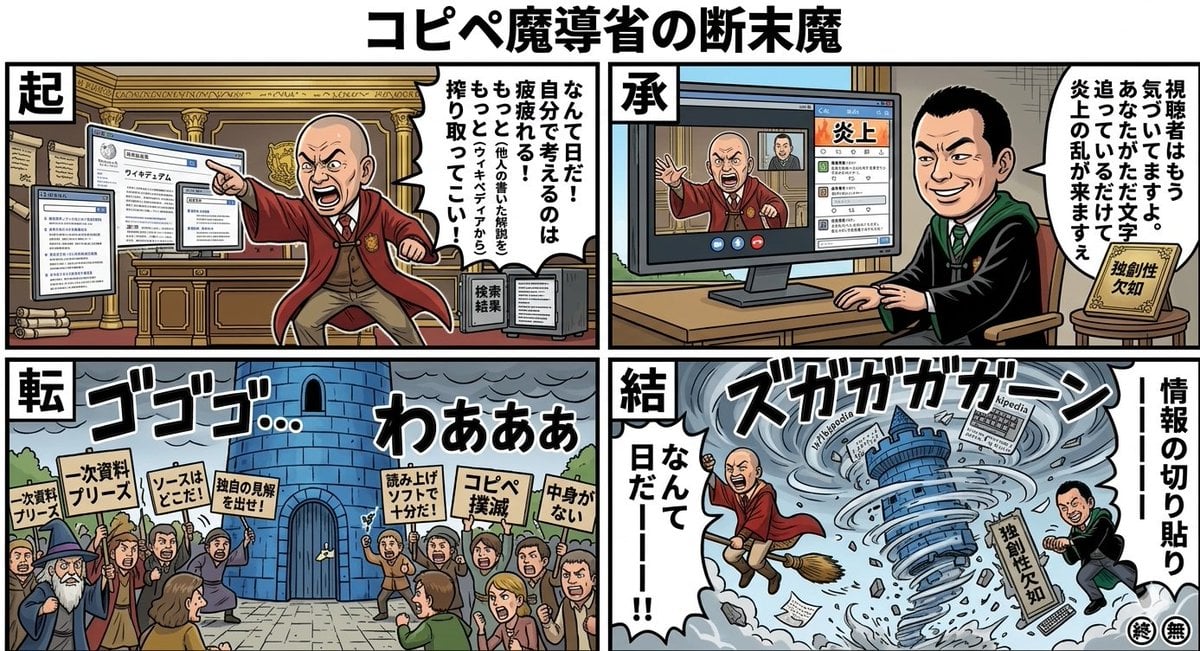
Black Comedy Manga Prompt: Ministry of Magic
Browse template categories
Rainy Schoolgirl With Transparent Umbrella questions
How do I use the Rainy Schoolgirl With Transparent Umbrella template?
Add your photo if the template asks for one, edit the prompt if you like — the template's model and format are already selected — and press Generate. Your version opens in PicX Studio.
Can I customize the Rainy Schoolgirl With Transparent Umbrella template?
Yes. You can change the subject, setting, lighting, mood, format, and available model controls before creating your image.
Is the Rainy Schoolgirl With Transparent Umbrella template free?
Opening and editing this template is free. Generating uses credits, shown on the Generate button when you are signed in.
Which AI model should I use?
Start with GPT Image 2, which is the model associated with this template. You can compare another compatible model for a different finish.
Looking for something else? Browse all templates.

Your photo, any look
Thousands of ready templates for every top image and video model, from one credit balance.