
Transparent Jellyfish Princess
Generates a transparent-background anime illustration of an ethereal blue jellyfish princess with translucent fabric, bubbles, and jellyfish companions.
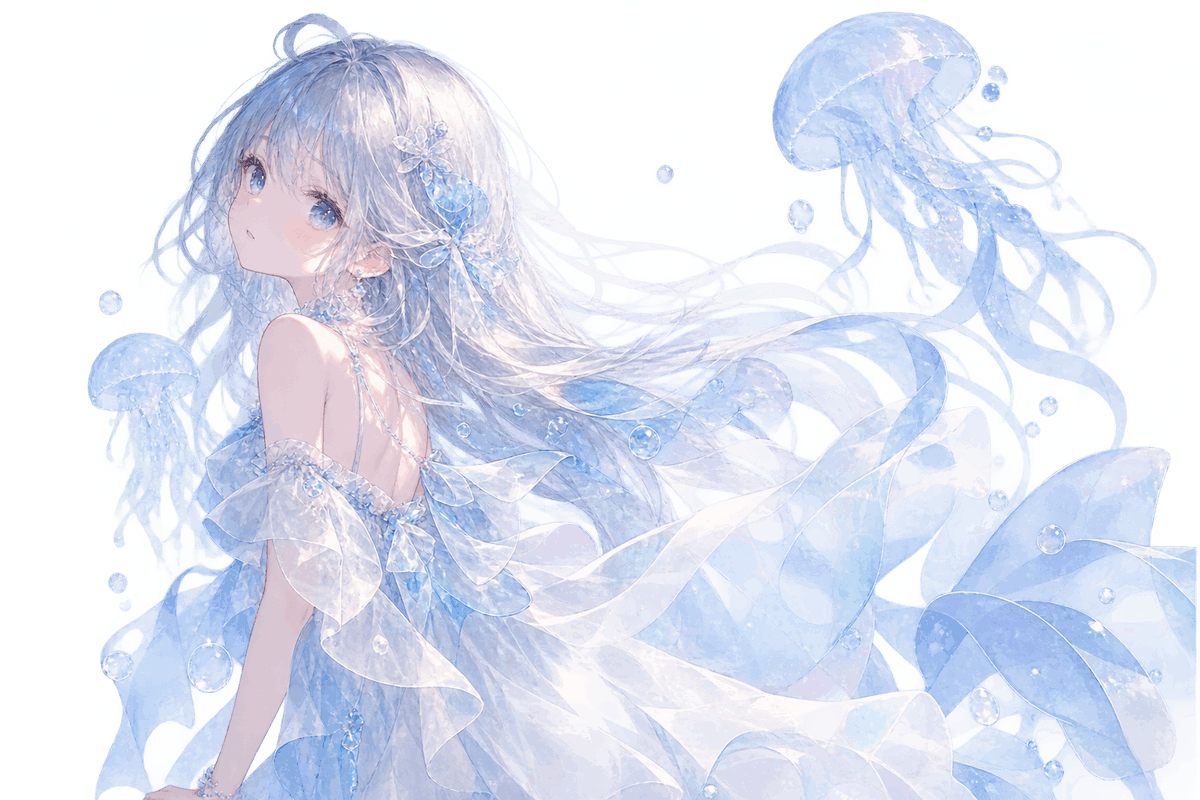
- Prompt included
- Model and format preset
- Free template
The prompt behind this image
Copy the exact prompt behind Transparent Jellyfish Princess, or open it in the studio and make it yours.
Create a delicate anime-style illustration on a fully transparent background: a dreamy underwater {argument name="character name" default="young jellyfish princess"} floating diagonally from lower left toward upper right, shown from the back and three-quarter profile while looking over her shoulder with soft blue eyes and a calm wistful expression. She has extremely long flowing {argument name="hair color" default="silver-white hair with pale icy blue tint"}, fine wispy strands, a small top bun, and translucent blue floral hair ornaments. Her outfit is an ethereal off-shoulder {argument name="dress color" default="pale ice-blue and white"} gown made of semi-transparent chiffon, layered ruffles, watery ribbons, and glassy fabric that overlaps visibly with preserved alpha transparency; include pearl-like beads, tiny crystalline highlights, and glossy wet reflections. Surround her with exactly 3 translucent blue jellyfish: one large jellyfish in the upper right with trailing tentacles, one medium jellyfish along the left side behind her shoulder, and one smaller jellyfish at the lower left. Add exactly 12 clear air bubbles of different sizes scattered around the hair, dress, and jellyfish. Use a luminous watercolor-anime rendering style, soft pastel blues, pearly whites, subtle lavender shadows, fine line art, sparkling highlights, and a fragile aquatic fantasy mood. The image must be a transparent PNG-style cutout with no solid background, no text, no border, and no watermark; keep all fabric, jellyfish, hair ribbons, and bubbles visibly semi-transparent rather than opaque.
How to use Transparent Jellyfish Princess in 3 steps
- 1Upload ImagePNG, JPG or paste
Add your photo
Upload the photo the template builds on. The prompt, model and format are already set.
- 2…a portrait of your subject in softgolden-hour light, 85mm…
Personalize
Edit the subject and creative details for your destination.
- 3Generate
Generate
Press Generate — your image is created in PicX Studio, so you can compare it with the original and refine one variable at a time.
More like this
Templates with the same subject, style or setup. Open one to see its prompt.

Anime Happily Ever After Sky

Anime Stained Glass Prayer

Anime White Horse Escape

Anime Golden Spinning Straw

Anime Gingerbread Cottage

Anime Bean Stalk Climb

Anime Seafoam Transformation

Anime Shoe Fitting Trial

Anime Beast Library Night

Anime Poison Apple Offer
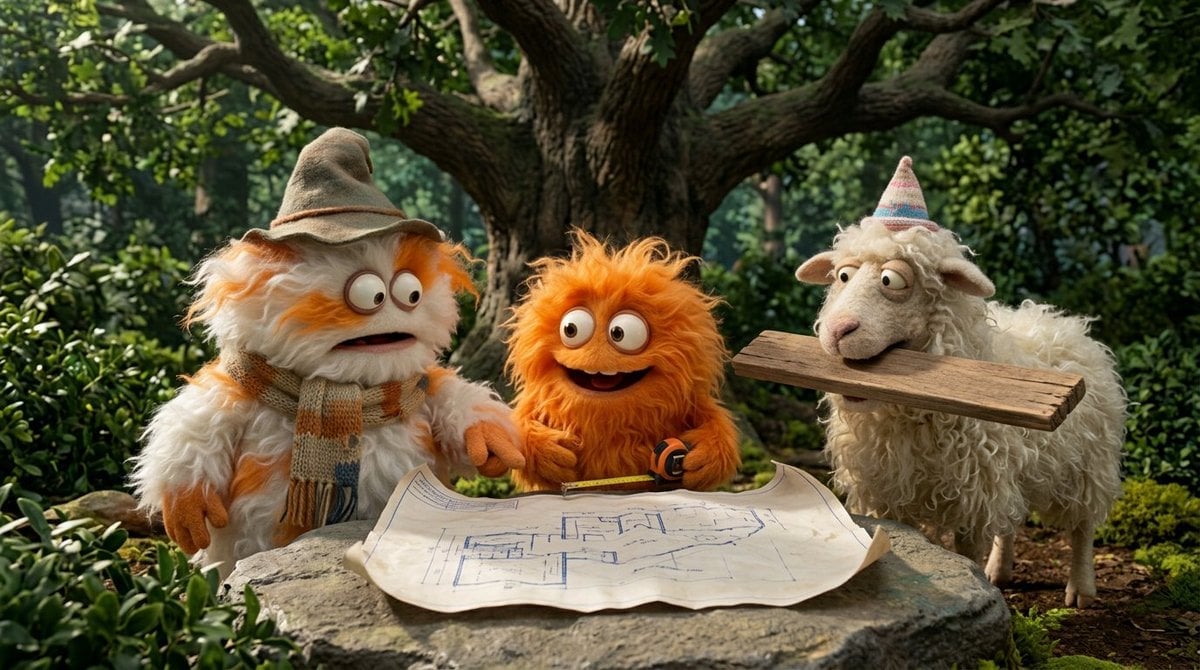
Anime Frozen Fountain Kiss
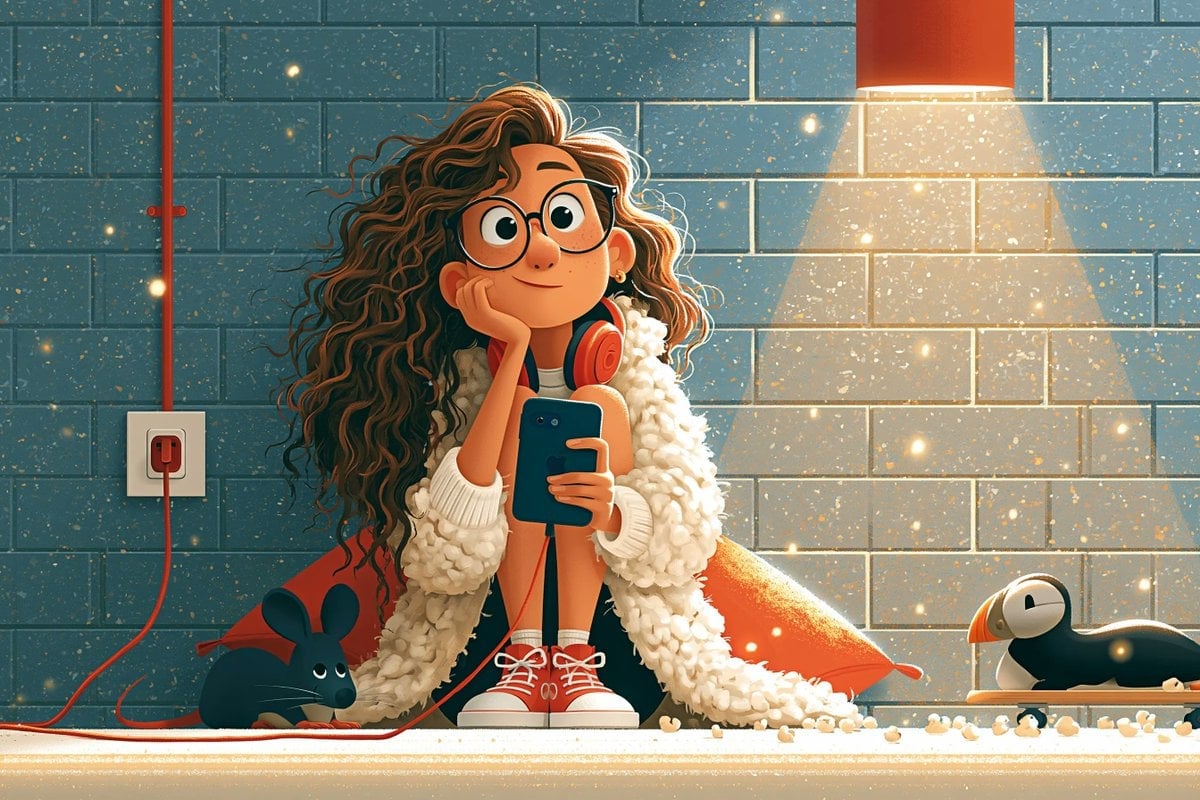
Anime Sewing Room Magic
Make it yours
Transparent Jellyfish Princess works as-is. These are the safest ways to change it without losing the look.
Change one field
Copy a single group, rewrite it, and generate again so you can see what that field is doing.
Keep the frame, change the subject
Hold the composition and light of Transparent Jellyfish Princess, then swap wardrobe, props or the person for a new take.
| If the result… | Why | Fix |
|---|---|---|
| The result drifts from the preview | Too many fields changed at once. | Reuse Transparent Jellyfish Princess as-is first, then change one group — subject, light, or setting. |
| The model over-stylizes the scene | The prose prompt leaves finish and camera underspecified. | Add one camera or lighting sentence and stay on GPT Image 2. |
More GPT Image 2 templates
Other prompts made for GPT Image 2.

Six VTuber Japanese Logo Sheet

Realistic Portrait of Woman and Deer

The Vista Modular Condo Poster

AI Model Routing Comparison Infographic

2.5D Anime Art Board

Isometric Productivity Desk Scene

New York Double Exposure Poster

Four-Panel AI Landscape Comparison

Japanese Tatami Lifestyle Magazine Cover

NESCAFÉ Coffee Map Poster
More image prompts
Fresh picks from across the catalog.
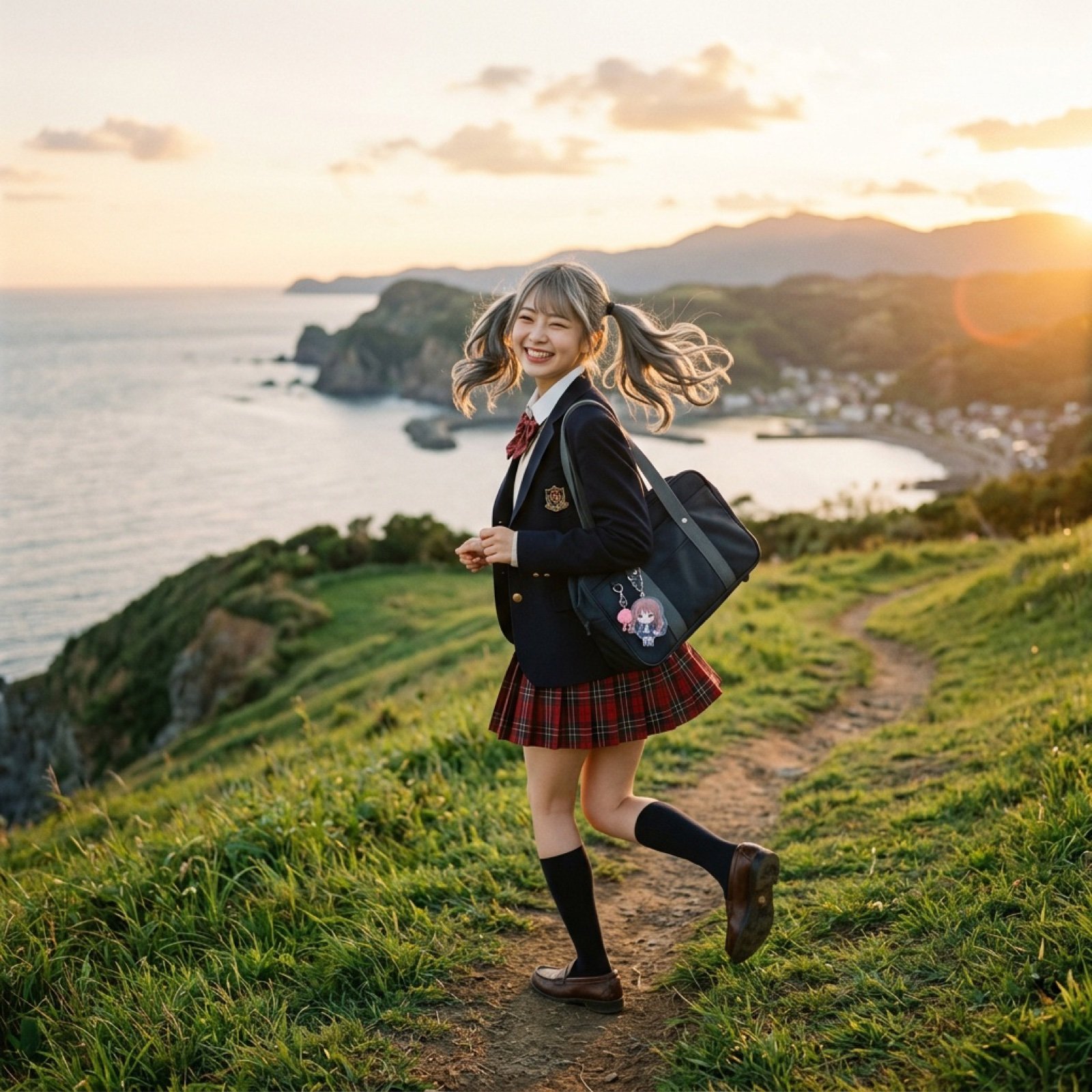
High School Girl Walking by the Sea Cinematic Video Prompt
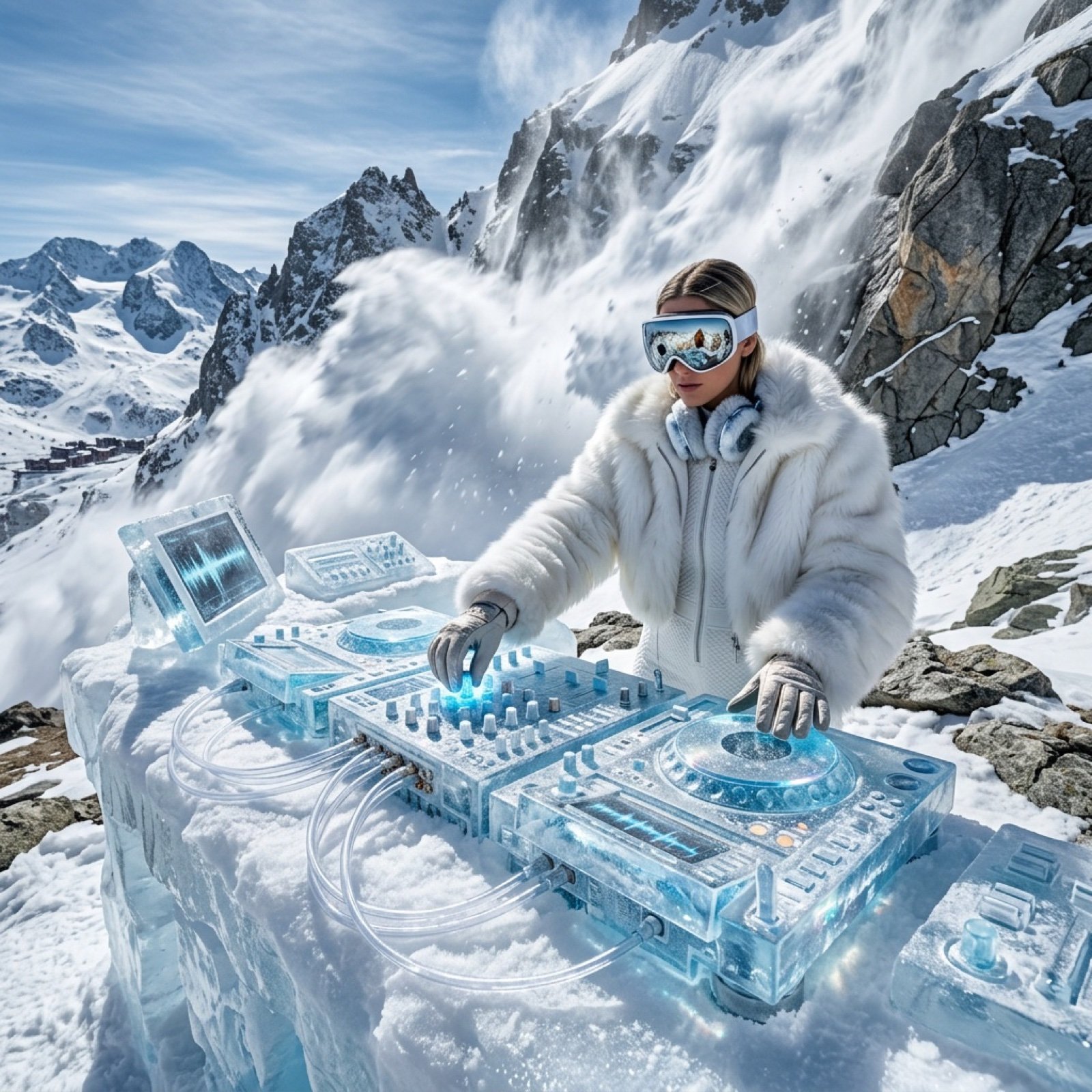
Futuristic Ice DJ Setup Prompt
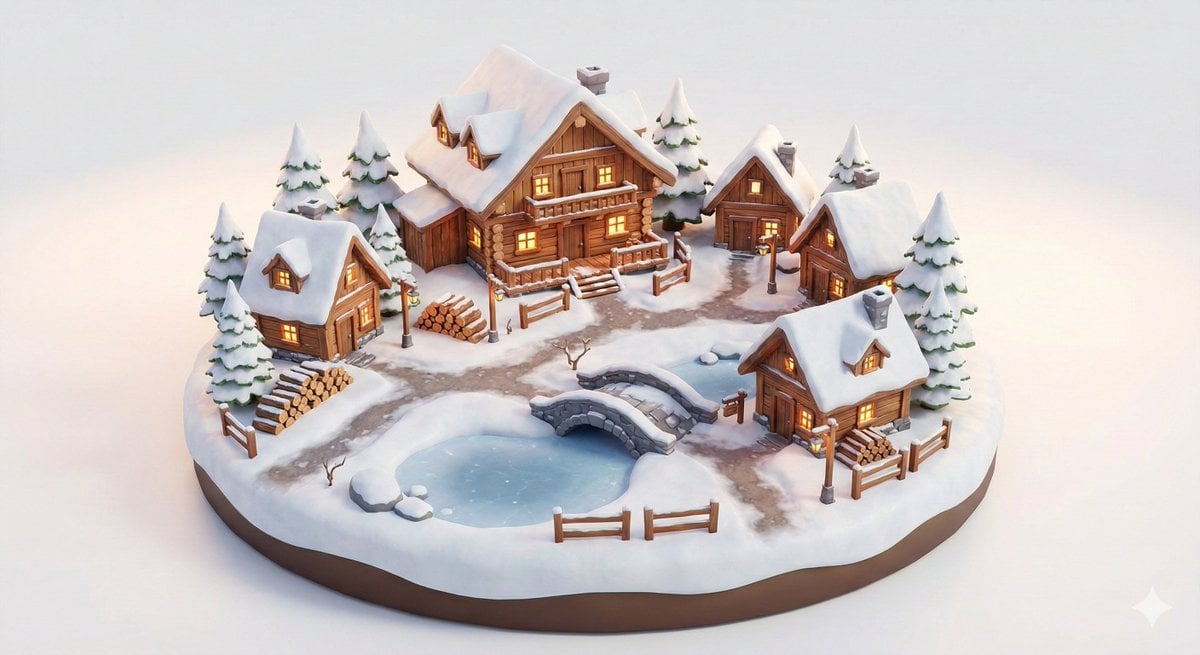
Miniature Alpine Mountainside Village Scene

Forensic Luxury Disassembly Poster
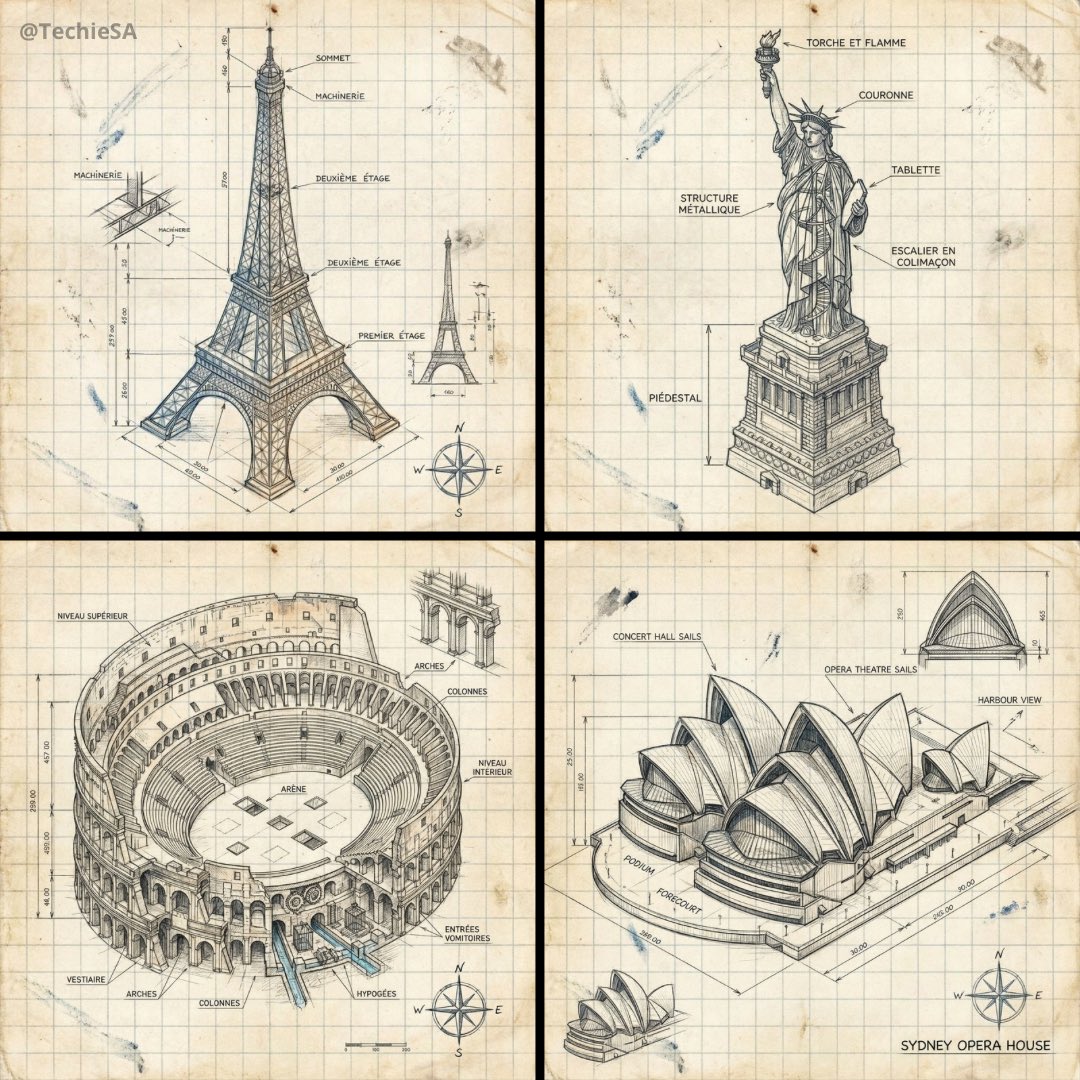
Hand-drawn isometric landmark schematic
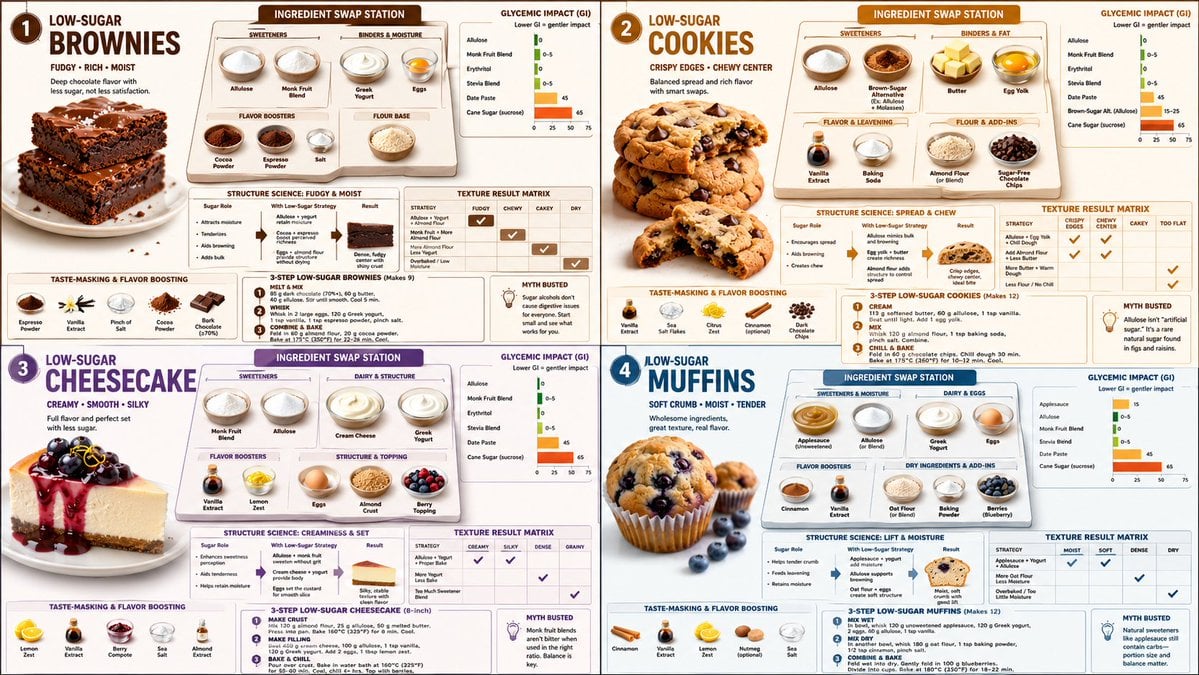
Low Sugar Dessert Science Infographic
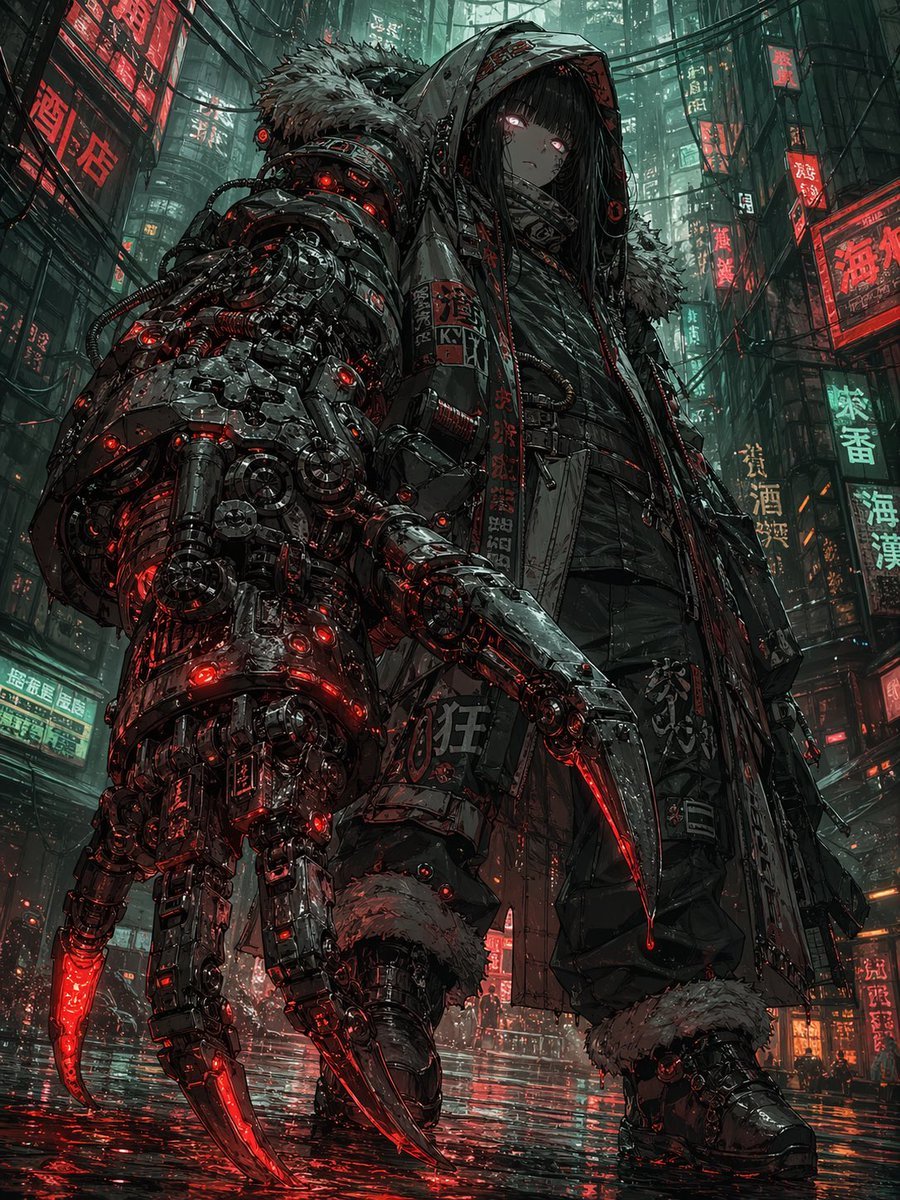
Cyberpunk Girl with Giant Claw Arm

Looney Tunes Character Transformation

Candid Flash Photography of a Chaotic Holiday Party

Ultra-realistic Portrait of a Young Man
Browse template categories
Transparent Jellyfish Princess questions
How do I use the Transparent Jellyfish Princess template?
Add your photo if the template asks for one, edit the prompt if you like — the template's model and format are already selected — and press Generate. Your version opens in PicX Studio.
Can I customize the Transparent Jellyfish Princess template?
Yes. You can change the subject, setting, lighting, mood, format, and available model controls before creating your image.
Is the Transparent Jellyfish Princess template free?
Opening and editing this template is free. Generating uses credits, shown on the Generate button when you are signed in.
Which AI model should I use?
Start with GPT Image 2, which is the model associated with this template. You can compare another compatible model for a different finish.
Looking for something else? Browse all templates.

Your photo, any look
Thousands of ready templates for every top image and video model, from one credit balance.